Downloaded 13 times
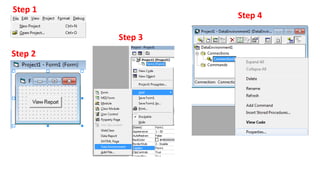
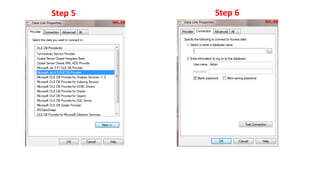
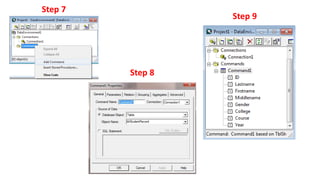
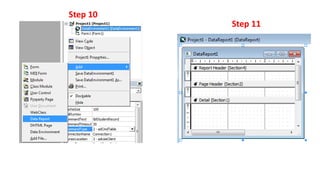
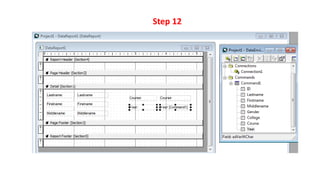
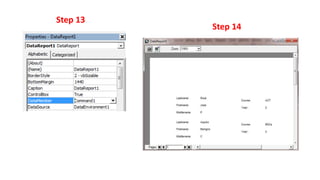

This document provides a 14 step process for creating simple reports in Visual Basic 6 using Microsoft Access. It outlines setting up a connection to an Access database, building a query to retrieve data, creating a report form in VB6, adding controls to display fields from the query, and previewing the report. The steps also include formatting the report, adding page numbers and headers/footers, and saving the completed report.


