The crate
The crate
The first object we are going to make is a
simple one.
A cube.
With the proper texture we can make it look
like a crate.
The crate
Box modeling
UVW unwrap
Photoshop, creating the texture

Rendering your first object
The crate

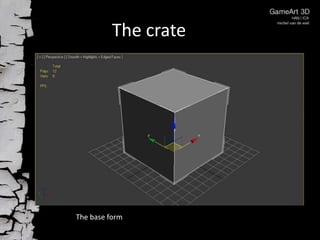
The base form
The crate

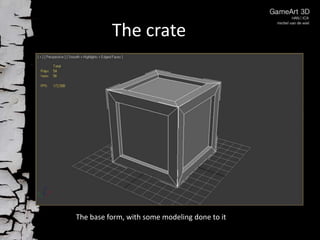
The base form, with some modeling done to it
The crate

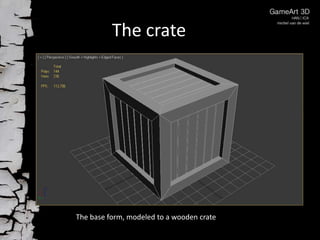
The base form, modeled to a wooden crate
The crate

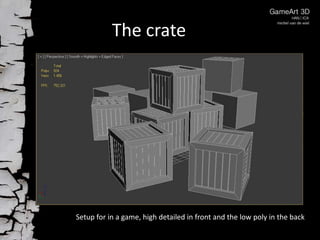
Setup for in a game, high detailed in front and the low poly in the back
The crate
A texture is there to create the illusion of a
highly detailed object.
To create a texture we use; Photoshop,
images from the internet, self drawn or
photographed.
More about textures in a next lesson.
The crate

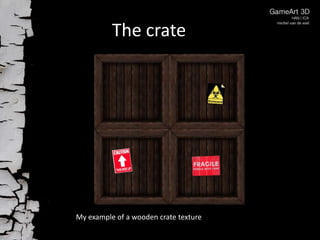
My example of a wooden crate texture
The crate

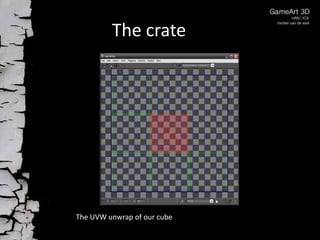
The UVW unwrap of our cube
The crate

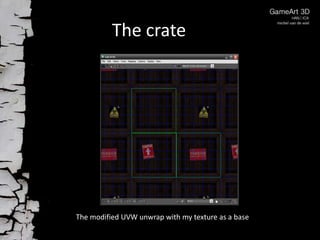
The modified UVW unwrap with my texture as a base
The crate

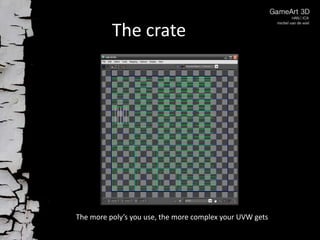
The more poly’s you use, the more complex your UVW gets
The crate

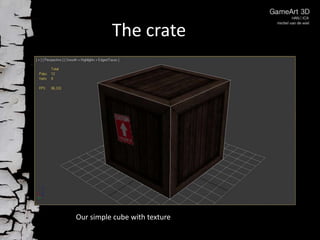
Our simple cube with texture
The crate

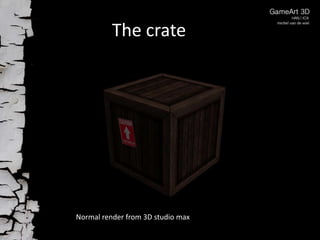
Normal render from 3D studio max
The crate

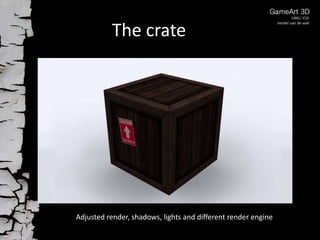
Adjusted render, shadows, lights and different render engine
The crate
Now it is up to you. But first, think about
your cube.
What is it going to be, how will it appear?
Take a moment before you start modeling
and draw some sketches of your crate.

Crate