Strathmore Mobile Boot Camp
                November 2010
         Mobile Website Development
                Course Outline


Facilitated by:
Michael Wakahe
Shujaa Solutions Ltd
Topics to be Covered

 The Need for Mobile Web

 Mobile Web History

 Software Development Environment Setup

 Mobile Web Standards

 Design of Integrated Systems

               Copyright © Shujaa Solutions Ltd. 2010. All
                           Rights Reserved.
Topics to be Covered

 Introduction to Handset Detection & Content
  Adaptation


 Best Practices for Design


                Copyright © Shujaa Solutions Ltd. 2010. All
                            Rights Reserved.
Topics to be Glossed Over

 Smartphone Mobile Web Development

 Transcoding

 Database Design & Server Side Connectivity

 Security

 Optimization, Testing & Validation

                Copyright © Shujaa Solutions Ltd. 2010. All
                            Rights Reserved.
Topics to be Glossed Over

 Project Management


              Copyright © Shujaa Solutions Ltd. 2010. All
                          Rights Reserved.
Related Topics not Covered

 Flash

 HTML 5

 Cloud Computing


              Copyright © Shujaa Solutions Ltd. 2010. All
                          Rights Reserved.
Prerequisites

 Basic understanding of Desktop Web

  Development: HTML4, CSS, Javascript

 Beginner Java expertise; Servlets a bonus

 A passion to learn!

                Copyright © Shujaa Solutions Ltd. 2010. All
                            Rights Reserved.
Software Requirements

 Java Development Kit 1.6 u15 and above

 Firefox

 Eclipse JEE Helios

 Apache Tomcat 7

                Copyright © Shujaa Solutions Ltd. 2010. All
                            Rights Reserved.
Software Requirements
Firefox Extensions:
 Live HTTP headers
 Modify Headers
 Small Screen Renderer
 User Agent Switcher
 wmlbrowser
 XHTML Mobile Profile
 Firebug
               Copyright © Shujaa Solutions Ltd. 2010. All
                           Rights Reserved.
Software Requirements

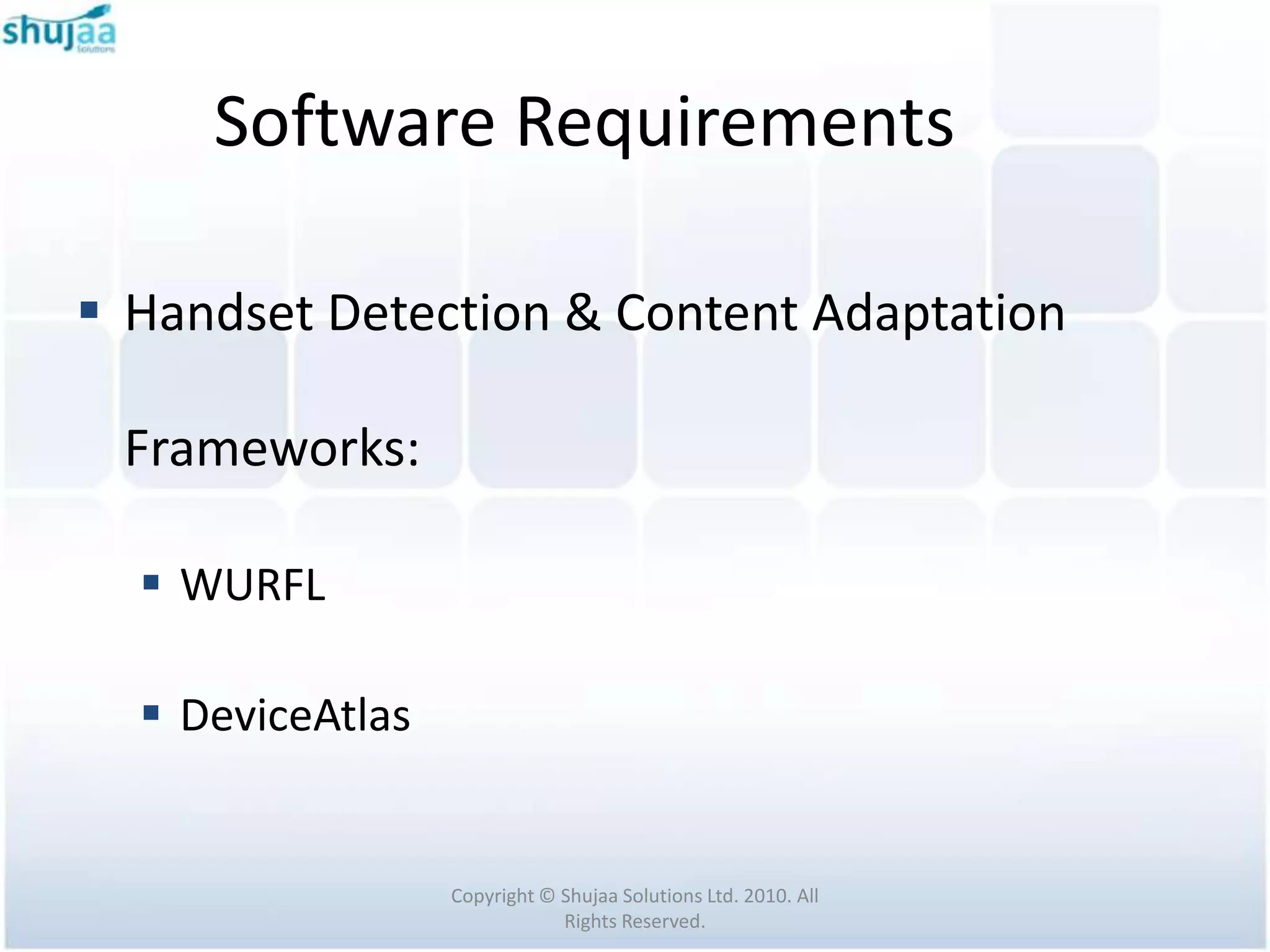
 Handset Detection & Content Adaptation

 Frameworks:

   WURFL

   DeviceAtlas


                  Copyright © Shujaa Solutions Ltd. 2010. All
                              Rights Reserved.
Software Requirements

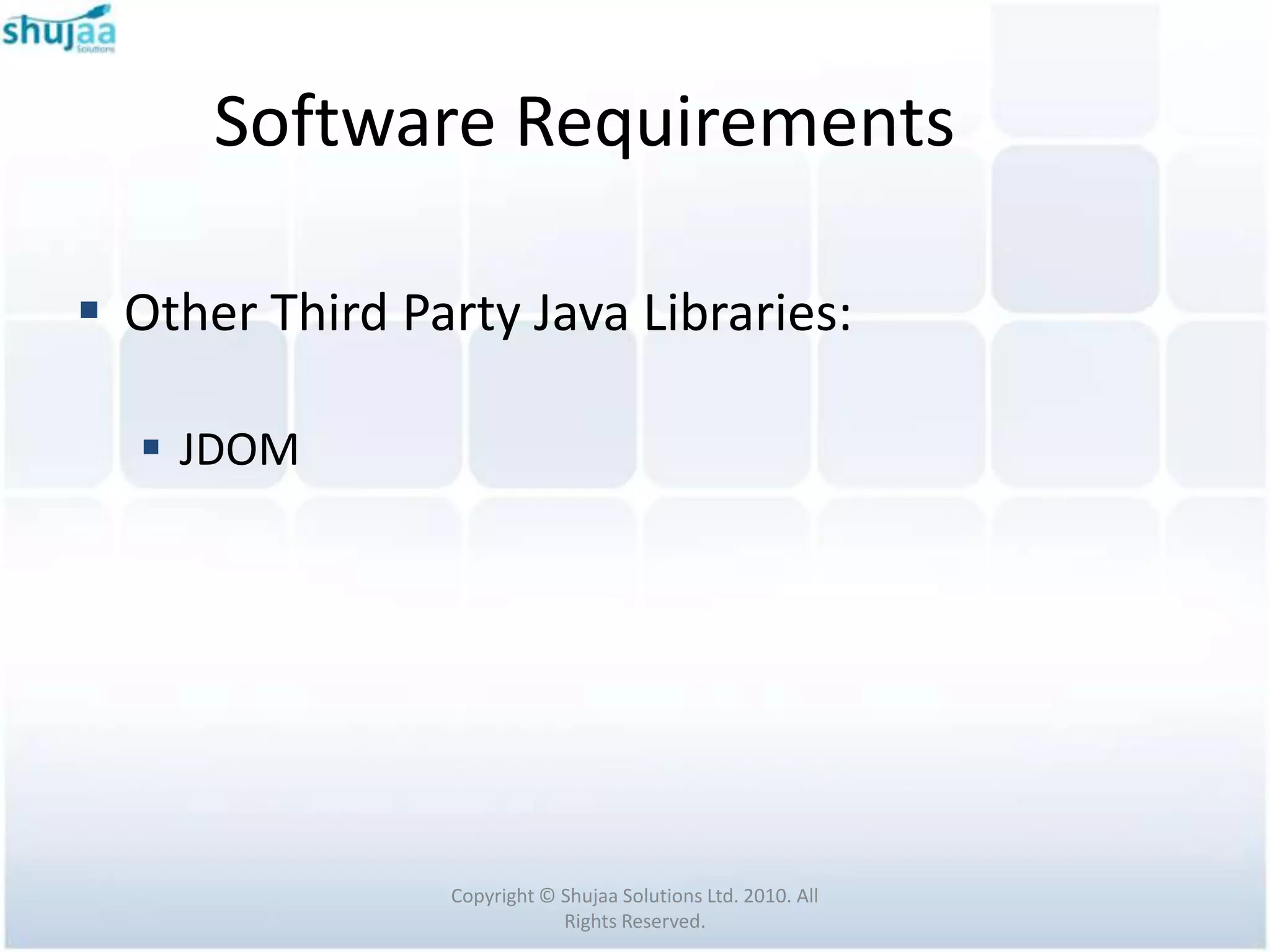
 Other Third Party Java Libraries:

   JDOM


                Copyright © Shujaa Solutions Ltd. 2010. All
                            Rights Reserved.
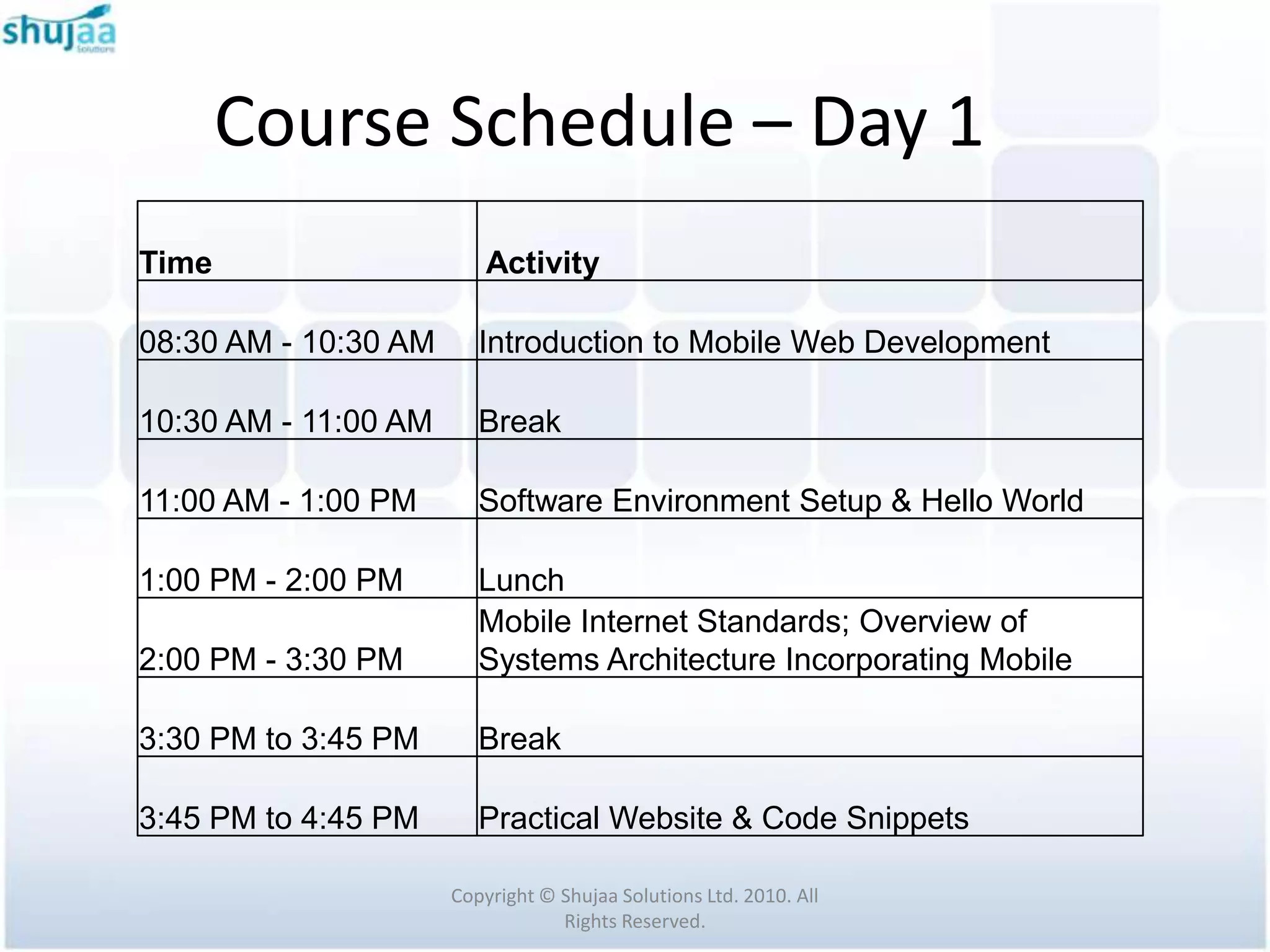
Course Schedule – Day 1
Time                      Activity

08:30 AM - 10:30 AM      Introduction to Mobile Web Development

10:30 AM - 11:00 AM      Break

11:00 AM - 1:00 PM       Software Environment Setup & Hello World

1:00 PM - 2:00 PM        Lunch
                         Mobile Internet Standards; Overview of
2:00 PM - 3:30 PM        Systems Architecture Incorporating Mobile

3:30 PM to 3:45 PM       Break

3:45 PM to 4:45 PM       Practical Website & Code Snippets

                      Copyright © Shujaa Solutions Ltd. 2010. All
                                  Rights Reserved.
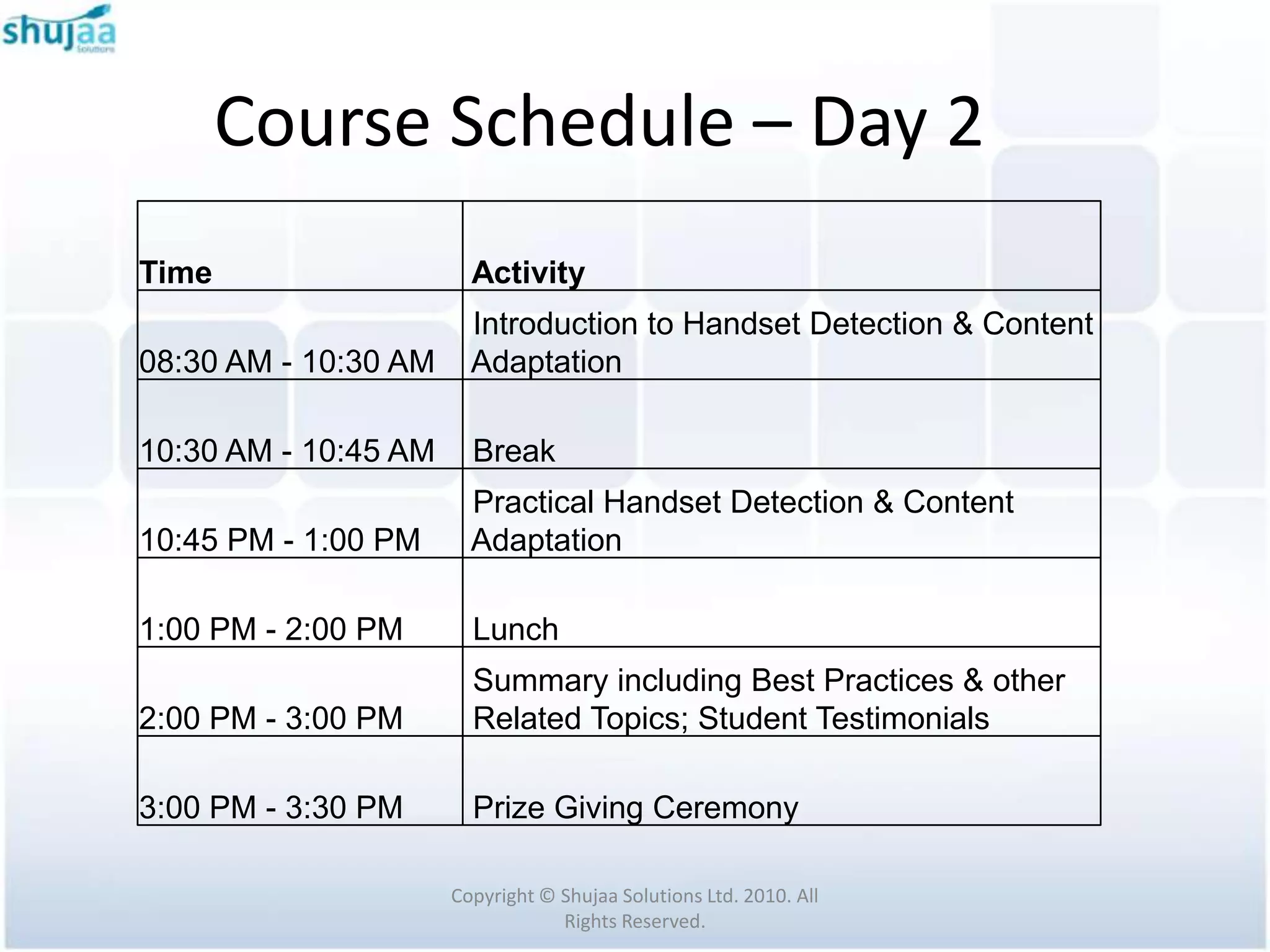
Course Schedule – Day 2
Time                    Activity
                        Introduction to Handset Detection & Content
08:30 AM - 10:30 AM     Adaptation

10:30 AM - 10:45 AM     Break
                        Practical Handset Detection & Content
10:45 PM - 1:00 PM      Adaptation

1:00 PM - 2:00 PM       Lunch
                        Summary including Best Practices & other
2:00 PM - 3:00 PM       Related Topics; Student Testimonials

3:00 PM - 3:30 PM       Prize Giving Ceremony

                      Copyright © Shujaa Solutions Ltd. 2010. All
                                  Rights Reserved.
Course References
 Cremin R., Rabin, J., Fling B., Robinson D. K. (2007). DotMobi Mobile Web
  Developer Guide. Dublin 1, Ireland: mobile Top Level Domain.

 Mehta N. (2008). Mobile Web Development: Building mobile websites,
  SMS and MMS messaging, mobile payments, and automated voice call
  systems with XHTML MP, WCSS, and mobile AJAX. Birmingham, B27 6PA,
  UK: Packt Publishing

 Frederick G.R., Lal R., (2009). Beginning Smartphone Web Development:
  Building JavaScript, CSS, HTML and Ajax-based Applications for iPhone,
  Android, Palm Pre, BlackBerry, Windows Mobile, and Nokia S60. United
  States of America: Paul Manning


                         Copyright © Shujaa Solutions Ltd. 2010. All
                                     Rights Reserved.
Course References
 Fling B. (2009). Mobile Design and Development. 1005 Gravenstein
  Highway North, Sebastopol, CA 95472, USA. O’Reilly Media, Inc.

 Frost M., (2000). Learning WML & WMLScript. United States of America

 MoSync (2010). Mobile Developer’s Guide to the Galaxy, 6th Edition


                         Copyright © Shujaa Solutions Ltd. 2010. All
                                     Rights Reserved.
Software Installation
 Install JDK (ensure you have adequate administrator
  privileges).

 Be sure to install in the root of the primary folder i.e.
  "C:" and not the "Program Files" folder.

 This is because we will later on have to set some
  environment variables that should not have spaces.

                    Copyright © Shujaa Solutions Ltd. 2010. All
                                Rights Reserved.
Software Installation

 Unpack Tomcat to drive C:


 Unpack Eclipse to drive C:


                Copyright © Shujaa Solutions Ltd. 2010. All
                            Rights Reserved.
Software Installation

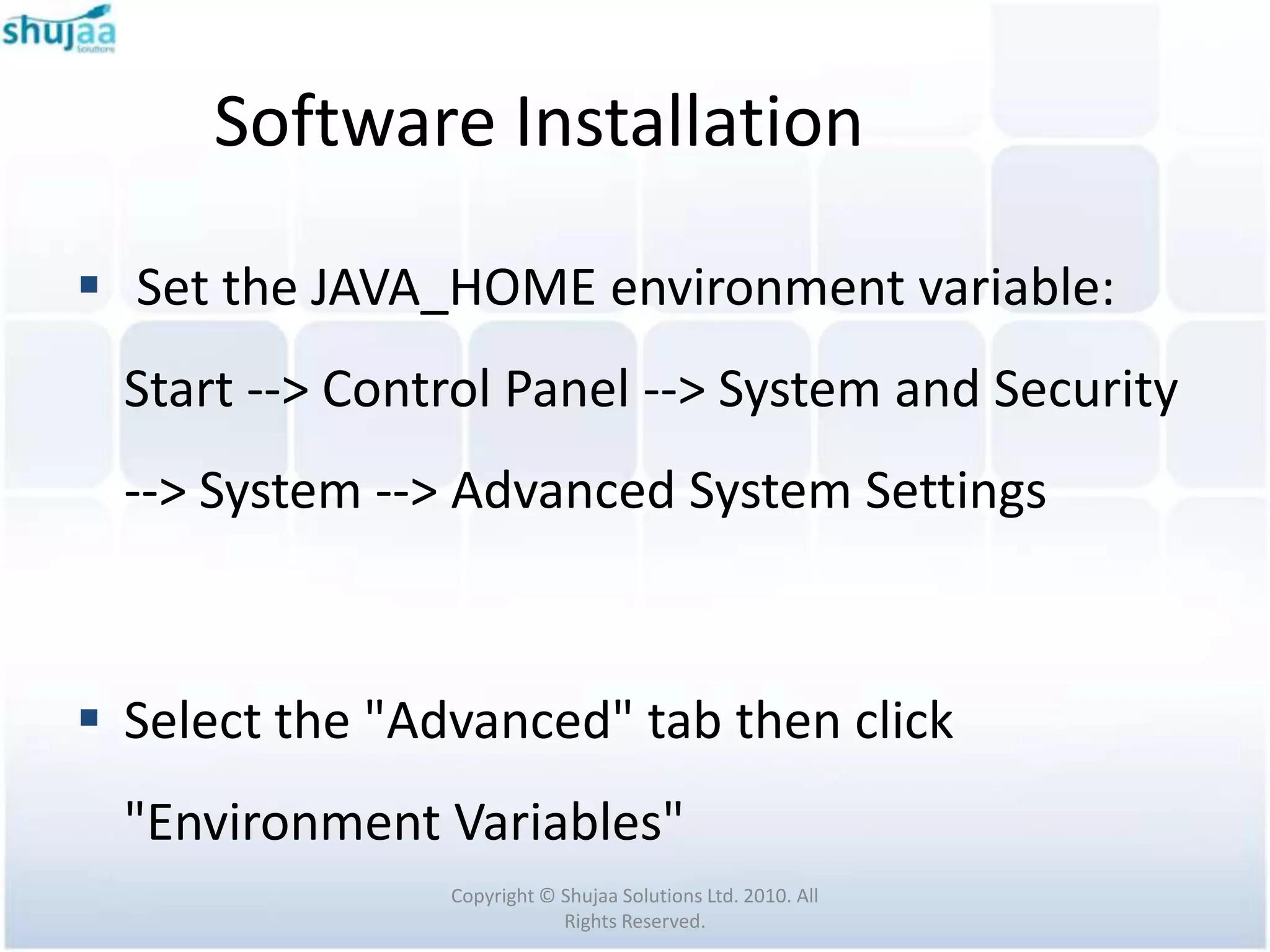
 Set the JAVA_HOME environment variable:
  Start --> Control Panel --> System and Security
  --> System --> Advanced System Settings


 Select the "Advanced" tab then click
  "Environment Variables"
                Copyright © Shujaa Solutions Ltd. 2010. All
                            Rights Reserved.
Software Installation

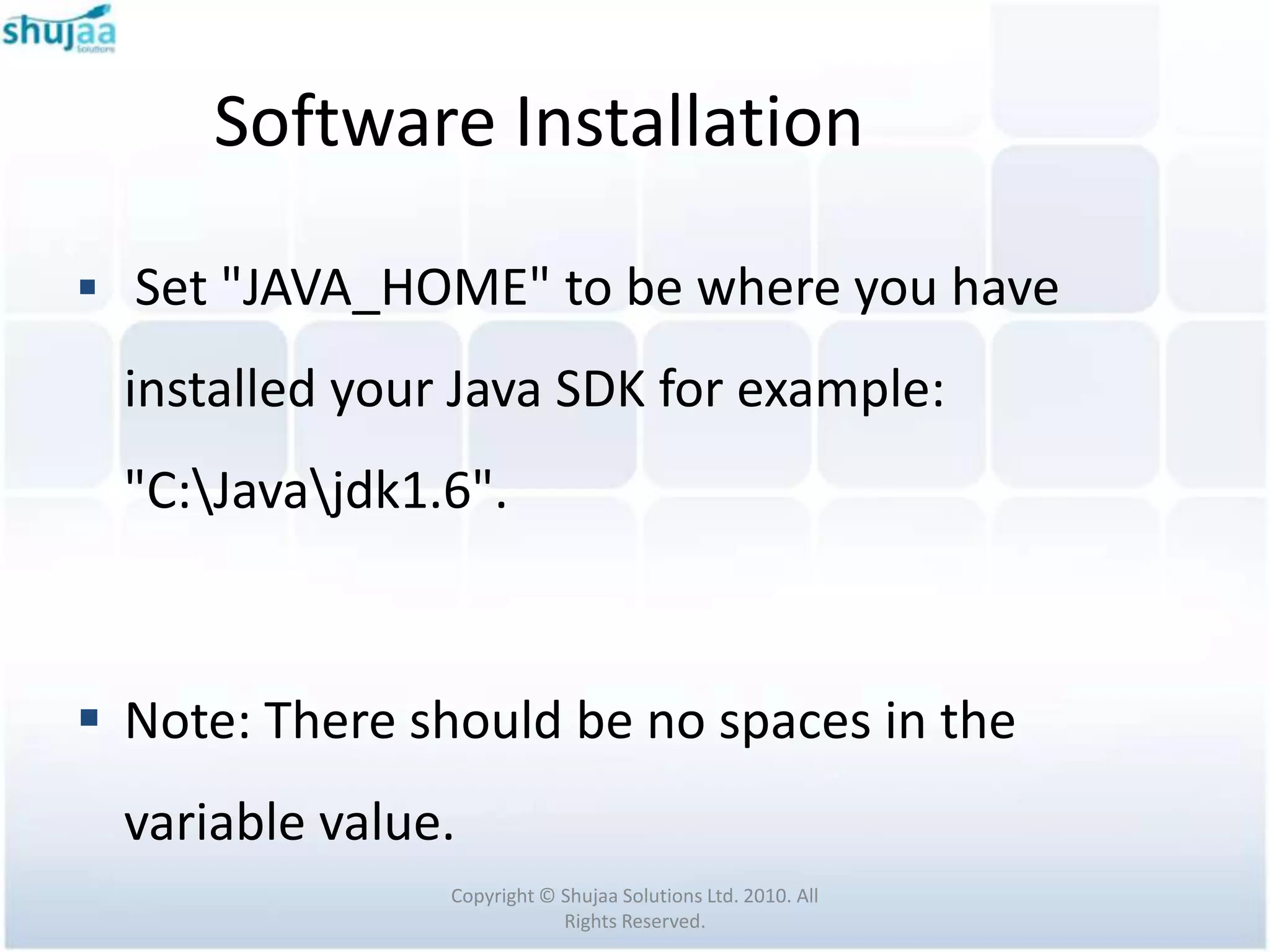
 Set "JAVA_HOME" to be where you have

  installed your Java SDK for example:
  "C:Javajdk1.6".


 Note: There should be no spaces in the
  variable value.
                Copyright © Shujaa Solutions Ltd. 2010. All
                            Rights Reserved.
Software Installation

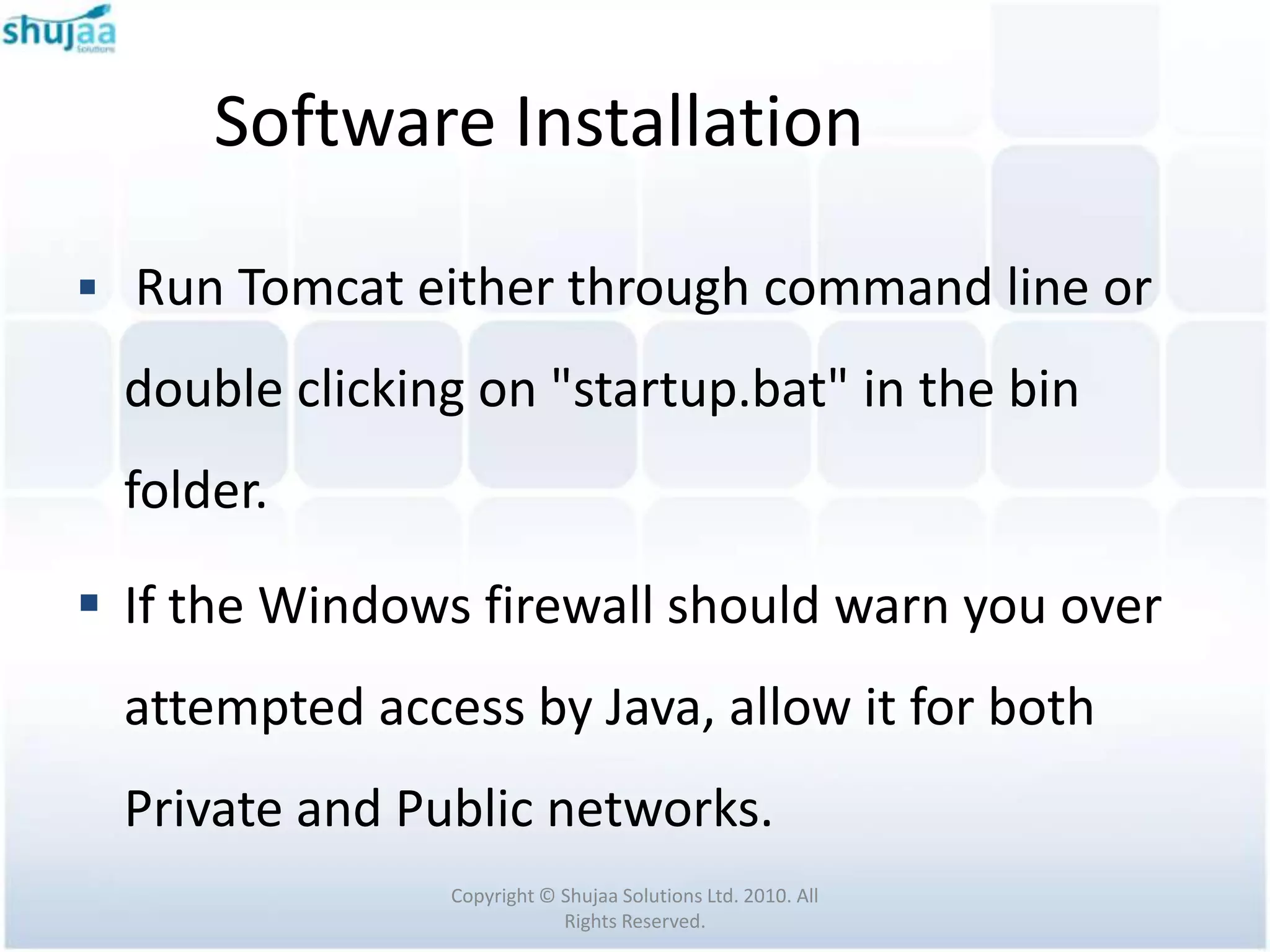
 Run Tomcat either through command line or

  double clicking on "startup.bat" in the bin
  folder.

 If the Windows firewall should warn you over
  attempted access by Java, allow it for both
  Private and Public networks.
                Copyright © Shujaa Solutions Ltd. 2010. All
                            Rights Reserved.

Mobile Internet - Course Outline

  • 1.
    Strathmore Mobile BootCamp November 2010 Mobile Website Development Course Outline Facilitated by: Michael Wakahe Shujaa Solutions Ltd
  • 2.
    Topics to beCovered  The Need for Mobile Web  Mobile Web History  Software Development Environment Setup  Mobile Web Standards  Design of Integrated Systems Copyright © Shujaa Solutions Ltd. 2010. All Rights Reserved.
  • 3.
    Topics to beCovered  Introduction to Handset Detection & Content Adaptation  Best Practices for Design Copyright © Shujaa Solutions Ltd. 2010. All Rights Reserved.
  • 4.
    Topics to beGlossed Over  Smartphone Mobile Web Development  Transcoding  Database Design & Server Side Connectivity  Security  Optimization, Testing & Validation Copyright © Shujaa Solutions Ltd. 2010. All Rights Reserved.
  • 5.
    Topics to beGlossed Over  Project Management Copyright © Shujaa Solutions Ltd. 2010. All Rights Reserved.
  • 6.
    Related Topics notCovered  Flash  HTML 5  Cloud Computing Copyright © Shujaa Solutions Ltd. 2010. All Rights Reserved.
  • 7.
    Prerequisites  Basic understandingof Desktop Web Development: HTML4, CSS, Javascript  Beginner Java expertise; Servlets a bonus  A passion to learn! Copyright © Shujaa Solutions Ltd. 2010. All Rights Reserved.
  • 8.
    Software Requirements  JavaDevelopment Kit 1.6 u15 and above  Firefox  Eclipse JEE Helios  Apache Tomcat 7 Copyright © Shujaa Solutions Ltd. 2010. All Rights Reserved.
  • 9.
    Software Requirements Firefox Extensions: Live HTTP headers  Modify Headers  Small Screen Renderer  User Agent Switcher  wmlbrowser  XHTML Mobile Profile  Firebug Copyright © Shujaa Solutions Ltd. 2010. All Rights Reserved.
  • 10.
    Software Requirements  HandsetDetection & Content Adaptation Frameworks:  WURFL  DeviceAtlas Copyright © Shujaa Solutions Ltd. 2010. All Rights Reserved.
  • 11.
    Software Requirements  OtherThird Party Java Libraries:  JDOM Copyright © Shujaa Solutions Ltd. 2010. All Rights Reserved.
  • 12.
    Course Schedule –Day 1 Time Activity 08:30 AM - 10:30 AM Introduction to Mobile Web Development 10:30 AM - 11:00 AM Break 11:00 AM - 1:00 PM Software Environment Setup & Hello World 1:00 PM - 2:00 PM Lunch Mobile Internet Standards; Overview of 2:00 PM - 3:30 PM Systems Architecture Incorporating Mobile 3:30 PM to 3:45 PM Break 3:45 PM to 4:45 PM Practical Website & Code Snippets Copyright © Shujaa Solutions Ltd. 2010. All Rights Reserved.
  • 13.
    Course Schedule –Day 2 Time Activity Introduction to Handset Detection & Content 08:30 AM - 10:30 AM Adaptation 10:30 AM - 10:45 AM Break Practical Handset Detection & Content 10:45 PM - 1:00 PM Adaptation 1:00 PM - 2:00 PM Lunch Summary including Best Practices & other 2:00 PM - 3:00 PM Related Topics; Student Testimonials 3:00 PM - 3:30 PM Prize Giving Ceremony Copyright © Shujaa Solutions Ltd. 2010. All Rights Reserved.
  • 14.
    Course References  CreminR., Rabin, J., Fling B., Robinson D. K. (2007). DotMobi Mobile Web Developer Guide. Dublin 1, Ireland: mobile Top Level Domain.  Mehta N. (2008). Mobile Web Development: Building mobile websites, SMS and MMS messaging, mobile payments, and automated voice call systems with XHTML MP, WCSS, and mobile AJAX. Birmingham, B27 6PA, UK: Packt Publishing  Frederick G.R., Lal R., (2009). Beginning Smartphone Web Development: Building JavaScript, CSS, HTML and Ajax-based Applications for iPhone, Android, Palm Pre, BlackBerry, Windows Mobile, and Nokia S60. United States of America: Paul Manning Copyright © Shujaa Solutions Ltd. 2010. All Rights Reserved.
  • 15.
    Course References  FlingB. (2009). Mobile Design and Development. 1005 Gravenstein Highway North, Sebastopol, CA 95472, USA. O’Reilly Media, Inc.  Frost M., (2000). Learning WML & WMLScript. United States of America  MoSync (2010). Mobile Developer’s Guide to the Galaxy, 6th Edition Copyright © Shujaa Solutions Ltd. 2010. All Rights Reserved.
  • 16.
    Software Installation  InstallJDK (ensure you have adequate administrator privileges).  Be sure to install in the root of the primary folder i.e. "C:" and not the "Program Files" folder.  This is because we will later on have to set some environment variables that should not have spaces. Copyright © Shujaa Solutions Ltd. 2010. All Rights Reserved.
  • 17.
    Software Installation  UnpackTomcat to drive C:  Unpack Eclipse to drive C: Copyright © Shujaa Solutions Ltd. 2010. All Rights Reserved.
  • 18.
    Software Installation  Setthe JAVA_HOME environment variable: Start --> Control Panel --> System and Security --> System --> Advanced System Settings  Select the "Advanced" tab then click "Environment Variables" Copyright © Shujaa Solutions Ltd. 2010. All Rights Reserved.
  • 19.
    Software Installation  Set"JAVA_HOME" to be where you have installed your Java SDK for example: "C:Javajdk1.6".  Note: There should be no spaces in the variable value. Copyright © Shujaa Solutions Ltd. 2010. All Rights Reserved.
  • 20.
    Software Installation  RunTomcat either through command line or double clicking on "startup.bat" in the bin folder.  If the Windows firewall should warn you over attempted access by Java, allow it for both Private and Public networks. Copyright © Shujaa Solutions Ltd. 2010. All Rights Reserved.