Core Data
An introduction to
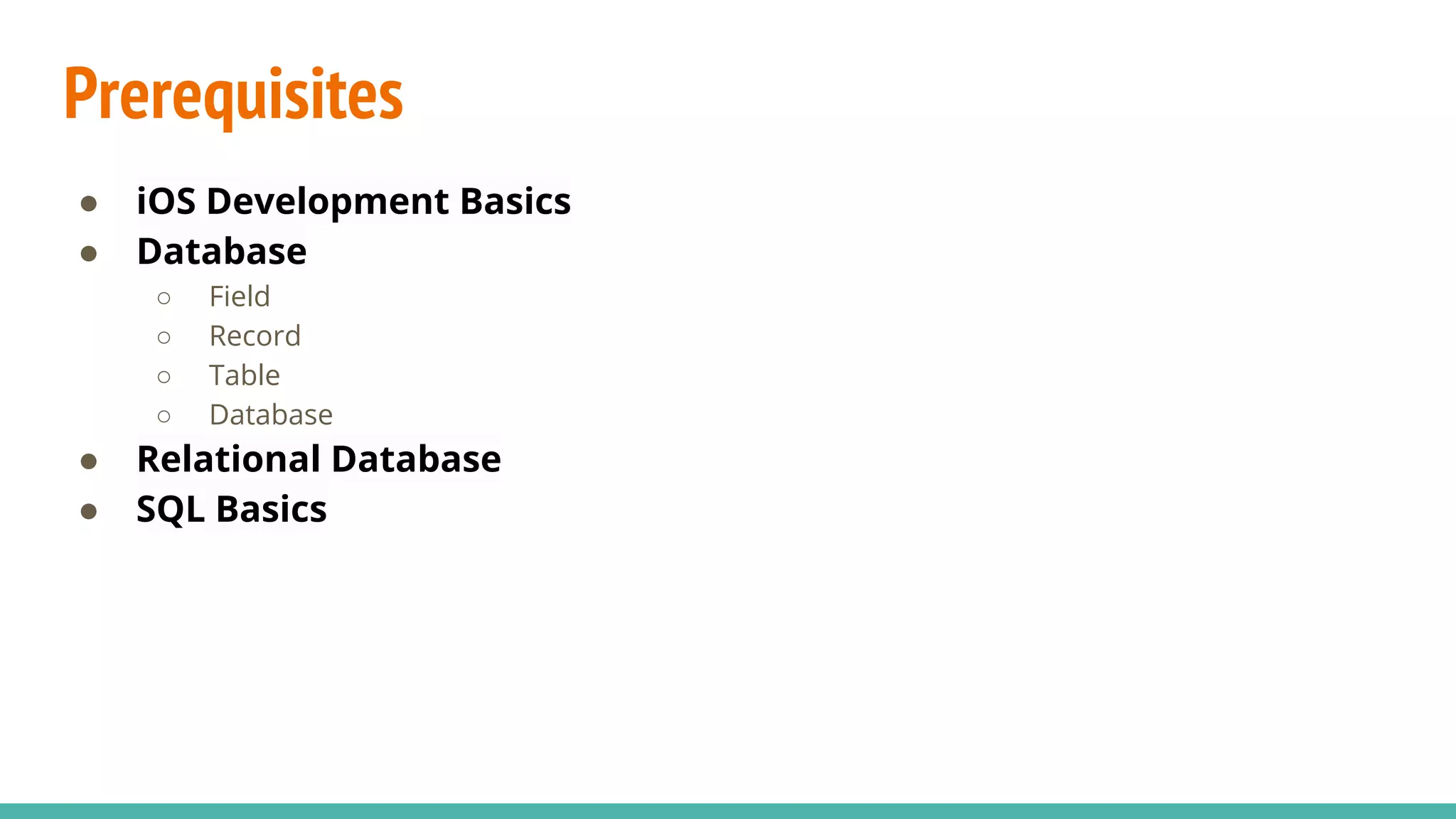
Prerequisites
● iOS Development Basics
● Database
○ Field
○ Record
○ Table
○ Database
● Relational Database
● SQL Basics
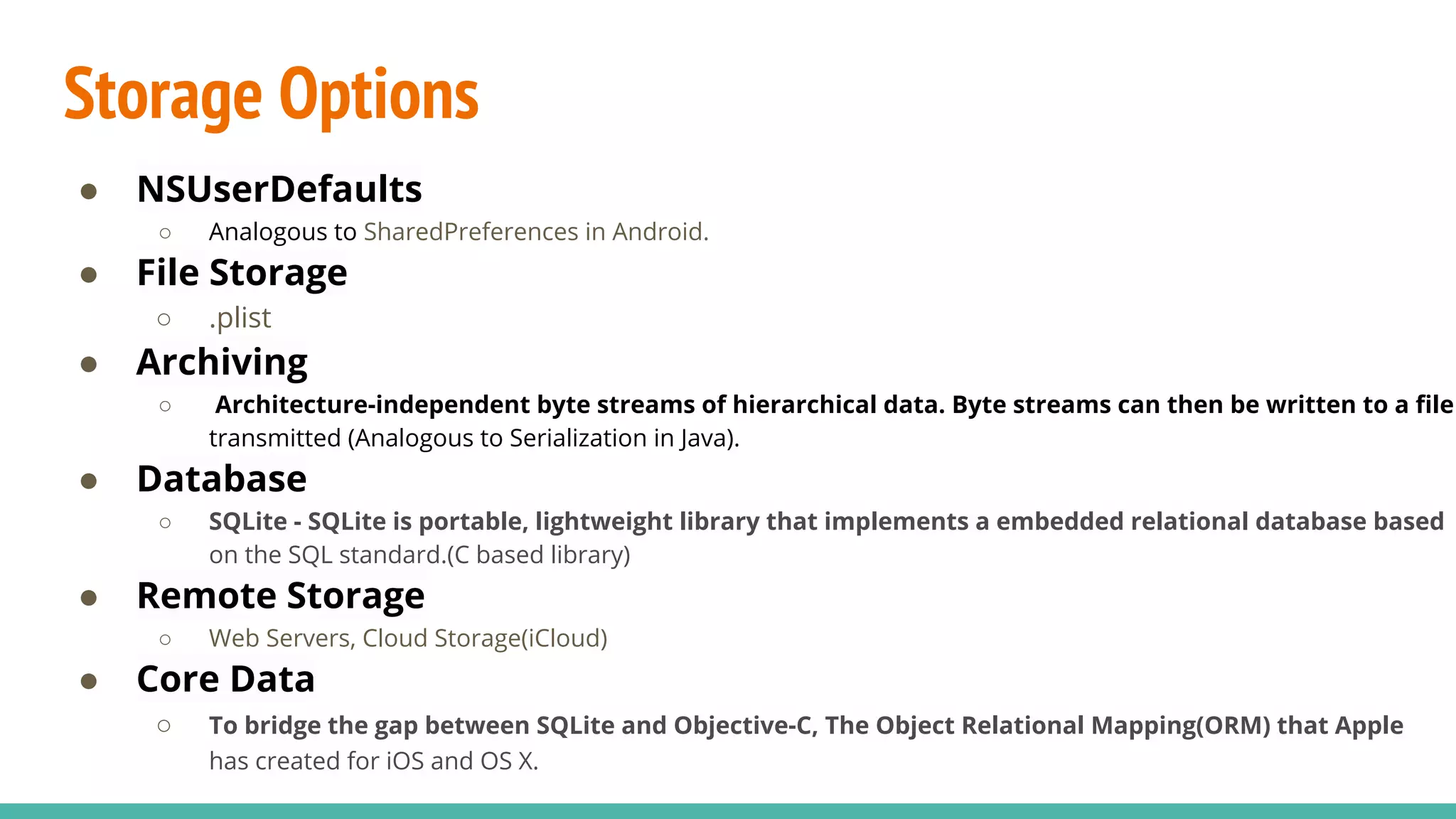
Storage Options
● NSUserDefaults
○ Analogous to SharedPreferences in Android.
● File Storage
○ .plist
● Archiving
○ Architecture-independent byte streams of hierarchical data. Byte streams can then be written to a file
transmitted (Analogous to Serialization in Java).
● Database
○ SQLite - SQLite is portable, lightweight library that implements a embedded relational database based
on the SQL standard.(C based library)
● Remote Storage
○ Web Servers, Cloud Storage(iCloud)
● Core Data
○ To bridge the gap between SQLite and Objective-C, The Object Relational Mapping(ORM) that Apple
has created for iOS and OS X.
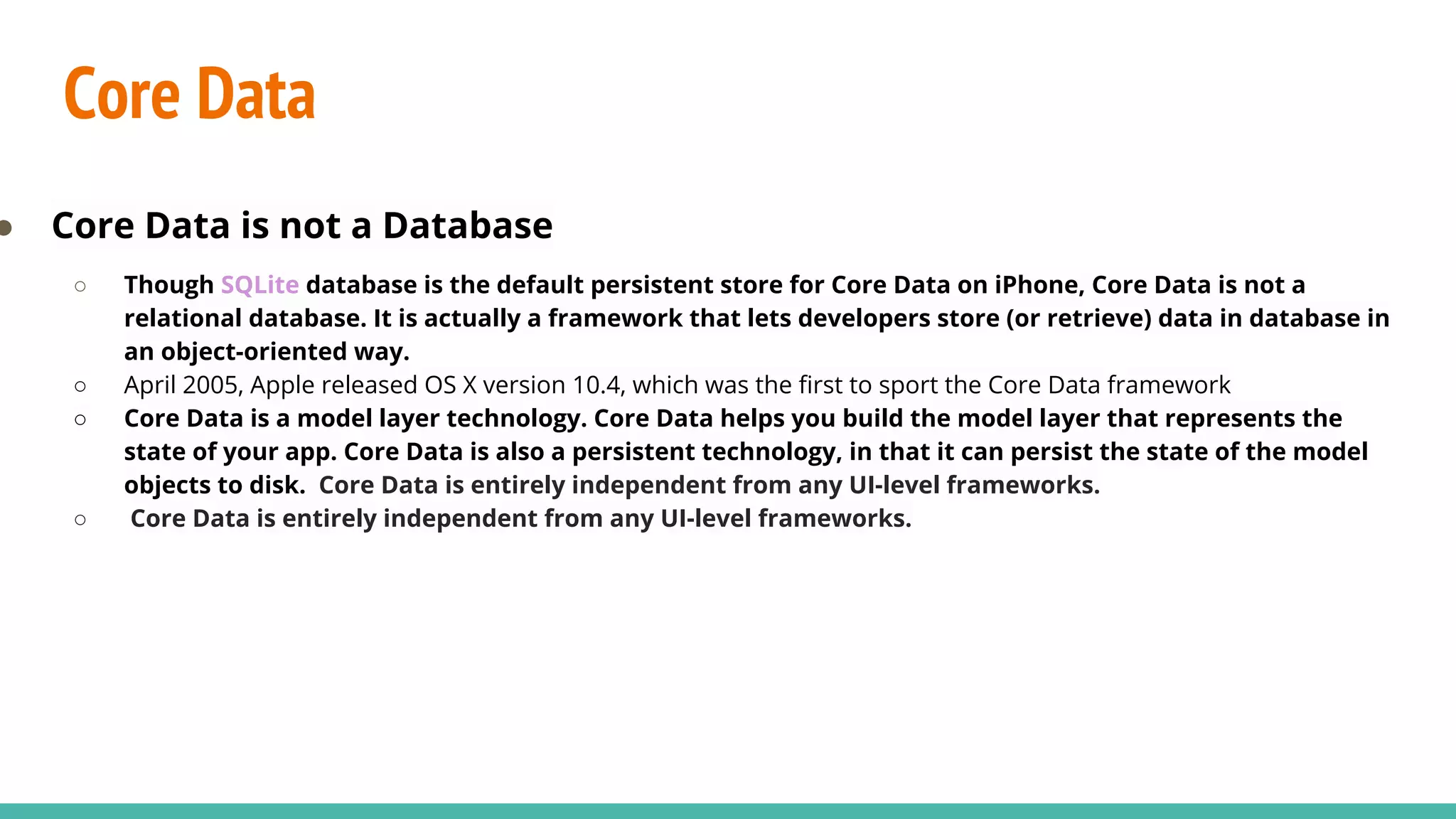
Core Data
● Core Data is not a Database
○ Though SQLite database is the default persistent store for Core Data on iPhone, Core Data is not a
relational database. It is actually a framework that lets developers store (or retrieve) data in database in
an object-oriented way.
○ April 2005, Apple released OS X version 10.4, which was the first to sport the Core Data framework
○ Core Data is a model layer technology. Core Data helps you build the model layer that represents the
state of your app. Core Data is also a persistent technology, in that it can persist the state of the model
objects to disk. Core Data is entirely independent from any UI-level frameworks.
○ Core Data is entirely independent from any UI-level frameworks.
Core Data Stack
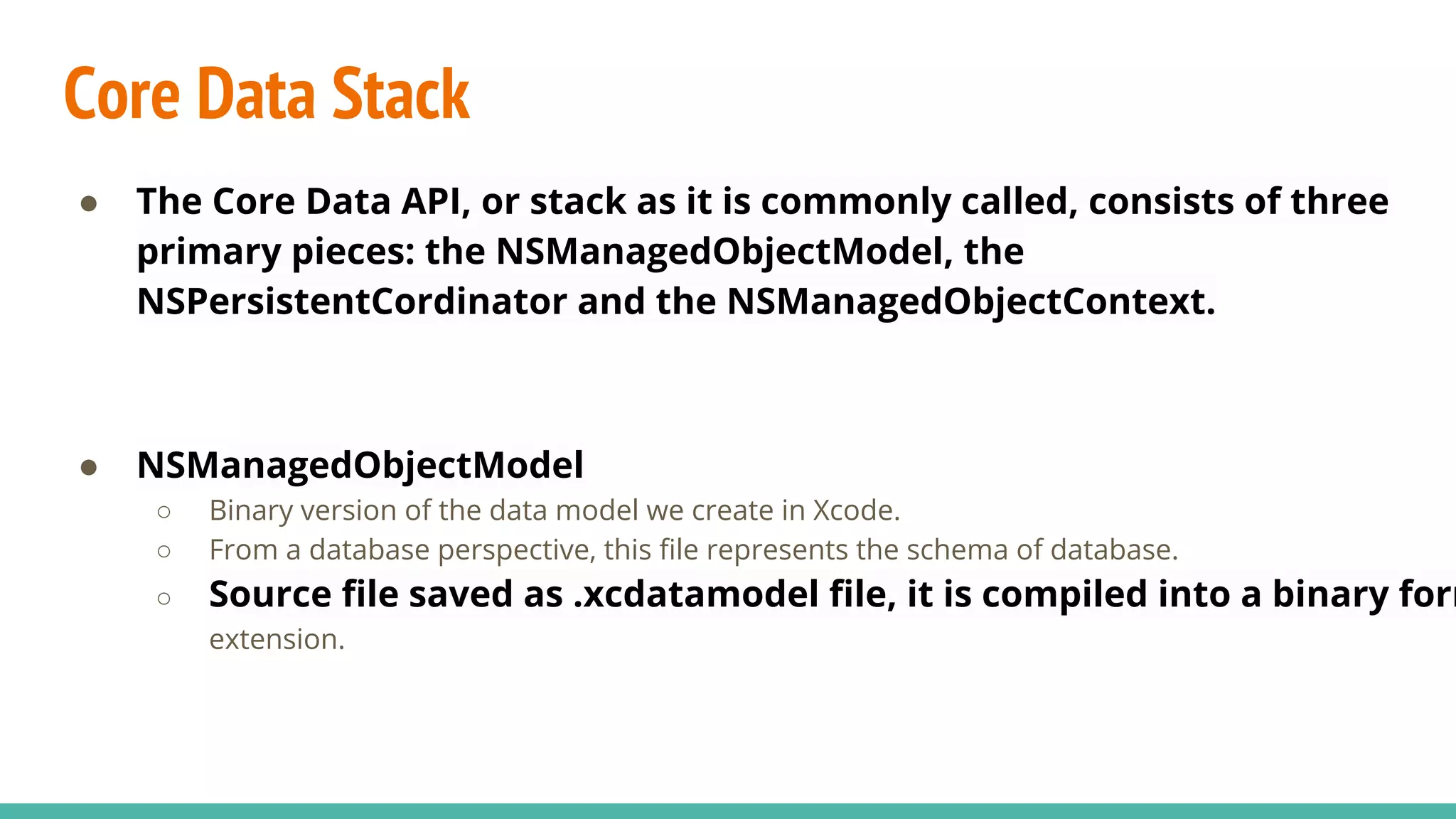
● The Core Data API, or stack as it is commonly called, consists of three
primary pieces: the NSManagedObjectModel, the
NSPersistentCordinator and the NSManagedObjectContext.
● NSManagedObjectModel
○ Binary version of the data model we create in Xcode.
○ From a database perspective, this file represents the schema of database.
○ Source file saved as .xcdatamodel file, it is compiled into a binary form
extension.
Core Data Stack - Contd.
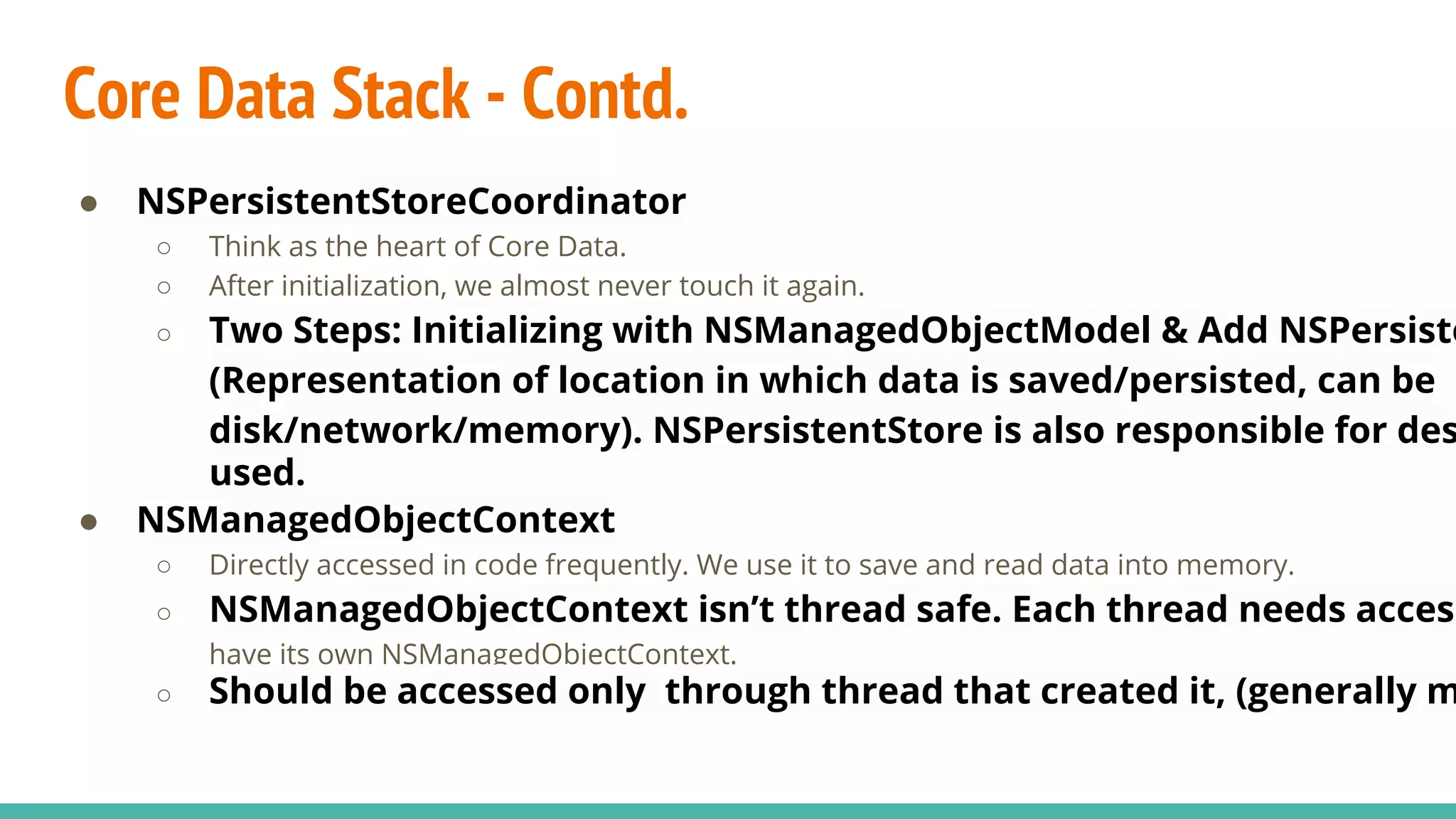
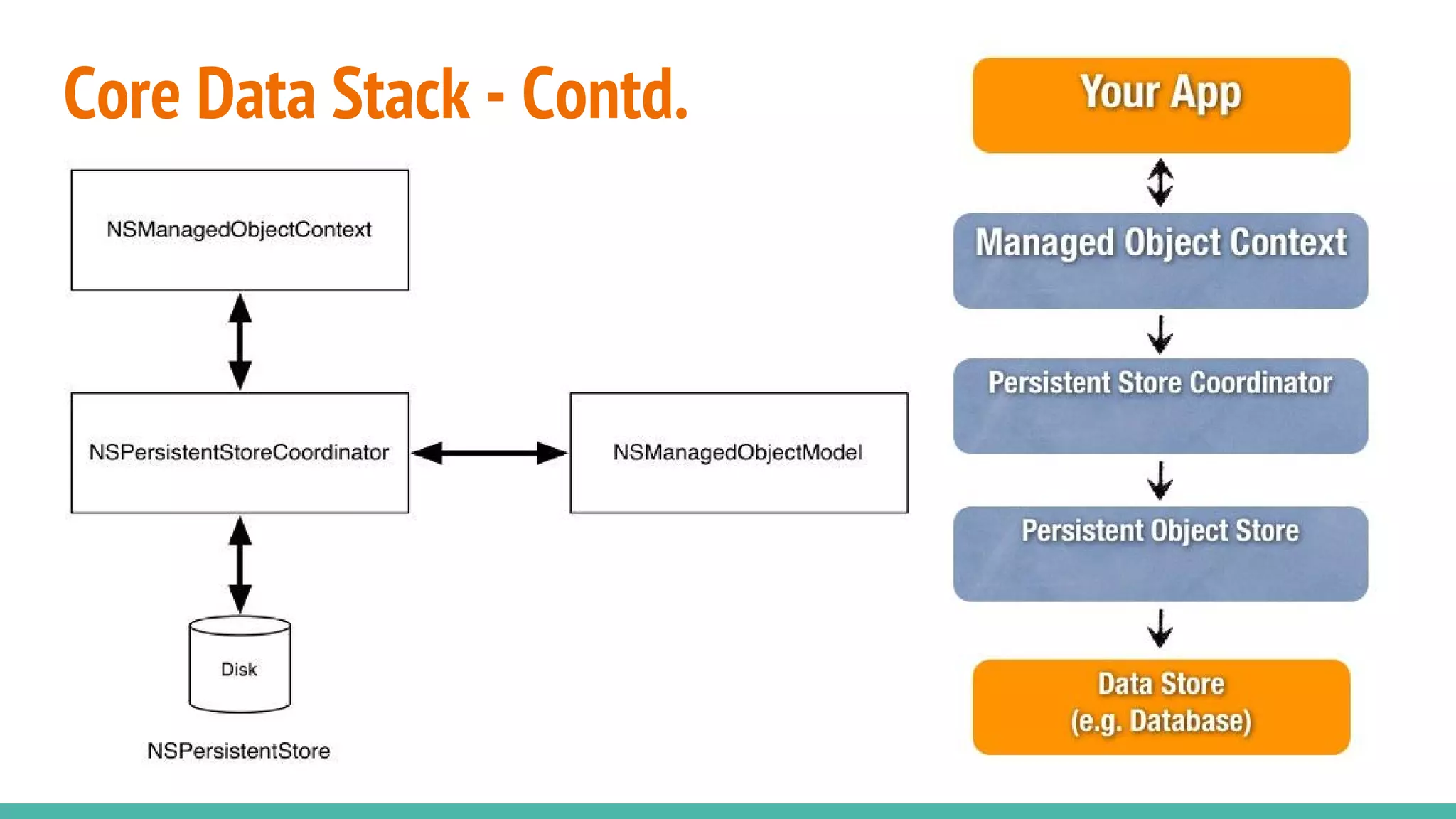
● NSPersistentStoreCoordinator
○ Think as the heart of Core Data.
○ After initialization, we almost never touch it again.
○ Two Steps: Initializing with NSManagedObjectModel & Add NSPersiste
(Representation of location in which data is saved/persisted, can be
disk/network/memory). NSPersistentStore is also responsible for des
used.
● NSManagedObjectContext
○ Directly accessed in code frequently. We use it to save and read data into memory.
○ NSManagedObjectContext isn’t thread safe. Each thread needs access
have its own NSManagedObjectContext.
○ Should be accessed only through thread that created it, (generally m
Core Data Stack - Contd.
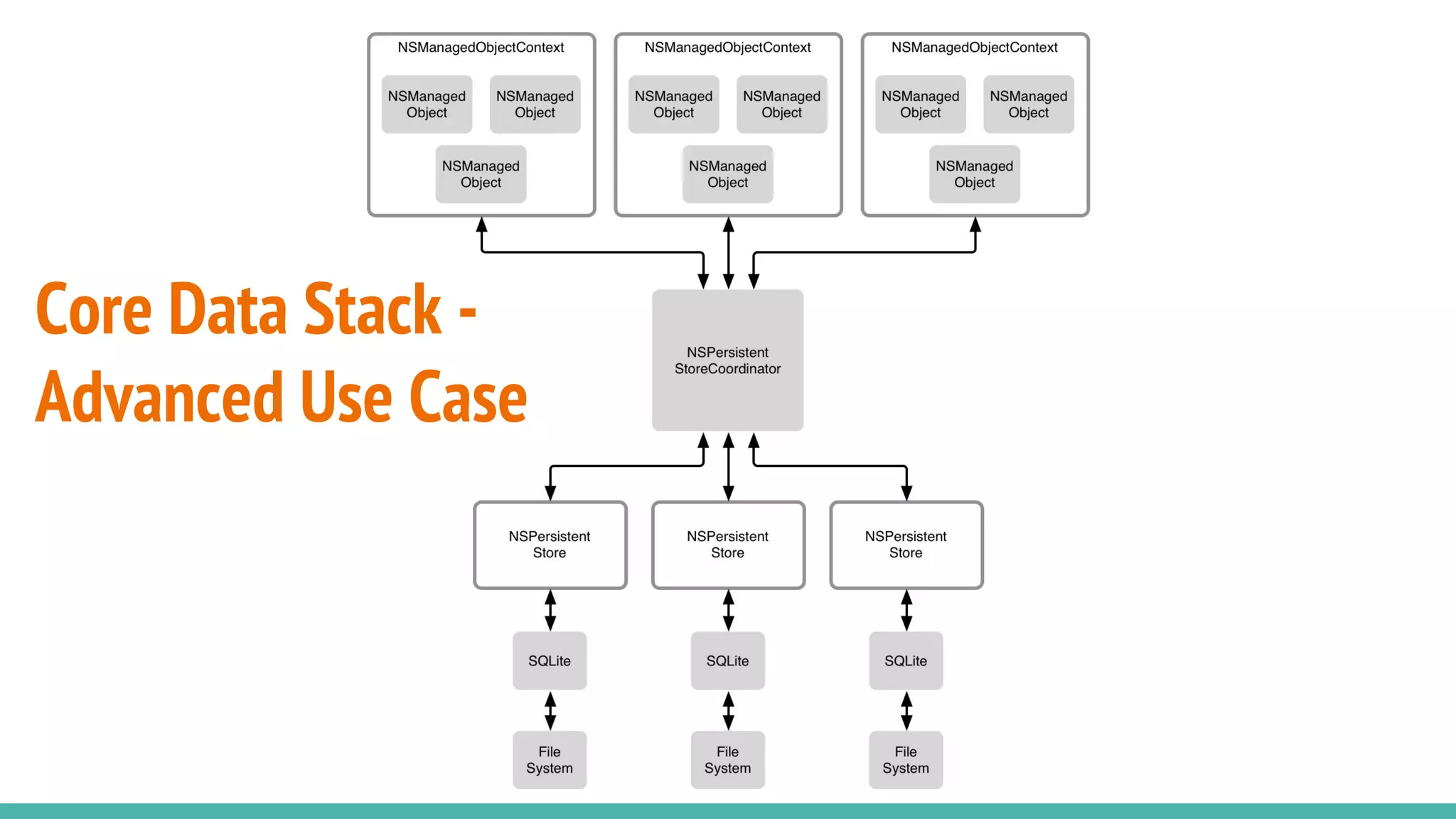
Core Data Stack -
Advanced Use Case
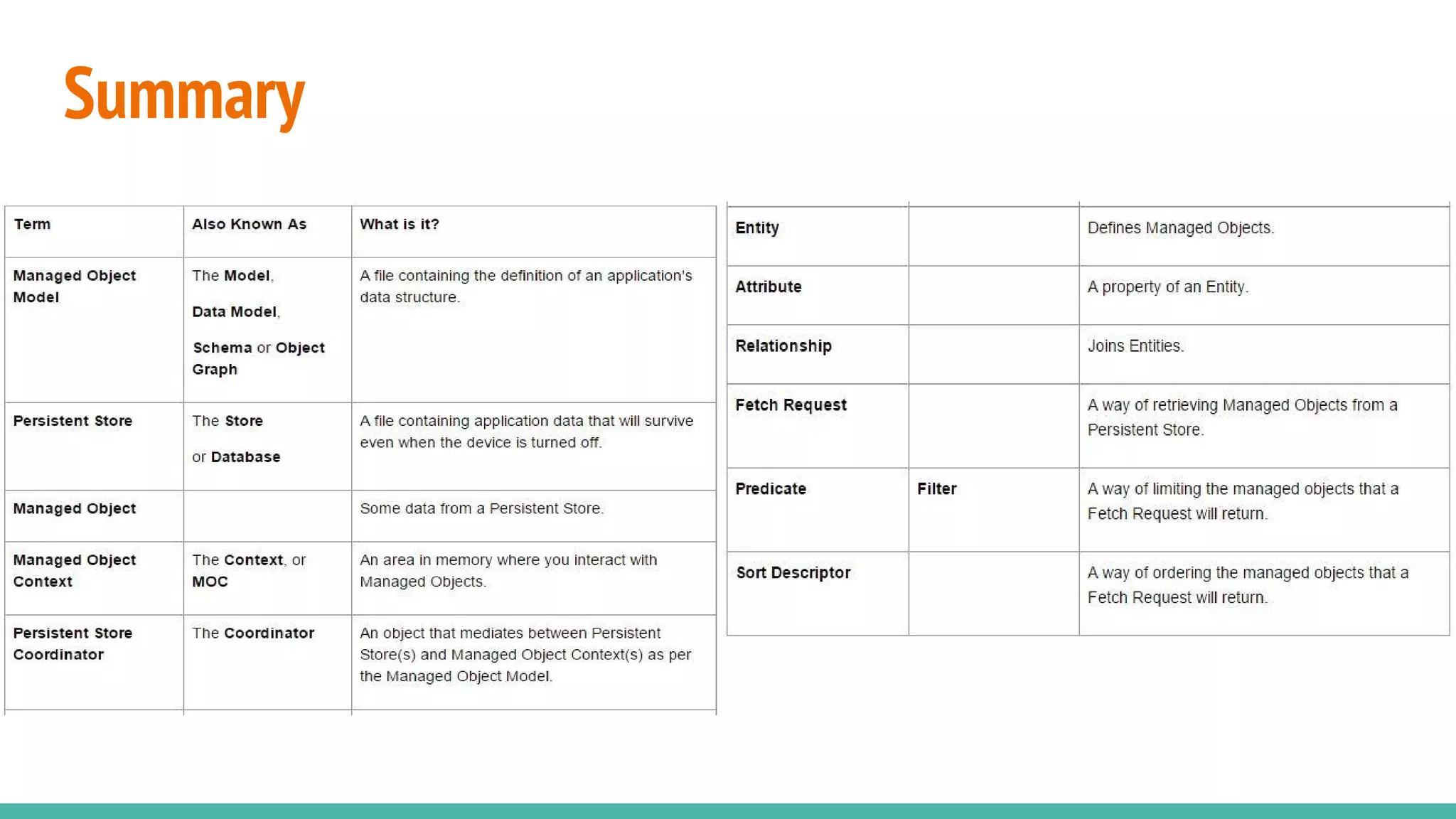
Summary
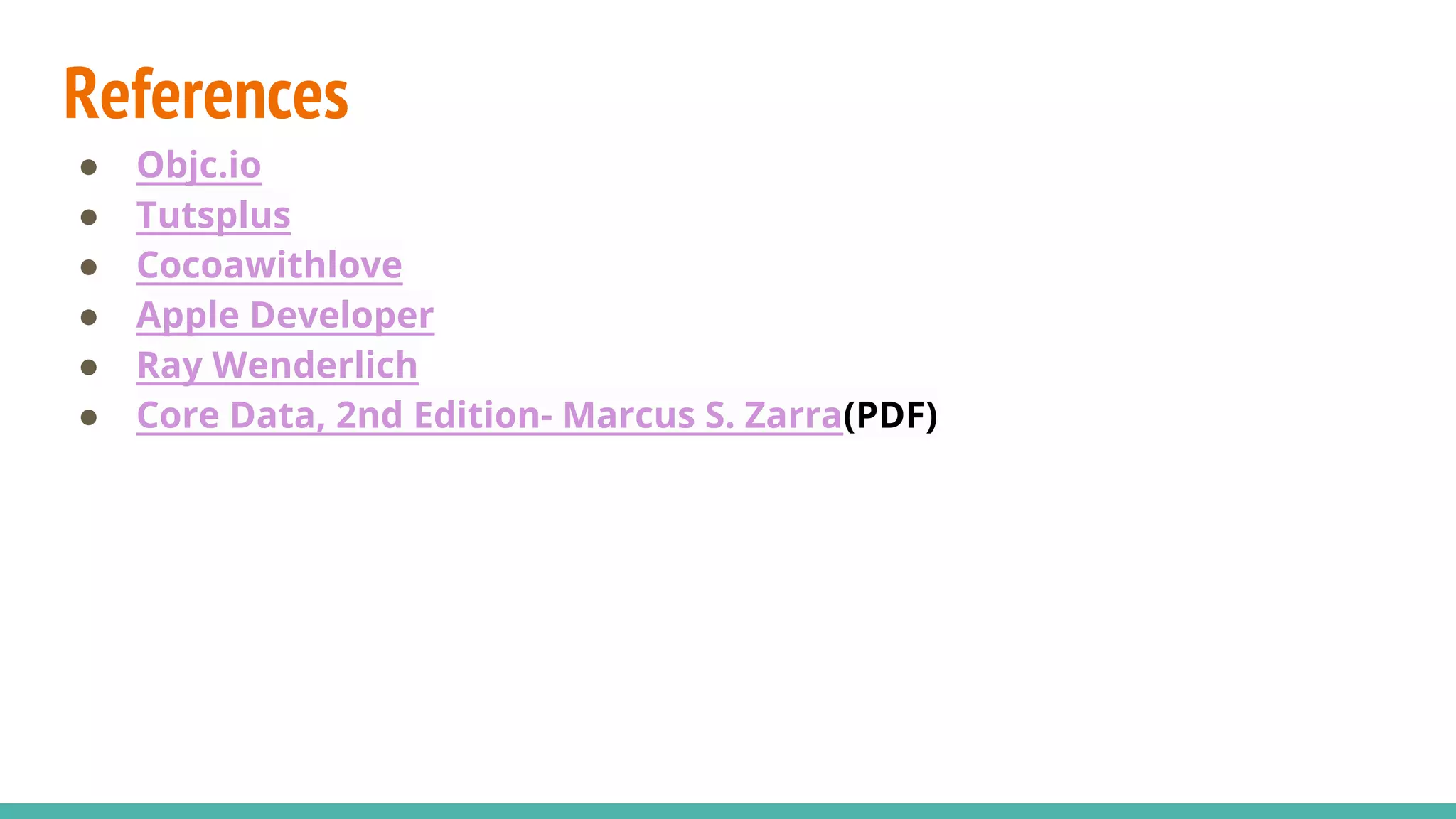
References
● Objc.io
● Tutsplus
● Cocoawithlove
● Apple Developer
● Ray Wenderlich
● Core Data, 2nd Edition- Marcus S. Zarra(PDF)

Core Data

  • 1.
  • 2.
    Prerequisites ● iOS DevelopmentBasics ● Database ○ Field ○ Record ○ Table ○ Database ● Relational Database ● SQL Basics
  • 3.
    Storage Options ● NSUserDefaults ○Analogous to SharedPreferences in Android. ● File Storage ○ .plist ● Archiving ○ Architecture-independent byte streams of hierarchical data. Byte streams can then be written to a file transmitted (Analogous to Serialization in Java). ● Database ○ SQLite - SQLite is portable, lightweight library that implements a embedded relational database based on the SQL standard.(C based library) ● Remote Storage ○ Web Servers, Cloud Storage(iCloud) ● Core Data ○ To bridge the gap between SQLite and Objective-C, The Object Relational Mapping(ORM) that Apple has created for iOS and OS X.
  • 4.
    Core Data ● CoreData is not a Database ○ Though SQLite database is the default persistent store for Core Data on iPhone, Core Data is not a relational database. It is actually a framework that lets developers store (or retrieve) data in database in an object-oriented way. ○ April 2005, Apple released OS X version 10.4, which was the first to sport the Core Data framework ○ Core Data is a model layer technology. Core Data helps you build the model layer that represents the state of your app. Core Data is also a persistent technology, in that it can persist the state of the model objects to disk. Core Data is entirely independent from any UI-level frameworks. ○ Core Data is entirely independent from any UI-level frameworks.
  • 5.
    Core Data Stack ●The Core Data API, or stack as it is commonly called, consists of three primary pieces: the NSManagedObjectModel, the NSPersistentCordinator and the NSManagedObjectContext. ● NSManagedObjectModel ○ Binary version of the data model we create in Xcode. ○ From a database perspective, this file represents the schema of database. ○ Source file saved as .xcdatamodel file, it is compiled into a binary form extension.
  • 6.
    Core Data Stack- Contd. ● NSPersistentStoreCoordinator ○ Think as the heart of Core Data. ○ After initialization, we almost never touch it again. ○ Two Steps: Initializing with NSManagedObjectModel & Add NSPersiste (Representation of location in which data is saved/persisted, can be disk/network/memory). NSPersistentStore is also responsible for des used. ● NSManagedObjectContext ○ Directly accessed in code frequently. We use it to save and read data into memory. ○ NSManagedObjectContext isn’t thread safe. Each thread needs access have its own NSManagedObjectContext. ○ Should be accessed only through thread that created it, (generally m
  • 7.
  • 8.
    Core Data Stack- Advanced Use Case
  • 9.
  • 10.
    References ● Objc.io ● Tutsplus ●Cocoawithlove ● Apple Developer ● Ray Wenderlich ● Core Data, 2nd Edition- Marcus S. Zarra(PDF)