
Cooking with Chef on
Microsoft Windows
Julian C. Dunn
Senior Consultant, Chef Software, Inc.
jdunn@getchef.com
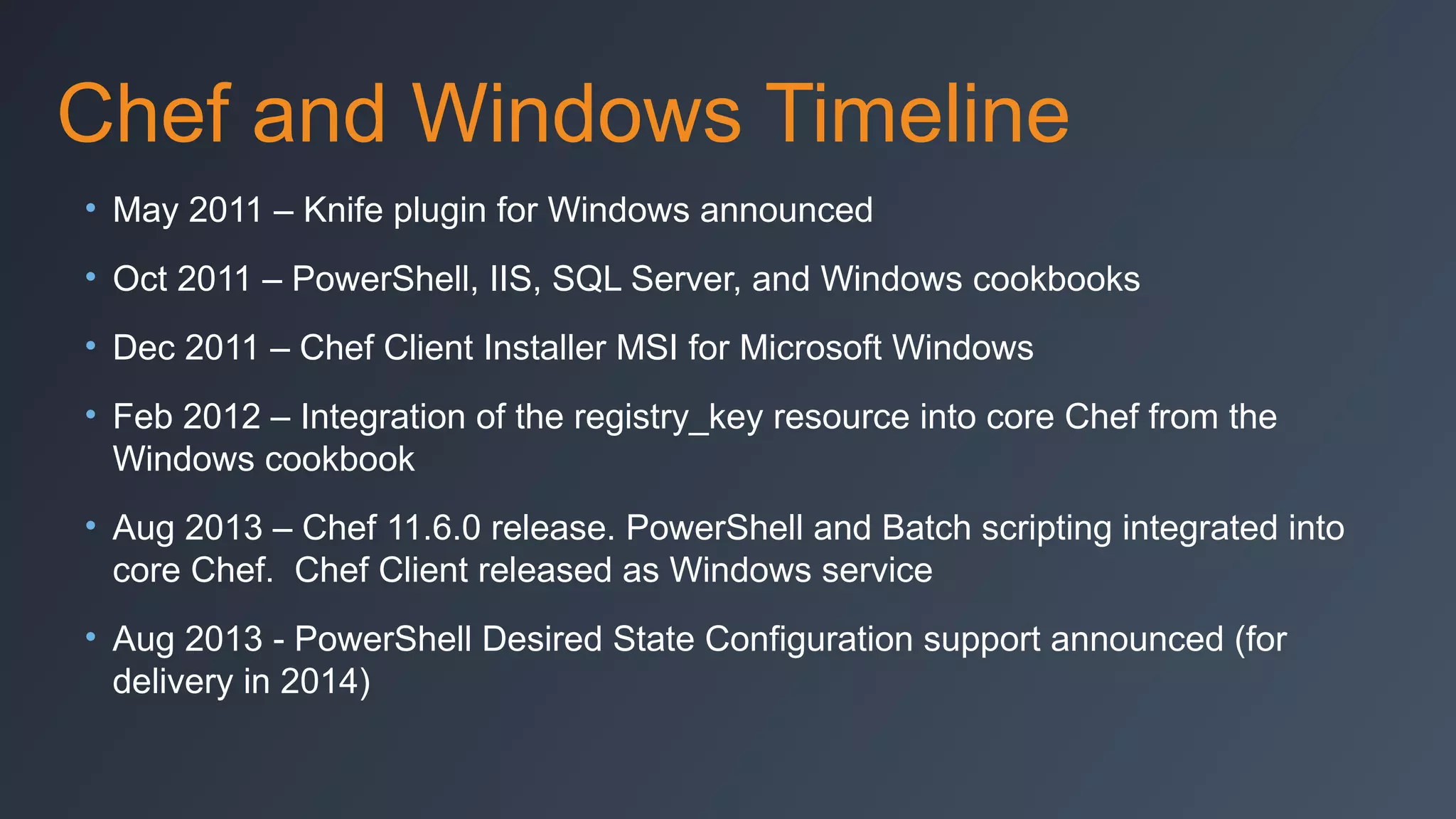
Chef and Windows Timeline
• May 2011 – Knife plugin for Windows announced
• Oct 2011 – PowerShell, IIS, SQL Server, and Windows cookbooks
• Dec 2011 – Chef Client Installer MSI for Microsoft Windows
• Feb 2012 – Integration of the registry_key resource into core Chef from the
Windows cookbook
• Aug 2013 – Chef 11.6.0 release. PowerShell and Batch scripting integrated into
core Chef. Chef Client released as Windows service
• Aug 2013 - PowerShell Desired State Configuration support announced (for
delivery in 2014)
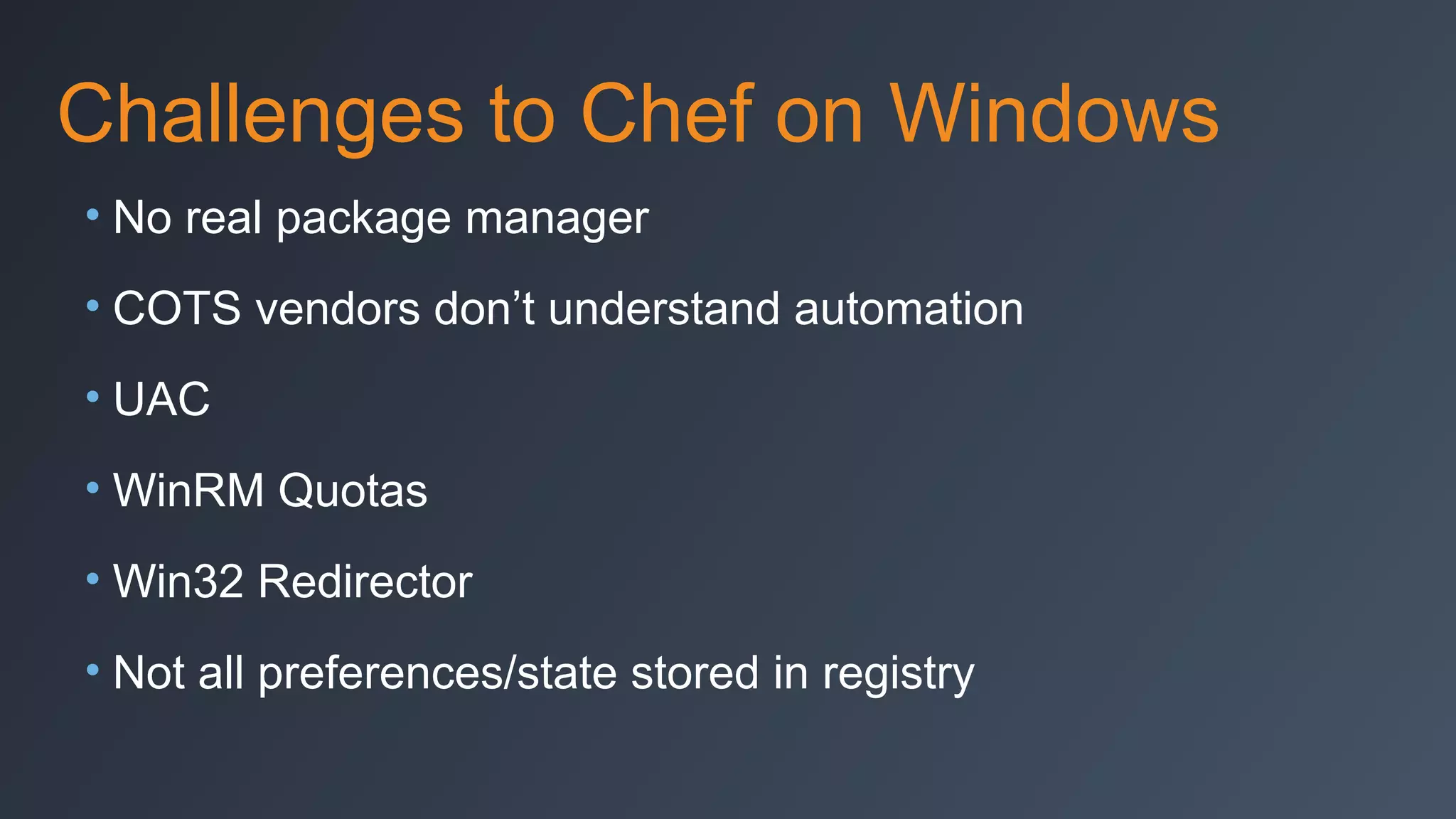
Challenges to Chef on Windows
• No real package manager
• COTS vendors don’t understand automation
• UAC
• WinRM Quotas
• Win32 Redirector
• Not all preferences/state stored in registry
Windows < 2012?
• WinRM Memory Quota Hotfix required:
• http://support.microsoft.com/kb/2842230
Automating a .NET App on
Windows
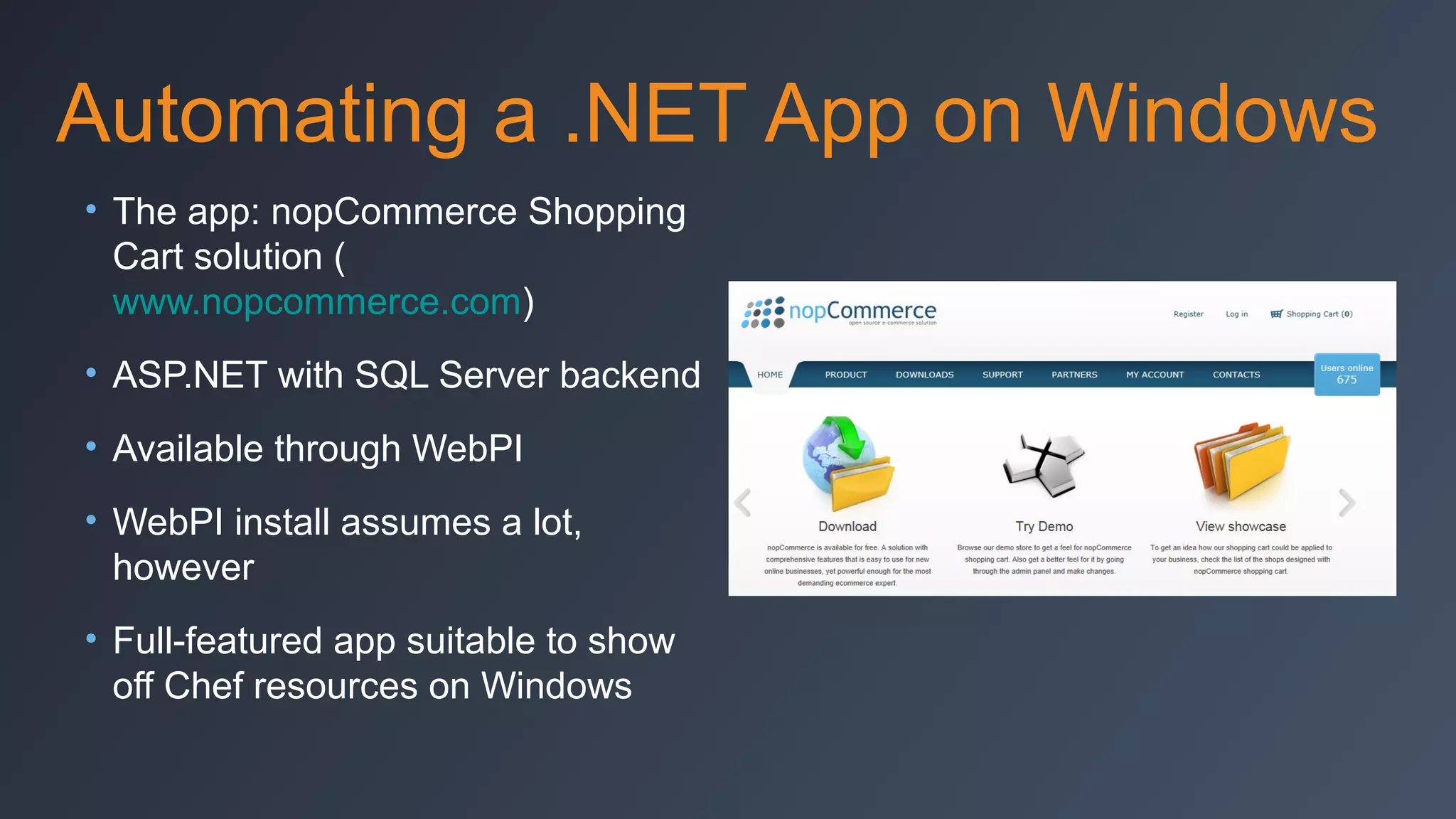
Automating a .NET App on Windows
• The app: nopCommerce Shopping
Cart solution (
www.nopcommerce.com)
• ASP.NET with SQL Server backend
• Available through WebPI
• WebPI install assumes a lot,
however
• Full-featured app suitable to show
off Chef resources on Windows
Resources Automated in Demo
• Installing Windows Features and Roles
• IIS app pool
• IIS site
• IIS app
• Registry settings
• Deploying files onto the system
• Unzipping files
• Windows filesystem rights management
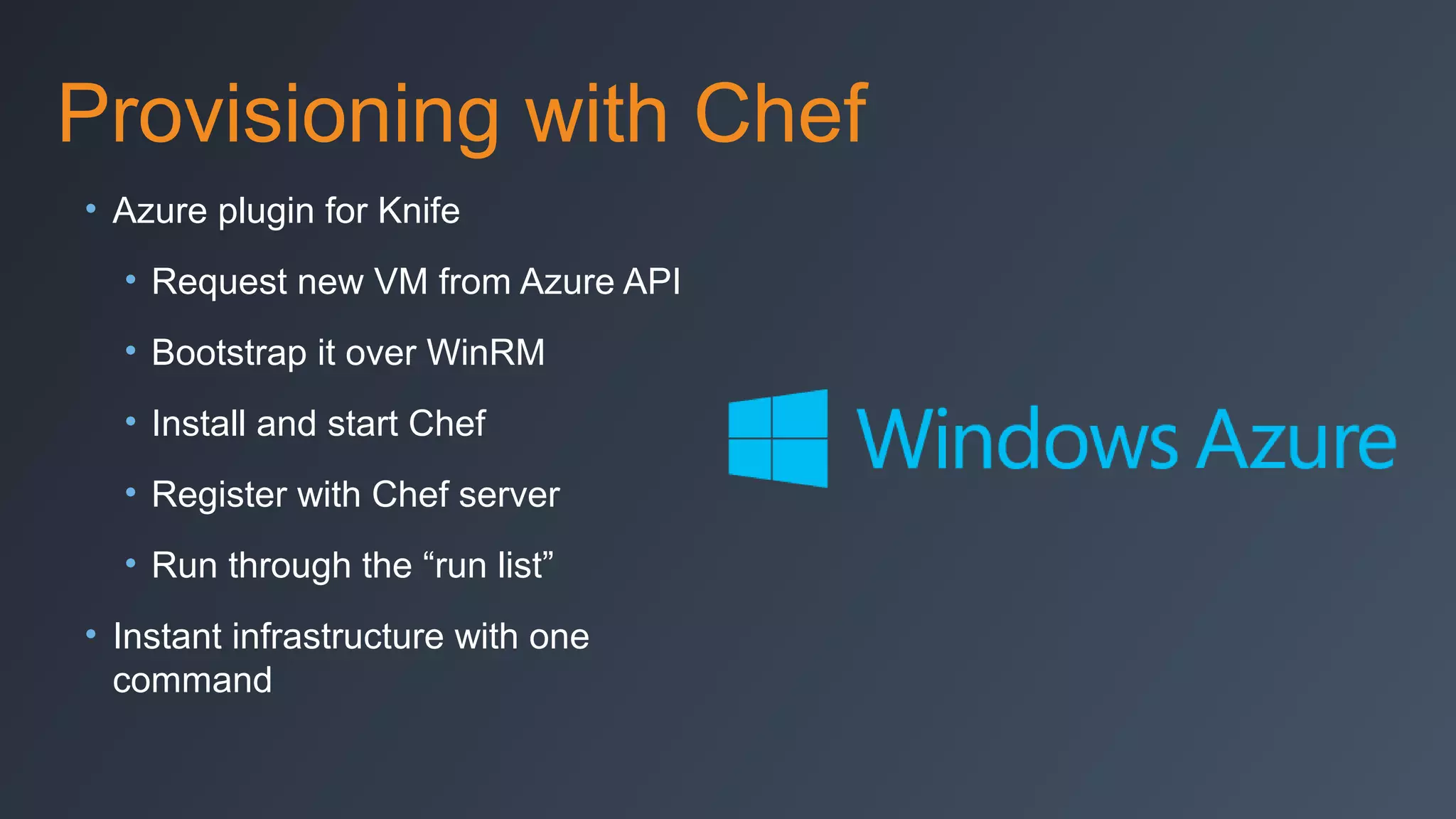
Provisioning with Chef
• Azure plugin for Knife
• Request new VM from Azure API
• Bootstrap it over WinRM
• Install and start Chef
• Register with Chef server
• Run through the “run list”
• Instant infrastructure with one
command
Video
The Recipe Code
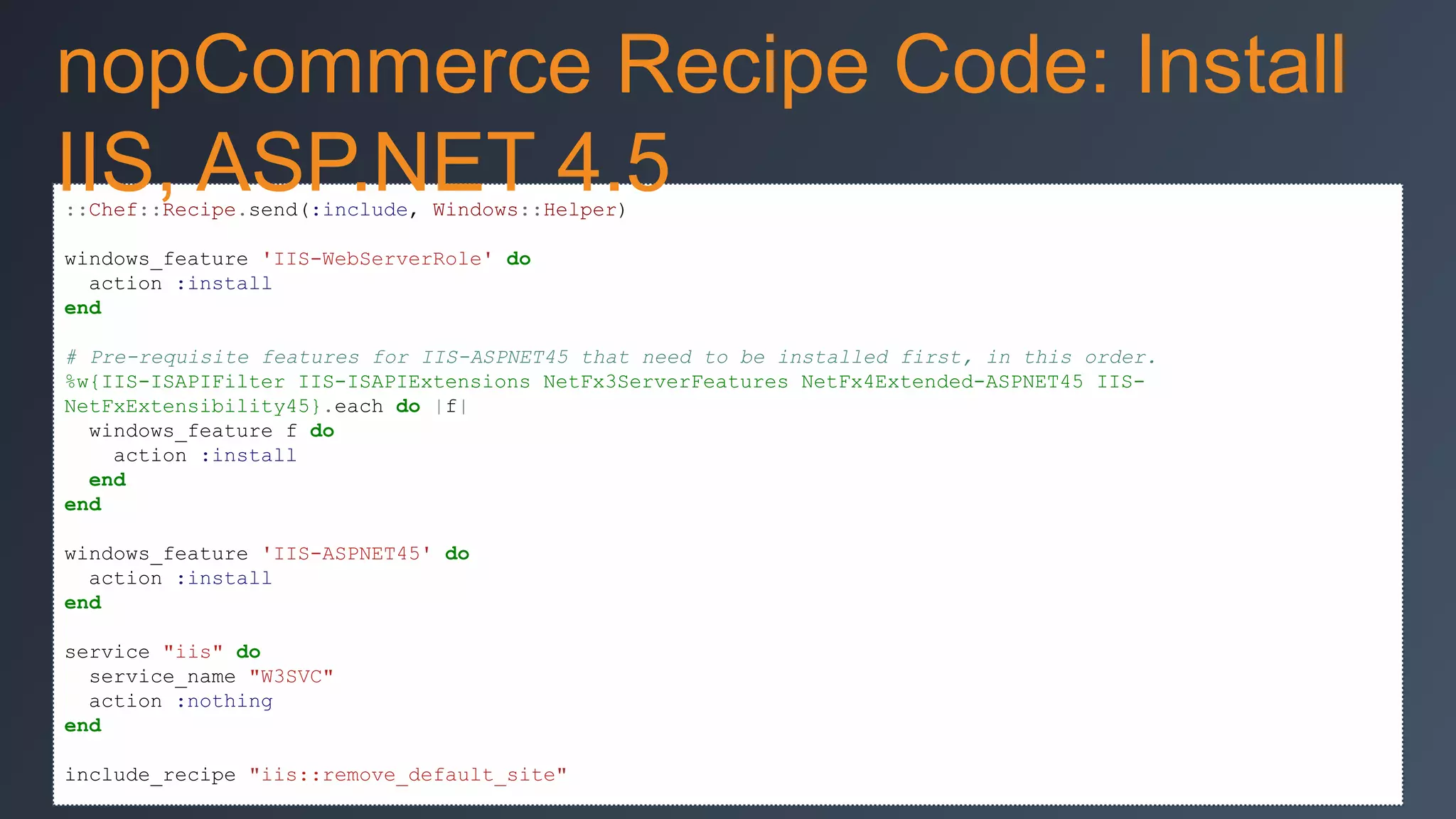
nopCommerce Recipe Code: Install
IIS, ASP.NET 4.5
::Chef::Recipe.send(:include, Windows::Helper)
windows_feature 'IIS-WebServerRole' do
action :install
end
# Pre-requisite features for IIS-ASPNET45 that need to be installed first, in this order.
%w{IIS-ISAPIFilter IIS-ISAPIExtensions NetFx3ServerFeatures NetFx4Extended-ASPNET45 IISNetFxExtensibility45}.each do |f|
windows_feature f do
action :install
end
end
windows_feature 'IIS-ASPNET45' do
action :install
end
service "iis" do
service_name "W3SVC"
action :nothing
end
include_recipe "iis::remove_default_site"
nopCommerce Recipe Code: Install
nopCommerce
windows_zipfile node['nopcommerce']['approot'] do
source node['nopcommerce']['dist']
action :unzip
not_if {::File.exists?(::File.join(node['nopcommerce']['approot'], "nopCommerce"))}
end

%w{App_Data bin Content ContentImages ContentImagesThumbs ContentImagesUploaded
ContentfilesExportImport Plugins Pluginsbin}.each do |d|
directory win_friendly_path(::File.join(node['nopcommerce']['approot'], 'nopCommerce', d)) do
rights :modify, 'IIS_IUSRS'
end
end
%w{Global.asax web.config}.each do |f|
file win_friendly_path(::File.join(node['nopcommerce']['approot'], 'nopCommerce', f)) do
rights :modify, 'IIS_IUSRS'
end
end
Set up IIS Pool, App, etc.
iis_pool node['nopcommerce']['poolname'] do
runtime_version "4.0"
action :add
end
directory node['nopcommerce']['siteroot'] do
rights :read, 'IIS_IUSRS'
recursive true
action :create
end
iis_site 'nopCommerce' do
protocol :http
port 80
path node['nopcommerce']['siteroot']
application_pool node['nopcommerce']['poolname']
action [:add,:start]
end
iis_app 'nopCommerce' do
application_pool node['nopcommerce']['poolname']
path node['nopcommerce']['apppath']
physical_path "#{node['nopcommerce']['approot']}nopCommerce"
action :add
end
Other Code You Might Have Noticed
system32_path = node['kernel']['machine'] == 'x86_64' ? 'C:WindowsSysnative' : 'C:WindowsSystem32'
cookbook_file "#{system32_path}oemlogo.bmp" do
source node['windowshacks']['oeminfo']['logofile']
rights :read, "Everyone"
action :create
end
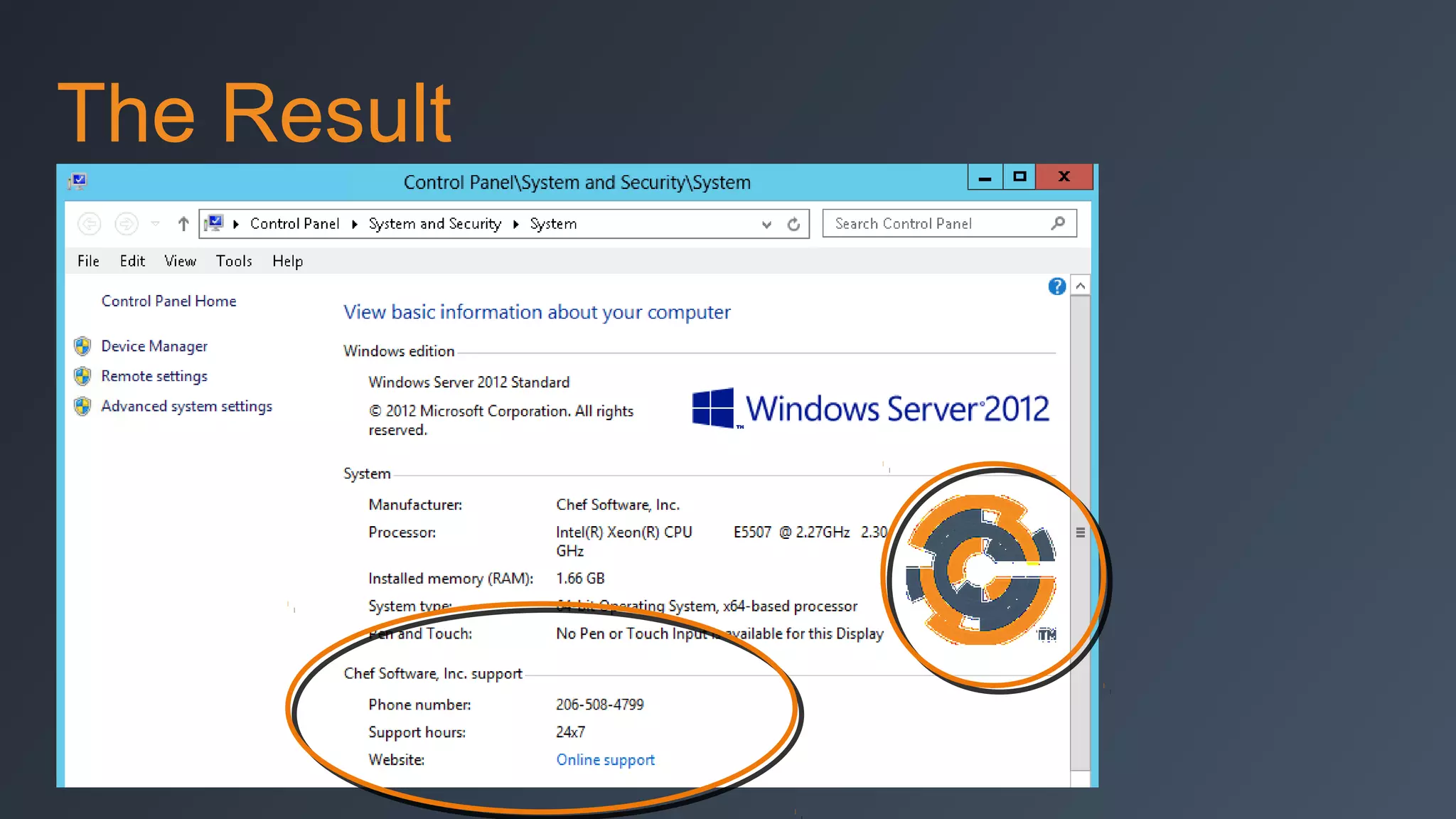
registry_key 'HKEY_LOCAL_MACHINESOFTWAREMicrosoftWindowsCurrentVersionOEMInformation' do
values [{:name => 'Logo', :type => :string, :data => 'C:WindowsSystem32oemlogo.bmp'},
{:name => 'Manufacturer', :type => :string, :data => node['windowshacks']['oeminfo']
['manufacturer']},
{:name => 'SupportHours', :type => :string, :data => node['windowshacks']['oeminfo']
['supporthours']},
{:name => 'SupportPhone', :type => :string, :data => node['windowshacks']['oeminfo']
['supportphone']},
{:name => 'SupportURL', :type => :string, :data => node['windowshacks']['oeminfo']['supporturl']}]
action :create
end
64
The Result
Overview of Chef
Resources on Windows
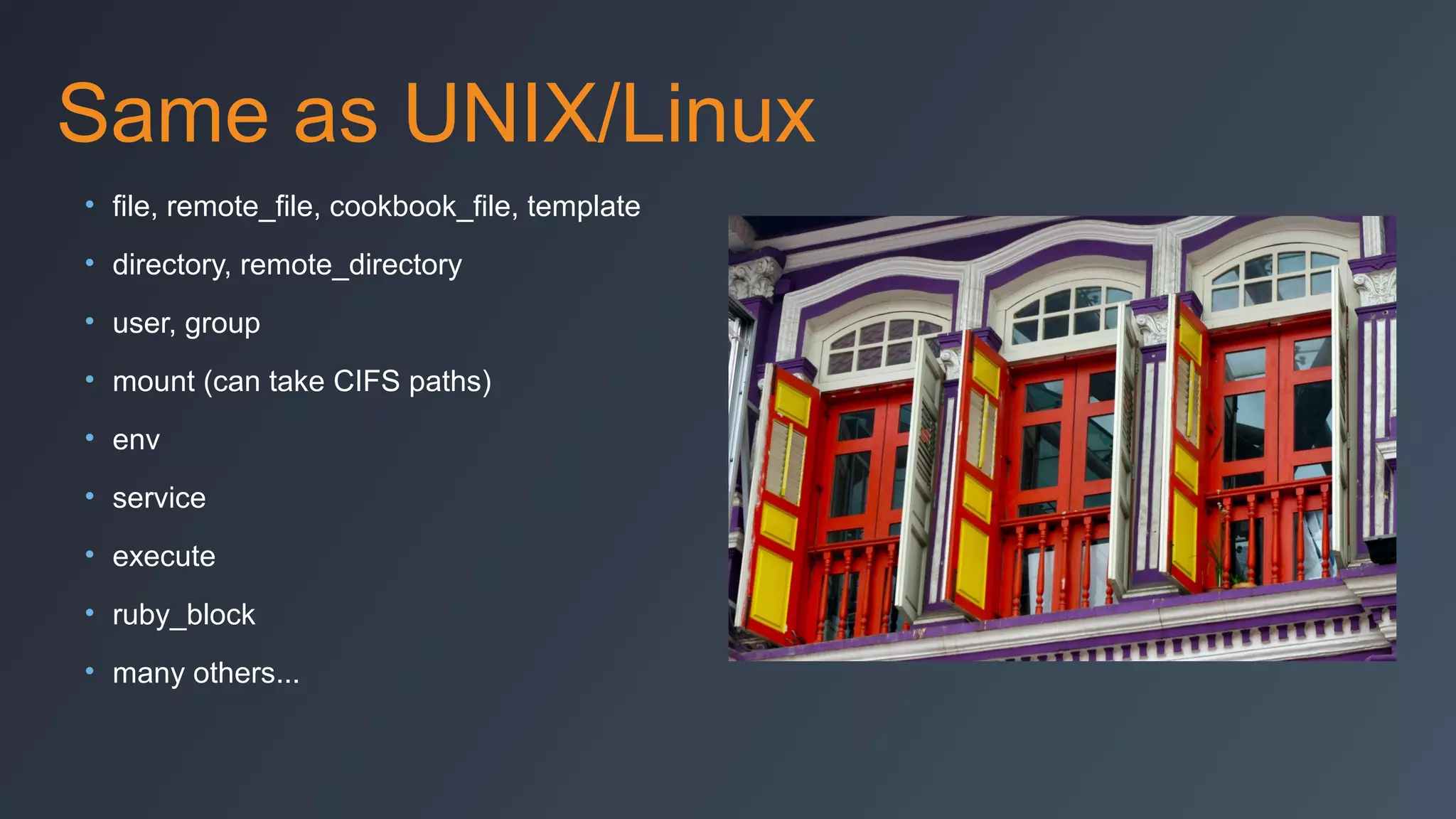
Same as UNIX/Linux
• file, remote_file, cookbook_file, template
• directory, remote_directory
• user, group
• mount (can take CIFS paths)
• env
• service
• execute
• ruby_block
• many others...
Unique to Windows
• registry_key (new in Chef 11.0.0)
• powershell_script (new in Chef 11.6.0)
• batch (new in Chef 11.6.0)
• Automatic architecture handling (:i386
vs. :x86_64)
• Automatic Windows filesystem redirector
handling (Wow64)
• Long-term roadmap: move more
resources to core and out of ‘windows’
cookbook
Windows-Only Cookbooks
• By Chef:
• 7-zip
• iis
• powershell
• sql_server
• webpi
• windows
• wix
Windows Community Cookbooks
• ms_dotnet2 / 4 / 45
• windows_ad (by TAMU)
• msoffice
• azure
registry_key example
# Set system’s proxy settings to be the same as used for Chef
proxy = URI.parse(Chef::Config[:http_proxy])
registry_key 'HKCUSoftwareMicrosoftWindowsCurrentVersionInternet Settings'
do
values [{:name => 'ProxyEnable', :type => :reg_dword, :data => 1},
{:name => 'ProxyServer', :data => "#{proxy.host}:#{proxy.port}"},
{:name => 'ProxyOverride', :type => :reg_string, :data => '<local>'}]
action :create
end
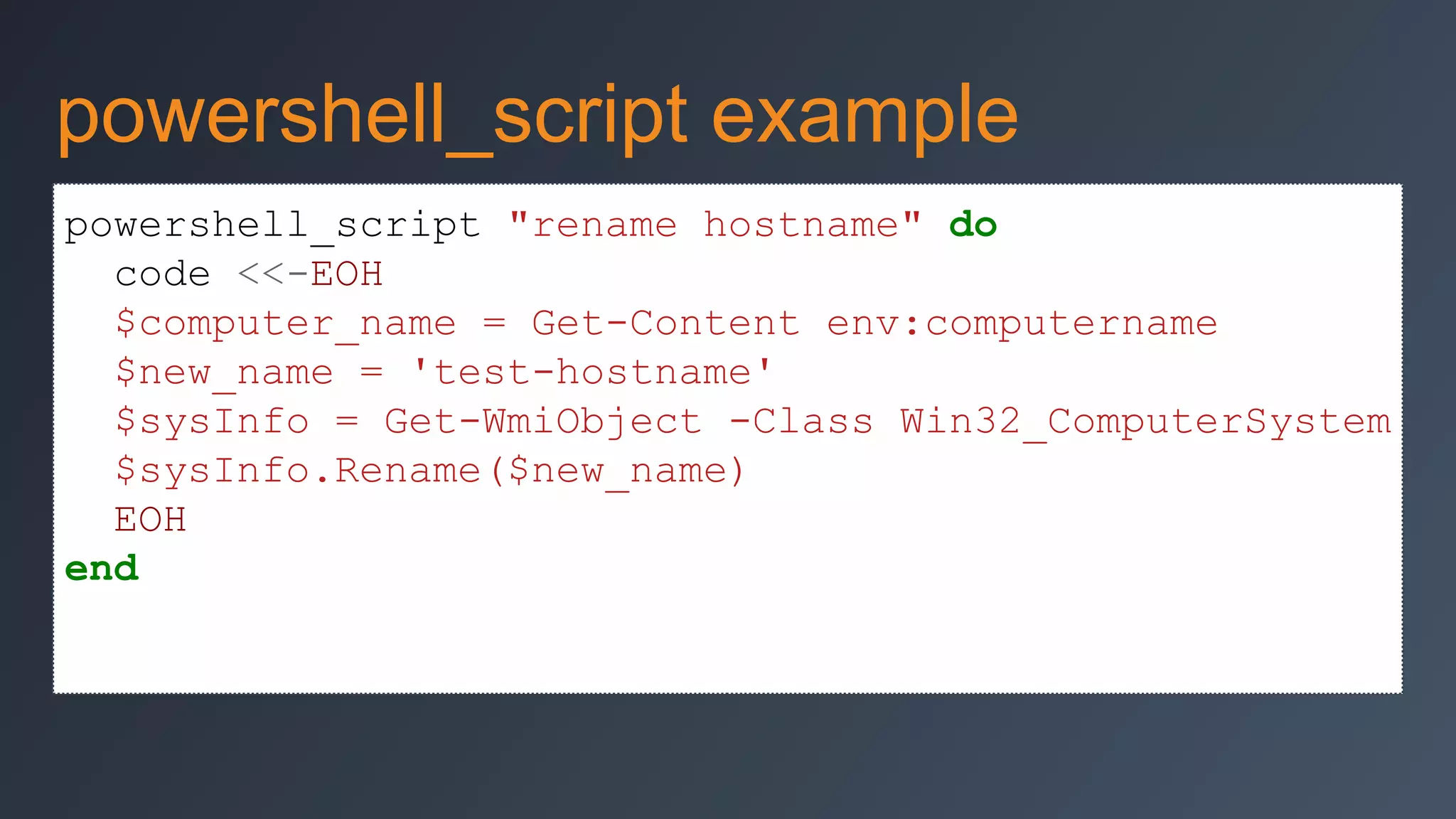
powershell_script example
powershell_script "rename hostname" do
code <<-EOH
$computer_name = Get-Content env:computername
$new_name = 'test-hostname'
$sysInfo = Get-WmiObject -Class Win32_ComputerSystem
$sysInfo.Rename($new_name)
EOH
end
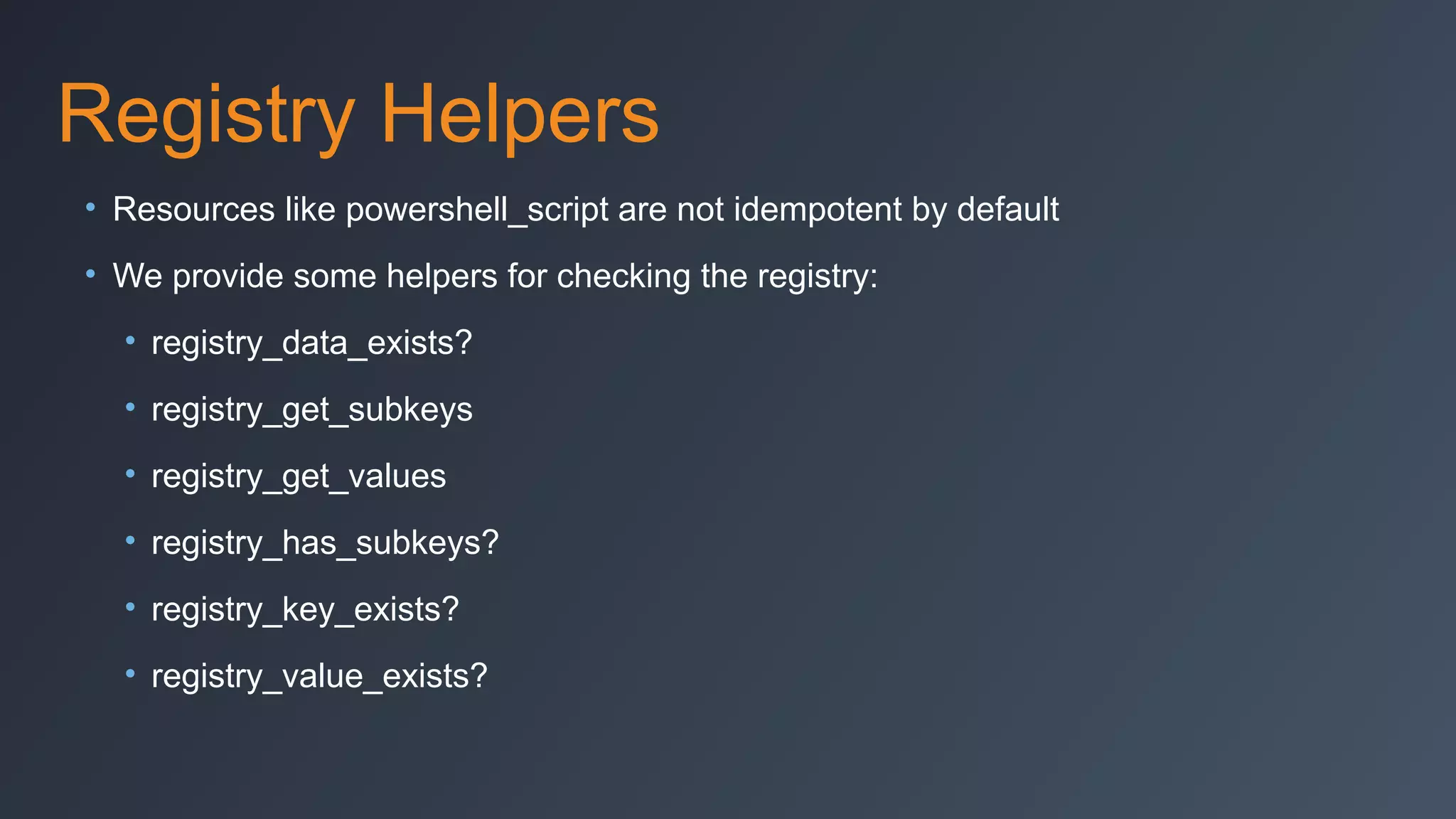
Registry Helpers
• Resources like powershell_script are not idempotent by default
• We provide some helpers for checking the registry:
• registry_data_exists?
• registry_get_subkeys
• registry_get_values
• registry_has_subkeys?
• registry_key_exists?
• registry_value_exists?
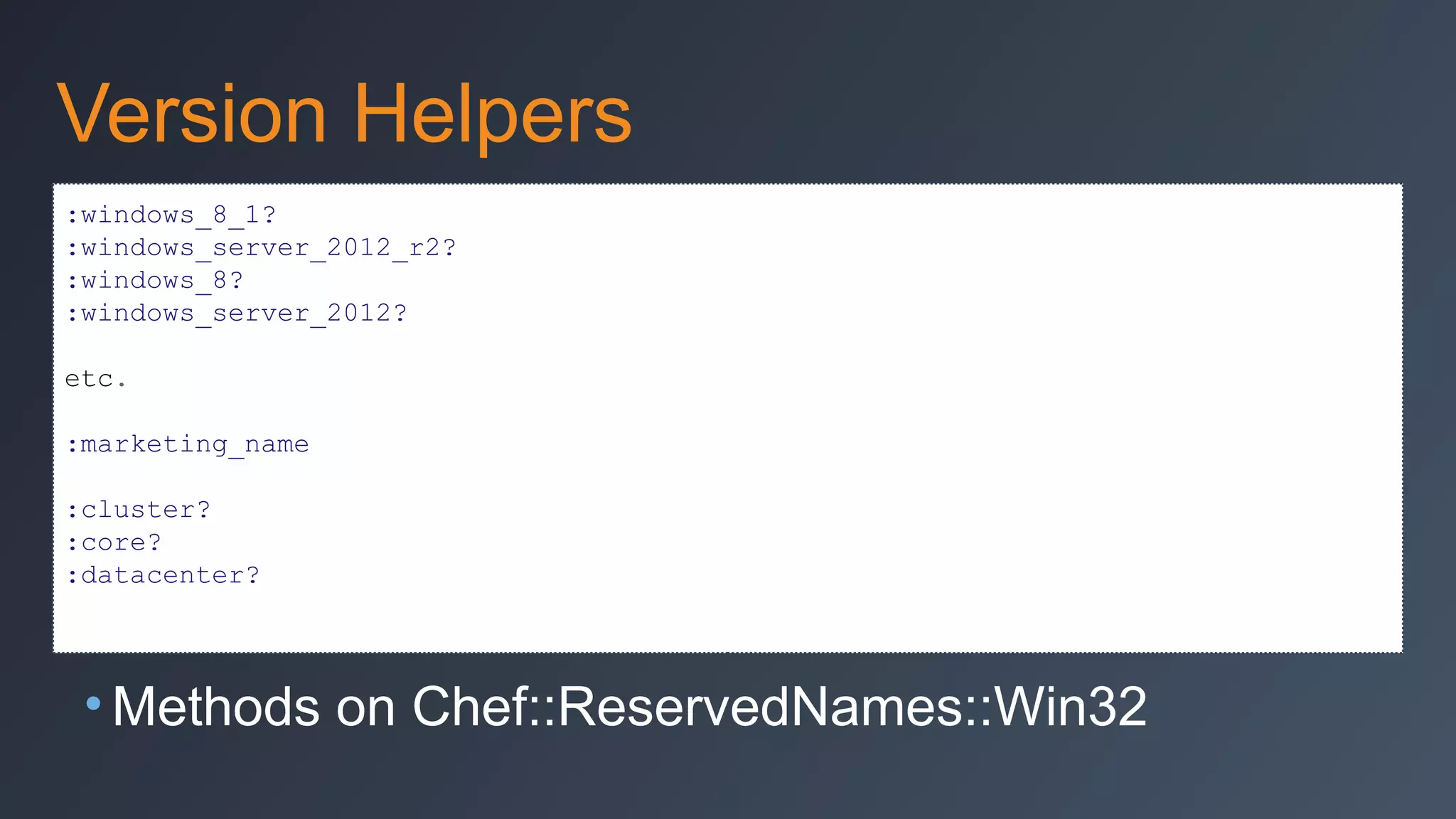
Version Helpers
:windows_8_1?
:windows_server_2012_r2?
:windows_8?
:windows_server_2012?
etc.
:marketing_name
:cluster?
:core?
:datacenter?

• Methods on Chef::ReservedNames::Win32
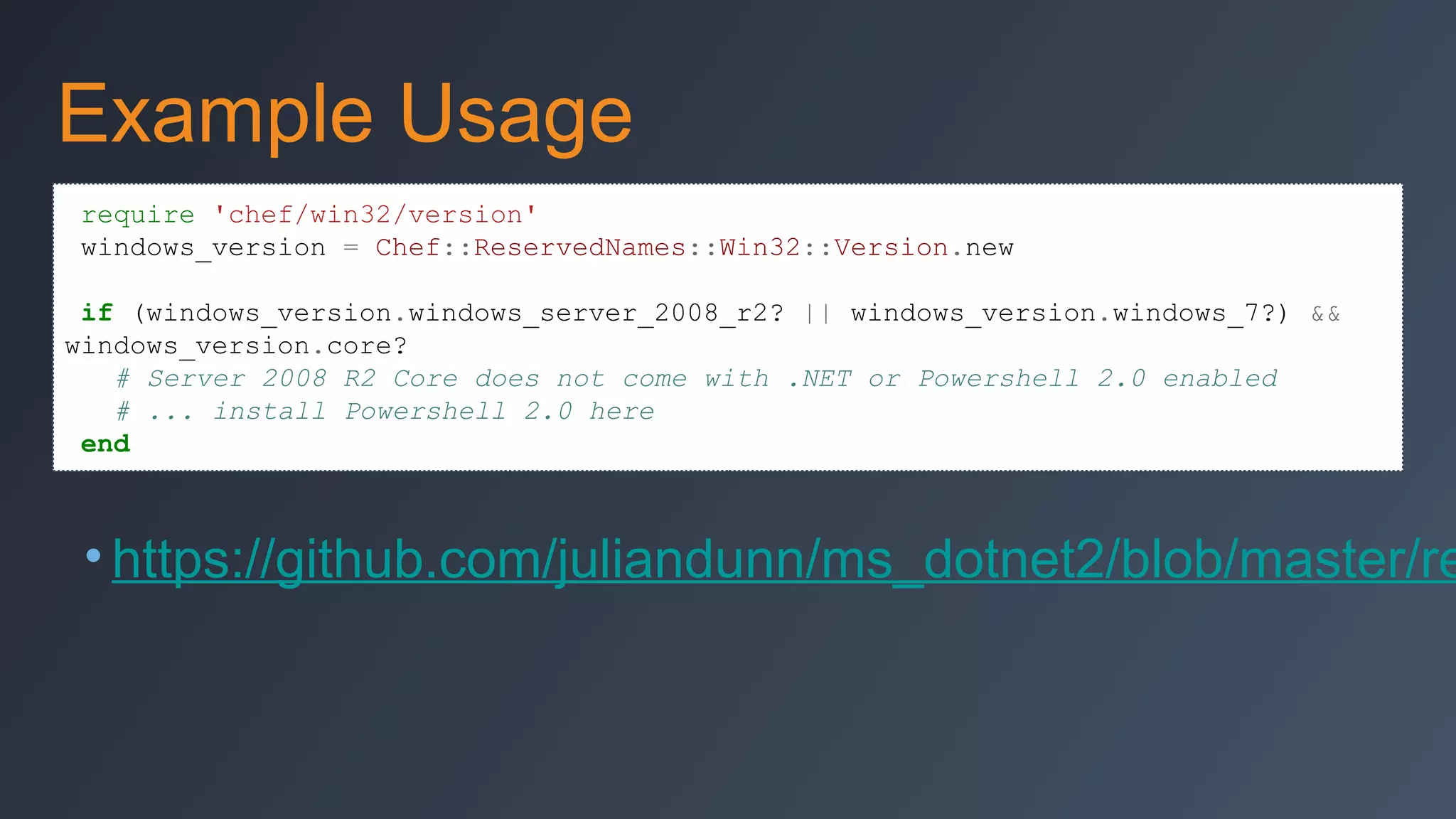
Example Usage
require 'chef/win32/version'
windows_version = Chef::ReservedNames::Win32::Version.new
if (windows_version.windows_server_2008_r2? || windows_version.windows_7?) &&
windows_version.core?
# Server 2008 R2 Core does not come with .NET or Powershell 2.0 enabled
# ... install Powershell 2.0 here
end

• https://github.com/juliandunn/ms_dotnet2/blob/master/re
Special File/Directory Handling
• Parameters that don’t make sense
are ignored
• DOMAINuser, DOMAINgroup work
• Filesystem ACLs are different on
Windows
• mode parameter semantics
• rights parameter only for
Windows
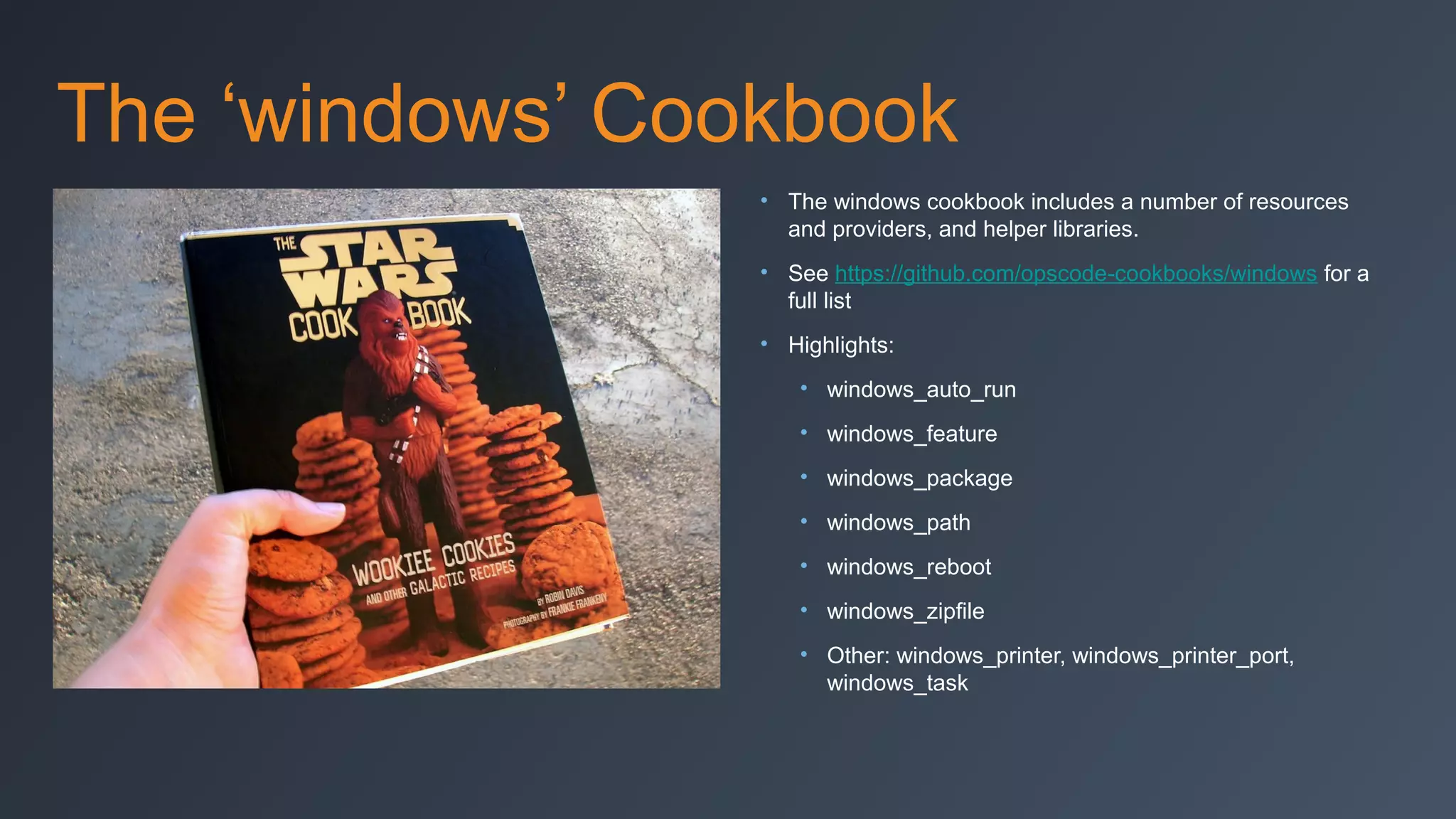
The ‘windows’ Cookbook
• The windows cookbook includes a number of resources
and providers, and helper libraries.
• See https://github.com/opscode-cookbooks/windows for a
full list
• Highlights:
• windows_auto_run
• windows_feature
• windows_package
• windows_path
• windows_reboot
• windows_zipfile
• Other: windows_printer, windows_printer_port,
windows_task
Windows Report Handlers
• Windows cookbook:
• WindowsRebootHandler
• windows_reboot resource
• windows::reboot_handler recipe
• Eventlog cookbook:
• Send Chef output to Windows
Event Log
Desired State Configuration (DSC)

•New in Windows 2012R2 / WMF4
•“Chef-like” declarative system
•Compiles to intermediate format (MOF)
•Provides reliable automation hooks into Windows
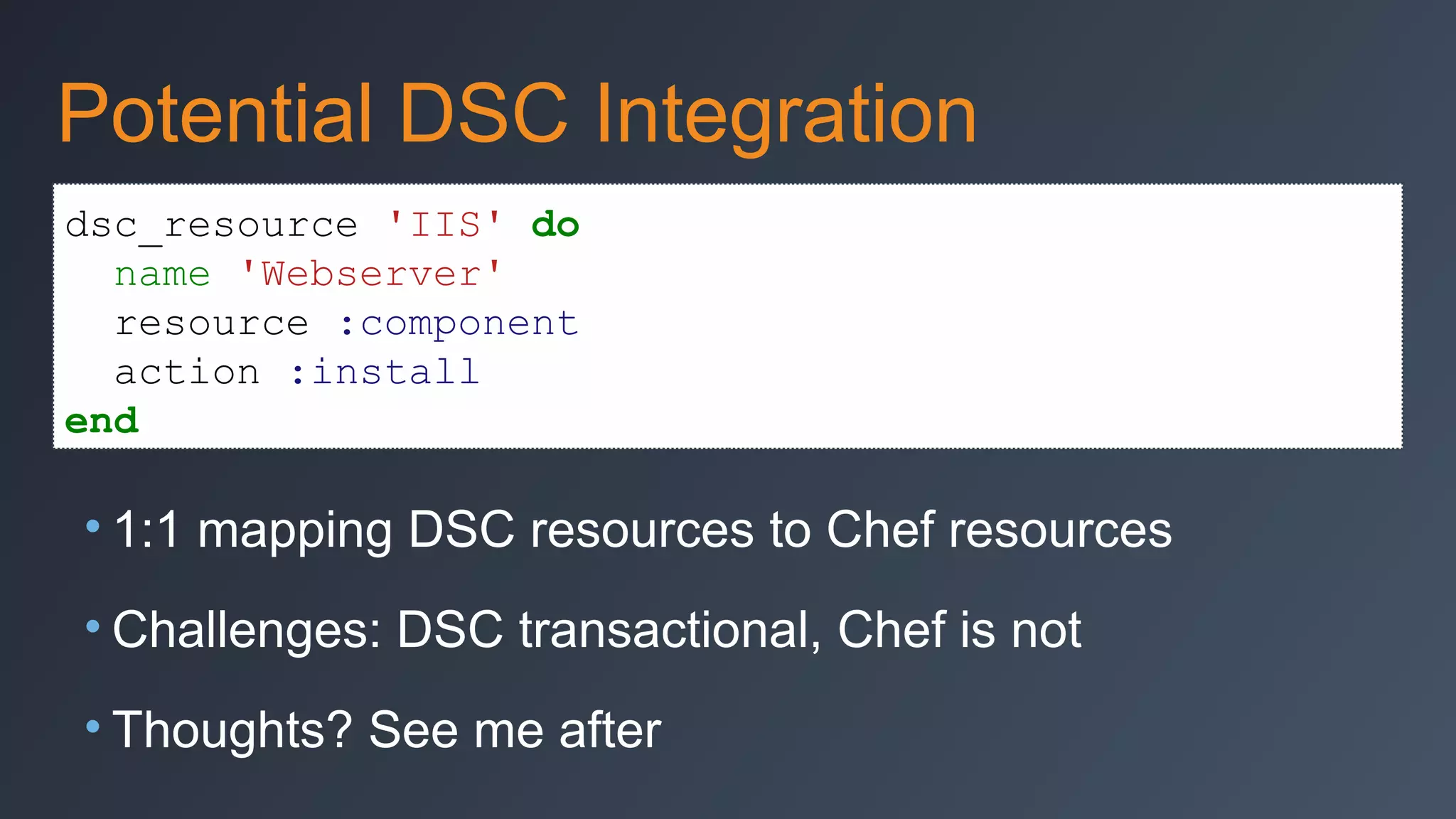
Potential DSC Integration
dsc_resource 'IIS' do
name 'Webserver'
resource :component
action :install
end

• 1:1 mapping DSC resources to Chef resources
• Challenges: DSC transactional, Chef is not
• Thoughts? See me after
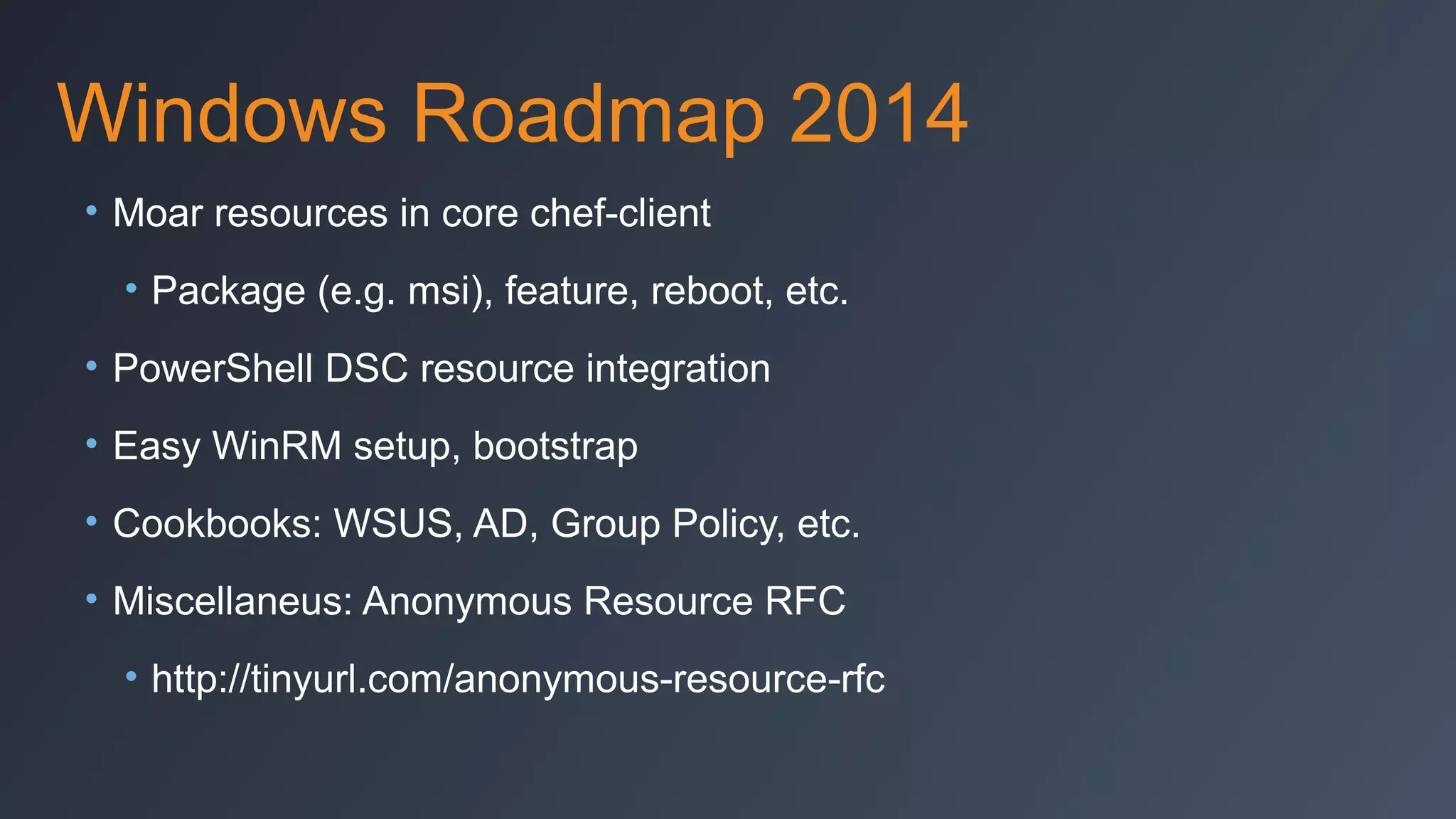
Windows Roadmap 2014
• Moar resources in core chef-client
• Package (e.g. msi), feature, reboot, etc.
• PowerShell DSC resource integration
• Easy WinRM setup, bootstrap
• Cookbooks: WSUS, AD, Group Policy, etc.
• Miscellaneus: Anonymous Resource RFC
• http://tinyurl.com/anonymous-resource-rfc
Testing on Windows
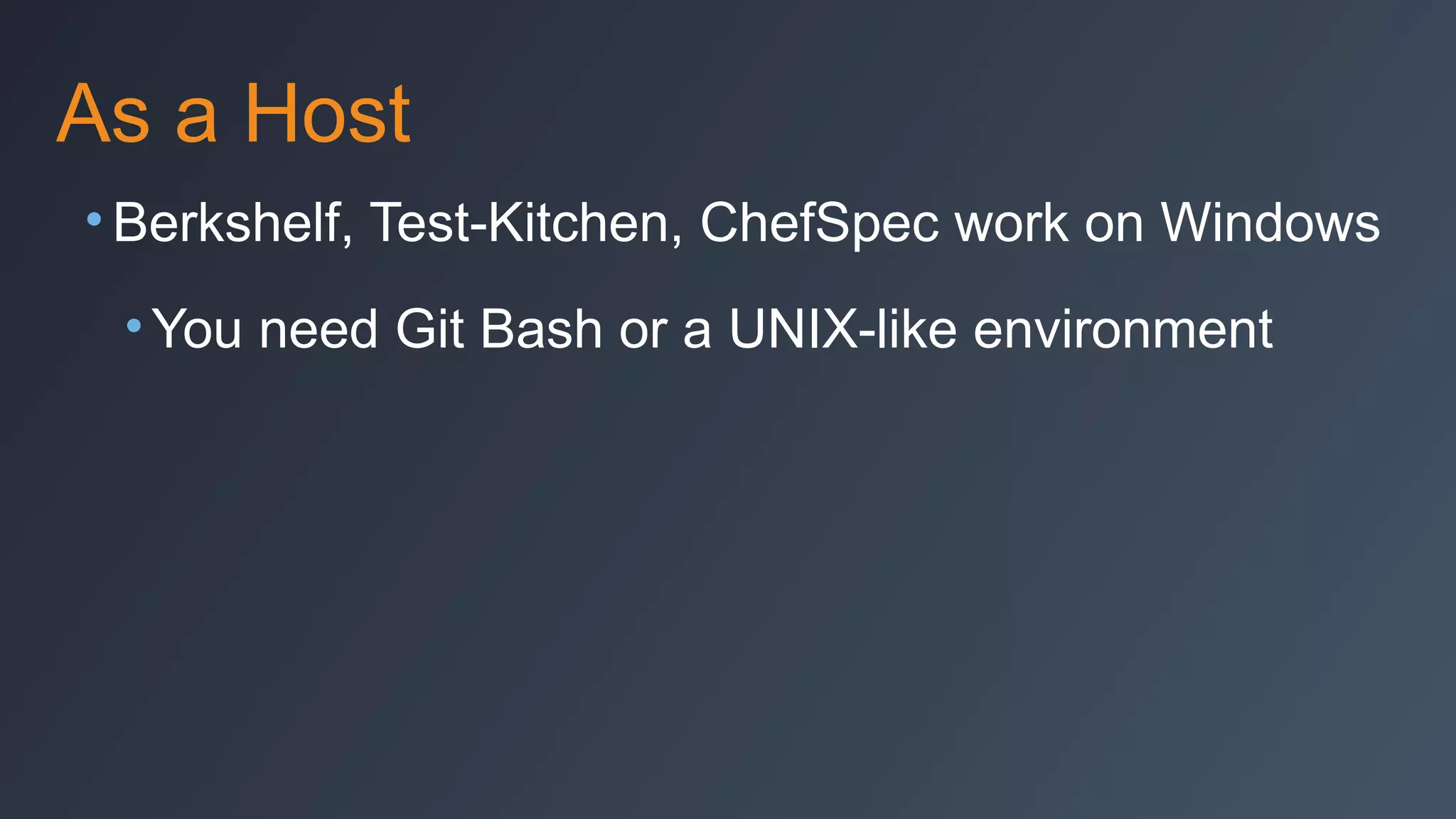
As a Host
• Berkshelf, Test-Kitchen, ChefSpec work on Windows
• You need Git Bash or a UNIX-like environment
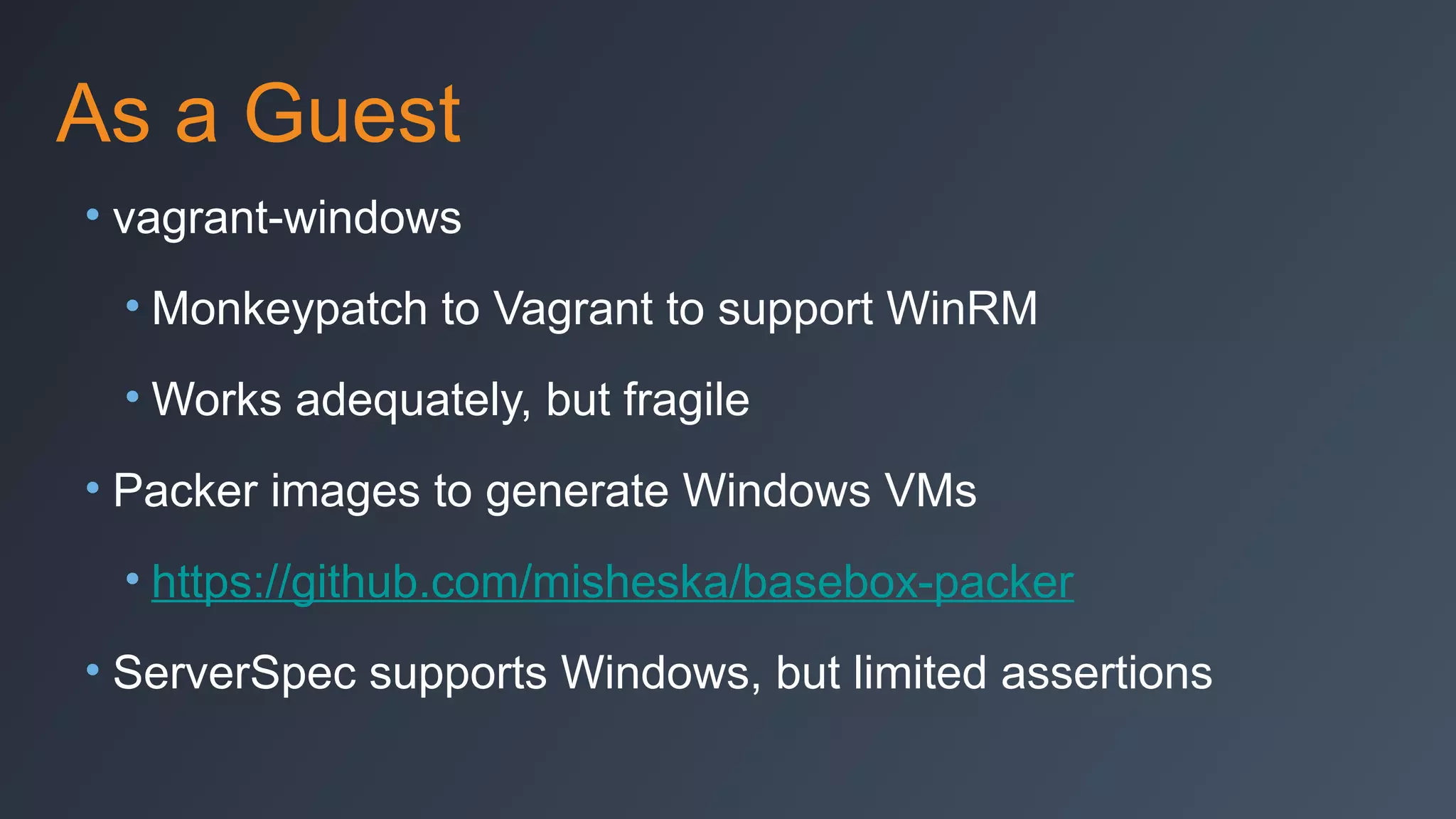
As a Guest
• vagrant-windows
• Monkeypatch to Vagrant to support WinRM
• Works adequately, but fragile
• Packer images to generate Windows VMs
• https://github.com/misheska/basebox-packer
• ServerSpec supports Windows, but limited assertions
Questions?
• Much more than what’s shown here!
• Questions?

• Thank you!

• E: jdunn@getchef.com
• W: www.getchef.com
• T: @julian_dunn
• G: github.com/juliandunn
Cooking with Chef on Windows

Cooking with Chef on Windows

  • 1.
    Cooking with Chefon Microsoft Windows Julian C. Dunn Senior Consultant, Chef Software, Inc. jdunn@getchef.com
  • 2.
    Chef and WindowsTimeline • May 2011 – Knife plugin for Windows announced • Oct 2011 – PowerShell, IIS, SQL Server, and Windows cookbooks • Dec 2011 – Chef Client Installer MSI for Microsoft Windows • Feb 2012 – Integration of the registry_key resource into core Chef from the Windows cookbook • Aug 2013 – Chef 11.6.0 release. PowerShell and Batch scripting integrated into core Chef. Chef Client released as Windows service • Aug 2013 - PowerShell Desired State Configuration support announced (for delivery in 2014)
  • 3.
    Challenges to Chefon Windows • No real package manager • COTS vendors don’t understand automation • UAC • WinRM Quotas • Win32 Redirector • Not all preferences/state stored in registry
  • 4.
    Windows < 2012? •WinRM Memory Quota Hotfix required: • http://support.microsoft.com/kb/2842230
  • 5.
    Automating a .NETApp on Windows
  • 6.
    Automating a .NETApp on Windows • The app: nopCommerce Shopping Cart solution ( www.nopcommerce.com) • ASP.NET with SQL Server backend • Available through WebPI • WebPI install assumes a lot, however • Full-featured app suitable to show off Chef resources on Windows
  • 7.
    Resources Automated inDemo • Installing Windows Features and Roles • IIS app pool • IIS site • IIS app • Registry settings • Deploying files onto the system • Unzipping files • Windows filesystem rights management
  • 8.
    Provisioning with Chef •Azure plugin for Knife • Request new VM from Azure API • Bootstrap it over WinRM • Install and start Chef • Register with Chef server • Run through the “run list” • Instant infrastructure with one command
  • 9.
  • 10.
  • 11.
    nopCommerce Recipe Code:Install IIS, ASP.NET 4.5 ::Chef::Recipe.send(:include, Windows::Helper) windows_feature 'IIS-WebServerRole' do action :install end # Pre-requisite features for IIS-ASPNET45 that need to be installed first, in this order. %w{IIS-ISAPIFilter IIS-ISAPIExtensions NetFx3ServerFeatures NetFx4Extended-ASPNET45 IISNetFxExtensibility45}.each do |f| windows_feature f do action :install end end windows_feature 'IIS-ASPNET45' do action :install end service "iis" do service_name "W3SVC" action :nothing end include_recipe "iis::remove_default_site"
  • 12.
    nopCommerce Recipe Code:Install nopCommerce windows_zipfile node['nopcommerce']['approot'] do source node['nopcommerce']['dist'] action :unzip not_if {::File.exists?(::File.join(node['nopcommerce']['approot'], "nopCommerce"))} end %w{App_Data bin Content ContentImages ContentImagesThumbs ContentImagesUploaded ContentfilesExportImport Plugins Pluginsbin}.each do |d| directory win_friendly_path(::File.join(node['nopcommerce']['approot'], 'nopCommerce', d)) do rights :modify, 'IIS_IUSRS' end end %w{Global.asax web.config}.each do |f| file win_friendly_path(::File.join(node['nopcommerce']['approot'], 'nopCommerce', f)) do rights :modify, 'IIS_IUSRS' end end
  • 13.
    Set up IISPool, App, etc. iis_pool node['nopcommerce']['poolname'] do runtime_version "4.0" action :add end directory node['nopcommerce']['siteroot'] do rights :read, 'IIS_IUSRS' recursive true action :create end iis_site 'nopCommerce' do protocol :http port 80 path node['nopcommerce']['siteroot'] application_pool node['nopcommerce']['poolname'] action [:add,:start] end iis_app 'nopCommerce' do application_pool node['nopcommerce']['poolname'] path node['nopcommerce']['apppath'] physical_path "#{node['nopcommerce']['approot']}nopCommerce" action :add end
  • 14.
    Other Code YouMight Have Noticed system32_path = node['kernel']['machine'] == 'x86_64' ? 'C:WindowsSysnative' : 'C:WindowsSystem32' cookbook_file "#{system32_path}oemlogo.bmp" do source node['windowshacks']['oeminfo']['logofile'] rights :read, "Everyone" action :create end registry_key 'HKEY_LOCAL_MACHINESOFTWAREMicrosoftWindowsCurrentVersionOEMInformation' do values [{:name => 'Logo', :type => :string, :data => 'C:WindowsSystem32oemlogo.bmp'}, {:name => 'Manufacturer', :type => :string, :data => node['windowshacks']['oeminfo'] ['manufacturer']}, {:name => 'SupportHours', :type => :string, :data => node['windowshacks']['oeminfo'] ['supporthours']}, {:name => 'SupportPhone', :type => :string, :data => node['windowshacks']['oeminfo'] ['supportphone']}, {:name => 'SupportURL', :type => :string, :data => node['windowshacks']['oeminfo']['supporturl']}] action :create end
  • 15.
  • 16.
  • 17.
  • 18.
    Same as UNIX/Linux •file, remote_file, cookbook_file, template • directory, remote_directory • user, group • mount (can take CIFS paths) • env • service • execute • ruby_block • many others...
  • 19.
    Unique to Windows •registry_key (new in Chef 11.0.0) • powershell_script (new in Chef 11.6.0) • batch (new in Chef 11.6.0) • Automatic architecture handling (:i386 vs. :x86_64) • Automatic Windows filesystem redirector handling (Wow64) • Long-term roadmap: move more resources to core and out of ‘windows’ cookbook
  • 20.
    Windows-Only Cookbooks • ByChef: • 7-zip • iis • powershell • sql_server • webpi • windows • wix
  • 21.
    Windows Community Cookbooks •ms_dotnet2 / 4 / 45 • windows_ad (by TAMU) • msoffice • azure
  • 22.
    registry_key example # Setsystem’s proxy settings to be the same as used for Chef proxy = URI.parse(Chef::Config[:http_proxy]) registry_key 'HKCUSoftwareMicrosoftWindowsCurrentVersionInternet Settings' do values [{:name => 'ProxyEnable', :type => :reg_dword, :data => 1}, {:name => 'ProxyServer', :data => "#{proxy.host}:#{proxy.port}"}, {:name => 'ProxyOverride', :type => :reg_string, :data => '<local>'}] action :create end
  • 23.
    powershell_script example powershell_script "renamehostname" do code <<-EOH $computer_name = Get-Content env:computername $new_name = 'test-hostname' $sysInfo = Get-WmiObject -Class Win32_ComputerSystem $sysInfo.Rename($new_name) EOH end
  • 24.
    Registry Helpers • Resourceslike powershell_script are not idempotent by default • We provide some helpers for checking the registry: • registry_data_exists? • registry_get_subkeys • registry_get_values • registry_has_subkeys? • registry_key_exists? • registry_value_exists?
  • 25.
  • 26.
    Example Usage require 'chef/win32/version' windows_version= Chef::ReservedNames::Win32::Version.new if (windows_version.windows_server_2008_r2? || windows_version.windows_7?) && windows_version.core? # Server 2008 R2 Core does not come with .NET or Powershell 2.0 enabled # ... install Powershell 2.0 here end • https://github.com/juliandunn/ms_dotnet2/blob/master/re
  • 27.
    Special File/Directory Handling •Parameters that don’t make sense are ignored • DOMAINuser, DOMAINgroup work • Filesystem ACLs are different on Windows • mode parameter semantics • rights parameter only for Windows
  • 28.
    The ‘windows’ Cookbook •The windows cookbook includes a number of resources and providers, and helper libraries. • See https://github.com/opscode-cookbooks/windows for a full list • Highlights: • windows_auto_run • windows_feature • windows_package • windows_path • windows_reboot • windows_zipfile • Other: windows_printer, windows_printer_port, windows_task
  • 29.
    Windows Report Handlers •Windows cookbook: • WindowsRebootHandler • windows_reboot resource • windows::reboot_handler recipe • Eventlog cookbook: • Send Chef output to Windows Event Log
  • 30.
    Desired State Configuration(DSC) •New in Windows 2012R2 / WMF4 •“Chef-like” declarative system •Compiles to intermediate format (MOF) •Provides reliable automation hooks into Windows
  • 31.
    Potential DSC Integration dsc_resource'IIS' do name 'Webserver' resource :component action :install end • 1:1 mapping DSC resources to Chef resources • Challenges: DSC transactional, Chef is not • Thoughts? See me after
  • 32.
    Windows Roadmap 2014 •Moar resources in core chef-client • Package (e.g. msi), feature, reboot, etc. • PowerShell DSC resource integration • Easy WinRM setup, bootstrap • Cookbooks: WSUS, AD, Group Policy, etc. • Miscellaneus: Anonymous Resource RFC • http://tinyurl.com/anonymous-resource-rfc
  • 33.
  • 34.
    As a Host •Berkshelf, Test-Kitchen, ChefSpec work on Windows • You need Git Bash or a UNIX-like environment
  • 35.
    As a Guest •vagrant-windows • Monkeypatch to Vagrant to support WinRM • Works adequately, but fragile • Packer images to generate Windows VMs • https://github.com/misheska/basebox-packer • ServerSpec supports Windows, but limited assertions
  • 36.
    Questions? • Much morethan what’s shown here! • Questions? • Thank you! • E: jdunn@getchef.com • W: www.getchef.com • T: @julian_dunn • G: github.com/juliandunn

Editor's Notes

  • #4 We have many others.
  • #13 Here we set up IIS properly with all the extensions we need I’m not using the “iis” cookbook but we could have done that too, but I didn’t want webpi on my system.
  • #14 Download and unpack nopCommerce, set up its permissions properly
  • #16 On a 64-bit system, if addressed from a 32-bit process, System32 is redirected to Sysnative thanks to Microsoft’s wacky filesystem redirector, necessitating logic such as this. To which I have to make the following joke...
  • #19 Again, reiterate what a “resource” is in the context of Chef
  • #25 Not gonna show “batch” in this webinar, just mention that “batch” is for running CMD.EXE format scripts
  • #39 Tell them that anything I can’t answer, I’ll post answers on the blog. Also, feel free to ask questions through the blog and I’ll respond, or get someone at Opscode to respond.