Consumer Device Security and
Privacy for the General Public
Matt (mattrix) Hoy
David (davo) Khudaverdyan
About Matt (mattrix) Hoy
• @mattrix_ on twitter
• Has fancy security alphabet certs
• Principal Consultant – Security Optiv
About David (davo) Khudaverdyan
• Twitters: @deltaflyerzero
• Drinks whisky from Japan (scotch can come
too)
• Wishes he was here
• Has Cat pics:
Consumer Device Security and Privacy
for the General Public
• Why?
– Mobile Devices and Operating Systems are becoming more invasive by default
– The “general consumer” has no idea that these settings exist.
– Many in our own community have no idea that these settings exist as well
– This is what the GENERAL PUBLIC can do about consumer security and privacy
• What this covers:
– Do you trust your device?
• Tailored Access Operations (TAO) on iOS, Android and General computing devices
• Superfish on Lenovo
• Windows 10
• OS X
• Ubuntu
– iOS vs. Android Privacy Granularity
– Windows 10
– OS X
– Ubuntu Unity
Consumer Device Security and Privacy
for the General Public
• What this covers (cont.)
– What cloud are you on?
– What carrier are you on?
– What apps should you use?
– Recent advances in mobile security
– Recent fails in security
– Invasive Operating System Defaults
– Why do we willingly allow this?
Do you trust your device?
• Shrink Wrapped Compromise
• Default invasive privacy settings
• Bloatware and Crapware
• SIM Card Security
• The Fappening
You got your new device, now what?
• And now we clean
– iOS Device Firmware Update (DFU) – 3 times
– Android – Factory Reset – Best Effort
– Macintosh Computer – Create Standard GUID
Partition Table
• Use a Windows or Linux to format EFI partition
– X86 Computer
• Rip and Replace entire Hard Drive
• Write Zeroes to HD
• Remove and Create Standard GUID Partition with HD Tools
iOS Privacy Granularity
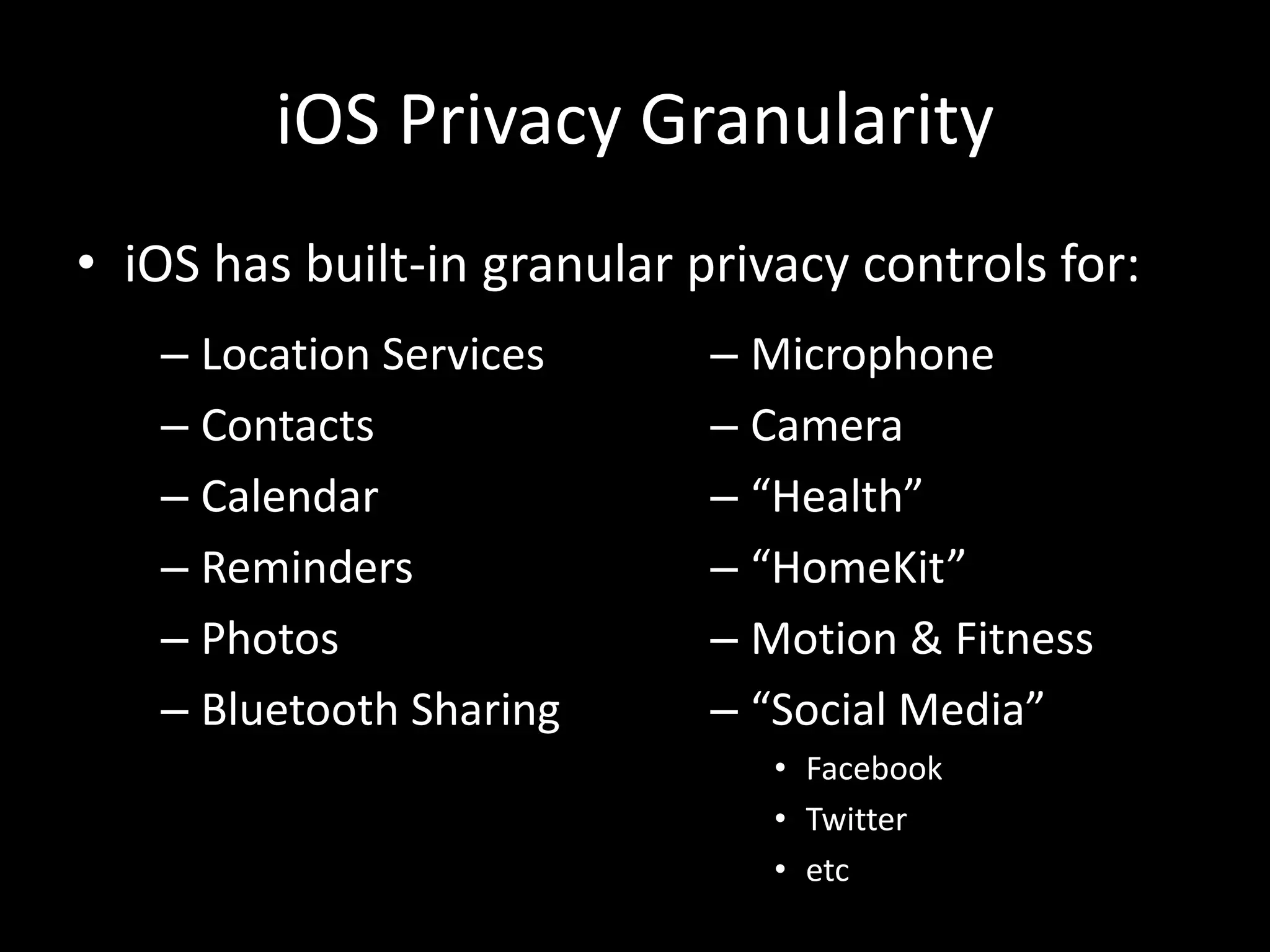
• iOS has built-in granular privacy controls for:
– Location Services
– Contacts
– Calendar
– Reminders
– Photos
– Bluetooth Sharing
– Microphone
– Camera
– “Health”
– “HomeKit”
– Motion & Fitness
– “Social Media”
• Facebook
• Twitter
• etc
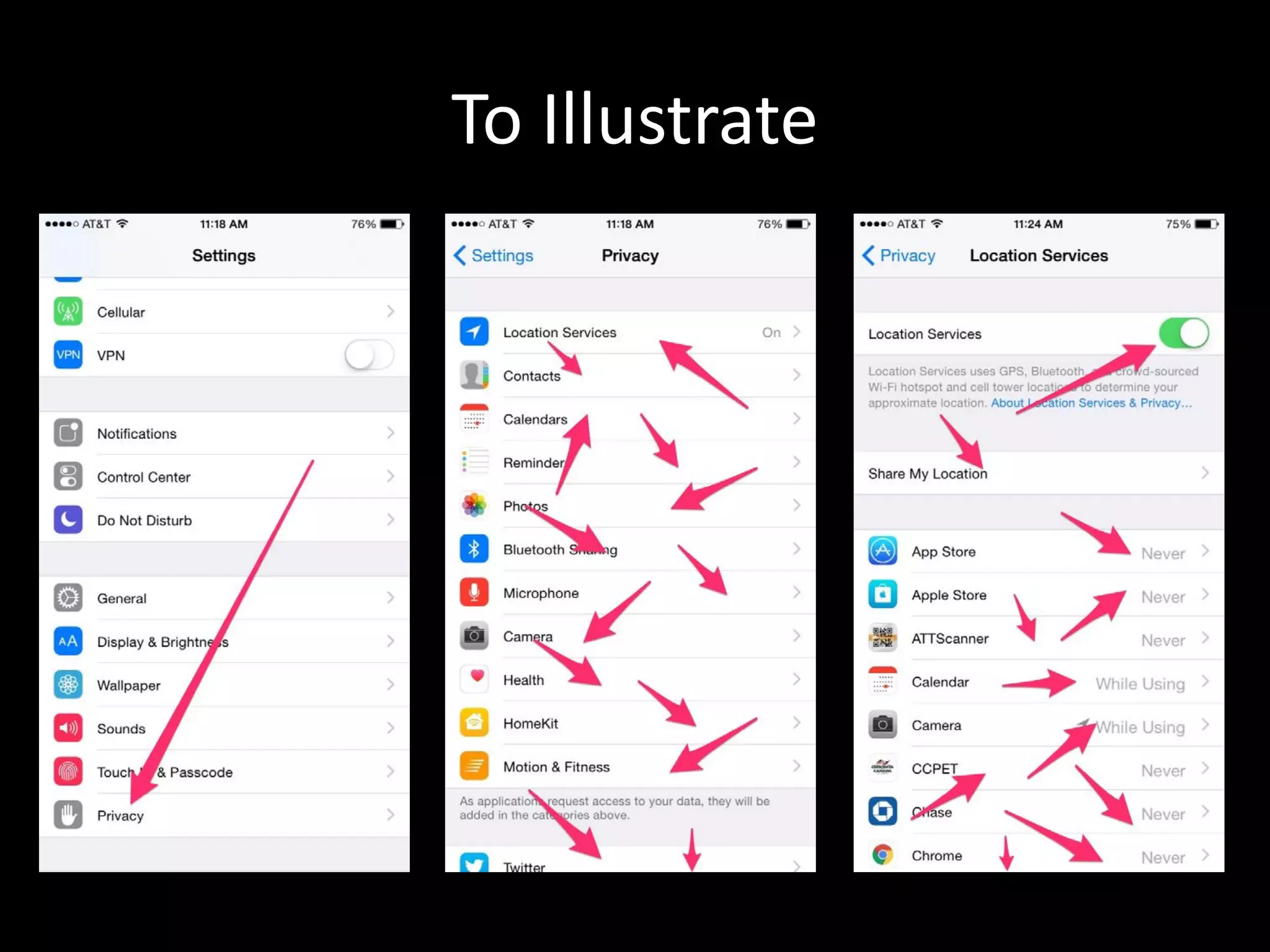
To Illustrate
iOS 9.0.2 New Settings and iPhone 6S
• New to iOS 9.0.2
– Spotlight Search
• Disable Bing Web Results
• Disable Spotlight Suggestions
• New to iPhone 6S Hardware
– Live Photo Mode on by Default
– Video and Audio for 3 seconds when taking a
picture
• Disable Live Photo Mode
• Could potentially be embarrassing by hot mic
iOS Privacy Granularity
• When does it ask you?
– When the app needs access to that feature
• What if you don’t want to give the app access
– The app just has to deal (Thanks Apple!)
• What if I changed my mind?
– Settings -> Privacy -> App Name, flip the switch
next to the app. Easy.
iOS Privacy Granularity
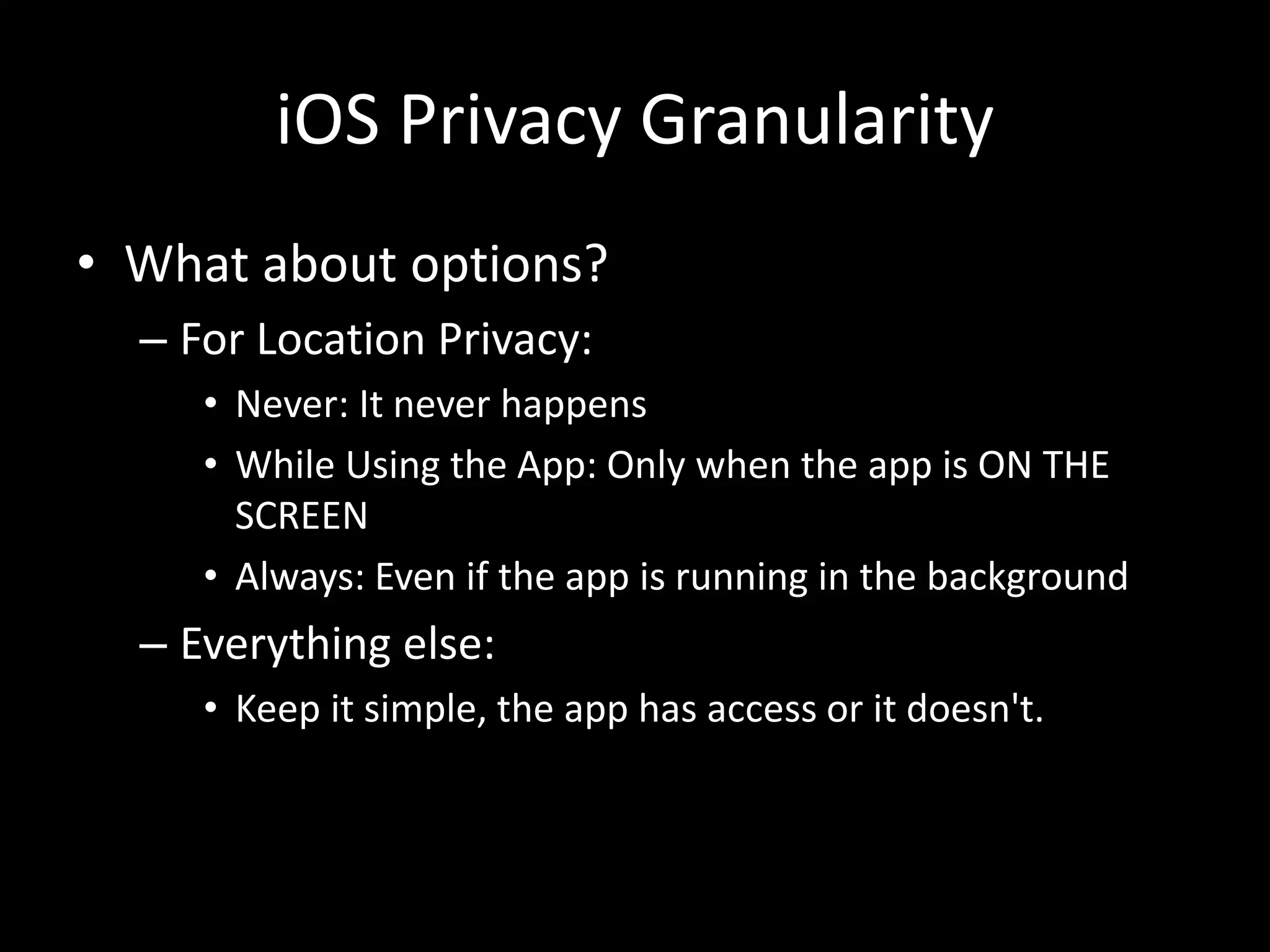
• What about options?
– For Location Privacy:
• Never: It never happens
• While Using the App: Only when the app is ON THE
SCREEN
• Always: Even if the app is running in the background
– Everything else:
• Keep it simple, the app has access or it doesn't.
iOS Privacy Granularity
• Siri and iCloud Spies on you
– How They do it
• Location History – Apple Maps, Frequent Locations
• Siri – “Siri, when do you track me?”
• Safari History
– How to disable
• Turn off iCloud
• Limit Location use
– Turn off Frequent Locations!
• Change your advertising ID / Limit Ad tracking
iOS Services
• Turn off unused services
– General -> Settings -> Restrictions
– Airdrop
– CarPlay
• Lock Screens
– Why lock the screen if you are going to allow
notifications and banners?
• Check your notifications settings
Limit Siri
• Siri is always listening for invoke command
(iPhone 6s [Plus] Only)
– “Hey Siri”
– Disable “Hey Siri” General -> Siri
Android Privacy Granularity (or not)
• No unless you root
– If you root you’re not secure!
• Rebuild Manifest using Android SDK
– Who has time for this?
– Also this talk is for people that are not doing
infosec/IT for a living
• Marshmallow (Android 6)
– Has iOS-like privacy options
– Effectiveness will remain to be seen
– Only available on latest devices
Android Privacy Granularity (or not)
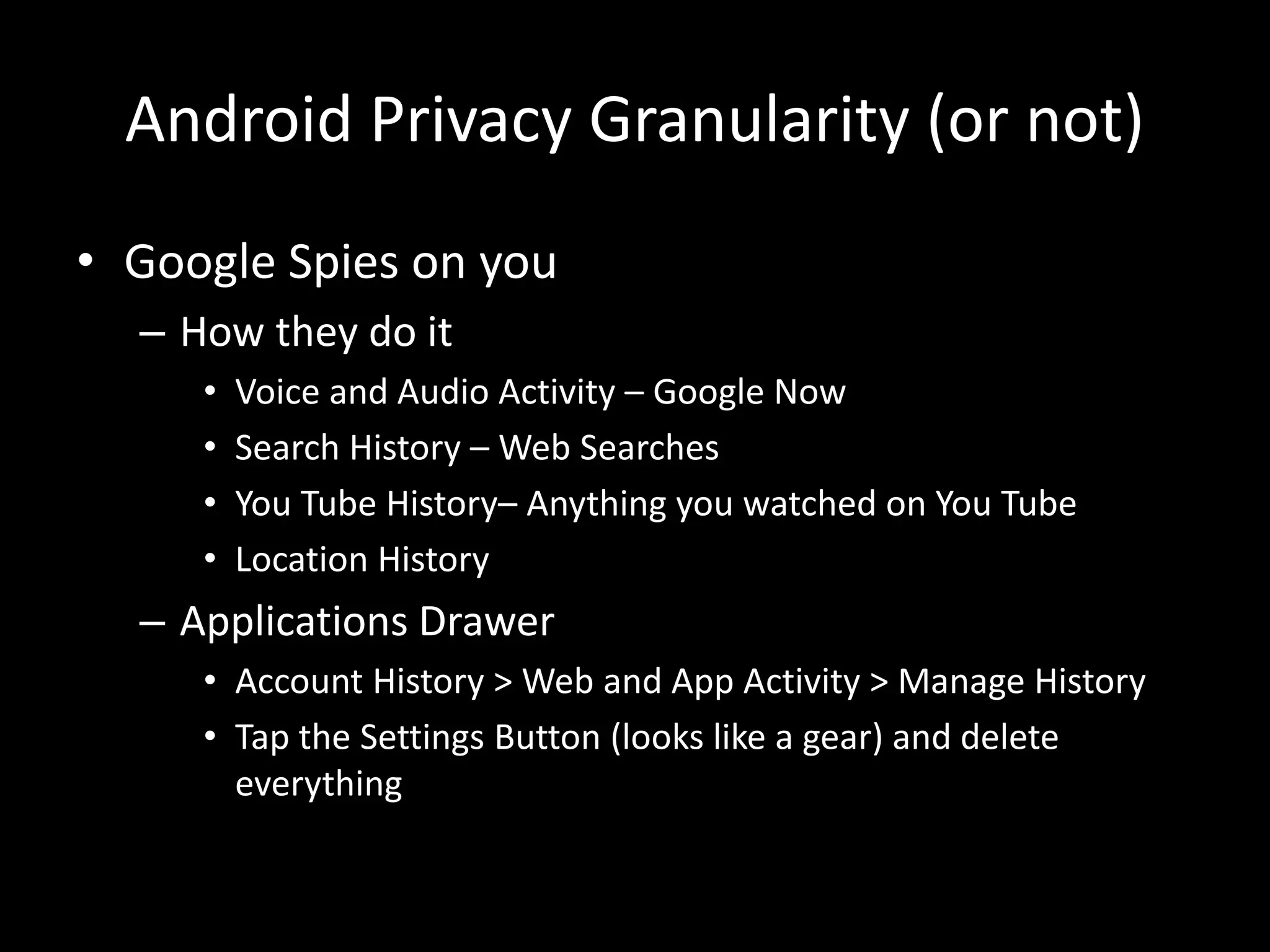
• Google Spies on you
– How they do it
• Voice and Audio Activity – Google Now
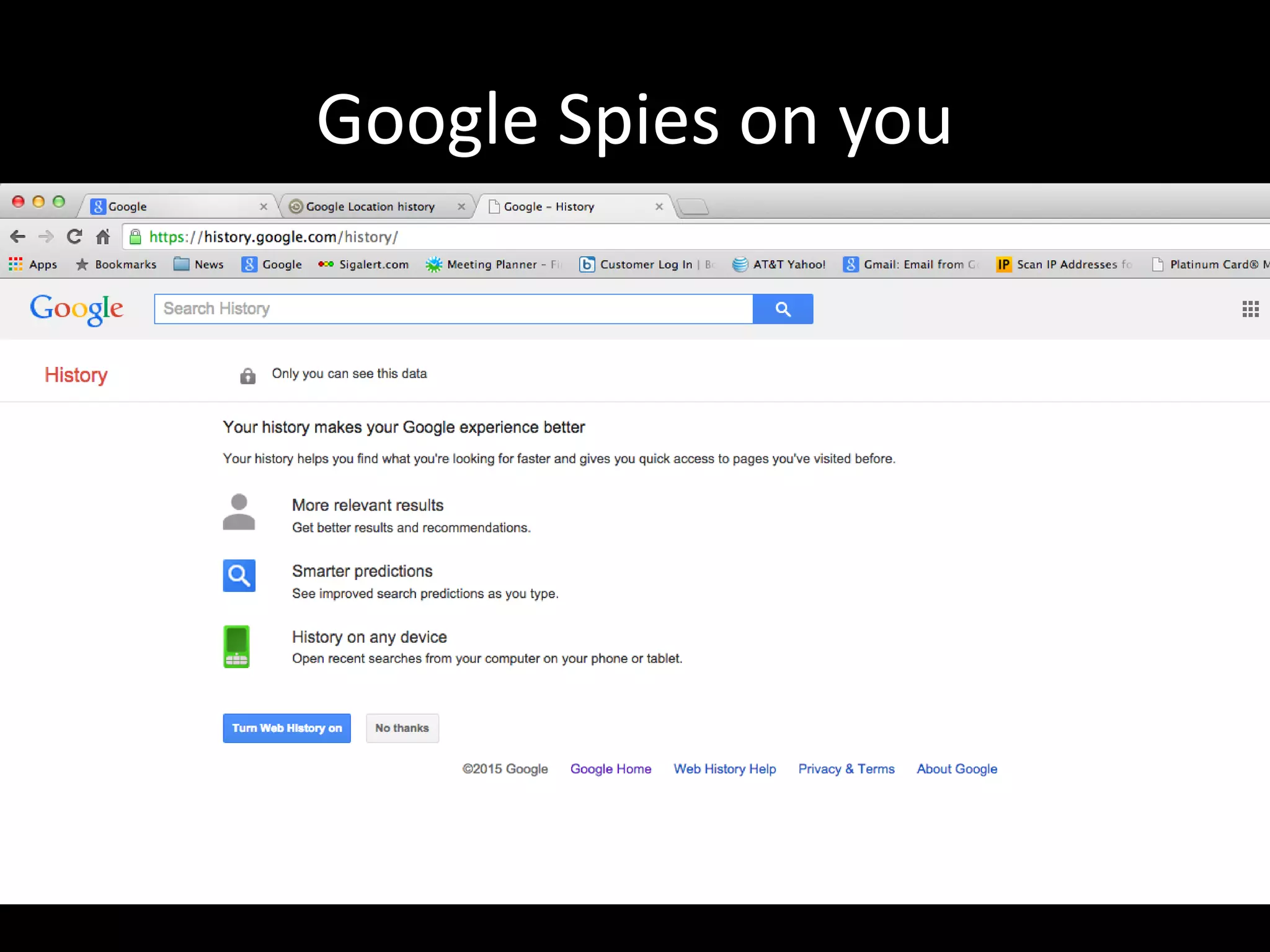
• Search History – Web Searches
• You Tube History– Anything you watched on You Tube
• Location History
– Applications Drawer
• Account History > Web and App Activity > Manage History
• Tap the Settings Button (looks like a gear) and delete
everything
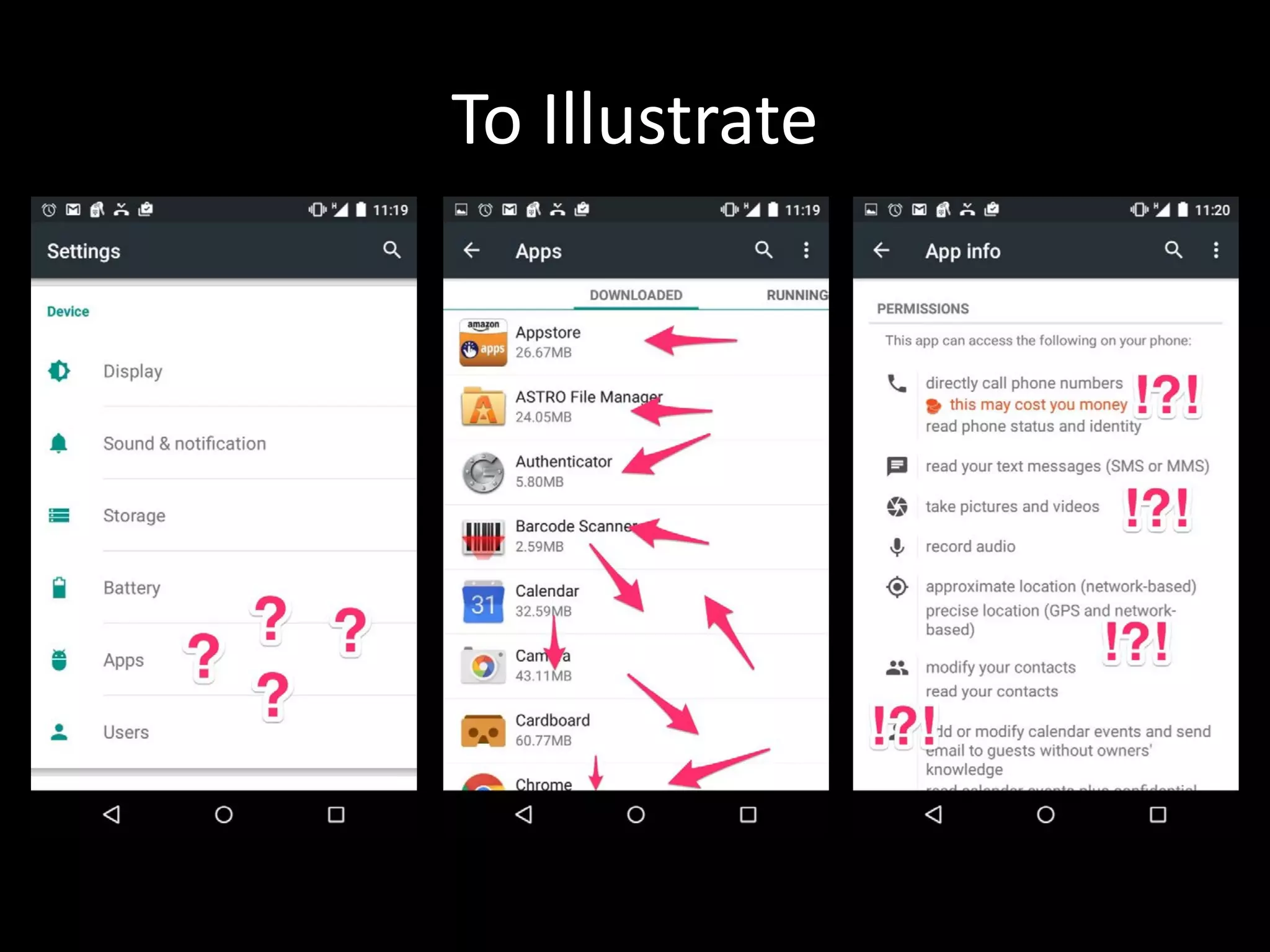
To Illustrate
Google Spies on you
Google Spies on you
Google Spies on you
Google Spies on you
Windows Privacy
• Cortana spies as well
– How they do it
• Location
• So does Bing
– How to disable?
• Cortana
• So does the OS?
– Using a Microsoft Account?
– Default Privacy Settings send MS lots of PID!
OS X Privacy
• iCloud
• Limited Granular Privacy Settings (almost like iOS)
• Spotlight is invasive
– (Settings -> Spotlight) Turn off:
• Bing Web Searches
• Allow Spotlight Suggestions in Spotlight and Look up
• Anything else you don’t want search indexed
• Privacy Defaults
– (Settings -> Security & Privacy)
• From the “Privacy” tab, in the “Diagnostics and Usage”
– Turn off “Send diagnostic & usage data to Apple”
– Turn off “Share crash data with app developers”
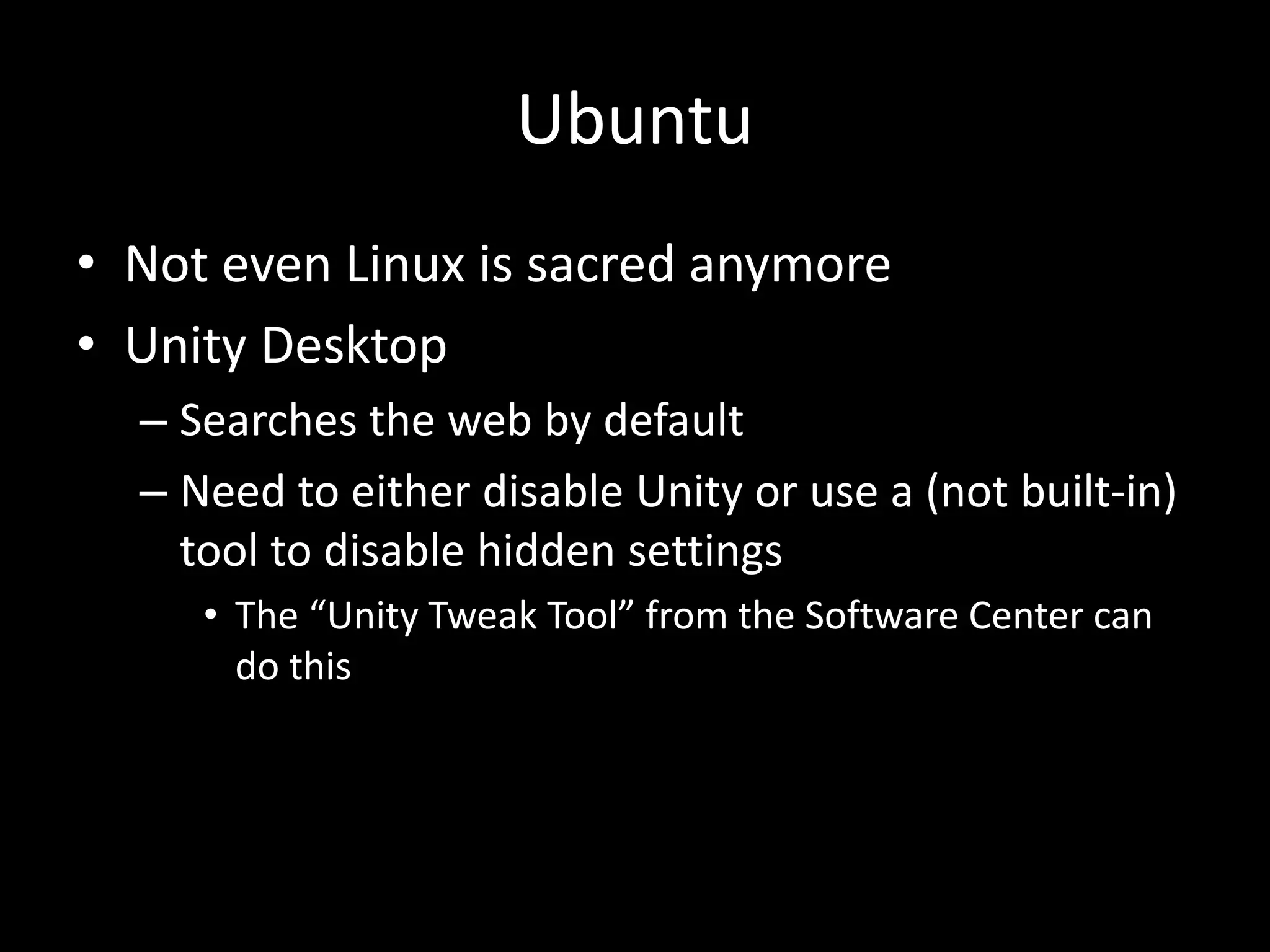
Ubuntu
• Not even Linux is sacred anymore
• Unity Desktop
– Searches the web by default
– Need to either disable Unity or use a (not built-in)
tool to disable hidden settings
• The “Unity Tweak Tool” from the Software Center can
do this
What cloud are you on?
• Google
– Makes money from Targeted Advertising
• iCloud
– Takes your money but who has access?
• Lacks controls
• Microsoft
– Microsoft is new to the space and hasn’t yet gotten
too evil if you avoid using Cortana and Bing
• Box
– Takes your money
– Pretty good actually…
What carrier are you on?
• Supercookie anyone?
– AT&T: Unknown
– T-mobile: Unknown
– Sprint: Unknown
– Verizon: Now allows opt out
What carrier are you on?
• No longer using carriers internet
– VPN
• Need L2TP IPSEC VPN with Secret or Certs
– Mattrix’s choices – so fuckin 1337 I need two
» AceVPN – Dirty and untrusted
» Private Internet Access – General Use
– Davo’s choice – fast and simple
» VyprVPN (Golden Frog)
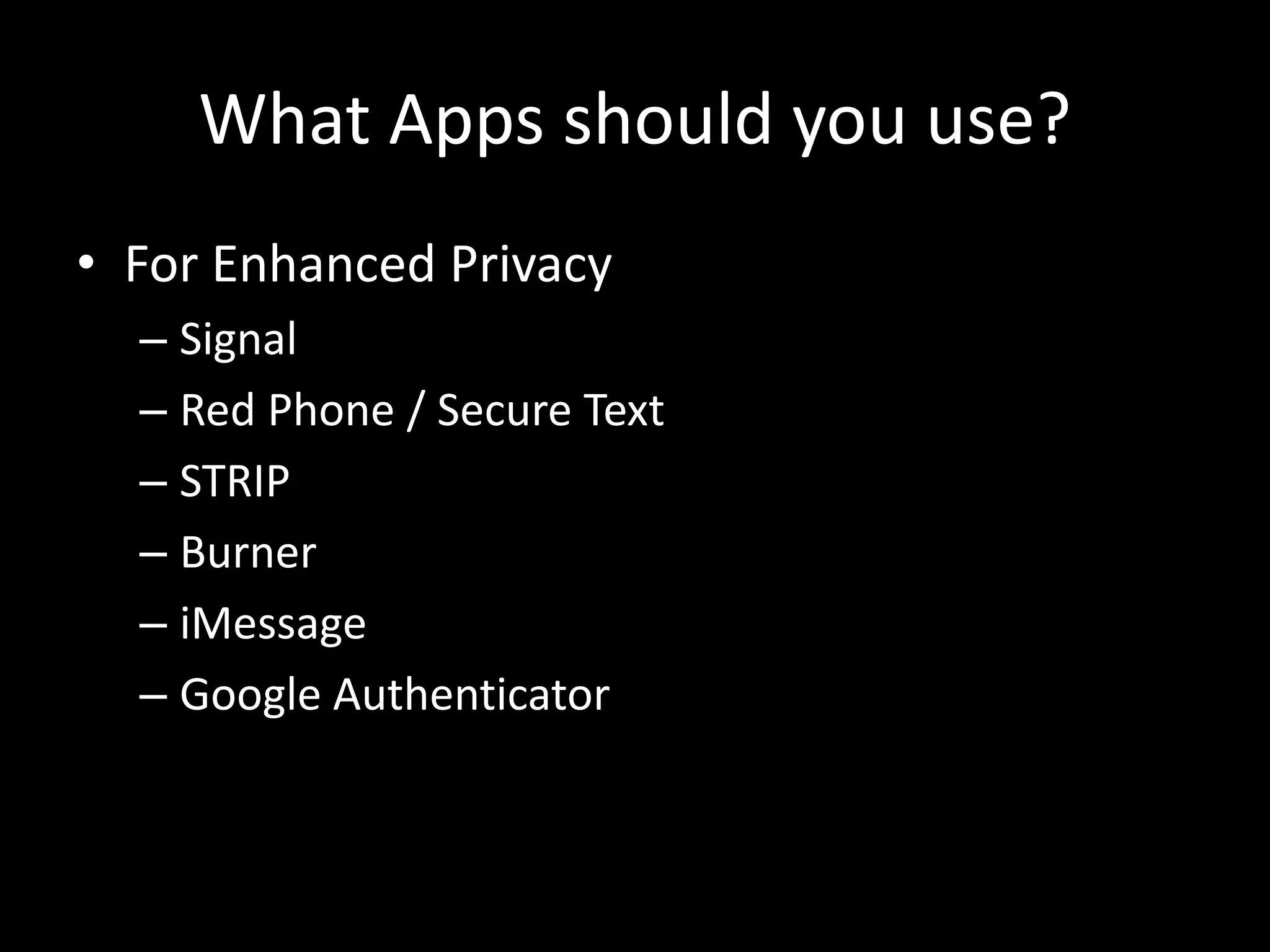
What Apps should you use?
• For Enhanced Privacy
– Signal
– Red Phone / Secure Text
– STRIP
– Burner
– iMessage
– Google Authenticator
Advances in Smartphone Security
• iOS – Encryption (Hardware Based) with iOS 7+
• iOS – Full Device Encryption (Hardware Based) with iOS 8+
• iOS – Forced longer passcode with iOS 9 (New setup only)
• Android – Full Device Encryption (Included SD Card) - Jelly
Bean
• Android – Full Device Encryption (What’s an SD Card?) –
Lollipop
• Android – Also forced longer passcode with Marshmallow
• It must be good since there was a recent Senate Hearing on
why we should not have encryption on any Smartphone
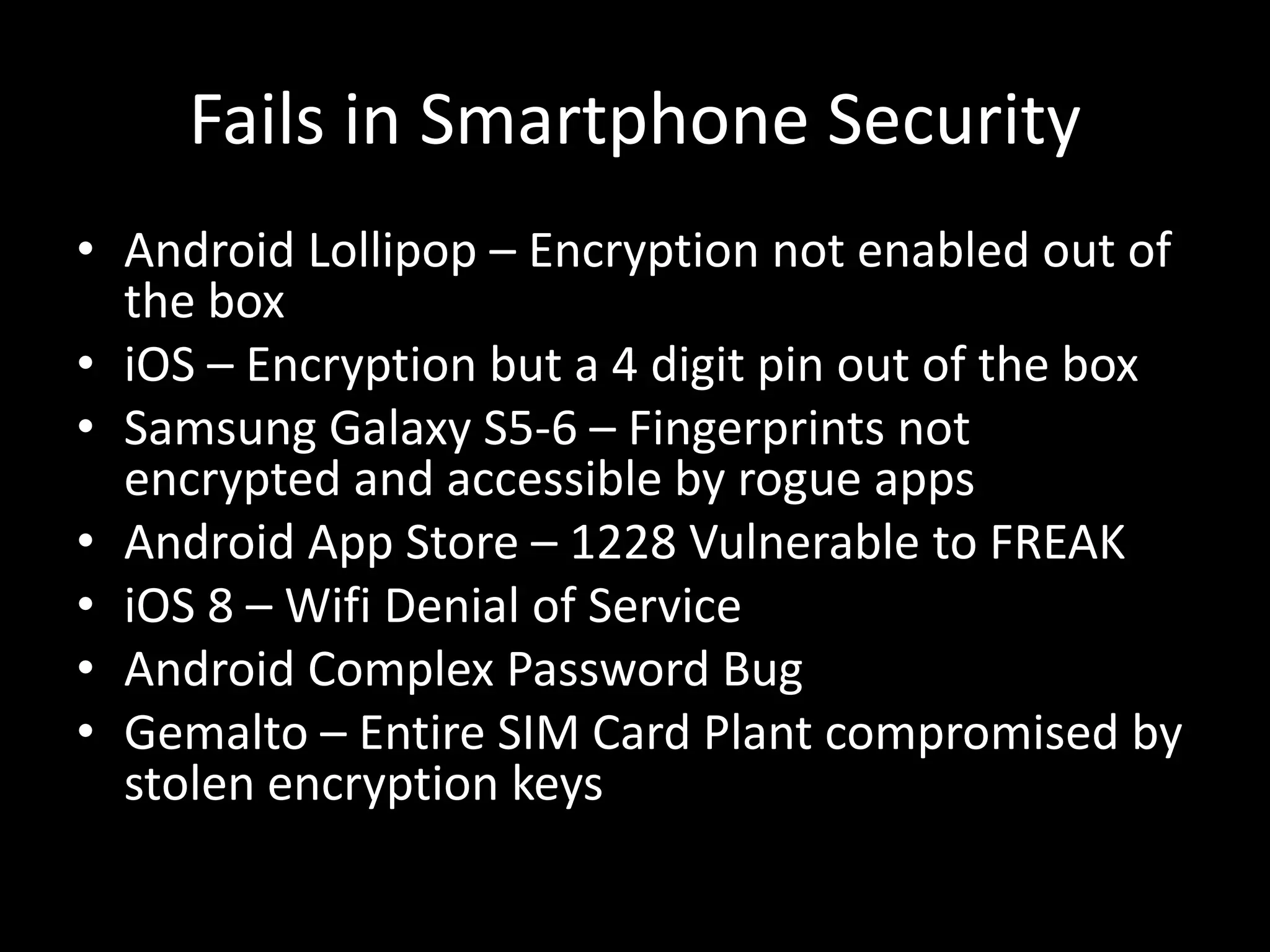
Fails in Smartphone Security
• Android Lollipop – Encryption not enabled out of
the box
• iOS – Encryption but a 4 digit pin out of the box
• Samsung Galaxy S5-6 – Fingerprints not
encrypted and accessible by rogue apps
• Android App Store – 1228 Vulnerable to FREAK
• iOS 8 – Wifi Denial of Service
• Android Complex Password Bug
• Gemalto – Entire SIM Card Plant compromised by
stolen encryption keys
This is OUR fault!
• <rant>
• We LET them do this!
• We, the consumers. We, the professionals
• We thought it would be more “convenient”.
• Now we all use smartphones and OS’ that SUCK
on security >:(
• How could we let this happen?
• Why didn’t we stop it when we had the chance?
• </rant>
How Did We Get Here?
• "Dead Kennedys - Give Me Convenience or Give Me Death cover” Licensed under Fair use”
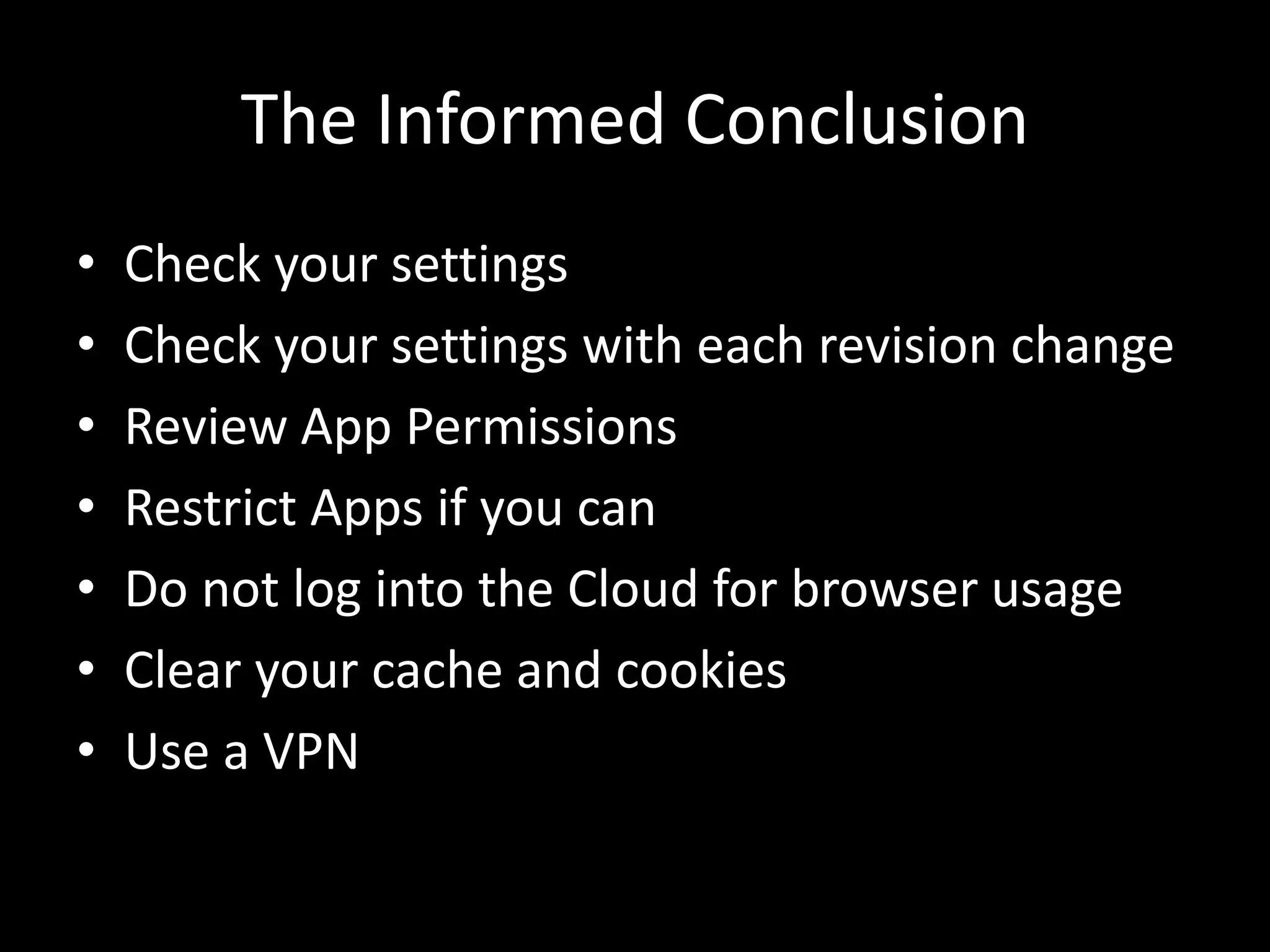
The Informed Conclusion
• Check your settings
• Check your settings with each revision change
• Review App Permissions
• Restrict Apps if you can
• Do not log into the Cloud for browser usage
• Clear your cache and cookies
• Use a VPN
The Informed Conclusion
• Learn about your Operating System Settings
• Never Activate the Cloud
– When you set up OS X it asks you to sign up for
iCloud – Don’t
– When you set up Ubuntu disable Unity Services
– When you set up Windows 8.1 – 10 it asks you to
sign up for it’s cloud services – Don’t
• Unplug the internet /disable wi-fi and install/setup
without connection
The Paranoid Conclusion
• Don’t Piss off a Nation State
• Don’t use a smartphone
• Don’t use a computer
• Install a Faraday Cage around your house
Questions
• There’s no such thing as a silly question…

Consumer_Device_Privacy

  • 1.
    Consumer Device Securityand Privacy for the General Public Matt (mattrix) Hoy David (davo) Khudaverdyan
  • 2.
    About Matt (mattrix)Hoy • @mattrix_ on twitter • Has fancy security alphabet certs • Principal Consultant – Security Optiv
  • 3.
    About David (davo)Khudaverdyan • Twitters: @deltaflyerzero • Drinks whisky from Japan (scotch can come too) • Wishes he was here • Has Cat pics:
  • 4.
    Consumer Device Securityand Privacy for the General Public • Why? – Mobile Devices and Operating Systems are becoming more invasive by default – The “general consumer” has no idea that these settings exist. – Many in our own community have no idea that these settings exist as well – This is what the GENERAL PUBLIC can do about consumer security and privacy • What this covers: – Do you trust your device? • Tailored Access Operations (TAO) on iOS, Android and General computing devices • Superfish on Lenovo • Windows 10 • OS X • Ubuntu – iOS vs. Android Privacy Granularity – Windows 10 – OS X – Ubuntu Unity
  • 5.
    Consumer Device Securityand Privacy for the General Public • What this covers (cont.) – What cloud are you on? – What carrier are you on? – What apps should you use? – Recent advances in mobile security – Recent fails in security – Invasive Operating System Defaults – Why do we willingly allow this?
  • 6.
    Do you trustyour device? • Shrink Wrapped Compromise • Default invasive privacy settings • Bloatware and Crapware • SIM Card Security • The Fappening
  • 7.
    You got yournew device, now what? • And now we clean – iOS Device Firmware Update (DFU) – 3 times – Android – Factory Reset – Best Effort – Macintosh Computer – Create Standard GUID Partition Table • Use a Windows or Linux to format EFI partition – X86 Computer • Rip and Replace entire Hard Drive • Write Zeroes to HD • Remove and Create Standard GUID Partition with HD Tools
  • 8.
    iOS Privacy Granularity •iOS has built-in granular privacy controls for: – Location Services – Contacts – Calendar – Reminders – Photos – Bluetooth Sharing – Microphone – Camera – “Health” – “HomeKit” – Motion & Fitness – “Social Media” • Facebook • Twitter • etc
  • 9.
  • 10.
    iOS 9.0.2 NewSettings and iPhone 6S • New to iOS 9.0.2 – Spotlight Search • Disable Bing Web Results • Disable Spotlight Suggestions • New to iPhone 6S Hardware – Live Photo Mode on by Default – Video and Audio for 3 seconds when taking a picture • Disable Live Photo Mode • Could potentially be embarrassing by hot mic
  • 11.
    iOS Privacy Granularity •When does it ask you? – When the app needs access to that feature • What if you don’t want to give the app access – The app just has to deal (Thanks Apple!) • What if I changed my mind? – Settings -> Privacy -> App Name, flip the switch next to the app. Easy.
  • 12.
    iOS Privacy Granularity •What about options? – For Location Privacy: • Never: It never happens • While Using the App: Only when the app is ON THE SCREEN • Always: Even if the app is running in the background – Everything else: • Keep it simple, the app has access or it doesn't.
  • 13.
    iOS Privacy Granularity •Siri and iCloud Spies on you – How They do it • Location History – Apple Maps, Frequent Locations • Siri – “Siri, when do you track me?” • Safari History – How to disable • Turn off iCloud • Limit Location use – Turn off Frequent Locations! • Change your advertising ID / Limit Ad tracking
  • 14.
    iOS Services • Turnoff unused services – General -> Settings -> Restrictions – Airdrop – CarPlay • Lock Screens – Why lock the screen if you are going to allow notifications and banners? • Check your notifications settings
  • 15.
    Limit Siri • Siriis always listening for invoke command (iPhone 6s [Plus] Only) – “Hey Siri” – Disable “Hey Siri” General -> Siri
  • 16.
    Android Privacy Granularity(or not) • No unless you root – If you root you’re not secure! • Rebuild Manifest using Android SDK – Who has time for this? – Also this talk is for people that are not doing infosec/IT for a living • Marshmallow (Android 6) – Has iOS-like privacy options – Effectiveness will remain to be seen – Only available on latest devices
  • 17.
    Android Privacy Granularity(or not) • Google Spies on you – How they do it • Voice and Audio Activity – Google Now • Search History – Web Searches • You Tube History– Anything you watched on You Tube • Location History – Applications Drawer • Account History > Web and App Activity > Manage History • Tap the Settings Button (looks like a gear) and delete everything
  • 18.
  • 19.
  • 20.
  • 21.
  • 22.
  • 23.
    Windows Privacy • Cortanaspies as well – How they do it • Location • So does Bing – How to disable? • Cortana • So does the OS? – Using a Microsoft Account? – Default Privacy Settings send MS lots of PID!
  • 24.
    OS X Privacy •iCloud • Limited Granular Privacy Settings (almost like iOS) • Spotlight is invasive – (Settings -> Spotlight) Turn off: • Bing Web Searches • Allow Spotlight Suggestions in Spotlight and Look up • Anything else you don’t want search indexed • Privacy Defaults – (Settings -> Security & Privacy) • From the “Privacy” tab, in the “Diagnostics and Usage” – Turn off “Send diagnostic & usage data to Apple” – Turn off “Share crash data with app developers”
  • 25.
    Ubuntu • Not evenLinux is sacred anymore • Unity Desktop – Searches the web by default – Need to either disable Unity or use a (not built-in) tool to disable hidden settings • The “Unity Tweak Tool” from the Software Center can do this
  • 26.
    What cloud areyou on? • Google – Makes money from Targeted Advertising • iCloud – Takes your money but who has access? • Lacks controls • Microsoft – Microsoft is new to the space and hasn’t yet gotten too evil if you avoid using Cortana and Bing • Box – Takes your money – Pretty good actually…
  • 27.
    What carrier areyou on? • Supercookie anyone? – AT&T: Unknown – T-mobile: Unknown – Sprint: Unknown – Verizon: Now allows opt out
  • 28.
    What carrier areyou on? • No longer using carriers internet – VPN • Need L2TP IPSEC VPN with Secret or Certs – Mattrix’s choices – so fuckin 1337 I need two » AceVPN – Dirty and untrusted » Private Internet Access – General Use – Davo’s choice – fast and simple » VyprVPN (Golden Frog)
  • 29.
    What Apps shouldyou use? • For Enhanced Privacy – Signal – Red Phone / Secure Text – STRIP – Burner – iMessage – Google Authenticator
  • 30.
    Advances in SmartphoneSecurity • iOS – Encryption (Hardware Based) with iOS 7+ • iOS – Full Device Encryption (Hardware Based) with iOS 8+ • iOS – Forced longer passcode with iOS 9 (New setup only) • Android – Full Device Encryption (Included SD Card) - Jelly Bean • Android – Full Device Encryption (What’s an SD Card?) – Lollipop • Android – Also forced longer passcode with Marshmallow • It must be good since there was a recent Senate Hearing on why we should not have encryption on any Smartphone
  • 31.
    Fails in SmartphoneSecurity • Android Lollipop – Encryption not enabled out of the box • iOS – Encryption but a 4 digit pin out of the box • Samsung Galaxy S5-6 – Fingerprints not encrypted and accessible by rogue apps • Android App Store – 1228 Vulnerable to FREAK • iOS 8 – Wifi Denial of Service • Android Complex Password Bug • Gemalto – Entire SIM Card Plant compromised by stolen encryption keys
  • 32.
    This is OURfault! • <rant> • We LET them do this! • We, the consumers. We, the professionals • We thought it would be more “convenient”. • Now we all use smartphones and OS’ that SUCK on security >:( • How could we let this happen? • Why didn’t we stop it when we had the chance? • </rant>
  • 33.
    How Did WeGet Here? • "Dead Kennedys - Give Me Convenience or Give Me Death cover” Licensed under Fair use”
  • 34.
    The Informed Conclusion •Check your settings • Check your settings with each revision change • Review App Permissions • Restrict Apps if you can • Do not log into the Cloud for browser usage • Clear your cache and cookies • Use a VPN
  • 35.
    The Informed Conclusion •Learn about your Operating System Settings • Never Activate the Cloud – When you set up OS X it asks you to sign up for iCloud – Don’t – When you set up Ubuntu disable Unity Services – When you set up Windows 8.1 – 10 it asks you to sign up for it’s cloud services – Don’t • Unplug the internet /disable wi-fi and install/setup without connection
  • 36.
    The Paranoid Conclusion •Don’t Piss off a Nation State • Don’t use a smartphone • Don’t use a computer • Install a Faraday Cage around your house
  • 37.
    Questions • There’s nosuch thing as a silly question…