Connect More and Close More Deals Using
Content and Video Prospecting
Brittni Kinney Ratliff
Vice President
Influence & Co.
Benny Hua
Manager, Business
Development
Vidyard
Agenda
The Value Content Can Bring to Your Outreach
What Sales Enablement Content Looks Like
How to Create Sales Enablement Content
Specific Ways to Use Content for Optimal Success
Why Video Is the Future of Sales and How to Easily Incorporate It Into Your Existing Cadence
Best Practices for Creating Prospecting Videos
How to Track the Success of Your Video Outreach
The Value Content Can Bring to Your Outreach
Why is sales enablement content important?
○ Saves time
○ Allows sales reps to focus on selling
○ Showcases knowledge and credibility
○ Builds trust
○ Adds consistency to the sales process
○ Correctly sets expectations for new customers
The Value Content Can Bring to Your Outreach
o Overcomes common objections
o Educates prospects about your company, processes, services, benefits of partnering, etc.
o Primes prospects to become good customers after they sign
o Provides tangible, valuable information prospects can pass along to other decision makers on
their team
What Does Sales Enablement Content Look Like?
o Blog posts
o Guest-contributed articles
o Whitepapers
o Case studies
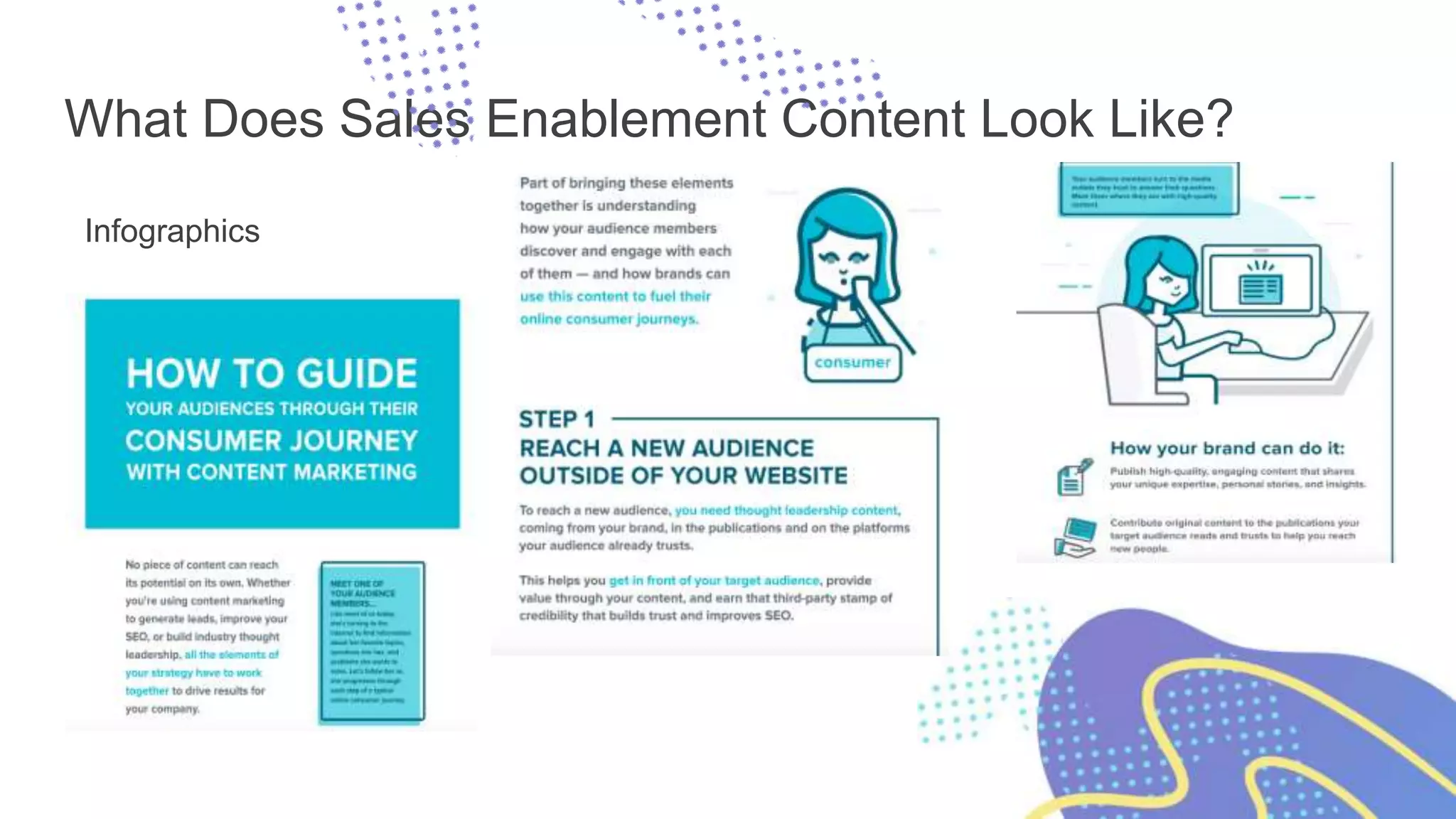
o Infographics
o Webinars
o Email drip campaigns
What Does Sales Enablement Content Look Like?
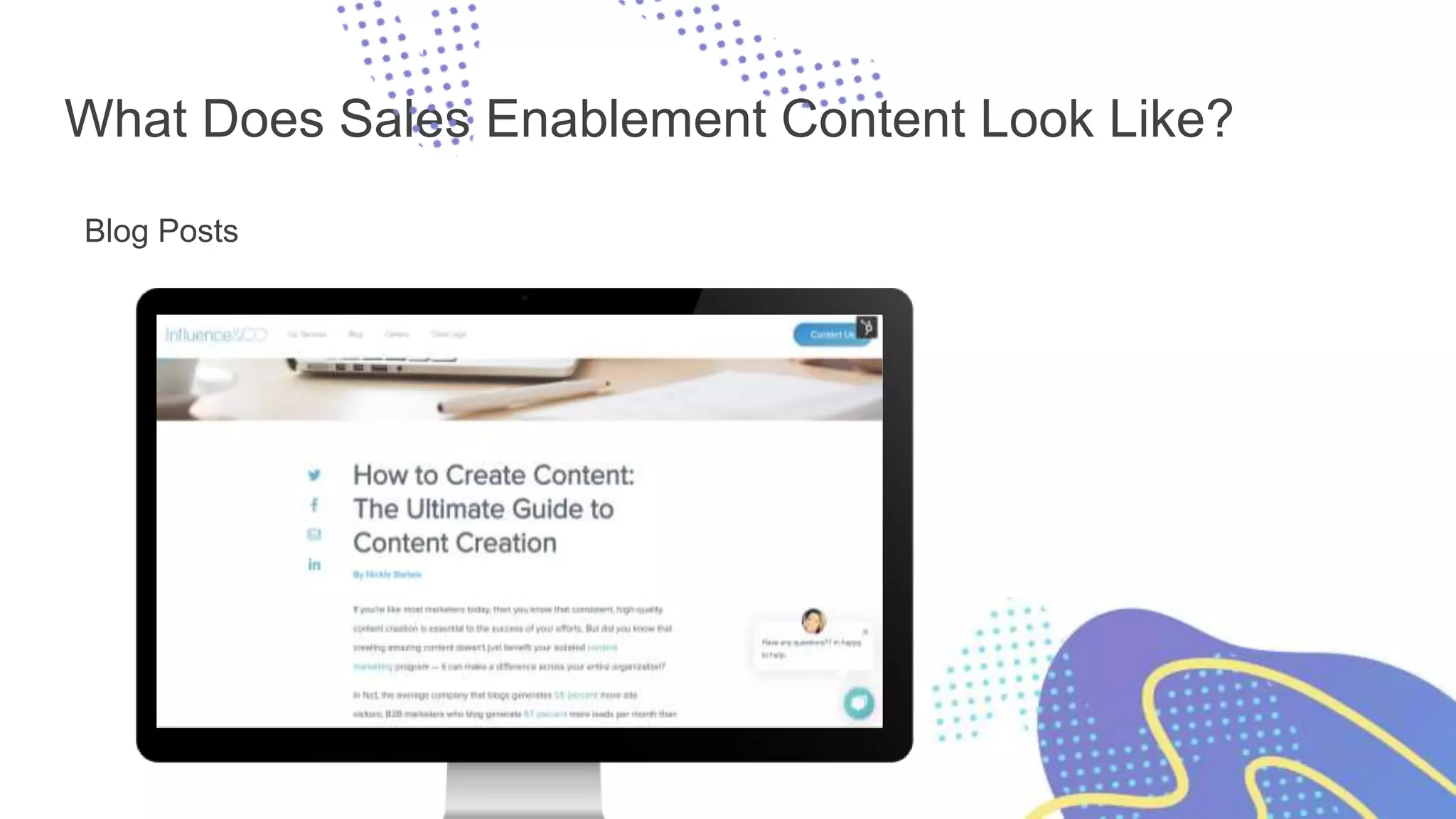
Blog Posts
What Does Sales Enablement Content Look Like?
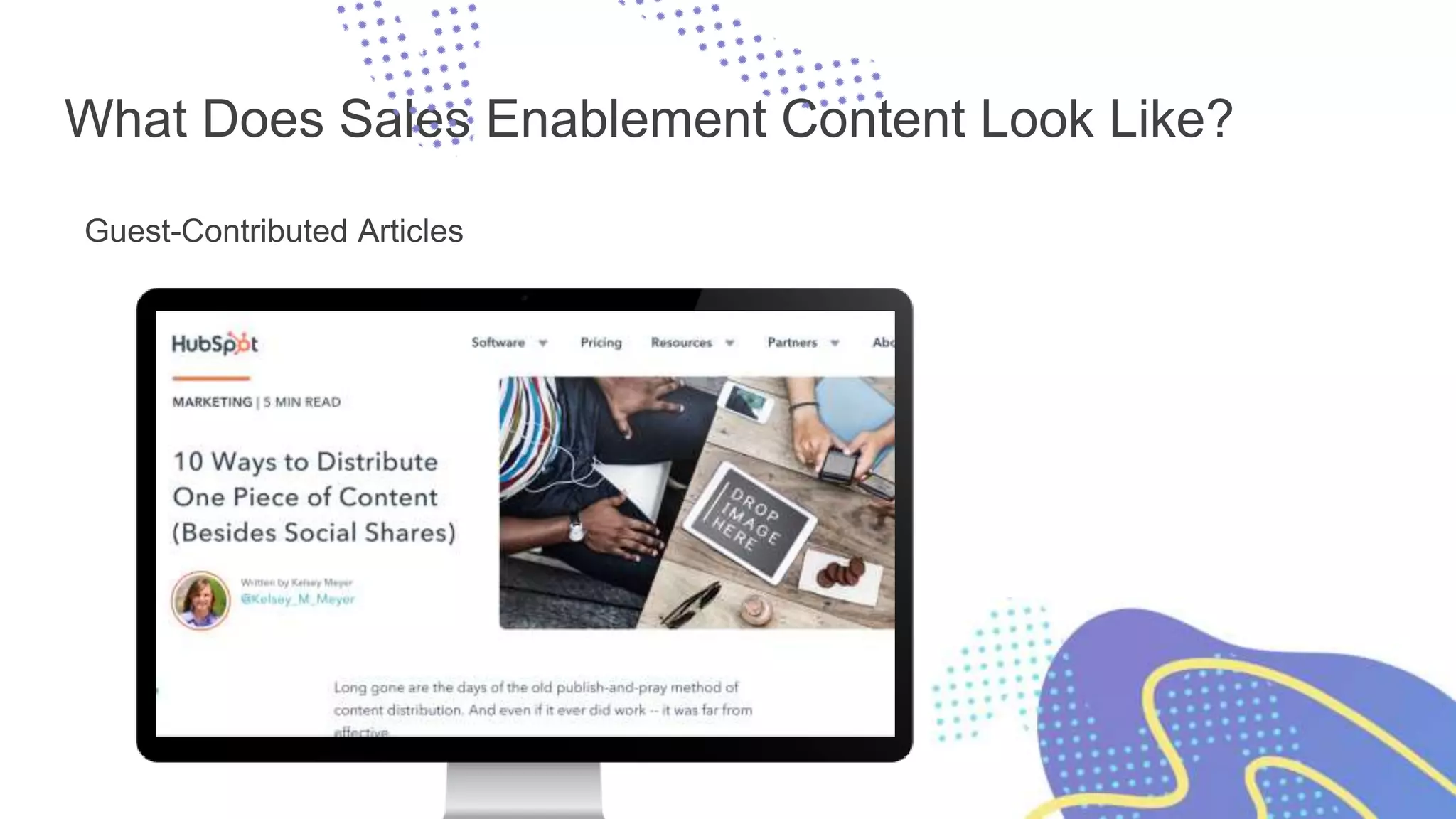
Guest-Contributed Articles
What Does Sales Enablement Content Look Like?
Whitepapers
What Does Sales Enablement Content Look Like?
Case Studies
What Does Sales Enablement Content Look Like?
Infographics
What Does Sales Enablement Content Look Like?
Webinars
What Does Sales Enablement Content Look Like?
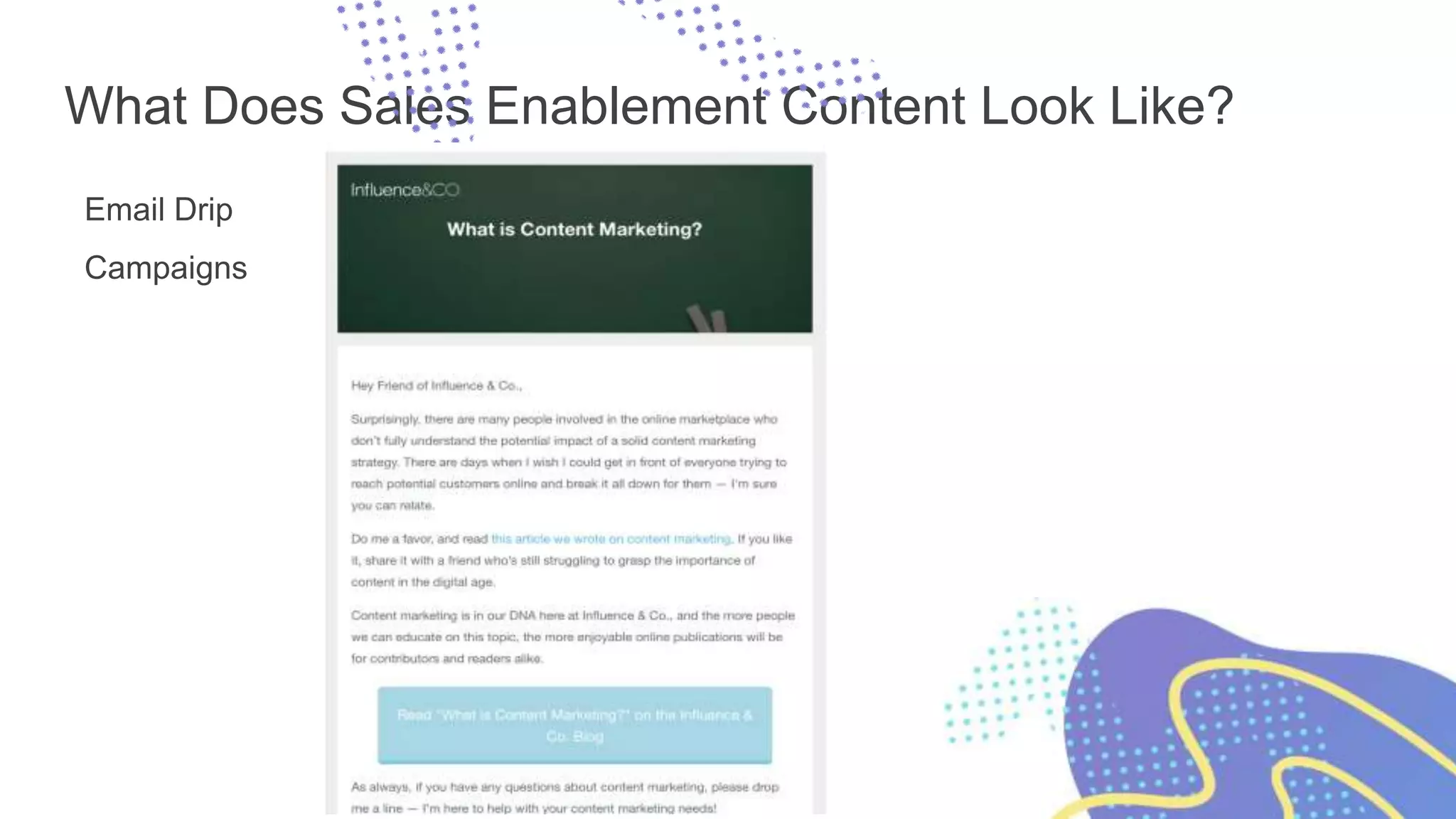
Email Drip
Campaigns
How to Create Sales Enablement Content
Tap into your marketing team.
Make communication easy:
o Slack
o Regular meetings
o Email chains
o Leadership sync-ups
o Brainstorming content ideas as a group
How to Create Sales Enablement Content
Keep track of the following and provide answers to
your marketing team in your meetings:
o What sorts of questions do our leads most
often ask?
o What is it that we do that our leads find the
most confusing?
o What are the biggest reasons for leads passing
on working with us?
o What part of our process could use some sort
of visual representation?
How to Create Sales Enablement Content
Have sales and marketing work together to create this content.
Content idea submission forms (Typeform)
Sales call shadowing
Knowledge sharing
How to Create Sales Enablement Content
Have sales and marketing work together to create this content.
Make sure you understand each other’s motivations.
Build trust through team building.
Align the goals of your marketing director with your head of sales.
Share wins.
Specific Ways to Use Content for Optimal Success
o To answer questions
o As an excuse for follow-up
o To educate leads about your product/service via a drip campaign
○ This helps prime them to be more profitable customers.
o To showcase credibility via bylined content
o To upsell customers into bigger packages
o To set expectations and overcome objections
o To educate other key stakeholders
Prospecting isn’t easy.
We keep doing more of the same.
Text emails. Phone calls. Social messages.
Too much noise
and too many distractions
Cold and
impersonal
Information
consumption
has changed
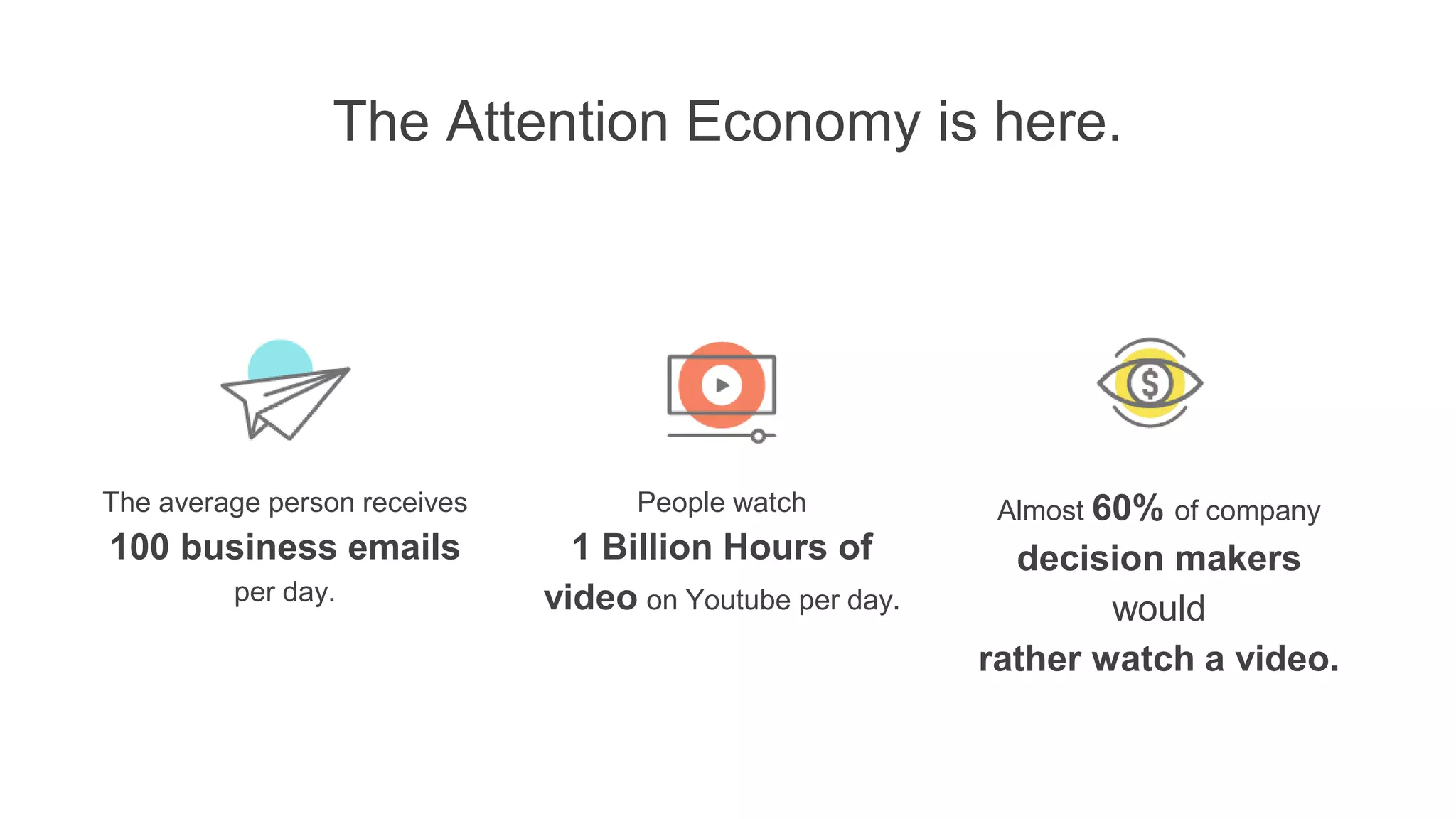
The Attention Economy is here.
The average person receives
100 business emails
per day.
People watch
1 Billion Hours of
video on Youtube per day.
Almost 60% of company
decision makers
would
rather watch a video.
So, how can you get their
attention and introduce yourself?
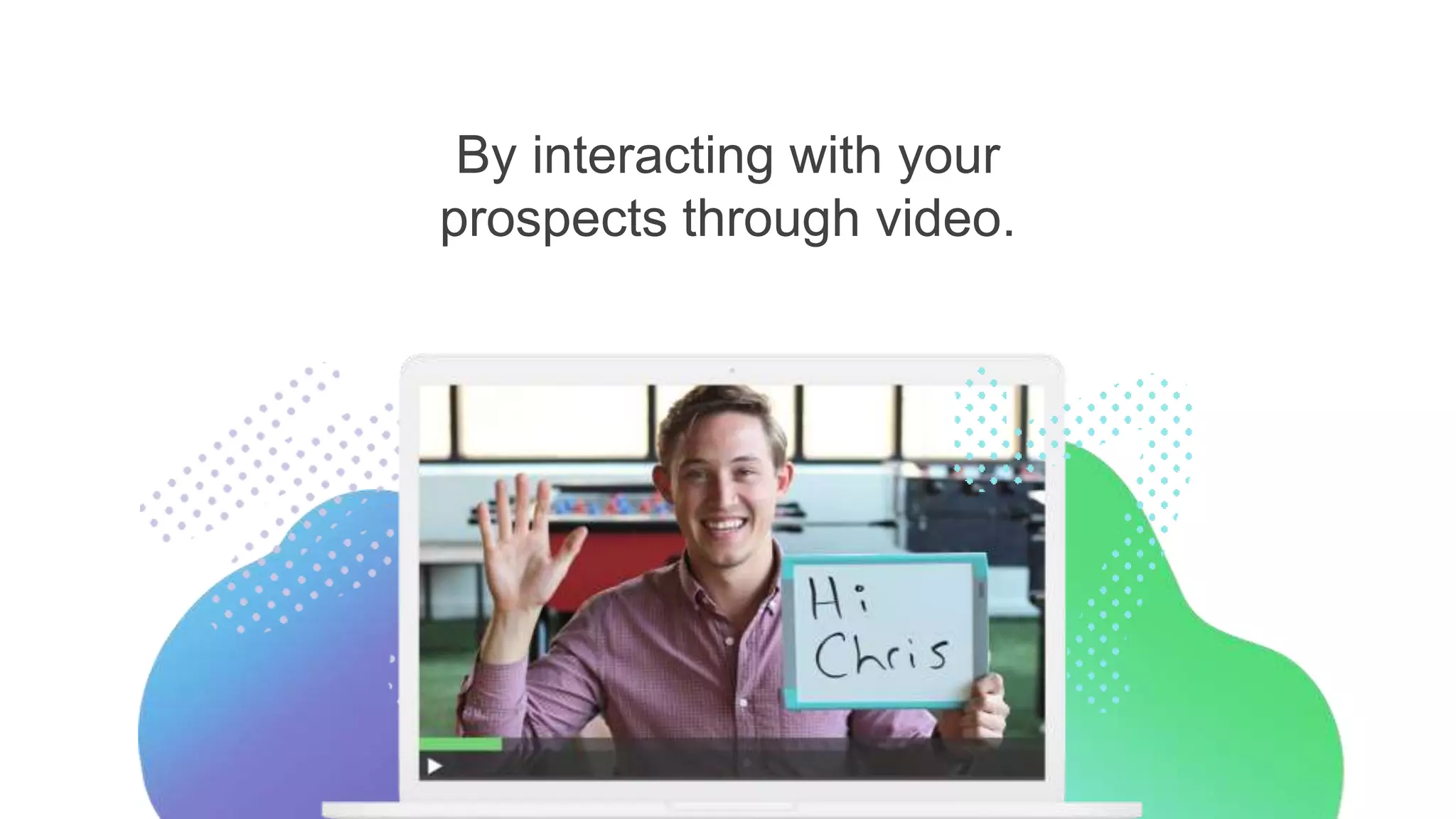
By interacting with your
prospects through video.
Why video works.
Grab attention
and evoke delight
Form a genuine
connection
Make it personal
(for real)
Vidyard GoVideo
Create custom video messages.
Connect with customers and prospects.
Track each and every view.
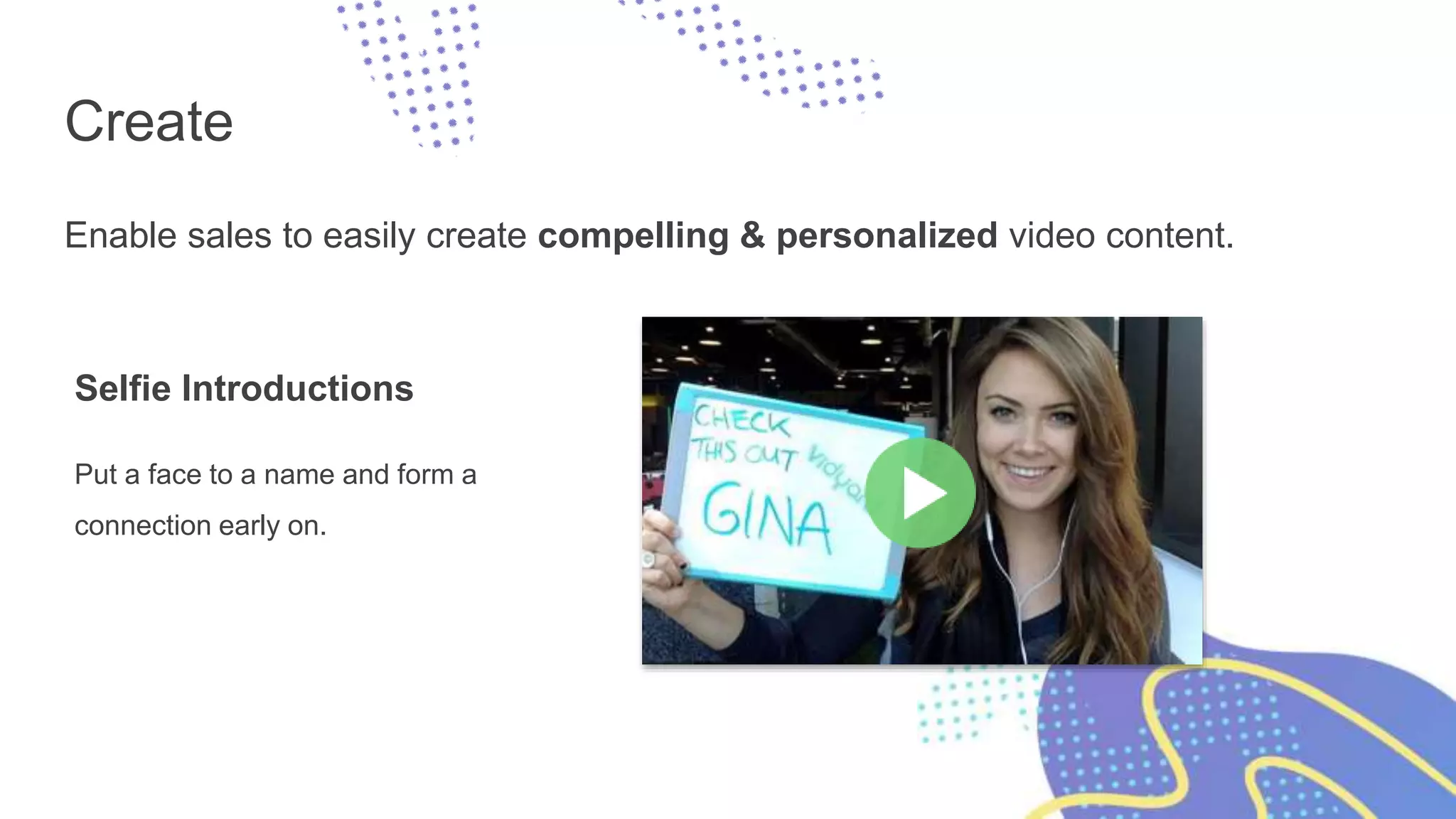
Create
Enable sales to easily create compelling & personalized video content.
Selfie Introductions
Put a face to a name and form a
connection early on.
Create
Enable sales to easily create compelling & personalized video content.
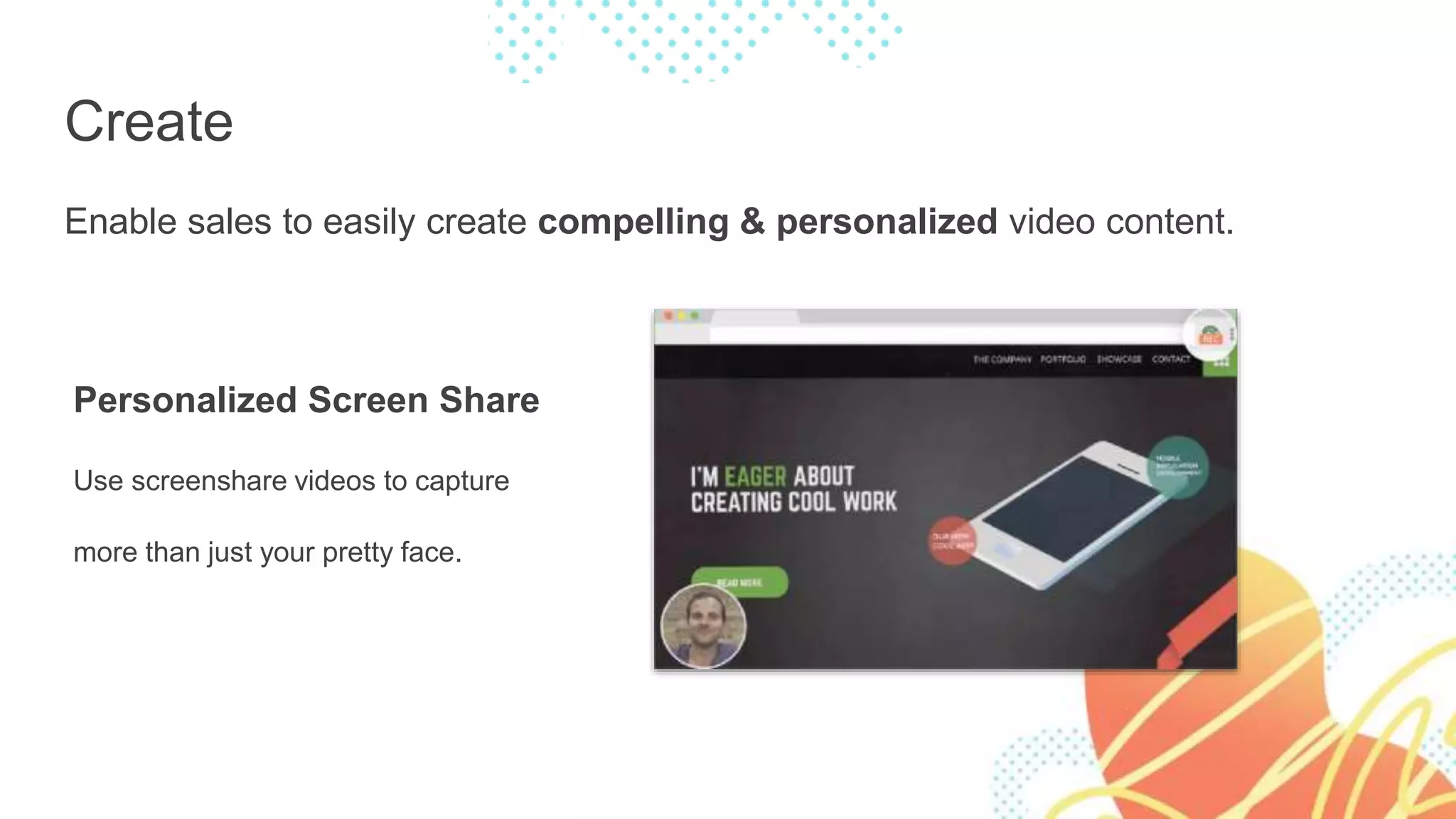
Personalized Screen Share
Use screenshare videos to capture
more than just your pretty face.
Create
Enable sales to easily create compelling & personalized video content.
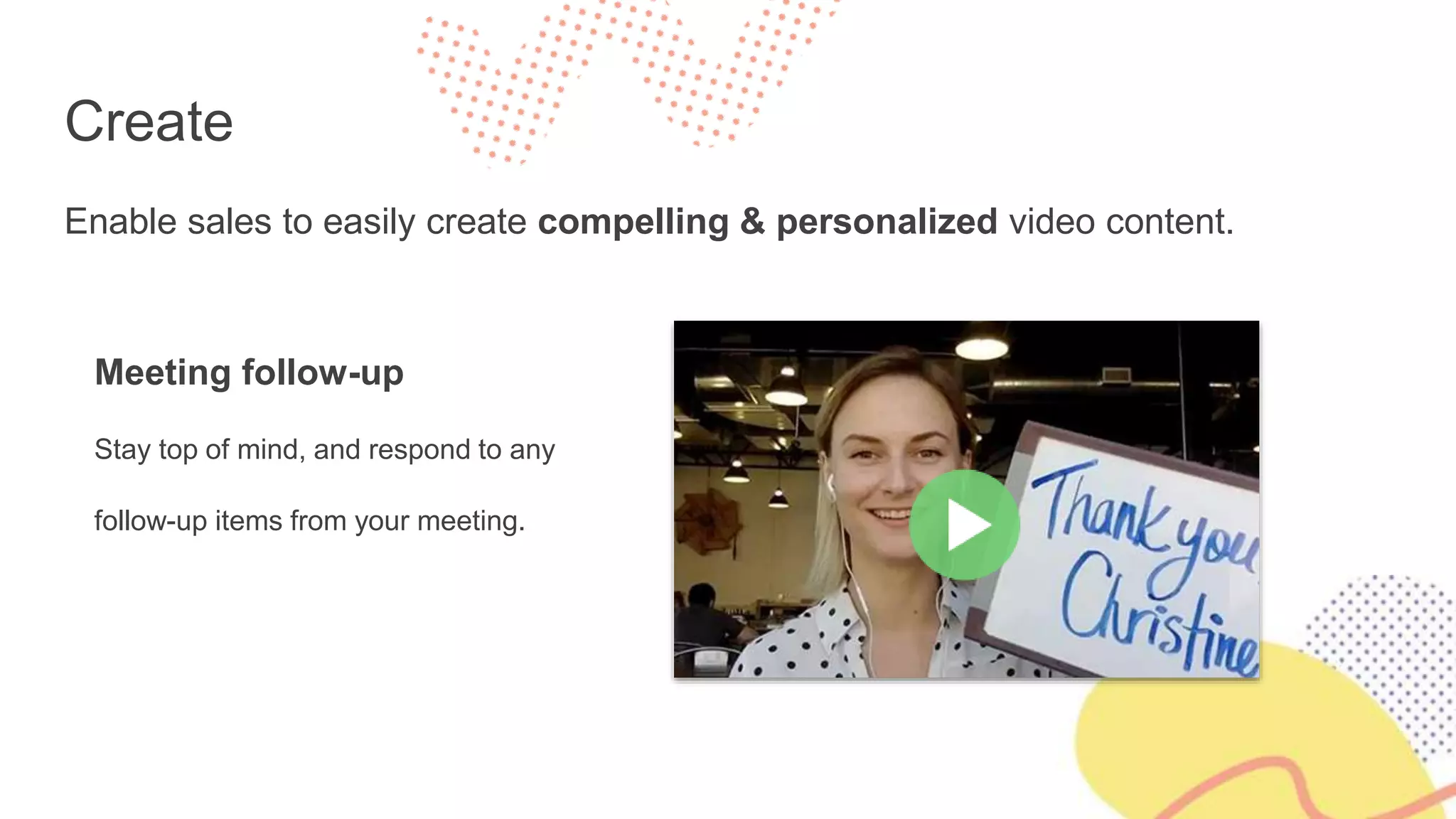
Meeting follow-up
Stay top of mind, and respond to any
follow-up items from your meeting.
Connect
Put your video to work to form
connections and drive action.
Easily share your video
Share your video through email, on social
networks, or using your favourite apps.
Connect
Put your video to work to form connections and drive action.
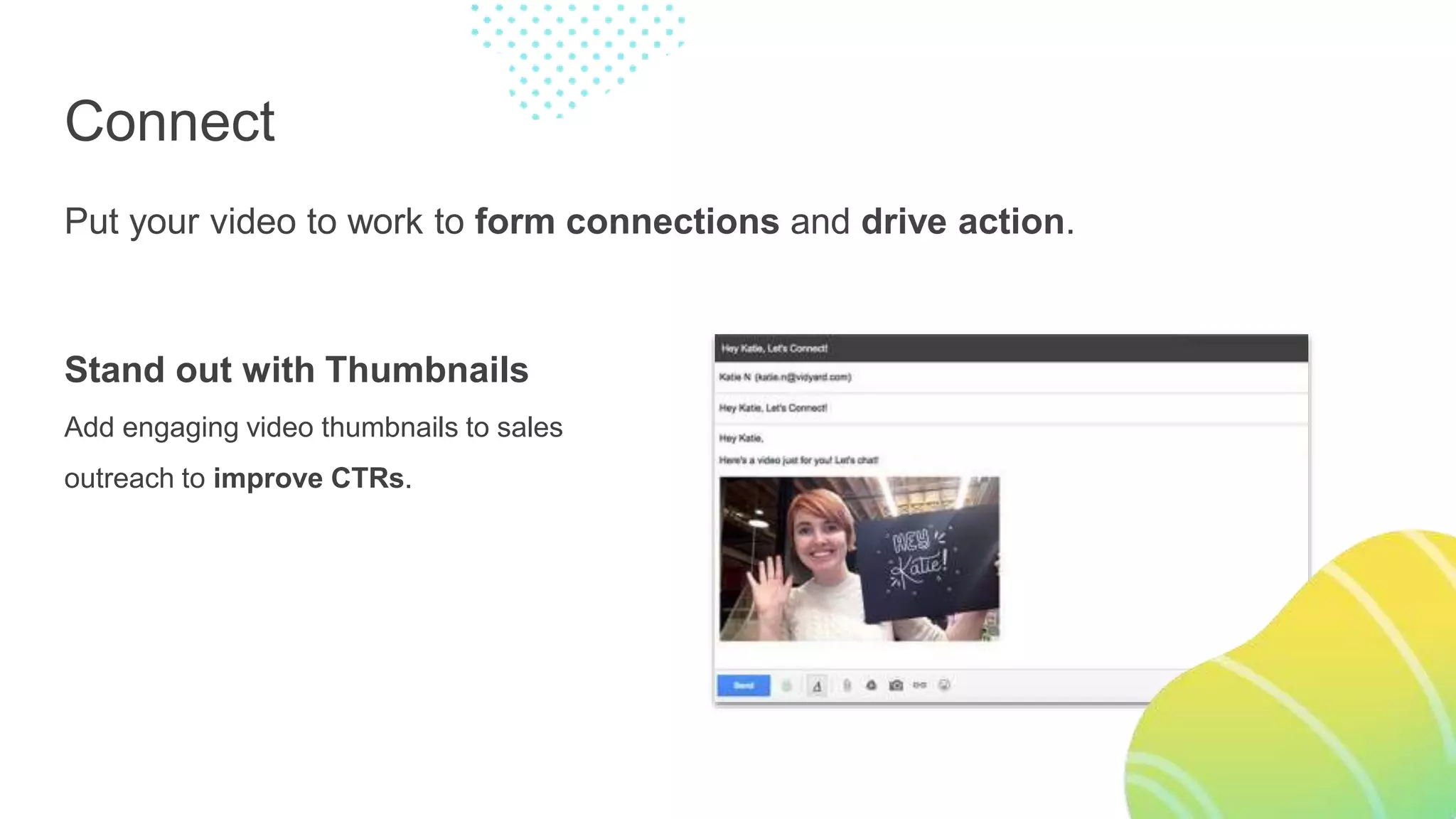
Stand out with Thumbnails
Add engaging video thumbnails to sales
outreach to improve CTRs.
Connect
Put your video to work to form connections and drive action.
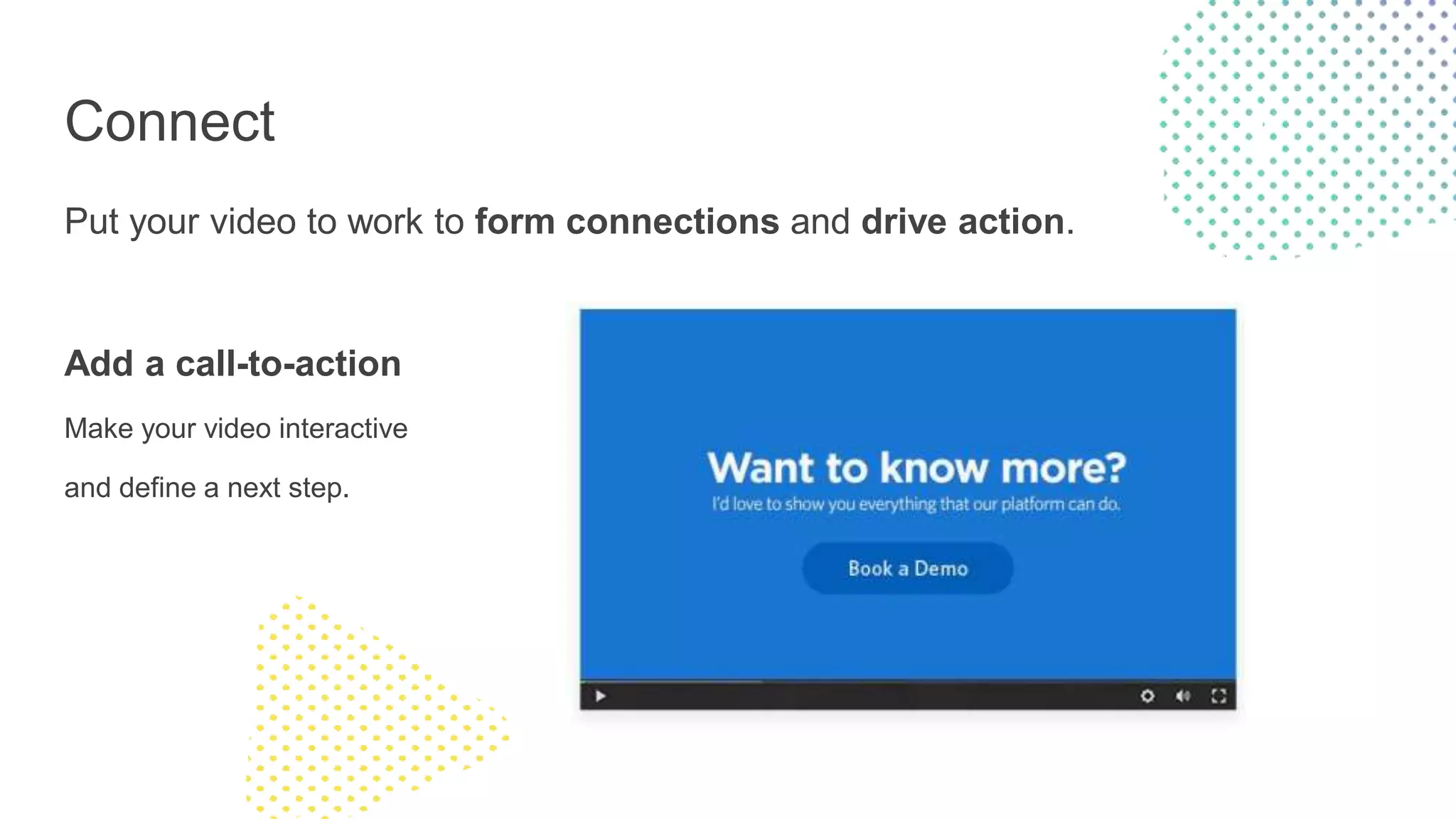
Add a call-to-action
Make your video interactive
and define a next step.
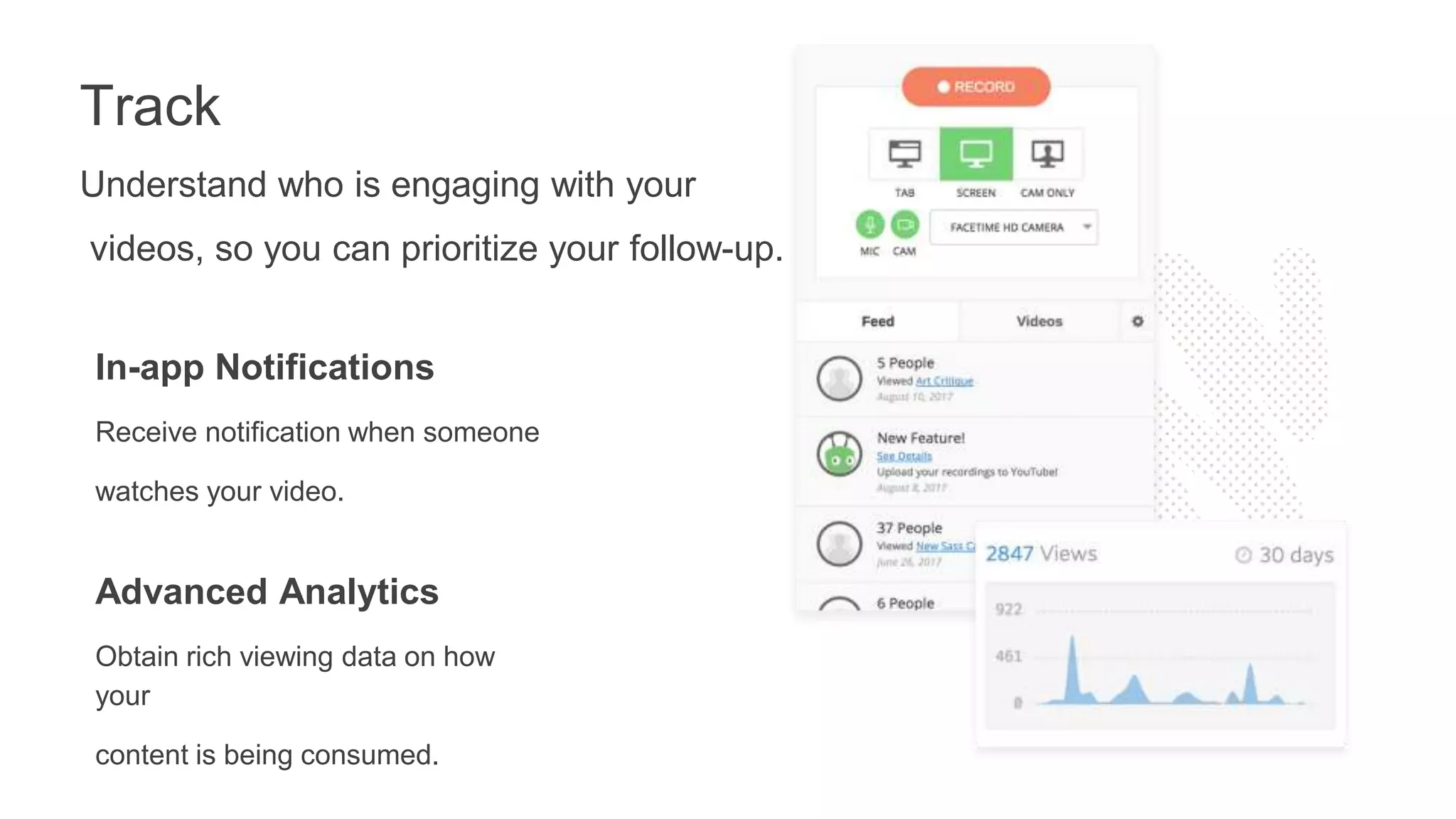
Understand who is engaging with your
videos, so you can prioritize your follow-up.
Track
In-app Notifications
Receive notification when someone
watches your video.
Advanced Analytics
Obtain rich viewing data on how
your
content is being consumed.
Track
Understand who is engaging with your videos, so you can prioritize your follow-
up.
CRM Integrations
Access video view data without
leaving your CRM.
Increase Your Meeting
to Opportunity
Conversion Rate
● Meeting-to-opportunity conversion of 200%
● 12.75% positive response rate
● Inspired her whole team to adopt personal
video messaging
Vidyard helped us increase
response rates and reduce
meeting cancellations from
50% to less than 10%”
Lauren Wadsworth
Global Account Development Manager
Dynamic Signal
● Cut Through the Noise
● Convey Your Message Precisely
● Vidyard GoVideo Is Impactful at
Every Touchpoint
Vidyard helped our
team see 3X response
rates and zero-in on the
most engaged prospects.”
Kyle Norton
VP of Sales
League
Using Personal
Video to Boost
Response Rates
Resources:
Influence & Co.
● The Content Marketer’s Guide to Sales Enablement
● The Ultimate Guide to Content Marketing for Lead Generation
● Set up a call! If you set up a call between now and November 22nd and decide
you want to work with us, you’ll receive $500 off your first month of services!
https://offers.influenceandco.com/vidyard-webinar-promo
Resources:
Vidyard
● GoVideo: Create engaging presentations for clients, onboard new customers,
keep your teammates in the loop, and more!
https://www.vidyard.com/govideo
Thank you! Any questions?
Brittni Kinney
Ratliff
Benny Hua

Connect More and Close More Deals Using Content and Video Prospecting

  • 1.
    Connect More andClose More Deals Using Content and Video Prospecting
  • 2.
    Brittni Kinney Ratliff VicePresident Influence & Co. Benny Hua Manager, Business Development Vidyard
  • 3.
    Agenda The Value ContentCan Bring to Your Outreach What Sales Enablement Content Looks Like How to Create Sales Enablement Content Specific Ways to Use Content for Optimal Success Why Video Is the Future of Sales and How to Easily Incorporate It Into Your Existing Cadence Best Practices for Creating Prospecting Videos How to Track the Success of Your Video Outreach
  • 4.
    The Value ContentCan Bring to Your Outreach Why is sales enablement content important? ○ Saves time ○ Allows sales reps to focus on selling ○ Showcases knowledge and credibility ○ Builds trust ○ Adds consistency to the sales process ○ Correctly sets expectations for new customers
  • 5.
    The Value ContentCan Bring to Your Outreach o Overcomes common objections o Educates prospects about your company, processes, services, benefits of partnering, etc. o Primes prospects to become good customers after they sign o Provides tangible, valuable information prospects can pass along to other decision makers on their team
  • 6.
    What Does SalesEnablement Content Look Like? o Blog posts o Guest-contributed articles o Whitepapers o Case studies o Infographics o Webinars o Email drip campaigns
  • 7.
    What Does SalesEnablement Content Look Like? Blog Posts
  • 8.
    What Does SalesEnablement Content Look Like? Guest-Contributed Articles
  • 9.
    What Does SalesEnablement Content Look Like? Whitepapers
  • 10.
    What Does SalesEnablement Content Look Like? Case Studies
  • 11.
    What Does SalesEnablement Content Look Like? Infographics
  • 12.
    What Does SalesEnablement Content Look Like? Webinars
  • 13.
    What Does SalesEnablement Content Look Like? Email Drip Campaigns
  • 14.
    How to CreateSales Enablement Content Tap into your marketing team. Make communication easy: o Slack o Regular meetings o Email chains o Leadership sync-ups o Brainstorming content ideas as a group
  • 15.
    How to CreateSales Enablement Content Keep track of the following and provide answers to your marketing team in your meetings: o What sorts of questions do our leads most often ask? o What is it that we do that our leads find the most confusing? o What are the biggest reasons for leads passing on working with us? o What part of our process could use some sort of visual representation?
  • 16.
    How to CreateSales Enablement Content Have sales and marketing work together to create this content. Content idea submission forms (Typeform) Sales call shadowing Knowledge sharing
  • 17.
    How to CreateSales Enablement Content Have sales and marketing work together to create this content. Make sure you understand each other’s motivations. Build trust through team building. Align the goals of your marketing director with your head of sales. Share wins.
  • 18.
    Specific Ways toUse Content for Optimal Success o To answer questions o As an excuse for follow-up o To educate leads about your product/service via a drip campaign ○ This helps prime them to be more profitable customers. o To showcase credibility via bylined content o To upsell customers into bigger packages o To set expectations and overcome objections o To educate other key stakeholders
  • 19.
  • 20.
    We keep doingmore of the same. Text emails. Phone calls. Social messages. Too much noise and too many distractions Cold and impersonal Information consumption has changed
  • 21.
    The Attention Economyis here. The average person receives 100 business emails per day. People watch 1 Billion Hours of video on Youtube per day. Almost 60% of company decision makers would rather watch a video.
  • 22.
    So, how canyou get their attention and introduce yourself?
  • 23.
    By interacting withyour prospects through video.
  • 24.
    Why video works. Grabattention and evoke delight Form a genuine connection Make it personal (for real)
  • 25.
    Vidyard GoVideo Create customvideo messages. Connect with customers and prospects. Track each and every view.
  • 26.
    Create Enable sales toeasily create compelling & personalized video content. Selfie Introductions Put a face to a name and form a connection early on.
  • 27.
    Create Enable sales toeasily create compelling & personalized video content. Personalized Screen Share Use screenshare videos to capture more than just your pretty face.
  • 28.
    Create Enable sales toeasily create compelling & personalized video content. Meeting follow-up Stay top of mind, and respond to any follow-up items from your meeting.
  • 29.
    Connect Put your videoto work to form connections and drive action. Easily share your video Share your video through email, on social networks, or using your favourite apps.
  • 30.
    Connect Put your videoto work to form connections and drive action. Stand out with Thumbnails Add engaging video thumbnails to sales outreach to improve CTRs.
  • 31.
    Connect Put your videoto work to form connections and drive action. Add a call-to-action Make your video interactive and define a next step.
  • 32.
    Understand who isengaging with your videos, so you can prioritize your follow-up. Track In-app Notifications Receive notification when someone watches your video. Advanced Analytics Obtain rich viewing data on how your content is being consumed.
  • 33.
    Track Understand who isengaging with your videos, so you can prioritize your follow- up. CRM Integrations Access video view data without leaving your CRM.
  • 34.
    Increase Your Meeting toOpportunity Conversion Rate ● Meeting-to-opportunity conversion of 200% ● 12.75% positive response rate ● Inspired her whole team to adopt personal video messaging Vidyard helped us increase response rates and reduce meeting cancellations from 50% to less than 10%” Lauren Wadsworth Global Account Development Manager Dynamic Signal
  • 35.
    ● Cut Throughthe Noise ● Convey Your Message Precisely ● Vidyard GoVideo Is Impactful at Every Touchpoint Vidyard helped our team see 3X response rates and zero-in on the most engaged prospects.” Kyle Norton VP of Sales League Using Personal Video to Boost Response Rates
  • 36.
    Resources: Influence & Co. ●The Content Marketer’s Guide to Sales Enablement ● The Ultimate Guide to Content Marketing for Lead Generation ● Set up a call! If you set up a call between now and November 22nd and decide you want to work with us, you’ll receive $500 off your first month of services! https://offers.influenceandco.com/vidyard-webinar-promo
  • 37.
    Resources: Vidyard ● GoVideo: Createengaging presentations for clients, onboard new customers, keep your teammates in the loop, and more! https://www.vidyard.com/govideo
  • 38.
    Thank you! Anyquestions? Brittni Kinney Ratliff Benny Hua

Editor's Notes

  • #13 Talking points: Webinars help you generate more leads for your company. By partnering with a brand who has a similar audience, you’re able to tap into each other’s network to generate more leads that could use your services. Provide follow up to these leads after the webinar and give them additional resources and a way to contact you when/if they need you.
  • #14 Talking points: Educate your leads. Send information about your product/service. Stay top of mind with your leads and show them why your company is an expert.
  • #15 Talking points: Your marketing team should already be creating content for you to use. If not, here are some tips to work closely with them and make communication easy so you can get the ball rolling
  • #16 Talking points: Your marketing team should already be creating content for you to use. If not, here are some tips to work closely with them to get the ball rolling:
  • #20 Prospecting isn’t easy. With growing pressures for developing pipeline, sales reps are casting a wide net in hopes of catching a few fish. We’re sending emails, making phone calls, and reaching on social channels (like LinkedIn) to try and get as many bites as possible. The process is not only time consuming, but it’s also frustrating when you don’t get the response rates that you’re looking for. And what do we do when we the meeting requests aren’t rolling in? We send more emails, make more phone calls, and fire off more InMails. Quantity is superseding quality.
  • #21 And what do we do when we the meeting requests aren’t rolling in? We send more emails, make more phone calls, and fire off more InMails. We keep relying on these traditional methods of outreach. Too much noise. It’s noisy out there. With some many solutions competing for your prospect's attention and budget, they are being inundated with constant sales outreach. Rather than doing more of the same, you need to find a different way to get and hold their attention. Traditional methods cold and impersonal. As much as you try to “personalize” your text-based emails, your prospect knows you’re sending the same message out on mass. Not only are they not compelled to respond, they also may be hoping that you won’t notice if they ignore you (since you probably have so many other prospects to follow up with). Information consumption has changed. The buyer has changed - they want to consume information differently. Instead of reading about your product, they want to watch a short video to get all the information the need to do an early evaluation of your solution.
  • #22 The average person receives 100 business emails per day, and chances are many of these emails aren’t even being read. Who has time to read 100 emails a day? And manage to get work done? No one - which is why we skim through our inboxes, reading as little as possible. We are also seeing a shift if the way information is being consumed Last year, Youtube reported that there are now 1 billion hours of video being consumer per day on their site. Reference: https://youtube.googleblog.com/2017/02/you-know-whats-cool-billion-hours.html How does that translate into buyer behavior? When it comes to hearing about new products, 59% of company decision makers are turning to video as their preferred way to learn. Reference: https://images.forbes.com/forbesinsights/StudyPDFs/Video_in_the_CSuite.pdf
  • #23 So, how can we get their attention and introduce ourselves, if they won’t read our emails and they won’t pick up the phone?
  • #24 By interacting with our prospects through video. Video is becoming our prefered channel of consuming information. We have to adapt how we approach our outreach if we want to engage with our prospects.
  • #25 Grab attention & evoke delight: At a quick glance, text-based emails look the same. By adding a video thumbnail to your emails, you grab a prospect’s attention by doing something as simple as holding up a white board with their name on it. It evokes intrigue and delight, encouraging them to click and find out what you have to say. Form a connection: You can’t be everywhere. And as much as you would like to introduce ourselves to prospects in person, it’s just not possible. Building trust and forming relationship is hard you’re not able to have that face-to-face interaction. Video humanizes you, and helps form an immediate connection with the person on the receiving end. Make it personal (for real): Prospects are used to receiving templated emails where the company name has just been swapped out. Needless to say, these messages hardly feel “personal.” With video, you can delivered a tailor message that shows your prospects that you understand their business and their needs.
  • #26 Vidyard GoVideo makes it easy to connect with your customers and employees through video. Easily create, share, and track personalized videos right from your computer.
  • #27 Create Record yourself, your screen, or both to deliver dynamic and compelling video messages. Email is great, but an email with a personalized video will help your message stand out in a crowded inbox. With GoVideo, your team can create short and personalized video content in less than 60 seconds right from their computer. Selfie Introduction: Introduce yourself to a new prospect with a personal video message, humanizing you right off the bat and immediately putting a face to a name. We encourage customers to do something simple, like holding up a whiteboard with the prospects name on it, to grab attention and improve click-throughs.
  • #28 Create Record yourself, your screen, or both to deliver dynamic and compelling video messages. Email is great, but an email with a personalized video will help your message stand out in a crowded inbox. With GoVideo, your team can create short and personalized video content in less than 60 seconds right from their computer. Personalized Screenshare: Need to capture more than just your pretty face? You can use screenshare videos to share more information, such conducting a product demo or walking them through their own website or LinkedIn profile to show them you’ve done your research.
  • #29 Create Record yourself, your screen, or both to deliver dynamic and compelling video messages. Email is great, but an email with a personalized video will help your message stand out in a crowded inbox. With GoVideo, your team can create short and personalized video content in less than 60 seconds right from their computer. Meeting Follow-up Maintain a strong connection with your prospects throughout the sales process. Drop a short video into their inbox after a meeting to thank them for their time, follow-up on any questions you weren’t able to answer, or even introduce them to someone else on your team (like a solutions consultant).
  • #30 Connect Once you’ve created an awesome video, GoVideo will help you put that content to work. Sharing made easy Share your video through email, on social networks, or using your favourite apps (Salesloft, Drift, MixMax).
  • #31 Connect Once you’ve created an awesome video, GoVideo will help you put that content to work. Standout with thumbnails GoVideo allows you to embed a thumbnail image or GIF directly into the body of your email, rather than sharing a link or sending a bulky video file as an attachment. The play button is a powerful CTA, and will help drive higher clicks and engagement for your prospecting emails.
  • #32 Connect Once you’ve created an awesome video, GoVideo will help you put that content to work. Add CTAs for next steps With GoVideo, you can also add interactive calls-to-action at the end of your video, driving your prospects to do things like book a meeting with you through Calendly.
  • #33 Track You’ll get notified when your videos are watched so that you can follow up in a timely manner. Understand who your most engaged prospects are and prioritize your efforts based on which videos your prospects are watching, when they’re watching them, and how much to the video they watch. GoVideo even integrates with your CRM, so you can access viewer data directly in applications like Salesforce.
  • #34 Track GoVideo even integrates with your CRM, so you can access video view data directly in applications like Salesforce.