Download to read offline

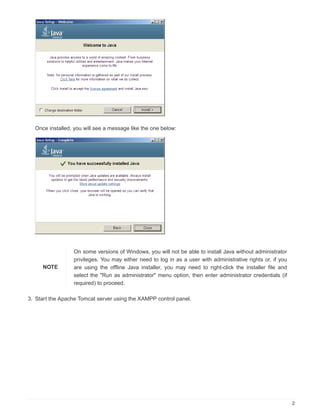

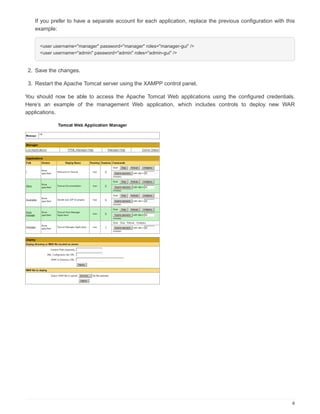

This document provides instructions for configuring and using Apache Tomcat with XAMPP on Windows. It explains that Java must be installed first before starting Apache Tomcat. It then outlines the steps to download and install Java, start Apache Tomcat through the XAMPP control panel, and access it at http://localhost:8080. Additionally, it describes how to configure administrator accounts to access the Apache Tomcat manager and host-manager applications by editing the tomcat-users.xml file and restarting Apache Tomcat.


