

Basic Concepts of Data
        Bases
  Presented By Danial Masood
      Reg #1421-310031
                &
         Bilal Mushtaq
      Reg #1421-310033
Introduction to Database
A database is any organized collection of
 data. Some examples of databases you
 may encounter in your daily life are:
 ◦   Phone Contacts
 ◦   airline reservation system
 ◦   papers in your filing cabinet
 ◦   Banking Record.
Data vs. information:
       What is the difference?
 What    is data?              What is information?
                                 ◦ Information is data that
 ◦ Data can be defined in
                                   have been organized
   many ways. Information
                                   and communicated in a
   science defines data as
                                   coherent and meaningful
   unprocessed
                                   manner.
   information.
                                 ◦ Data is converted into
                                   information, and
                                   information is converted
                                   into knowledge.
                                 ◦ Knowledge; information
                                   evaluated and organized
                                   so that it can be used
                                   purposefully.
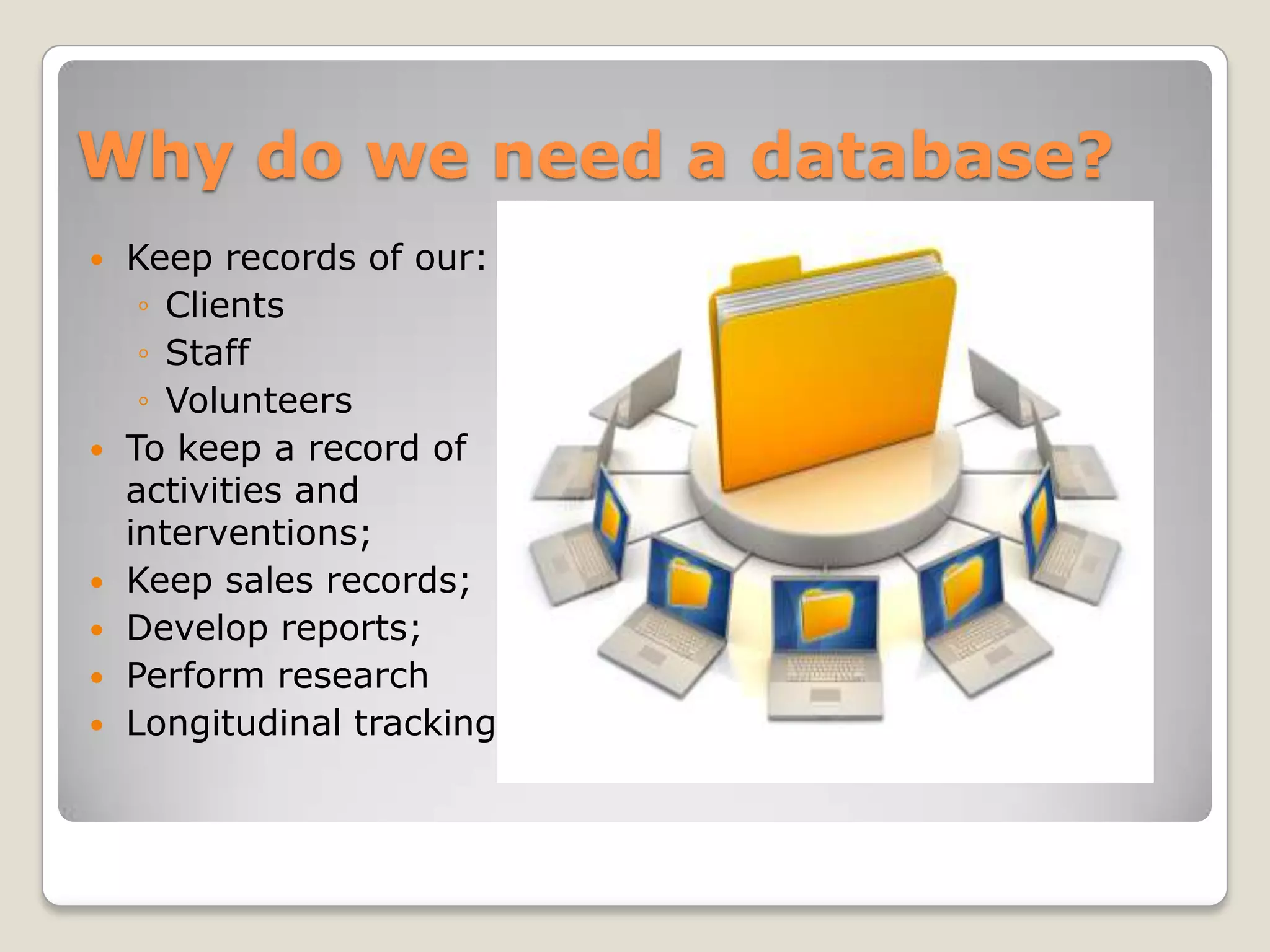
Why do we need a database?
   Keep records of our:
     ◦ Clients
     ◦ Staff
     ◦ Volunteers
   To keep a record of
    activities and
    interventions;
   Keep sales records;
   Develop reports;
   Perform research
   Longitudinal tracking
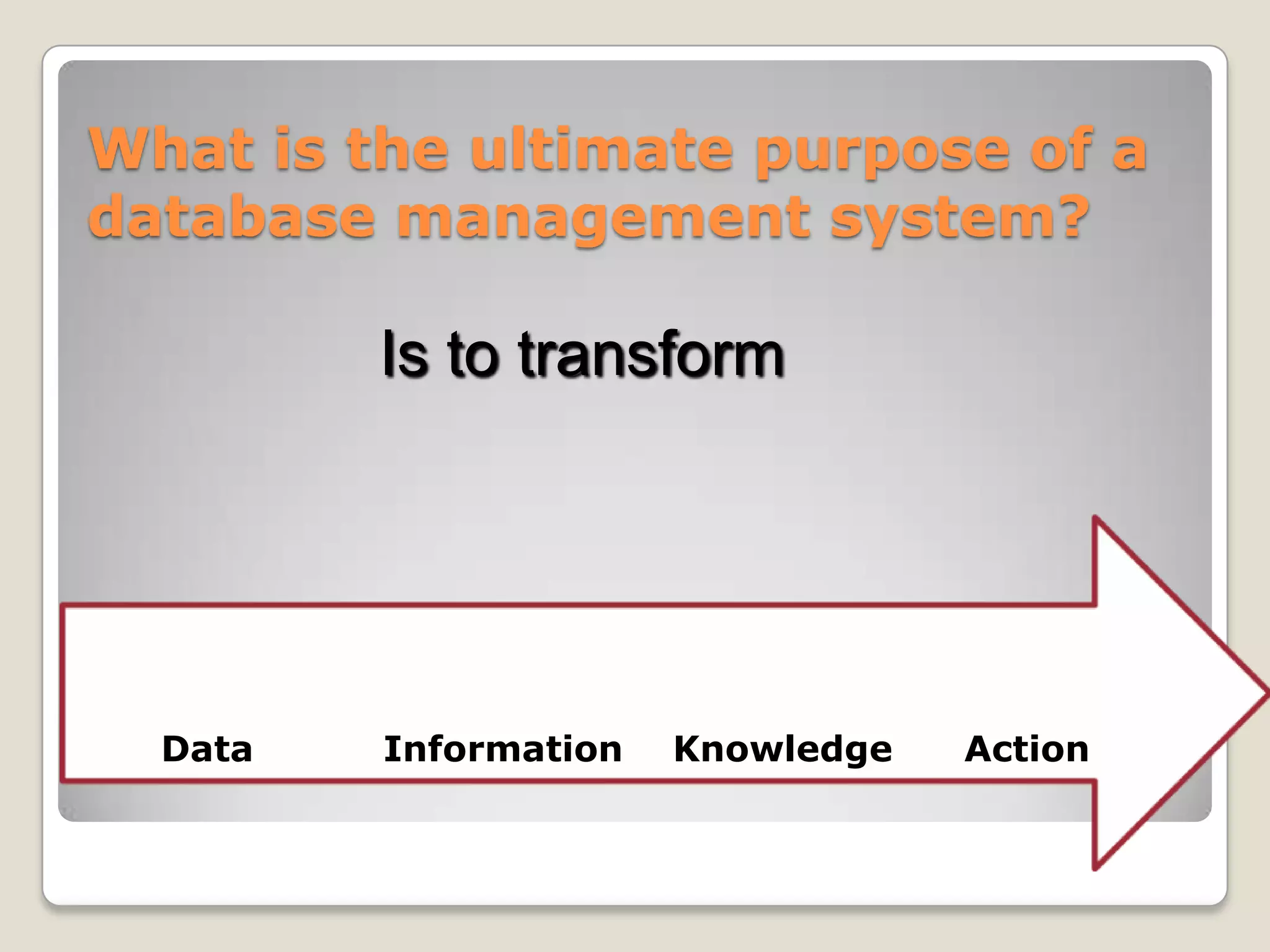
What is the ultimate purpose of a
database management system?

         Is to transform


  Data   Information   Knowledge   Action
More about database definition


What is a database?
   A structured set of data held in a
    computer, especially one that is accessible in
    various ways.
Let’s explore some examples
 Outlook contacts
      GIS-GPS   systems
Some models about Database
 Non-relational   database

   Relational   database
Non Relational Databases
   Non-relational    databases    place
    information in field categories that
    we create so that information is
    available     for    sorting     and
    disseminating the way we need it.
    Example: a spread sheet
Relational Database
   In relational databases, fields can be
    used in a number of ways (and can be
    of variable length), provided that
    they are linked in tables. It is
    developed based on a database model
    that provides for logical connections
    among files (known as tables) by
    including identifying data from one
    table in another table
Some Definitions
   A File: A group or collection of similar records,

   A record book: a “Hawlet Packard" of data
    records, like address lists, inventory lists, classes

   A field: one category of
    information, i.e., Name, Address, Semester
    Grade, Academic topic

   A record: one piece of data, i.e., one student's
    information, a recipe, a test question

   A layout: a design for a database that contains
    field names and possibly graphics.
Fundamental building blocks
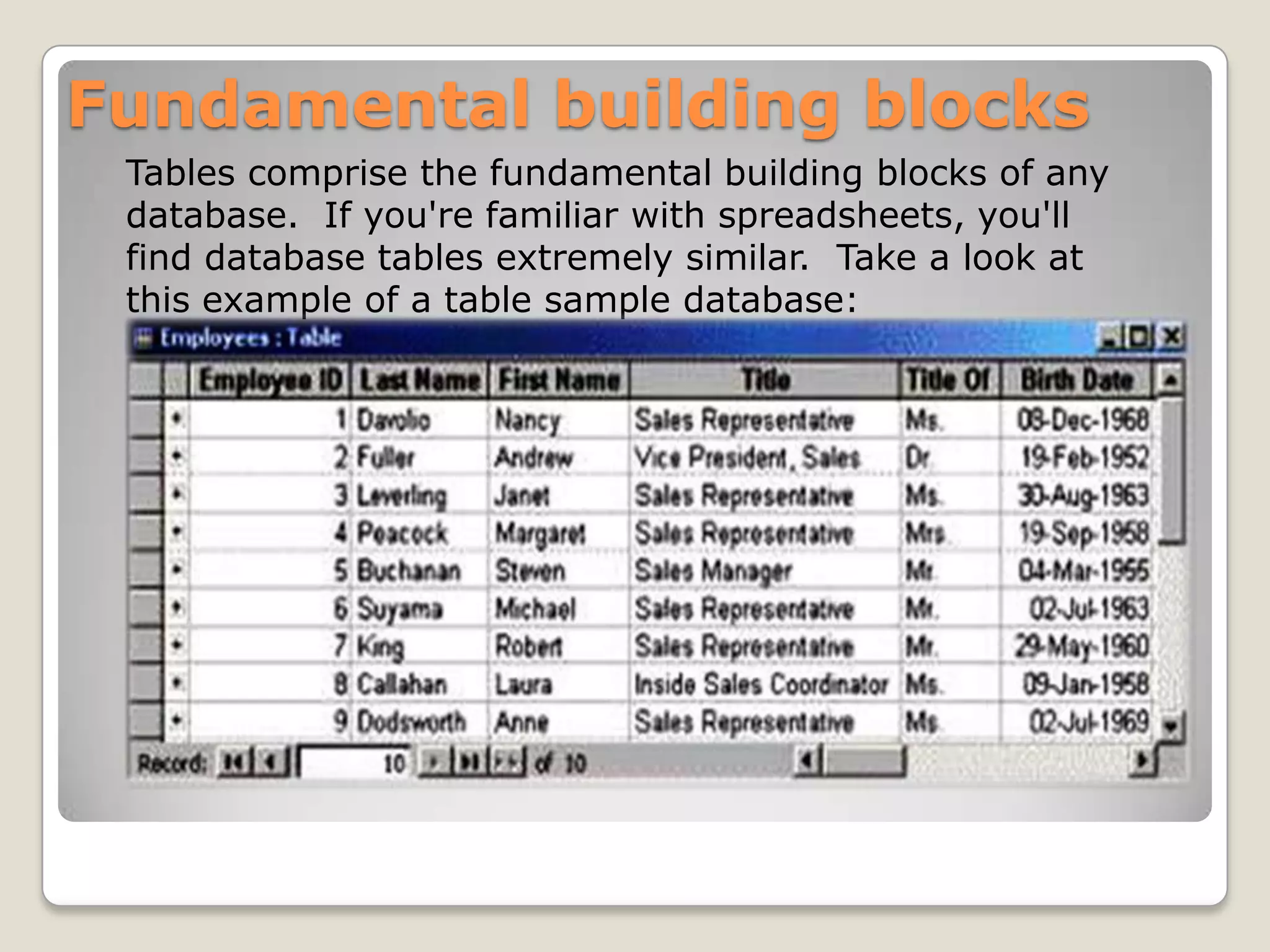
 Tables comprise the fundamental building blocks of any
 database. If you're familiar with spreadsheets, you'll
 find database tables extremely similar. Take a look at
 this example of a table sample database:
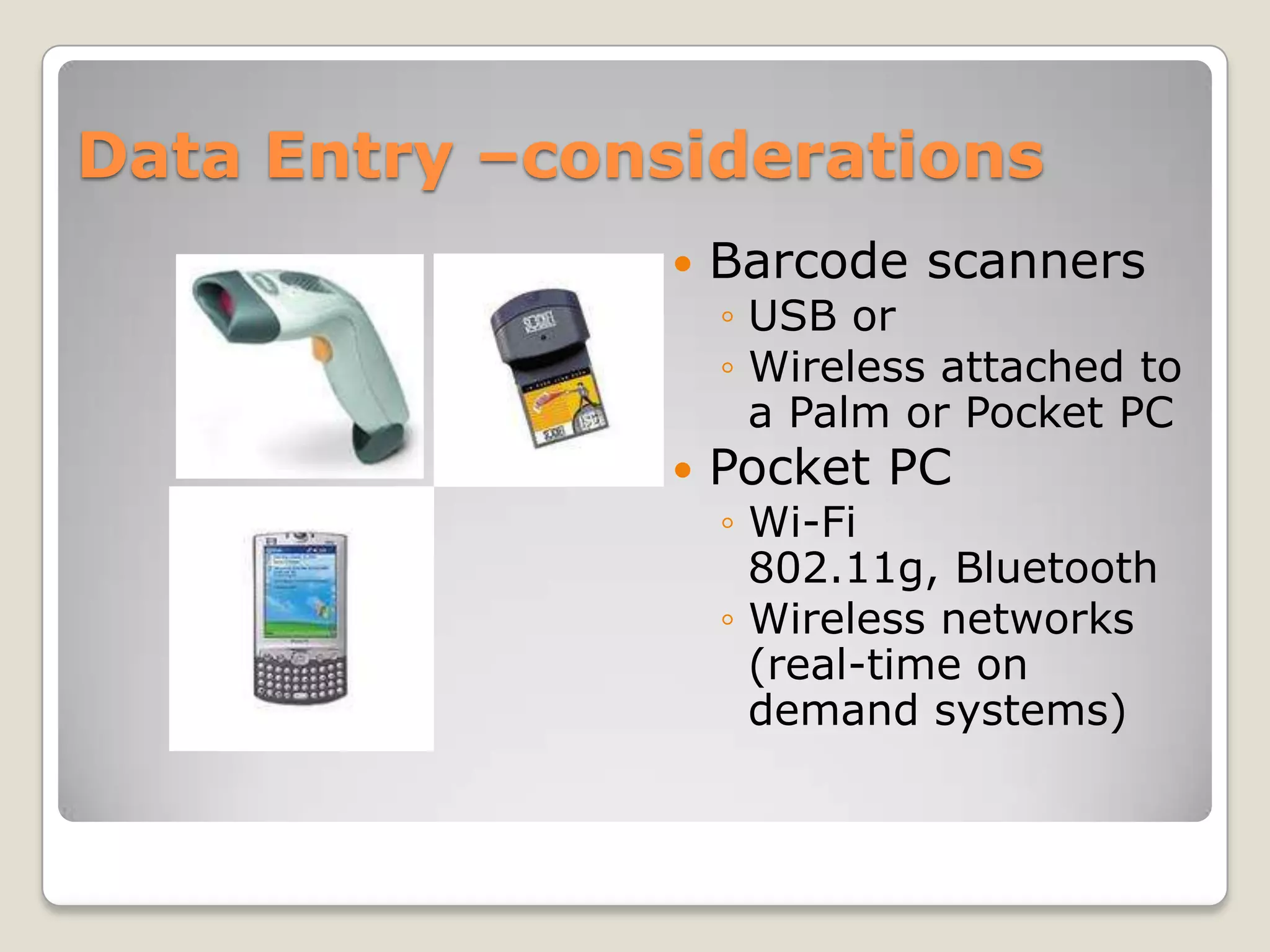
Data Entry –considerations
                  Barcode scanners
                   ◦ USB or
                   ◦ Wireless attached to
                     a Palm or Pocket PC
                  Pocket PC
                   ◦ Wi-Fi
                     802.11g, Bluetooth
                   ◦ Wireless networks
                     (real-time on
                     demand systems)
Concepts of Data Bases

Concepts of Data Bases

  • 2.
    Basic Concepts ofData Bases Presented By Danial Masood Reg #1421-310031 & Bilal Mushtaq Reg #1421-310033
  • 3.
    Introduction to Database Adatabase is any organized collection of data. Some examples of databases you may encounter in your daily life are: ◦ Phone Contacts ◦ airline reservation system ◦ papers in your filing cabinet ◦ Banking Record.
  • 4.
    Data vs. information: What is the difference?  What is data?  What is information? ◦ Information is data that ◦ Data can be defined in have been organized many ways. Information and communicated in a science defines data as coherent and meaningful unprocessed manner. information. ◦ Data is converted into information, and information is converted into knowledge. ◦ Knowledge; information evaluated and organized so that it can be used purposefully.
  • 5.
    Why do weneed a database?  Keep records of our: ◦ Clients ◦ Staff ◦ Volunteers  To keep a record of activities and interventions;  Keep sales records;  Develop reports;  Perform research  Longitudinal tracking
  • 6.
    What is theultimate purpose of a database management system? Is to transform Data Information Knowledge Action
  • 7.
    More about databasedefinition What is a database?  A structured set of data held in a computer, especially one that is accessible in various ways.
  • 8.
    Let’s explore someexamples  Outlook contacts  GIS-GPS systems
  • 9.
    Some models aboutDatabase Non-relational database Relational database
  • 10.
    Non Relational Databases  Non-relational databases place information in field categories that we create so that information is available for sorting and disseminating the way we need it. Example: a spread sheet
  • 11.
    Relational Database  In relational databases, fields can be used in a number of ways (and can be of variable length), provided that they are linked in tables. It is developed based on a database model that provides for logical connections among files (known as tables) by including identifying data from one table in another table
  • 12.
    Some Definitions  A File: A group or collection of similar records,  A record book: a “Hawlet Packard" of data records, like address lists, inventory lists, classes  A field: one category of information, i.e., Name, Address, Semester Grade, Academic topic   A record: one piece of data, i.e., one student's information, a recipe, a test question  A layout: a design for a database that contains field names and possibly graphics.
  • 13.
    Fundamental building blocks Tables comprise the fundamental building blocks of any database. If you're familiar with spreadsheets, you'll find database tables extremely similar. Take a look at this example of a table sample database:
  • 14.
    Data Entry –considerations  Barcode scanners ◦ USB or ◦ Wireless attached to a Palm or Pocket PC  Pocket PC ◦ Wi-Fi 802.11g, Bluetooth ◦ Wireless networks (real-time on demand systems)