SHERIF MANSOUR | PRODUCT GUY | @SHERIFMANSOUR
Concept to Launch: The Ultimate Guide to
Confluence for Software Teams
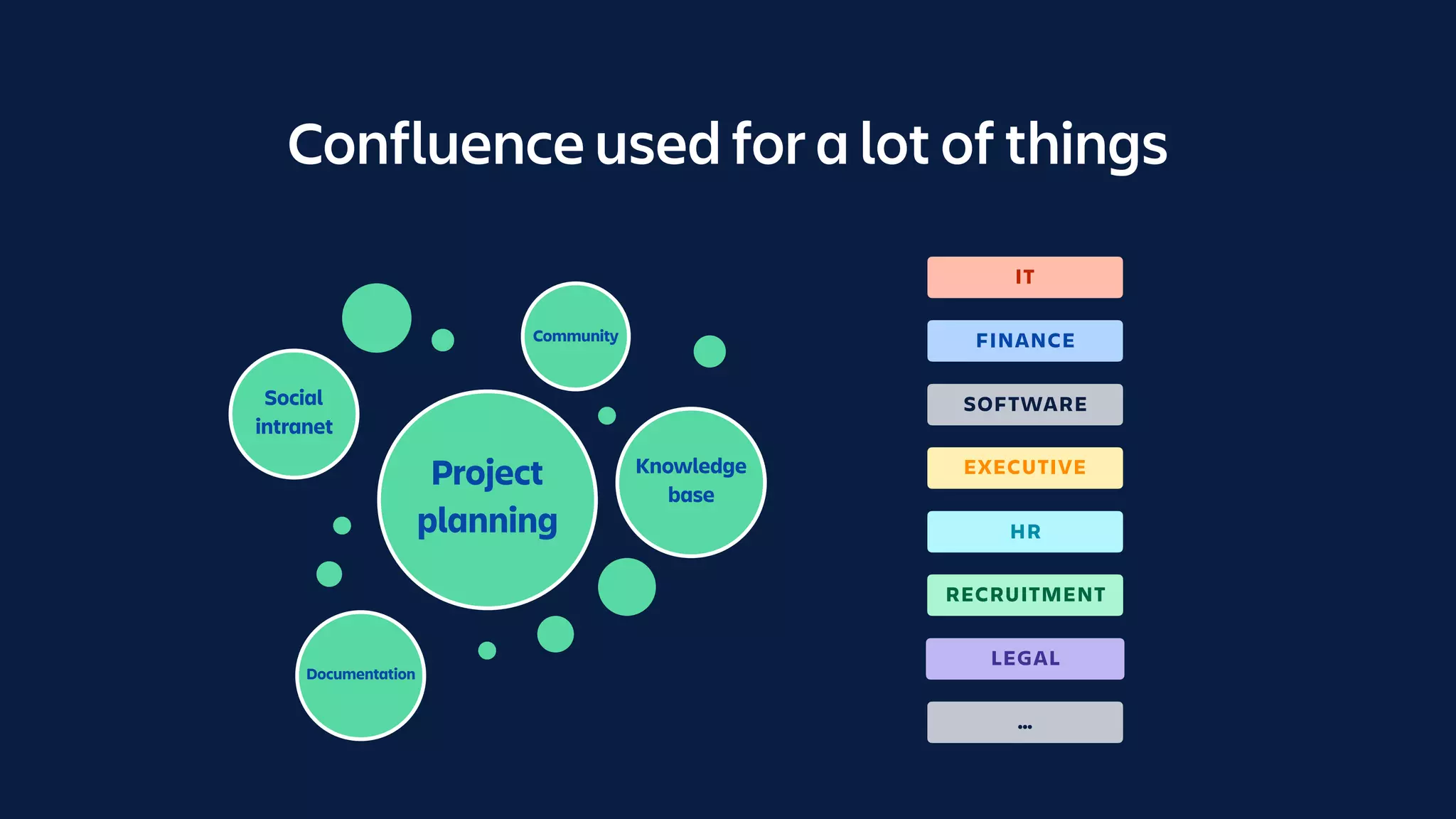
Confluence used for a lot of things
Community
Knowledge

base
Social

intranet
Project
planning
Documentation
FINANCE
HR
EXECUTIVE
RECRUITMENT
IT
LEGAL
SOFTWARE
…
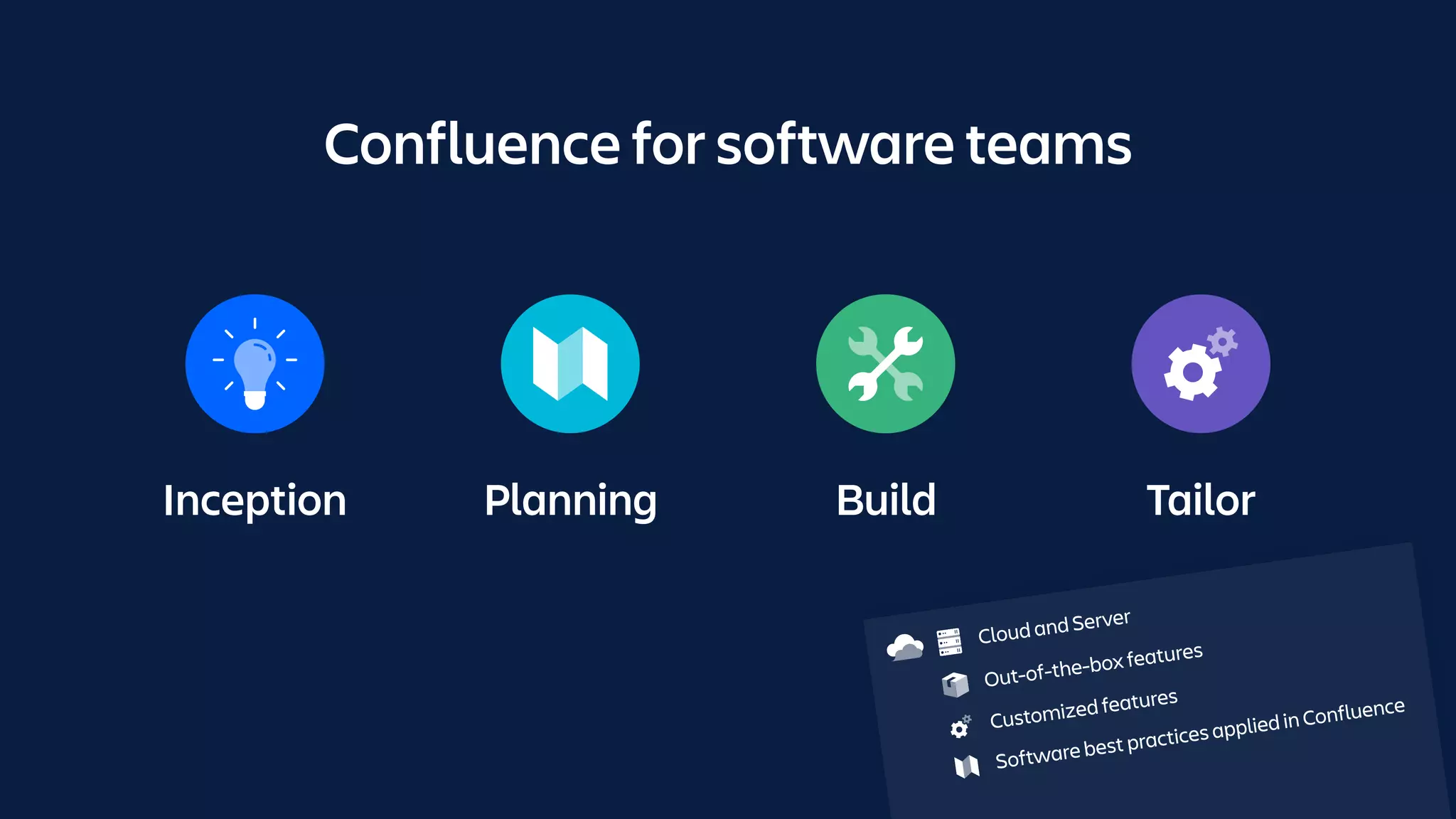
Inception Planning Build Tailor
Confluence for software teams
Cloud and Server
Out-of-the-box features
Customized features
Software best practices applied in Confluence
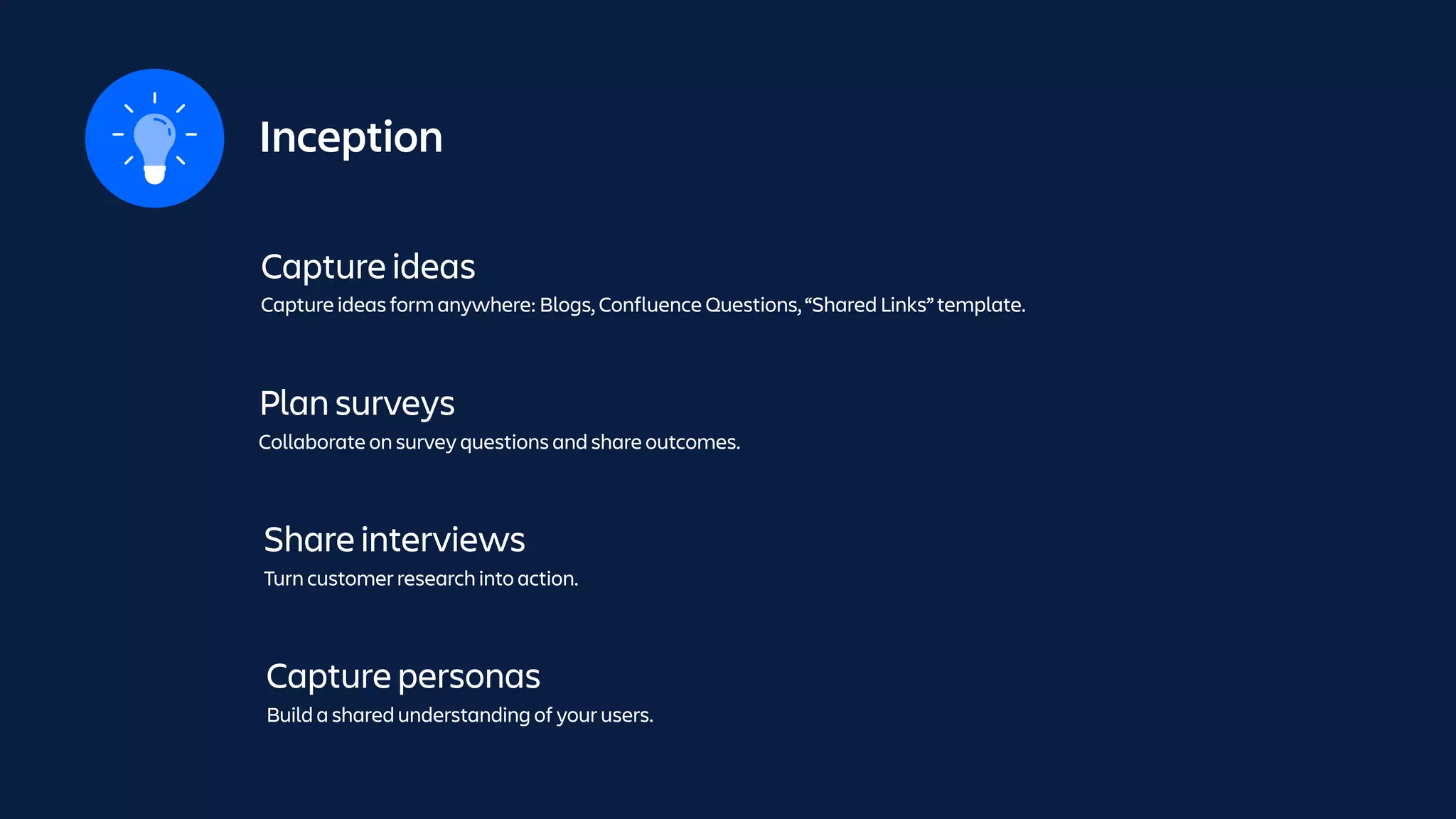
Inception
Capture ideas
Capture ideas form anywhere: Blogs, Confluence Questions, “Shared Links” template.
Plan surveys
Collaborate on survey questions and share outcomes.
Share interviews
Turn customer research into action.
Capture personas
Build a shared understanding of your users.
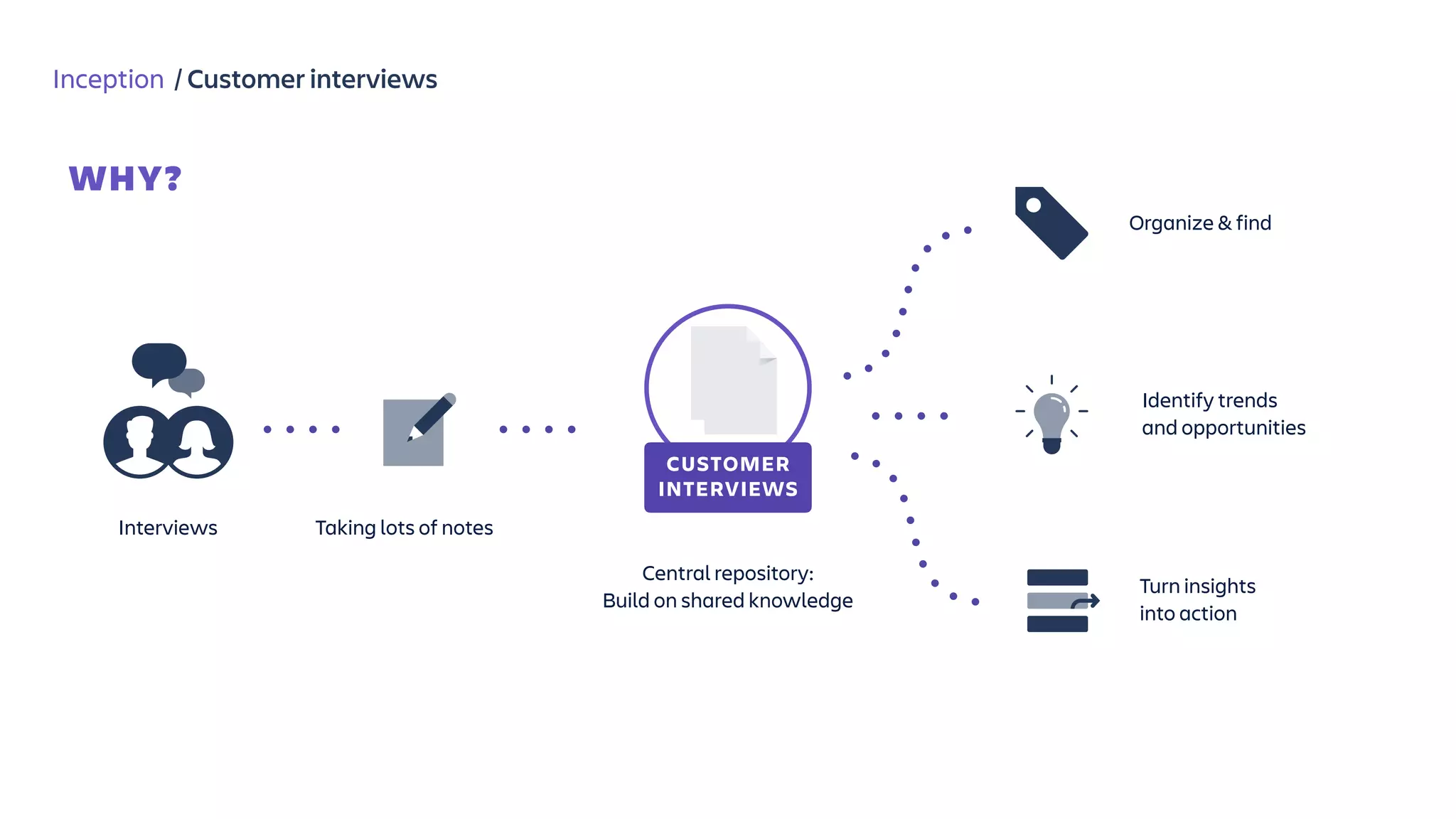
Inception / Customer interviews
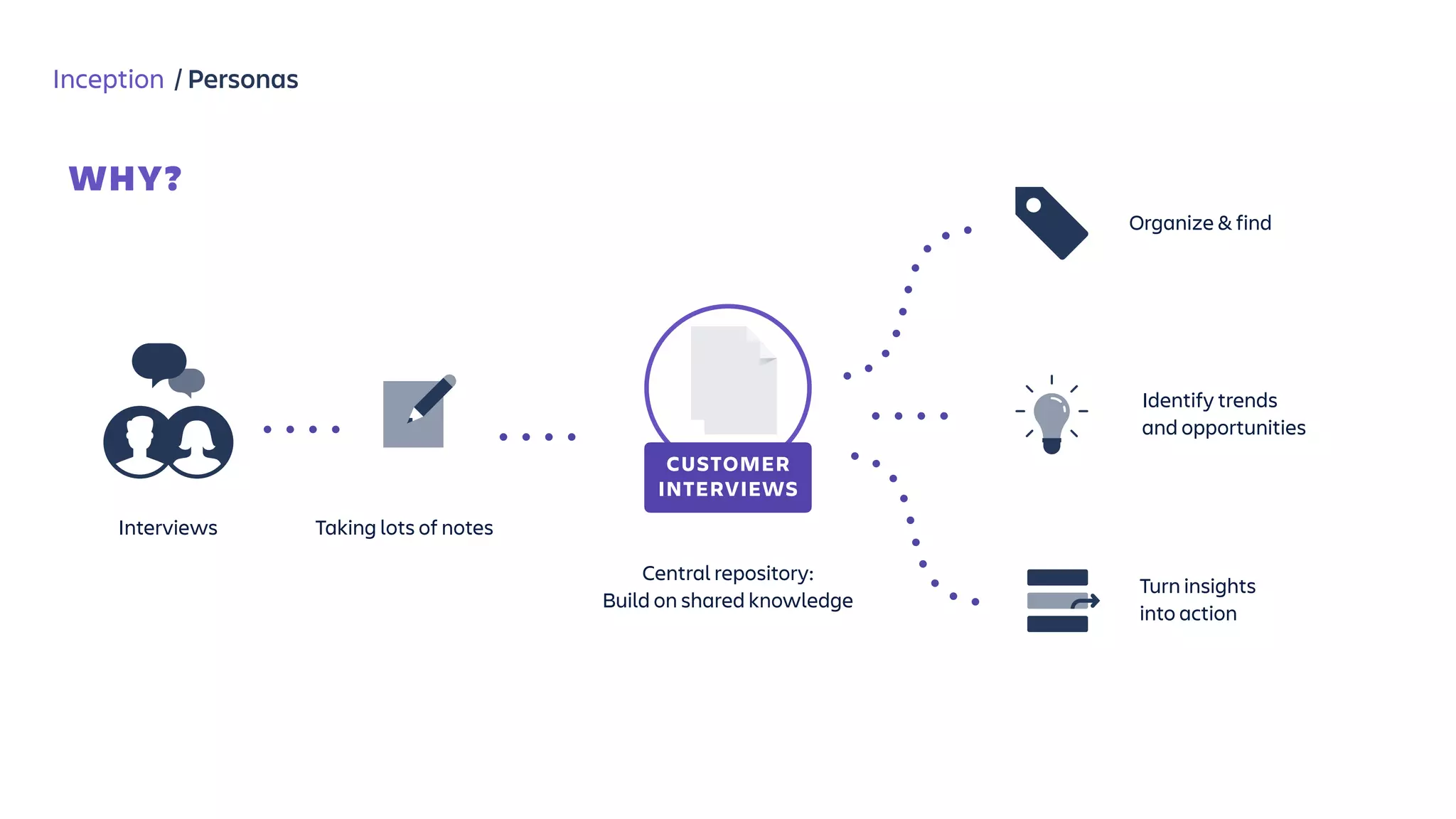
WHY?
CUSTOMER

INTERVIEWS
Interviews Taking lots of notes
Central repository:

Build on shared knowledge
Organize & find
Identify trends
and opportunities
Turn insights 

into action
Inception / Customer interviews
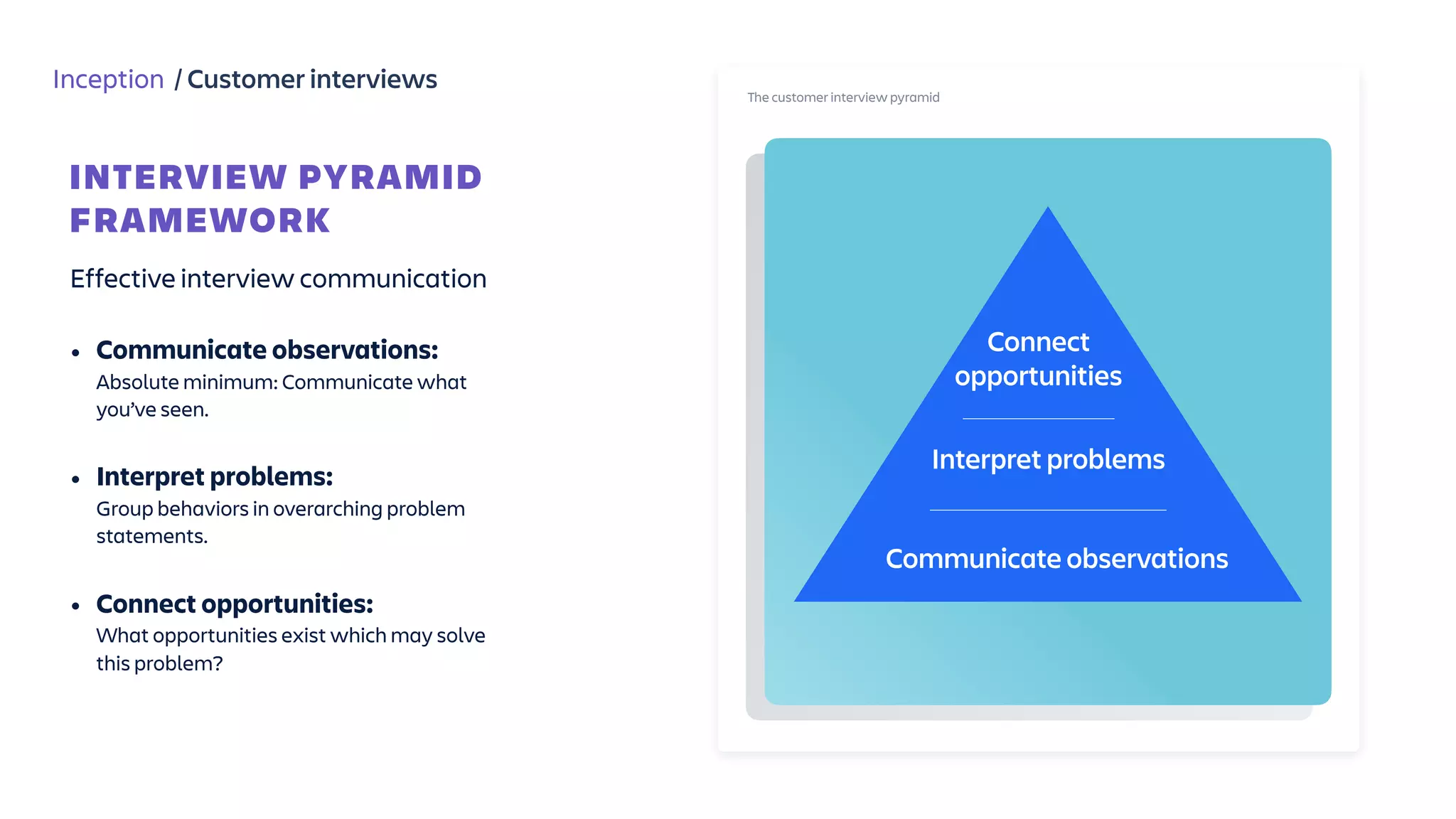
Effective interview communication
• Communicate observations: 

Absolute minimum: Communicate what
you’ve seen. 

• Interpret problems: 

Group behaviors in overarching problem
statements.

• Connect opportunities: 

What opportunities exist which may solve
this problem?
INTERVIEW PYRAMID

FRAMEWORK
The customer interview pyramid
Connect

opportunities
Interpret problems
Communicate observations
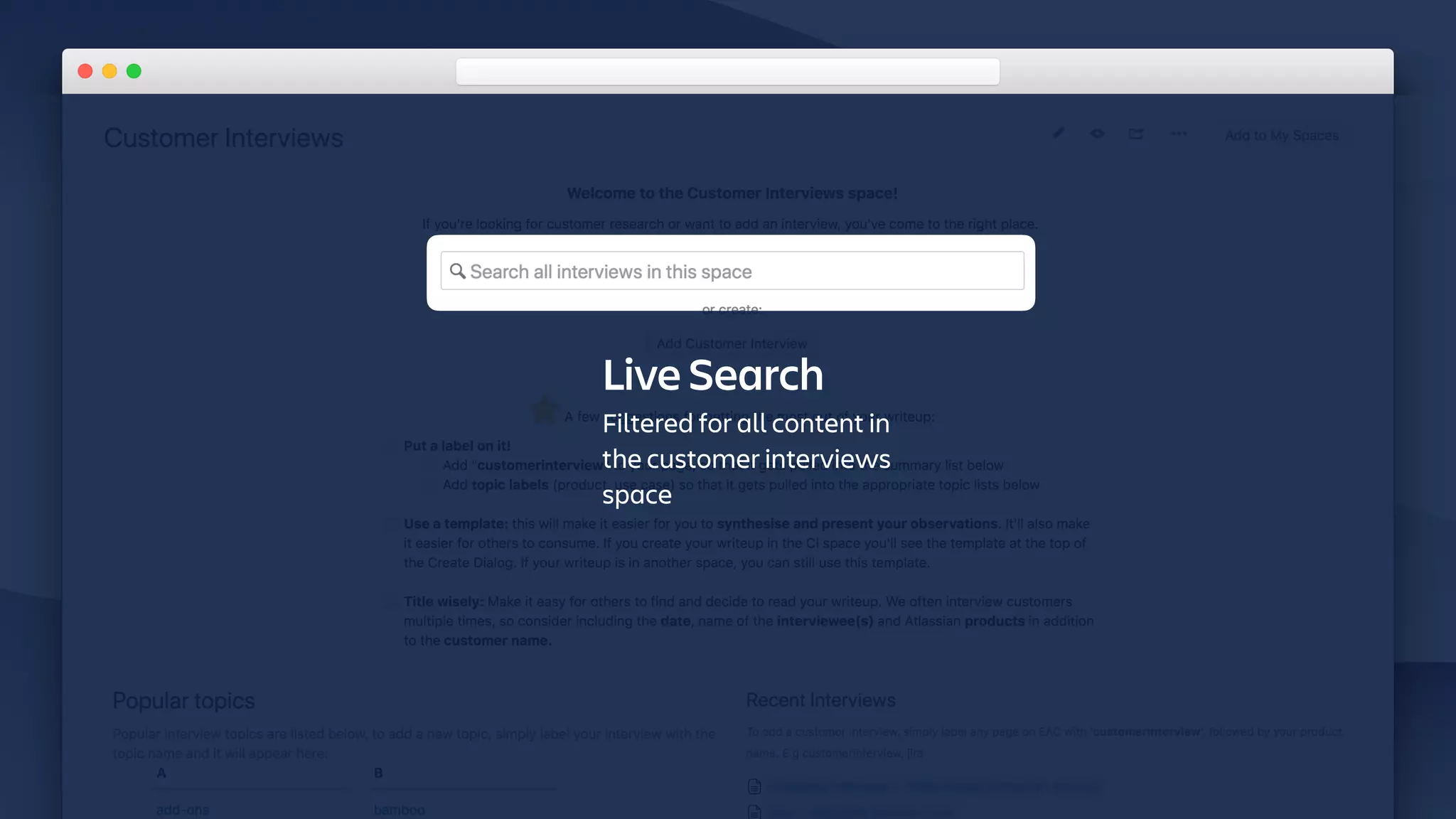
Live Search
Filtered for all content in
the customer interviews
space
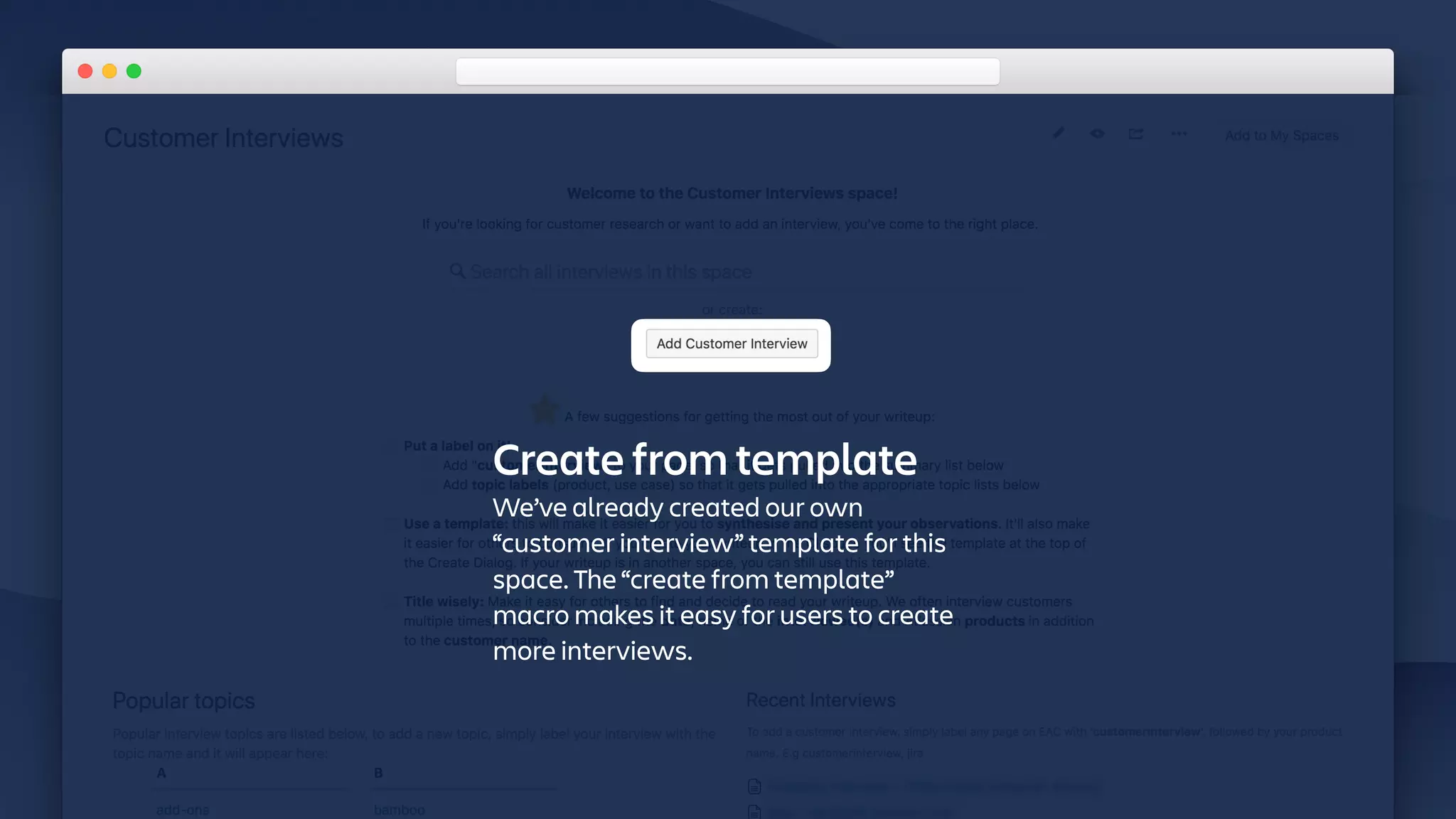
Create from template
We’ve already created our own
“customer interview” template for this
space. The “create from template”
macro makes it easy for users to create
more interviews.
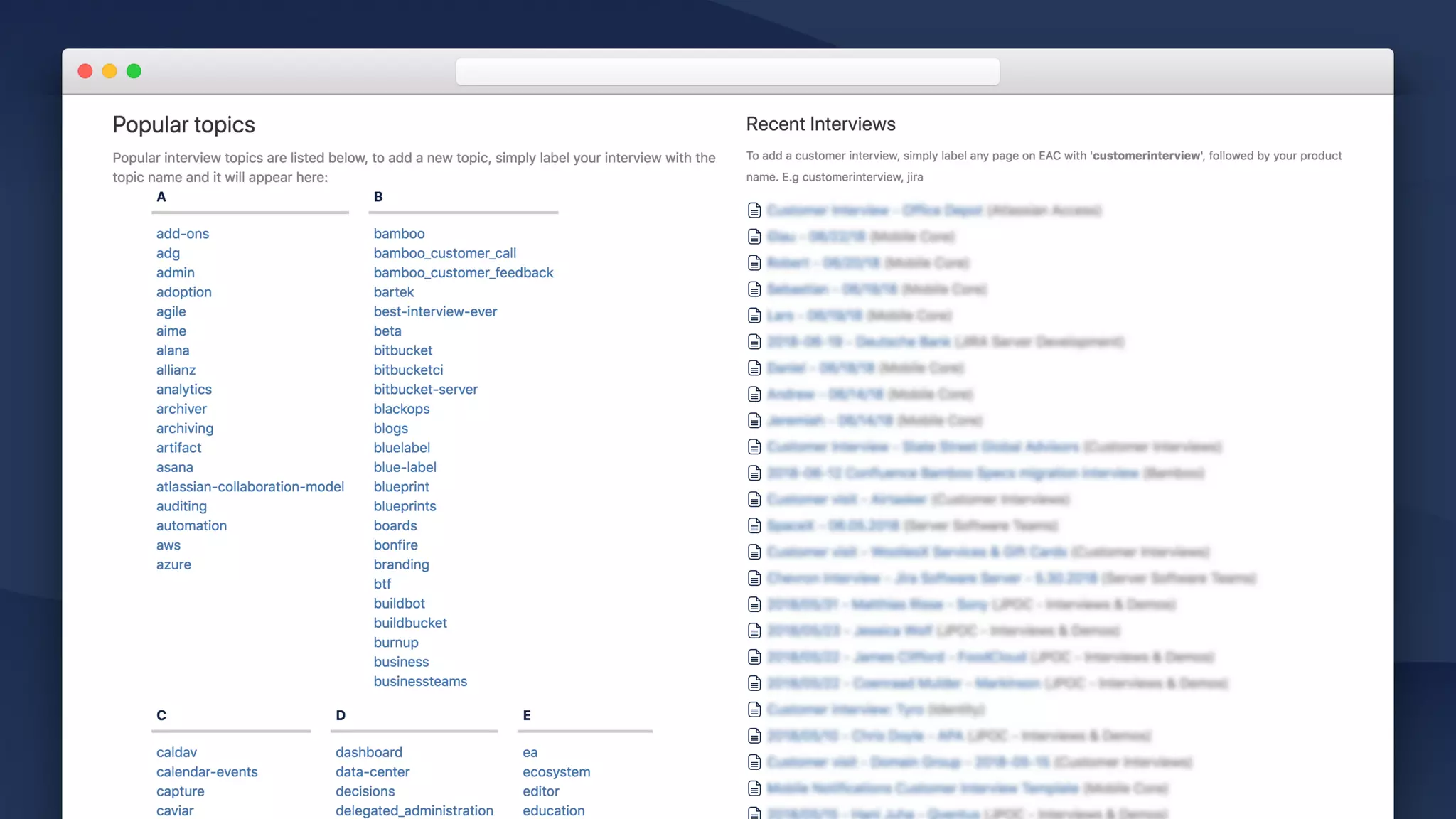
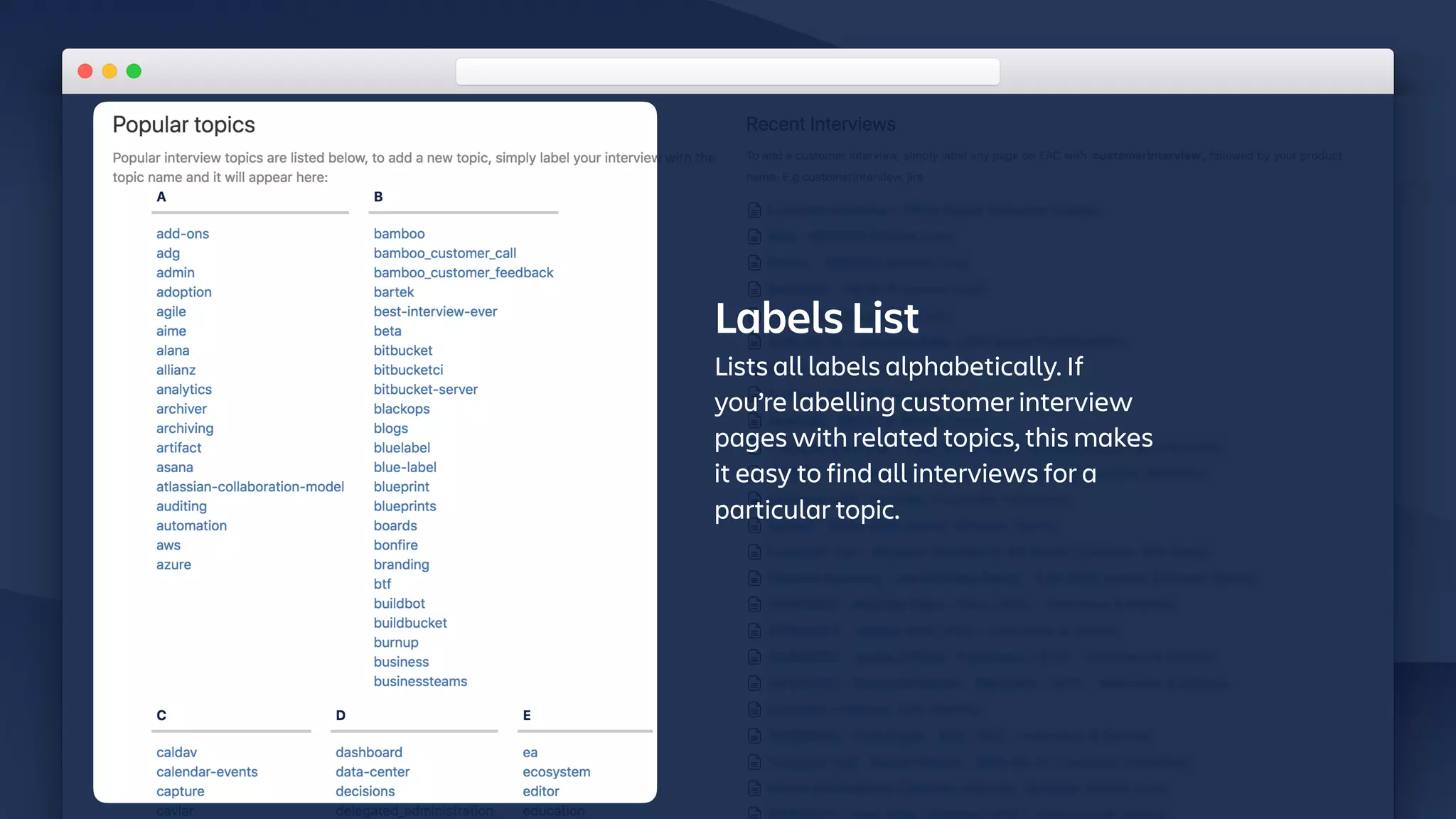
Labels List
Lists all labels alphabetically. If
you’re labelling customer interview
pages with related topics, this makes
it easy to find all interviews for a
particular topic.
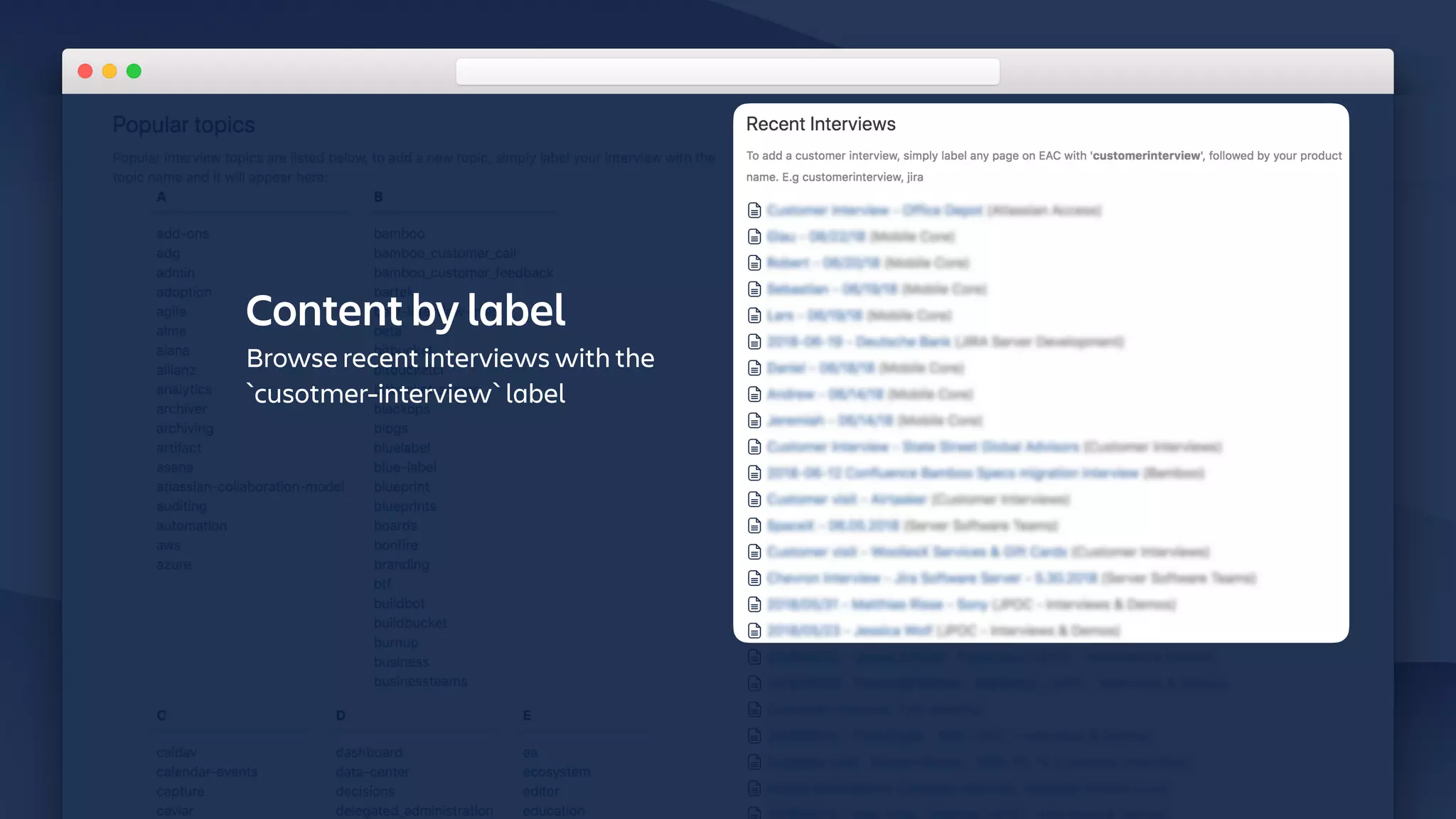
Content by label
Browse recent interviews with the
`cusotmer-interview` label
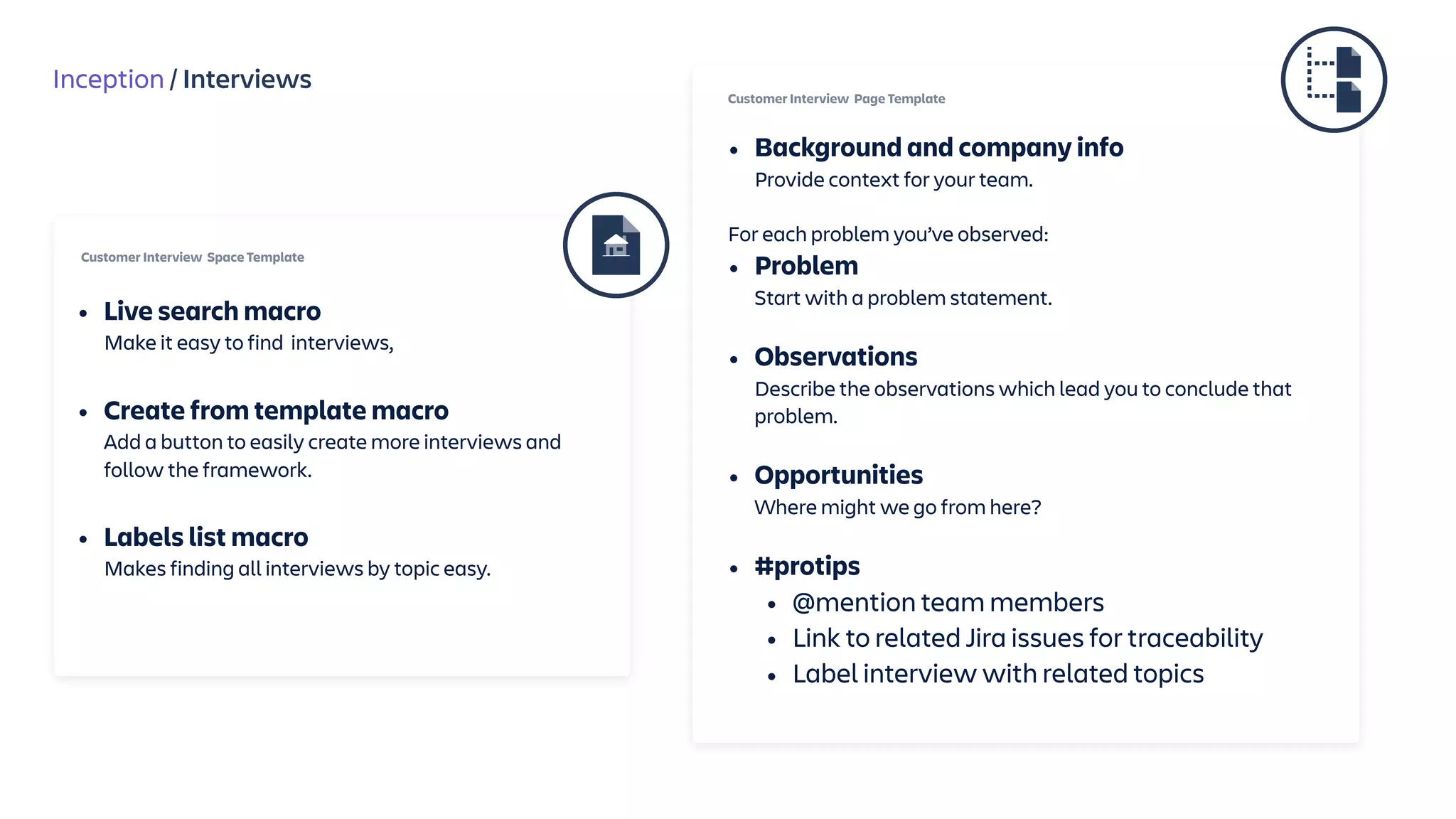
Inception / Interviews
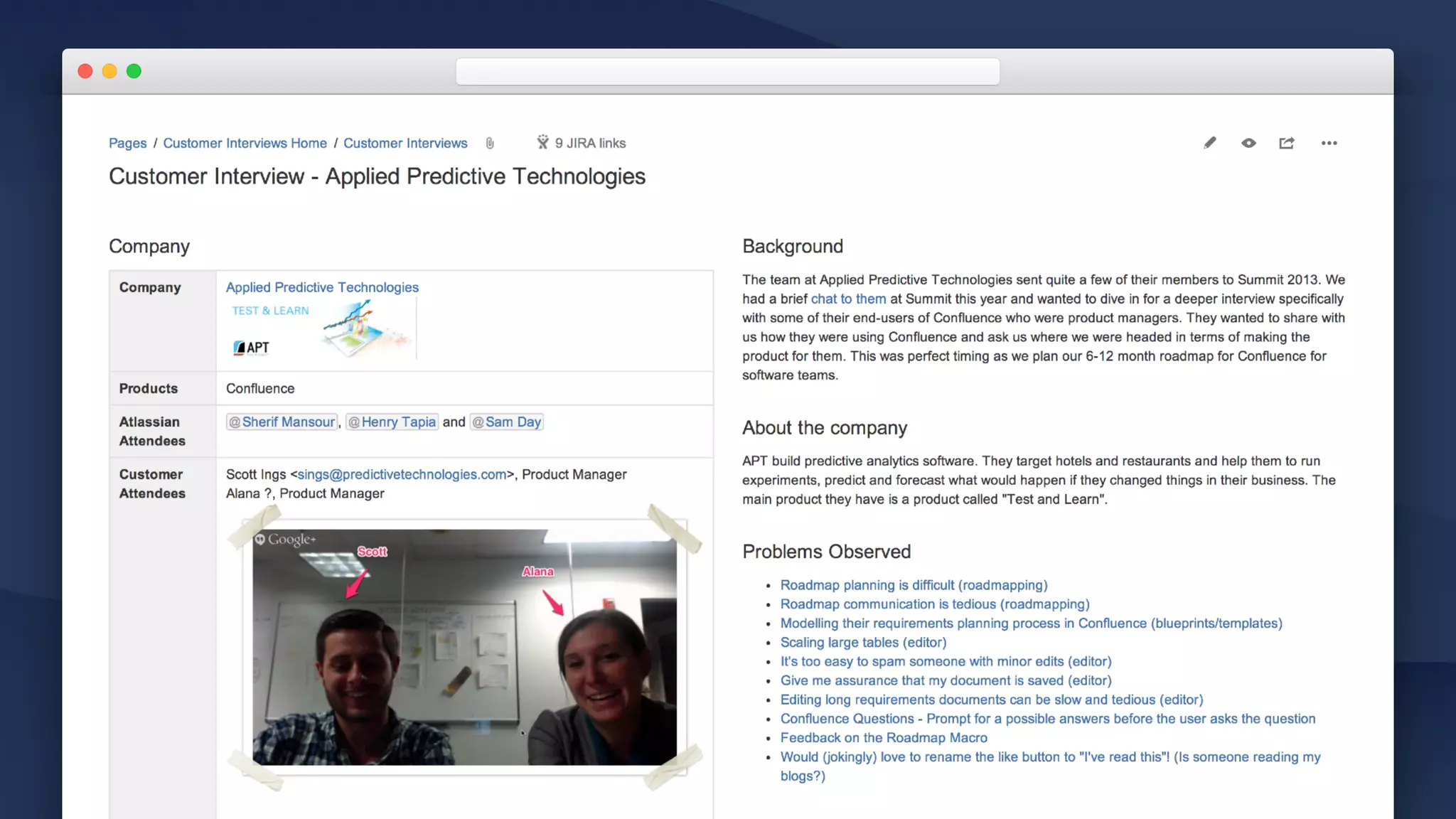
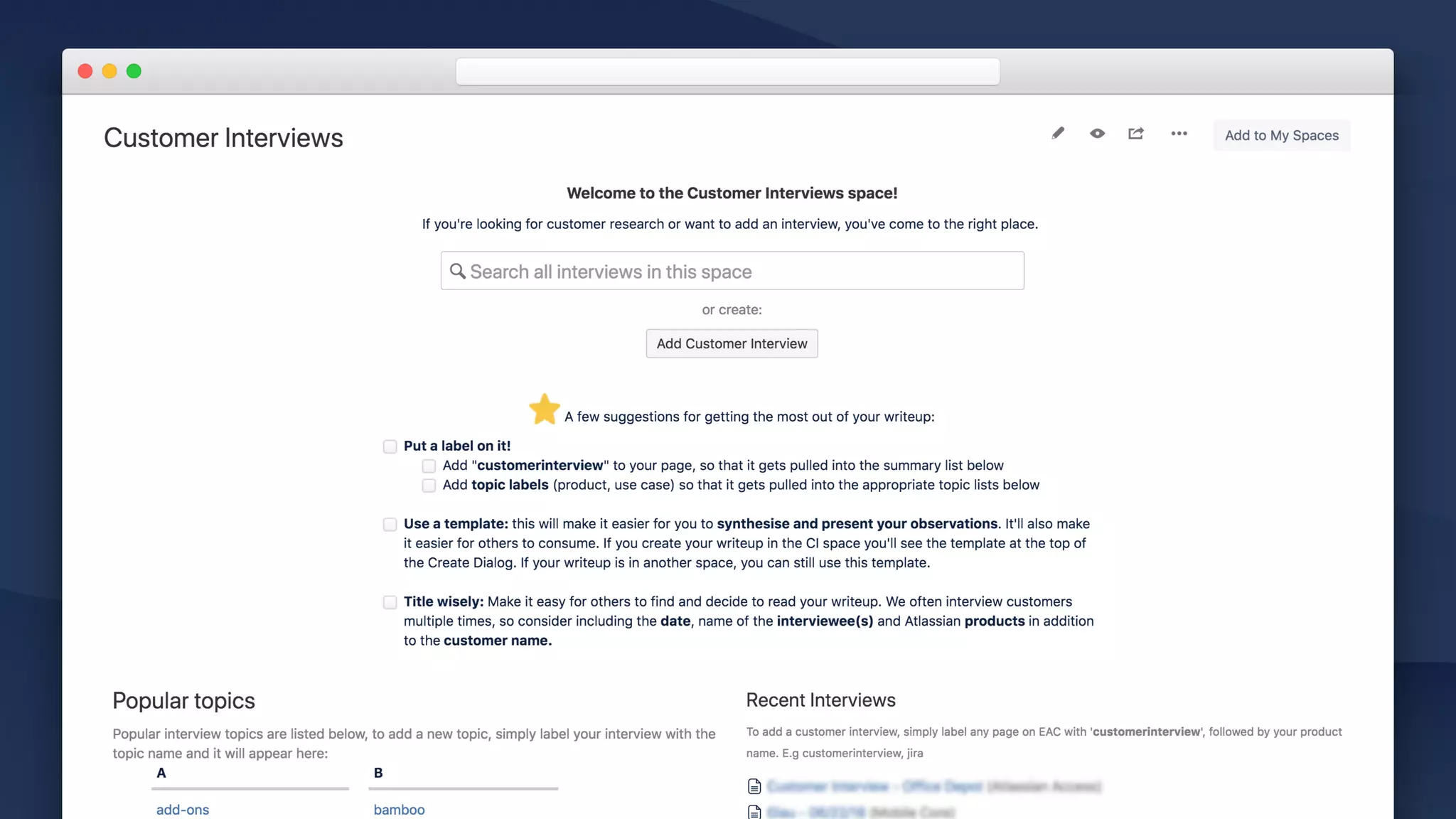
• Background and company info

Provide context for your team.
For each problem you’ve observed:
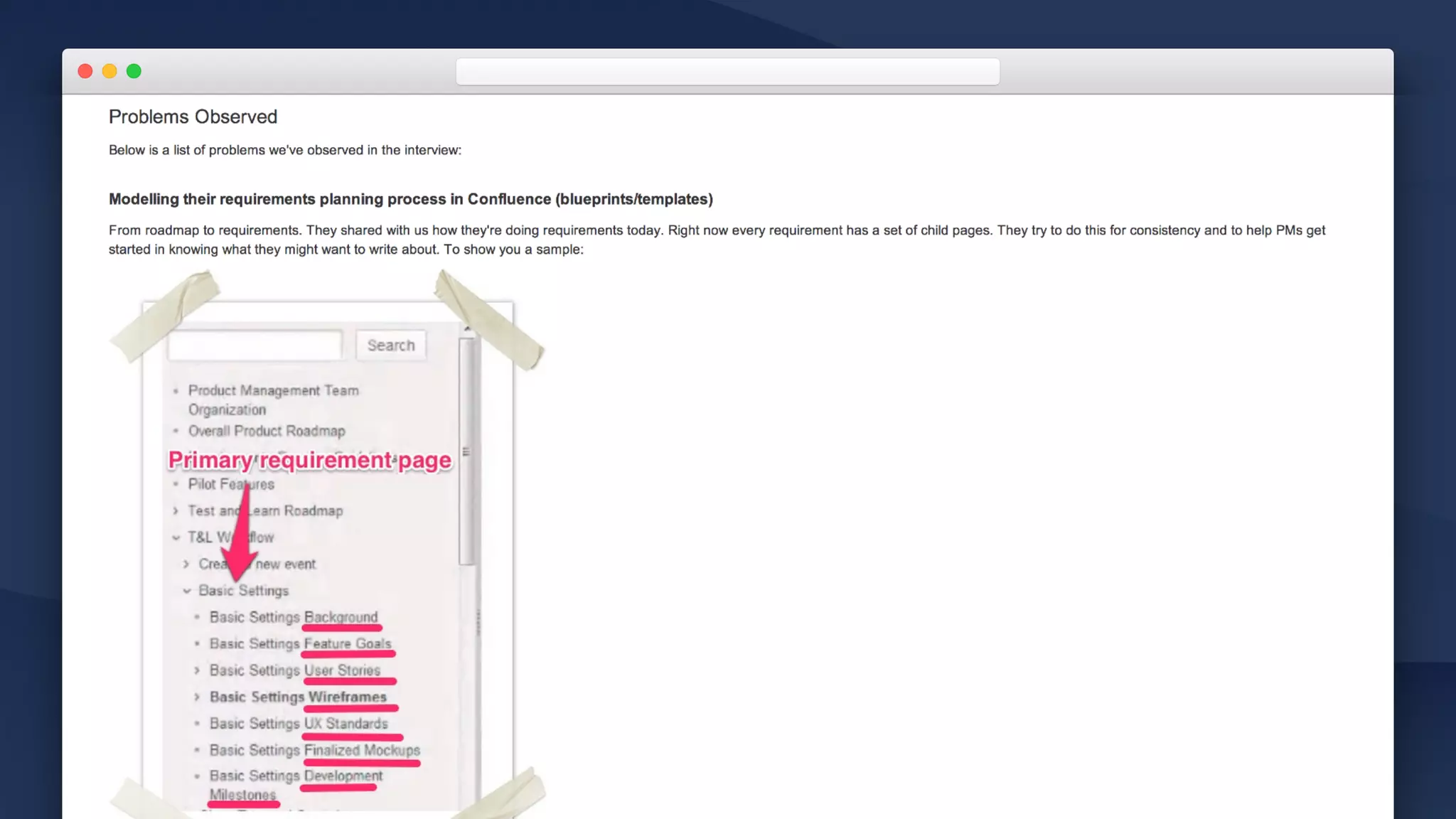
• Problem

Start with a problem statement.
• Observations

Describe the observations which lead you to conclude that
problem.

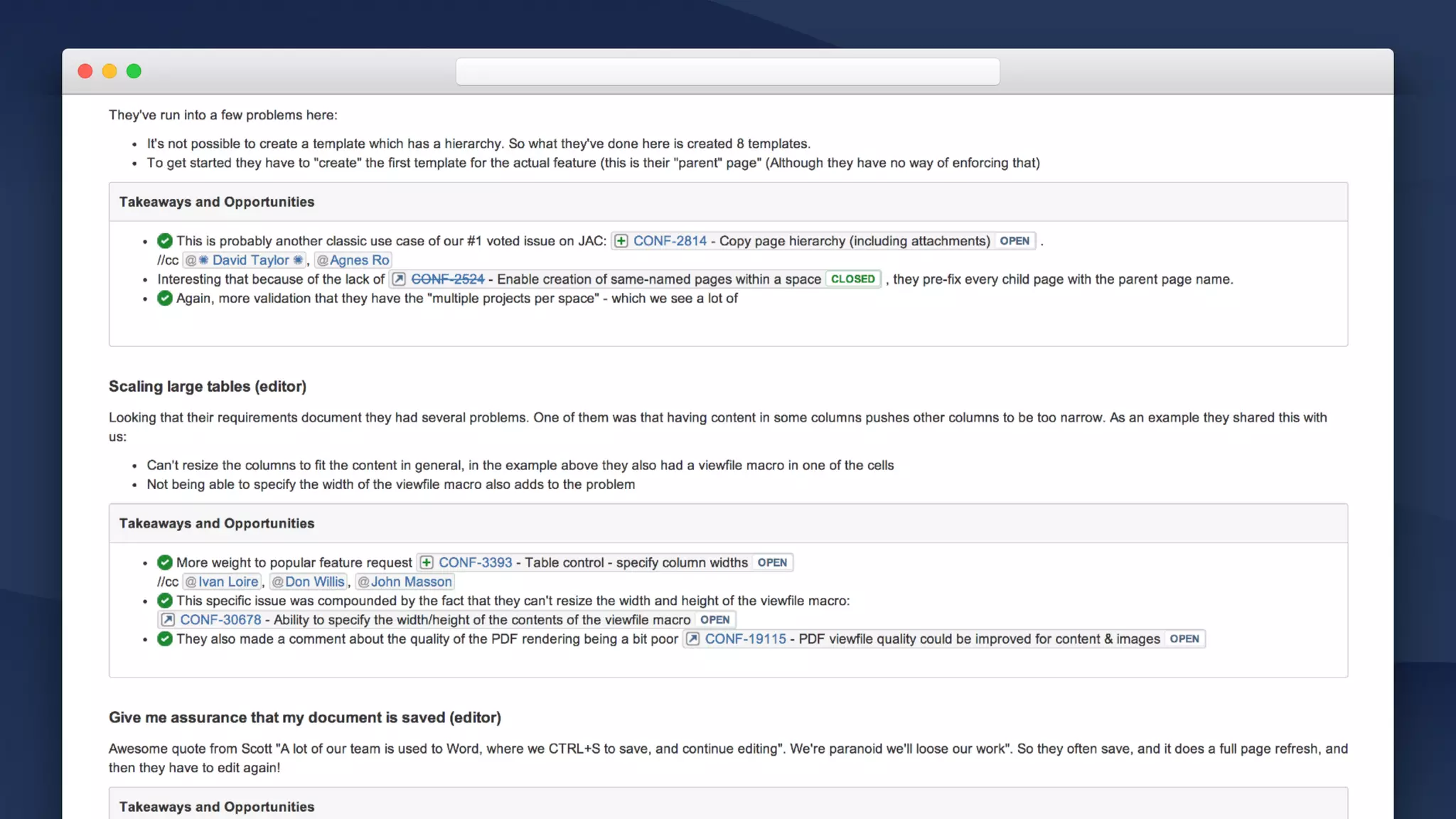
• Opportunities 

Where might we go from here?
• #protips
• @mention team members
• Link to related Jira issues for traceability
• Label interview with related topics
Customer Interview Page Template
Customer Interview Space Template
• Live search macro

Make it easy to find interviews,

• Create from template macro

Add a button to easily create more interviews and
follow the framework.

• Labels list macro

Makes finding all interviews by topic easy.
Inception / Customer interviews
• Customer interview pyramid 

Encourage your team to focus on problems and
opportunities.

• Space template

Quickly find recent interviews, by topic, date or search.
Launchpad to create new interviews.

• Page template 

Easy way to encourage problem-thinking instead of
simply documenting observations.
TURN INSIGHTS INTO ACTION
Inception / Personas
WHY?
CUSTOMER

INTERVIEWS
Interviews Taking lots of notes
Central repository:

Build on shared knowledge
Organize & find
Identify trends
and opportunities
Turn insights 

into action
Inception / Personas
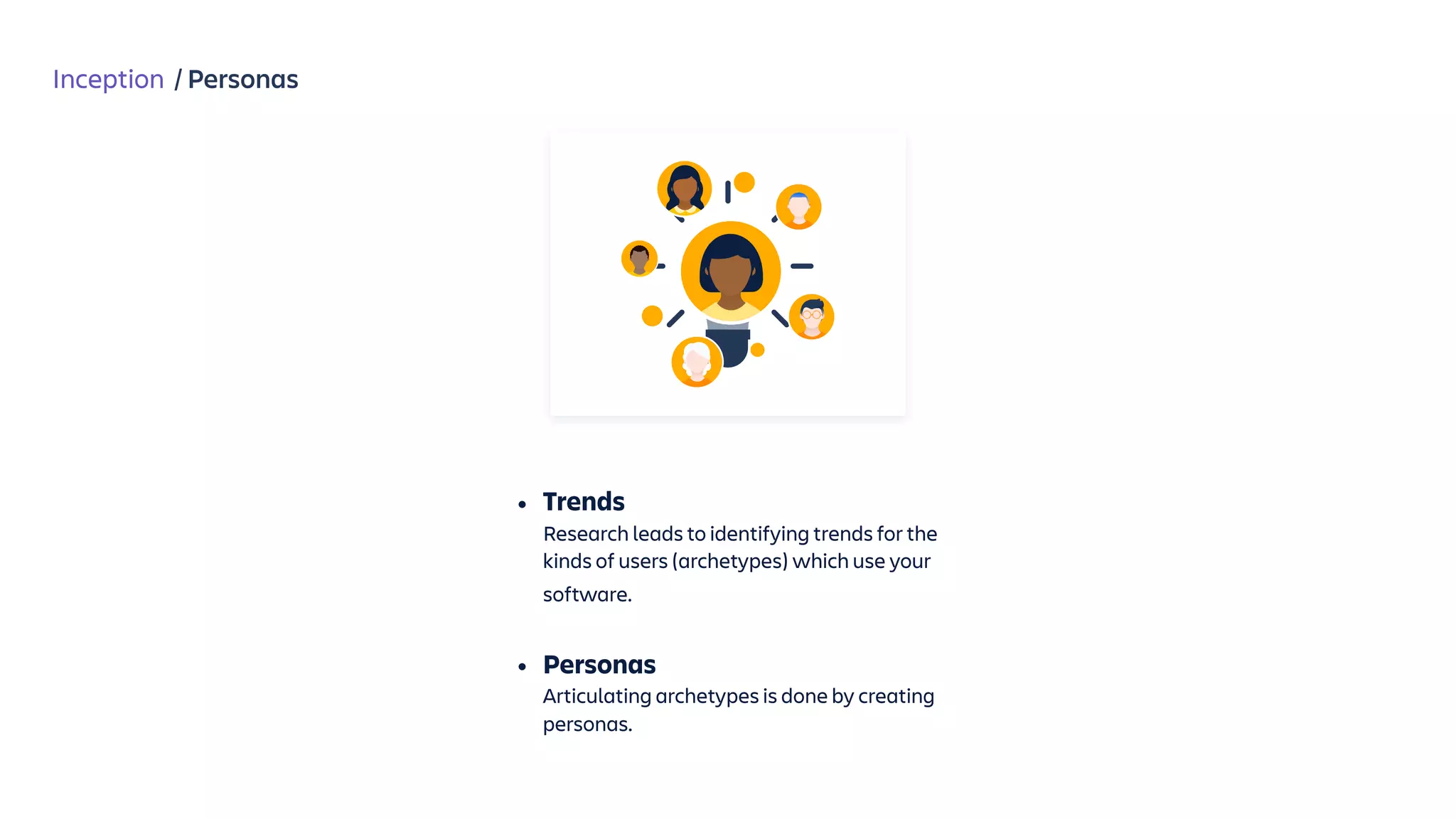
• Trends 

Research leads to identifying trends for the
kinds of users (archetypes) which use your
software.

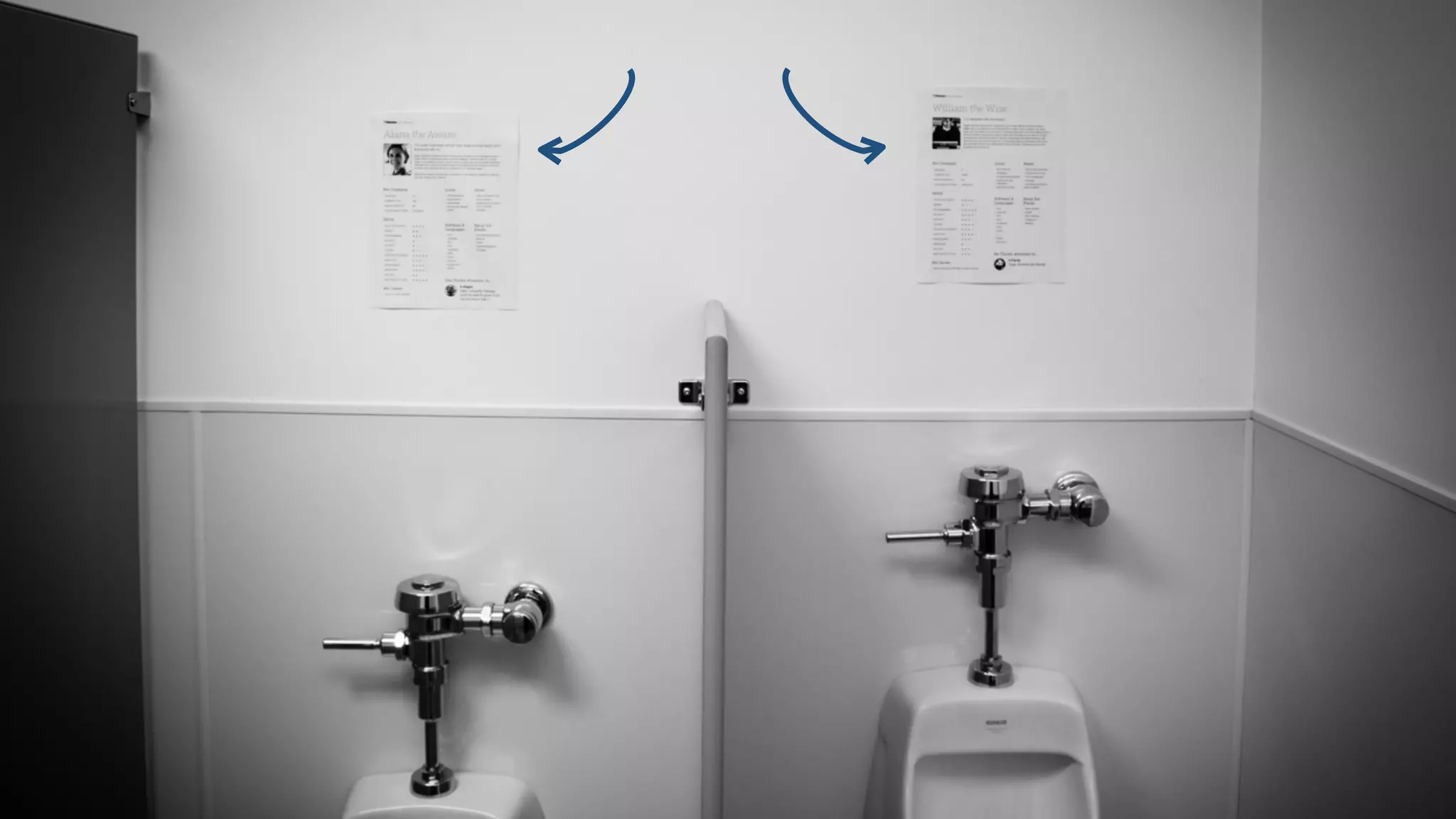
• Personas

Articulating archetypes is done by creating
personas.
Inception / Personas
WHY?


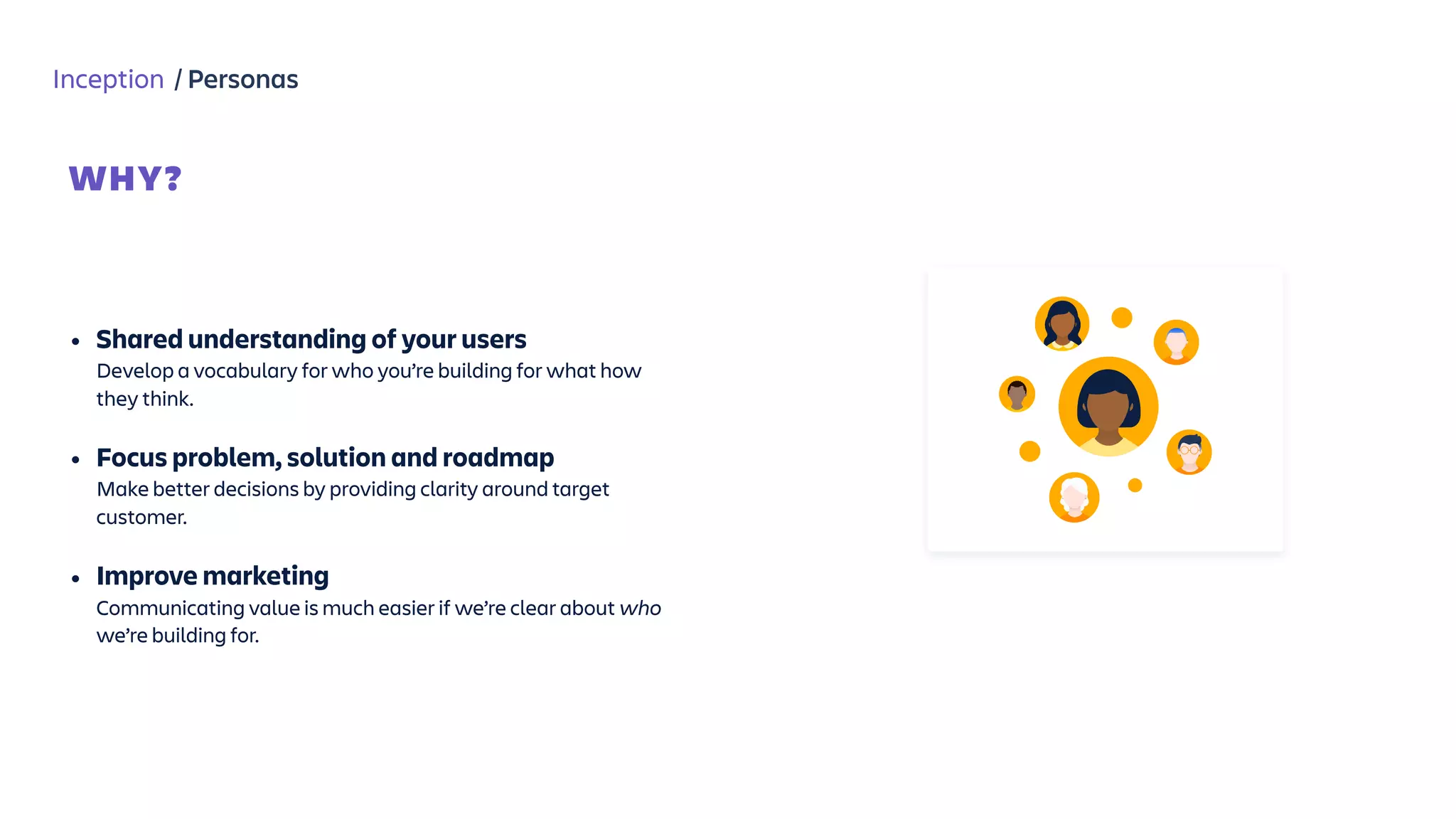
• Shared understanding of your users

Develop a vocabulary for who you’re building for what how
they think.

• Focus problem, solution and roadmap

Make better decisions by providing clarity around target
customer.
• Improve marketing

Communicating value is much easier if we’re clear about who
we’re building for.
Inception / Personas
Research / Personas
Persona Page Template
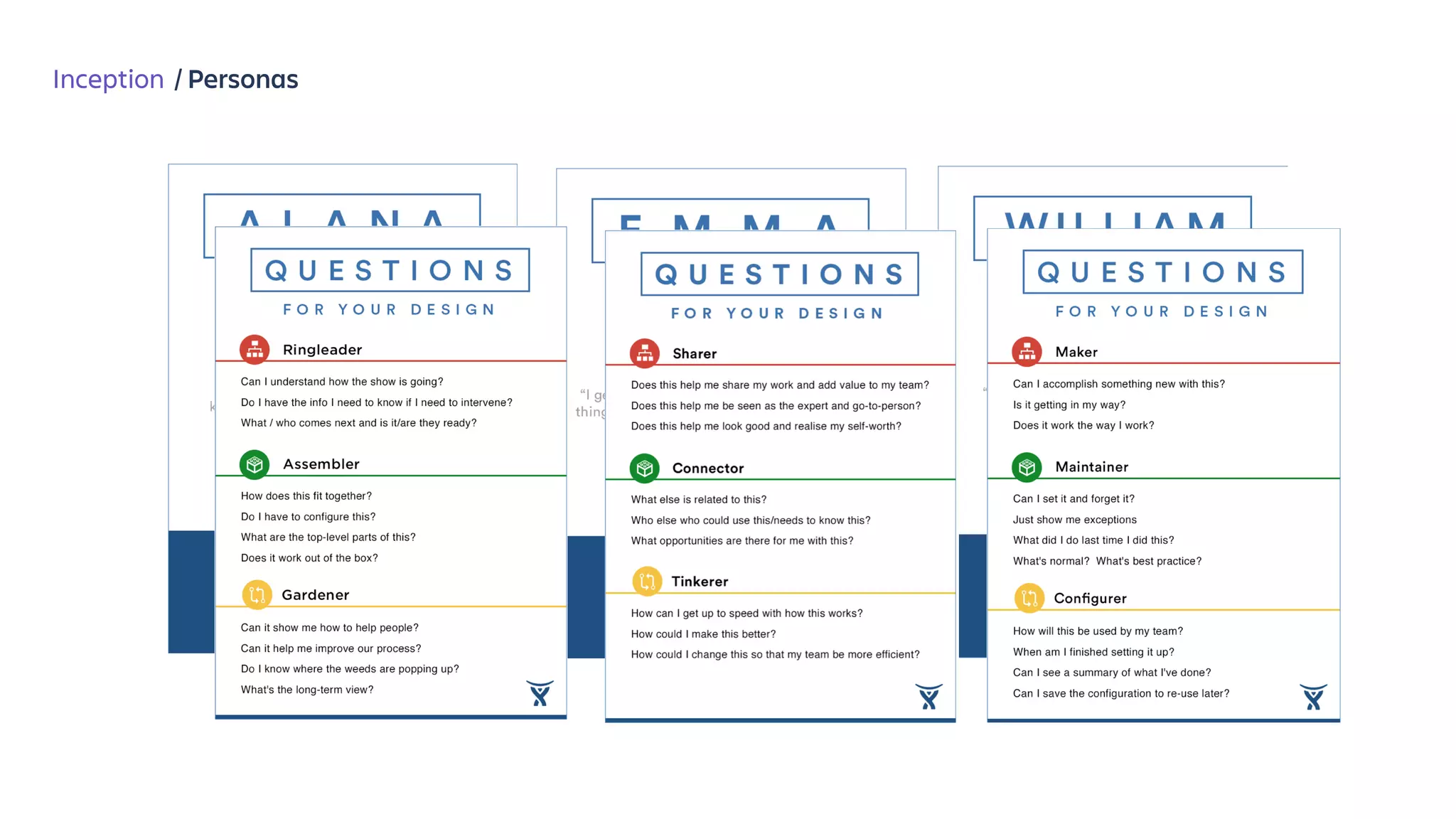
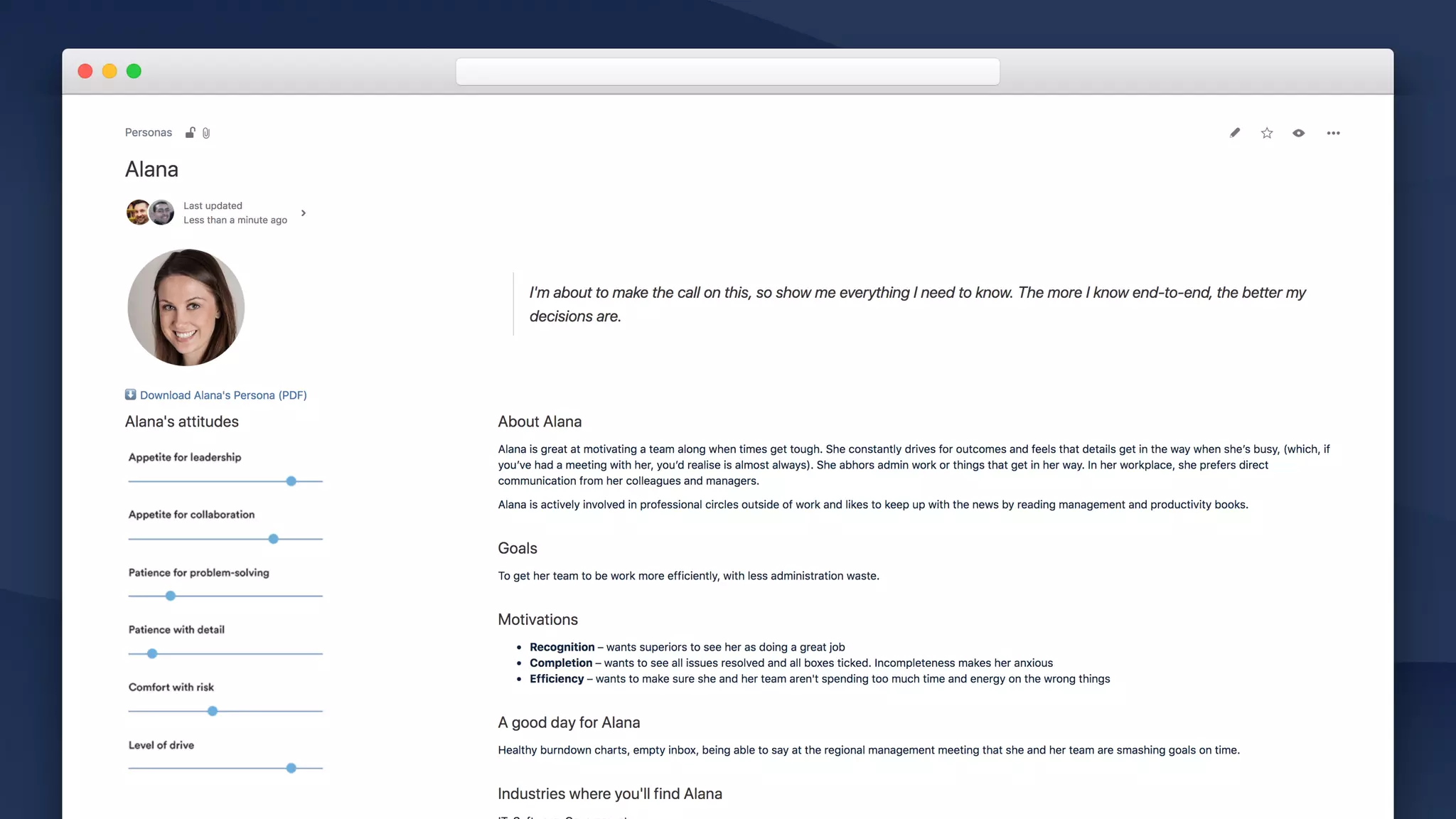
• Photo & memorable quote

Quotes and pictures are memorable. 

• “Attitude sliders”

E.g. “Appetite for… Patience for…”
• About

Goals, motivations, what does “good/bad day” look like for
this persona?

• Behaviors 

Activities which describe their attributes. E.g “ringleader”.
• Questions

For your team to think about when designing a solution for
this persona.
• Recent interviews

Use the “content by label” macro to identify recent interviews
for this persona.
Persona Space Template
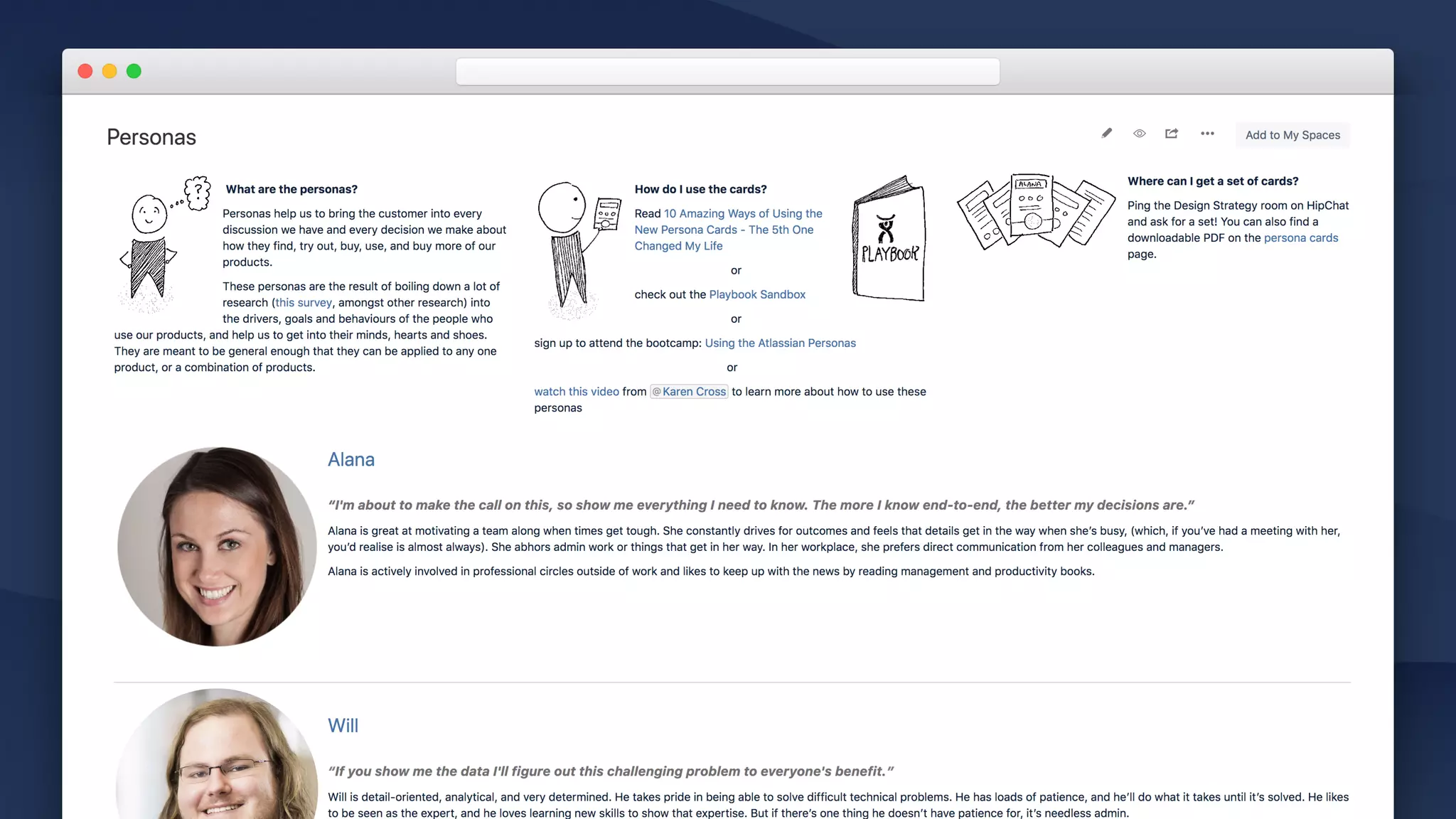
• Introduce personas

What are they? Where can I learn more? Who can I
speak to?

• Snapshot of each persona

Memorable quote, high-level overview of the
persona. Link to detailed persona page. 

• Recent interviews

Use the “content by label” macro to display recent
interviews about any of these personas.
Inception / Personas
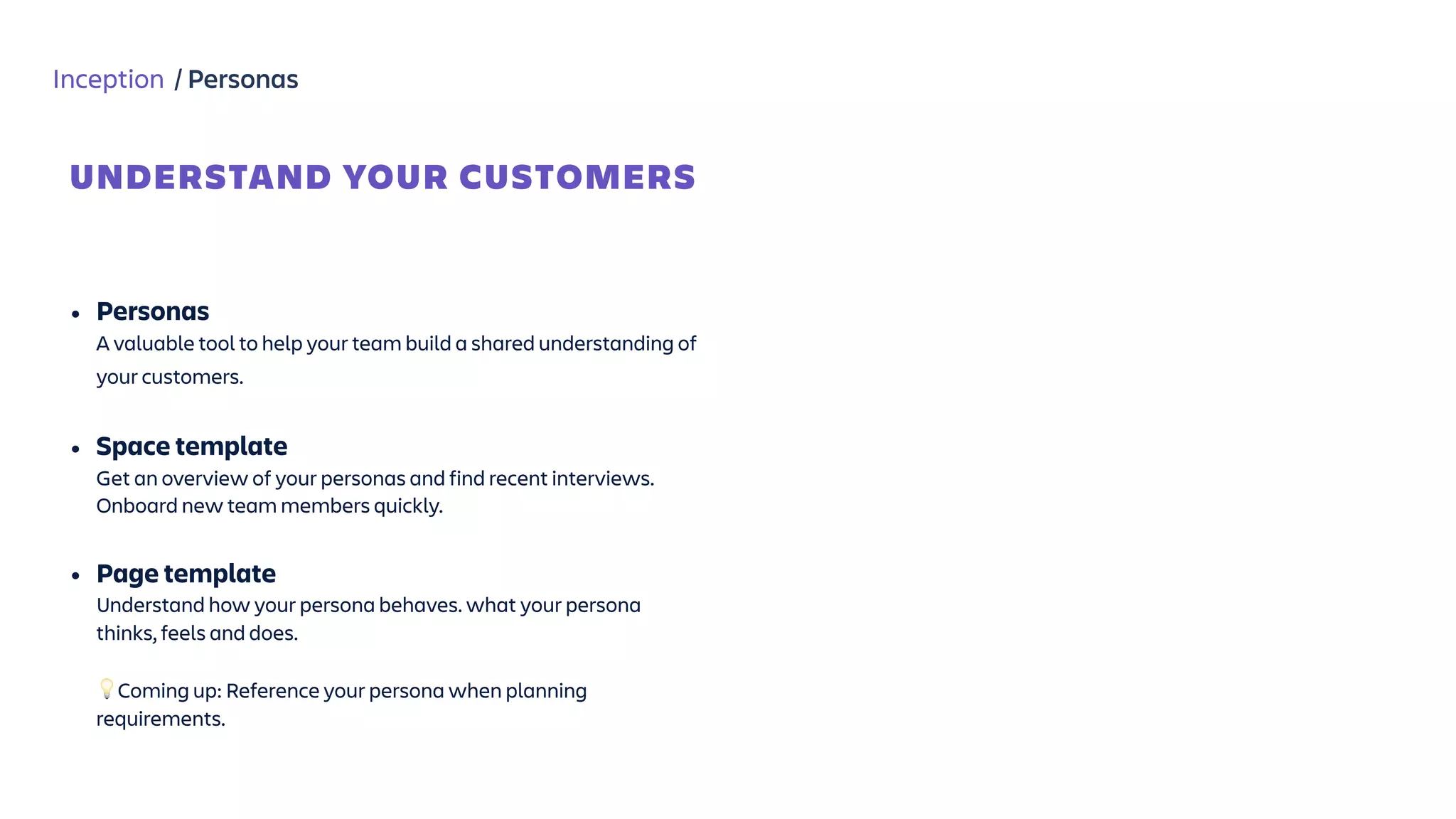
• Personas 

A valuable tool to help your team build a shared understanding of
your customers. 

• Space template

Get an overview of your personas and find recent interviews.
Onboard new team members quickly.

• Page template 

Understand how your persona behaves. what your persona
thinks, feels and does.


💡Coming up: Reference your persona when planning
requirements.
UNDERSTAND YOUR CUSTOMERS
Inception
Capture ideas
Capture ideas form anywhere: Blogs, Confluence Questions, “Shared Links” template.
Plan surveys
Collaborate on survey questions and share outcomes.
Share interviews
Turn customer research into action.
Capture personas
Build a shared understanding of your users.
Inception Planning Build Tailor
Confluence for software teams
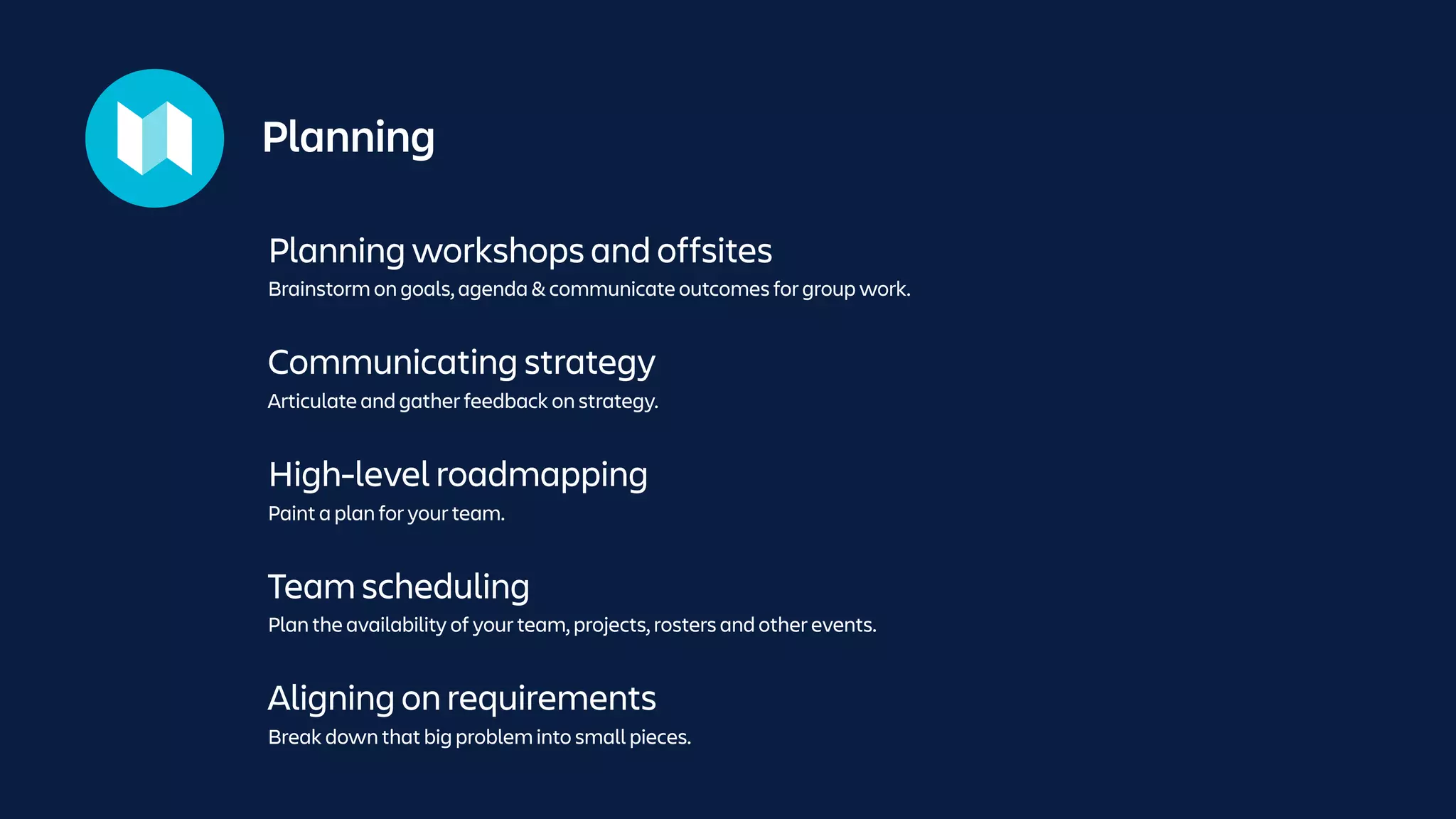
Planning workshops and offsites
Brainstorm on goals, agenda & communicate outcomes for group work.
Planning
Communicating strategy
Articulate and gather feedback on strategy.
High-level roadmapping
Paint a plan for your team.
Team scheduling
Plan the availability of your team, projects, rosters and other events.
Aligning on requirements
Break down that big problem into small pieces.
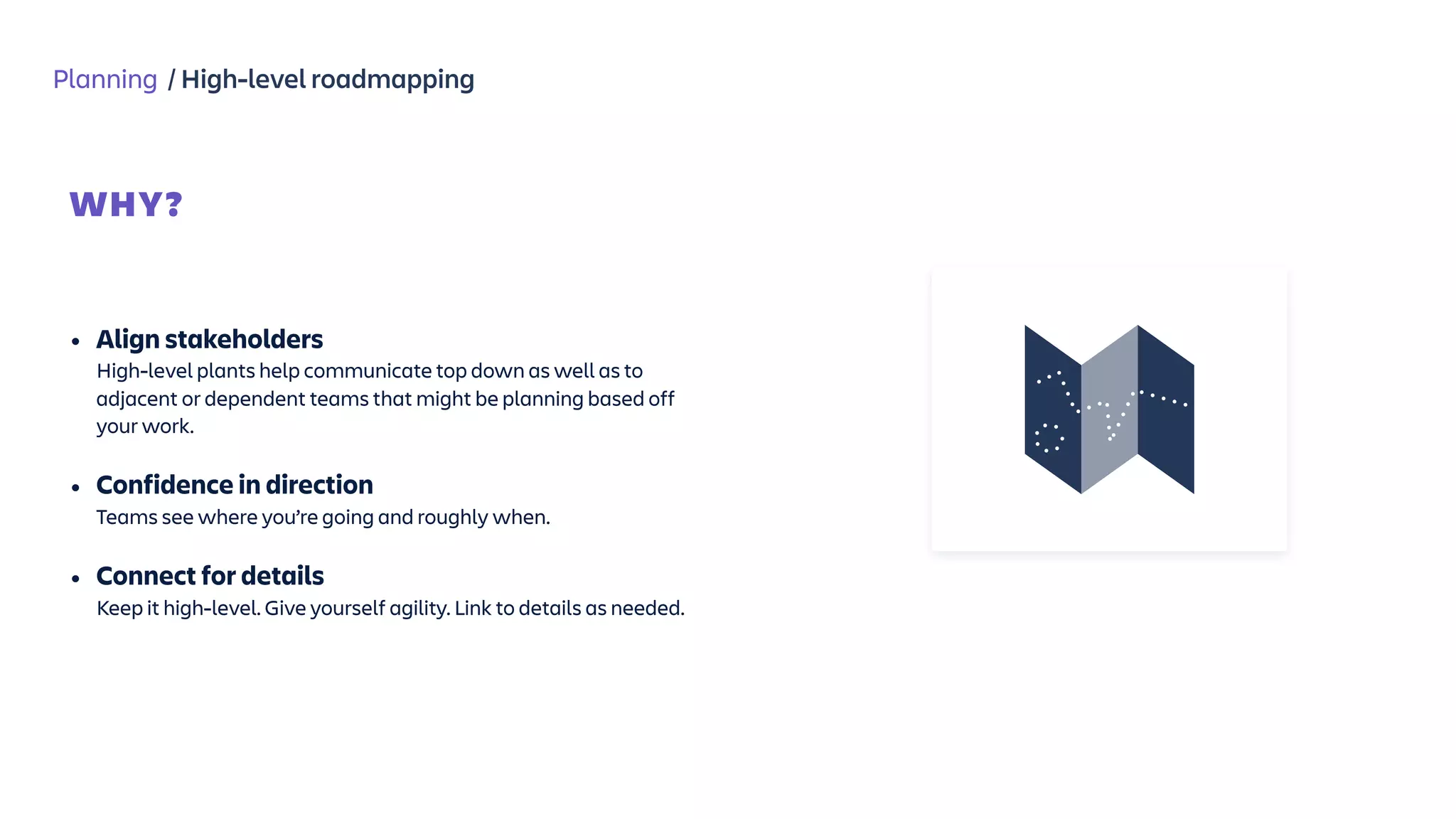
Planning / High-level roadmapping
WHY?


• Align stakeholders 

High-level plants help communicate top down as well as to
adjacent or dependent teams that might be planning based off
your work.
• Confidence in direction 

Teams see where you’re going and roughly when.
• Connect for details 

Keep it high-level. Give yourself agility. Link to details as needed.
bit.ly/buildingroadmaps
“The art of building a roadmap”
TALK
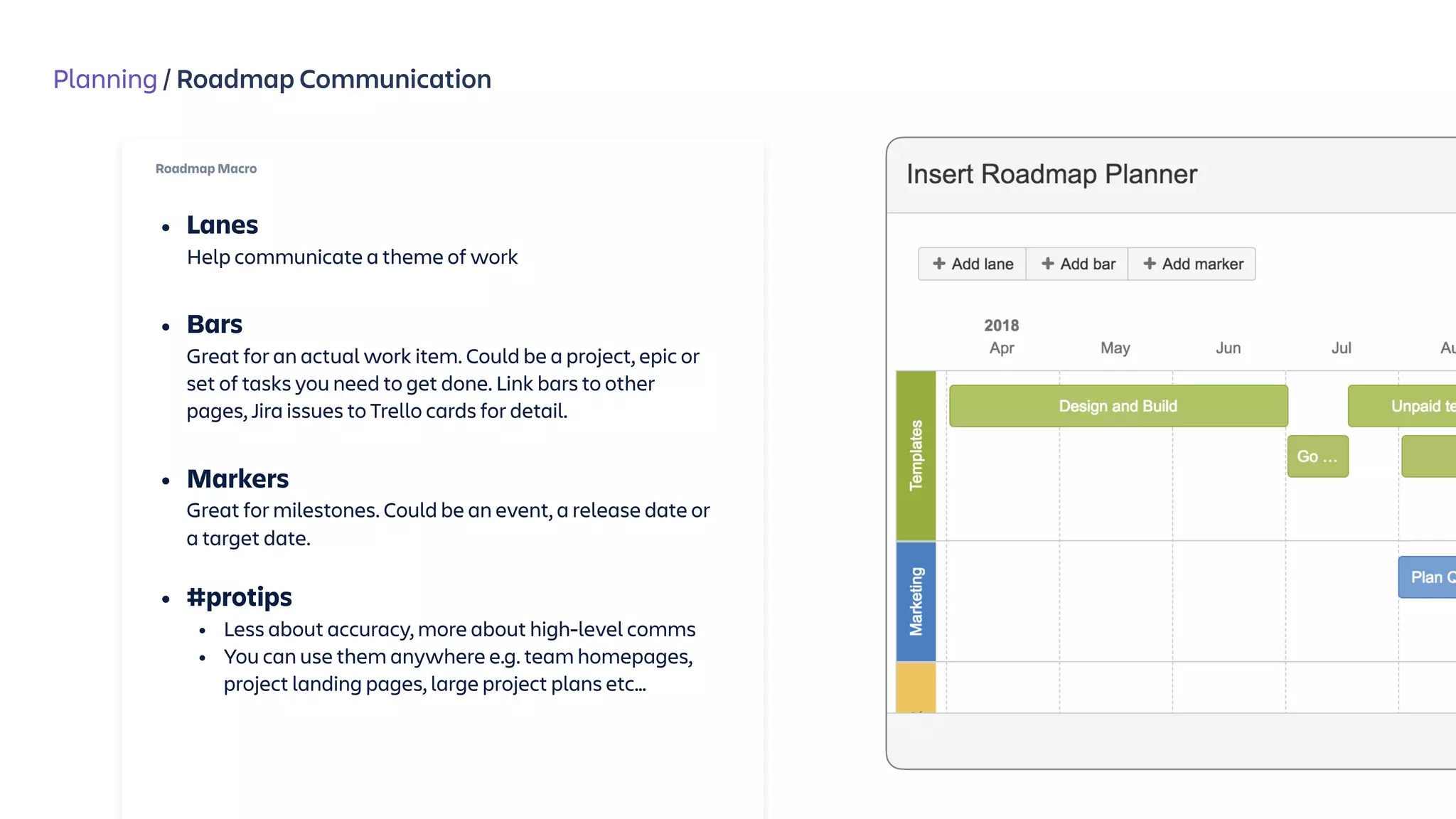
Planning / Roadmap Communication
Roadmap Macro
• Lanes

Help communicate a theme of work

• Bars

Great for an actual work item. Could be a project, epic or
set of tasks you need to get done. Link bars to other
pages, Jira issues to Trello cards for detail. 

• Markers

Great for milestones. Could be an event, a release date or
a target date.
• #protips
• Less about accuracy, more about high-level comms
• You can use them anywhere e.g. team homepages,
project landing pages, large project plans etc…
Planning / High-level roadmapping
ALIGN YOUR TEAM


• Watch: The art of building a roadmap 

Roadmaps come in all shapes and sizes. Don’t get fixated on
one method, watch bit.ly/buildingroadmaps.

• Roadmap macro 

Visualise your direction, link to details as needed.

• Embed in strategy or planning pages 

Use standalone or embed in high-level planning pages for your
project.
Planning / Team scheduling
WHY?


• Release planning != roadmap planning

Communicating high-level roadmaps is different to
understanding what’s shipping and when.
• Understand where your team is at

Teams see where you’re going and roughly when.
• Bring in other contexts

Your team doesn’t work in insolation. Take into consideration all
the other events happening in your team or organisation.
Planning / Team scheduling
WHY?
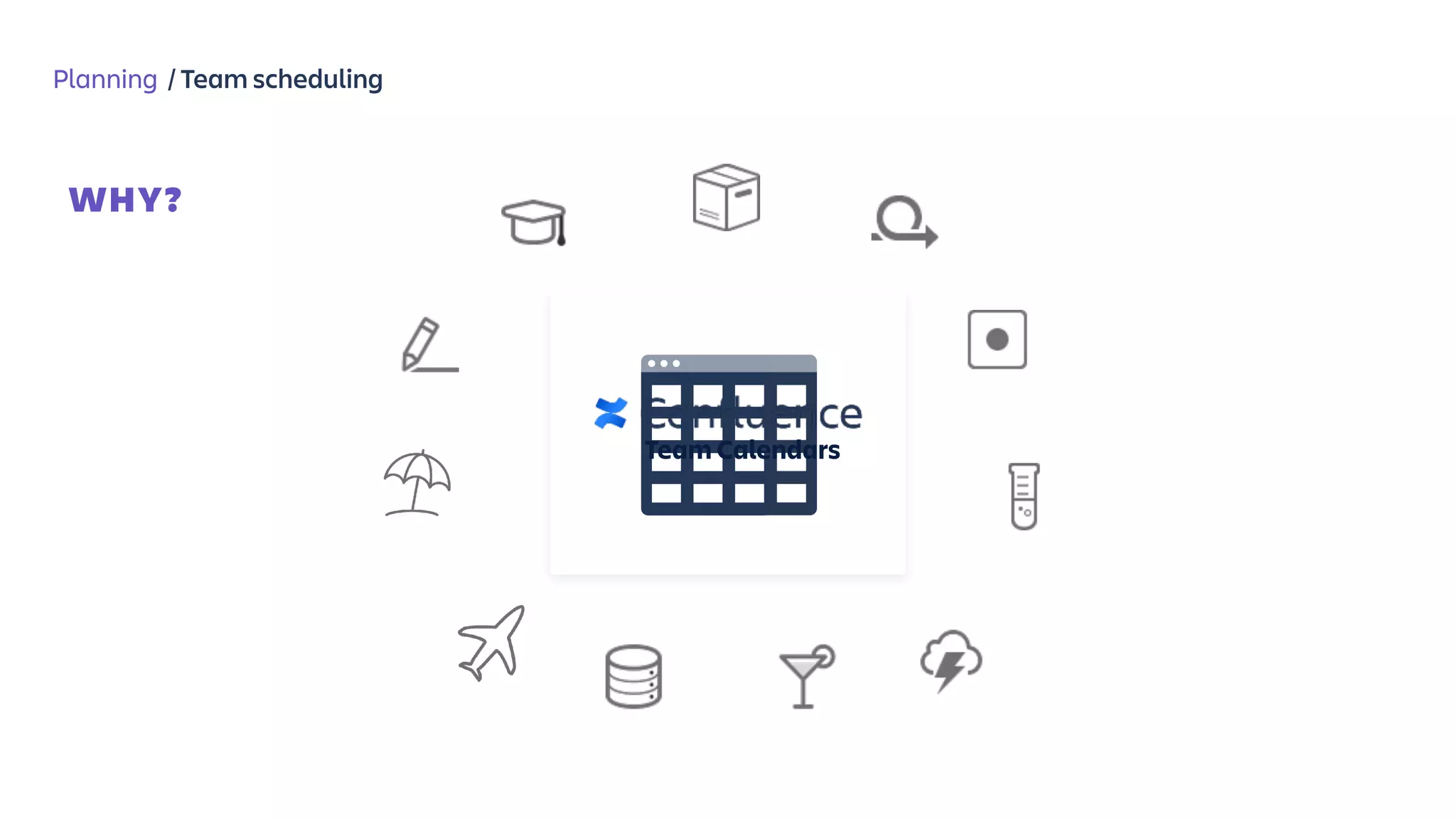
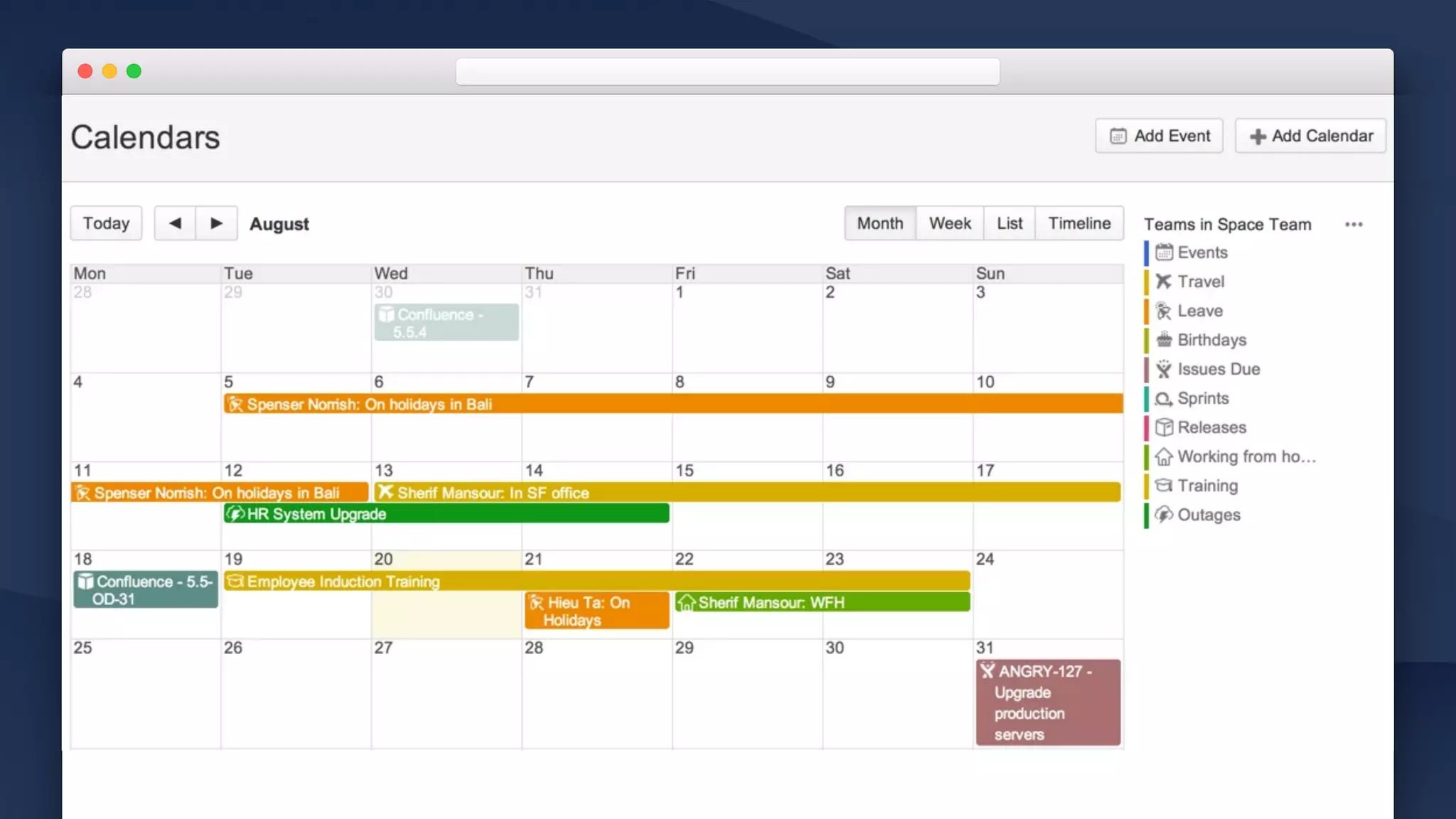
Team Calendars
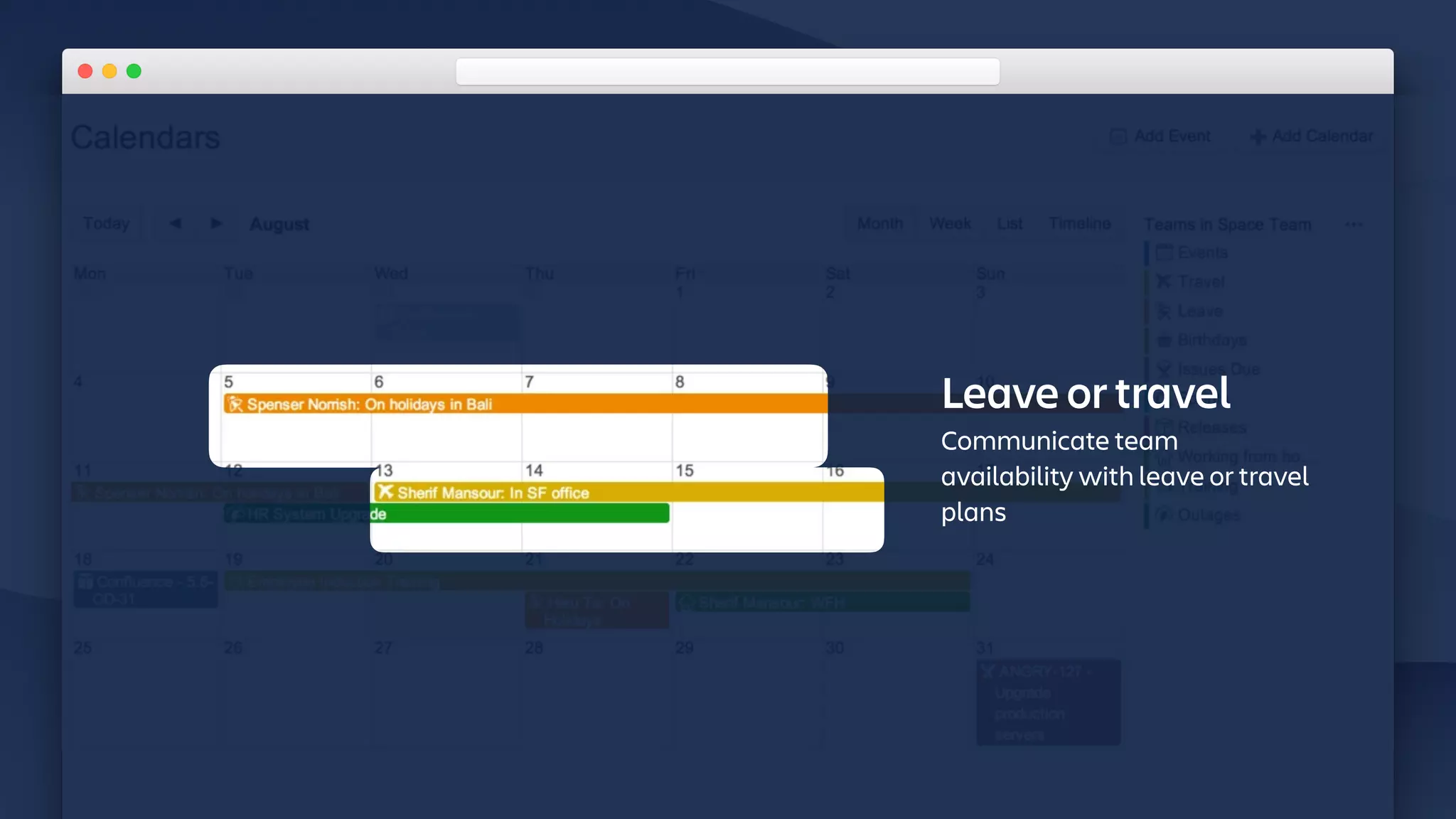
Leave or travel
Communicate team
availability with leave or travel
plans
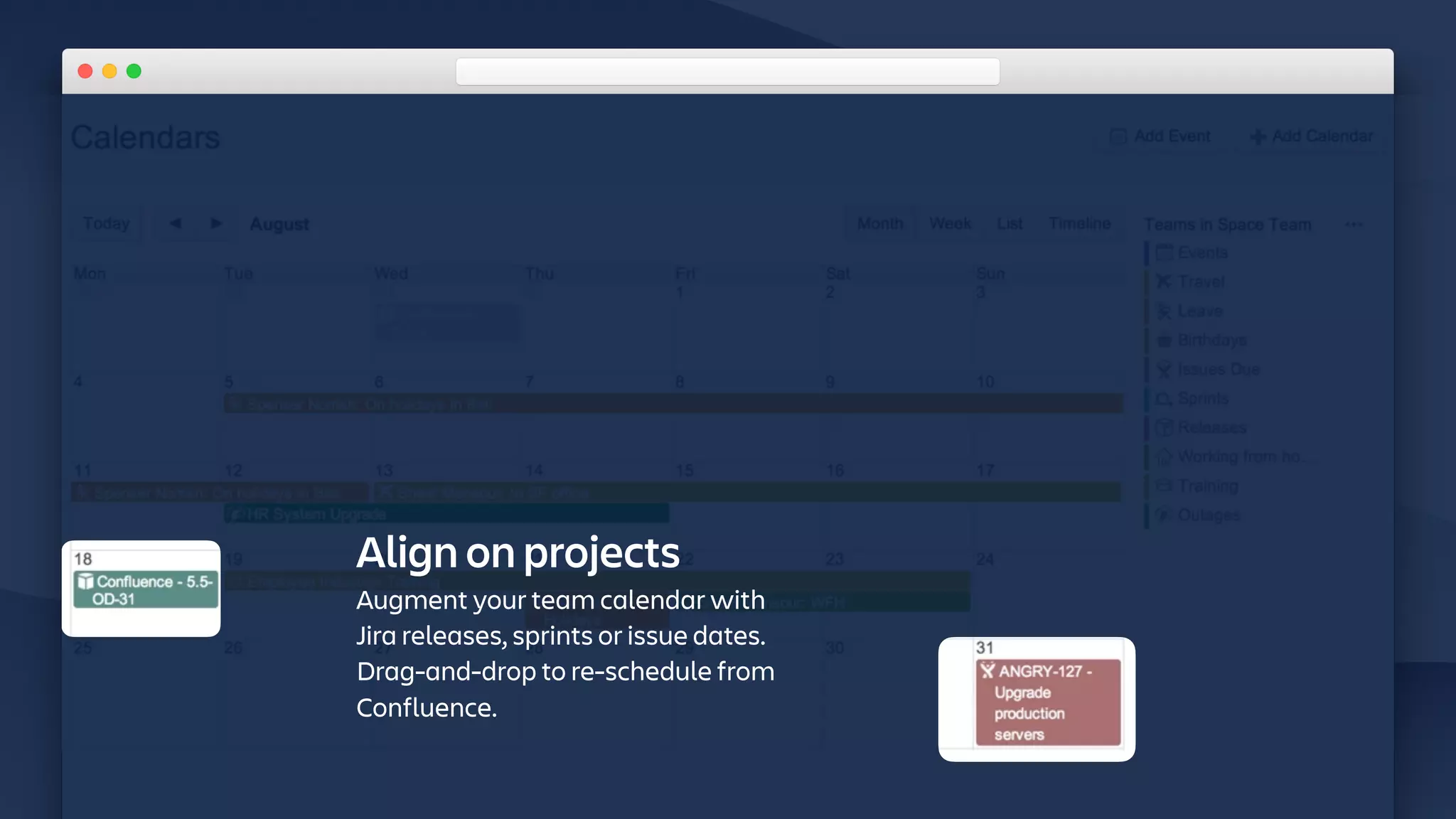
Align on projects
Augment your team calendar with
Jira releases, sprints or issue dates.
Drag-and-drop to re-schedule from
Confluence.
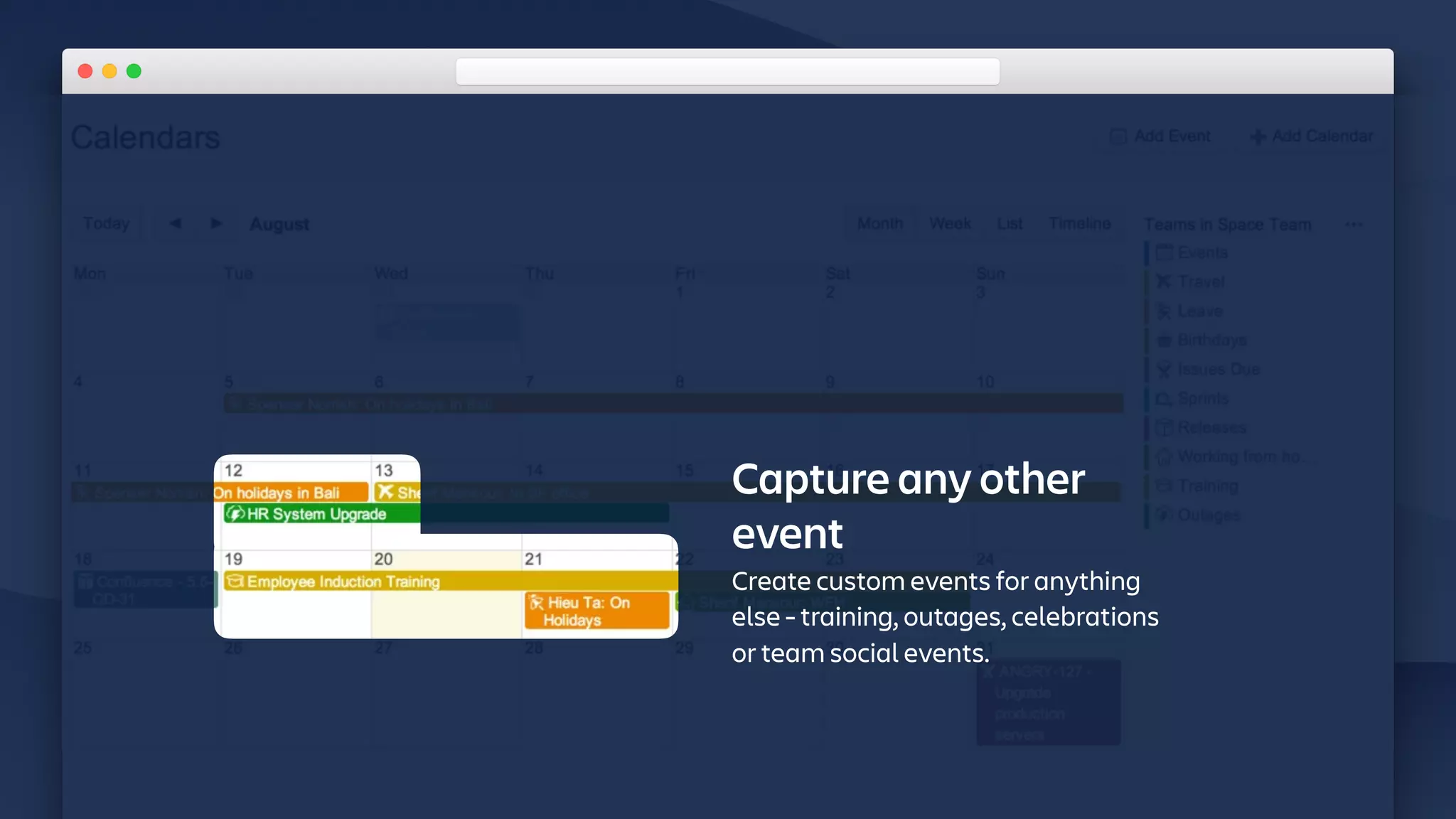
Capture any other
event
Create custom events for anything
else - training, outages, celebrations
or team social events.
Planning / Team scheduling
ALIGN YOUR TEAM


• Confluence Team Calendars

Checkout the app in the Marketplace, for Cloud and Server.
• Plan teams and projects

Integrate with Jira releases, sprints or issue dates. Overlay your
teams leave and travel plans.
• Add custom events 

Create custom events for anything else your team does, link to
pages for more detail.
Planning / Requirements
WHY?


• Align stakeholders 

High-level plants help communicate top down as well as to
adjacent or dependent teams that might be planning based off
your work.
• Confidence in direction 

Teams see where you’re going and roughly when.
• Connect for details 

Keep it high-level. Give yourself agility. Link to details as needed.
bit.ly/DontAlwaysWriteRequirements
⚠ Try to avoid writing requirements!
TALK
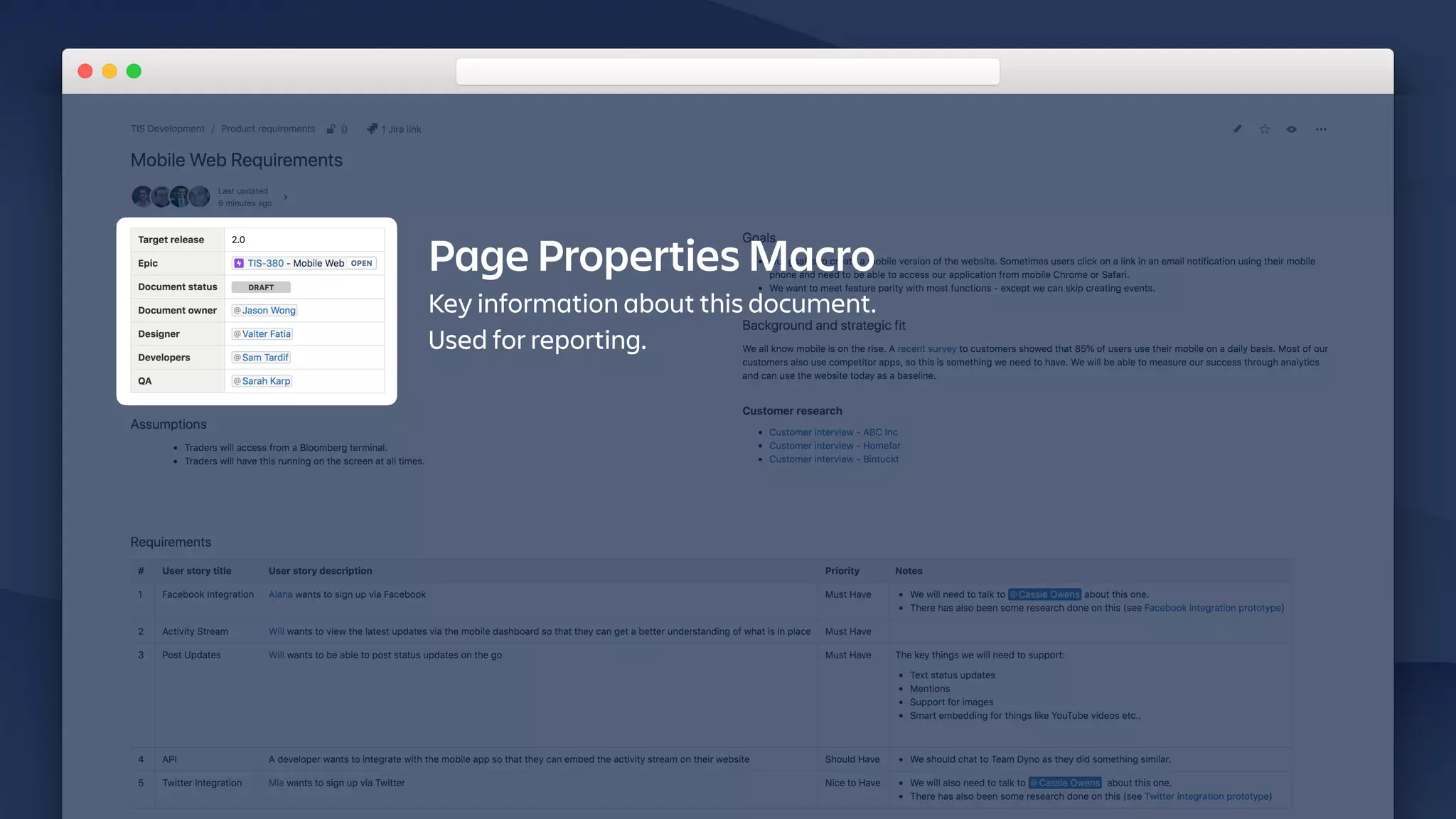
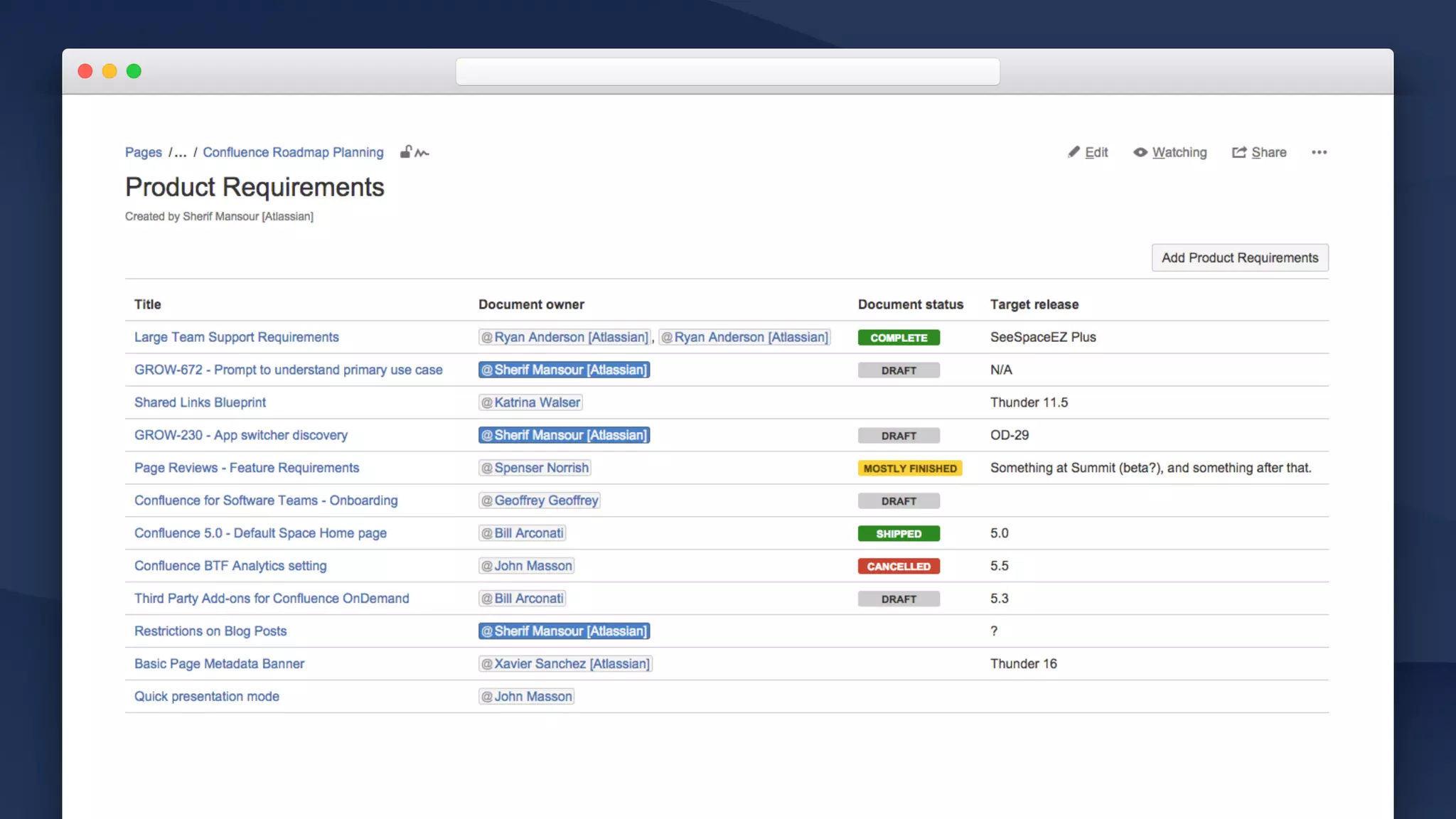
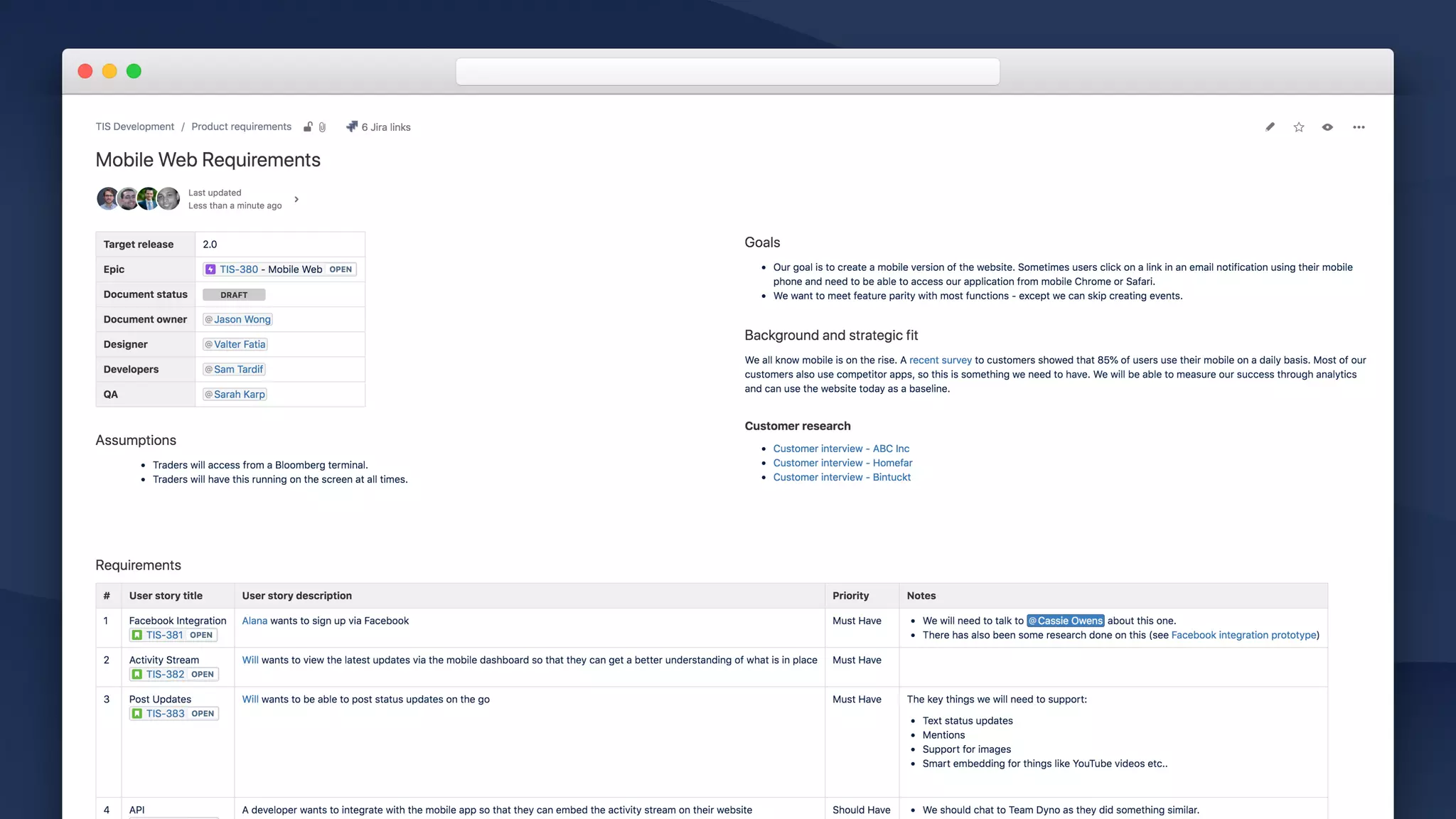
Page Properties Macro
Key information about this document.
Used for reporting.
Page Properties Macro
Key information about this document.
Used for reporting.
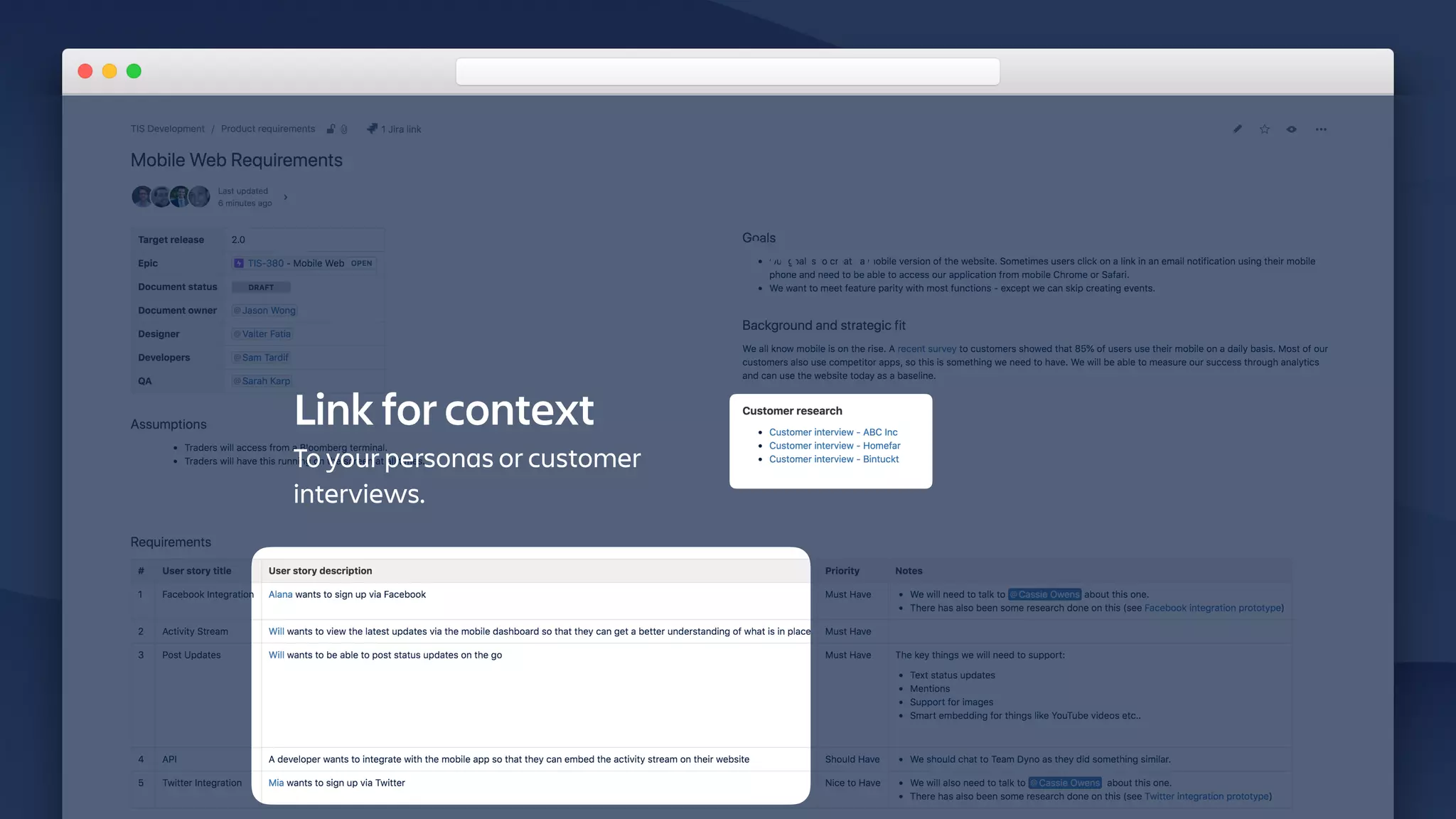
Link for context
To your personas or customer
interviews.
marketplace.atlassian.com
Atlassian Marketplace
CHECKOUT
Lots of apps to help your team get aligned: Diagraming, charting, mockups…
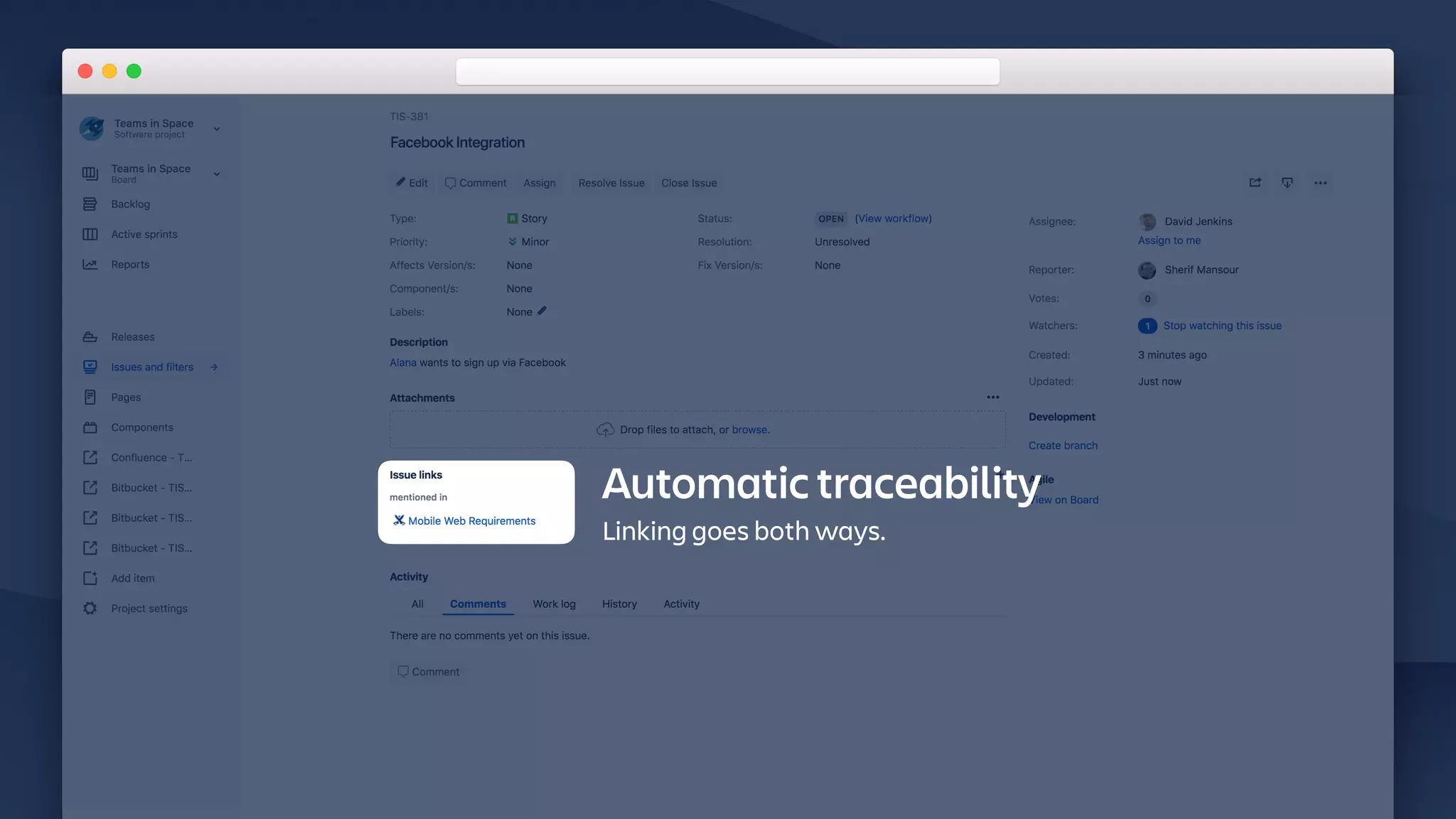
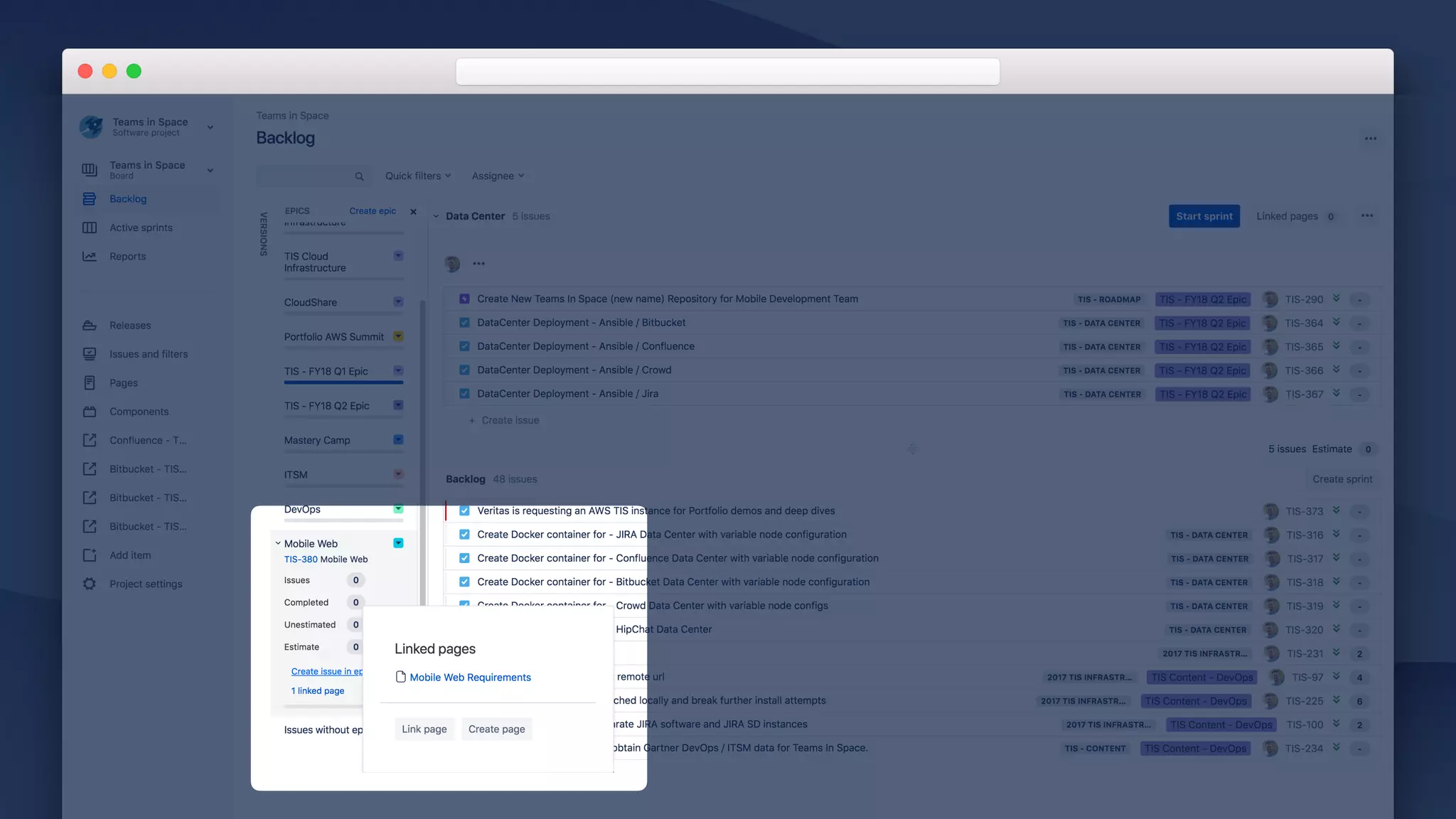
Automatic traceability
Linking goes both ways.
Planning / Requirements
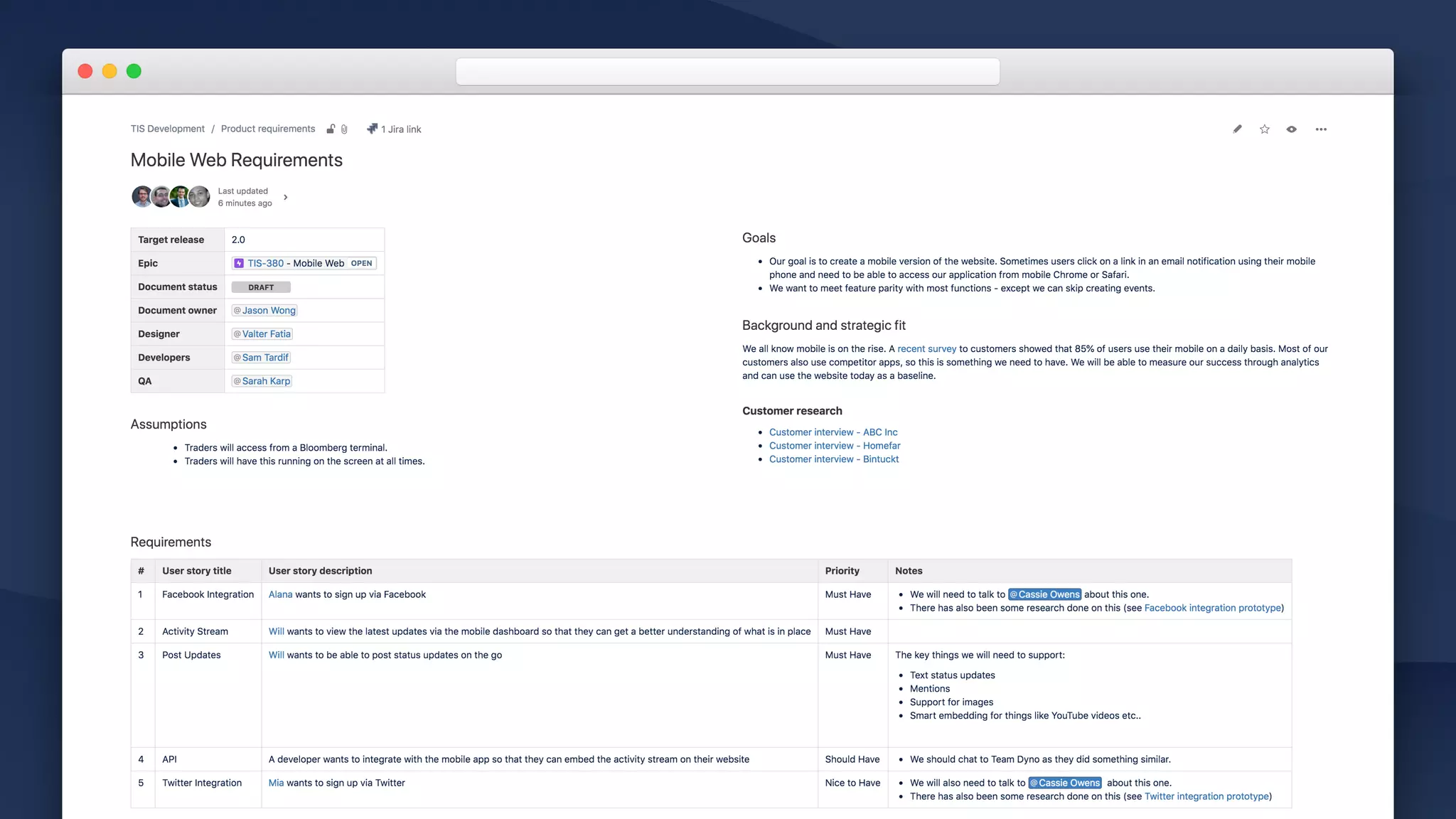
GET ON THE SAME PAGE


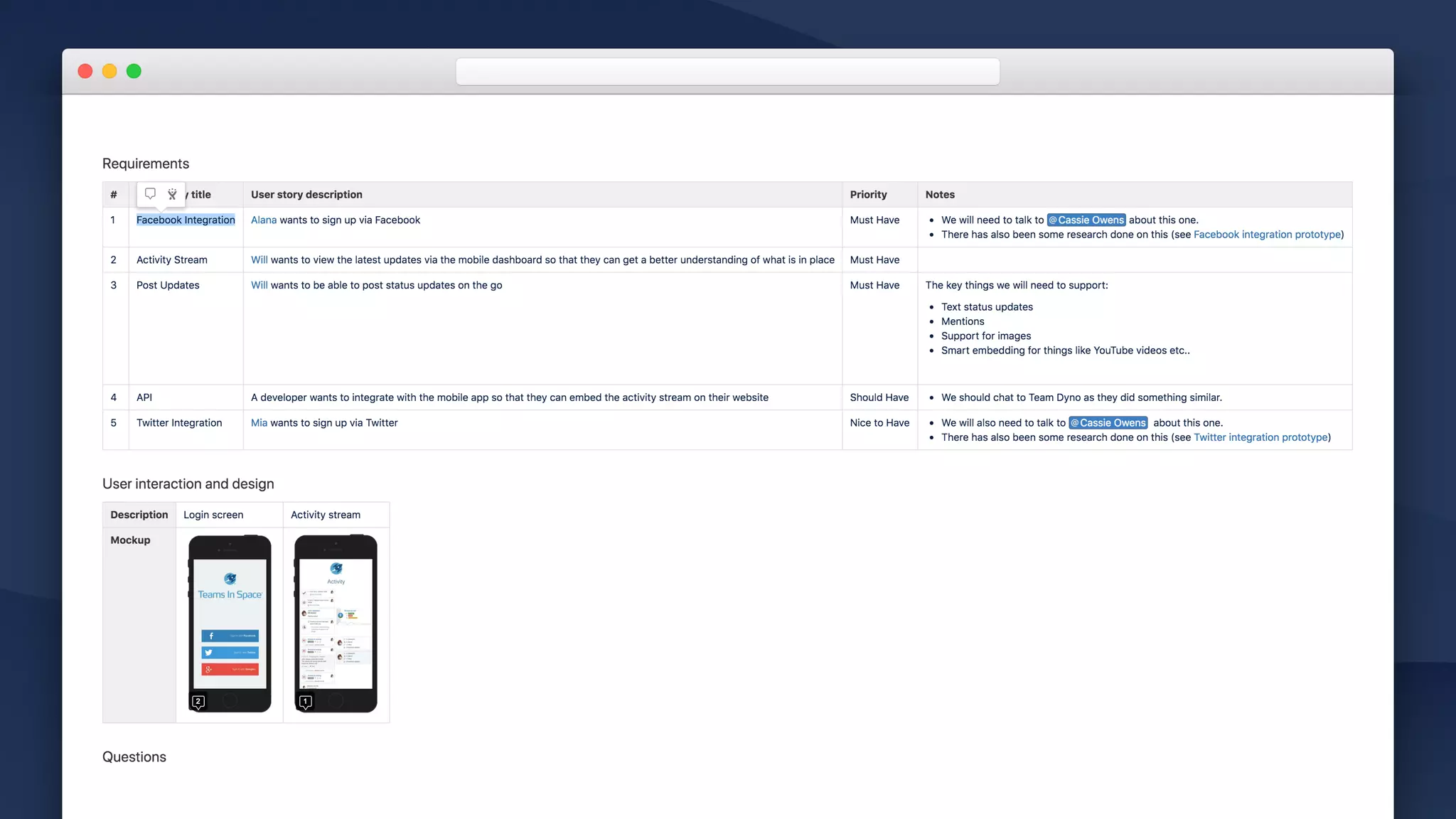
• Requirements template 

Modify it to fit your needs
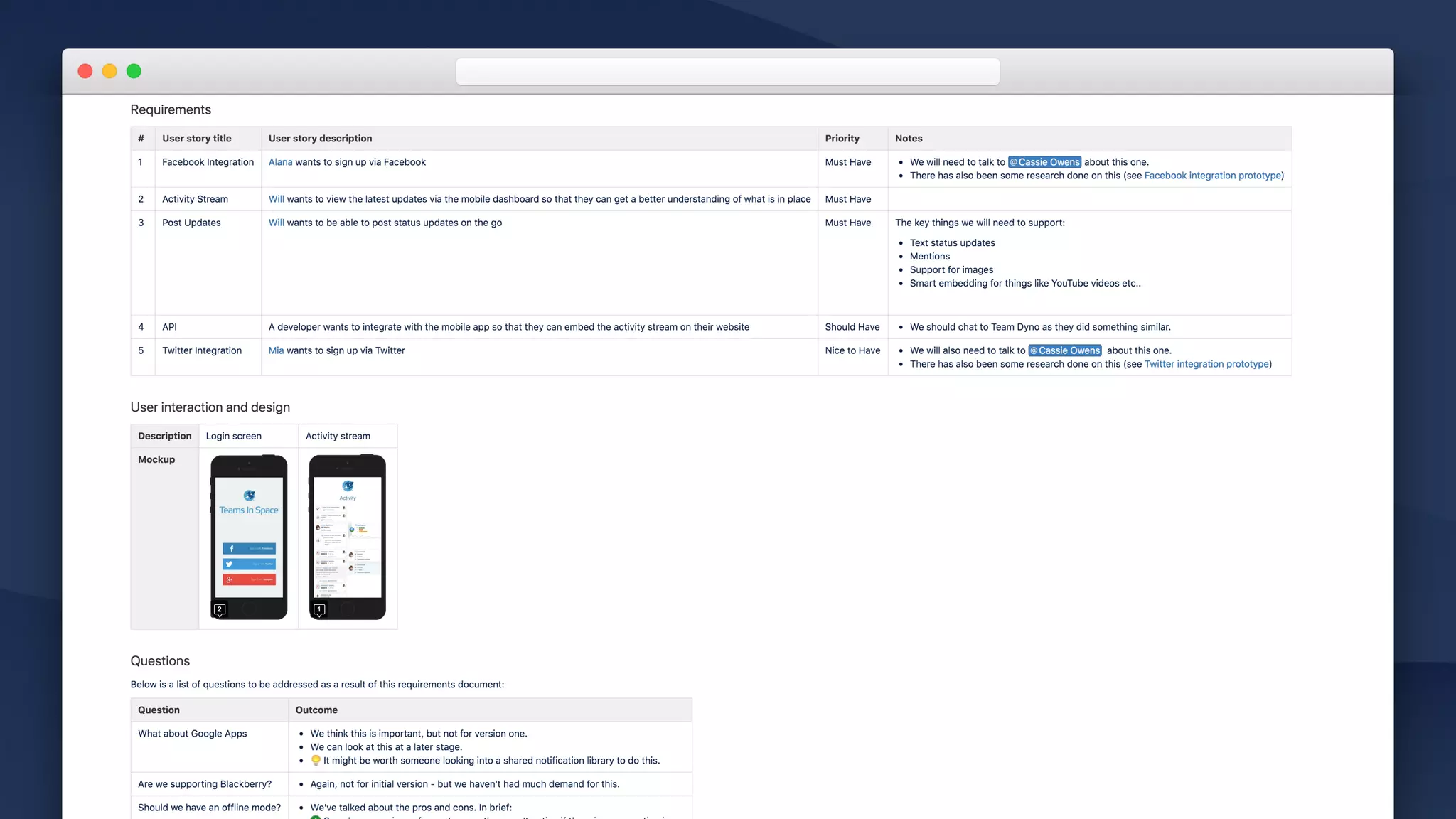
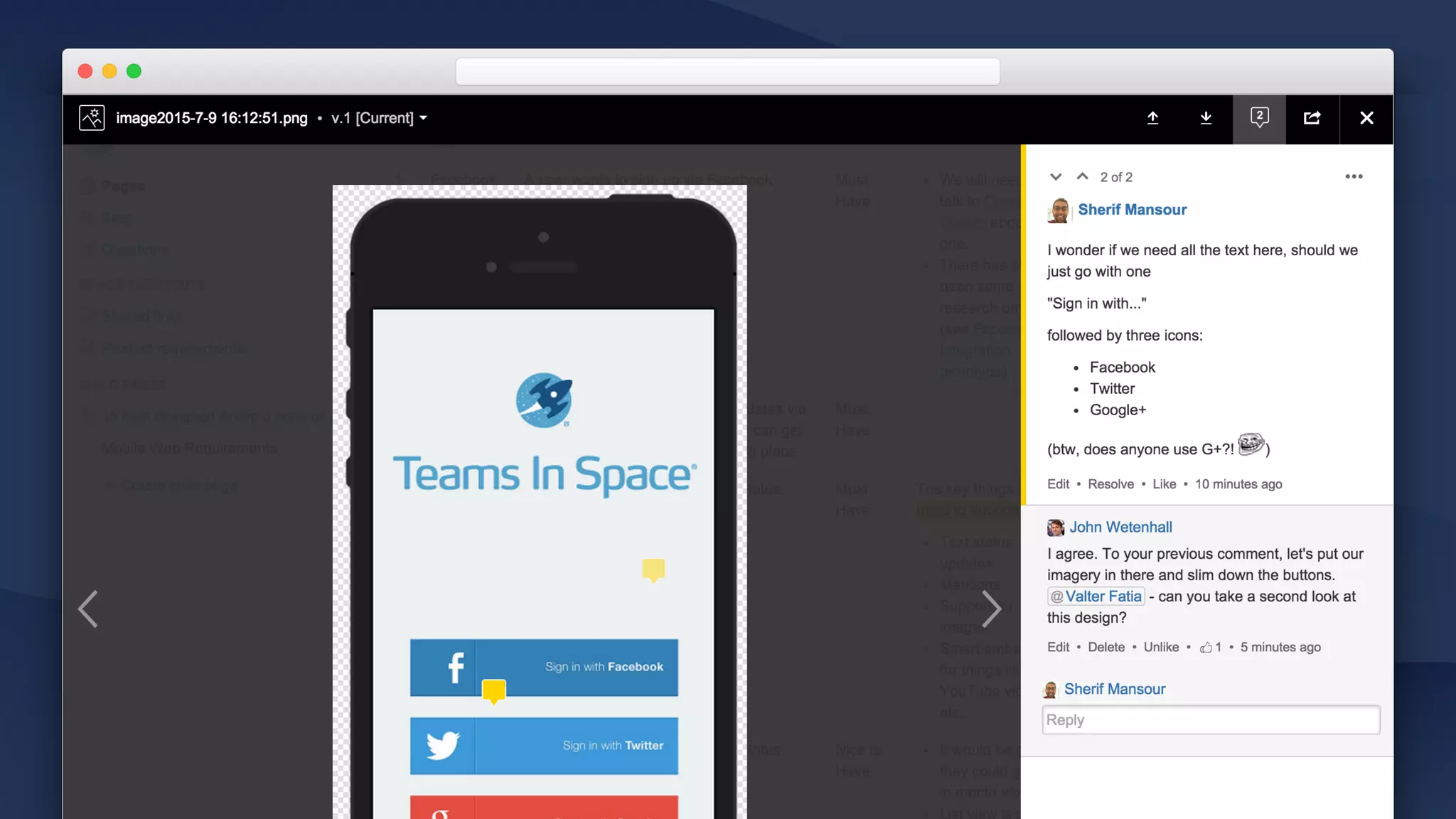
• Embed rich content, link to context 

Work with design and other teams to embed rich content to
provide more context. Link to related personas, interviews for
background.

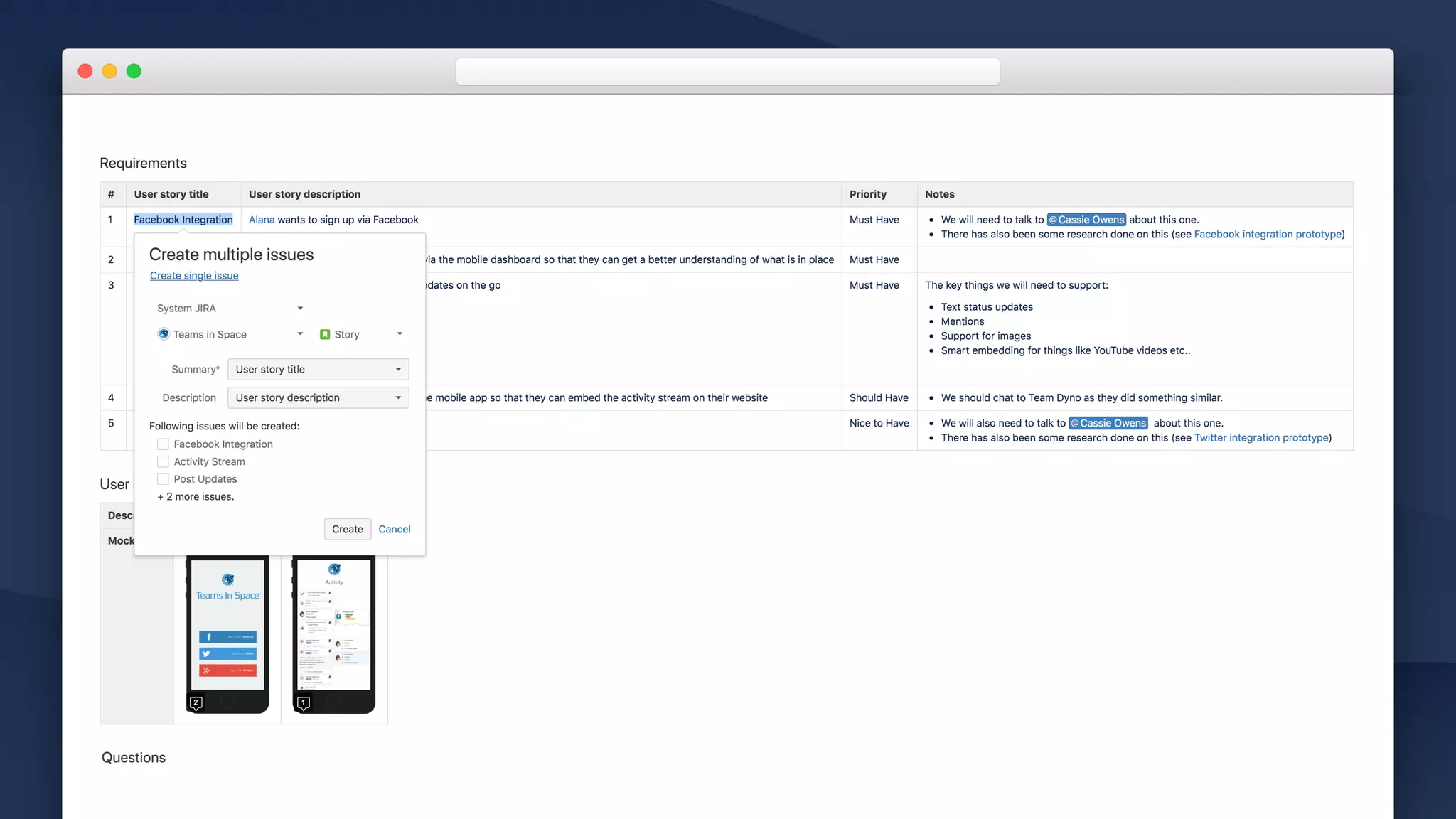
• Move from requirements to backlog

With automatic Jira issue creation
• #protips
• Collaborate on images and files
• You can link from Jira issues back to Confluence
• Tailor the template to meet your needs.
Planning
Planning workshops and offsites
Brainstorm on goals, agenda & communicate outcomes for group work.
Communicating strategy
Articulate and gather feedback on strategy.
High-level roadmapping
Paint a plan for your team.
Team scheduling
Plan the availability of your team, projects, rosters and other events.
Aligning on requirements
Break down that big problem into small pieces.
Inception Planning Build Tailor
Confluence for software teams
Inception Planning Build Tailor
Confluence for software teams
Meetings
Ad-hoc, regular , retrospectives, project status…
Build
Decision making
Move work forward by thinking collaborating on tough decisions.
Progress reporting
Confluence can be your window into Jira.
Build / Decisions
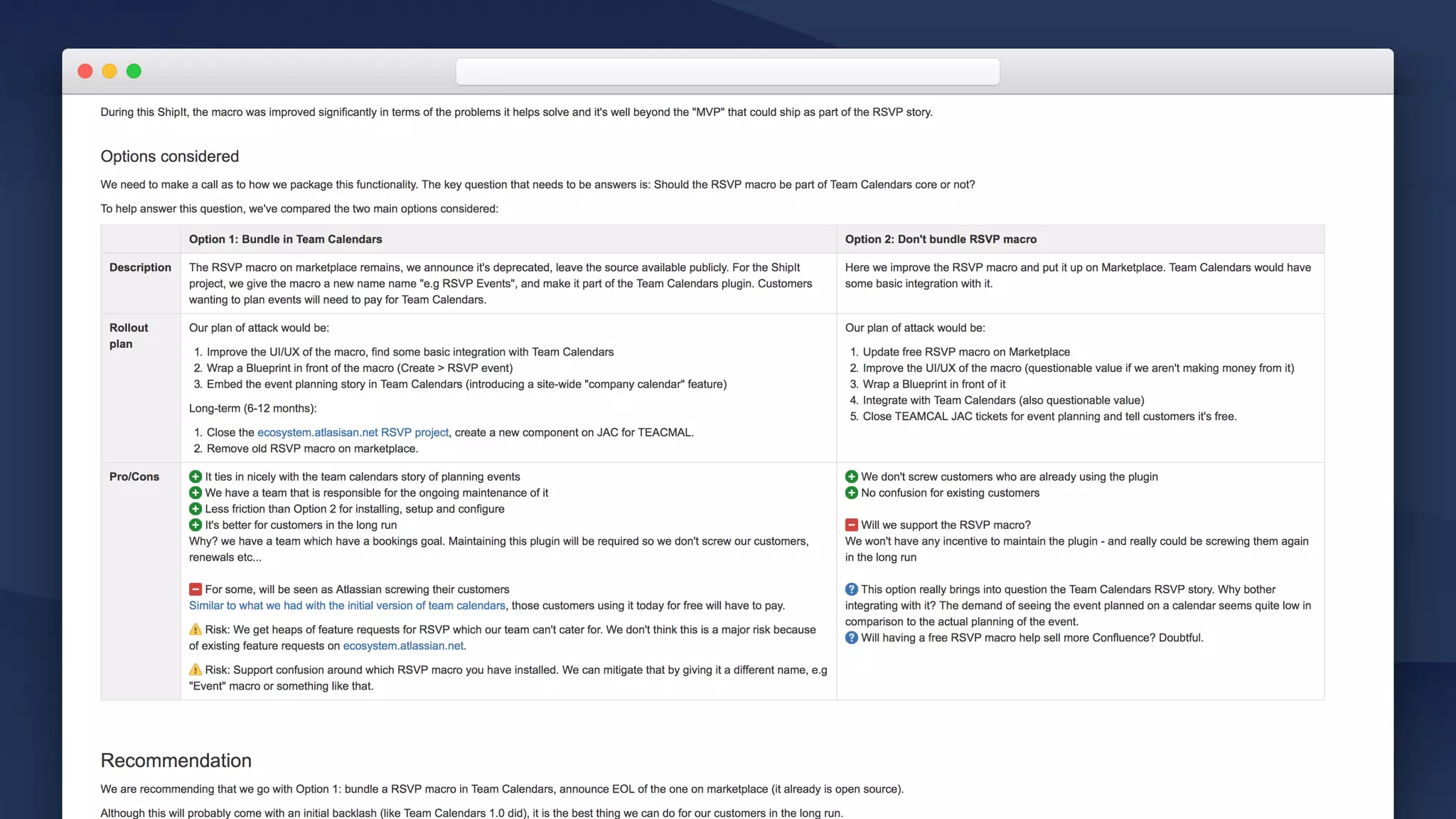
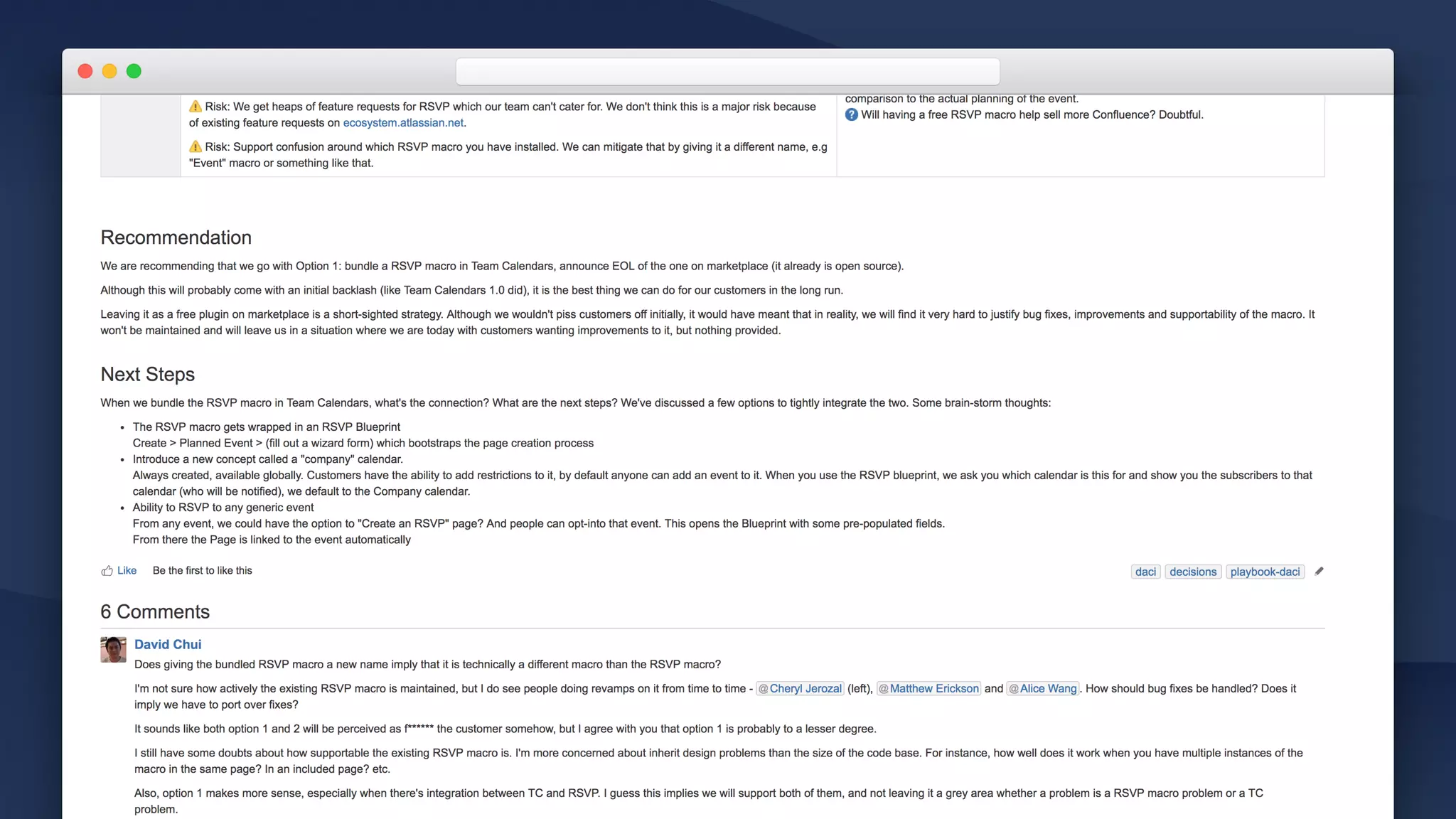
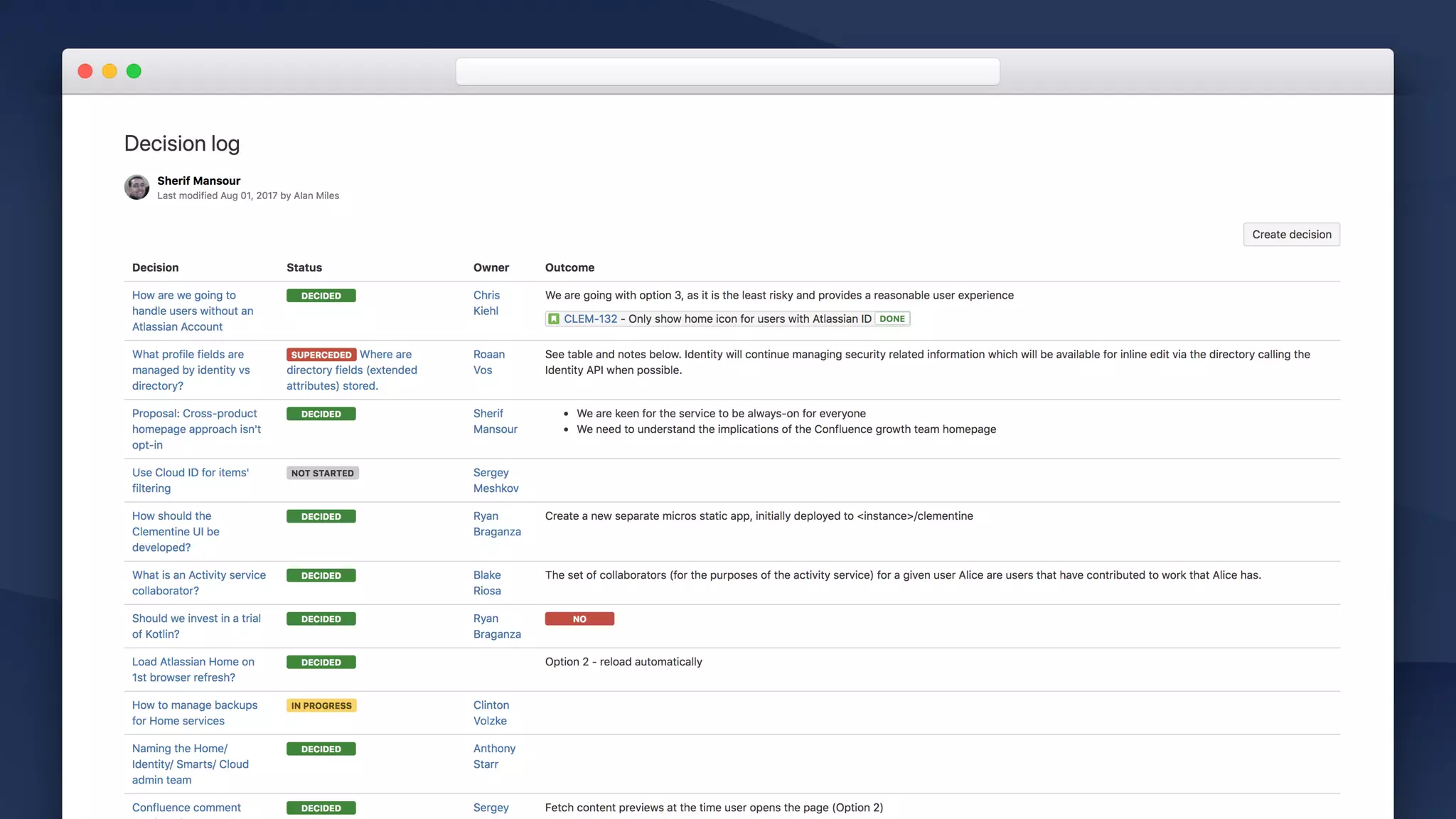
WHY?


• Confidence in decisions 

Create, discuss, explore different options for decisions related to
your project or team.
• Build in shared knowledge

Help new members understand how a decision came to be with
context on each decision.
• Align stakeholders 

Provide clarity on the big decisions which need to be made and
who is responsible for each one.
Build / Decisions
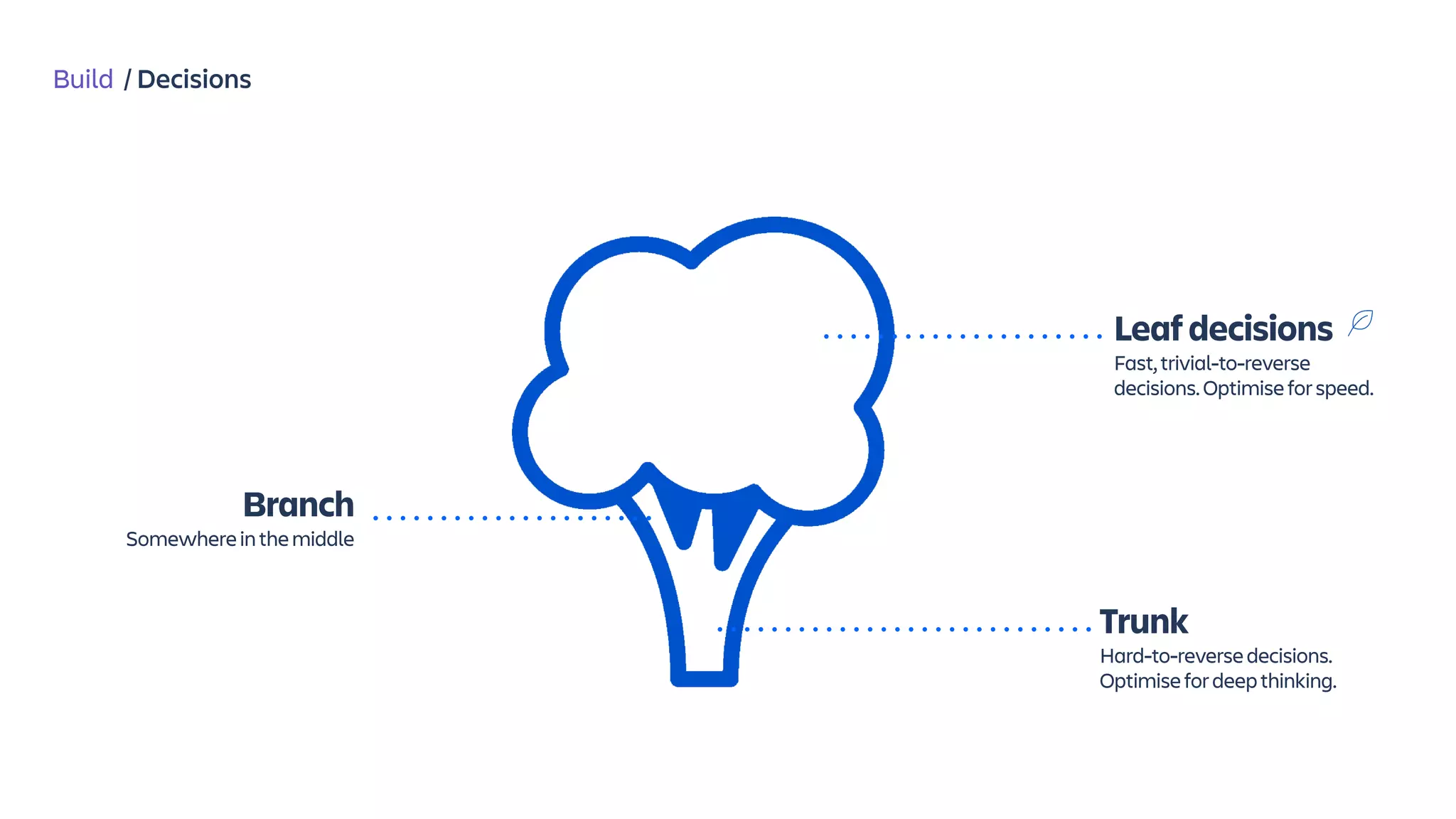
Leafdecisions

Fast,trivial-to-reverse
decisions.Optimiseforspeed.
Branch
Somewhereinthemiddle
Trunk
Hard-to-reversedecisions.
Optimisefordeepthinking.
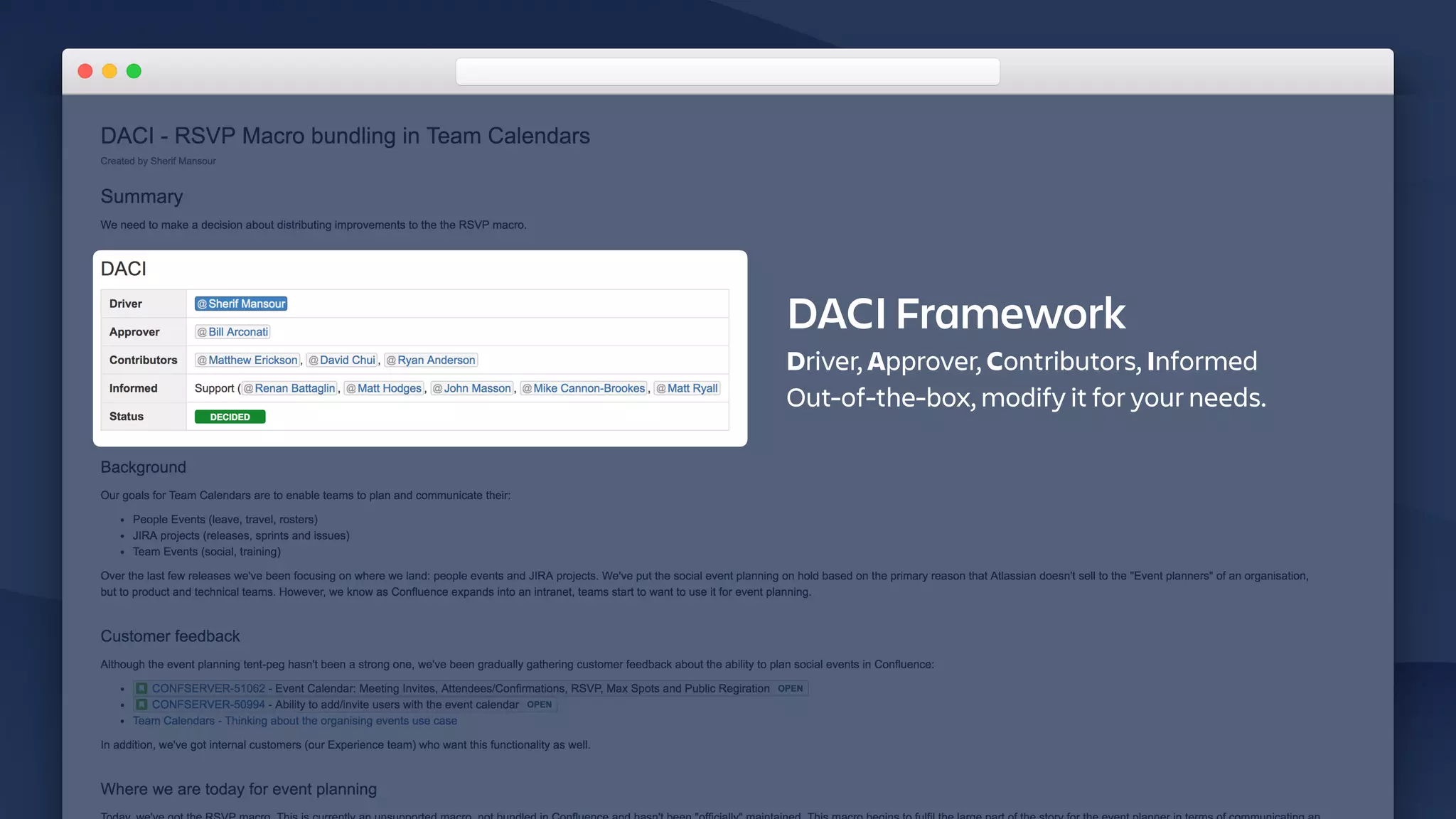
DACI Framework
Driver, Approver, Contributors, Informed
Out-of-the-box, modify it for your needs.
Build / Decisions
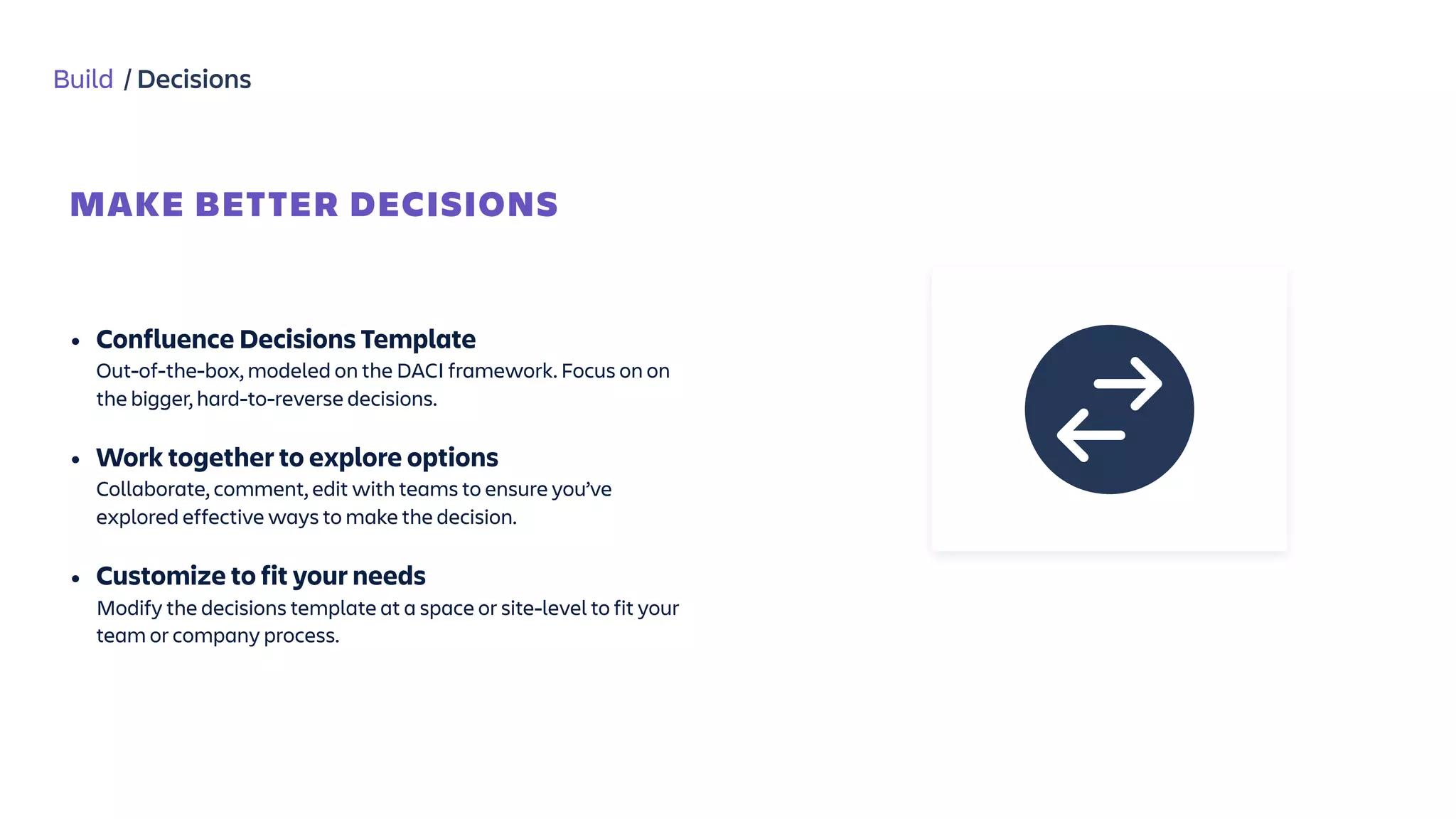
MAKE BETTER DECISIONS


• Confluence Decisions Template

Out-of-the-box, modeled on the DACI framework. Focus on on
the bigger, hard-to-reverse decisions.
• Work together to explore options 

Collaborate, comment, edit with teams to ensure you’ve
explored effective ways to make the decision.
• Customize to fit your needs

Modify the decisions template at a space or site-level to fit your
team or company process.
Build / Progress Reporting
WHY?


• Updates with context

Reporting on your projects form Jira in Confluence allows you to
provide commentary alongside your update.
• Collaborate

Reporting for Jira in Confluence allows your teams to have a
discussion around the updates and get on the same page.
• Reach all teams

Not all your teams might be using Jira. Communicate progress
to other departments in Confluence.
Build / Progress Reporting
HOW?
Jira Report
Templates
Jira Macro
Build / Progress Reporting
TEMPLATES TO GET YOU STARTED
Jira Report
Templates


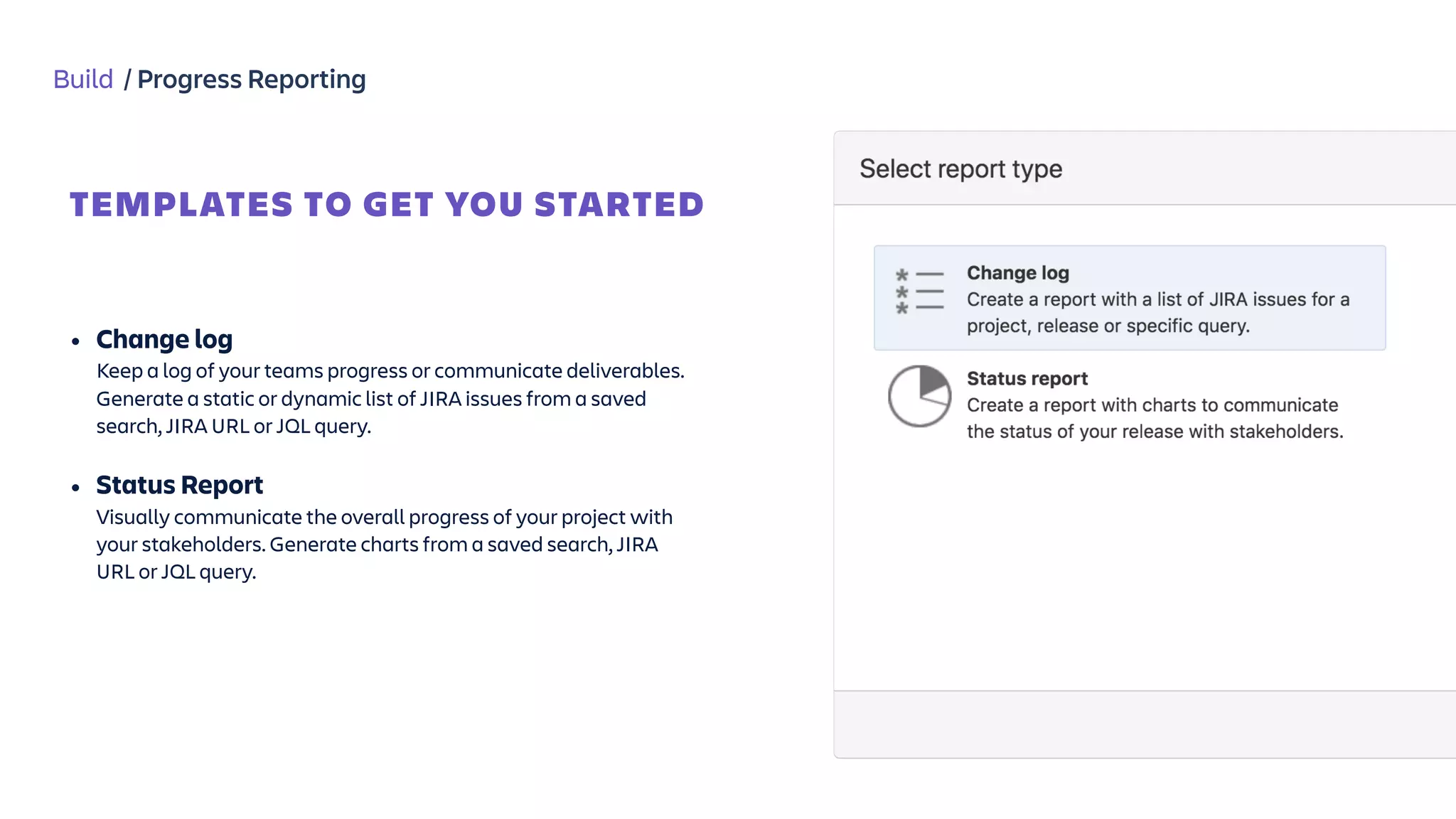
• Change log

Keep a log of your teams progress or communicate deliverables.
Generate a static or dynamic list of JIRA issues from a saved
search, JIRA URL or JQL query.
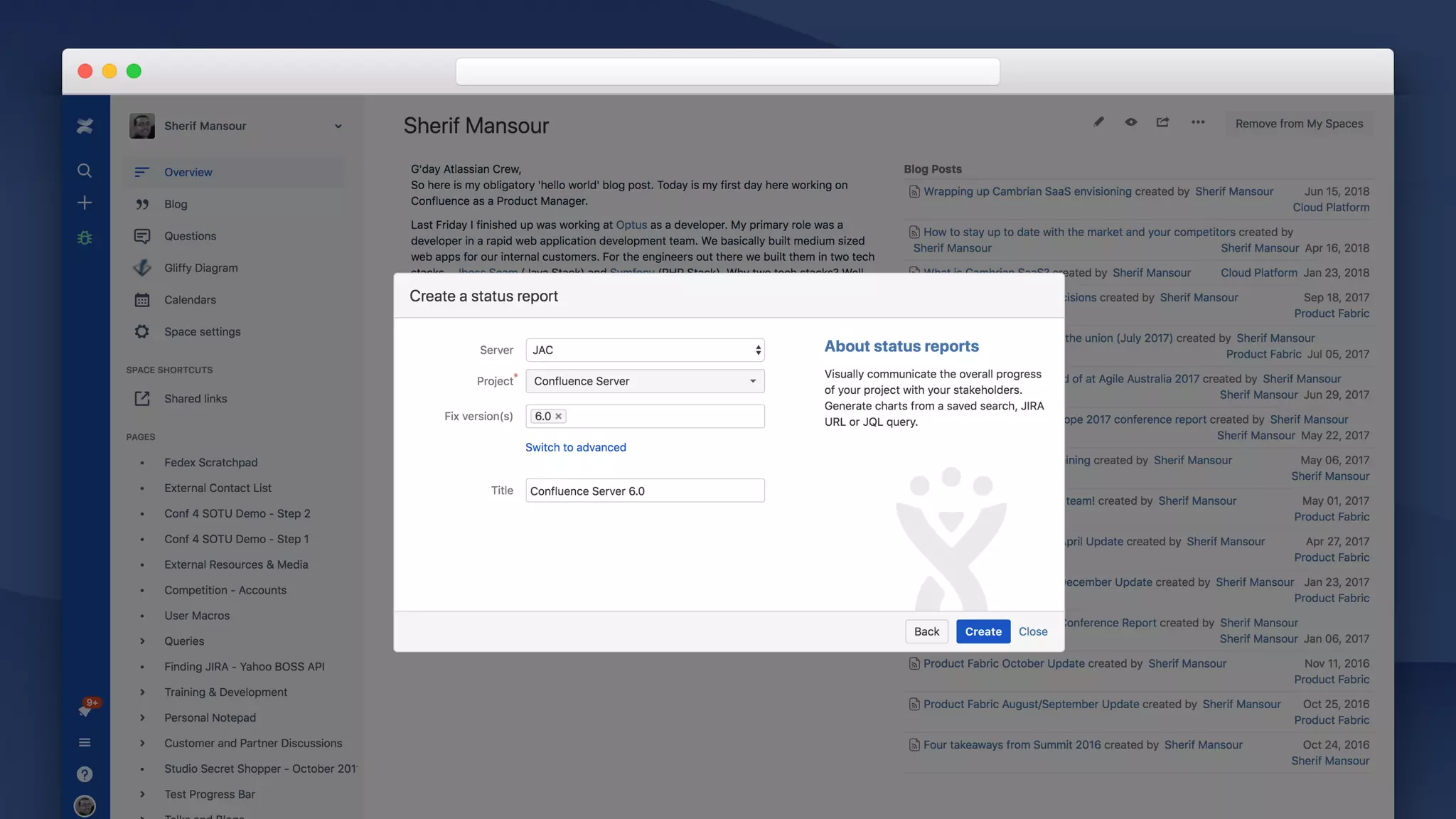
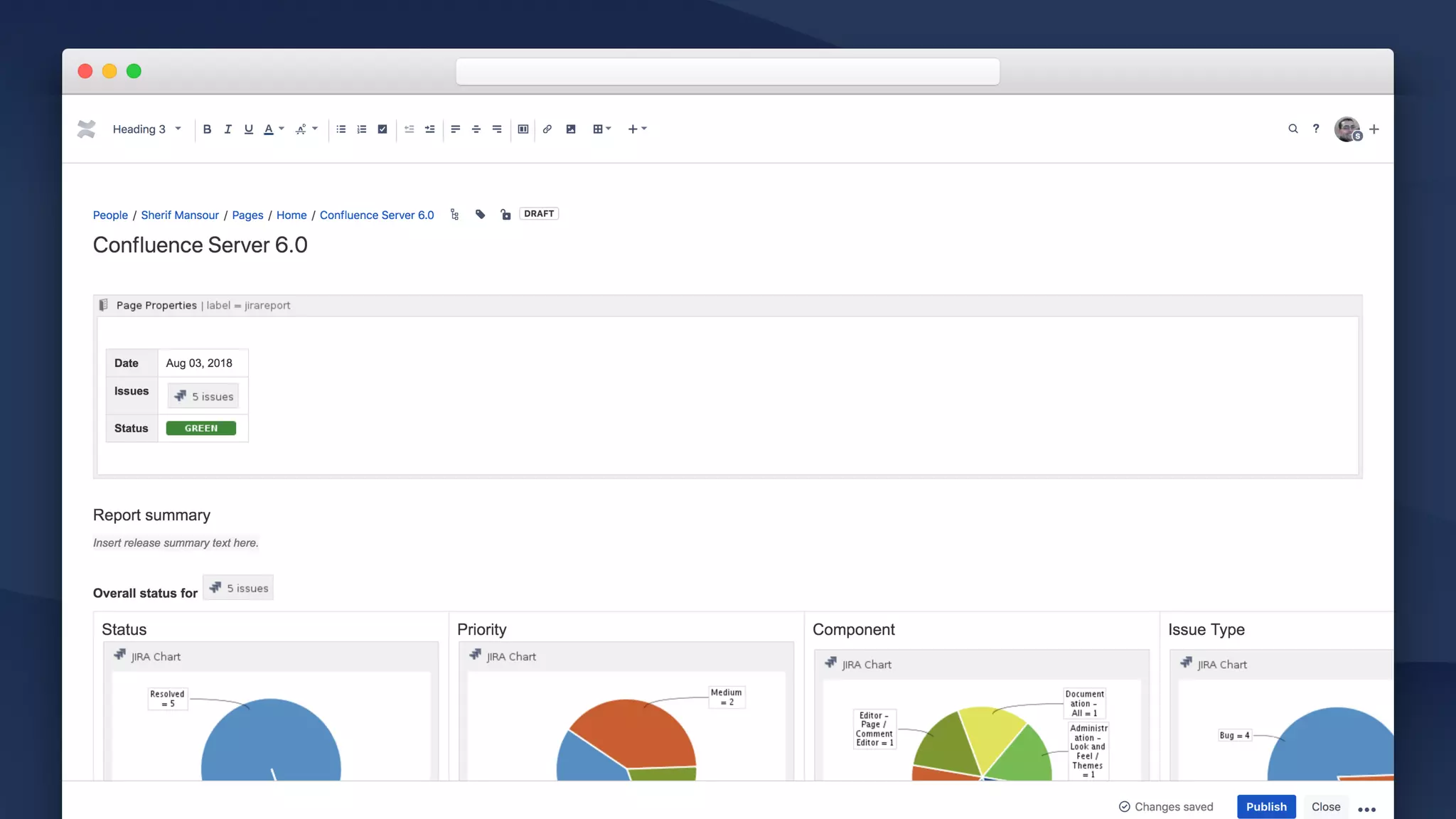
• Status Report

Visually communicate the overall progress of your project with
your stakeholders. Generate charts from a saved search, JIRA
URL or JQL query.
Build / Progress Reporting
HOW?
Jira Report
Templates
Jira Macro
Build / Progress Reporting
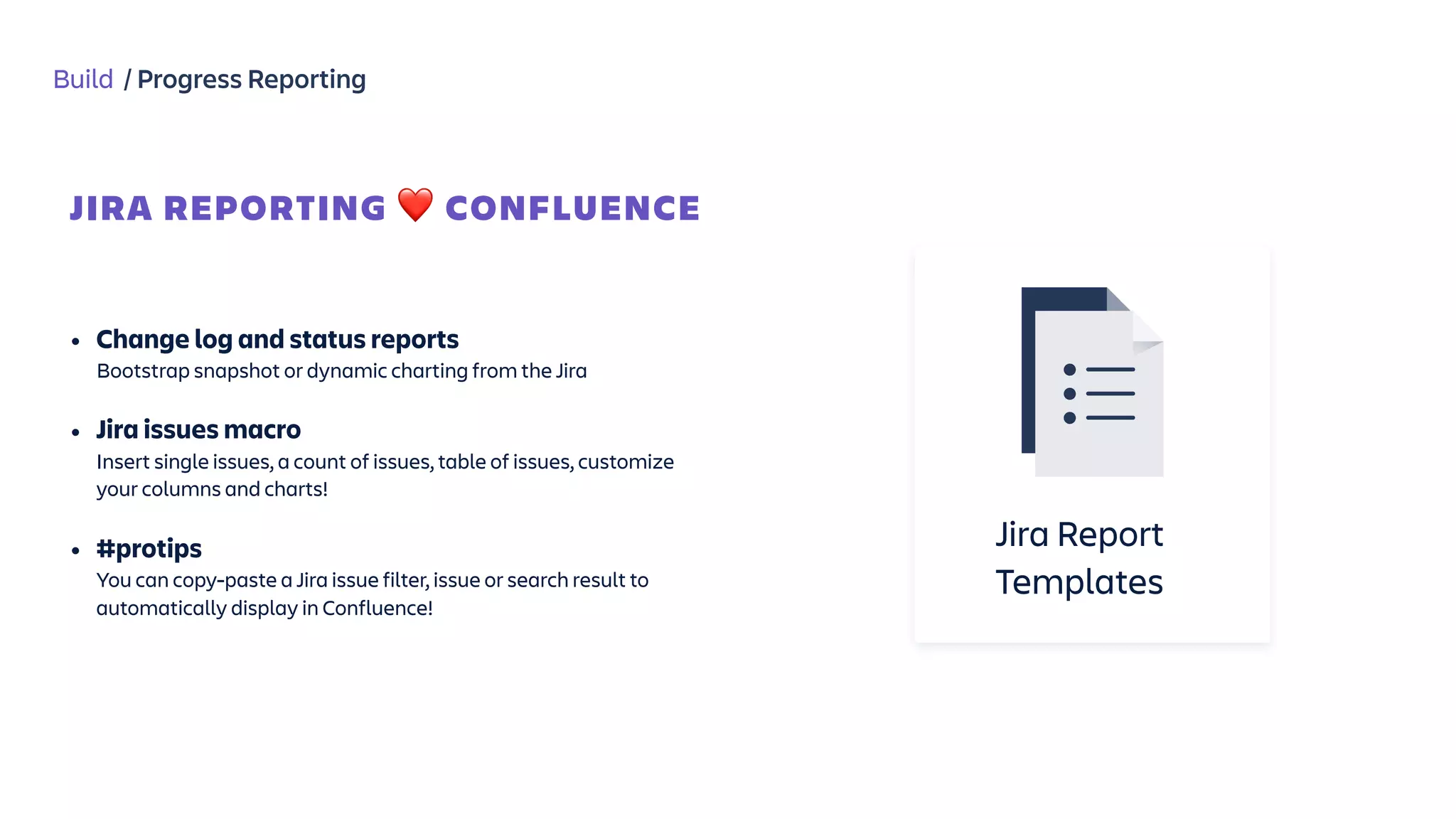
JIRA REPORTING ❤ CONFLUENCE
Jira Report
Templates


• Change log and status reports 

Bootstrap snapshot or dynamic charting from the Jira
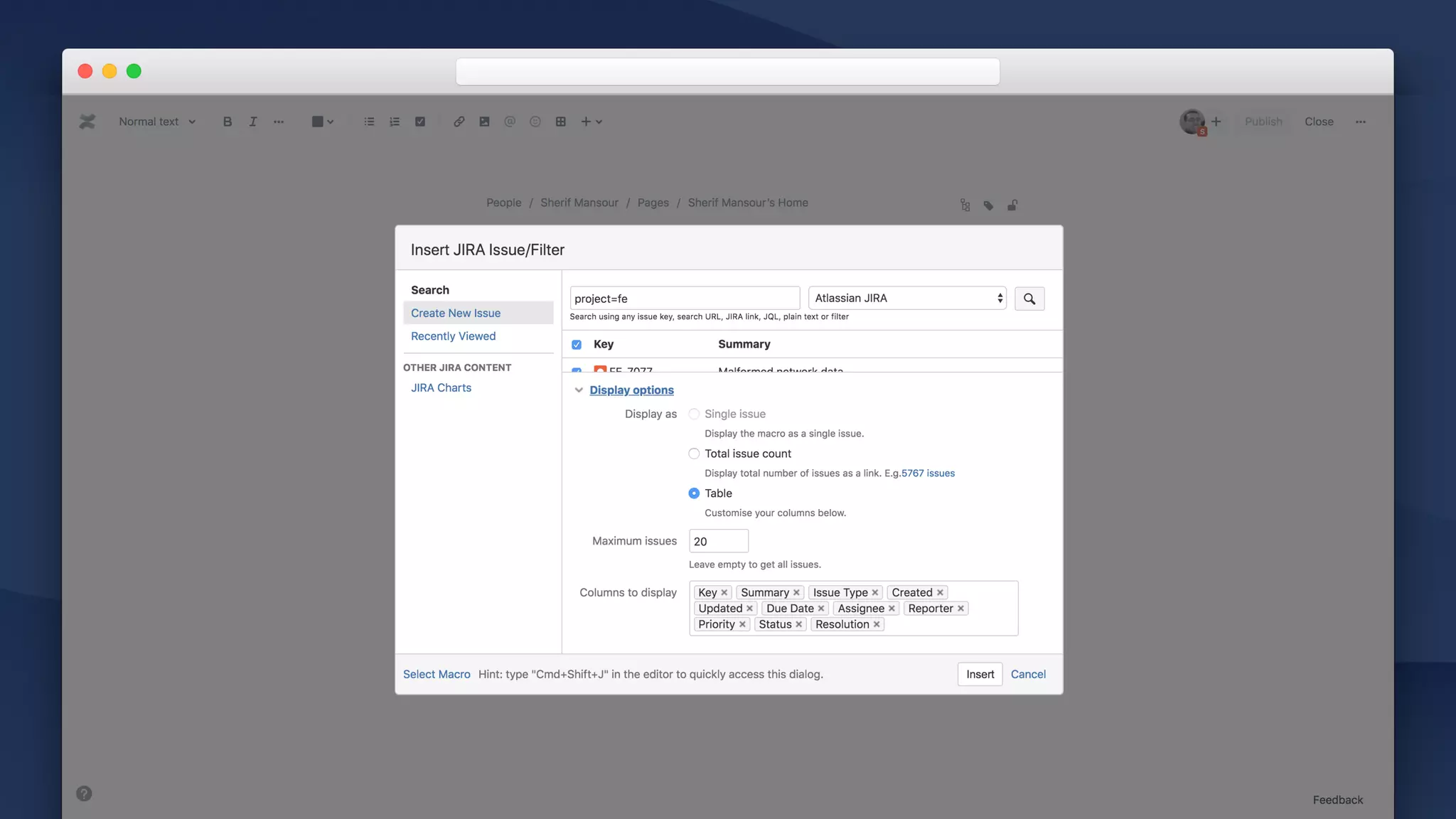
• Jira issues macro 

Insert single issues, a count of issues, table of issues, customize
your columns and charts!

• #protips

You can copy-paste a Jira issue filter, issue or search result to
automatically display in Confluence!
Build
Meetings
Ad-hoc, regular , retrospectives, project status…
Decision making
Move work forward by thinking collaborating on tough decisions.
Progress reporting
Confluence can be your window into Jira.
Inception Planning Build Tailor
Confluence for software teams
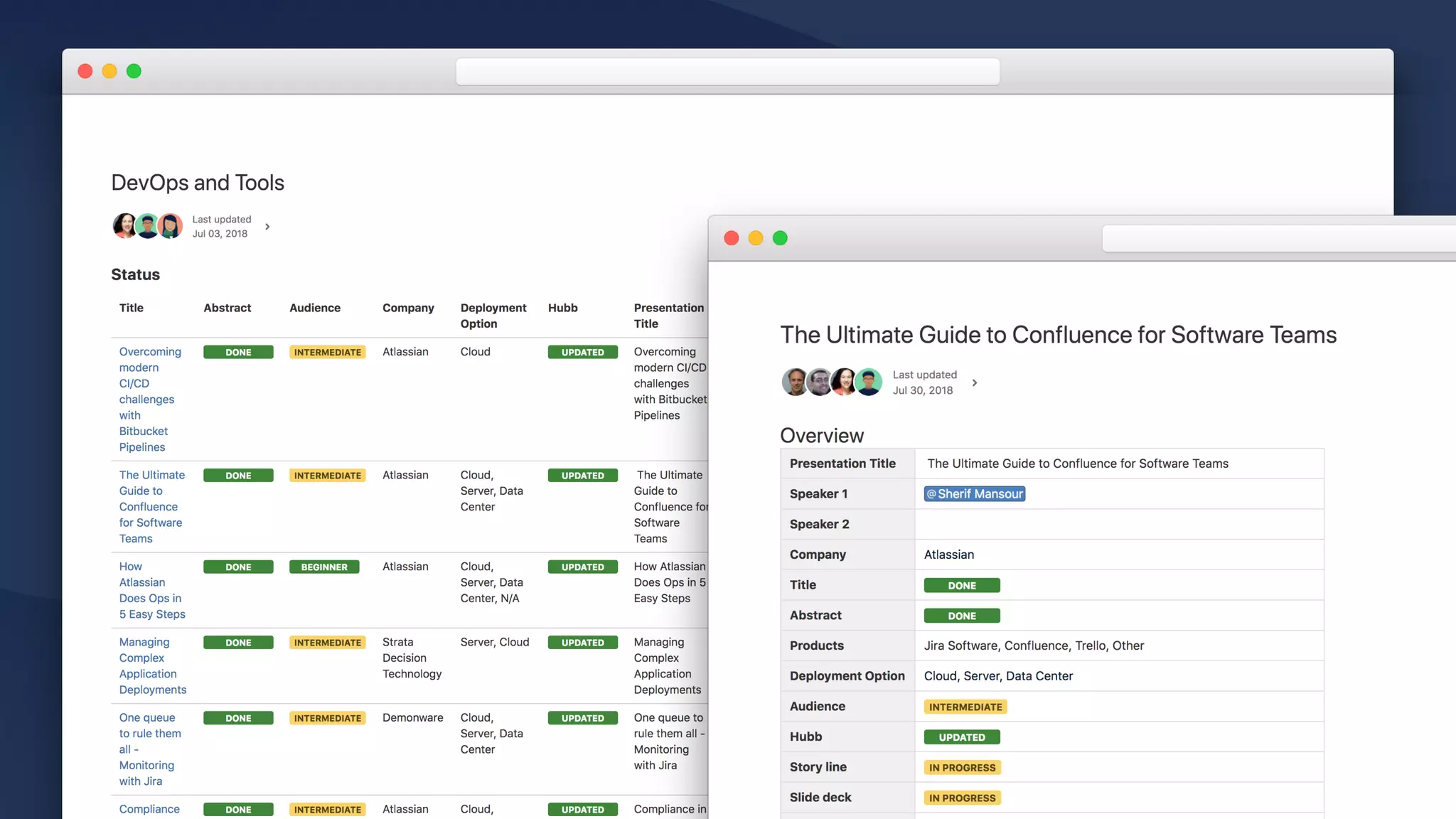
Tailor / Confluence to fit your software team
Modify 

out-of-the-box
E.g. Requirements, Decisions…
Create 

new
E.g. Personas, Interviews…
NEW
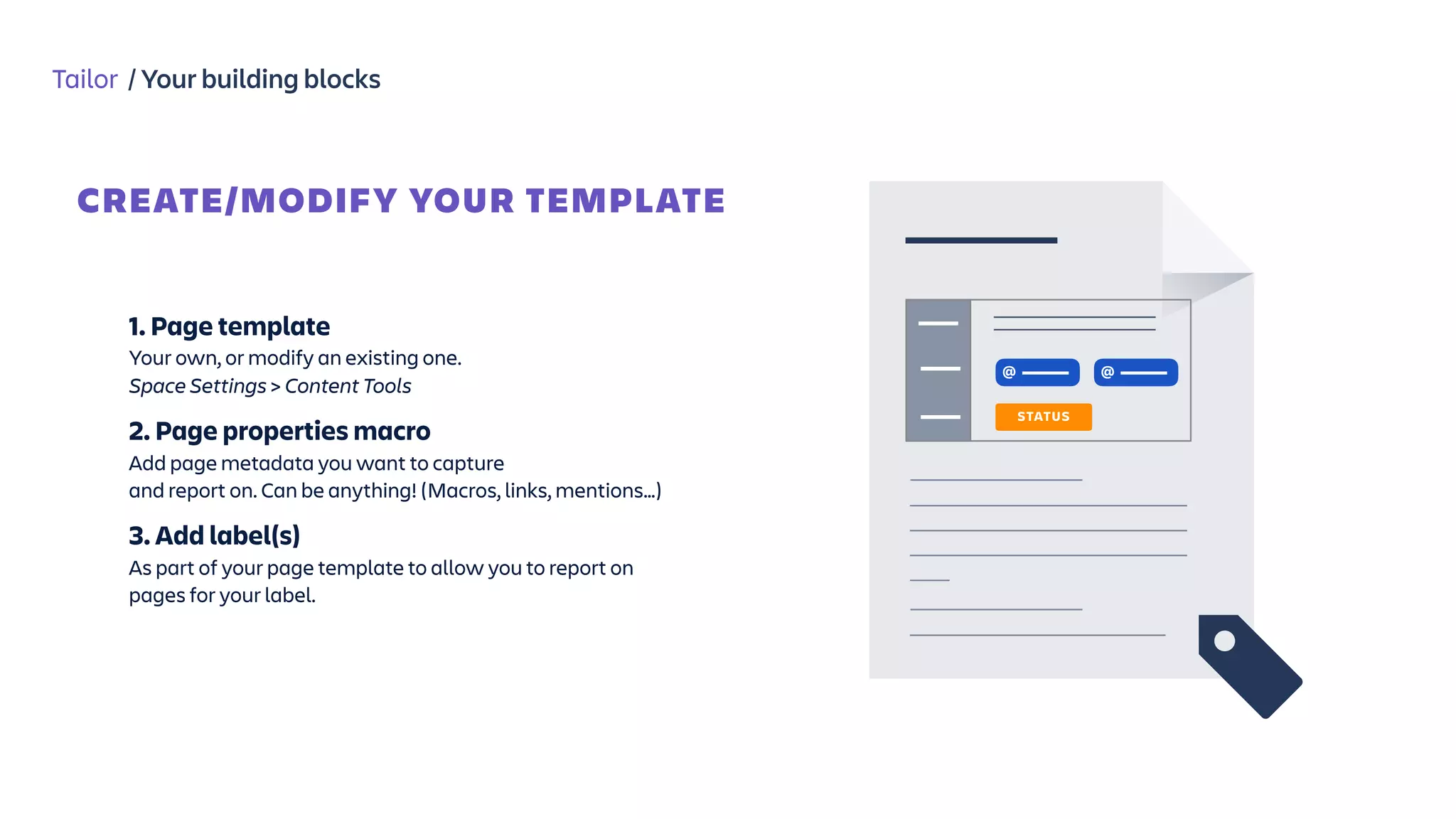
Tailor / Your building blocks
1. Page template
Your own, or modify an existing one.
Space Settings > Content Tools
2. Page properties macro
Add page metadata you want to capture

and report on. Can be anything! (Macros, links, mentions…)
3. Add label(s)
As part of your page template to allow you to report on
pages for your label.
CREATE/MODIFY YOUR TEMPLATE
@
STATUS
@
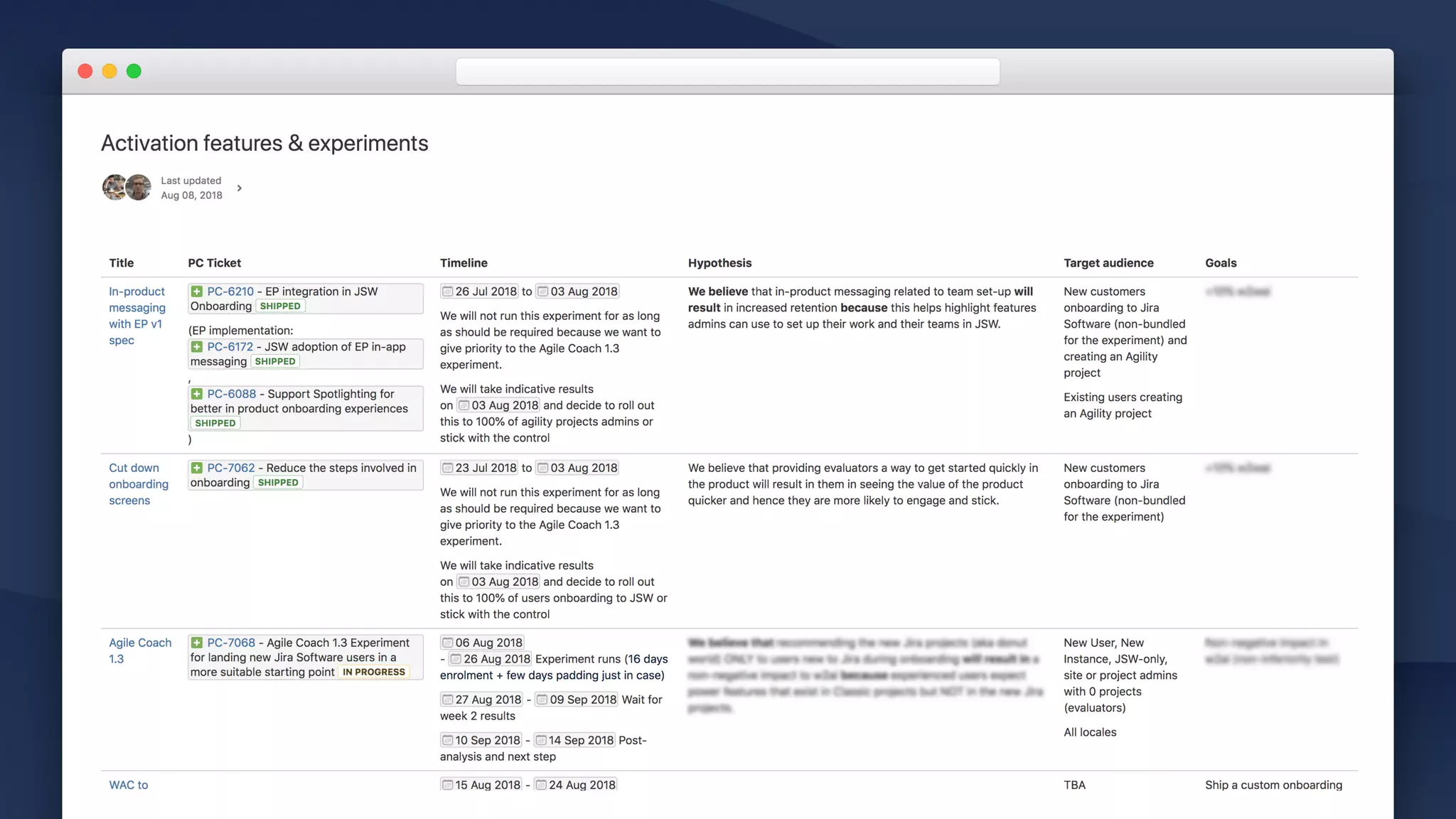
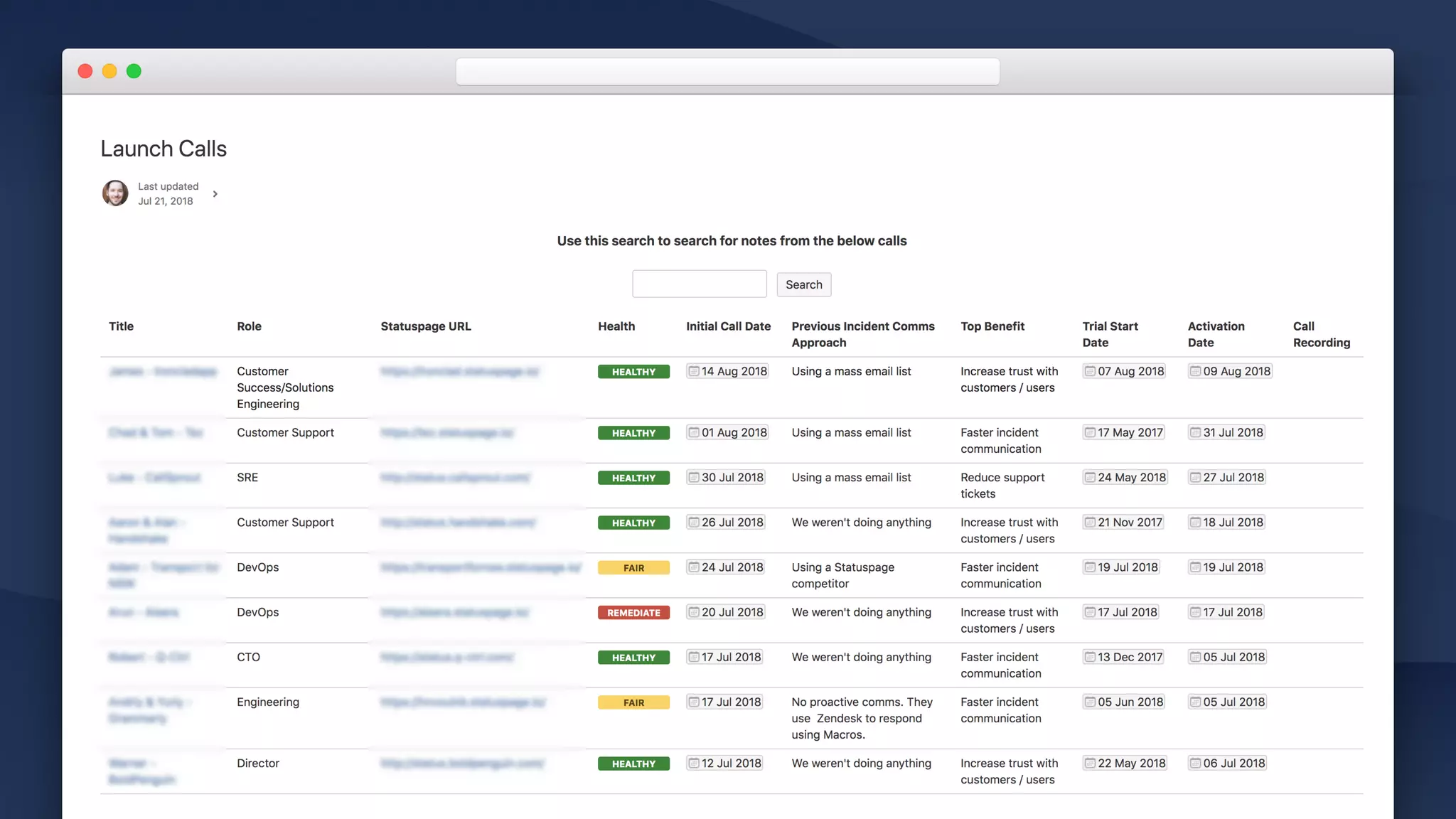
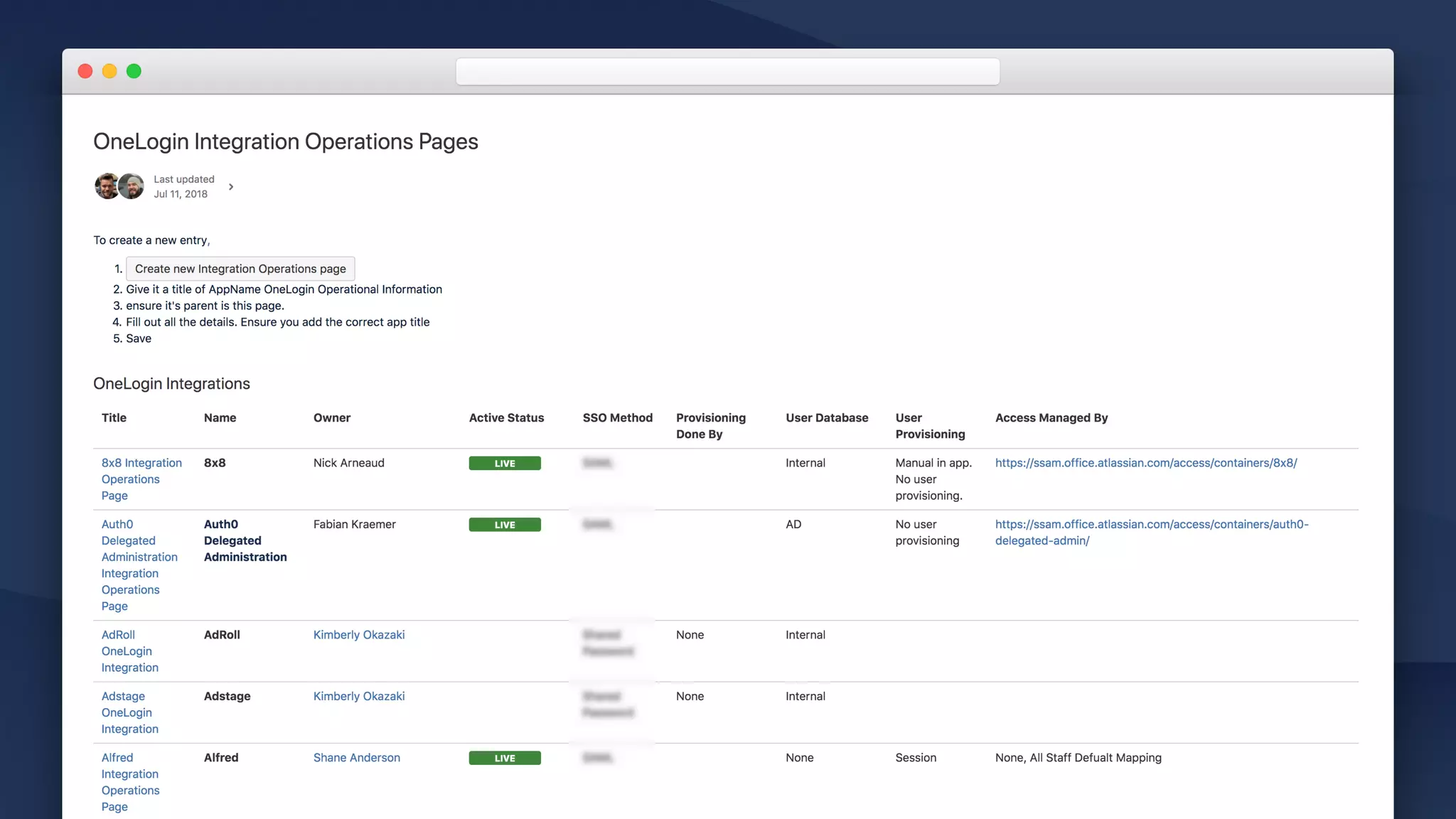
Tailor / Your building blocks
1. Create page
Your own, or modify an existing one. 

E.g. Decision log, Customer interview home…
2. Page properties report macro
Use the report macro to decide what rows you want to report on.

Select the label name you’ve picked for your page.
3. “Create from template” macro
If you want to add a button that “adds another” of your template,
Checkout the create from template macro.
CREATE/MODIFY YOUR REPORT PAGE
CREATE ANOTHER…
STATUS
STATUS
STATUS
STATUS
STATUS
@
@
@
@
@
Inception Planning Build Tailor
Confluence for software teams
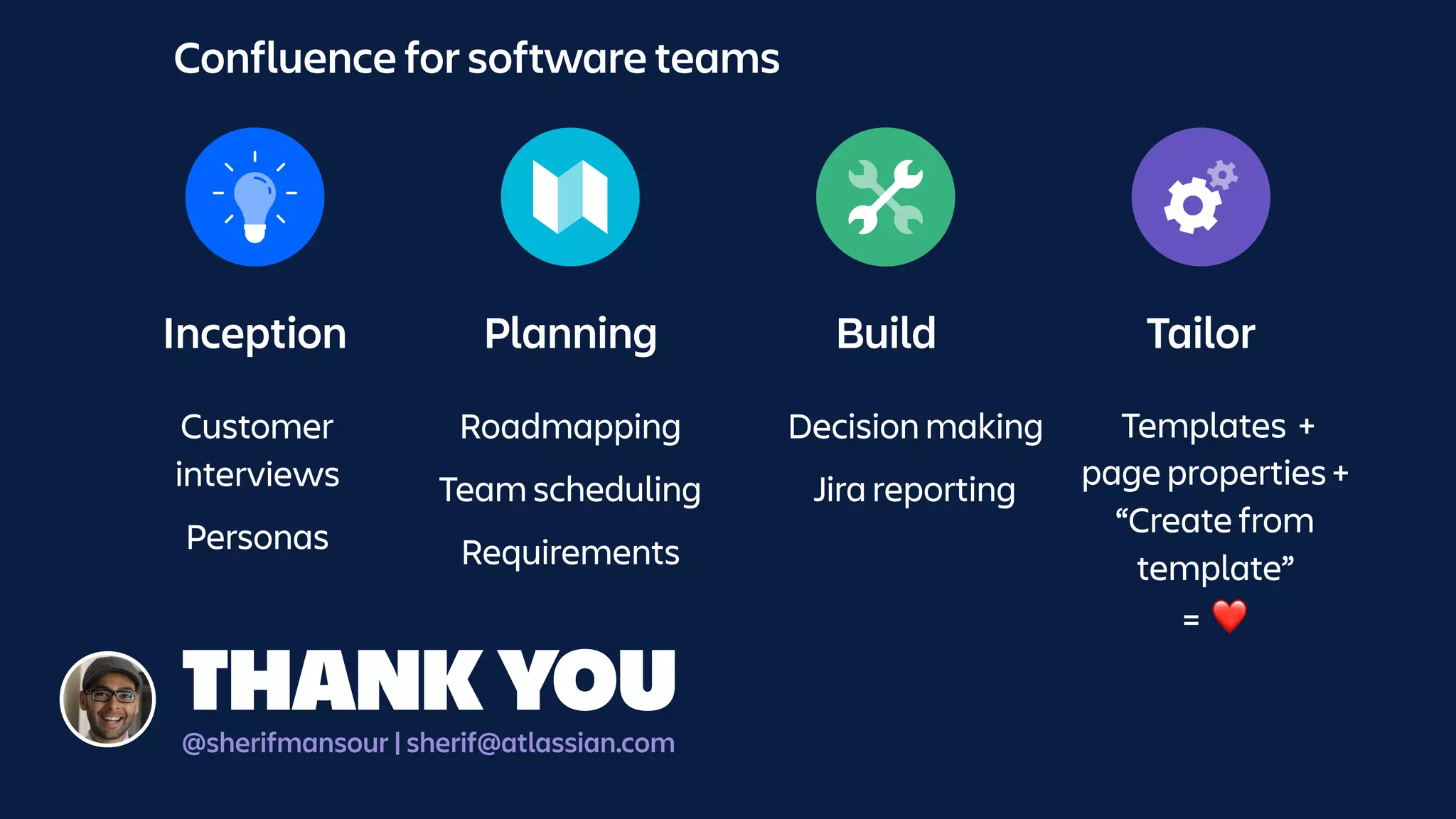
Inception Planning Build Tailor
Confluence for software teams
Decision making
Jira reporting
Roadmapping
Team scheduling
Requirements
Customer 

interviews
Personas
Templates +
page properties +
“Create from 

template”

= ❤
THANK YOU@sherifmansour | sherif@atlassian.com
Thank you!
SHERIF MANSOUR | SHERIF@ATLASSIAN.COM | @SHERIFMANSOUR

Concept to Launch: The Ultimate Confluence Guide for Software Teams

  • 1.
    SHERIF MANSOUR |PRODUCT GUY | @SHERIFMANSOUR Concept to Launch: The Ultimate Guide to Confluence for Software Teams
  • 2.
    Confluence used fora lot of things Community Knowledge
 base Social
 intranet Project planning Documentation FINANCE HR EXECUTIVE RECRUITMENT IT LEGAL SOFTWARE …
  • 3.
    Inception Planning BuildTailor Confluence for software teams Cloud and Server Out-of-the-box features Customized features Software best practices applied in Confluence
  • 4.
    Inception Capture ideas Capture ideasform anywhere: Blogs, Confluence Questions, “Shared Links” template. Plan surveys Collaborate on survey questions and share outcomes. Share interviews Turn customer research into action. Capture personas Build a shared understanding of your users.
  • 5.
    Inception / Customerinterviews WHY? CUSTOMER
 INTERVIEWS Interviews Taking lots of notes Central repository:
 Build on shared knowledge Organize & find Identify trends and opportunities Turn insights 
 into action
  • 6.
    Inception / Customerinterviews Effective interview communication • Communicate observations: 
 Absolute minimum: Communicate what you’ve seen. 
 • Interpret problems: 
 Group behaviors in overarching problem statements.
 • Connect opportunities: 
 What opportunities exist which may solve this problem? INTERVIEW PYRAMID
 FRAMEWORK The customer interview pyramid Connect
 opportunities Interpret problems Communicate observations
  • 11.
    Live Search Filtered forall content in the customer interviews space
  • 12.
    Create from template We’vealready created our own “customer interview” template for this space. The “create from template” macro makes it easy for users to create more interviews.
  • 14.
    Labels List Lists alllabels alphabetically. If you’re labelling customer interview pages with related topics, this makes it easy to find all interviews for a particular topic.
  • 15.
    Content by label Browserecent interviews with the `cusotmer-interview` label
  • 16.
    Inception / Interviews •Background and company info
 Provide context for your team. For each problem you’ve observed: • Problem
 Start with a problem statement. • Observations
 Describe the observations which lead you to conclude that problem.
 • Opportunities 
 Where might we go from here? • #protips • @mention team members • Link to related Jira issues for traceability • Label interview with related topics Customer Interview Page Template Customer Interview Space Template • Live search macro
 Make it easy to find interviews,
 • Create from template macro
 Add a button to easily create more interviews and follow the framework.
 • Labels list macro
 Makes finding all interviews by topic easy.
  • 17.
    Inception / Customerinterviews • Customer interview pyramid 
 Encourage your team to focus on problems and opportunities.
 • Space template
 Quickly find recent interviews, by topic, date or search. Launchpad to create new interviews.
 • Page template 
 Easy way to encourage problem-thinking instead of simply documenting observations. TURN INSIGHTS INTO ACTION
  • 18.
    Inception / Personas WHY? CUSTOMER
 INTERVIEWS InterviewsTaking lots of notes Central repository:
 Build on shared knowledge Organize & find Identify trends and opportunities Turn insights 
 into action
  • 19.
    Inception / Personas •Trends 
 Research leads to identifying trends for the kinds of users (archetypes) which use your software.
 • Personas
 Articulating archetypes is done by creating personas.
  • 20.
    Inception / Personas WHY? 
 •Shared understanding of your users
 Develop a vocabulary for who you’re building for what how they think.
 • Focus problem, solution and roadmap
 Make better decisions by providing clarity around target customer. • Improve marketing
 Communicating value is much easier if we’re clear about who we’re building for.
  • 21.
  • 25.
    Research / Personas PersonaPage Template • Photo & memorable quote
 Quotes and pictures are memorable. 
 • “Attitude sliders”
 E.g. “Appetite for… Patience for…” • About
 Goals, motivations, what does “good/bad day” look like for this persona?
 • Behaviors 
 Activities which describe their attributes. E.g “ringleader”. • Questions
 For your team to think about when designing a solution for this persona. • Recent interviews
 Use the “content by label” macro to identify recent interviews for this persona. Persona Space Template • Introduce personas
 What are they? Where can I learn more? Who can I speak to?
 • Snapshot of each persona
 Memorable quote, high-level overview of the persona. Link to detailed persona page. 
 • Recent interviews
 Use the “content by label” macro to display recent interviews about any of these personas.
  • 26.
    Inception / Personas •Personas 
 A valuable tool to help your team build a shared understanding of your customers. 
 • Space template
 Get an overview of your personas and find recent interviews. Onboard new team members quickly.
 • Page template 
 Understand how your persona behaves. what your persona thinks, feels and does.
 
 💡Coming up: Reference your persona when planning requirements. UNDERSTAND YOUR CUSTOMERS
  • 27.
    Inception Capture ideas Capture ideasform anywhere: Blogs, Confluence Questions, “Shared Links” template. Plan surveys Collaborate on survey questions and share outcomes. Share interviews Turn customer research into action. Capture personas Build a shared understanding of your users.
  • 28.
    Inception Planning BuildTailor Confluence for software teams
  • 29.
    Planning workshops andoffsites Brainstorm on goals, agenda & communicate outcomes for group work. Planning Communicating strategy Articulate and gather feedback on strategy. High-level roadmapping Paint a plan for your team. Team scheduling Plan the availability of your team, projects, rosters and other events. Aligning on requirements Break down that big problem into small pieces.
  • 30.
    Planning / High-levelroadmapping WHY? 
 • Align stakeholders 
 High-level plants help communicate top down as well as to adjacent or dependent teams that might be planning based off your work. • Confidence in direction 
 Teams see where you’re going and roughly when. • Connect for details 
 Keep it high-level. Give yourself agility. Link to details as needed.
  • 31.
    bit.ly/buildingroadmaps “The art ofbuilding a roadmap” TALK
  • 32.
    Planning / RoadmapCommunication Roadmap Macro • Lanes
 Help communicate a theme of work
 • Bars
 Great for an actual work item. Could be a project, epic or set of tasks you need to get done. Link bars to other pages, Jira issues to Trello cards for detail. 
 • Markers
 Great for milestones. Could be an event, a release date or a target date. • #protips • Less about accuracy, more about high-level comms • You can use them anywhere e.g. team homepages, project landing pages, large project plans etc…
  • 36.
    Planning / High-levelroadmapping ALIGN YOUR TEAM 
 • Watch: The art of building a roadmap 
 Roadmaps come in all shapes and sizes. Don’t get fixated on one method, watch bit.ly/buildingroadmaps.
 • Roadmap macro 
 Visualise your direction, link to details as needed.
 • Embed in strategy or planning pages 
 Use standalone or embed in high-level planning pages for your project.
  • 37.
    Planning / Teamscheduling WHY? 
 • Release planning != roadmap planning
 Communicating high-level roadmaps is different to understanding what’s shipping and when. • Understand where your team is at
 Teams see where you’re going and roughly when. • Bring in other contexts
 Your team doesn’t work in insolation. Take into consideration all the other events happening in your team or organisation.
  • 38.
    Planning / Teamscheduling WHY? Team Calendars
  • 40.
    Leave or travel Communicateteam availability with leave or travel plans
  • 41.
    Align on projects Augmentyour team calendar with Jira releases, sprints or issue dates. Drag-and-drop to re-schedule from Confluence.
  • 42.
    Capture any other event Createcustom events for anything else - training, outages, celebrations or team social events.
  • 43.
    Planning / Teamscheduling ALIGN YOUR TEAM 
 • Confluence Team Calendars
 Checkout the app in the Marketplace, for Cloud and Server. • Plan teams and projects
 Integrate with Jira releases, sprints or issue dates. Overlay your teams leave and travel plans. • Add custom events 
 Create custom events for anything else your team does, link to pages for more detail.
  • 44.
    Planning / Requirements WHY? 
 •Align stakeholders 
 High-level plants help communicate top down as well as to adjacent or dependent teams that might be planning based off your work. • Confidence in direction 
 Teams see where you’re going and roughly when. • Connect for details 
 Keep it high-level. Give yourself agility. Link to details as needed.
  • 45.
    bit.ly/DontAlwaysWriteRequirements ⚠ Try toavoid writing requirements! TALK
  • 47.
    Page Properties Macro Keyinformation about this document. Used for reporting.
  • 48.
    Page Properties Macro Keyinformation about this document. Used for reporting. Link for context To your personas or customer interviews.
  • 53.
    marketplace.atlassian.com Atlassian Marketplace CHECKOUT Lots ofapps to help your team get aligned: Diagraming, charting, mockups…
  • 58.
  • 60.
    Planning / Requirements GETON THE SAME PAGE 
 • Requirements template 
 Modify it to fit your needs • Embed rich content, link to context 
 Work with design and other teams to embed rich content to provide more context. Link to related personas, interviews for background.
 • Move from requirements to backlog
 With automatic Jira issue creation • #protips • Collaborate on images and files • You can link from Jira issues back to Confluence • Tailor the template to meet your needs.
  • 61.
    Planning Planning workshops andoffsites Brainstorm on goals, agenda & communicate outcomes for group work. Communicating strategy Articulate and gather feedback on strategy. High-level roadmapping Paint a plan for your team. Team scheduling Plan the availability of your team, projects, rosters and other events. Aligning on requirements Break down that big problem into small pieces.
  • 62.
    Inception Planning BuildTailor Confluence for software teams
  • 63.
    Inception Planning BuildTailor Confluence for software teams
  • 64.
    Meetings Ad-hoc, regular ,retrospectives, project status… Build Decision making Move work forward by thinking collaborating on tough decisions. Progress reporting Confluence can be your window into Jira.
  • 65.
    Build / Decisions WHY? 
 •Confidence in decisions 
 Create, discuss, explore different options for decisions related to your project or team. • Build in shared knowledge
 Help new members understand how a decision came to be with context on each decision. • Align stakeholders 
 Provide clarity on the big decisions which need to be made and who is responsible for each one.
  • 66.
  • 67.
    DACI Framework Driver, Approver,Contributors, Informed Out-of-the-box, modify it for your needs.
  • 71.
    Build / Decisions MAKEBETTER DECISIONS 
 • Confluence Decisions Template
 Out-of-the-box, modeled on the DACI framework. Focus on on the bigger, hard-to-reverse decisions. • Work together to explore options 
 Collaborate, comment, edit with teams to ensure you’ve explored effective ways to make the decision. • Customize to fit your needs
 Modify the decisions template at a space or site-level to fit your team or company process.
  • 72.
    Build / ProgressReporting WHY? 
 • Updates with context
 Reporting on your projects form Jira in Confluence allows you to provide commentary alongside your update. • Collaborate
 Reporting for Jira in Confluence allows your teams to have a discussion around the updates and get on the same page. • Reach all teams
 Not all your teams might be using Jira. Communicate progress to other departments in Confluence.
  • 73.
    Build / ProgressReporting HOW? Jira Report Templates Jira Macro
  • 74.
    Build / ProgressReporting TEMPLATES TO GET YOU STARTED Jira Report Templates 
 • Change log
 Keep a log of your teams progress or communicate deliverables. Generate a static or dynamic list of JIRA issues from a saved search, JIRA URL or JQL query. • Status Report
 Visually communicate the overall progress of your project with your stakeholders. Generate charts from a saved search, JIRA URL or JQL query.
  • 78.
    Build / ProgressReporting HOW? Jira Report Templates Jira Macro
  • 81.
    Build / ProgressReporting JIRA REPORTING ❤ CONFLUENCE Jira Report Templates 
 • Change log and status reports 
 Bootstrap snapshot or dynamic charting from the Jira • Jira issues macro 
 Insert single issues, a count of issues, table of issues, customize your columns and charts!
 • #protips
 You can copy-paste a Jira issue filter, issue or search result to automatically display in Confluence!
  • 82.
    Build Meetings Ad-hoc, regular ,retrospectives, project status… Decision making Move work forward by thinking collaborating on tough decisions. Progress reporting Confluence can be your window into Jira.
  • 83.
    Inception Planning BuildTailor Confluence for software teams
  • 84.
    Tailor / Confluenceto fit your software team Modify 
 out-of-the-box E.g. Requirements, Decisions… Create 
 new E.g. Personas, Interviews… NEW
  • 85.
    Tailor / Yourbuilding blocks 1. Page template Your own, or modify an existing one. Space Settings > Content Tools 2. Page properties macro Add page metadata you want to capture
 and report on. Can be anything! (Macros, links, mentions…) 3. Add label(s) As part of your page template to allow you to report on pages for your label. CREATE/MODIFY YOUR TEMPLATE @ STATUS @
  • 86.
    Tailor / Yourbuilding blocks 1. Create page Your own, or modify an existing one. 
 E.g. Decision log, Customer interview home… 2. Page properties report macro Use the report macro to decide what rows you want to report on.
 Select the label name you’ve picked for your page. 3. “Create from template” macro If you want to add a button that “adds another” of your template, Checkout the create from template macro. CREATE/MODIFY YOUR REPORT PAGE CREATE ANOTHER… STATUS STATUS STATUS STATUS STATUS @ @ @ @ @
  • 94.
    Inception Planning BuildTailor Confluence for software teams
  • 95.
    Inception Planning BuildTailor Confluence for software teams Decision making Jira reporting Roadmapping Team scheduling Requirements Customer 
 interviews Personas Templates + page properties + “Create from 
 template”
 = ❤ THANK YOU@sherifmansour | sherif@atlassian.com
  • 96.
    Thank you! SHERIF MANSOUR| SHERIF@ATLASSIAN.COM | @SHERIFMANSOUR