
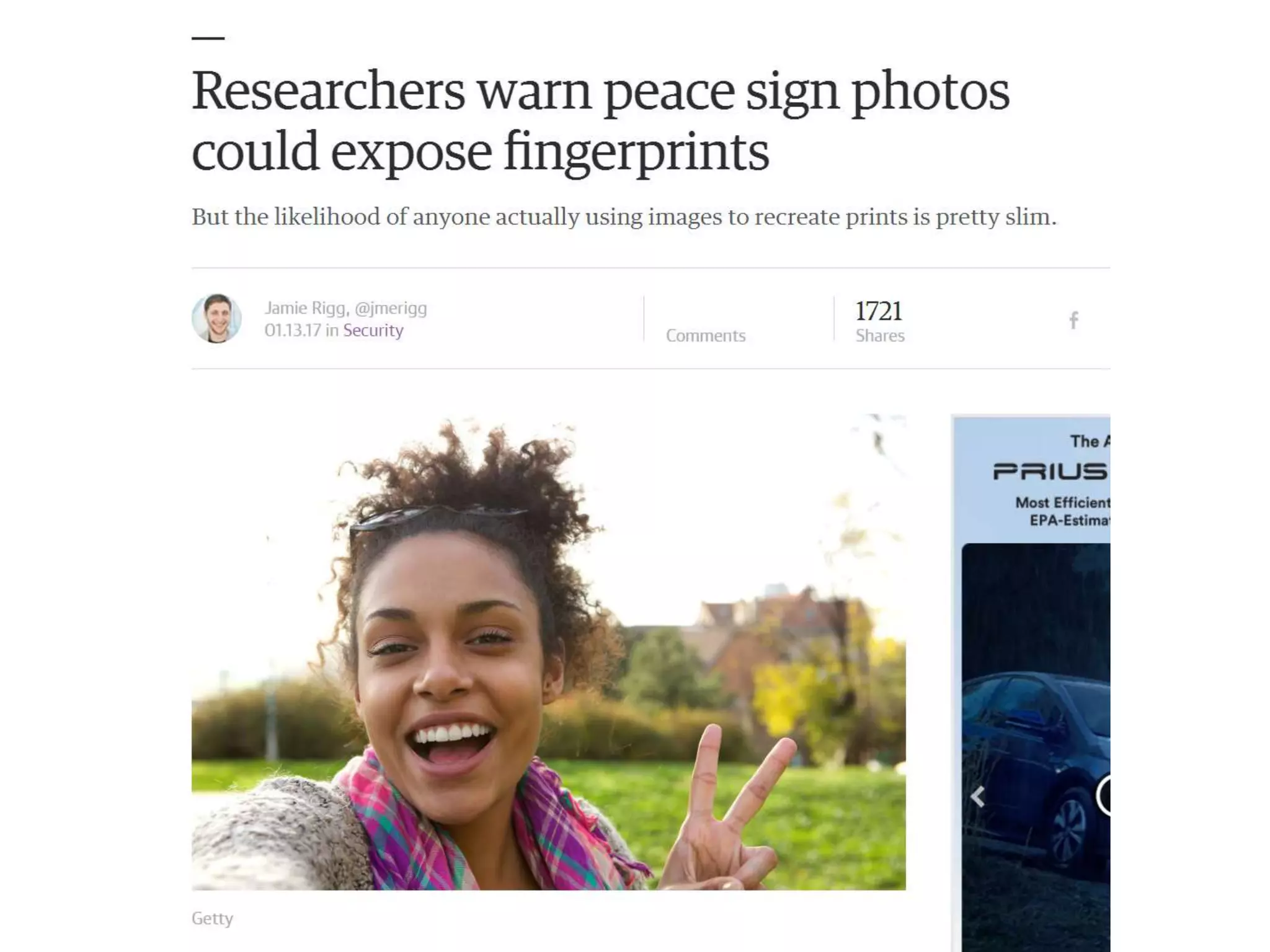





CSCI 455: Intro to Computer Vision
Acknowledgement
Many of the following slides are modified from the
excellent class notes of similar courses offered in
other schools by Prof Yung-Yu Chuang, Fredo
Durand, Alexei Efros, William Freeman, James Hays,
Svetlana Lazebnik, Andrej Karpathy, Fei-Fei Li,
Srinivasa Narasimhan, Silvio Savarese, Steve Seitz,
Richard Szeliski, Noah Snavely and Li Zhang. The
instructor is extremely thankful to the researchers
for making their notes available online. Please feel
free to use and modify any of the slides, but
acknowledge the original sources where
appropriate.
Today
1. What is computer vision?
2. Course overview
3. Image filtering
Today
• Readings
– Szeliski, Chapter 1 (Introduction)
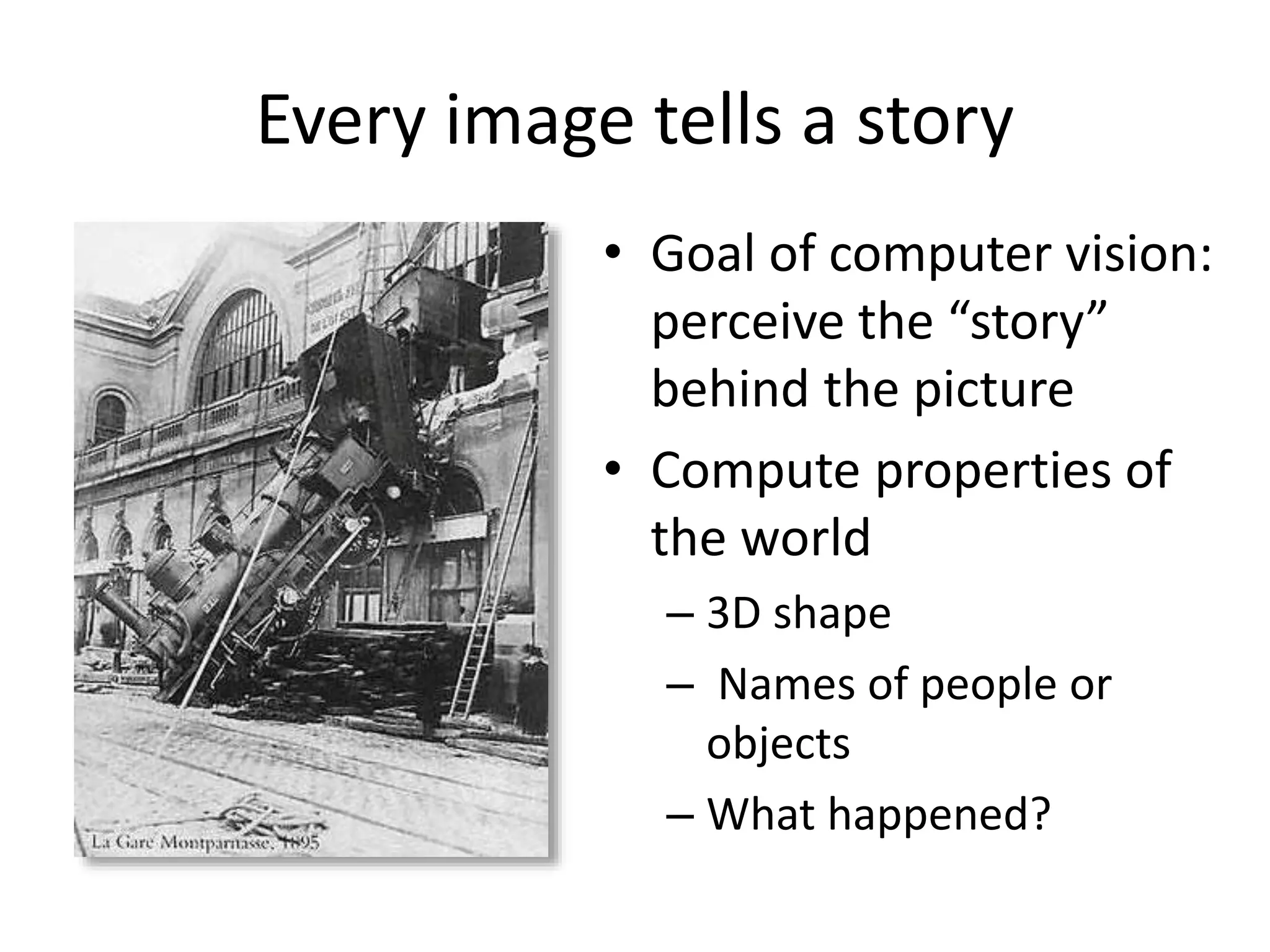
Every image tells a story
• Goal of computer vision:
perceive the “story”
behind the picture
• Compute properties of
the world
– 3D shape
– Names of people or
objects
– What happened?
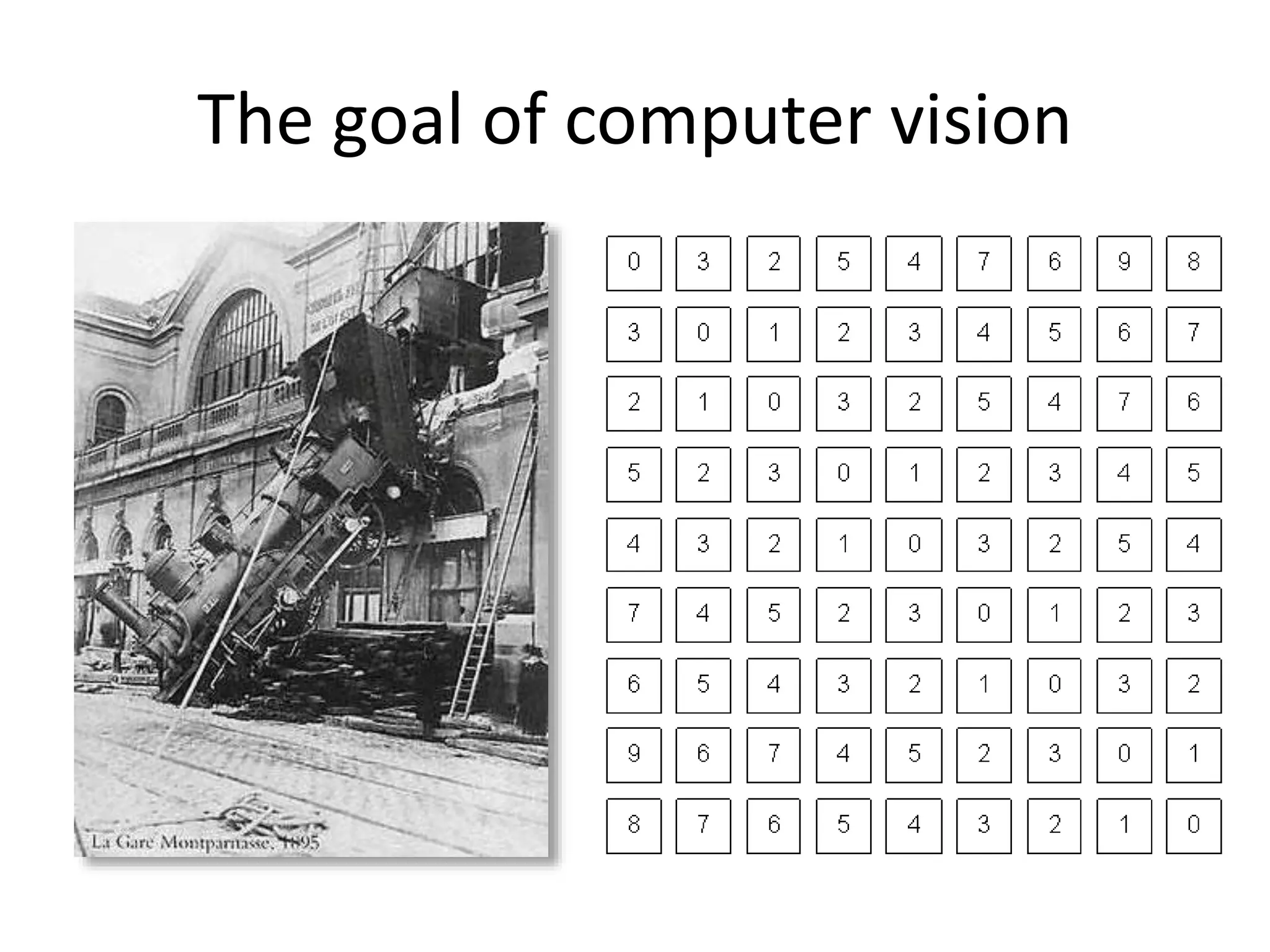
The goal of computer vision
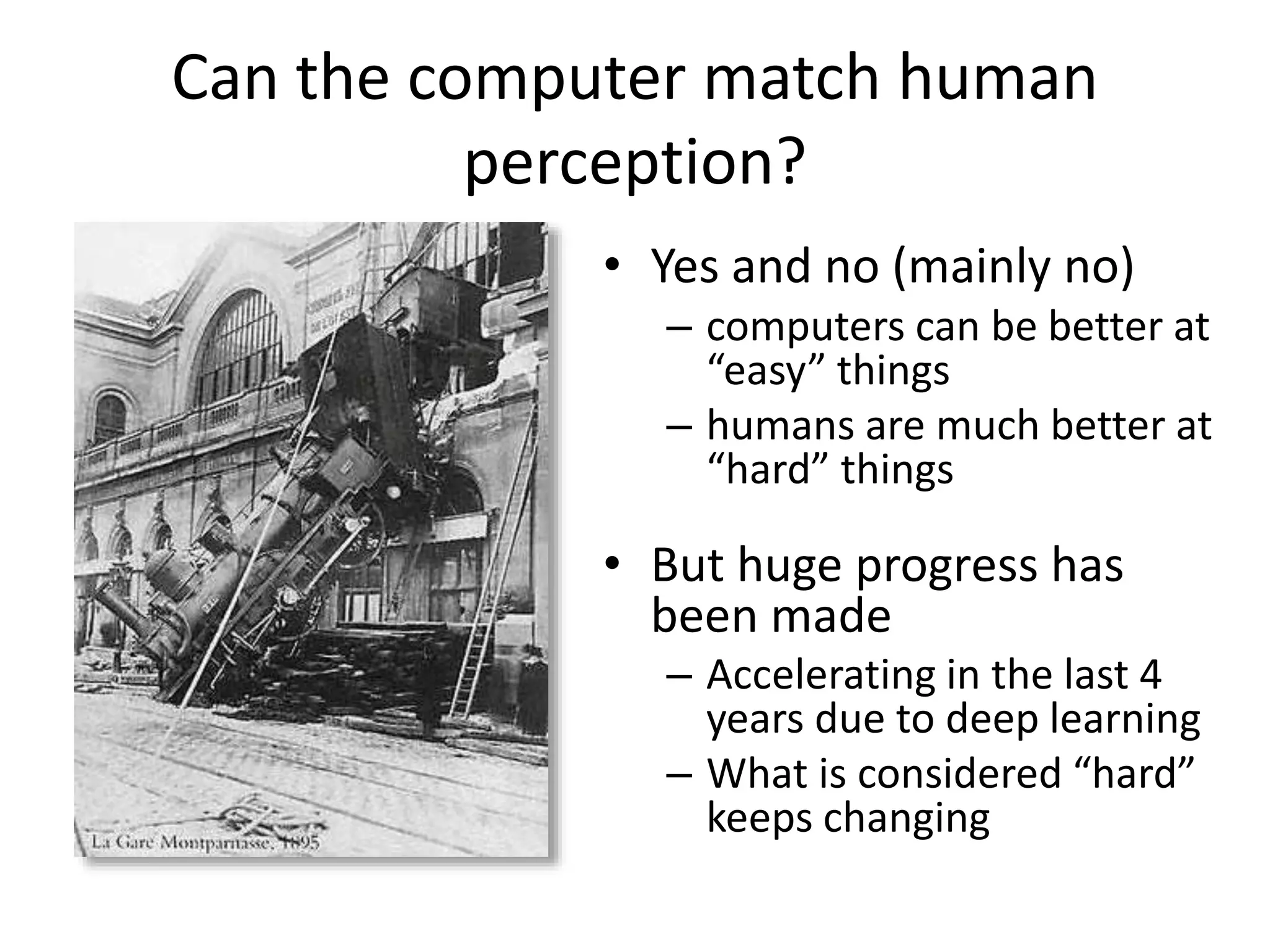
Can the computer match human
perception?
• Yes and no (mainly no)
– computers can be better at
“easy” things
– humans are much better at
“hard” things
• But huge progress has
been made
– Accelerating in the last 4
years due to deep learning
– What is considered “hard”
keeps changing
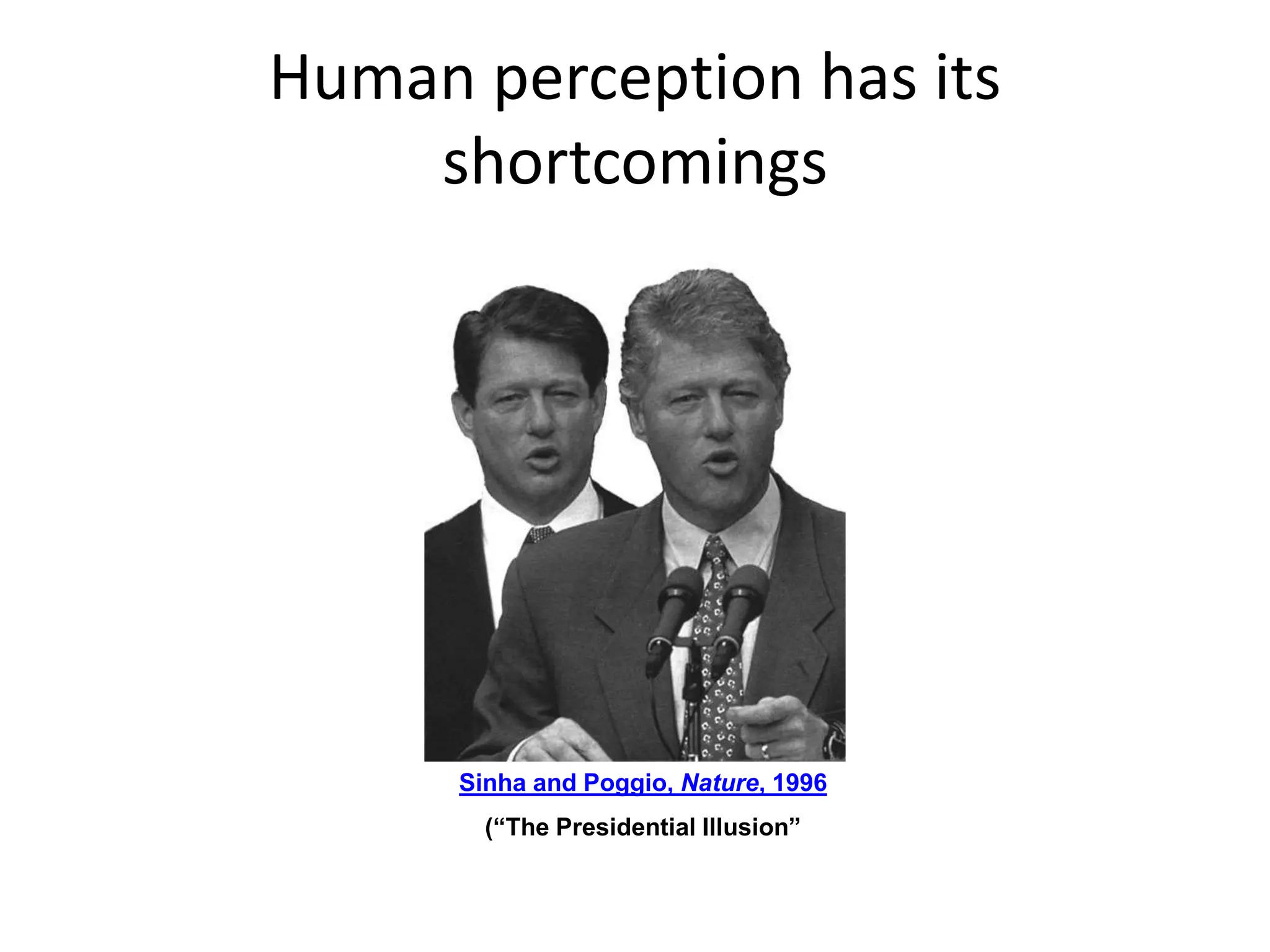
Human perception has its
shortcomings
Sinha and Poggio, Nature, 1996
(“The Presidential Illusion”
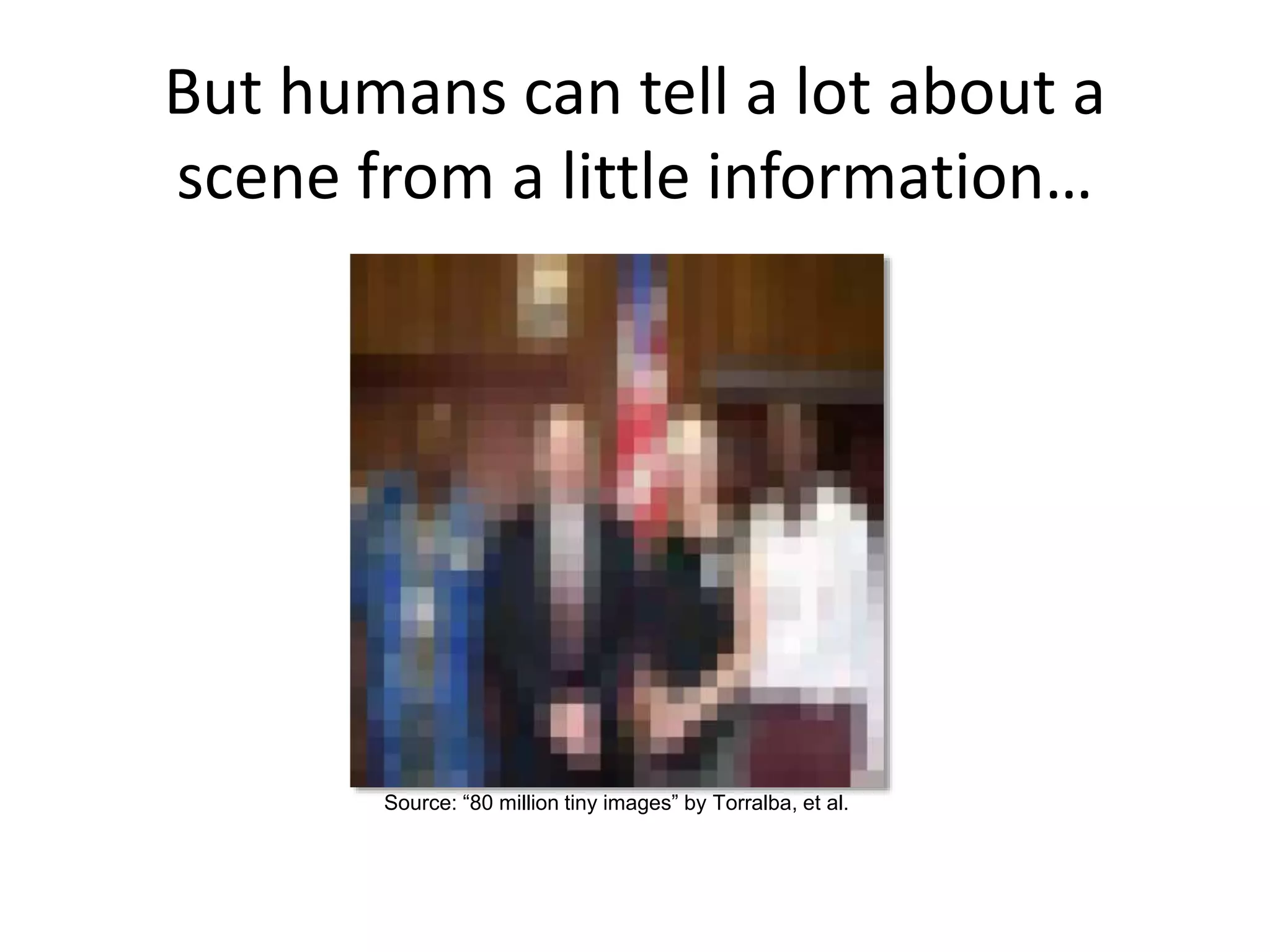
But humans can tell a lot about a
scene from a little information…
Source: “80 million tiny images” by Torralba, et al.
The goal of computer vision
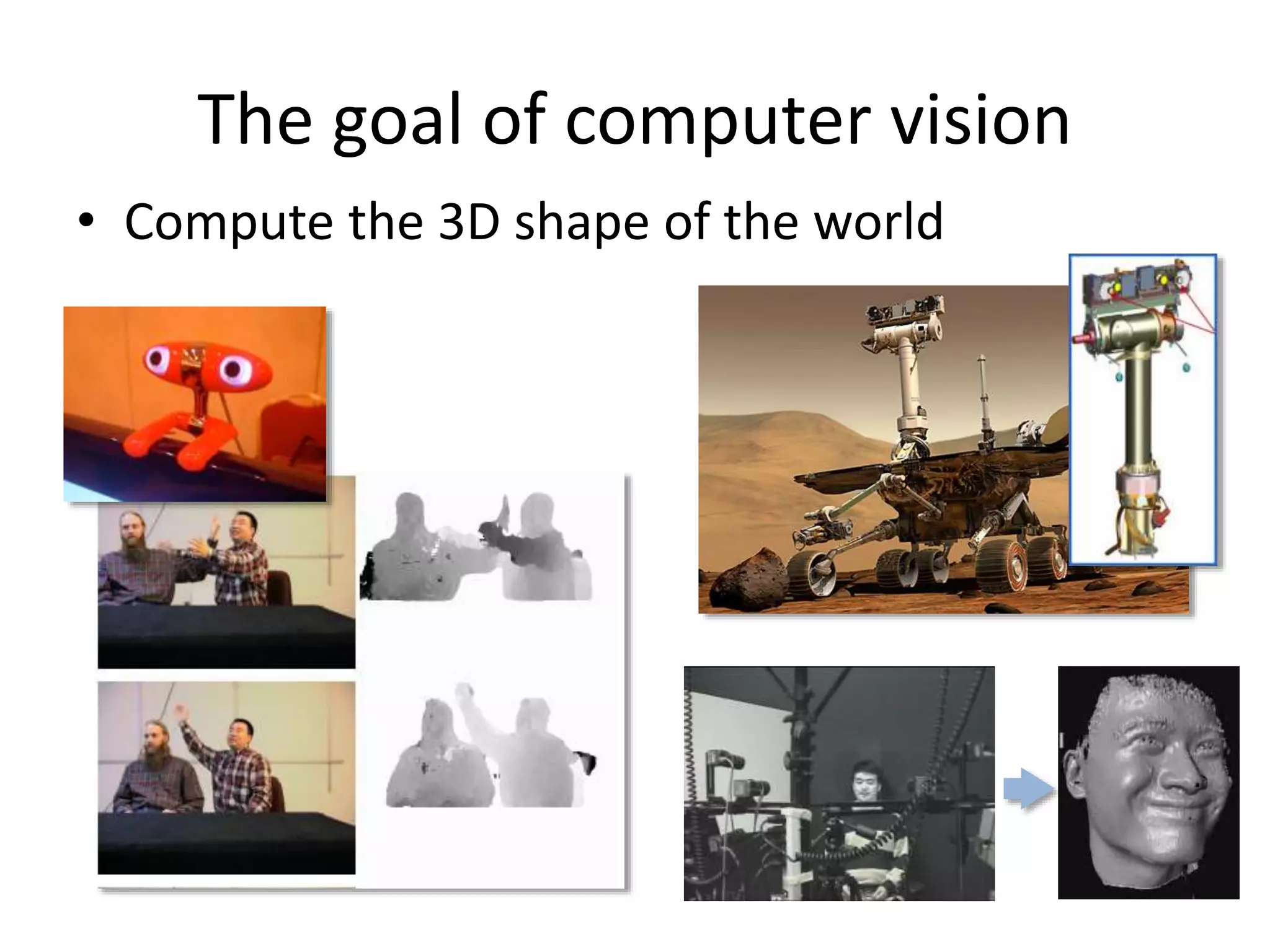
• Compute the 3D shape of the world
The goal of computer vision
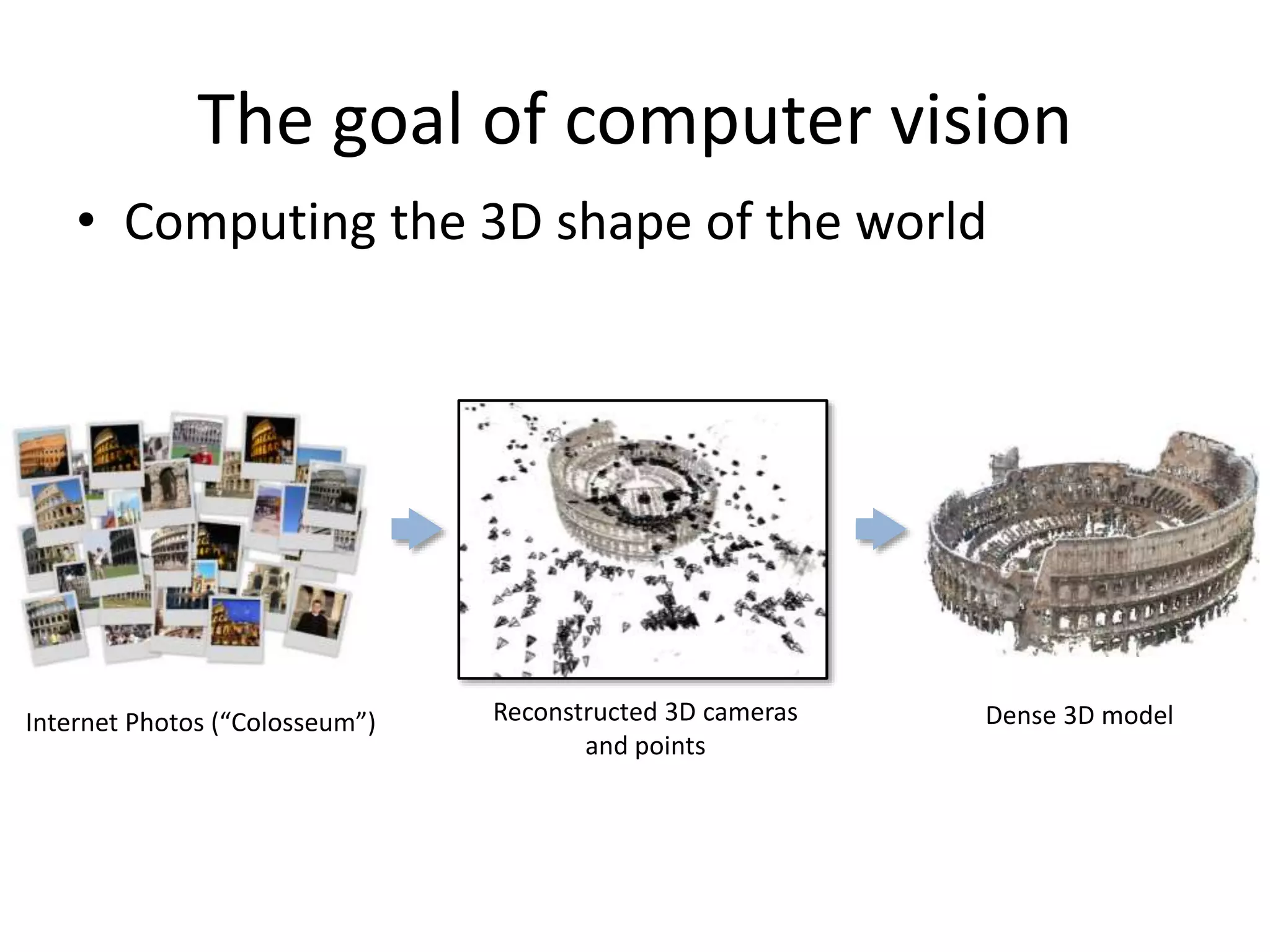
• Computing the 3D shape of the world
Internet Photos (“Colosseum”) Reconstructed 3D cameras
and points
Dense 3D model
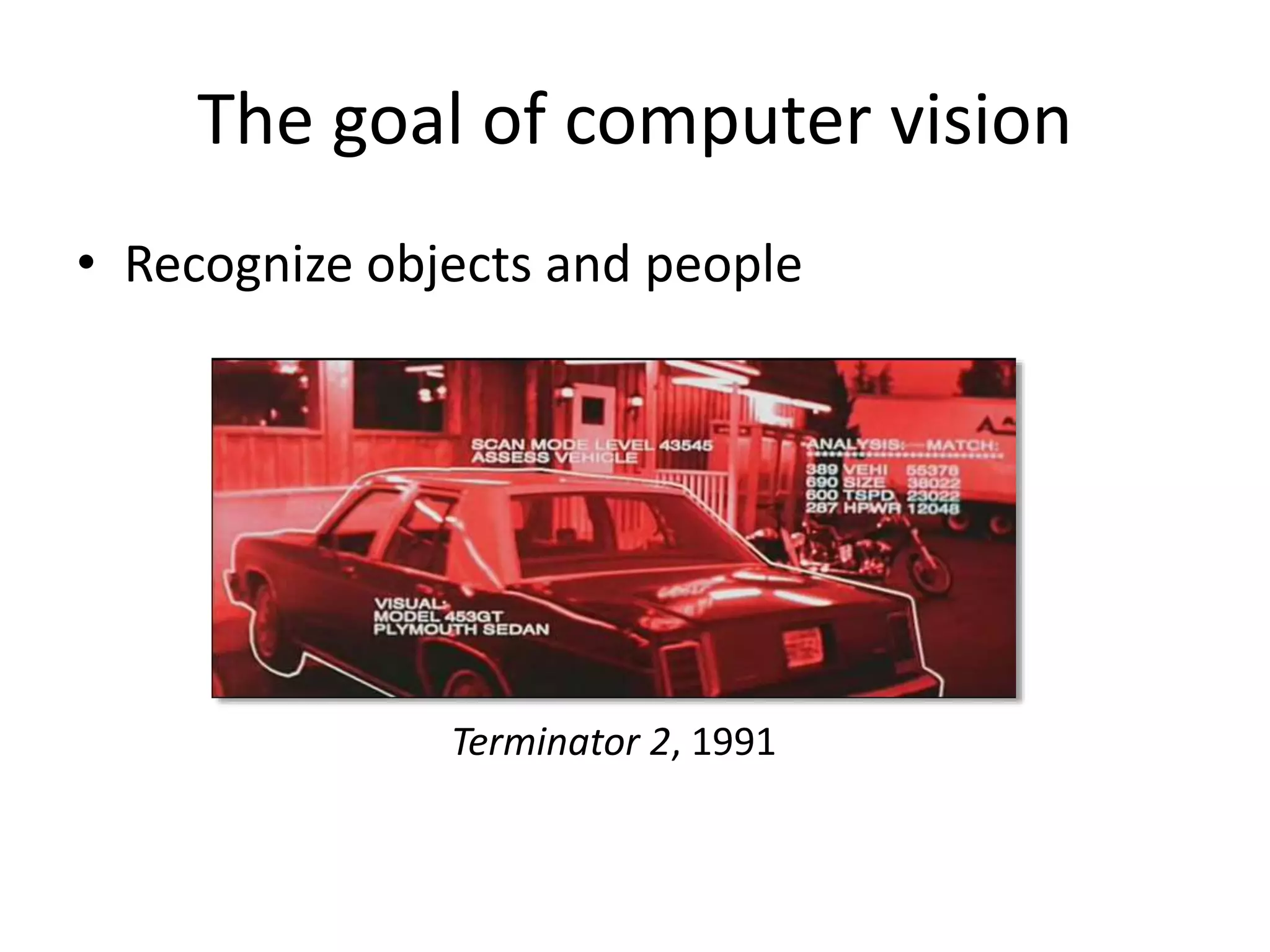
The goal of computer vision
• Recognize objects and people
Terminator 2, 1991
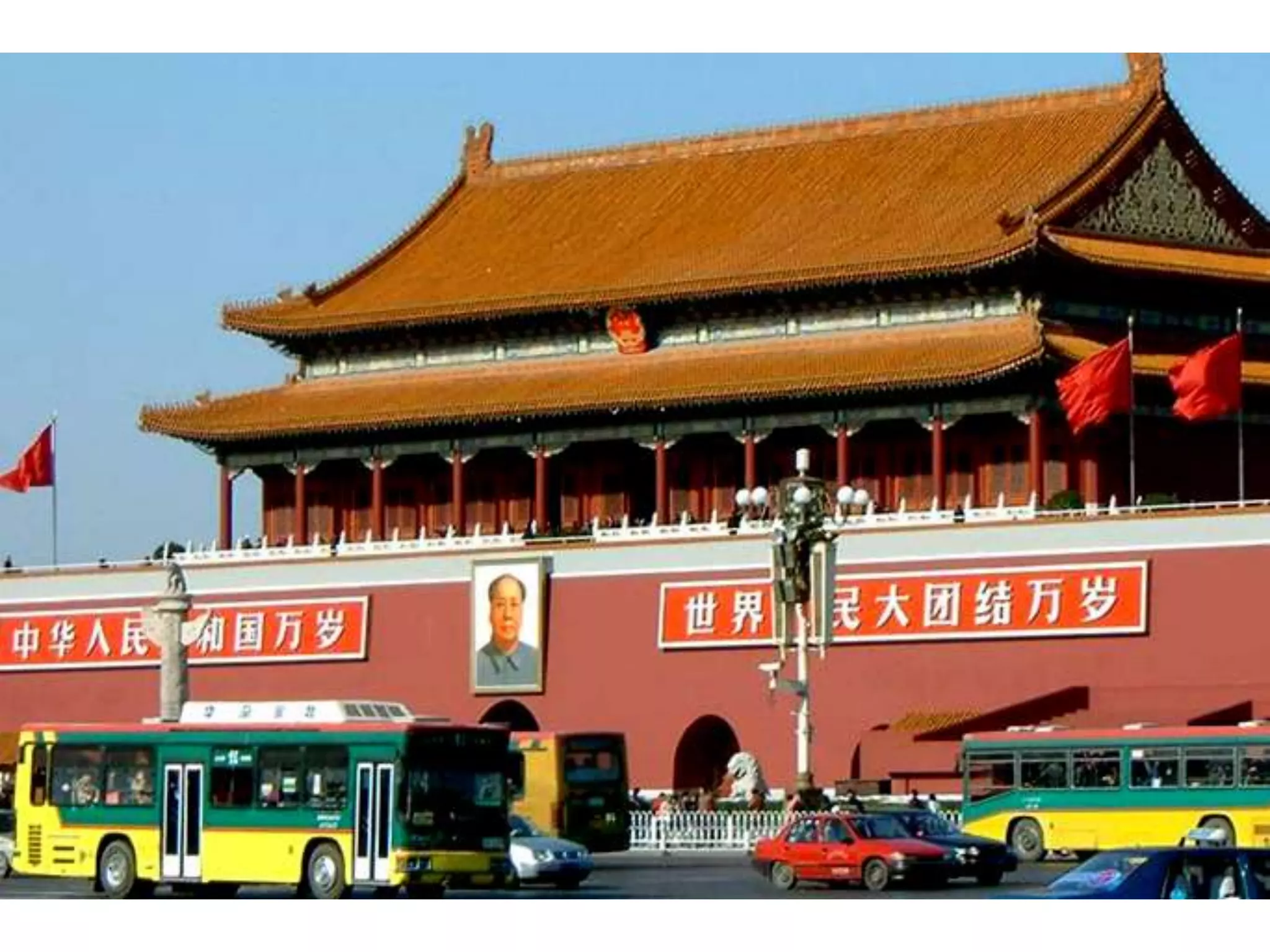
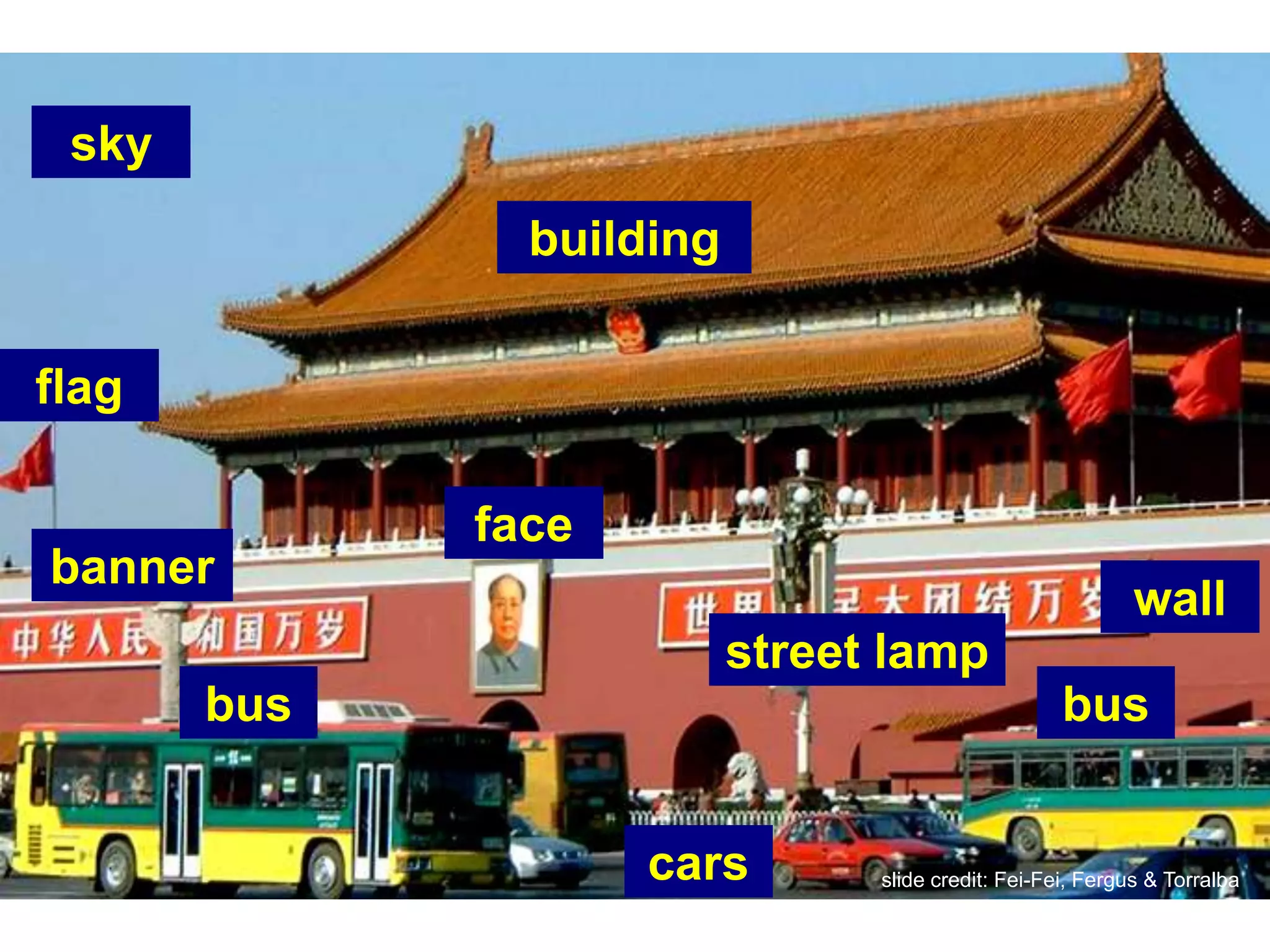
slide credit: Fei-Fei, Fergus & Torralba
sky
building
flag
wall
banner
bus
cars
bus
face
street lamp
slide credit: Fei-Fei, Fergus & Torralba
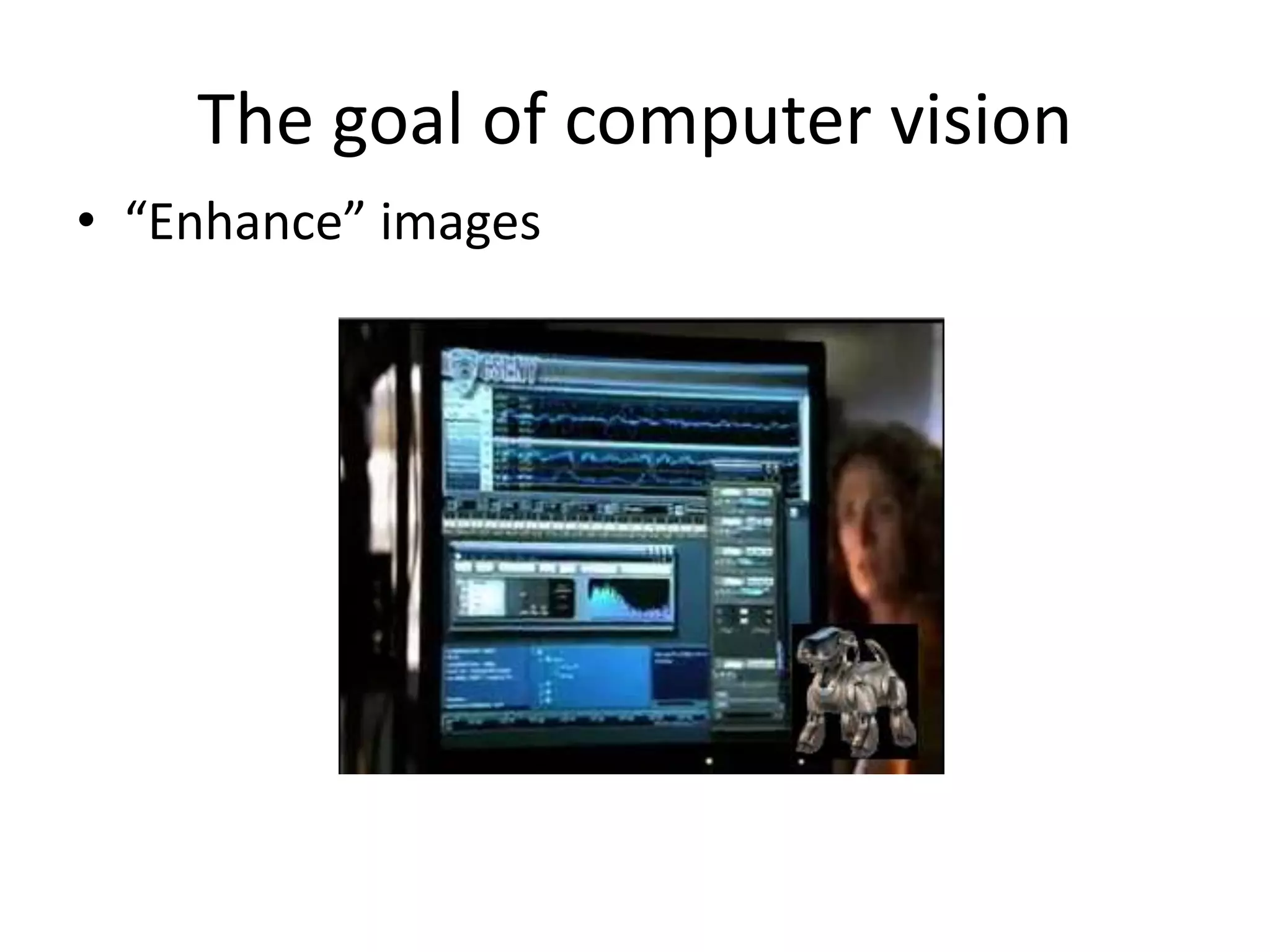
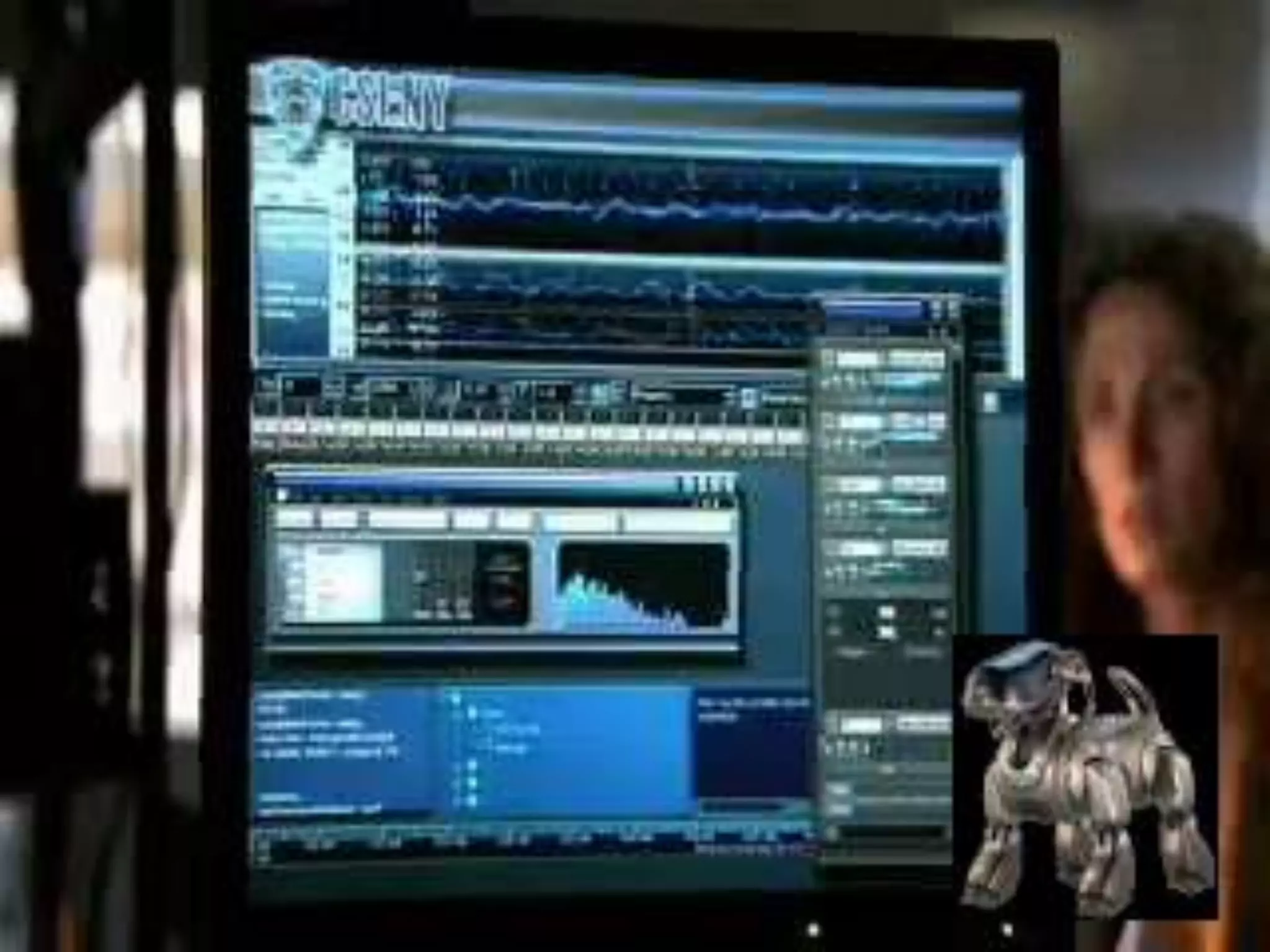
The goal of computer vision
• “Enhance” images
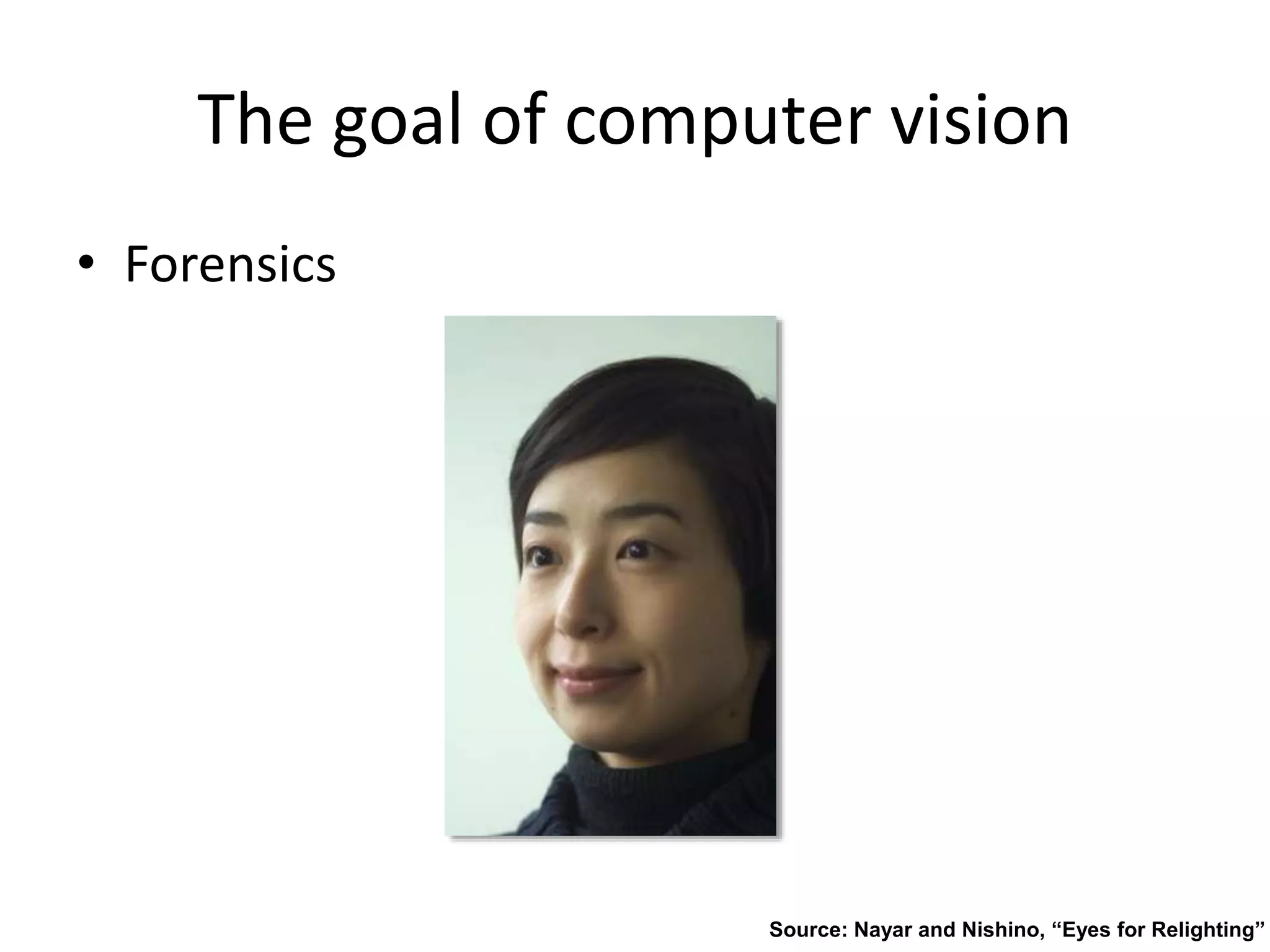
The goal of computer vision
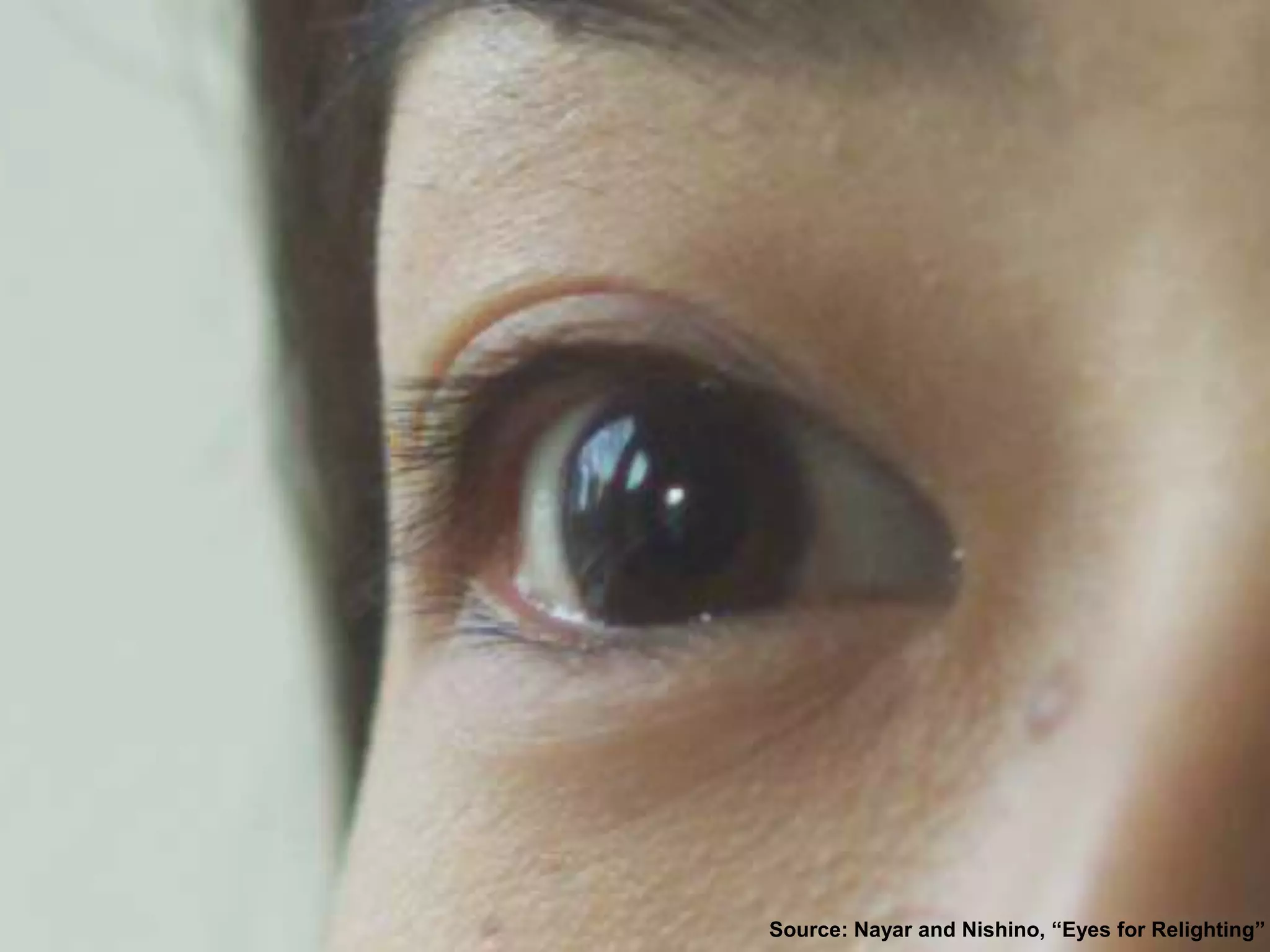
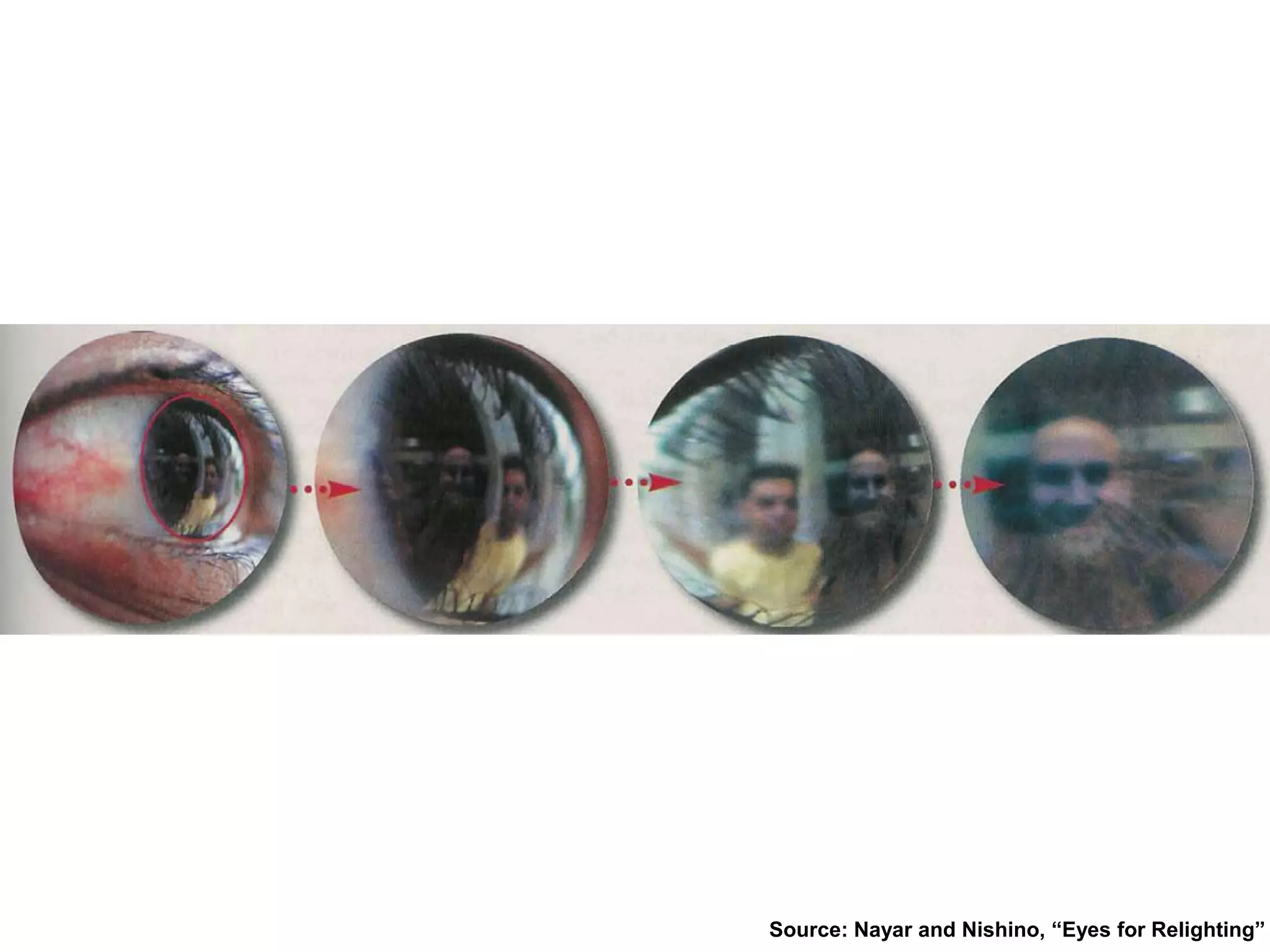
• Forensics
Source: Nayar and Nishino, “Eyes for Relighting”
The goal of computer vision
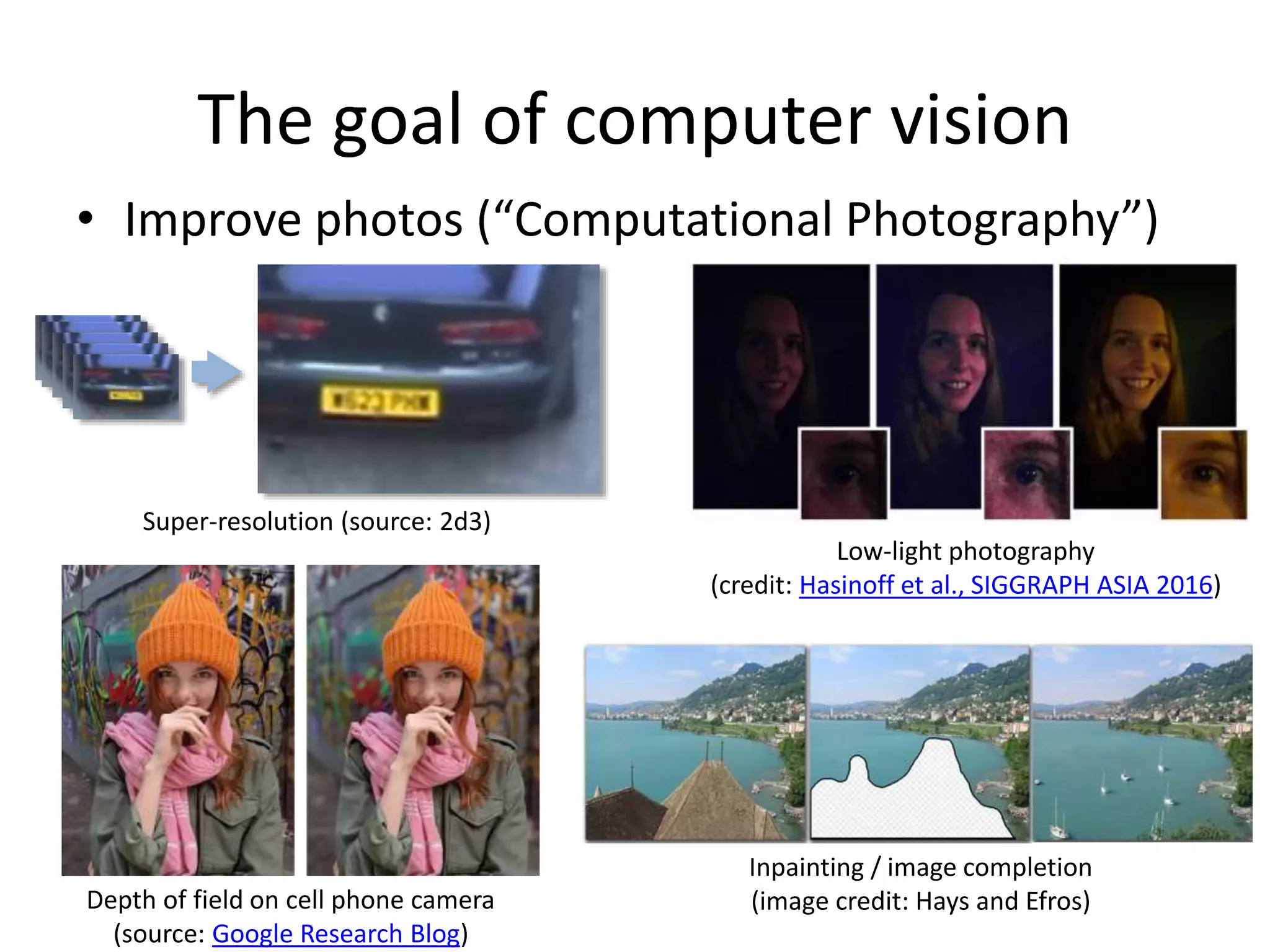
• Improve photos (“Computational Photography”)
Inpainting / image completion
(image credit: Hays and Efros)
Super-resolution (source: 2d3)
Low-light photography
(credit: Hasinoff et al., SIGGRAPH ASIA 2016)
Depth of field on cell phone camera
(source: Google Research Blog)
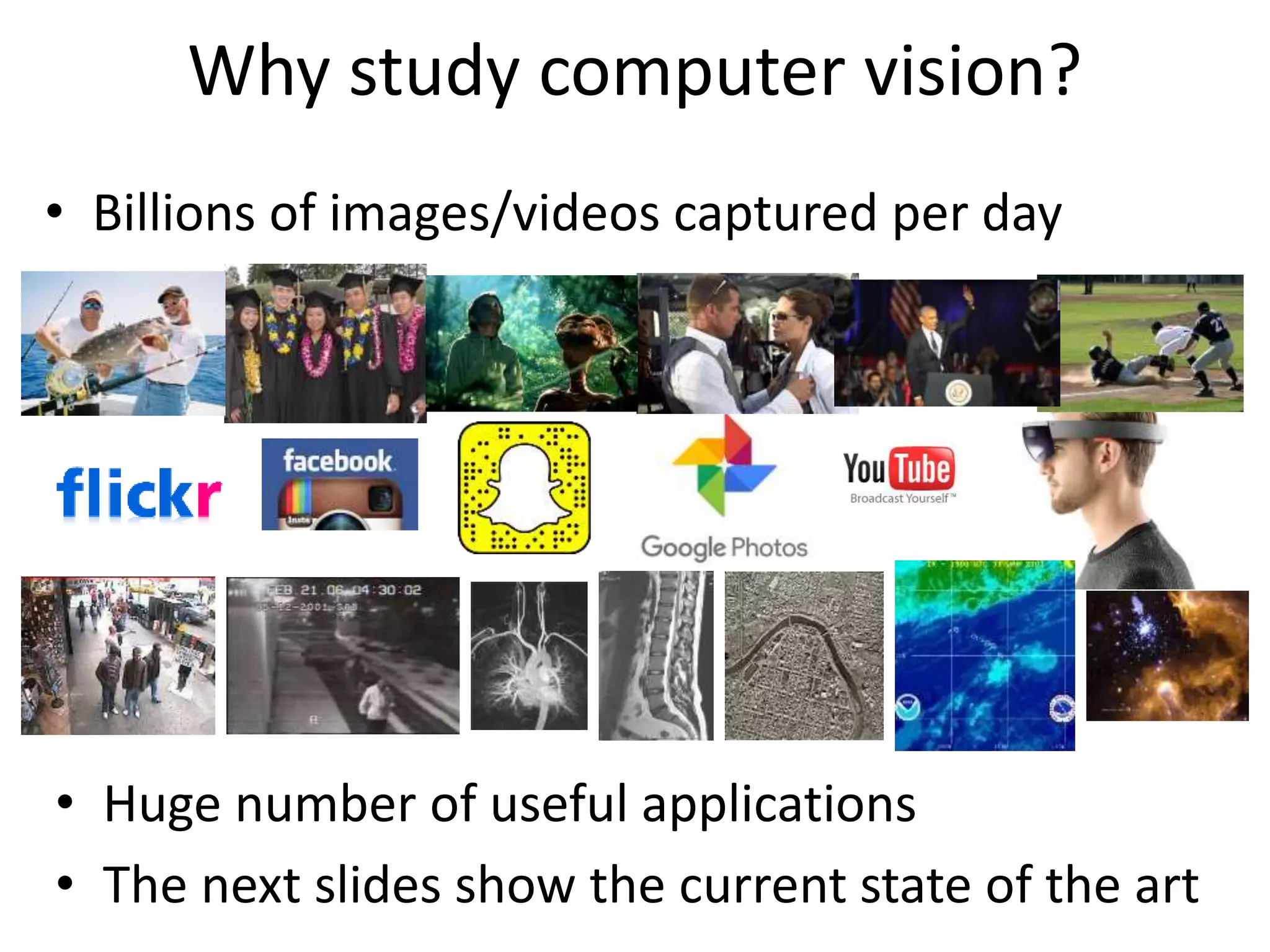
Why study computer vision?
• Billions of images/videos captured per day
• Huge number of useful applications
• The next slides show the current state of the art
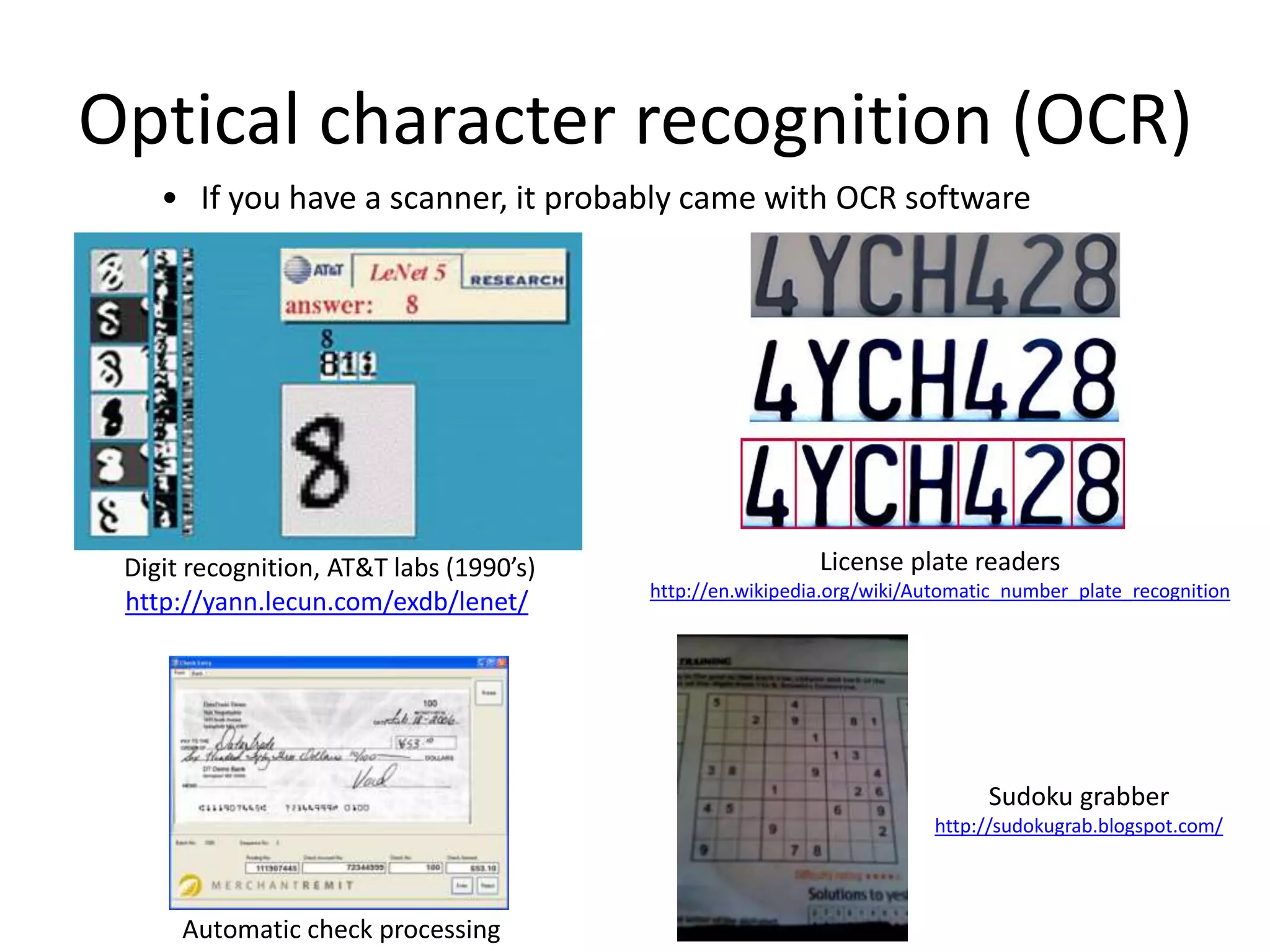
Optical character recognition (OCR)
Digit recognition, AT&T labs (1990’s)
http://yann.lecun.com/exdb/lenet/
• If you have a scanner, it probably came with OCR software
License plate readers
http://en.wikipedia.org/wiki/Automatic_number_plate_recognition
Automatic check processing
Sudoku grabber
http://sudokugrab.blogspot.com/
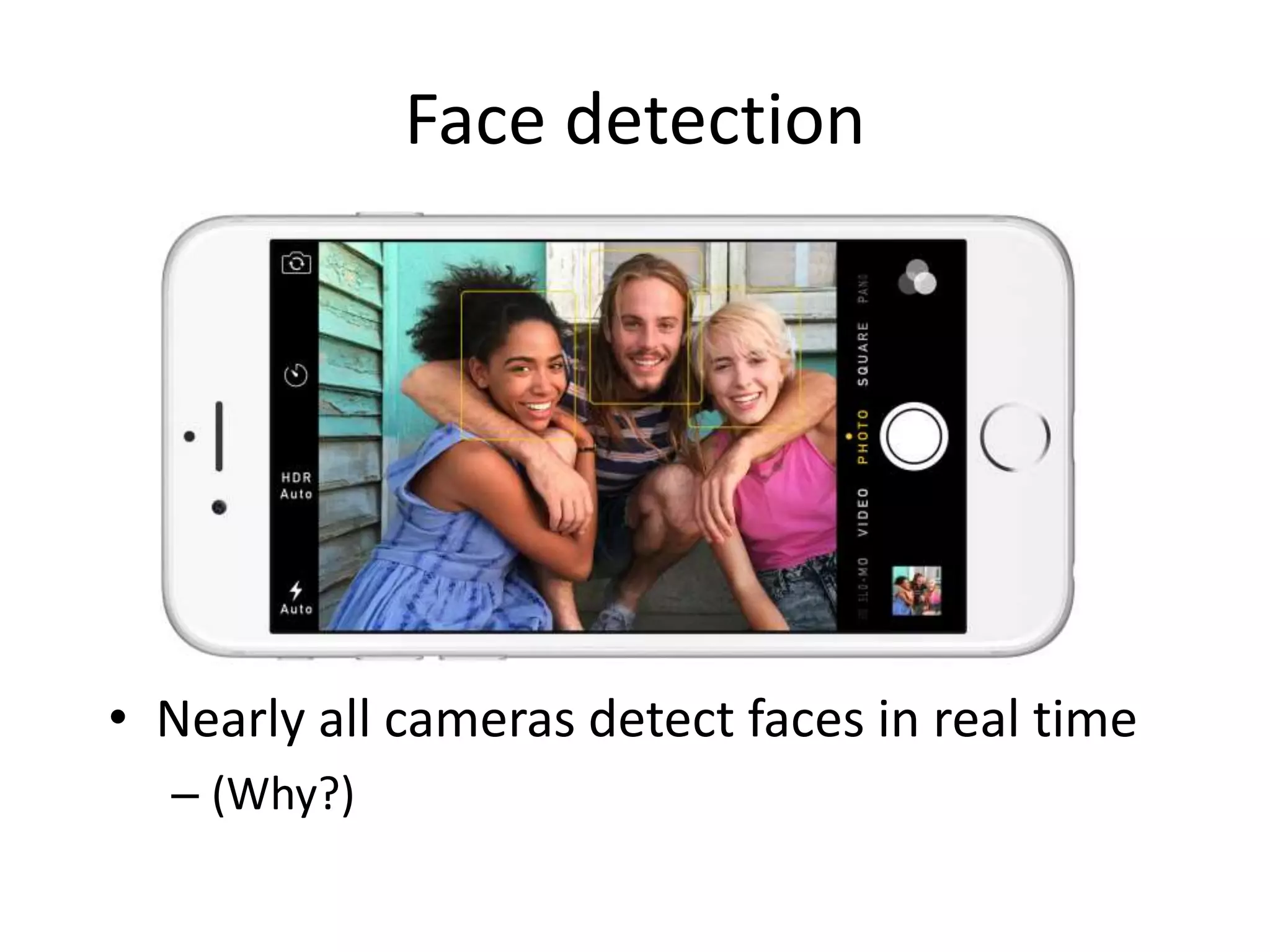
Face detection
• Nearly all cameras detect faces in real time
– (Why?)
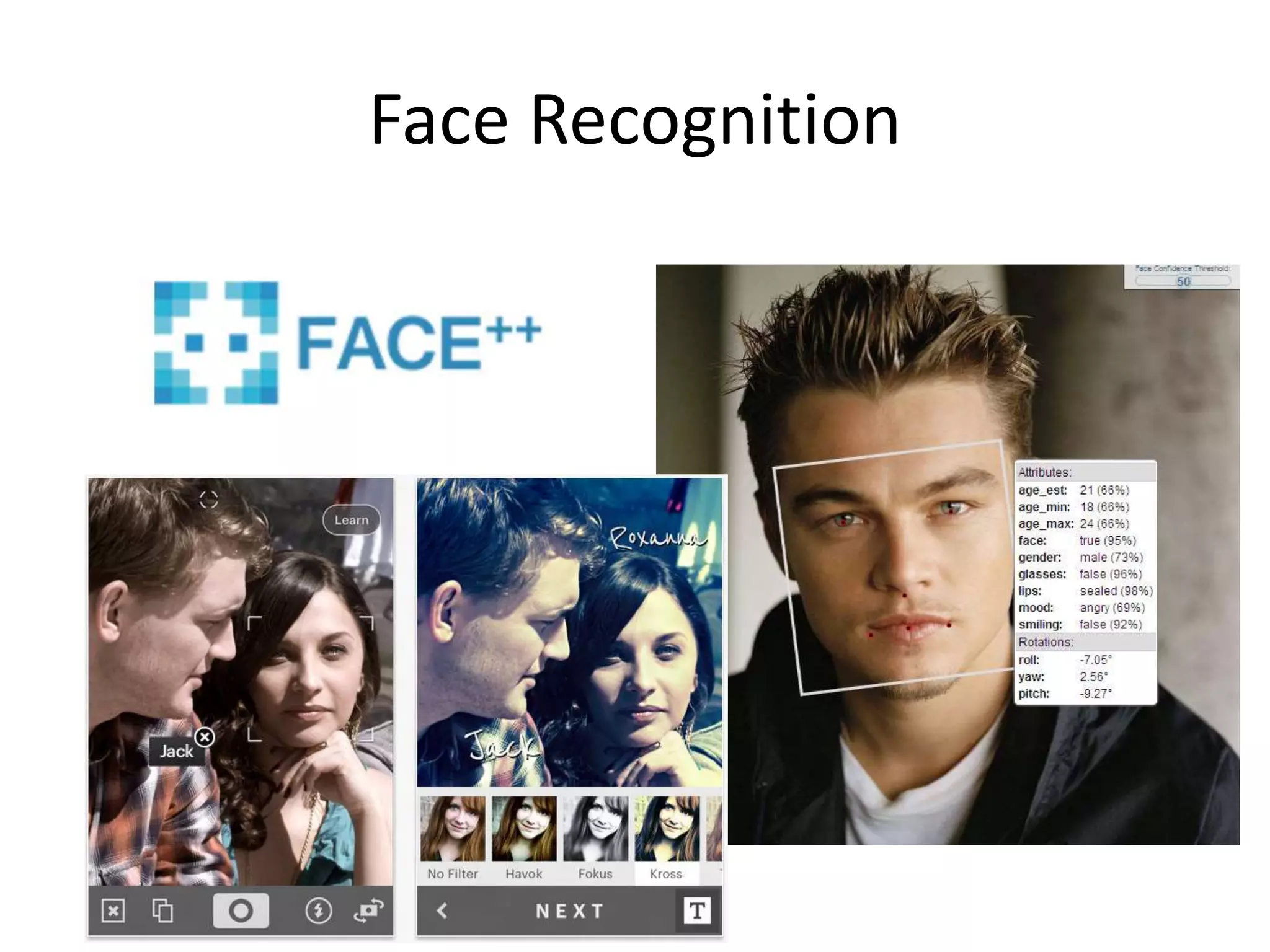
Face Recognition
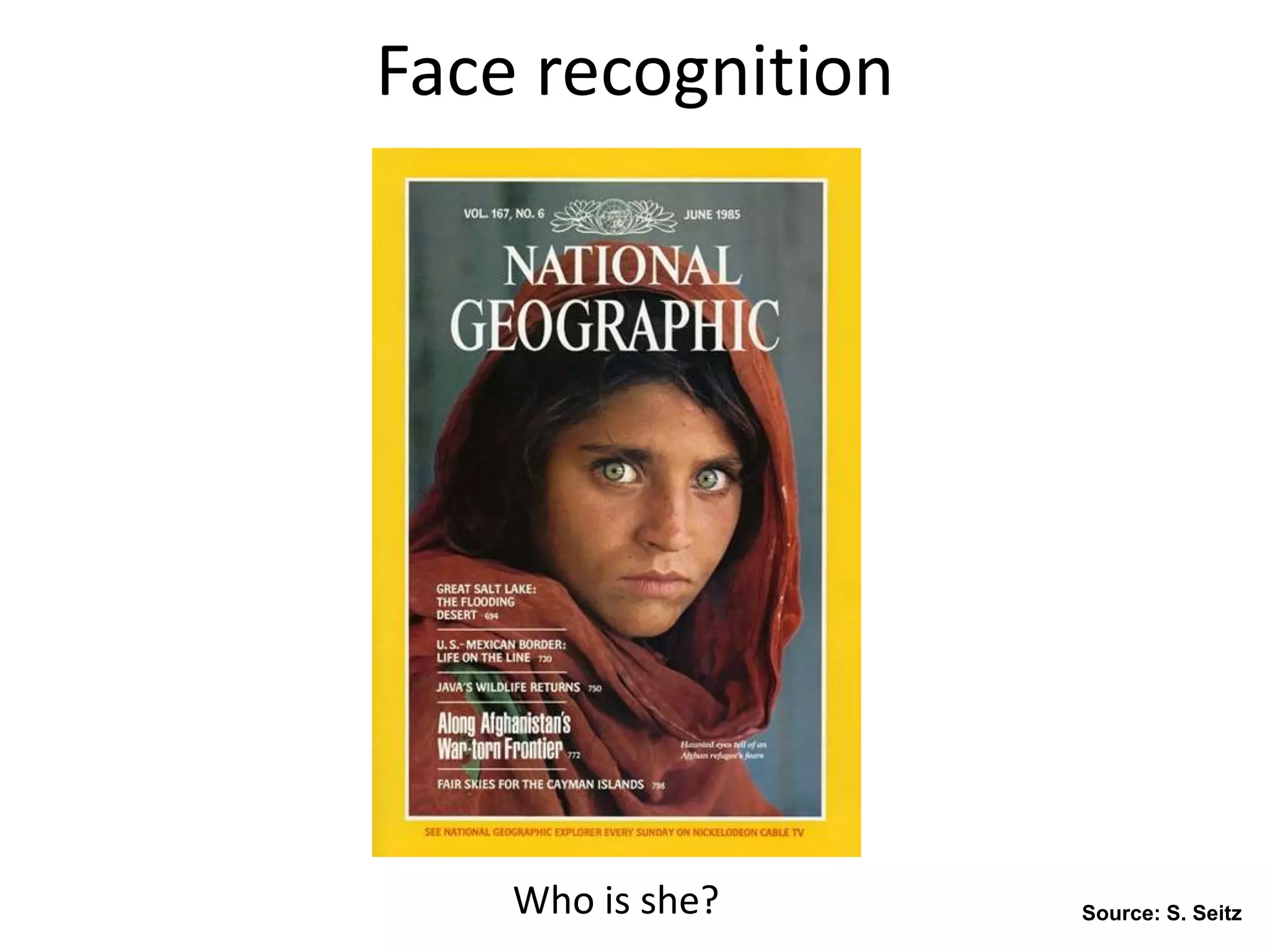
Face recognition
Who is she? Source: S. Seitz
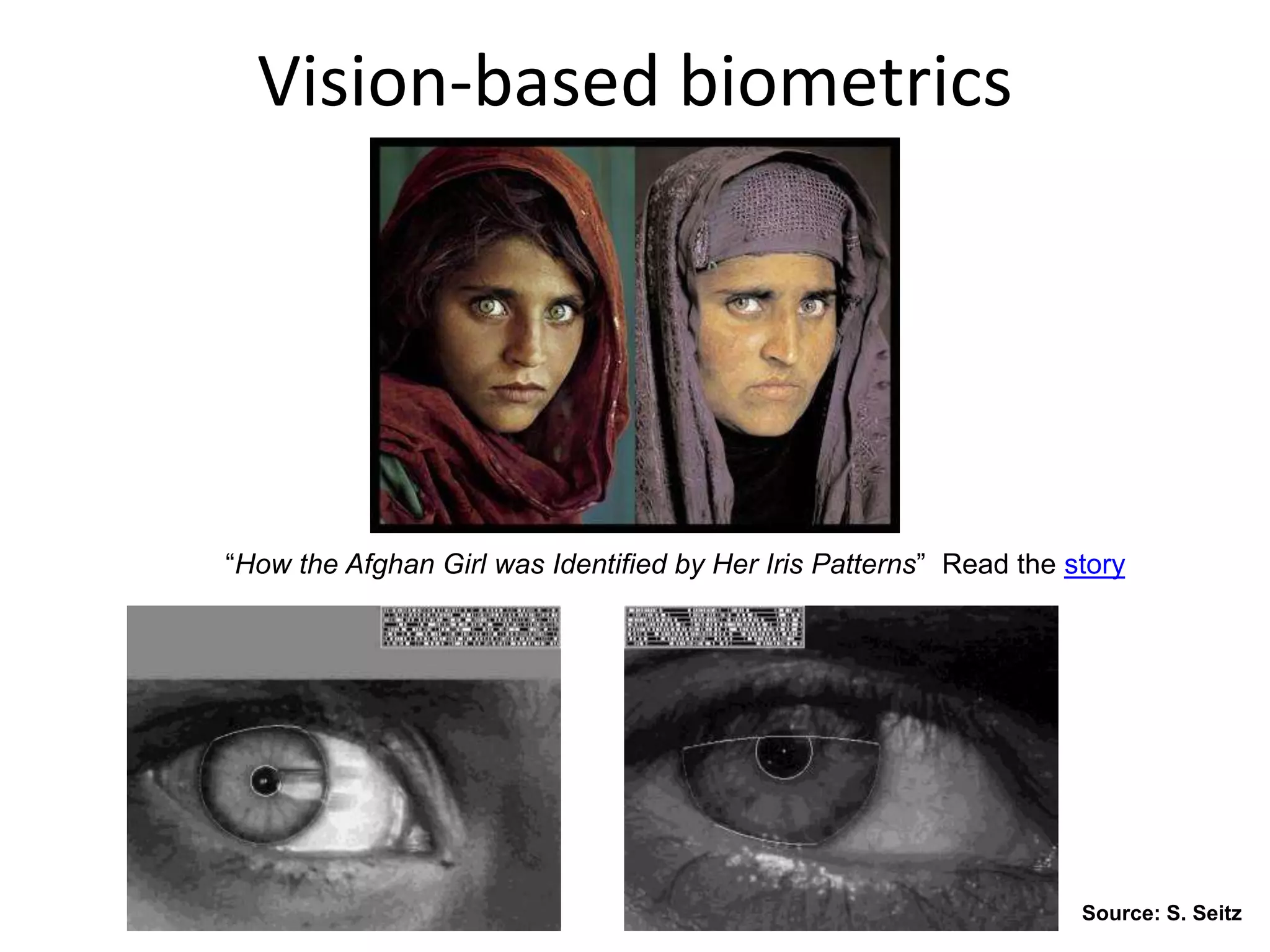
Vision-based biometrics
“How the Afghan Girl was Identified by Her Iris Patterns” Read the story
Source: S. Seitz
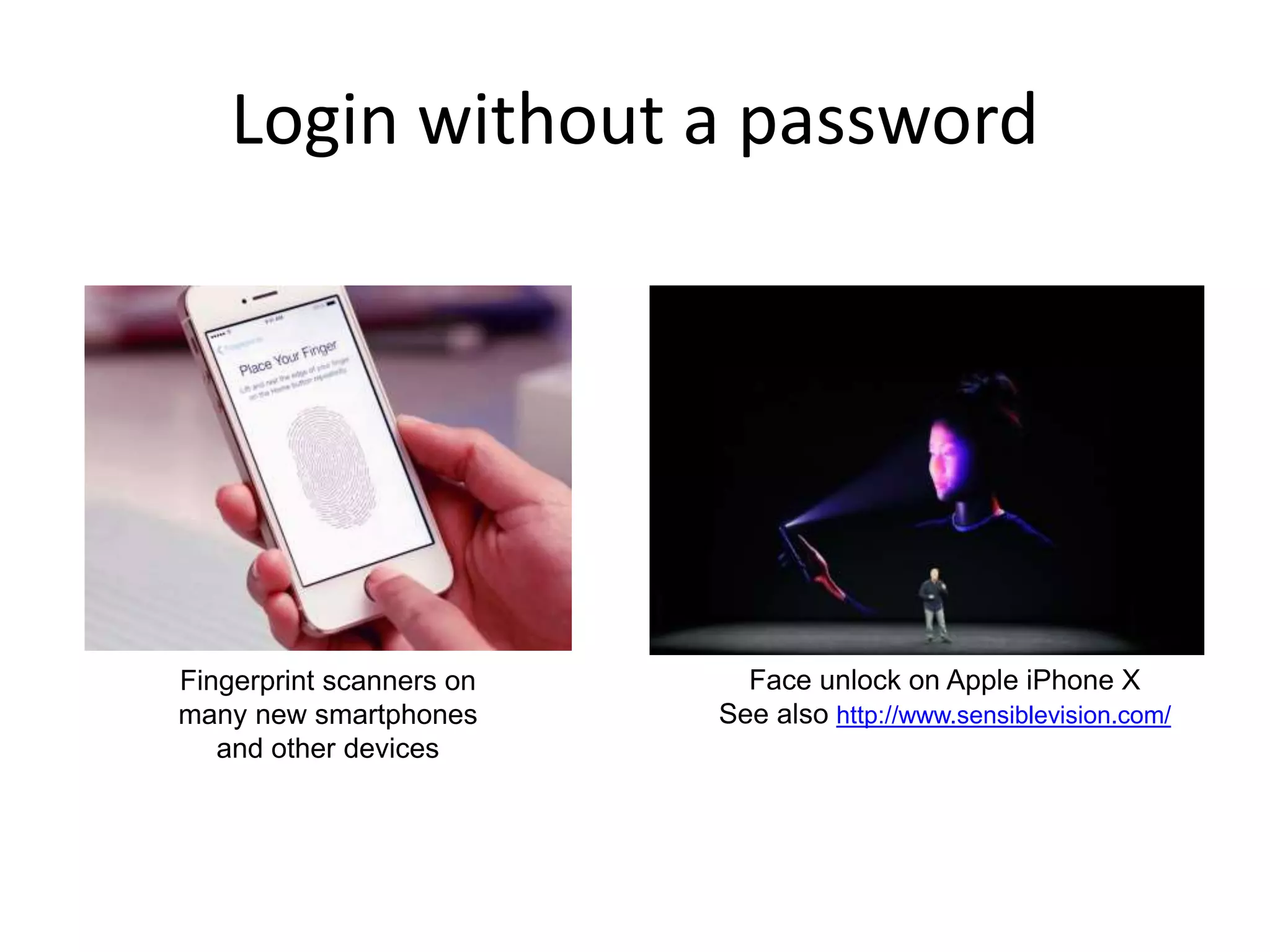
Login without a password
Fingerprint scanners on
many new smartphones
and other devices
Face unlock on Apple iPhone X
See also http://www.sensiblevision.com/
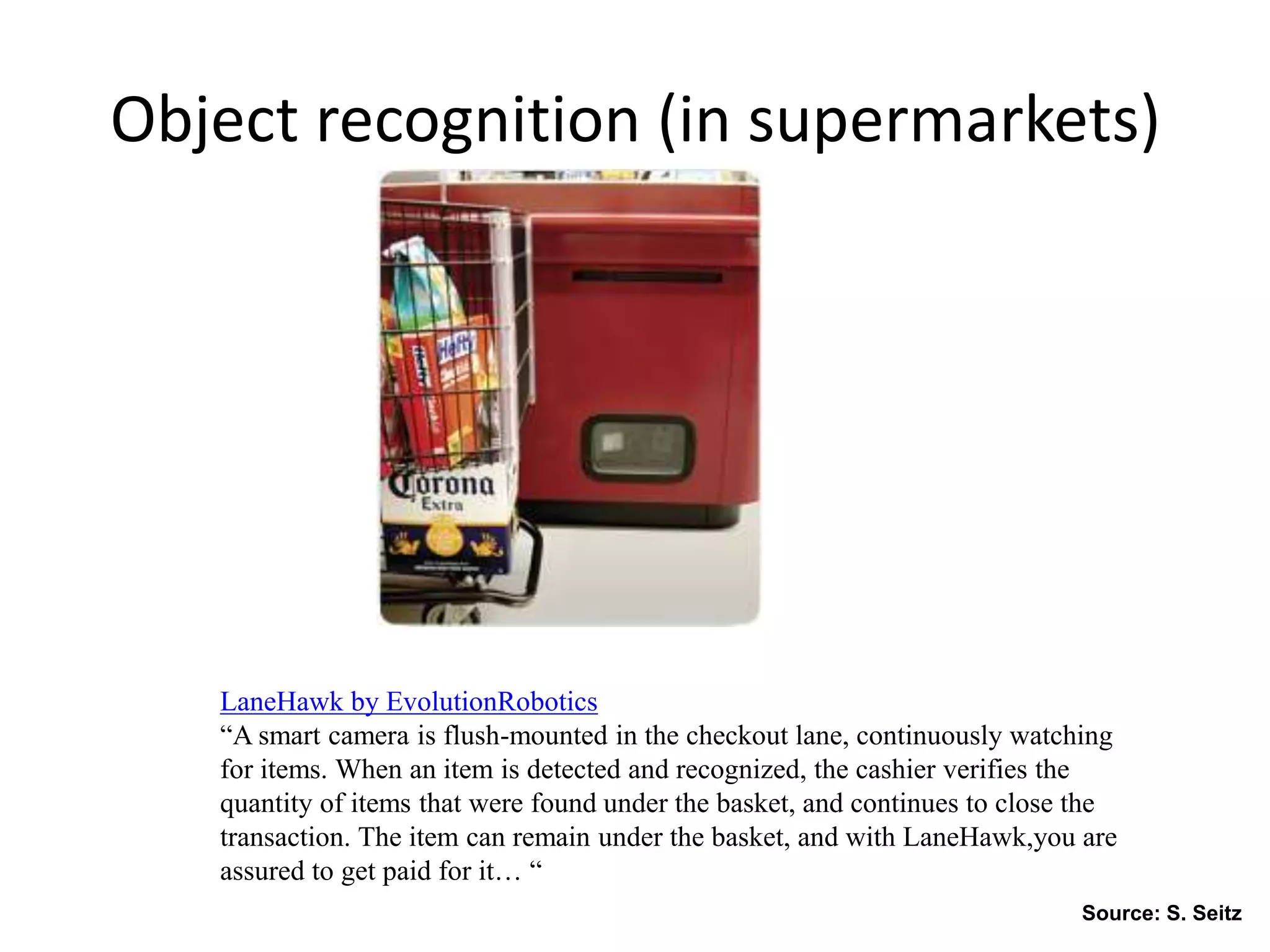
Object recognition (in supermarkets)
LaneHawk by EvolutionRobotics
“A smart camera is flush-mounted in the checkout lane, continuously watching
for items. When an item is detected and recognized, the cashier verifies the
quantity of items that were found under the basket, and continues to close the
transaction. The item can remain under the basket, and with LaneHawk,you are
assured to get paid for it… “
Source: S. Seitz
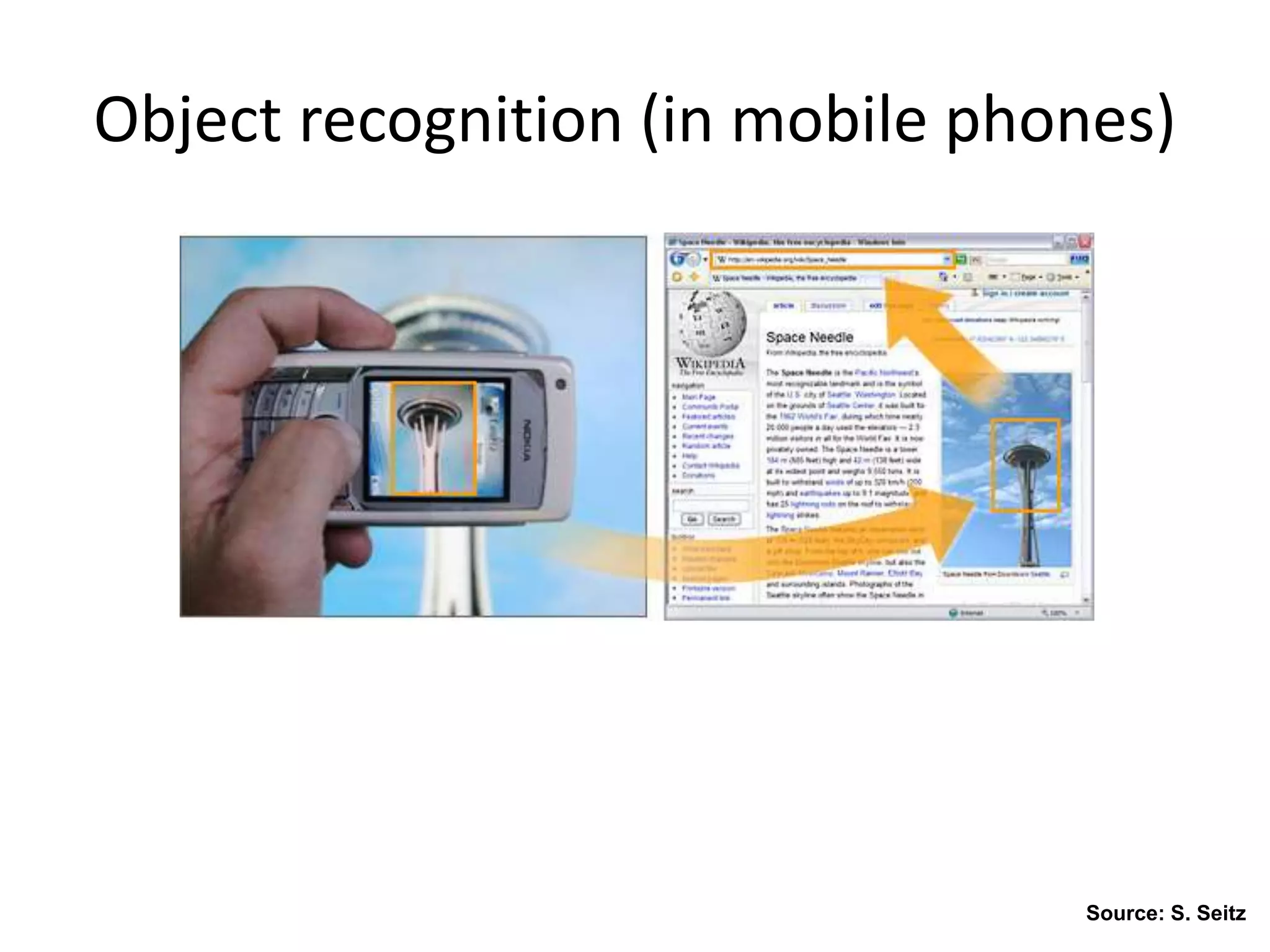
Object recognition (in mobile phones)
Source: S. Seitz
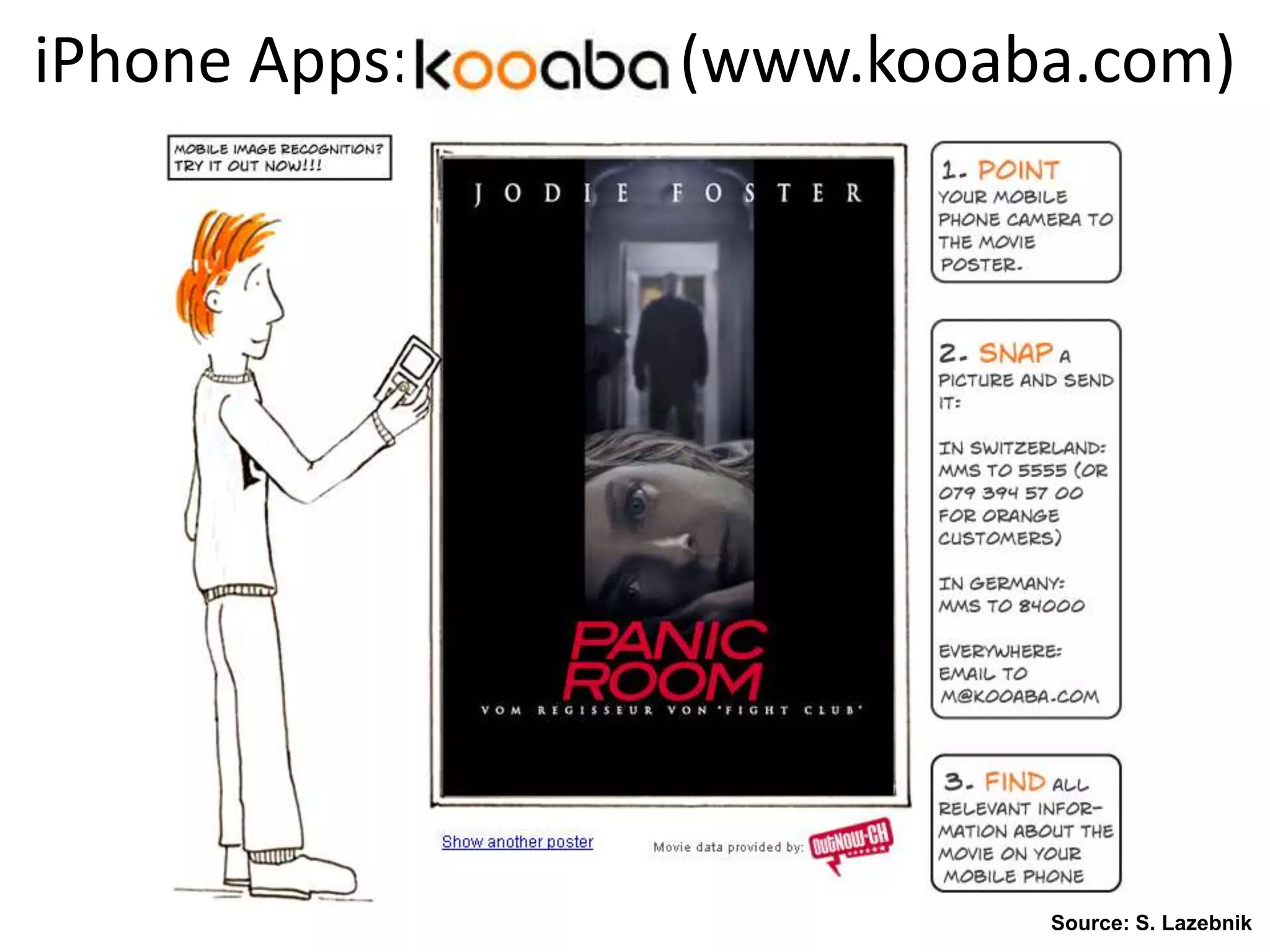
iPhone Apps: (www.kooaba.com)
Source: S. Lazebnik
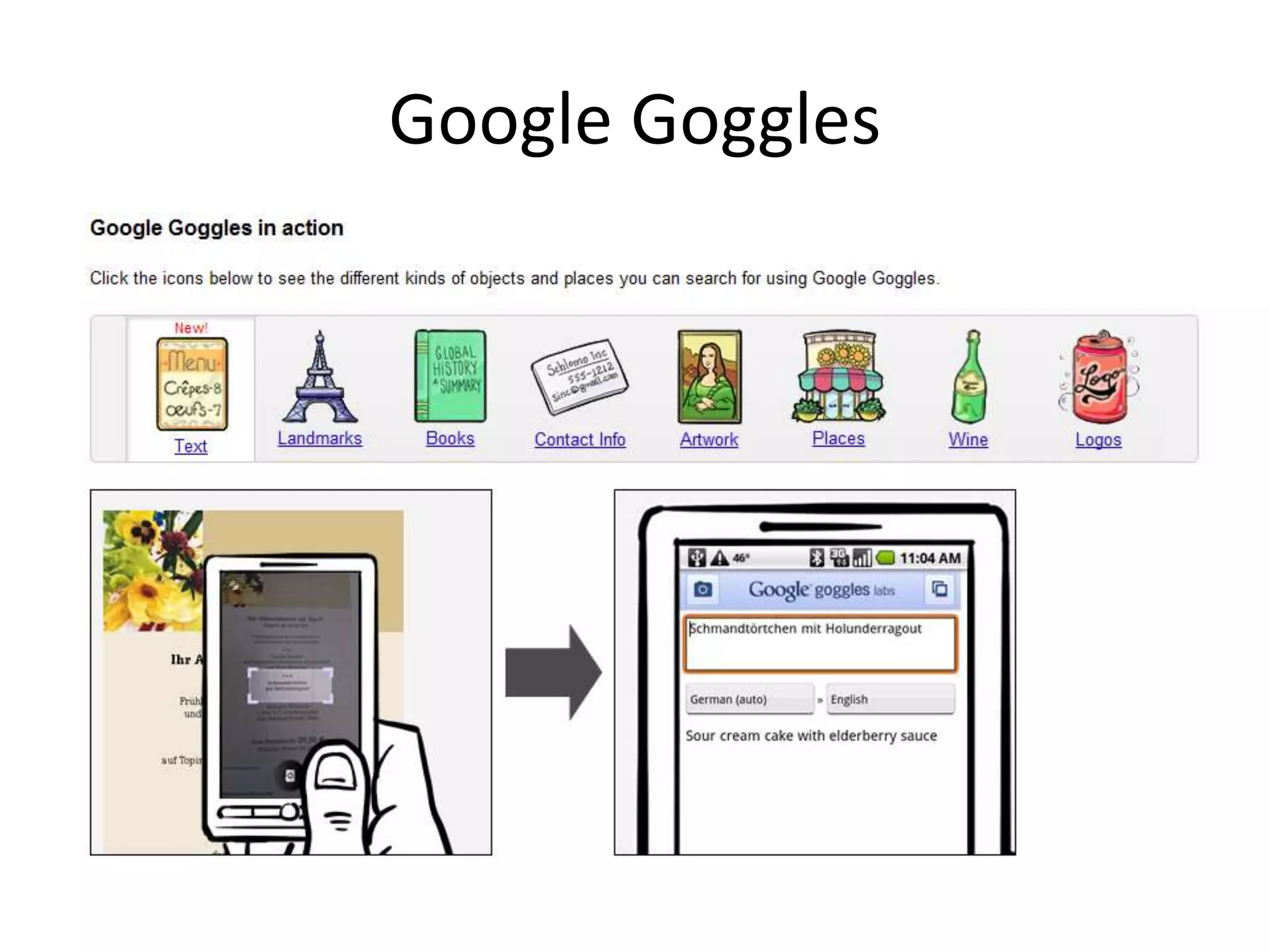
Google Goggles
Google Search by Image
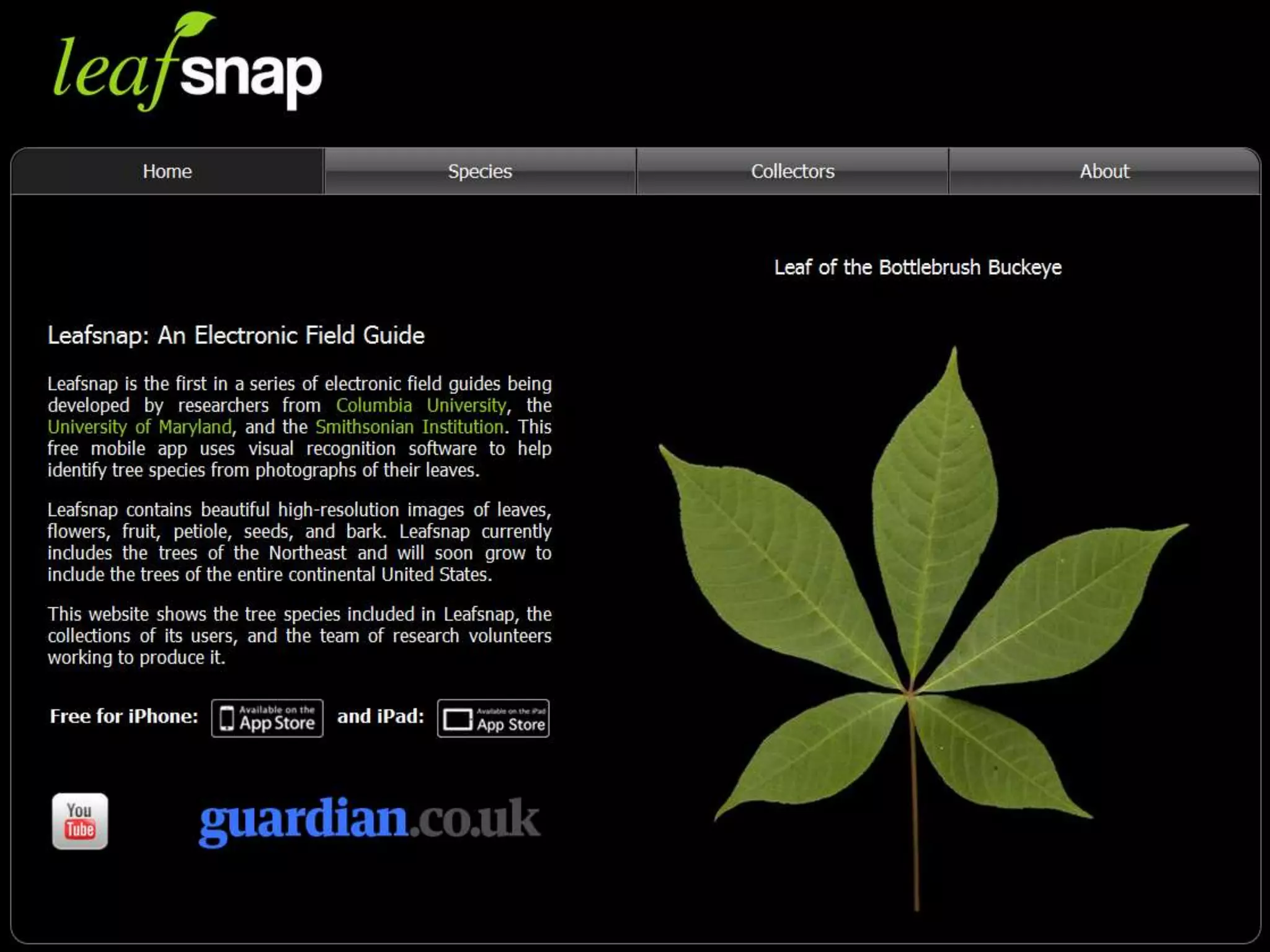
Leaf Recognition
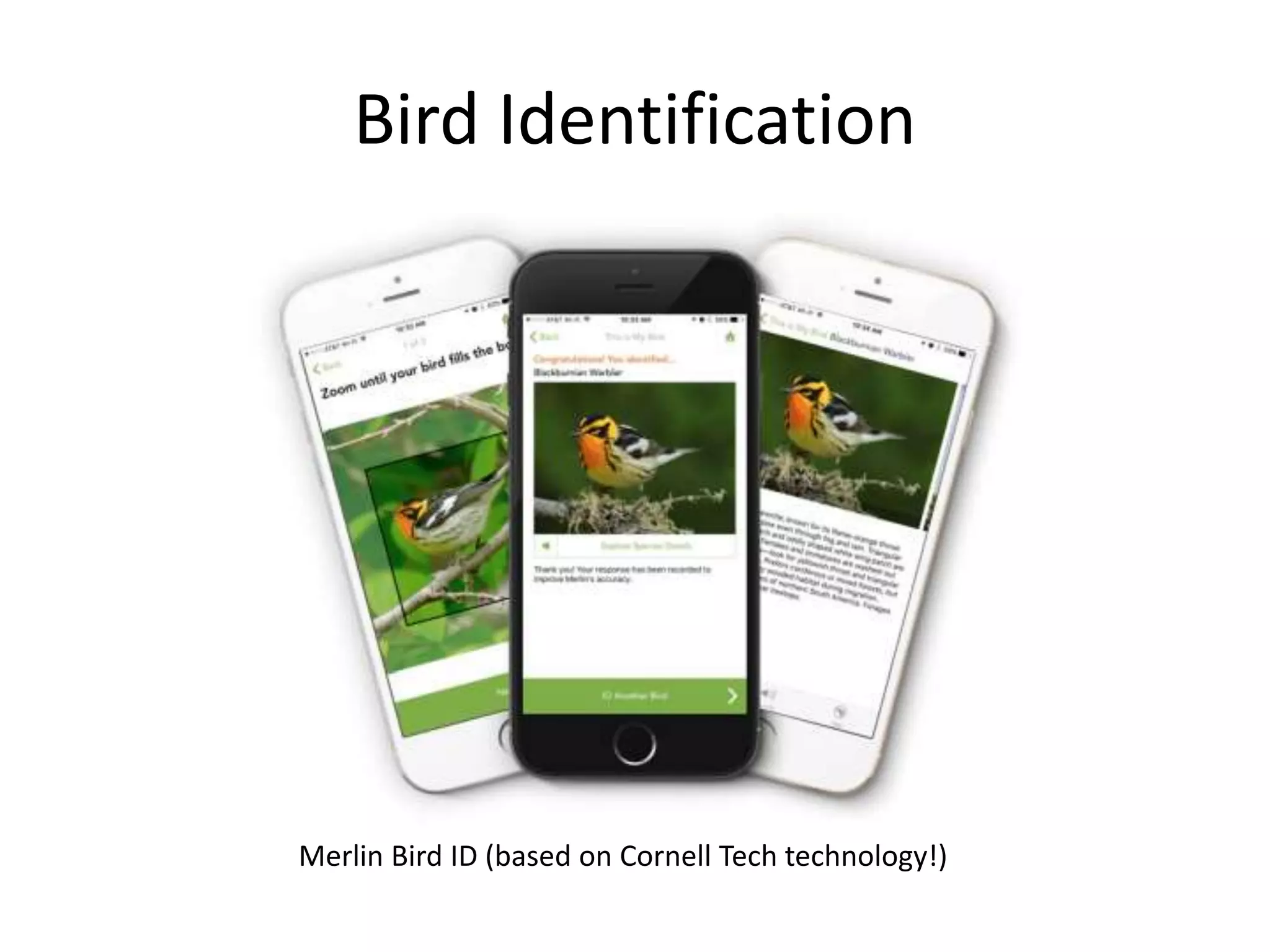
Bird Identification
Merlin Bird ID (based on Cornell Tech technology!)
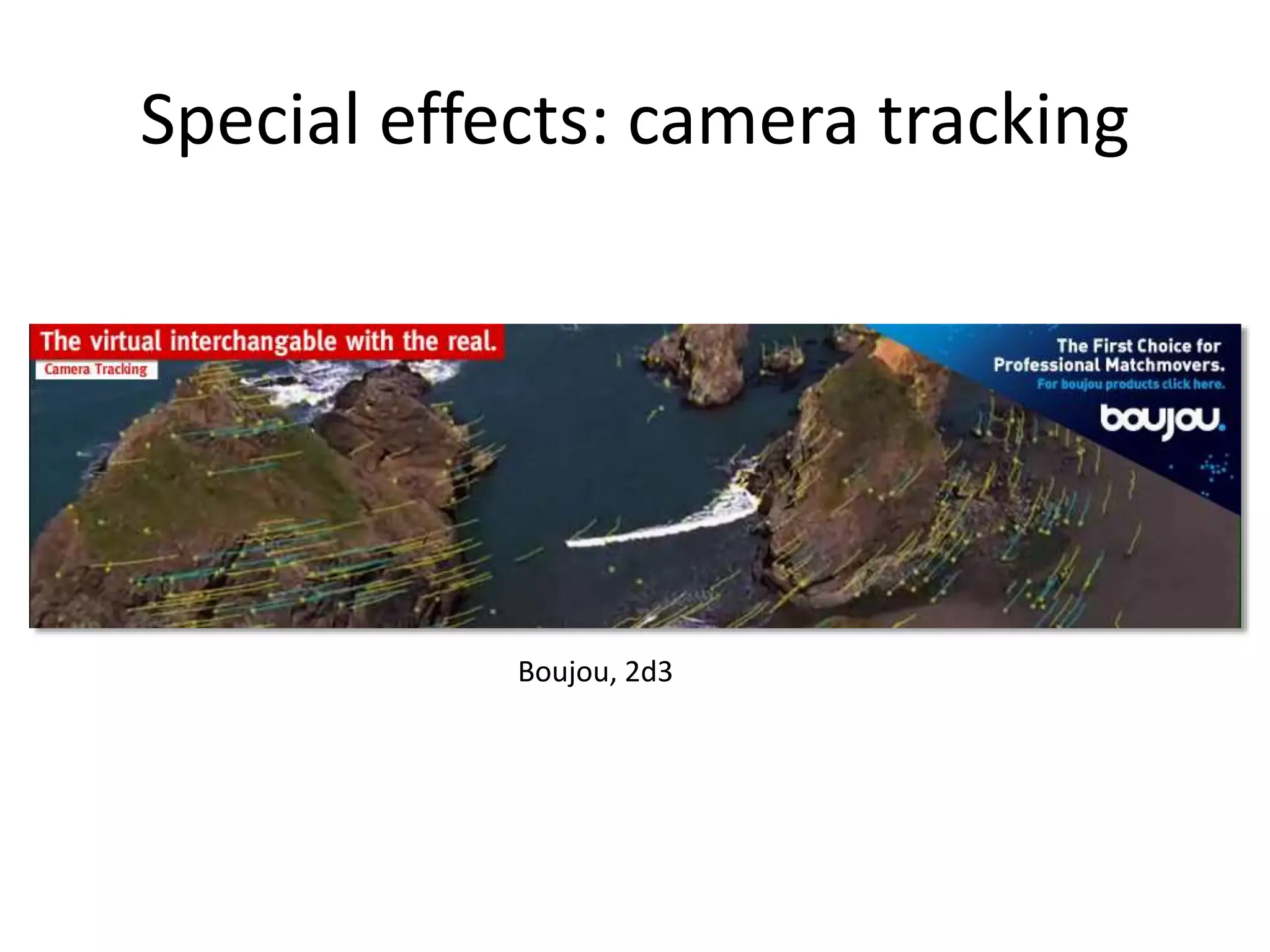
Special effects: camera tracking
Boujou, 2d3
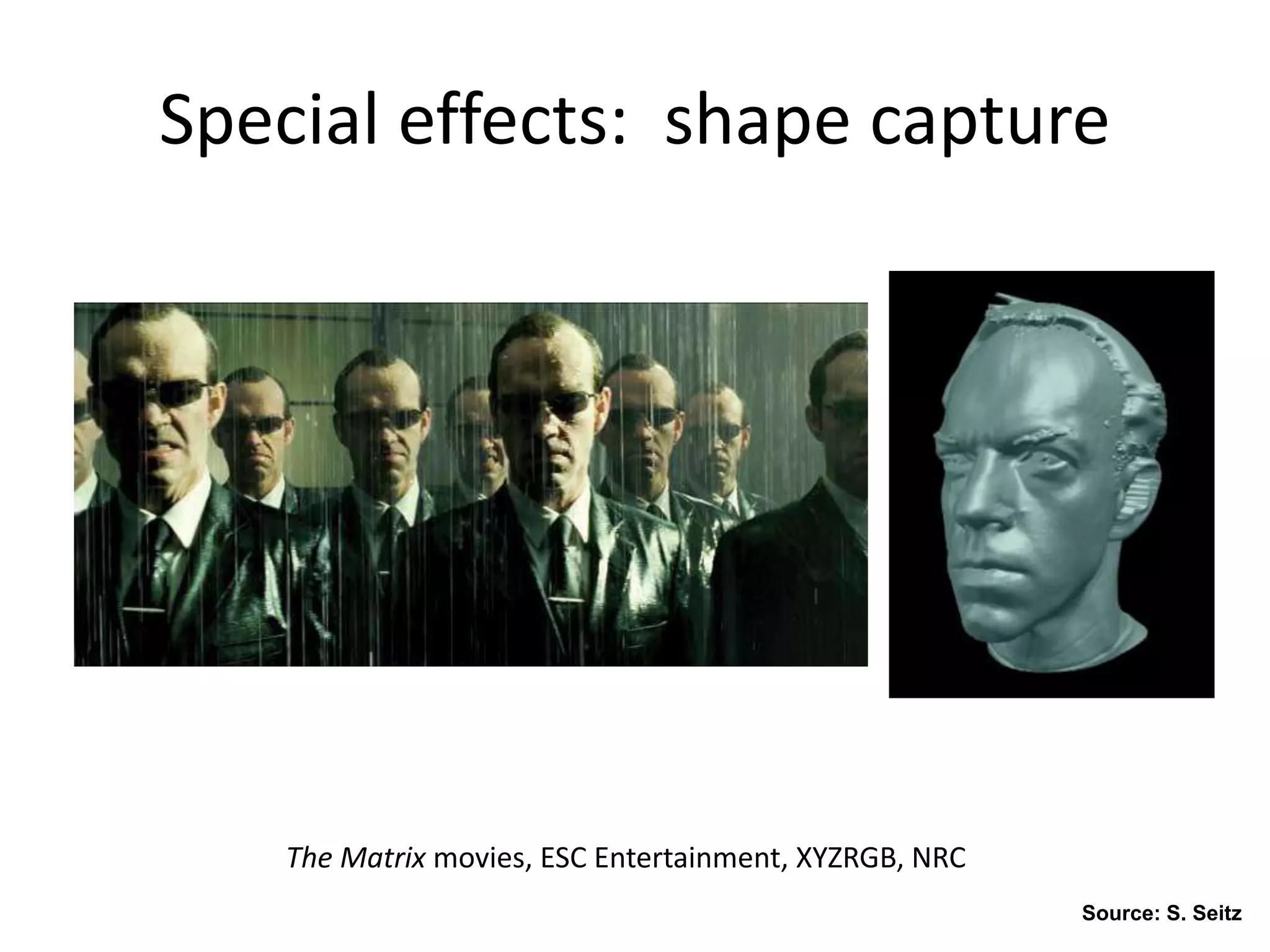
The Matrix movies, ESC Entertainment, XYZRGB, NRC
Special effects: shape capture
Source: S. Seitz
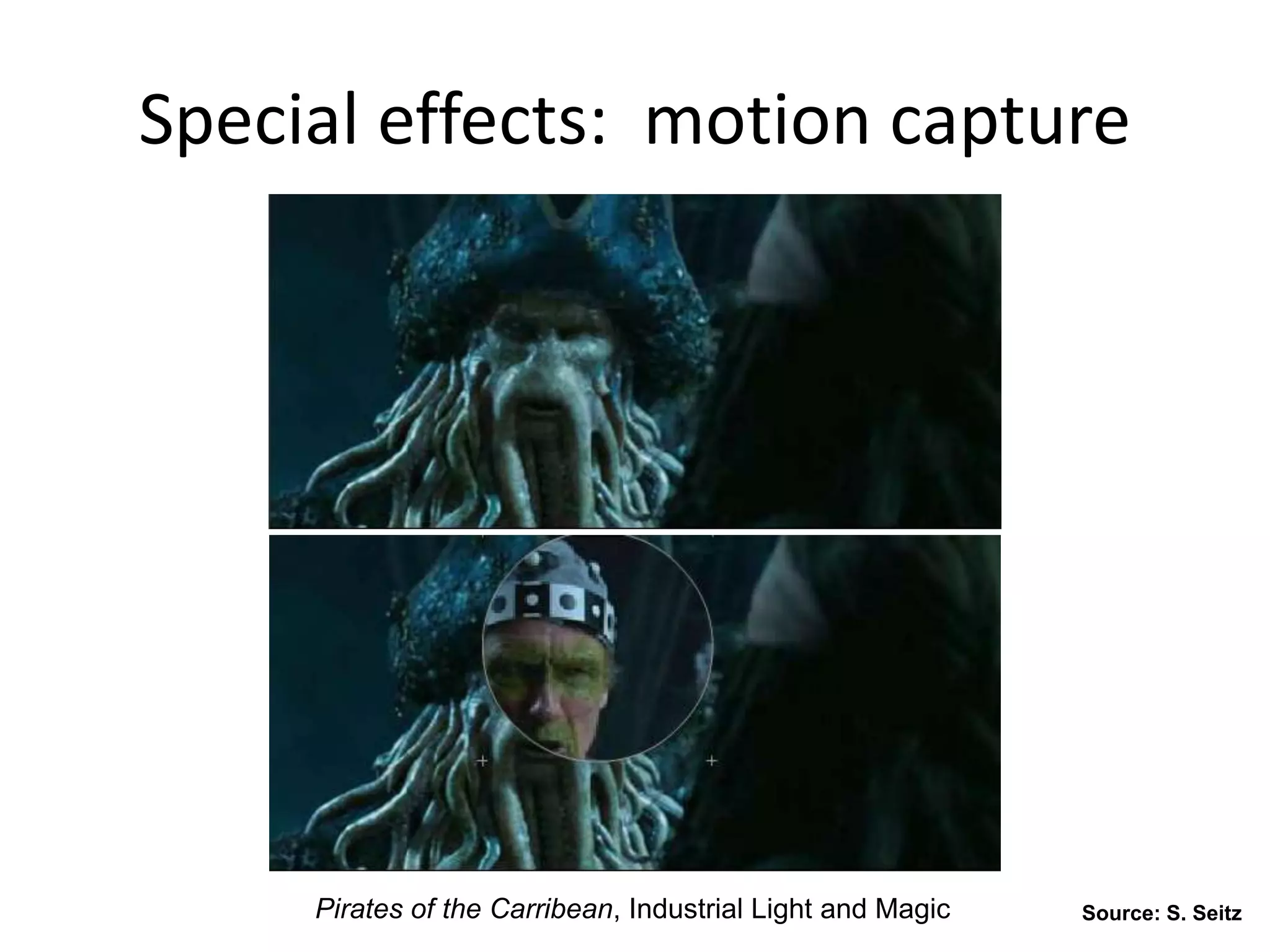
Pirates of the Carribean, Industrial Light and Magic
Special effects: motion capture
Source: S. Seitz
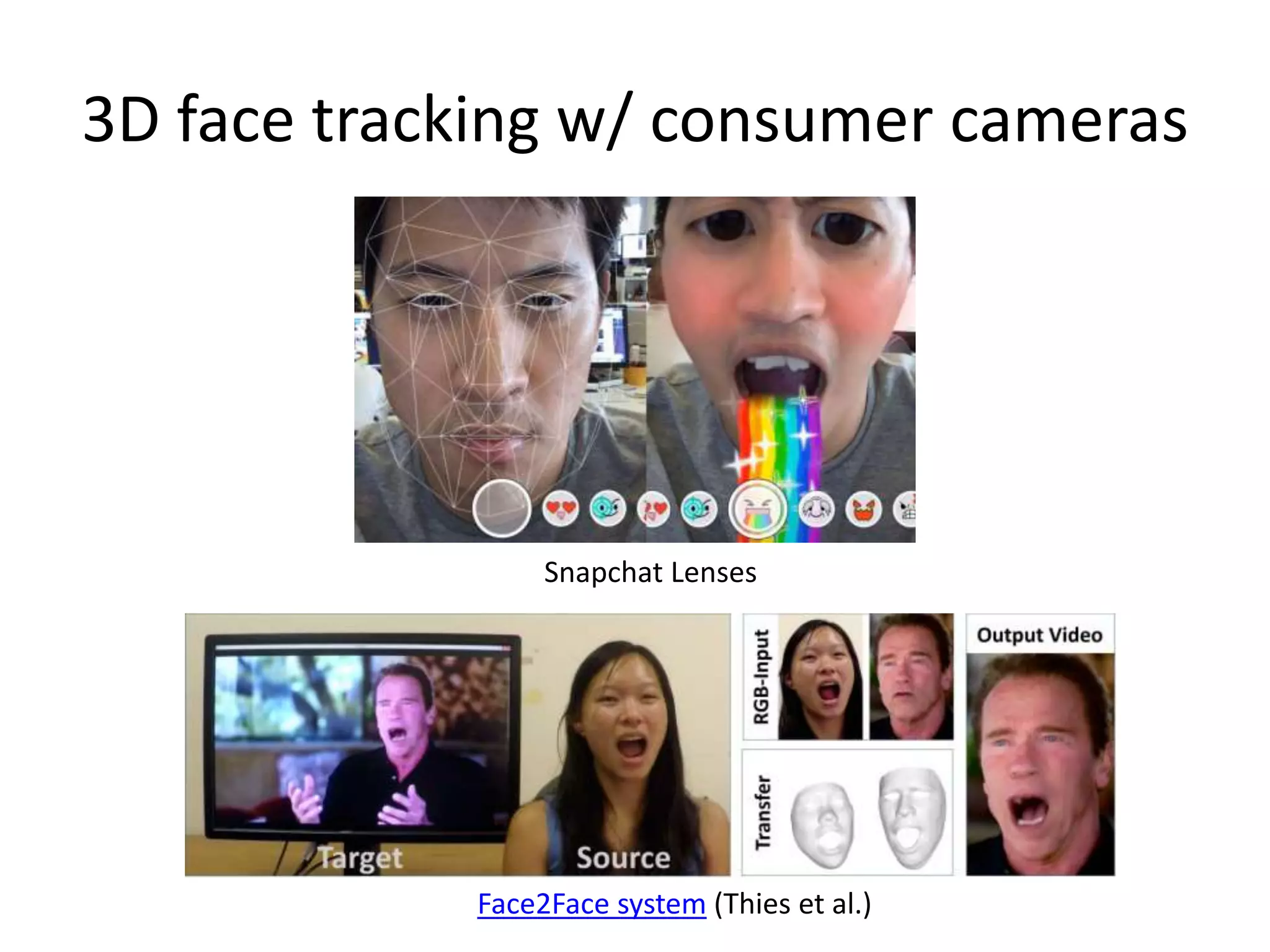
3D face tracking w/ consumer cameras
Snapchat Lenses
Face2Face system (Thies et al.)
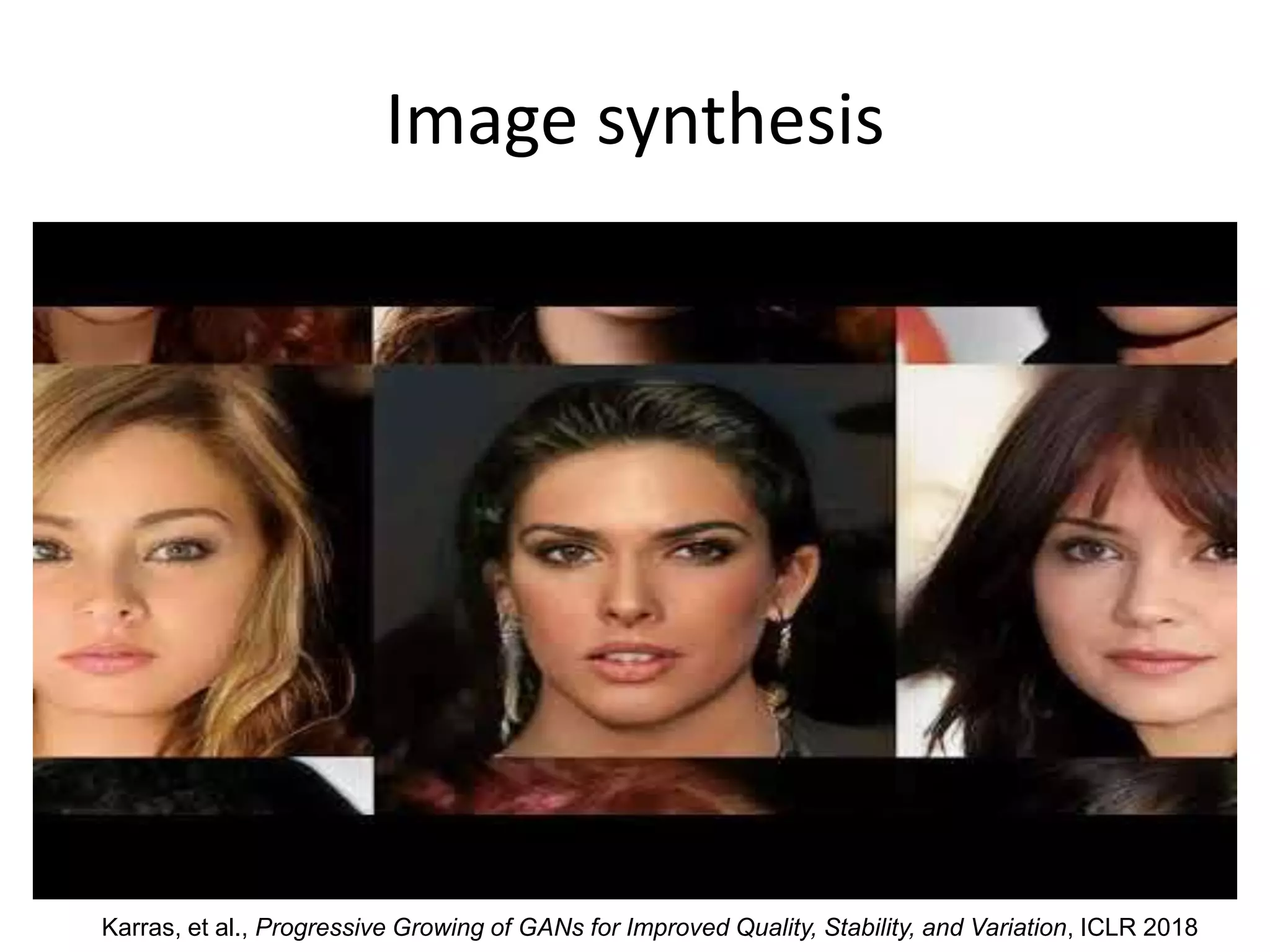
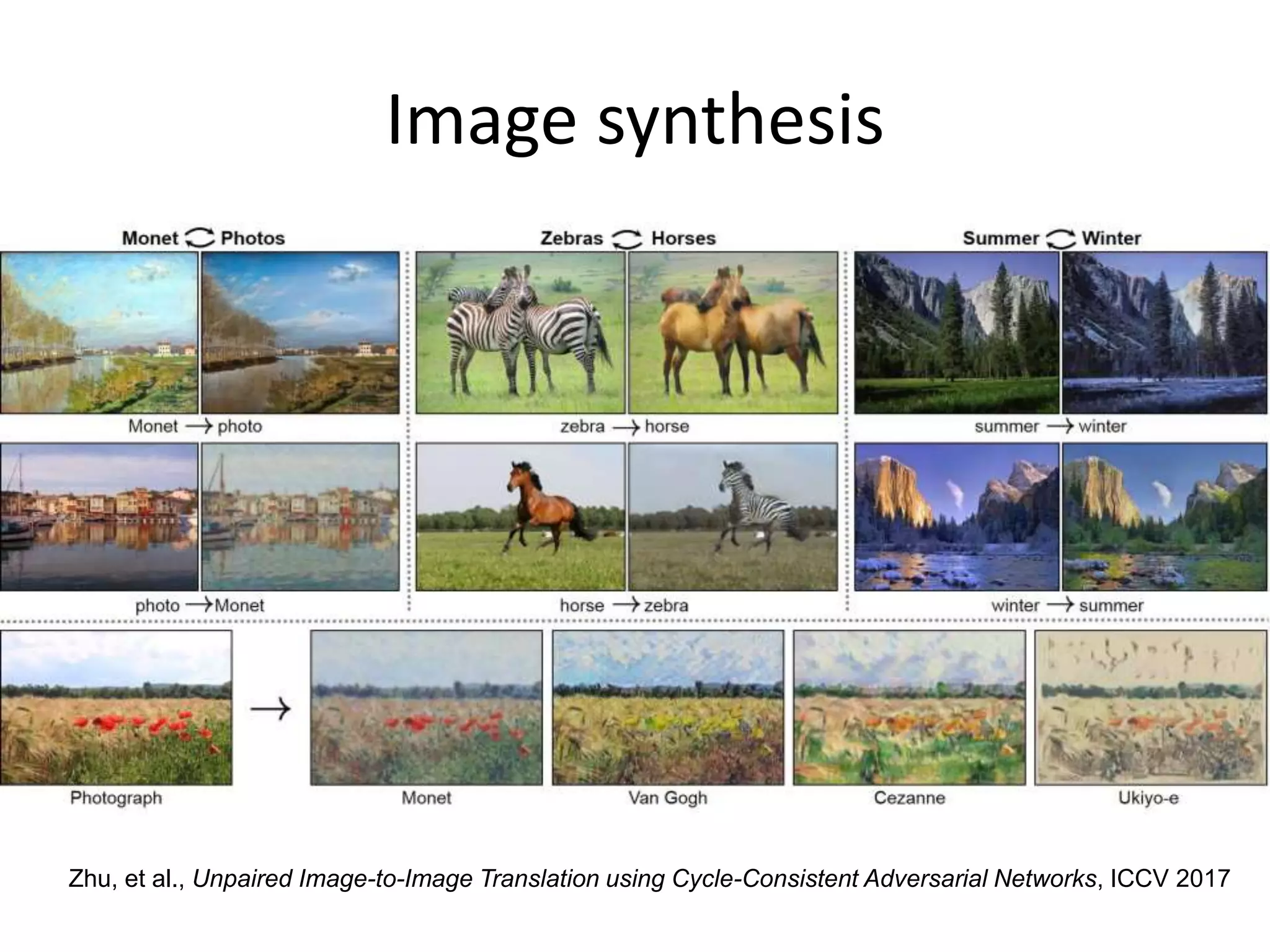
Image synthesis
Karras, et al., Progressive Growing of GANs for Improved Quality, Stability, and Variation, ICLR 2018
Image synthesis
Zhu, et al., Unpaired Image-to-Image Translation using Cycle-Consistent Adversarial Networks, ICCV 2017
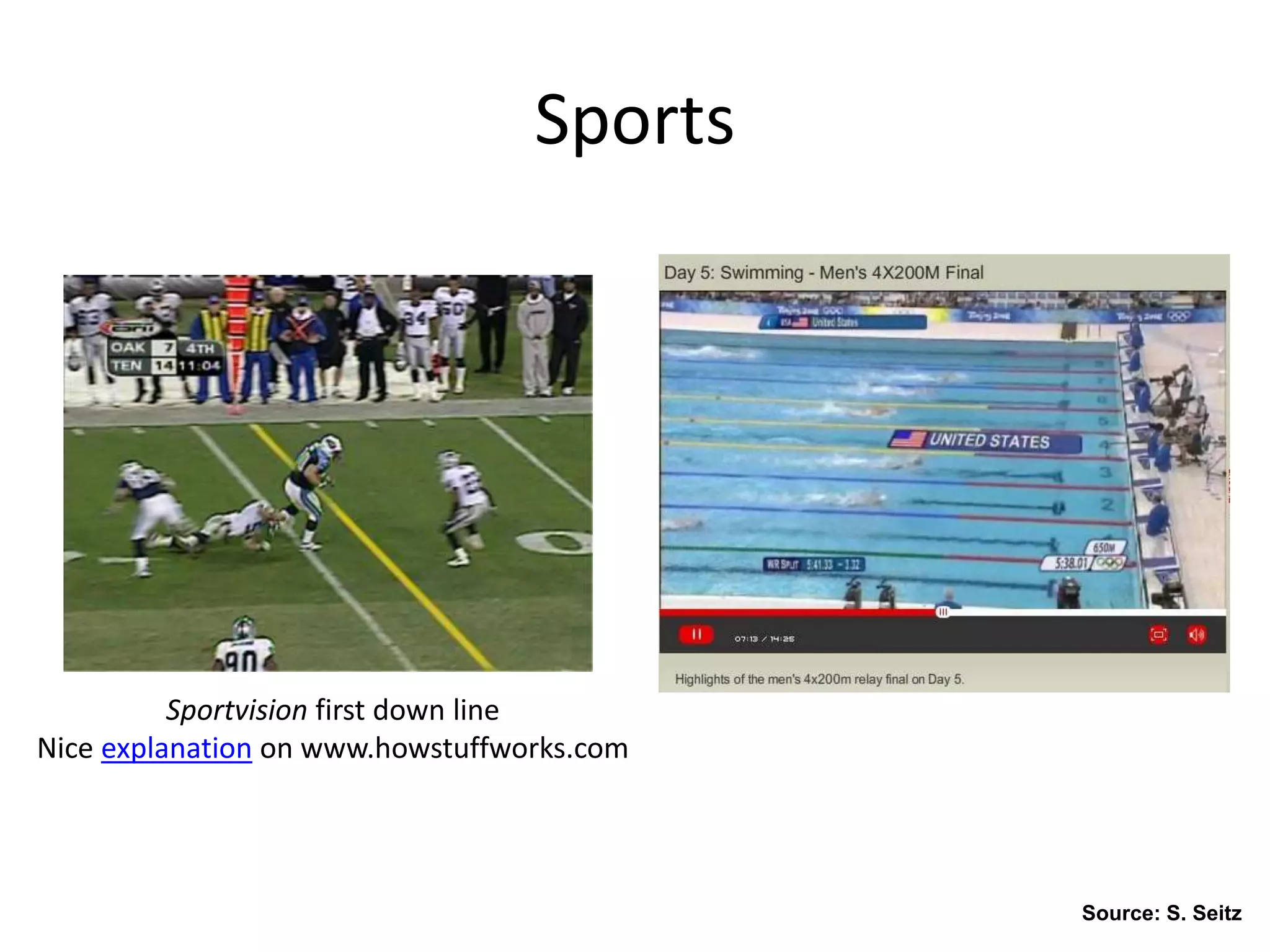
Sports
Sportvision first down line
Nice explanation on www.howstuffworks.com
Source: S. Seitz
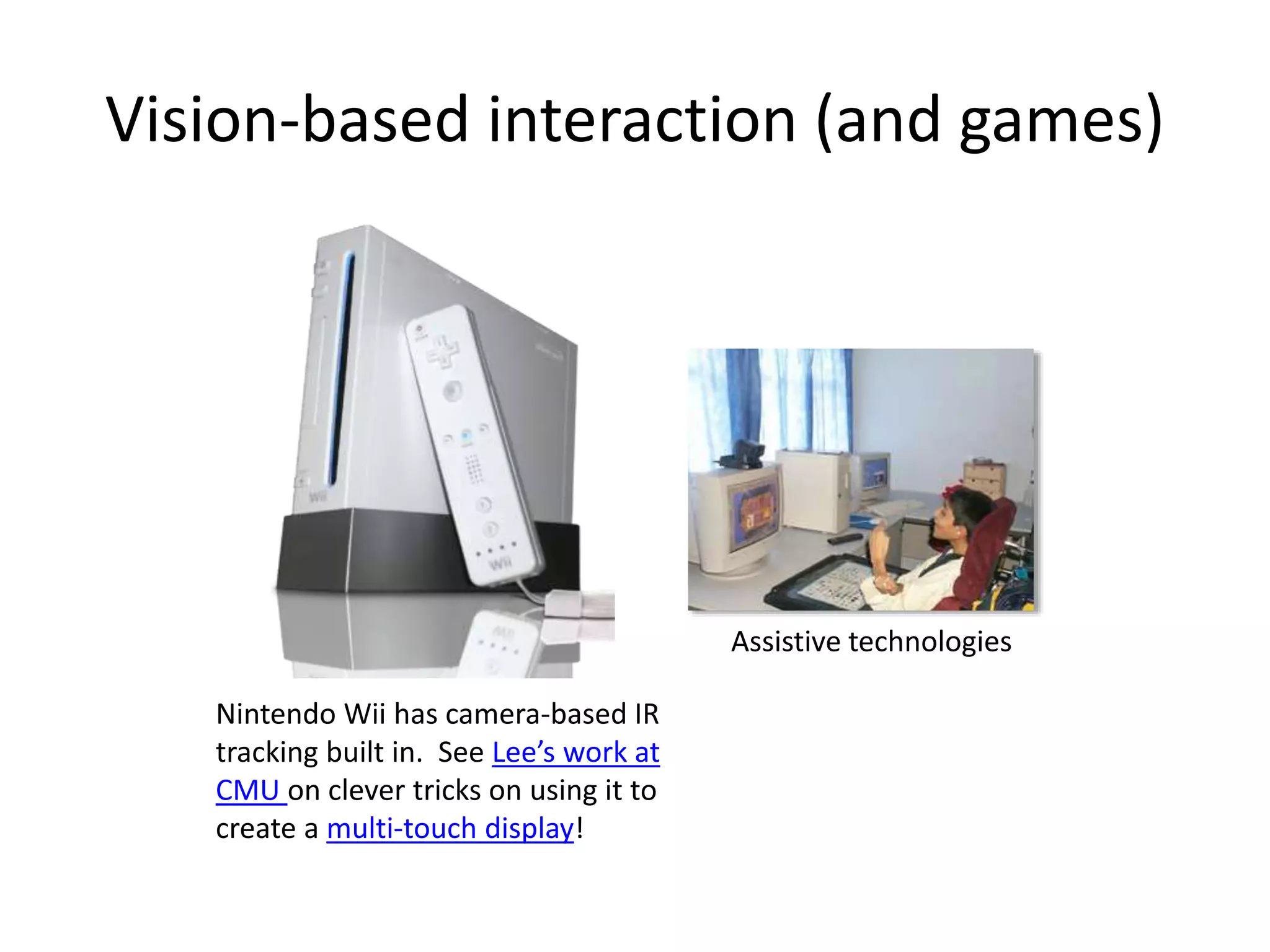
Vision-based interaction (and games)
Nintendo Wii has camera-based IR
tracking built in. See Lee’s work at
CMU on clever tricks on using it to
create a multi-touch display!
Assistive technologies
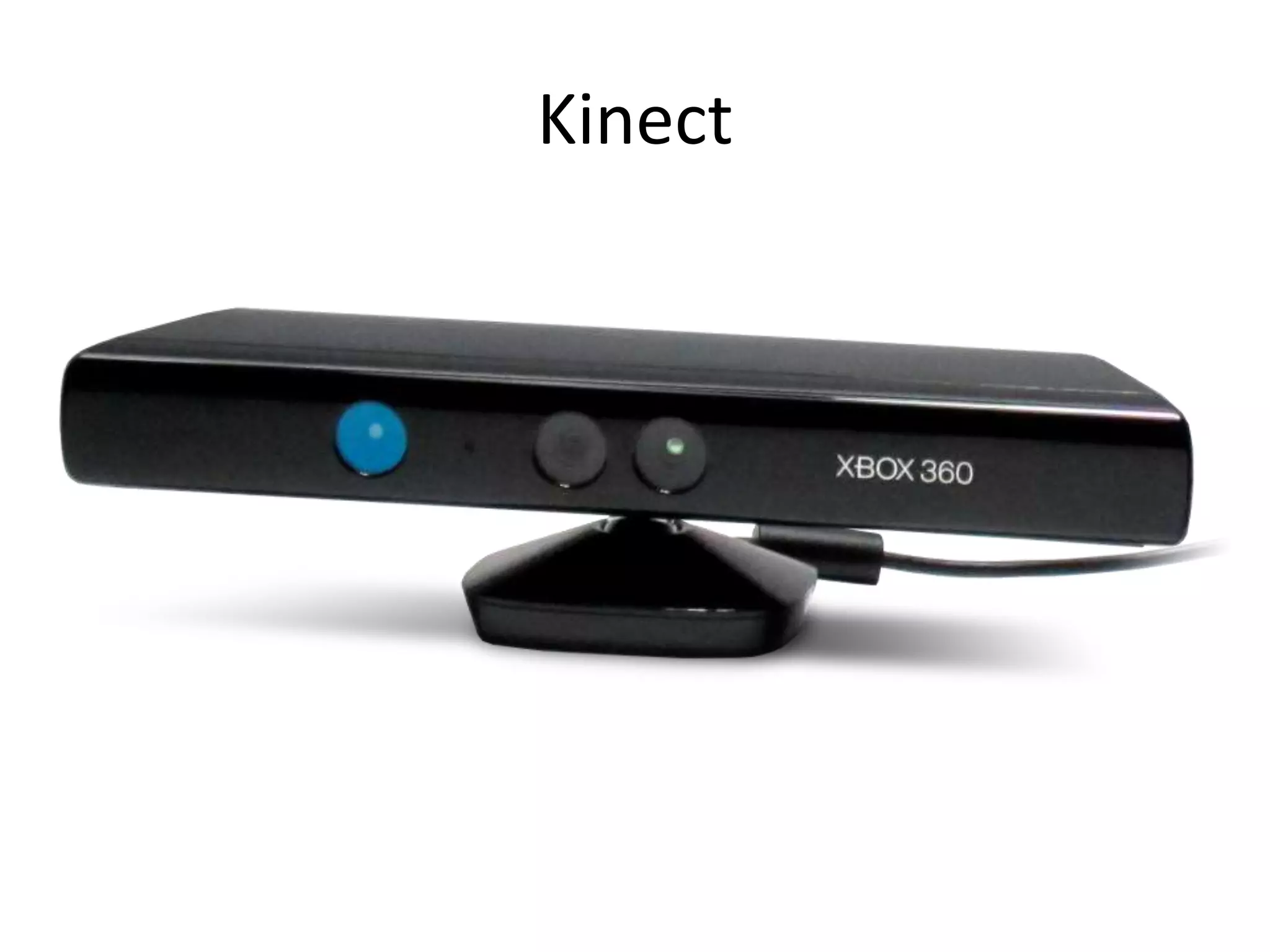
Kinect
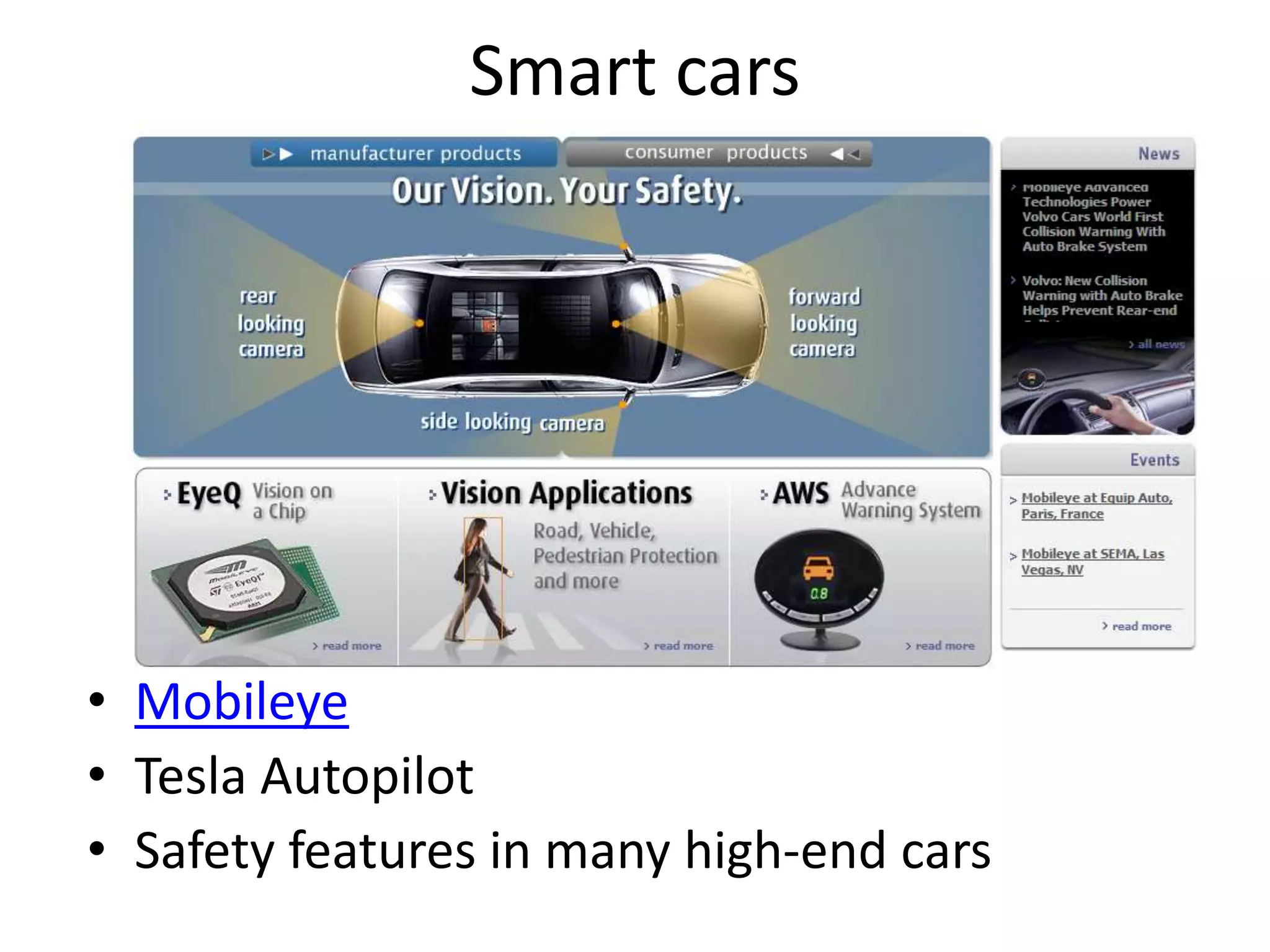
Smart cars
• Mobileye
• Tesla Autopilot
• Safety features in many high-end cars
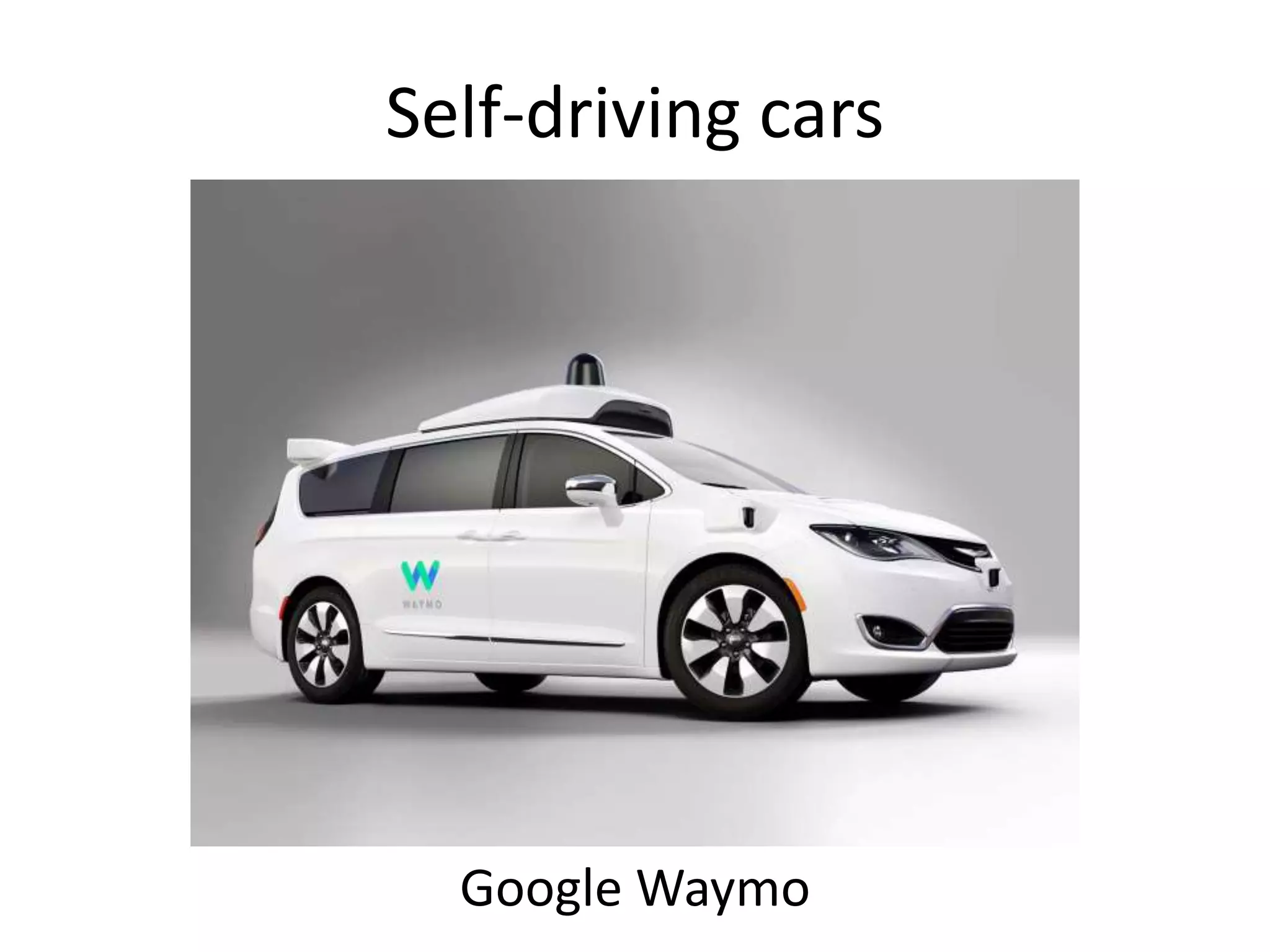
Self-driving cars
Google Waymo
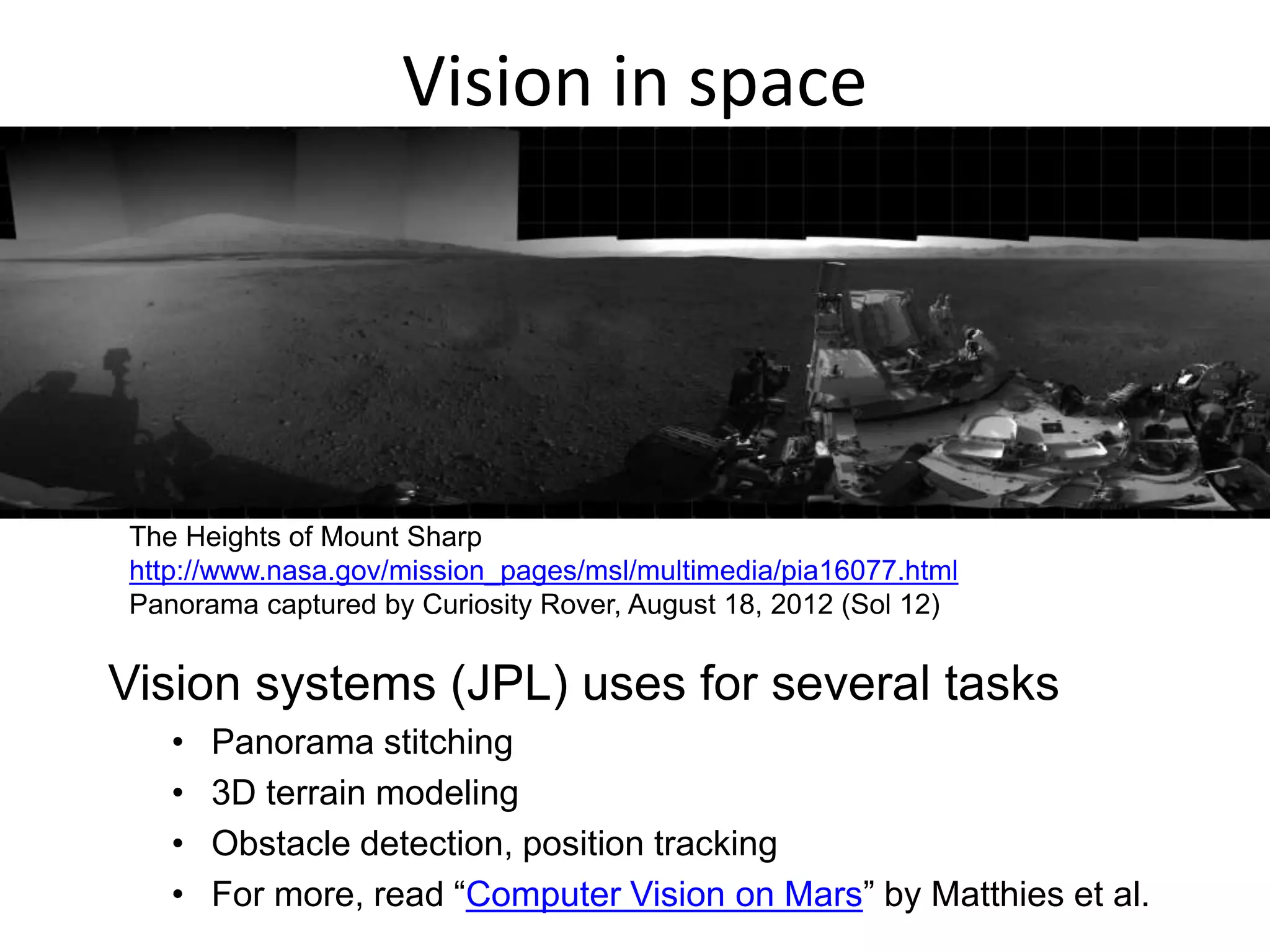
Vision in space
Vision systems (JPL) uses for several tasks
• Panorama stitching
• 3D terrain modeling
• Obstacle detection, position tracking
• For more, read “Computer Vision on Mars” by Matthies et al.
The Heights of Mount Sharp
http://www.nasa.gov/mission_pages/msl/multimedia/pia16077.html
Panorama captured by Curiosity Rover, August 18, 2012 (Sol 12)
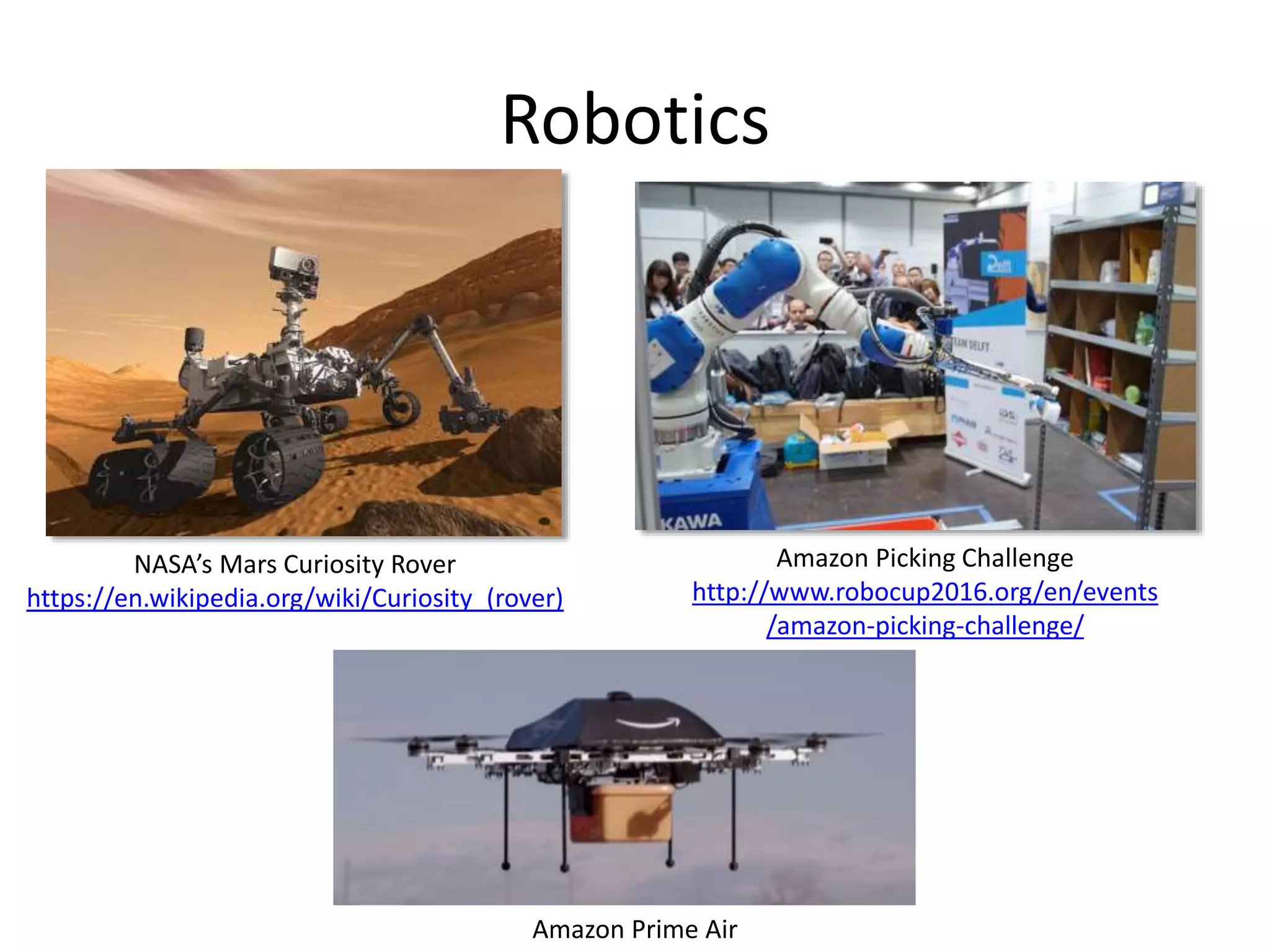
Robotics
NASA’s Mars Curiosity Rover
https://en.wikipedia.org/wiki/Curiosity_(rover)
Amazon Picking Challenge
http://www.robocup2016.org/en/events
/amazon-picking-challenge/
Amazon Prime Air
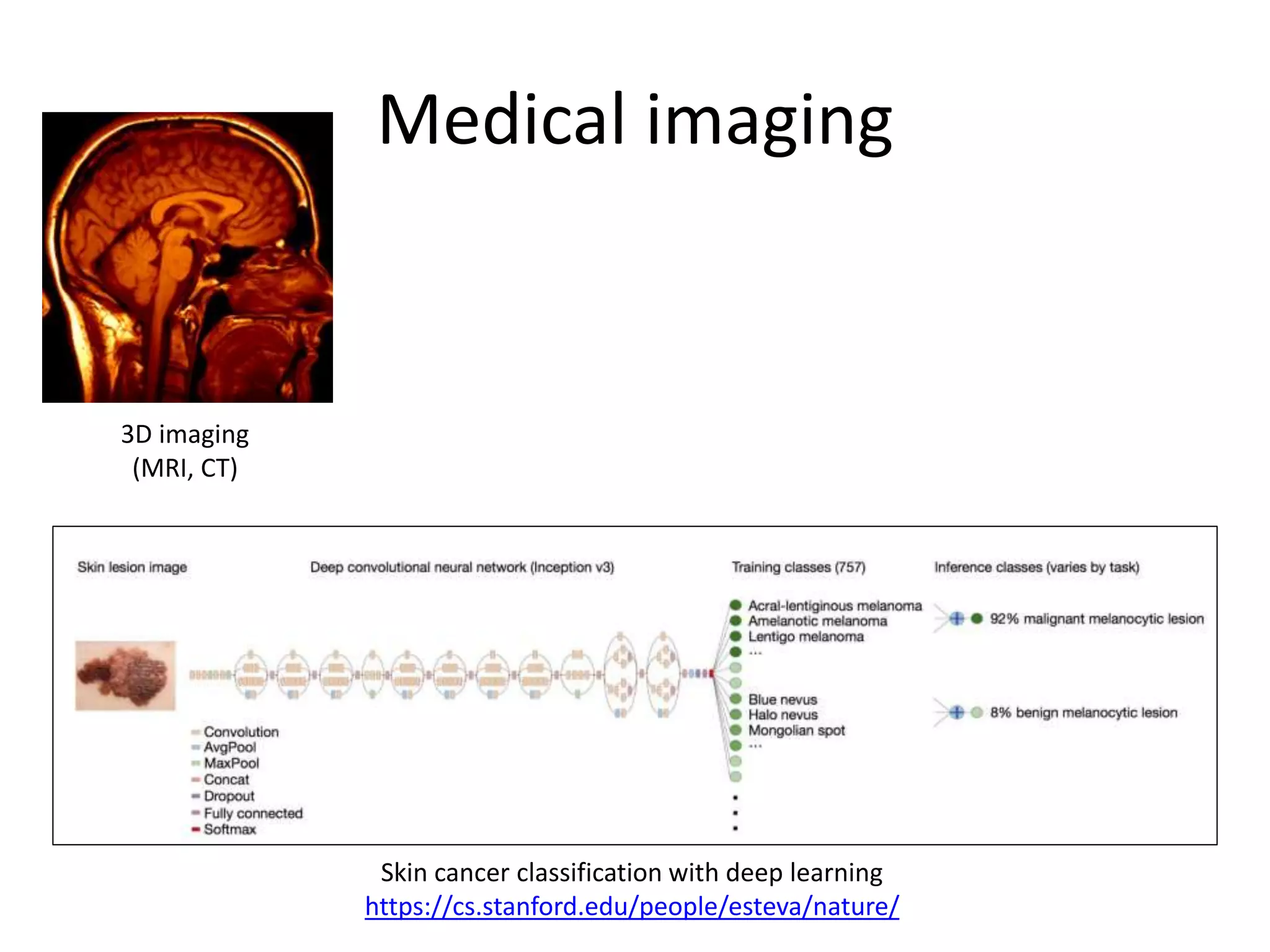
Medical imaging
3D imaging
(MRI, CT)
Skin cancer classification with deep learning
https://cs.stanford.edu/people/esteva/nature/
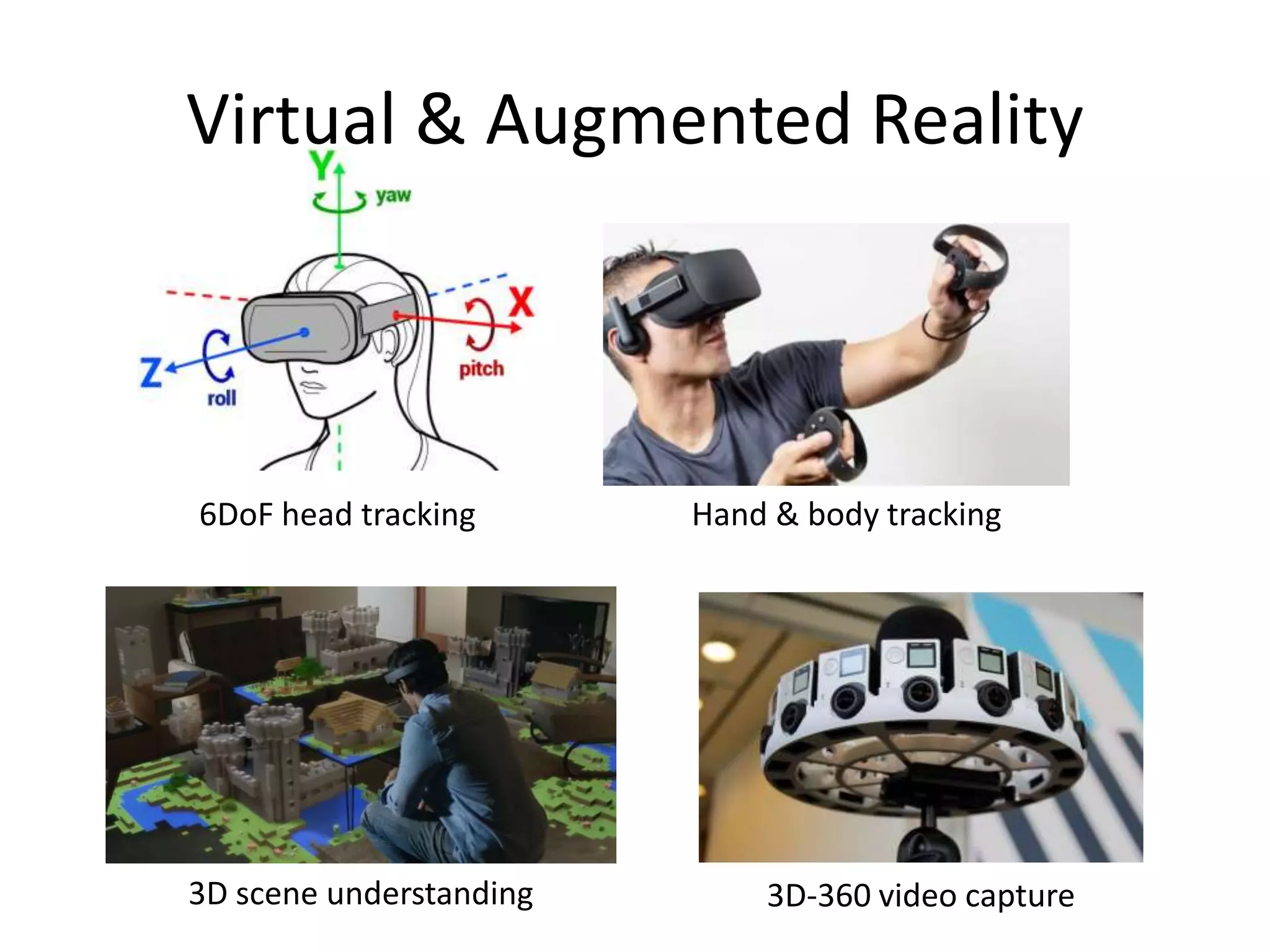
Virtual & Augmented Reality
6DoF head tracking Hand & body tracking
3D-360 video capture3D scene understanding
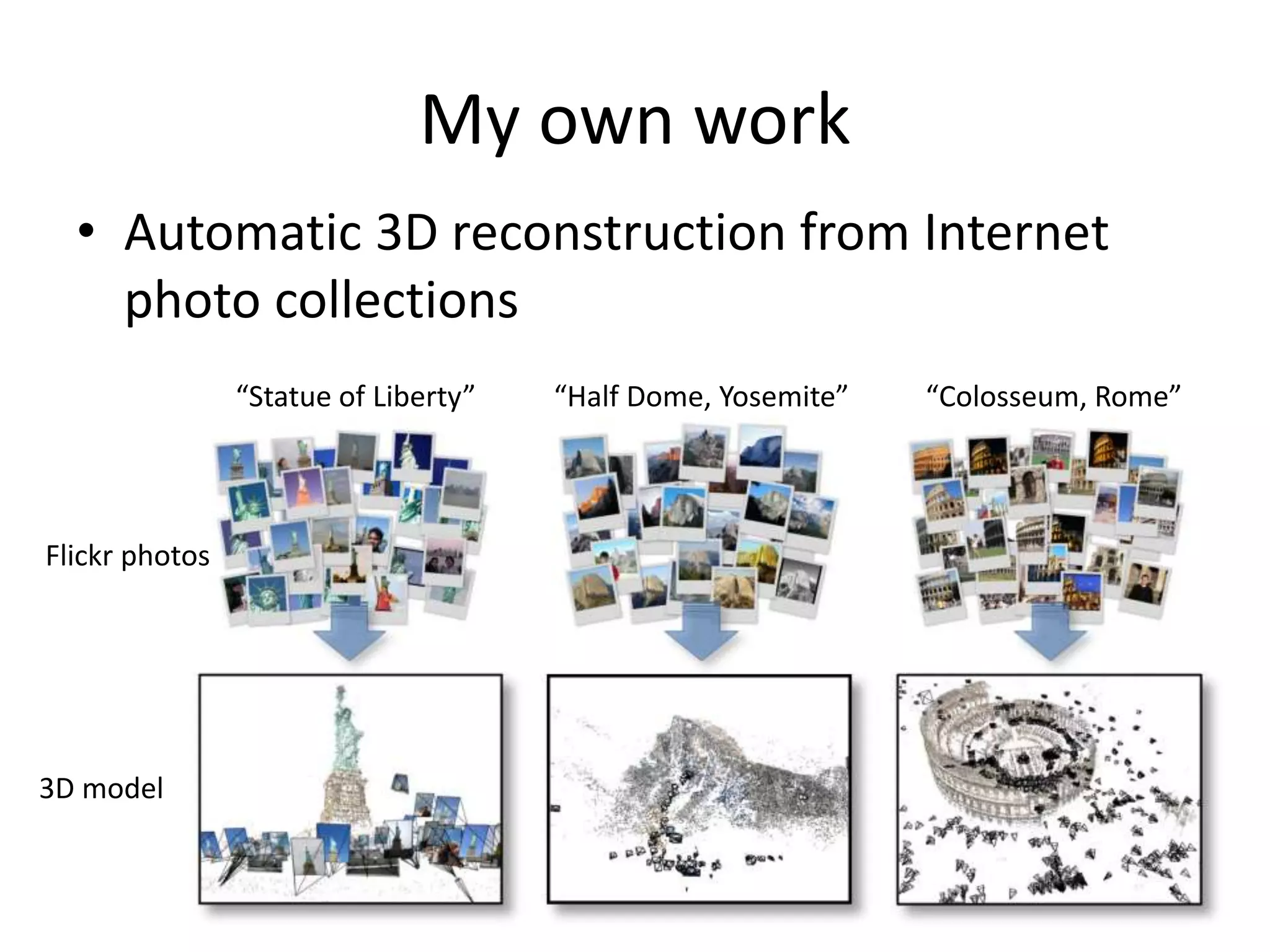
My own work
• Automatic 3D reconstruction from Internet
photo collections
“Statue of Liberty”
3D model
Flickr photos
“Half Dome, Yosemite” “Colosseum, Rome”
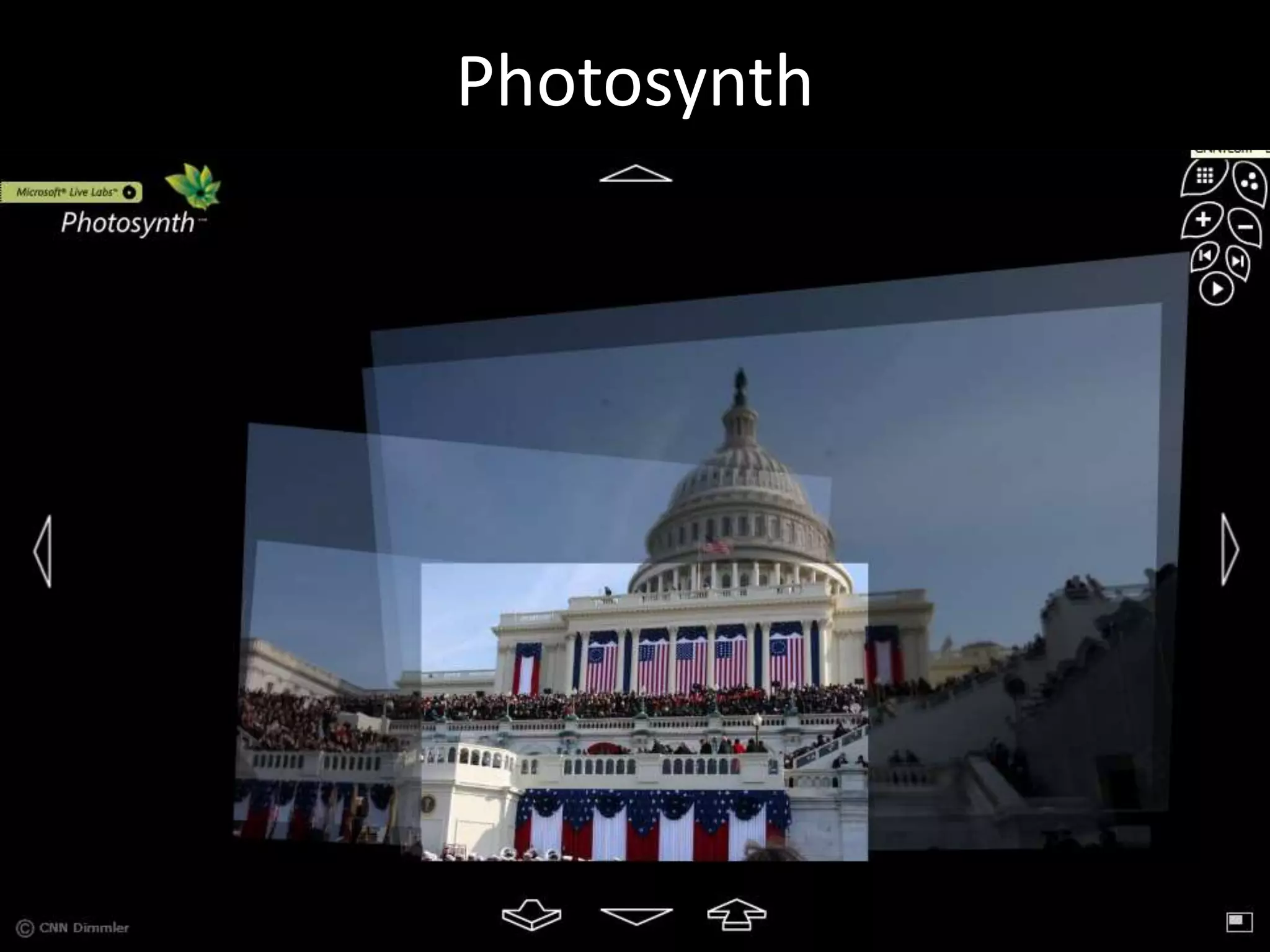
Photosynth
City-scale reconstruction
Reconstruction of Dubrovnik, Croatia, from ~40,000 images
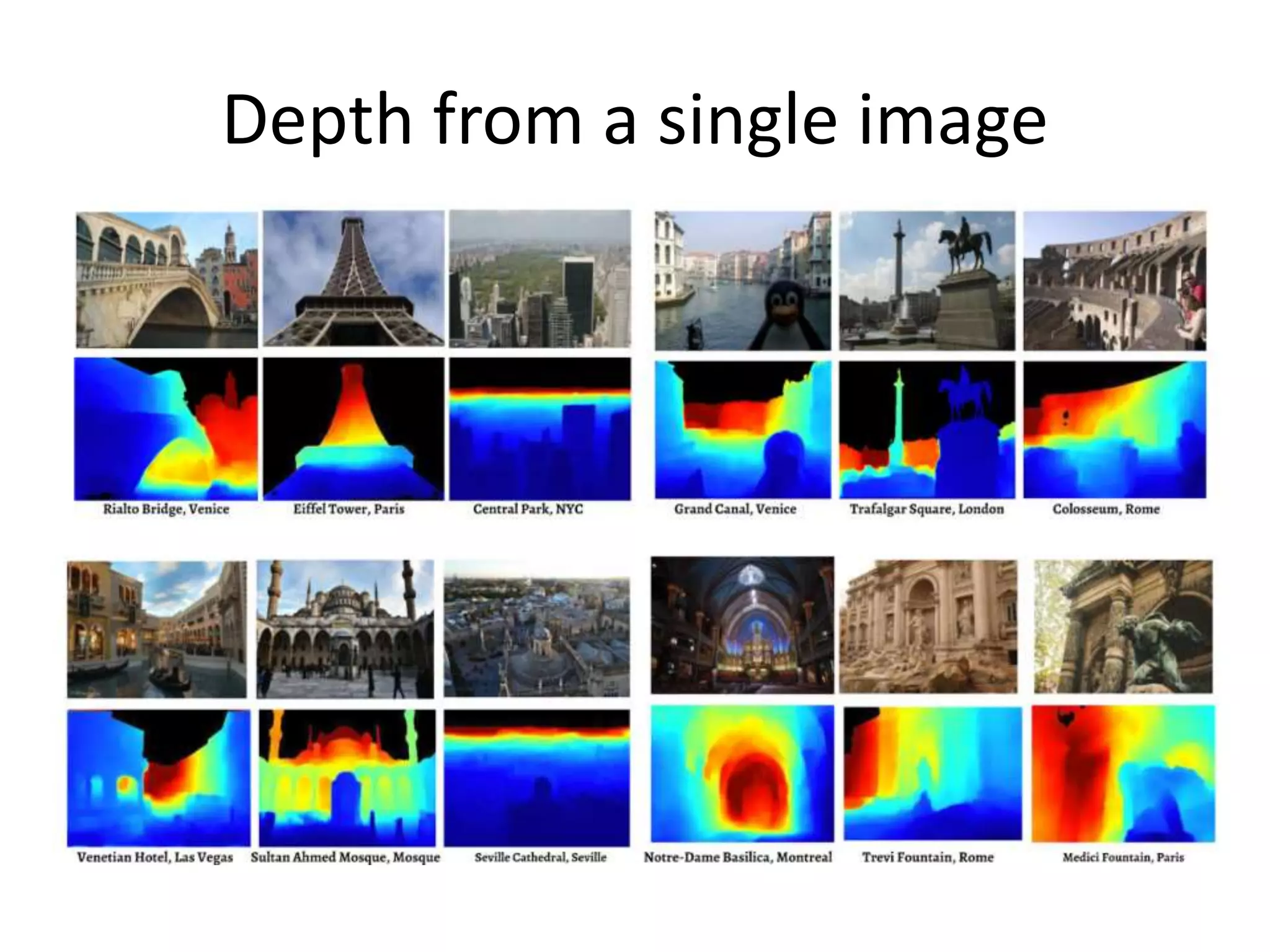
Depth from a single image
Current state of the art
• You just saw many examples of current systems.
– Many of these are less than 5 years old
• This is a very active research area, and rapidly
changing
– Many new apps in the next 5 years
– Deep learning powering many modern applications
• Many startups across a dizzying array of areas
– Deep learning, robotics, autonomous vehicles, medical
imaging, construction, inspection, VR/AR, …
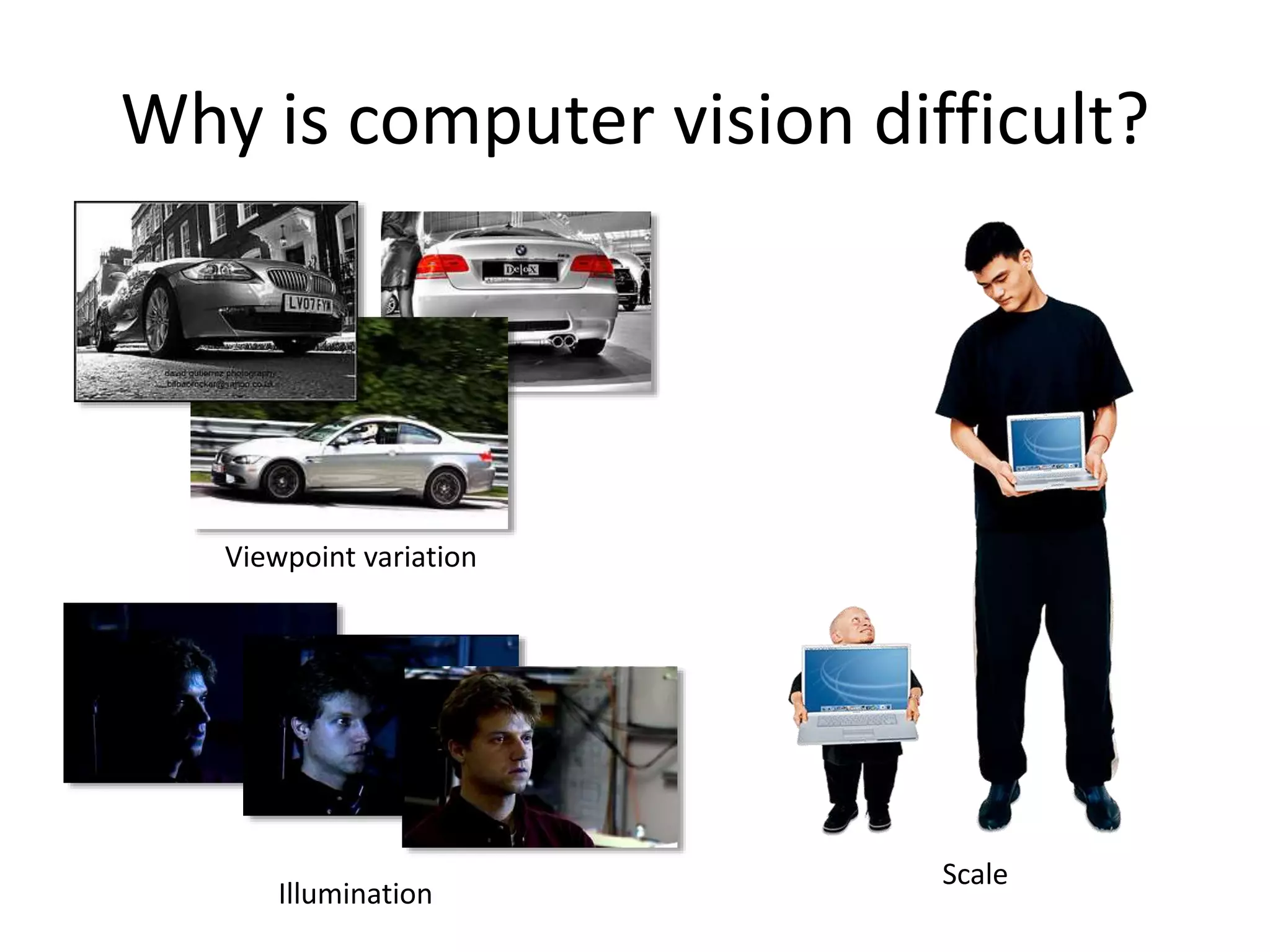
Why is computer vision difficult?
Viewpoint variation
Illumination
Scale
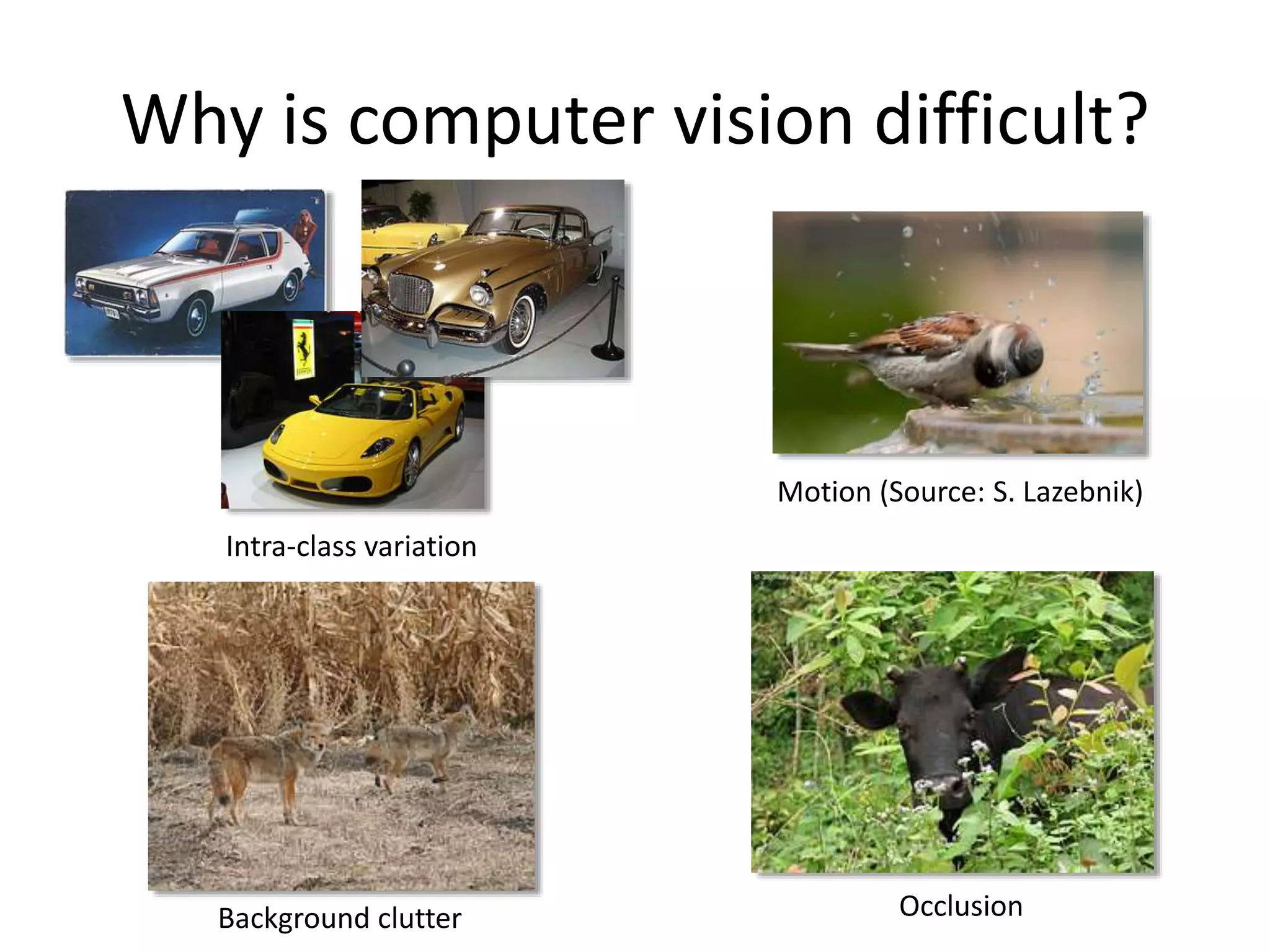
Why is computer vision difficult?
Intra-class variation
Background clutter
Motion (Source: S. Lazebnik)
Occlusion
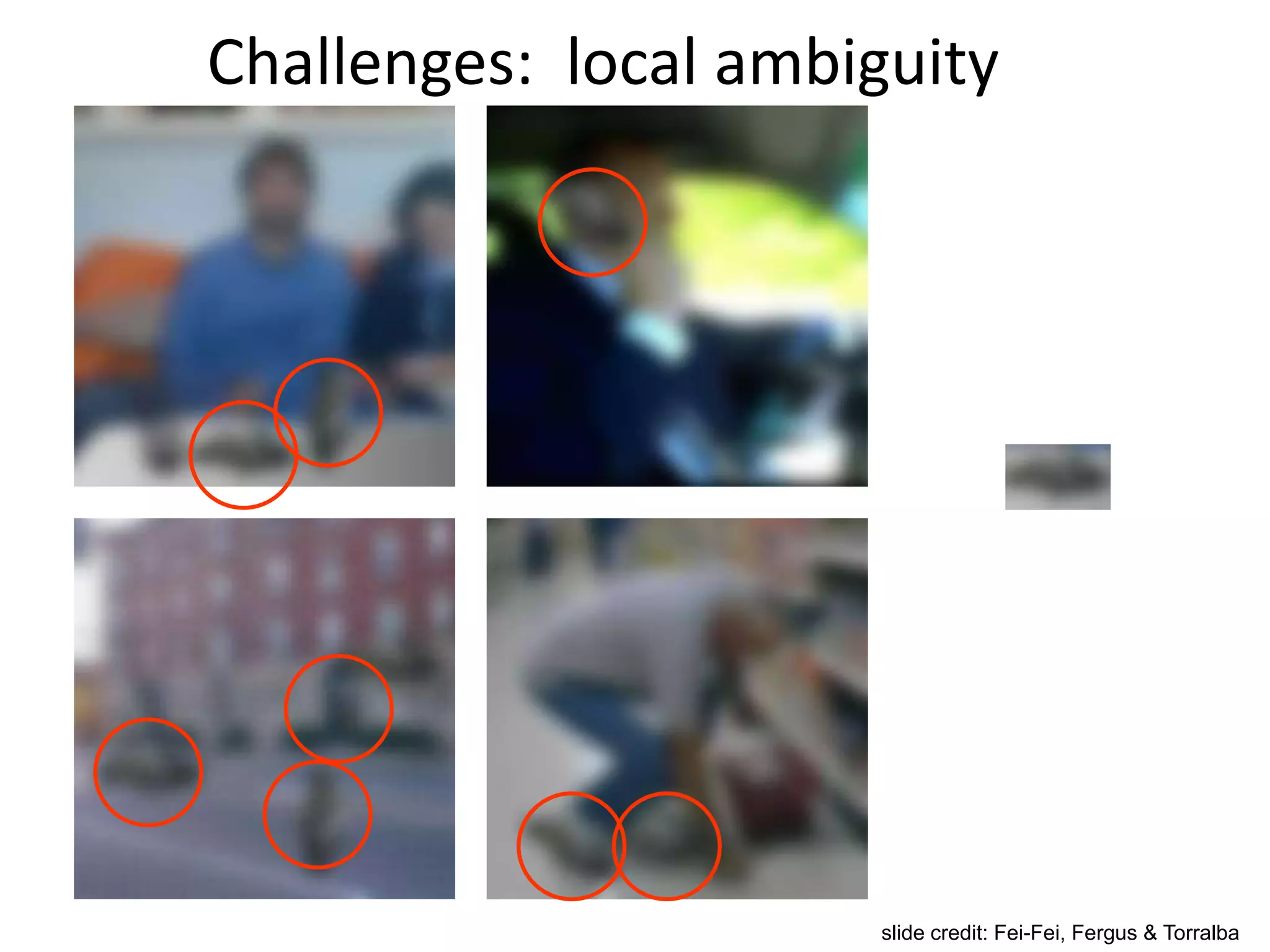
Challenges: local ambiguity
slide credit: Fei-Fei, Fergus & Torralba
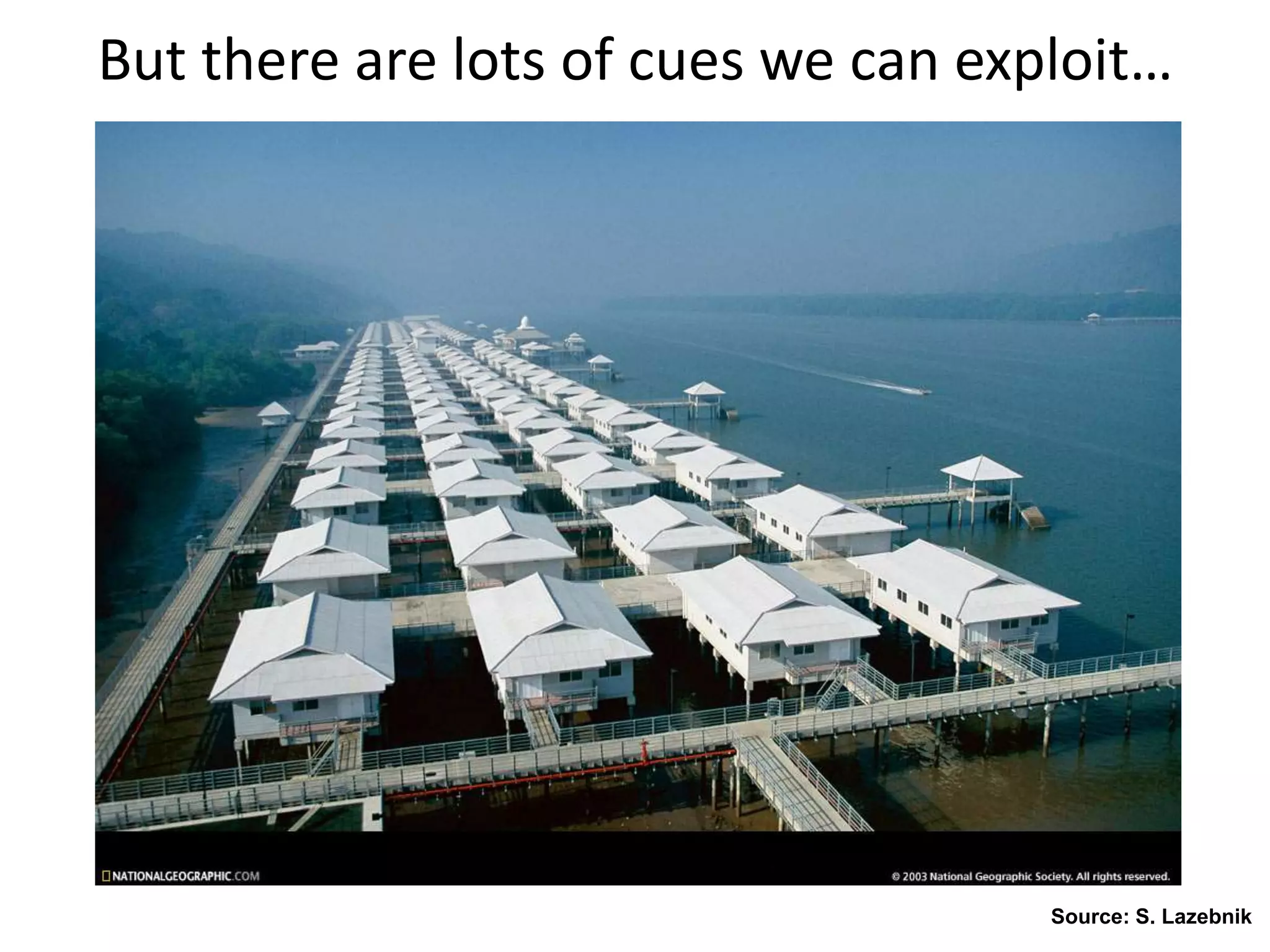
But there are lots of cues we can exploit…
Source: S. Lazebnik
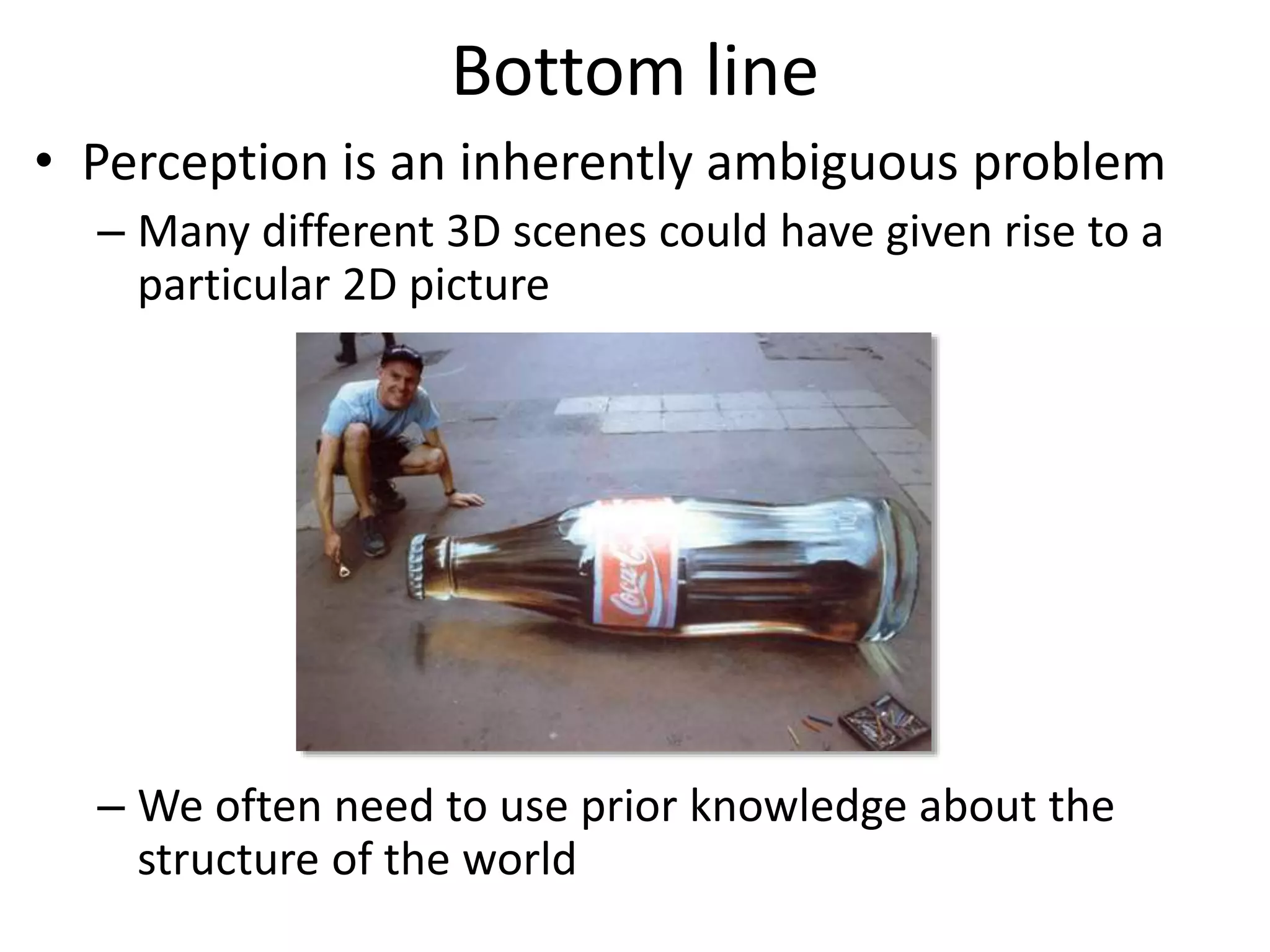
Bottom line
• Perception is an inherently ambiguous problem
– Many different 3D scenes could have given rise to a
particular 2D picture
– We often need to use prior knowledge about the
structure of the world
Image source: F. Durand
Important notes
• Textbook:
Rick Szeliski, Computer Vision: Algorithms
and Applications
online at: http://szeliski.org/Book/
Course requirements
• Prerequisites—these are essential!
– Data structures
– A good working knowledge of Python programming
– Linear algebra
– Vector calculus
• Course does not assume prior imaging experience
– computer vision, image processing, graphics, etc.
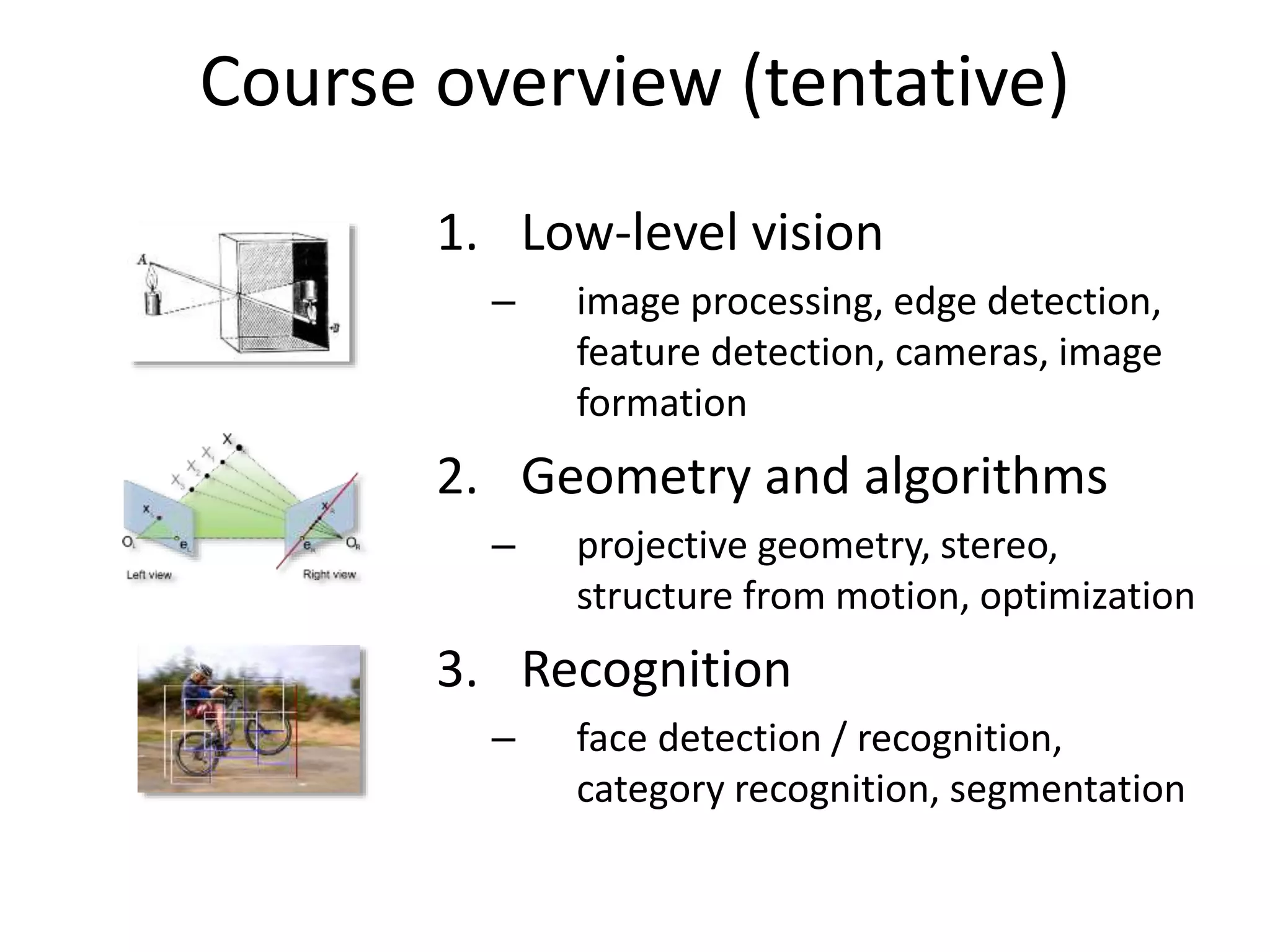
Course overview (tentative)
1. Low-level vision
– image processing, edge detection,
feature detection, cameras, image
formation
2. Geometry and algorithms
– projective geometry, stereo,
structure from motion, optimization
3. Recognition
– face detection / recognition,
category recognition, segmentation
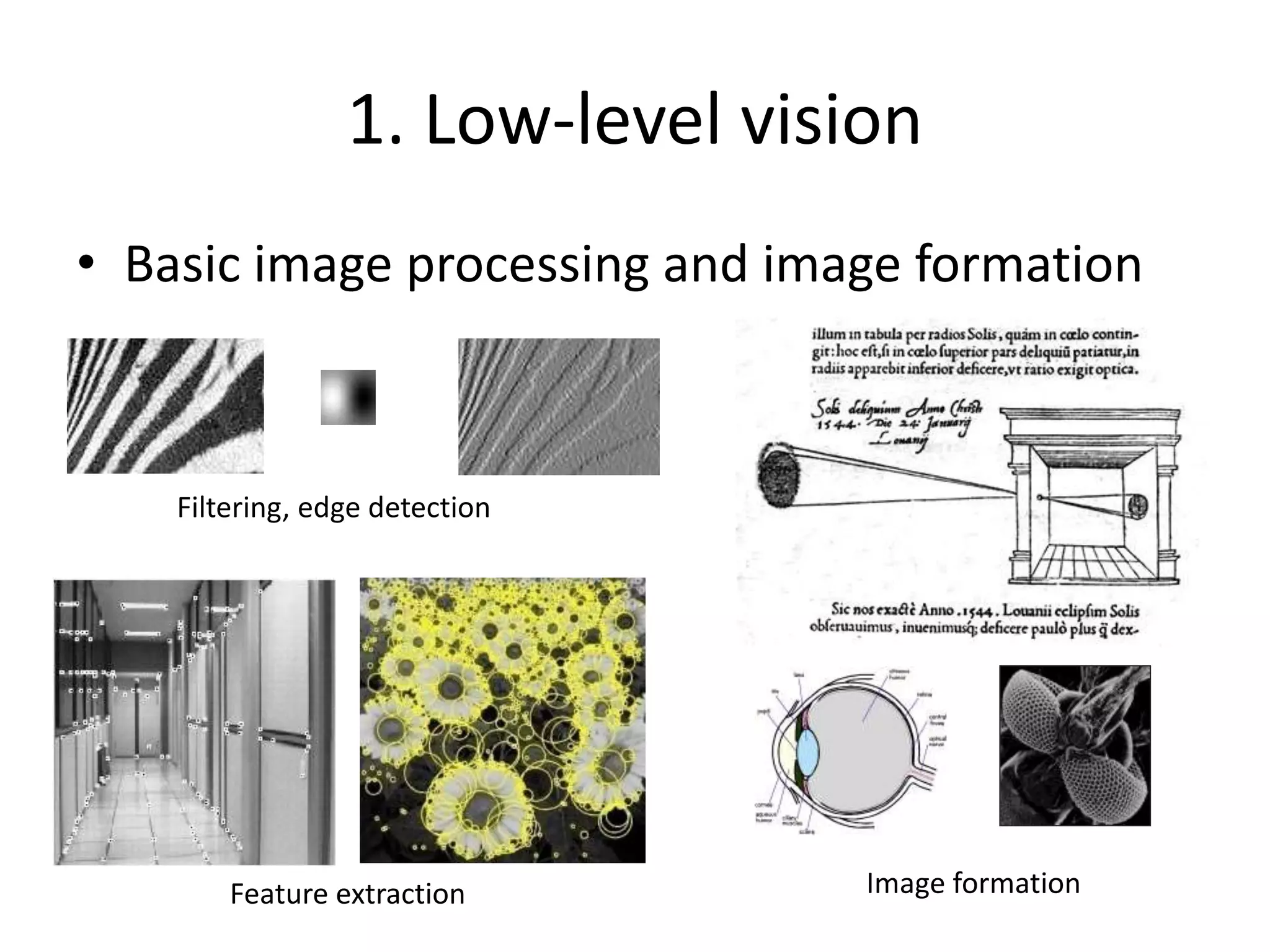
1. Low-level vision
• Basic image processing and image formation
Filtering, edge detection
* =
Feature extraction Image formation
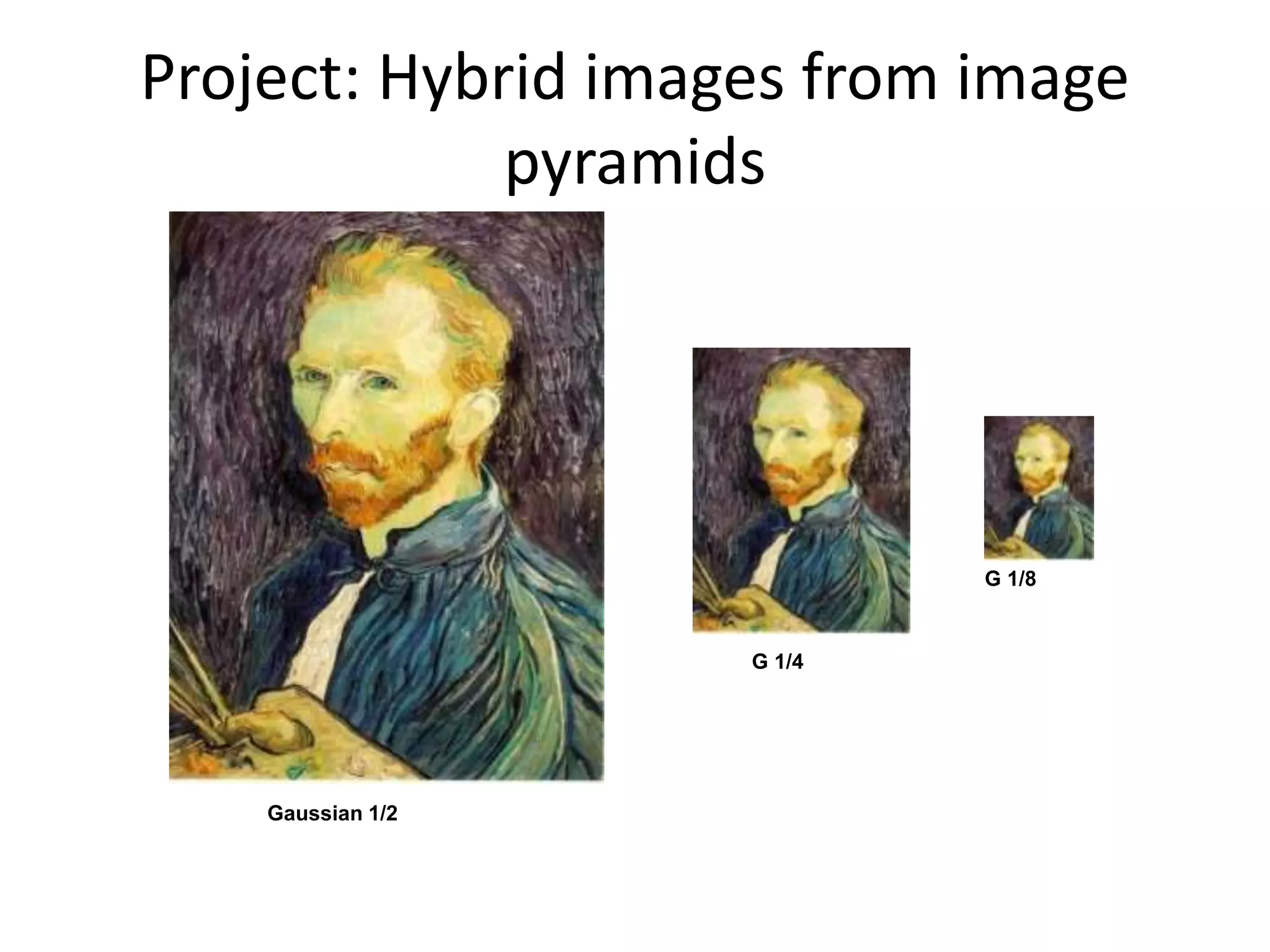
Project: Hybrid images from image
pyramids
G 1/4
G 1/8
Gaussian 1/2
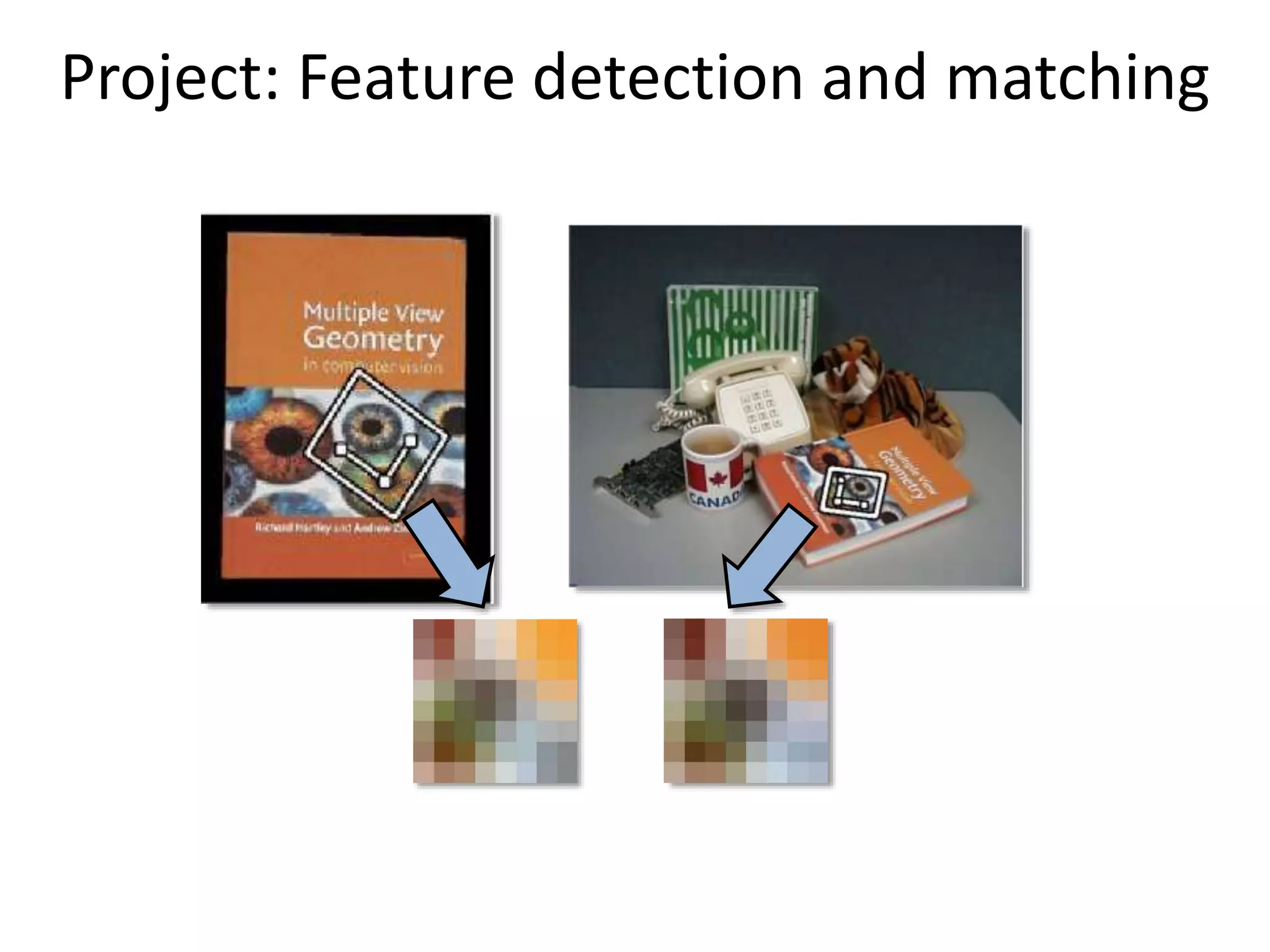
Project: Feature detection and matching
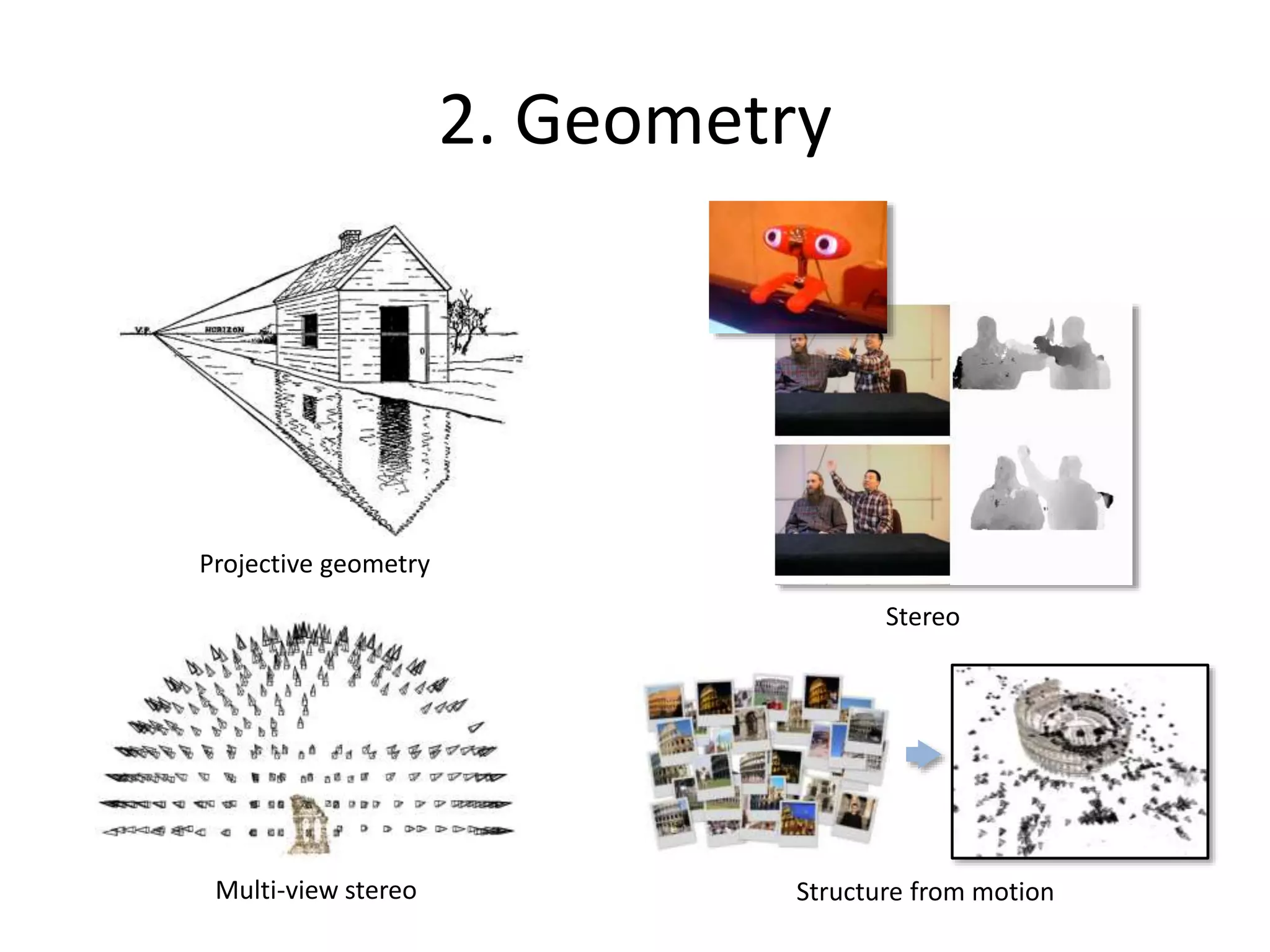
2. Geometry
Projective geometry
Stereo
Multi-view stereo Structure from motion
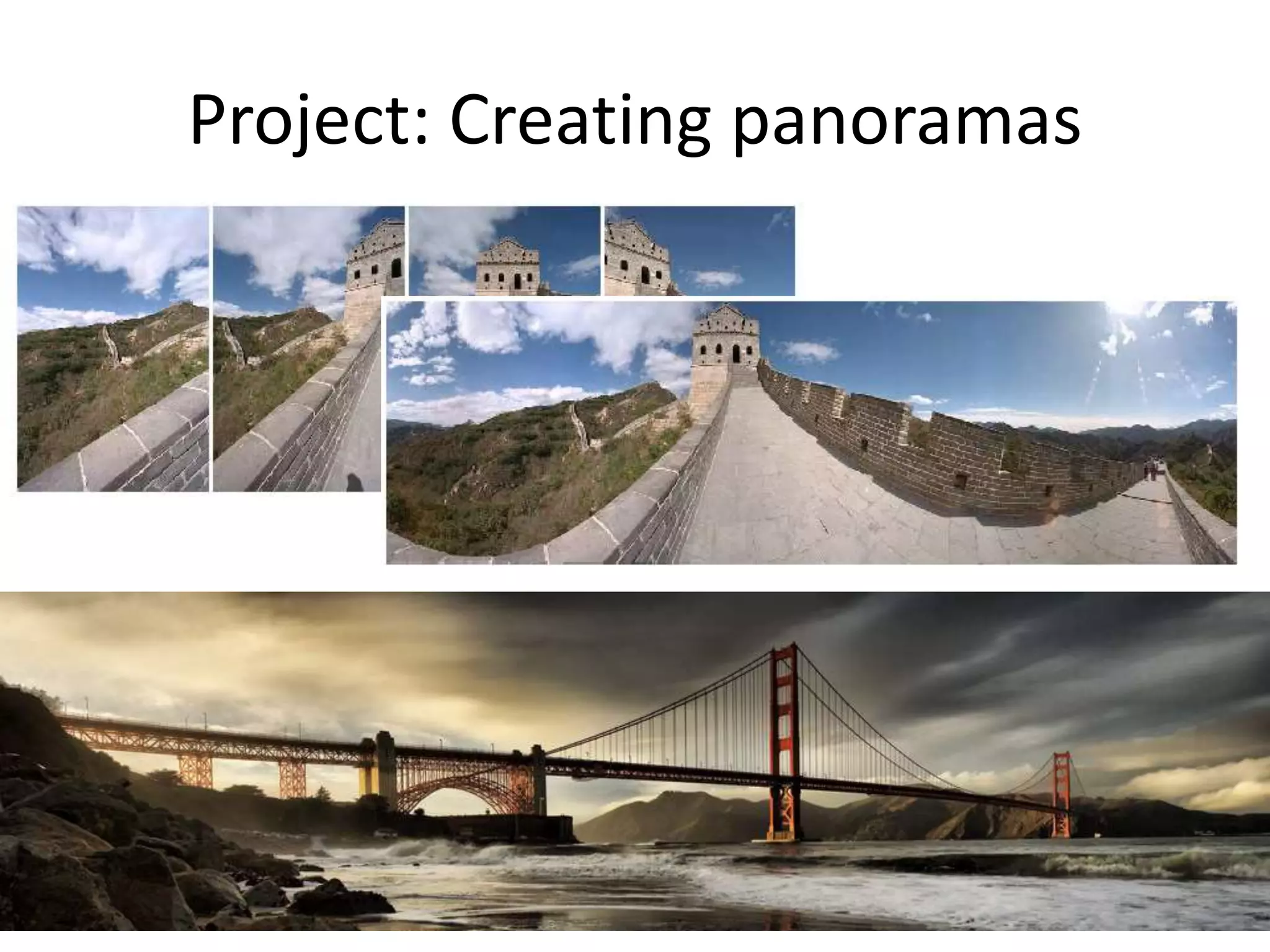
Project: Creating panoramas
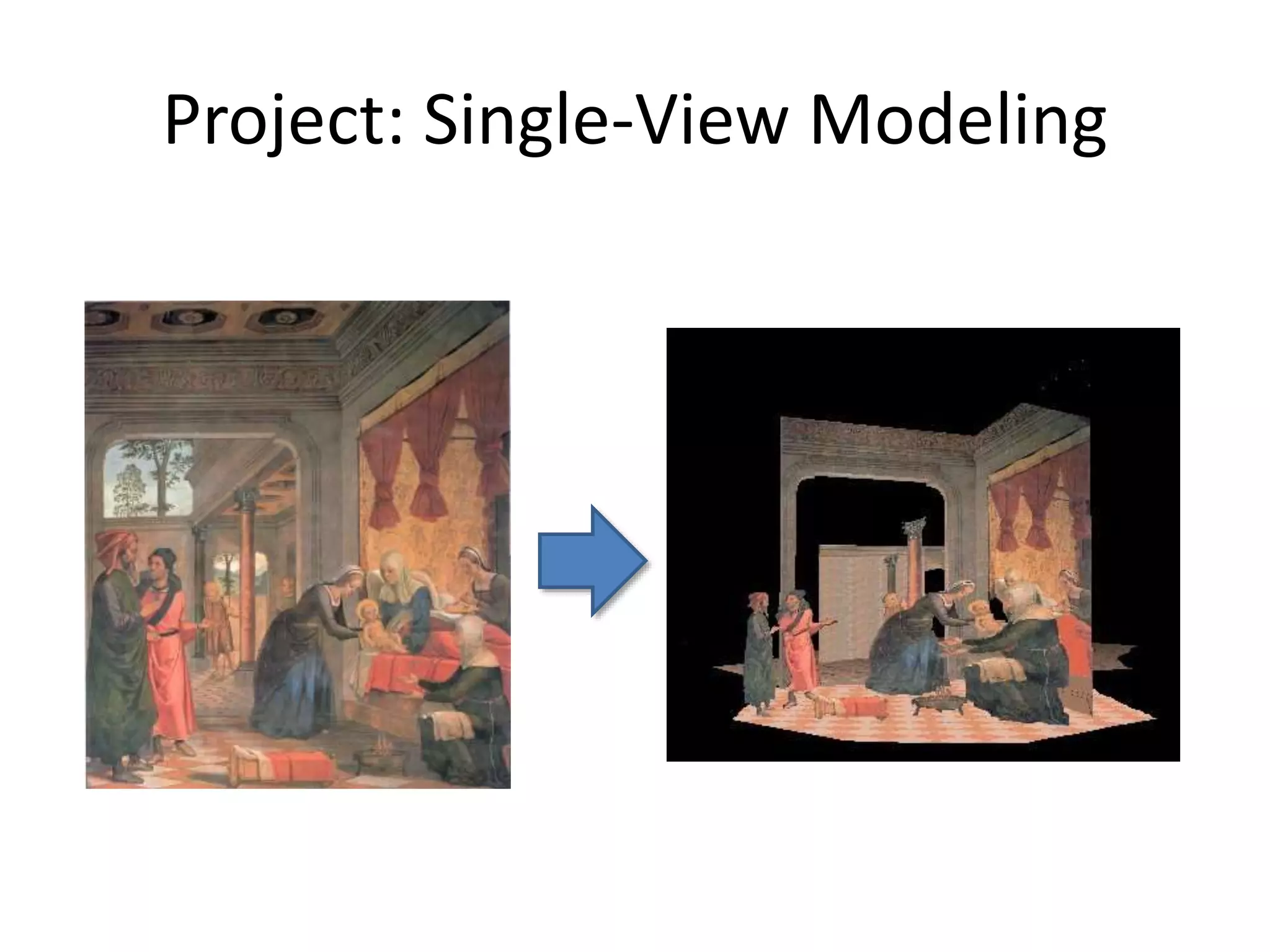
Project: Single-View Modeling
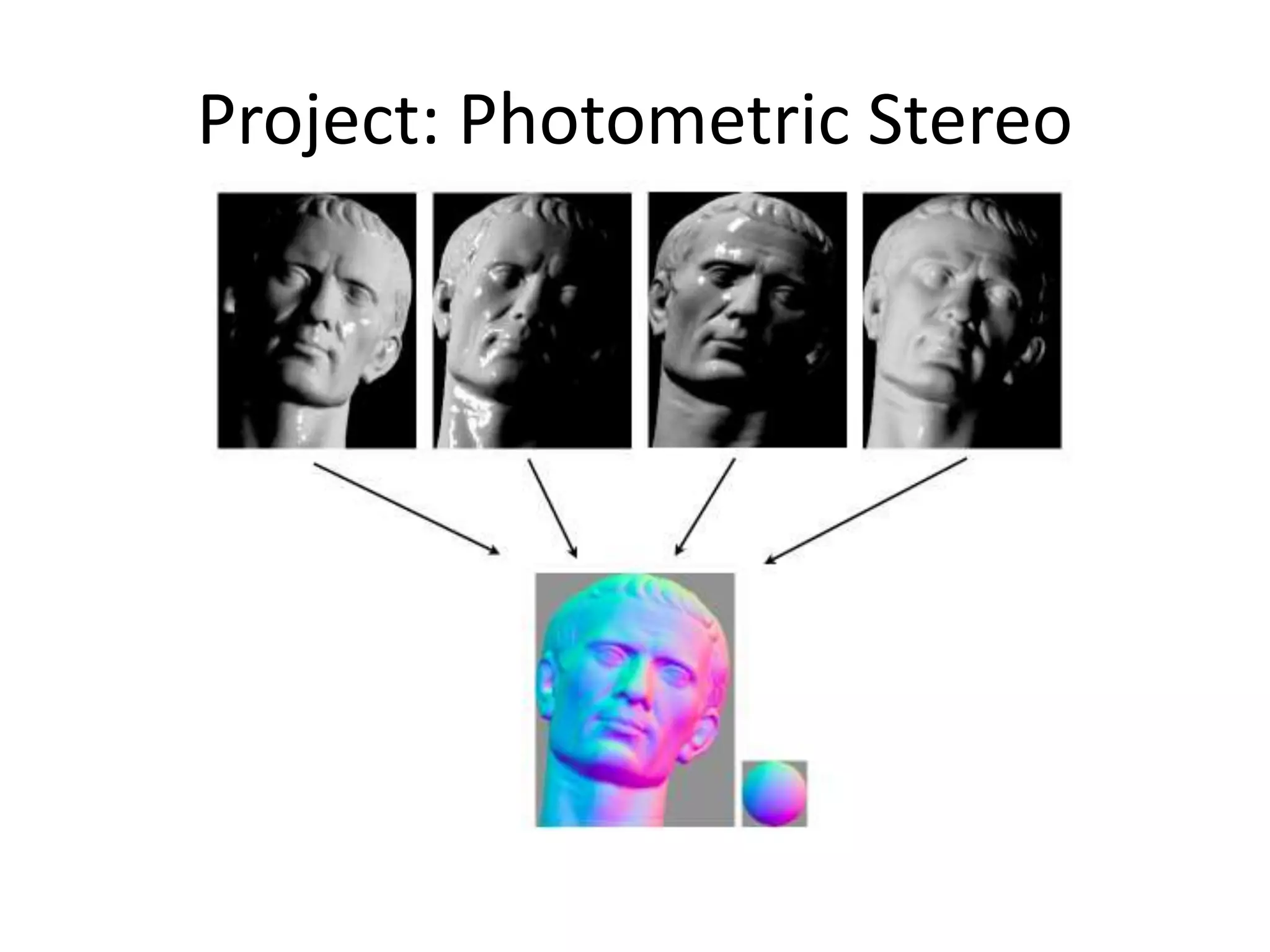
Project: Photometric Stereo
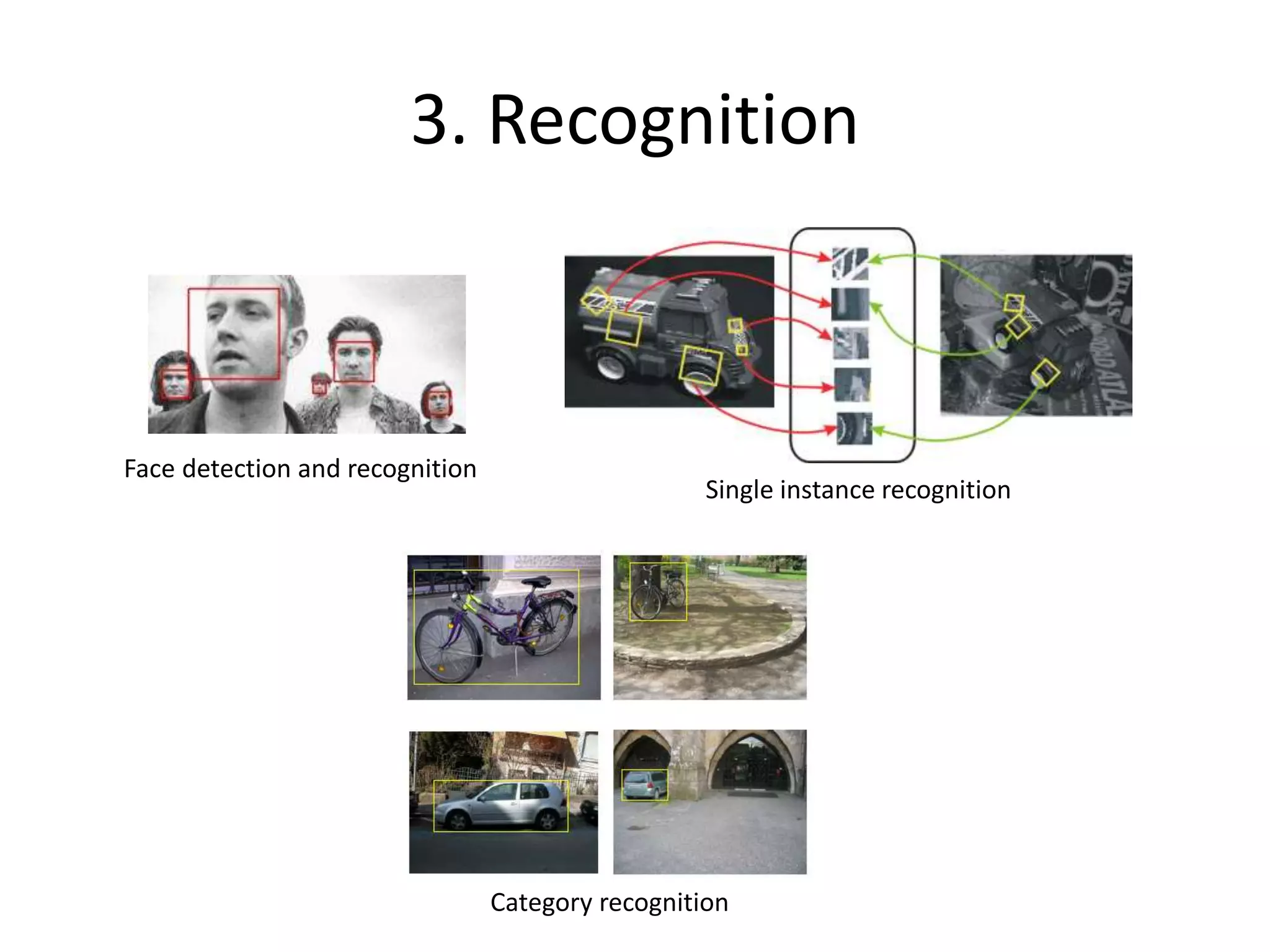
3. Recognition
Sources: D. Lowe, L. Fei-Fei
Face detection and recognition
Single instance recognition
Category recognition
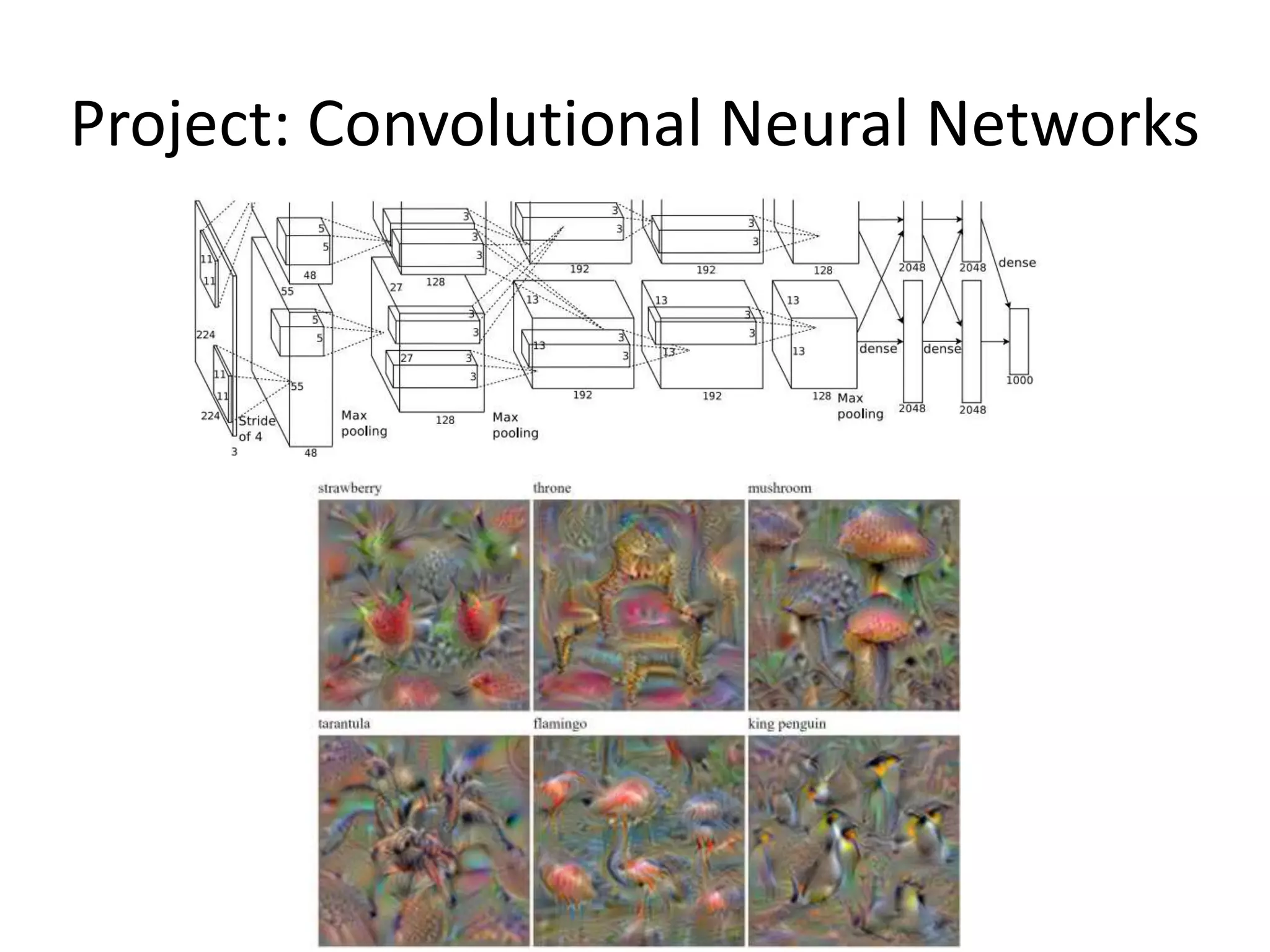
Project: Convolutional Neural Networks
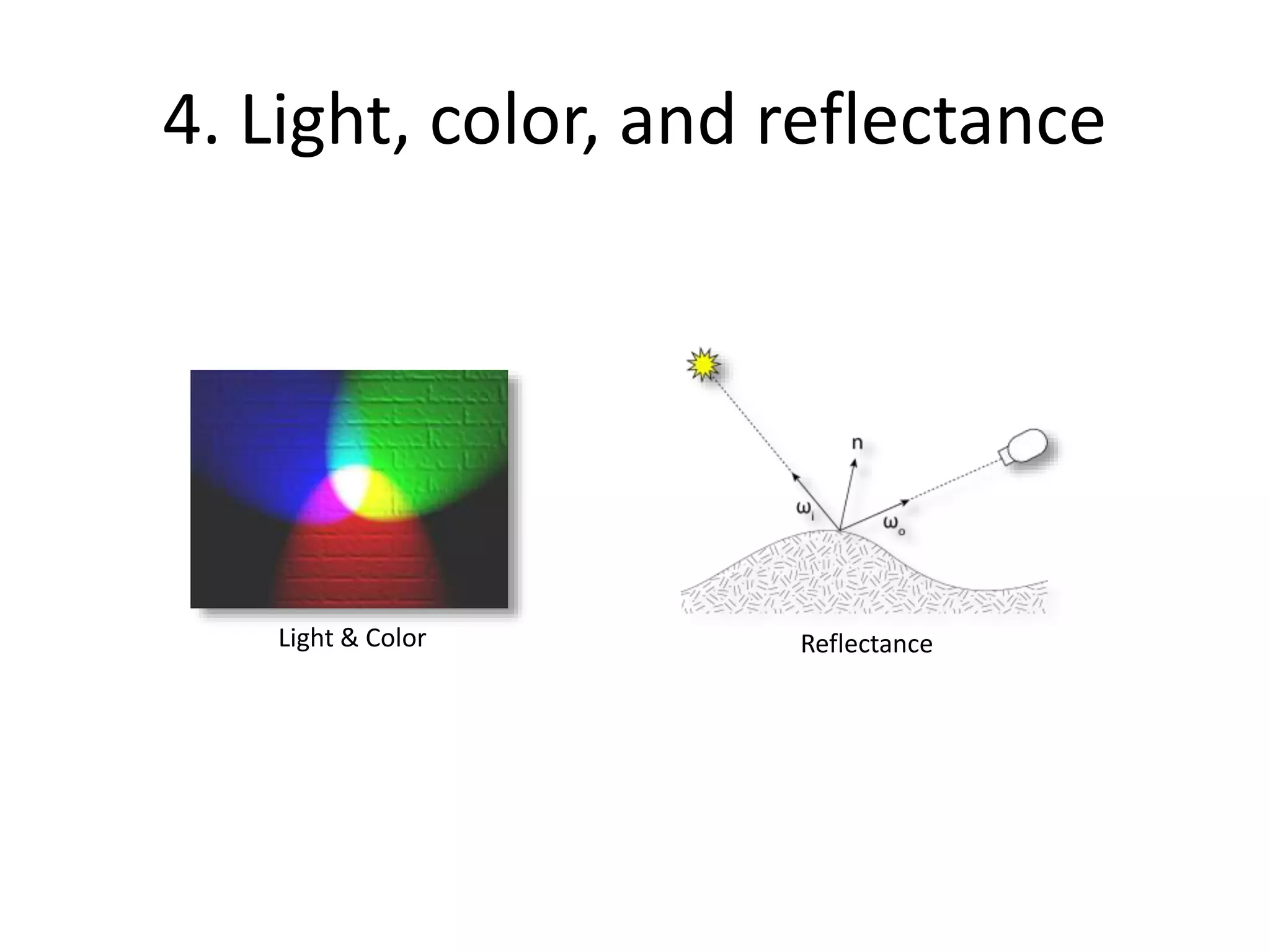
4. Light, color, and reflectance
Light & Color Reflectance
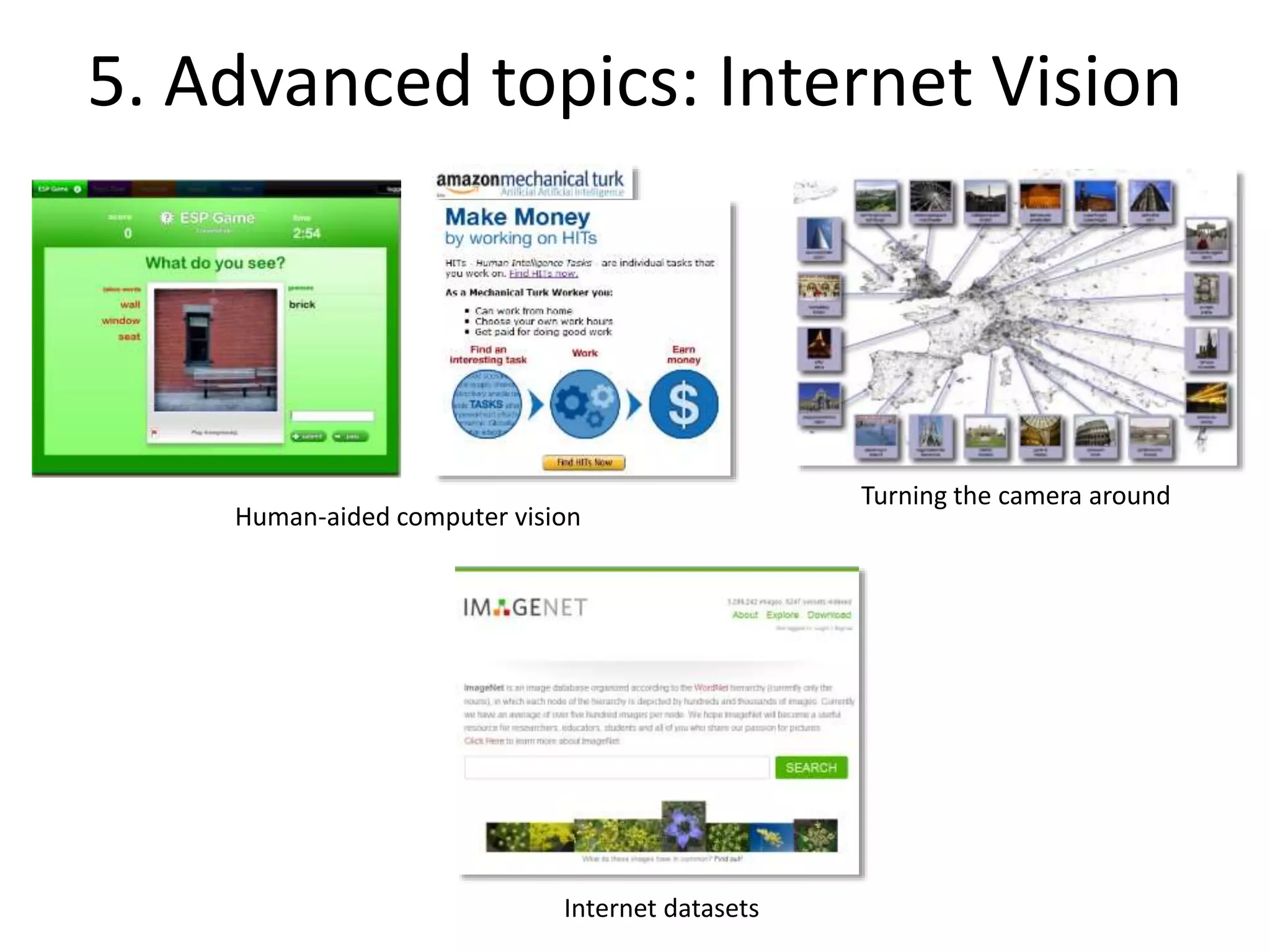
5. Advanced topics: Internet Vision
Human-aided computer vision
Turning the camera around
Internet datasets
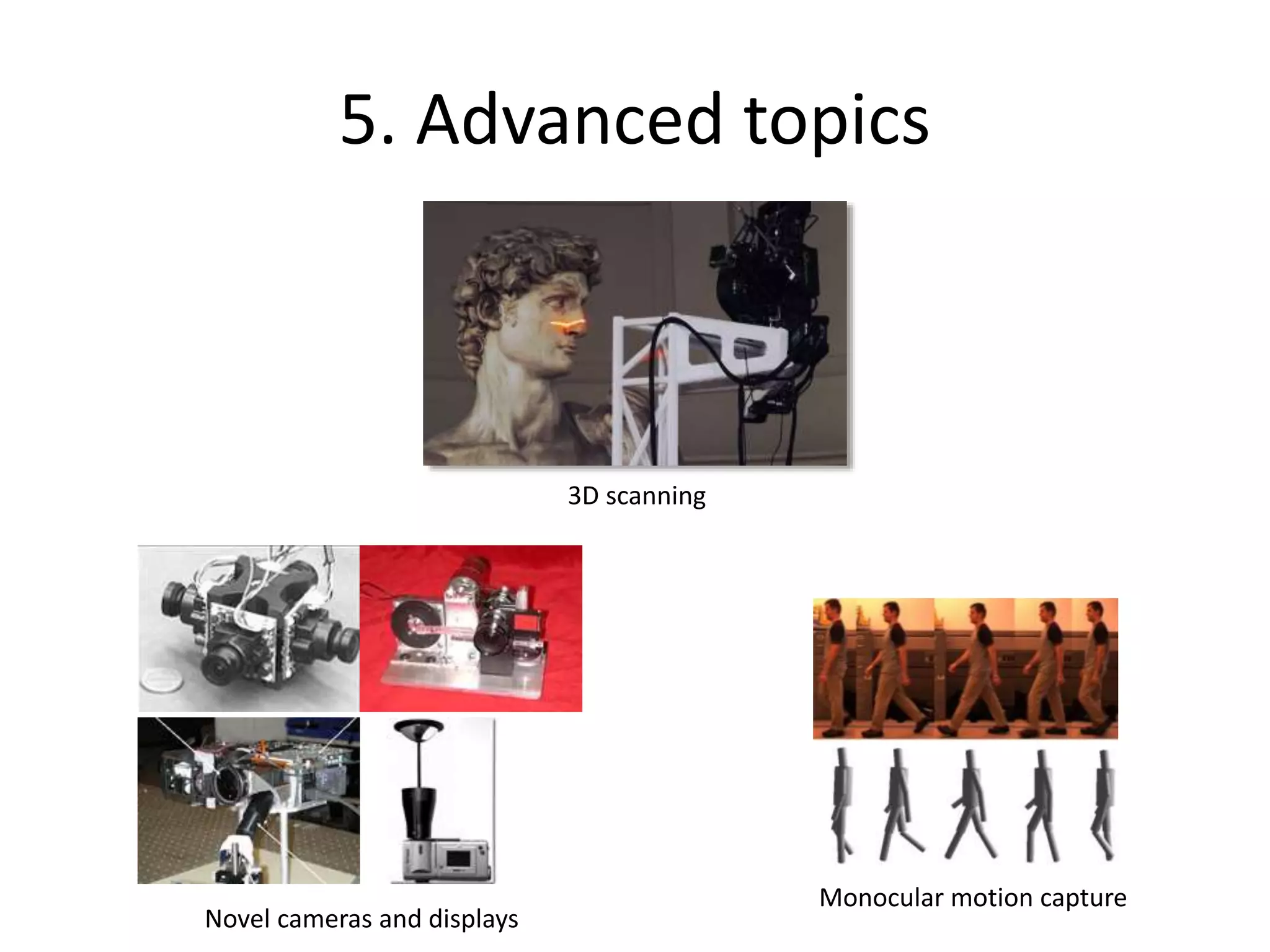
5. Advanced topics
Motion and trackingMonocular motion capture
Novel cameras and displays
3D scanning
Questions?

Computer vision introduction

  • 1.
    CSCI 455: Introto Computer Vision
  • 2.
    Acknowledgement Many of thefollowing slides are modified from the excellent class notes of similar courses offered in other schools by Prof Yung-Yu Chuang, Fredo Durand, Alexei Efros, William Freeman, James Hays, Svetlana Lazebnik, Andrej Karpathy, Fei-Fei Li, Srinivasa Narasimhan, Silvio Savarese, Steve Seitz, Richard Szeliski, Noah Snavely and Li Zhang. The instructor is extremely thankful to the researchers for making their notes available online. Please feel free to use and modify any of the slides, but acknowledge the original sources where appropriate.
  • 3.
    Today 1. What iscomputer vision? 2. Course overview 3. Image filtering
  • 4.
    Today • Readings – Szeliski,Chapter 1 (Introduction)
  • 5.
    Every image tellsa story • Goal of computer vision: perceive the “story” behind the picture • Compute properties of the world – 3D shape – Names of people or objects – What happened?
  • 6.
    The goal ofcomputer vision
  • 7.
    Can the computermatch human perception? • Yes and no (mainly no) – computers can be better at “easy” things – humans are much better at “hard” things • But huge progress has been made – Accelerating in the last 4 years due to deep learning – What is considered “hard” keeps changing
  • 8.
    Human perception hasits shortcomings Sinha and Poggio, Nature, 1996 (“The Presidential Illusion”
  • 9.
    But humans cantell a lot about a scene from a little information… Source: “80 million tiny images” by Torralba, et al.
  • 11.
    The goal ofcomputer vision
  • 12.
    The goal ofcomputer vision
  • 13.
    The goal ofcomputer vision • Compute the 3D shape of the world
  • 14.
    The goal ofcomputer vision • Computing the 3D shape of the world Internet Photos (“Colosseum”) Reconstructed 3D cameras and points Dense 3D model
  • 15.
    The goal ofcomputer vision • Recognize objects and people Terminator 2, 1991
  • 16.
    slide credit: Fei-Fei,Fergus & Torralba
  • 17.
  • 18.
    The goal ofcomputer vision • “Enhance” images
  • 20.
    The goal ofcomputer vision • Forensics Source: Nayar and Nishino, “Eyes for Relighting”
  • 21.
    Source: Nayar andNishino, “Eyes for Relighting”
  • 22.
    Source: Nayar andNishino, “Eyes for Relighting”
  • 24.
    The goal ofcomputer vision • Improve photos (“Computational Photography”) Inpainting / image completion (image credit: Hays and Efros) Super-resolution (source: 2d3) Low-light photography (credit: Hasinoff et al., SIGGRAPH ASIA 2016) Depth of field on cell phone camera (source: Google Research Blog)
  • 25.
    Why study computervision? • Billions of images/videos captured per day • Huge number of useful applications • The next slides show the current state of the art
  • 26.
    Optical character recognition(OCR) Digit recognition, AT&T labs (1990’s) http://yann.lecun.com/exdb/lenet/ • If you have a scanner, it probably came with OCR software License plate readers http://en.wikipedia.org/wiki/Automatic_number_plate_recognition Automatic check processing Sudoku grabber http://sudokugrab.blogspot.com/
  • 27.
    Face detection • Nearlyall cameras detect faces in real time – (Why?)
  • 28.
  • 29.
    Face recognition Who isshe? Source: S. Seitz
  • 30.
    Vision-based biometrics “How theAfghan Girl was Identified by Her Iris Patterns” Read the story Source: S. Seitz
  • 31.
    Login without apassword Fingerprint scanners on many new smartphones and other devices Face unlock on Apple iPhone X See also http://www.sensiblevision.com/
  • 32.
    Object recognition (insupermarkets) LaneHawk by EvolutionRobotics “A smart camera is flush-mounted in the checkout lane, continuously watching for items. When an item is detected and recognized, the cashier verifies the quantity of items that were found under the basket, and continues to close the transaction. The item can remain under the basket, and with LaneHawk,you are assured to get paid for it… “ Source: S. Seitz
  • 33.
    Object recognition (inmobile phones) Source: S. Seitz
  • 34.
  • 35.
  • 36.
  • 37.
  • 38.
    Bird Identification Merlin BirdID (based on Cornell Tech technology!)
  • 39.
    Special effects: cameratracking Boujou, 2d3
  • 40.
    The Matrix movies,ESC Entertainment, XYZRGB, NRC Special effects: shape capture Source: S. Seitz
  • 41.
    Pirates of theCarribean, Industrial Light and Magic Special effects: motion capture Source: S. Seitz
  • 42.
    3D face trackingw/ consumer cameras Snapchat Lenses Face2Face system (Thies et al.)
  • 43.
    Image synthesis Karras, etal., Progressive Growing of GANs for Improved Quality, Stability, and Variation, ICLR 2018
  • 44.
    Image synthesis Zhu, etal., Unpaired Image-to-Image Translation using Cycle-Consistent Adversarial Networks, ICCV 2017
  • 45.
    Sports Sportvision first downline Nice explanation on www.howstuffworks.com Source: S. Seitz
  • 46.
    Vision-based interaction (andgames) Nintendo Wii has camera-based IR tracking built in. See Lee’s work at CMU on clever tricks on using it to create a multi-touch display! Assistive technologies
  • 47.
  • 48.
    Smart cars • Mobileye •Tesla Autopilot • Safety features in many high-end cars
  • 49.
  • 50.
    Vision in space Visionsystems (JPL) uses for several tasks • Panorama stitching • 3D terrain modeling • Obstacle detection, position tracking • For more, read “Computer Vision on Mars” by Matthies et al. The Heights of Mount Sharp http://www.nasa.gov/mission_pages/msl/multimedia/pia16077.html Panorama captured by Curiosity Rover, August 18, 2012 (Sol 12)
  • 51.
    Robotics NASA’s Mars CuriosityRover https://en.wikipedia.org/wiki/Curiosity_(rover) Amazon Picking Challenge http://www.robocup2016.org/en/events /amazon-picking-challenge/ Amazon Prime Air
  • 52.
    Medical imaging 3D imaging (MRI,CT) Skin cancer classification with deep learning https://cs.stanford.edu/people/esteva/nature/
  • 54.
    Virtual & AugmentedReality 6DoF head tracking Hand & body tracking 3D-360 video capture3D scene understanding
  • 55.
    My own work •Automatic 3D reconstruction from Internet photo collections “Statue of Liberty” 3D model Flickr photos “Half Dome, Yosemite” “Colosseum, Rome”
  • 56.
  • 57.
    City-scale reconstruction Reconstruction ofDubrovnik, Croatia, from ~40,000 images
  • 58.
    Depth from asingle image
  • 59.
    Current state ofthe art • You just saw many examples of current systems. – Many of these are less than 5 years old • This is a very active research area, and rapidly changing – Many new apps in the next 5 years – Deep learning powering many modern applications • Many startups across a dizzying array of areas – Deep learning, robotics, autonomous vehicles, medical imaging, construction, inspection, VR/AR, …
  • 60.
    Why is computervision difficult? Viewpoint variation Illumination Scale
  • 61.
    Why is computervision difficult? Intra-class variation Background clutter Motion (Source: S. Lazebnik) Occlusion
  • 62.
    Challenges: local ambiguity slidecredit: Fei-Fei, Fergus & Torralba
  • 63.
    But there arelots of cues we can exploit… Source: S. Lazebnik
  • 64.
    Bottom line • Perceptionis an inherently ambiguous problem – Many different 3D scenes could have given rise to a particular 2D picture – We often need to use prior knowledge about the structure of the world Image source: F. Durand
  • 68.
    Important notes • Textbook: RickSzeliski, Computer Vision: Algorithms and Applications online at: http://szeliski.org/Book/
  • 69.
    Course requirements • Prerequisites—theseare essential! – Data structures – A good working knowledge of Python programming – Linear algebra – Vector calculus • Course does not assume prior imaging experience – computer vision, image processing, graphics, etc.
  • 70.
    Course overview (tentative) 1.Low-level vision – image processing, edge detection, feature detection, cameras, image formation 2. Geometry and algorithms – projective geometry, stereo, structure from motion, optimization 3. Recognition – face detection / recognition, category recognition, segmentation
  • 71.
    1. Low-level vision •Basic image processing and image formation Filtering, edge detection * = Feature extraction Image formation
  • 72.
    Project: Hybrid imagesfrom image pyramids G 1/4 G 1/8 Gaussian 1/2
  • 75.
  • 76.
  • 77.
  • 78.
  • 79.
  • 80.
    3. Recognition Sources: D.Lowe, L. Fei-Fei Face detection and recognition Single instance recognition Category recognition
  • 81.
  • 82.
    4. Light, color,and reflectance Light & Color Reflectance
  • 83.
    5. Advanced topics:Internet Vision Human-aided computer vision Turning the camera around Internet datasets
  • 84.
    5. Advanced topics Motionand trackingMonocular motion capture Novel cameras and displays 3D scanning
  • 85.