Lesson 1:
Use of Hand Tools
(Computer Hardware Servicing I)
Informations and Communications Technology
Prepared by: Reynaldo A.
Torres Jr.
Definition of Terms
 Bin - a container or enclosed space for storage.
 Computer chassis - the enclosure that contains
most of the components of a computer.
 Diagnostic tools - used to test the integrity of
circuits and the quality of electricity in computer
components and to test the functionality of
computer
 Hazards - risks; dangers.
 Insulation - a material that reduces or prevents
the transmission of heat or sound or electricity.
Definition of Terms
 Nozzle -a projecting part with an opening, as at
the end of a hose, for regulating and directing a
flow of fluid.
 Preventive - intended or used to prevent or
hinder.
 Static electricity - an accumulation of electric
charge on an insulated body.
 Tool - a handheld device that aids in
accomplishing a task.
 Toolkit - a set of tools designed to be used
together or for a particular purpose.
Acronyms
 ESD - Electro-Static Discharge
 USB - Universal Serial Bus
 LCD - Liquid Crystal Display
Proper Tool Selection
 A tool is a handheld device that aids in
accomplishing a task. Tools range from
a traditional metal cutting part of a
machine to an element of a computer
program that activates and controls a
particular function.
Preparing for the task
 How do you select the best tool for the
job? First, know and understand in
detail the scope of work to be
accomplished, second, plan for the
scope taking into account the sequence
of tasks.
Preparing for the task
 Selecting the best tool for each task
requires training in the proper use of
the tools, field experience in their safe
use, and following the manufacturer’s
guidance and instructions for that
specific tool.
Preparing for the task
 When obtaining the tool all the
associated tooling and consumable
parts, as recommended by the
manufacturer, must be included. In
addition, related consumable parts
must also be selected and used
according to their manufacturer’s
instructions.
Safe Use of Tools
 Once selected, use the tool for the
purpose for which it was designed. Not
all tools come with detailed
instructions, but there are those that do
spell out the safety - Do’s and Don’ts for
the your safety. If there are set-up or
use options, operator judgment must
always be based on what is the safest
way to use the tool.
Safe Use of Tools
Environmental Safety and Health Program requires
the following:
 All tools be kept in good condition with regular
maintenance
 The right tool be used for the job
 Each tool be examined before use AND damaged or
defective tools NOT to be used
 Tools be operated according to manufacturer’s
instructions
 The right protective equipment for the tool and
activity be used
Hardware Tools
To complete hardware repairs, it is important to
have a toolkit that should contain all of the
necessary tools. As you gain experience, you will
learn which tools to have available for different
types of jobs. Hardware tools are grouped into
these four categories:
 Electro-Static Discharge (ESD) tools
 Hand tools
 Cleaning tools
 Diagnostic tools
Electro-Static Discharge (ESD)
Tools
 Static electricity is easily generated by
friction on carpets, tile flooring, clothing,
hair, fabric, and etc. The friction of moving air
alone will charge suspended particles and
cause the buildup of static electrical charges
on people and objects in the environment.
Grounded anti-static work mats used with
anti-static wrist straps provide the most
basic means for the controlled discharge of
electro-static electricity.
Examples of ESD Tools
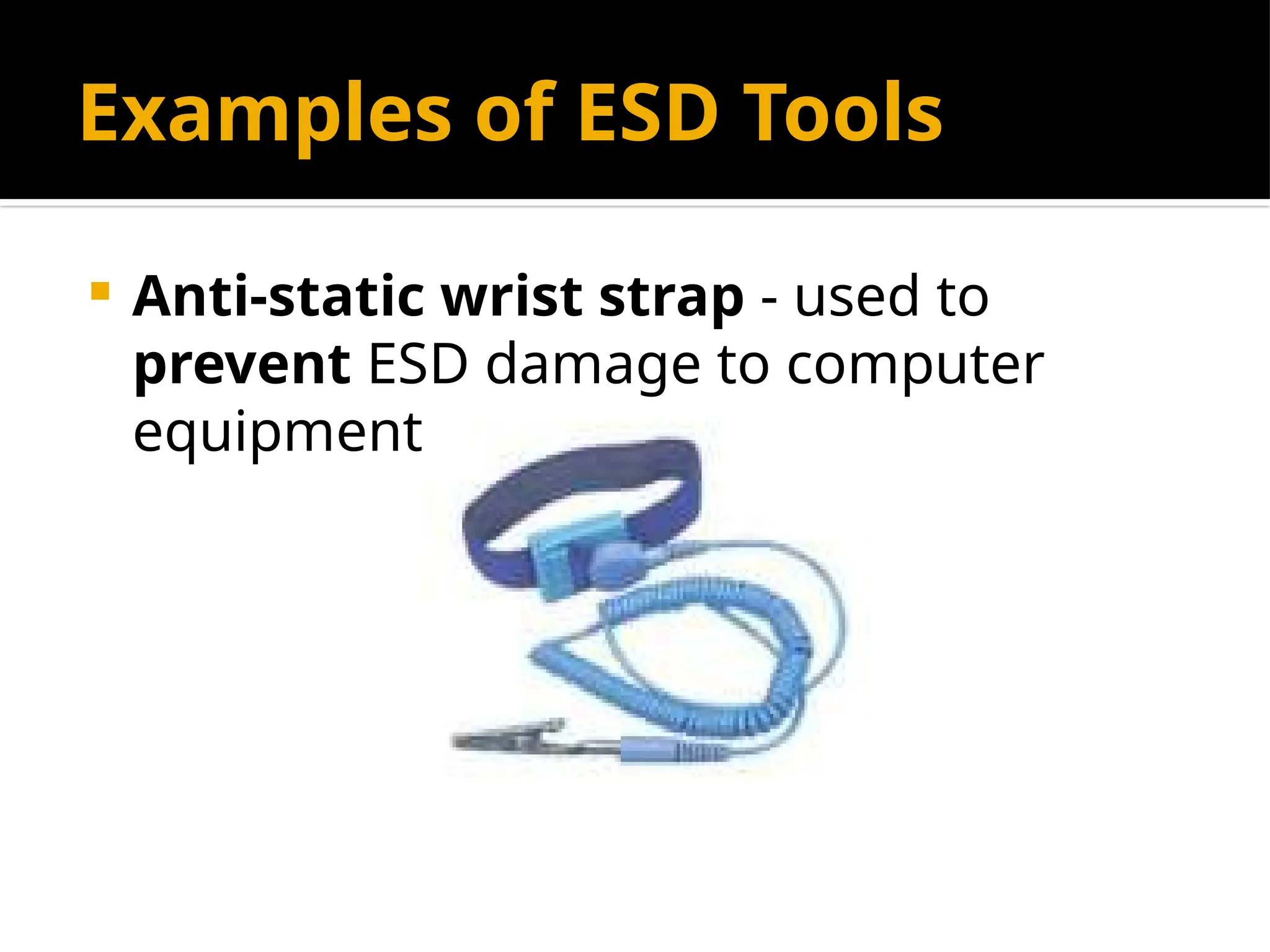
 Anti-static wrist strap - used to
prevent ESD damage to computer
equipment.
Examples of ESD Tools
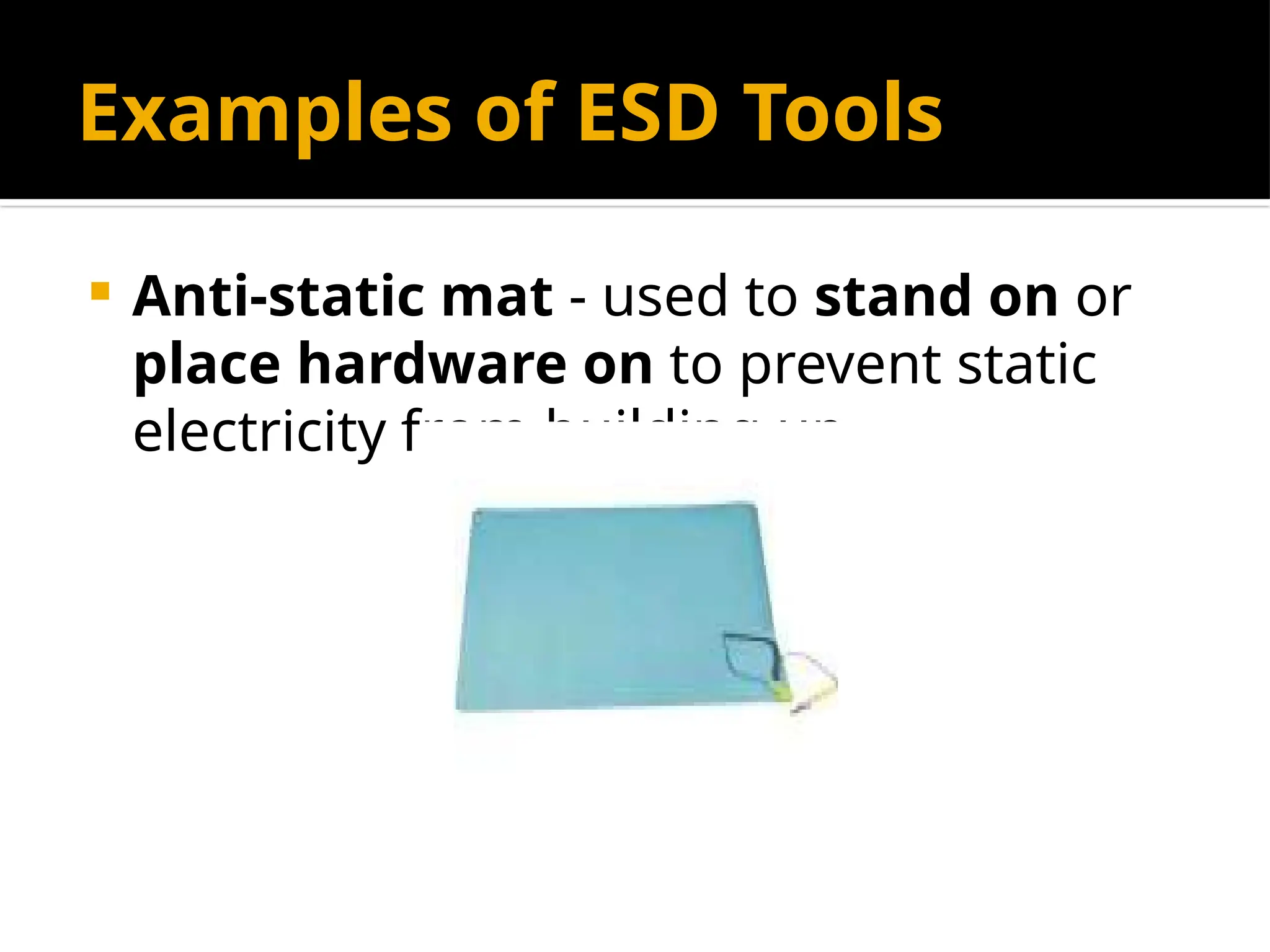
 Anti-static mat - used to stand on or
place hardware on to prevent static
electricity from building up.
Hand Tools
 A hand tool is a device for performing
work on a material or a physical
system using only hands. The hand
tools can be manually used employing
force, or electrically powered, using
electrical current.
Examples of Hand Tools
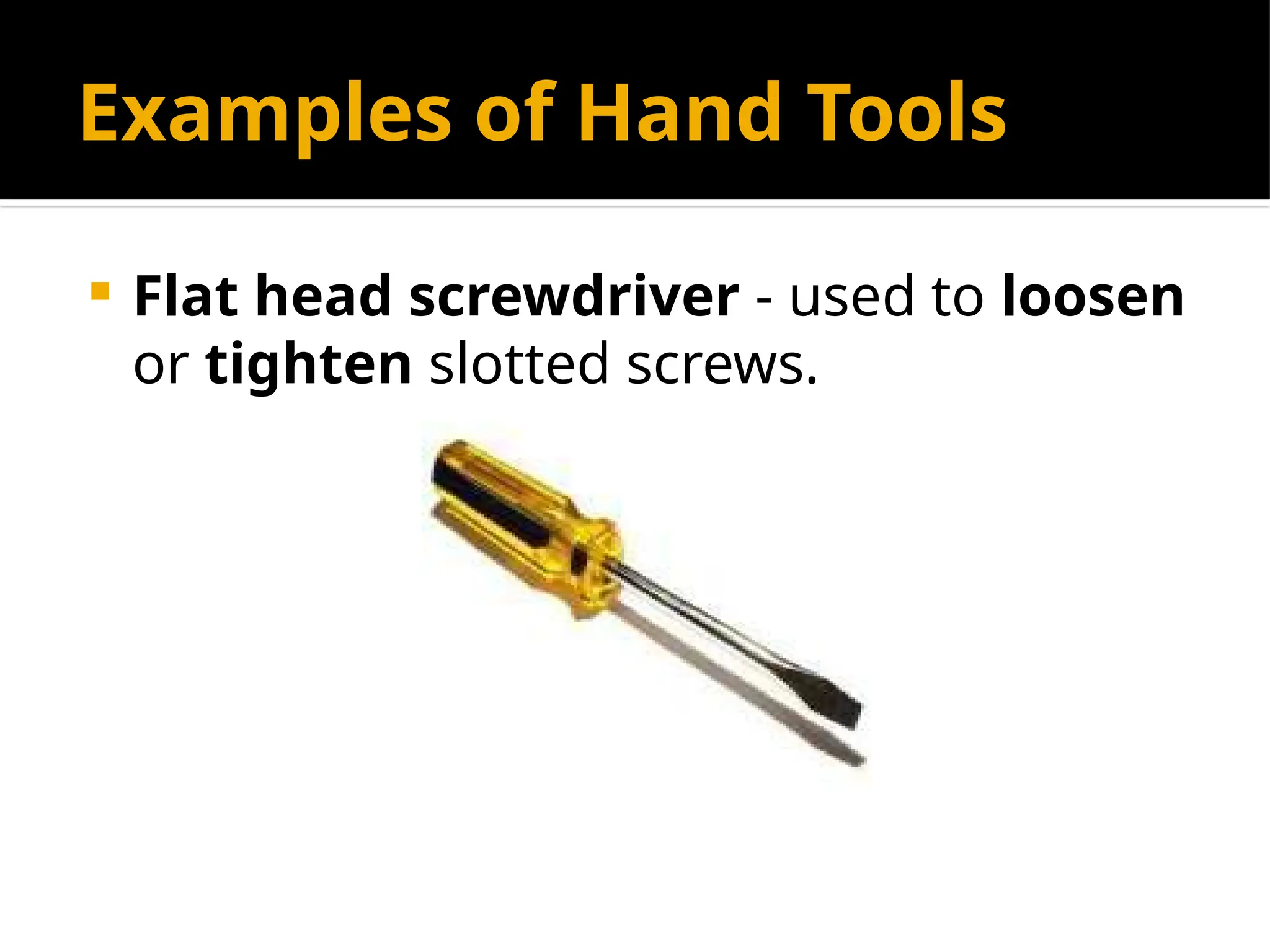
 Flat head screwdriver - used to loosen
or tighten slotted screws.
Examples of Hand Tools
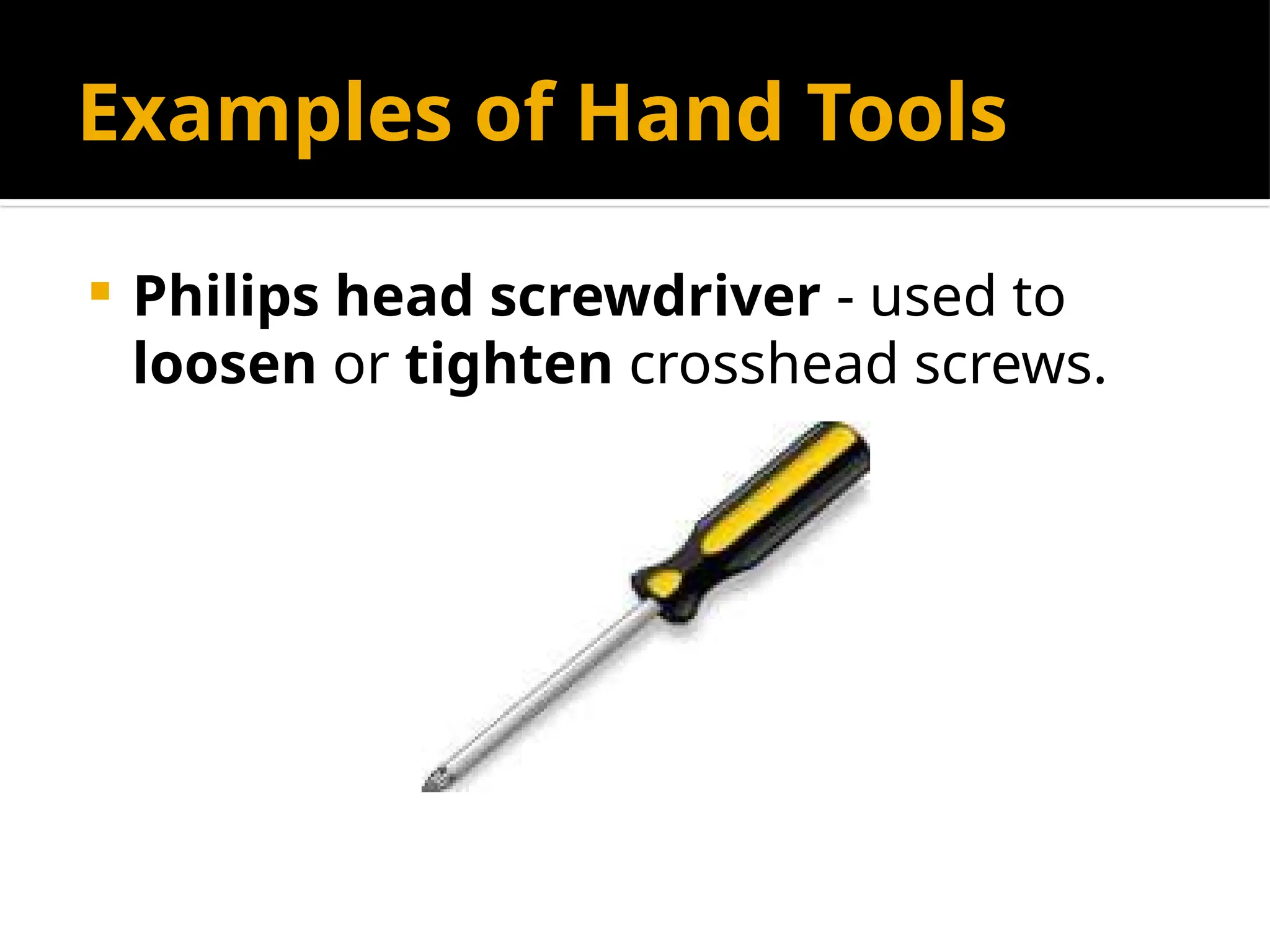
 Philips head screwdriver - used to
loosen or tighten crosshead screws.
Examples of Hand Tools
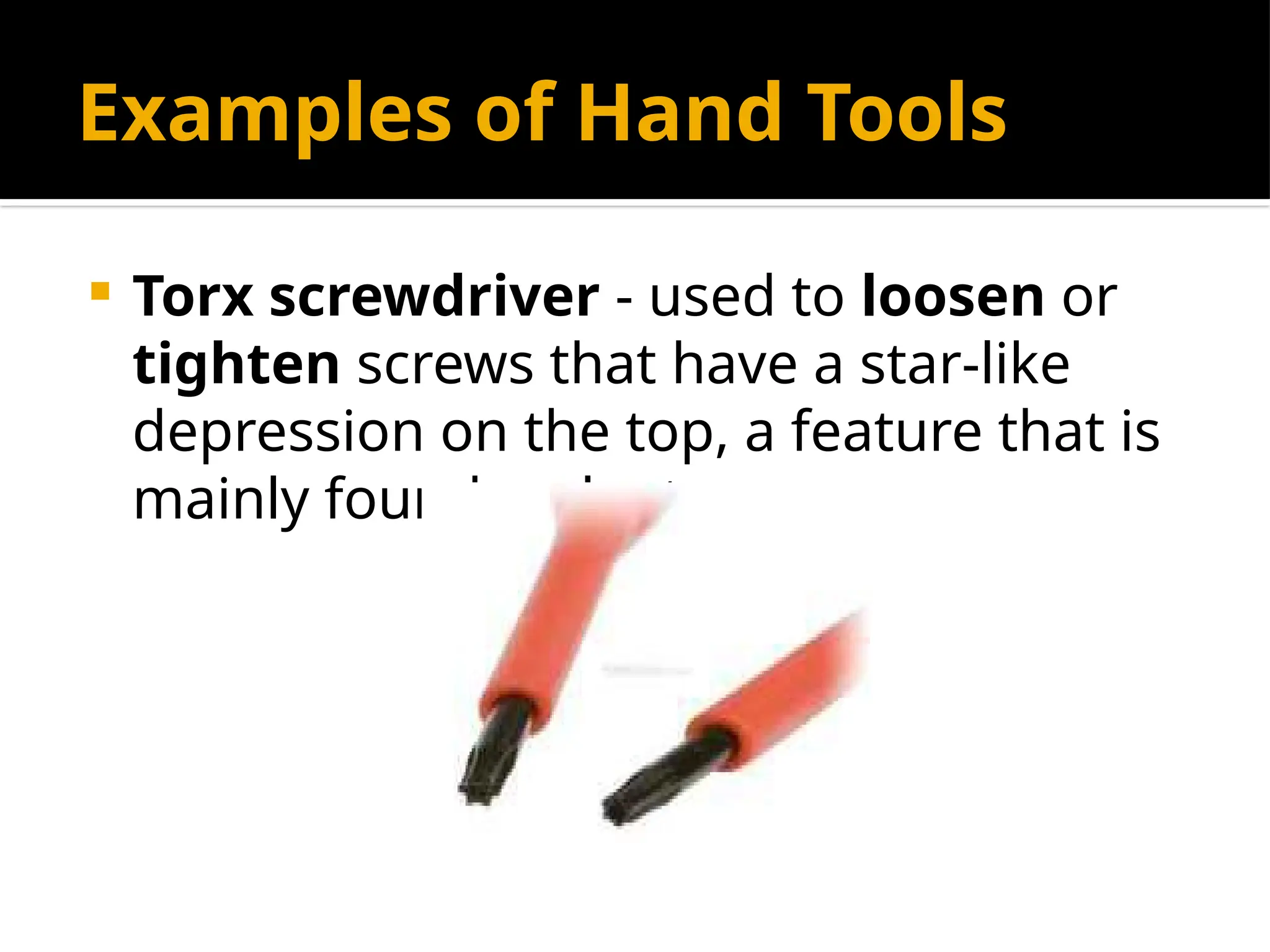
 Torx screwdriver - used to loosen or
tighten screws that have a star-like
depression on the top, a feature that is
mainly found on laptop.
Examples of Hand Tools
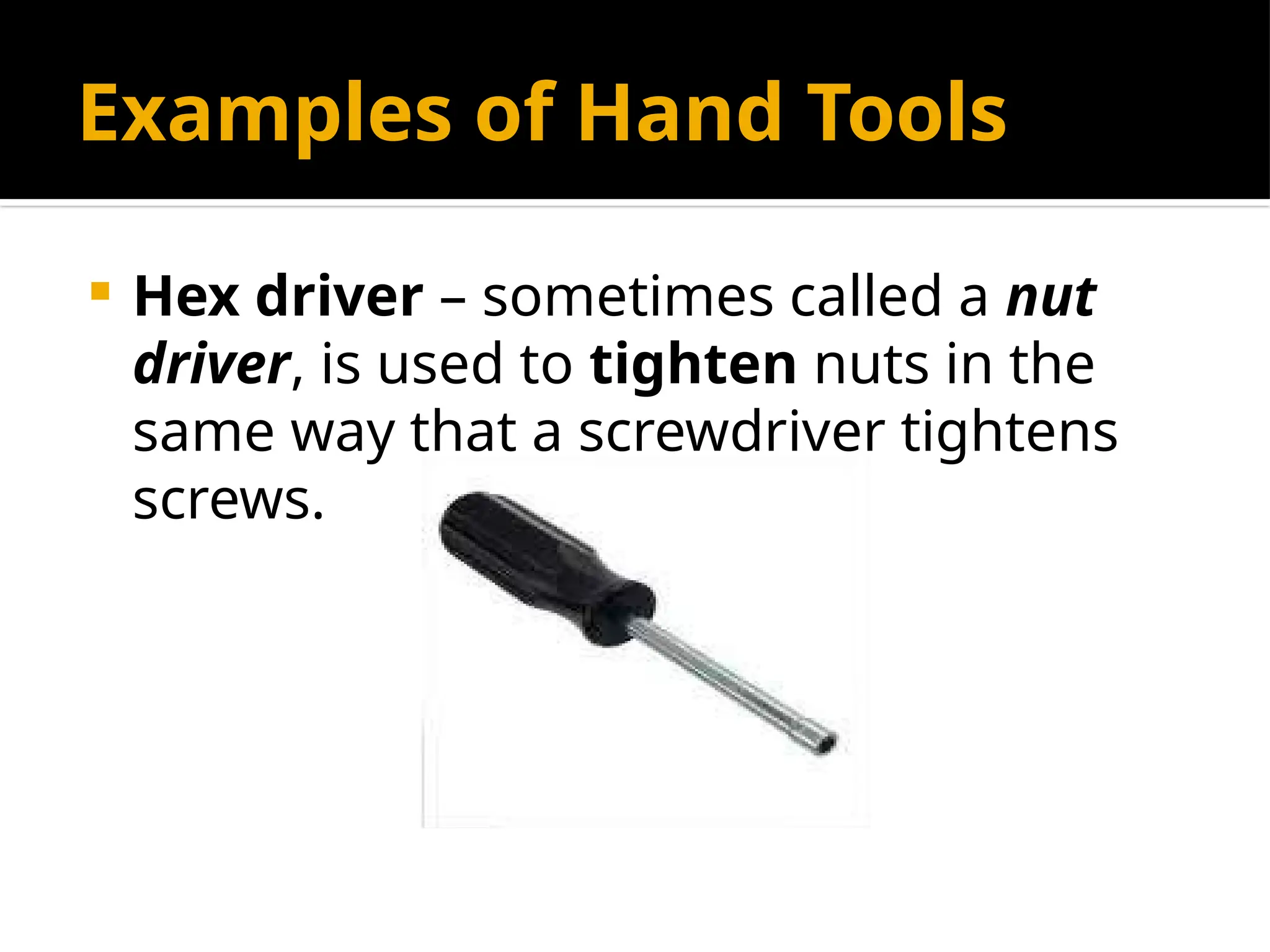
 Hex driver – sometimes called a nut
driver, is used to tighten nuts in the
same way that a screwdriver tightens
screws.
Examples of Hand Tools
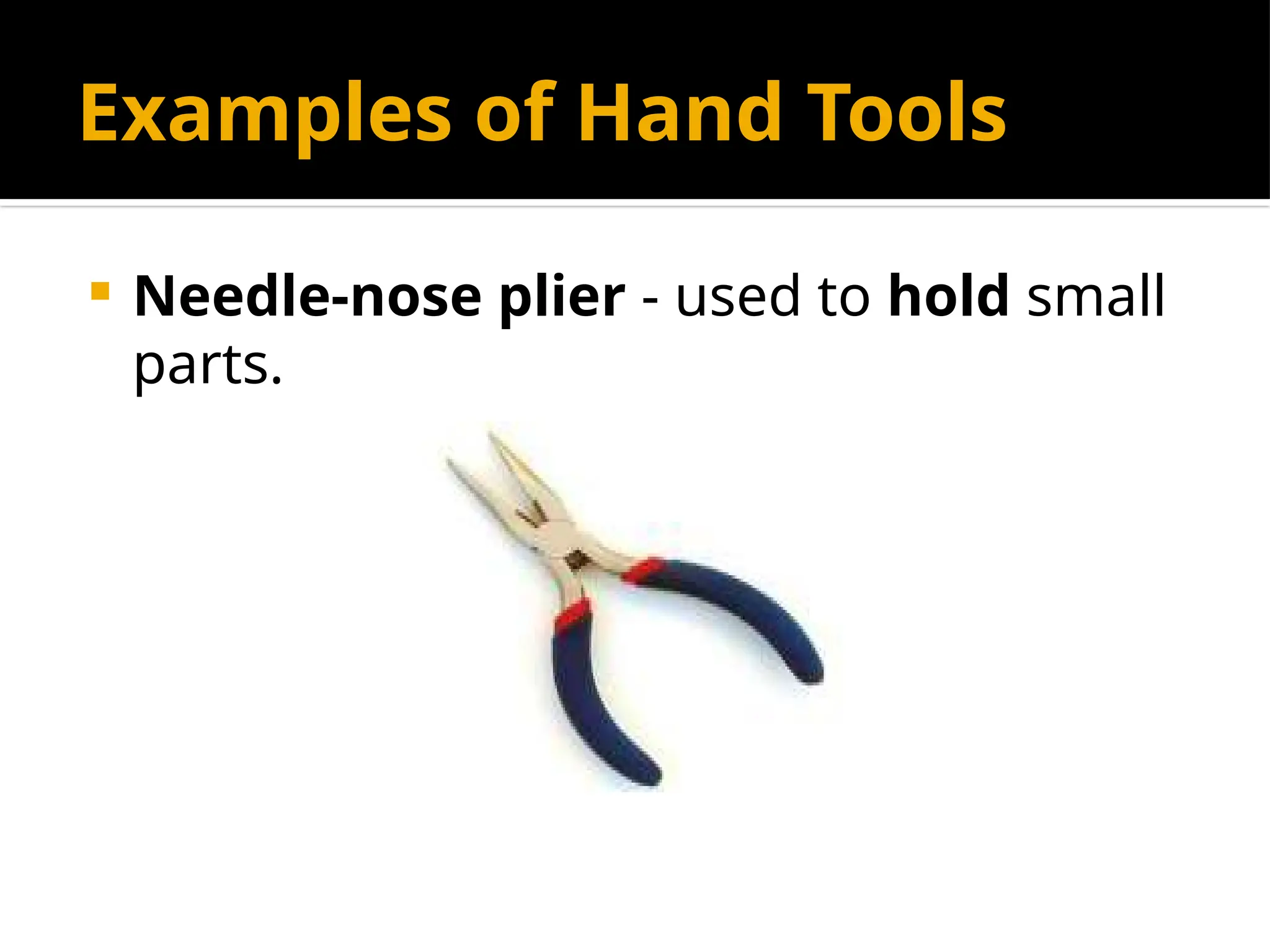
 Needle-nose plier - used to hold small
parts.
Examples of Hand Tools
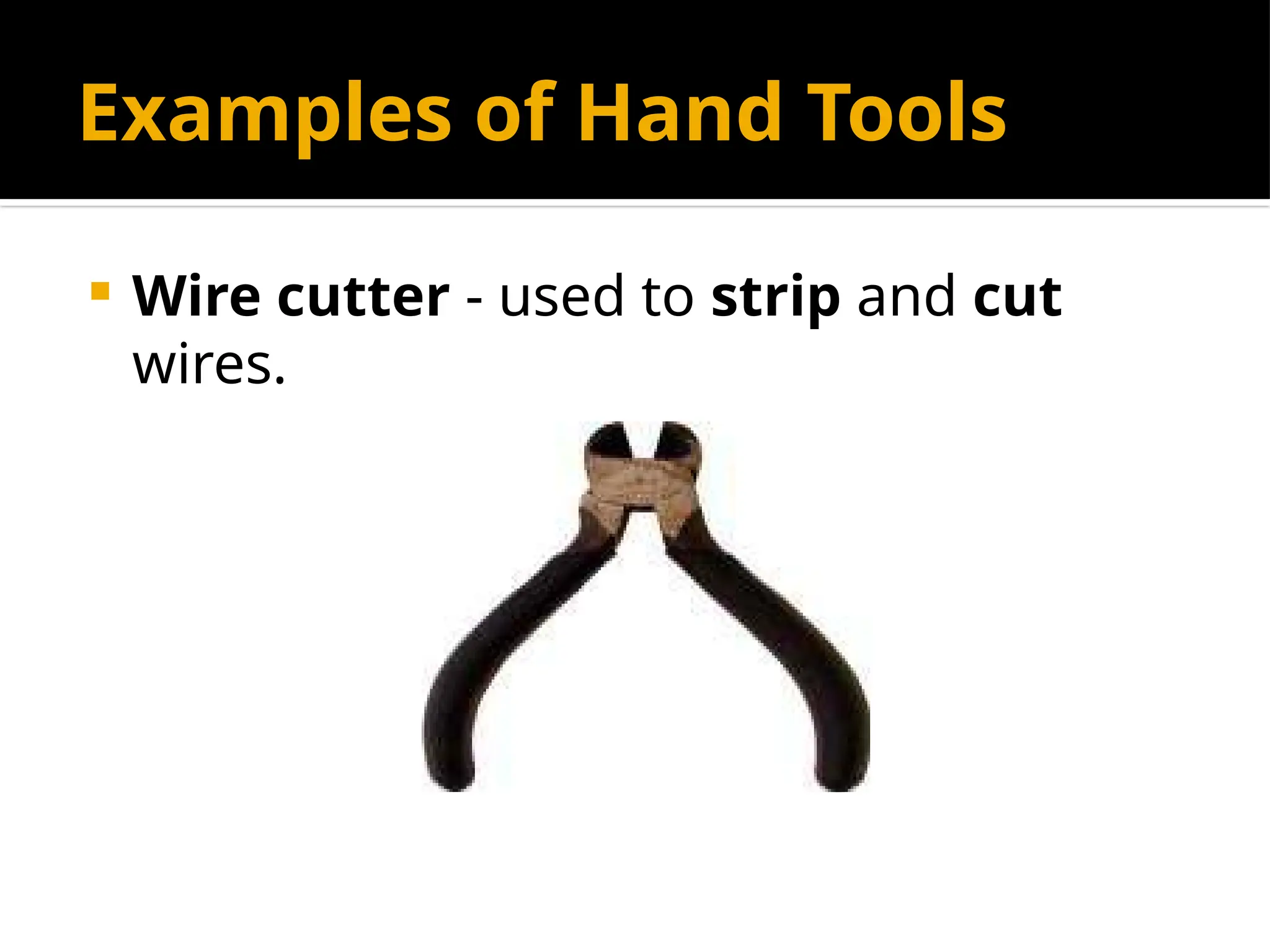
 Wire cutter - used to strip and cut
wires.
Examples of Hand Tools
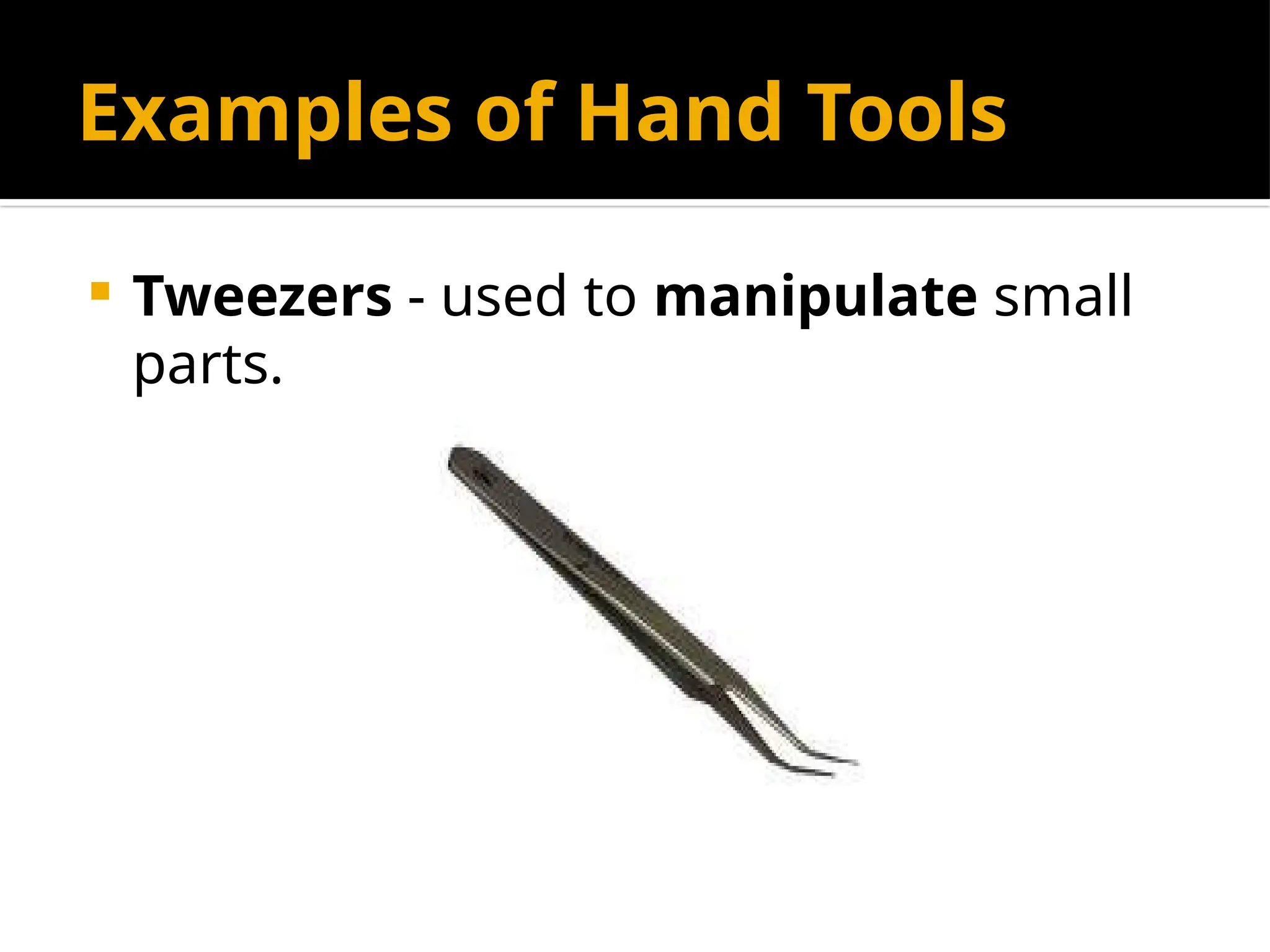
 Tweezers - used to manipulate small
parts.
Examples of Hand Tools
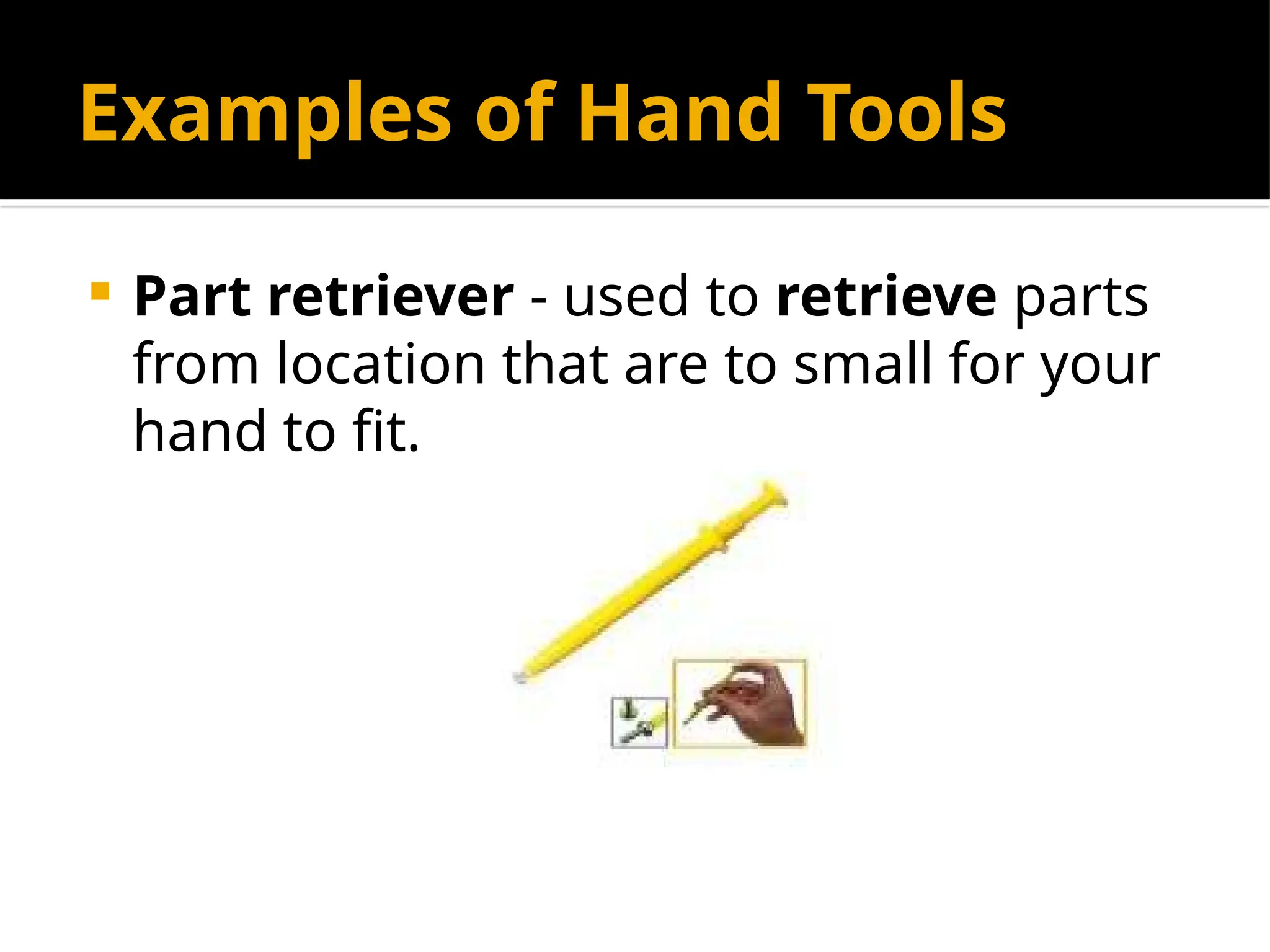
 Part retriever - used to retrieve parts
from location that are to small for your
hand to fit.
Examples of Hand Tools
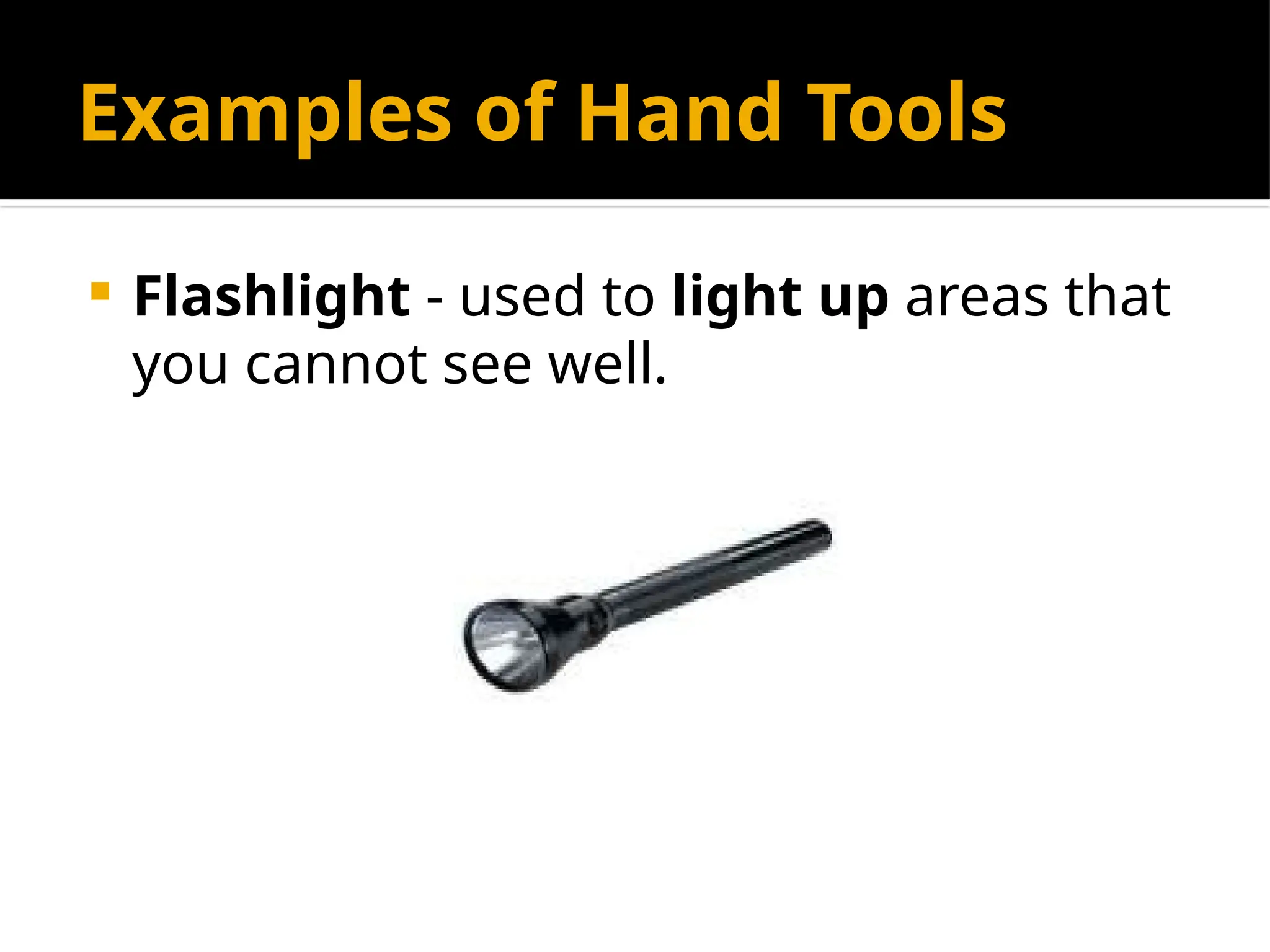
 Flashlight - used to light up areas that
you cannot see well.
Cleaning Tools
 Having the appropriate cleaning tools
is essential when maintaining or
repairing computers.
 Using these tools ensures that
computer components are not
damaged during cleaning.
Examples of Cleaning Tools
 Lint-free cloth - used to clean different
computer components without
scratching or leaving debris.
Examples of Cleaning Tools
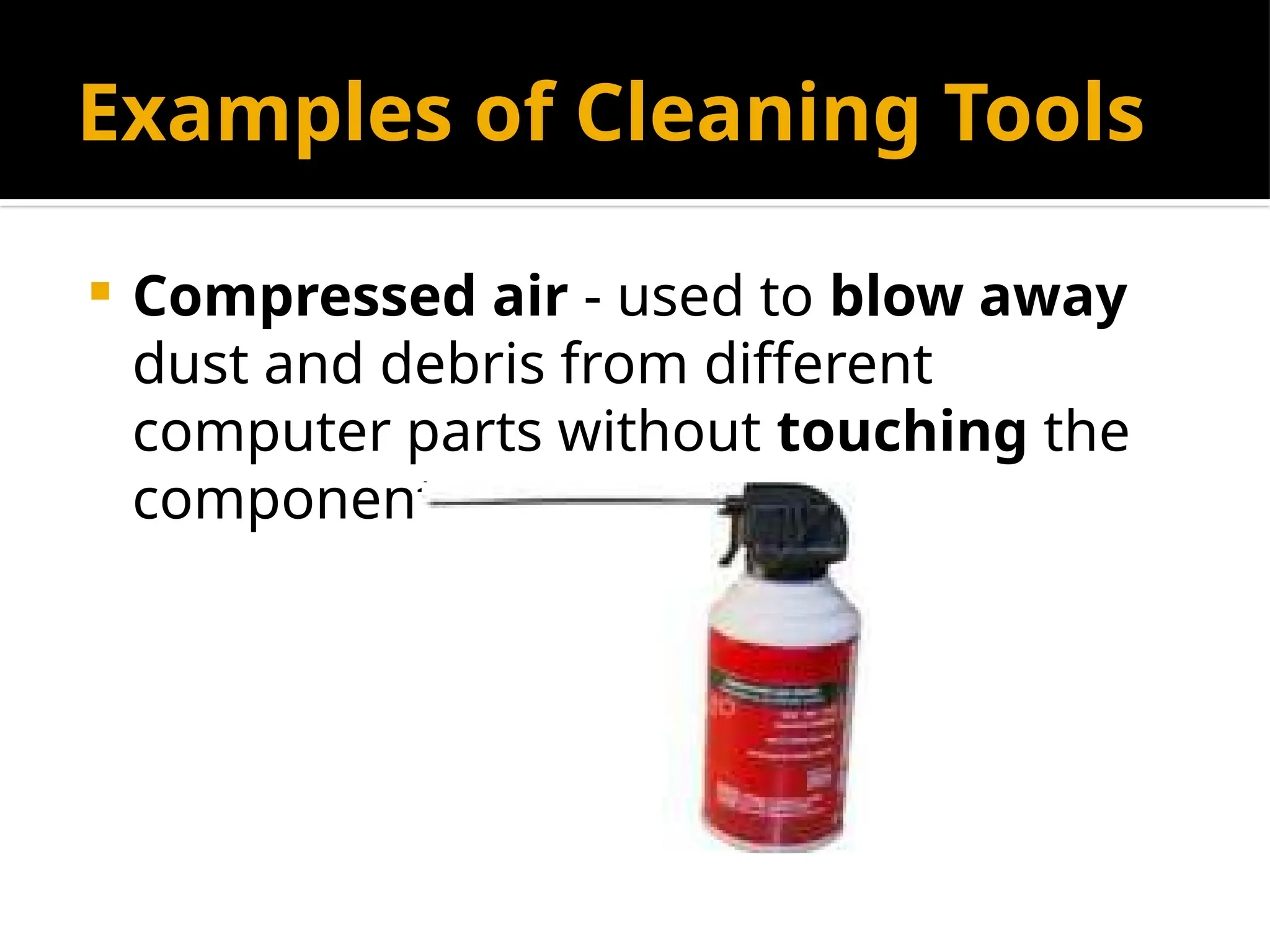
 Compressed air - used to blow away
dust and debris from different
computer parts without touching the
components.
Examples of Cleaning Tools
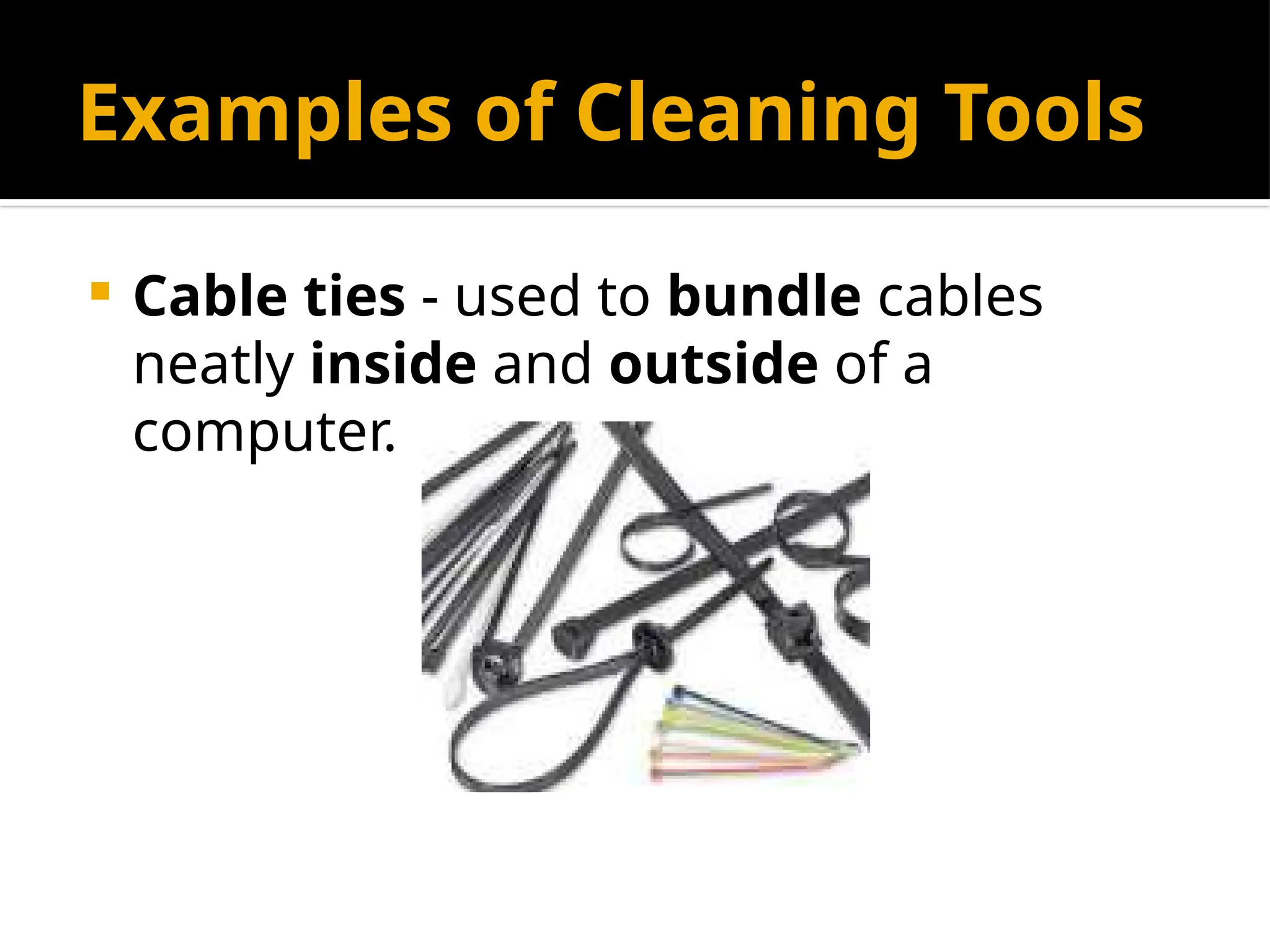
 Cable ties - used to bundle cables
neatly inside and outside of a
computer.
Examples of Cleaning Tools
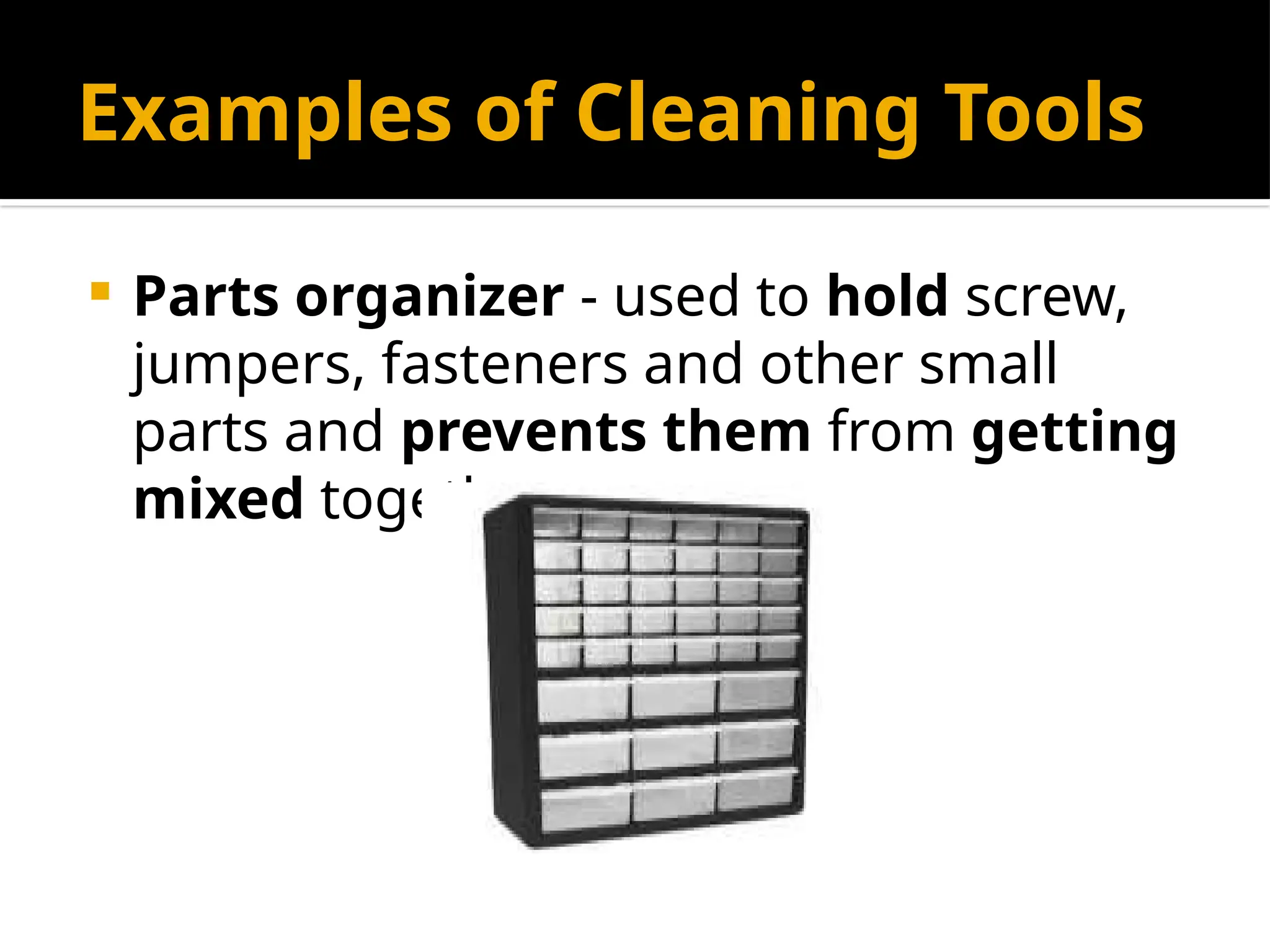
 Parts organizer - used to hold screw,
jumpers, fasteners and other small
parts and prevents them from getting
mixed together.
Diagnostic Tools
 Computers are easier to use and more
dependable with each new generation
of hardware and operating system
update, but that doesn't mean they're
problem-free.
Examples of Diagnostic
Tools
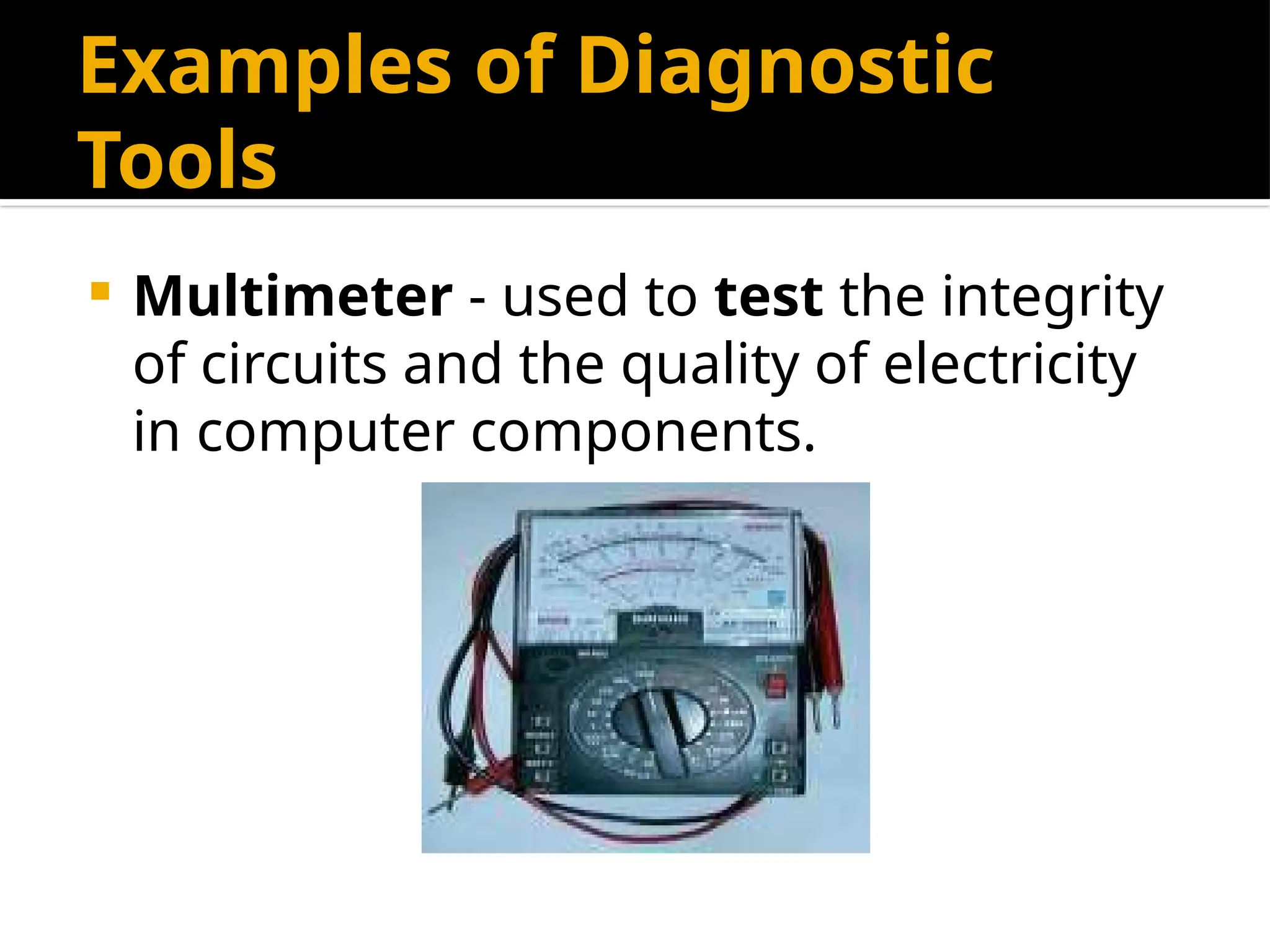
 Multimeter - used to test the integrity
of circuits and the quality of electricity
in computer components.
Examples of Diagnostic
Tools
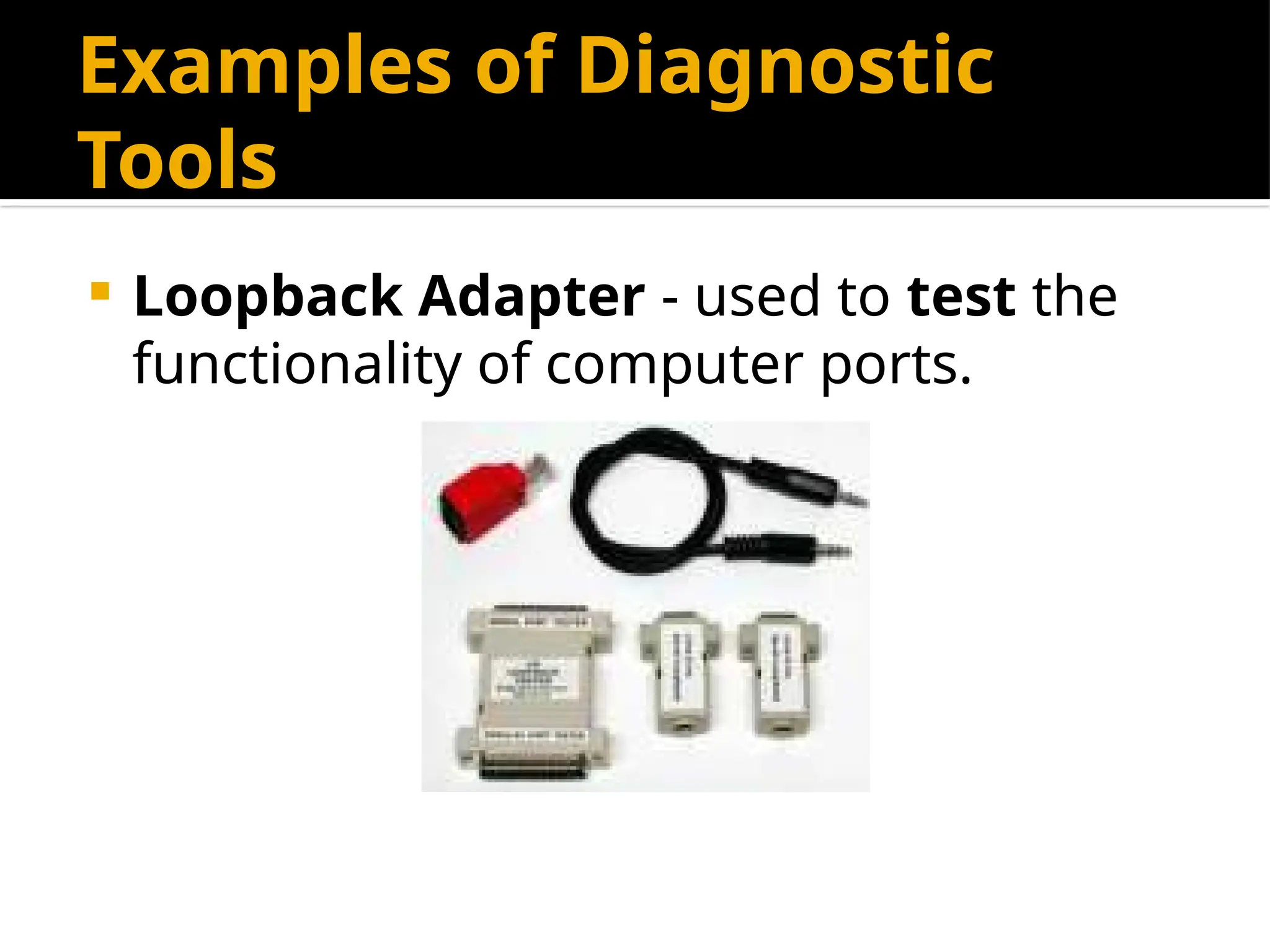
 Loopback Adapter - used to test the
functionality of computer ports.
The End
Informations and Communications
Technology
Chapter 1: Computer Hardware
Servicing I
Lesson 1: Use of Hand Tools
Prepared by:
Reynaldo A. Torres Jr.
Computer Systems Servicing - Use of Hand Tools.pptx

  • 1.
    Lesson 1: Use ofHand Tools (Computer Hardware Servicing I) Informations and Communications Technology Prepared by: Reynaldo A. Torres Jr.
  • 2.
    Definition of Terms Bin - a container or enclosed space for storage.  Computer chassis - the enclosure that contains most of the components of a computer.  Diagnostic tools - used to test the integrity of circuits and the quality of electricity in computer components and to test the functionality of computer  Hazards - risks; dangers.  Insulation - a material that reduces or prevents the transmission of heat or sound or electricity.
  • 3.
    Definition of Terms Nozzle -a projecting part with an opening, as at the end of a hose, for regulating and directing a flow of fluid.  Preventive - intended or used to prevent or hinder.  Static electricity - an accumulation of electric charge on an insulated body.  Tool - a handheld device that aids in accomplishing a task.  Toolkit - a set of tools designed to be used together or for a particular purpose.
  • 4.
    Acronyms  ESD -Electro-Static Discharge  USB - Universal Serial Bus  LCD - Liquid Crystal Display
  • 5.
    Proper Tool Selection A tool is a handheld device that aids in accomplishing a task. Tools range from a traditional metal cutting part of a machine to an element of a computer program that activates and controls a particular function.
  • 6.
    Preparing for thetask  How do you select the best tool for the job? First, know and understand in detail the scope of work to be accomplished, second, plan for the scope taking into account the sequence of tasks.
  • 7.
    Preparing for thetask  Selecting the best tool for each task requires training in the proper use of the tools, field experience in their safe use, and following the manufacturer’s guidance and instructions for that specific tool.
  • 8.
    Preparing for thetask  When obtaining the tool all the associated tooling and consumable parts, as recommended by the manufacturer, must be included. In addition, related consumable parts must also be selected and used according to their manufacturer’s instructions.
  • 9.
    Safe Use ofTools  Once selected, use the tool for the purpose for which it was designed. Not all tools come with detailed instructions, but there are those that do spell out the safety - Do’s and Don’ts for the your safety. If there are set-up or use options, operator judgment must always be based on what is the safest way to use the tool.
  • 10.
    Safe Use ofTools Environmental Safety and Health Program requires the following:  All tools be kept in good condition with regular maintenance  The right tool be used for the job  Each tool be examined before use AND damaged or defective tools NOT to be used  Tools be operated according to manufacturer’s instructions  The right protective equipment for the tool and activity be used
  • 11.
    Hardware Tools To completehardware repairs, it is important to have a toolkit that should contain all of the necessary tools. As you gain experience, you will learn which tools to have available for different types of jobs. Hardware tools are grouped into these four categories:  Electro-Static Discharge (ESD) tools  Hand tools  Cleaning tools  Diagnostic tools
  • 12.
    Electro-Static Discharge (ESD) Tools Static electricity is easily generated by friction on carpets, tile flooring, clothing, hair, fabric, and etc. The friction of moving air alone will charge suspended particles and cause the buildup of static electrical charges on people and objects in the environment. Grounded anti-static work mats used with anti-static wrist straps provide the most basic means for the controlled discharge of electro-static electricity.
  • 13.
    Examples of ESDTools  Anti-static wrist strap - used to prevent ESD damage to computer equipment.
  • 14.
    Examples of ESDTools  Anti-static mat - used to stand on or place hardware on to prevent static electricity from building up.
  • 15.
    Hand Tools  Ahand tool is a device for performing work on a material or a physical system using only hands. The hand tools can be manually used employing force, or electrically powered, using electrical current.
  • 16.
    Examples of HandTools  Flat head screwdriver - used to loosen or tighten slotted screws.
  • 17.
    Examples of HandTools  Philips head screwdriver - used to loosen or tighten crosshead screws.
  • 18.
    Examples of HandTools  Torx screwdriver - used to loosen or tighten screws that have a star-like depression on the top, a feature that is mainly found on laptop.
  • 19.
    Examples of HandTools  Hex driver – sometimes called a nut driver, is used to tighten nuts in the same way that a screwdriver tightens screws.
  • 20.
    Examples of HandTools  Needle-nose plier - used to hold small parts.
  • 21.
    Examples of HandTools  Wire cutter - used to strip and cut wires.
  • 22.
    Examples of HandTools  Tweezers - used to manipulate small parts.
  • 23.
    Examples of HandTools  Part retriever - used to retrieve parts from location that are to small for your hand to fit.
  • 24.
    Examples of HandTools  Flashlight - used to light up areas that you cannot see well.
  • 25.
    Cleaning Tools  Havingthe appropriate cleaning tools is essential when maintaining or repairing computers.  Using these tools ensures that computer components are not damaged during cleaning.
  • 26.
    Examples of CleaningTools  Lint-free cloth - used to clean different computer components without scratching or leaving debris.
  • 27.
    Examples of CleaningTools  Compressed air - used to blow away dust and debris from different computer parts without touching the components.
  • 28.
    Examples of CleaningTools  Cable ties - used to bundle cables neatly inside and outside of a computer.
  • 29.
    Examples of CleaningTools  Parts organizer - used to hold screw, jumpers, fasteners and other small parts and prevents them from getting mixed together.
  • 30.
    Diagnostic Tools  Computersare easier to use and more dependable with each new generation of hardware and operating system update, but that doesn't mean they're problem-free.
  • 31.
    Examples of Diagnostic Tools Multimeter - used to test the integrity of circuits and the quality of electricity in computer components.
  • 32.
    Examples of Diagnostic Tools Loopback Adapter - used to test the functionality of computer ports.
  • 33.
    The End Informations andCommunications Technology Chapter 1: Computer Hardware Servicing I Lesson 1: Use of Hand Tools Prepared by: Reynaldo A. Torres Jr.