





PRESENTER:                     MODERATOR:
                                               #uxlunch


© User Centric, Inc., July 2012                           1
© User Centric, Inc., July 2012   2
Why Are We Here?

        Who We Are


        What We Do


        The Webinars


        Today’s Topic


© User Centric, Inc., July 2012   3
Why Are We Here?

        Who We Are
                                  •   •
                                  •
        What We Do
                                  •   •
                                  •
        The Webinars              •   •
                                  •   •
                                  •   •
        Today’s Topic             •   •
                                  •


© User Centric, Inc., July 2012           4
Why Are We Here?

        Who We Are

                                  •   •
        What We Do                •   •
                                  •   •
                                      •
        The Webinars
                                  •   •
                                  •
        Today’s Topic             •
                                  •


© User Centric, Inc., July 2012           5
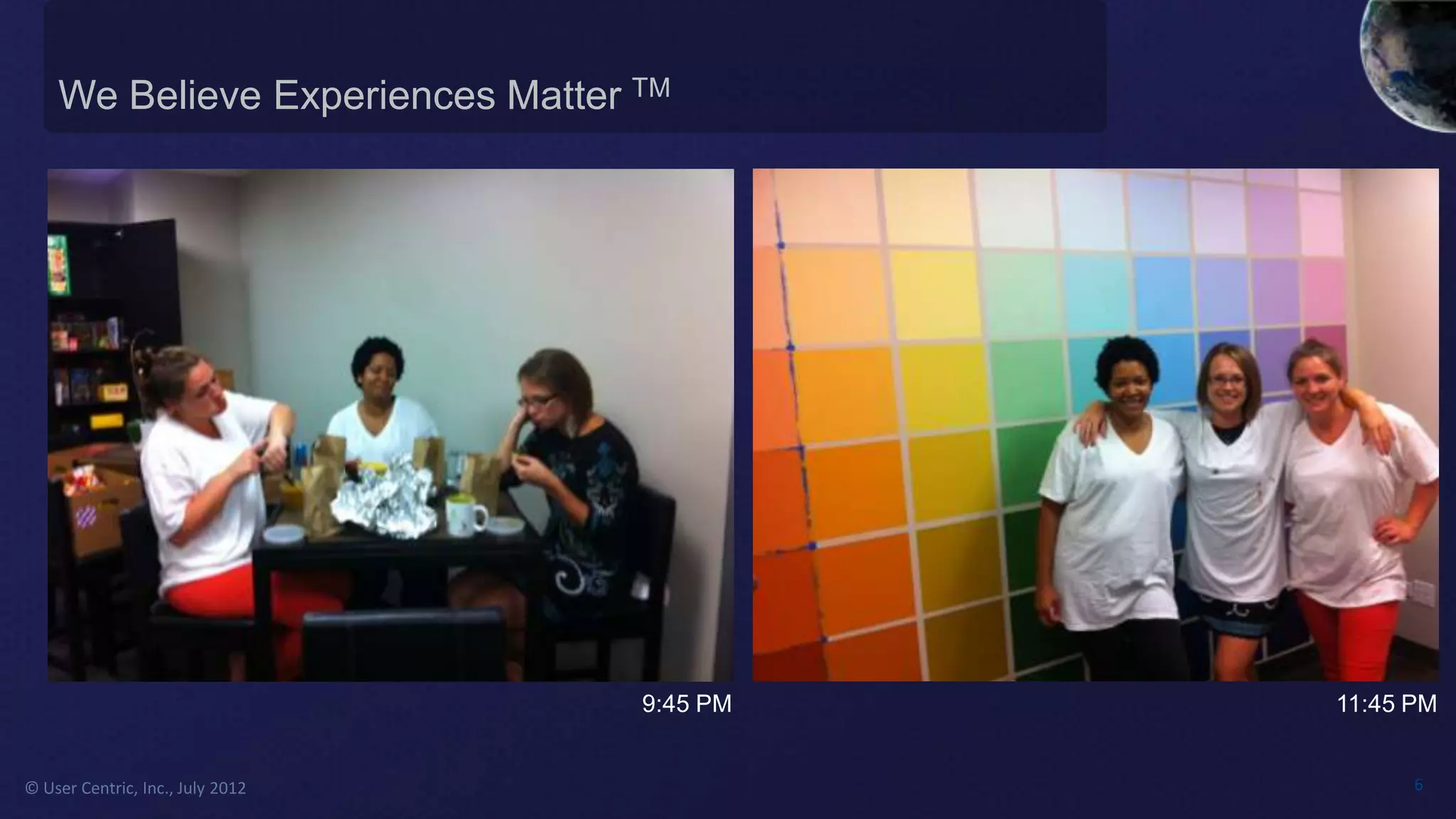
We Believe Experiences Matter TM


                                  9:45 PM   11:45 PM


© User Centric, Inc., July 2012                   6
Why Are We Here?

        Who We Are


        What We Do                •
                                      •
                                      •
        The Webinars                  •
                                      •
        Today’s Topic


© User Centric, Inc., July 2012           7
Why Are We Here?


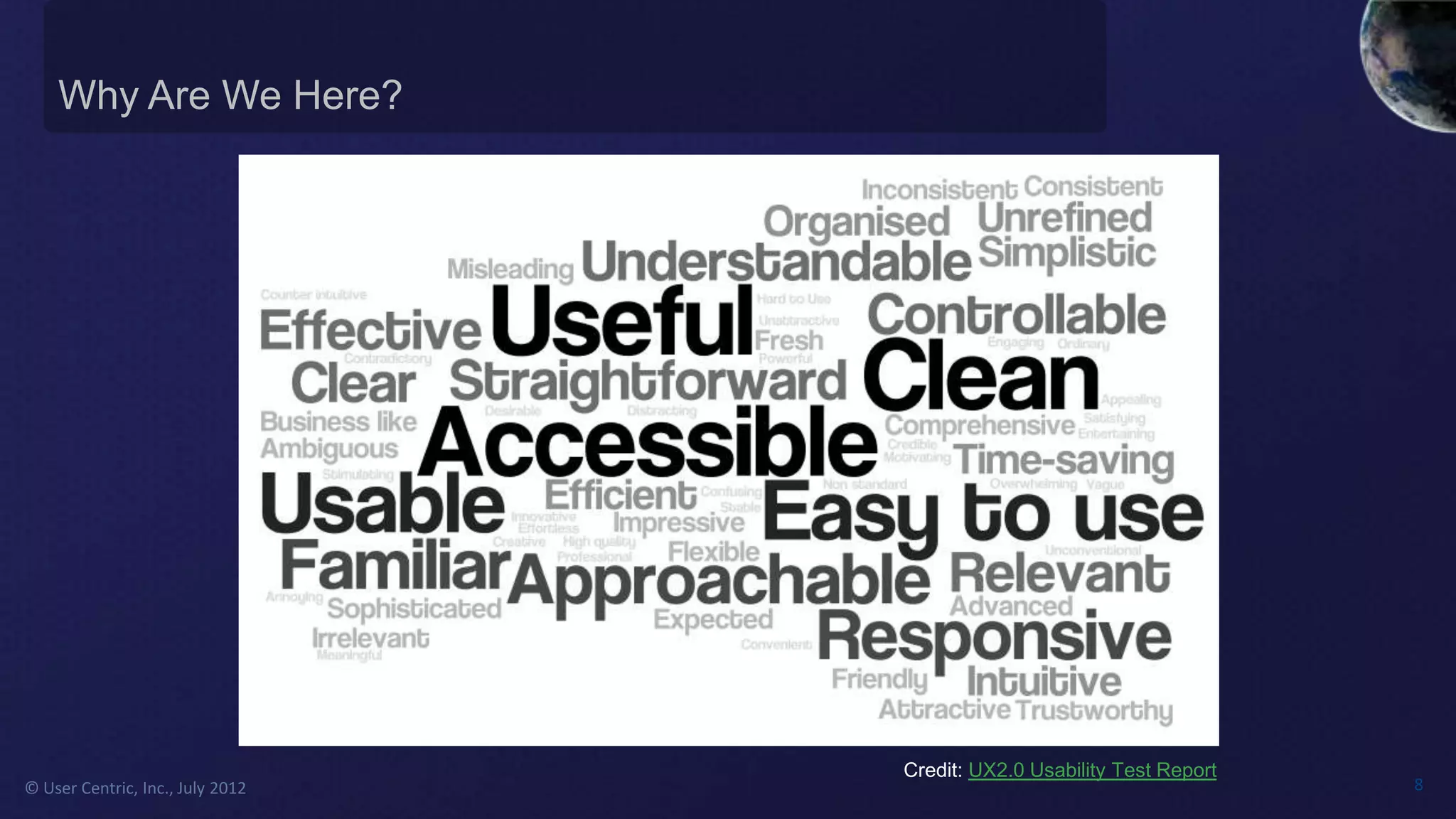
                                  Credit: UX2.0 Usability Test Report
© User Centric, Inc., July 2012                                         8
© User Centric, Inc., July 2012   9
Complexity Defined


© User Centric, Inc., July 2012   10
Complexity Defined


© User Centric, Inc., July 2012   11
Complexity Defined


© User Centric, Inc., July 2012   12
Complexity Defined


© User Centric, Inc., July 2012   13
Complexity Defined


© User Centric, Inc., July 2012   14
Complexity Defined


© User Centric, Inc., July 2012   15
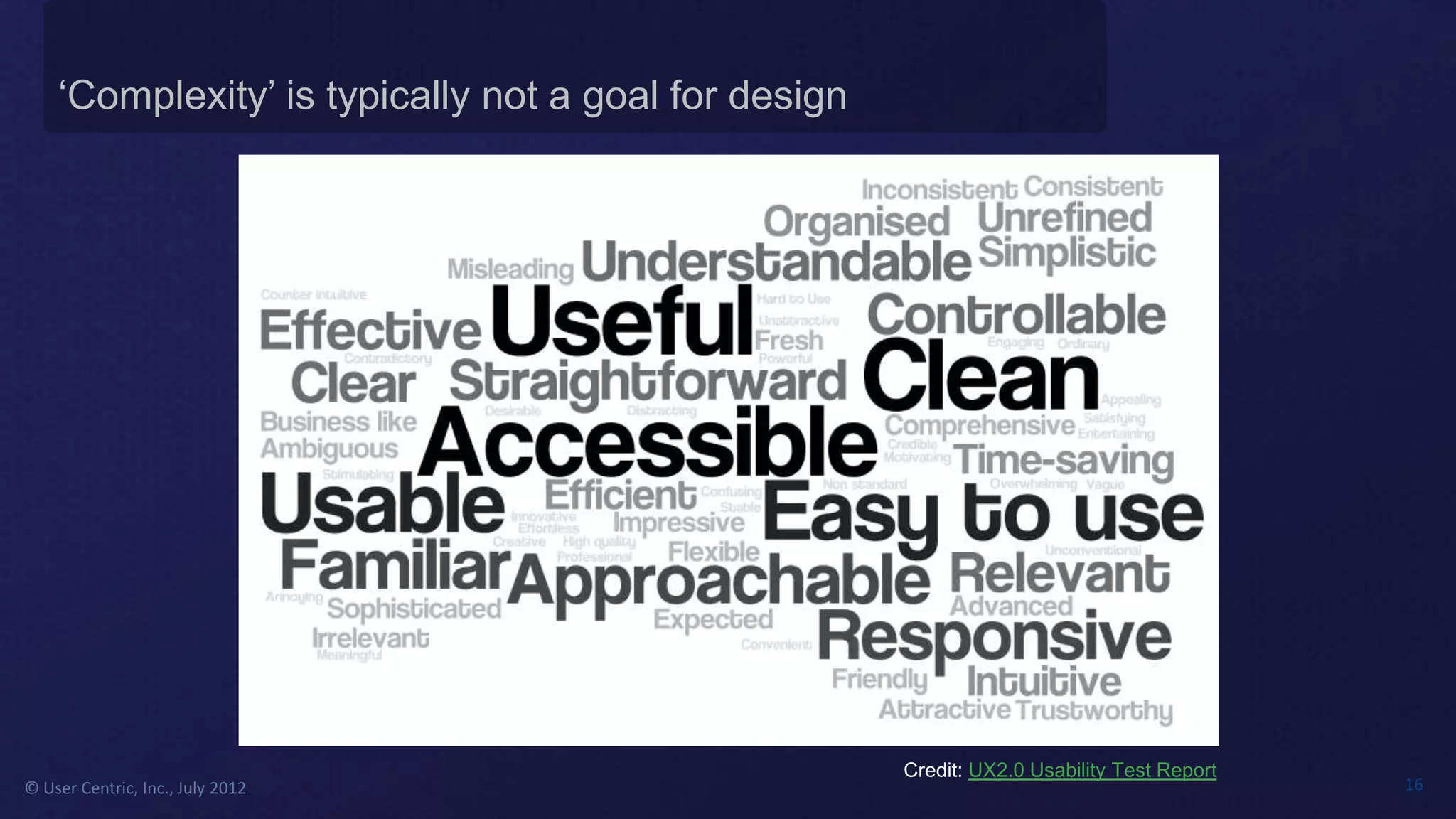
‘Complexity’ is typically not a goal for design


                                                      Credit: UX2.0 Usability Test Report
© User Centric, Inc., July 2012                                                             16
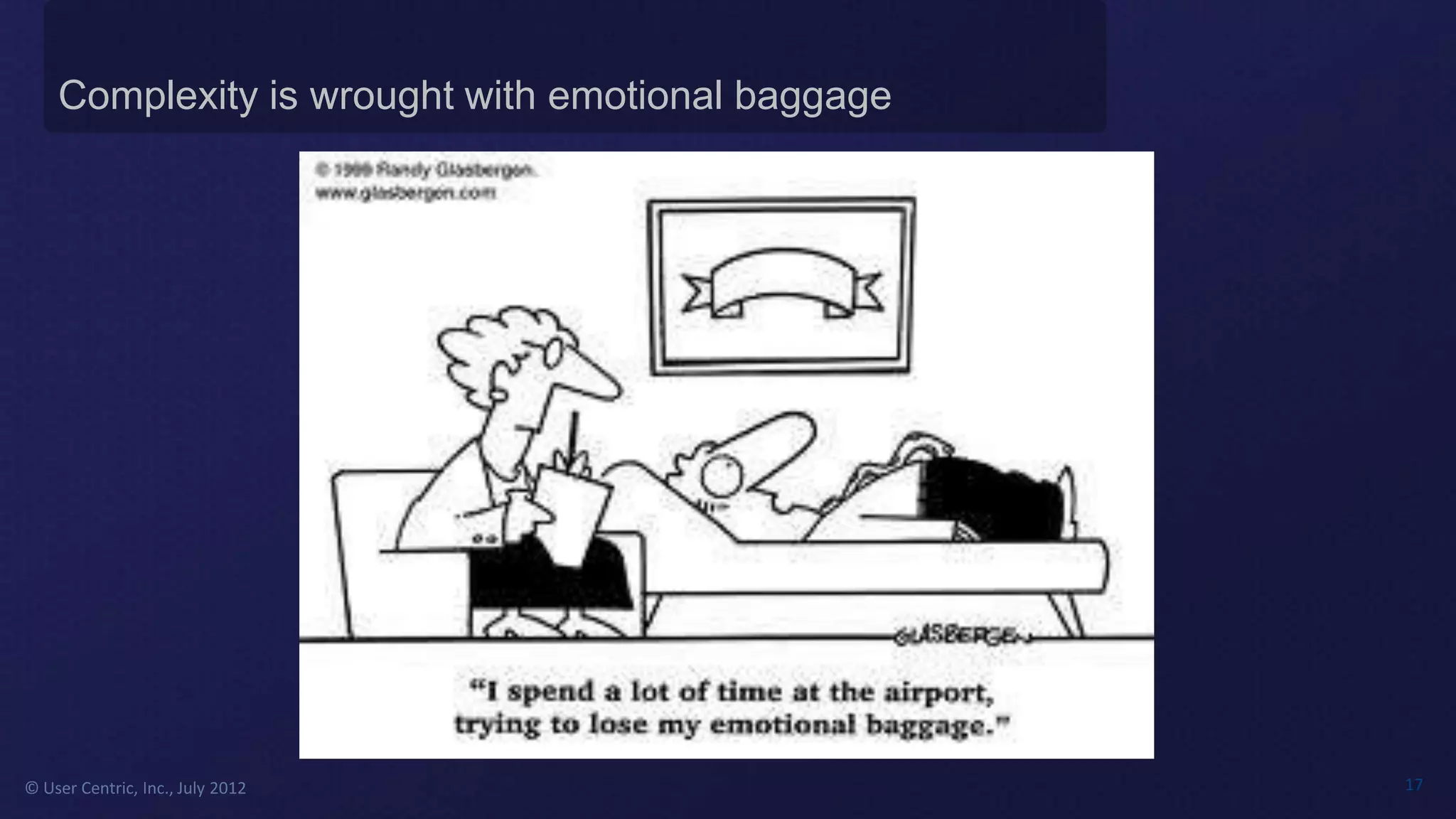
Complexity is wrought with emotional baggage


© User Centric, Inc., July 2012                    17
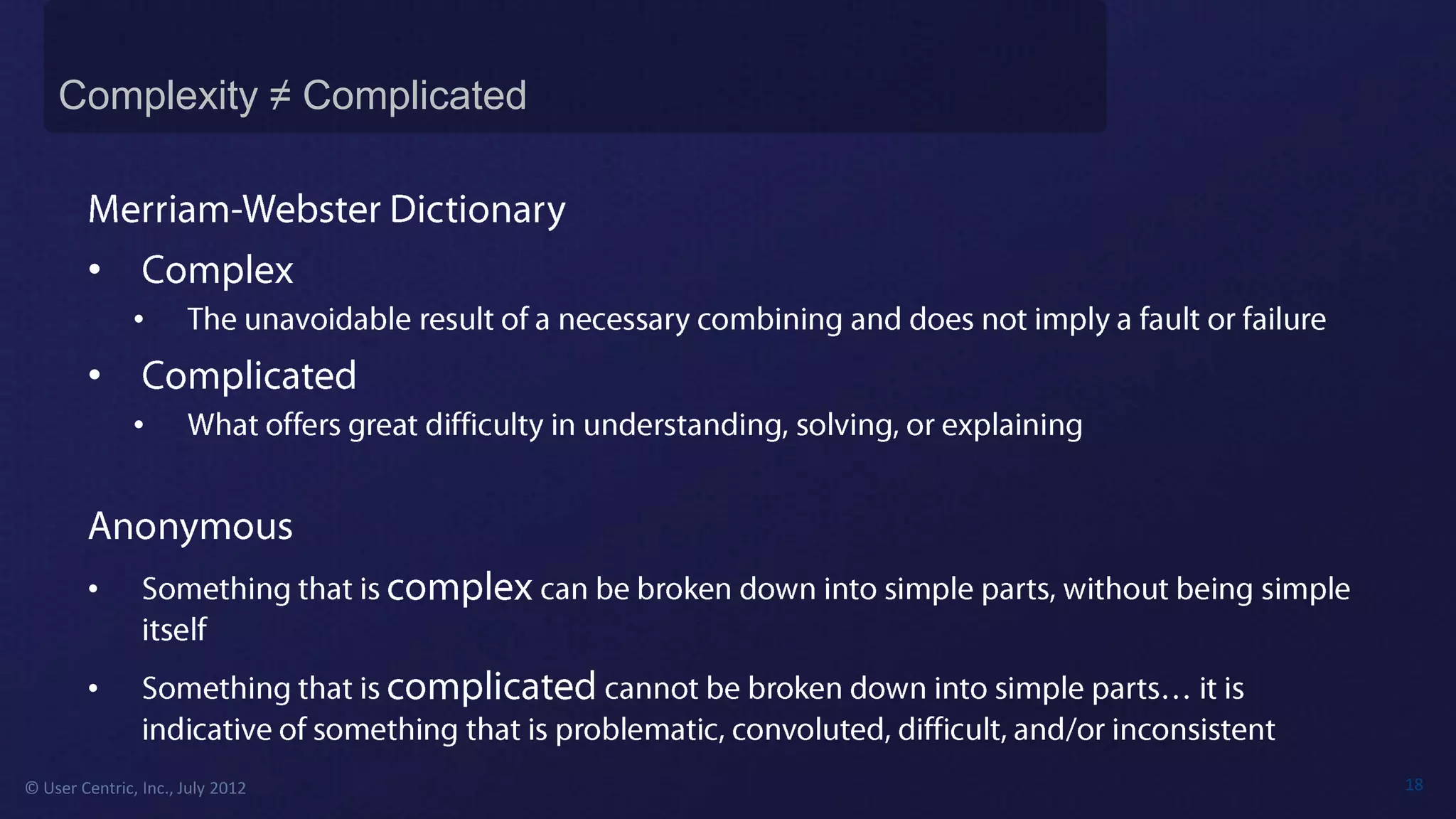
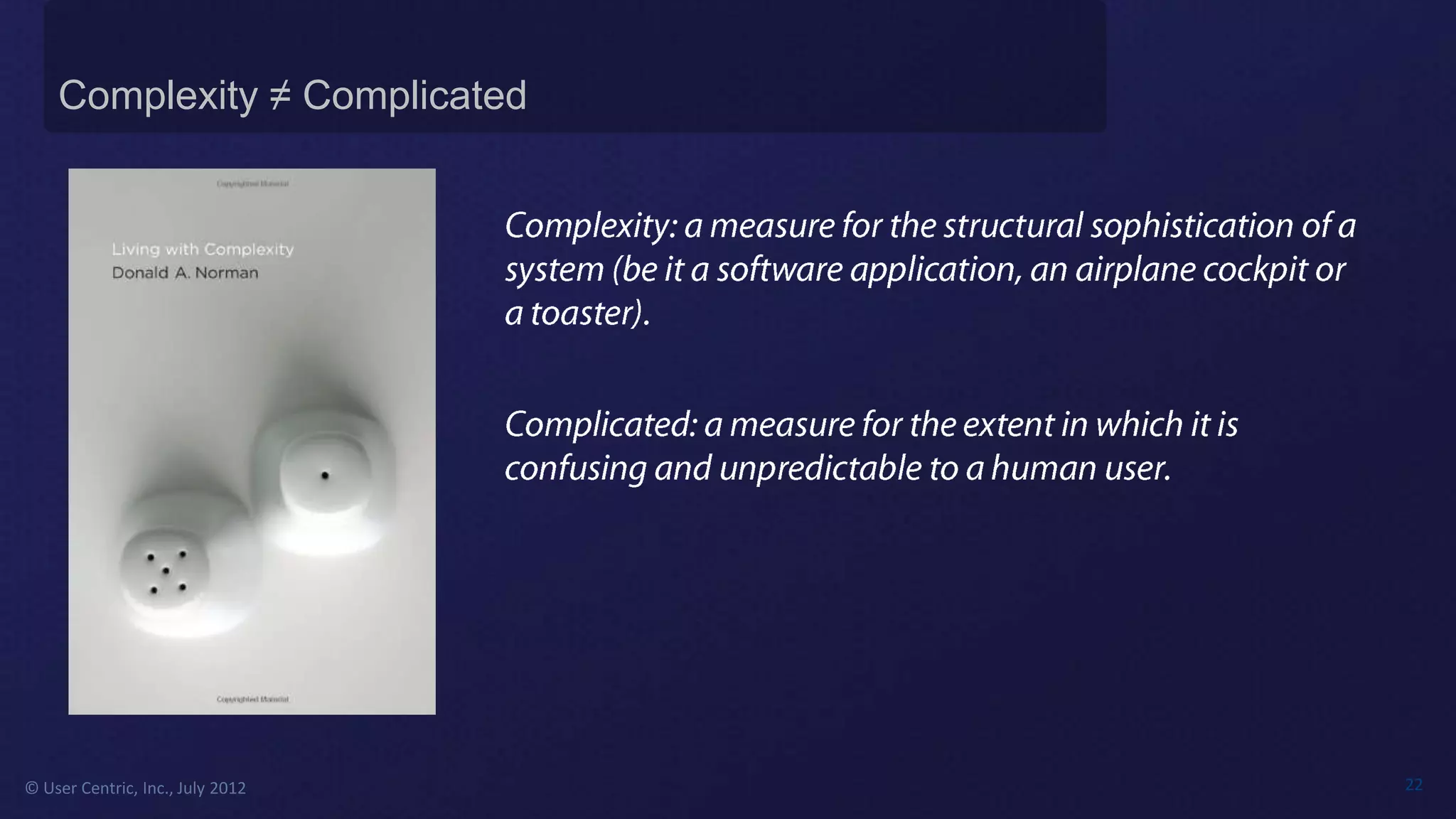
Complexity ≠ Complicated


        •
               •
        •
               •


        •


        •

© User Centric, Inc., July 2012   18
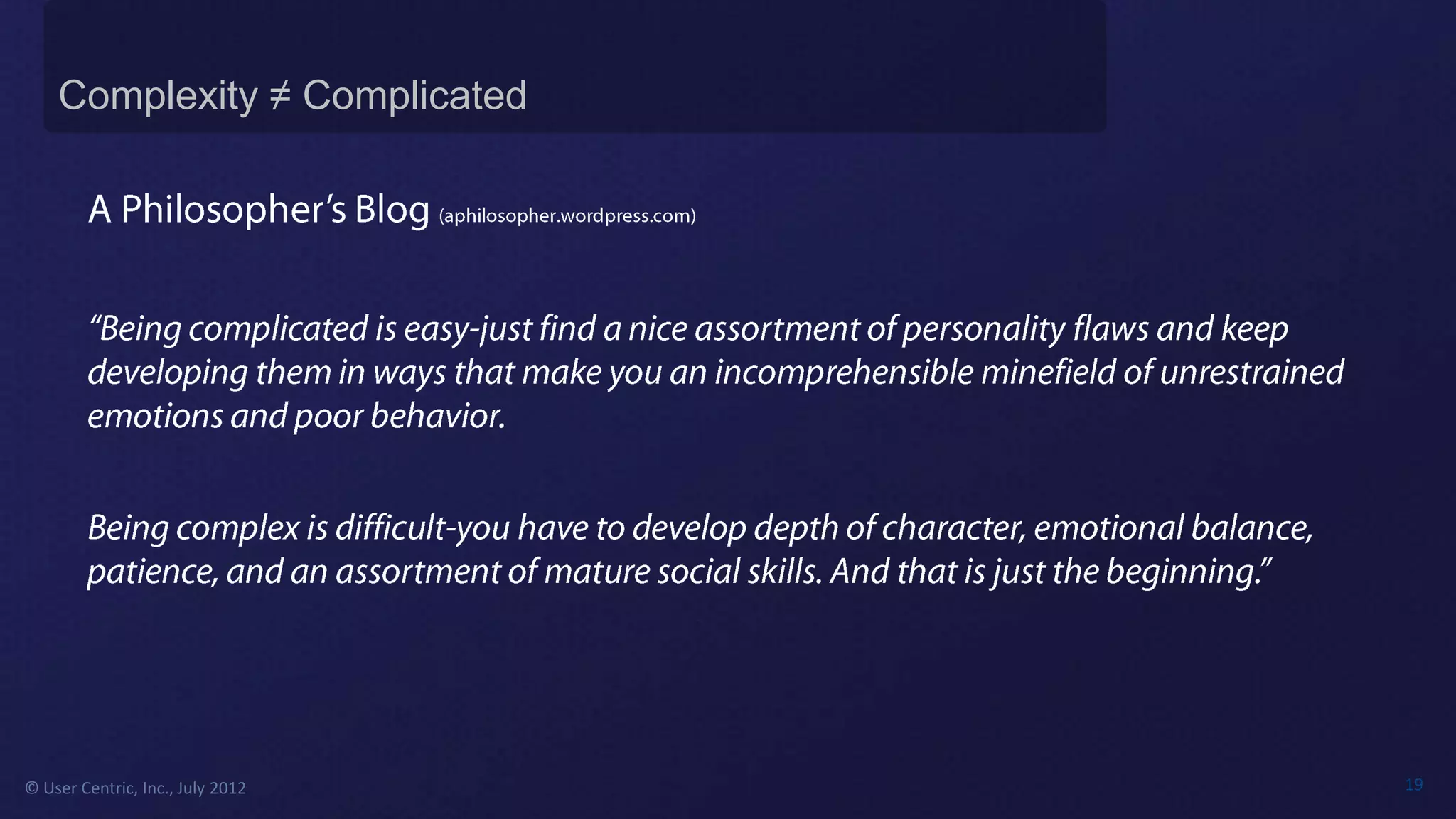
Complexity ≠ Complicated


© User Centric, Inc., July 2012   19
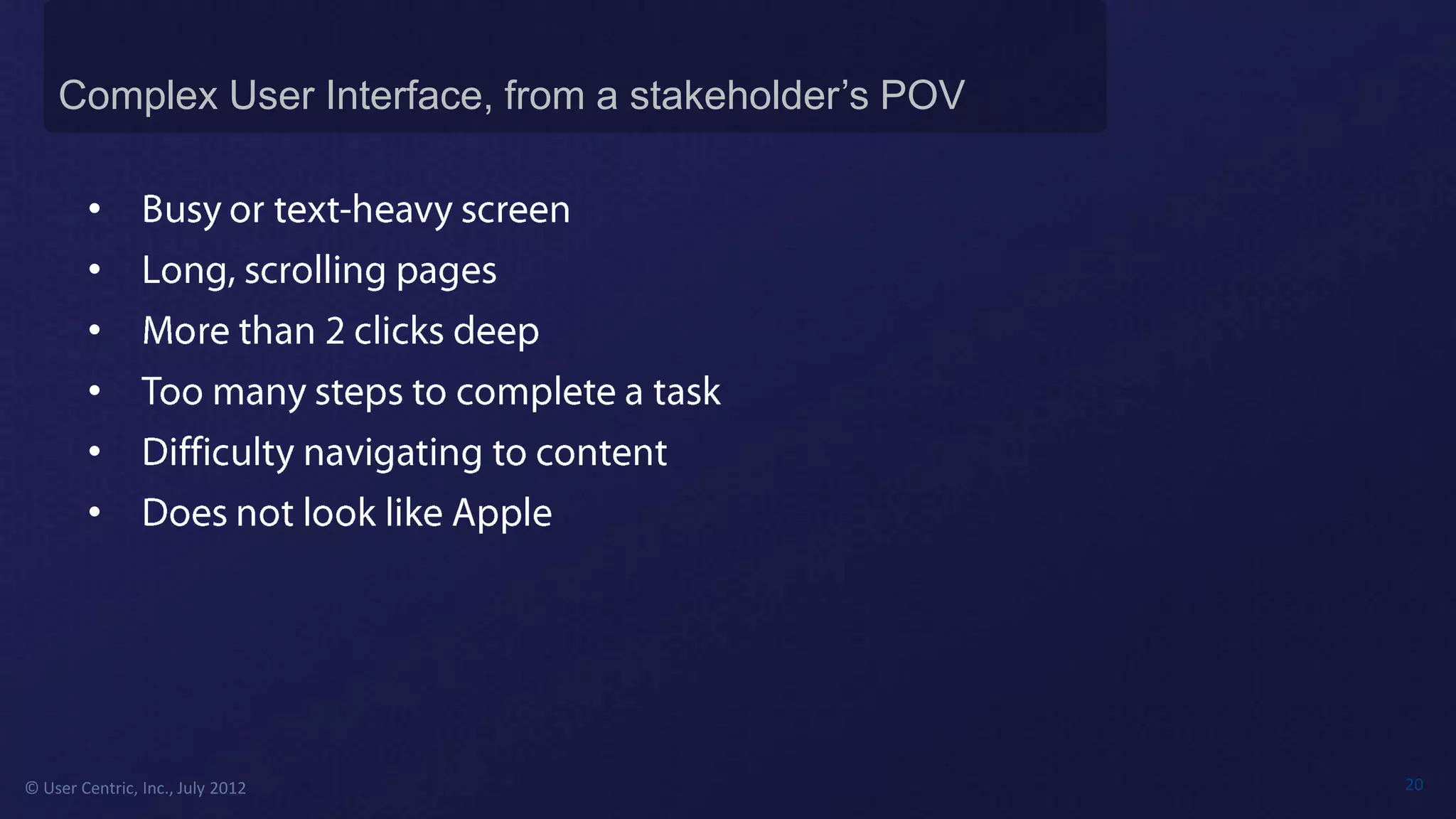
Complex User Interface, from a stakeholder’s POV

        •
        •
        •
        •
        •
        •


© User Centric, Inc., July 2012                        20
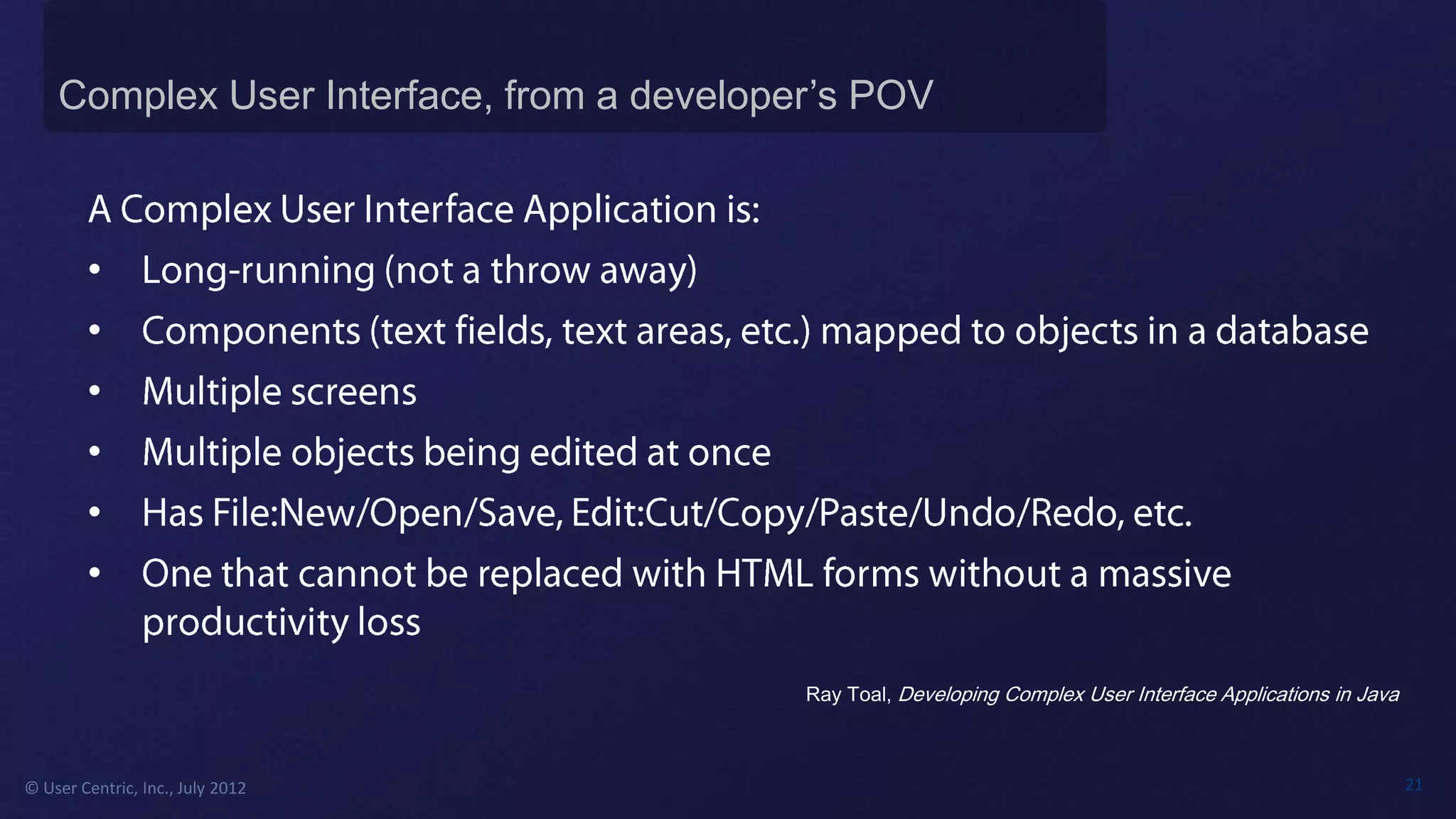
Complex User Interface, from a developer’s POV


        •
        •
        •
        •
        •
        •

                                           Ray Toal, Developing Complex User Interface Applications in Java


© User Centric, Inc., July 2012                                                                               21
Complexity ≠ Complicated


© User Centric, Inc., July 2012   22
© User Centric, Inc., July 2012   23
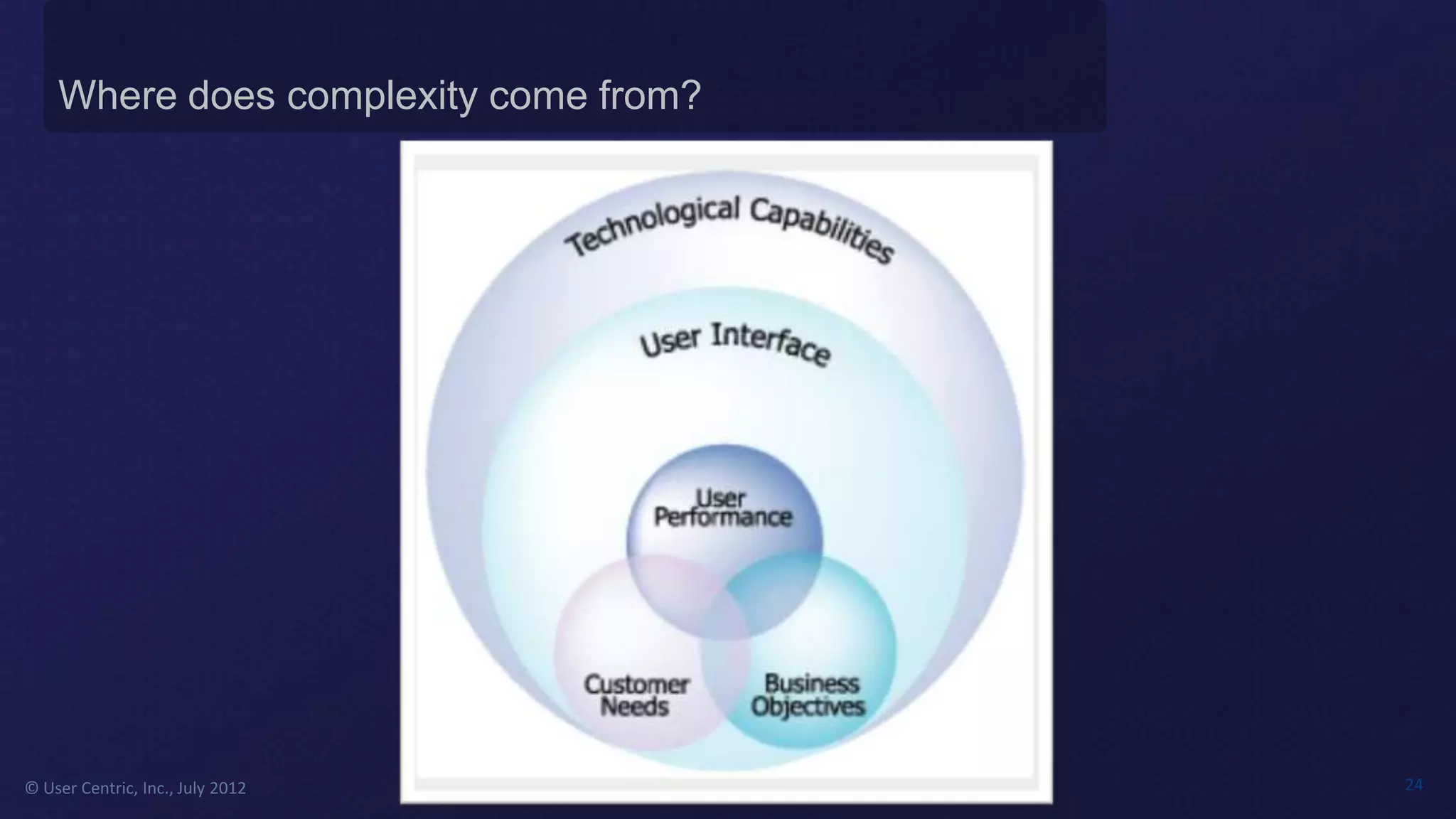
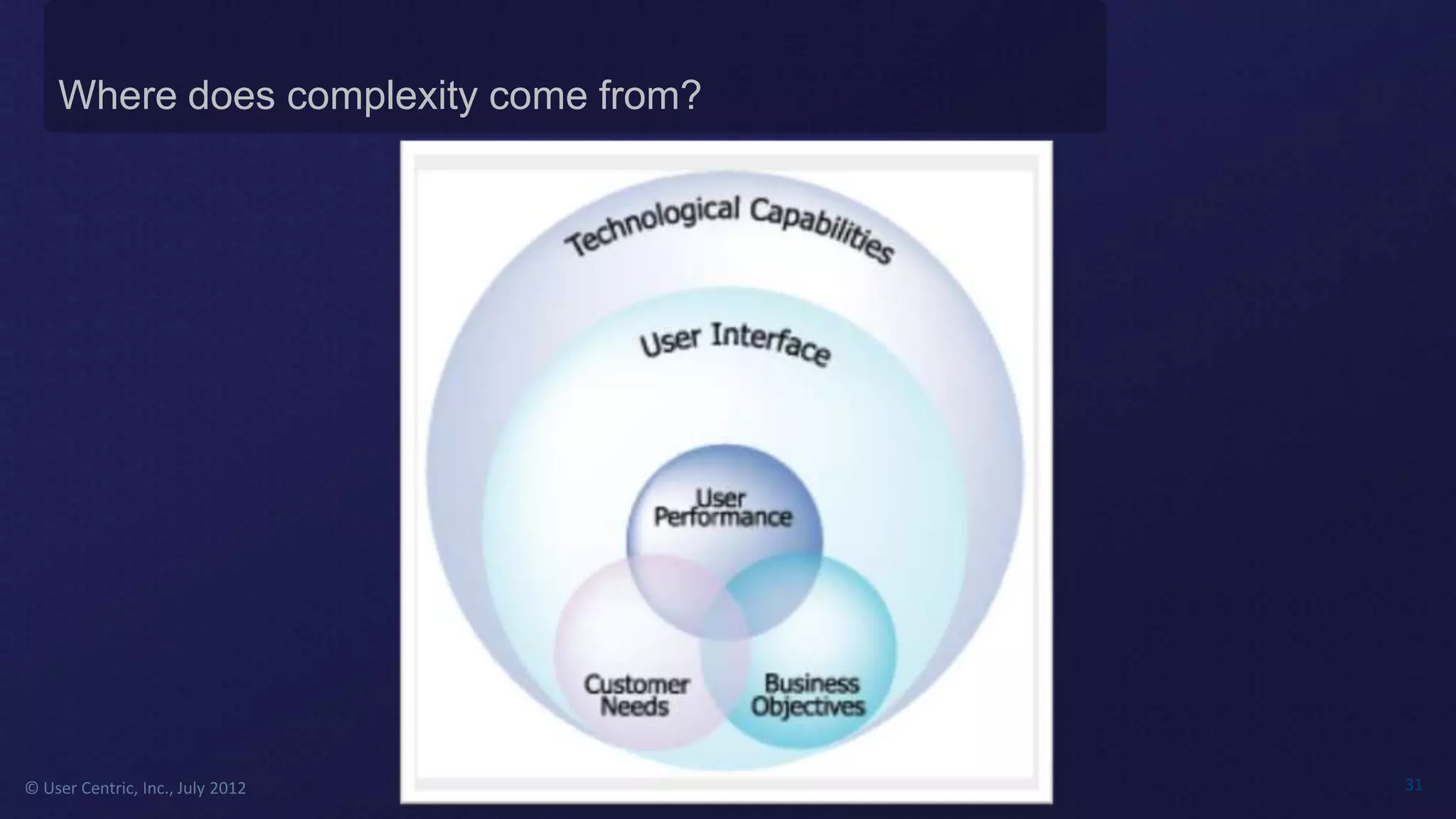
Where does complexity come from?


© User Centric, Inc., July 2012        24
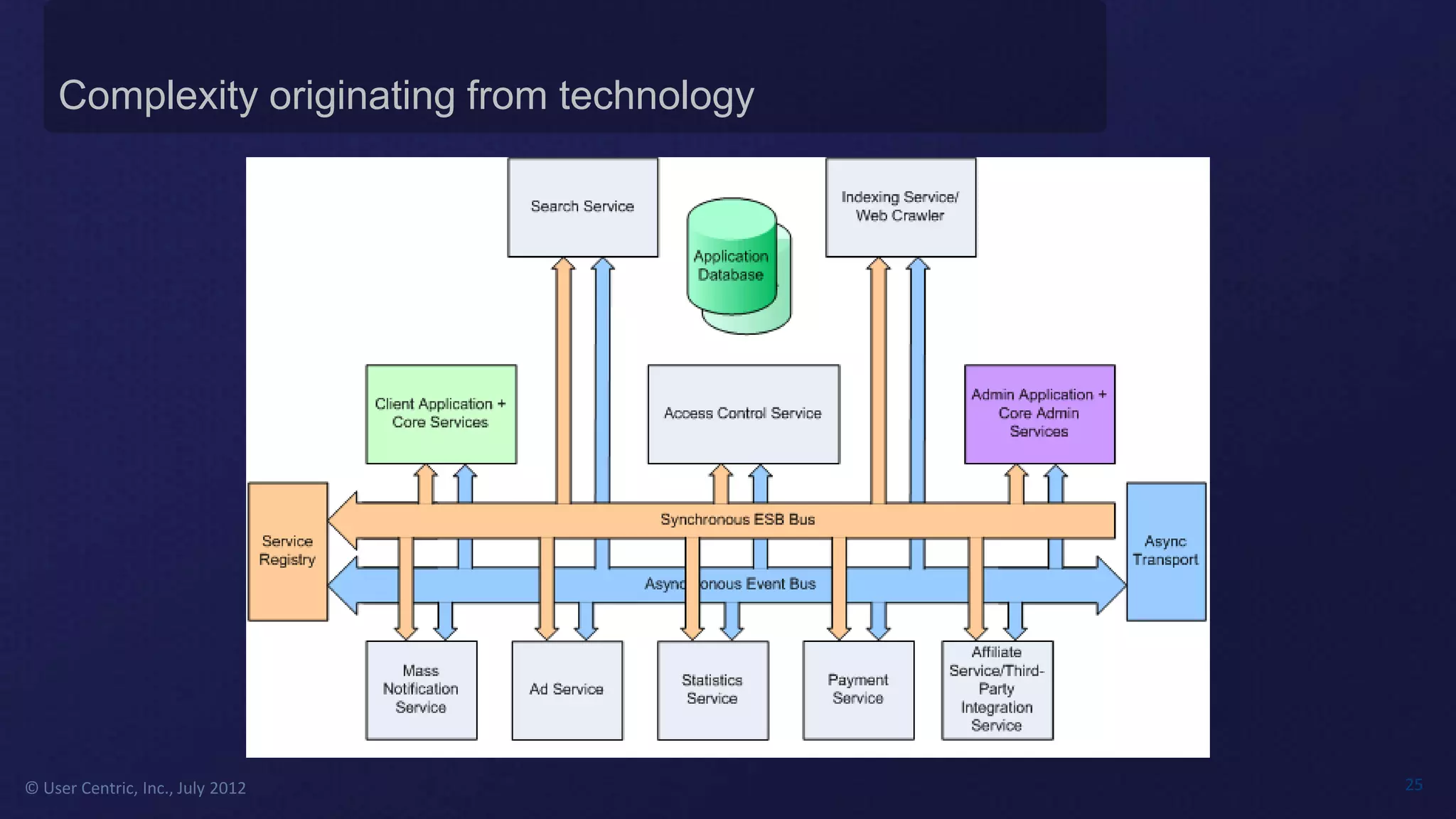
Complexity originating from technology


© User Centric, Inc., July 2012              25
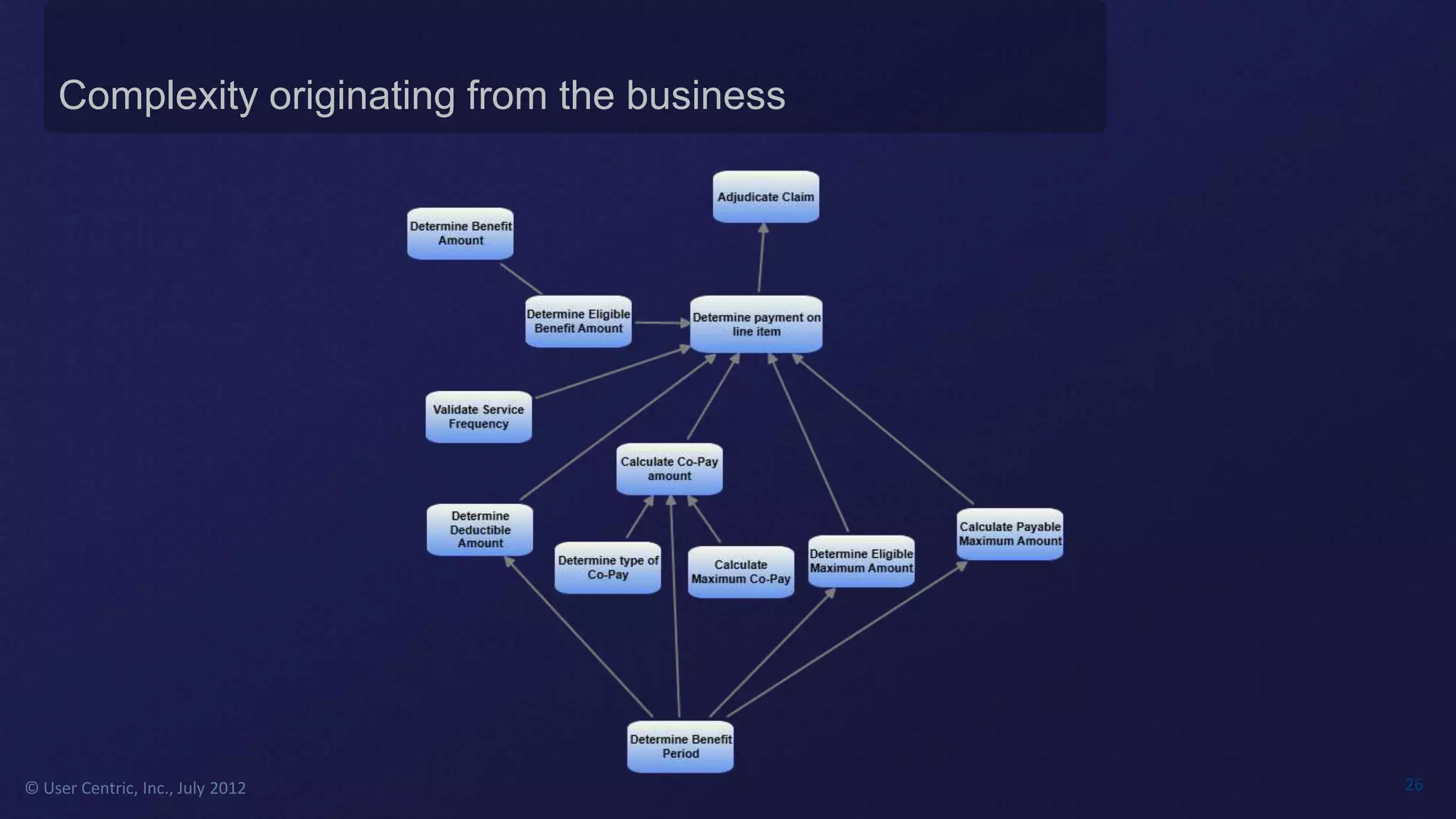
Complexity originating from the business


© User Centric, Inc., July 2012                26
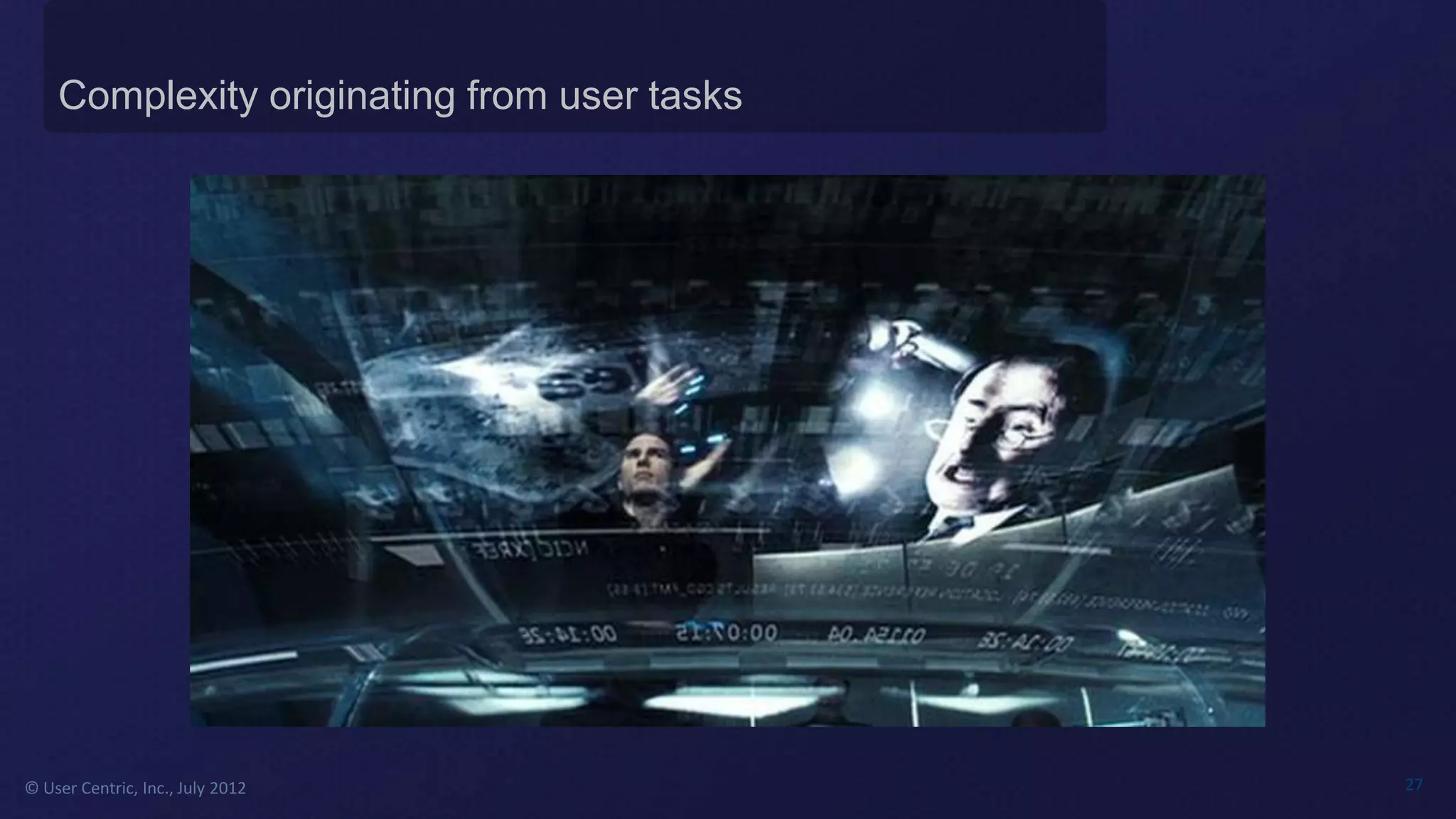
Complexity originating from user tasks


© User Centric, Inc., July 2012              27
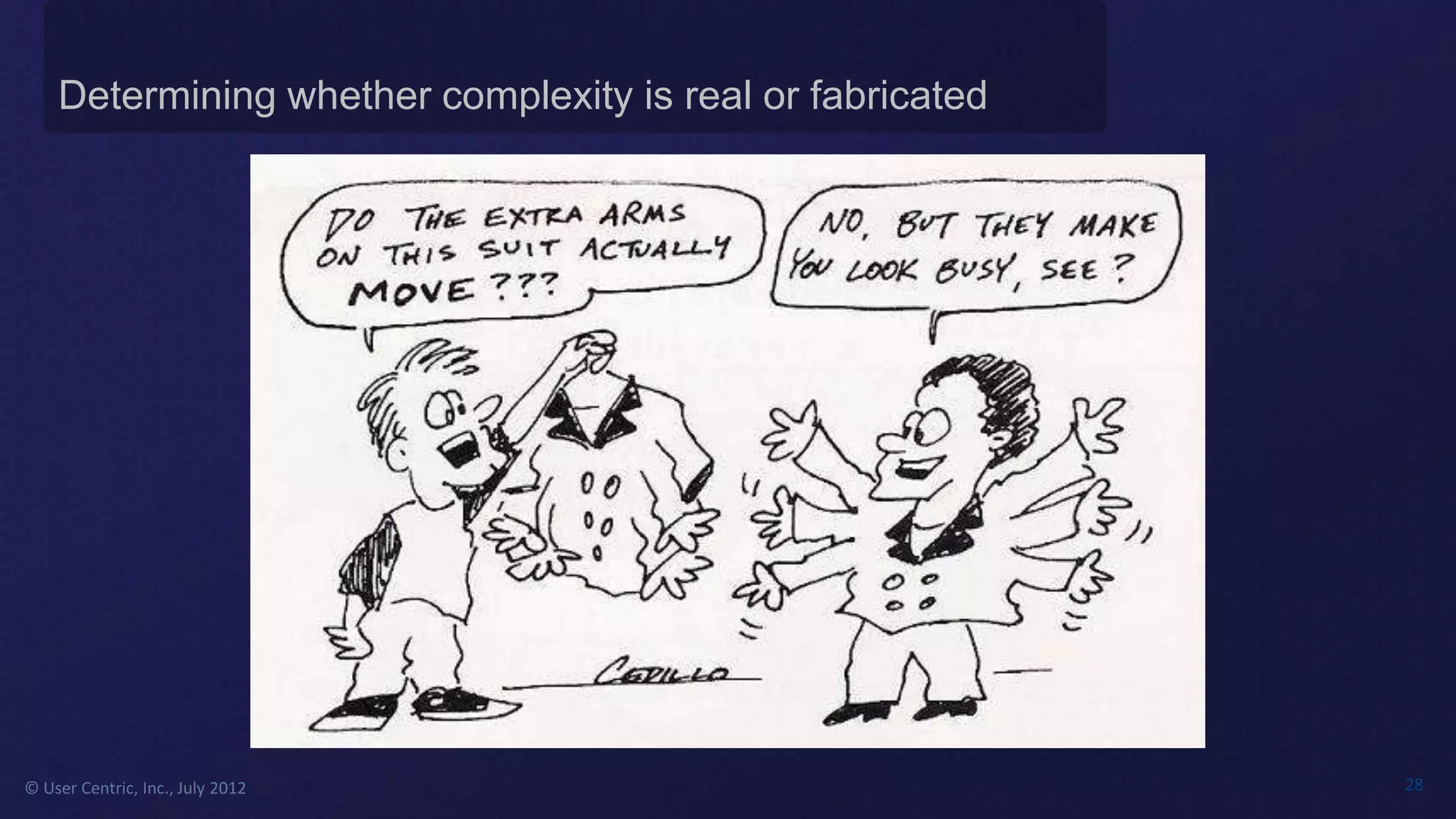
Determining whether complexity is real or fabricated


© User Centric, Inc., July 2012                            28
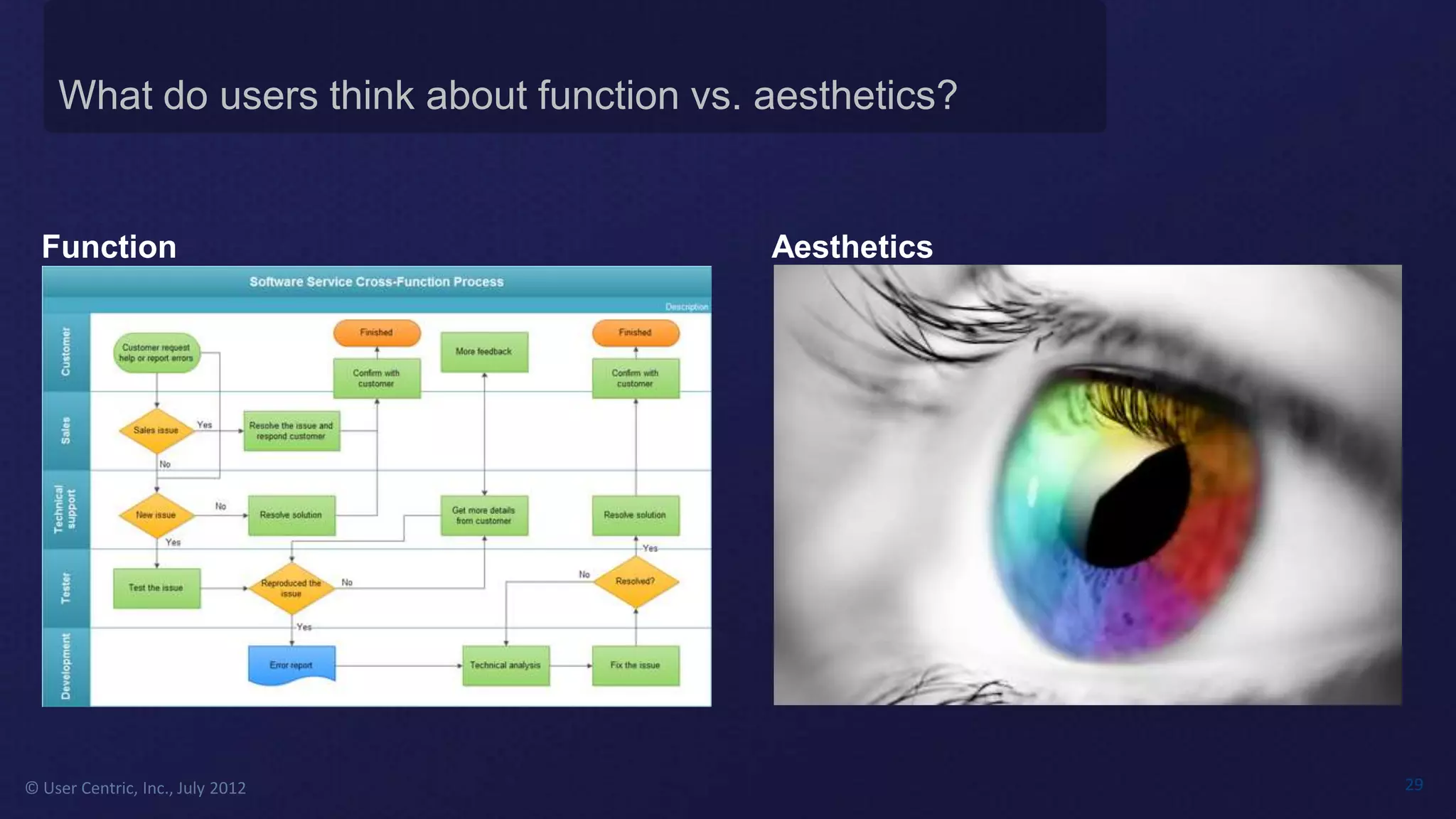
What do users think about function vs. aesthetics?


  Function                                 Aesthetics


© User Centric, Inc., July 2012                          29
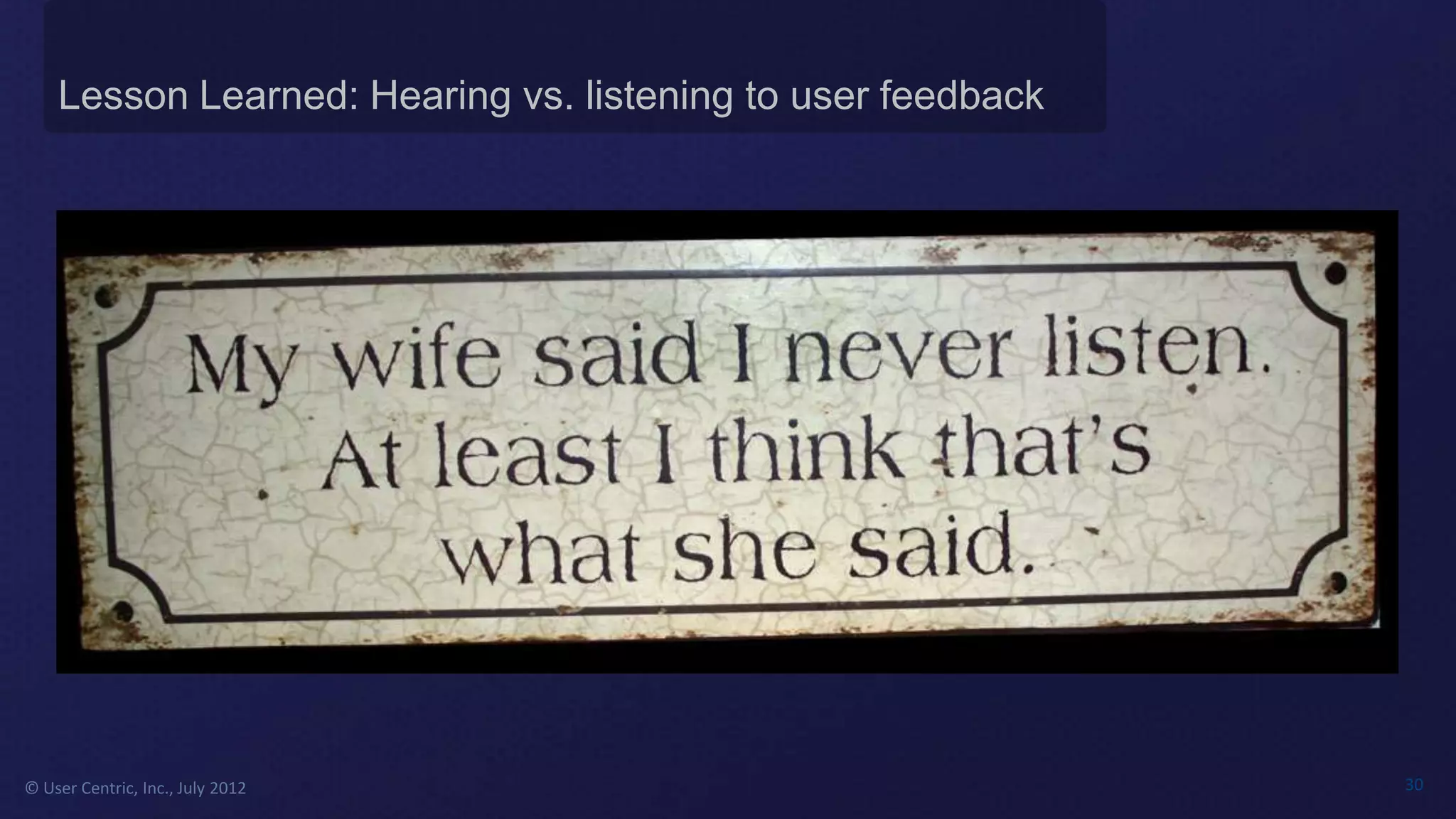
Lesson Learned: Hearing vs. listening to user feedback


© User Centric, Inc., July 2012                              30
Where does complexity come from?


© User Centric, Inc., July 2012        31
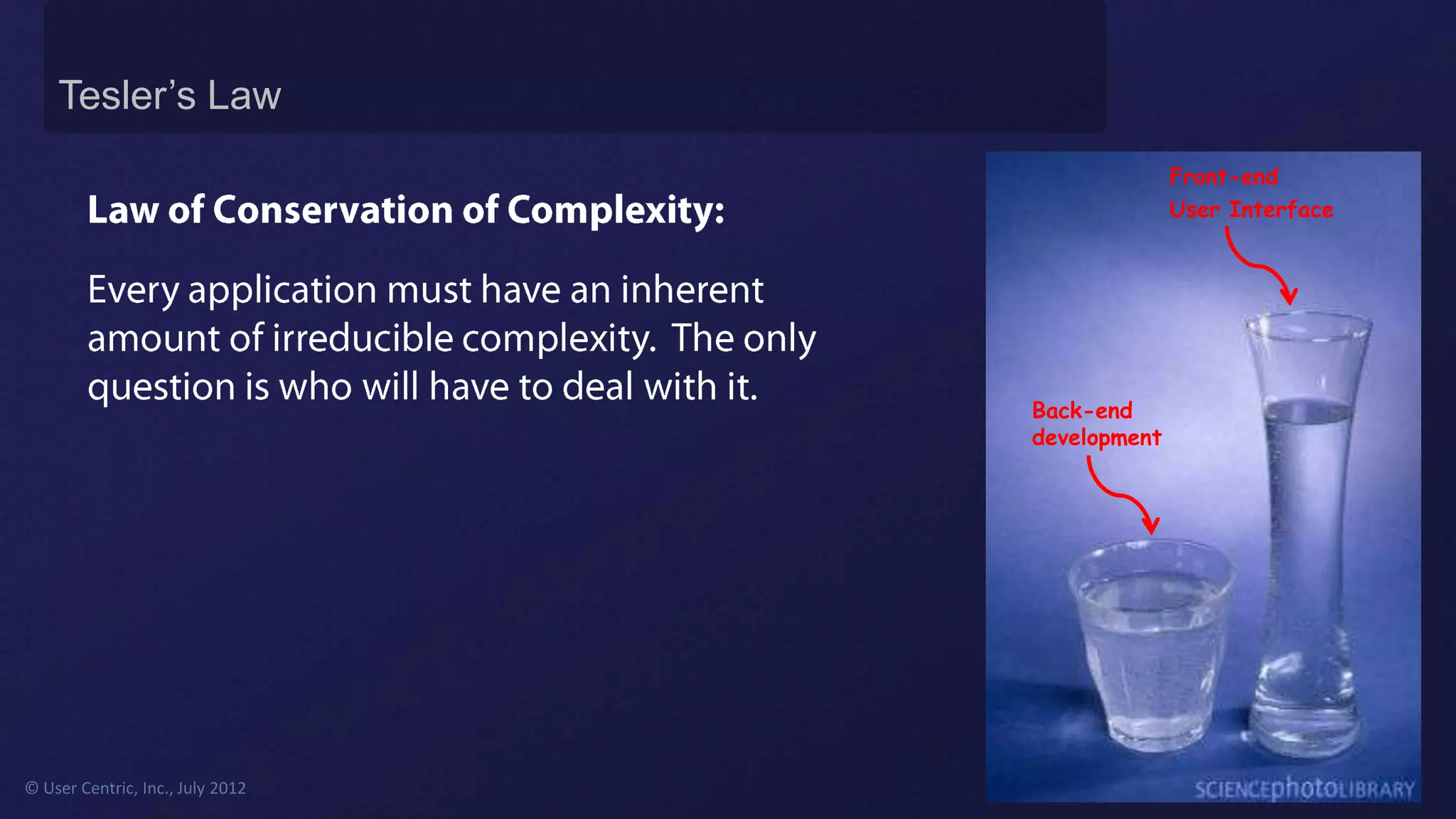
Tesler’s Law
                                                Front-end
                                                User Interface


                                  Back-end
                                  development


© User Centric, Inc., July 2012                                  32
© User Centric, Inc., July 2012   33
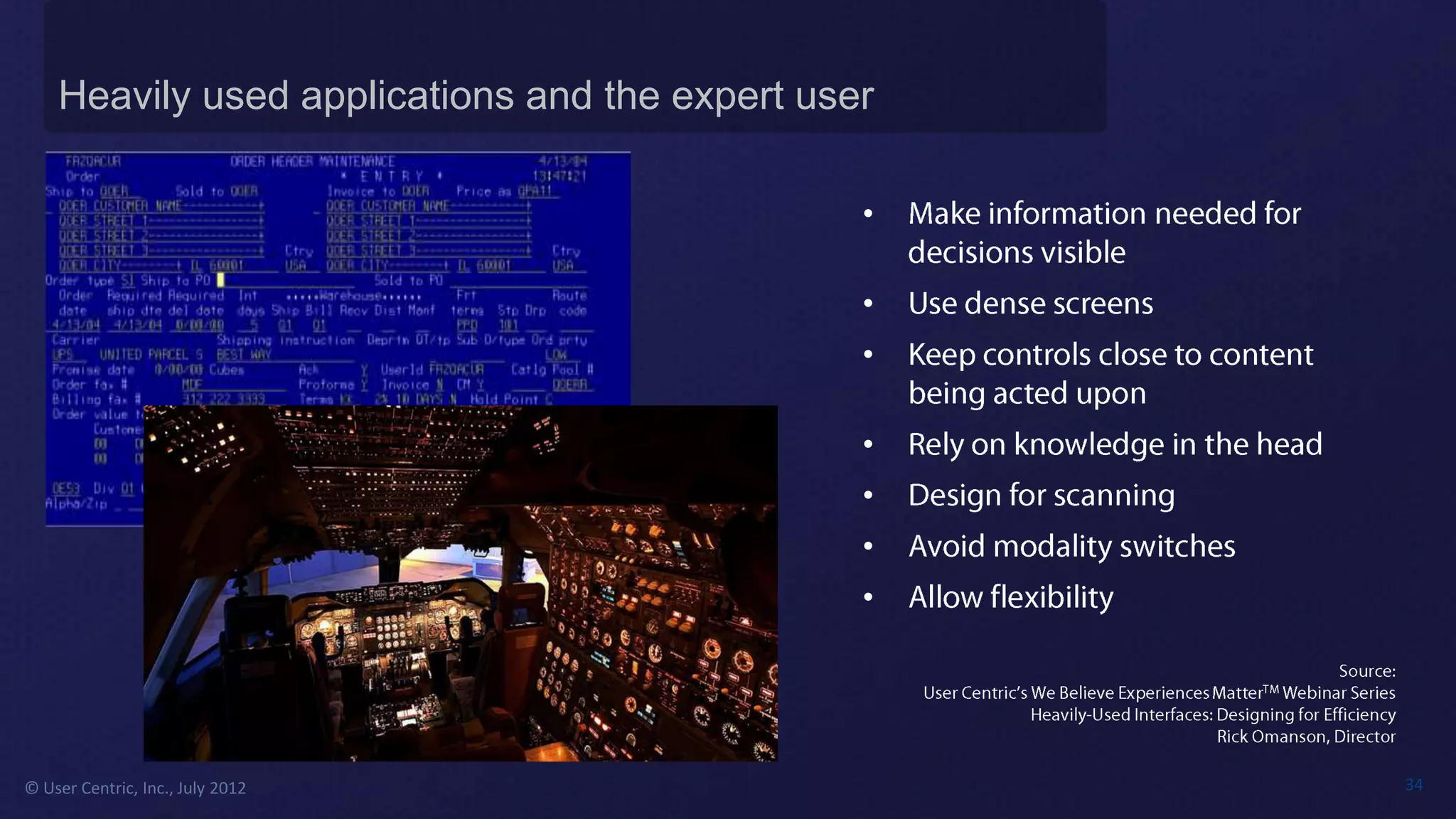
Heavily used applications and the expert user

                                                •

                                                •
                                                •

                                                •
                                                •
                                                •
                                                •


© User Centric, Inc., July 2012                     34
© User Centric, Inc., July 2012   35
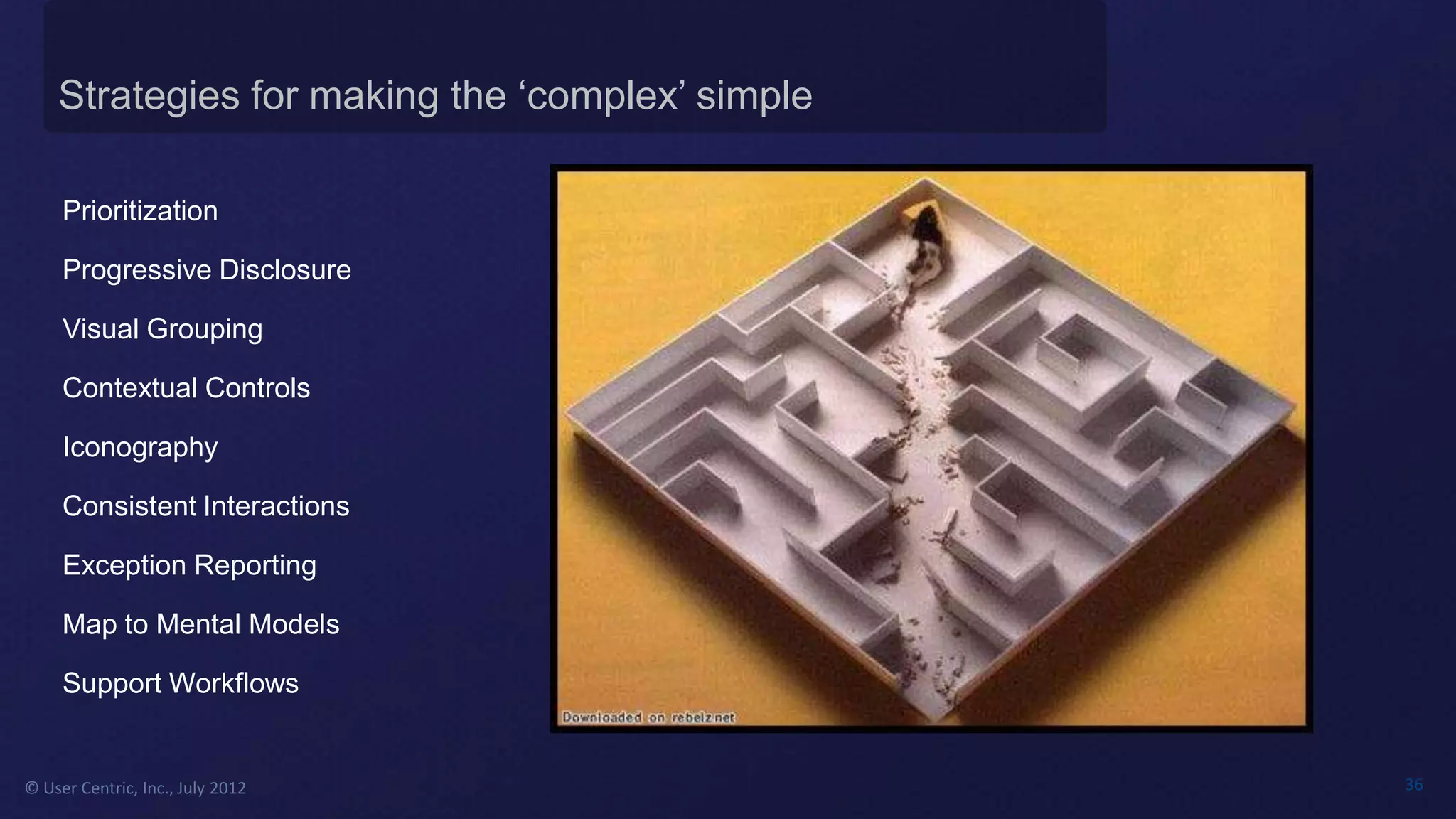
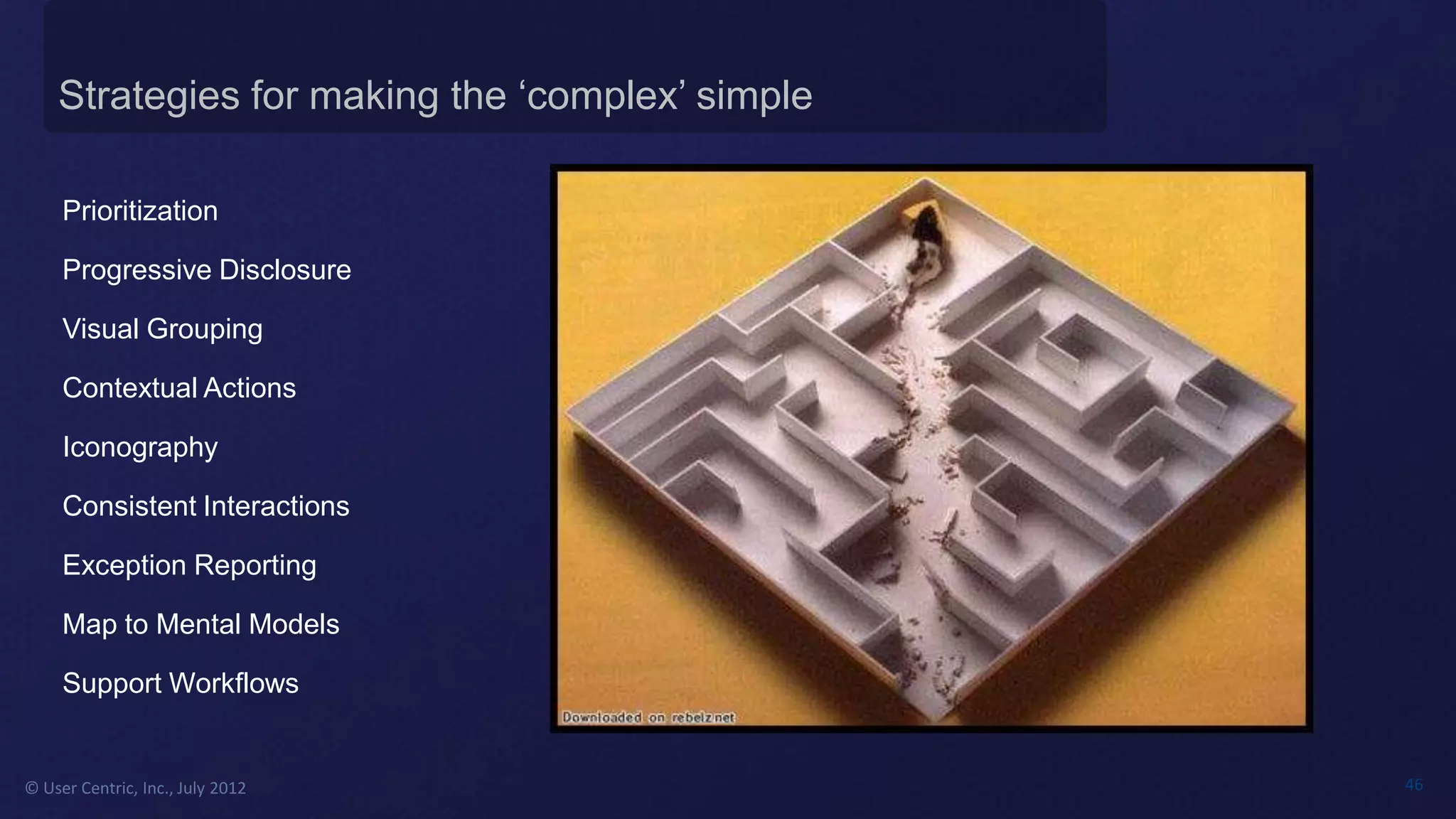
Strategies for making the ‘complex’ simple

     Prioritization

     Progressive Disclosure

     Visual Grouping

     Contextual Controls

     Iconography

     Consistent Interactions

     Exception Reporting

     Map to Mental Models

     Support Workflows


© User Centric, Inc., July 2012                  36
Strategies for making the ‘complex’ simple

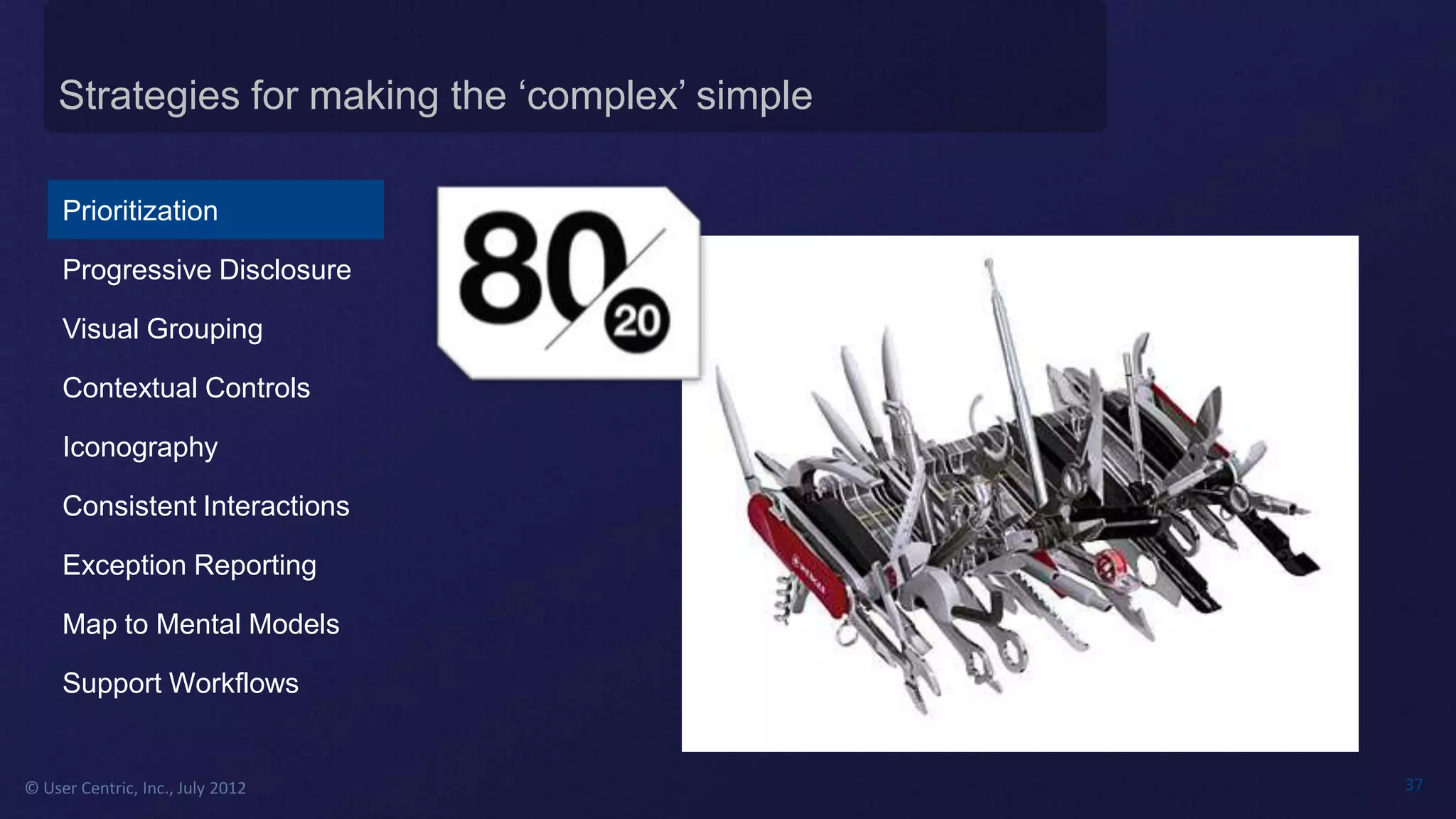
     Prioritization

     Progressive Disclosure

     Visual Grouping

     Contextual Controls

     Iconography

     Consistent Interactions

     Exception Reporting

     Map to Mental Models

     Support Workflows


© User Centric, Inc., July 2012                  37
Strategies for making the ‘complex’ simple

     Prioritization

     Progressive Disclosure

     Visual Grouping

     Contextual Controls

     Iconography

     Consistent Interactions

     Exception Reporting

     Map to Mental Models

     Support Workflows


© User Centric, Inc., July 2012                  38
Strategies for making the ‘complex’ simple

     Prioritization

     Progressive Disclosure

     Visual Grouping

     Contextual Controls

     Iconography

     Consistent Interactions

     Exception Reporting

     Map to Mental Models

     Support Workflows


© User Centric, Inc., July 2012                  39
Strategies for making the ‘complex’ simple

     Prioritization

     Progressive Disclosure

     Visual Grouping

     Contextual Controls

     Iconography

     Consistent Interactions

     Exception Reporting

     Map to Mental Models

     Support Workflows


© User Centric, Inc., July 2012                  40
Strategies for making the ‘complex’ simple

     Prioritization

     Progressive Disclosure

     Visual Grouping

     Contextual Controls

     Iconography

     Consistent Interactions

     Exception Reporting

     Map to Mental Models

     Support Workflows


© User Centric, Inc., July 2012                  41
Strategies for making the ‘complex’ simple

     Prioritization

     Progressive Disclosure

     Visual Grouping

     Contextual Controls

     Iconography

     Consistent Interactions

     Exception Reporting

     Map to Mental Models

     Support Workflows


© User Centric, Inc., July 2012                  42
Strategies for making the ‘complex’ simple

     Prioritization

     Progressive Disclosure

     Visual Grouping

     Contextual Controls

     Iconography

     Consistent Interactions

     Exception Reporting

     Map to Mental Models

     Support Workflows
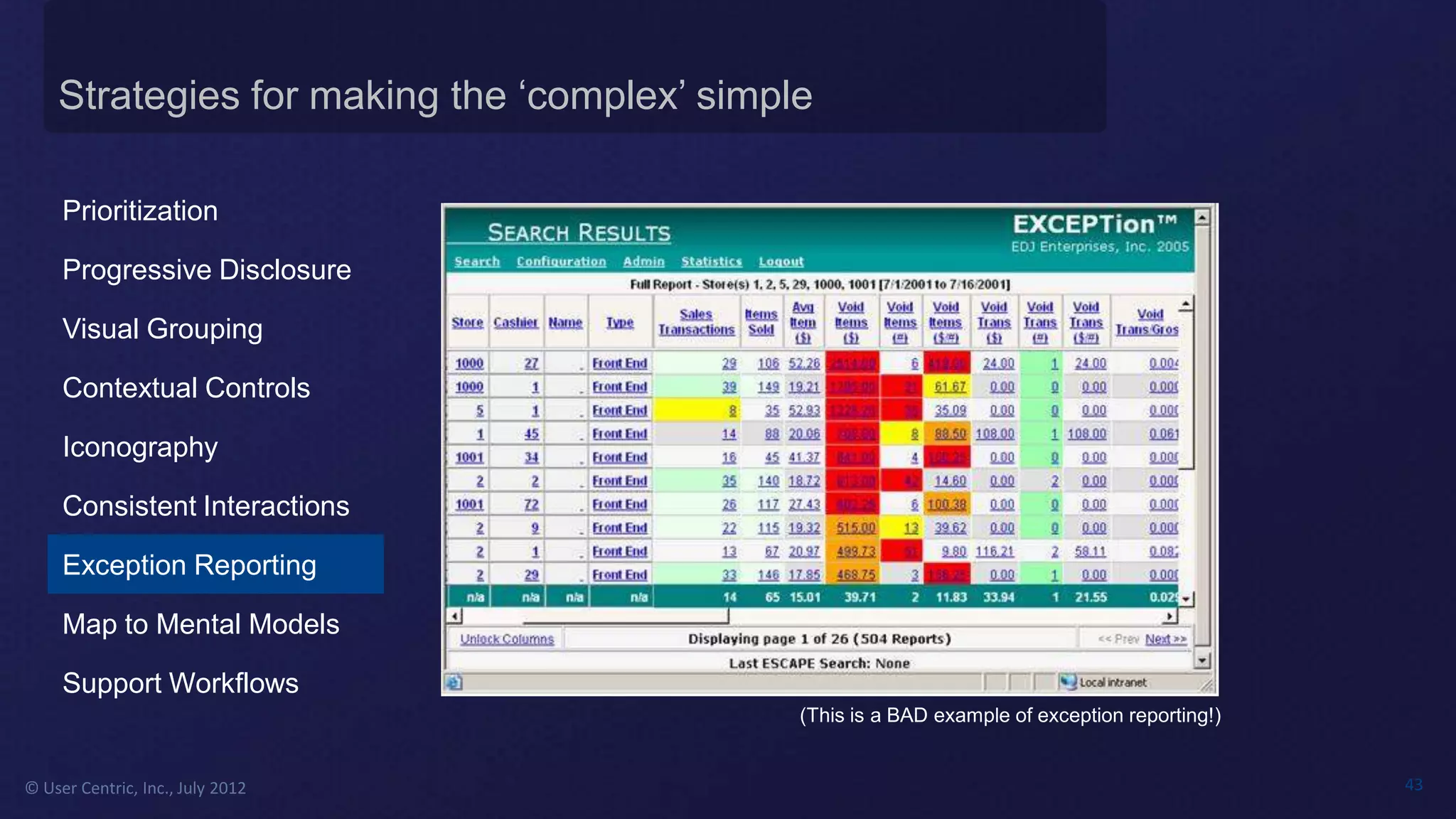
                                             (This is a BAD example of exception reporting!)


© User Centric, Inc., July 2012                                                                43
Strategies for making the ‘complex’ simple

     Prioritization

     Progressive Disclosure

     Visual Grouping

     Contextual Controls

     Iconography

     Consistent Interactions

     Exception Reporting

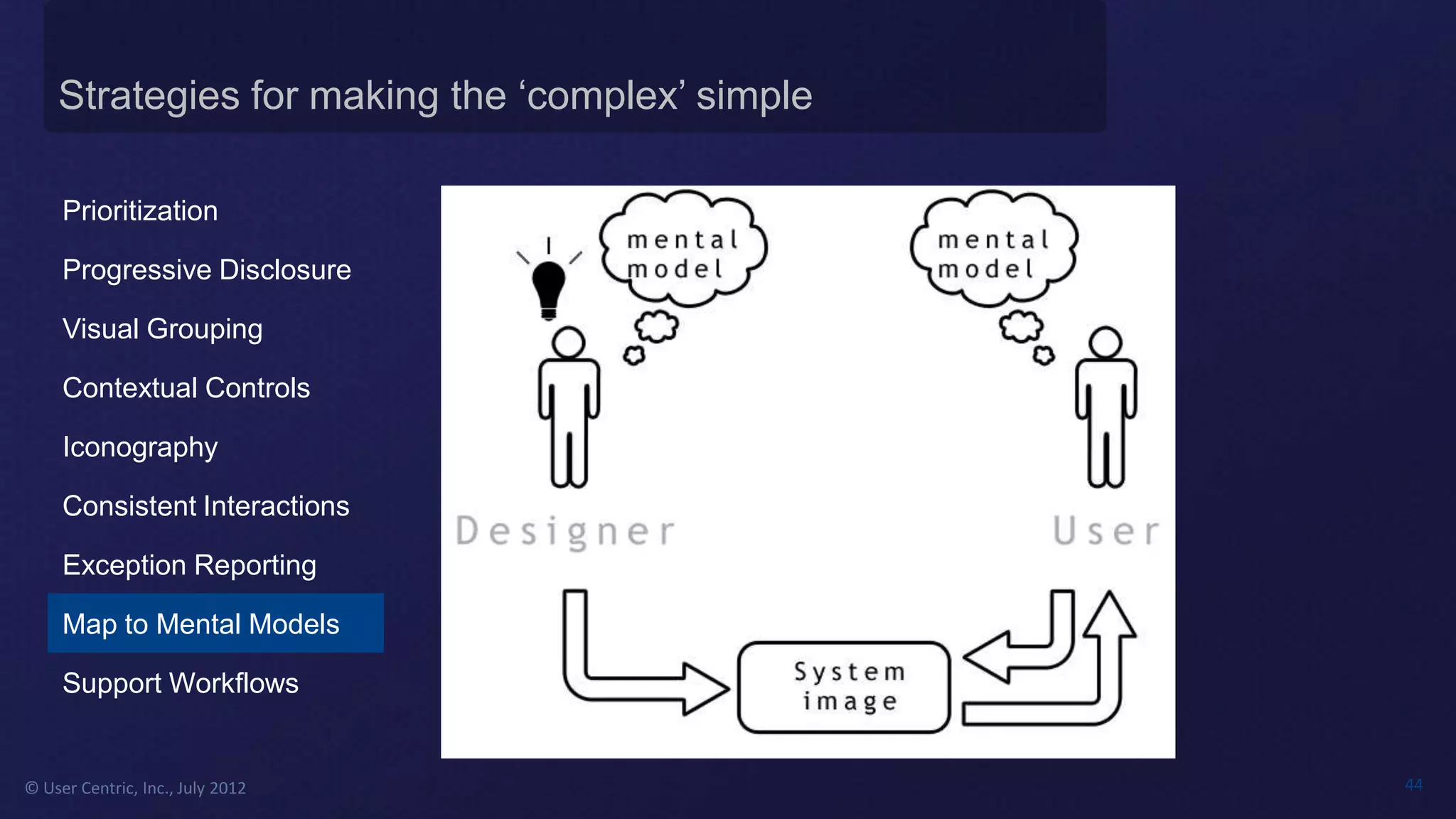
     Map to Mental Models

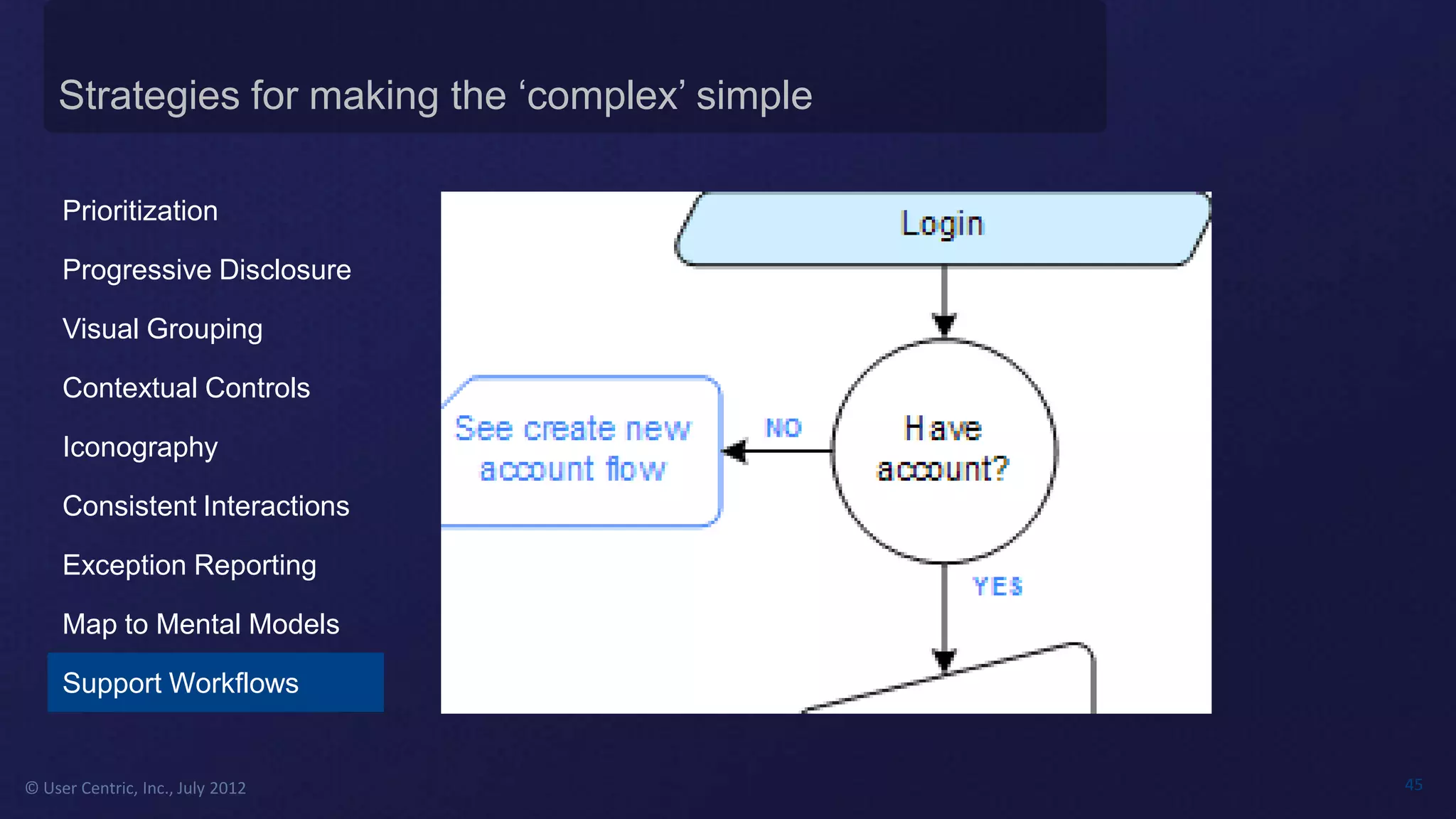
     Support Workflows


© User Centric, Inc., July 2012                  44
Strategies for making the ‘complex’ simple

     Prioritization

     Progressive Disclosure

     Visual Grouping

     Contextual Controls

     Iconography

     Consistent Interactions

     Exception Reporting

     Map to Mental Models

     Support Workflows


© User Centric, Inc., July 2012                  45
Strategies for making the ‘complex’ simple

     Prioritization

     Progressive Disclosure

     Visual Grouping

     Contextual Actions

     Iconography

     Consistent Interactions

     Exception Reporting

     Map to Mental Models

     Support Workflows


© User Centric, Inc., July 2012                  46
© User Centric, Inc., July 2012   47
Gregory Nunn


© User Centric, Inc., July 2012   48
Albert Einstein


© User Centric, Inc., July 2012   49
PRESENTERS:
                                  #uxlunch


© User Centric, Inc., July 2012              50

Complex User Interfaces Don't Need to Be...Complex

  • 1.
    PRESENTER: MODERATOR: #uxlunch © User Centric, Inc., July 2012 1
  • 2.
    © User Centric,Inc., July 2012 2
  • 3.
    Why Are WeHere? Who We Are What We Do The Webinars Today’s Topic © User Centric, Inc., July 2012 3
  • 4.
    Why Are WeHere? Who We Are • • • What We Do • • • The Webinars • • • • • • Today’s Topic • • • © User Centric, Inc., July 2012 4
  • 5.
    Why Are WeHere? Who We Are • • What We Do • • • • • The Webinars • • • Today’s Topic • • © User Centric, Inc., July 2012 5
  • 6.
    We Believe ExperiencesMatter TM 9:45 PM 11:45 PM © User Centric, Inc., July 2012 6
  • 7.
    Why Are WeHere? Who We Are What We Do • • • The Webinars • • Today’s Topic © User Centric, Inc., July 2012 7
  • 8.
    Why Are WeHere? Credit: UX2.0 Usability Test Report © User Centric, Inc., July 2012 8
  • 9.
    © User Centric,Inc., July 2012 9
  • 10.
    Complexity Defined © UserCentric, Inc., July 2012 10
  • 11.
    Complexity Defined © UserCentric, Inc., July 2012 11
  • 12.
    Complexity Defined © UserCentric, Inc., July 2012 12
  • 13.
    Complexity Defined © UserCentric, Inc., July 2012 13
  • 14.
    Complexity Defined © UserCentric, Inc., July 2012 14
  • 15.
    Complexity Defined © UserCentric, Inc., July 2012 15
  • 16.
    ‘Complexity’ is typicallynot a goal for design Credit: UX2.0 Usability Test Report © User Centric, Inc., July 2012 16
  • 17.
    Complexity is wroughtwith emotional baggage © User Centric, Inc., July 2012 17
  • 18.
    Complexity ≠ Complicated • • • • • • © User Centric, Inc., July 2012 18
  • 19.
    Complexity ≠ Complicated ©User Centric, Inc., July 2012 19
  • 20.
    Complex User Interface,from a stakeholder’s POV • • • • • • © User Centric, Inc., July 2012 20
  • 21.
    Complex User Interface,from a developer’s POV • • • • • • Ray Toal, Developing Complex User Interface Applications in Java © User Centric, Inc., July 2012 21
  • 22.
    Complexity ≠ Complicated ©User Centric, Inc., July 2012 22
  • 23.
    © User Centric,Inc., July 2012 23
  • 24.
    Where does complexitycome from? © User Centric, Inc., July 2012 24
  • 25.
    Complexity originating fromtechnology © User Centric, Inc., July 2012 25
  • 26.
    Complexity originating fromthe business © User Centric, Inc., July 2012 26
  • 27.
    Complexity originating fromuser tasks © User Centric, Inc., July 2012 27
  • 28.
    Determining whether complexityis real or fabricated © User Centric, Inc., July 2012 28
  • 29.
    What do usersthink about function vs. aesthetics? Function Aesthetics © User Centric, Inc., July 2012 29
  • 30.
    Lesson Learned: Hearingvs. listening to user feedback © User Centric, Inc., July 2012 30
  • 31.
    Where does complexitycome from? © User Centric, Inc., July 2012 31
  • 32.
    Tesler’s Law Front-end User Interface Back-end development © User Centric, Inc., July 2012 32
  • 33.
    © User Centric,Inc., July 2012 33
  • 34.
    Heavily used applicationsand the expert user • • • • • • • © User Centric, Inc., July 2012 34
  • 35.
    © User Centric,Inc., July 2012 35
  • 36.
    Strategies for makingthe ‘complex’ simple Prioritization Progressive Disclosure Visual Grouping Contextual Controls Iconography Consistent Interactions Exception Reporting Map to Mental Models Support Workflows © User Centric, Inc., July 2012 36
  • 37.
    Strategies for makingthe ‘complex’ simple Prioritization Progressive Disclosure Visual Grouping Contextual Controls Iconography Consistent Interactions Exception Reporting Map to Mental Models Support Workflows © User Centric, Inc., July 2012 37
  • 38.
    Strategies for makingthe ‘complex’ simple Prioritization Progressive Disclosure Visual Grouping Contextual Controls Iconography Consistent Interactions Exception Reporting Map to Mental Models Support Workflows © User Centric, Inc., July 2012 38
  • 39.
    Strategies for makingthe ‘complex’ simple Prioritization Progressive Disclosure Visual Grouping Contextual Controls Iconography Consistent Interactions Exception Reporting Map to Mental Models Support Workflows © User Centric, Inc., July 2012 39
  • 40.
    Strategies for makingthe ‘complex’ simple Prioritization Progressive Disclosure Visual Grouping Contextual Controls Iconography Consistent Interactions Exception Reporting Map to Mental Models Support Workflows © User Centric, Inc., July 2012 40
  • 41.
    Strategies for makingthe ‘complex’ simple Prioritization Progressive Disclosure Visual Grouping Contextual Controls Iconography Consistent Interactions Exception Reporting Map to Mental Models Support Workflows © User Centric, Inc., July 2012 41
  • 42.
    Strategies for makingthe ‘complex’ simple Prioritization Progressive Disclosure Visual Grouping Contextual Controls Iconography Consistent Interactions Exception Reporting Map to Mental Models Support Workflows © User Centric, Inc., July 2012 42
  • 43.
    Strategies for makingthe ‘complex’ simple Prioritization Progressive Disclosure Visual Grouping Contextual Controls Iconography Consistent Interactions Exception Reporting Map to Mental Models Support Workflows (This is a BAD example of exception reporting!) © User Centric, Inc., July 2012 43
  • 44.
    Strategies for makingthe ‘complex’ simple Prioritization Progressive Disclosure Visual Grouping Contextual Controls Iconography Consistent Interactions Exception Reporting Map to Mental Models Support Workflows © User Centric, Inc., July 2012 44
  • 45.
    Strategies for makingthe ‘complex’ simple Prioritization Progressive Disclosure Visual Grouping Contextual Controls Iconography Consistent Interactions Exception Reporting Map to Mental Models Support Workflows © User Centric, Inc., July 2012 45
  • 46.
    Strategies for makingthe ‘complex’ simple Prioritization Progressive Disclosure Visual Grouping Contextual Actions Iconography Consistent Interactions Exception Reporting Map to Mental Models Support Workflows © User Centric, Inc., July 2012 46
  • 47.
    © User Centric,Inc., July 2012 47
  • 48.
    Gregory Nunn © UserCentric, Inc., July 2012 48
  • 49.
    Albert Einstein © UserCentric, Inc., July 2012 49
  • 50.
    PRESENTERS: #uxlunch © User Centric, Inc., July 2012 50

Editor's Notes

  • #6 This webinar is one of the many free webinars User Centric is providing as part of our We Believe Experiences Matter webinar series. Sign up and access to our previous webinars are available on our website. For those of you familiar with User Centric, you may notice that our tagline has changed from “If technology doesn’t work for users, it doesn’t work” to “We Believe Experiences Matter”. A key part to our belief that experiences matter is that all touch points are important
  • #7 , and to that end, I wanted to give a quick shout out to my colleagues who burned the midnight oil last night as one of our last steps in beautifying our new downtown Chicago offices to amplify great experiences within our lab space. They had to paint 88 12x12” squares, each a different color, times three rooms that serves as our project ideation rooms. As you’ll note, the photo on the left is time stamped at 9:45p when they finally ordered dinner in, and at 11:45, they were nearly finished with cleanup. Thanks guys!
  • #11 History of human factors got its start in aviation…
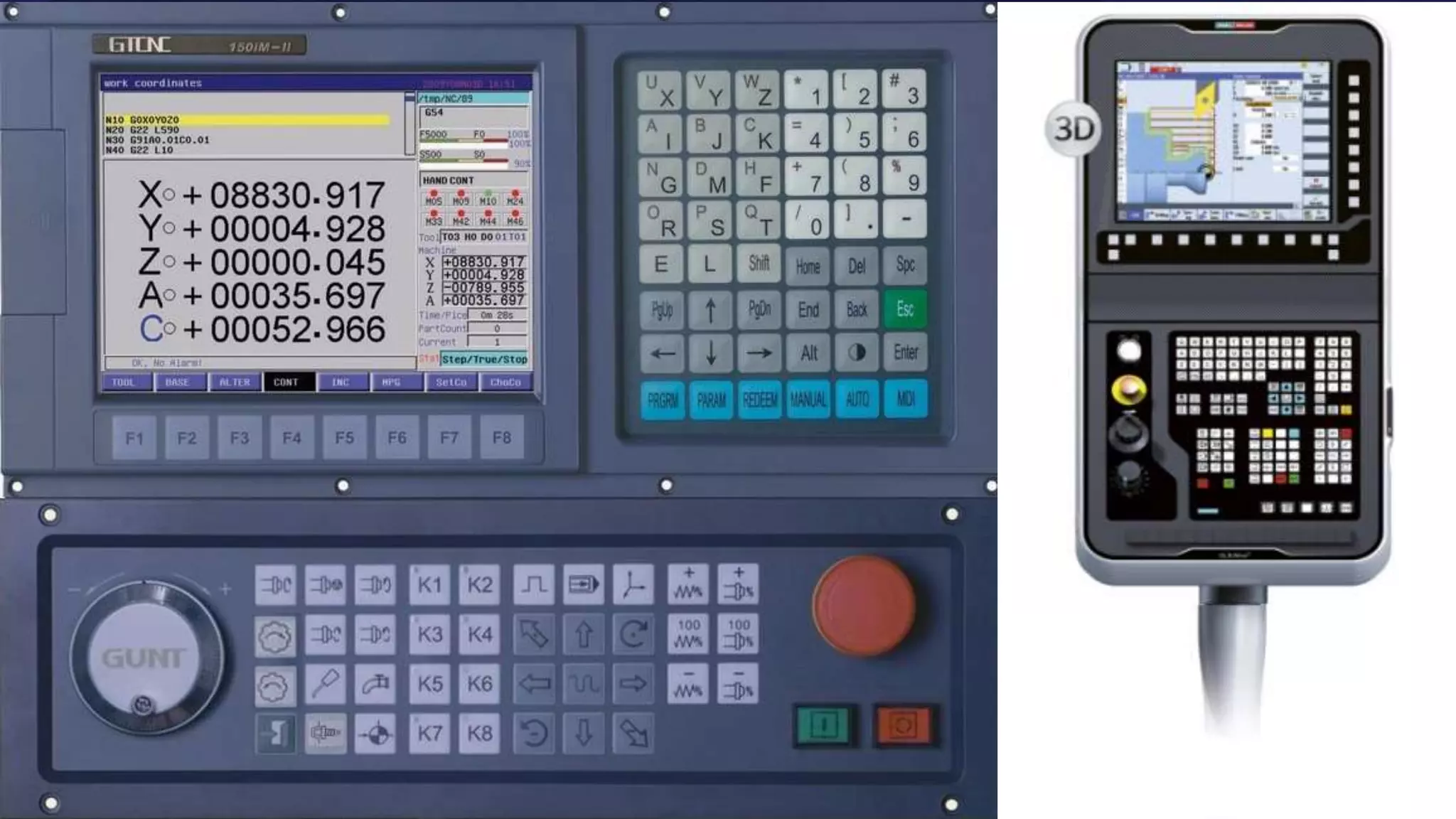
  • #12 Other interfaces can be deemed complex, like this console for a train conductor
  • #13 And likewise for the folks coordinating the trains from a command center
  • #14 complexity can be seen on devices like precision tooling interfaces
  • #15 And on software for producing music
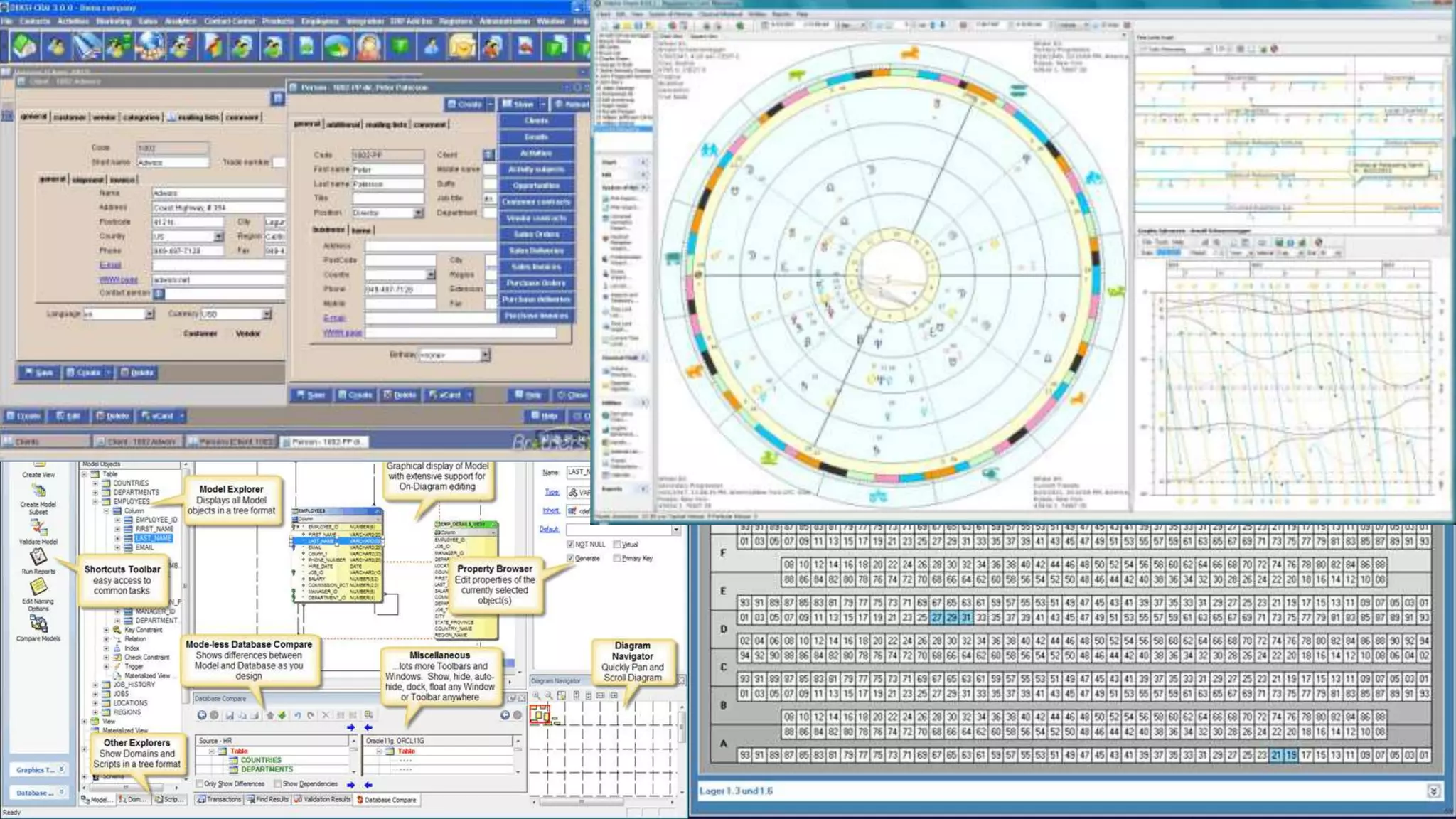
  • #16 And there are hosts of other software interfaces that could be described as complex…
  • #17 In the examples I just showed, I would concede that some degree of complexity is required, yet, when we go back to stakeholder goals and objectives for the design of a product, complexity is seldom, if ever, a word they use
  • #18 Want to divorce complexity from other words that are typically associated with the word but have emotive qualities, like complicated.
  • #27 Easier example is when business make certain features or access to specific content purposely more complex in order to achieve certain business objectives. One example is the business objective or reducing call center volume. Some companies have made it difficult, if not impossible, to find their phone numbers… as an aside, our research on how this is implemented suggests there are ways to reduce call center volume without having to hide the phone number…
  • #28 Complexity may simply be required to support user tasks; completing taxes is necessarily a complex activity, as would be flying a plane…
  • #29 One interesting thing we’ve unconvered through research is that complexity can sometimes be fabricated from the user him/herself… for no intentionally malicious reason … On a previous design engagement, we were redesigning an automated ordering system that was developed to optimize the workload from store managers. When conducting our initial research on how the store managers were using the new automated ordering system, we observed that they actually went in and changed all the proposed order quantities; on top of that, several vocalized how they conducted mental math to determine whether to change the quantities that were being proposed by the automated system, and worse yet, they were making calculation errors! One might have concluded that even the automated system did not adequately address the complexity of the task at hand for these store managers, but our conclusions were actually that complexity in the task of ordering supplies was fabricated due to some sense that this task is one of their core contributions as a store manager, and an automated system that took this task away – more minimized the level of complexity – would possibly have an impact on the value of their position. Paired with TRUSTING the system ….
  • #30 Another interesting finding from research we’ve conducted talks to a widely debated question of whether products should be designed for function or for aesthetics. We recently conducted co-design workshops with users of a website … . Their feedback called for an initial screen that provided search functionality, aggregated lists, and certain visual displays. . Upon viewing a proposed concept where none of these elements were represented, but rather was designed more minimalistically, the users unanimously preferred the more aesthetically pleasing design versus their originally proposed design that support many functions on one screen.
  • #31 User research is not simply hearing what end-users say, but listening and gaining insights to why they’re saying what they’re saying. Additionally, as the function vs. aesthetics example illustrates, user feedback is often highly contextual and limited based on their own experiencesbut Hearing is simply the act of perceiving sound by the ear. If you are not hearing-impaired, hearing simply happens. Listening, however, is something you consciously choose to do. Listening requires concentration so that your brain processes meaning from words and sentences. Listening leads to learning.
  • #34 If we are successful at divorcing complexity from the negative attributes like complicated, then there are certainly times when complexity is a good thing
  • #35 Taking on one the key talking points from a previous User Centric webinar on heavily-used interfaces, complexity is particularly useful and often necessary for heavily used applications and for expert users. Some of the key strategies for designing complex interfaces include…
  • #36 While there are certainly instances where complexity can be a good and necessary thing, there are perhaps more times when we are tasked with making the PERCEIVED complex … simple.
  • #37 I want to talk through some key strategies for making complex interfaces not so complex. They include: …
  • #38 Involves focusing on the most critical features, functions, and user tasks or workflows when designing an interface. The goal is never to provide full functionality with equal weight and prominence within an interface, but rather use the 80/20 rule to focus the interface on they key features or functions, and contain peripheral features and functions on secondary screens
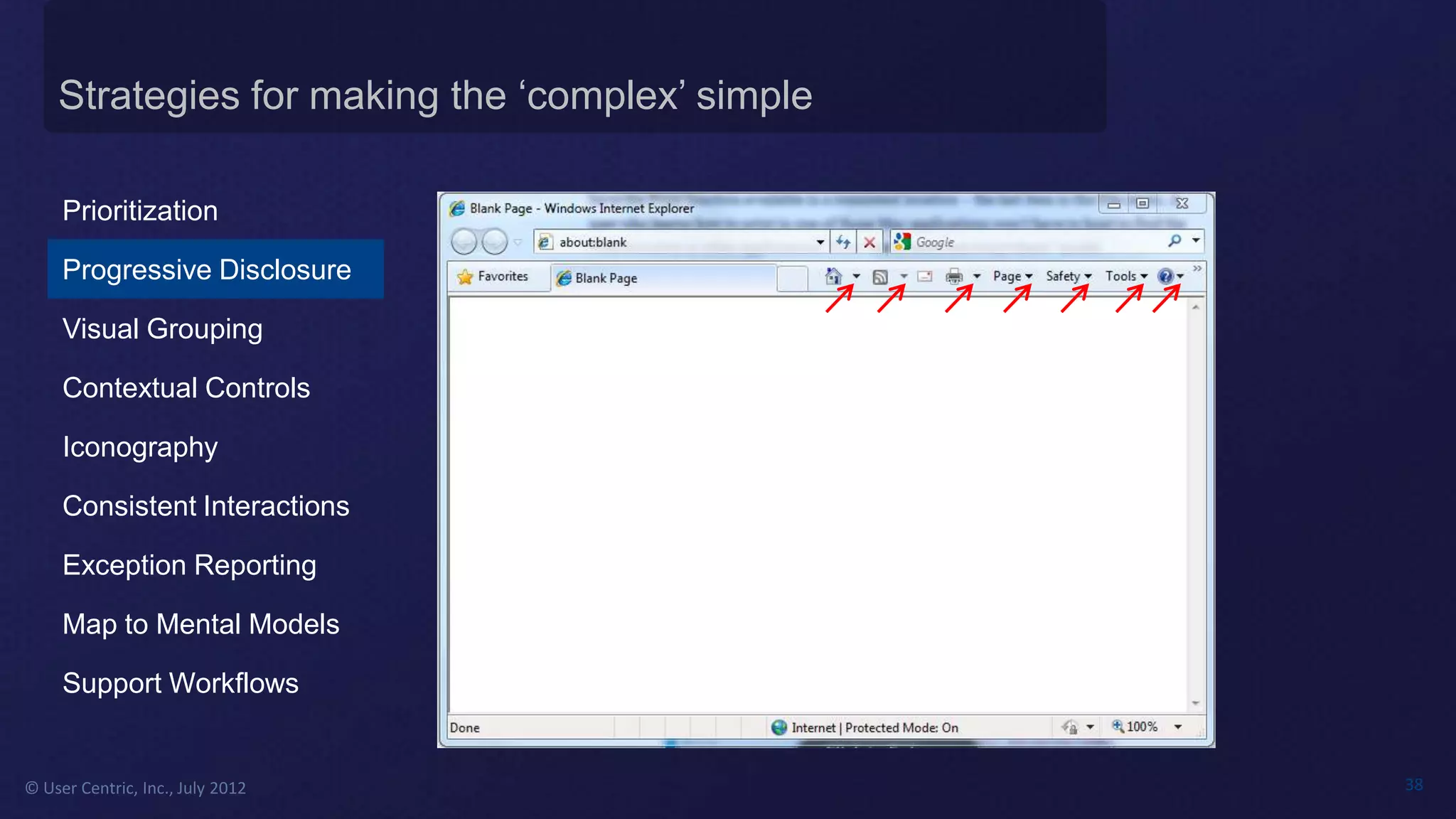
  • #39 One of the most popular ways to reduce interface complexity is the use of progressive disclosure …
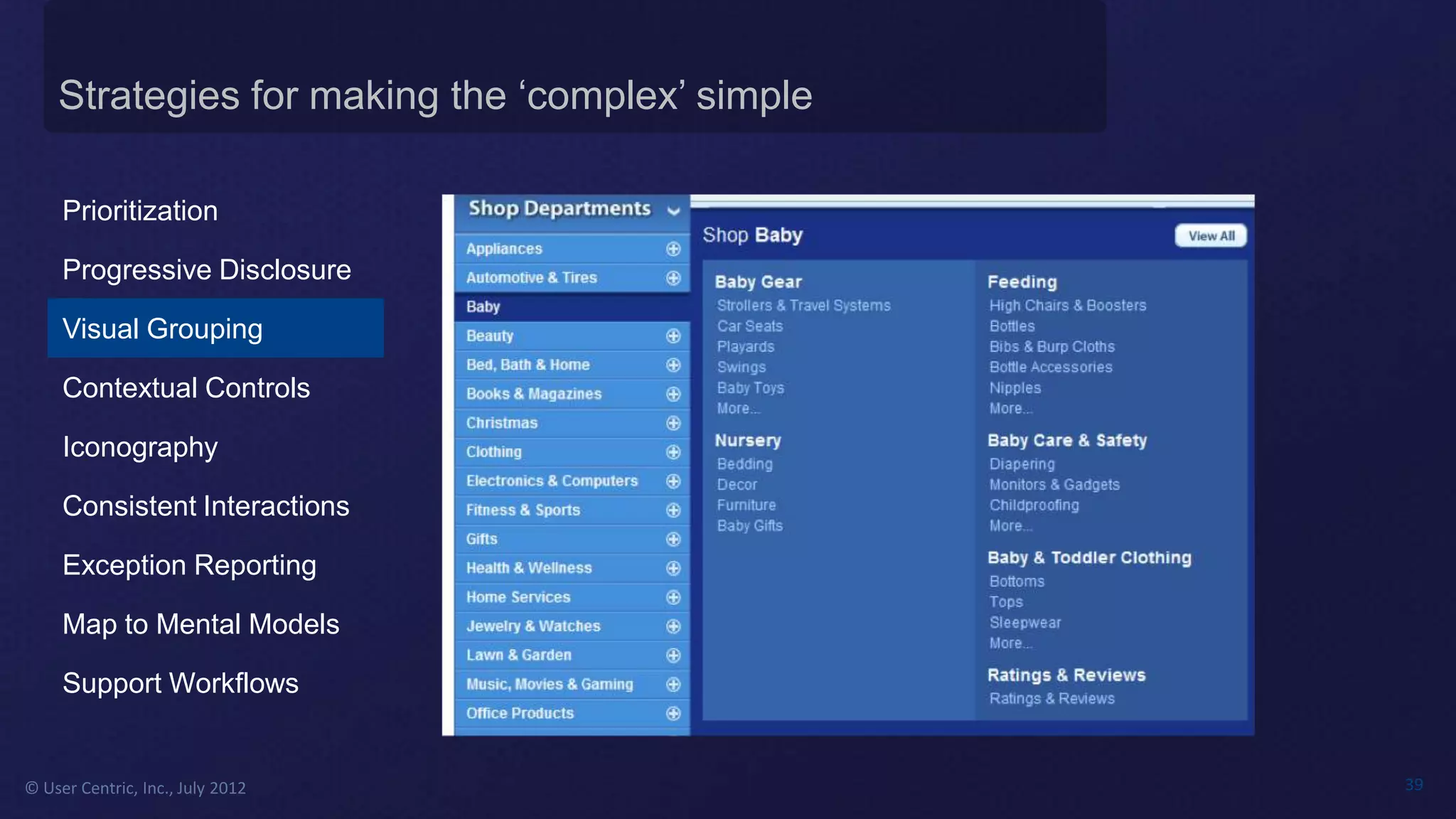
  • #40 Visual grouping essentially chunks a long list of items into consumable groups that would otherwise be inconsumable if presented as simply one list; visual grouping is certainly not limited to text but can be applied to page elements and functions
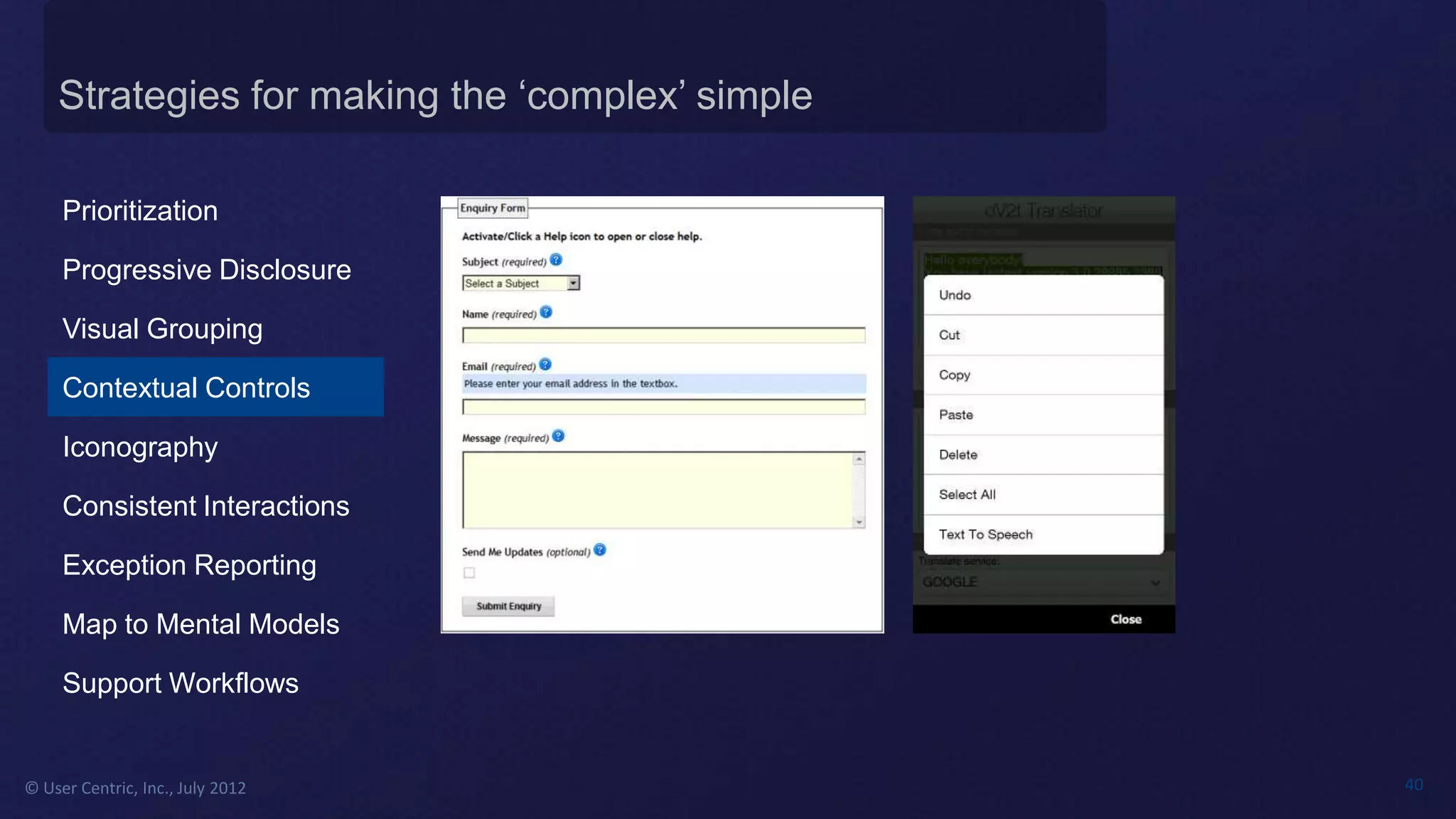
  • #41 Another popular way to reduce interface complexity is through the use of contextual controls; not all features and functions need to be prominent at all times; in fact, it’s often the case that most features and functions are only relevant at key points within the user workflow. Some great uses of contextual controls include contextual help, which eliminates the need to present help text littered across a screen as well as bring users to a general help page from which they would have to navigate to get to the appropriate help topic. Contextual menus are widely used on both desktop and mobile applications, where options are only relevant on key screens or interactions
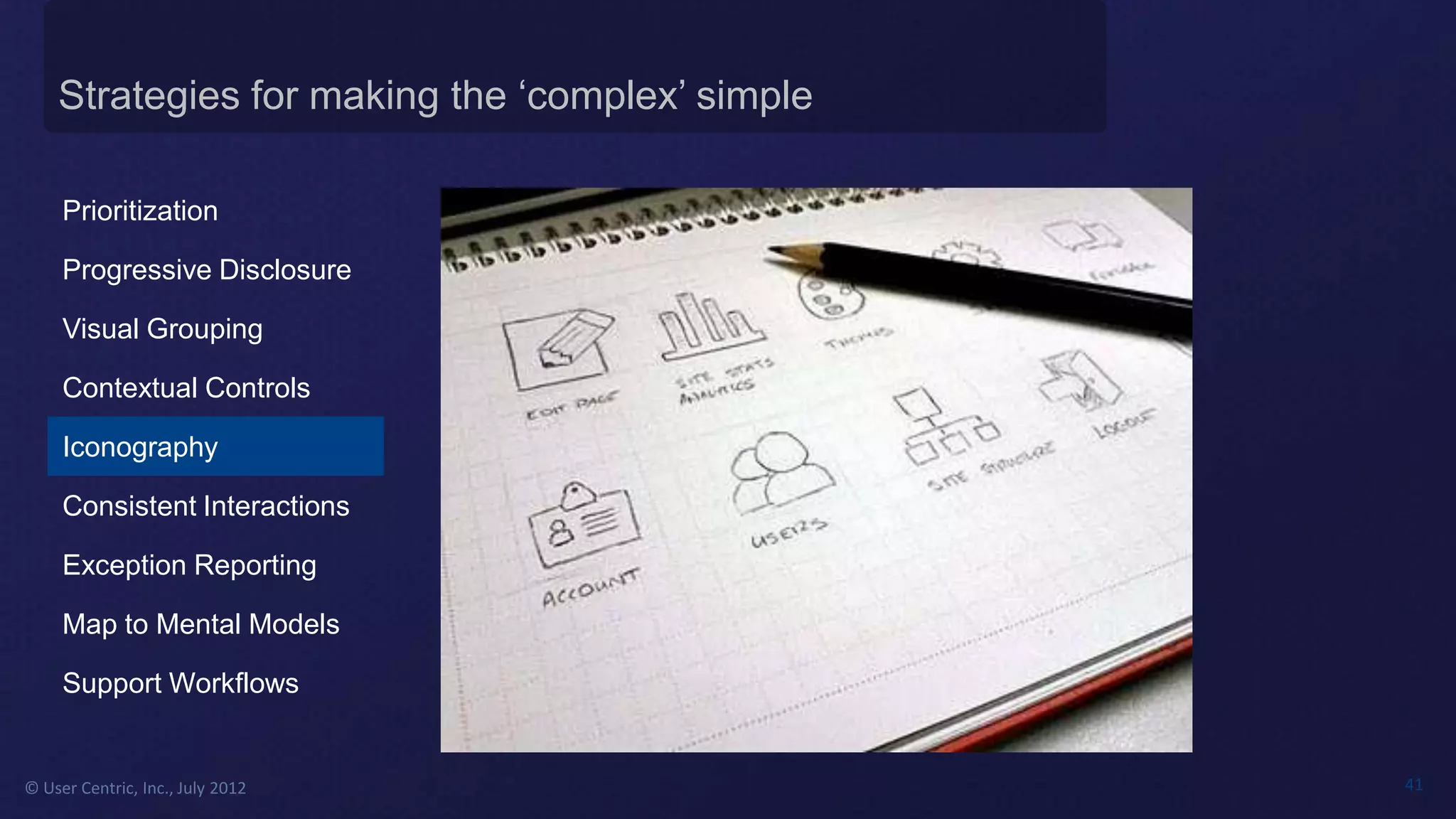
  • #42 The use of icons can greatly reduce complexity by providing decluttering a page and optimizing scanability; the key is to use unabiguous and intuitive icons; all too often, users must rely on the icon labels (or worse, mouse overs)