CommonTypes of CyberThreats
and how to avoid them
TableofContents
01
02
03
04
Phishing
Phishing is a malicious tactic used by
hackers to trick their victims into
handing over valuable information.
Credential Theft
Credential theft is a rising
epidemic fueled by a global
underground market.
Cryptojacking
Cryptojacking continues to
effect big companies and
individuals alike.
Unpatched Software
Unpatched software is often
overlooked and leaves you
unnecessarily vulnerable to attacks.
06
End Users
End Users represent your biggest
risk. Human error causes more
incidents than malicious attacks.
05
Targeted Ransomware
Targeted ransomware demonstrates
the sophisticated development of this
malware over the years.
1. Phishing
Phishing scams, don’t
get hooked.
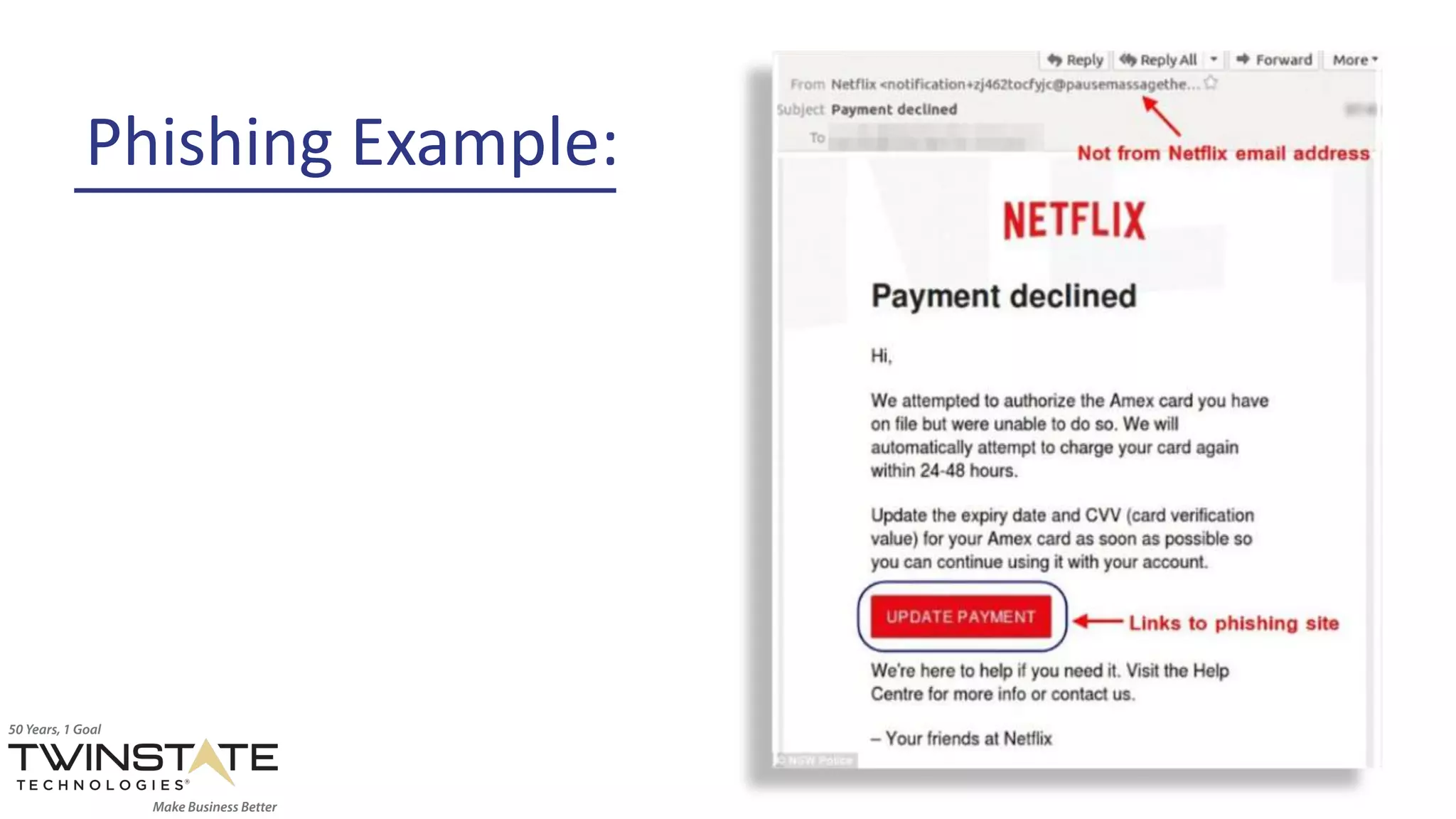
Phishing is a malicious tactic used by
hackers to trick their victims into handing
over valuable information.
• Hackers spend a lot of time crafting clever messages
that appear so realistic that you wouldn’t think twice
while looking at them.
• Once the person who is being deceived has fallen for
the attack, hackers are able to obtain what they were
after; passwords, credit card information, direct access
to your bank account, and even demands for money.
Phishing Example:
Tip:
Educate employees on the
risks of opening suspicious
emails and clicking on links
within emails that may ask
for information that is
confidential or downloading
unknown attachments.
2. CredentialTheft
Credential Theft is a
rising epidemic.
Credential theft occurs when someone's
proof of identity is stolen, be it physical or
digital.
• When your credentials for one website are stolen it
opens the door for your entire online identity to be
compromised.
• Once an attacker has your usernames and passwords
they can sell them on the dark web or use them to
compromise your organizations network.
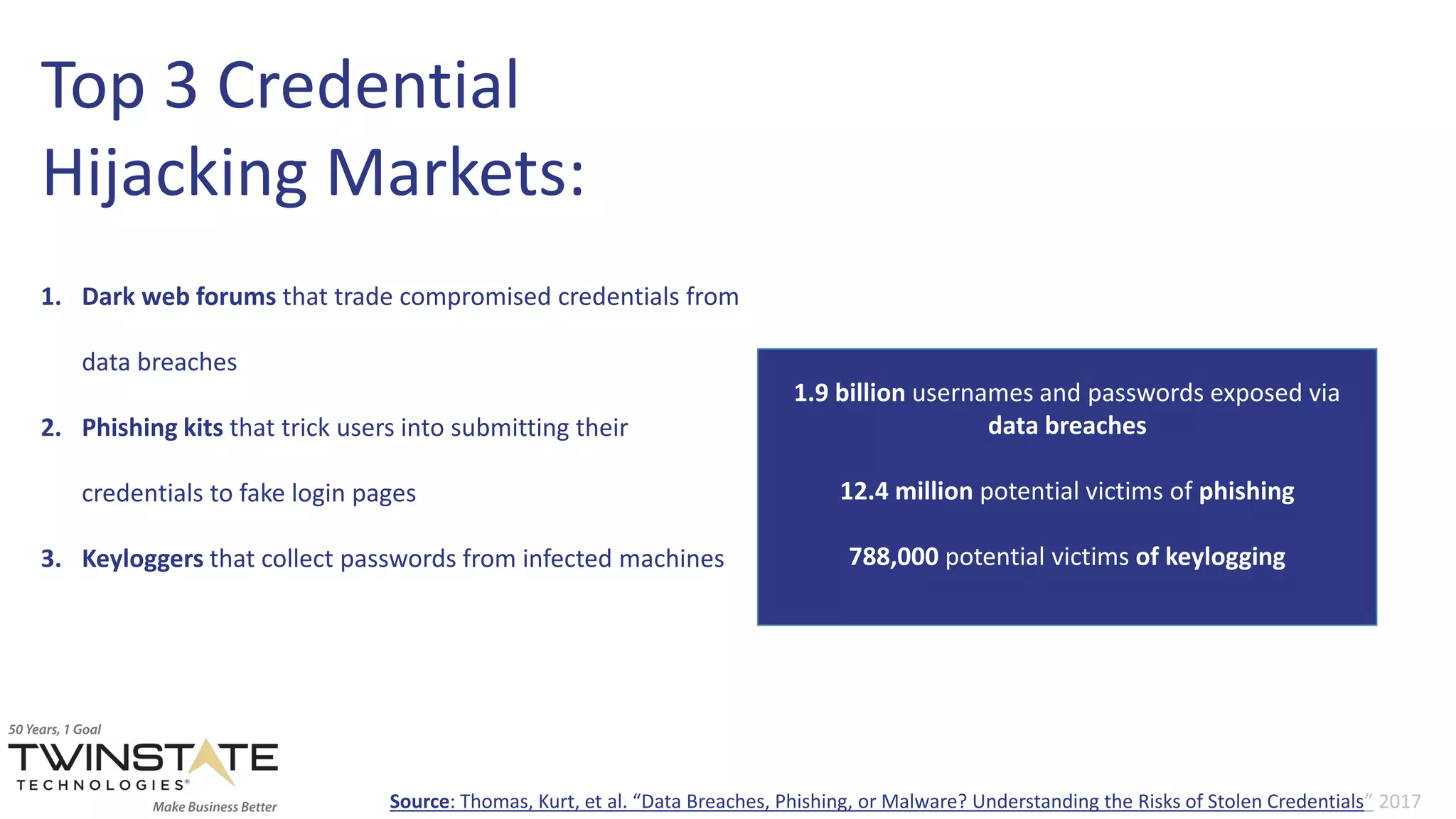
Top 3 Credential
Hijacking Markets:
1. Dark web forums that trade compromised credentials from
data breaches
2. Phishing kits that trick users into submitting their
credentials to fake login pages
3. Keyloggers that collect passwords from infected machines
1.9 billion usernames and passwords exposed via
data breaches
12.4 million potential victims of phishing
788,000 potential victims of keylogging
Source: Thomas, Kurt, et al. “Data Breaches, Phishing, or Malware? Understanding the Risks of Stolen Credentials” 2017
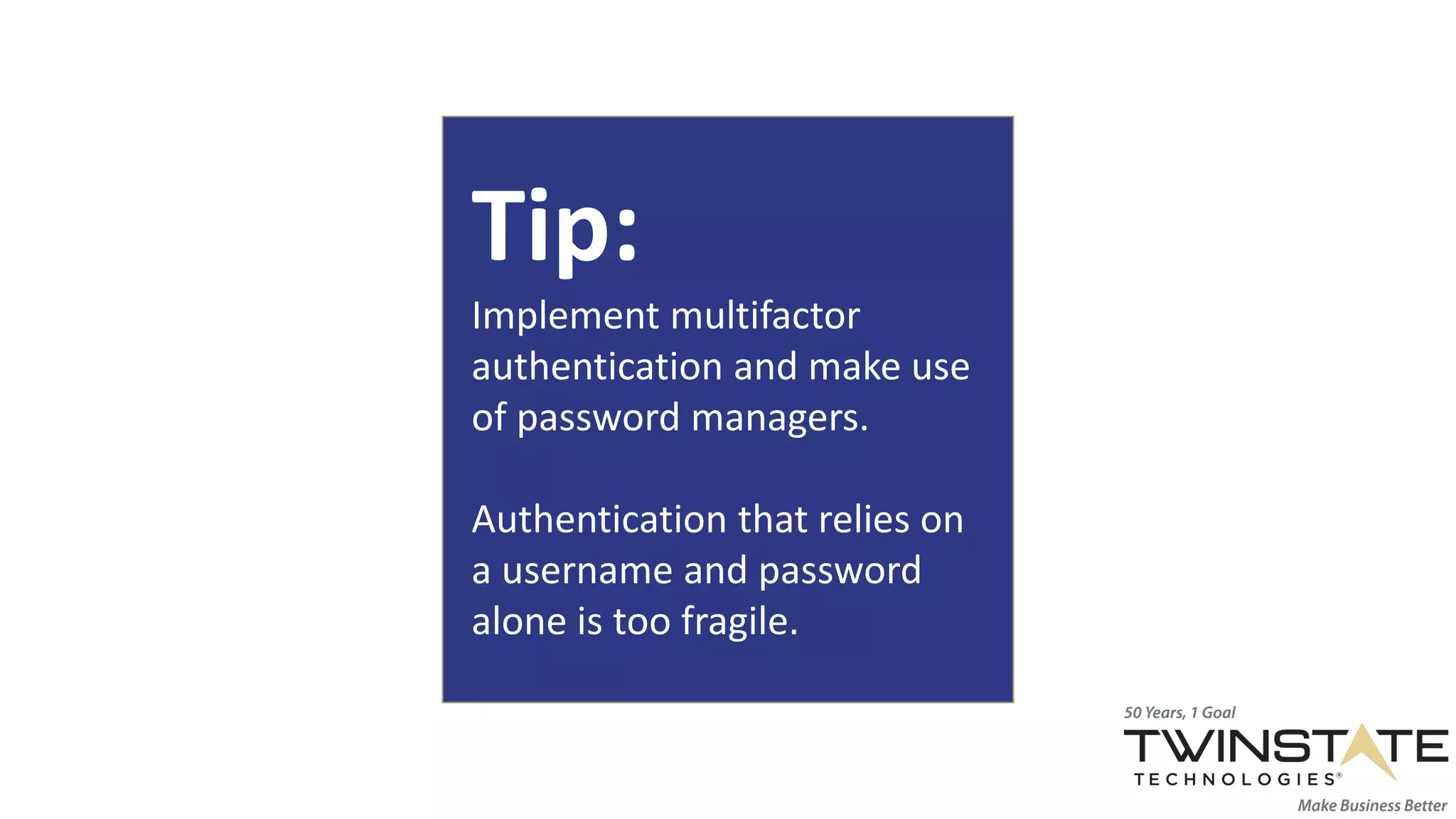
Tip:
Implement multifactor
authentication and make use
of password managers.
Authentication that relies on
a username and password
alone is too fragile.
3. Cryptojacking
Cryptojacking is an
exploit in its infancy.
Cryptojacking is a method for hackers to
mine cryptocurrency from their victims
computers.
• Crypto mining code lingers on infected websites and ads
and auto-executes once it’s loaded in a victims browser.
• The code goes to work in the background of the victim's
machine. The only trace it leaves to end user is slower
performance.
Notable
Cryptojackings:
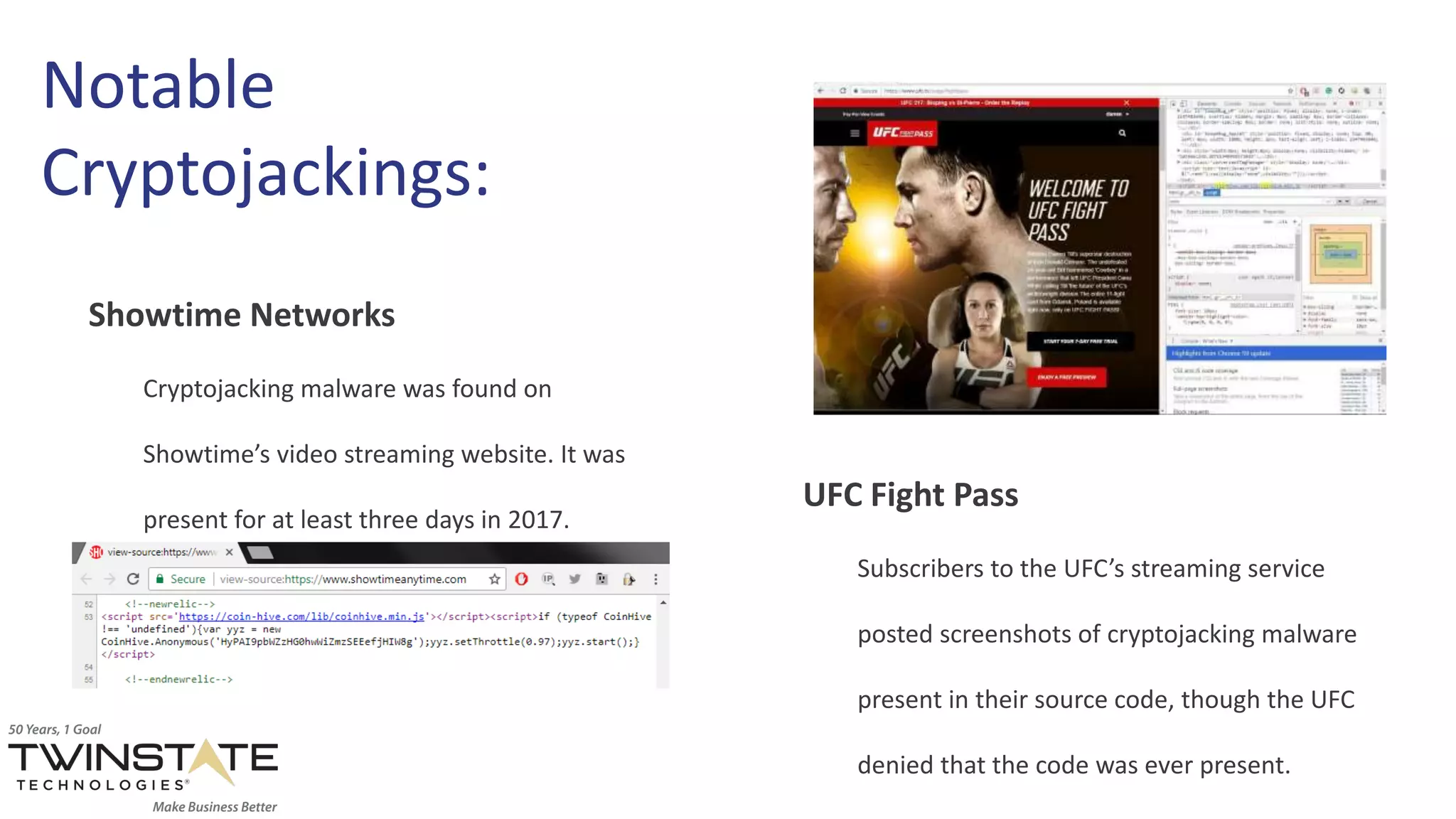
Showtime Networks
Cryptojacking malware was found on
Showtime’s video streaming website. It was
present for at least three days in 2017.
UFC Fight Pass
Subscribers to the UFC’s streaming service
posted screenshots of cryptojacking malware
present in their source code, though the UFC
denied that the code was ever present.
Tip:
Protect against single points
of failure in your security
stack by using overlapping
defensive systems.
This includes endpoint, and
email protection as well as
firewalls and vulnerability
assessments.
4. Unpatched Software
Unpatched software is
one of the easiest
threats to manage.
Unpatched software contains
vulnerabilities that are exploited by
hackers.
• Commonly used programs like Adobe and O365 contain
vulnerabilities. When they’re discovered, a “patch” is
pushed out in software updates.
• The reluctance of end-users to update software and
install patches can leave these vulnerabilities open for
exploitation for far longer than they should be.
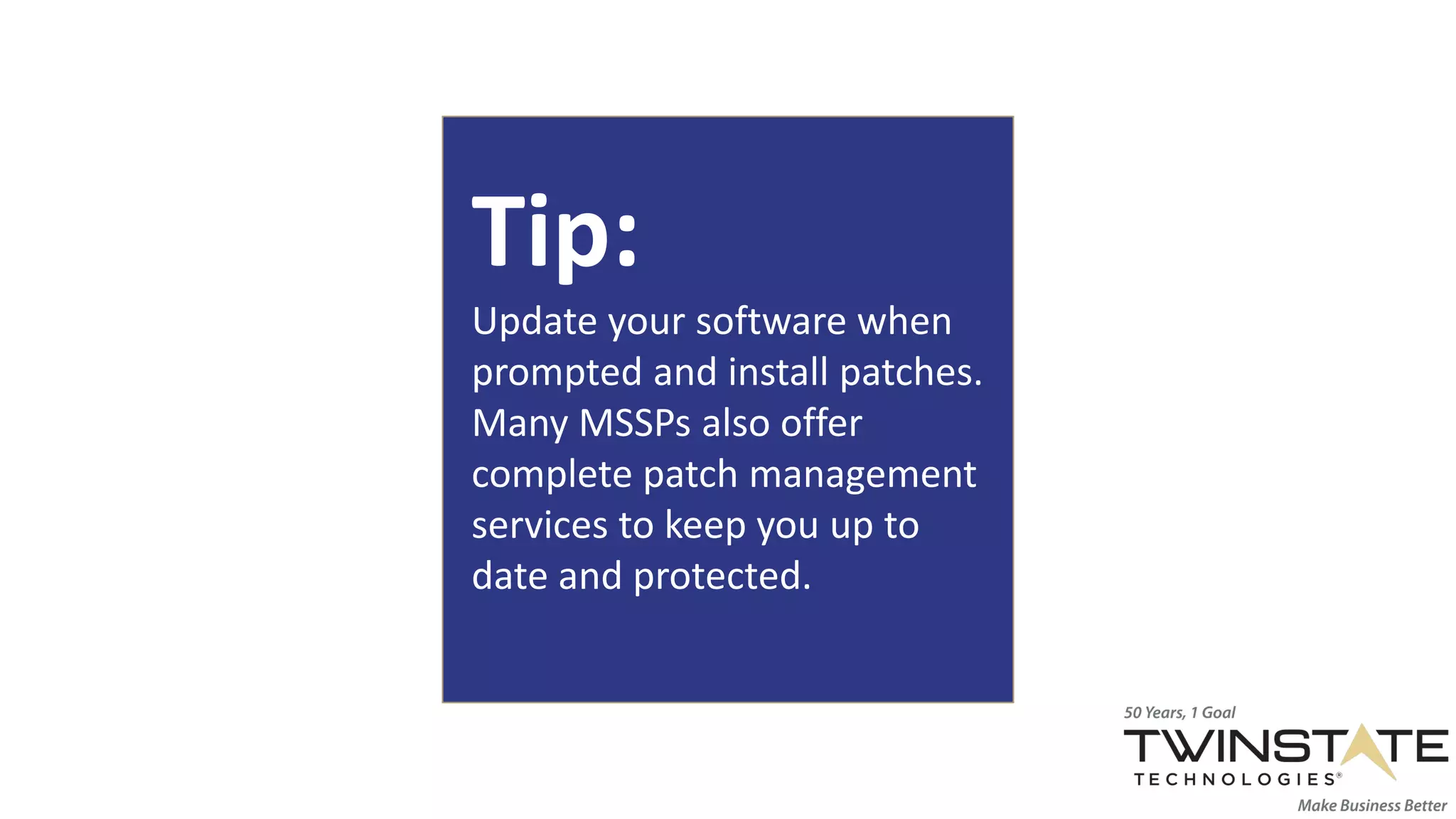
Tip:
Update your software when
prompted and install patches.
Many MSSPs also offer
complete patch management
services to keep you up to
date and protected.
5.Targeted Ransomware
Ransomware gets more
sophisticated and
stealthier .
Ransomware didn’t go away, it got more
complex.
• Targeted ransomware can lock organizations out of
important systems and bring work to a halt.
• While these attacks are lucrative and sophisticated, the
attackers aren’t looking for a challenge. Get the security
basics right to stay off their hit list.
Anatomy of a Targeted
Ransomware Attack:
First the attacker gains entry to your network by exploiting a
weak Remote Desktop Protocol (RDP) password.
Once they’re in, they elevate their privileges to the admin level.
Next they use their new access rights to workaround security
software.
Lastly they spread ransomware, encrypting their victims files
and leave a note demanding money in exchange for decrypting
the files.
The Dharma strain of ransomware
seems to target small businesses
with a maximum of 150 users.
Though, it isn’t known if this is a
side-effect of something else or
deliberate targeting.
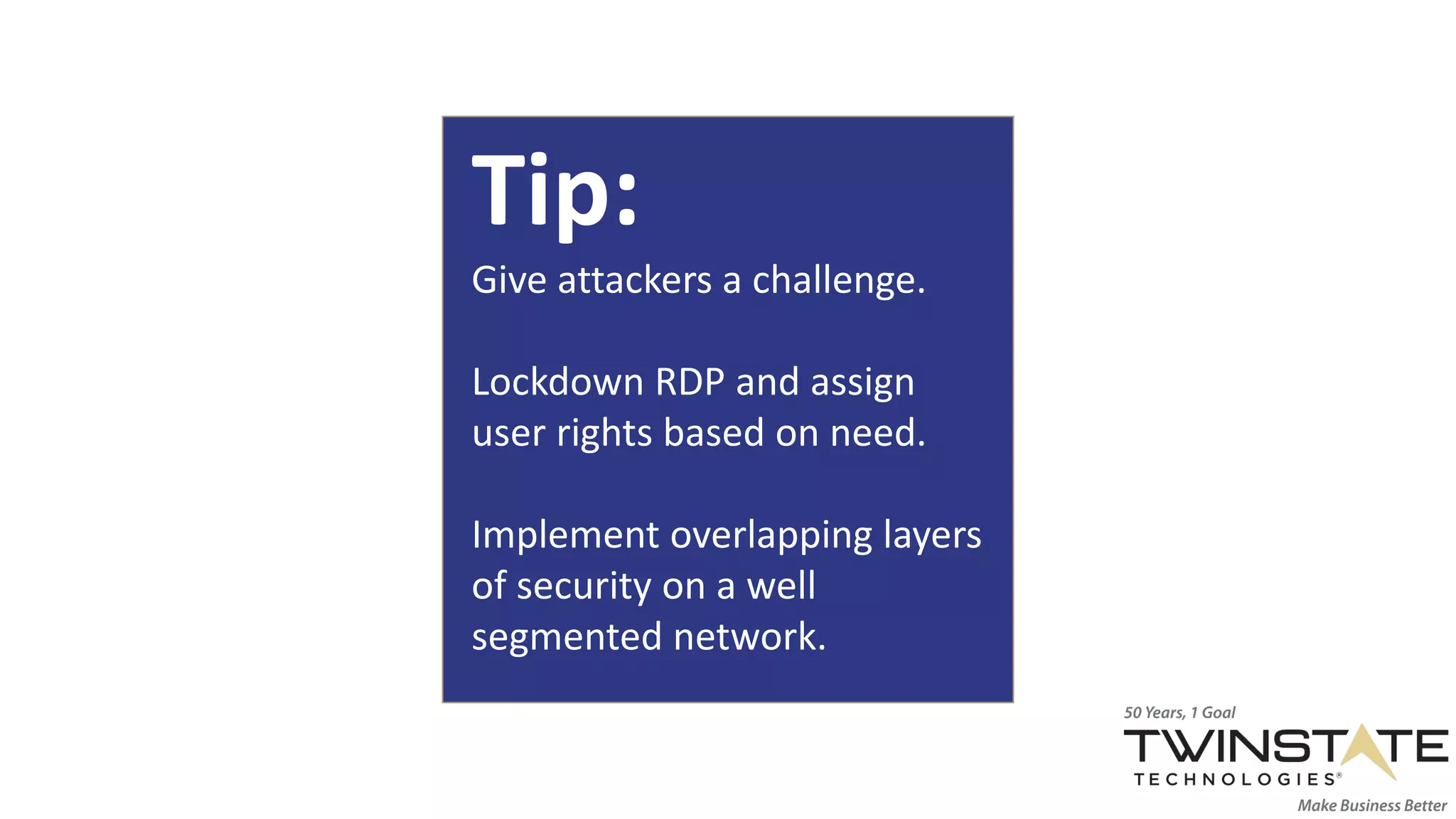
Tip:
Give attackers a challenge.
Lockdown RDP and assign
user rights based on need.
Implement overlapping layers
of security on a well
segmented network.
6. End Users
Breaches begin with
human error.
Network security at the personnel level is
just as important as your firewall.
• Many cybersecurity incidents are not caused by a hacker
with malicious intent, often they’re caused by a simple
mistake.
• It’s impossible to have 100% protection with respect to
cybersecurity. What you can do is educate your
employees.
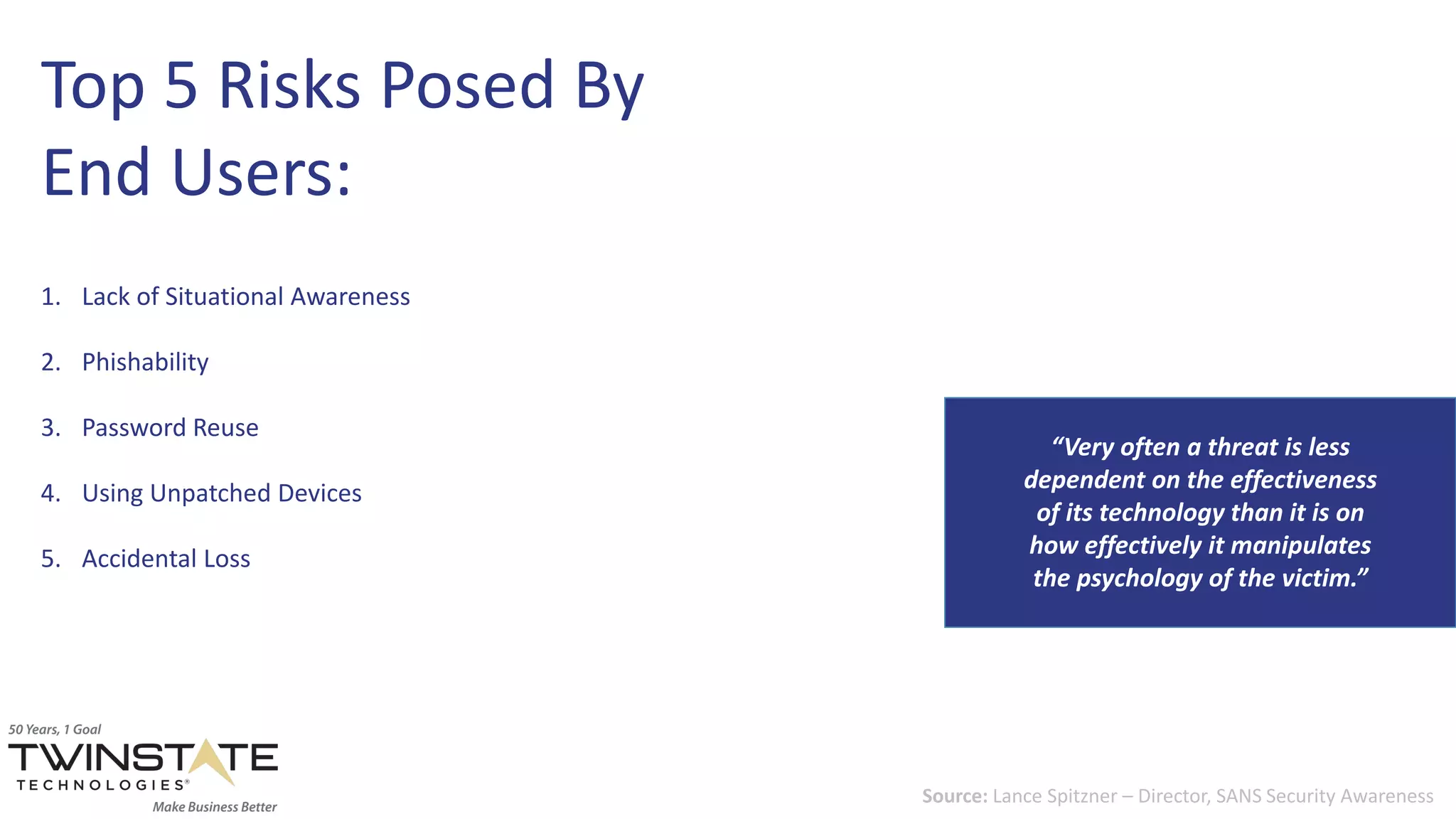
Top 5 Risks Posed By
End Users:
1. Lack of Situational Awareness
2. Phishability
3. Password Reuse
4. Using Unpatched Devices
5. Accidental Loss
“Very often a threat is less
dependent on the effectiveness
of its technology than it is on
how effectively it manipulates
the psychology of the victim.”
Source: Lance Spitzner – Director, SANS Security Awareness
Tip:
Educate your employees, a
little training goes a long way.
Being proactive and
empowering your employees
with information is best way
to keep your security tight.
Learn how Twinstate can help you avoid
cyber threats at your organization.
info@twinstate.com
800.833.8000

Common Cyberthreats and How to Prevent Them (2019)

  • 1.
  • 2.
    TableofContents 01 02 03 04 Phishing Phishing is amalicious tactic used by hackers to trick their victims into handing over valuable information. Credential Theft Credential theft is a rising epidemic fueled by a global underground market. Cryptojacking Cryptojacking continues to effect big companies and individuals alike. Unpatched Software Unpatched software is often overlooked and leaves you unnecessarily vulnerable to attacks. 06 End Users End Users represent your biggest risk. Human error causes more incidents than malicious attacks. 05 Targeted Ransomware Targeted ransomware demonstrates the sophisticated development of this malware over the years.
  • 3.
  • 4.
    Phishing scams, don’t gethooked. Phishing is a malicious tactic used by hackers to trick their victims into handing over valuable information. • Hackers spend a lot of time crafting clever messages that appear so realistic that you wouldn’t think twice while looking at them. • Once the person who is being deceived has fallen for the attack, hackers are able to obtain what they were after; passwords, credit card information, direct access to your bank account, and even demands for money.
  • 5.
  • 6.
    Tip: Educate employees onthe risks of opening suspicious emails and clicking on links within emails that may ask for information that is confidential or downloading unknown attachments.
  • 7.
  • 8.
    Credential Theft isa rising epidemic. Credential theft occurs when someone's proof of identity is stolen, be it physical or digital. • When your credentials for one website are stolen it opens the door for your entire online identity to be compromised. • Once an attacker has your usernames and passwords they can sell them on the dark web or use them to compromise your organizations network.
  • 9.
    Top 3 Credential HijackingMarkets: 1. Dark web forums that trade compromised credentials from data breaches 2. Phishing kits that trick users into submitting their credentials to fake login pages 3. Keyloggers that collect passwords from infected machines 1.9 billion usernames and passwords exposed via data breaches 12.4 million potential victims of phishing 788,000 potential victims of keylogging Source: Thomas, Kurt, et al. “Data Breaches, Phishing, or Malware? Understanding the Risks of Stolen Credentials” 2017
  • 10.
    Tip: Implement multifactor authentication andmake use of password managers. Authentication that relies on a username and password alone is too fragile.
  • 11.
  • 12.
    Cryptojacking is an exploitin its infancy. Cryptojacking is a method for hackers to mine cryptocurrency from their victims computers. • Crypto mining code lingers on infected websites and ads and auto-executes once it’s loaded in a victims browser. • The code goes to work in the background of the victim's machine. The only trace it leaves to end user is slower performance.
  • 13.
    Notable Cryptojackings: Showtime Networks Cryptojacking malwarewas found on Showtime’s video streaming website. It was present for at least three days in 2017. UFC Fight Pass Subscribers to the UFC’s streaming service posted screenshots of cryptojacking malware present in their source code, though the UFC denied that the code was ever present.
  • 14.
    Tip: Protect against singlepoints of failure in your security stack by using overlapping defensive systems. This includes endpoint, and email protection as well as firewalls and vulnerability assessments.
  • 15.
  • 16.
    Unpatched software is oneof the easiest threats to manage. Unpatched software contains vulnerabilities that are exploited by hackers. • Commonly used programs like Adobe and O365 contain vulnerabilities. When they’re discovered, a “patch” is pushed out in software updates. • The reluctance of end-users to update software and install patches can leave these vulnerabilities open for exploitation for far longer than they should be.
  • 17.
    Tip: Update your softwarewhen prompted and install patches. Many MSSPs also offer complete patch management services to keep you up to date and protected.
  • 18.
  • 19.
    Ransomware gets more sophisticatedand stealthier . Ransomware didn’t go away, it got more complex. • Targeted ransomware can lock organizations out of important systems and bring work to a halt. • While these attacks are lucrative and sophisticated, the attackers aren’t looking for a challenge. Get the security basics right to stay off their hit list.
  • 20.
    Anatomy of aTargeted Ransomware Attack: First the attacker gains entry to your network by exploiting a weak Remote Desktop Protocol (RDP) password. Once they’re in, they elevate their privileges to the admin level. Next they use their new access rights to workaround security software. Lastly they spread ransomware, encrypting their victims files and leave a note demanding money in exchange for decrypting the files. The Dharma strain of ransomware seems to target small businesses with a maximum of 150 users. Though, it isn’t known if this is a side-effect of something else or deliberate targeting.
  • 21.
    Tip: Give attackers achallenge. Lockdown RDP and assign user rights based on need. Implement overlapping layers of security on a well segmented network.
  • 22.
  • 23.
    Breaches begin with humanerror. Network security at the personnel level is just as important as your firewall. • Many cybersecurity incidents are not caused by a hacker with malicious intent, often they’re caused by a simple mistake. • It’s impossible to have 100% protection with respect to cybersecurity. What you can do is educate your employees.
  • 24.
    Top 5 RisksPosed By End Users: 1. Lack of Situational Awareness 2. Phishability 3. Password Reuse 4. Using Unpatched Devices 5. Accidental Loss “Very often a threat is less dependent on the effectiveness of its technology than it is on how effectively it manipulates the psychology of the victim.” Source: Lance Spitzner – Director, SANS Security Awareness
  • 25.
    Tip: Educate your employees,a little training goes a long way. Being proactive and empowering your employees with information is best way to keep your security tight.
  • 26.
    Learn how Twinstatecan help you avoid cyber threats at your organization. info@twinstate.com 800.833.8000