The Command Line
Your next best friend that you kinda still hate
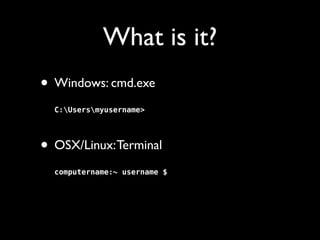
What is it?
• Windows: cmd.exe


C:Usersmyusername>


• OSX/Linux: Terminal


computername:~ username $

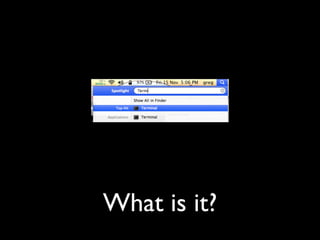
What is it?
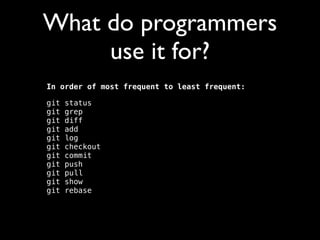
What do programmers
use it for?
In order of most frequent to least frequent:
git
git
git
git
git
git
git
git
git
git
git

status

grep

diff

add

log

checkout

commit

push

pull

show

rebase
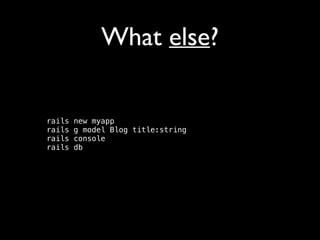
What else?
rails
rails
rails
rails

new myapp

g model Blog title:string

console

db

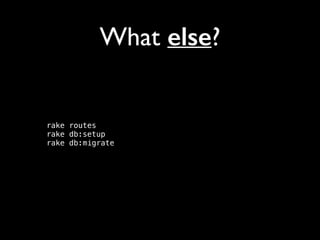
What else?

rake routes

rake db:setup

rake db:migrate

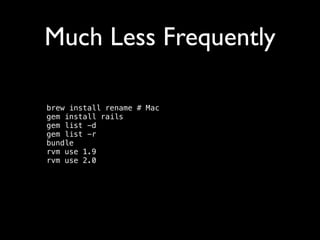
Much Less Frequently
brew install rename # Mac

gem install rails

gem list -d

gem list -r

bundle

rvm use 1.9

rvm use 2.0

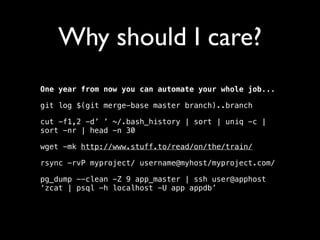
Why should I care?
One year from now you can automate your whole job...
git log $(git merge-base master branch)..branch
cut -f1,2 -d’ ’ ~/.bash_history | sort | uniq -c |
sort -nr | head -n 30
wget -mk http://www.stuff.to/read/on/the/train/
rsync -rvP myproject/ username@myhost/myproject.com/
pg_dump --clean -Z 9 app_master | ssh user@apphost
‘zcat | psql -h localhost -U app appdb’
Don’t Panic
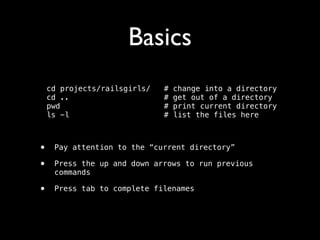
Basics
cd projects/railsgirls/
cd ..
pwd
ls -l

#
#
#
#

change into a directory

get out of a directory

print current directory 

list the files here

!

•
•

Pay attention to the “current directory”

•

Press tab to complete filenames

Press the up and down arrows to run previous
commands
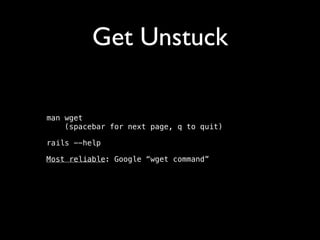
Get Unstuck
man wget

(spacebar for next page, q to quit)
rails --help
Most reliable: Google “wget command”
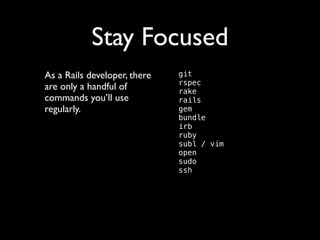
Stay Focused
As a Rails developer, there
are only a handful of
commands you’ll use
regularly.	


git

rspec

rake

rails

gem

bundle

irb

ruby

subl / vim

open

sudo

ssh

Next Steps

Incrementally improve your

command line capability
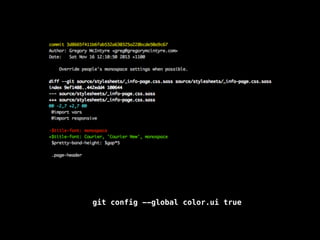
git config --global color.ui true
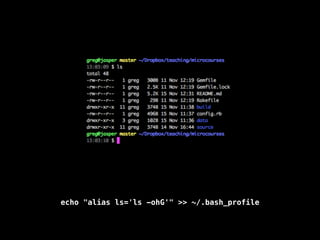
echo "alias ls='ls -ohG'" >> ~/.bash_profile
Shortcuts
up, down, tab
up, down, tab
up, down, tab
up, down, tab
up, down, tab
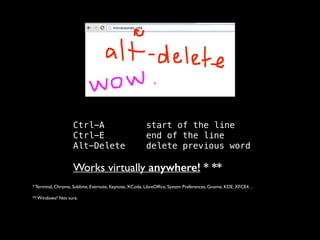
Ctrl-A
Ctrl-E
Alt-Delete


start of the line

end of the line

delete previous word


Works virtually anywhere! * **	

* Terminal, Chrome, Sublime, Evernote, Keynote, XCode, LibreOffice, System Preferences, Gnome, KDE, XFCE4…

** Windows? Not sure.
More Shortcuts
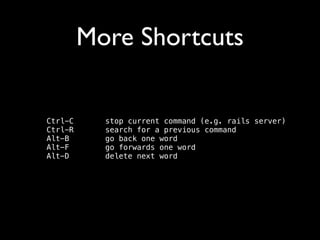
Ctrl-C
Ctrl-R
Alt-B
Alt-F
Alt-D

stop current command (e.g. rails server)

search for a previous command

go back one word

go forwards one word

delete next word
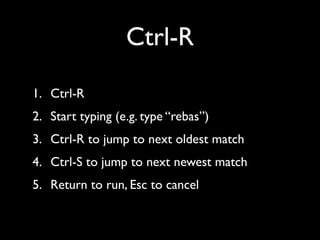
Ctrl-R
1. Ctrl-R	

2. Start typing (e.g. type “rebas”)	

3. Ctrl-R to jump to next oldest match	

4. Ctrl-S to jump to next newest match	

5. Return to run, Esc to cancel
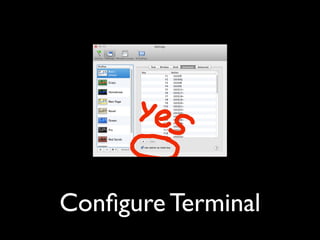
Configure Terminal
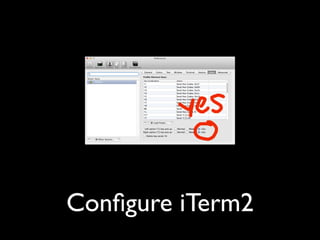
Configure iTerm2
Text
There Must Be a	

Better Way!

There usually is
@gregmcintyre
microcourses.info

Intro to the command line