CMS Switch-a-Rooney! Converting Your MuraMasa Sites to ContentBox.pdf
Led by Jon Clausen
Ready to make the jump to ContentBox? We’ll demonstrate in this session just how easy it is to move existing single or multi-site instances from Mura or Masa CMS to ContentBox!
INTO THE BOX2025
Jon Clausen
Ortus Solutions
Senior Solutions Architect
Grand Rapids, Michigan
3.
Why Migrate?
• Murais no longer open source.
• An open source fork of Mura is now maintained as Masa
• As a result many are looking for a FOSS CMS with similar enterprise features
• ContentBox offers a similar feature set, but has additional capabilities and modularity
• ContentBox offers better search for content and media via the Elasticsearch plugin
• ContentBox has a prede
fi
ned release and LTS roadmap with true iterative features - not just
simply maintenance releases
• ContentBox offers headless options which are not easily accessible to Mura sites
• Robust Content API
• Additional API functionality exposed via modularity
4.
Migration Considerations
• Datamigration attempts to be a direct one to one transfer, however some Mura/Masa content types are
coerced in to equivalent ContentBox content.
• Mura’s templating inheritance and syntax is incompatible with ContentBox.
• While content can be migrated effectively, Mura/Masa themes will need to be ported to ContentBox
themes
• Mura/Masa image galleries will need to have custom display templates developed to produce the
equivalent UI
• Some features, while planned for future releases will not be present. User migrations for Mura
versions prior to 8 will require a password reset due to different password encryption and seeding
5.
Migration Considerations
• AsMura/Masa have no concept of separate blog functionality, some additional database migrations
may be necessary to transfer blog items in the page tree to ContentBox entries
• Custom display objects used in Mura/Masa sites are placed in to a separate site module, which will
need to be refactored to use ContentBox conventions
6.
Potential Concerns
• Large-scalere-design and refactoring may be necessary, depending on how advanced the use of
Mura custom display objects and these are
• Sites with a large number of users, will need to have a clear transition plan in place
• Non-technical users familiar with the Mura admin will need to be retrained to understand the
ContentBox admin structure and functionality
• Custom code or templates, outside of the Mura CMS, may need to be refactored and updated to
Coldbox/ContentBox Conventions
7.
Switch-a-Rooney - TheProcess
1. Export a Site Bundle from the Mura Admin - which is the representation of the entire site.
• This process may take a long time so using the server
fi
le option is recommended
•If you choose to go the direct download route, make sure your request timeouts for the
web server and in the Application are high enough to accommodate
2. Install the contentbox-mura-importer module in to your ContentBox custom modules
3. Register and activate the module from the Admin
4. Upload your site bundle zip
fi
le, and specify the name of the new site, to complete the
import process
5. Re-template your new site in to ContentBox
6. Re-factor any custom display objects for ContentBox/Coldbox
Post-Migration Steps
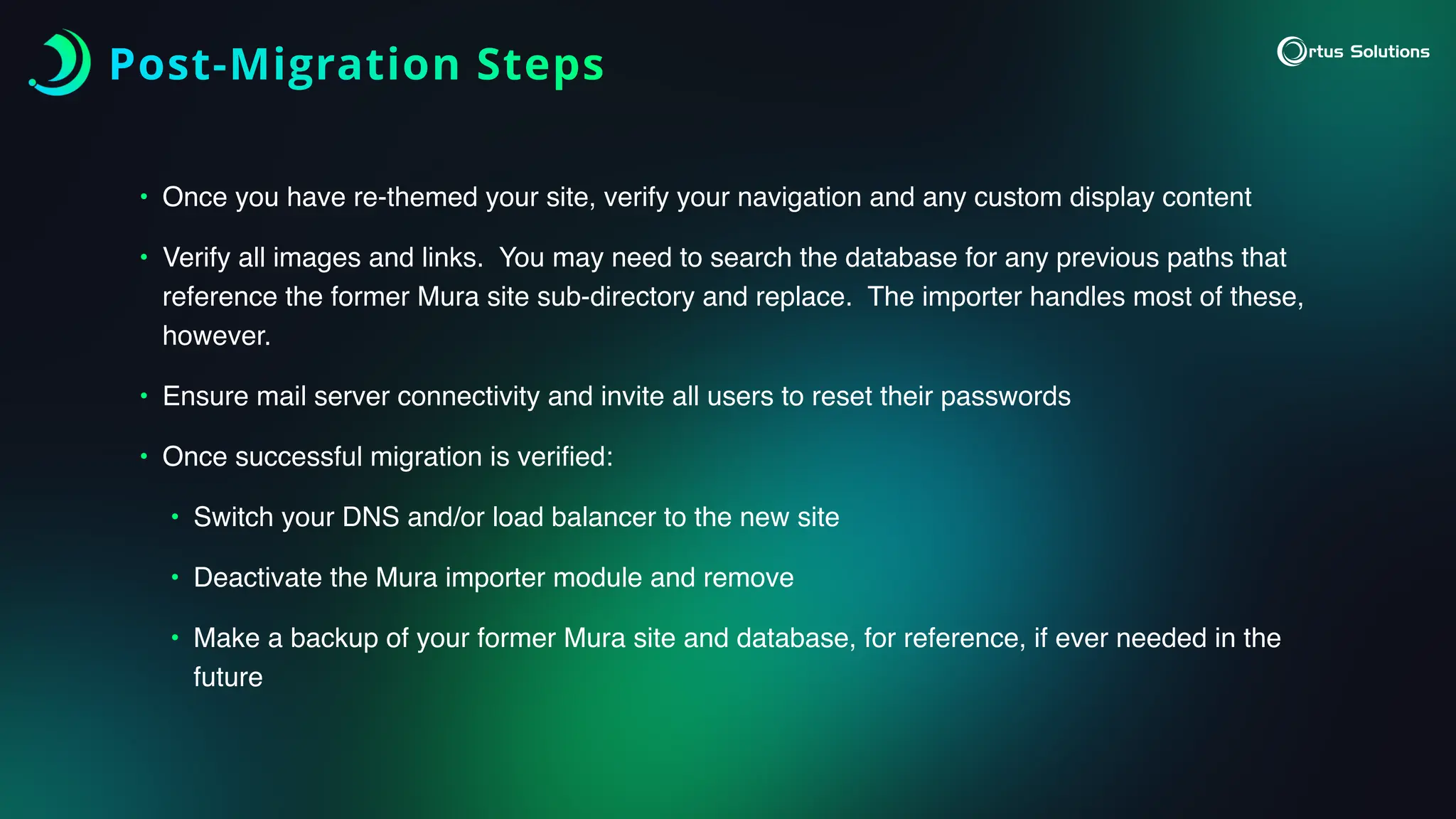
• Onceyou have re-themed your site, verify your navigation and any custom display content
• Verify all images and links. You may need to search the database for any previous paths that
reference the former Mura site sub-directory and replace. The importer handles most of these,
however.
• Ensure mail server connectivity and invite all users to reset their passwords
• Once successful migration is veri
fi
ed:
• Switch your DNS and/or load balancer to the new site
• Deactivate the Mura importer module and remove
• Make a backup of your former Mura site and database, for reference, if ever needed in the
future