CLOUD
MIGRATION
W H Y I T ' S I M P O R T A N T
F O R B U S I N E S S E S ?
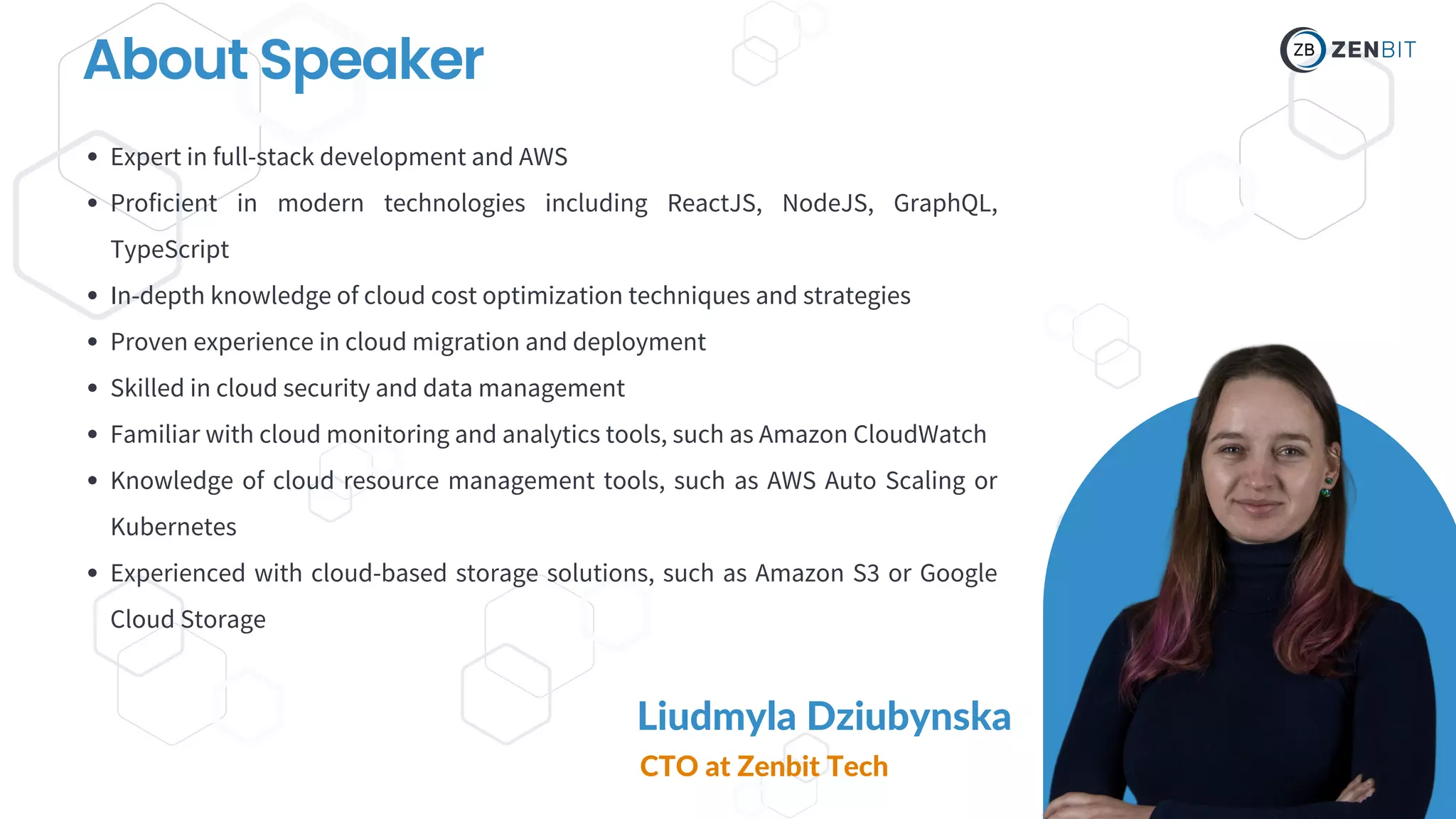
About Speaker
Liudmyla Dziubynska
CTO at Zenbit Tech
Expert in full-stack development and AWS
Proficient in modern technologies including ReactJS, NodeJS, GraphQL,
TypeScript
In-depth knowledge of cloud cost optimization techniques and strategies
Proven experience in cloud migration and deployment
Skilled in cloud security and data management
Familiar with cloud monitoring and analytics tools, such as Amazon CloudWatch
Knowledge of cloud resource management tools, such as AWS Auto Scaling or
Kubernetes
Experienced with cloud-based storage solutions, such as Amazon S3 or Google
Cloud Storage
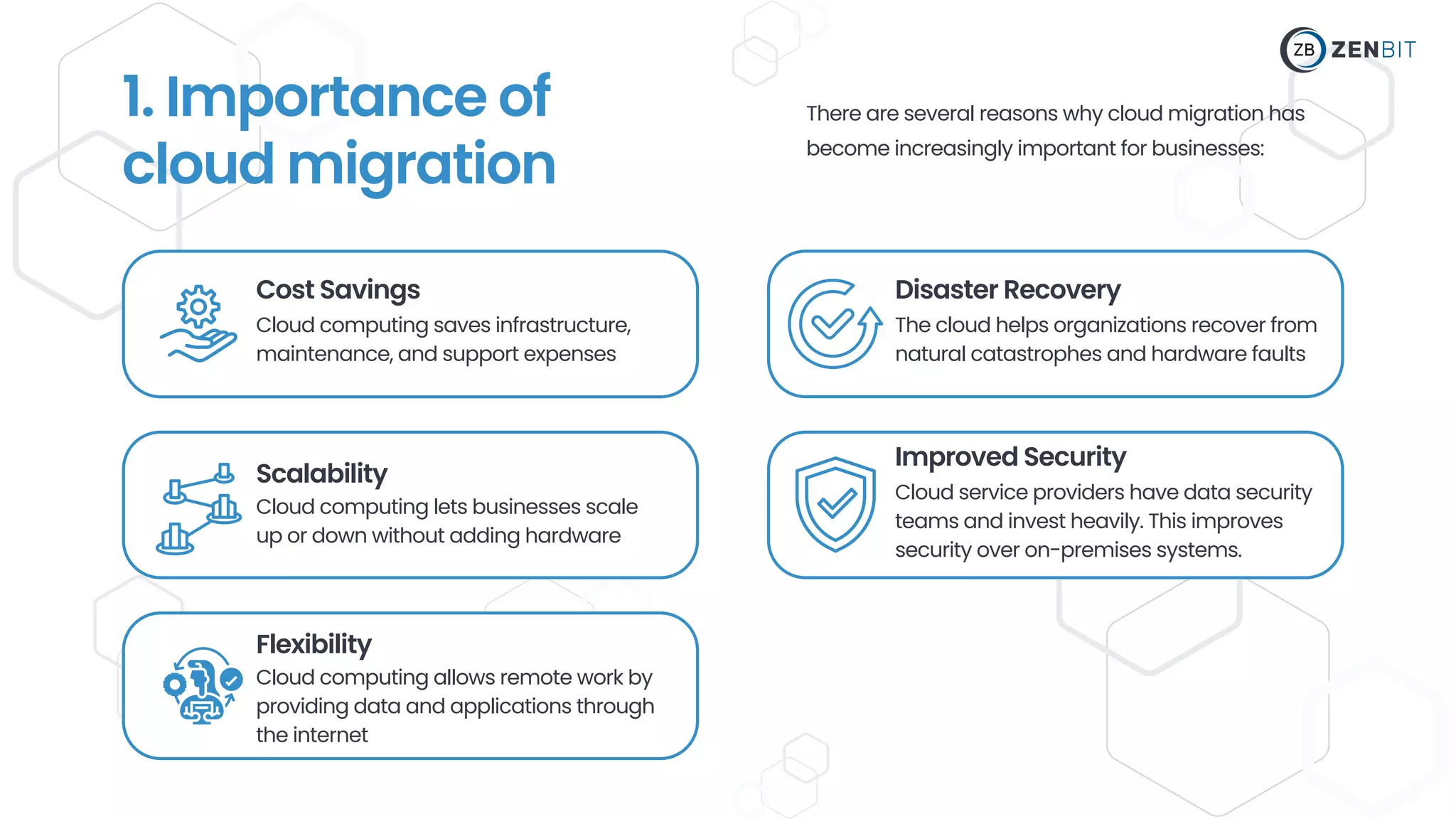
Cost Savings
Cloud computing saves infrastructure,
maintenance, and support expenses
Scalability
Cloud computing lets businesses scale
up or down without adding hardware
Disaster Recovery
Improved Security
The cloud helps organizations recover from
natural catastrophes and hardware faults
Cloud service providers have data security
teams and invest heavily. This improves
security over on-premises systems.
1. Importance of
cloud migration
There are several reasons why cloud migration has
become increasingly important for businesses:
Flexibility
Cloud computing allows remote work by
providing data and applications through
the internet
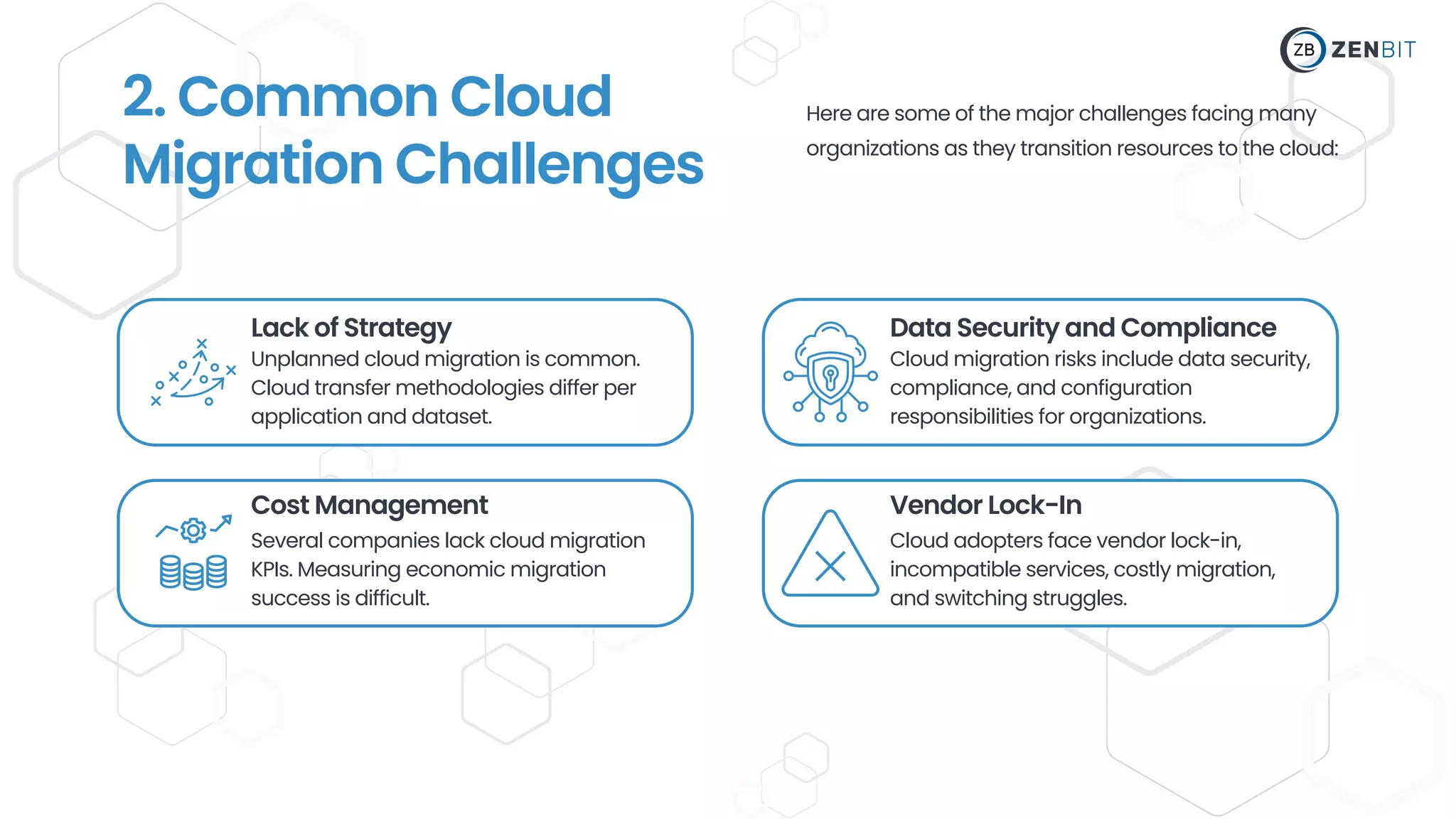
Lack of Strategy
Unplanned cloud migration is common.
Cloud transfer methodologies differ per
application and dataset.
Cost Management
Several companies lack cloud migration
KPIs. Measuring economic migration
success is difficult.
Data Security and Compliance
Vendor Lock-In
Cloud migration risks include data security,
compliance, and configuration
responsibilities for organizations.
Cloud adopters face vendor lock-in,
incompatible services, costly migration,
and switching struggles.
2. Common Cloud
Migration Challenges
Here are some of the major challenges facing many
organizations as they transition resources to the cloud:
3. Cloud Migration
Preparation
Cloud migration requires infrastructure review. This test will
help you move, leave, and change. Assessment:
01
InventoryYourExistingEnvironment: List
all servers, storage devices, databases, and
applications in your environment.
02
EvaluateApplicationPerformance:
Assess each application's performance
and resource use to discover which ones
require cloud optimization.
03 For example: what data each program
generates, performance needs, and backup
frequency.
DetermineDataRequirements: Assess each
application's data needs, including storage,
bandwidth, and computing power.
04
AssessSecurityandCompliance
Requirements:Check whether the cloud can
meet your security and compliance needs.
05 Web applications and databases may
rely on one other.
Check third-party APIs and services for
cloud compatibility.
DetectApplicationDependencies:
Find database connections, shared storage,
and network setups.
06
EvaluateCost:Compare the expense of
sustaining your present environment
versus switching to the cloud. This will
help you assess cloud migration costs.
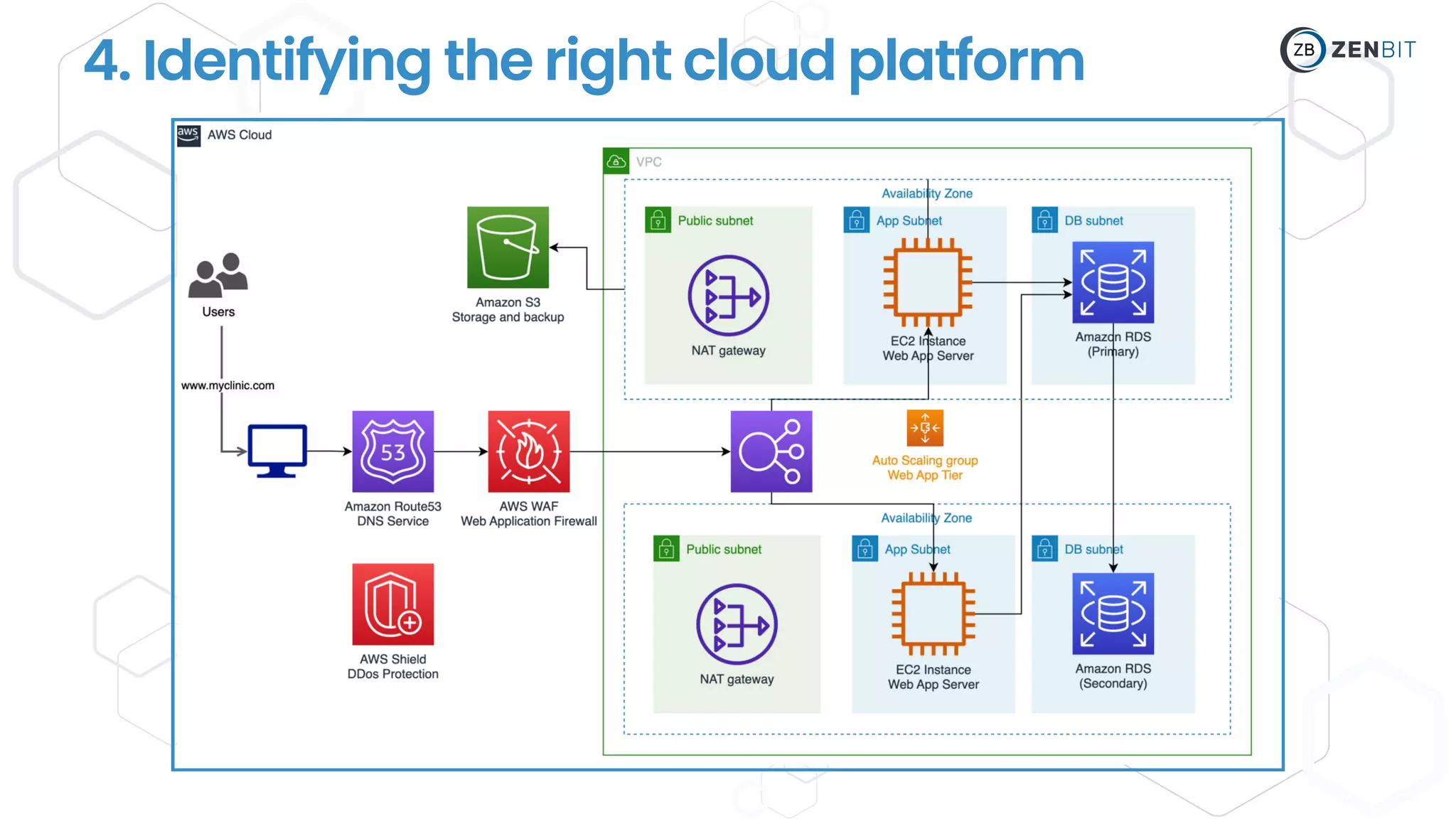
4. Identifying the right cloud platform
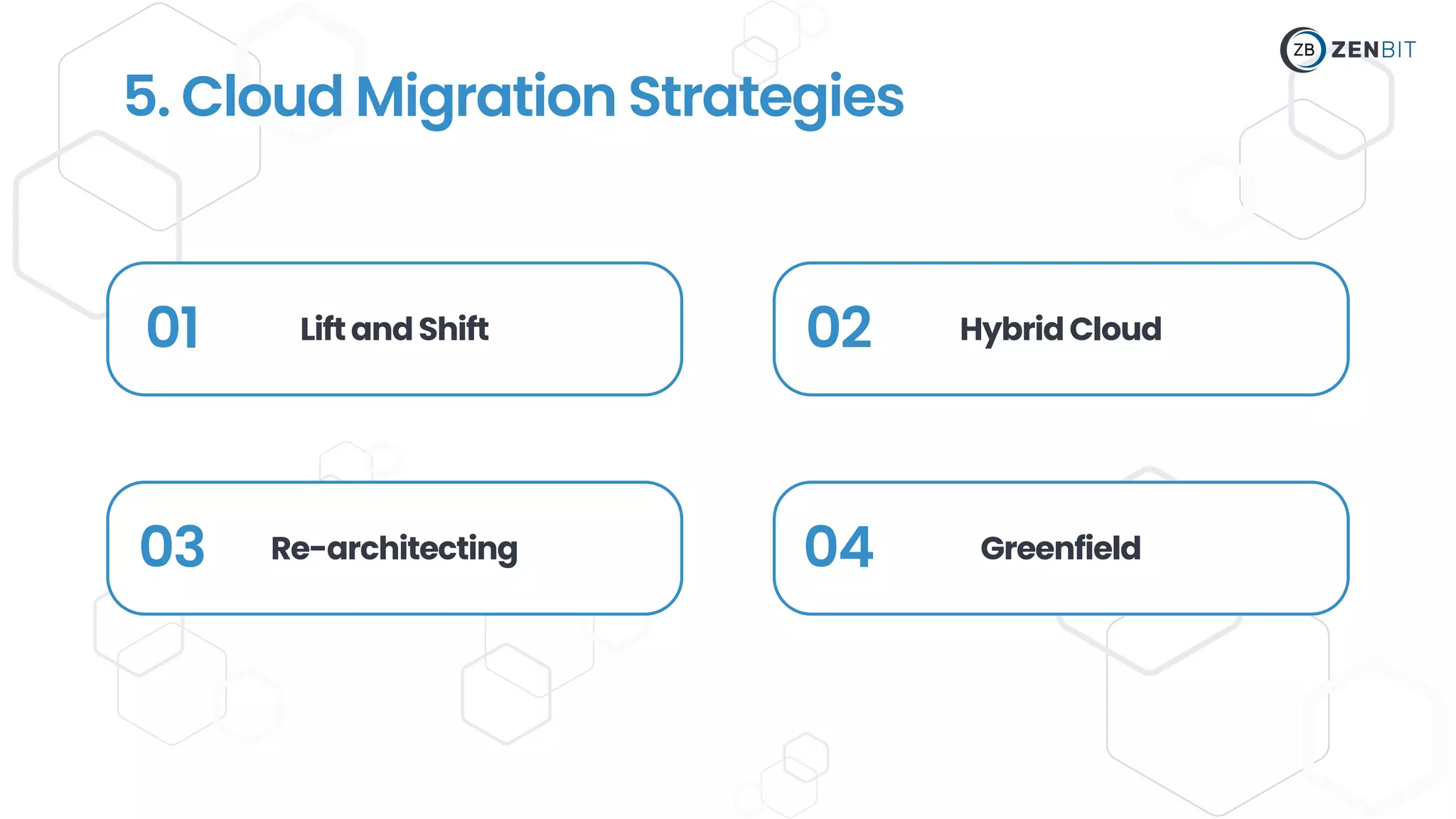
01 LiftandShift
03 Re-architecting
02 HybridCloud
04 Greenfield
5. Cloud Migration Strategies
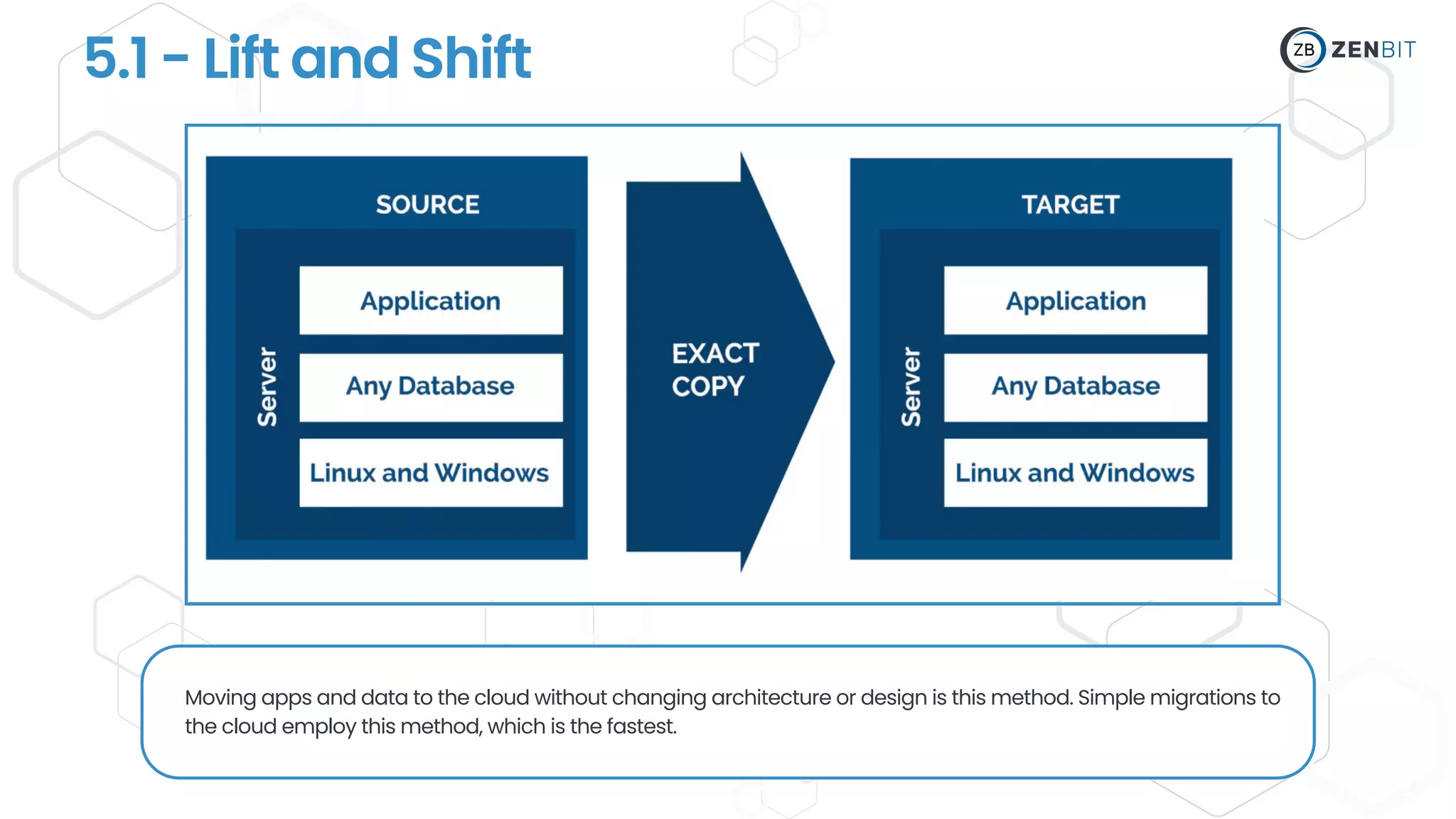
5.1 - Lift and Shift
Moving apps and data to the cloud without changing architecture or design is this method. Simple migrations to
the cloud employ this method, which is the fastest.
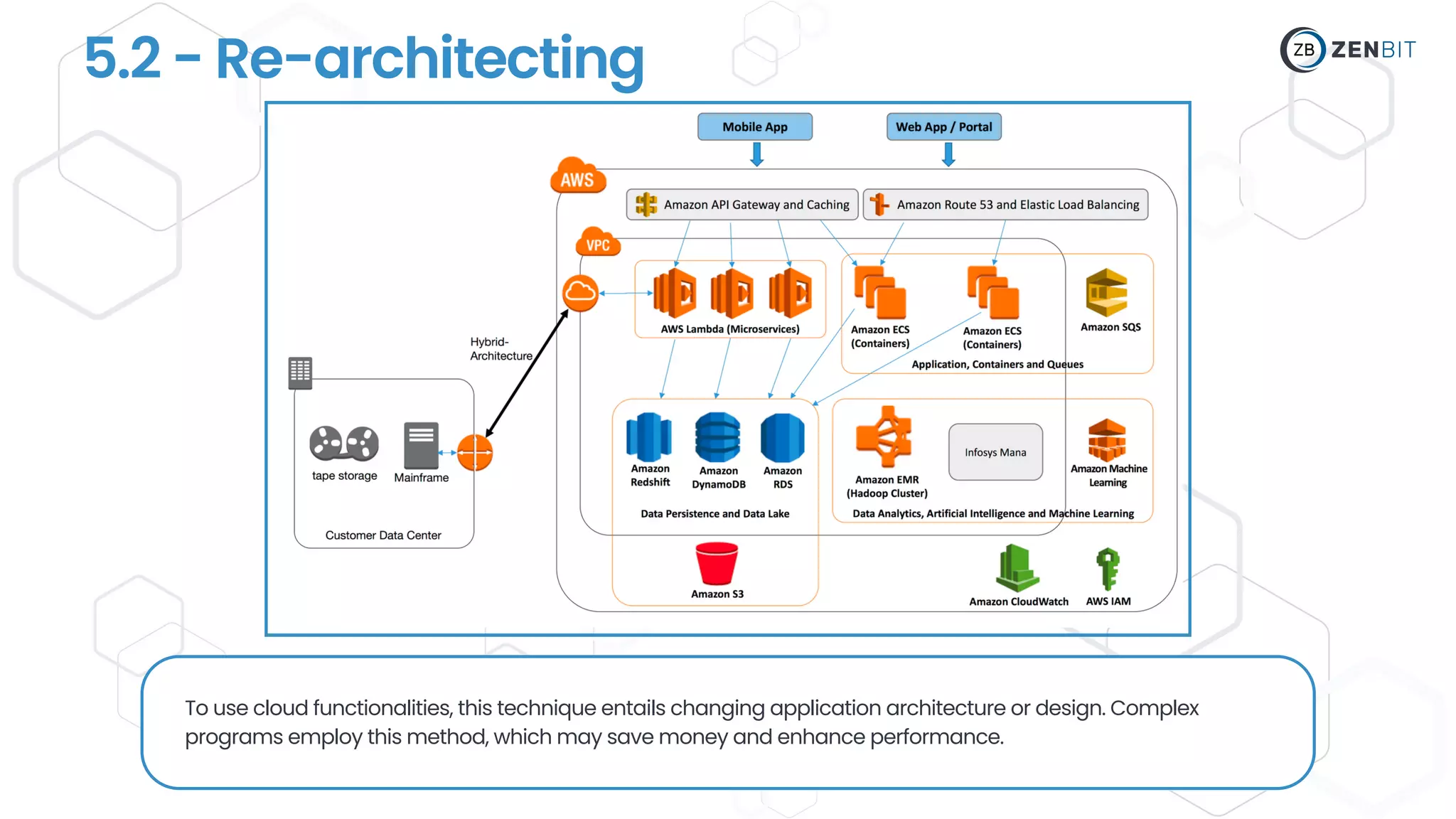
5.2 - Re-architecting
To use cloud functionalities, this technique entails changing application architecture or design. Complex
programs employ this method, which may save money and enhance performance.
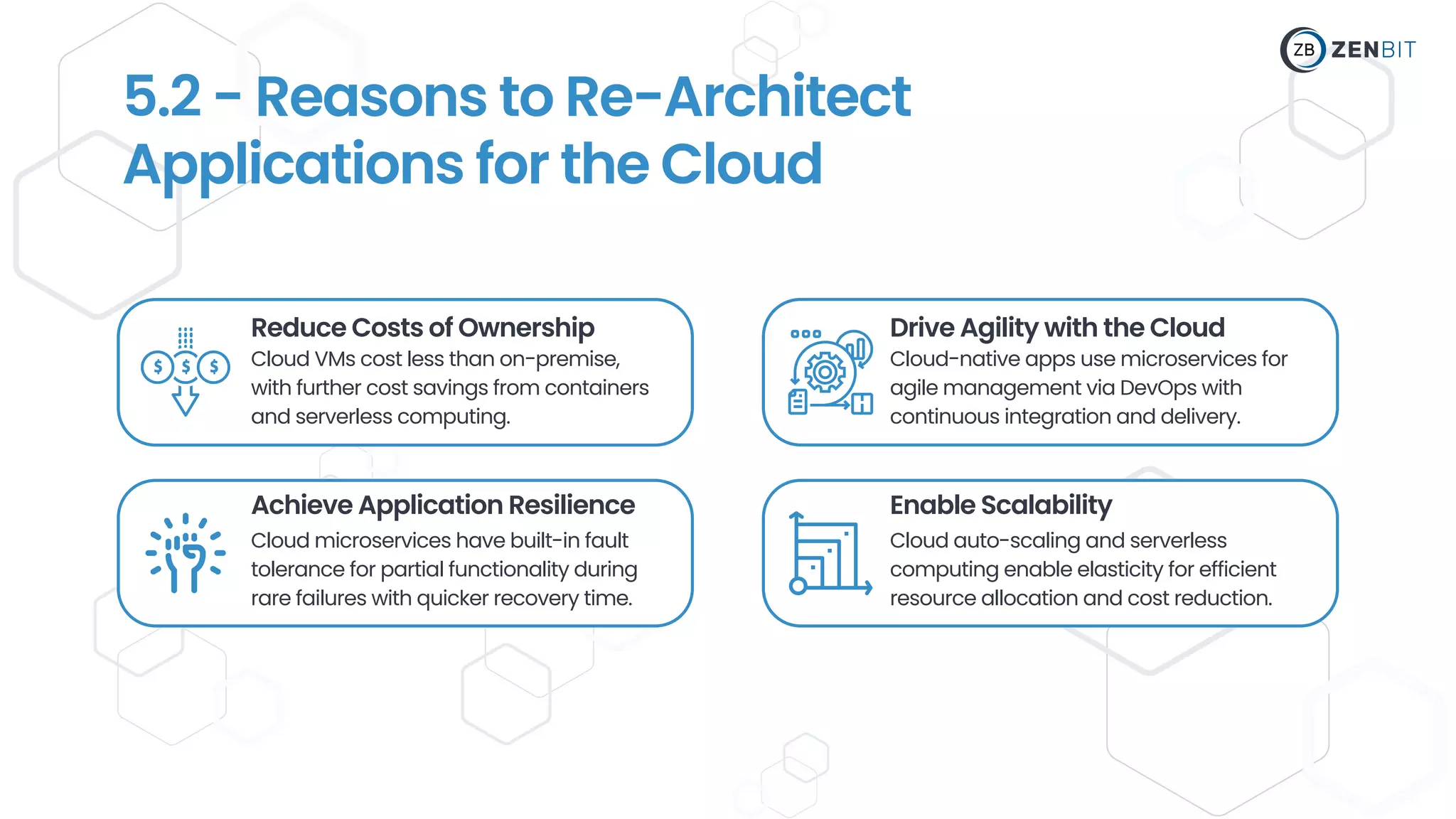
Reduce Costs of Ownership
Cloud VMs cost less than on-premise,
with further cost savings from containers
and serverless computing.
Achieve Application Resilience
Cloud microservices have built-in fault
tolerance for partial functionality during
rare failures with quicker recovery time.
Drive Agility with the Cloud
Enable Scalability
Cloud-native apps use microservices for
agile management via DevOps with
continuous integration and delivery.
Cloud auto-scaling and serverless
computing enable elasticity for efficient
resource allocation and cost reduction.
5.2 - Reasons to Re-Architect
Applications for the Cloud
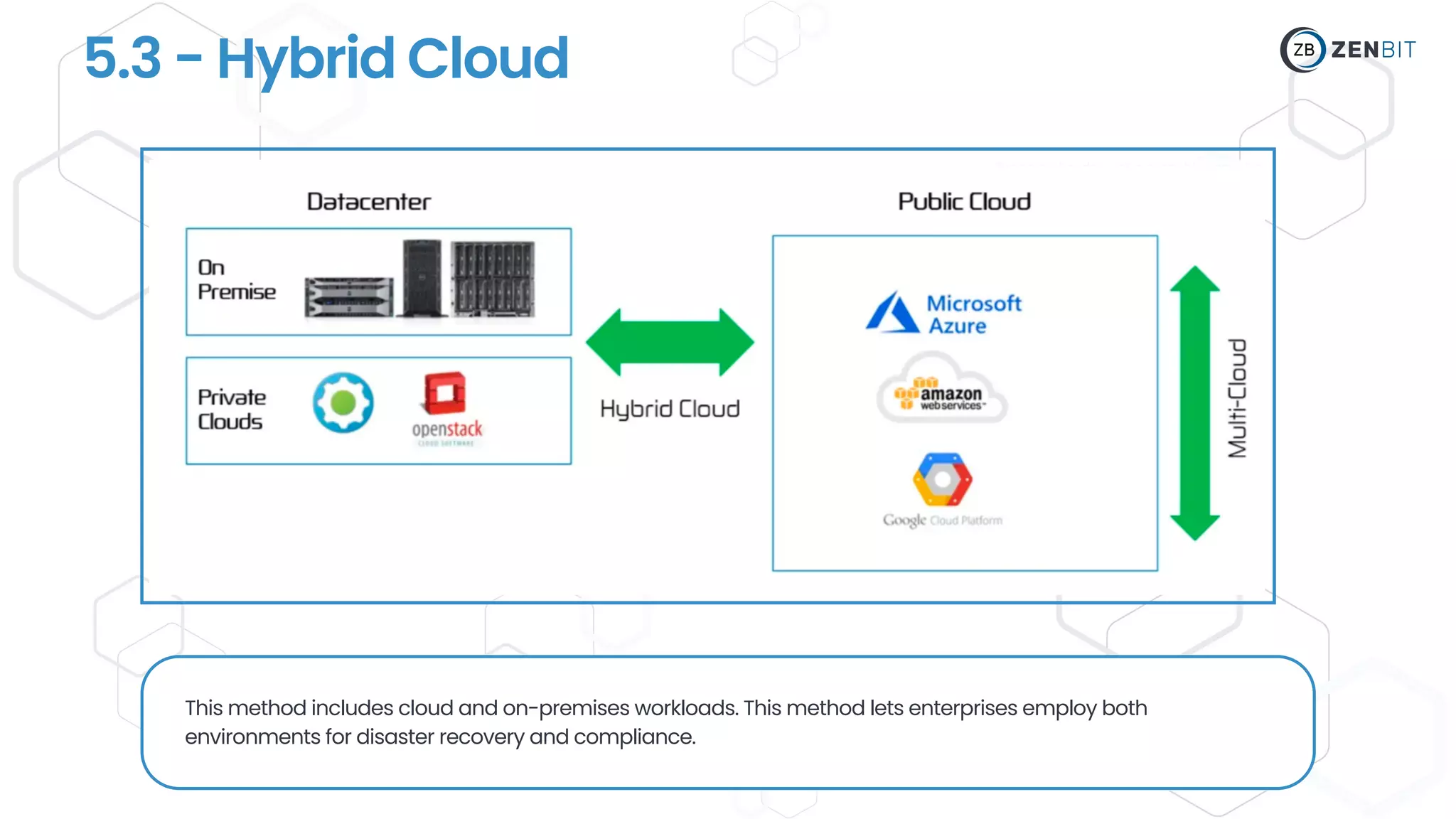
5.3 - Hybrid Cloud
This method includes cloud and on-premises workloads. This method lets enterprises employ both
environments for disaster recovery and compliance.
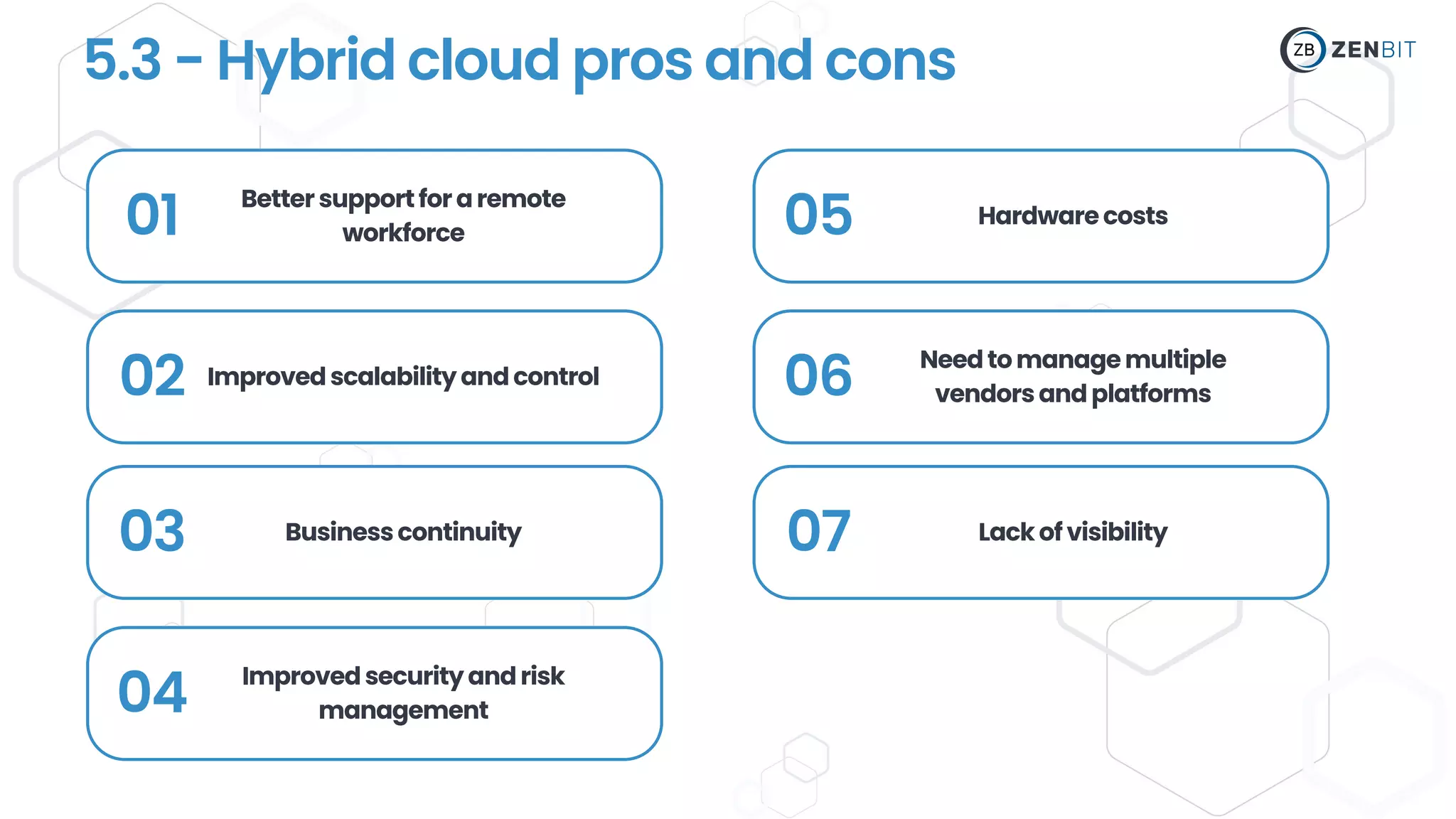
5.3 - Hybrid cloud pros and cons
01 Bettersupportforaremote
workforce
02 Improvedscalabilityandcontrol
03 Businesscontinuity
04 Improvedsecurityandrisk
management
05 Hardwarecosts
06 Needtomanagemultiple
vendorsandplatforms
07 Lackofvisibility
This technique entails creating cloud-based software from scratch.
This method lets companies make use of the newest cloud services
and capabilities and support new business objectives.
5.4 - Greenfield Strategy
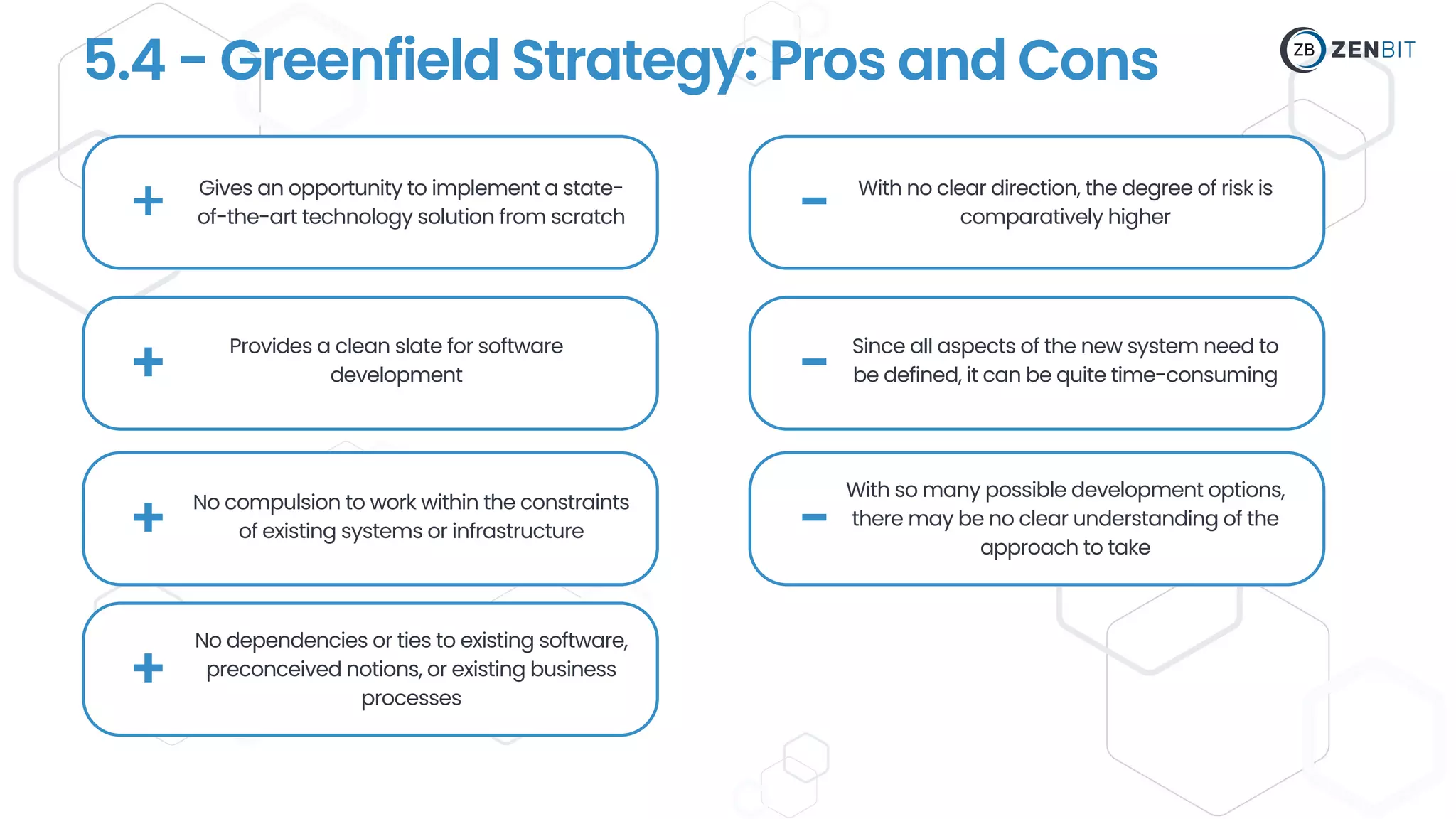
5.4 - Greenfield Strategy: Pros and Cons
+ Gives an opportunity to implement a state-
of-the-art technology solution from scratch
+
+
-
-
-
Provides a clean slate for software
development
No compulsion to work within the constraints
of existing systems or infrastructure
With no clear direction, the degree of risk is
comparatively higher
Since all aspects of the new system need to
be defined, it can be quite time-consuming
With so many possible development options,
there may be no clear understanding of the
approach to take
+
No dependencies or ties to existing software,
preconceived notions, or existing business
processes
6 - Real-World Examples of Successful
Cloud Migration
Spotify:Spotify migrated its music streaming
service to the cloud, using Google Cloud.
Netflix:Netflix migrated its entire infrastructure
to the cloud, using AWS.
CapitalOne: To boost agility and innovation,
Capital One moved its infrastructure to AWS and
Azure.
Dropbox: Dropbox migrated its infrastructure from
its own data centers to the cloud, using AWS.
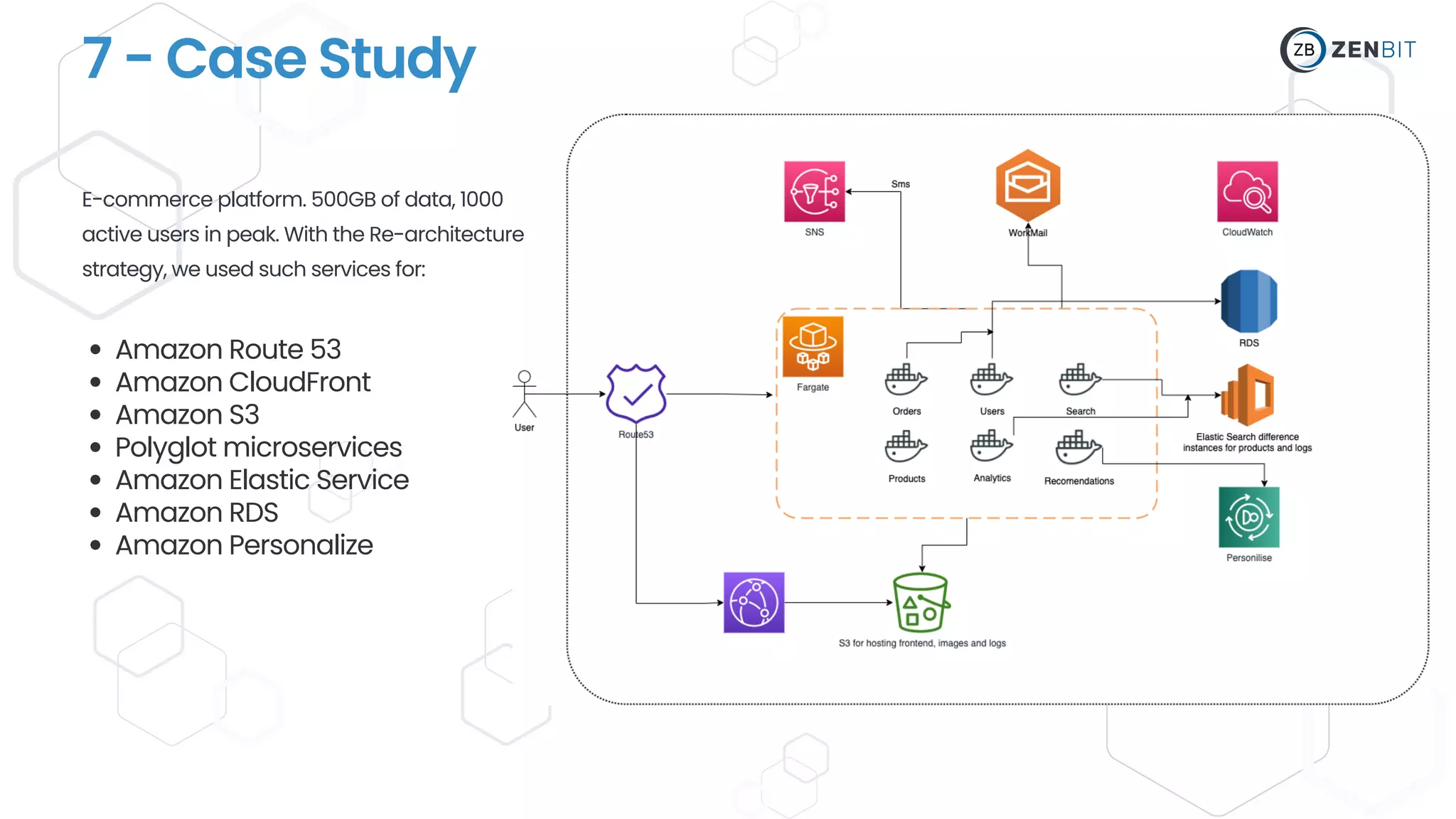
7 - Case Study
Amazon Route 53
Amazon CloudFront
Amazon S3
Polyglot microservices
Amazon Elastic Service
Amazon RDS
Amazon Personalize
E-commerce platform. 500GB of data, 1000
active users in peak. With the Re-architecture
strategy, we used such services for:
Join our Cloud Solutions Hub LinkedIn Group!
Contact us
We will be glad to answer on any questions!
Liudmyla Dziubynska
CTO at Zenbit Tech
Scan the QR-Code to get Lyudmila's
contacts and link to our Cloud
Solutions Hub LinkedIn Group!

Cloud Migration.pdf

  • 1.
    CLOUD MIGRATION W H YI T ' S I M P O R T A N T F O R B U S I N E S S E S ?
  • 2.
    About Speaker Liudmyla Dziubynska CTOat Zenbit Tech Expert in full-stack development and AWS Proficient in modern technologies including ReactJS, NodeJS, GraphQL, TypeScript In-depth knowledge of cloud cost optimization techniques and strategies Proven experience in cloud migration and deployment Skilled in cloud security and data management Familiar with cloud monitoring and analytics tools, such as Amazon CloudWatch Knowledge of cloud resource management tools, such as AWS Auto Scaling or Kubernetes Experienced with cloud-based storage solutions, such as Amazon S3 or Google Cloud Storage
  • 3.
    Cost Savings Cloud computingsaves infrastructure, maintenance, and support expenses Scalability Cloud computing lets businesses scale up or down without adding hardware Disaster Recovery Improved Security The cloud helps organizations recover from natural catastrophes and hardware faults Cloud service providers have data security teams and invest heavily. This improves security over on-premises systems. 1. Importance of cloud migration There are several reasons why cloud migration has become increasingly important for businesses: Flexibility Cloud computing allows remote work by providing data and applications through the internet
  • 4.
    Lack of Strategy Unplannedcloud migration is common. Cloud transfer methodologies differ per application and dataset. Cost Management Several companies lack cloud migration KPIs. Measuring economic migration success is difficult. Data Security and Compliance Vendor Lock-In Cloud migration risks include data security, compliance, and configuration responsibilities for organizations. Cloud adopters face vendor lock-in, incompatible services, costly migration, and switching struggles. 2. Common Cloud Migration Challenges Here are some of the major challenges facing many organizations as they transition resources to the cloud:
  • 5.
    3. Cloud Migration Preparation Cloudmigration requires infrastructure review. This test will help you move, leave, and change. Assessment: 01 InventoryYourExistingEnvironment: List all servers, storage devices, databases, and applications in your environment. 02 EvaluateApplicationPerformance: Assess each application's performance and resource use to discover which ones require cloud optimization.
  • 6.
    03 For example:what data each program generates, performance needs, and backup frequency. DetermineDataRequirements: Assess each application's data needs, including storage, bandwidth, and computing power. 04 AssessSecurityandCompliance Requirements:Check whether the cloud can meet your security and compliance needs.
  • 7.
    05 Web applicationsand databases may rely on one other. Check third-party APIs and services for cloud compatibility. DetectApplicationDependencies: Find database connections, shared storage, and network setups. 06 EvaluateCost:Compare the expense of sustaining your present environment versus switching to the cloud. This will help you assess cloud migration costs.
  • 8.
    4. Identifying theright cloud platform
  • 9.
    01 LiftandShift 03 Re-architecting 02HybridCloud 04 Greenfield 5. Cloud Migration Strategies
  • 10.
    5.1 - Liftand Shift Moving apps and data to the cloud without changing architecture or design is this method. Simple migrations to the cloud employ this method, which is the fastest.
  • 11.
    5.2 - Re-architecting Touse cloud functionalities, this technique entails changing application architecture or design. Complex programs employ this method, which may save money and enhance performance.
  • 12.
    Reduce Costs ofOwnership Cloud VMs cost less than on-premise, with further cost savings from containers and serverless computing. Achieve Application Resilience Cloud microservices have built-in fault tolerance for partial functionality during rare failures with quicker recovery time. Drive Agility with the Cloud Enable Scalability Cloud-native apps use microservices for agile management via DevOps with continuous integration and delivery. Cloud auto-scaling and serverless computing enable elasticity for efficient resource allocation and cost reduction. 5.2 - Reasons to Re-Architect Applications for the Cloud
  • 13.
    5.3 - HybridCloud This method includes cloud and on-premises workloads. This method lets enterprises employ both environments for disaster recovery and compliance.
  • 14.
    5.3 - Hybridcloud pros and cons 01 Bettersupportforaremote workforce 02 Improvedscalabilityandcontrol 03 Businesscontinuity 04 Improvedsecurityandrisk management 05 Hardwarecosts 06 Needtomanagemultiple vendorsandplatforms 07 Lackofvisibility
  • 15.
    This technique entailscreating cloud-based software from scratch. This method lets companies make use of the newest cloud services and capabilities and support new business objectives. 5.4 - Greenfield Strategy
  • 16.
    5.4 - GreenfieldStrategy: Pros and Cons + Gives an opportunity to implement a state- of-the-art technology solution from scratch + + - - - Provides a clean slate for software development No compulsion to work within the constraints of existing systems or infrastructure With no clear direction, the degree of risk is comparatively higher Since all aspects of the new system need to be defined, it can be quite time-consuming With so many possible development options, there may be no clear understanding of the approach to take + No dependencies or ties to existing software, preconceived notions, or existing business processes
  • 17.
    6 - Real-WorldExamples of Successful Cloud Migration Spotify:Spotify migrated its music streaming service to the cloud, using Google Cloud. Netflix:Netflix migrated its entire infrastructure to the cloud, using AWS. CapitalOne: To boost agility and innovation, Capital One moved its infrastructure to AWS and Azure. Dropbox: Dropbox migrated its infrastructure from its own data centers to the cloud, using AWS.
  • 18.
    7 - CaseStudy Amazon Route 53 Amazon CloudFront Amazon S3 Polyglot microservices Amazon Elastic Service Amazon RDS Amazon Personalize E-commerce platform. 500GB of data, 1000 active users in peak. With the Re-architecture strategy, we used such services for:
  • 19.
    Join our CloudSolutions Hub LinkedIn Group! Contact us We will be glad to answer on any questions! Liudmyla Dziubynska CTO at Zenbit Tech Scan the QR-Code to get Lyudmila's contacts and link to our Cloud Solutions Hub LinkedIn Group!