The document discusses cloud computing as the delivery of computing resources over the internet, highlighting its types (public, private, hybrid) and services (IaaS, PaaS, SaaS). It outlines the benefits of cloud computing, such as cost savings and scalability, while also mentioning challenges like security and vendor lock-in. The conclusion emphasizes cloud computing's role in optimizing business operations and facilitating online education.
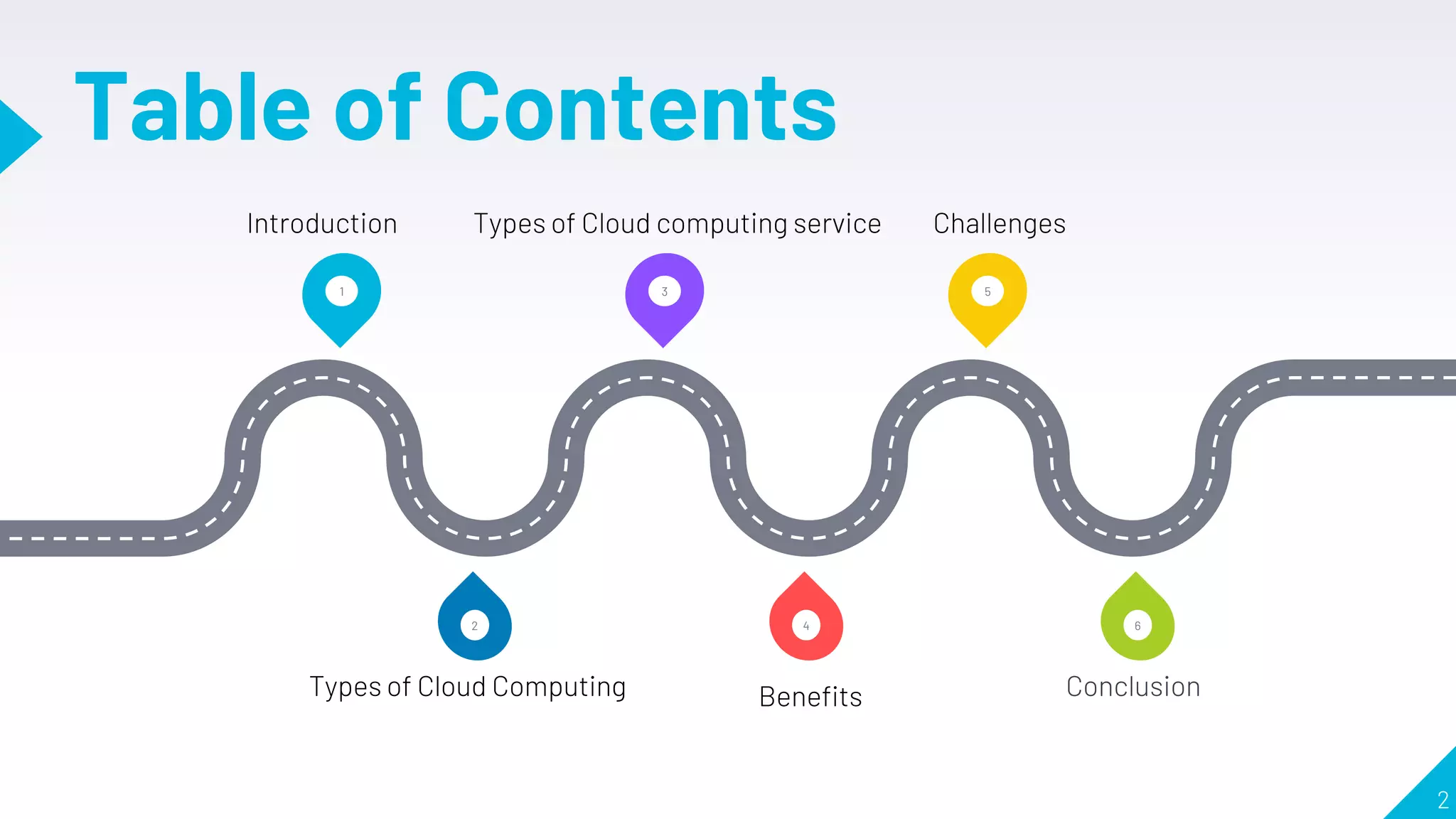
Table of Contents
2
13 5
6
4
2
Introduction Types of Cloud computing service Challenges
Types of Cloud Computing Benefits Conclusion
3.
Introduction
3
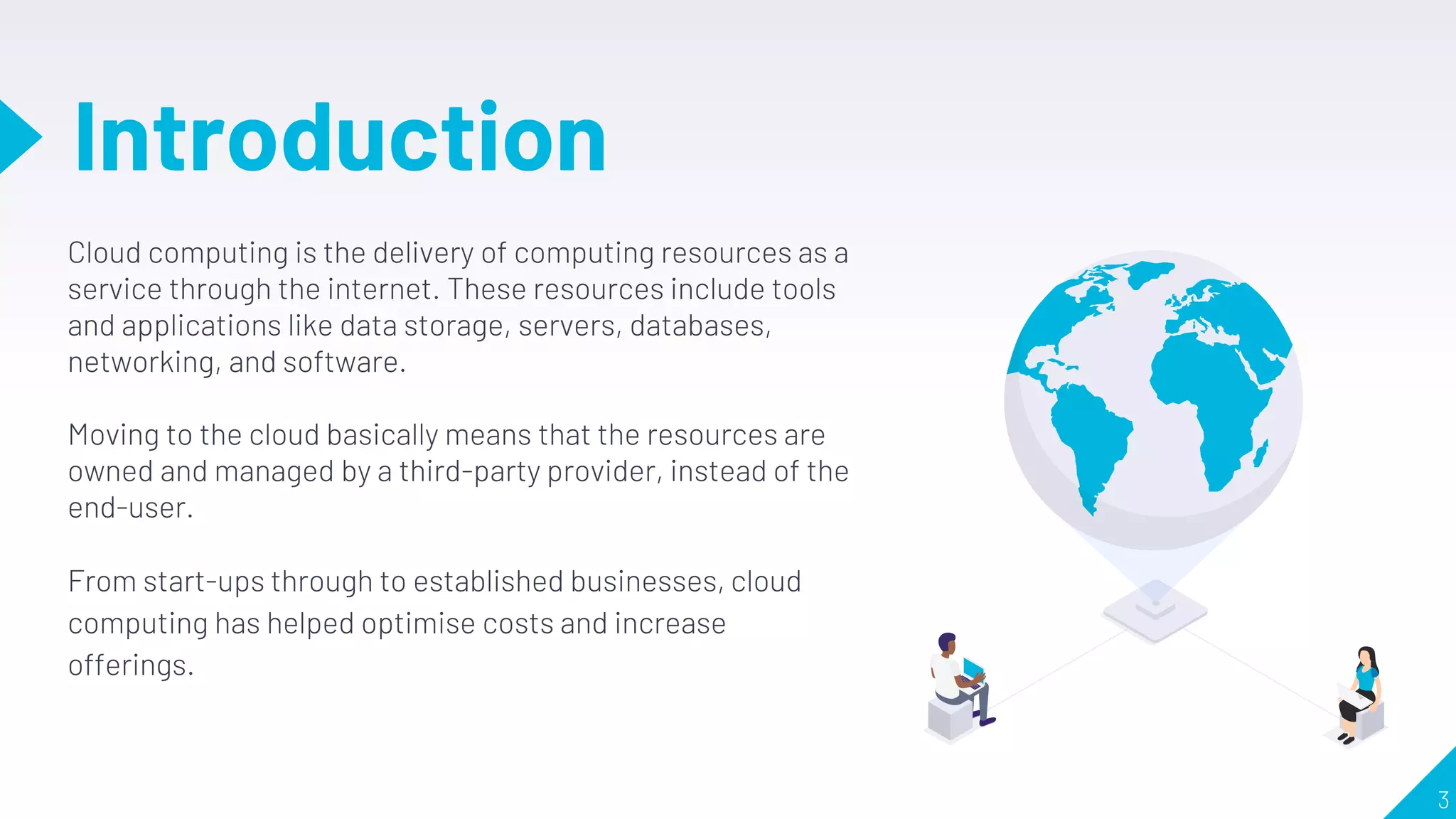
Cloud computing isthe delivery of computing resources as a
service through the internet. These resources include tools
and applications like data storage, servers, databases,
networking, and software.
Moving to the cloud basically means that the resources are
owned and managed by a third-party provider, instead of the
end-user.
From start-ups through to established businesses, cloud
computing has helped optimise costs and increase
offerings.
4.
Types of Cloud
Computing
❏Not all clouds are the same and not
one type of cloud computing is right
for everyone.
❏ There are three different ways to
deploy cloud services: on a public
cloud, private cloud or hybrid cloud.
5.
5
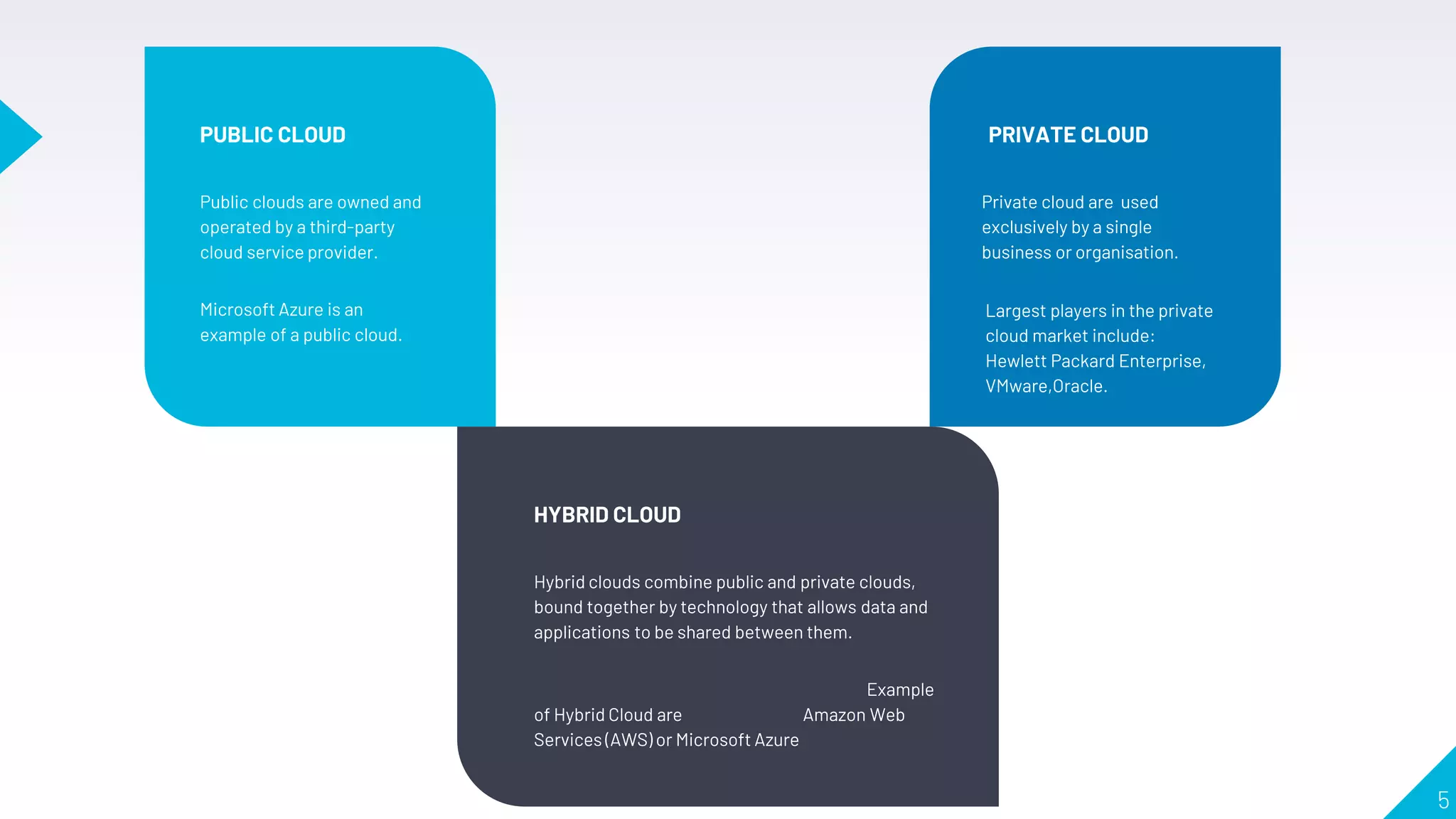
PRIVATE CLOUD
Private cloudare used
exclusively by a single
business or organisation.
PUBLIC CLOUD
Public clouds are owned and
operated by a third-party
cloud service provider.
Microsoft Azure is an
example of a public cloud.
HYBRID CLOUD
Hybrid clouds combine public and private clouds,
bound together by technology that allows data and
applications to be shared between them.
Example
of Hybrid Cloud are Amazon Web
Services (AWS) or Microsoft Azure
Largest players in the private
cloud market include:
Hewlett Packard Enterprise,
VMware,Oracle.
6.
Types of CloudComputing
Services
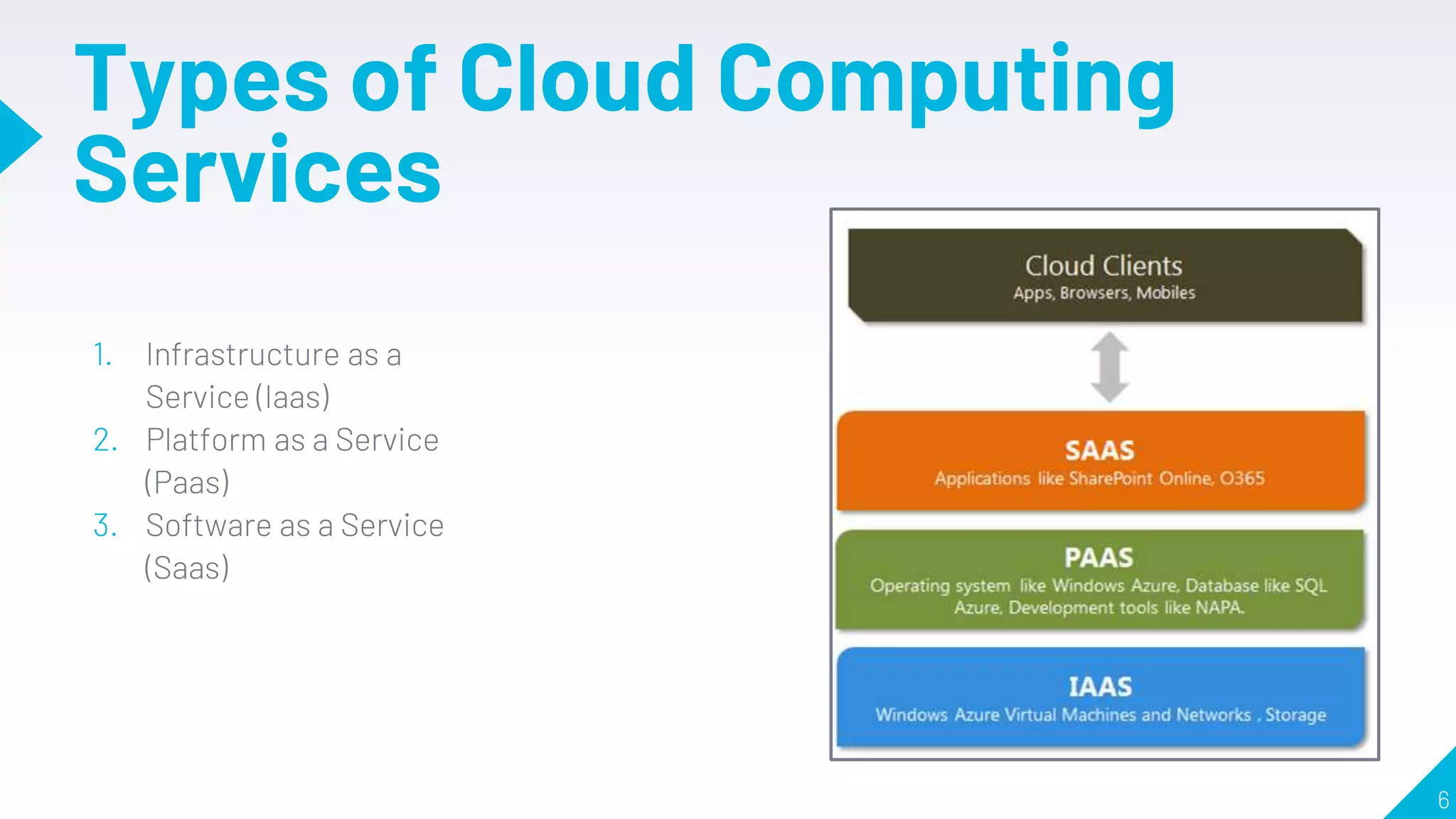
1. Infrastructure as a
Service (Iaas)
2. Platform as a Service
(Paas)
3. Software as a Service
(Saas)
6
7.
Infrastructure as a
Service
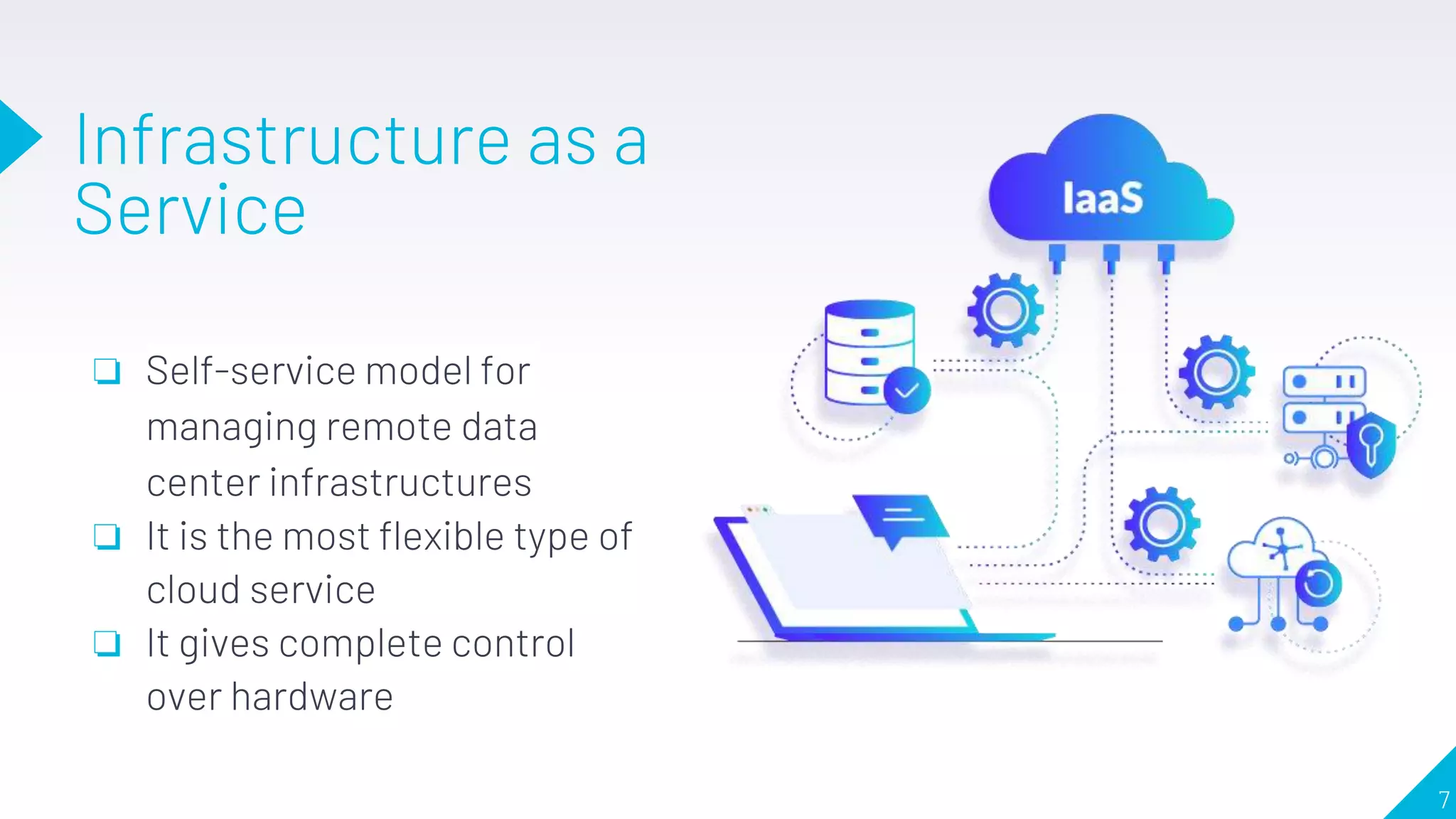
❏Self-service model for
managing remote data
center infrastructures
❏ It is the most flexible type of
cloud service
❏ It gives complete control
over hardware
7
8.
“
8
Security Issues inIaaS
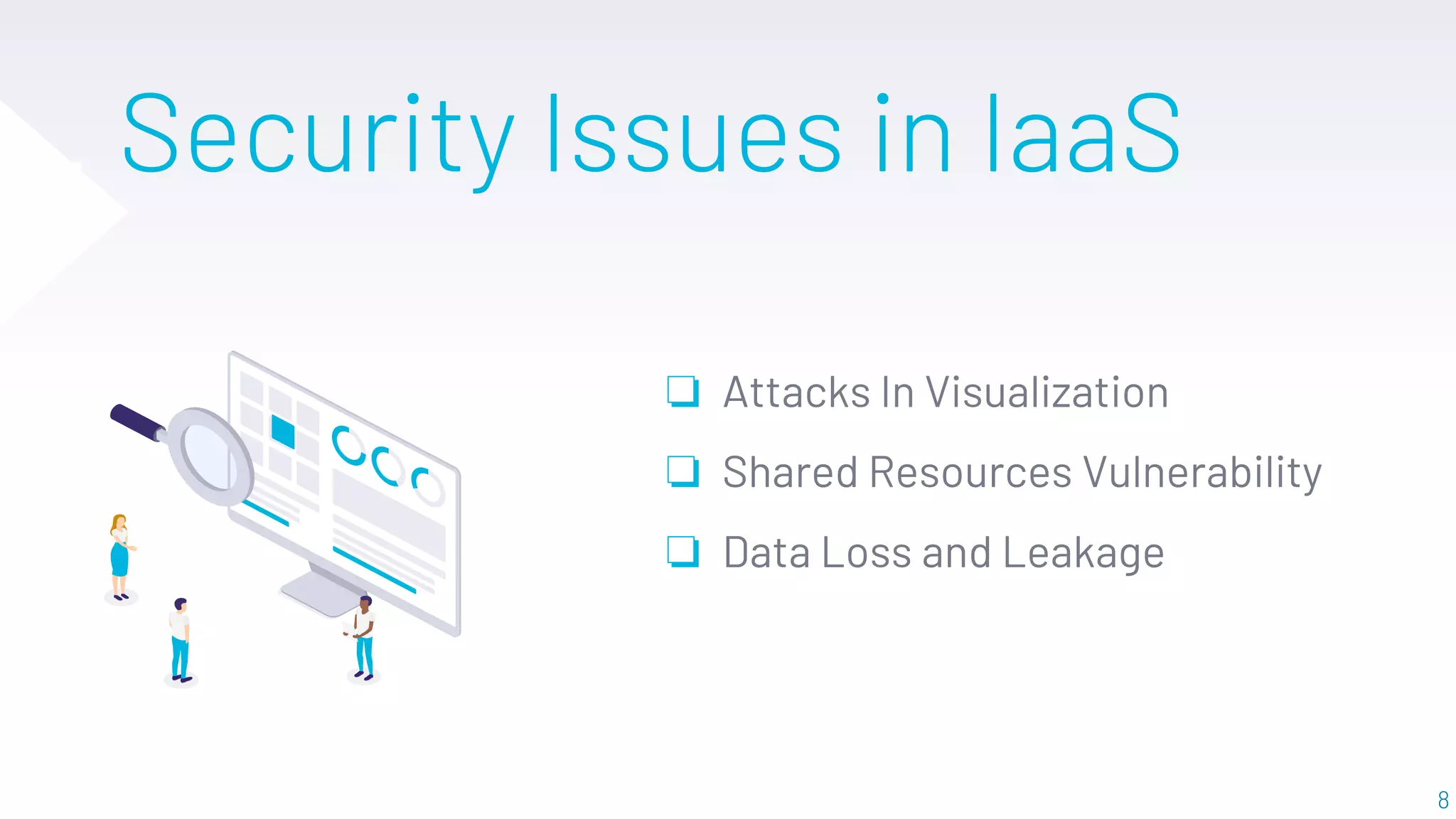
❏ Attacks In Visualization
❏ Shared Resources Vulnerability
❏ Data Loss and Leakage
9.
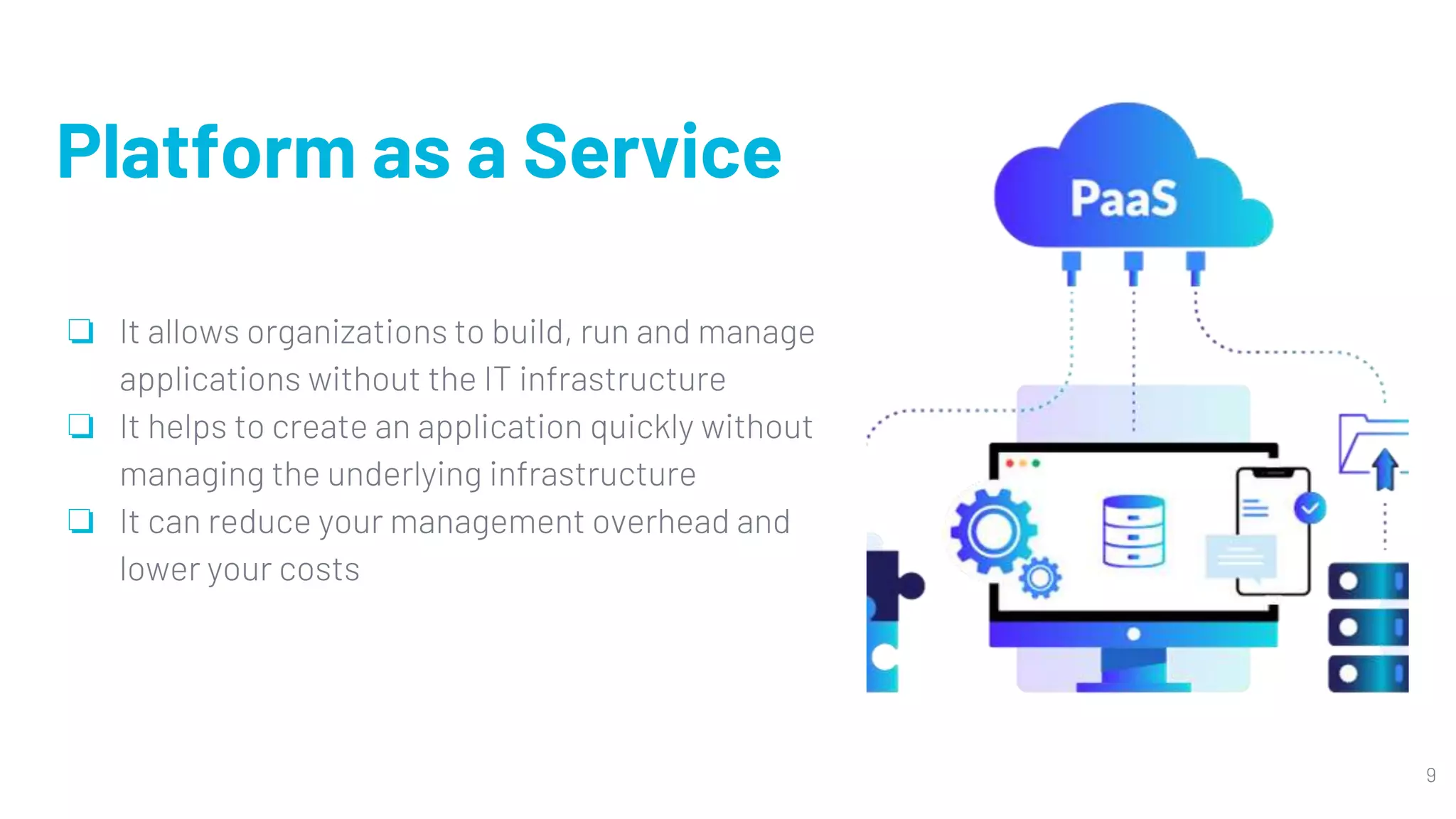
Platform as aService
❏ It allows organizations to build, run and manage
applications without the IT infrastructure
❏ It helps to create an application quickly without
managing the underlying infrastructure
❏ It can reduce your management overhead and
lower your costs
9
10.
10
Security issues
in Paas
❏Third party relationships and web
hosted development tools
❏ Rapid change of application
❏ Disaster and business stability
arrangement
❏ Security of underlying infrastructure
11.
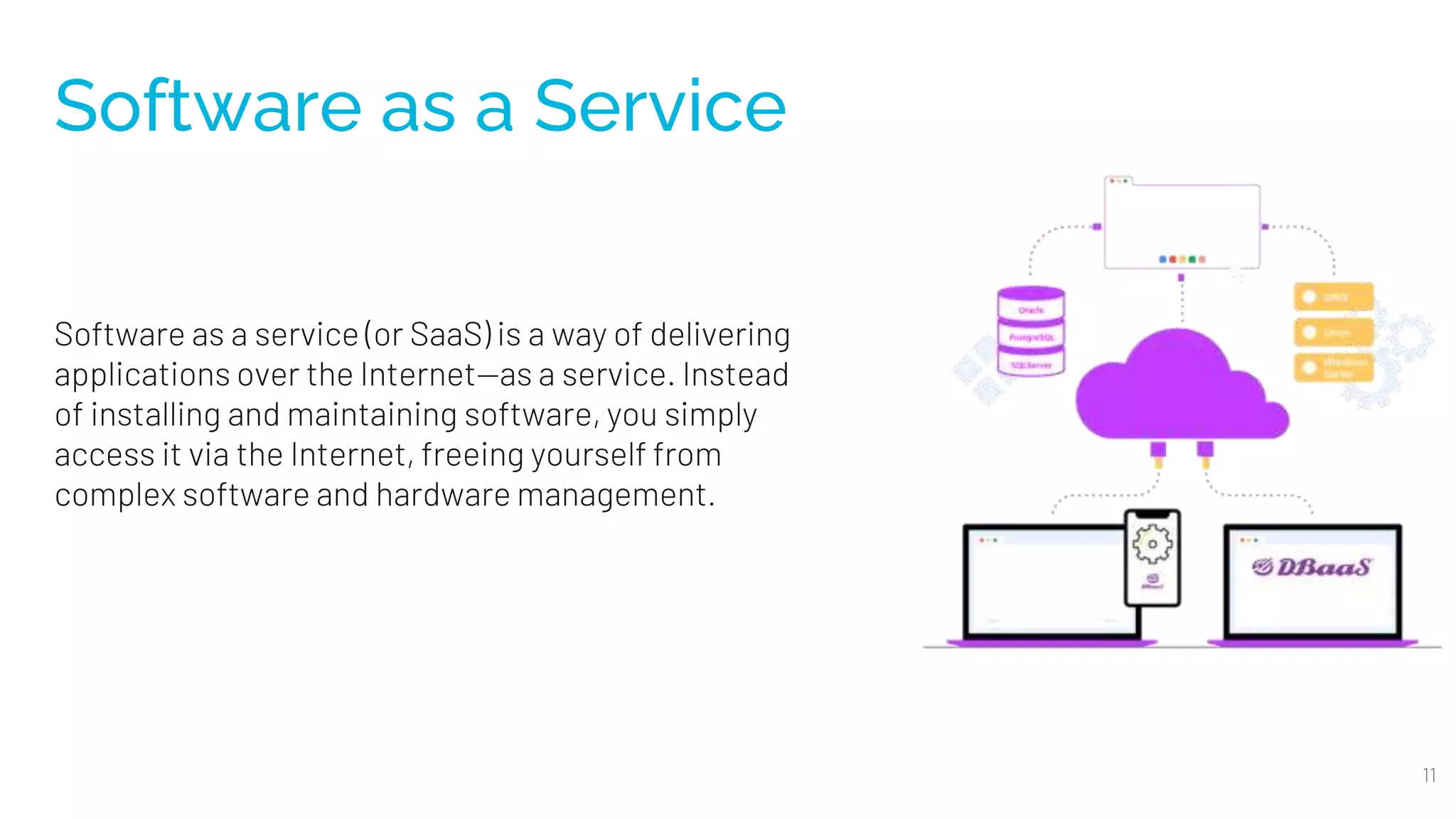
Software as aService
Software as a service (or SaaS) is a way of delivering
applications over the Internet—as a service. Instead
of installing and maintaining software, you simply
access it via the Internet, freeing yourself from
complex software and hardware management.
11
12.
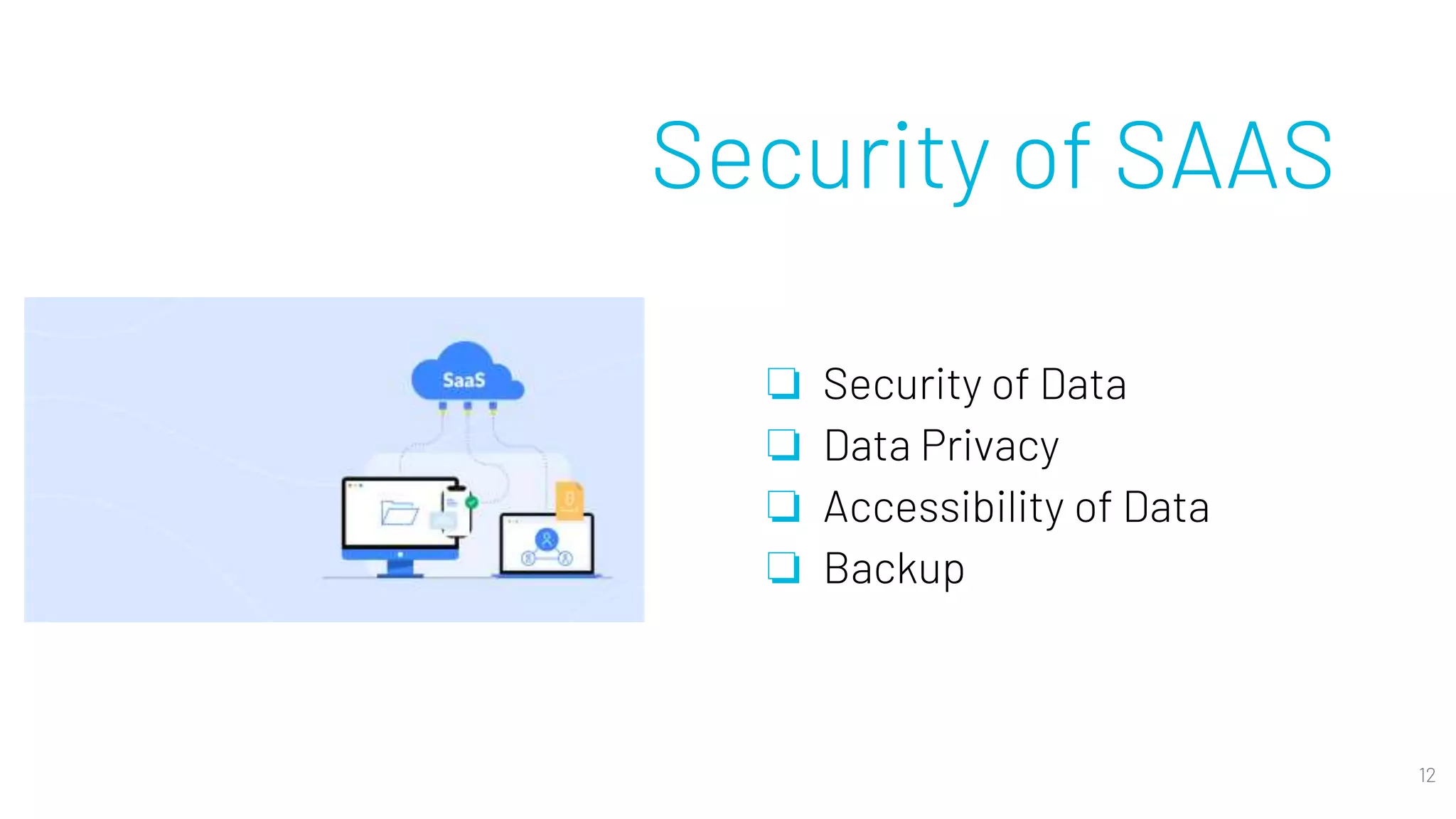
Security of SAAS
❏Security of Data
❏ Data Privacy
❏ Accessibility of Data
❏ Backup
12
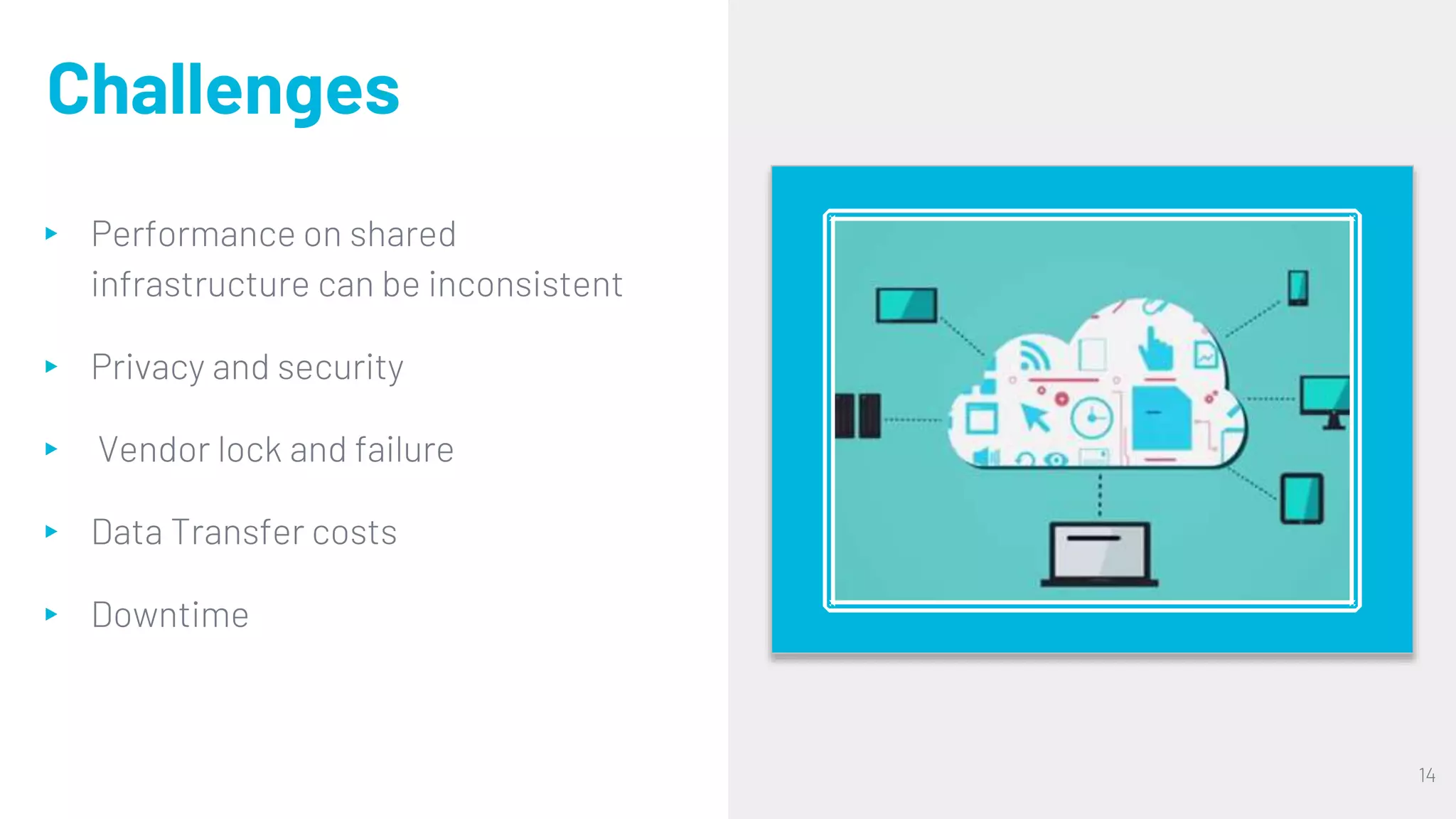
Challenges
▸ Performance onshared
infrastructure can be inconsistent
▸ Privacy and security
▸ Vendor lock and failure
▸ Data Transfer costs
▸ Downtime
14
15.
15
Conclusion
❖ The abilityto avoid expensive software license costs is one of the factors that
enables companies to provide cloud services.
❖ They are internet based Cloud resources that are available over the network
anytime and are accessed through a standard mechanism that promotes use by
different types of platforms.
❖ They also help in e-learning by providing many services online for education.
Cloud computing allows focussing more on business, not on data centers.