Cloud Assurance Information Assurance in the Cloud by William McBorrough MSIA, CISSP, CISA, CEH Security Principal, Secure Intervention
Agenda Understand Cloud Computing Characteristics Service Models Deployment Models  Benefits of Cloud Computing Risks of Cloud Computing Security Benefits of Cloud Computing
What is Cloud Computing? “ Your applications and data are always there, consumed according to business and pricing models that are based upon what you use while the magic serving it up remains transparent. This is Cloud in a nutshell; the computing equivalent to classical Greek theater’s Deus Ex Machina.”  --Christopher Hoff
So….what is the ‘cloud” It is a “new” way of delivering computing resources that is highly available, commitment-free and on-demand.  There is no one cloud. There are many models and architectures depending on the particular services provided.
Technology Still Evolving Cloud computing is still an evolving paradigm. Its definitions, use cases, underlying technologies, issues, risks, and benefits will be refined in a spirited debate by the public and private sectors. These definitions, attributes, and characteristics will evolve and change over time. The cloud computing industry represents a large ecosystem of many models, vendors, and market niches. This definition attempts to encompass all of the various cloud approaches.
NIST’s Working Definition Cloud computing is a model for enabling convenient, on-demand network access to a shared pool of configurable computing resources (e.g., networks, servers, storage, applications, and services) that can be rapidly provisioned and released with minimal management effort or service provider interaction.  This cloud model is composed of  5 essential  characteristics 3  service models 4  deployment models .
Characteristics On-demand self-service.  Broad network access.  Resource pooling.  Rapid elasticity.  Measured Service.
On Demand Self Service A consumer can unilaterally provision computing capabilities, such as server time and network storage, as needed automatically without requiring human interaction with each service’s provider.
Broad network access Capabilities are available over the network and accessed through standard mechanisms that promote use by heterogeneous thin or thick client platforms (e.g., mobile phones, laptops, and PDAs).
Resource pooling The provider’s computing resources are pooled to serve multiple consumers using a multi-tenant model, with different physical and virtual resources dynamically assigned and reassigned according to consumer demand. There is a sense of location independence in that the customer generally has no control or knowledge over the exact location of the provided resources but may be able to specify location at a higher level of abstraction (e.g., country, state, or datacenter). Examples of resources include storage, processing, memory, network bandwidth, and virtual machines.
Rapid elasticity Capabilities can be rapidly and elastically provisioned, in some cases automatically, to quickly scale out and rapidly released to quickly scale in. To the consumer, the capabilities available for provisioning often appear to be unlimited and can be purchased in any quantity at any time.
Measured Service Cloud systems automatically control and optimize resource use by leveraging a metering capability at some level of abstraction appropriate to the type of service (e.g., storage, processing, bandwidth, and active user accounts). Resource usage can be monitored, controlled, and reported providing transparency for both the provider and consumer of the utilized service
Delivery Models Levels of abstraction Software as a Service (SaaS) Platform as a Service (PaaS) Infrastructure as a Service (IaaS)
Software as a Service (SaaS) The capability provided to the consumer is to use the provider’s applications running on a cloud infrastructure. The applications are accessible from various client devices through a thin client interface such as a web browser (e.g., web-based email). The consumer does not manage or control the underlying cloud infrastructure including network, servers, operating systems, storage, or even individual application capabilities, with the possible exception of limited user-specific application configuration settings.
In other words… SaaS is software offered by a third party provider, available on demand, usually via the Internet and configurable remotely.  Examples include online word processing and spreadsheet tools, CRM services, and web content delivery services.  Eg. Google Docs, Salesforce CRM, etc
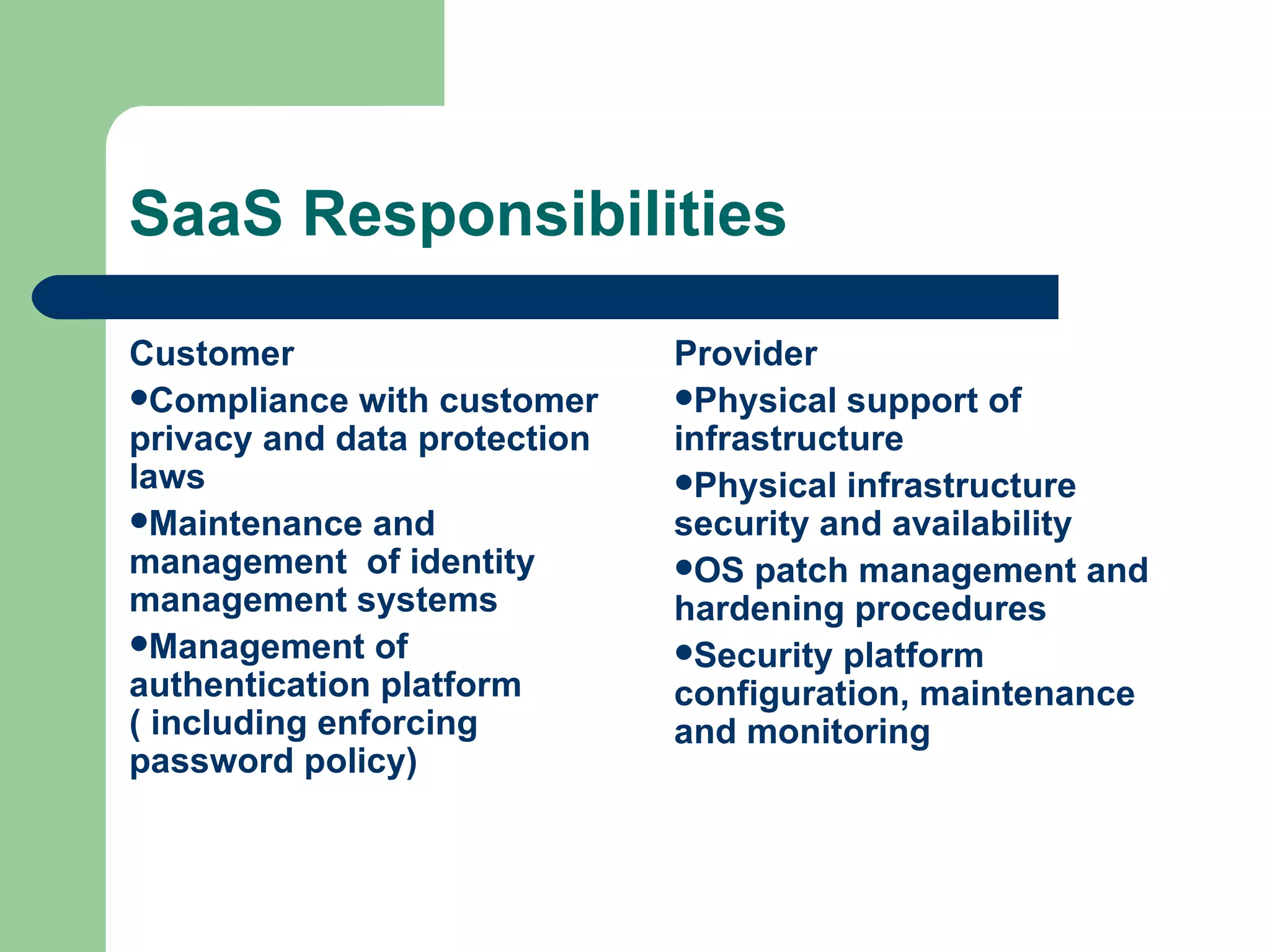
SaaS Responsibilities Customer Compliance with customer privacy and data protection laws Maintenance and management  of identity management systems Management of authentication platform ( including enforcing password policy) Provider Physical support of infrastructure Physical infrastructure security and availability OS patch management and hardening procedures Security platform configuration, maintenance and monitoring
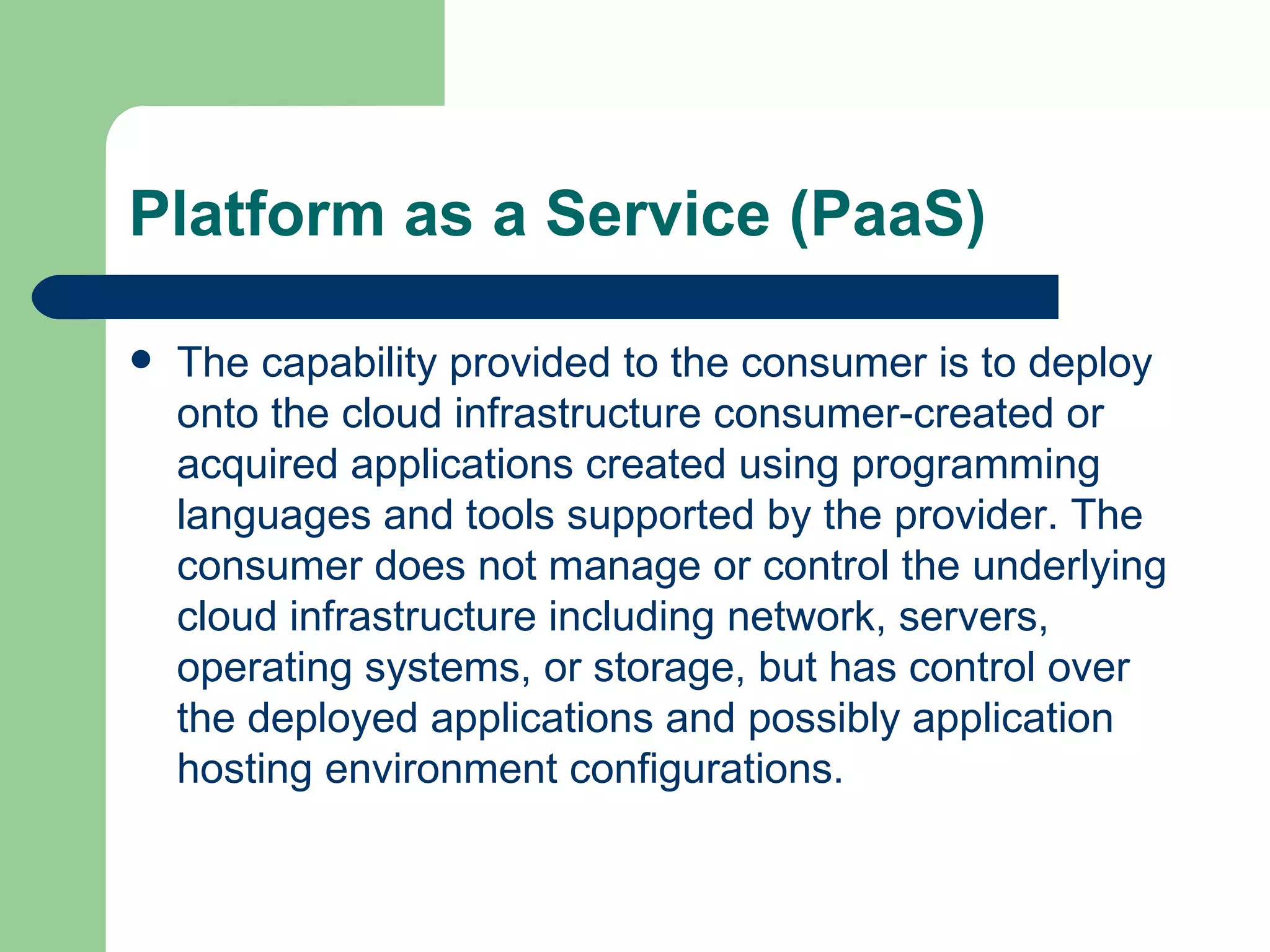
Platform as a Service (PaaS) The capability provided to the consumer is to deploy onto the cloud infrastructure consumer-created or acquired applications created using programming languages and tools supported by the provider. The consumer does not manage or control the underlying cloud infrastructure including network, servers, operating systems, or storage, but has control over the deployed applications and possibly application hosting environment configurations.
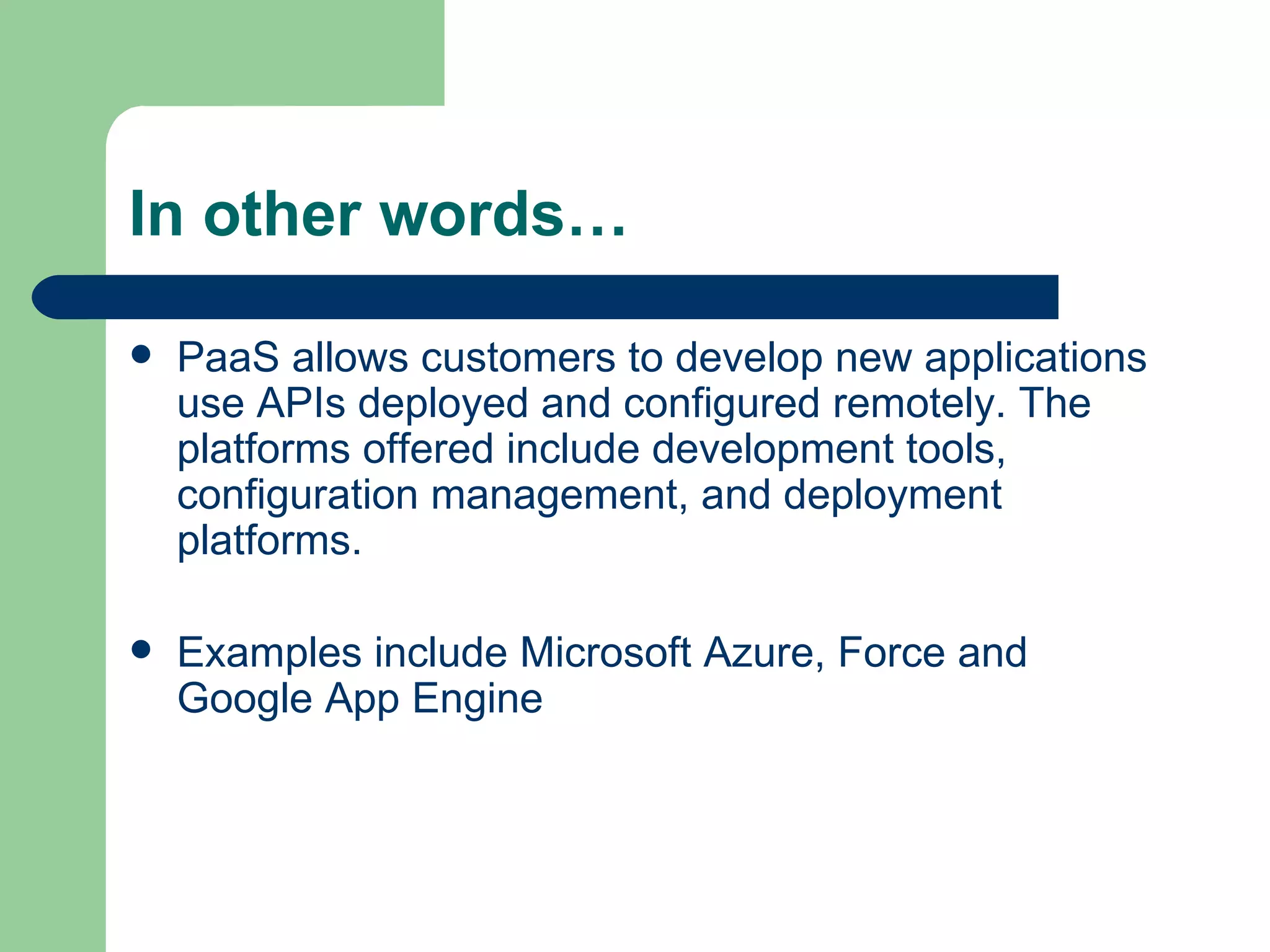
In other words… PaaS allows customers to develop new applications use APIs deployed and configured remotely. The platforms offered include development tools, configuration management, and deployment platforms.  Examples include Microsoft Azure, Force and Google App Engine
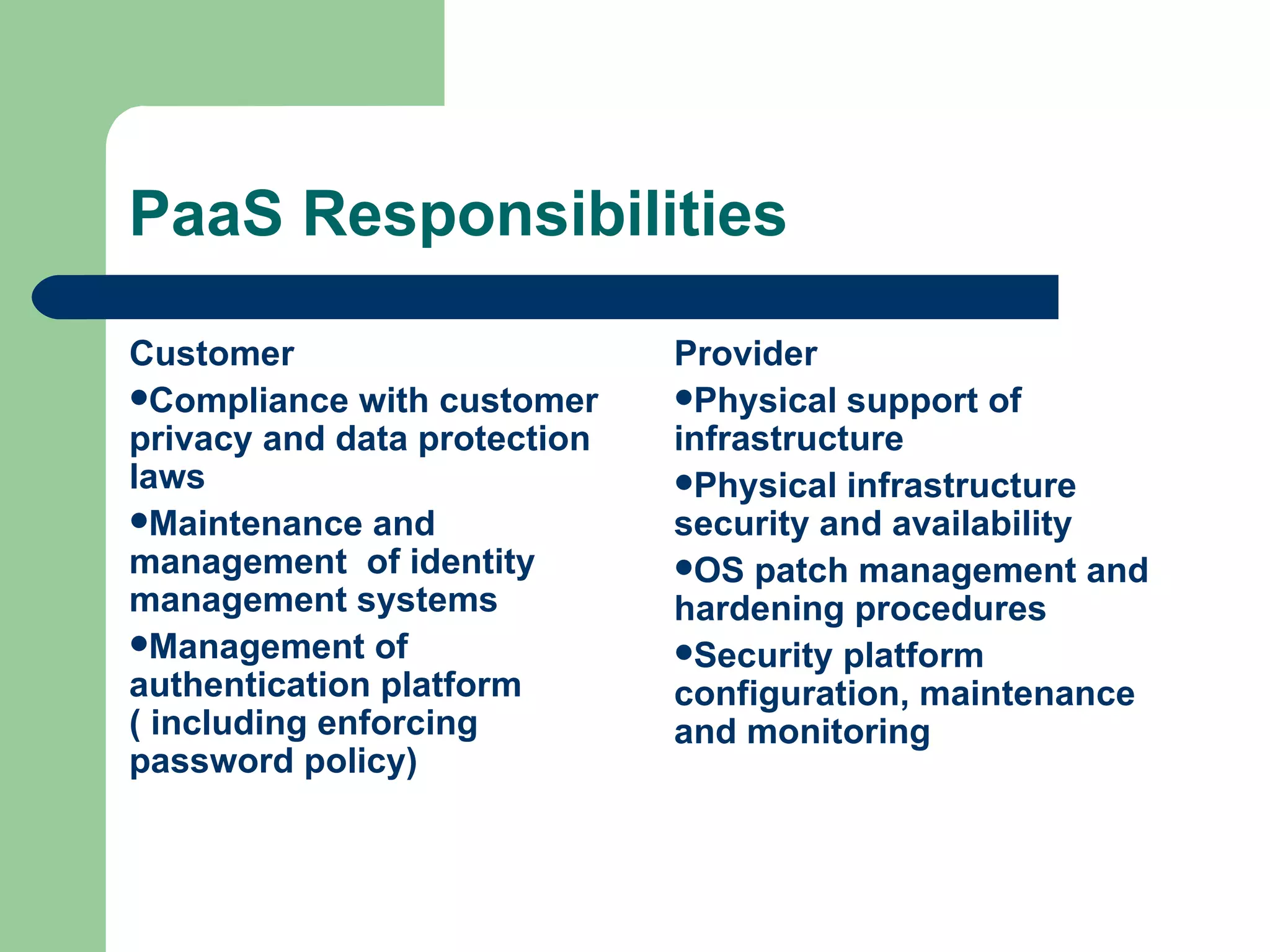
PaaS Responsibilities Customer Compliance with customer privacy and data protection laws Maintenance and management  of identity management systems Management of authentication platform ( including enforcing password policy) Provider Physical support of infrastructure Physical infrastructure security and availability OS patch management and hardening procedures Security platform configuration, maintenance and monitoring
Infrastructure as a Service (IaaS) The capability provided to the consumer is to provision processing, storage, networks, and other fundamental computing resources where the consumer is able to deploy and run arbitrary software, which can include operating systems and applications. The consumer does not manage or control the underlying cloud infrastructure but has control over operating systems, storage, deployed applications, and possibly limited control of select networking components (e.g., host firewalls).
In other words… IaaS provides virtual machines and other abstracted hardware and operating systems which may be controlled through a service.  Examples include Amazon EC2 and S3, Terremark Enterprise Cloud and Rackspace Cloud.
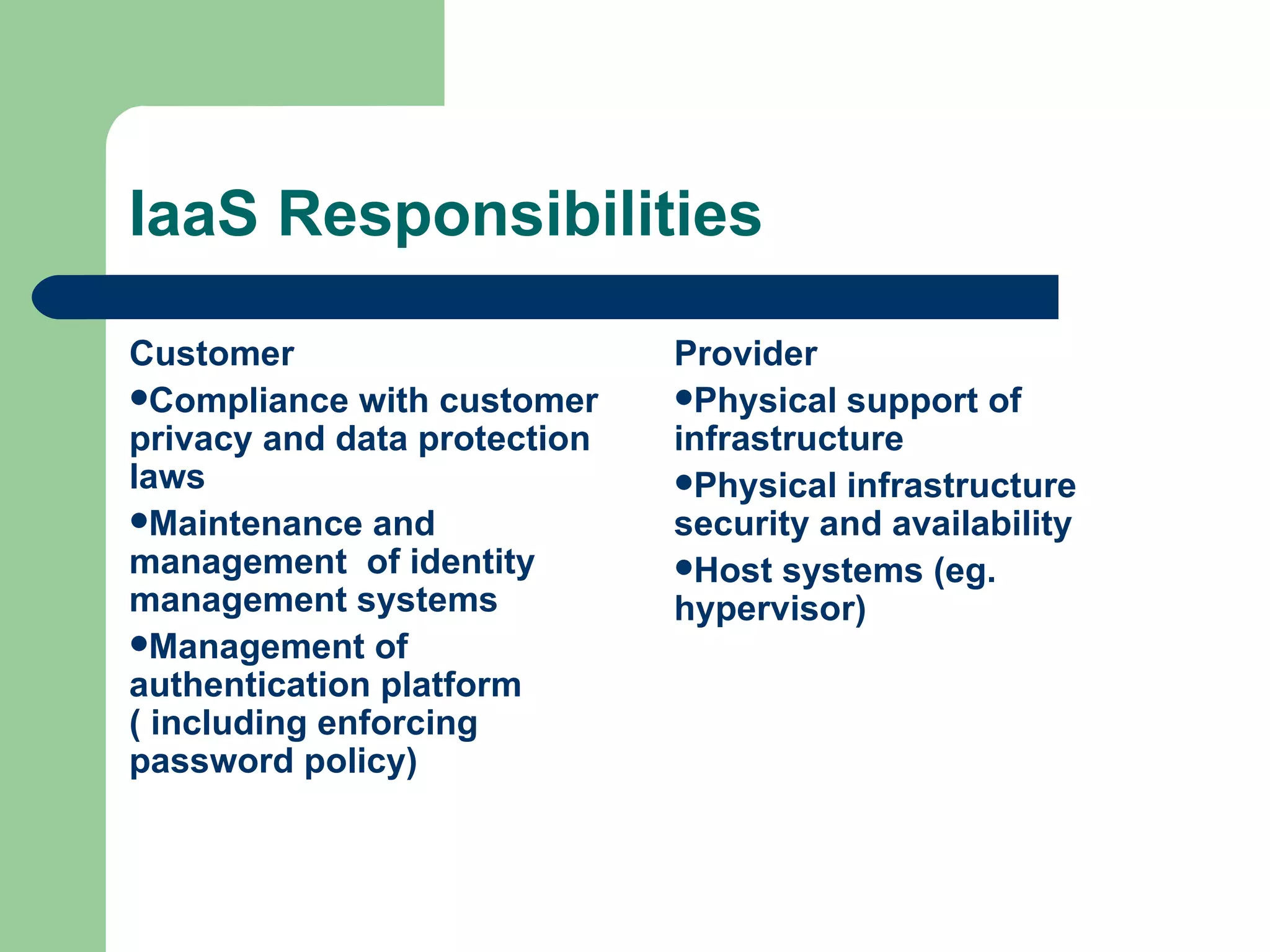
IaaS Responsibilities Customer Compliance with customer privacy and data protection laws Maintenance and management  of identity management systems Management of authentication platform ( including enforcing password policy) Provider Physical support of infrastructure Physical infrastructure security and availability Host systems (eg. hypervisor)
IaaS Responsibilities – cont’d Customer OS patch management and hardening procedures Security platform configuration, maintenance and monitoring  Guest systems monitoring
Deployment Models Public Private Hybrid Community
Public The cloud infrastructure is made available to the general public or a large industry group and is owned by an organization selling cloud services.
Private The cloud infrastructure is operated solely for an organization. It may be managed by the organization or a third party and may exist on premise or off premise.
Community The cloud infrastructure is shared by several organizations and supports a specific community that has shared concerns (e.g., mission, security requirements, policy, and compliance considerations). It may be managed by the organizations or a third party and may exist on premise or off premise.
Hybrid The cloud infrastructure is a composition of two or more clouds (private, community, or public) that remain unique entities but are bound together by standardized or proprietary technology that enables data and application portability (e.g., cloud bursting for load-balancing between clouds).
That ’s great… …  so what does it do for me?
Advantages Reduced Cost Highly Automated Flexibility More Mobility Availability Data Storage Services DDoS Protection Allows IT to Shift Focus Lower computer costs Improved performance Reduced software costs Instant software updates Improved document format compatibility Unlimited storage capacity Increased data reliability Universal document access Latest version availability Easier group collaboration Device independence
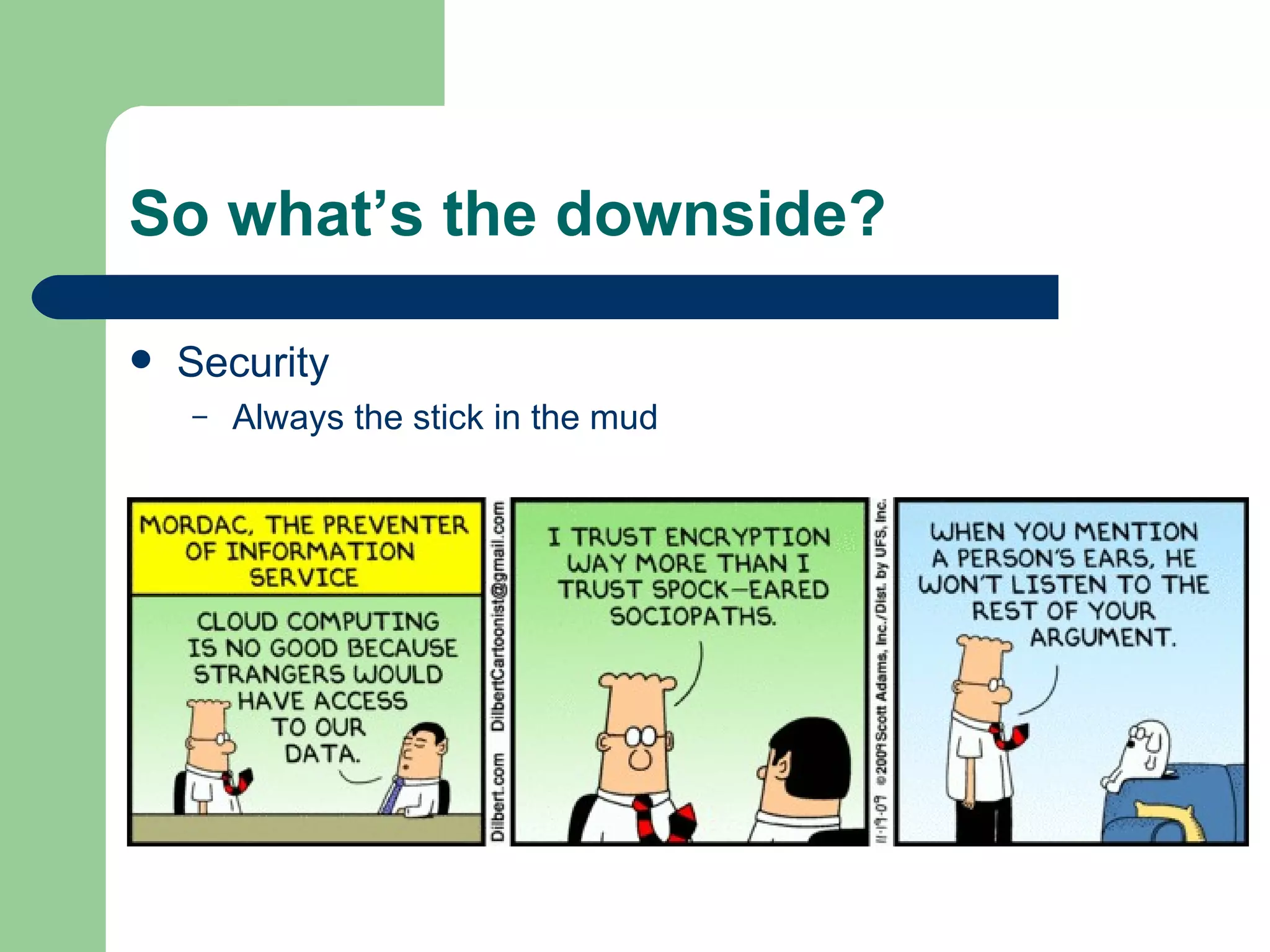
So what ’s the downside? Security Always the stick in the mud
Just to be clear…. “ If your security sucks [before the cloud], you will be pleasantly surprised by the lack of change when you move to cloud.”  --Christopher Hoff
Understanding Risk Risk should always be understood in relation to overall business opportunity and appetite for risk—sometimes risk is compensated by opportunity Therefore, the risk of using cloud computing should be compared with staying with traditional solutions
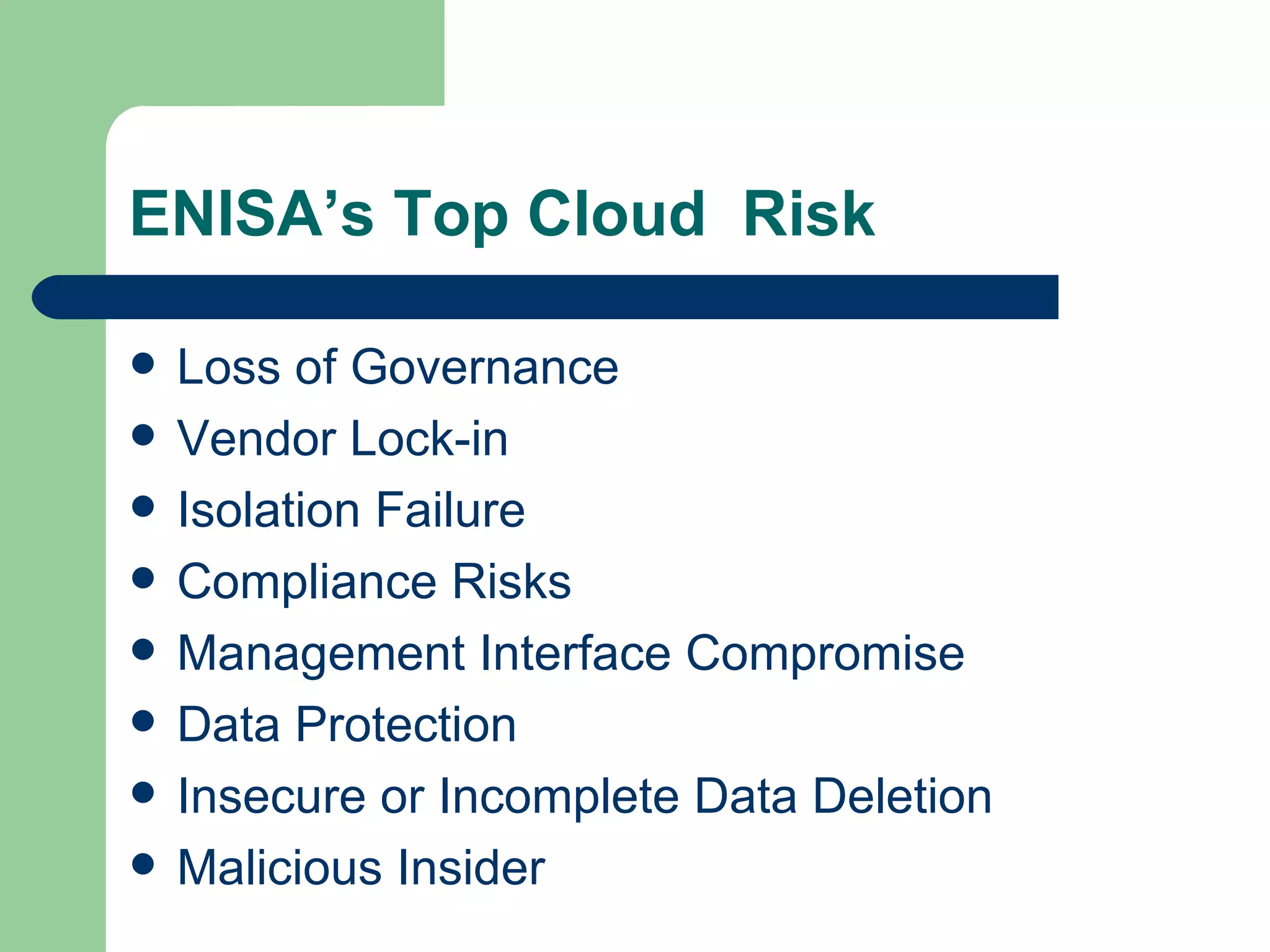
ENISA’s Top Cloud  Risk Loss of Governance Vendor Lock-in Isolation Failure Compliance Risks Management Interface Compromise Data Protection Insecure or Incomplete Data Deletion Malicious Insider
Risk Categories Policy and Organizational Risks Technical Risks Legal Risks General Risks (not specific to cloud)
Vendor lock-in Loss of governance Compliance challenges Loss of business reputation due to co-tenant activities Cloud services termination or failure Cloud provider acquisition Supply chain failure Policy and Organizational Risks
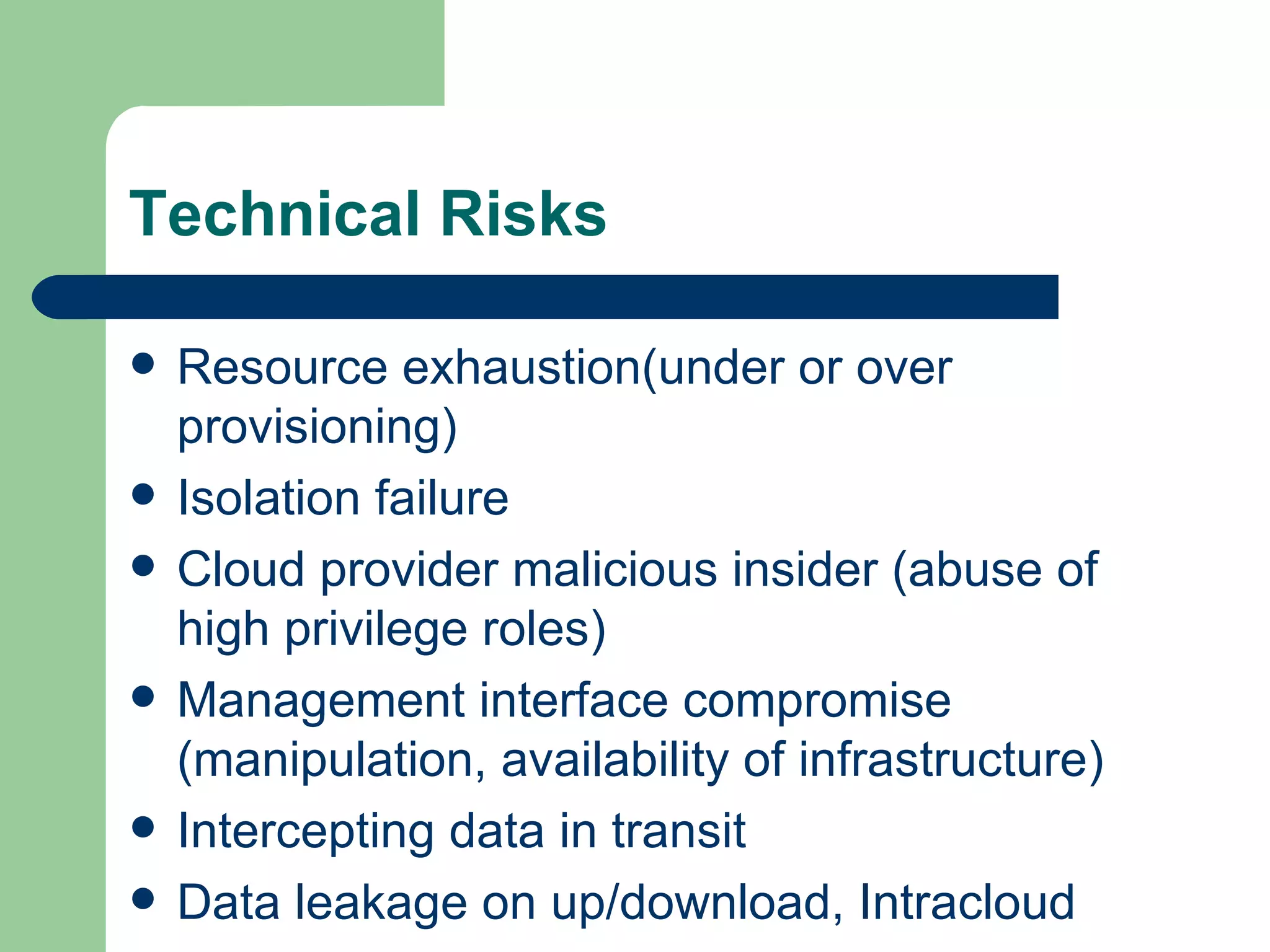
Resource exhaustion(under or over provisioning) Isolation failure Cloud provider malicious insider (abuse of high privilege roles) Management interface compromise (manipulation, availability of infrastructure)  Intercepting data in transit Data leakage on up/download, Intracloud Technical Risks
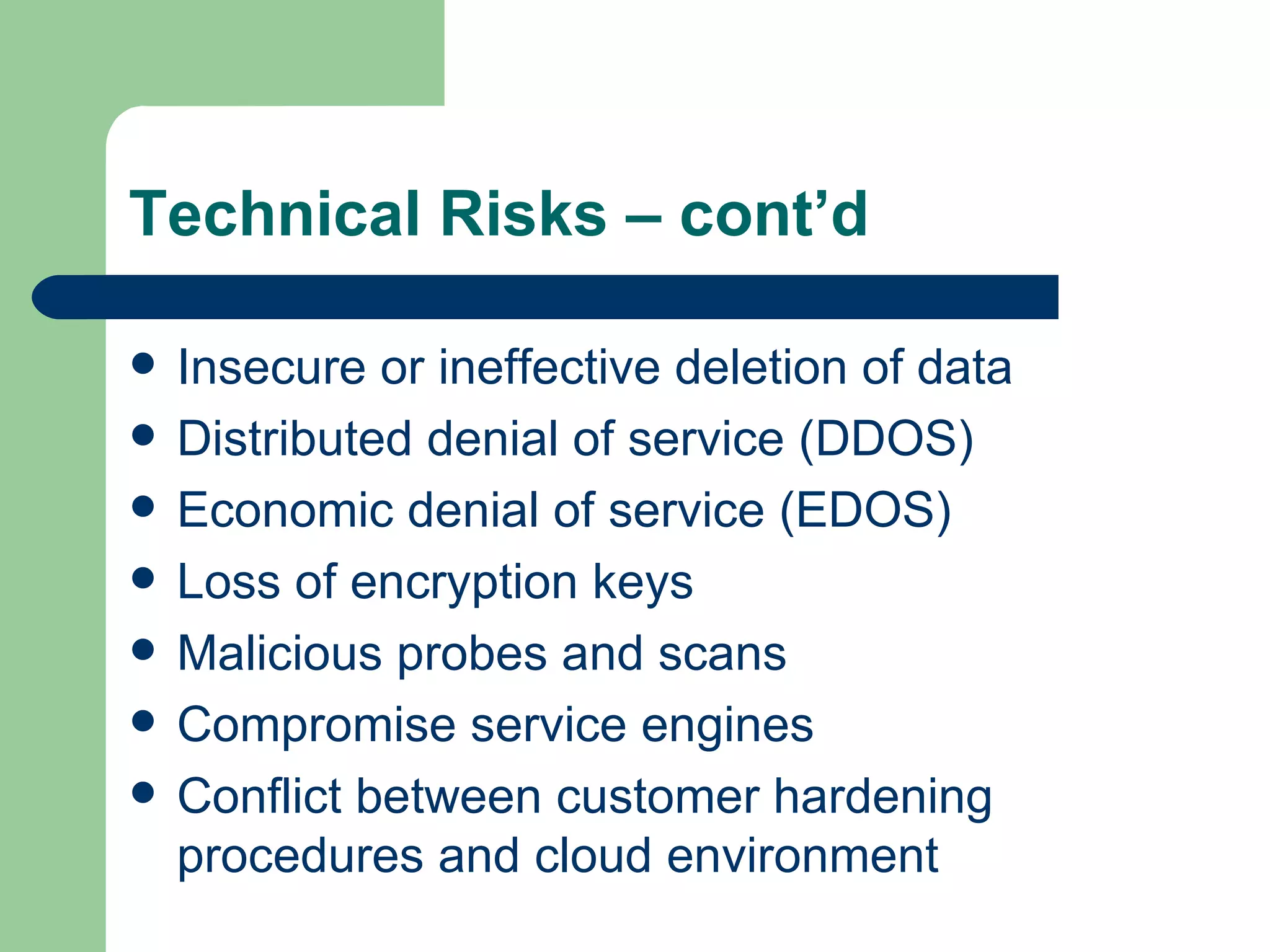
Insecure or ineffective deletion of data Distributed denial of service (DDOS) Economic denial of service (EDOS) Loss of encryption keys Malicious probes and scans Compromise service engines Conflict between customer hardening procedures and cloud environment Technical Risks – cont’d
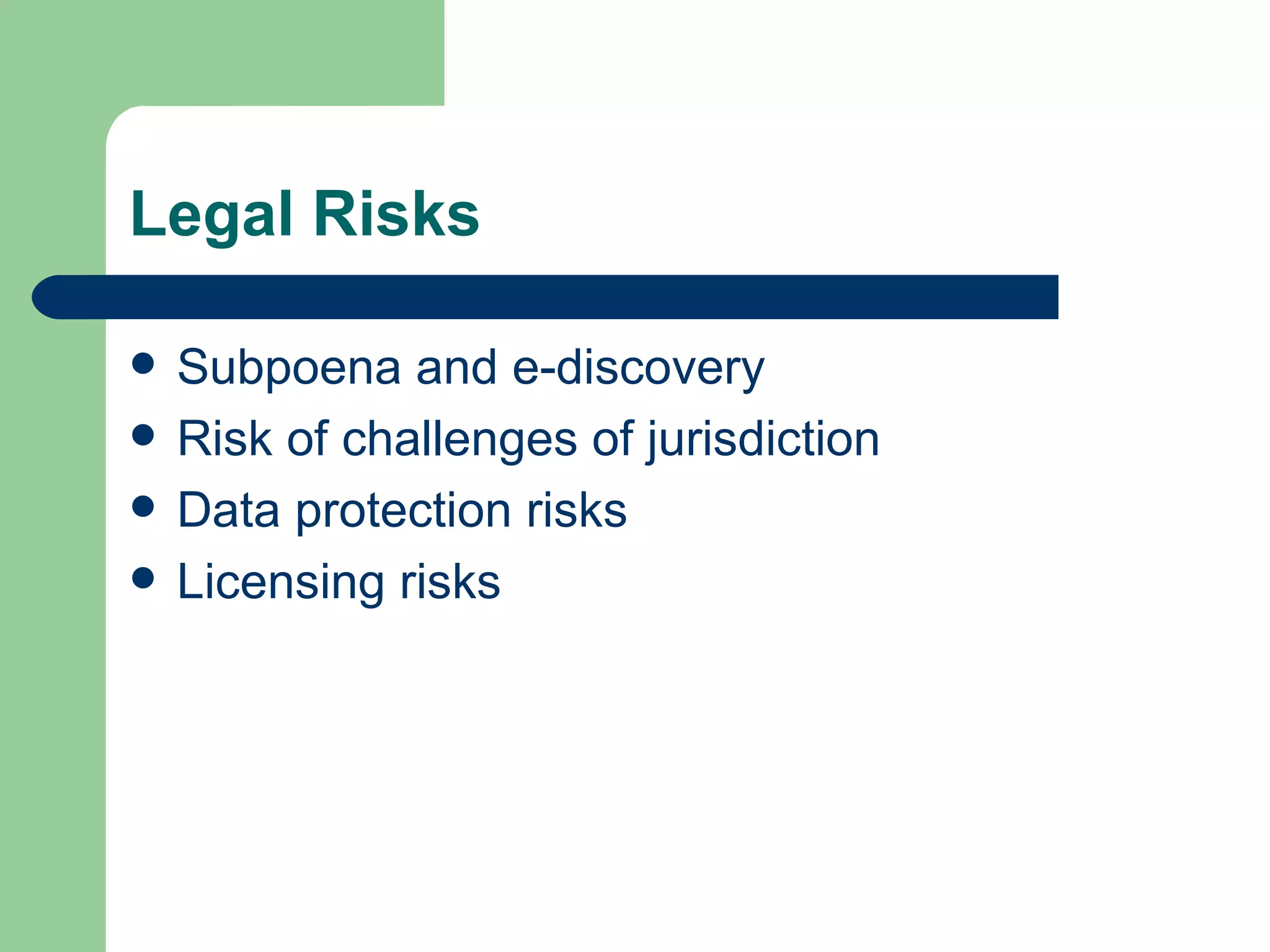
Subpoena and e-discovery Risk of challenges of jurisdiction Data protection risks Licensing risks Legal Risks
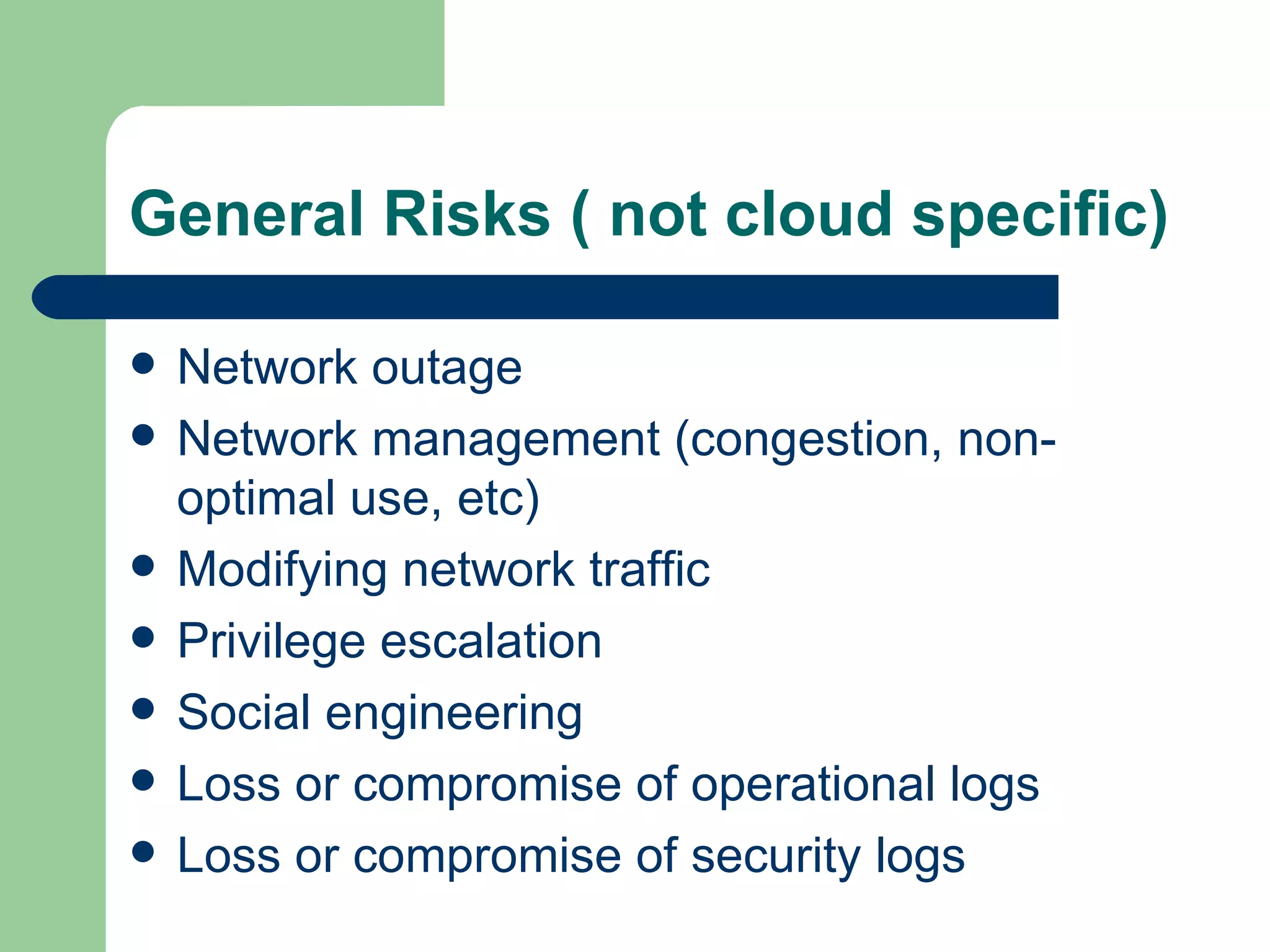
Network outage Network management (congestion, non-optimal use, etc) Modifying network traffic Privilege escalation Social engineering  Loss or compromise of operational logs Loss or compromise of security logs General Risks ( not cloud specific)
Backups lost or stolen Unauthorized access to premise (including physical access to machines or other facilities) Theft of computer equipment Natural disasters General Risks – cont’d
Fair and Balanced? Any examination of the security risks of cloud computing must be balanced with a review of its specific security benefits Cloud computing has significant potential to improve security and resilience
Security Benefits of Cloud  Security measures are cheaper when implemented on a large scale Better security provides a competitive advantage to providers Increased standardization and collaboration Improved  evidence gathering and forensic investigations Improved resource scaling
References National Institute of Standards and Technology (NIST) European Network and Information Security Agency (EINSA) Cloud Security Alliance (CSA)
Questions?

Cloud Computing - Security Benefits and Risks

  • 1.
    Cloud Assurance InformationAssurance in the Cloud by William McBorrough MSIA, CISSP, CISA, CEH Security Principal, Secure Intervention
  • 2.
    Agenda Understand CloudComputing Characteristics Service Models Deployment Models Benefits of Cloud Computing Risks of Cloud Computing Security Benefits of Cloud Computing
  • 3.
    What is CloudComputing? “ Your applications and data are always there, consumed according to business and pricing models that are based upon what you use while the magic serving it up remains transparent. This is Cloud in a nutshell; the computing equivalent to classical Greek theater’s Deus Ex Machina.” --Christopher Hoff
  • 4.
    So….what is the‘cloud” It is a “new” way of delivering computing resources that is highly available, commitment-free and on-demand. There is no one cloud. There are many models and architectures depending on the particular services provided.
  • 5.
    Technology Still EvolvingCloud computing is still an evolving paradigm. Its definitions, use cases, underlying technologies, issues, risks, and benefits will be refined in a spirited debate by the public and private sectors. These definitions, attributes, and characteristics will evolve and change over time. The cloud computing industry represents a large ecosystem of many models, vendors, and market niches. This definition attempts to encompass all of the various cloud approaches.
  • 6.
    NIST’s Working DefinitionCloud computing is a model for enabling convenient, on-demand network access to a shared pool of configurable computing resources (e.g., networks, servers, storage, applications, and services) that can be rapidly provisioned and released with minimal management effort or service provider interaction. This cloud model is composed of 5 essential characteristics 3 service models 4 deployment models .
  • 7.
    Characteristics On-demand self-service. Broad network access. Resource pooling. Rapid elasticity. Measured Service.
  • 8.
    On Demand SelfService A consumer can unilaterally provision computing capabilities, such as server time and network storage, as needed automatically without requiring human interaction with each service’s provider.
  • 9.
    Broad network accessCapabilities are available over the network and accessed through standard mechanisms that promote use by heterogeneous thin or thick client platforms (e.g., mobile phones, laptops, and PDAs).
  • 10.
    Resource pooling Theprovider’s computing resources are pooled to serve multiple consumers using a multi-tenant model, with different physical and virtual resources dynamically assigned and reassigned according to consumer demand. There is a sense of location independence in that the customer generally has no control or knowledge over the exact location of the provided resources but may be able to specify location at a higher level of abstraction (e.g., country, state, or datacenter). Examples of resources include storage, processing, memory, network bandwidth, and virtual machines.
  • 11.
    Rapid elasticity Capabilitiescan be rapidly and elastically provisioned, in some cases automatically, to quickly scale out and rapidly released to quickly scale in. To the consumer, the capabilities available for provisioning often appear to be unlimited and can be purchased in any quantity at any time.
  • 12.
    Measured Service Cloudsystems automatically control and optimize resource use by leveraging a metering capability at some level of abstraction appropriate to the type of service (e.g., storage, processing, bandwidth, and active user accounts). Resource usage can be monitored, controlled, and reported providing transparency for both the provider and consumer of the utilized service
  • 13.
    Delivery Models Levelsof abstraction Software as a Service (SaaS) Platform as a Service (PaaS) Infrastructure as a Service (IaaS)
  • 14.
    Software as aService (SaaS) The capability provided to the consumer is to use the provider’s applications running on a cloud infrastructure. The applications are accessible from various client devices through a thin client interface such as a web browser (e.g., web-based email). The consumer does not manage or control the underlying cloud infrastructure including network, servers, operating systems, storage, or even individual application capabilities, with the possible exception of limited user-specific application configuration settings.
  • 15.
    In other words…SaaS is software offered by a third party provider, available on demand, usually via the Internet and configurable remotely. Examples include online word processing and spreadsheet tools, CRM services, and web content delivery services. Eg. Google Docs, Salesforce CRM, etc
  • 16.
    SaaS Responsibilities CustomerCompliance with customer privacy and data protection laws Maintenance and management of identity management systems Management of authentication platform ( including enforcing password policy) Provider Physical support of infrastructure Physical infrastructure security and availability OS patch management and hardening procedures Security platform configuration, maintenance and monitoring
  • 17.
    Platform as aService (PaaS) The capability provided to the consumer is to deploy onto the cloud infrastructure consumer-created or acquired applications created using programming languages and tools supported by the provider. The consumer does not manage or control the underlying cloud infrastructure including network, servers, operating systems, or storage, but has control over the deployed applications and possibly application hosting environment configurations.
  • 18.
    In other words…PaaS allows customers to develop new applications use APIs deployed and configured remotely. The platforms offered include development tools, configuration management, and deployment platforms. Examples include Microsoft Azure, Force and Google App Engine
  • 19.
    PaaS Responsibilities CustomerCompliance with customer privacy and data protection laws Maintenance and management of identity management systems Management of authentication platform ( including enforcing password policy) Provider Physical support of infrastructure Physical infrastructure security and availability OS patch management and hardening procedures Security platform configuration, maintenance and monitoring
  • 20.
    Infrastructure as aService (IaaS) The capability provided to the consumer is to provision processing, storage, networks, and other fundamental computing resources where the consumer is able to deploy and run arbitrary software, which can include operating systems and applications. The consumer does not manage or control the underlying cloud infrastructure but has control over operating systems, storage, deployed applications, and possibly limited control of select networking components (e.g., host firewalls).
  • 21.
    In other words…IaaS provides virtual machines and other abstracted hardware and operating systems which may be controlled through a service. Examples include Amazon EC2 and S3, Terremark Enterprise Cloud and Rackspace Cloud.
  • 22.
    IaaS Responsibilities CustomerCompliance with customer privacy and data protection laws Maintenance and management of identity management systems Management of authentication platform ( including enforcing password policy) Provider Physical support of infrastructure Physical infrastructure security and availability Host systems (eg. hypervisor)
  • 23.
    IaaS Responsibilities –cont’d Customer OS patch management and hardening procedures Security platform configuration, maintenance and monitoring Guest systems monitoring
  • 24.
    Deployment Models PublicPrivate Hybrid Community
  • 25.
    Public The cloudinfrastructure is made available to the general public or a large industry group and is owned by an organization selling cloud services.
  • 26.
    Private The cloudinfrastructure is operated solely for an organization. It may be managed by the organization or a third party and may exist on premise or off premise.
  • 27.
    Community The cloudinfrastructure is shared by several organizations and supports a specific community that has shared concerns (e.g., mission, security requirements, policy, and compliance considerations). It may be managed by the organizations or a third party and may exist on premise or off premise.
  • 28.
    Hybrid The cloudinfrastructure is a composition of two or more clouds (private, community, or public) that remain unique entities but are bound together by standardized or proprietary technology that enables data and application portability (e.g., cloud bursting for load-balancing between clouds).
  • 29.
    That ’s great…… so what does it do for me?
  • 30.
    Advantages Reduced CostHighly Automated Flexibility More Mobility Availability Data Storage Services DDoS Protection Allows IT to Shift Focus Lower computer costs Improved performance Reduced software costs Instant software updates Improved document format compatibility Unlimited storage capacity Increased data reliability Universal document access Latest version availability Easier group collaboration Device independence
  • 31.
    So what ’sthe downside? Security Always the stick in the mud
  • 32.
    Just to beclear…. “ If your security sucks [before the cloud], you will be pleasantly surprised by the lack of change when you move to cloud.” --Christopher Hoff
  • 33.
    Understanding Risk Riskshould always be understood in relation to overall business opportunity and appetite for risk—sometimes risk is compensated by opportunity Therefore, the risk of using cloud computing should be compared with staying with traditional solutions
  • 34.
    ENISA’s Top Cloud Risk Loss of Governance Vendor Lock-in Isolation Failure Compliance Risks Management Interface Compromise Data Protection Insecure or Incomplete Data Deletion Malicious Insider
  • 35.
    Risk Categories Policyand Organizational Risks Technical Risks Legal Risks General Risks (not specific to cloud)
  • 36.
    Vendor lock-in Lossof governance Compliance challenges Loss of business reputation due to co-tenant activities Cloud services termination or failure Cloud provider acquisition Supply chain failure Policy and Organizational Risks
  • 37.
    Resource exhaustion(under orover provisioning) Isolation failure Cloud provider malicious insider (abuse of high privilege roles) Management interface compromise (manipulation, availability of infrastructure) Intercepting data in transit Data leakage on up/download, Intracloud Technical Risks
  • 38.
    Insecure or ineffectivedeletion of data Distributed denial of service (DDOS) Economic denial of service (EDOS) Loss of encryption keys Malicious probes and scans Compromise service engines Conflict between customer hardening procedures and cloud environment Technical Risks – cont’d
  • 39.
    Subpoena and e-discoveryRisk of challenges of jurisdiction Data protection risks Licensing risks Legal Risks
  • 40.
    Network outage Networkmanagement (congestion, non-optimal use, etc) Modifying network traffic Privilege escalation Social engineering Loss or compromise of operational logs Loss or compromise of security logs General Risks ( not cloud specific)
  • 41.
    Backups lost orstolen Unauthorized access to premise (including physical access to machines or other facilities) Theft of computer equipment Natural disasters General Risks – cont’d
  • 42.
    Fair and Balanced?Any examination of the security risks of cloud computing must be balanced with a review of its specific security benefits Cloud computing has significant potential to improve security and resilience
  • 43.
    Security Benefits ofCloud Security measures are cheaper when implemented on a large scale Better security provides a competitive advantage to providers Increased standardization and collaboration Improved evidence gathering and forensic investigations Improved resource scaling
  • 44.
    References National Instituteof Standards and Technology (NIST) European Network and Information Security Agency (EINSA) Cloud Security Alliance (CSA)
  • 45.

Editor's Notes

  • #35 European Network and Information Agency LOSS OF GOVERNANCE: in using cloud infrastructures, the client necessarily cedes control to the Cloud Provider (CP) on a number of issues which may affect security. At the same time, SLAs may not offer a commitment to provide such services on the part of the cloud provider, thus leaving a gap in security defences. LOCK-IN: there is currently little on offer in the way of tools, procedures or standard data formats or services interfaces that could guarantee data, application and service portability. This can make it difficult for the customer to migrate from one provider to another or migrate data and services back to an in-house IT environment. This introduces a dependency on a particular CP for service provision, especially if data portability, as the most fundamental aspect, is not enabled.. ISOLATION FAILURE: multi-tenancy and shared resources are defining characteristics of cloud computing. This risk category covers the failure of mechanisms separating storage, memory, routing and even reputation between different tenants (e.g., so-called guest-hopping attacks). However it should be considered that attacks on resource isolation mechanisms (e.g.,. against hypervisors) are still less numerous and much more difficult for an attacker to put in practice compared to attacks on traditional OSs. COMPLIANCE RISKS: investment in achieving certification (e.g., industry standard or regulatory requirements) may be put at risk by migration to the cloud:  if the CP cannot provide evidence of their own compliance with the relevant requirements  if the CP does not permit audit by the cloud customer (CC). In certain cases, it also means that using a public cloud infrastructure implies that certain kinds of compliance cannot be achieved (e.g., PCI DSS (4)). MANAGEMENT INTERFACE COMPROMISE: customer management interfaces of a public cloud provider are accessible through the Internet and mediate access to larger sets of resources (than traditional hosting providers) and therefore pose an increased risk, especially when combined with remote access and web browser vulnerabilities. DATA PROTECTION: cloud computing poses several data protection risks for cloud customers and providers. In some cases, it may be difficult for the cloud customer (in its role as data controller) to effectively check the data handling practices of the cloud provider and thus to be sure that the data is handled in a lawful way. This problem is exacerbated in cases of multiple transfers of data, e.g., between federated clouds. On the other hand, some cloud providers do provide information on their data handling practices. Some also offer certification summaries on their data processing and data security activities and the data controls they have in place, e.g., SAS70 certification. INSECURE OR INCOMPLETE DATA DELETION: when a request to delete a cloud resource is made, as with most operating systems, this may not result in true wiping of the data. Adequate or timely data deletion may also be impossible (or undesirable from a customer perspective), either because extra copies of data are stored but are not available, or because the disk to be destroyed also stores data from other clients. In the case of multiple tenancies and the reuse of hardware resources, this represents a higher risk to the customer than with dedicated hardware. MALICIOUS INSIDER: while usually less likely, the damage which may be caused by malicious insiders is often far greater. Cloud architectures necessitate certain roles which are extremely high-risk. Examples include CP system administrators and managed security service providers. NB : the risks listed above do not follow a specific order of criticality; they are just ten of the most important cloud computing specific risks identified during the assessment. The risks of using cloud computing should be compared to the risks of staying with traditional solutions, such as desktop-based models. To facilitate this, in the main document we have included estimates of relative risks as compared with a typical traditional environment. Please note that it is often possible, and in some cases advisable, for the cloud customer to transfer risk to the cloud provider; however not all risks can be transferred : If a risk leads to the failure of a business, serious damage to reputation or legal implications, it is hard or impossible for any other party to compensate for this damage. Ultimately, you can outsource responsibility but you can't outsource accountability.
  • #36 European Network and Information Agency
  • #37 European Network and Information Agency
  • #38 European Network and Information Agency
  • #39 European Network and Information Agency
  • #40 European Network and Information Agency
  • #41 European Network and Information Agency
  • #42 European Network and Information Agency