Clicks, Conversions
and Crawls!
DeepCrawl Dec 2019
Michelle Robbins
VP Product & Innovation
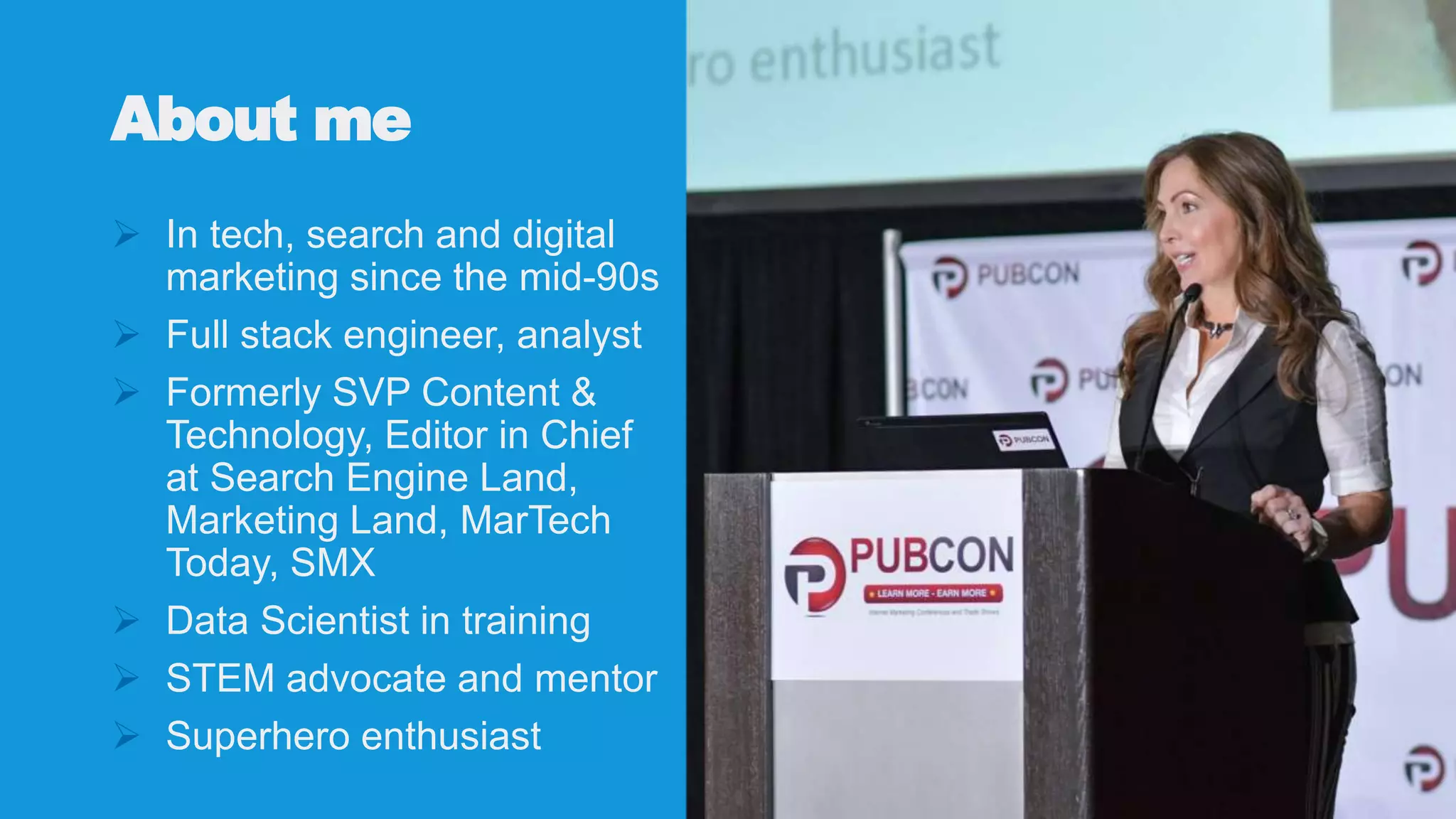
About me
 In tech, search and digital
marketing since the mid-90s
 Full stack engineer, analyst
 Formerly SVP Content &
Technology, Editor in Chief
at Search Engine Land,
Marketing Land, MarTech
Today, SMX
 Data Scientist in training
 STEM advocate and mentor
 Superhero enthusiast
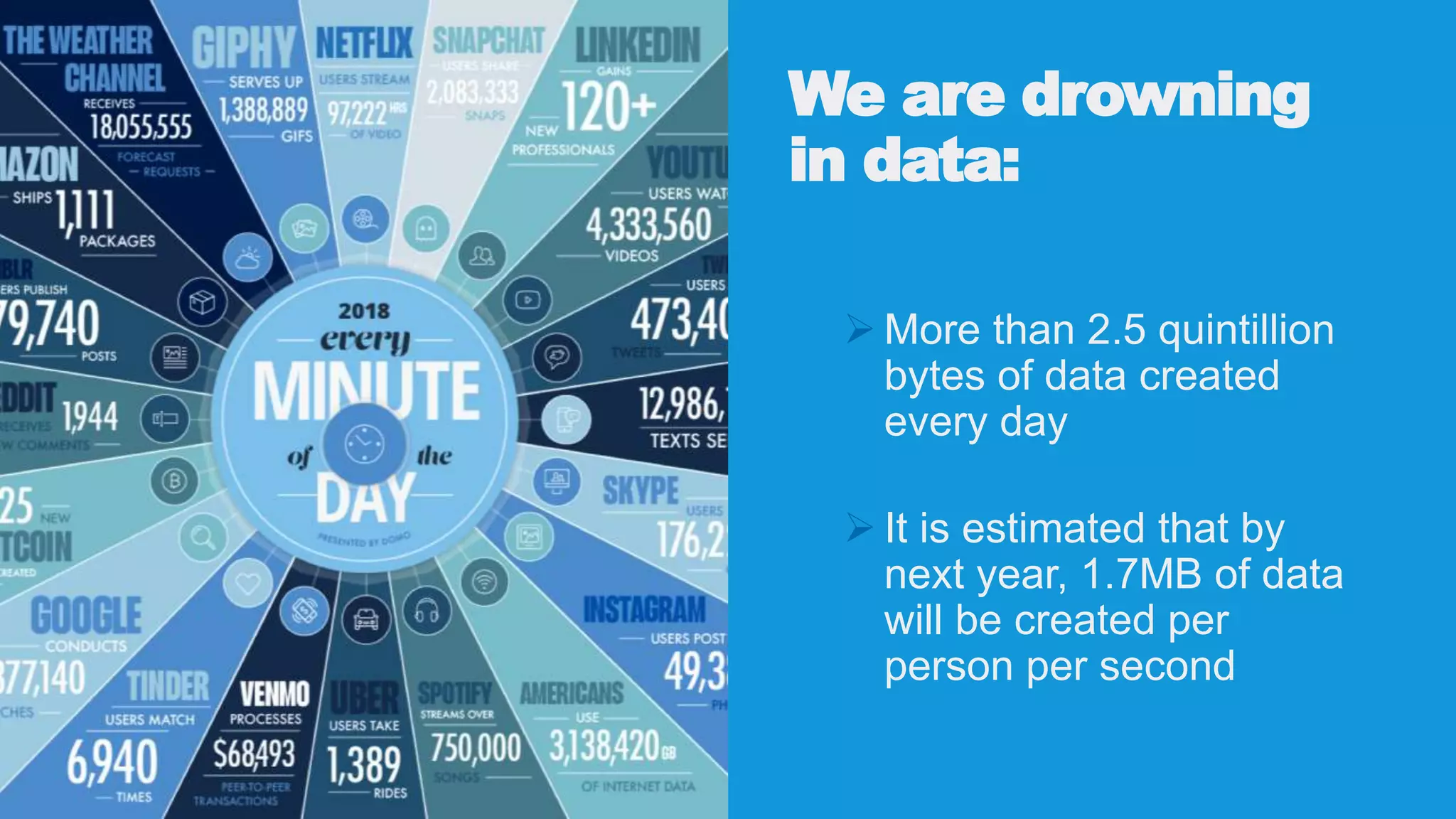
We are drowning
in data:
 More than 2.5 quintillion
bytes of data created
every day
 It is estimated that by
next year, 1.7MB of data
will be created per
person per second
Ever-Increasing Number of Business
Data Sources
 Website Analytics
 Google Search Console
 Advertising: Google, Bing, Facebook, Amazon, etc.
 Martech products: CRM, CSM, Data enrichment
“Collecting massive
amounts of data rarely
leads to any material
increase in insights or
smarter decisions.”
~ Avinash Kaushik
TMAI #180 – September 2019
“Data never acquires magical
powers because more people have
access to it. Data acquires magical
powers when analytically savvy
humans are available to do the post-
campaign analysis to find meaningful
stories that explain failure or
success.”
~ Avinash Kaushik
TMAI #180 – September 2019
Measure What
Matters
Focus on the user, not
on the robots.
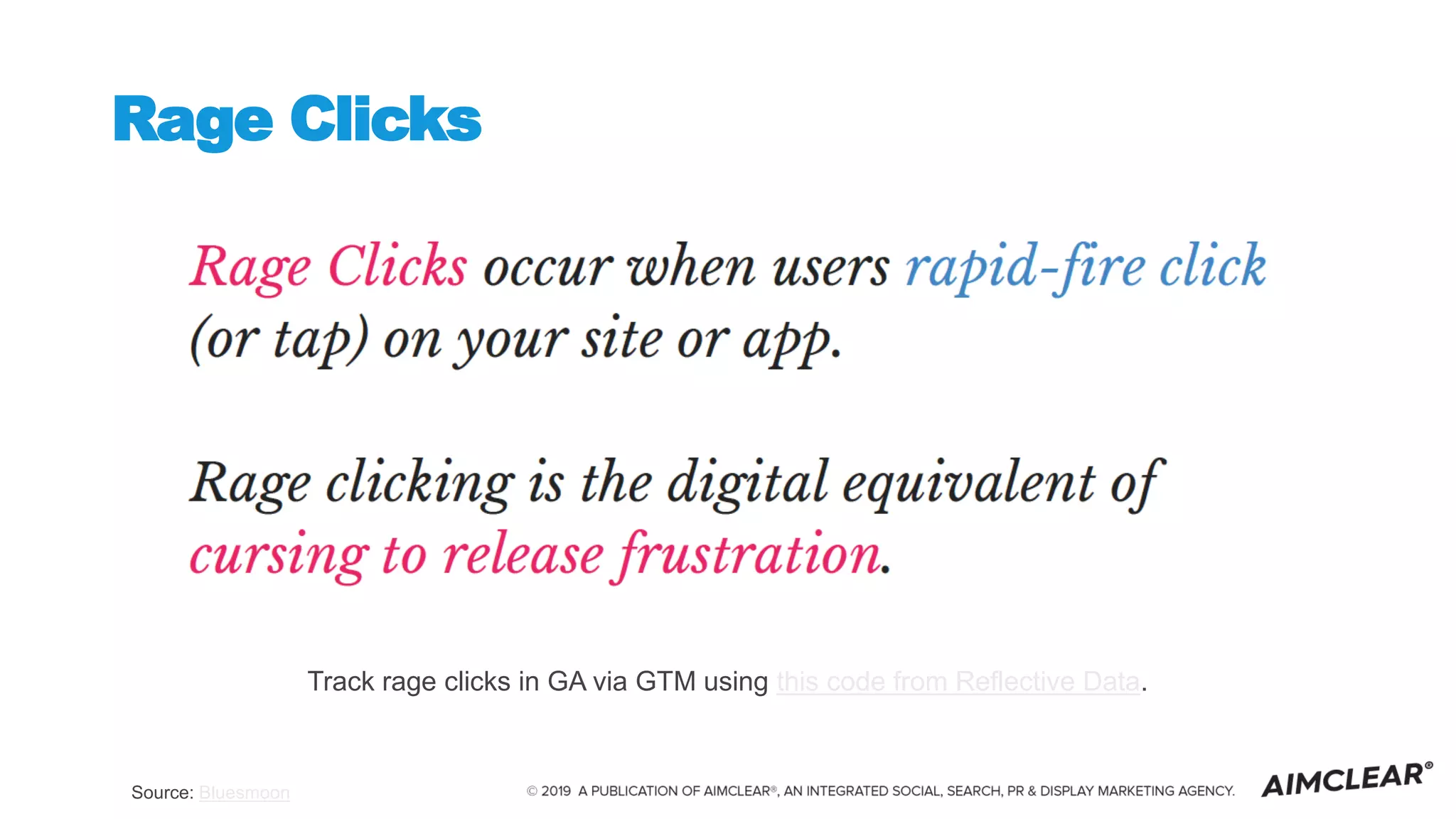
Rage Clicks
Source: Bluesmoon
Track rage clicks in GA via GTM using this code from Reflective Data.
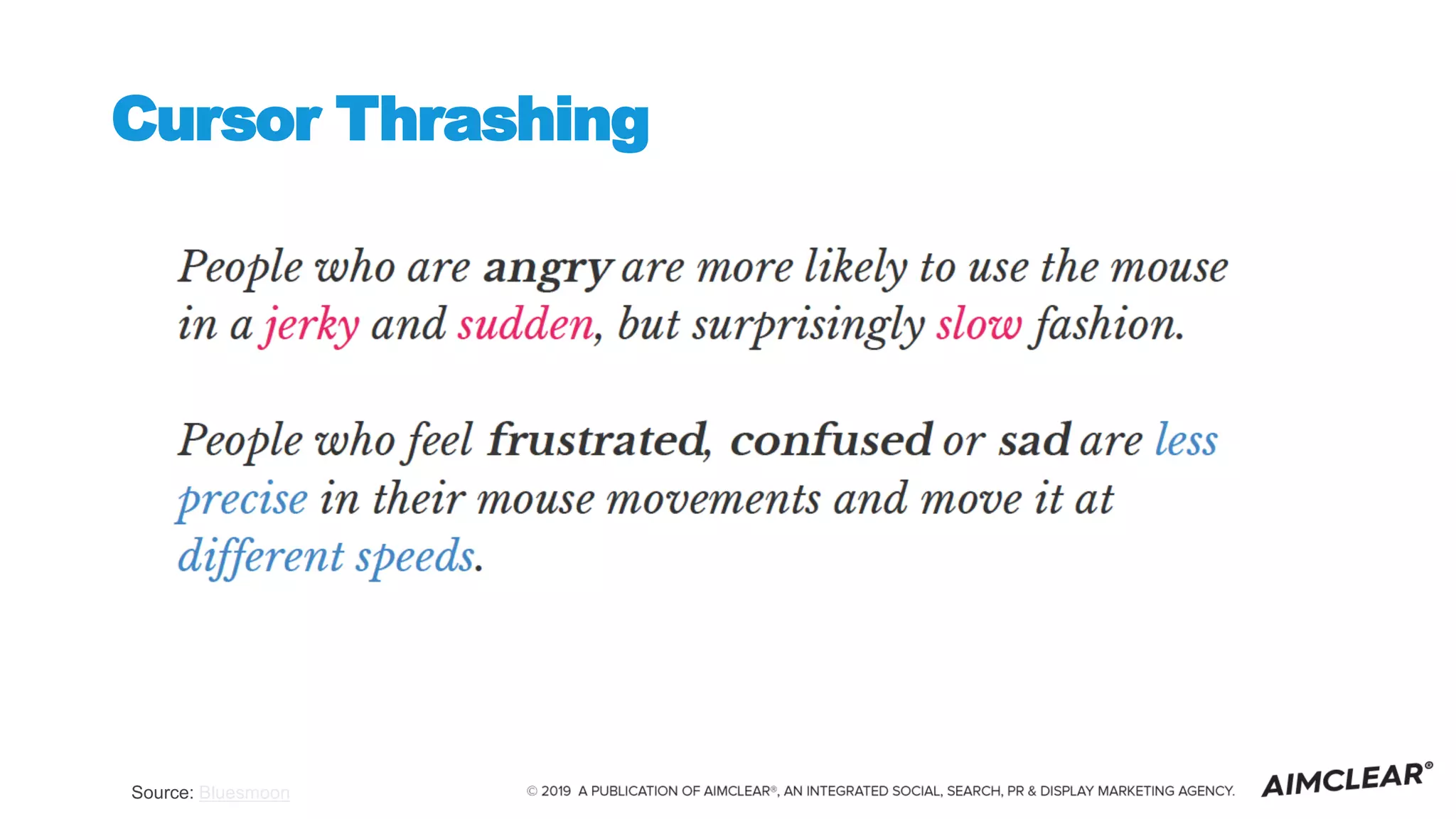
Cursor Thrashing
Source: Bluesmoon
Ask the
Right
Questions
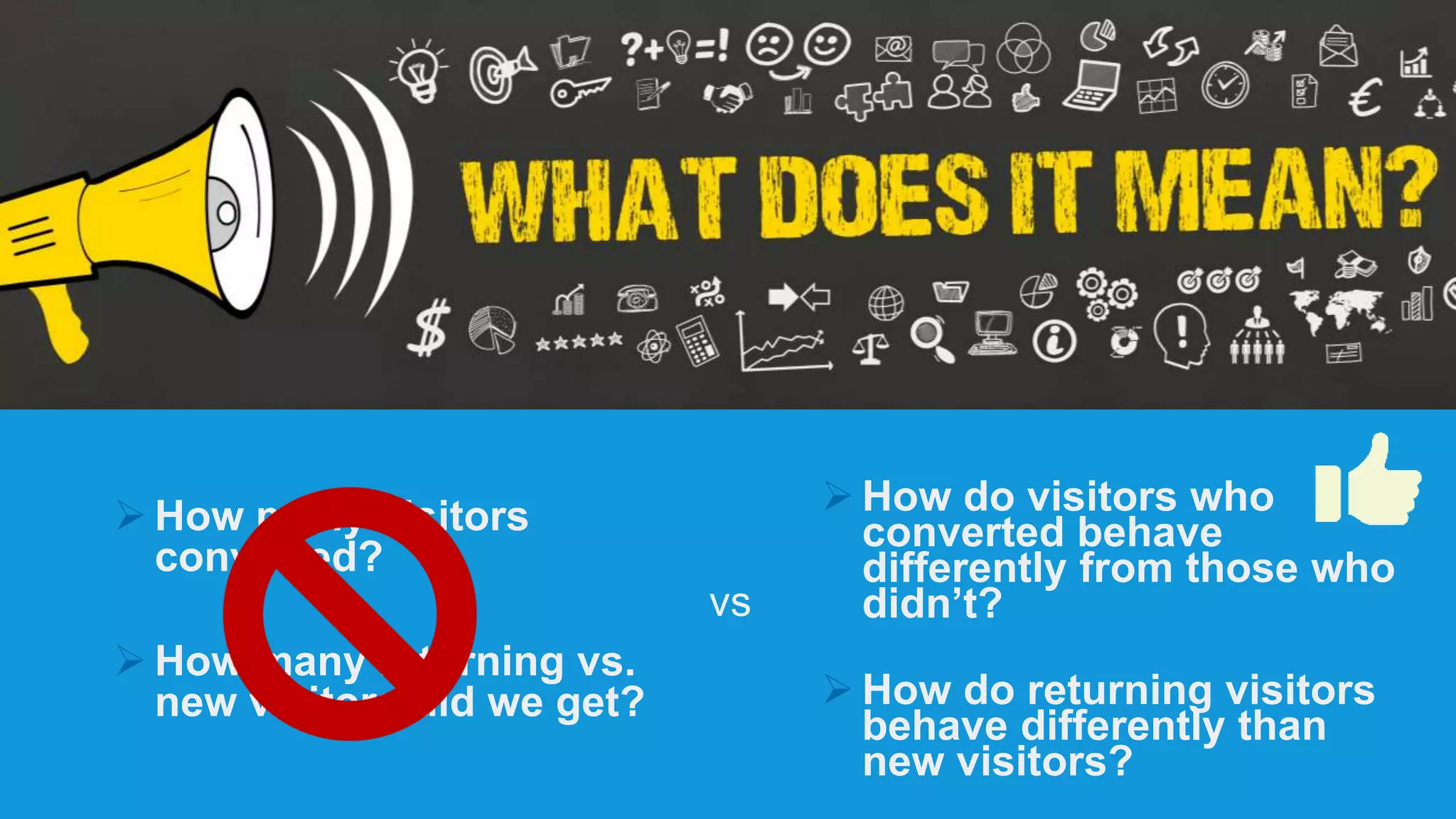
 How many visitors
converted?
 How many returning vs.
new visitors did we get?
 How do visitors who
converted behave
differently from those who
didn’t?
 How do returning visitors
behave differently than
new visitors?
vs
Focus on behaviors,
not just metrics
Surfacing the
behavioral data
User path
analysis
 Is the site architecture optimized for
conversions?
 Navigation and sub-navigation
 Breadcrumbs
 Internal linking
 Are there technical problems on pages leading
to bounces or exits?
 Is site search required for customers to find the
information they need, or is it simply helpful?
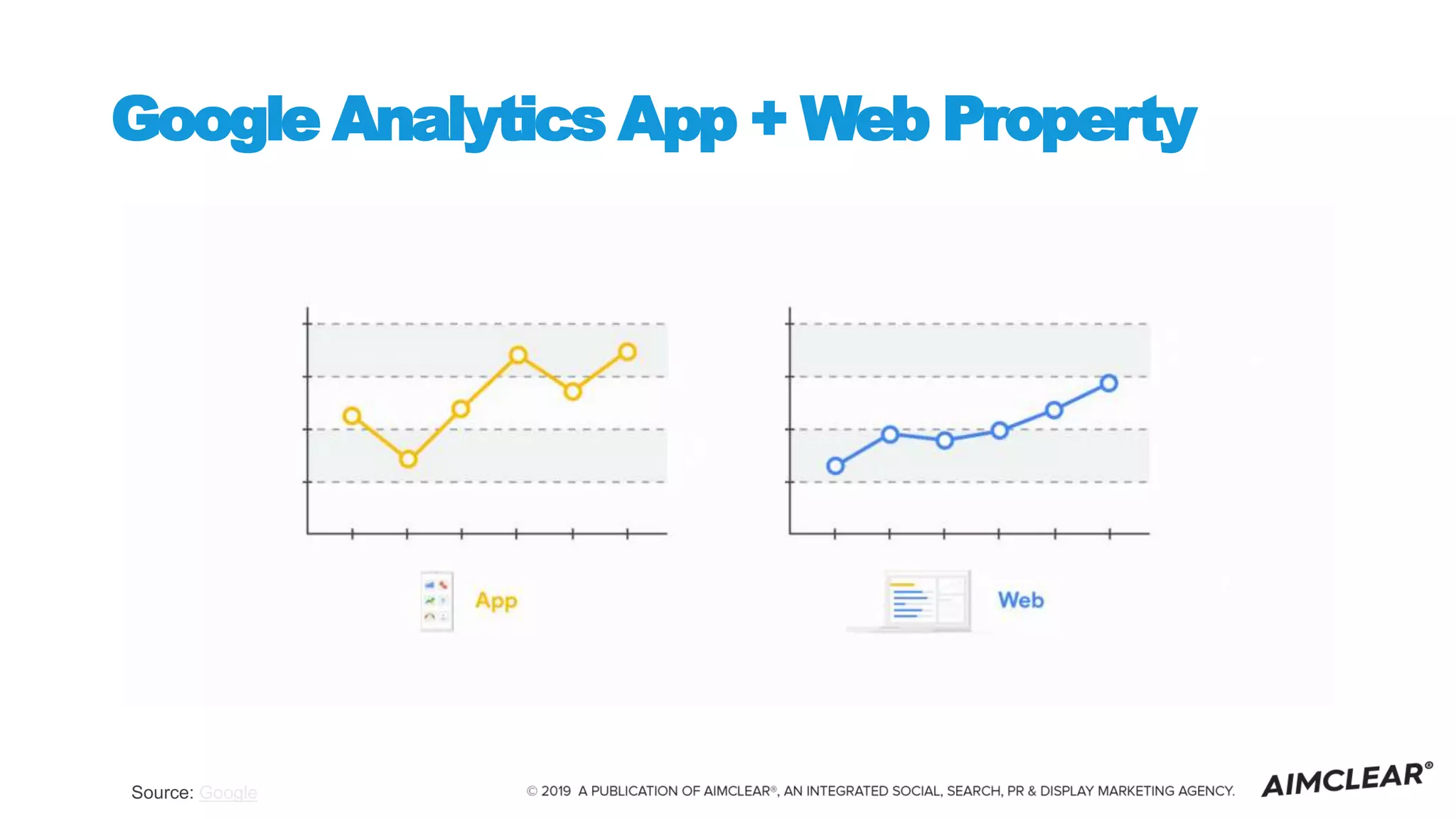
Google Analytics App + Web Property
Source: Google
Quick list of GA App +
Web resources
• Google announcement
• 10-minute setup tutorial video and brief
reporting walk-through
• Simo Ahava (Google Developer Expert for
GA/GTM) deep dive
• Krista Seiden (former GA Product Manager)
deep dive on setup and new reporting
Source: Google
NEW: Exploration
Source: Google
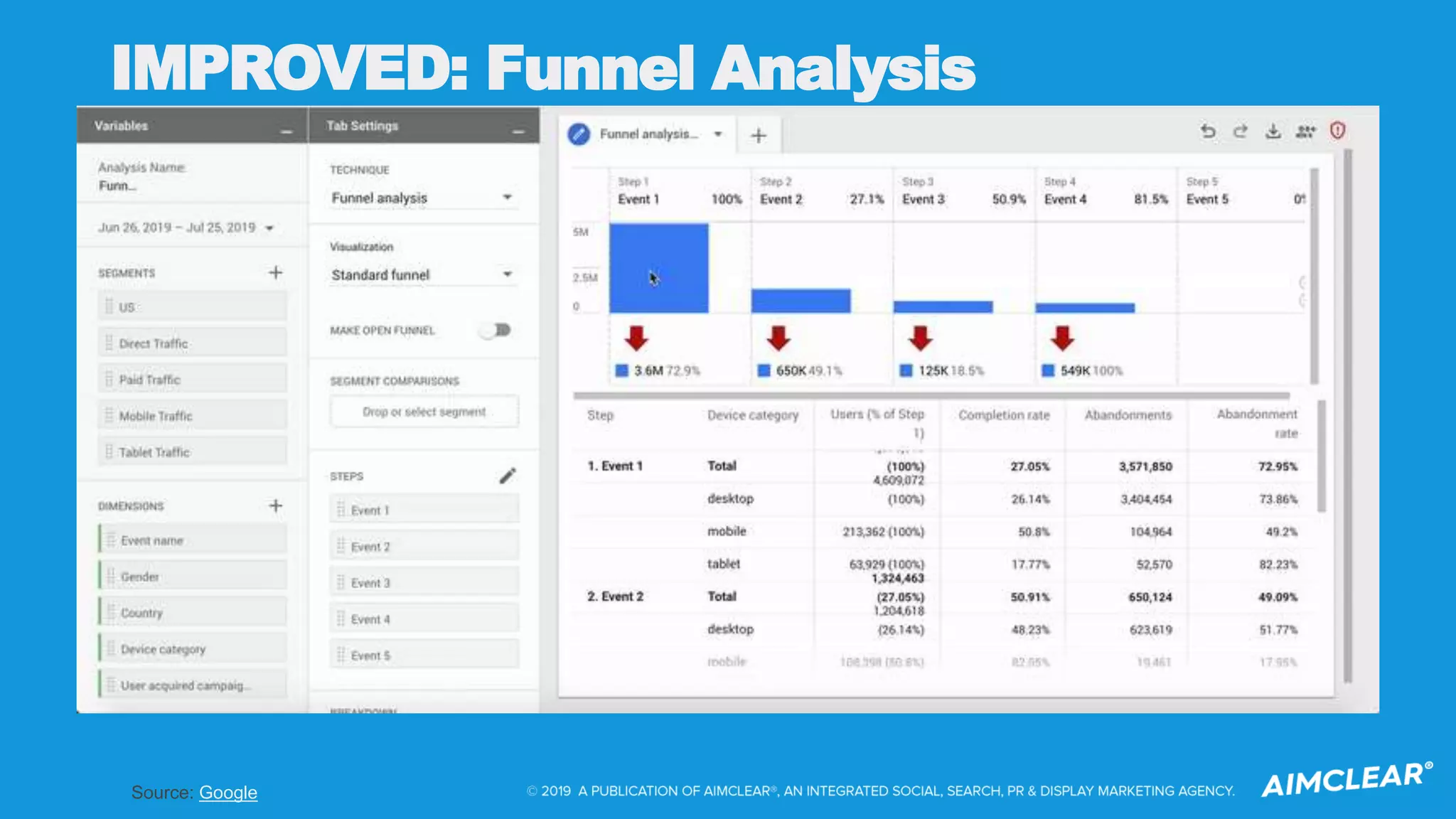
IMPROVED: Funnel Analysis
Source: Digital Debrief
SERIOUSLY IMPROVED: Path Analysis
The Keys to Conversions:
Paths and Prediction
What is
”Narrow AI”
Sequence
Prediction
Models
Sequence prediction:
a problem that involves using
historical sequence
information to predict the next
value or values in the
sequence.
Examples of
Sequence
Prediction Models
 Compact Prediction Tree (CPT) - Python
code here
 Markov chains - R code here
 Requirements:
 sizable enough data, with enough
common paths being taken by users to
reliably predict next steps based on input
paths/pages
 A developer, data scientist or analyst
familiar with Python or R, and data
transformation and modeling
This sounds
like a lot of
work.
The Benefits of Path Analysis and
Predicting Paths
Better understand your site
users:
•- See what may be broken in your funnel
•- Determine if you have a tech, content, or
optimization problem
•- Enable you to adapt your goals to capture
how people actually convert (vs. how you
thought they would)
By applying prediction to path
analysis you can:
- Programmatically intervene to direct users
away from non-converting paths
- Reduce friction in site usage
- Optimize frequent paths
What’s crawl got to do
with it?
Regular Site Audits
are Critical
 A platform like DeepCrawl will surface
problems for both the search engines
(blocked pages, 404s, duplicate content)
and users (thin content, poor internal
linking, navigation issues)
 To provide your customers with a
conversion-path-optimized experience on
your site, you need to ensure they can
find you in search - and that your pages
deliver on the experience expected.
 A site crawl and auditing tool should be
part of your overall martech stack - no
different from your analytics package,
CRM, CSM or other “always on,” critical
technology.
CRAWL OPTIMIZE ANALYZE OPTIMIZE
CRAWL
Regularly crawl your site to:
 Surface problems
with bots accessing
content
 Surface problems
impacting user
experience (page
load times, etc.)
 Surface content
optimization
opportunities
OPTIMIZE
ANALYZE
Optimize
The web is not static.
Your strategy shouldn’t
be either.
Always be optimizing -
toward customer
experience.
Let’s connect:
@MichelleRobbins
https://www.linkedin.com/in/michellerobbins
Thank you!
Michelle Robbins
VP Product &
Innovation

Clicks, Conversions and Crawls

  • 1.
    Clicks, Conversions and Crawls! DeepCrawlDec 2019 Michelle Robbins VP Product & Innovation
  • 2.
    About me  Intech, search and digital marketing since the mid-90s  Full stack engineer, analyst  Formerly SVP Content & Technology, Editor in Chief at Search Engine Land, Marketing Land, MarTech Today, SMX  Data Scientist in training  STEM advocate and mentor  Superhero enthusiast
  • 3.
    We are drowning indata:  More than 2.5 quintillion bytes of data created every day  It is estimated that by next year, 1.7MB of data will be created per person per second
  • 4.
    Ever-Increasing Number ofBusiness Data Sources  Website Analytics  Google Search Console  Advertising: Google, Bing, Facebook, Amazon, etc.  Martech products: CRM, CSM, Data enrichment
  • 5.
    “Collecting massive amounts ofdata rarely leads to any material increase in insights or smarter decisions.” ~ Avinash Kaushik TMAI #180 – September 2019
  • 7.
    “Data never acquiresmagical powers because more people have access to it. Data acquires magical powers when analytically savvy humans are available to do the post- campaign analysis to find meaningful stories that explain failure or success.” ~ Avinash Kaushik TMAI #180 – September 2019
  • 8.
  • 9.
    Focus on theuser, not on the robots.
  • 10.
    Rage Clicks Source: Bluesmoon Trackrage clicks in GA via GTM using this code from Reflective Data.
  • 11.
  • 12.
  • 13.
     How manyvisitors converted?  How many returning vs. new visitors did we get?  How do visitors who converted behave differently from those who didn’t?  How do returning visitors behave differently than new visitors? vs
  • 14.
  • 16.
  • 17.
    User path analysis  Isthe site architecture optimized for conversions?  Navigation and sub-navigation  Breadcrumbs  Internal linking  Are there technical problems on pages leading to bounces or exits?  Is site search required for customers to find the information they need, or is it simply helpful?
  • 18.
    Google Analytics App+ Web Property Source: Google
  • 19.
    Quick list ofGA App + Web resources • Google announcement • 10-minute setup tutorial video and brief reporting walk-through • Simo Ahava (Google Developer Expert for GA/GTM) deep dive • Krista Seiden (former GA Product Manager) deep dive on setup and new reporting
  • 21.
  • 22.
  • 23.
    Source: Digital Debrief SERIOUSLYIMPROVED: Path Analysis
  • 24.
    The Keys toConversions: Paths and Prediction
  • 26.
  • 27.
  • 28.
    Sequence prediction: a problemthat involves using historical sequence information to predict the next value or values in the sequence.
  • 29.
    Examples of Sequence Prediction Models Compact Prediction Tree (CPT) - Python code here  Markov chains - R code here  Requirements:  sizable enough data, with enough common paths being taken by users to reliably predict next steps based on input paths/pages  A developer, data scientist or analyst familiar with Python or R, and data transformation and modeling
  • 30.
    This sounds like alot of work.
  • 31.
    The Benefits ofPath Analysis and Predicting Paths Better understand your site users: •- See what may be broken in your funnel •- Determine if you have a tech, content, or optimization problem •- Enable you to adapt your goals to capture how people actually convert (vs. how you thought they would) By applying prediction to path analysis you can: - Programmatically intervene to direct users away from non-converting paths - Reduce friction in site usage - Optimize frequent paths
  • 32.
    What’s crawl gotto do with it?
  • 33.
    Regular Site Audits areCritical  A platform like DeepCrawl will surface problems for both the search engines (blocked pages, 404s, duplicate content) and users (thin content, poor internal linking, navigation issues)  To provide your customers with a conversion-path-optimized experience on your site, you need to ensure they can find you in search - and that your pages deliver on the experience expected.  A site crawl and auditing tool should be part of your overall martech stack - no different from your analytics package, CRM, CSM or other “always on,” critical technology.
  • 35.
  • 36.
    CRAWL Regularly crawl yoursite to:  Surface problems with bots accessing content  Surface problems impacting user experience (page load times, etc.)  Surface content optimization opportunities
  • 37.
  • 38.
  • 39.
  • 40.
    The web isnot static. Your strategy shouldn’t be either. Always be optimizing - toward customer experience.
  • 41.