Chrome Web Apps and Extensions 
Molly Schroeder 
Technology Integration Specialist and Consultant 
molly.schroeder@flippededucation.com 
Google+Molly Schroeder Twitter @followmolly 
#chromeninja 
Past webinars: http://goo.gl/hYLE1
Exploring Web Apps and Extensions 
What are extensions & Web Apps 
Find and install 
Management 
Examples!
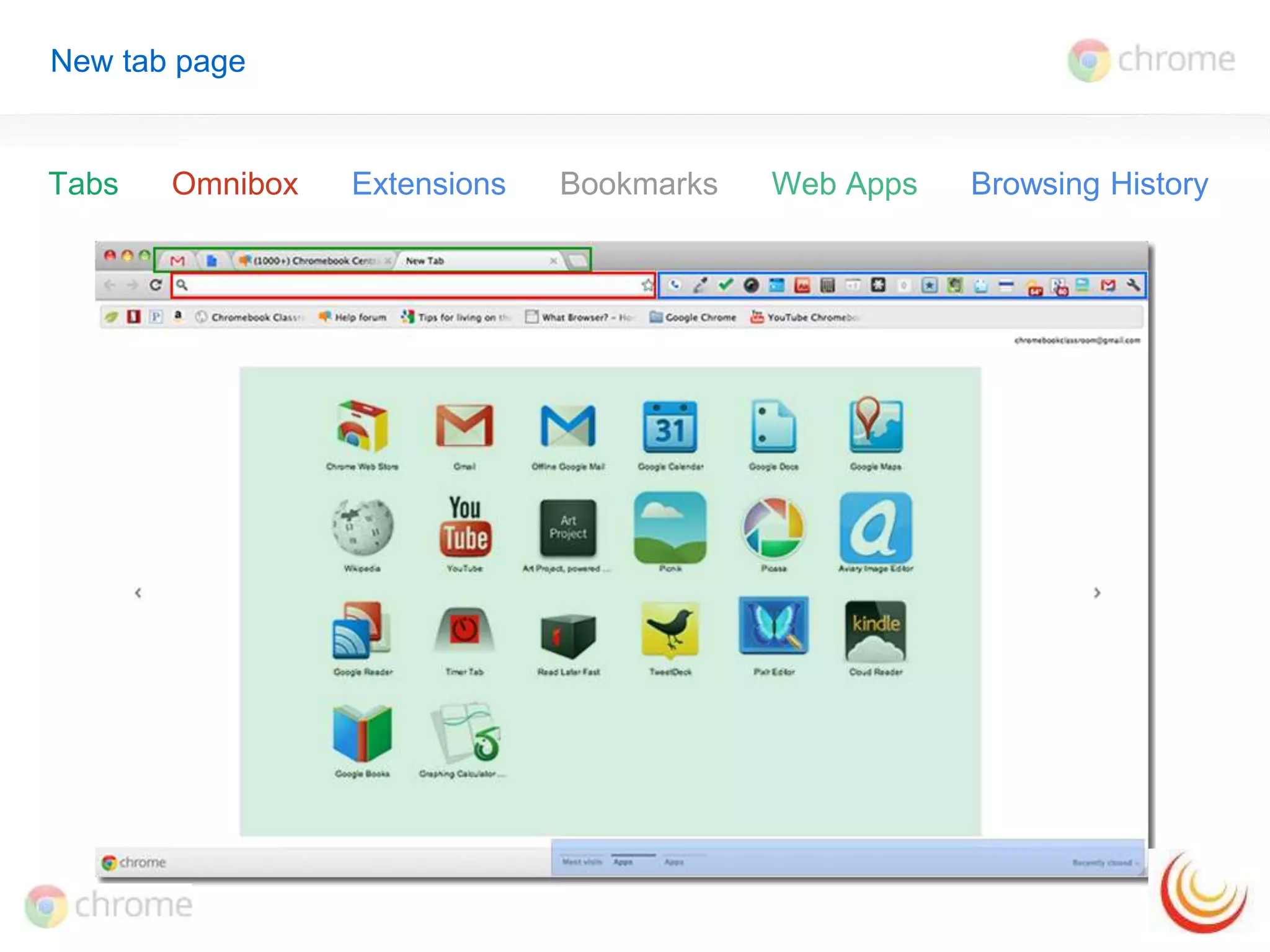
New tab page 
Tabs Omnibox Extensions Bookmarks Web Apps Browsing History
Why web apps and extensions? 
Customize Chrome experience 
Instantaneous 
No restart 
Auto-update 
Always available with sync
What are extensions? 
Extensions are custom features and functionality that you can add to 
Google Chrome. 
Get bonus information about a page 
Relevant links and information 
Get timely notifications 
Alerts right in your browser bar 
Do things with fewer clicks 
Shortcuts to search, clip, note, etc.
What are web apps? 
Web-based applications are programs that are designed to be used 
entirely within the browser. 
Dynamic functionality online 
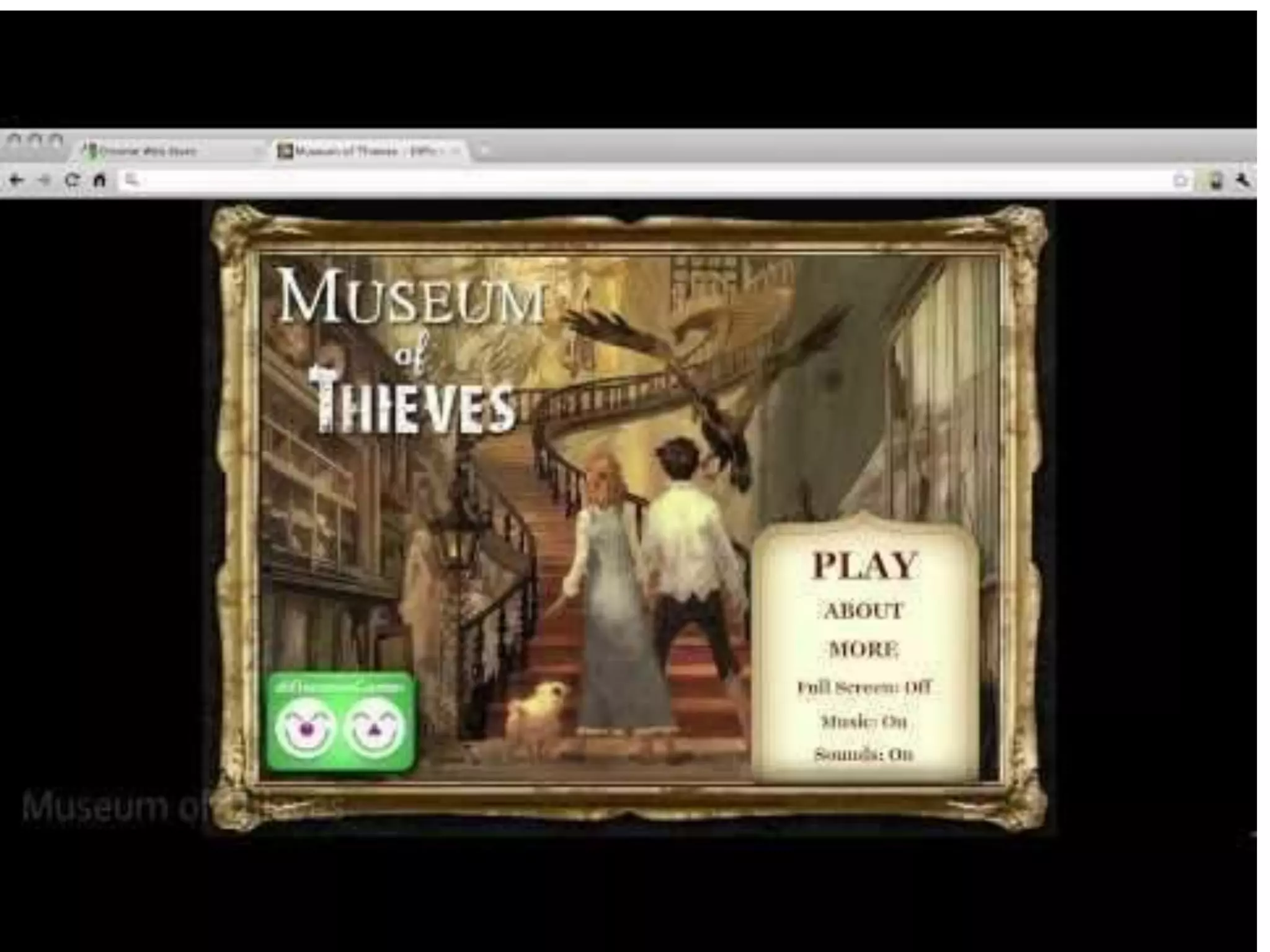
Gmail, Pandora, Google Maps 
Apps don't crash your computer 
Just close the tab - your browser and computer won’t be affected. 
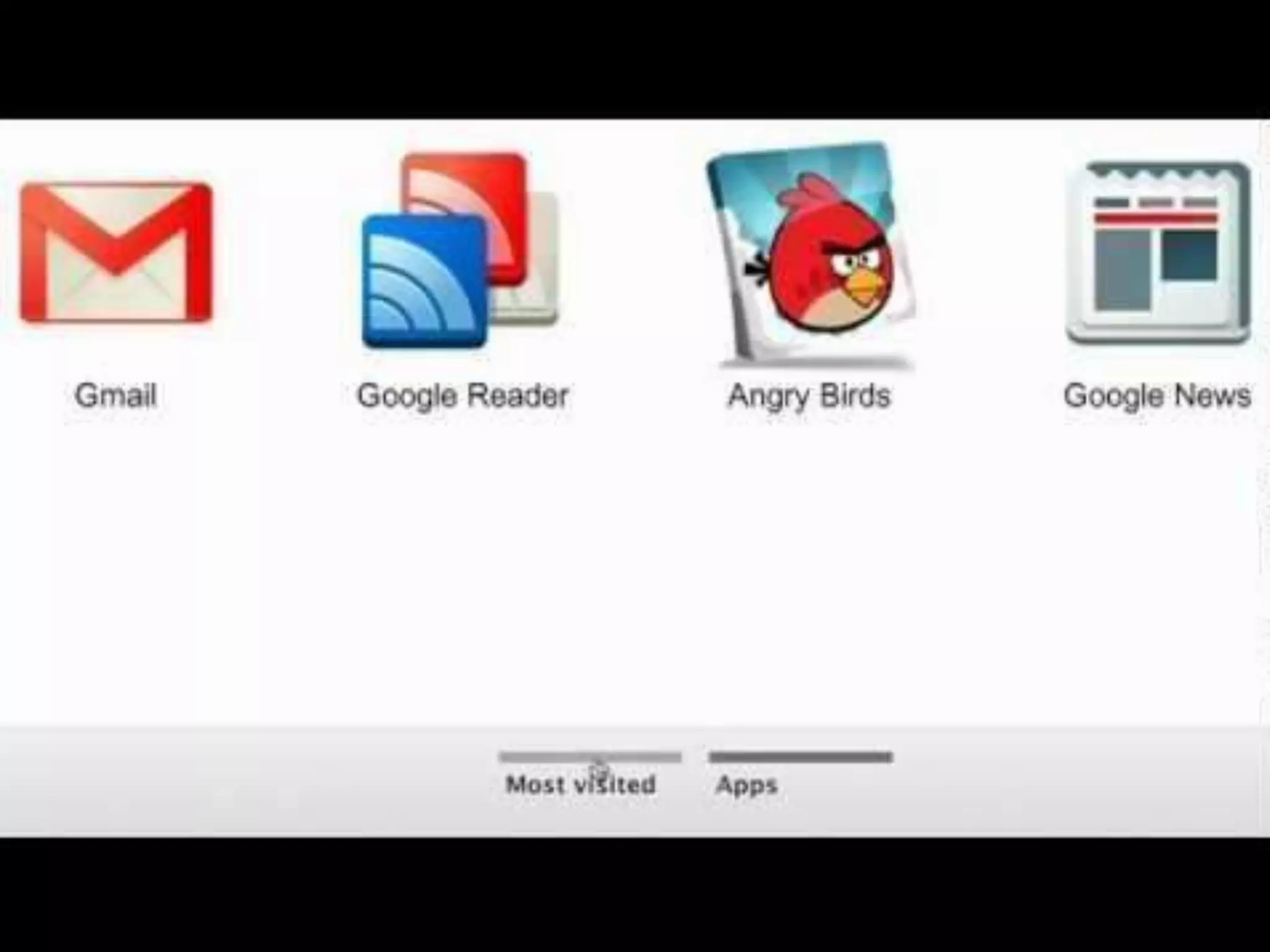
App Icons in Chrome 
Easily find and launch apps from the new tab page
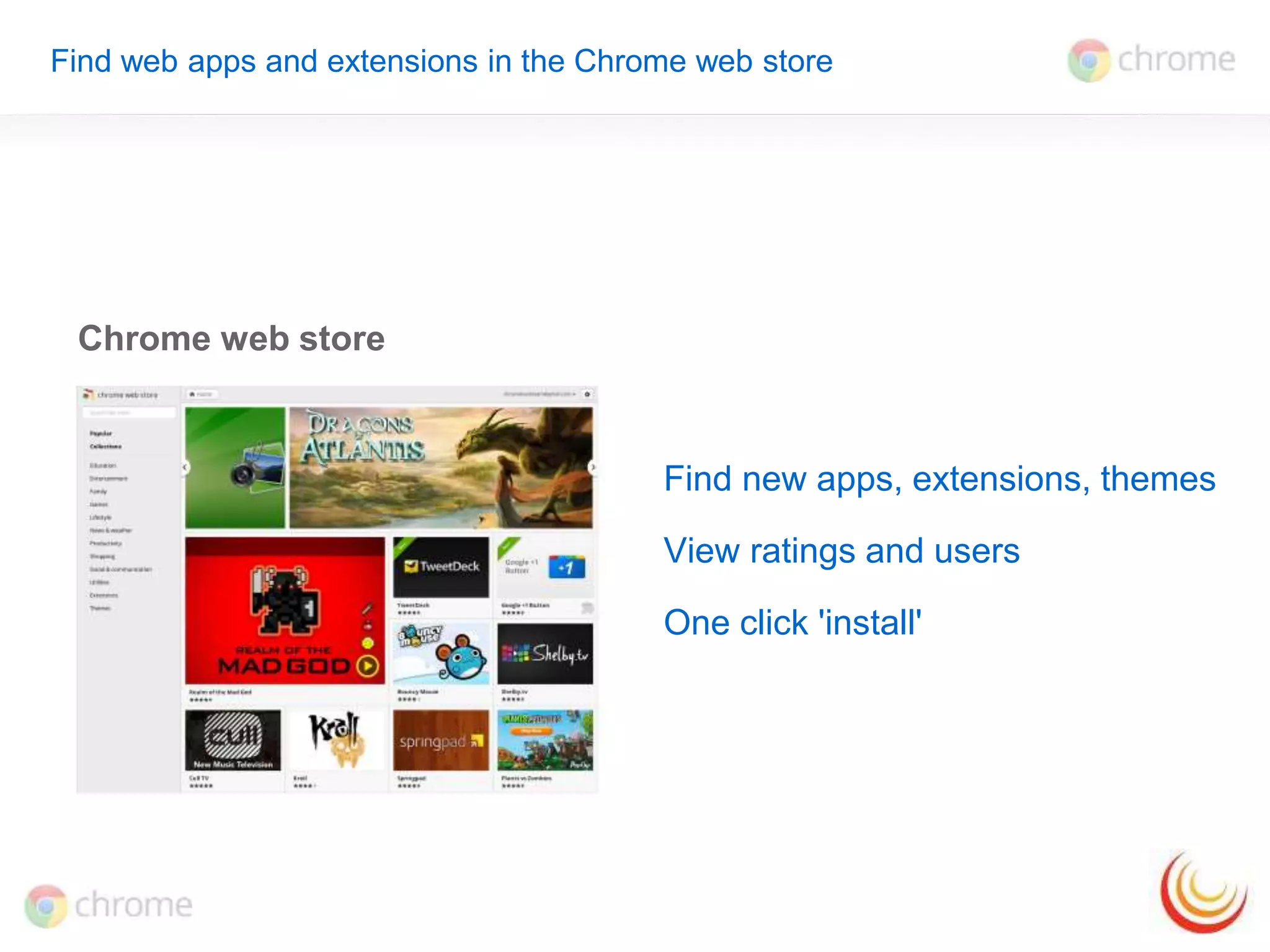
Find web apps and extensions in the Chrome web store 
Chrome web store 
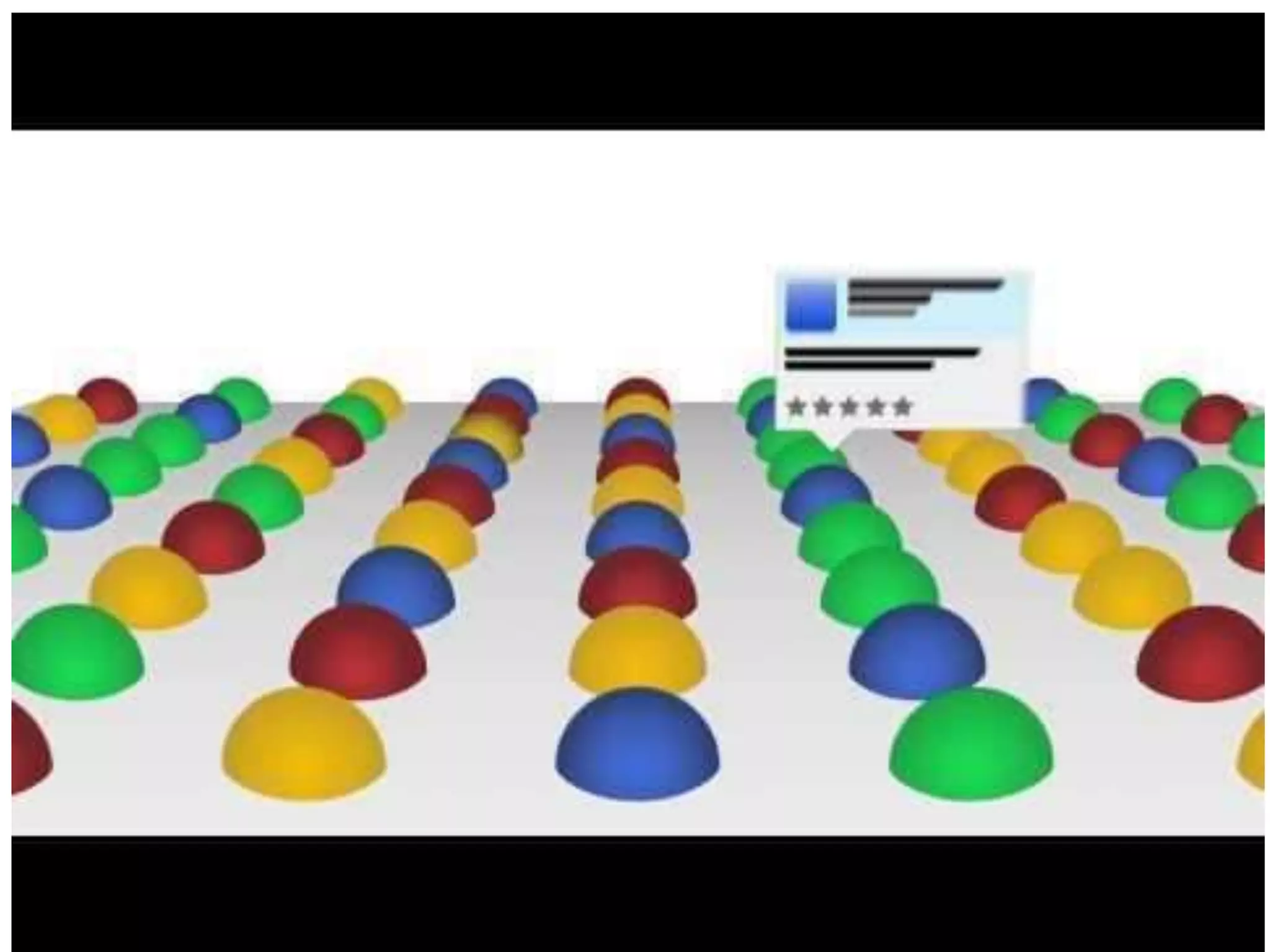
Find new apps, extensions, themes 
View ratings and users 
One click 'install'
Manage web apps and extensions 
New Tab Page 
Open new tab - cmd or ctrl + t 
• Drag and drop web apps 
• Categorize web apps 
• Select options to open web apps 
Extension manager 
chrome://extensions, or Wrench > Tools > Extensions 
• Allow incognito 
• Disable 
• Extension options 
Sync 
chrome://settings/personal or Wrench > Preferences > Personal stuff or
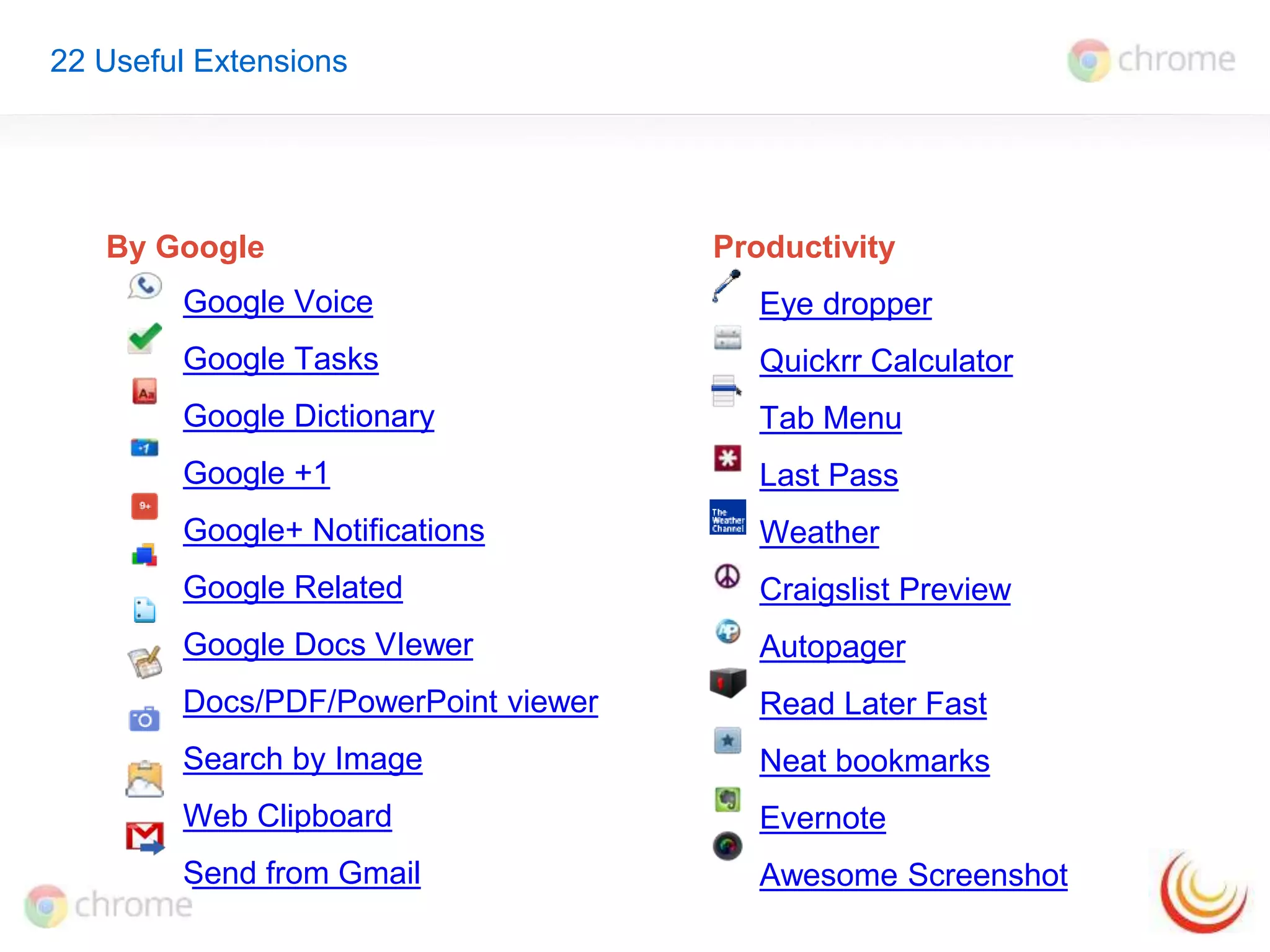
22 Useful Extensions 
By Google Productivity 
Google Voice 
Google Tasks 
Google Dictionary 
Google +1 
Google+ Notifications 
Google Related 
Google Docs VIewer 
Docs/PDF/PowerPoint viewer 
Search by Image 
Web Clipboard 
Send from Gmail 
Eye dropper 
Quickrr Calculator 
Tab Menu 
Last Pass 
Weather 
Craigslist Preview 
Autopager 
Read Later Fast 
Neat bookmarks 
Evernote 
Awesome Screenshot
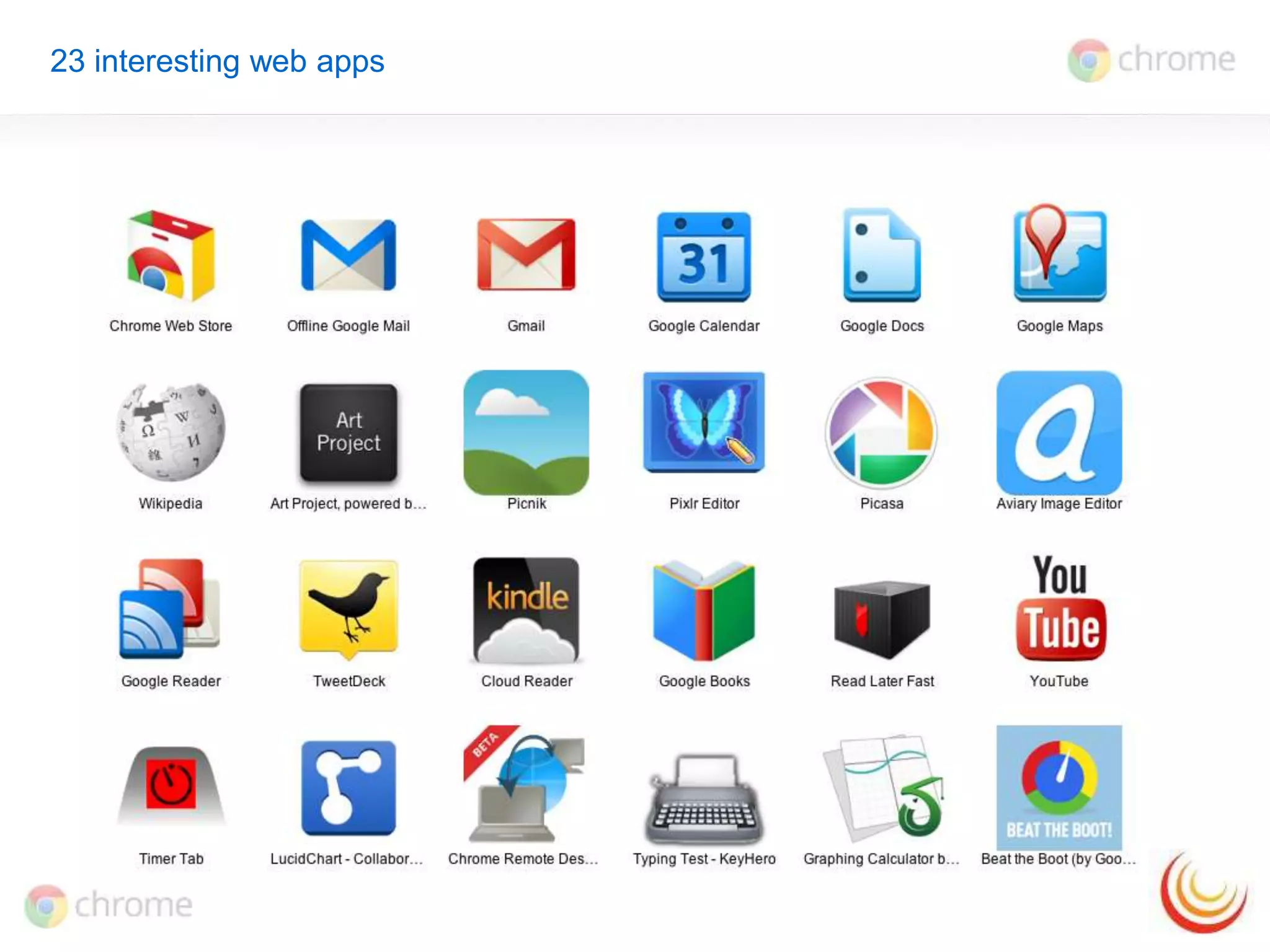
23 interesting web apps
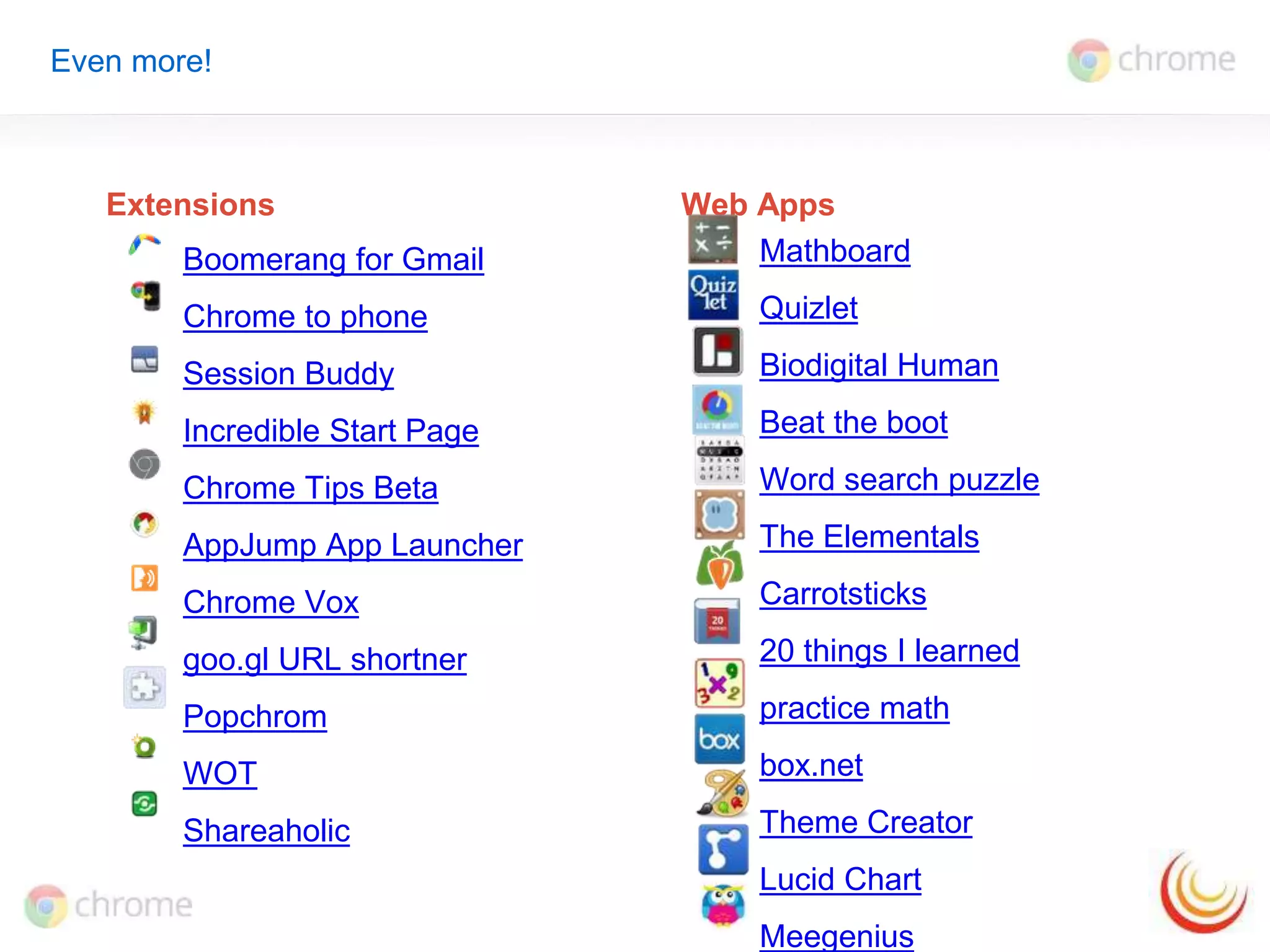
Even more! 
Extensions Web Apps 
Boomerang for Gmail 
Chrome to phone 
Session Buddy 
Incredible Start Page 
Chrome Tips Beta 
AppJump App Launcher 
Chrome Vox 
goo.gl URL shortner 
Popchrom 
WOT 
Shareaholic 
Mathboard 
Quizlet 
Biodigital Human 
Beat the boot 
Word search puzzle 
The Elementals 
Carrotsticks 
20 things I learned 
practice math 
box.net 
Theme Creator 
Lucid Chart 
Meegenius
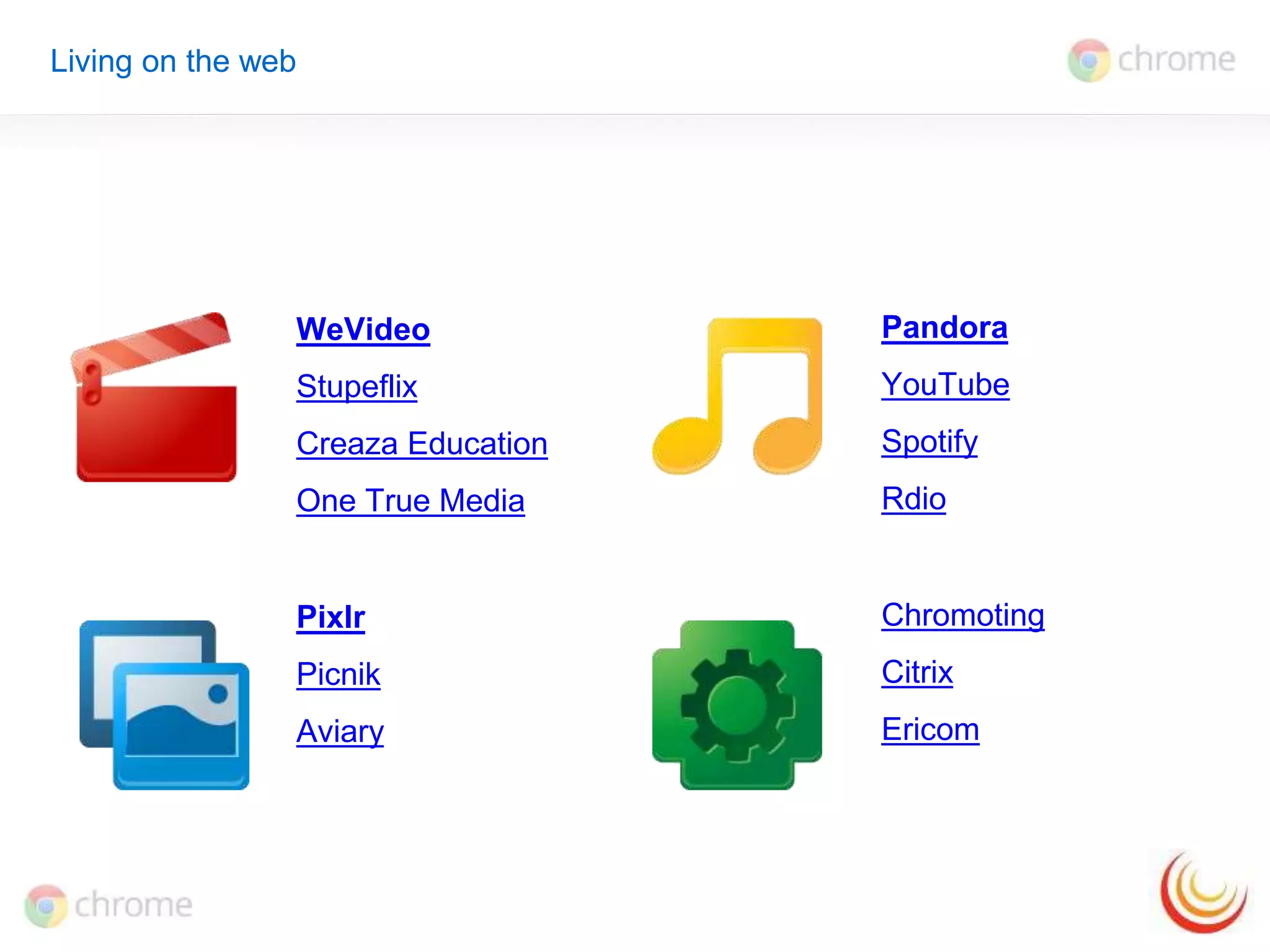
WeVideo 
Stupeflix 
Creaza Education 
One True Media 
Pixlr 
Picnik 
Aviary 
Pandora 
YouTube 
Spotify 
Rdio 
Chromoting 
Citrix 
Ericom 
Living on the web
Thank you 
Molly Schroeder 
Technology Integration Specialist and Consultant 
molly.schroeder@flippededucation.com 
Google+Molly Schroeder Twitter @followmolly

Chrome web apps and extensions flipped edu

  • 1.
    Chrome Web Appsand Extensions Molly Schroeder Technology Integration Specialist and Consultant molly.schroeder@flippededucation.com Google+Molly Schroeder Twitter @followmolly #chromeninja Past webinars: http://goo.gl/hYLE1
  • 2.
    Exploring Web Appsand Extensions What are extensions & Web Apps Find and install Management Examples!
  • 3.
    New tab page Tabs Omnibox Extensions Bookmarks Web Apps Browsing History
  • 4.
    Why web appsand extensions? Customize Chrome experience Instantaneous No restart Auto-update Always available with sync
  • 5.
    What are extensions? Extensions are custom features and functionality that you can add to Google Chrome. Get bonus information about a page Relevant links and information Get timely notifications Alerts right in your browser bar Do things with fewer clicks Shortcuts to search, clip, note, etc.
  • 6.
    What are webapps? Web-based applications are programs that are designed to be used entirely within the browser. Dynamic functionality online Gmail, Pandora, Google Maps Apps don't crash your computer Just close the tab - your browser and computer won’t be affected. App Icons in Chrome Easily find and launch apps from the new tab page
  • 7.
    Find web appsand extensions in the Chrome web store Chrome web store Find new apps, extensions, themes View ratings and users One click 'install'
  • 8.
    Manage web appsand extensions New Tab Page Open new tab - cmd or ctrl + t • Drag and drop web apps • Categorize web apps • Select options to open web apps Extension manager chrome://extensions, or Wrench > Tools > Extensions • Allow incognito • Disable • Extension options Sync chrome://settings/personal or Wrench > Preferences > Personal stuff or
  • 12.
    22 Useful Extensions By Google Productivity Google Voice Google Tasks Google Dictionary Google +1 Google+ Notifications Google Related Google Docs VIewer Docs/PDF/PowerPoint viewer Search by Image Web Clipboard Send from Gmail Eye dropper Quickrr Calculator Tab Menu Last Pass Weather Craigslist Preview Autopager Read Later Fast Neat bookmarks Evernote Awesome Screenshot
  • 13.
  • 14.
    Even more! ExtensionsWeb Apps Boomerang for Gmail Chrome to phone Session Buddy Incredible Start Page Chrome Tips Beta AppJump App Launcher Chrome Vox goo.gl URL shortner Popchrom WOT Shareaholic Mathboard Quizlet Biodigital Human Beat the boot Word search puzzle The Elementals Carrotsticks 20 things I learned practice math box.net Theme Creator Lucid Chart Meegenius
  • 15.
    WeVideo Stupeflix CreazaEducation One True Media Pixlr Picnik Aviary Pandora YouTube Spotify Rdio Chromoting Citrix Ericom Living on the web
  • 16.
    Thank you MollySchroeder Technology Integration Specialist and Consultant molly.schroeder@flippededucation.com Google+Molly Schroeder Twitter @followmolly

Editor's Notes

  • #3 Then do demo of management console
  • #5 Extensions are little programs that add useful functionality to the browser and to the websites you visit. 
  • #6 Extensions are little programs that add useful functionality to the browser and to the websites you visit. 
  • #7 Extensions are little programs that add useful functionality to the browser and to the websites you visit. 
  • #8 Extensions are little programs that add useful functionality to the browser and to the websites you visit. 
  • #9 Extensions are little programs that add useful functionality to the browser and to the websites you visit. 
  • #13 Extensions are little programs that add useful functionality to the browser and to the websites you visit. 
  • #14 Extensions are little programs that add useful functionality to the browser and to the websites you visit. 
  • #15 Extensions are little programs that add useful functionality to the browser and to the websites you visit. 
  • #16 Extensions are little programs that add useful functionality to the browser and to the websites you visit.