Presented by the Mahoning Valley
Astronomical Society
For the Columbiana Library
Funded by the Columbiana Community
Foundation
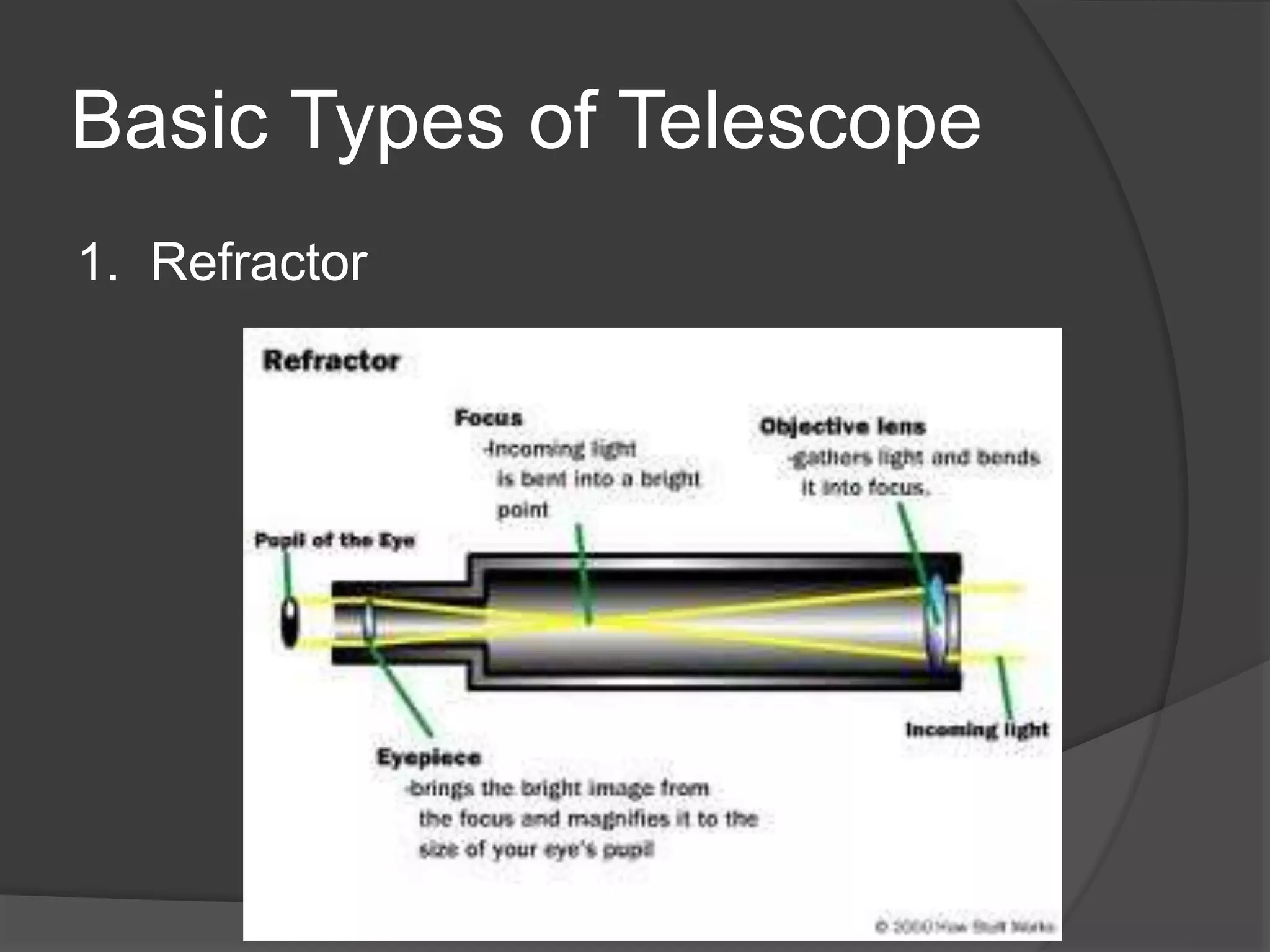
Basic Types of Telescope
1. Refractor
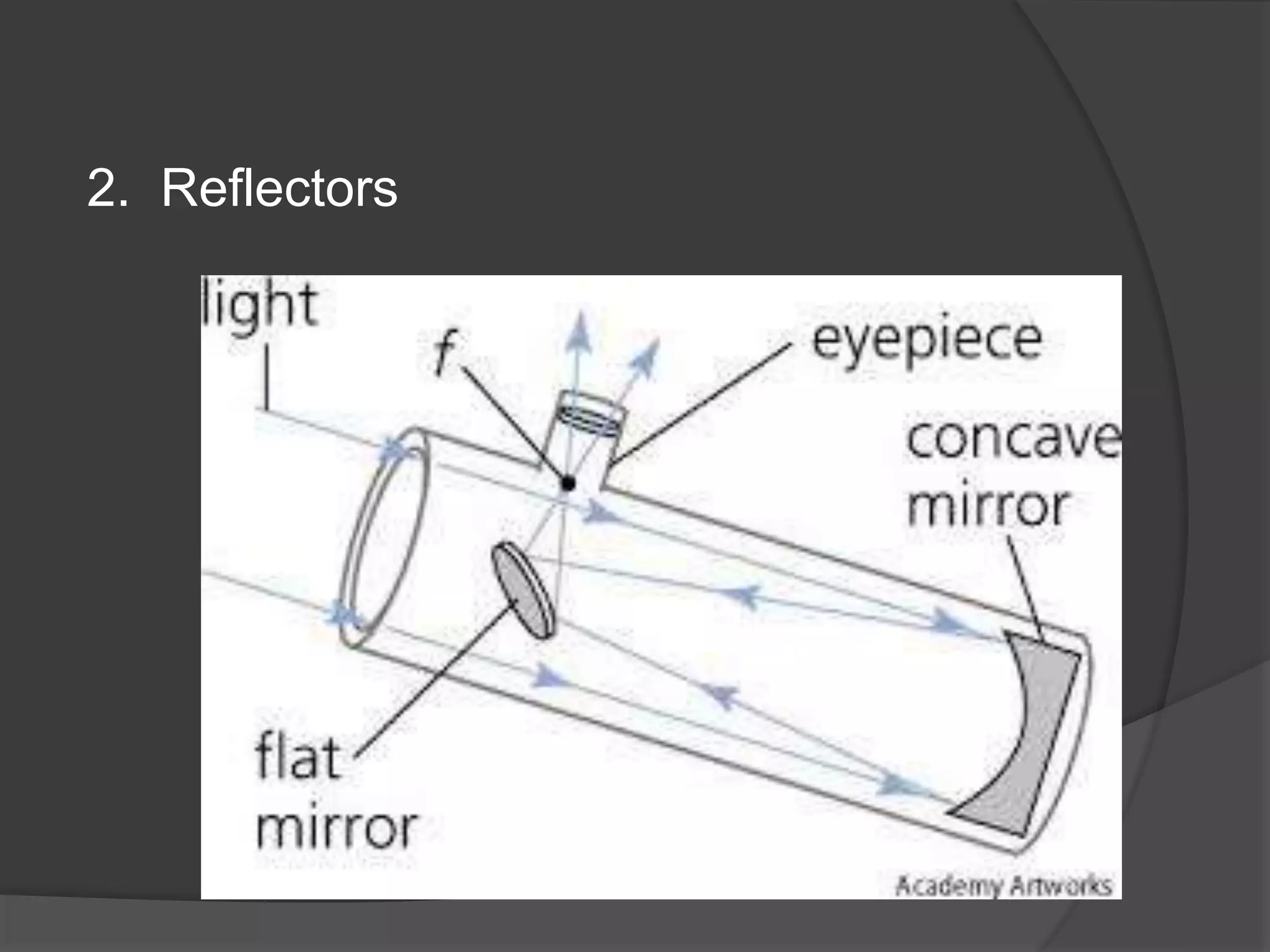
2. Reflectors
DO NOT CLEAN
MIRRORS!
Why use a telescope?
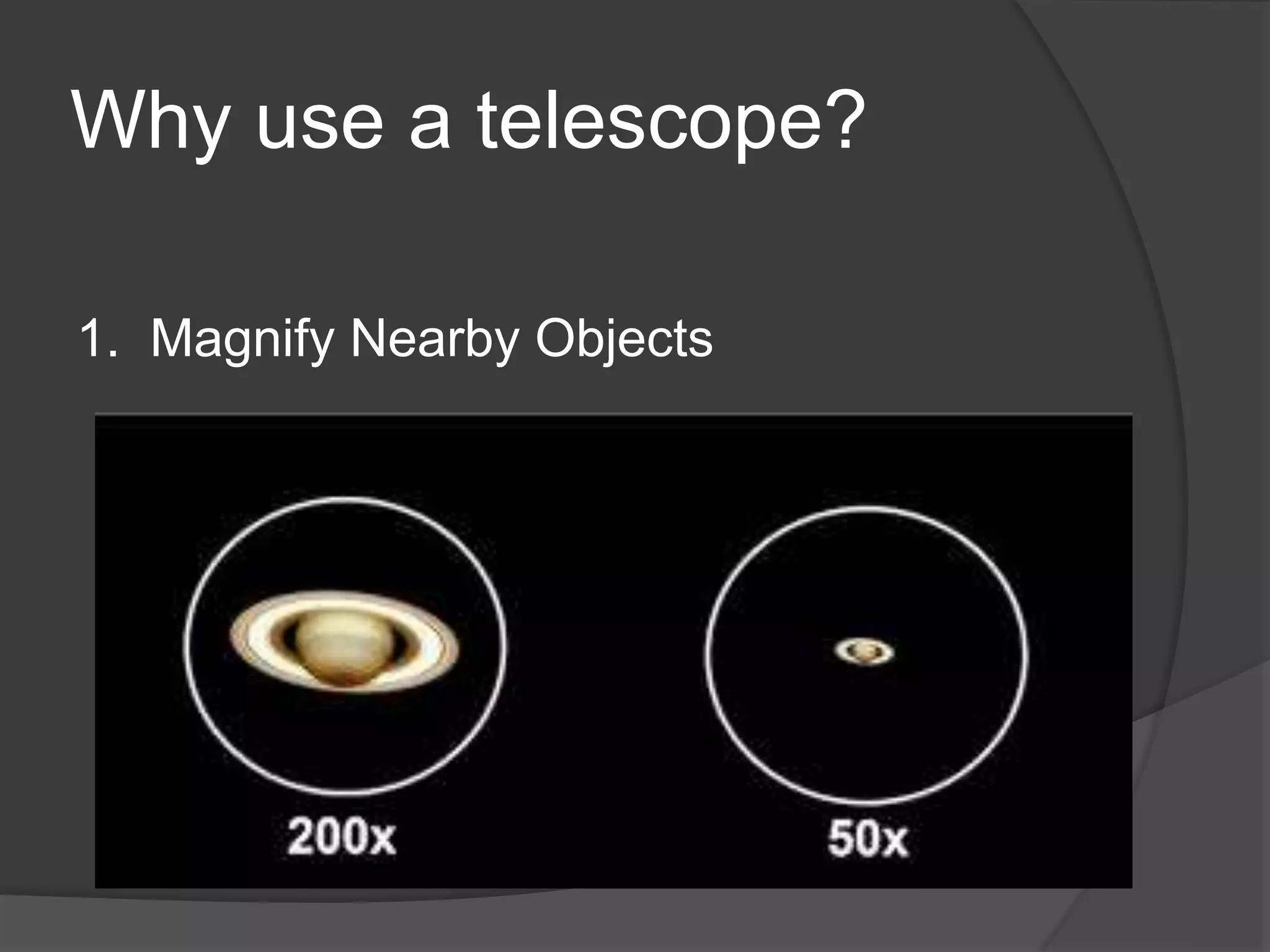
1. Magnify Nearby Objects
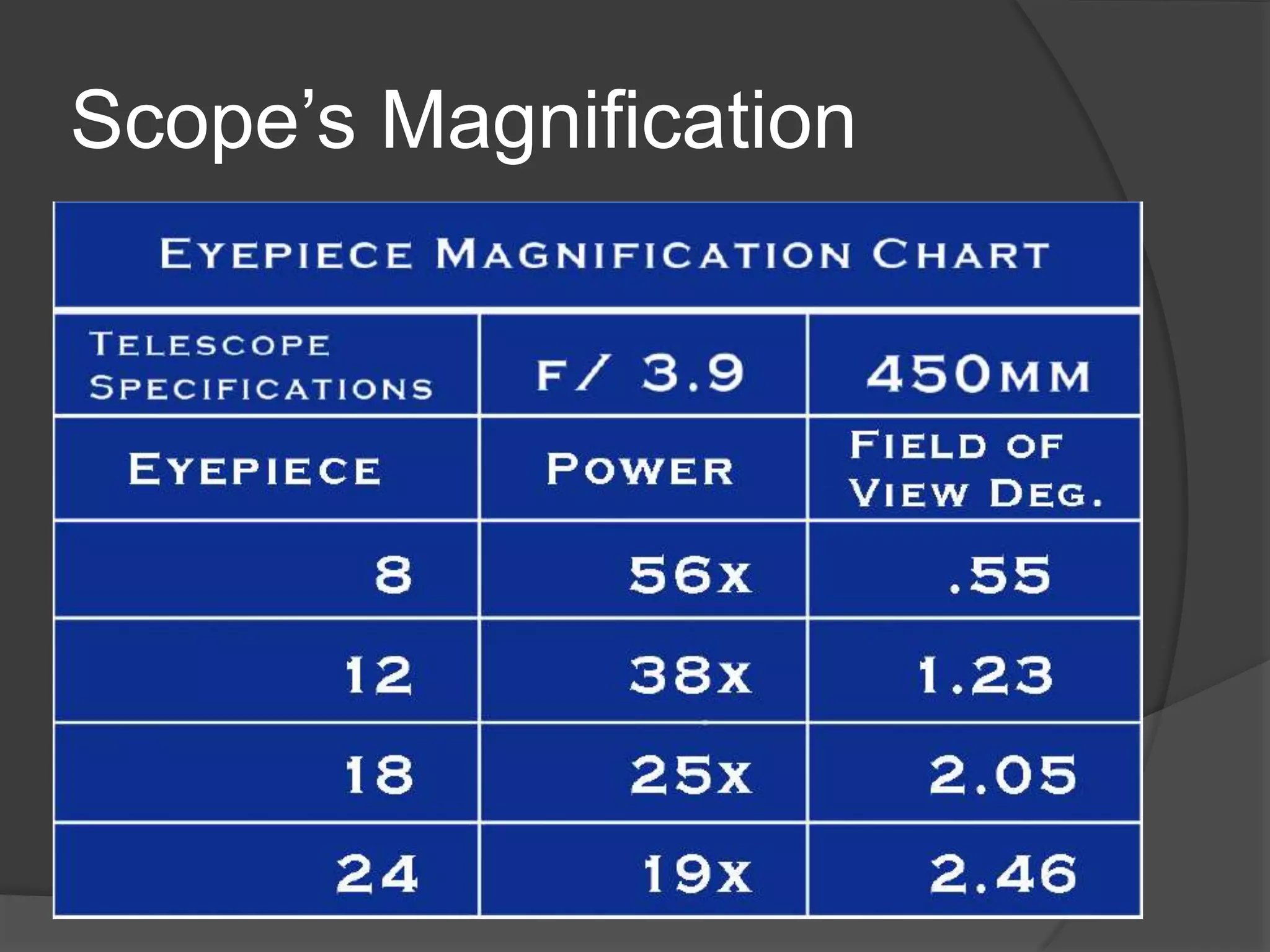
Scope’s Magnification
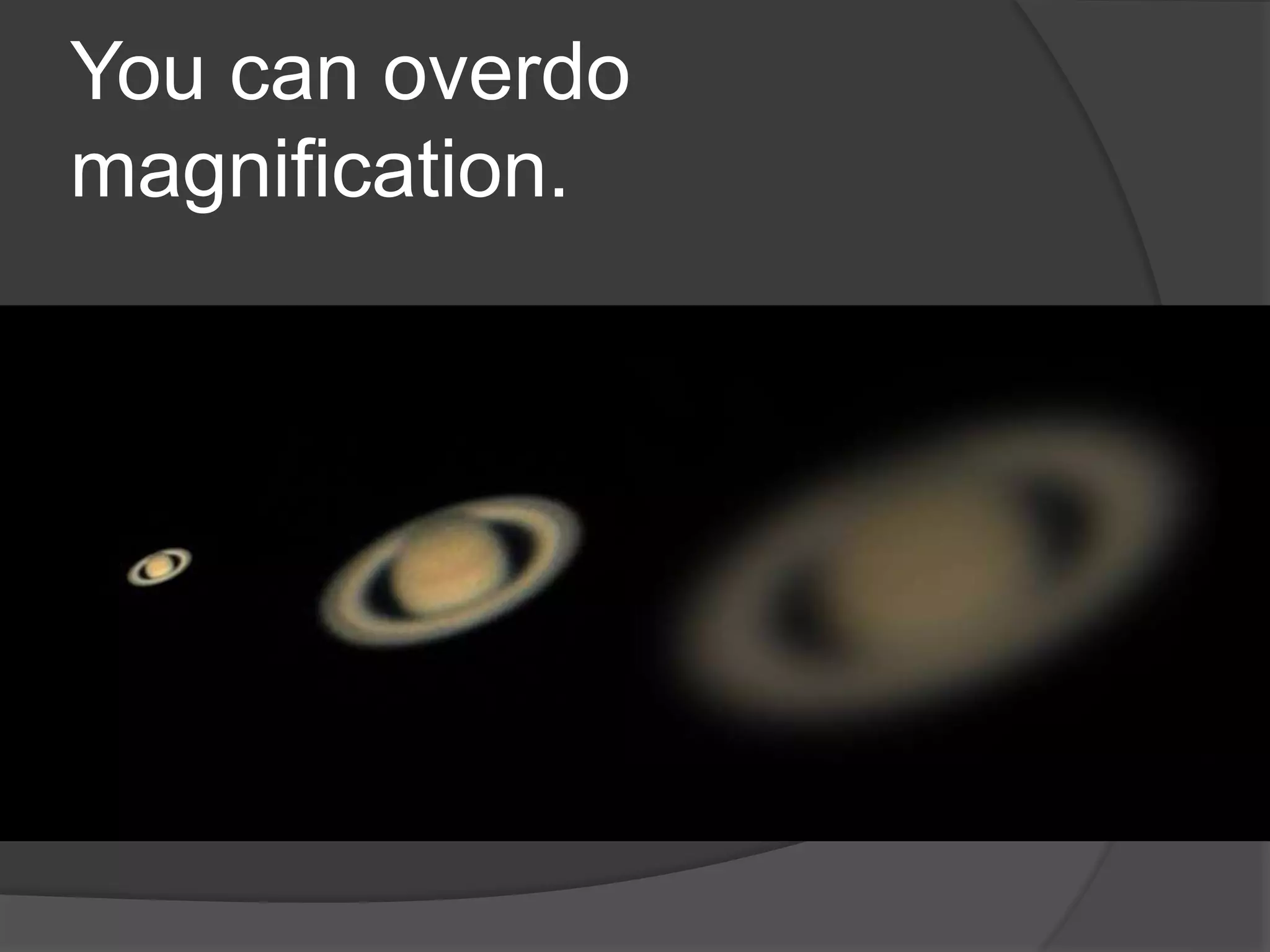
You can overdo
magnification.
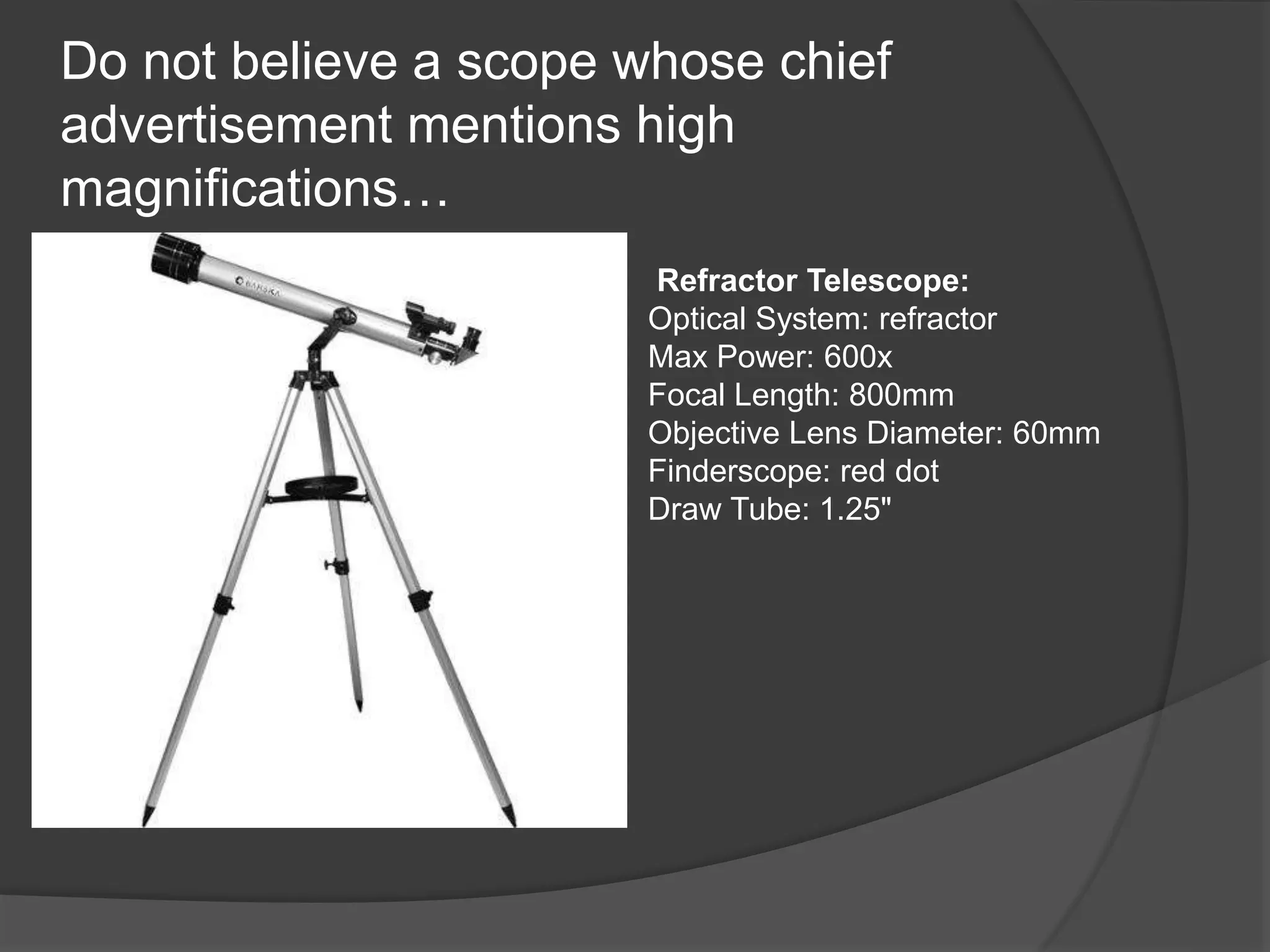
Do not believe a scope whose chief
advertisement mentions high
magnifications…
Refractor Telescope:
Optical System: refractor
Max Power: 600x
Focal Length: 800mm
Objective Lens Diameter: 60mm
Finderscope: red dot
Draw Tube: 1.25"
Wide Field Telescope
Easier to Find Things
Plenty of Wide Targets
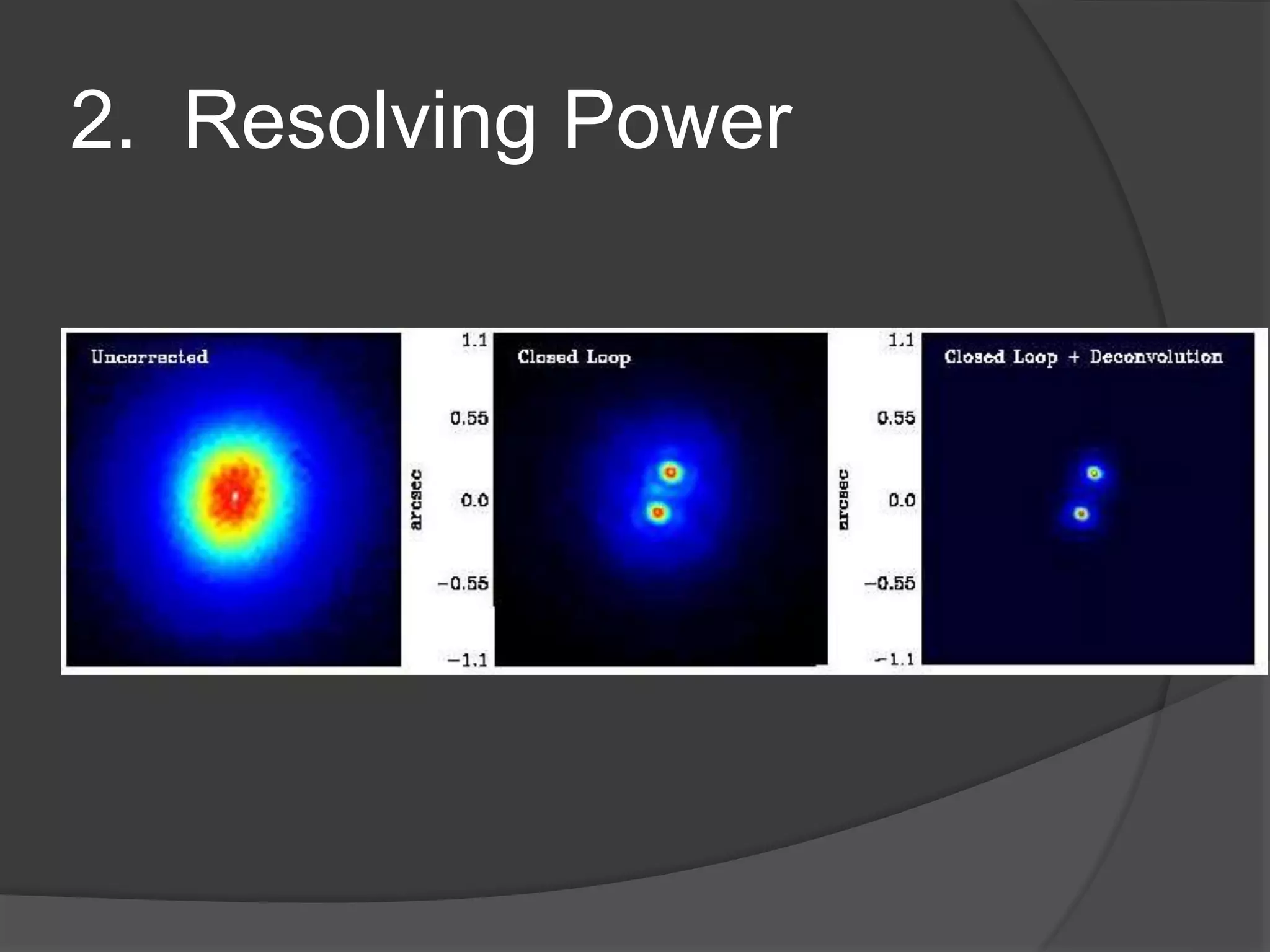
2. Resolving Power
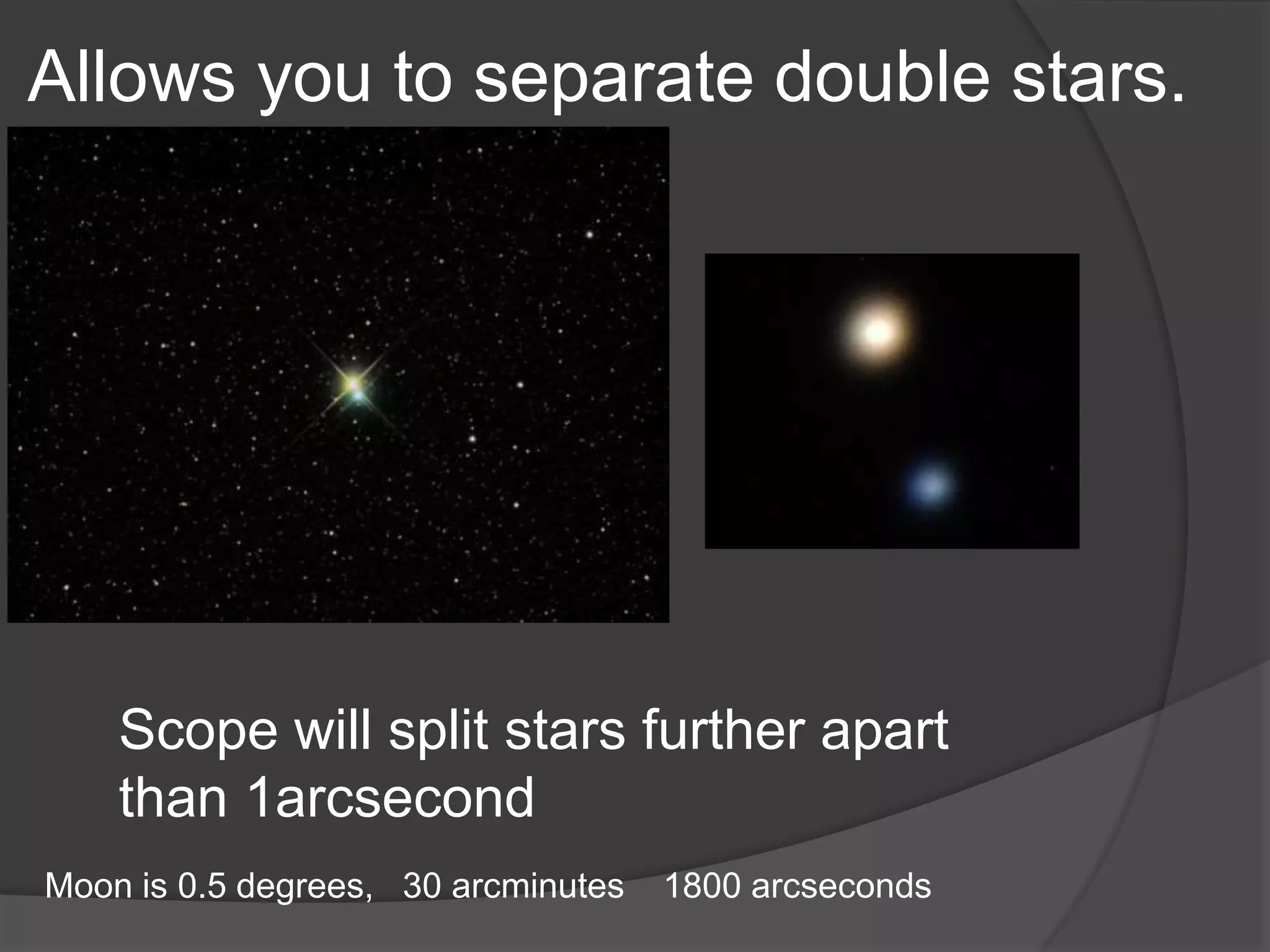
Allows you to separate double stars.
Scope will split stars further apart
than 1arcsecond
Moon is 0.5 degrees, 30 arcminutes 1800 arcseconds
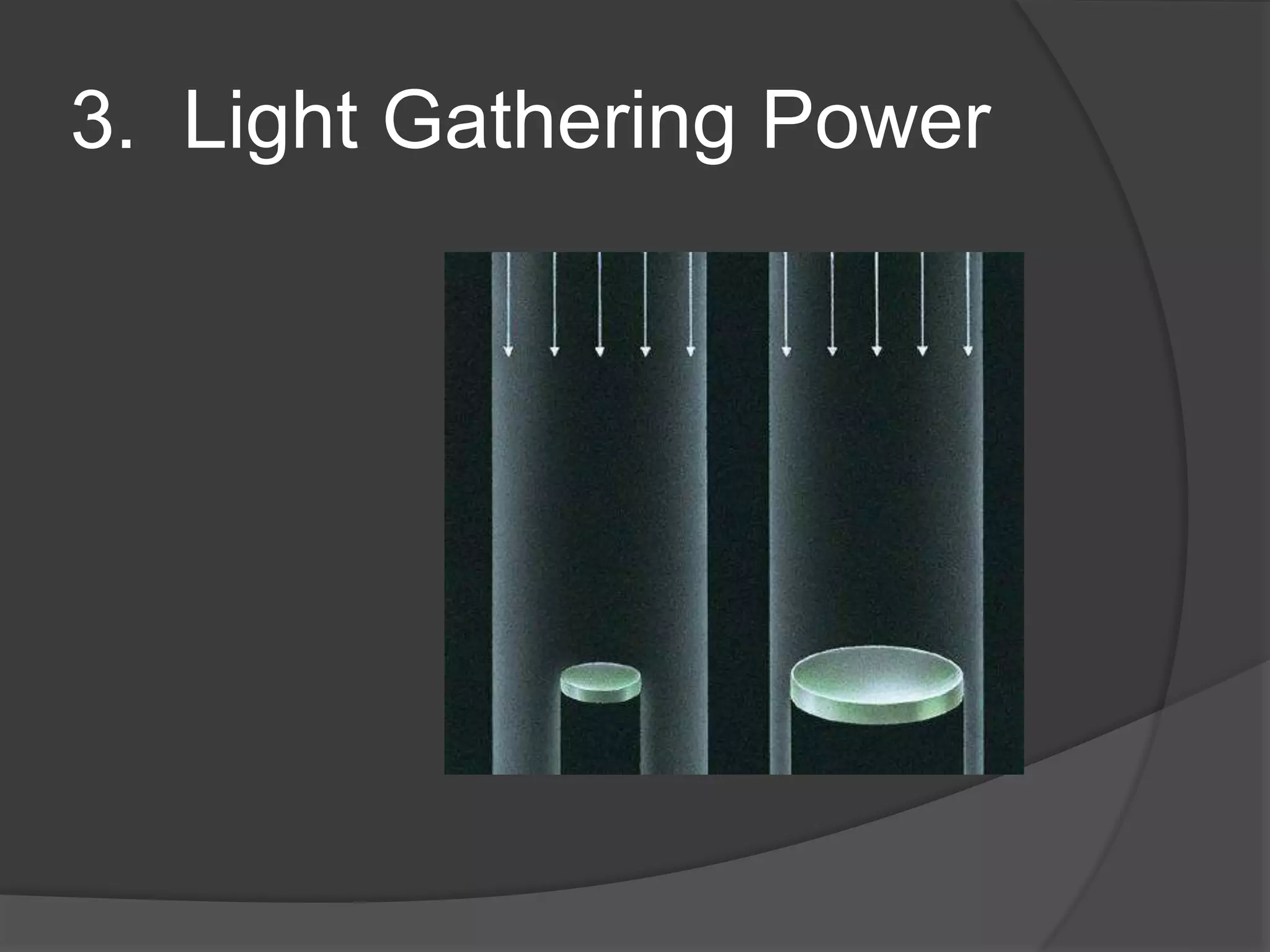
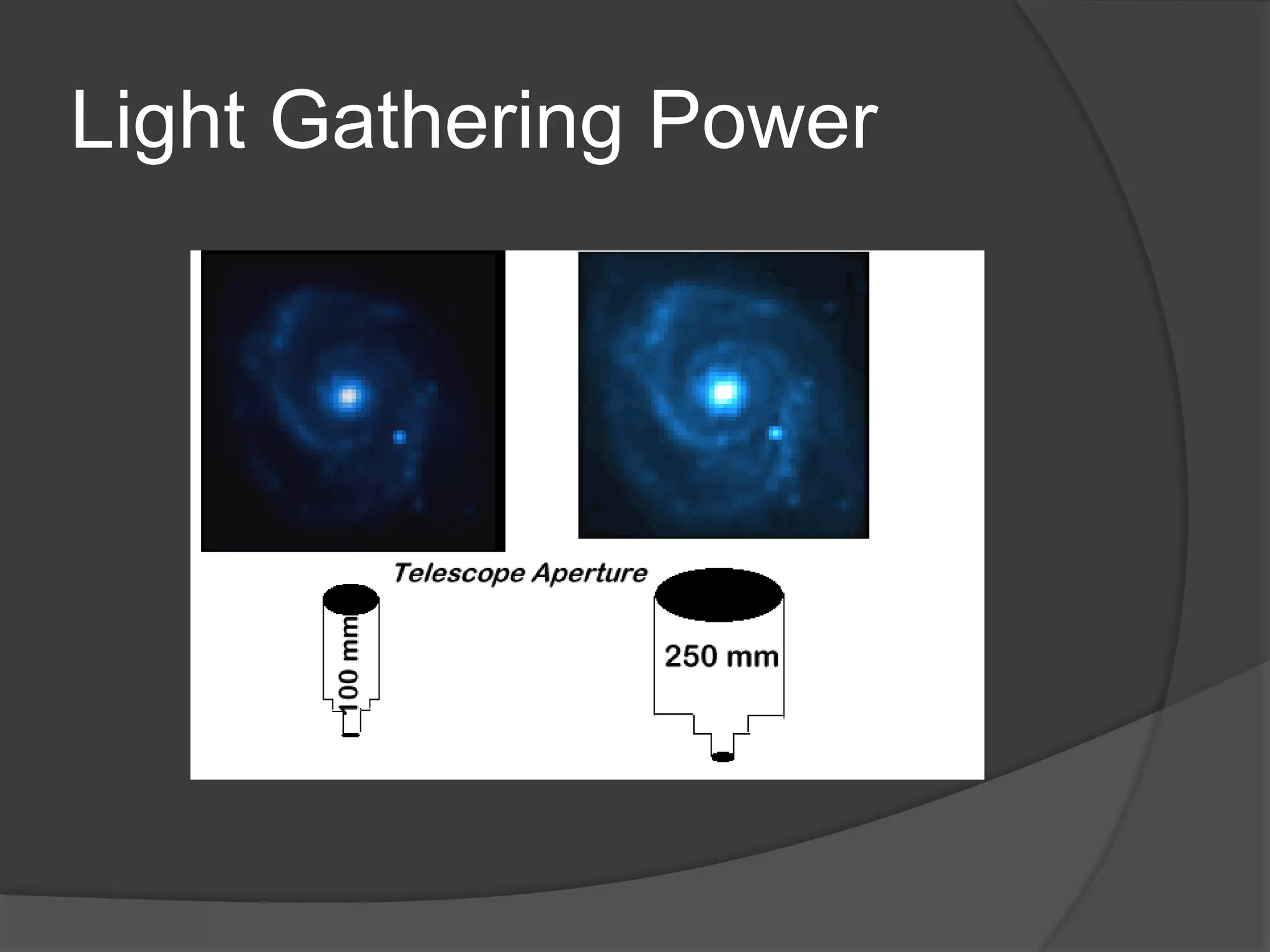
3. Light Gathering Power
Light Gathering Power
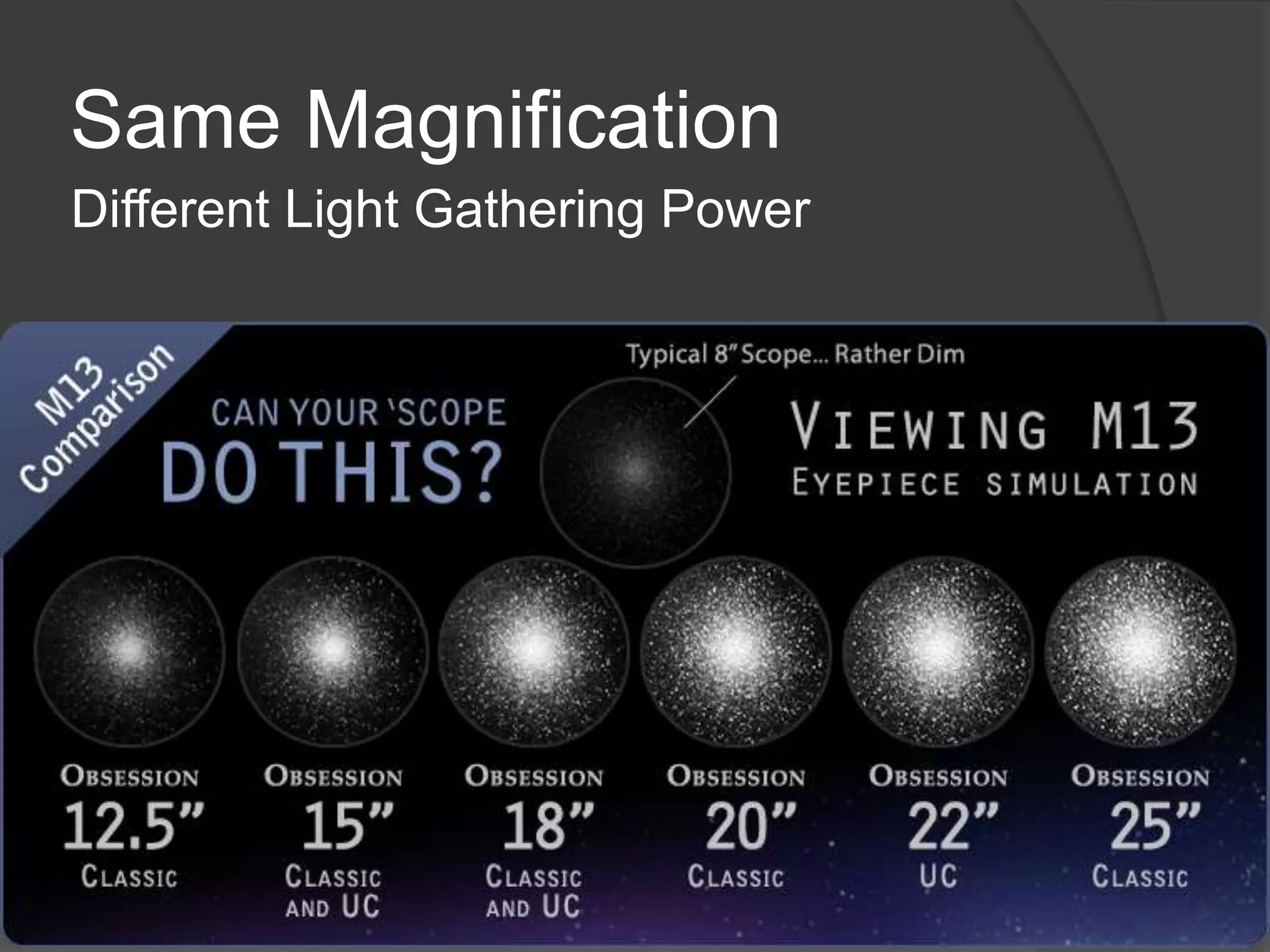
Same Magnification
Different Light Gathering Power
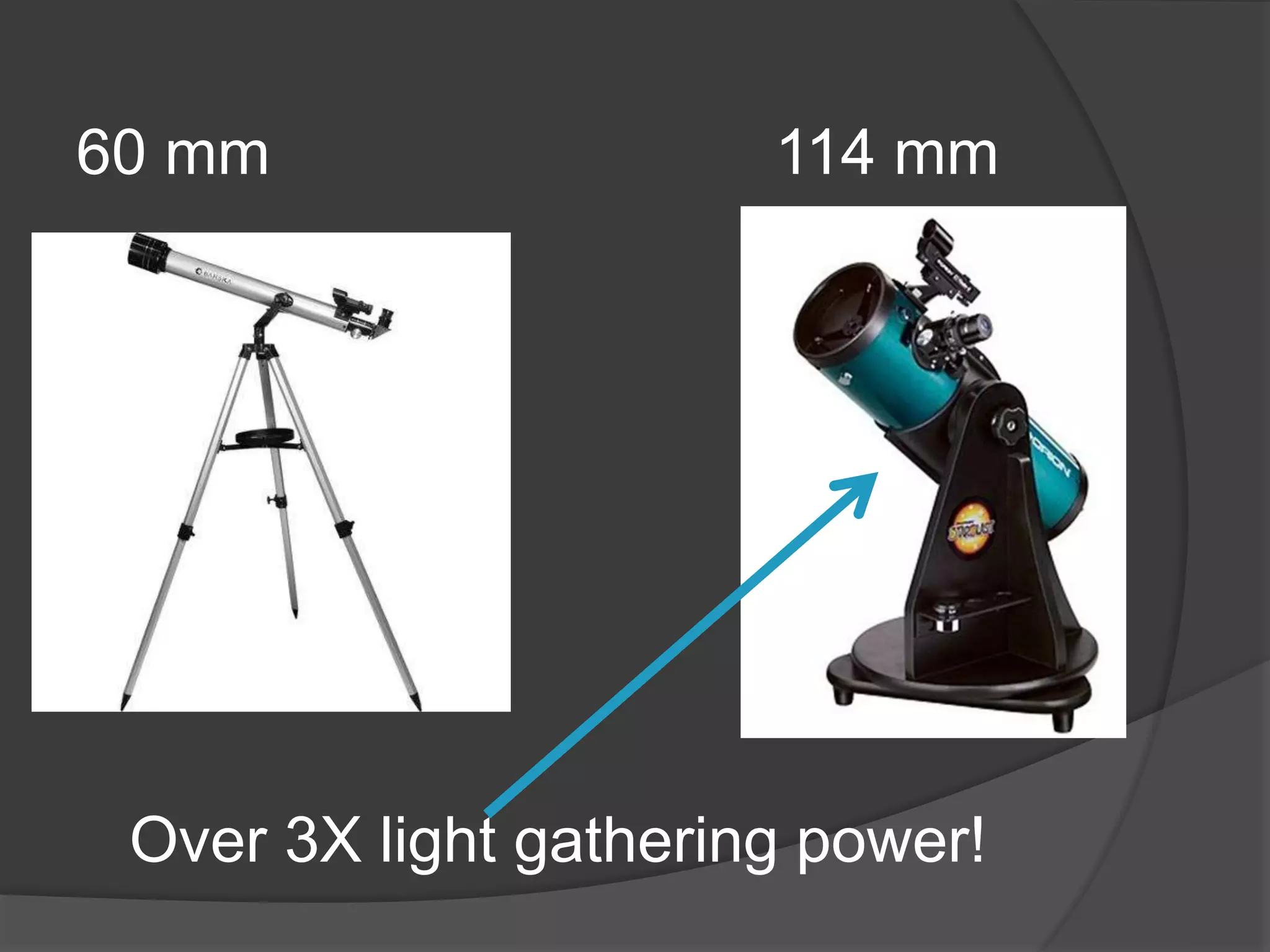
60 mm 114 mm
Over 3X light gathering power!
What can I see?
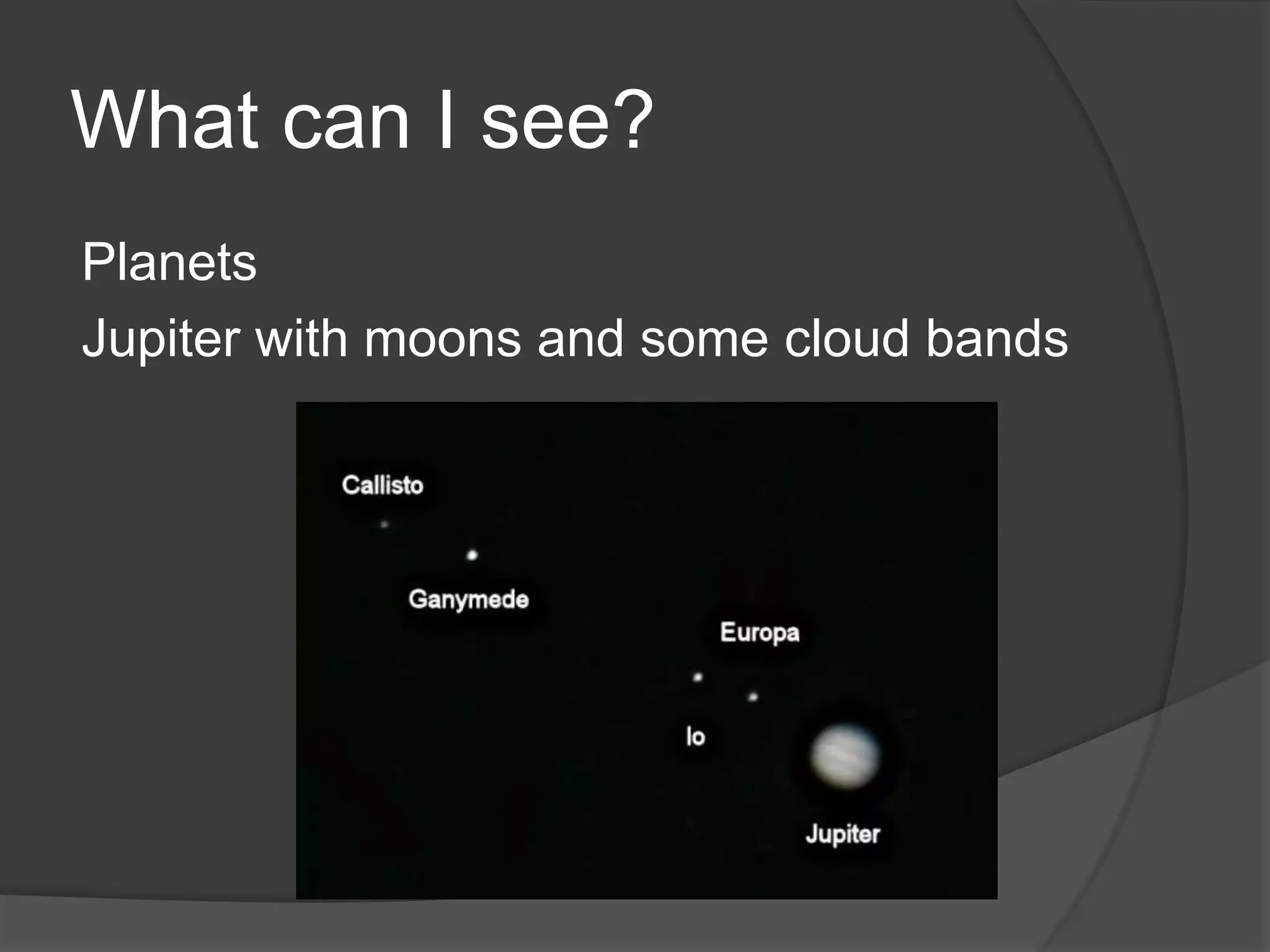
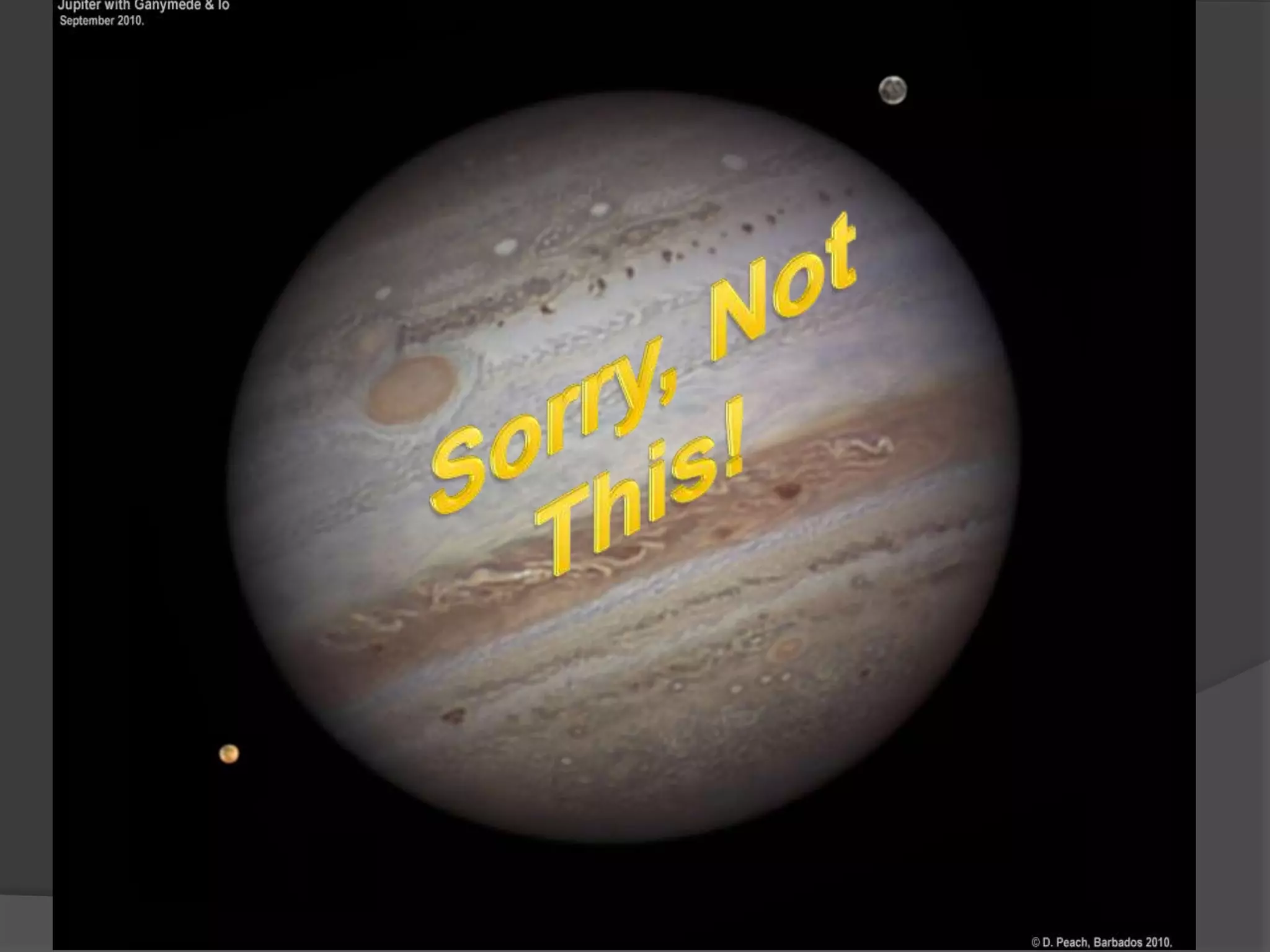
Planets
Jupiter with moons and some cloud bands
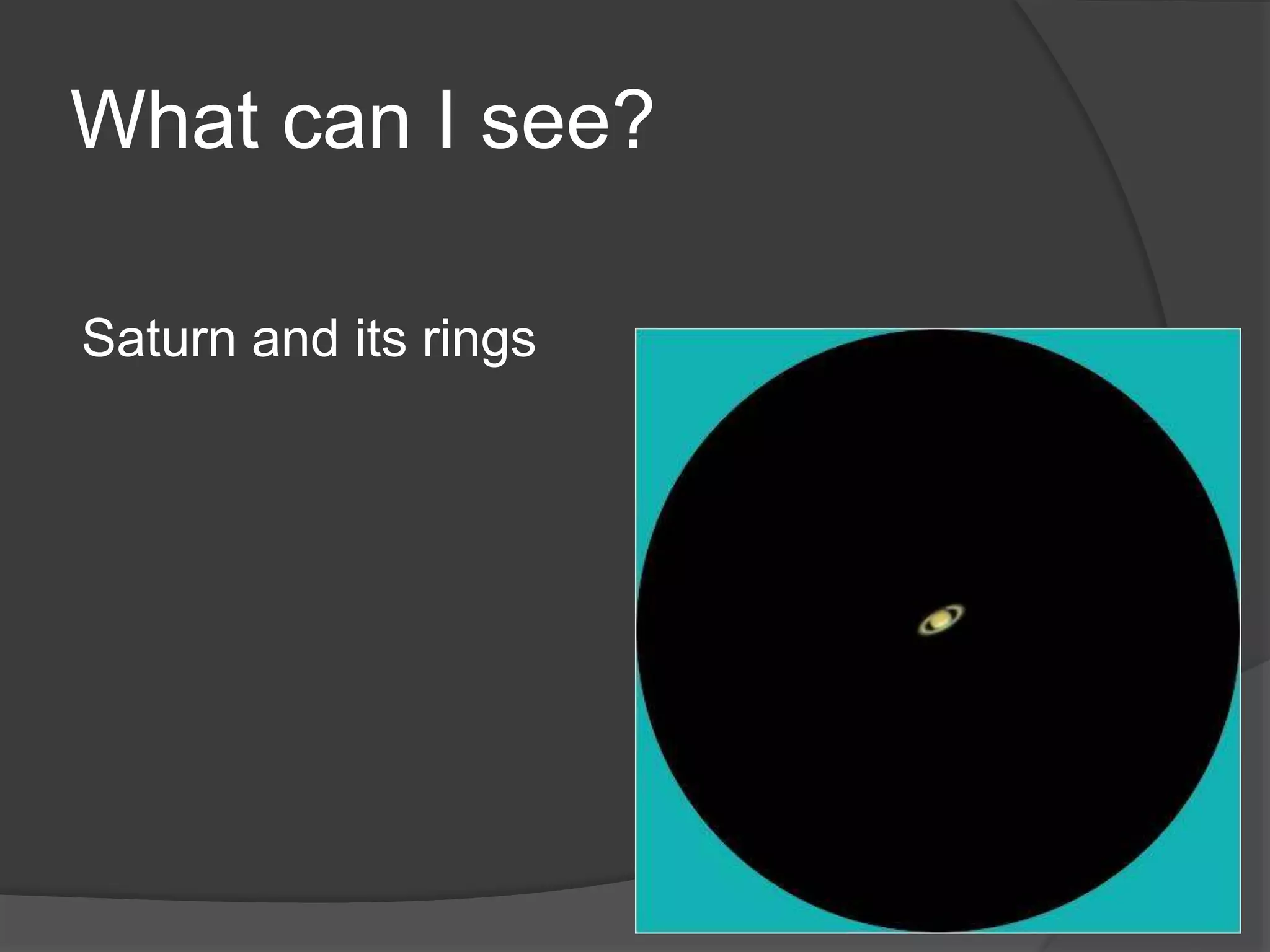
What can I see?
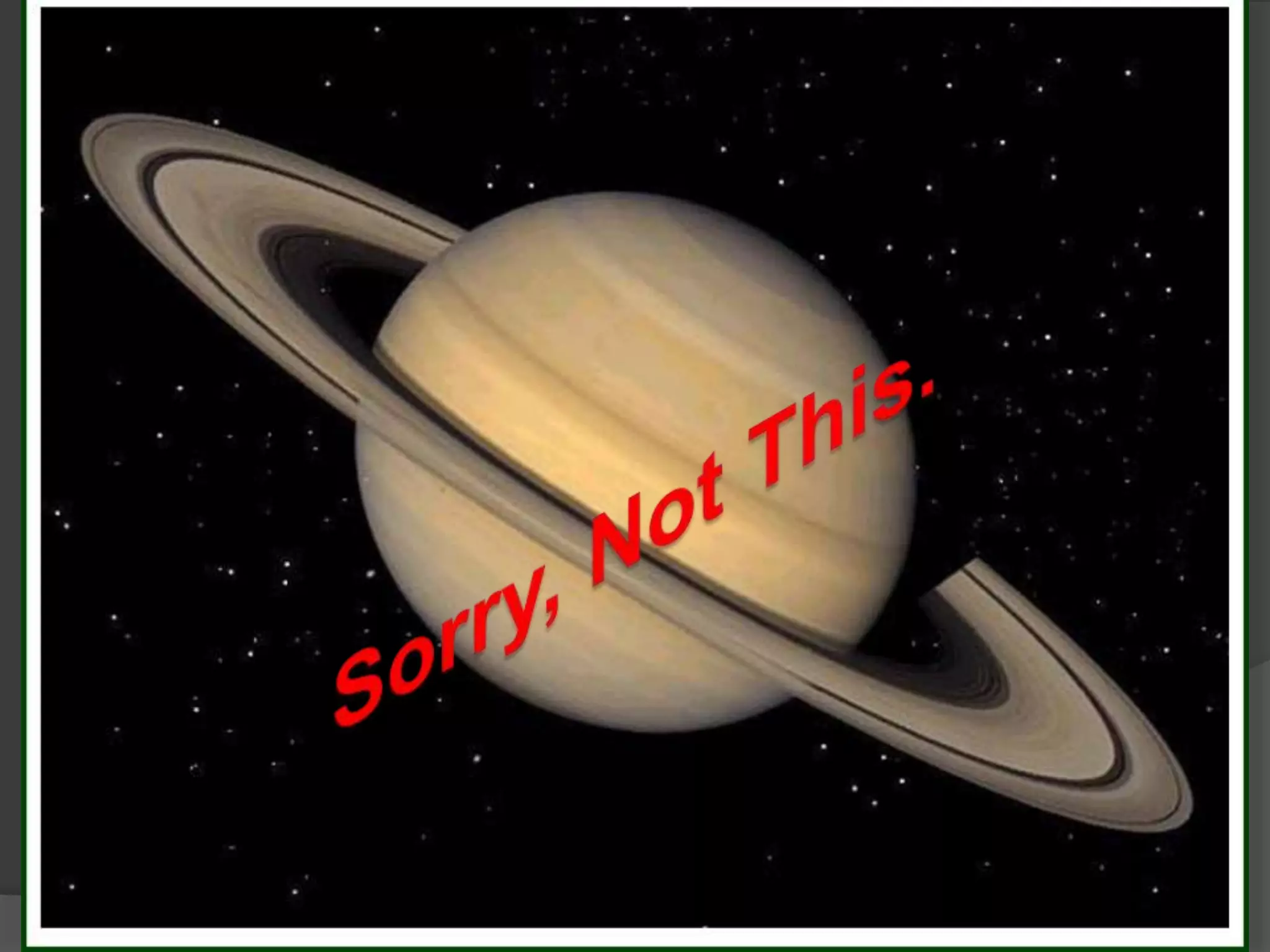
Saturn and its rings
`
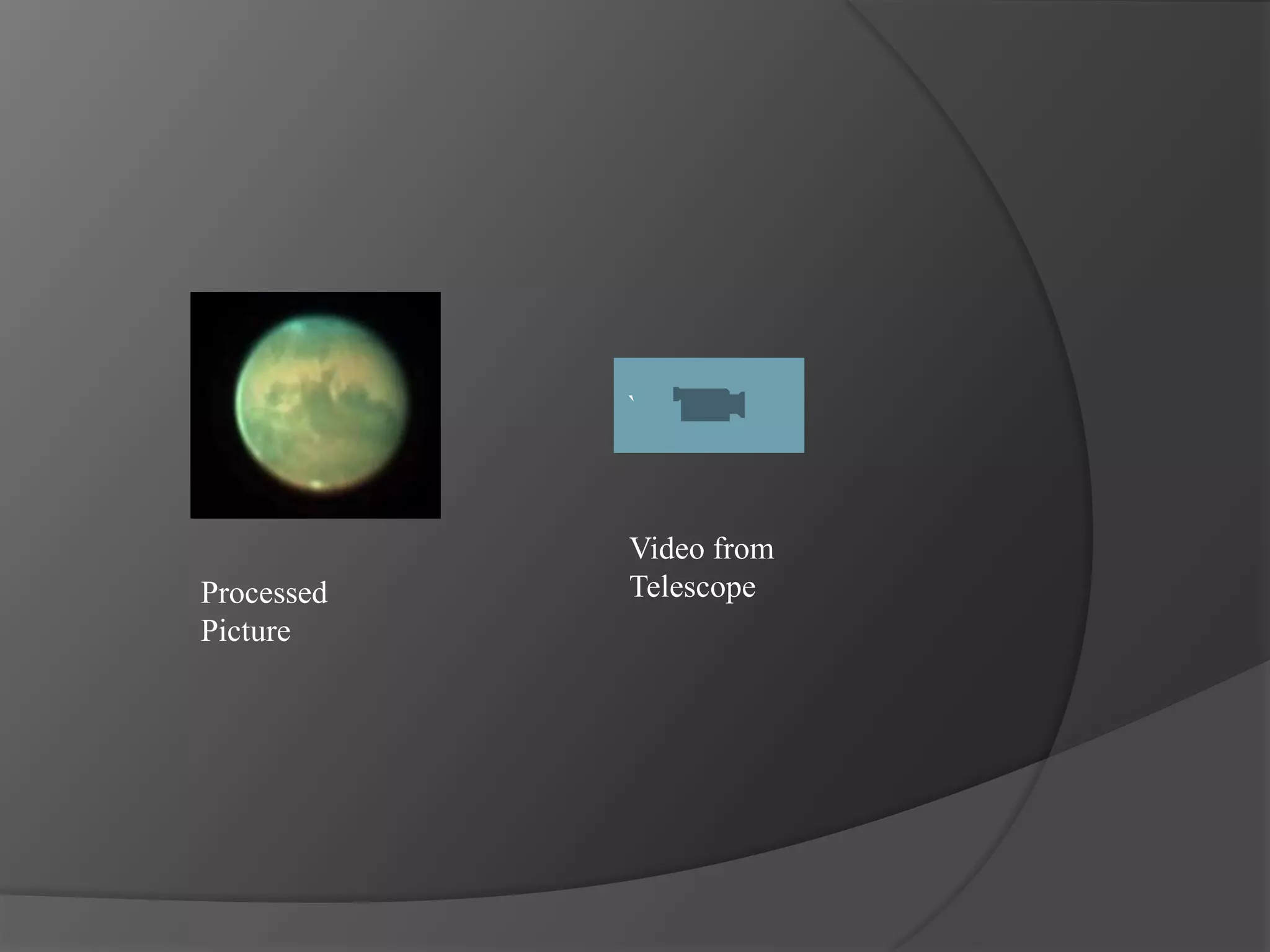
Processed
Picture
Video from
Telescope
What can I see?
Venus with phases
What can I see?
Moon
Not best during Full Phase
Remove Moon Plug
Use Sticker to ID Features
What can I see?
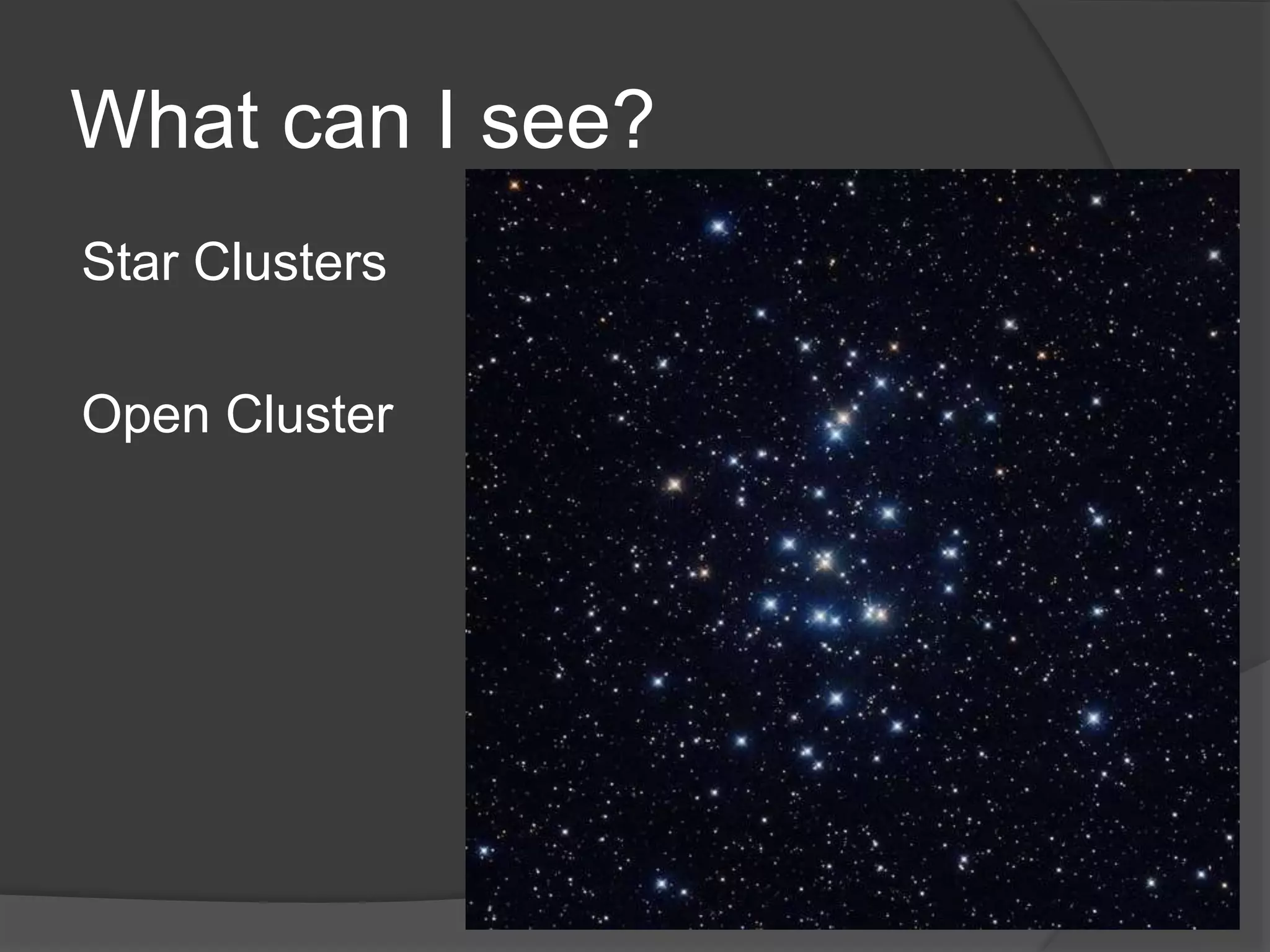
Star Clusters
Open Cluster
What can I see?
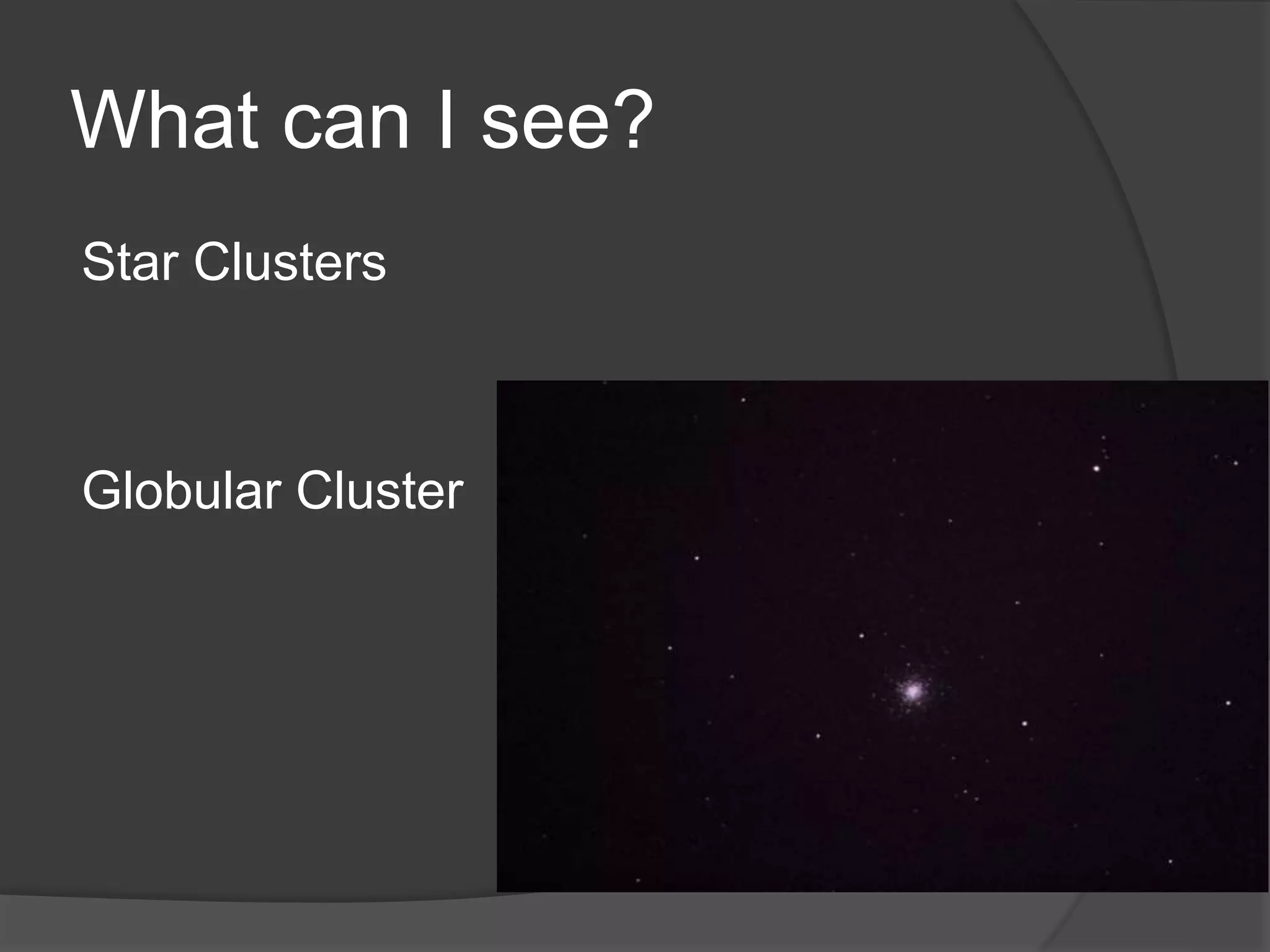
Star Clusters
Globular Cluster
Globular Cluster
What can I see?
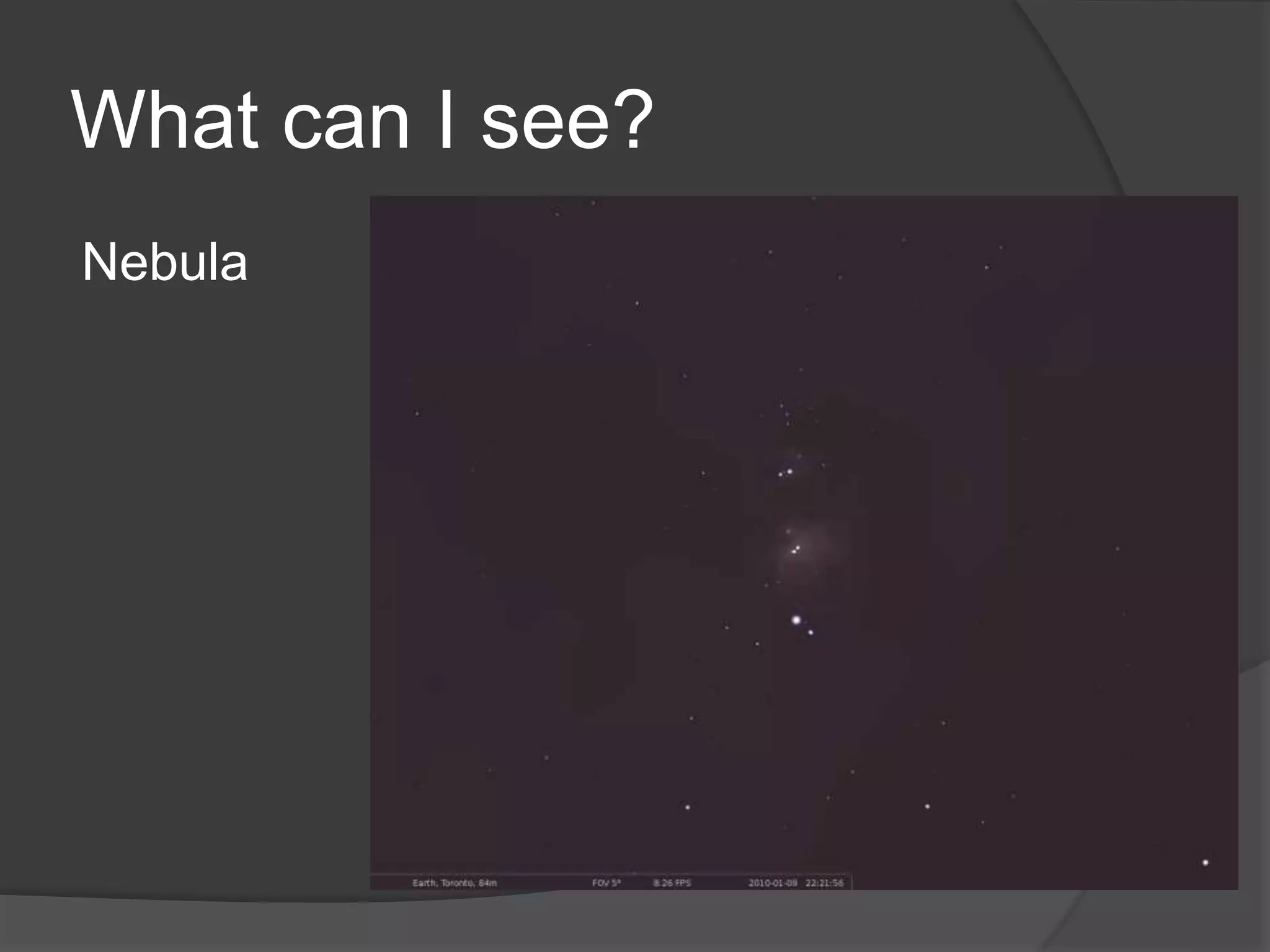
Nebula
What can I see?
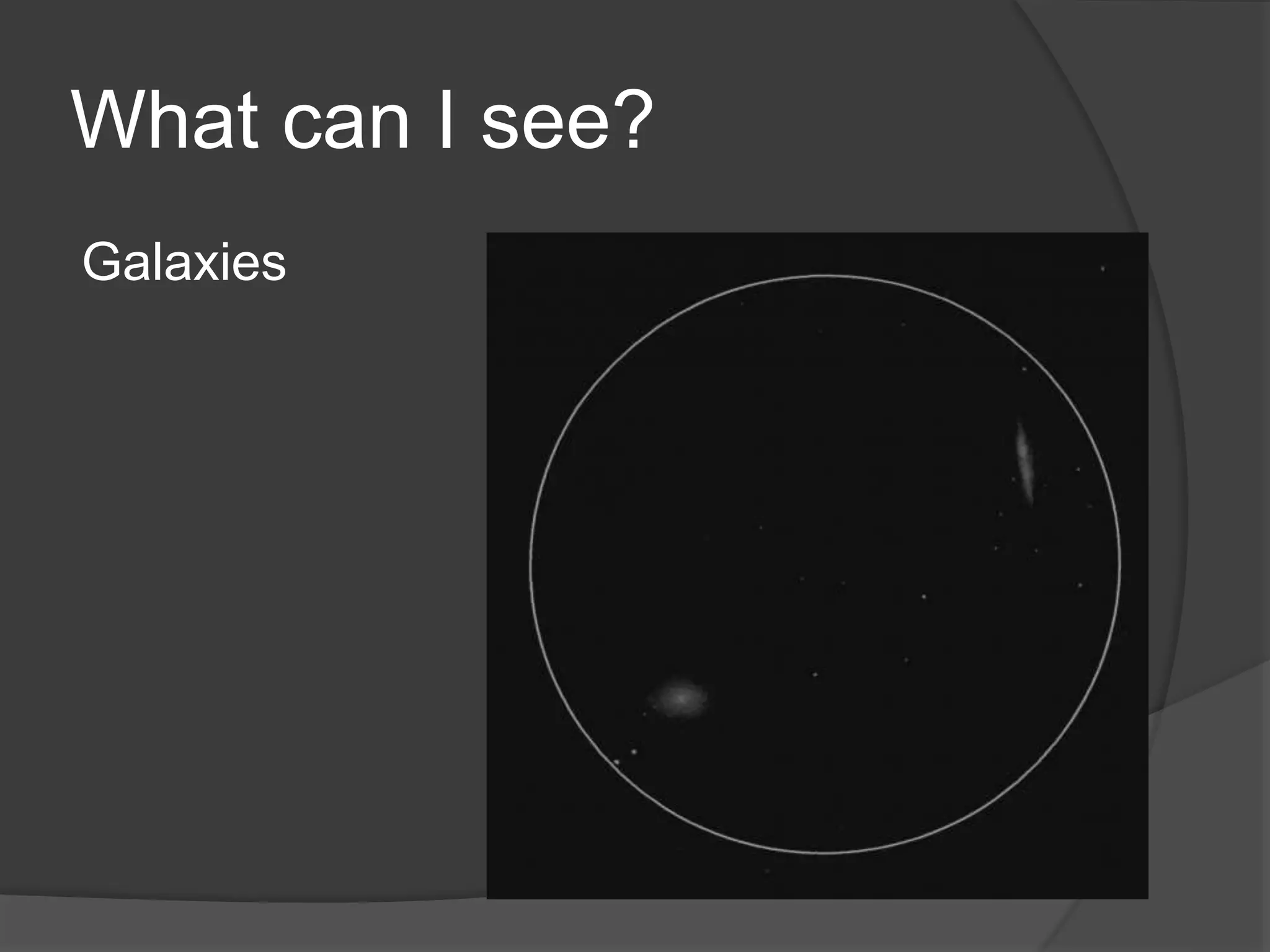
Galaxies
What can I see?
Double Stars
What can I see?
Comet Lovejoy Dec-Jan
How far can I see?
M31 the Andromeda Galaxy is 2.2 Million
Light Years Away
M81-M82 are 7 Million Light Years Away
M84-M86 are 43 Million Light Years Away
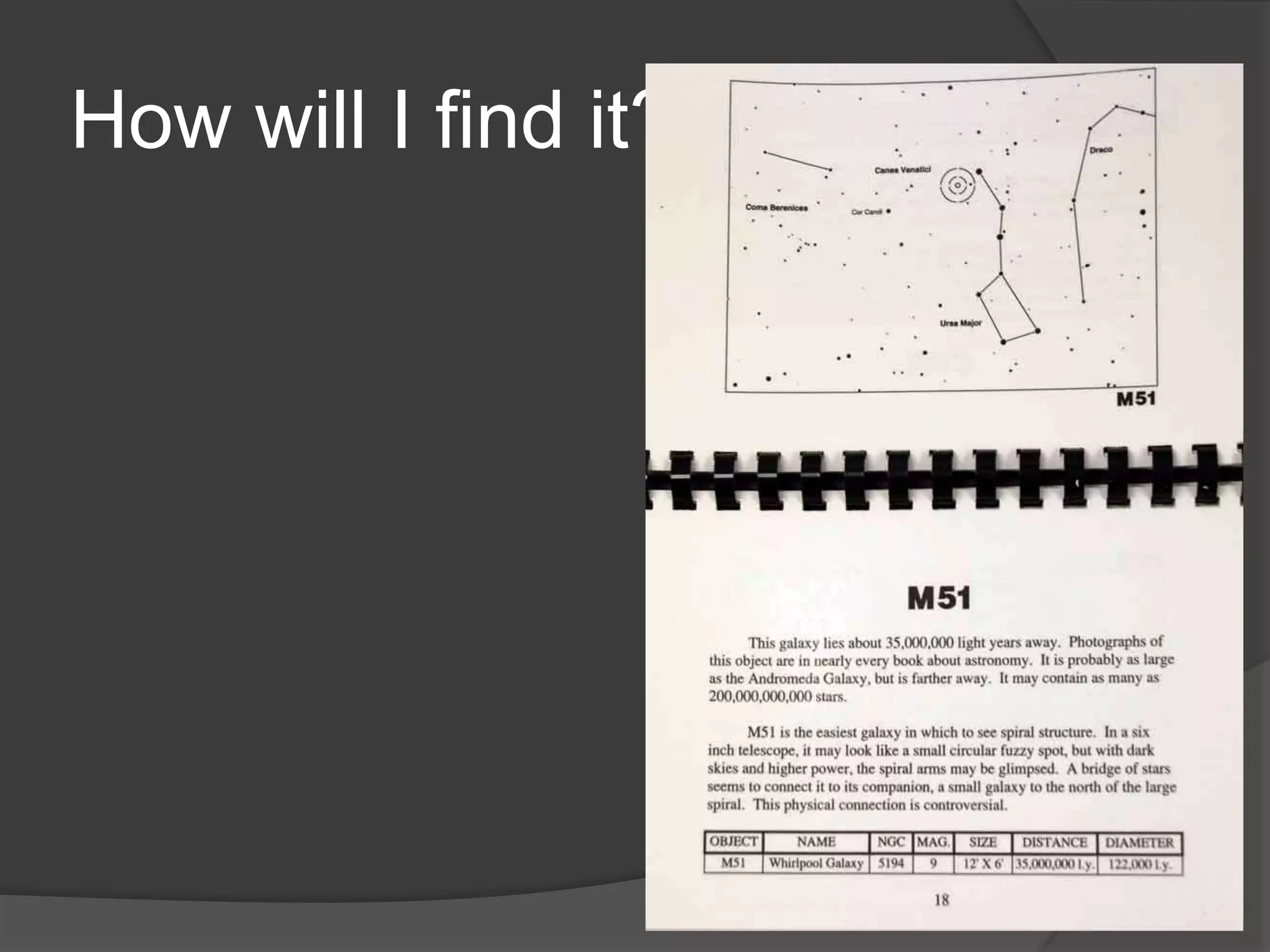
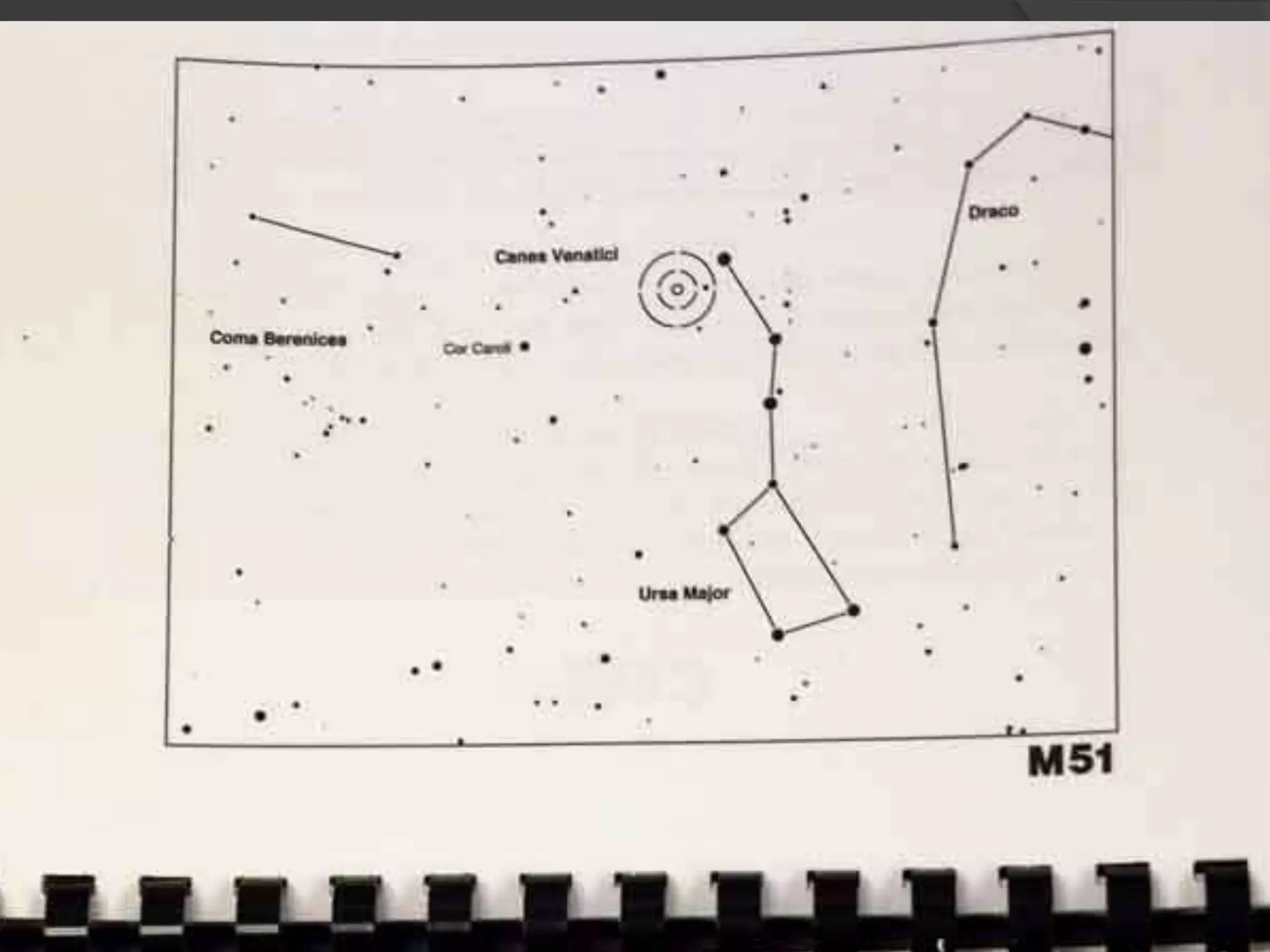
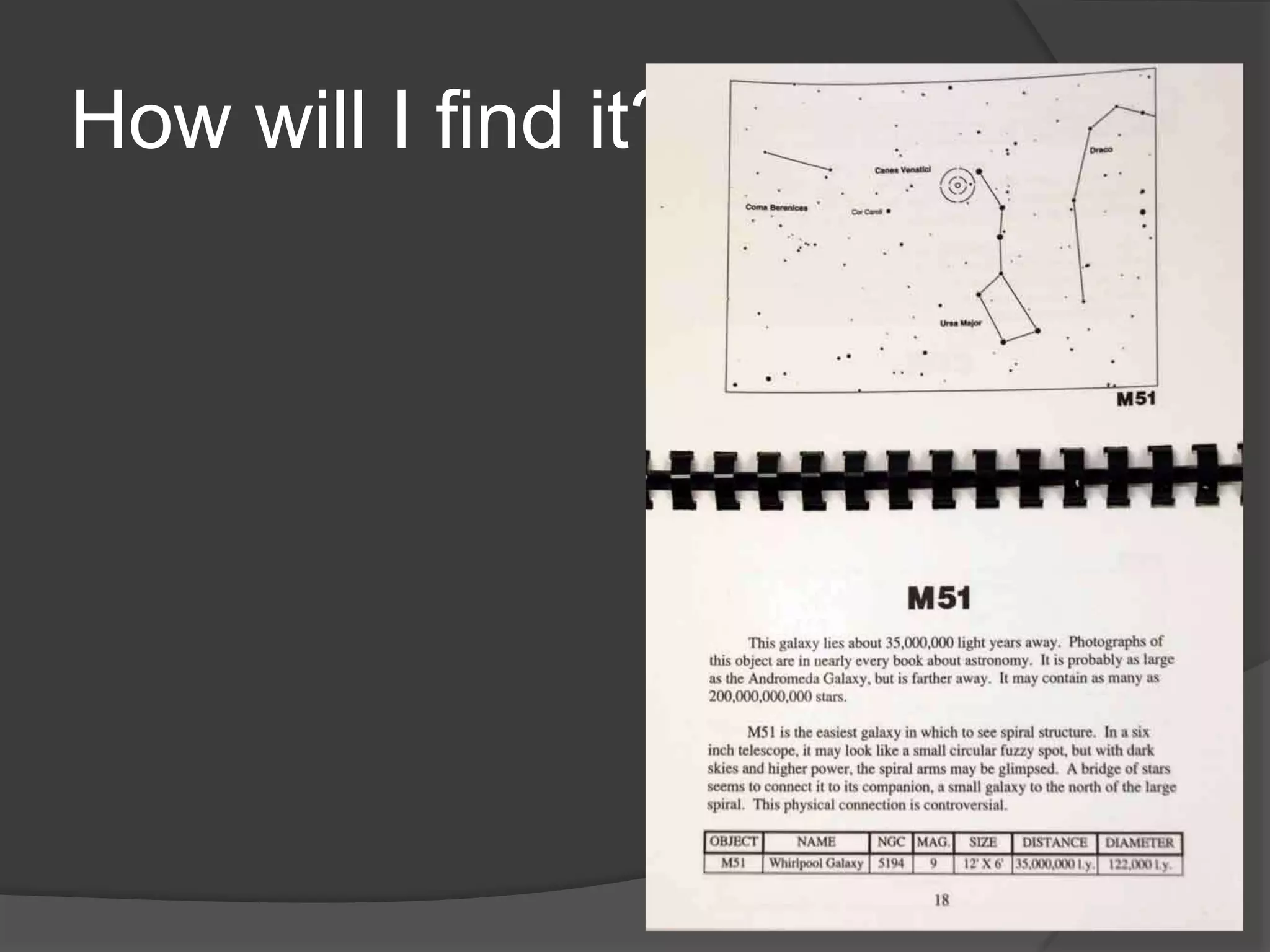
How will I find it?
How will I find it?
How will I find it?
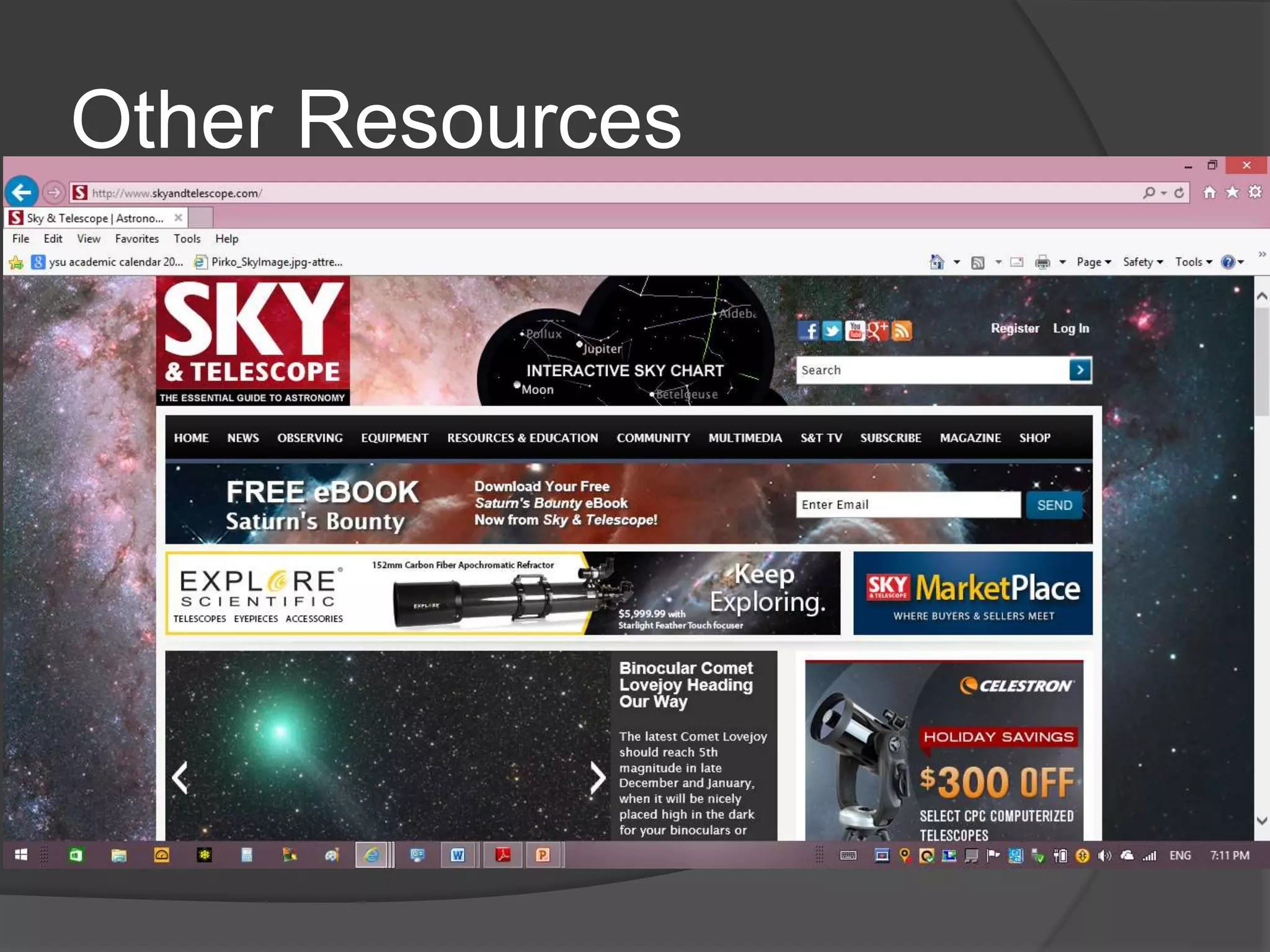
Other Resources
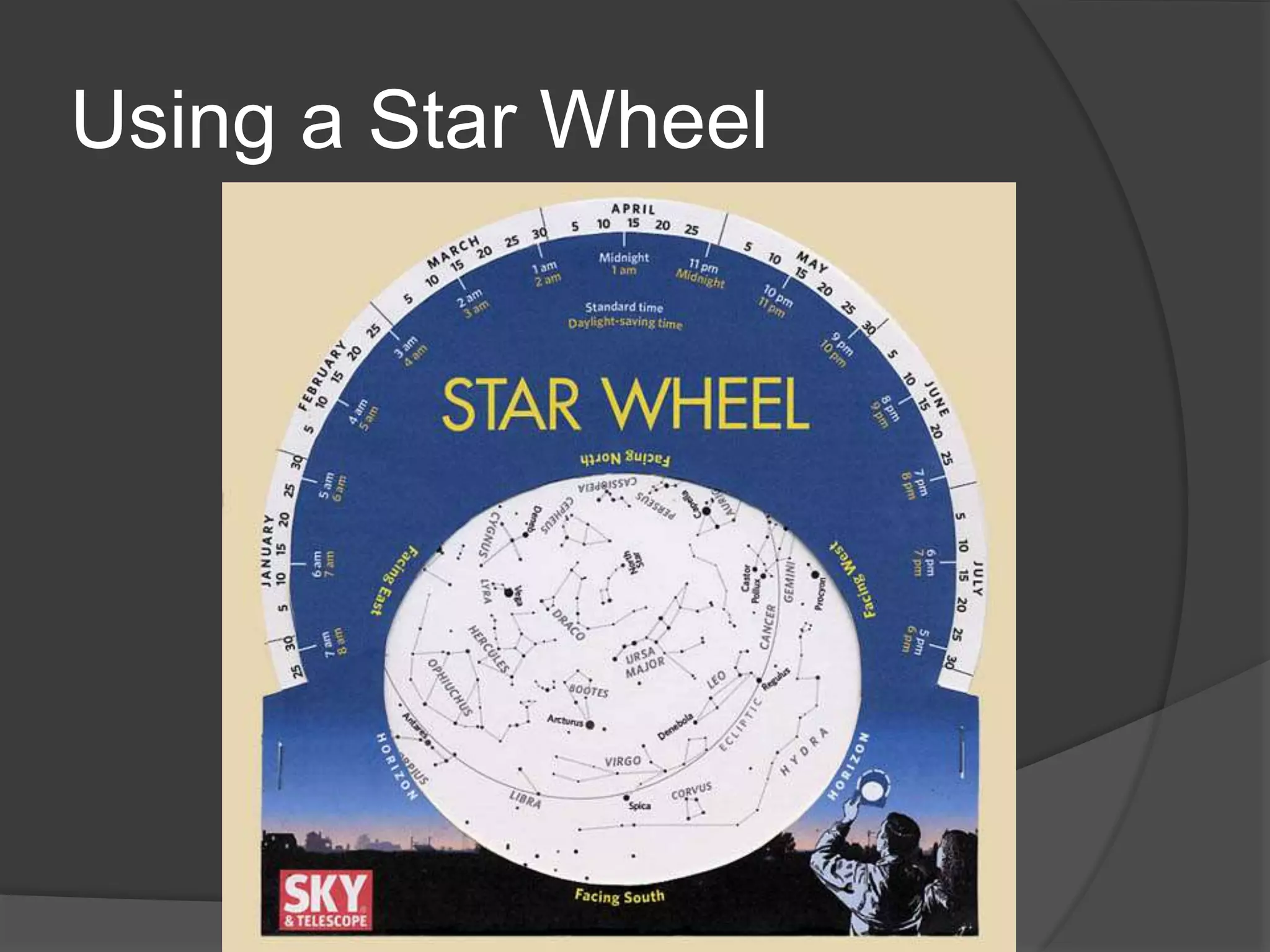
Using a Star Wheel
Apps
 Free Star Chart
 Small Fee
Star Guide
Stellarium
Sky Safari
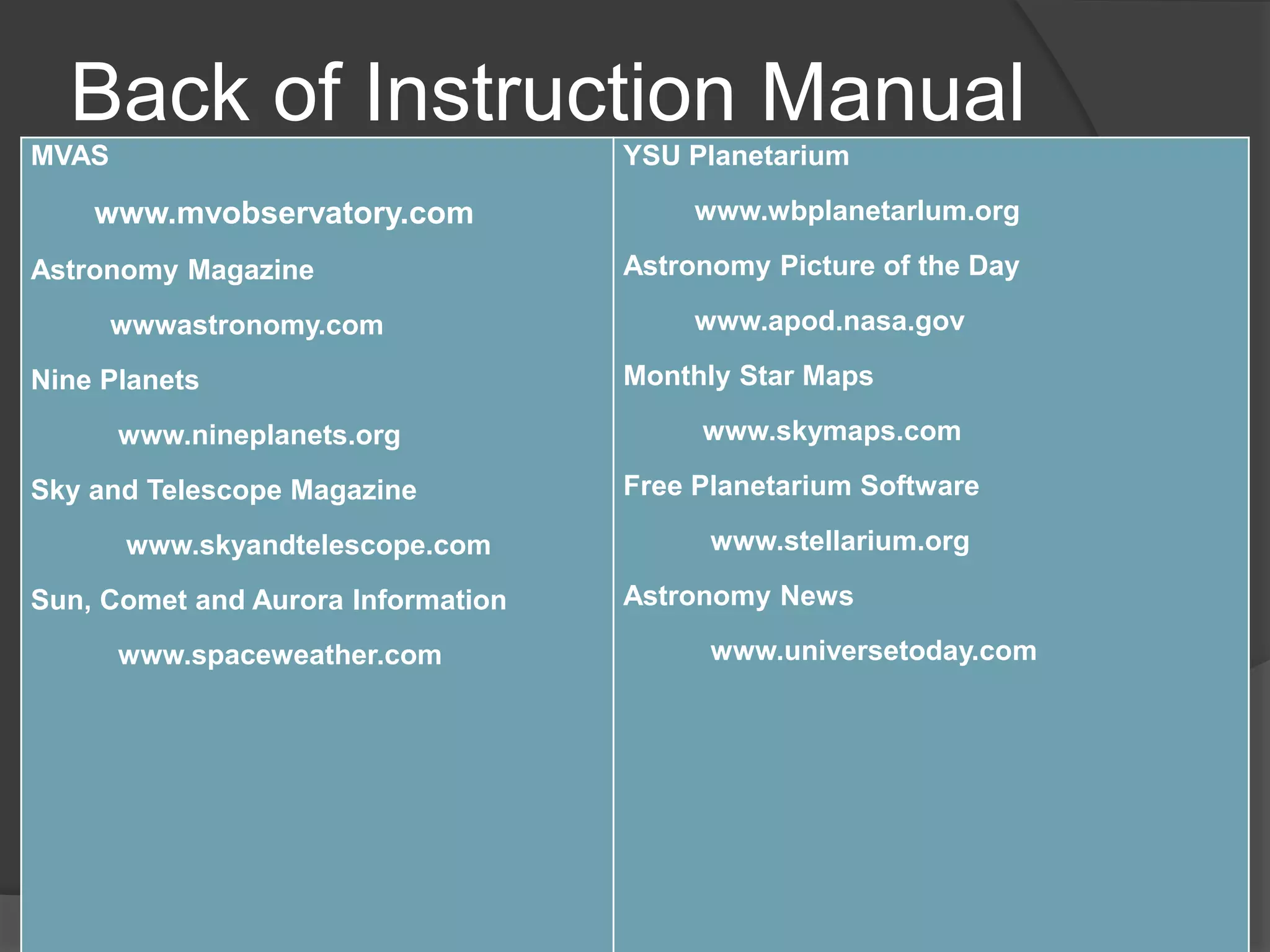
Back of Instruction Manual
MVAS
www.mvobservatory.com
Astronomy Magazine
wwwastronomy.com
Nine Planets
www.nineplanets.org
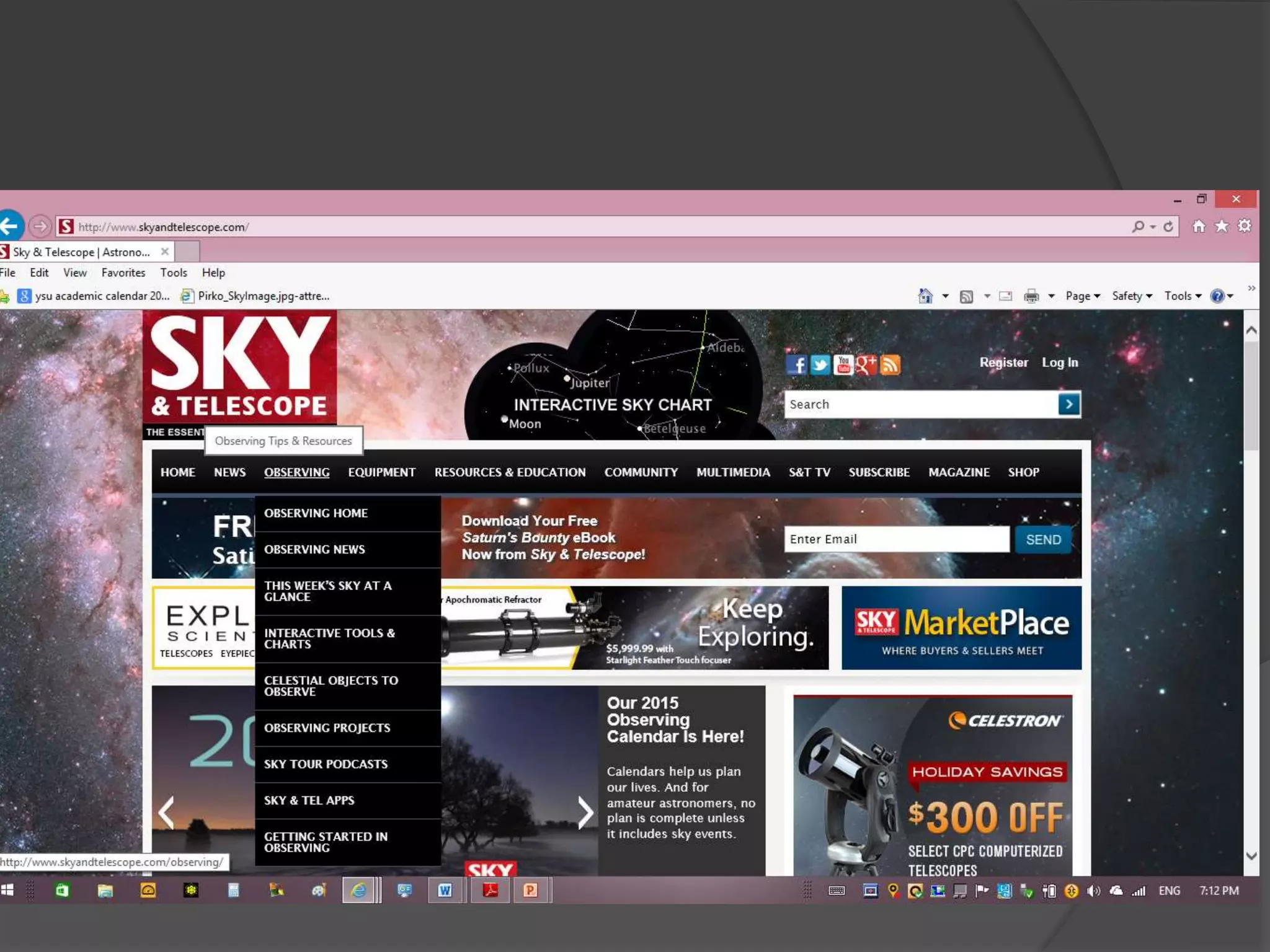
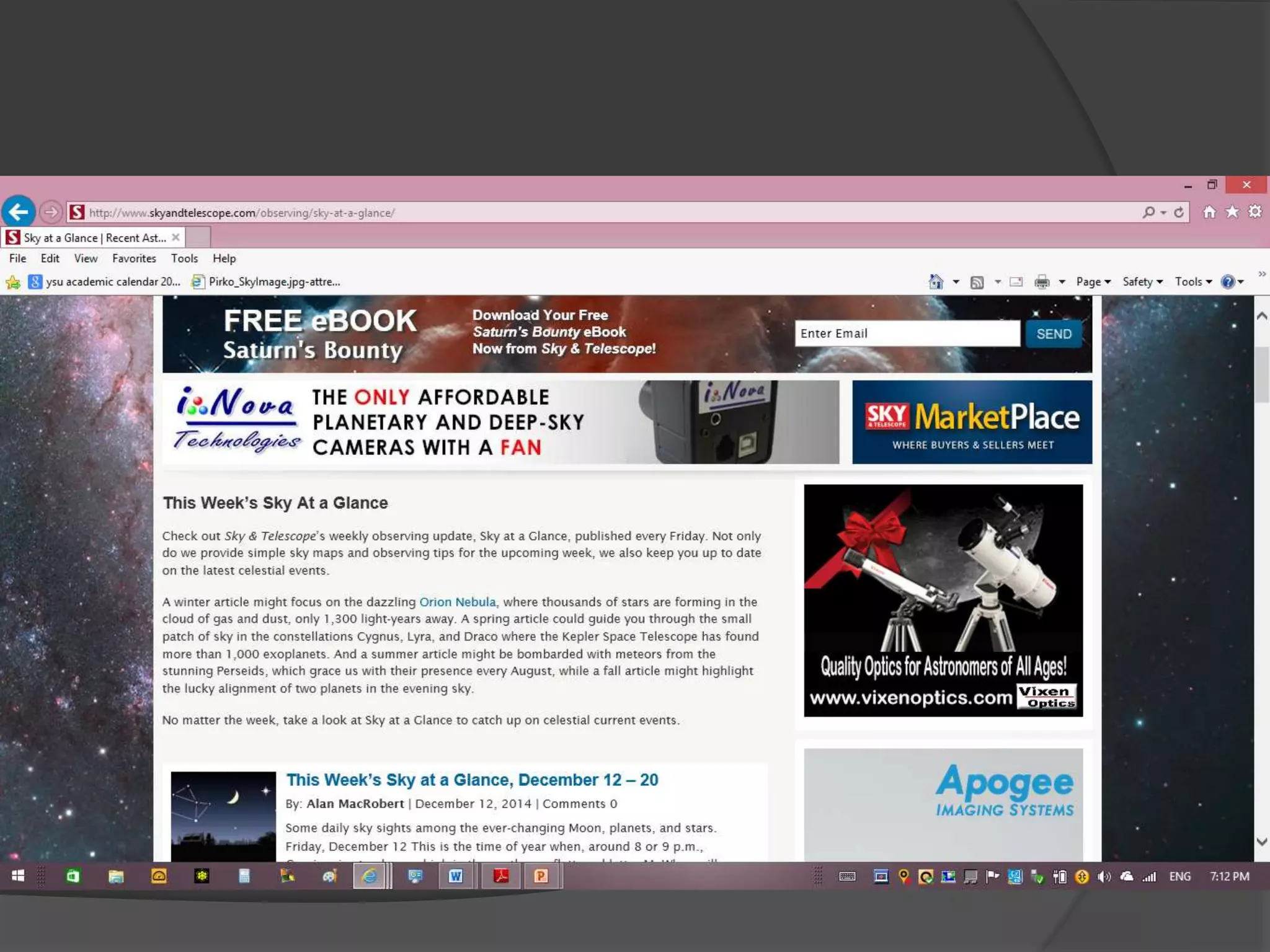
Sky and Telescope Magazine
www.skyandtelescope.com
Sun, Comet and Aurora Information
www.spaceweather.com
YSU Planetarium
www.wbplanetarlum.org
Astronomy Picture of the Day
www.apod.nasa.gov
Monthly Star Maps
www.skymaps.com
Free Planetarium Software
www.stellarium.org
Astronomy News
www.universetoday.com
How do I use it?
 Dust Caps
 Adjustments
 Red Dot
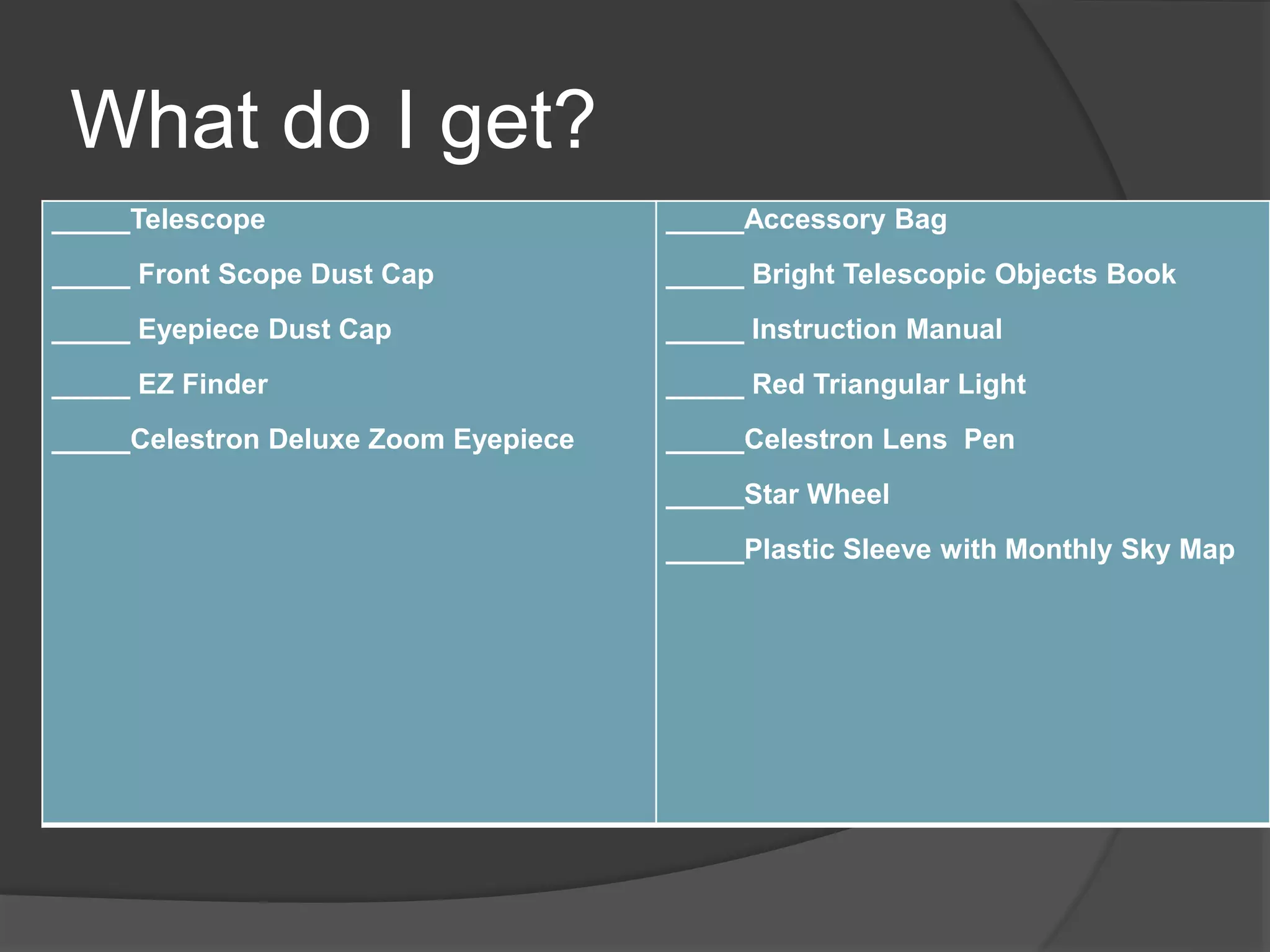
What do I get?
_____Telescope
_____ Front Scope Dust Cap
_____ Eyepiece Dust Cap
_____ EZ Finder
_____Celestron Deluxe Zoom Eyepiece
_____Accessory Bag
_____ Bright Telescopic Objects Book
_____ Instruction Manual
_____ Red Triangular Light
_____Celestron Lens Pen
_____Star Wheel
_____Plastic Sleeve with Monthly Sky Map
Borrowing Details
 Check out for 2 weeks
 $5/ day late fee
 Responsible to replace lost items
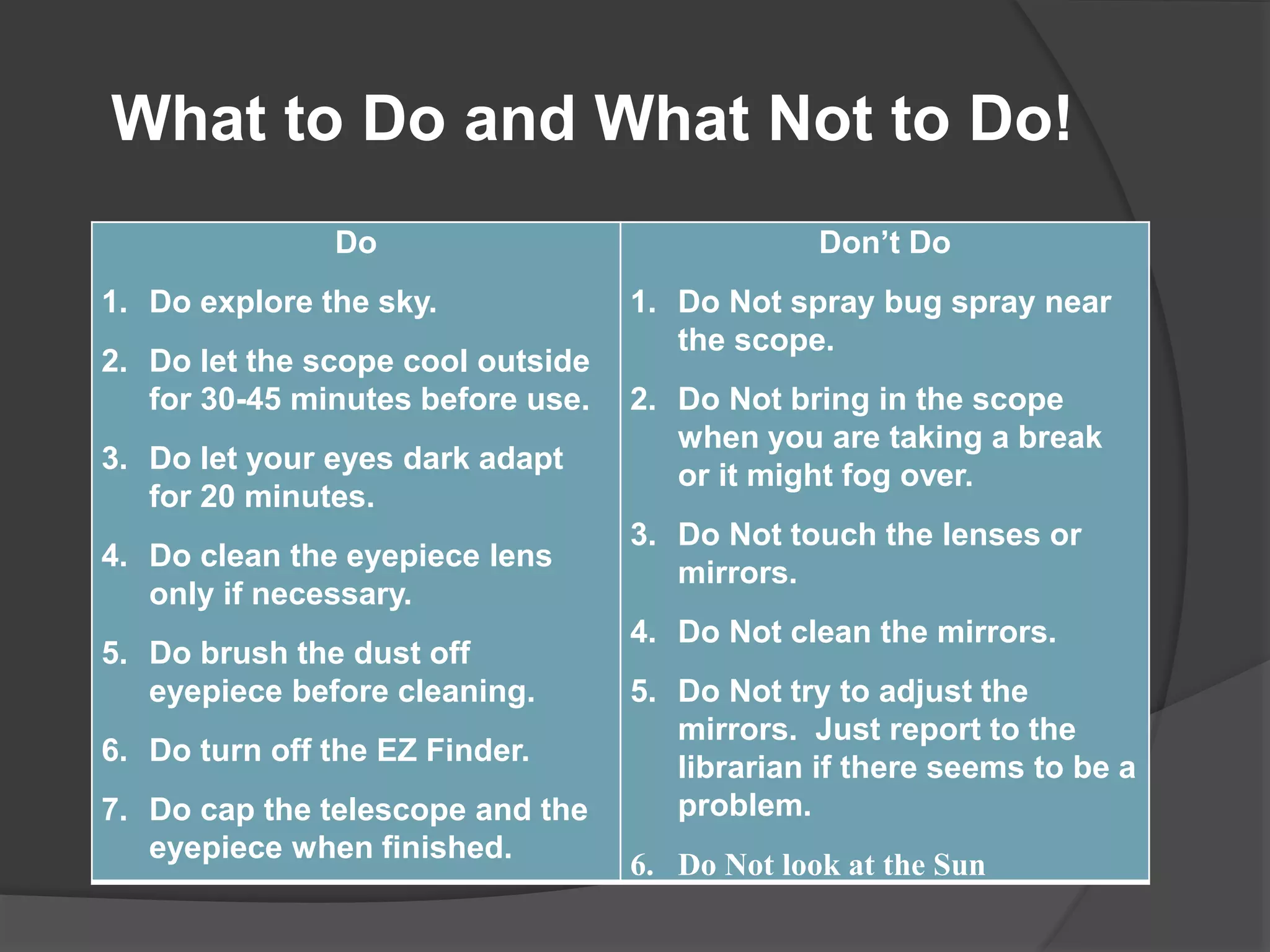
Do
1. Do explore the sky.
2. Do let the scope cool outside
for 30-45 minutes before use.
3. Do let your eyes dark adapt
for 20 minutes.
4. Do clean the eyepiece lens
only if necessary.
5. Do brush the dust off
eyepiece before cleaning.
6. Do turn off the EZ Finder.
7. Do cap the telescope and the
eyepiece when finished.
Don’t Do
1. Do Not spray bug spray near
the scope.
2. Do Not bring in the scope
when you are taking a break
or it might fog over.
3. Do Not touch the lenses or
mirrors.
4. Do Not clean the mirrors.
5. Do Not try to adjust the
mirrors. Just report to the
librarian if there seems to be a
problem.
6. Do Not look at the Sun
What to Do and What Not to Do!
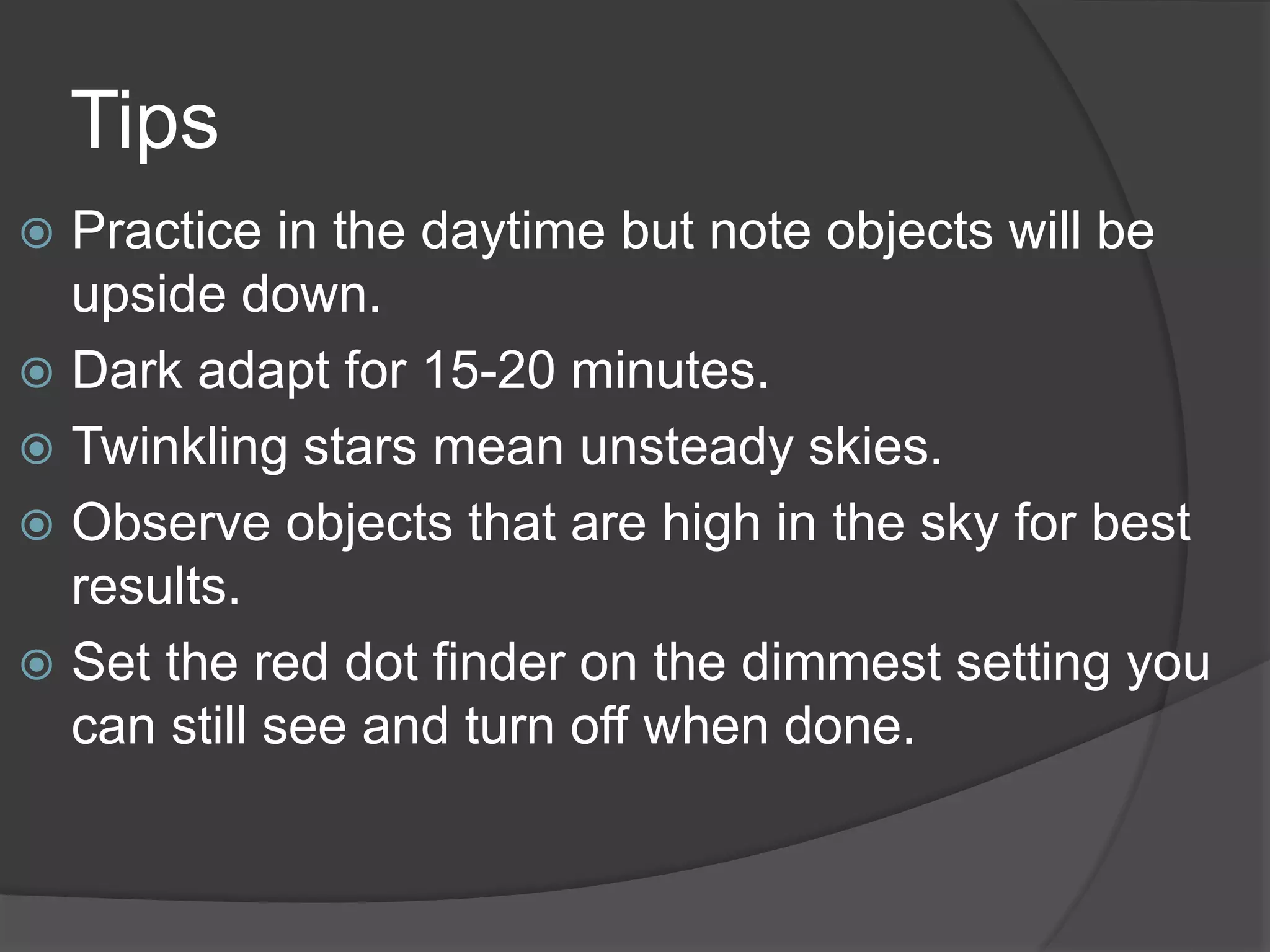
Tips
 Practice in the daytime but note objects will be
upside down.
 Dark adapt for 15-20 minutes.
 Twinkling stars mean unsteady skies.
 Observe objects that are high in the sky for best
results.
 Set the red dot finder on the dimmest setting you
can still see and turn off when done.
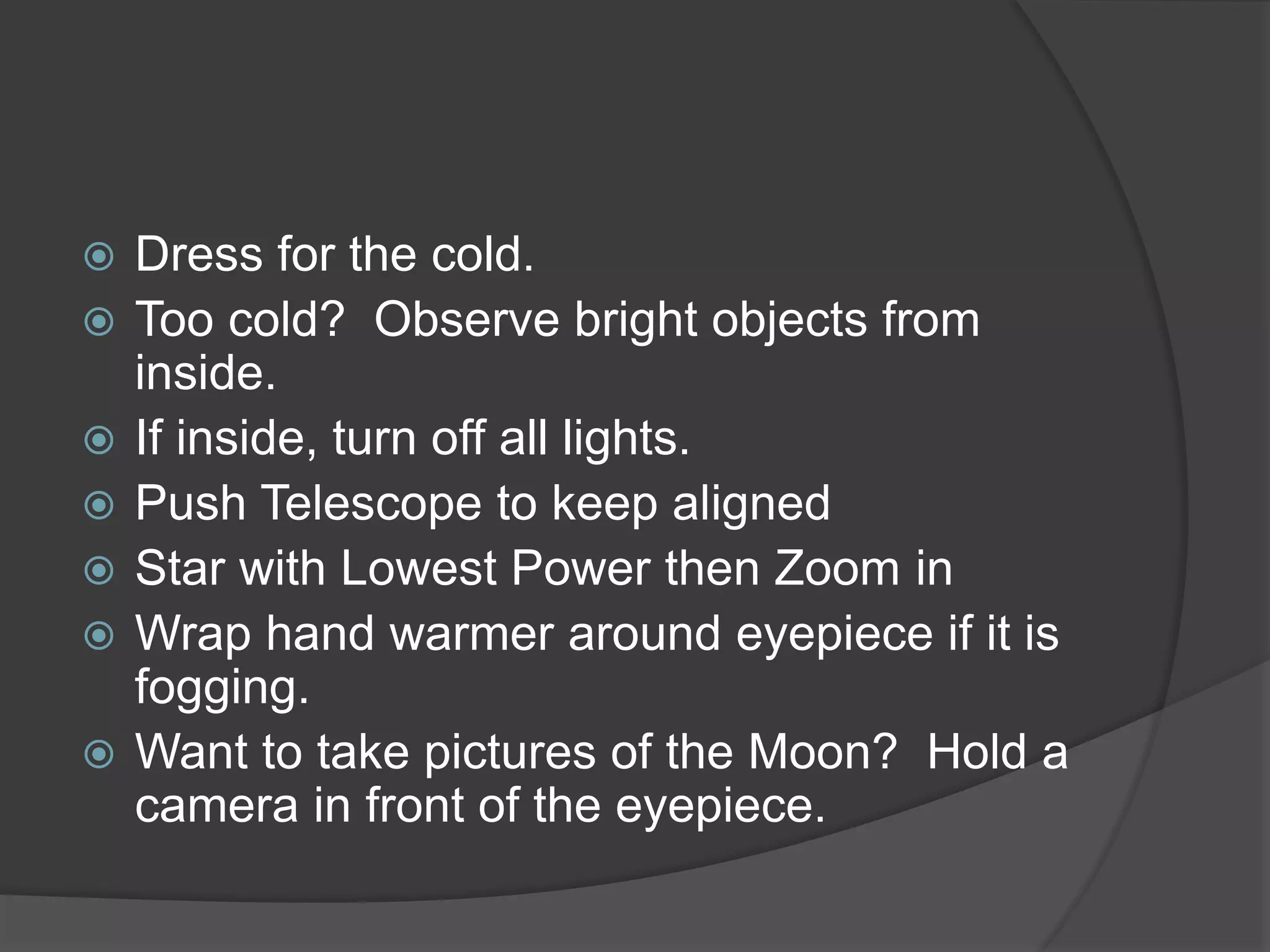
 Dress for the cold.
 Too cold? Observe bright objects from
inside.
 If inside, turn off all lights.
 Push Telescope to keep aligned
 Star with Lowest Power then Zoom in
 Wrap hand warmer around eyepiece if it is
fogging.
 Want to take pictures of the Moon? Hold a
camera in front of the eyepiece.
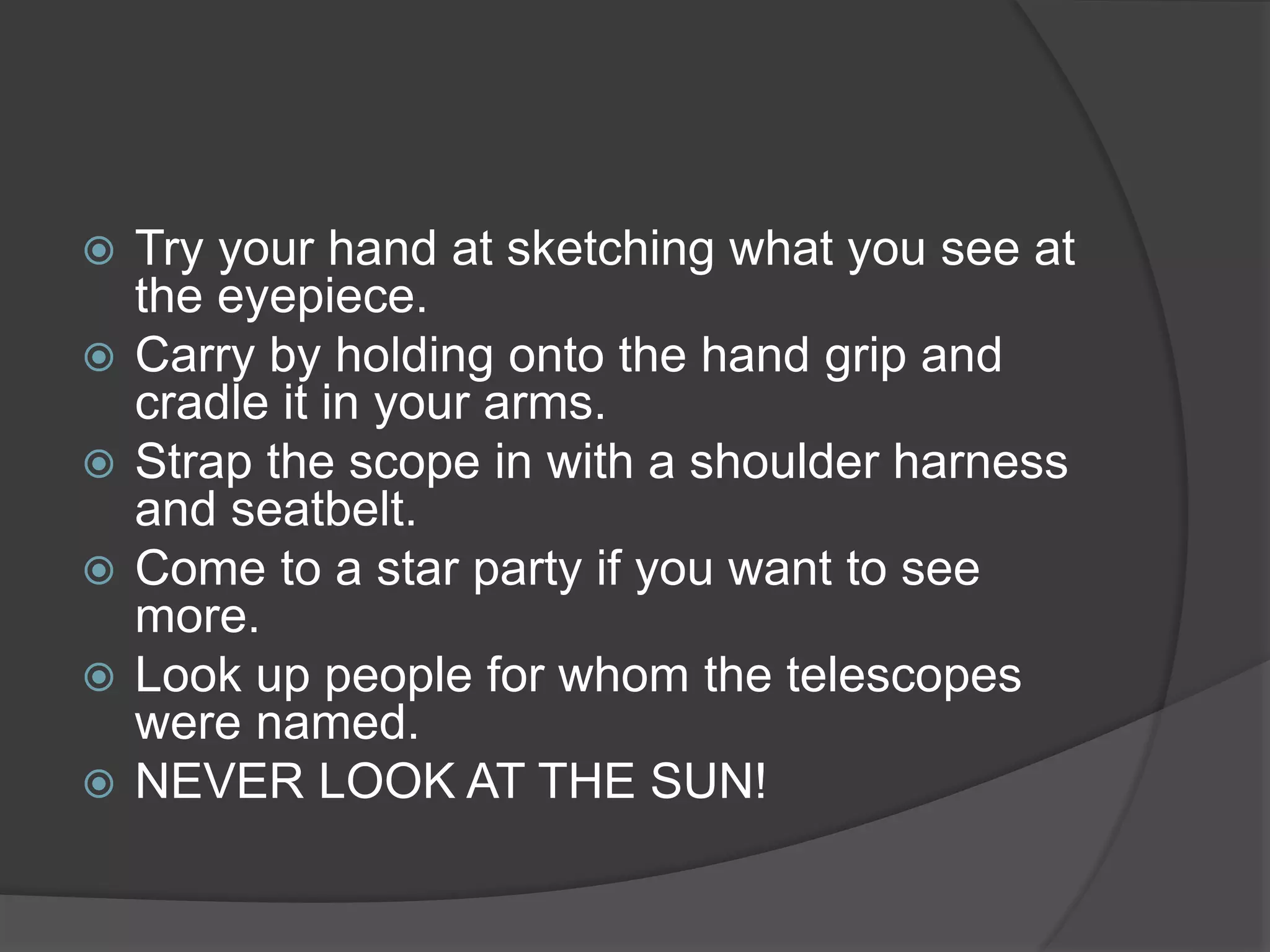
 Try your hand at sketching what you see at
the eyepiece.
 Carry by holding onto the hand grip and
cradle it in your arms.
 Strap the scope in with a shoulder harness
and seatbelt.
 Come to a star party if you want to see
more.
 Look up people for whom the telescopes
were named.
 NEVER LOOK AT THE SUN!
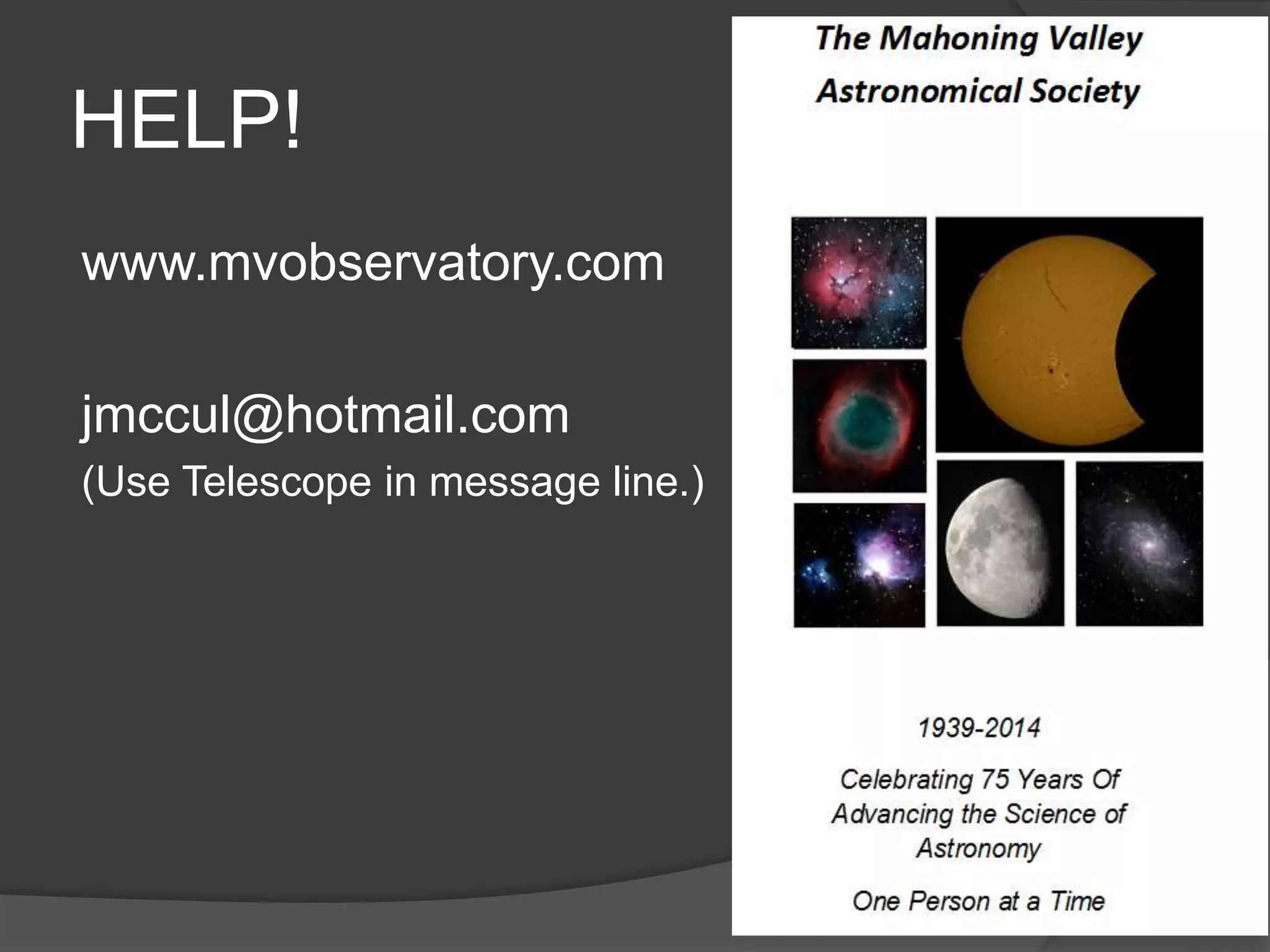
HELP!
www.mvobservatory.com
jmccul@hotmail.com
(Use Telescope in message line.)
Check out Telescope program began in New
Hampshire.
Columbiana Library is the first large scale
program in Ohio.
Thank the Columbiana Library for being
willing to take on a new adventure and the
Columbiana Community Foundation for
making this all possible!
Check out a telescope!

Check out a telescope!

  • 1.
    Presented by theMahoning Valley Astronomical Society For the Columbiana Library Funded by the Columbiana Community Foundation
  • 2.
    Basic Types ofTelescope 1. Refractor
  • 3.
  • 6.
  • 7.
    Why use atelescope? 1. Magnify Nearby Objects
  • 10.
  • 11.
  • 12.
    Do not believea scope whose chief advertisement mentions high magnifications… Refractor Telescope: Optical System: refractor Max Power: 600x Focal Length: 800mm Objective Lens Diameter: 60mm Finderscope: red dot Draw Tube: 1.25"
  • 13.
    Wide Field Telescope Easierto Find Things Plenty of Wide Targets
  • 14.
  • 15.
    Allows you toseparate double stars. Scope will split stars further apart than 1arcsecond Moon is 0.5 degrees, 30 arcminutes 1800 arcseconds
  • 16.
  • 17.
  • 18.
  • 19.
    60 mm 114mm Over 3X light gathering power!
  • 20.
    What can Isee? Planets Jupiter with moons and some cloud bands
  • 22.
    What can Isee? Saturn and its rings
  • 24.
  • 25.
    What can Isee? Venus with phases
  • 26.
    What can Isee? Moon Not best during Full Phase Remove Moon Plug Use Sticker to ID Features
  • 27.
    What can Isee? Star Clusters Open Cluster
  • 28.
    What can Isee? Star Clusters Globular Cluster
  • 29.
  • 30.
    What can Isee? Nebula
  • 32.
    What can Isee? Galaxies
  • 34.
    What can Isee? Double Stars
  • 35.
    What can Isee? Comet Lovejoy Dec-Jan
  • 36.
    How far canI see? M31 the Andromeda Galaxy is 2.2 Million Light Years Away M81-M82 are 7 Million Light Years Away M84-M86 are 43 Million Light Years Away
  • 37.
    How will Ifind it?
  • 38.
    How will Ifind it?
  • 39.
    How will Ifind it?
  • 40.
  • 43.
  • 44.
    Apps  Free StarChart  Small Fee Star Guide Stellarium Sky Safari
  • 45.
    Back of InstructionManual MVAS www.mvobservatory.com Astronomy Magazine wwwastronomy.com Nine Planets www.nineplanets.org Sky and Telescope Magazine www.skyandtelescope.com Sun, Comet and Aurora Information www.spaceweather.com YSU Planetarium www.wbplanetarlum.org Astronomy Picture of the Day www.apod.nasa.gov Monthly Star Maps www.skymaps.com Free Planetarium Software www.stellarium.org Astronomy News www.universetoday.com
  • 46.
    How do Iuse it?  Dust Caps  Adjustments  Red Dot
  • 47.
    What do Iget? _____Telescope _____ Front Scope Dust Cap _____ Eyepiece Dust Cap _____ EZ Finder _____Celestron Deluxe Zoom Eyepiece _____Accessory Bag _____ Bright Telescopic Objects Book _____ Instruction Manual _____ Red Triangular Light _____Celestron Lens Pen _____Star Wheel _____Plastic Sleeve with Monthly Sky Map
  • 48.
    Borrowing Details  Checkout for 2 weeks  $5/ day late fee  Responsible to replace lost items
  • 49.
    Do 1. Do explorethe sky. 2. Do let the scope cool outside for 30-45 minutes before use. 3. Do let your eyes dark adapt for 20 minutes. 4. Do clean the eyepiece lens only if necessary. 5. Do brush the dust off eyepiece before cleaning. 6. Do turn off the EZ Finder. 7. Do cap the telescope and the eyepiece when finished. Don’t Do 1. Do Not spray bug spray near the scope. 2. Do Not bring in the scope when you are taking a break or it might fog over. 3. Do Not touch the lenses or mirrors. 4. Do Not clean the mirrors. 5. Do Not try to adjust the mirrors. Just report to the librarian if there seems to be a problem. 6. Do Not look at the Sun What to Do and What Not to Do!
  • 50.
    Tips  Practice inthe daytime but note objects will be upside down.  Dark adapt for 15-20 minutes.  Twinkling stars mean unsteady skies.  Observe objects that are high in the sky for best results.  Set the red dot finder on the dimmest setting you can still see and turn off when done.
  • 51.
     Dress forthe cold.  Too cold? Observe bright objects from inside.  If inside, turn off all lights.  Push Telescope to keep aligned  Star with Lowest Power then Zoom in  Wrap hand warmer around eyepiece if it is fogging.  Want to take pictures of the Moon? Hold a camera in front of the eyepiece.
  • 52.
     Try yourhand at sketching what you see at the eyepiece.  Carry by holding onto the hand grip and cradle it in your arms.  Strap the scope in with a shoulder harness and seatbelt.  Come to a star party if you want to see more.  Look up people for whom the telescopes were named.  NEVER LOOK AT THE SUN!
  • 53.
  • 54.
    Check out Telescopeprogram began in New Hampshire. Columbiana Library is the first large scale program in Ohio. Thank the Columbiana Library for being willing to take on a new adventure and the Columbiana Community Foundation for making this all possible!