Downloaded 2,247 times


![What Is a Socket?
• Definition: A socket is one endpoint of a two-way
communication link between two programs
running on the network. A socket is bound to a
port number so that the TCP layer can identify the
application that data is destined to be sent to [4].
• Normally, a server runs on a specific computer
and has a socket that is bound to a specific port
number. The server just waits, listening to the
socket for a client to make a connection request.](https://image.slidesharecdn.com/chatapplication-140427031842-phpapp01/85/Chat-application-6-320.jpg)
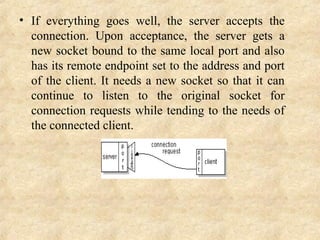

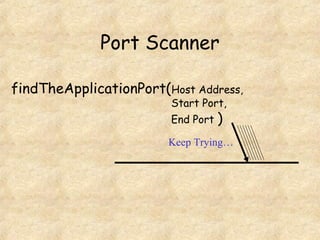
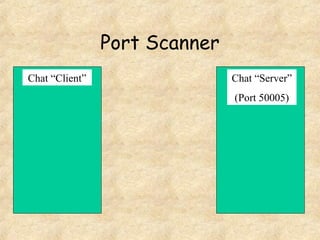
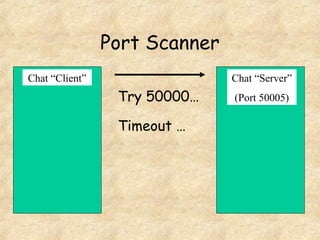
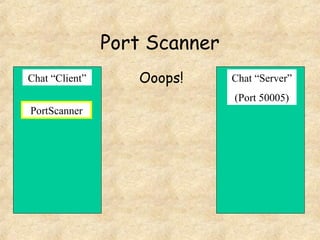
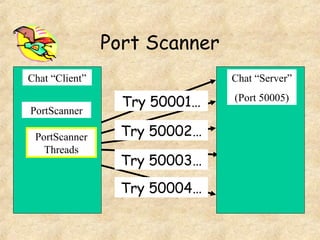


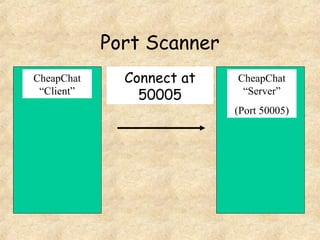


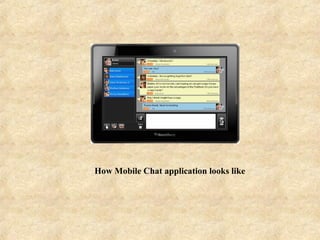
This document summarizes a Java-based chat application created by DVS Technologies. It discusses what chatting and chat applications are, how they allow real-time communication, and how they are used on websites and mobile devices. It then explains the technical details of how sockets allow for two-way communication between client and server programs by binding to specific port numbers, allowing the server to listen for connection requests and the client to identify the server to connect to. Diagrams demonstrate how a port scanner can find the port a chat server is listening on so the client can connect and authenticate with the server.


![Chat Application [Full Documentation]](https://cdn.slidesharecdn.com/ss_thumbnails/finaldoconchatapp-170418182505-thumbnail.jpg?width=640&height=640&fit=bounds)


![谷歌留痕技术教程[ 𝙩𝙤𝙥 𝟮𝟯𝟯. 𝙘 𝙤𝙢 ]](https://cdn.slidesharecdn.com/ss_thumbnails/top233-260130173900-2eb784f9-thumbnail.jpg?width=640&height=640&fit=bounds)


![20260201 [FOSDEM] gomodjail - library sandboxing for Go modules.pdf](https://cdn.slidesharecdn.com/ss_thumbnails/20260201fosdemgomodjail-librarysandboxingforgomodules-260201225659-76609ec4-thumbnail.jpg?width=640&height=640&fit=bounds)


