PYTHON- Fundamentals
As per CBSE curriculum
Class 11
Chapter- 2
Python Introduction
• In order to provide an input, process it and to
receive output, we need to write a program.
• Program, is a group of instructions which
controls processing.
• In other words, base for processing is ‘the
Program’.
• In this chapter we will come to know about
various element of processing like – character
set, token, expressions, statements, input.
Python Character Set
• Character Set-is a group of letters or signs which
are specific to a language.
• Character set includes letter, sign, number,
symbol.
– Letters: A-Z, a-z
– Digits: 0-9
– Special Symbols: _, +, -, *, /, (, ), {, } . . .Etc.
– White Spaces: blank space, tab, carriage return,
newline, formfeed etc.
– Other characters: Python can process all characters of
ASCII and UNICODE.
Tokens
• Token- is the smallest unit of any programming
language. It is also known as Lexical Unit.
Types of token are-
i. Keywords
ii. Identifiers (Names)
iii. Literals
iv. Operators
v. Punctuators
Keywords
• Keywords are those words which provides a special meaning to
interpreter.
• These are reserved for specific functioning.
• These can not be used as identifiers, variable name or any other
purpose.
• Available keywords in Python are-
Identifiers
• These are building blocks of a program and are used to give names to
different parts/blocks of a program like - variable, objects, classes,
functions.
• An identifier may be a combination of letters and numbers.
• An identifier must begin with an alphabet or an underscore( _ ).
Subsequent letters may be numbers(0-9).
• Python is case sensitive. Uppercase characters are distinct from
lowercase characters (P and p are different for interpreter).
• Length of an Identifier is unlimited.
• Keywords can not be used as an identifier.
• Space and special symbols are not permitted in an identifier name
except an underscore( _ ) sign.
• Some valid identifiers are –
– Myfile, Date9_7_17, Z2T0Z9, _DS, _CHK FILE13.
• Some invald identifiers are –
– DATA-REC, 29COLOR, break, My.File.
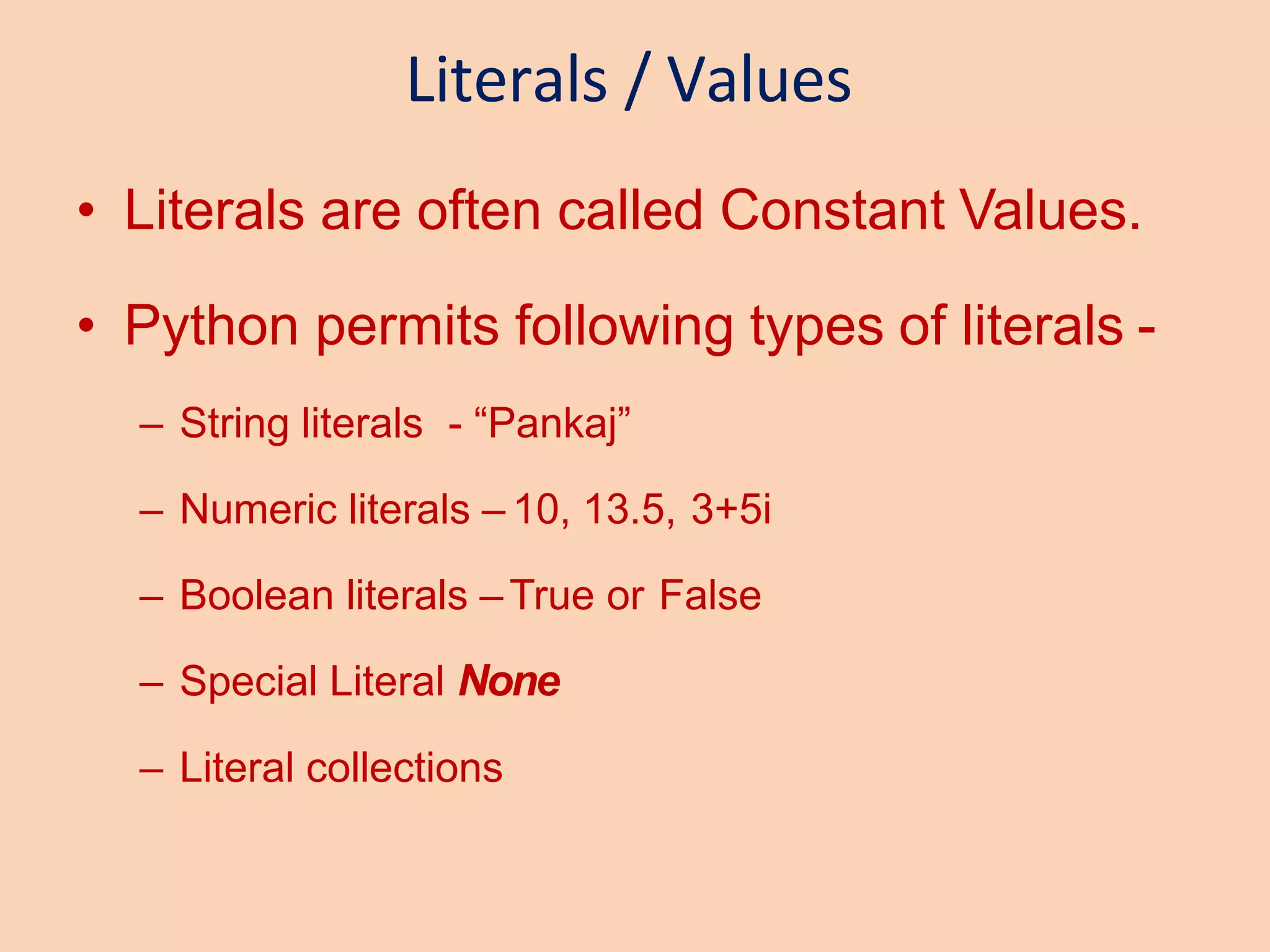
Literals / Values
• Literals are often called Constant Values.
• Python permits following types of literals -
– String literals - “Pankaj”
– Numeric literals – 10, 13.5, 3+5i
– Boolean literals –True or False
– Special Literal None
– Literal collections
String Literals
• String Literal is a sequence of characters that can be a
combination of letters, numbers and special symbols,
enclosed in quotation marks, single, double or triple(“ “ or ‘ ‘
or “’ ‘”).
• In python, string is of 2 types-
– Single line string
• Text = “Hello World” or Text = ‘Hello World’
– Multi line string
• Text = ‘hello or
world’
Text = ‘’’hello
word ‘’’
Numeric Literals
• Numeric values can be of three types -
– int (signed integers)
• Decimal Integer Literals – 10, 17, 210 etc.
• Octal Integer Literals - 0o17, 0o217 etc.
• Hexadecimal Integer Literals – 0x14, 0x2A4, 0xABD etc.
– float ( floating point real value)
• Fractional Form – 2.0, 17.5 -13.5, -.00015 etc.
• Exponent Form - -1.7E+8, .25E-4 etc.
– complex (complex numbers)
• 3+5i etc.
Boolean Literals
• It can contain either of only two values –True or False
 A= True
 B=False
Special Literals
• None, which means nothing (no value).
 X = None
Operators
• An Operator is a symbol that trigger some
action when applied to identifier (s)/ operand
(s)
• Therefore, an operator requires operand (s)
to compute upon.
example :
c = a + b
Here, a, b, c are operands and operators are
= and + which are performing differently.
Types of Operators
• Python supports following types of operators -
– Unary Operator
• Unary plus (+)
• Unary Minus (-)
• Bitwise complement (~)
• Logical Negation (not)
– Binary Operator
• Arithmetic operator (+, -, *, /, %, **, //)
• Relational Operator(<, >, <=, >=, ==, != )
• Logical Operator (and, or)
• Assigment Operator (=, /=, +=, -=, *=, %=, **=, //=)
• Bitwise Operator (& bitwise and, ^ bitwise xor, | bitwise or)
• Shift operator (<< shift left, >> shift right)
• Identity Operator (is, is not)
• Membership Operator (in, not in)
Punctuators
• In Python, punctuators are used to construct
the program and to make balance between
instructions and statements. Punctuators
have their own syntactic and semantic
significance.
• Python has following Punctuators -
‘, ”, #, , (, ), [, ], {, }, @. ,, :, .. `, =
A Python Program Structure
Comments
Function
Statements
Indentation
Block
Function Calling
A Python Program Structure
• As we have seen in previous slides, a
program contains following compnents-
– Expressions like a+b, a>b etc.
– Statements like a=10, c=a+b etc.
– Comments, lines starting with #.
– Function, block starting with def keyword
– Blocks and indentation like if and else blocks
*These will be explained in detailed further.

chapter-2-eng-python-fundamentls1_1585929263876 by EasePDF.pptx

  • 1.
    PYTHON- Fundamentals As perCBSE curriculum Class 11 Chapter- 2
  • 2.
    Python Introduction • Inorder to provide an input, process it and to receive output, we need to write a program. • Program, is a group of instructions which controls processing. • In other words, base for processing is ‘the Program’. • In this chapter we will come to know about various element of processing like – character set, token, expressions, statements, input.
  • 3.
    Python Character Set •Character Set-is a group of letters or signs which are specific to a language. • Character set includes letter, sign, number, symbol. – Letters: A-Z, a-z – Digits: 0-9 – Special Symbols: _, +, -, *, /, (, ), {, } . . .Etc. – White Spaces: blank space, tab, carriage return, newline, formfeed etc. – Other characters: Python can process all characters of ASCII and UNICODE.
  • 4.
    Tokens • Token- isthe smallest unit of any programming language. It is also known as Lexical Unit. Types of token are- i. Keywords ii. Identifiers (Names) iii. Literals iv. Operators v. Punctuators
  • 5.
    Keywords • Keywords arethose words which provides a special meaning to interpreter. • These are reserved for specific functioning. • These can not be used as identifiers, variable name or any other purpose. • Available keywords in Python are-
  • 6.
    Identifiers • These arebuilding blocks of a program and are used to give names to different parts/blocks of a program like - variable, objects, classes, functions. • An identifier may be a combination of letters and numbers. • An identifier must begin with an alphabet or an underscore( _ ). Subsequent letters may be numbers(0-9). • Python is case sensitive. Uppercase characters are distinct from lowercase characters (P and p are different for interpreter). • Length of an Identifier is unlimited. • Keywords can not be used as an identifier. • Space and special symbols are not permitted in an identifier name except an underscore( _ ) sign. • Some valid identifiers are – – Myfile, Date9_7_17, Z2T0Z9, _DS, _CHK FILE13. • Some invald identifiers are – – DATA-REC, 29COLOR, break, My.File.
  • 7.
    Literals / Values •Literals are often called Constant Values. • Python permits following types of literals - – String literals - “Pankaj” – Numeric literals – 10, 13.5, 3+5i – Boolean literals –True or False – Special Literal None – Literal collections
  • 8.
    String Literals • StringLiteral is a sequence of characters that can be a combination of letters, numbers and special symbols, enclosed in quotation marks, single, double or triple(“ “ or ‘ ‘ or “’ ‘”). • In python, string is of 2 types- – Single line string • Text = “Hello World” or Text = ‘Hello World’ – Multi line string • Text = ‘hello or world’ Text = ‘’’hello word ‘’’
  • 9.
    Numeric Literals • Numericvalues can be of three types - – int (signed integers) • Decimal Integer Literals – 10, 17, 210 etc. • Octal Integer Literals - 0o17, 0o217 etc. • Hexadecimal Integer Literals – 0x14, 0x2A4, 0xABD etc. – float ( floating point real value) • Fractional Form – 2.0, 17.5 -13.5, -.00015 etc. • Exponent Form - -1.7E+8, .25E-4 etc. – complex (complex numbers) • 3+5i etc.
  • 10.
    Boolean Literals • Itcan contain either of only two values –True or False  A= True  B=False Special Literals • None, which means nothing (no value).  X = None
  • 11.
    Operators • An Operatoris a symbol that trigger some action when applied to identifier (s)/ operand (s) • Therefore, an operator requires operand (s) to compute upon. example : c = a + b Here, a, b, c are operands and operators are = and + which are performing differently.
  • 12.
    Types of Operators •Python supports following types of operators - – Unary Operator • Unary plus (+) • Unary Minus (-) • Bitwise complement (~) • Logical Negation (not) – Binary Operator • Arithmetic operator (+, -, *, /, %, **, //) • Relational Operator(<, >, <=, >=, ==, != ) • Logical Operator (and, or) • Assigment Operator (=, /=, +=, -=, *=, %=, **=, //=) • Bitwise Operator (& bitwise and, ^ bitwise xor, | bitwise or) • Shift operator (<< shift left, >> shift right) • Identity Operator (is, is not) • Membership Operator (in, not in)
  • 13.
    Punctuators • In Python,punctuators are used to construct the program and to make balance between instructions and statements. Punctuators have their own syntactic and semantic significance. • Python has following Punctuators - ‘, ”, #, , (, ), [, ], {, }, @. ,, :, .. `, =
  • 14.
    A Python ProgramStructure Comments Function Statements Indentation Block Function Calling
  • 15.
    A Python ProgramStructure • As we have seen in previous slides, a program contains following compnents- – Expressions like a+b, a>b etc. – Statements like a=10, c=a+b etc. – Comments, lines starting with #. – Function, block starting with def keyword – Blocks and indentation like if and else blocks *These will be explained in detailed further.