Chapter 1
Basics of Python
Basic of Python
•Python is
High-level
Interpreted
Interactive
Object-oriented scripting language
Basic of Python(…)
Python is Interpreted
• Python is processed at runtime by the
interpreter.
• You do not need to compile your program
before executing it.
• This is similar to PERL and PHP.
Basic of Python(…)
Python is Interactive
• You can actually sit at a Python prompt and
interact with the interpreter directly to write
your programs.
Python is Object-Oriented
• Python supports Object-Oriented style or
technique of programming that encapsulates
code within objects
History Of Python
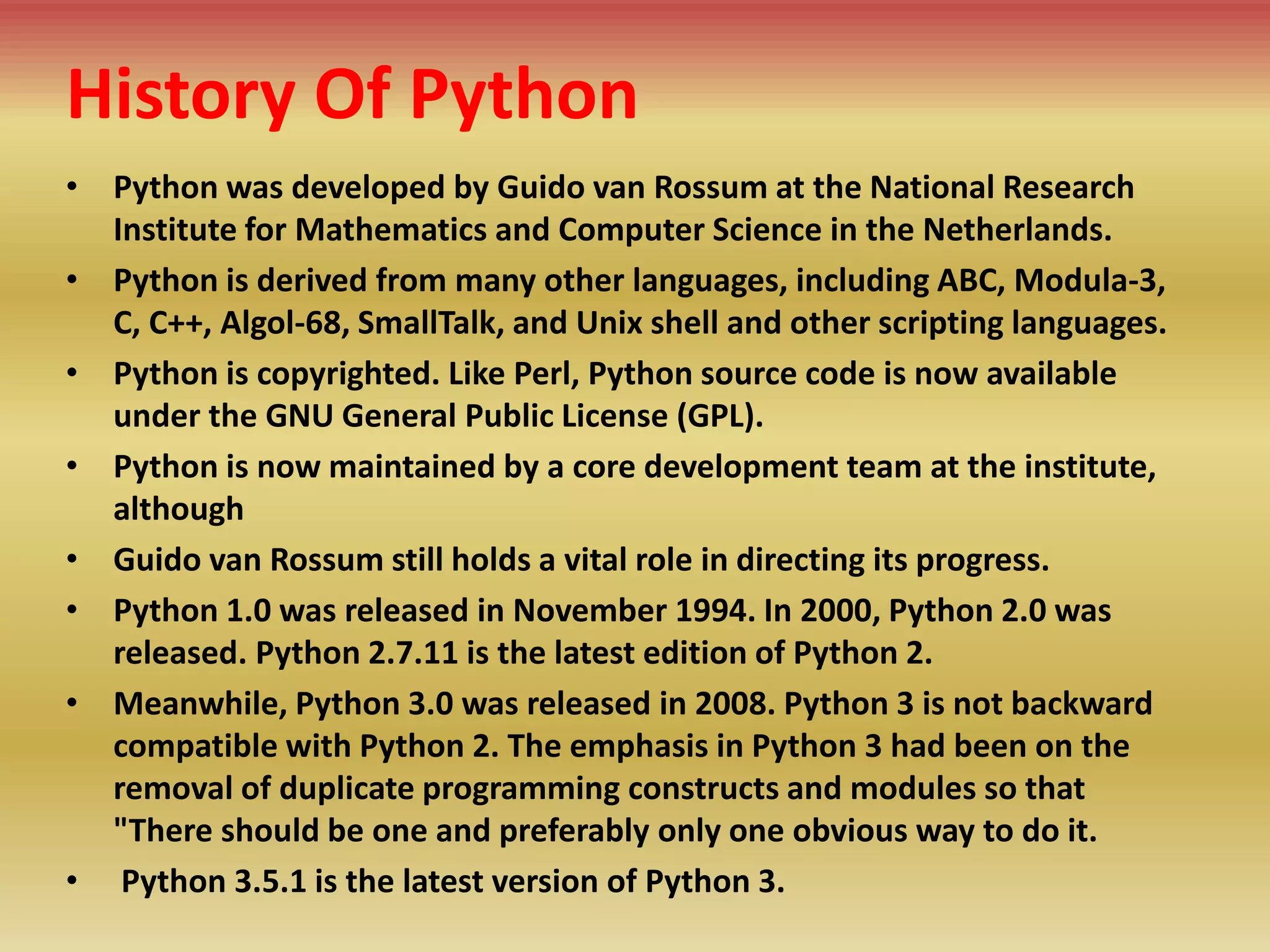
• Python was developed by Guido van Rossum at the National Research
Institute for Mathematics and Computer Science in the Netherlands.
• Python is derived from many other languages, including ABC, Modula-3,
C, C++, Algol-68, SmallTalk, and Unix shell and other scripting languages.
• Python is copyrighted. Like Perl, Python source code is now available
under the GNU General Public License (GPL).
• Python is now maintained by a core development team at the institute,
although
• Guido van Rossum still holds a vital role in directing its progress.
• Python 1.0 was released in November 1994. In 2000, Python 2.0 was
released. Python 2.7.11 is the latest edition of Python 2.
• Meanwhile, Python 3.0 was released in 2008. Python 3 is not backward
compatible with Python 2. The emphasis in Python 3 had been on the
removal of duplicate programming constructs and modules so that
"There should be one and preferably only one obvious way to do it.
• Python 3.5.1 is the latest version of Python 3.
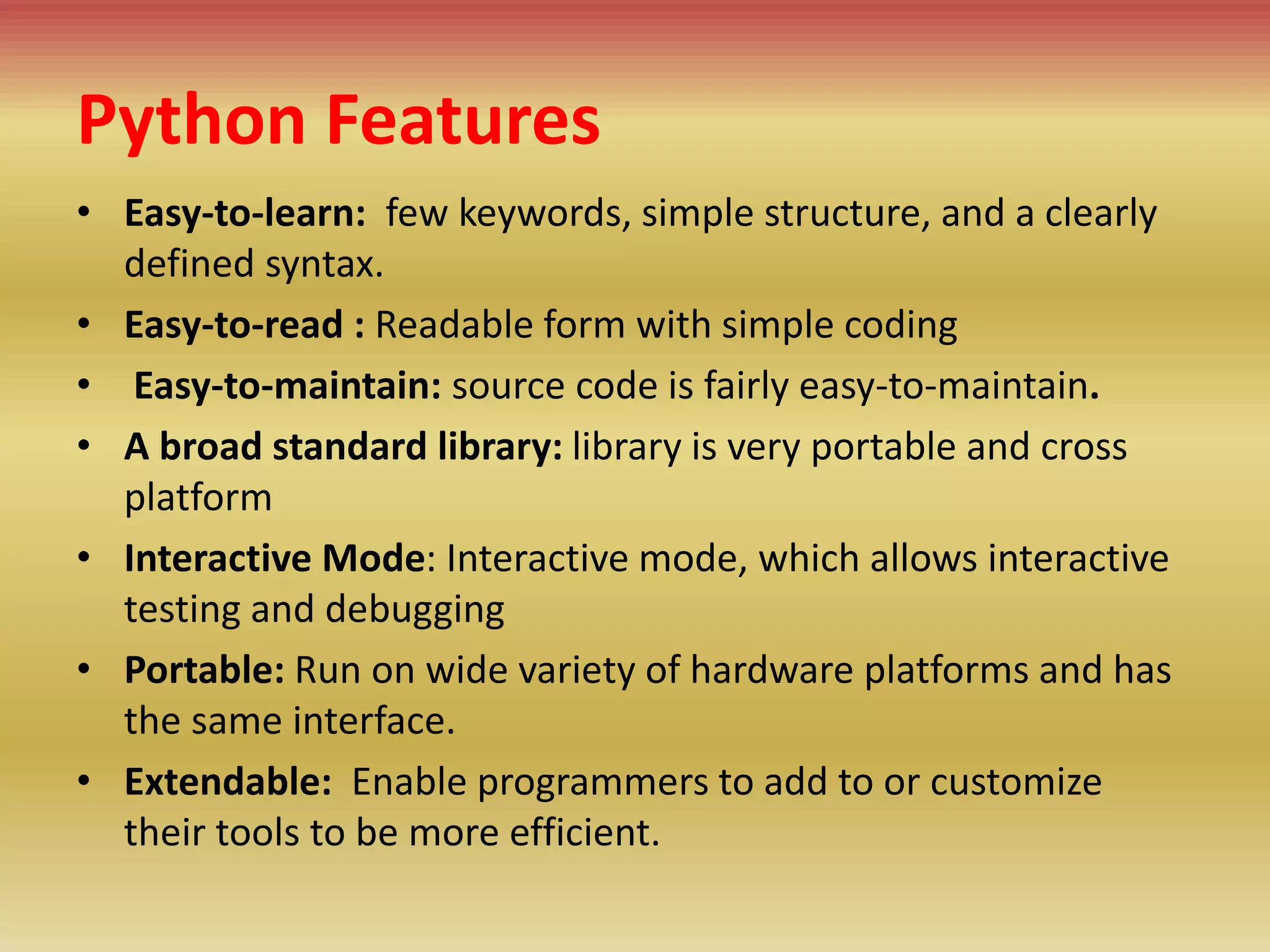
• Easy-to-learn: few keywords, simple structure, and a clearly
defined syntax.
• Easy-to-read : Readable form with simple coding
• Easy-to-maintain: source code is fairly easy-to-maintain.
• A broad standard library: library is very portable and cross
platform
• Interactive Mode: Interactive mode, which allows interactive
testing and debugging
• Portable: Run on wide variety of hardware platforms and has
the same interface.
• Extendable: Enable programmers to add to or customize
their tools to be more efficient.
Python Features
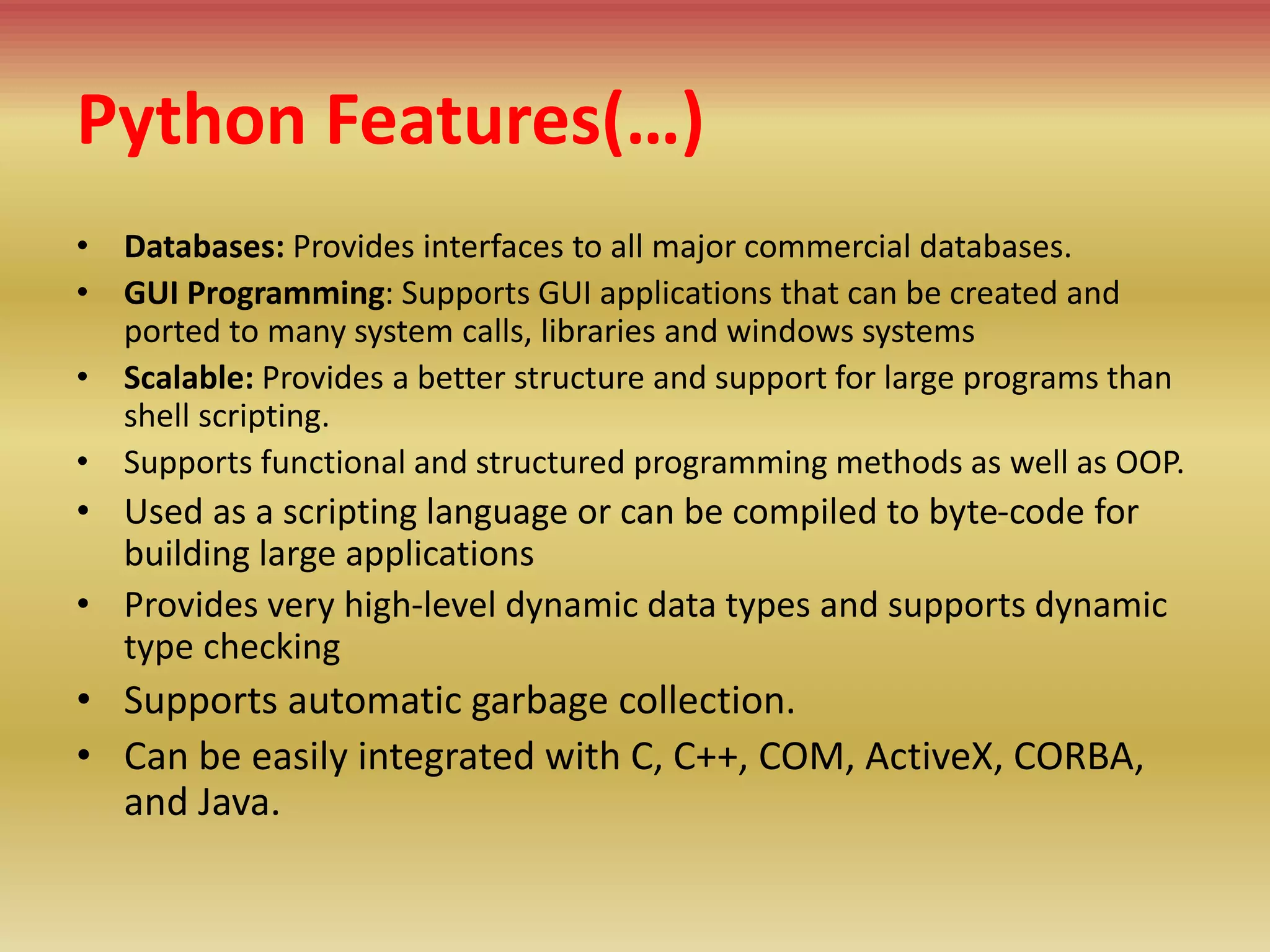
Python Features(…)
• Databases: Provides interfaces to all major commercial databases.
• GUI Programming: Supports GUI applications that can be created and
ported to many system calls, libraries and windows systems
• Scalable: Provides a better structure and support for large programs than
shell scripting.
• Supports functional and structured programming methods as well as OOP.
• Used as a scripting language or can be compiled to byte-code for
building large applications
• Provides very high-level dynamic data types and supports dynamic
type checking
• Supports automatic garbage collection.
• Can be easily integrated with C, C++, COM, ActiveX, CORBA,
and Java.
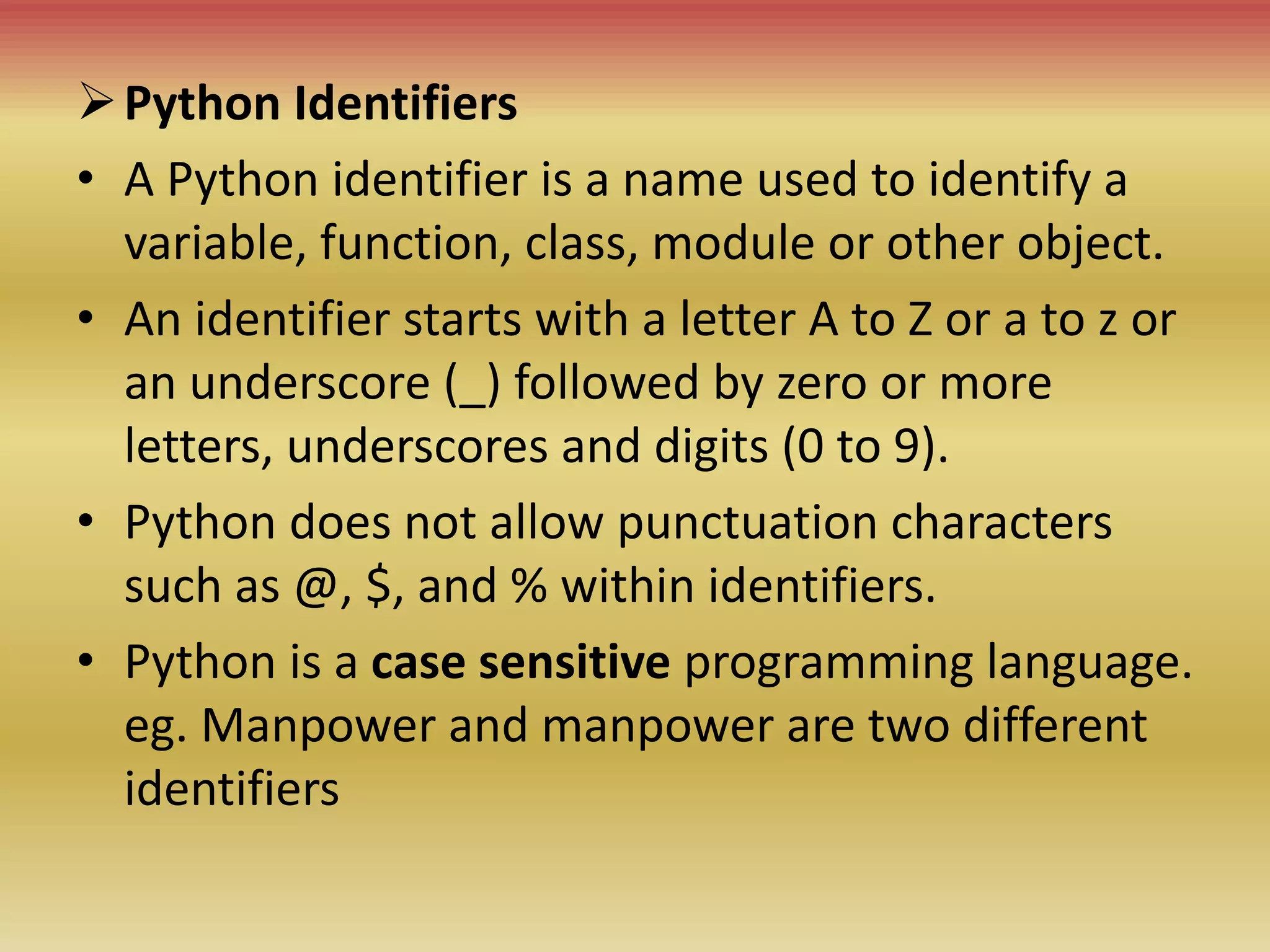
Python Identifiers
• A Python identifier is a name used to identify a
variable, function, class, module or other object.
• An identifier starts with a letter A to Z or a to z or
an underscore (_) followed by zero or more
letters, underscores and digits (0 to 9).
• Python does not allow punctuation characters
such as @, $, and % within identifiers.
• Python is a case sensitive programming language.
eg. Manpower and manpower are two different
identifiers
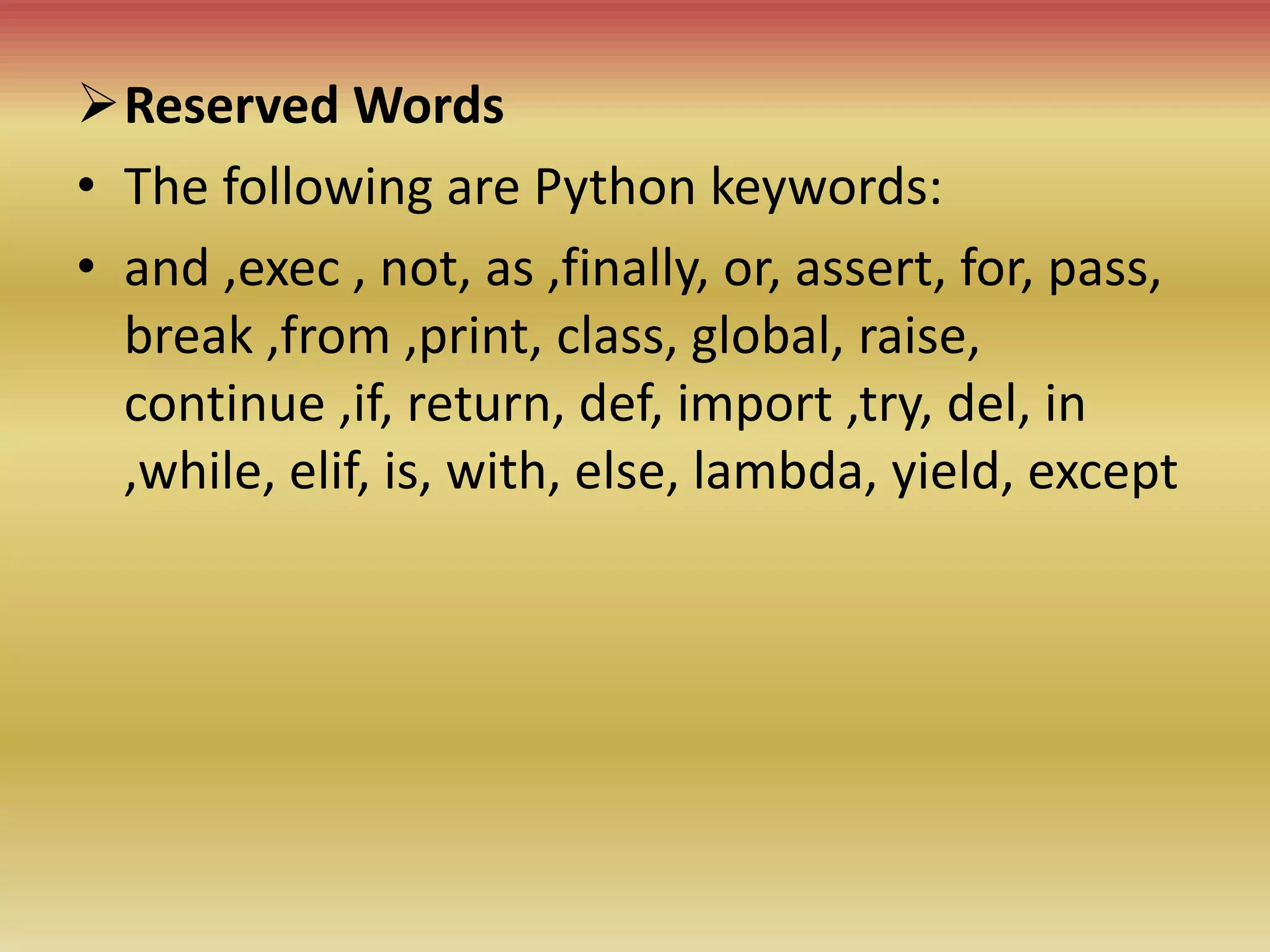
Reserved Words
• The following are Python keywords:
• and ,exec , not, as ,finally, or, assert, for, pass,
break ,from ,print, class, global, raise,
continue ,if, return, def, import ,try, del, in
,while, elif, is, with, else, lambda, yield, except
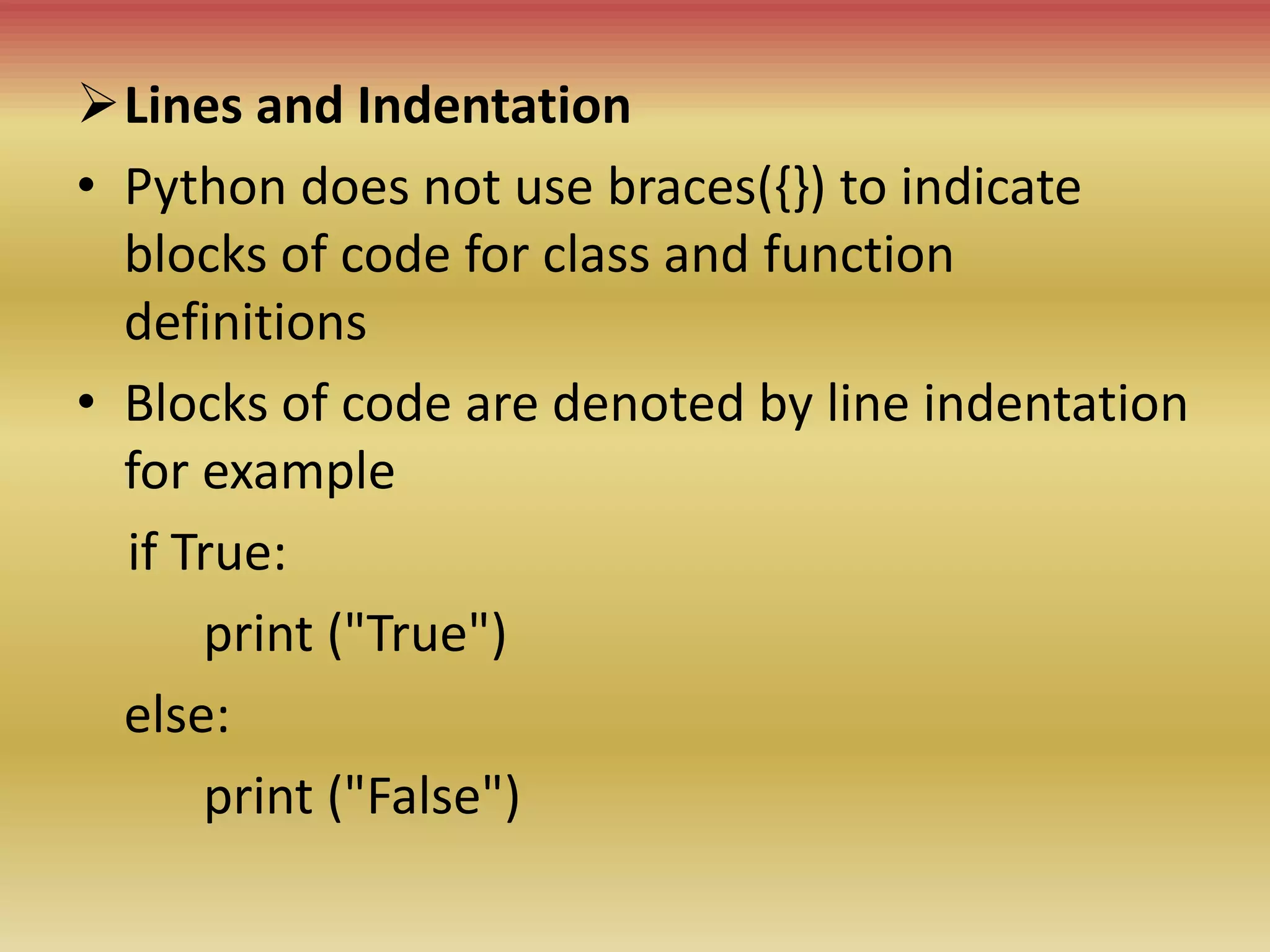
Lines and Indentation
• Python does not use braces({}) to indicate
blocks of code for class and function
definitions
• Blocks of code are denoted by line indentation
for example
if True:
print ("True")
else:
print ("False")
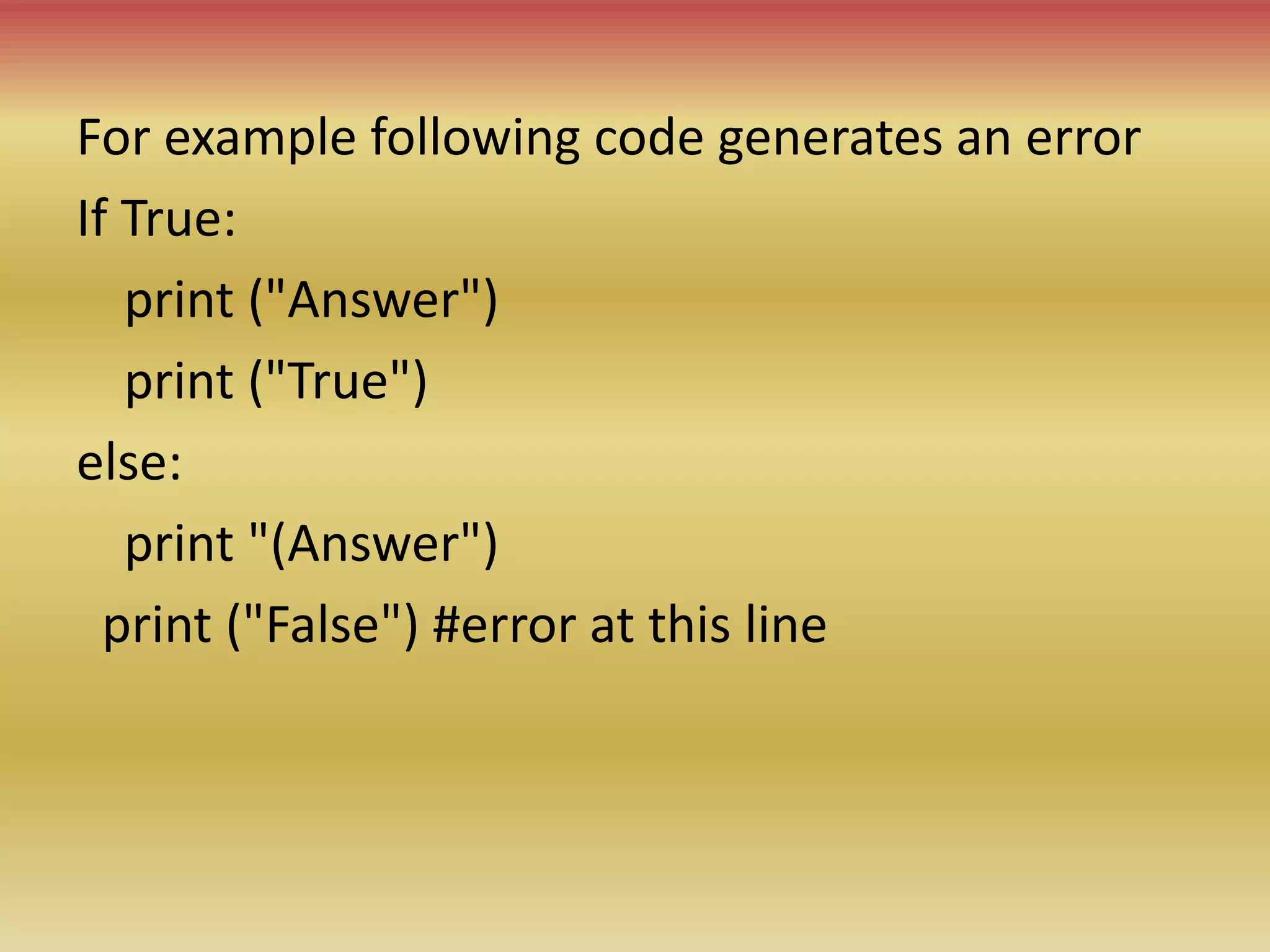
For example following code generates an error
If True:
print ("Answer")
print ("True")
else:
print "(Answer")
print ("False") #error at this line
Multi-Line Statements
• Statements in Python typically end with a new
line. Python, however, allows the use of the line
continuation character () to denote that the line
should continue. For example
total = item_one + 
item_two + 
item_three
• The statements contained within the [], {}, or ()
brackets do not need to use the line continuation
character. For example
days= ['Monday', 'Tuesday', 'Wednesday',
'Thursday', 'Friday']
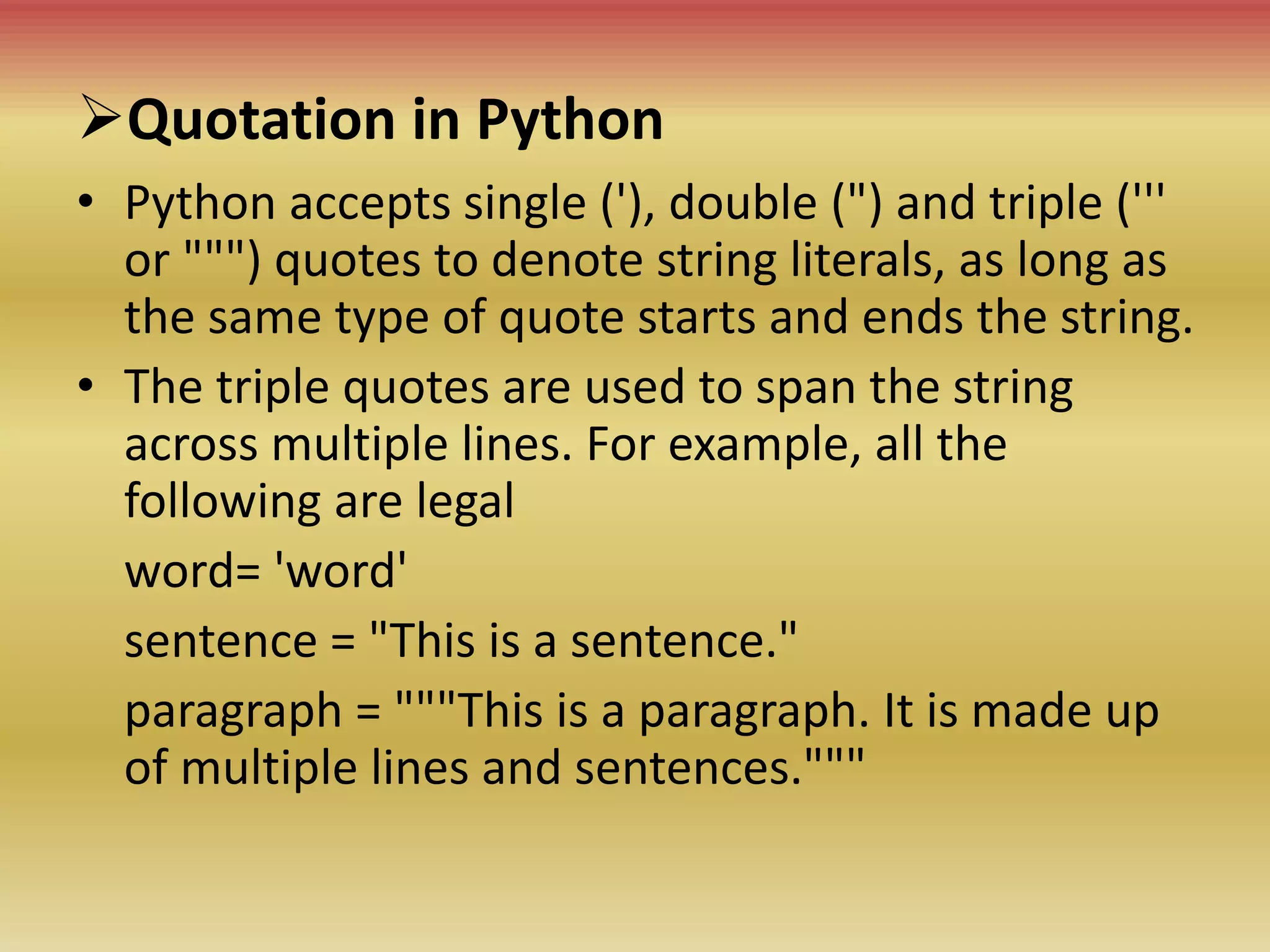
Quotation in Python
• Python accepts single ('), double (") and triple ('''
or """) quotes to denote string literals, as long as
the same type of quote starts and ends the string.
• The triple quotes are used to span the string
across multiple lines. For example, all the
following are legal
word= 'word'
sentence = "This is a sentence."
paragraph = """This is a paragraph. It is made up
of multiple lines and sentences."""
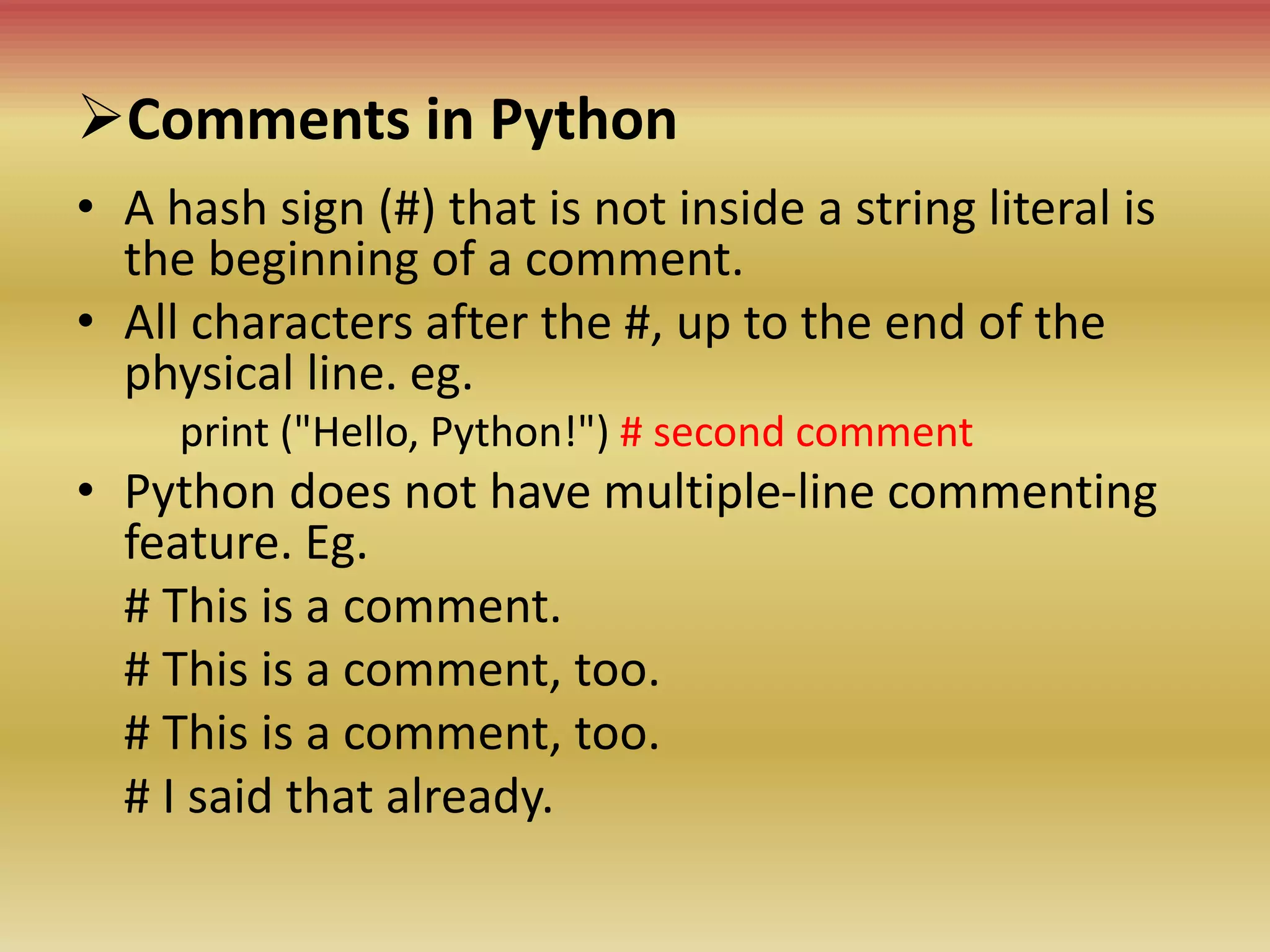
Comments in Python
• A hash sign (#) that is not inside a string literal is
the beginning of a comment.
• All characters after the #, up to the end of the
physical line. eg.
print ("Hello, Python!") # second comment
• Python does not have multiple-line commenting
feature. Eg.
# This is a comment.
# This is a comment, too.
# I said that already.
 Multiple Statements on a Single Line
• The semicolon ( ; ) allows multiple statements on a
single line
imp sys; x = 'foo'; sys.stdout.write(x + 'n')
 Command Line Arguments
• Python provides a getopt module that helps you parse
command-line options and arguments.
$ python test.py arg1 arg2 arg3
• The Python sys module provides access to any
command-line arguments via the sys.argv.
• sys.argv is the list of command-line arguments.
• len(sys.argv) is the number of command-line
arguments.
• Here sys.argv[0] is the program i.e. the script name.
• Example
• Consider the following script test.py-
#!/usr/bin/python3
import sys
print ('Number of arguments:', len(sys.argv), 'arguments.')
print ('Argument List:', str(sys.argv))
• Now run the above script as follows −
$ python test.py arg1 arg2 arg3
• This produces the following result-
Number of arguments: 4 arguments. # Output
Argument List: ['test.py', 'arg1', 'arg2', 'arg3'] # Output
NOTE: As mentioned above, the first argument is always the script name and it is
also being counted in number of arguments.
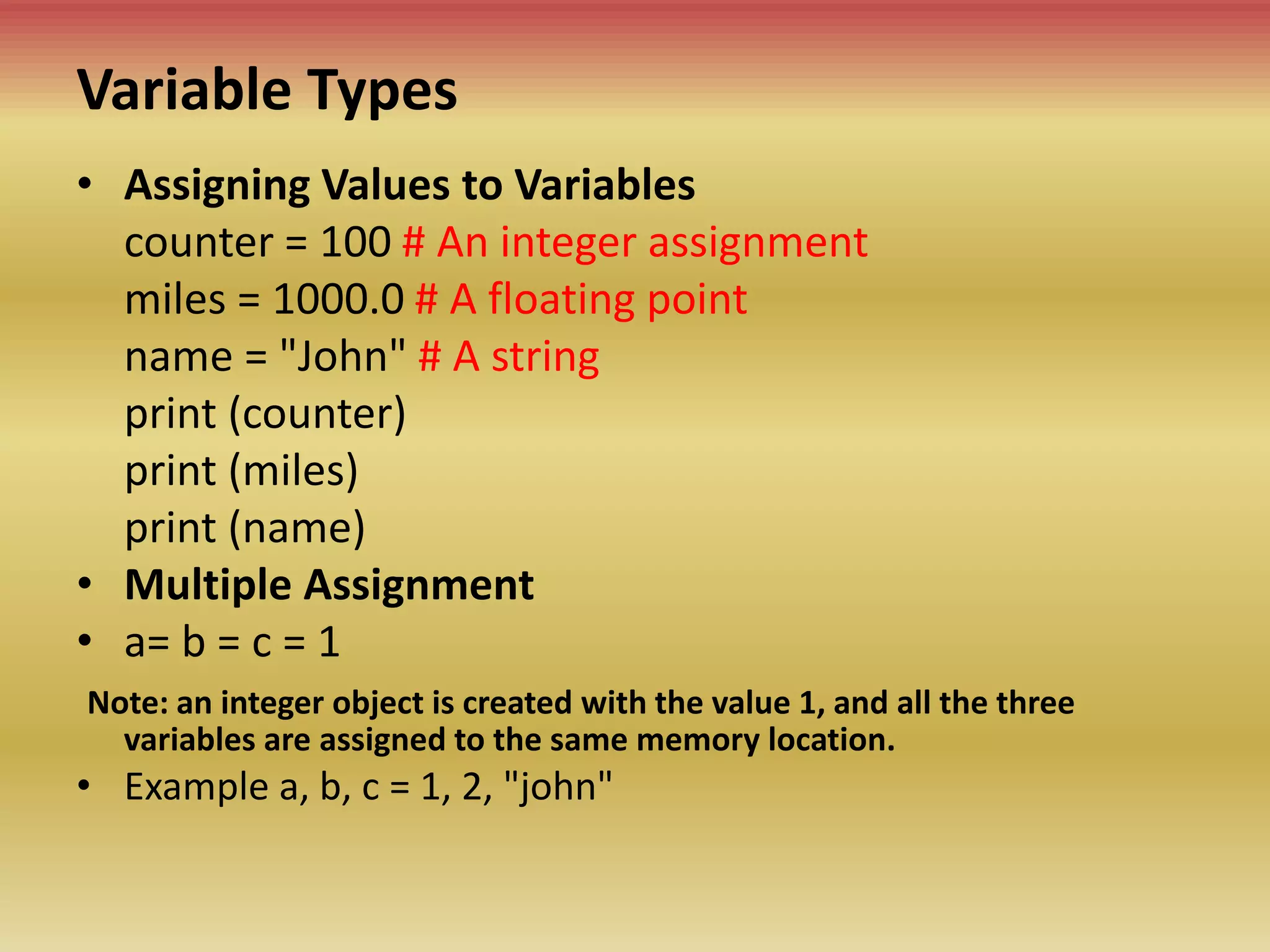
Variable Types
• Assigning Values to Variables
counter = 100 # An integer assignment
miles = 1000.0 # A floating point
name = "John" # A string
print (counter)
print (miles)
print (name)
• Multiple Assignment
• a= b = c = 1
Note: an integer object is created with the value 1, and all the three
variables are assigned to the same memory location.
• Example a, b, c = 1, 2, "john"
Standard Data Types
• Python has five standard data types-
• Numbers
• String
• List
• Tuple
• Dictionary
 Python Numbers
• Number data types store numeric values. Number objects are
created when you assign a value to them.
for example
var1= 1
var2 = 10
• You can also delete the reference to a number object by using
the del statement. The syntax of the del statement is −
del var1[,var2[,var3[....,varN]]]]
• You can delete a single object or multiple objects by using the
del statement. For example
del var
del var_a, var_b
• Python supports three different numerical types −
int (signed integers)
float (floating point real values)
complex (complex numbers)
Python Strings
• Strings in Python are identified as a
contiguous set of characters represented in
the quotation marks.
• Python allows either pair of single or double
quotes
• Subsets of strings can be taken using the slice
operator ([ ] and [:] ) with indexes starting at 0
in the beginning of the string and working
their way from -1 to the end.
Python Strings
>>>str = 'Hello World!'
>>> print (str) # Prints complete string
Hello World! # Output
>>> print (str[0]) # Prints first character of the string
H # Output
>>> print (str[2:5]) # Prints characters starting from 3rd to 5th
llo # Output
>>> print (str[2:]) # Prints string starting from 3rd character
llo World! # Output
>>> print (str * 2) # Prints string two times
Hello World!Hello World! # Output
>>> print (str + "TEST") # Prints concatenated string
Hello World!TEST # Output
Python Lists
• Lists are the most versatile of Python's compound data
types
• A list contains items separated by commas and enclosed
within square brackets ([]).
• To some extent, lists are similar to arrays in C.
• One of the differences between them is that all the items
belonging to a list can be of different data type.
• The values stored in a list can be accessed using the slice
operator ([ ] and [:]) (indexes starting at 0 in the
beginning & end -1)
• The plus (+) sign is the list concatenation operator, and
the asterisk (*) is the repetition operator.
Python Lists
• list = [ 'abcd', 786 , 2.23, 'john', 70.2 ]
• tinylist = [123, 'john']
• print (list) # ['abcd', 786, 2.23, 'john', 70.20]
• print (list[0]) # abcd
• print (list[1:3]) # [786, 2.23]
• print (list[2:]) #[2.23, 'john', 70.20]
• print (tinylist * 2) # [123, 'john', 123, 'john']
• print (list + tinylist) # ['abcd', 786, 2.23, 'john',
70.20, 123, 'john']
Python Tuples
• A tuple is another sequence data type that is
similar to the list
• A tuple consists of a number of values
separated by commas.
• Tuples are enclosed within parenthesis.
• The main difference between lists and tuples
is- Lists are enclosed in brackets [ ] and their
elements and size can be changed, while
tuples are enclosed in parentheses ( ) and
cannot be updated.
Python Tuples
• tuple = ( 'abcd', 786 , 2.23, 'john', 70.2 )
• tinytuple = (123, 'john')
• print (tuple) # ('abcd', 786, 2.23, 'john', 70.20)
• print (tuple[0]) # abcd
• print (tuple[1:3]) # (786, 2.23)
• print (tuple[2:]) # (2.23, 'john', 70.20)
• print (tinytuple * 2) # (123, 'john', 123, 'john')
• print (tuple + tinytuple) # ('abcd', 786, 2.23,
'john', 70.20, 123, 'john')
Python Tuples
• The following code is invalid with tuple,
because we attempted to update a tuple,
which is not allowed. Similar case is possible
with lists
• tuple = ( 'abcd', 786 , 2.23, 'john', 70.2 )
• list = [ 'abcd', 786 , 2.23, 'john', 70.2 ]
• tuple[2] = 1000 # Invalid syntax with tuple
• list[2] = 1000 # Valid syntax with list
Python Dictionary
• Python's dictionaries are kind of hash-table type.
• They work like associative arrays or hashes found in Perl
and consist of key-value pairs
• A dictionary key can be almost any Python type, but are
usually numbers or strings.
• Values, on the other hand, can be any arbitrary Python
object.
• Dictionaries are enclosed by curly braces { }
• Values can be assigned and accessed using square braces []
• Dictionaries have no concept of order among the elements.
It is incorrect to say that the elements are "out of order";
they are simply unordered.
Python Dictionary
• dict = {}
• dict['one'] = "This is one"
• dict[2] = "This is two"
• tinydict = {'name': 'john','code':6734, 'dept': 'sales'}
• print (dict['one']) # This is one
• print (dict[2]) # This is two
• print (tinydict) # {'dept': 'sales', 'code': 6734, 'name':
'john'}
• print (tinydict.keys()) # ['dept', 'code', 'name']
• print (tinydict.values()) # ['sales', 6734, 'john']

2022-23TYBSC(CS)-Python Prog._Chapter-1.pptx

  • 1.
  • 2.
    Basic of Python •Pythonis High-level Interpreted Interactive Object-oriented scripting language
  • 3.
    Basic of Python(…) Pythonis Interpreted • Python is processed at runtime by the interpreter. • You do not need to compile your program before executing it. • This is similar to PERL and PHP.
  • 4.
    Basic of Python(…) Pythonis Interactive • You can actually sit at a Python prompt and interact with the interpreter directly to write your programs. Python is Object-Oriented • Python supports Object-Oriented style or technique of programming that encapsulates code within objects
  • 5.
    History Of Python •Python was developed by Guido van Rossum at the National Research Institute for Mathematics and Computer Science in the Netherlands. • Python is derived from many other languages, including ABC, Modula-3, C, C++, Algol-68, SmallTalk, and Unix shell and other scripting languages. • Python is copyrighted. Like Perl, Python source code is now available under the GNU General Public License (GPL). • Python is now maintained by a core development team at the institute, although • Guido van Rossum still holds a vital role in directing its progress. • Python 1.0 was released in November 1994. In 2000, Python 2.0 was released. Python 2.7.11 is the latest edition of Python 2. • Meanwhile, Python 3.0 was released in 2008. Python 3 is not backward compatible with Python 2. The emphasis in Python 3 had been on the removal of duplicate programming constructs and modules so that "There should be one and preferably only one obvious way to do it. • Python 3.5.1 is the latest version of Python 3.
  • 6.
    • Easy-to-learn: fewkeywords, simple structure, and a clearly defined syntax. • Easy-to-read : Readable form with simple coding • Easy-to-maintain: source code is fairly easy-to-maintain. • A broad standard library: library is very portable and cross platform • Interactive Mode: Interactive mode, which allows interactive testing and debugging • Portable: Run on wide variety of hardware platforms and has the same interface. • Extendable: Enable programmers to add to or customize their tools to be more efficient. Python Features
  • 7.
    Python Features(…) • Databases:Provides interfaces to all major commercial databases. • GUI Programming: Supports GUI applications that can be created and ported to many system calls, libraries and windows systems • Scalable: Provides a better structure and support for large programs than shell scripting. • Supports functional and structured programming methods as well as OOP. • Used as a scripting language or can be compiled to byte-code for building large applications • Provides very high-level dynamic data types and supports dynamic type checking • Supports automatic garbage collection. • Can be easily integrated with C, C++, COM, ActiveX, CORBA, and Java.
  • 8.
    Python Identifiers • APython identifier is a name used to identify a variable, function, class, module or other object. • An identifier starts with a letter A to Z or a to z or an underscore (_) followed by zero or more letters, underscores and digits (0 to 9). • Python does not allow punctuation characters such as @, $, and % within identifiers. • Python is a case sensitive programming language. eg. Manpower and manpower are two different identifiers
  • 9.
    Reserved Words • Thefollowing are Python keywords: • and ,exec , not, as ,finally, or, assert, for, pass, break ,from ,print, class, global, raise, continue ,if, return, def, import ,try, del, in ,while, elif, is, with, else, lambda, yield, except
  • 10.
    Lines and Indentation •Python does not use braces({}) to indicate blocks of code for class and function definitions • Blocks of code are denoted by line indentation for example if True: print ("True") else: print ("False")
  • 11.
    For example followingcode generates an error If True: print ("Answer") print ("True") else: print "(Answer") print ("False") #error at this line
  • 12.
    Multi-Line Statements • Statementsin Python typically end with a new line. Python, however, allows the use of the line continuation character () to denote that the line should continue. For example total = item_one + item_two + item_three • The statements contained within the [], {}, or () brackets do not need to use the line continuation character. For example days= ['Monday', 'Tuesday', 'Wednesday', 'Thursday', 'Friday']
  • 13.
    Quotation in Python •Python accepts single ('), double (") and triple (''' or """) quotes to denote string literals, as long as the same type of quote starts and ends the string. • The triple quotes are used to span the string across multiple lines. For example, all the following are legal word= 'word' sentence = "This is a sentence." paragraph = """This is a paragraph. It is made up of multiple lines and sentences."""
  • 14.
    Comments in Python •A hash sign (#) that is not inside a string literal is the beginning of a comment. • All characters after the #, up to the end of the physical line. eg. print ("Hello, Python!") # second comment • Python does not have multiple-line commenting feature. Eg. # This is a comment. # This is a comment, too. # This is a comment, too. # I said that already.
  • 15.
     Multiple Statementson a Single Line • The semicolon ( ; ) allows multiple statements on a single line imp sys; x = 'foo'; sys.stdout.write(x + 'n')  Command Line Arguments • Python provides a getopt module that helps you parse command-line options and arguments. $ python test.py arg1 arg2 arg3 • The Python sys module provides access to any command-line arguments via the sys.argv. • sys.argv is the list of command-line arguments. • len(sys.argv) is the number of command-line arguments. • Here sys.argv[0] is the program i.e. the script name.
  • 16.
    • Example • Considerthe following script test.py- #!/usr/bin/python3 import sys print ('Number of arguments:', len(sys.argv), 'arguments.') print ('Argument List:', str(sys.argv)) • Now run the above script as follows − $ python test.py arg1 arg2 arg3 • This produces the following result- Number of arguments: 4 arguments. # Output Argument List: ['test.py', 'arg1', 'arg2', 'arg3'] # Output NOTE: As mentioned above, the first argument is always the script name and it is also being counted in number of arguments.
  • 17.
    Variable Types • AssigningValues to Variables counter = 100 # An integer assignment miles = 1000.0 # A floating point name = "John" # A string print (counter) print (miles) print (name) • Multiple Assignment • a= b = c = 1 Note: an integer object is created with the value 1, and all the three variables are assigned to the same memory location. • Example a, b, c = 1, 2, "john"
  • 18.
    Standard Data Types •Python has five standard data types- • Numbers • String • List • Tuple • Dictionary
  • 19.
     Python Numbers •Number data types store numeric values. Number objects are created when you assign a value to them. for example var1= 1 var2 = 10 • You can also delete the reference to a number object by using the del statement. The syntax of the del statement is − del var1[,var2[,var3[....,varN]]]] • You can delete a single object or multiple objects by using the del statement. For example del var del var_a, var_b • Python supports three different numerical types − int (signed integers) float (floating point real values) complex (complex numbers)
  • 20.
    Python Strings • Stringsin Python are identified as a contiguous set of characters represented in the quotation marks. • Python allows either pair of single or double quotes • Subsets of strings can be taken using the slice operator ([ ] and [:] ) with indexes starting at 0 in the beginning of the string and working their way from -1 to the end.
  • 21.
    Python Strings >>>str ='Hello World!' >>> print (str) # Prints complete string Hello World! # Output >>> print (str[0]) # Prints first character of the string H # Output >>> print (str[2:5]) # Prints characters starting from 3rd to 5th llo # Output >>> print (str[2:]) # Prints string starting from 3rd character llo World! # Output >>> print (str * 2) # Prints string two times Hello World!Hello World! # Output >>> print (str + "TEST") # Prints concatenated string Hello World!TEST # Output
  • 22.
    Python Lists • Listsare the most versatile of Python's compound data types • A list contains items separated by commas and enclosed within square brackets ([]). • To some extent, lists are similar to arrays in C. • One of the differences between them is that all the items belonging to a list can be of different data type. • The values stored in a list can be accessed using the slice operator ([ ] and [:]) (indexes starting at 0 in the beginning & end -1) • The plus (+) sign is the list concatenation operator, and the asterisk (*) is the repetition operator.
  • 23.
    Python Lists • list= [ 'abcd', 786 , 2.23, 'john', 70.2 ] • tinylist = [123, 'john'] • print (list) # ['abcd', 786, 2.23, 'john', 70.20] • print (list[0]) # abcd • print (list[1:3]) # [786, 2.23] • print (list[2:]) #[2.23, 'john', 70.20] • print (tinylist * 2) # [123, 'john', 123, 'john'] • print (list + tinylist) # ['abcd', 786, 2.23, 'john', 70.20, 123, 'john']
  • 24.
    Python Tuples • Atuple is another sequence data type that is similar to the list • A tuple consists of a number of values separated by commas. • Tuples are enclosed within parenthesis. • The main difference between lists and tuples is- Lists are enclosed in brackets [ ] and their elements and size can be changed, while tuples are enclosed in parentheses ( ) and cannot be updated.
  • 25.
    Python Tuples • tuple= ( 'abcd', 786 , 2.23, 'john', 70.2 ) • tinytuple = (123, 'john') • print (tuple) # ('abcd', 786, 2.23, 'john', 70.20) • print (tuple[0]) # abcd • print (tuple[1:3]) # (786, 2.23) • print (tuple[2:]) # (2.23, 'john', 70.20) • print (tinytuple * 2) # (123, 'john', 123, 'john') • print (tuple + tinytuple) # ('abcd', 786, 2.23, 'john', 70.20, 123, 'john')
  • 26.
    Python Tuples • Thefollowing code is invalid with tuple, because we attempted to update a tuple, which is not allowed. Similar case is possible with lists • tuple = ( 'abcd', 786 , 2.23, 'john', 70.2 ) • list = [ 'abcd', 786 , 2.23, 'john', 70.2 ] • tuple[2] = 1000 # Invalid syntax with tuple • list[2] = 1000 # Valid syntax with list
  • 27.
    Python Dictionary • Python'sdictionaries are kind of hash-table type. • They work like associative arrays or hashes found in Perl and consist of key-value pairs • A dictionary key can be almost any Python type, but are usually numbers or strings. • Values, on the other hand, can be any arbitrary Python object. • Dictionaries are enclosed by curly braces { } • Values can be assigned and accessed using square braces [] • Dictionaries have no concept of order among the elements. It is incorrect to say that the elements are "out of order"; they are simply unordered.
  • 28.
    Python Dictionary • dict= {} • dict['one'] = "This is one" • dict[2] = "This is two" • tinydict = {'name': 'john','code':6734, 'dept': 'sales'} • print (dict['one']) # This is one • print (dict[2]) # This is two • print (tinydict) # {'dept': 'sales', 'code': 6734, 'name': 'john'} • print (tinydict.keys()) # ['dept', 'code', 'name'] • print (tinydict.values()) # ['sales', 6734, 'john']