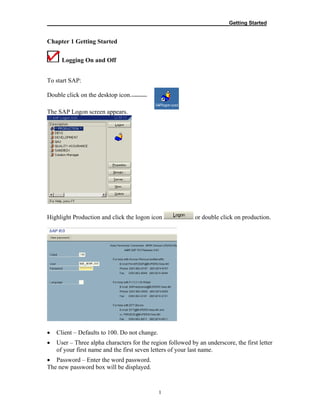
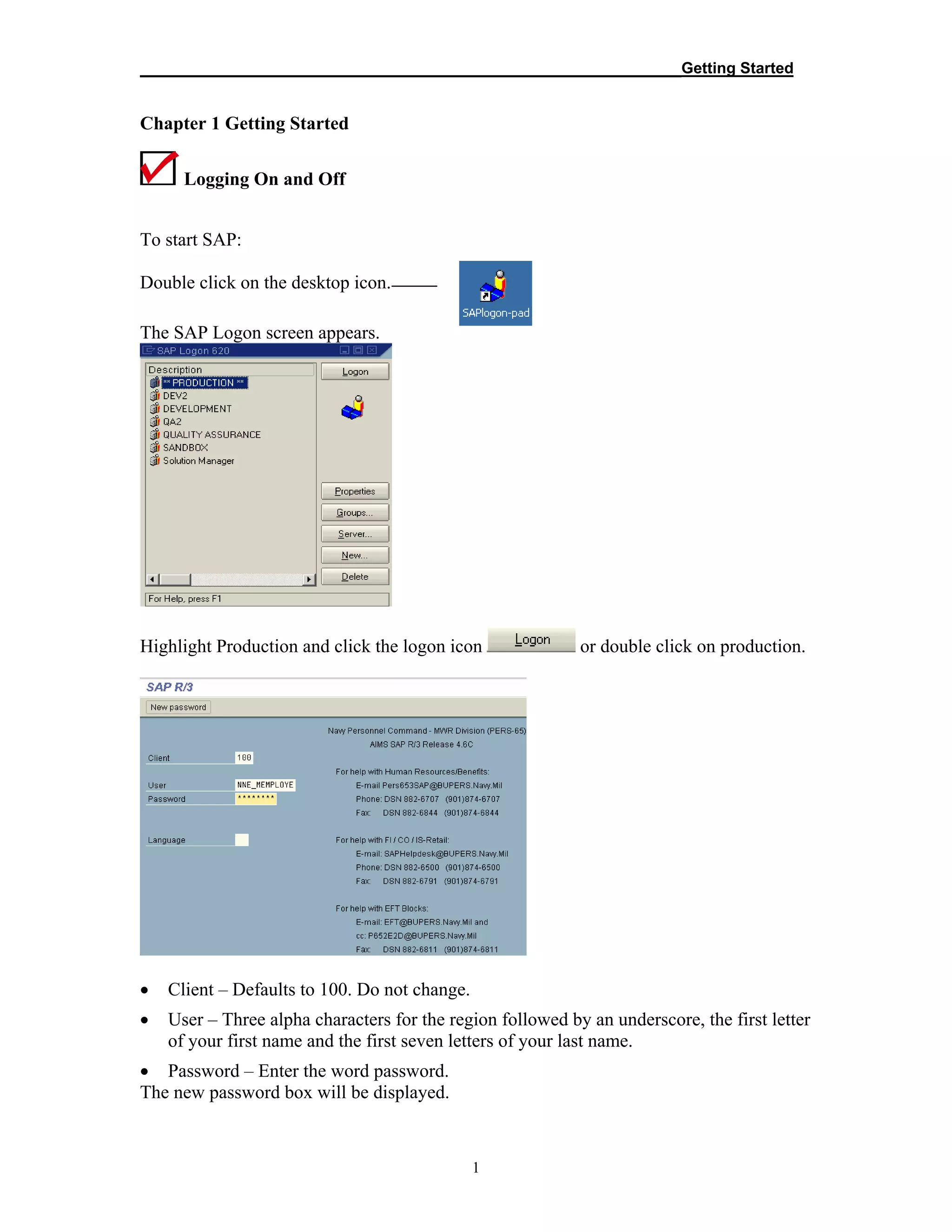
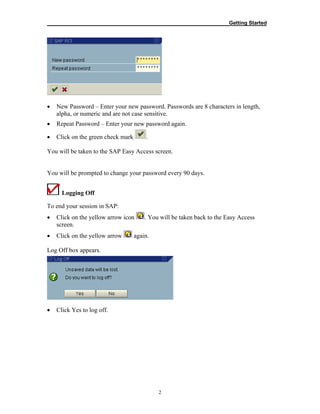
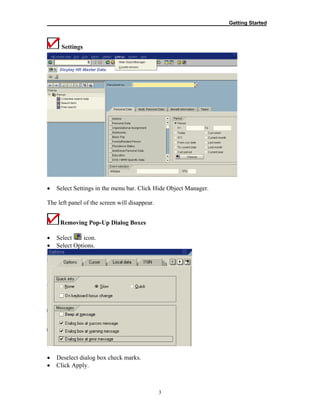
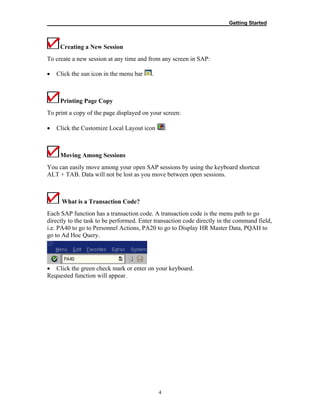
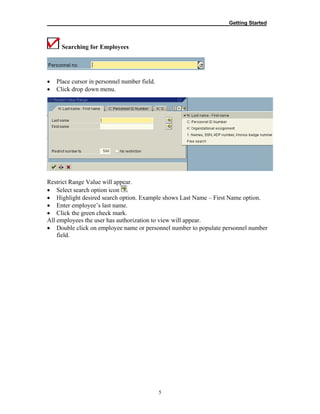
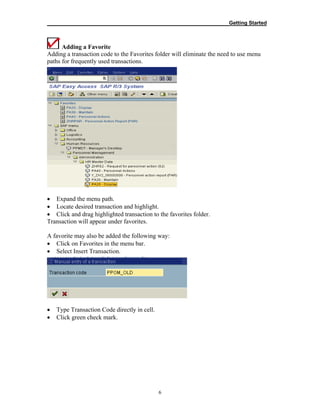
This document provides instructions for logging on and off of the SAP system, changing passwords, navigating screens, searching for employees, and adding transactions to favorites. It outlines the steps to log on by selecting the production client and entering username and password. It describes how to log off, change settings, create new sessions, print screens, and move between sessions. It also explains how to search for employees by name and add frequently used transaction codes to the favorites folder for quick access.