Ch13 visual resources 
Maria Subert
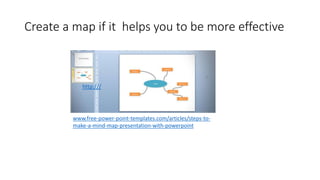
Create a map if it helps you to be more effective 
http:/// 
www.free-power-point-templates.com/articles/steps-to-make- 
a-mind-map-presentation-with-powerpoint
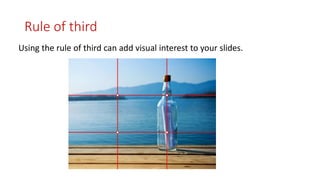
Rule of third 
Using the rule of third can add visual interest to your slides.
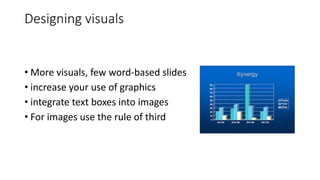
Designing visuals 
• More visuals, few word-based slides 
• increase your use of graphics 
• integrate text boxes into images 
• For images use the rule of third
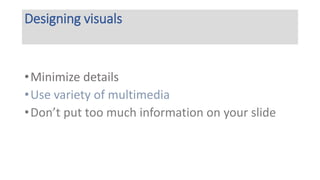
Designing visuals 
•Minimize details 
•Use variety of multimedia 
• Don’t put too much information on your slide
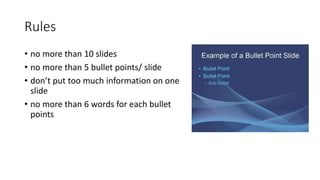
Rules 
• no more than 10 slides 
• no more than 5 bullet points/ slide 
• don’t put too much information on one 
slide 
• no more than 6 words for each bullet 
points
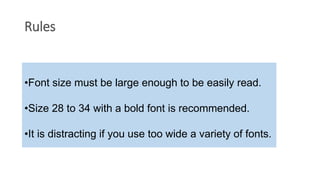
Rules 
•Font size must be large enough to be easily read. 
•Size 28 to 34 with a bold font is recommended. 
•It is distracting if you use too wide a variety of fonts.

Ch13 visual resources

  • 1.
    Ch13 visual resources Maria Subert
  • 2.
    Create a mapif it helps you to be more effective http:/// www.free-power-point-templates.com/articles/steps-to-make- a-mind-map-presentation-with-powerpoint
  • 3.
    Rule of third Using the rule of third can add visual interest to your slides.
  • 4.
    Designing visuals •More visuals, few word-based slides • increase your use of graphics • integrate text boxes into images • For images use the rule of third
  • 5.
    Designing visuals •Minimizedetails •Use variety of multimedia • Don’t put too much information on your slide
  • 6.
    Rules • nomore than 10 slides • no more than 5 bullet points/ slide • don’t put too much information on one slide • no more than 6 words for each bullet points
  • 7.
    Rules •Font sizemust be large enough to be easily read. •Size 28 to 34 with a bold font is recommended. •It is distracting if you use too wide a variety of fonts.