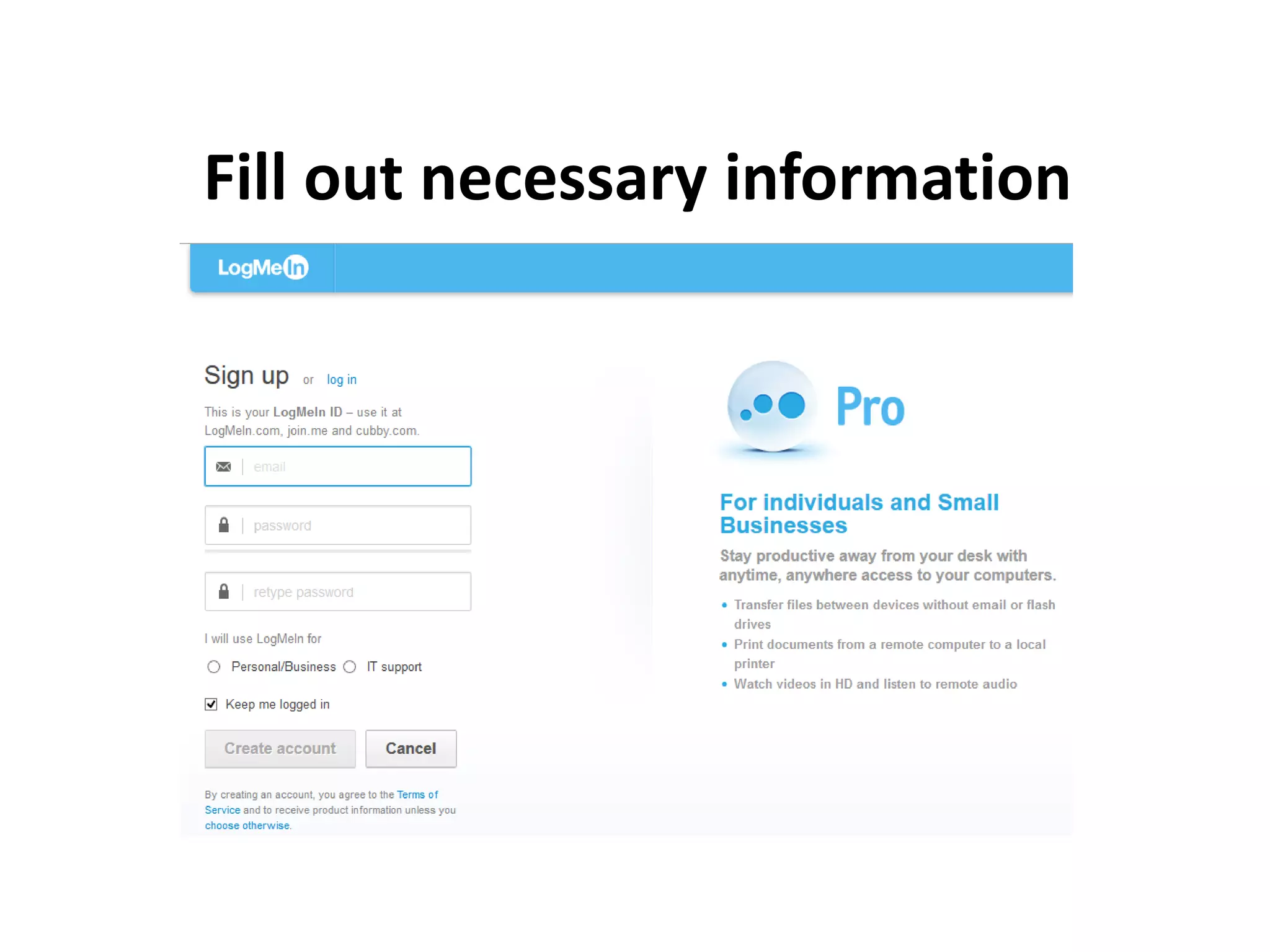
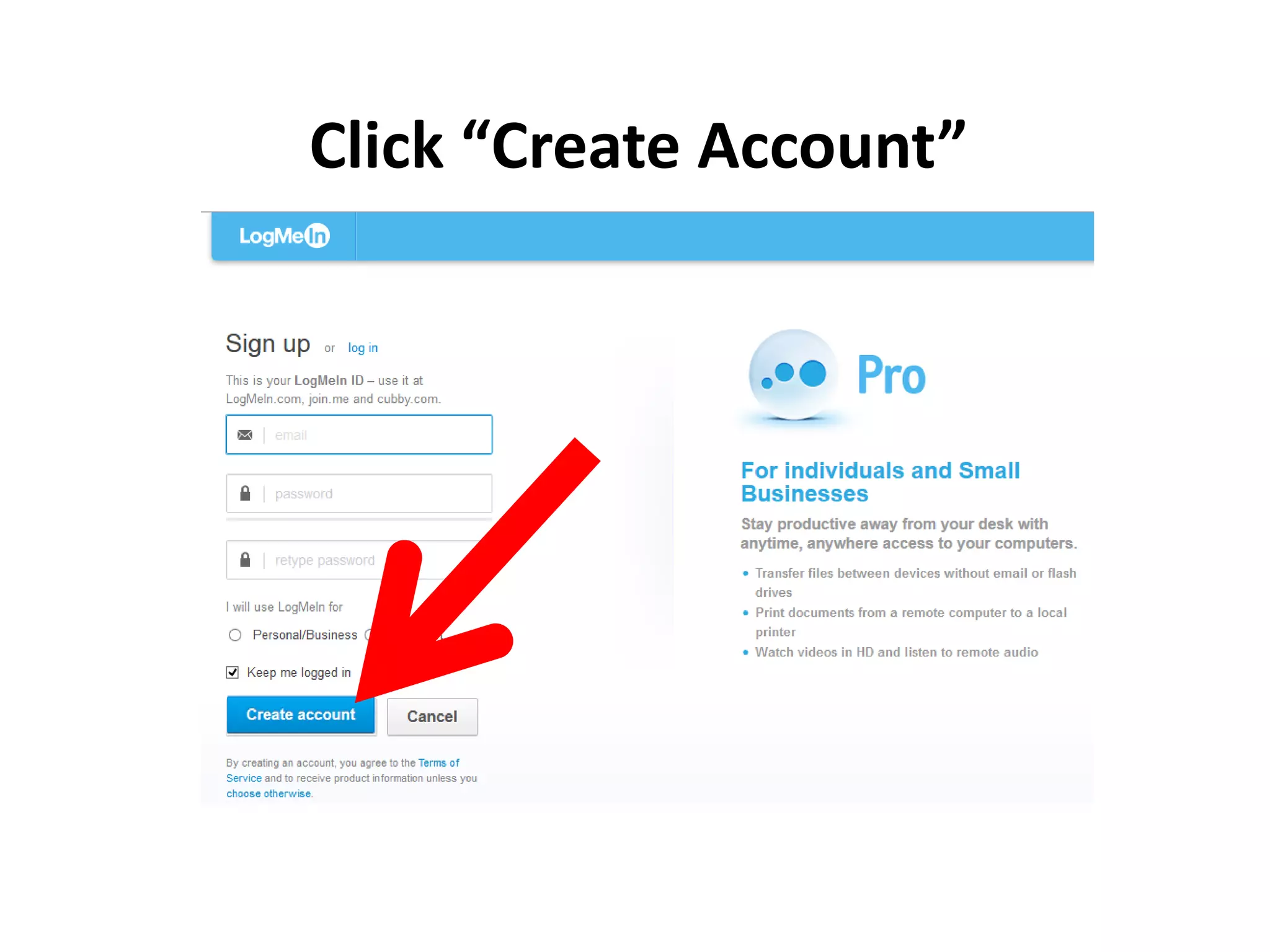
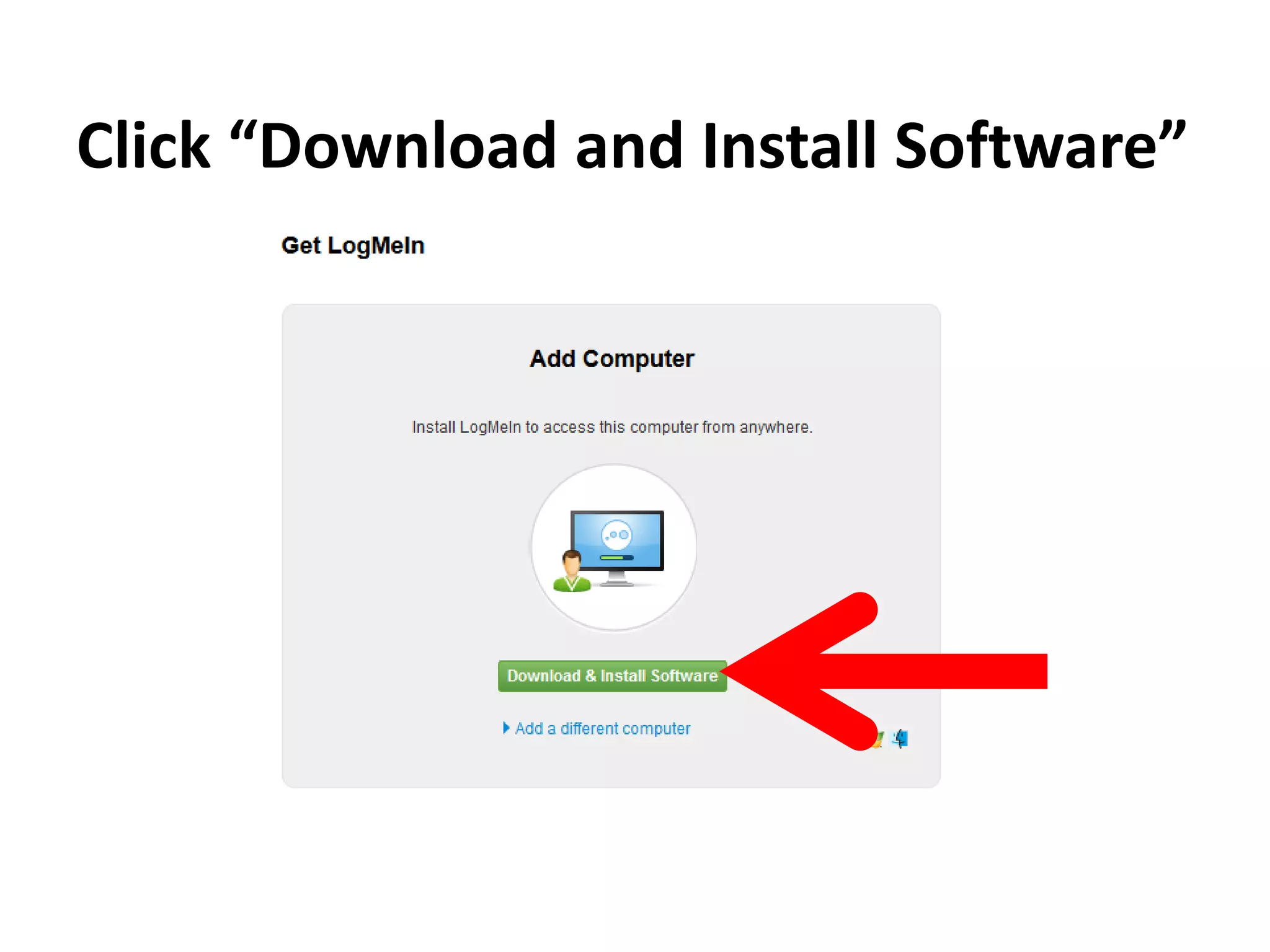
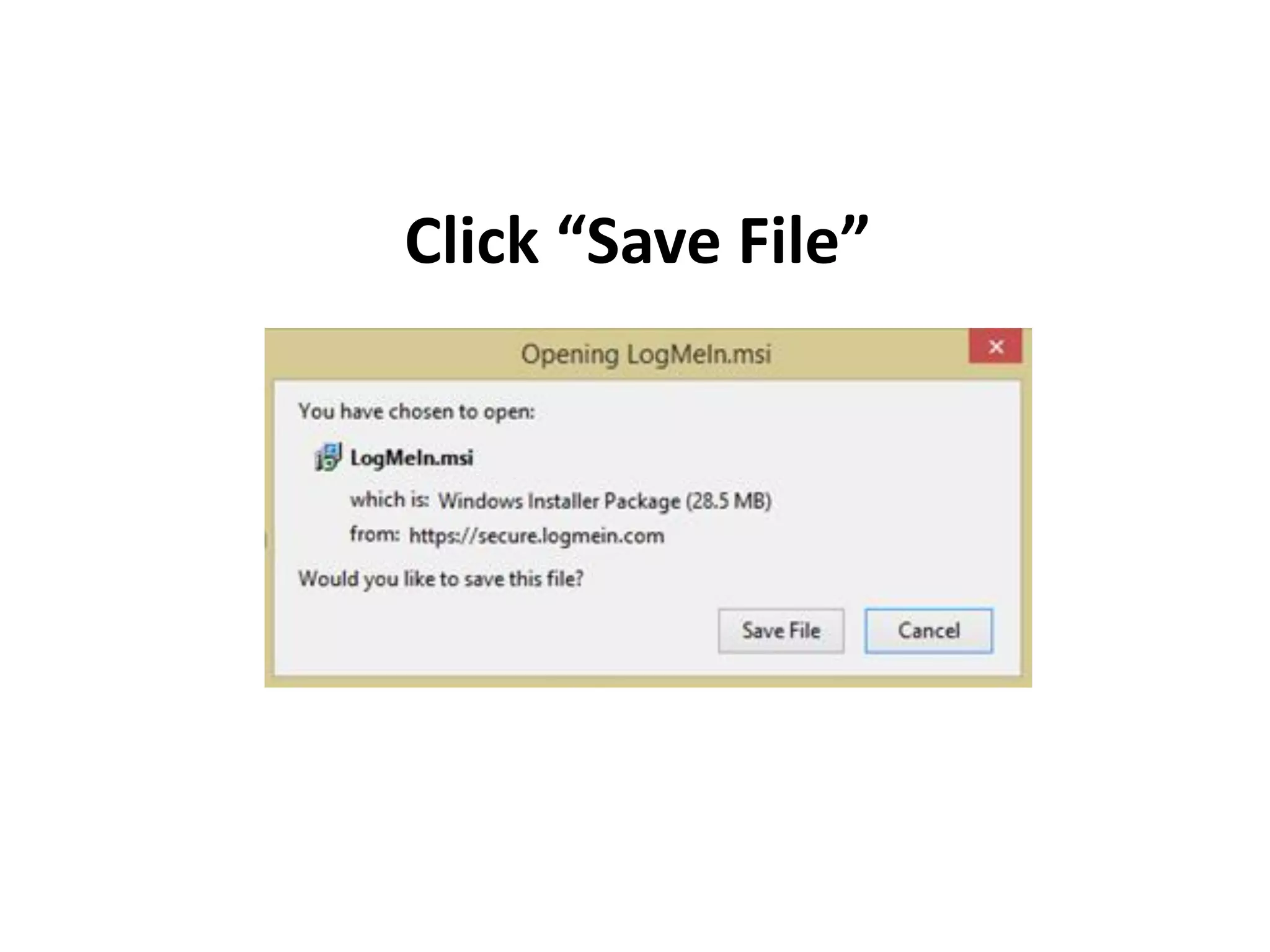
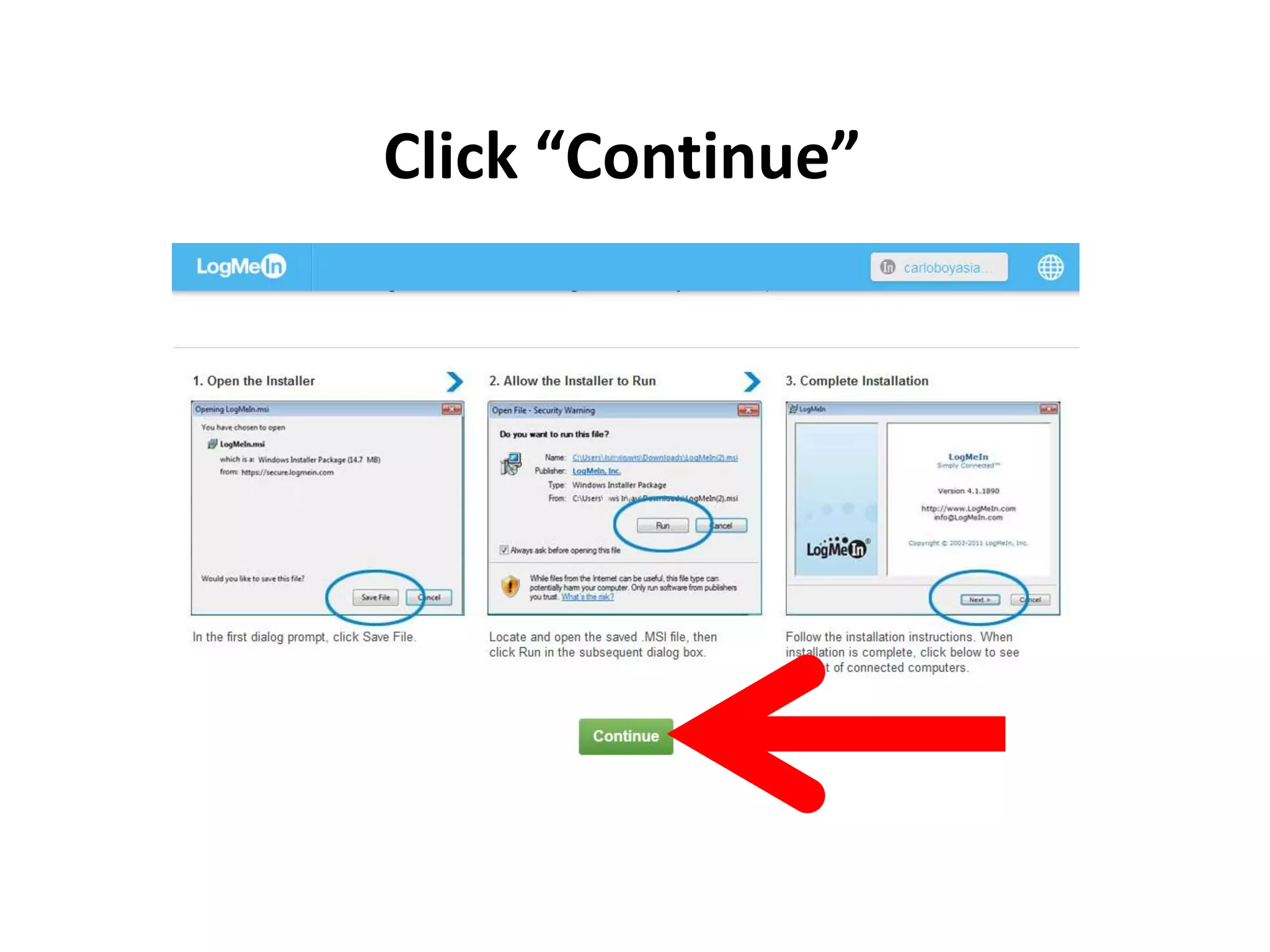
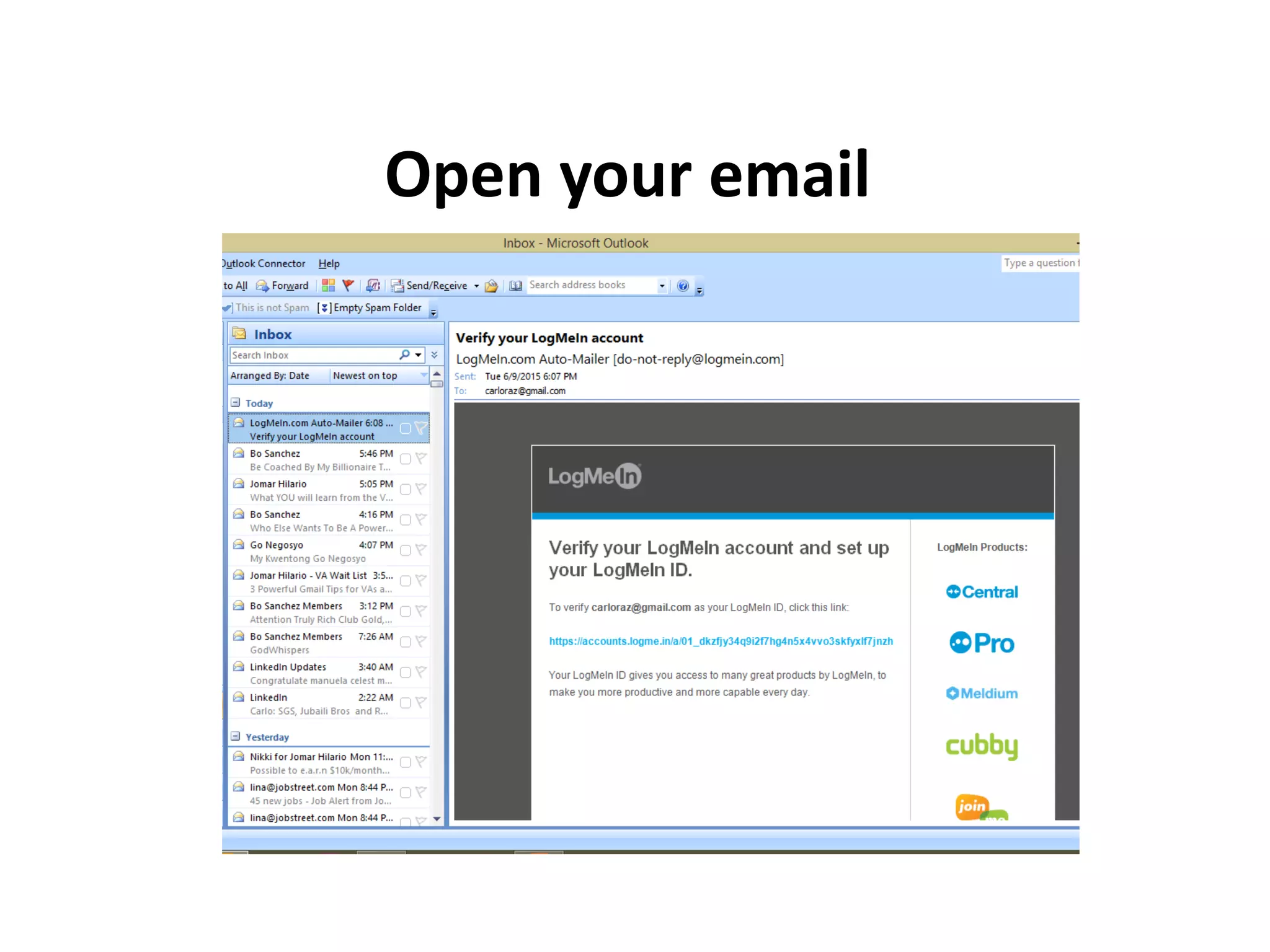
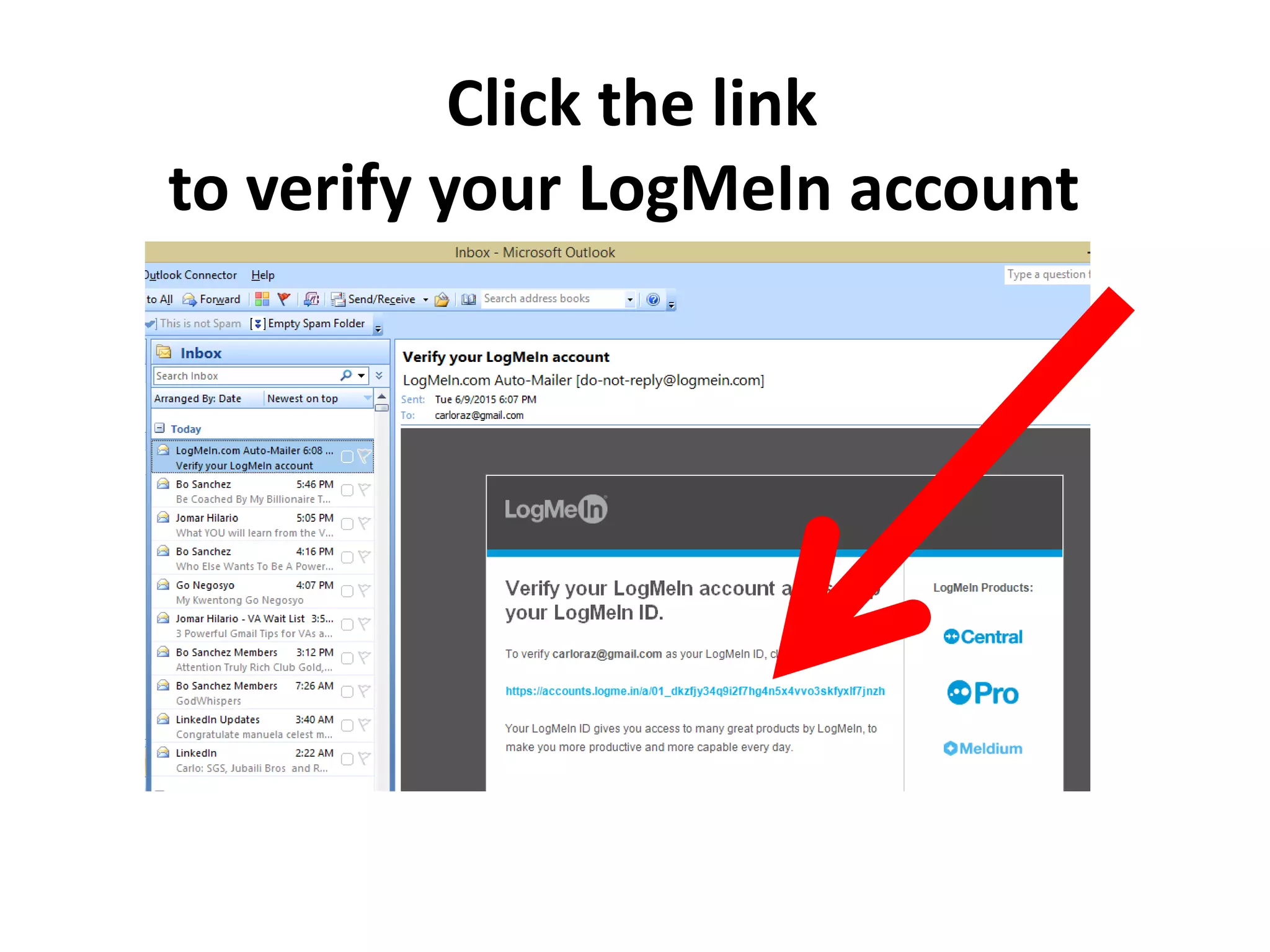
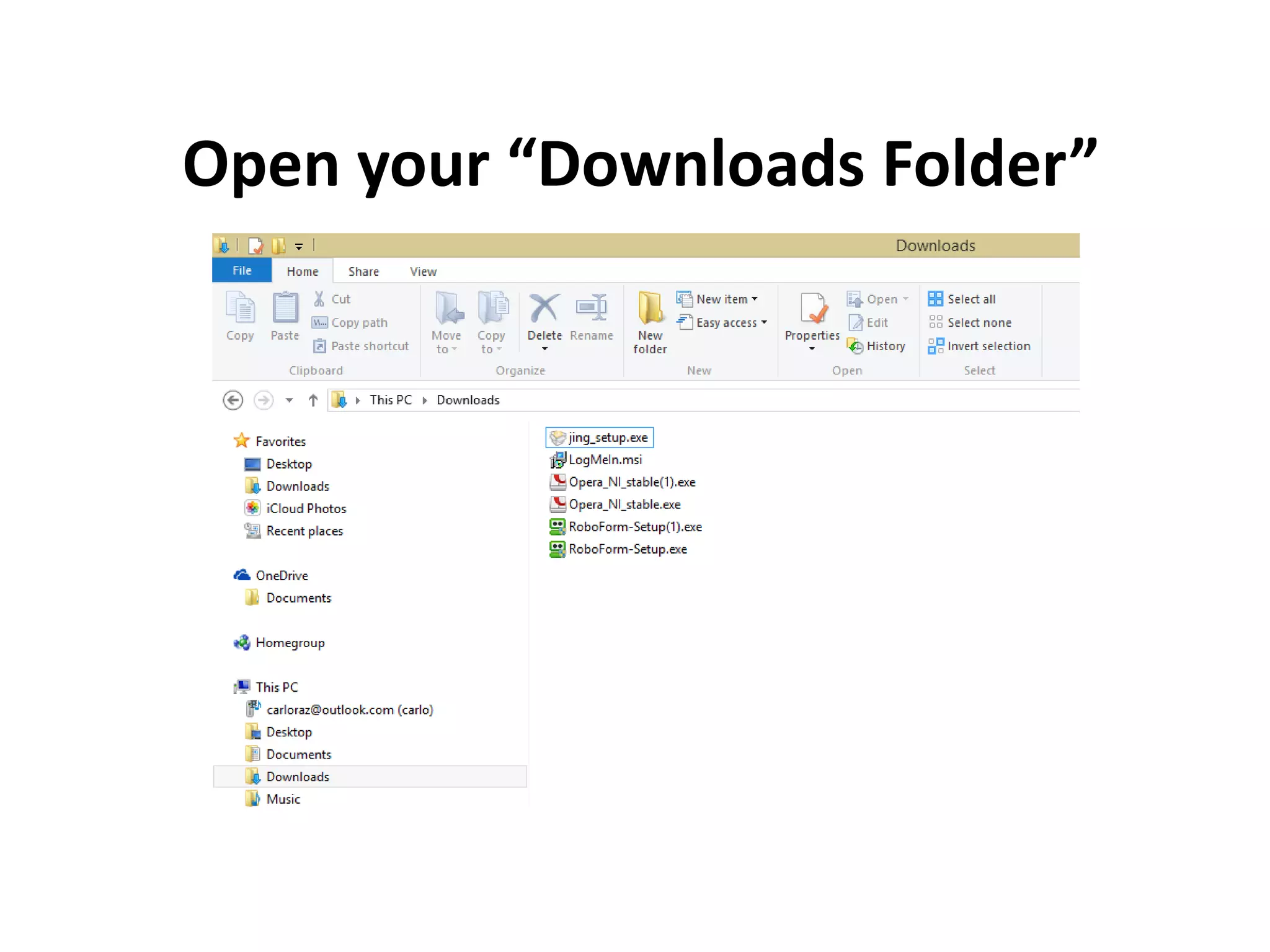
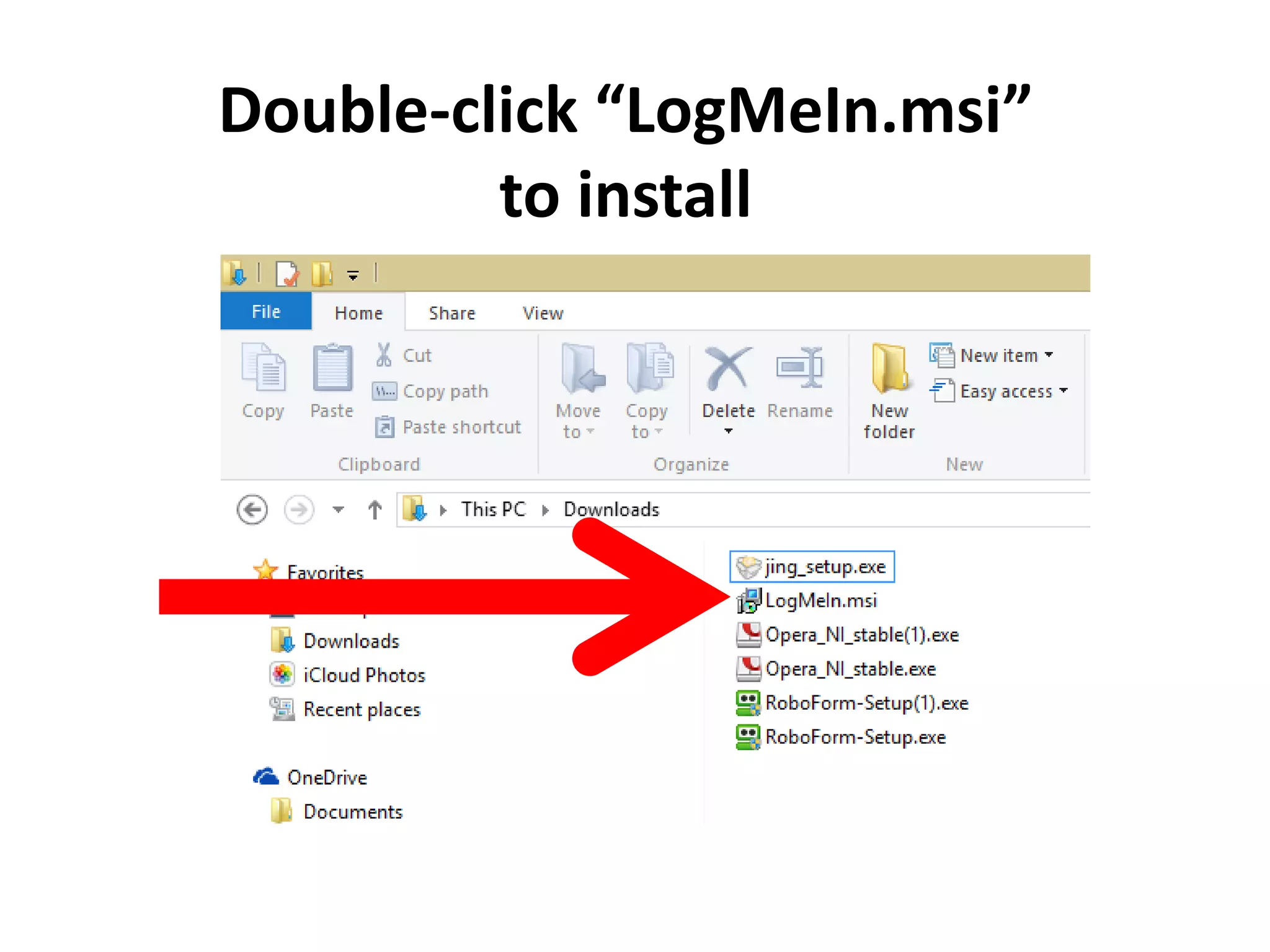
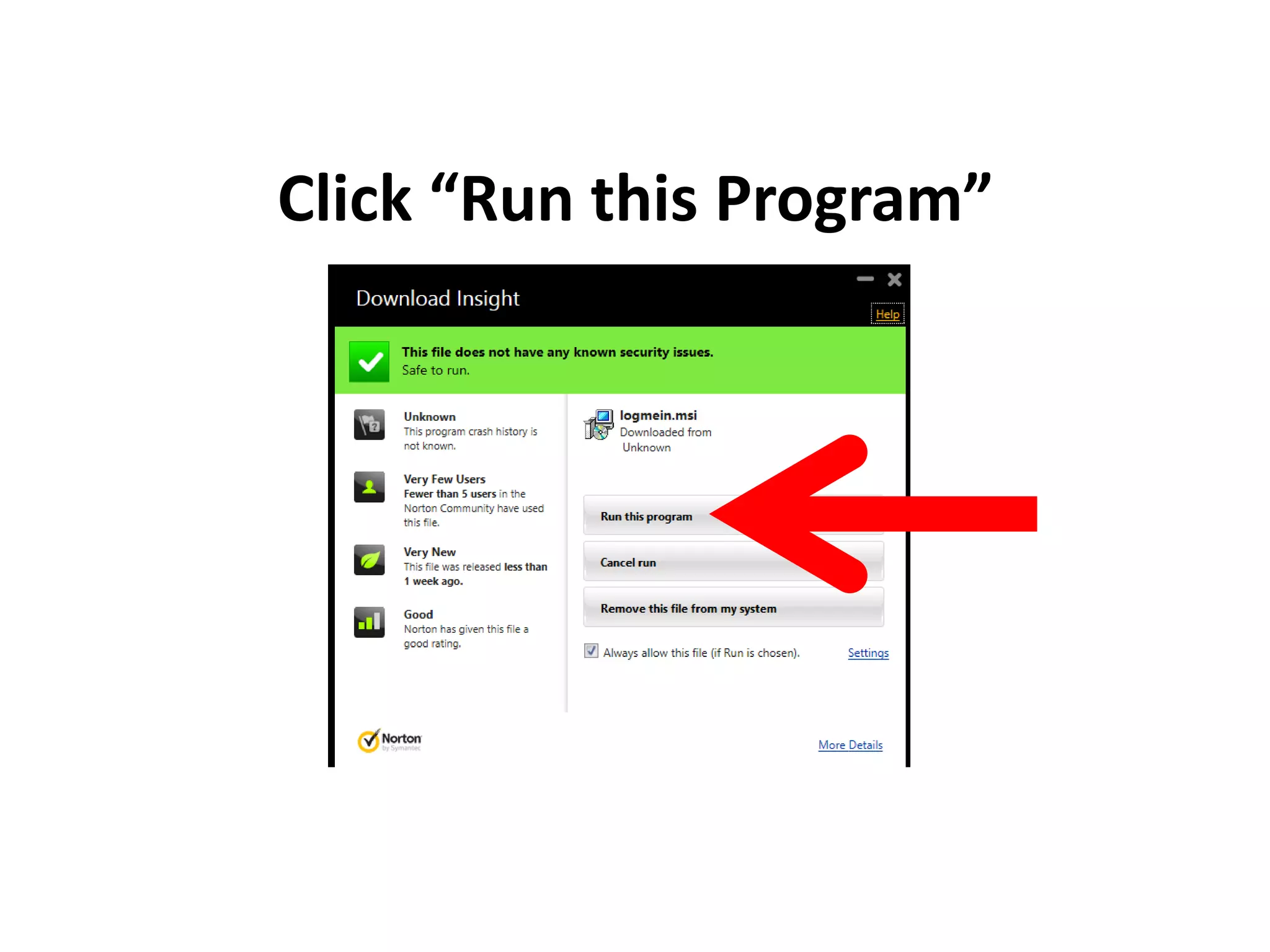
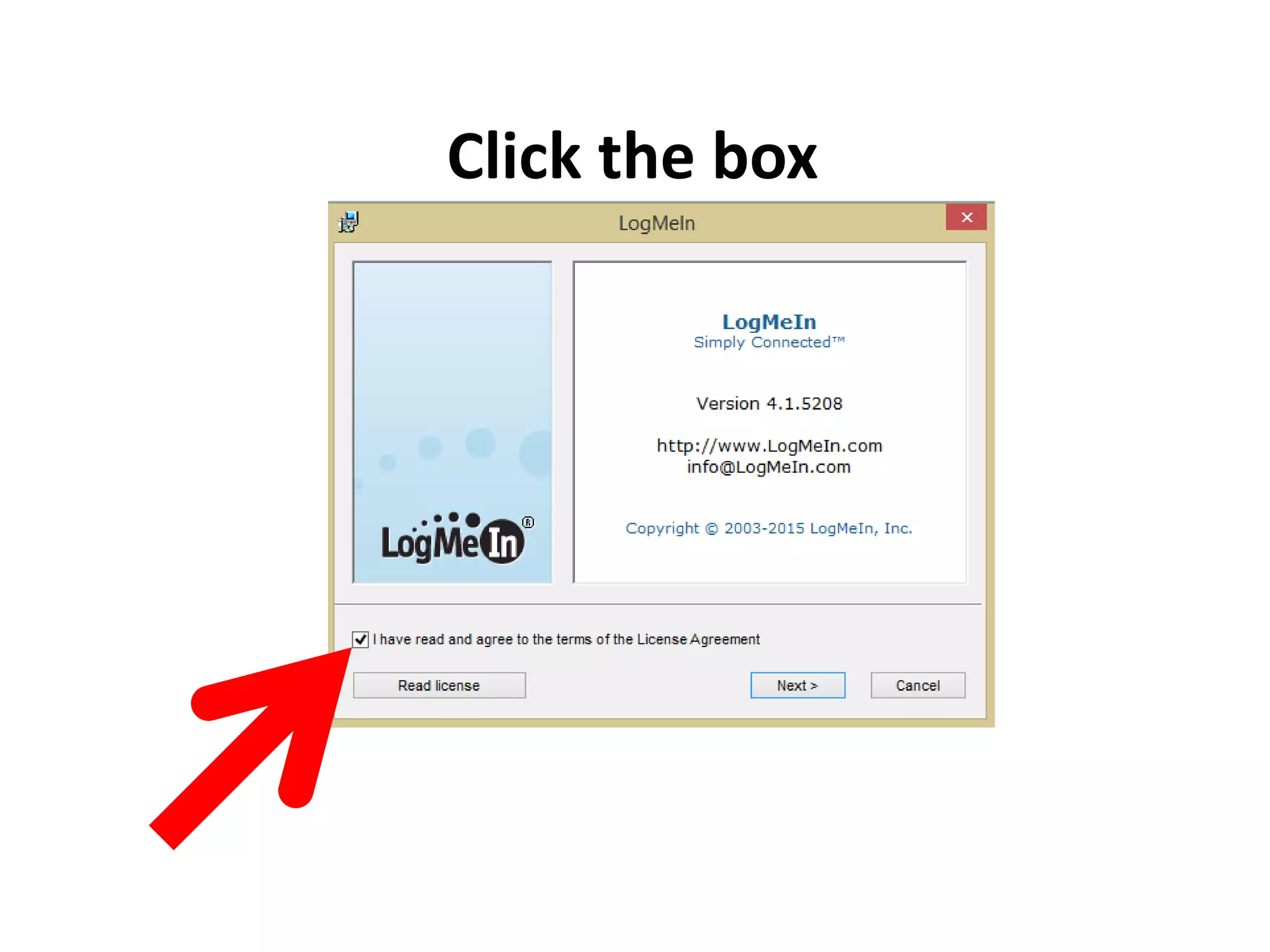
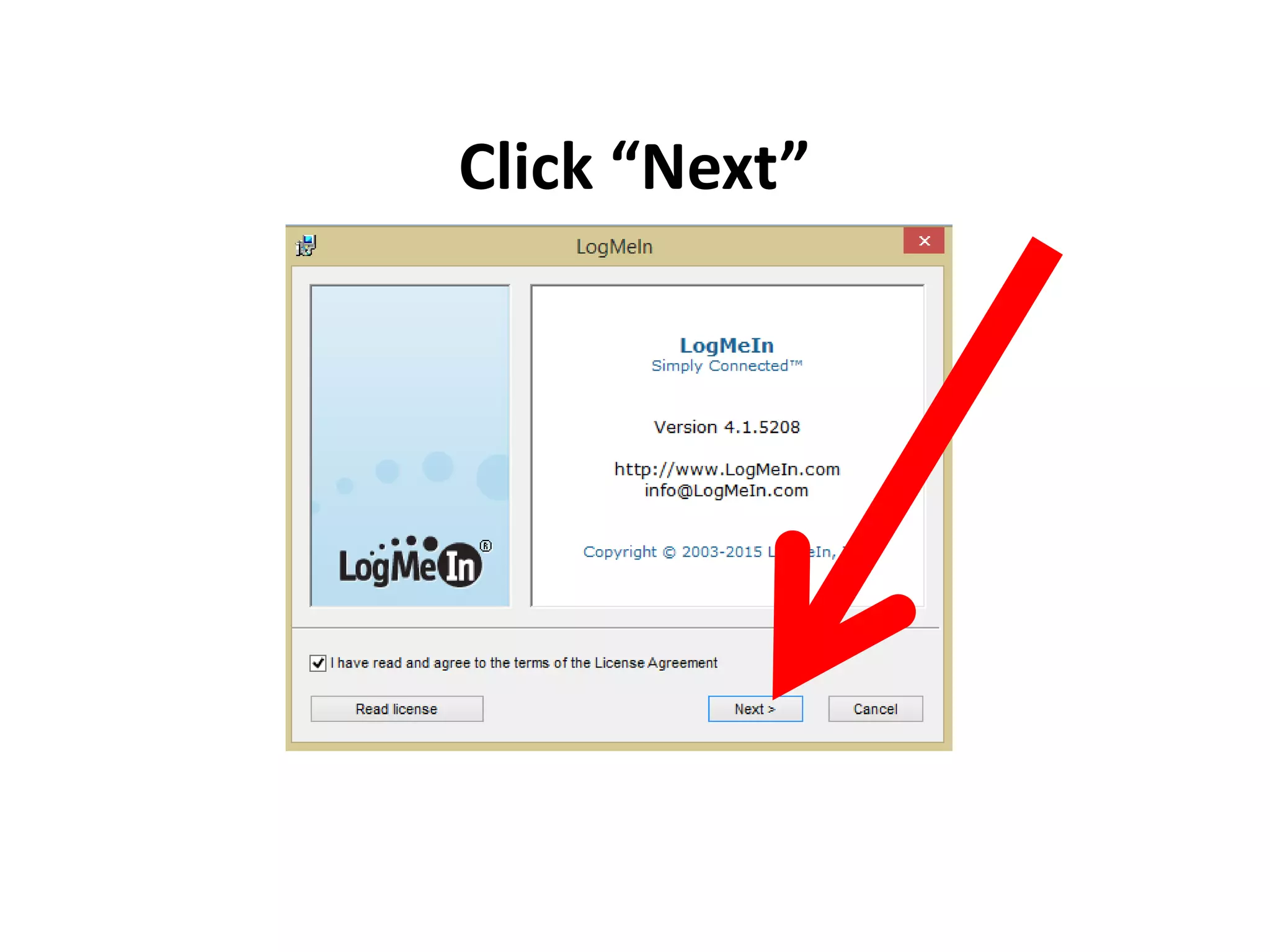
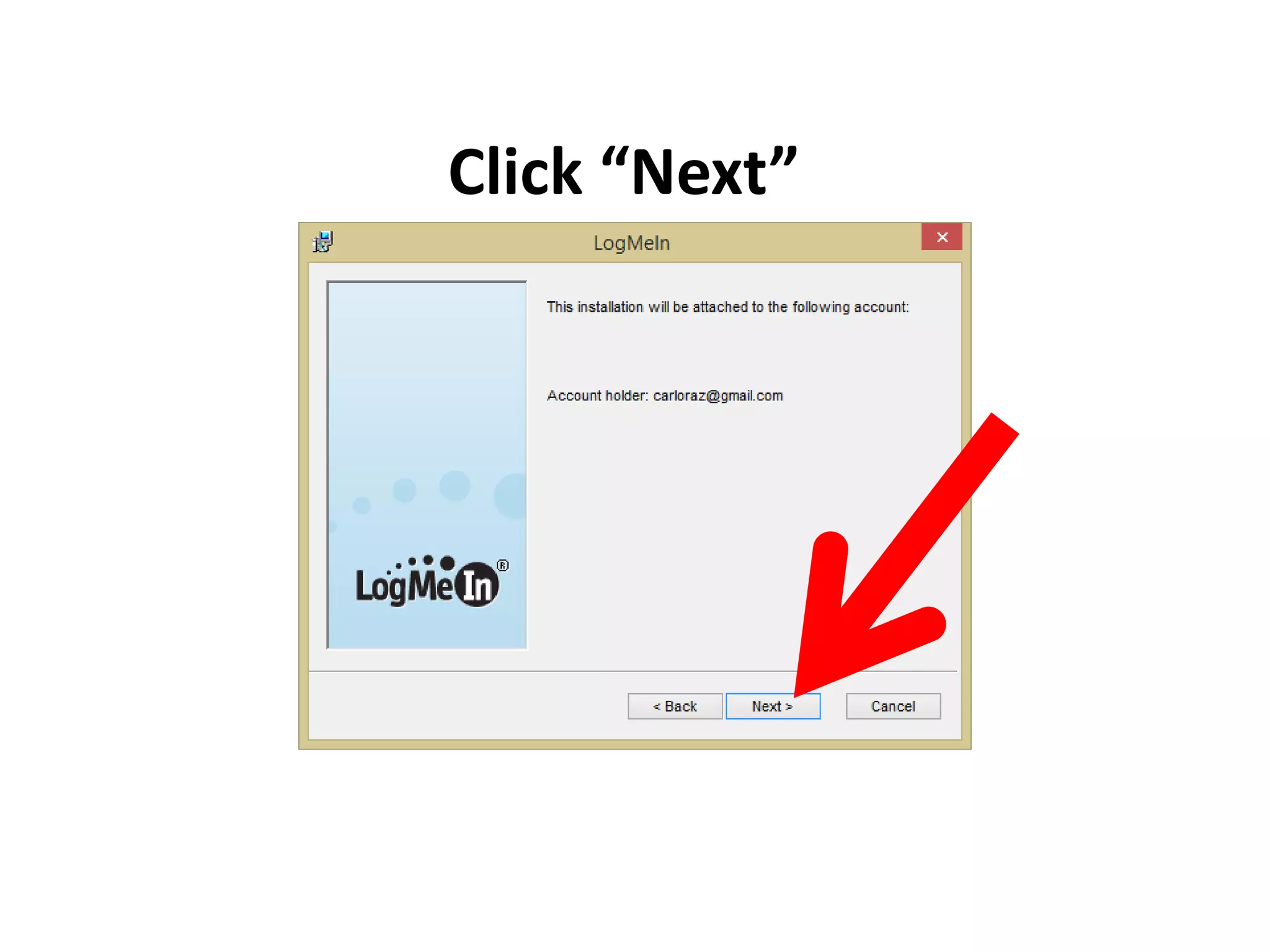
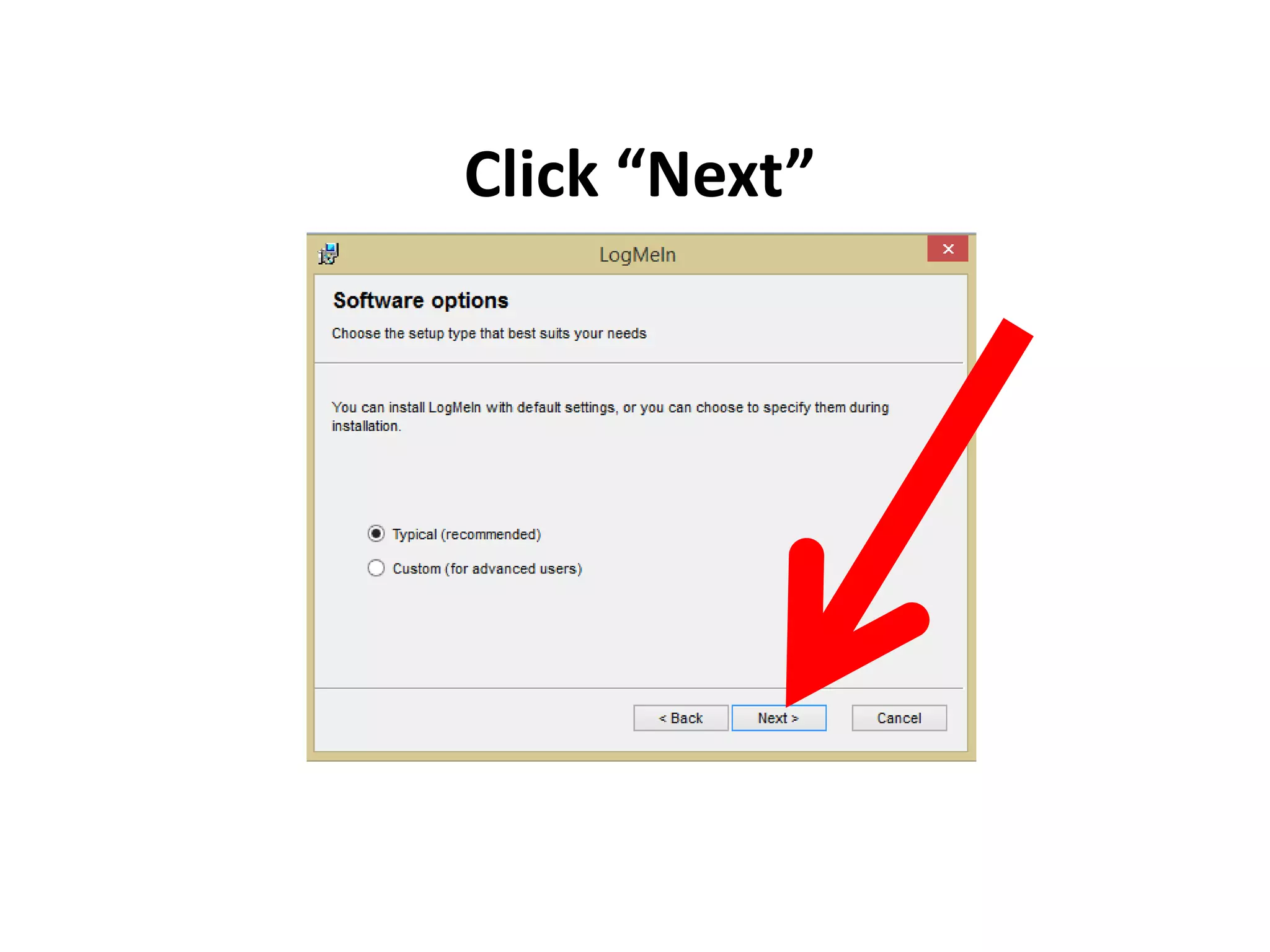
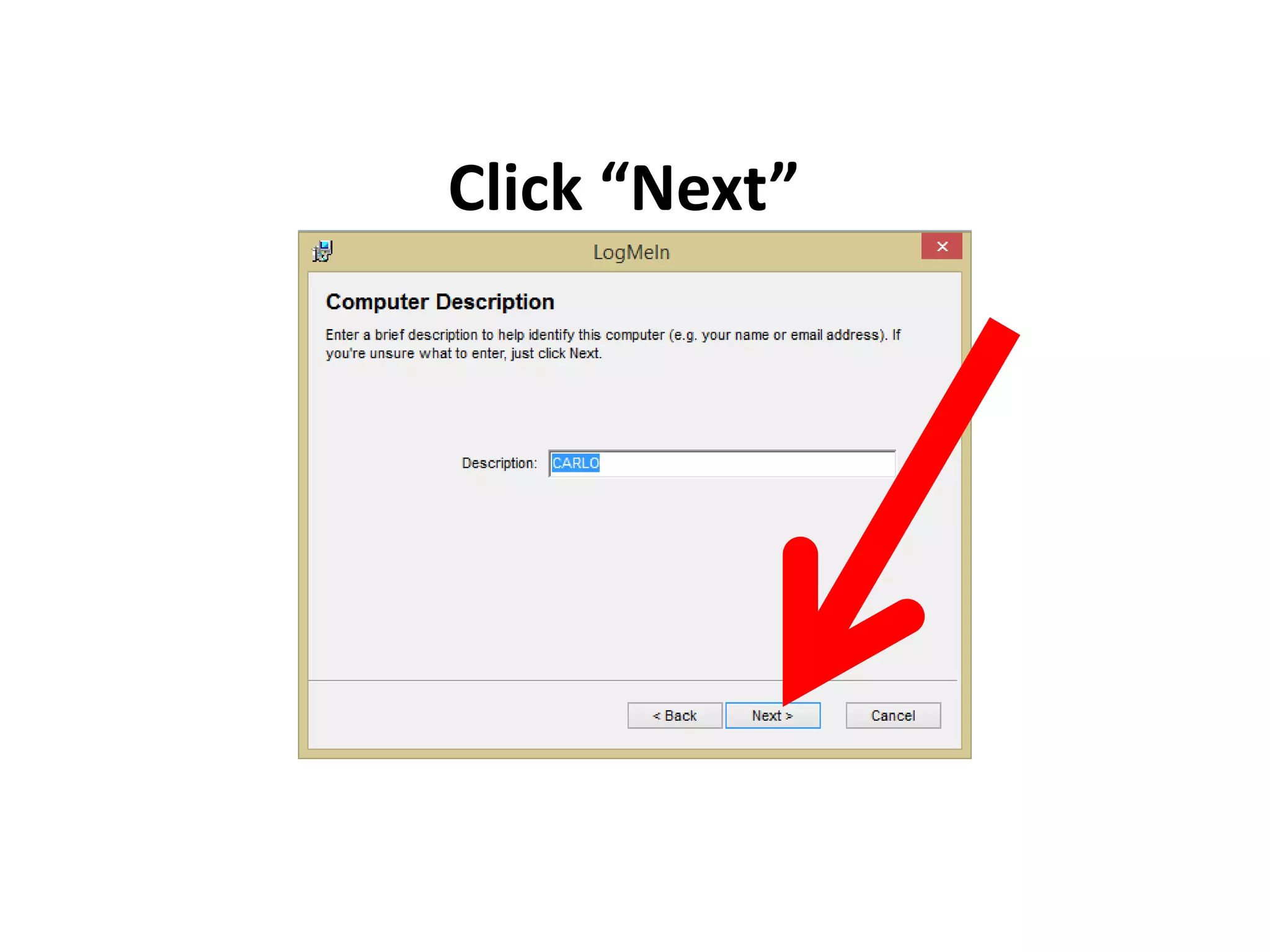
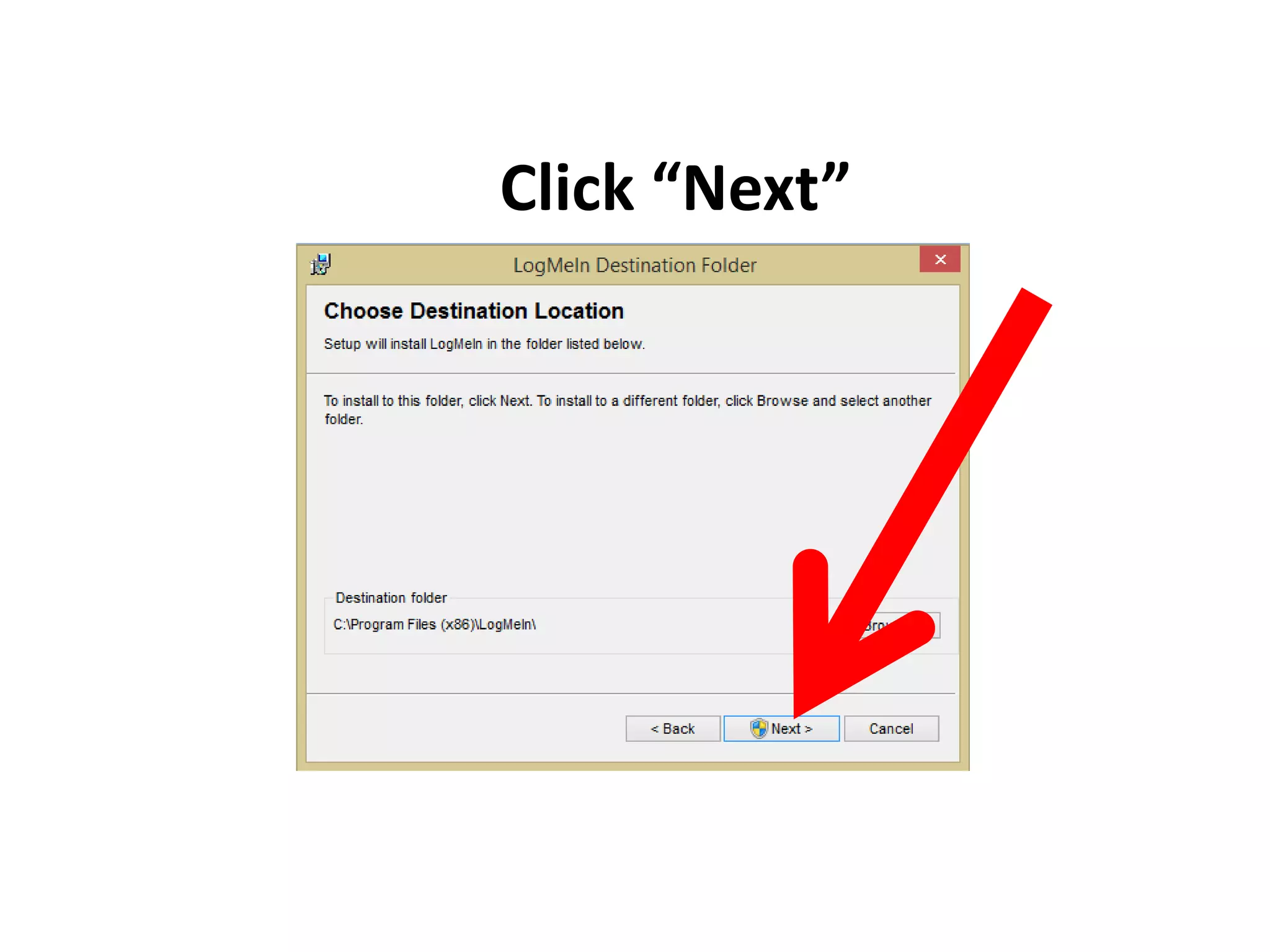
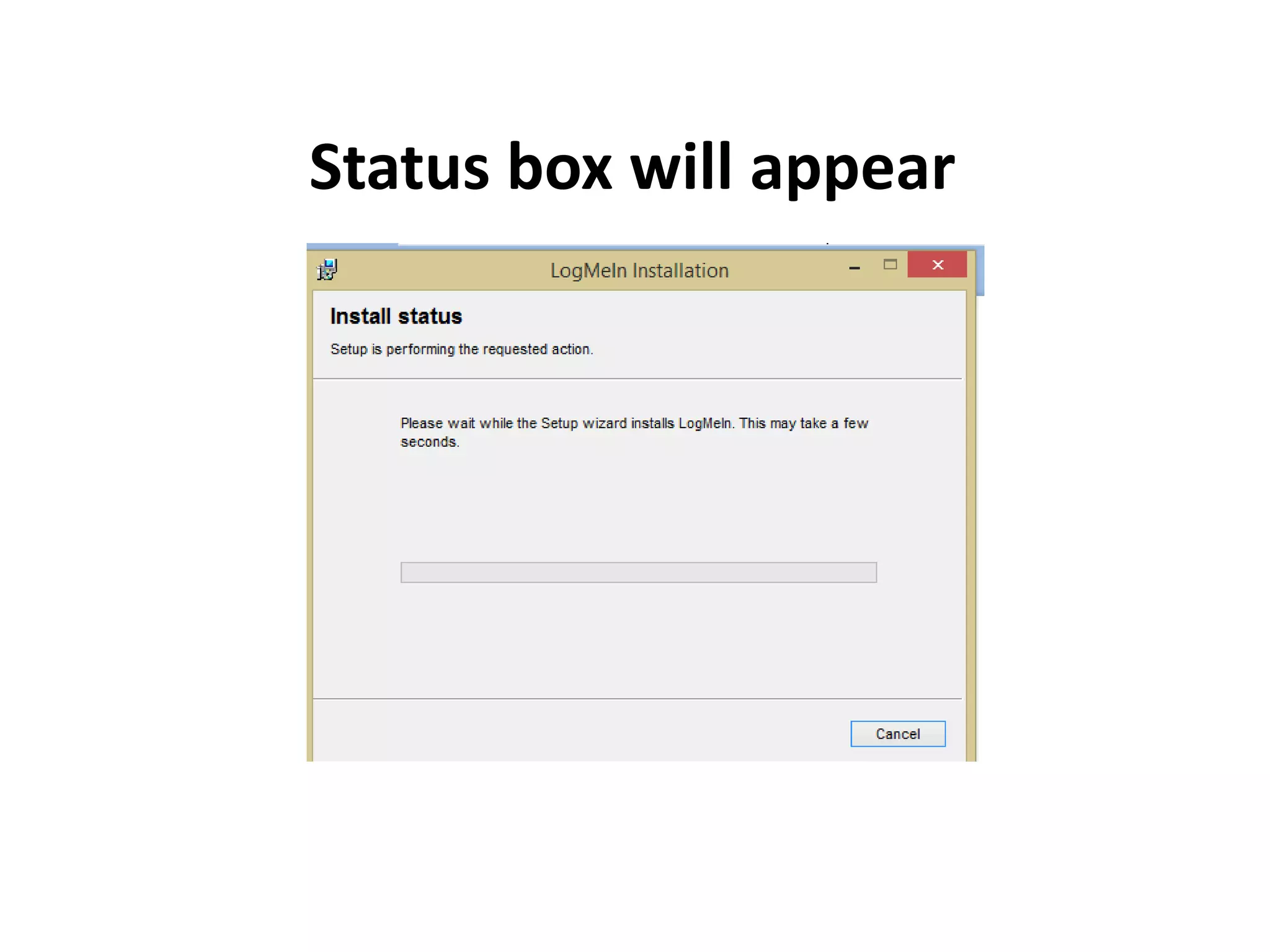
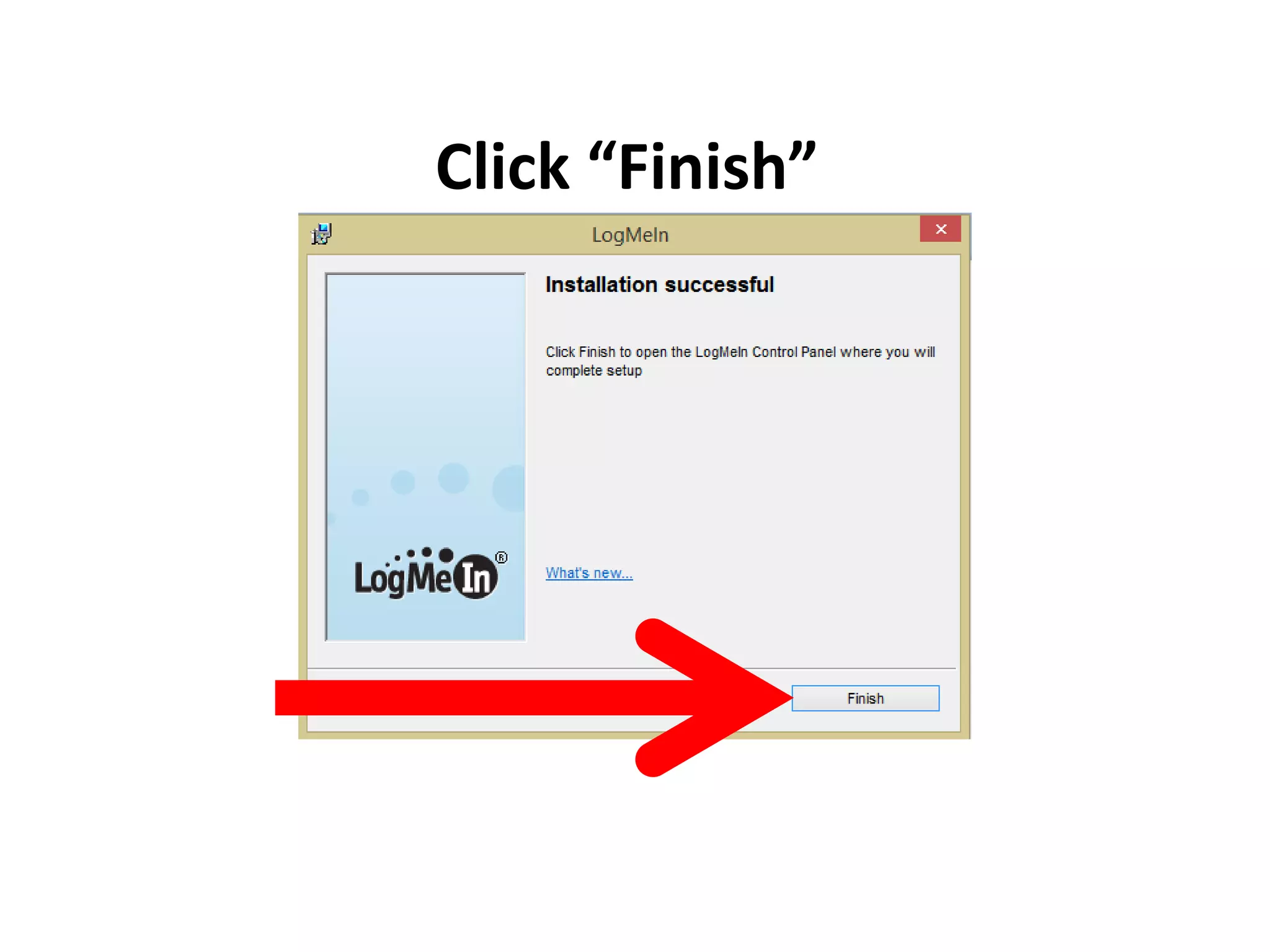
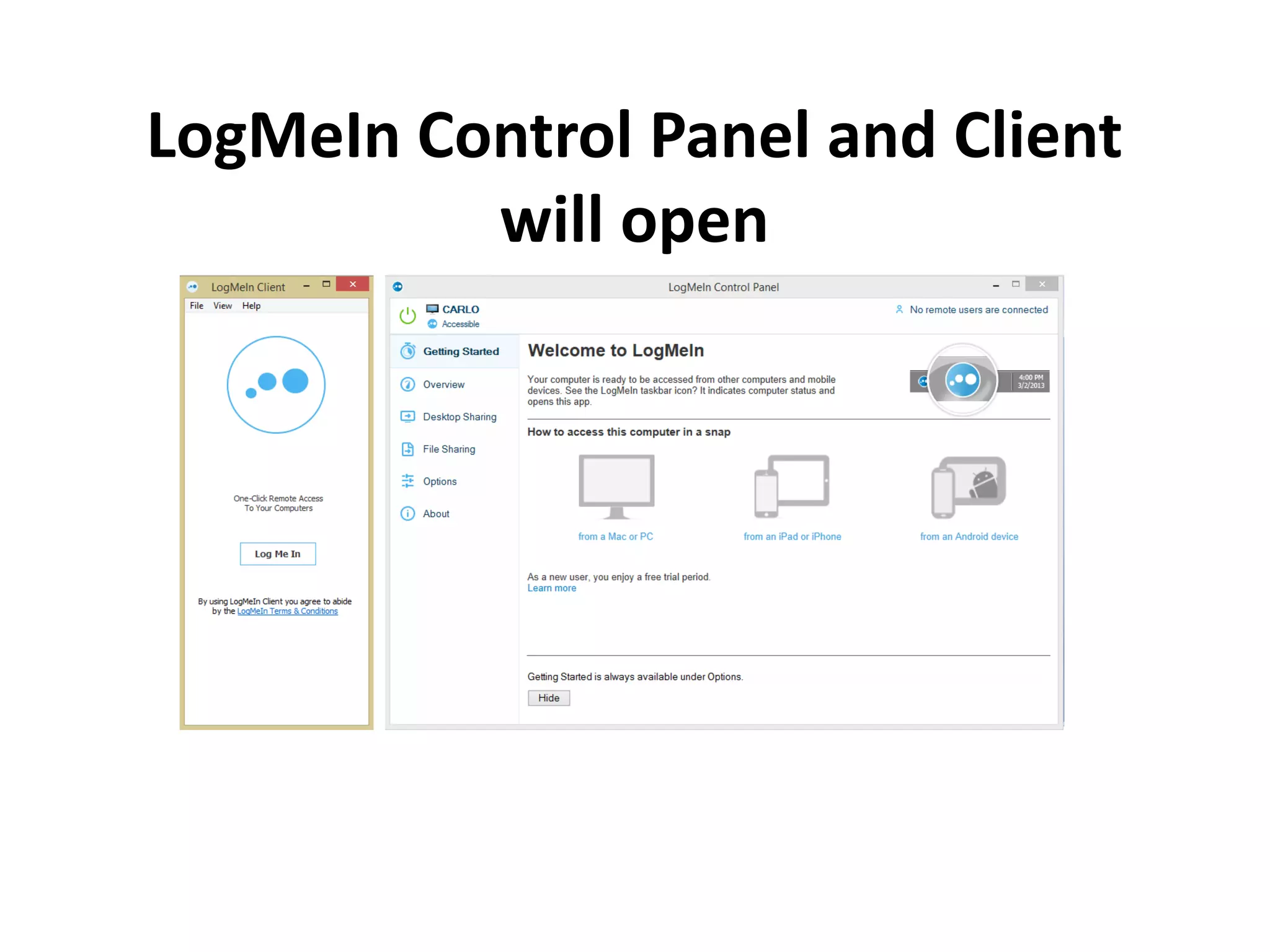
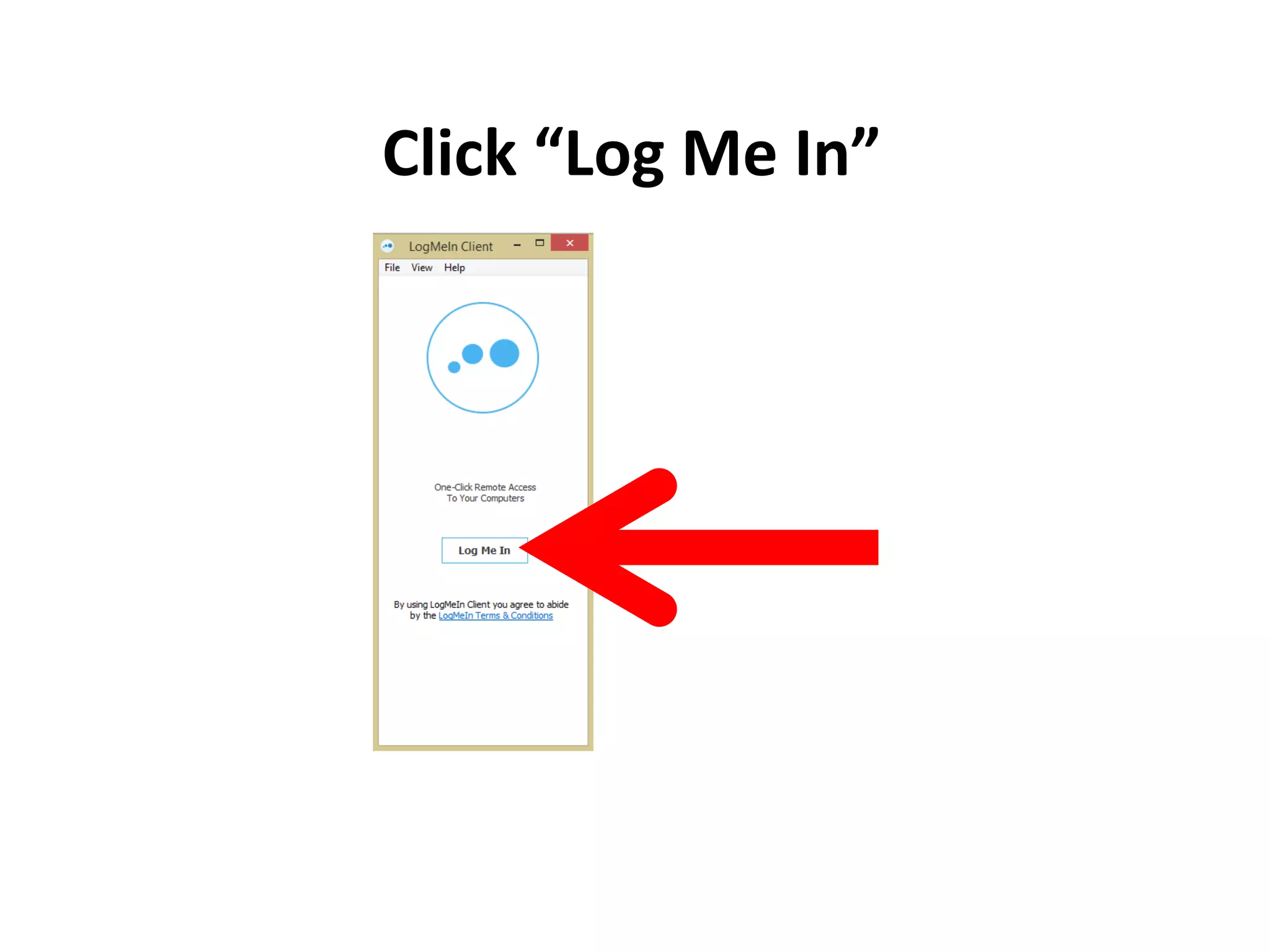
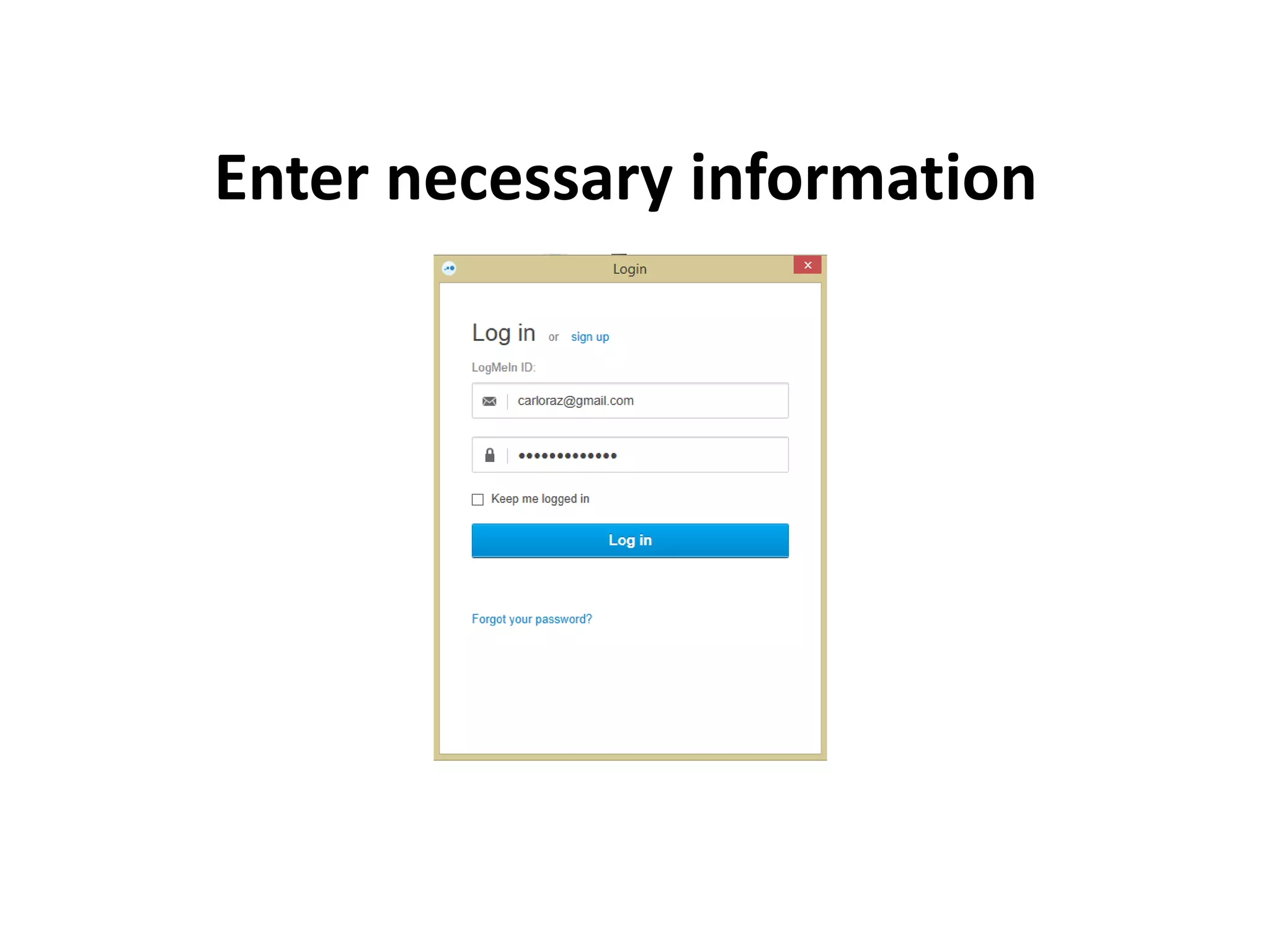
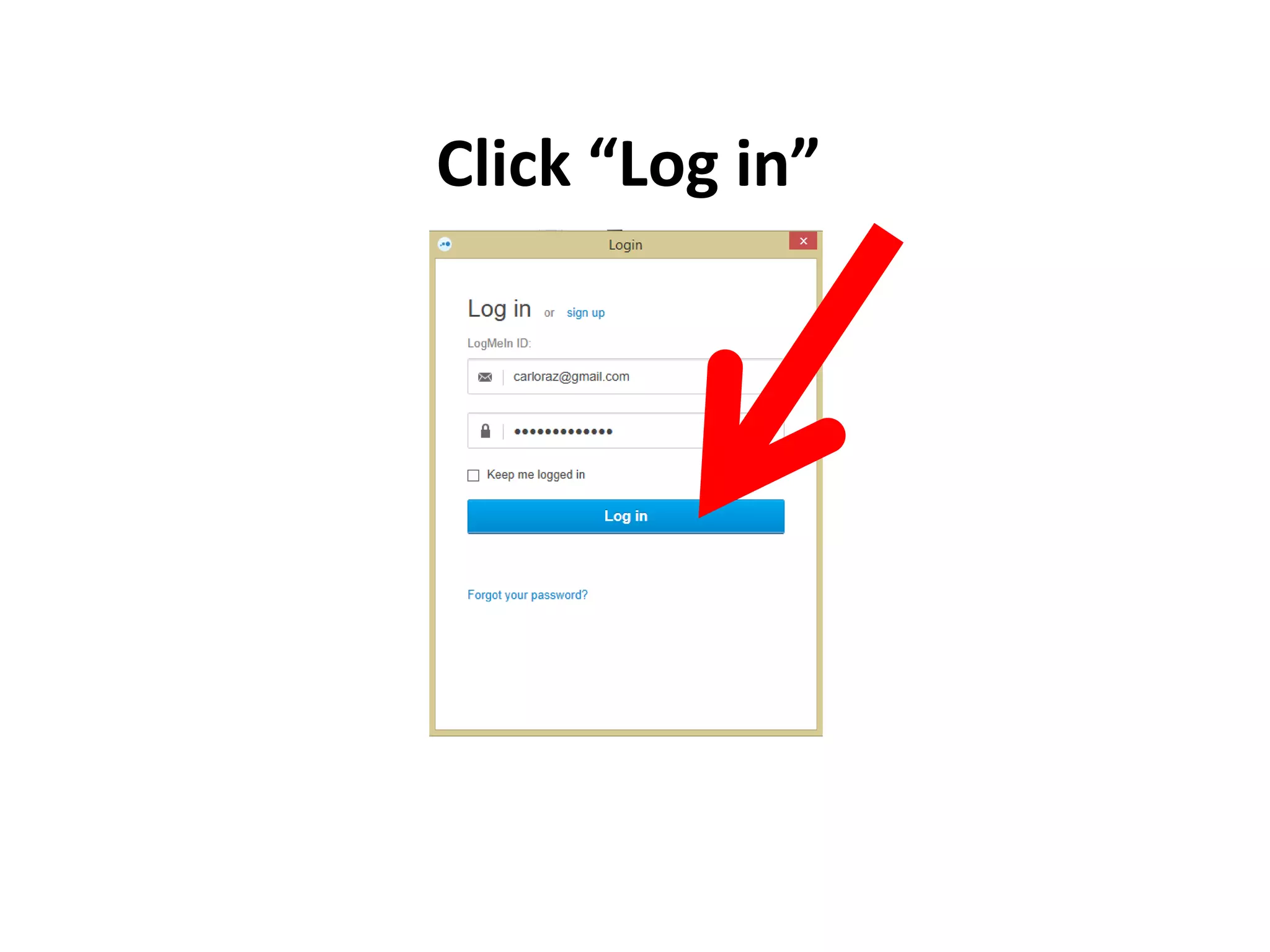
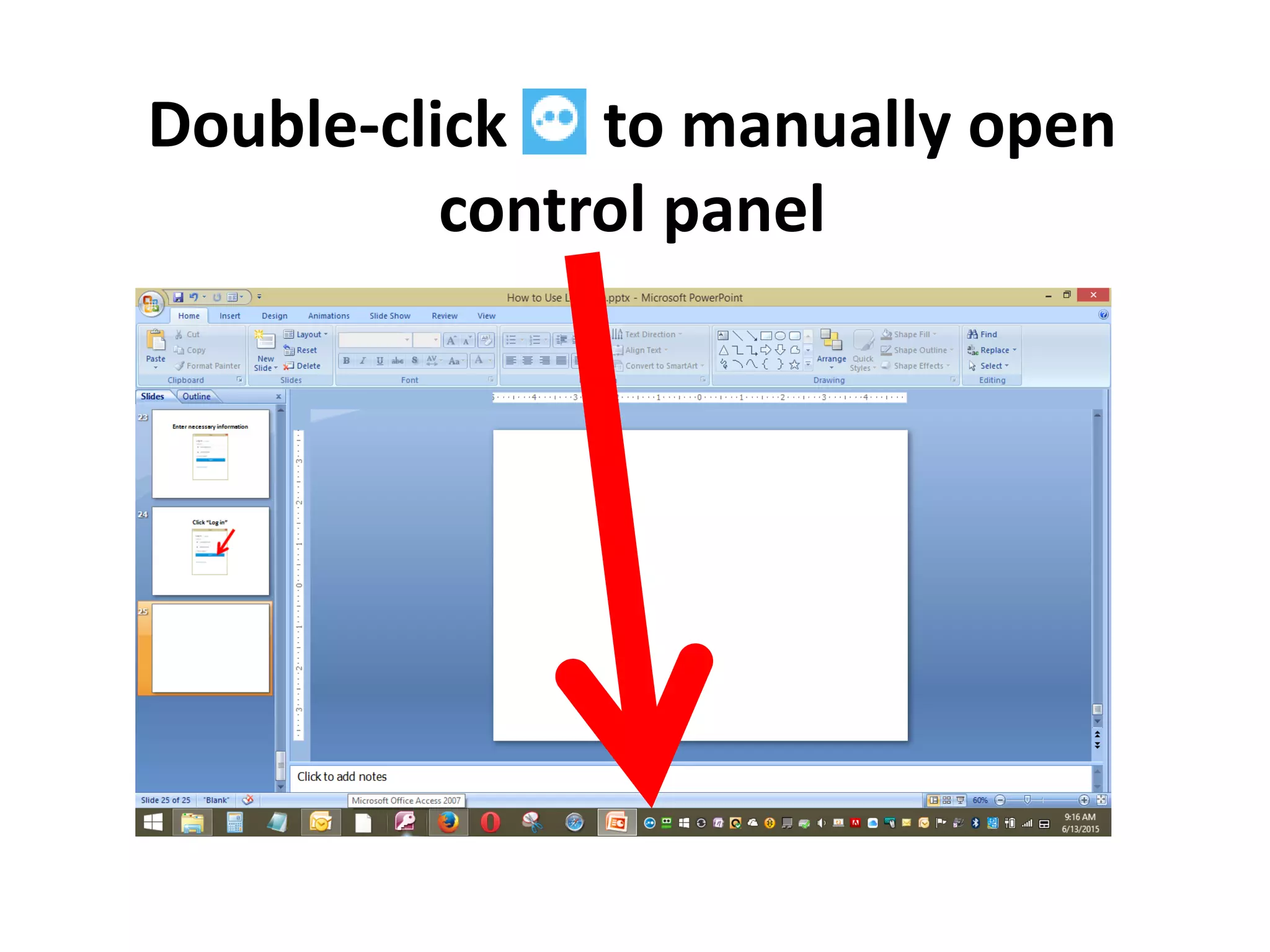
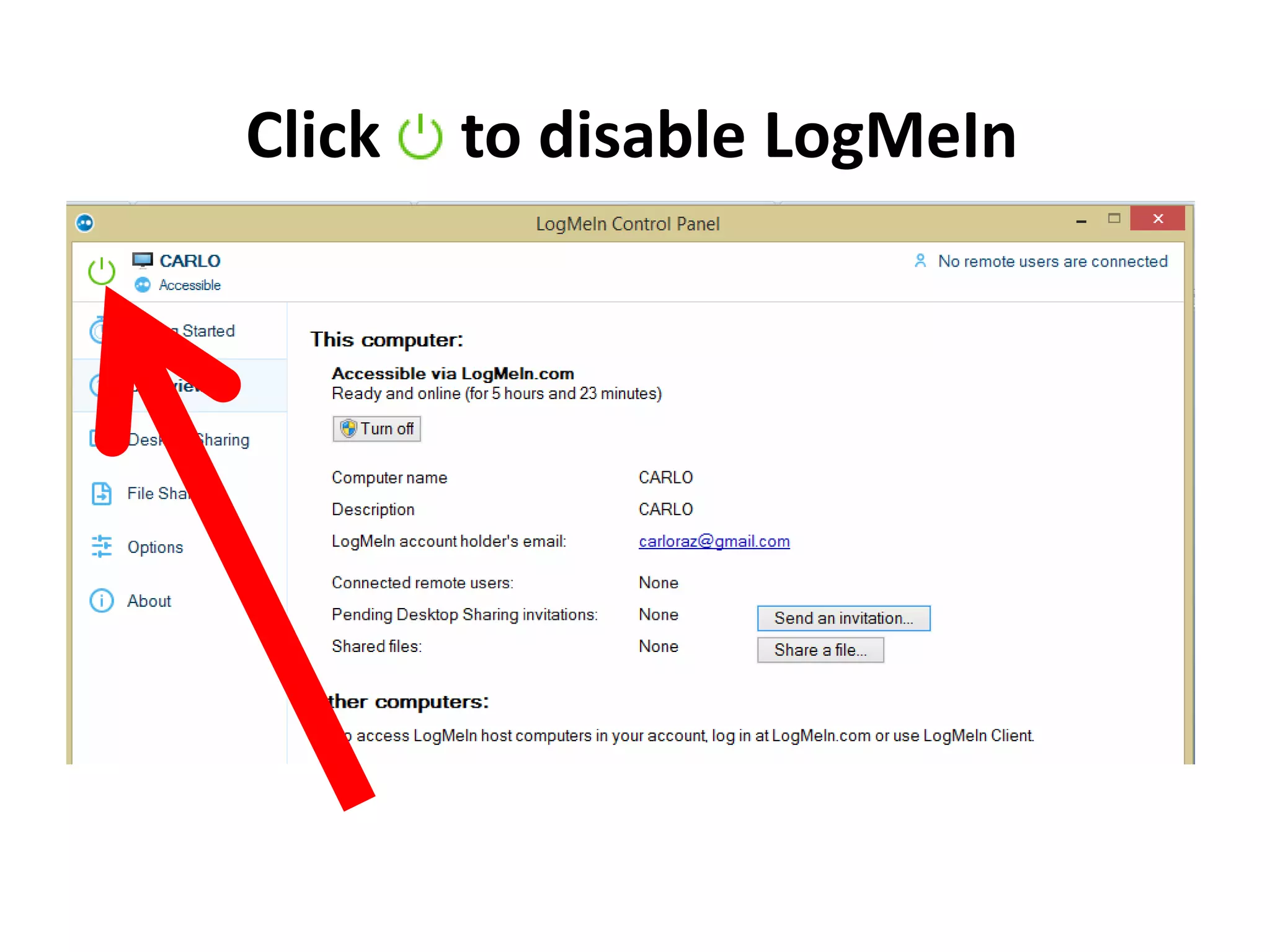
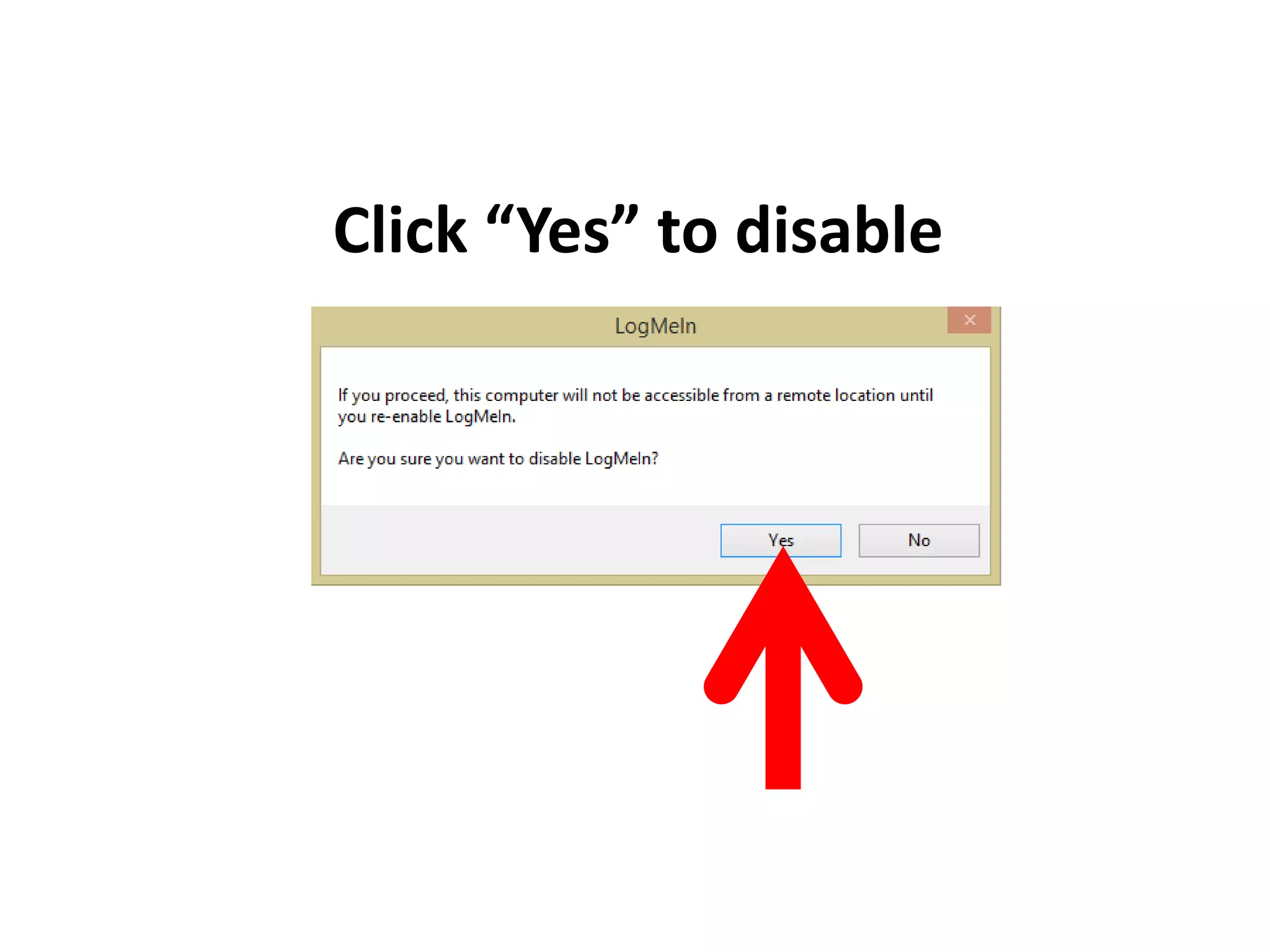
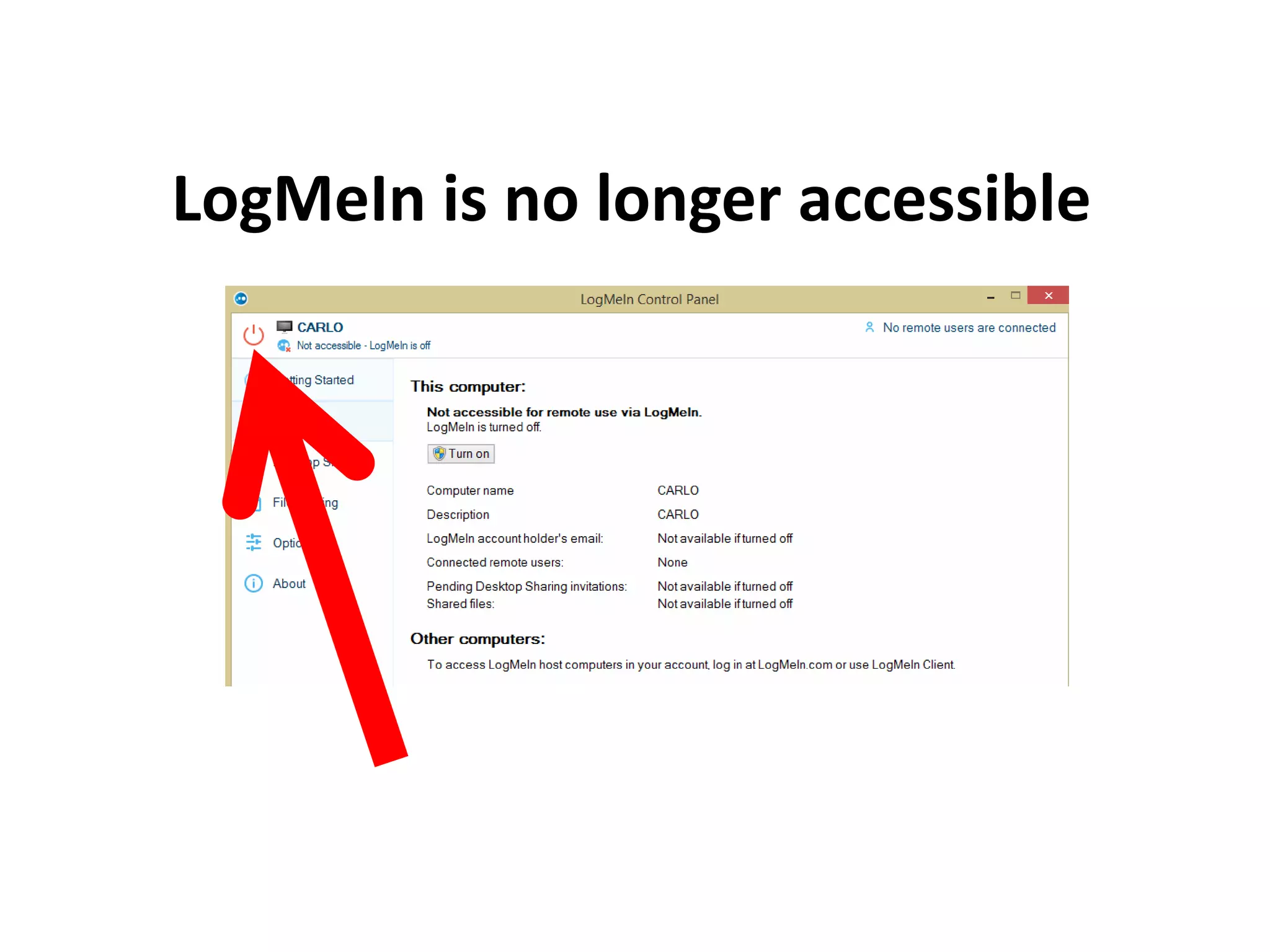
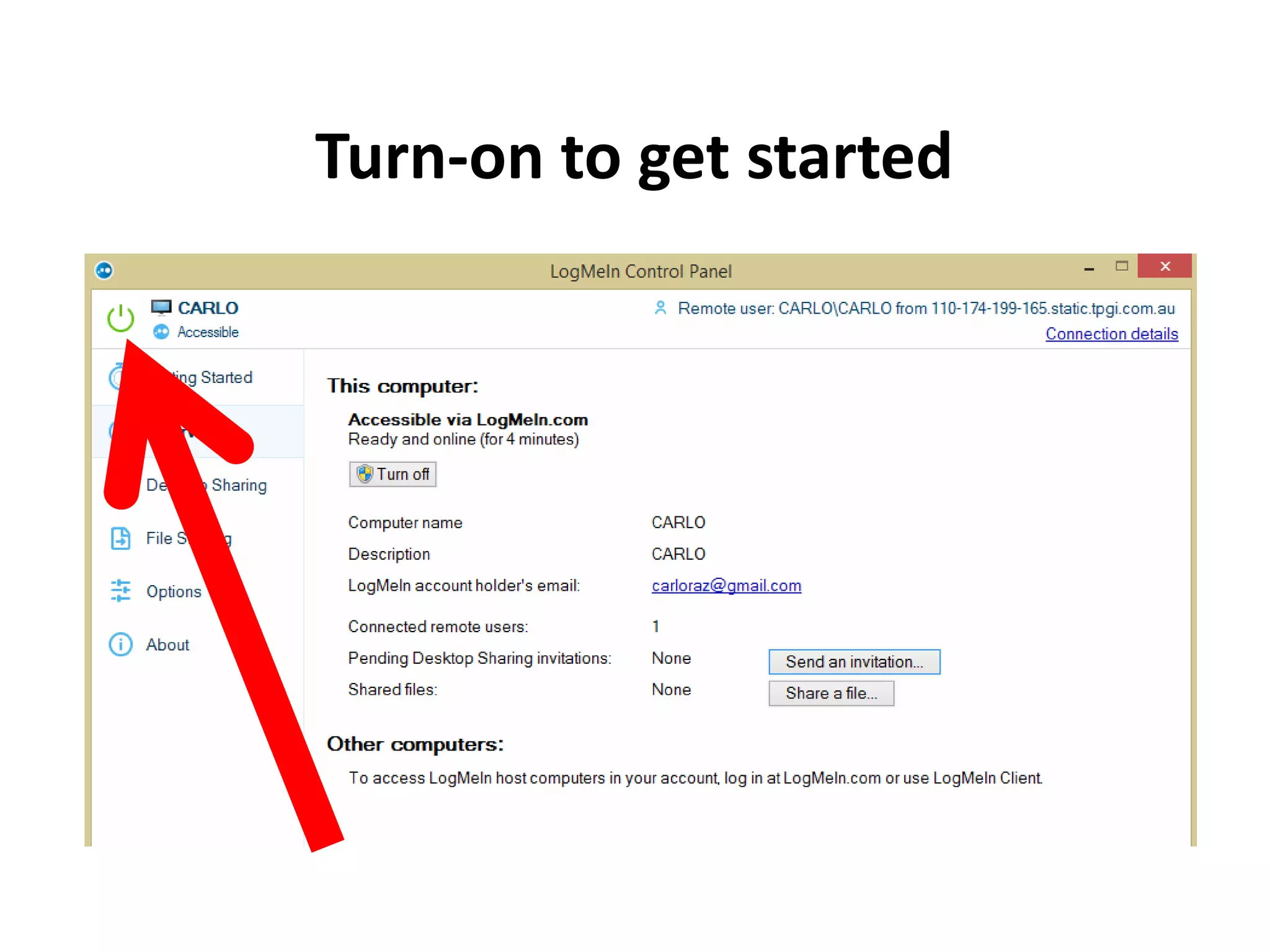
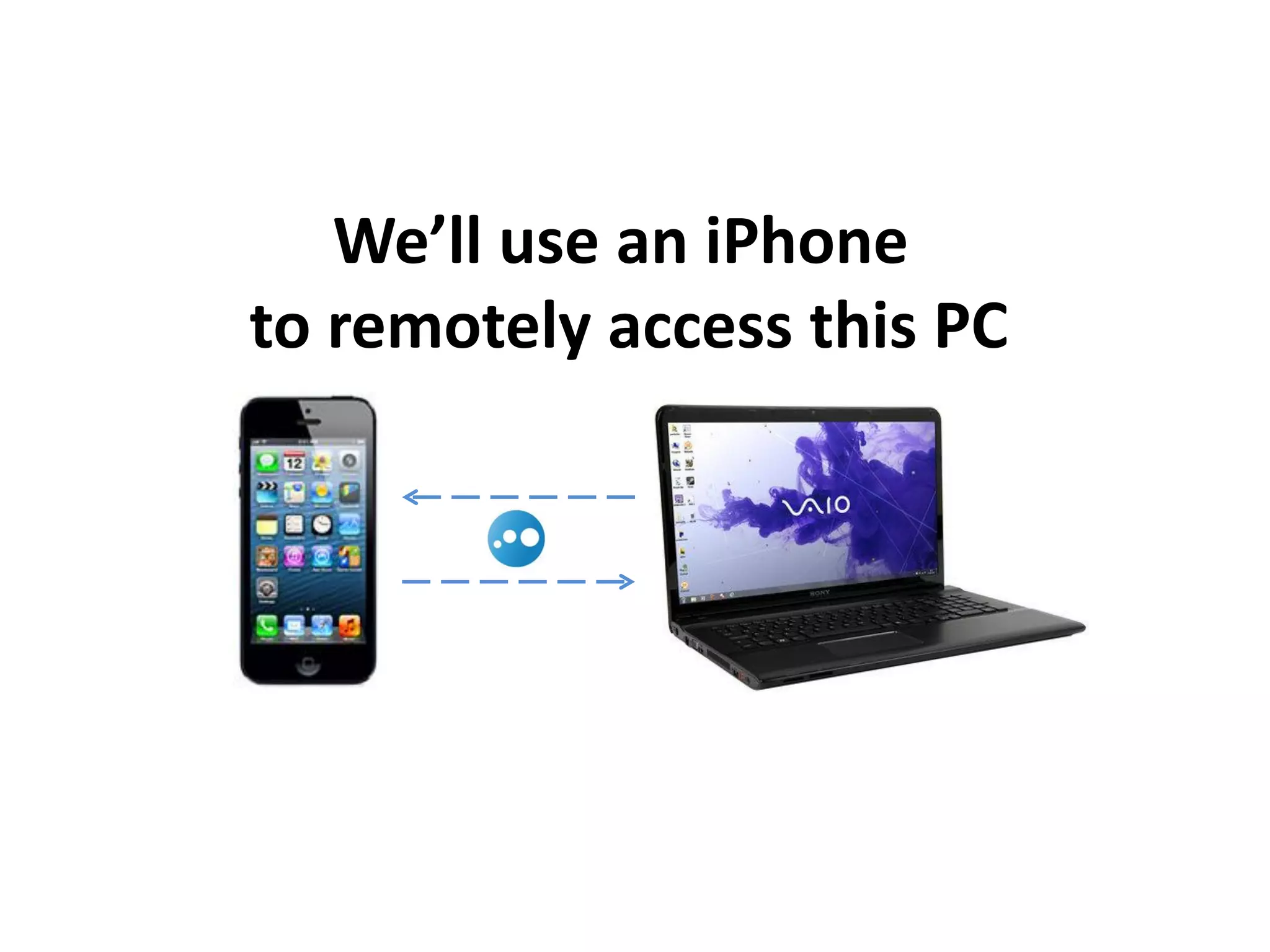
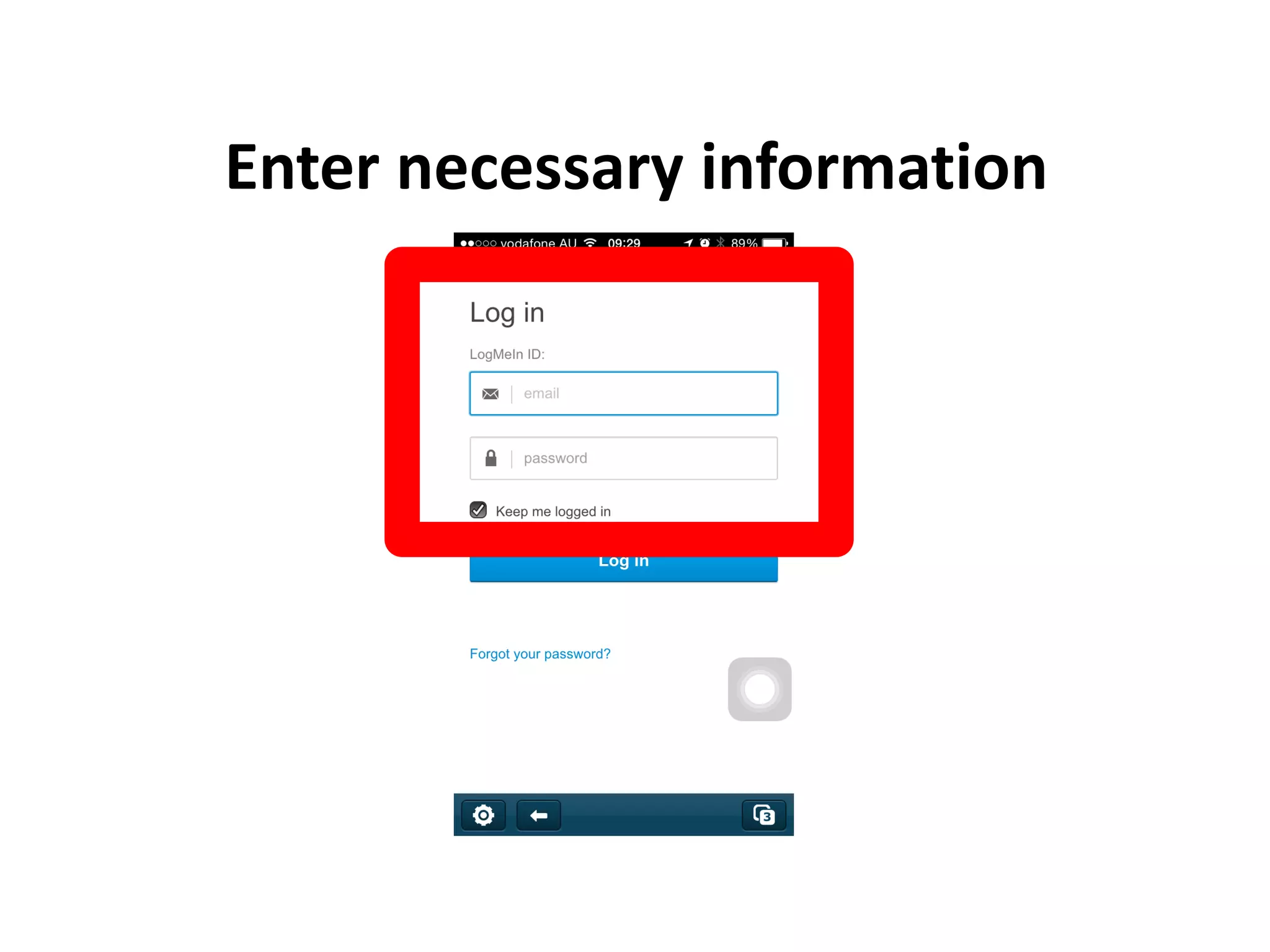
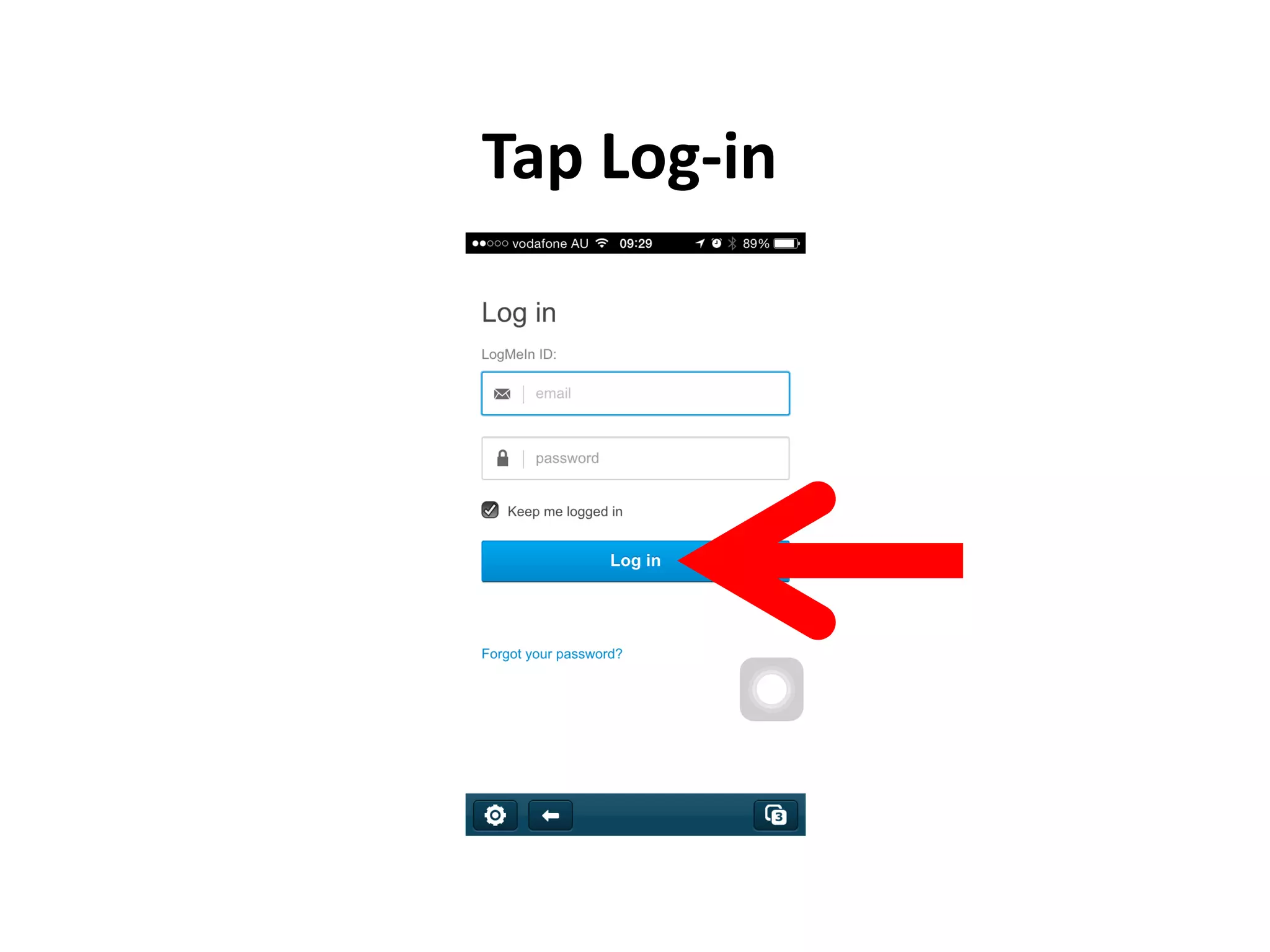
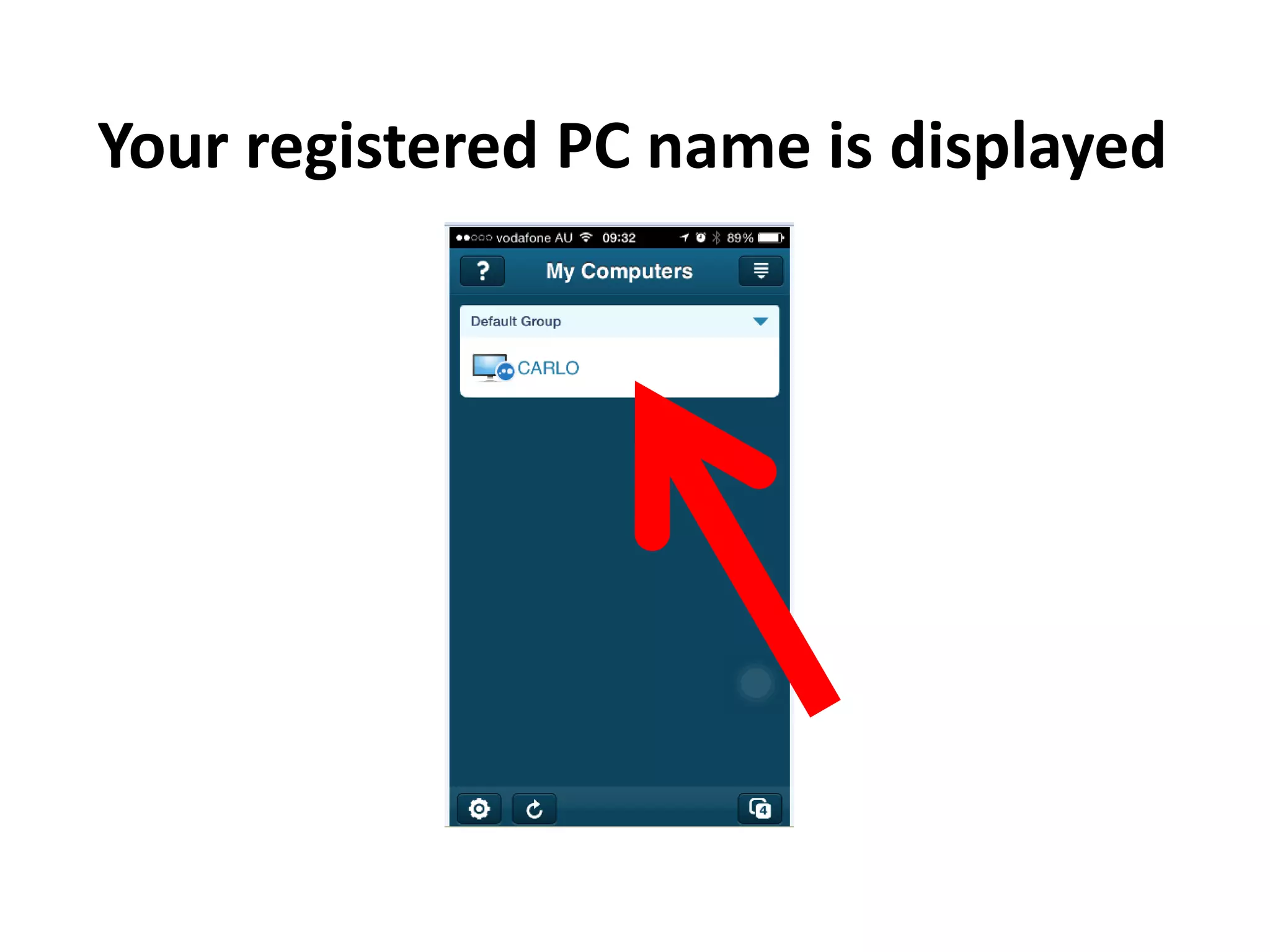
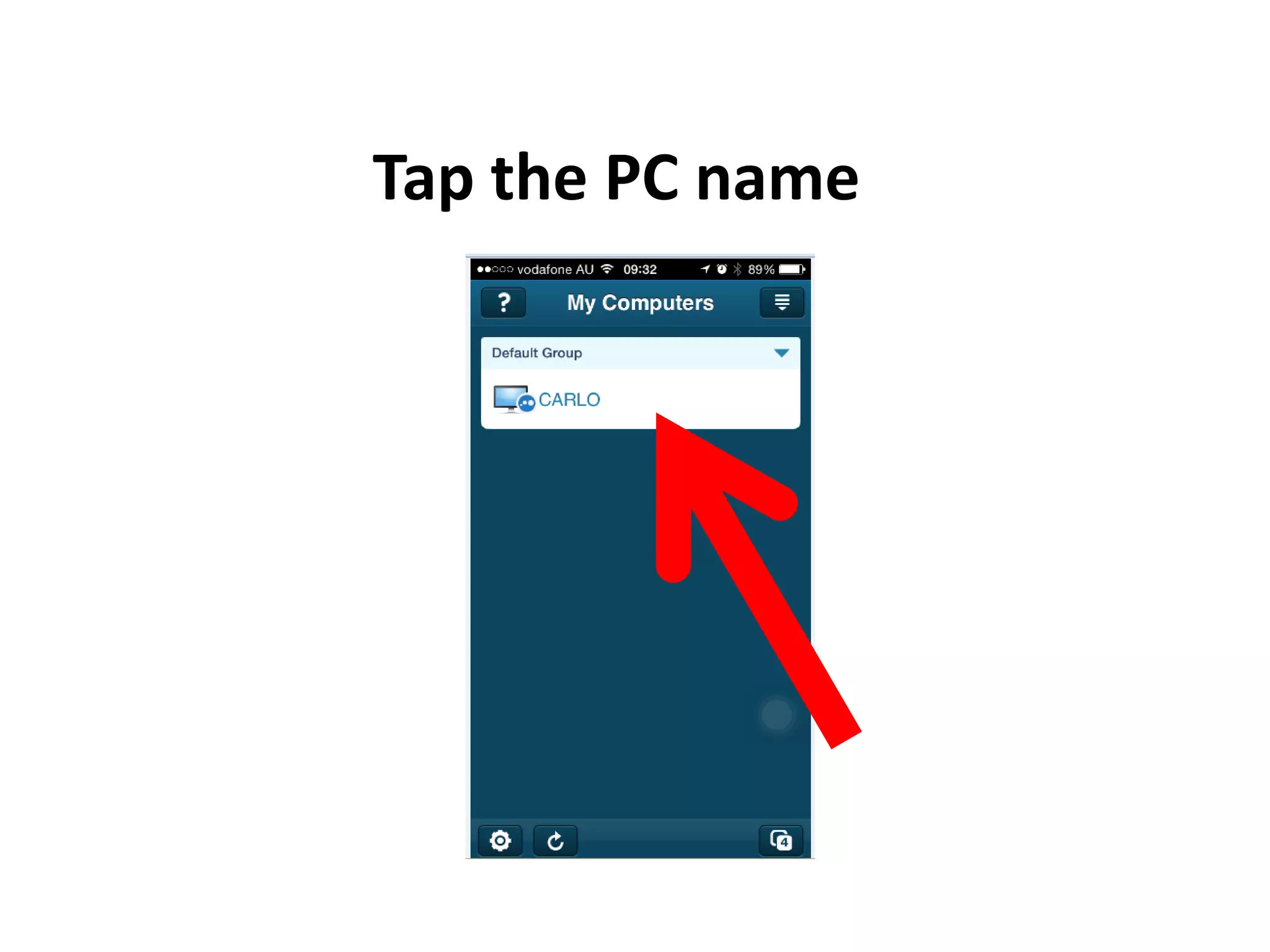
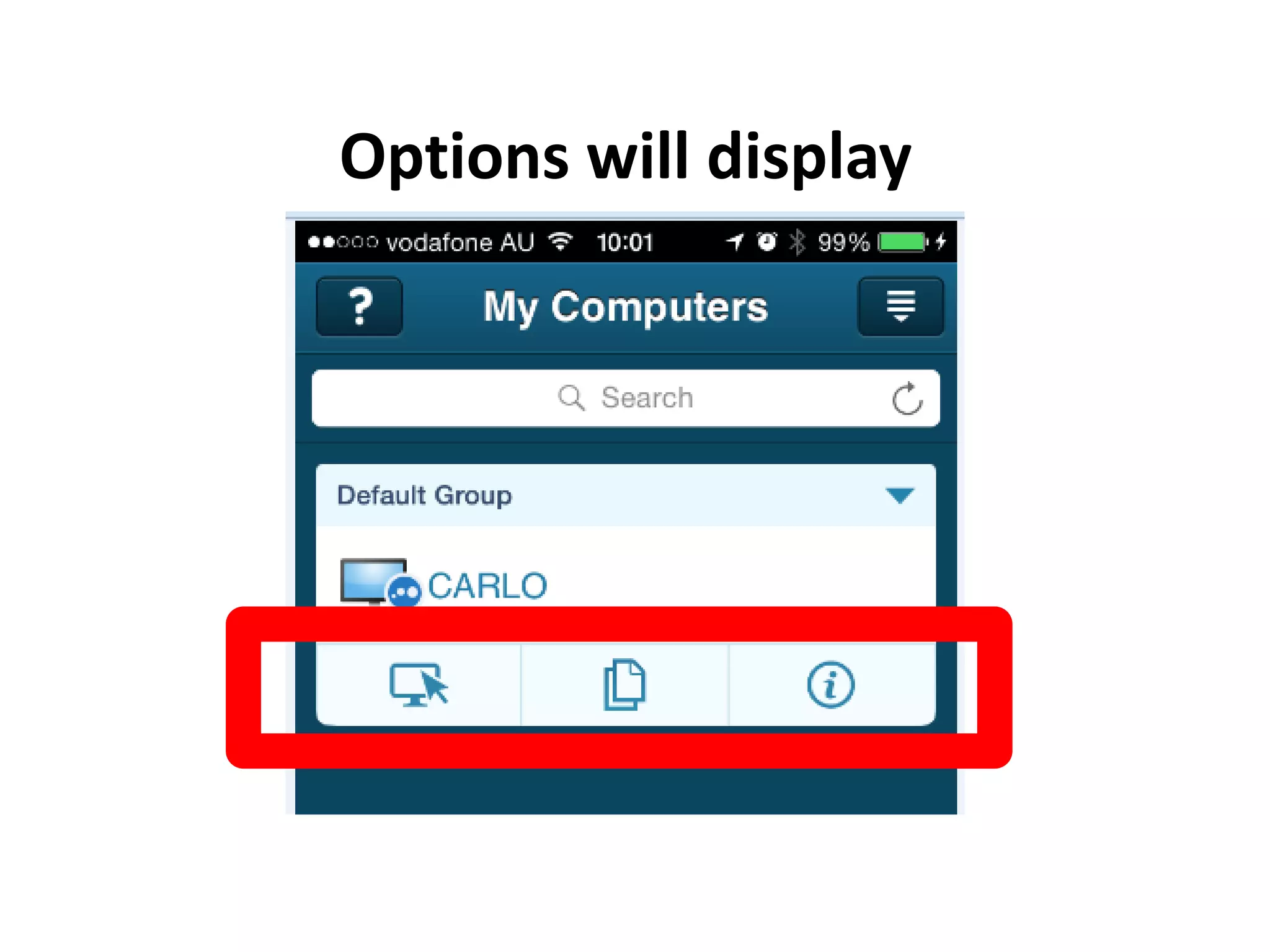
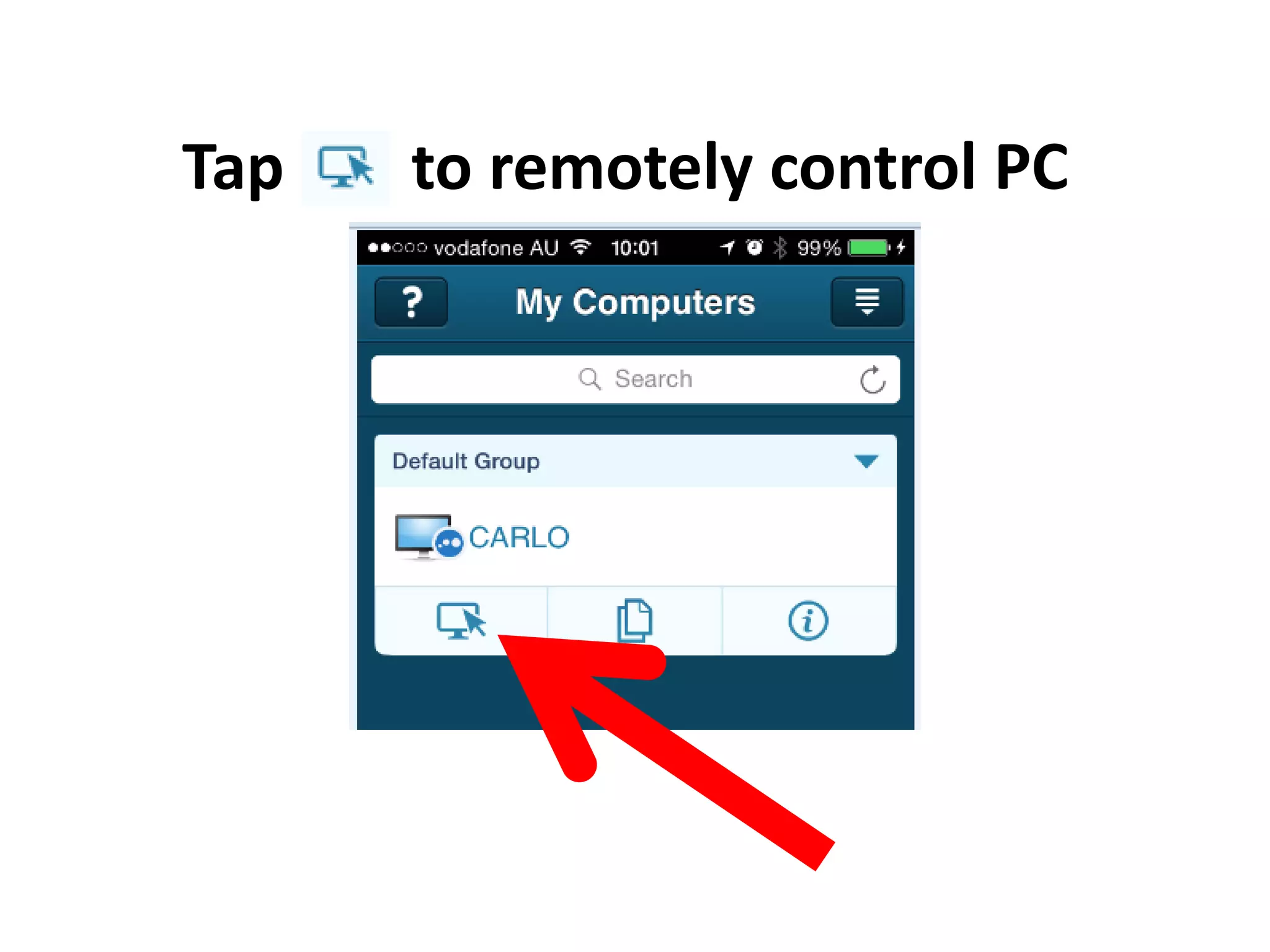
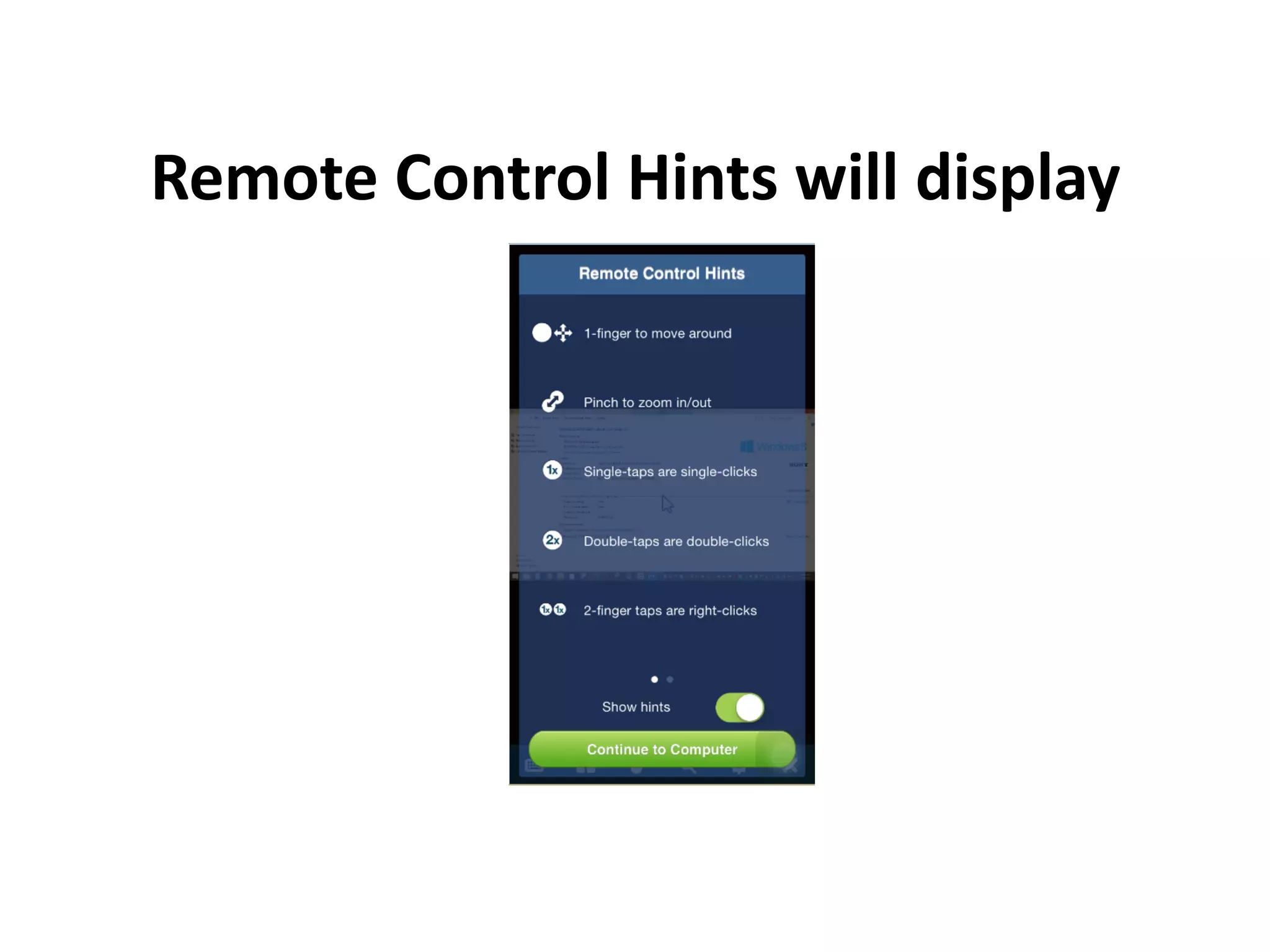
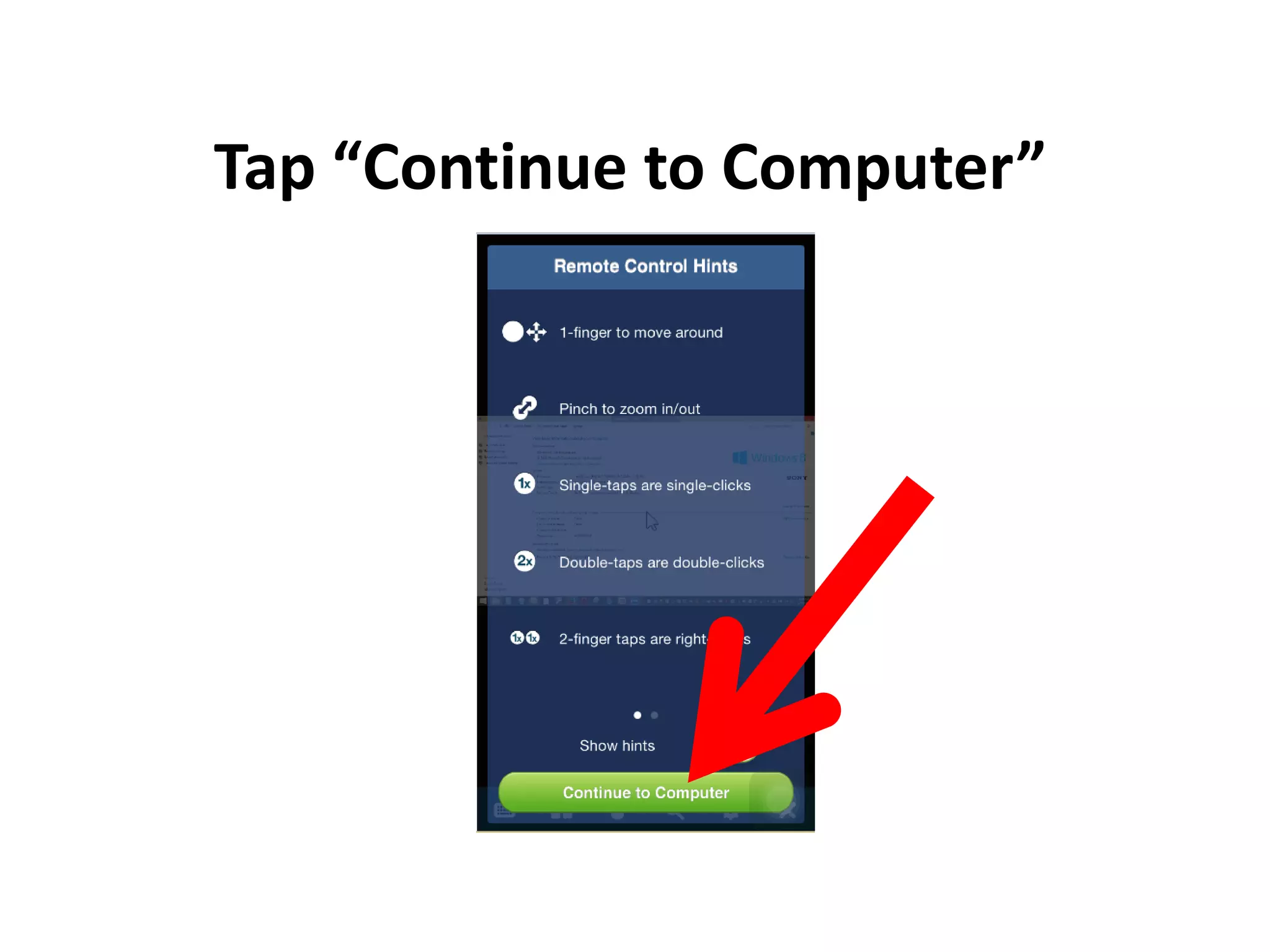
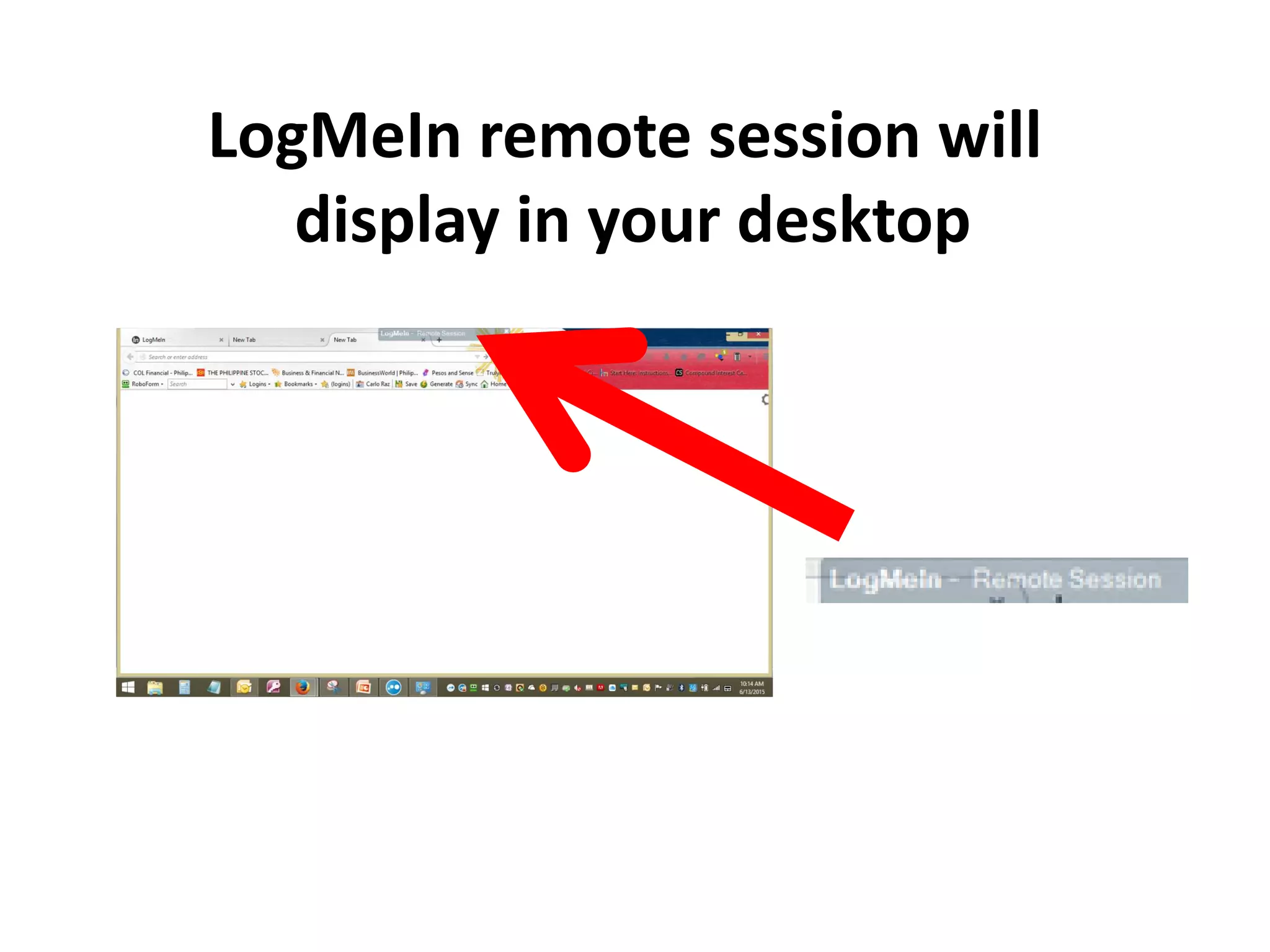
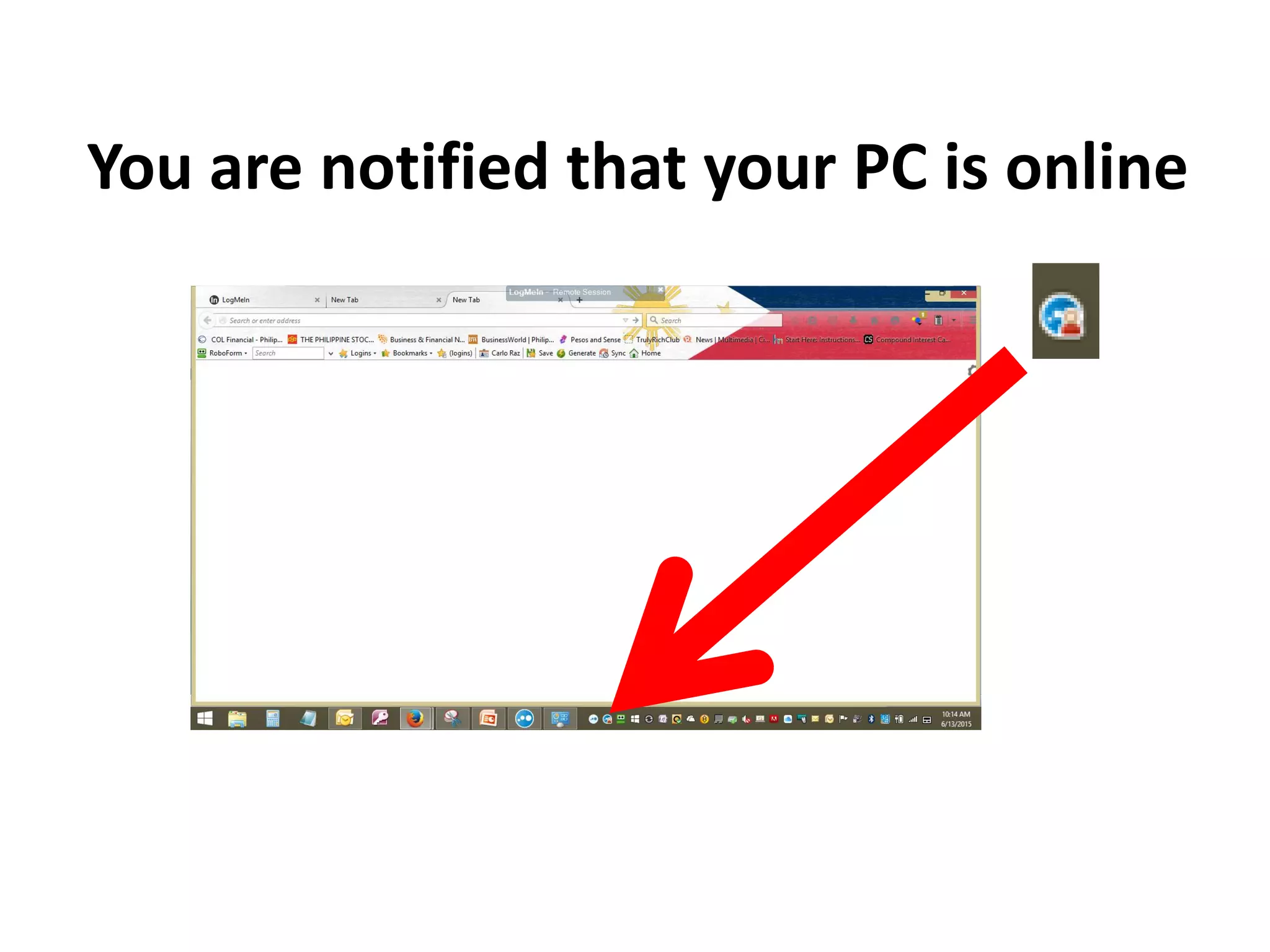
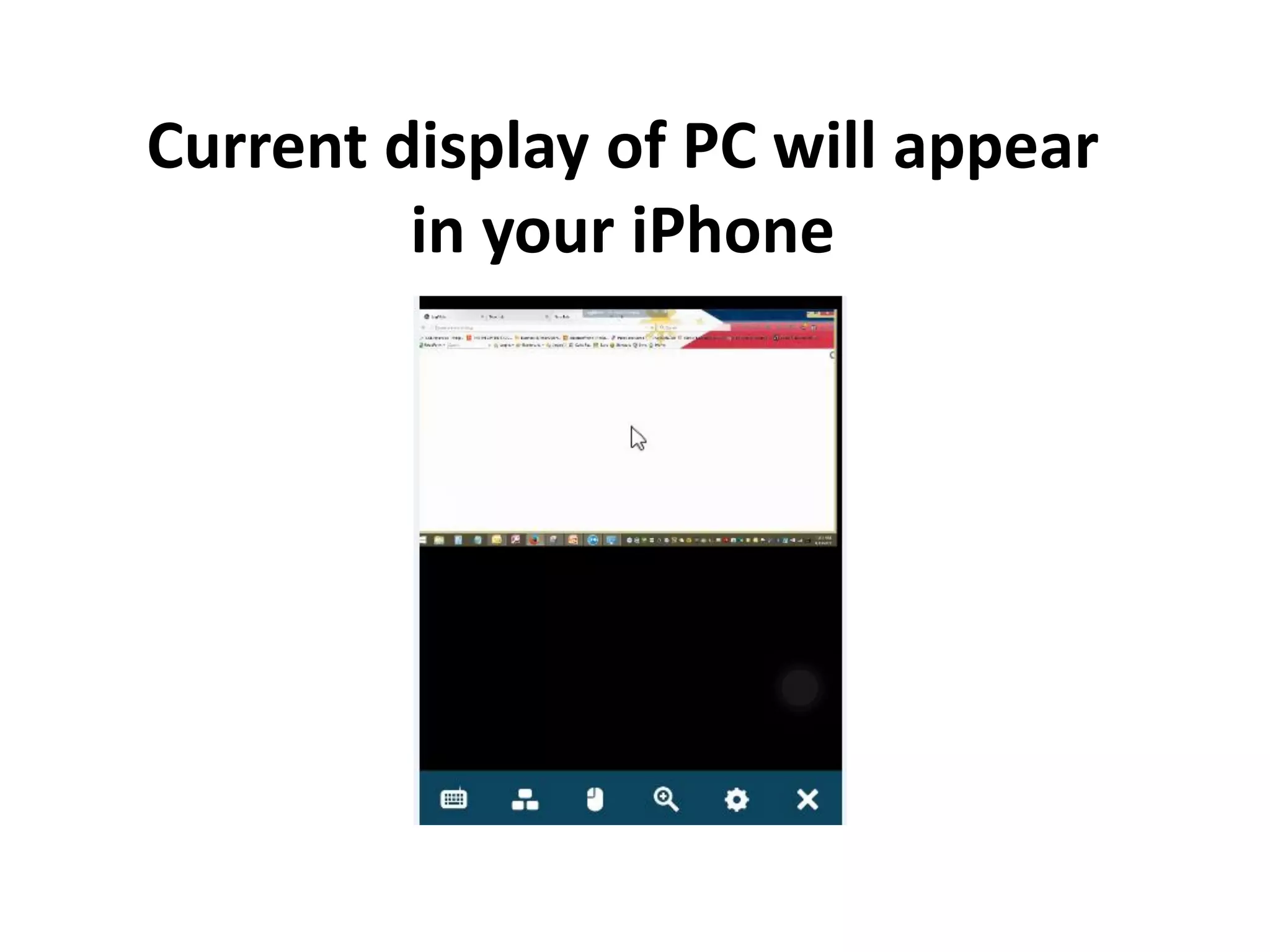
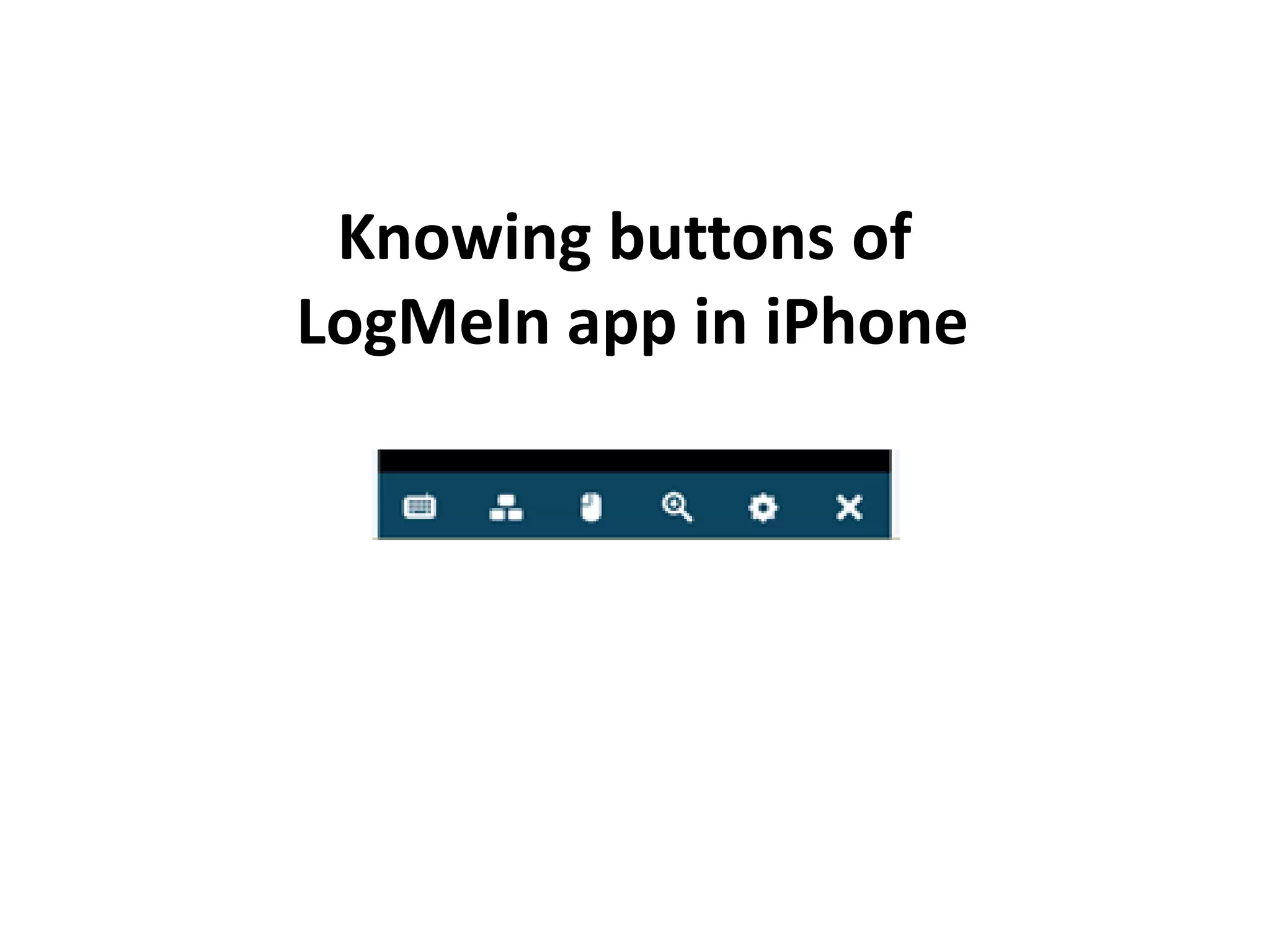
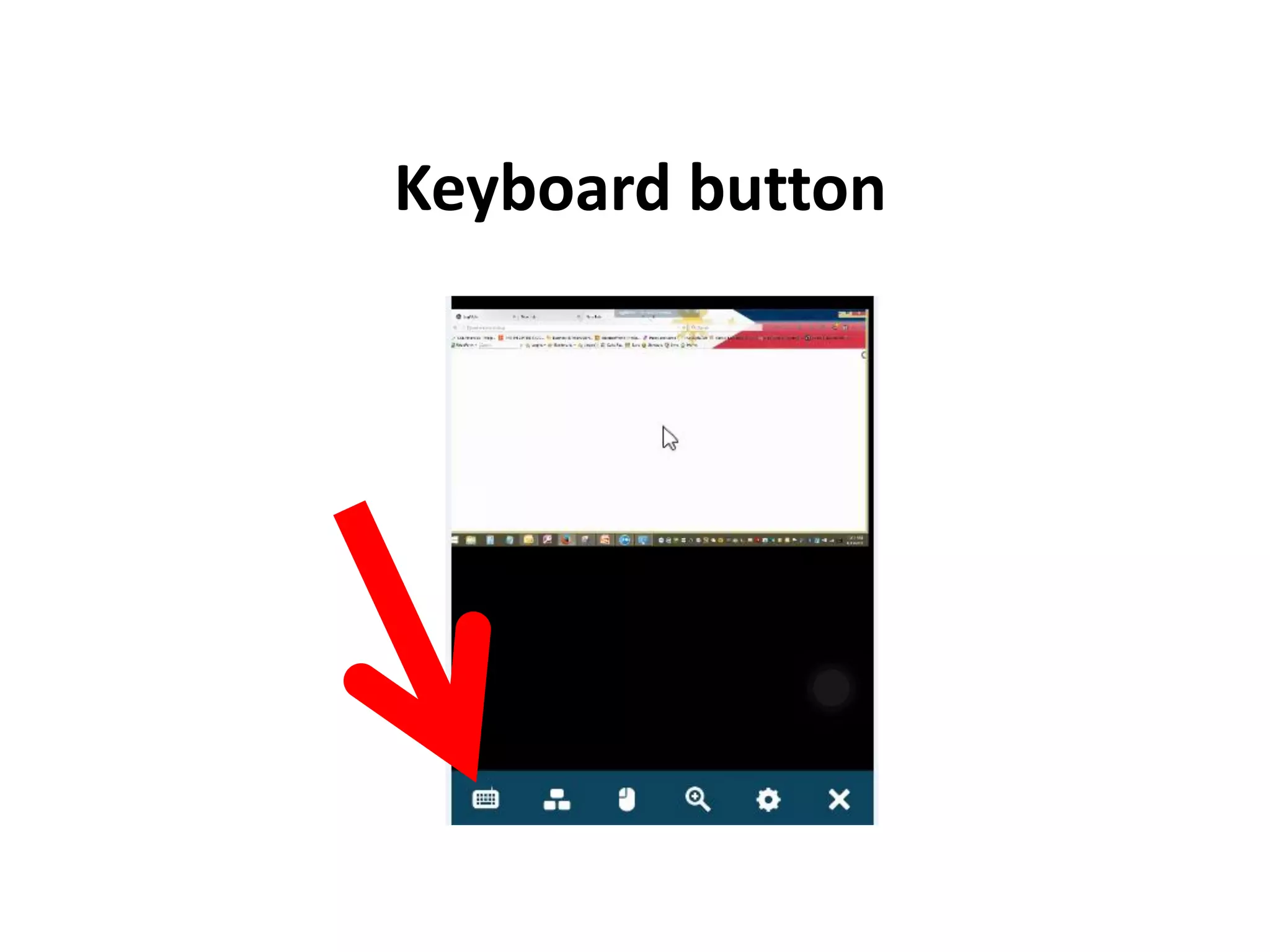
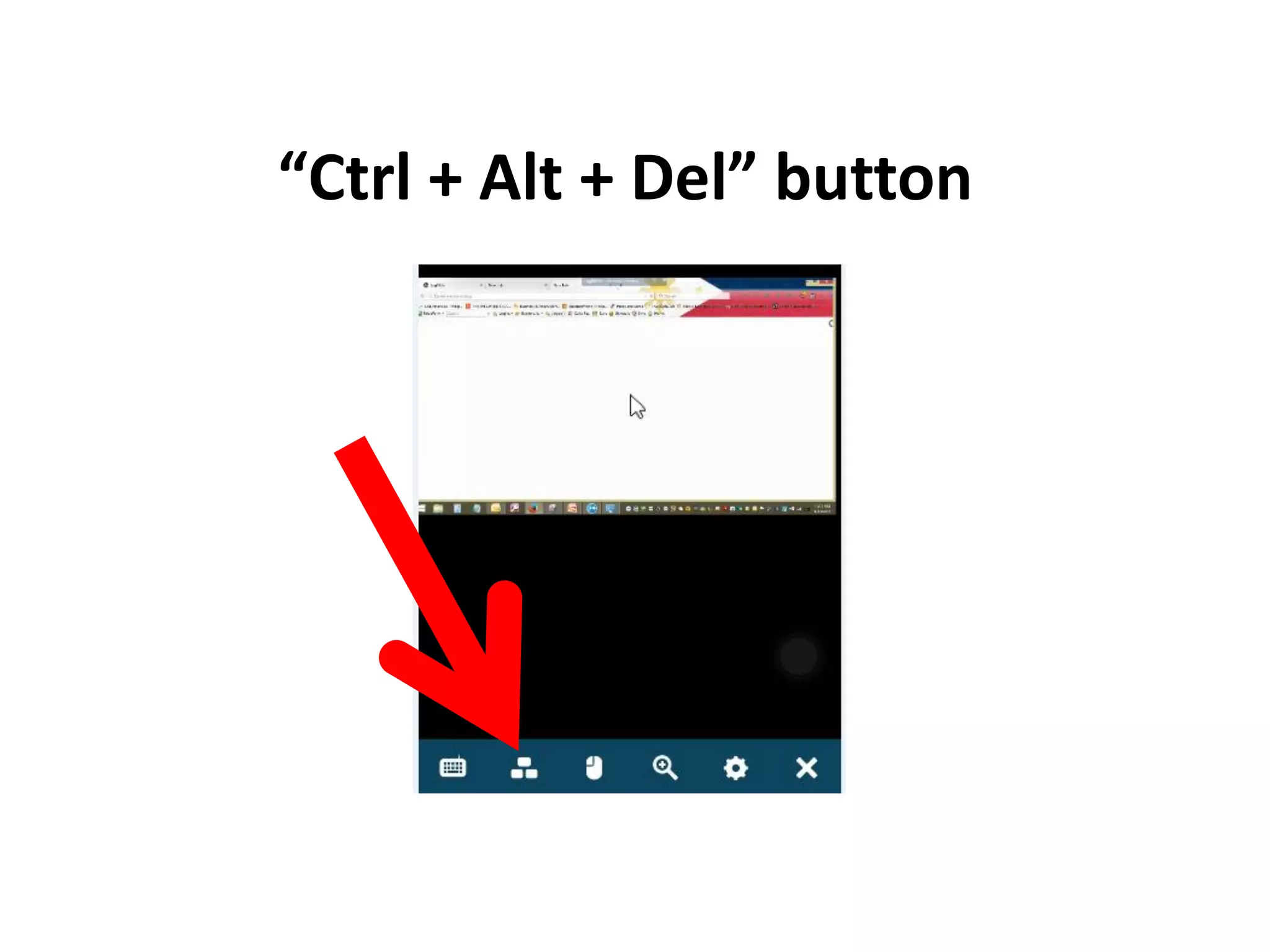
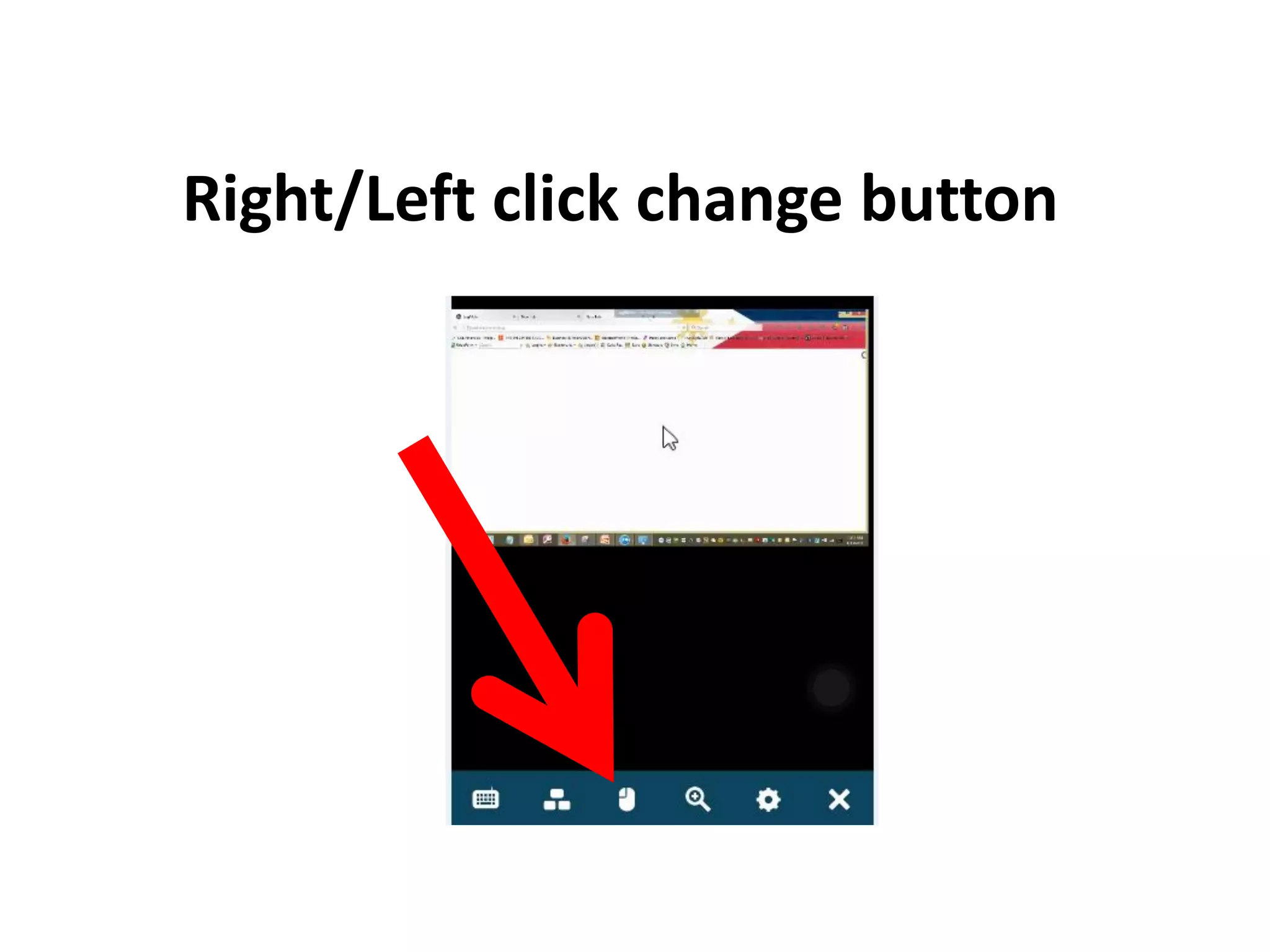
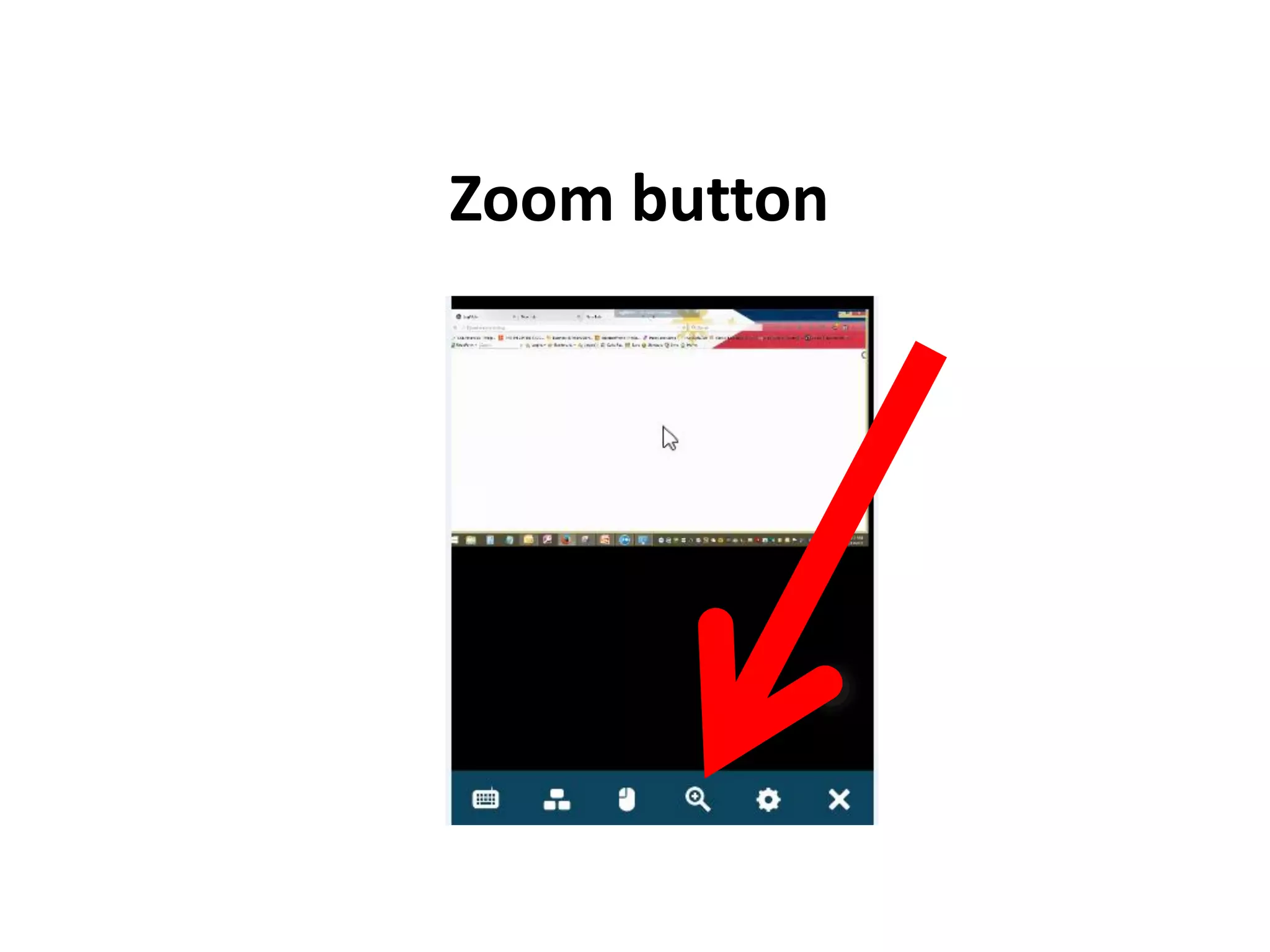
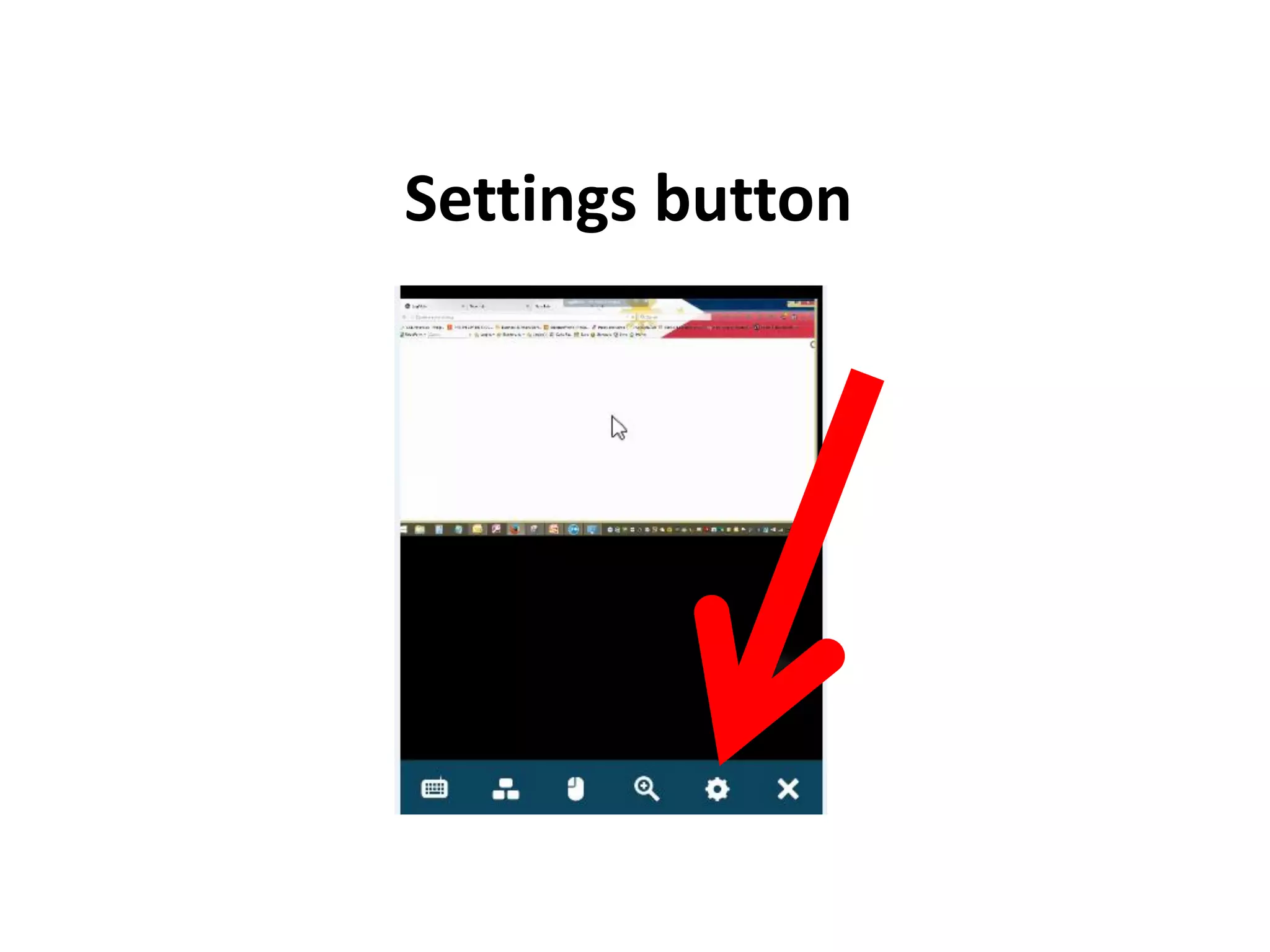
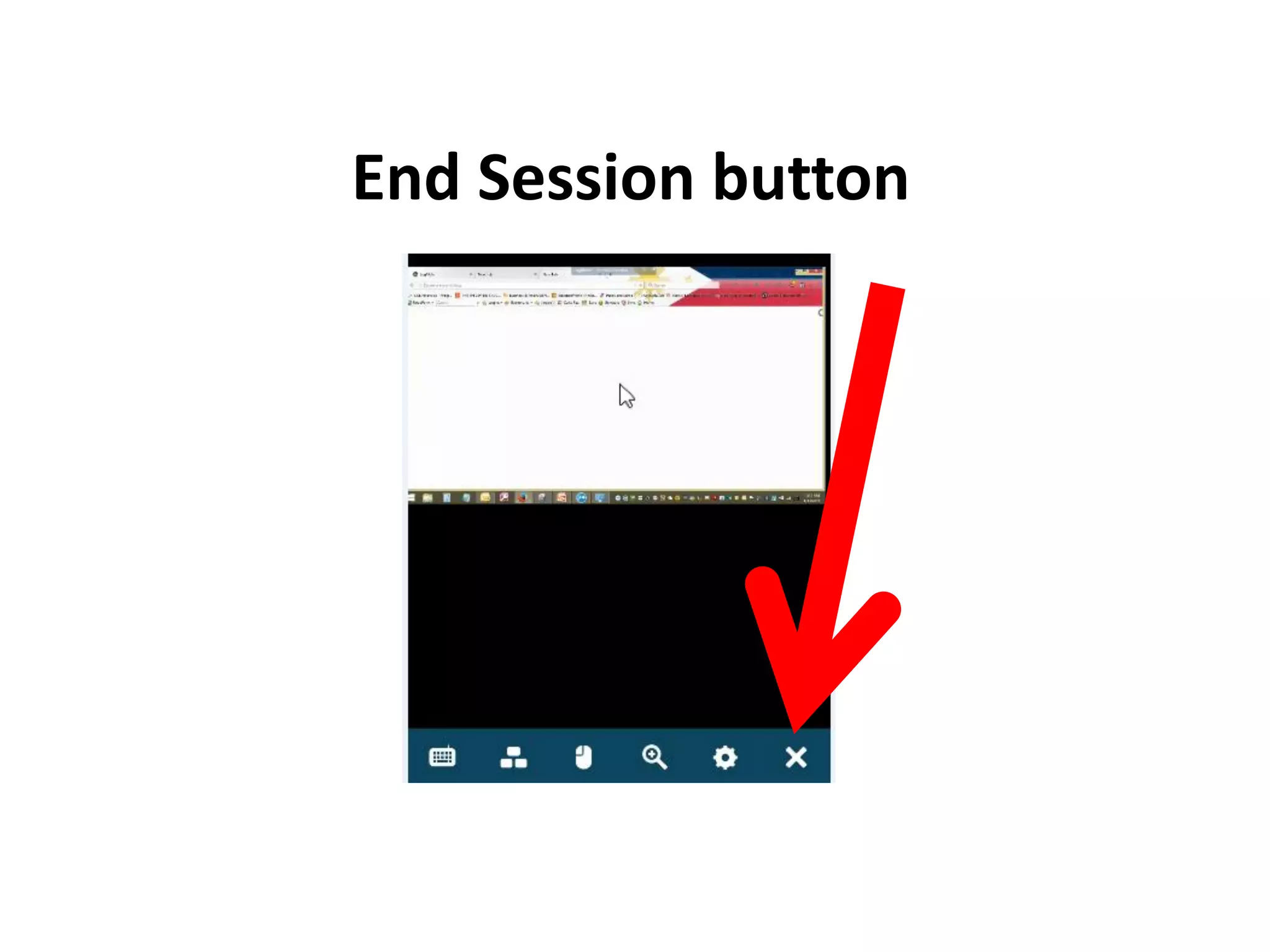
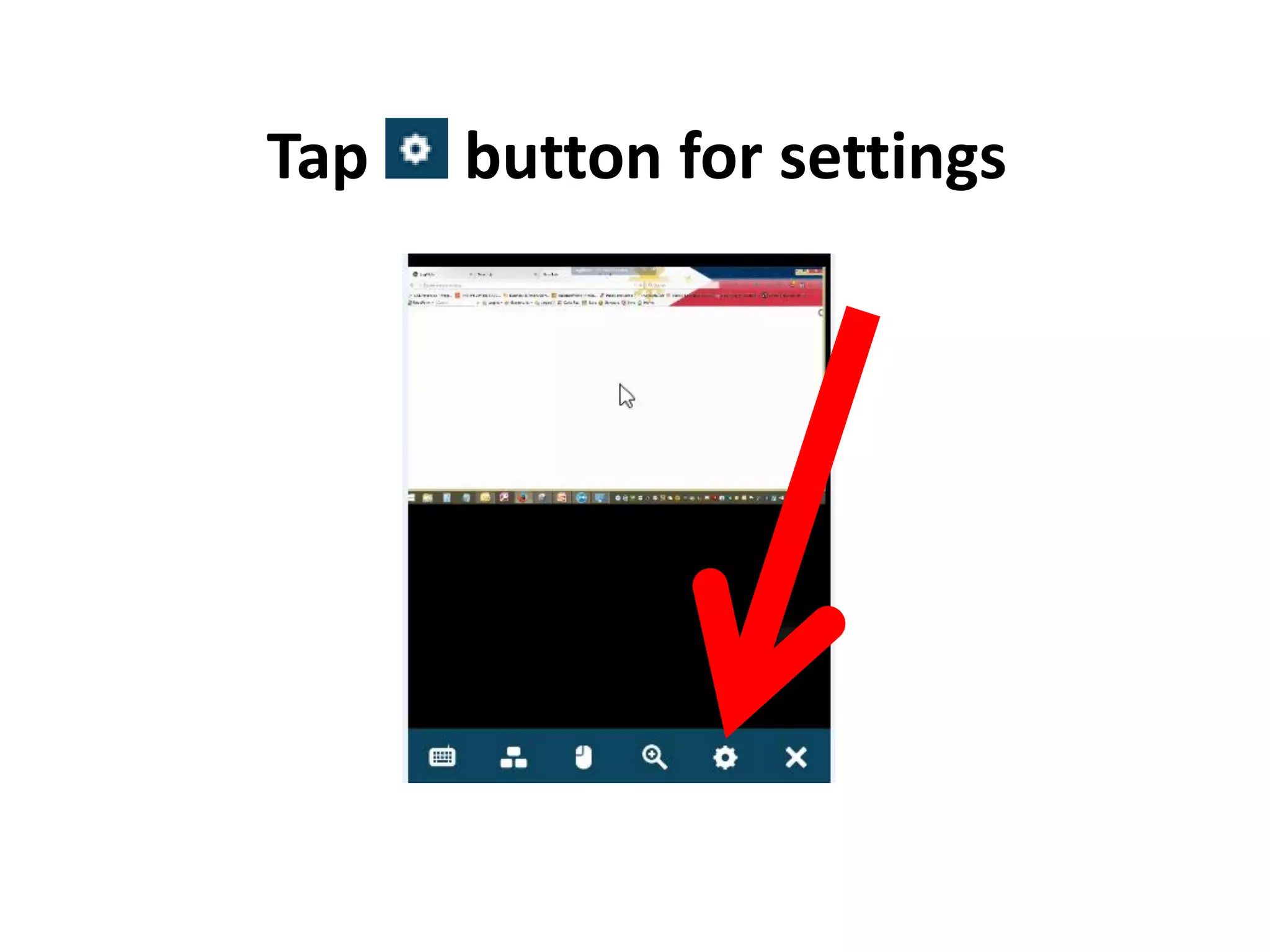
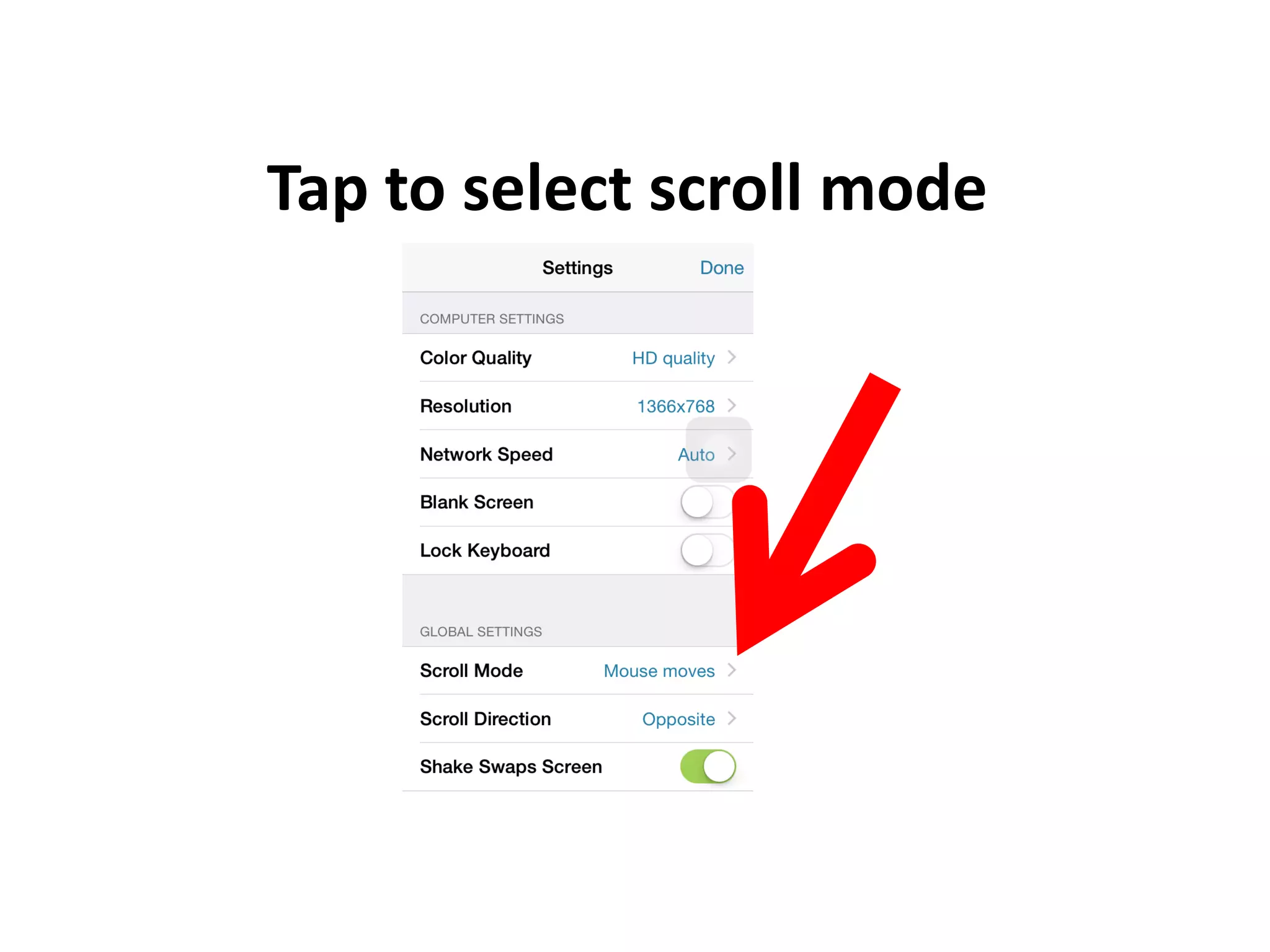
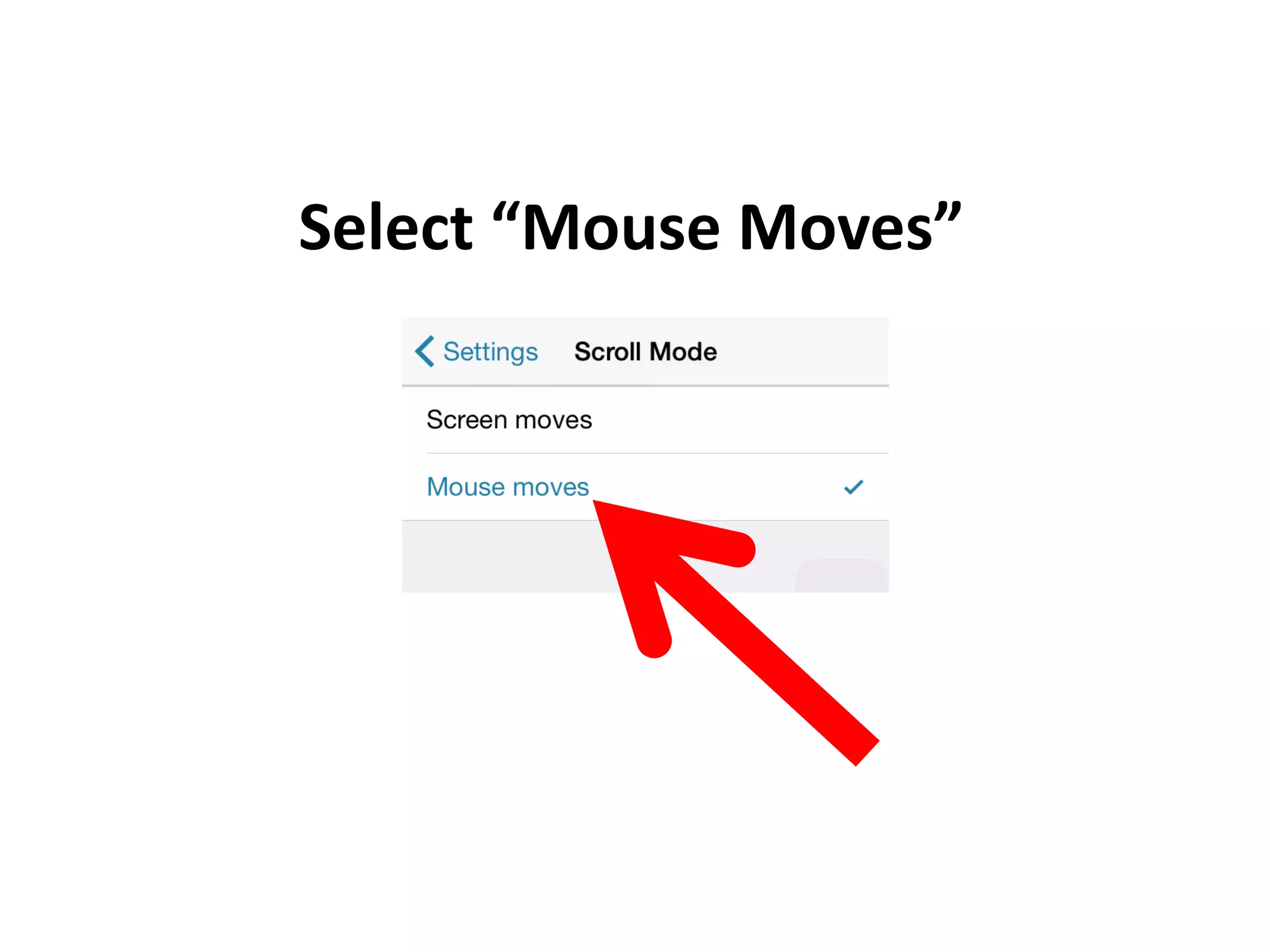
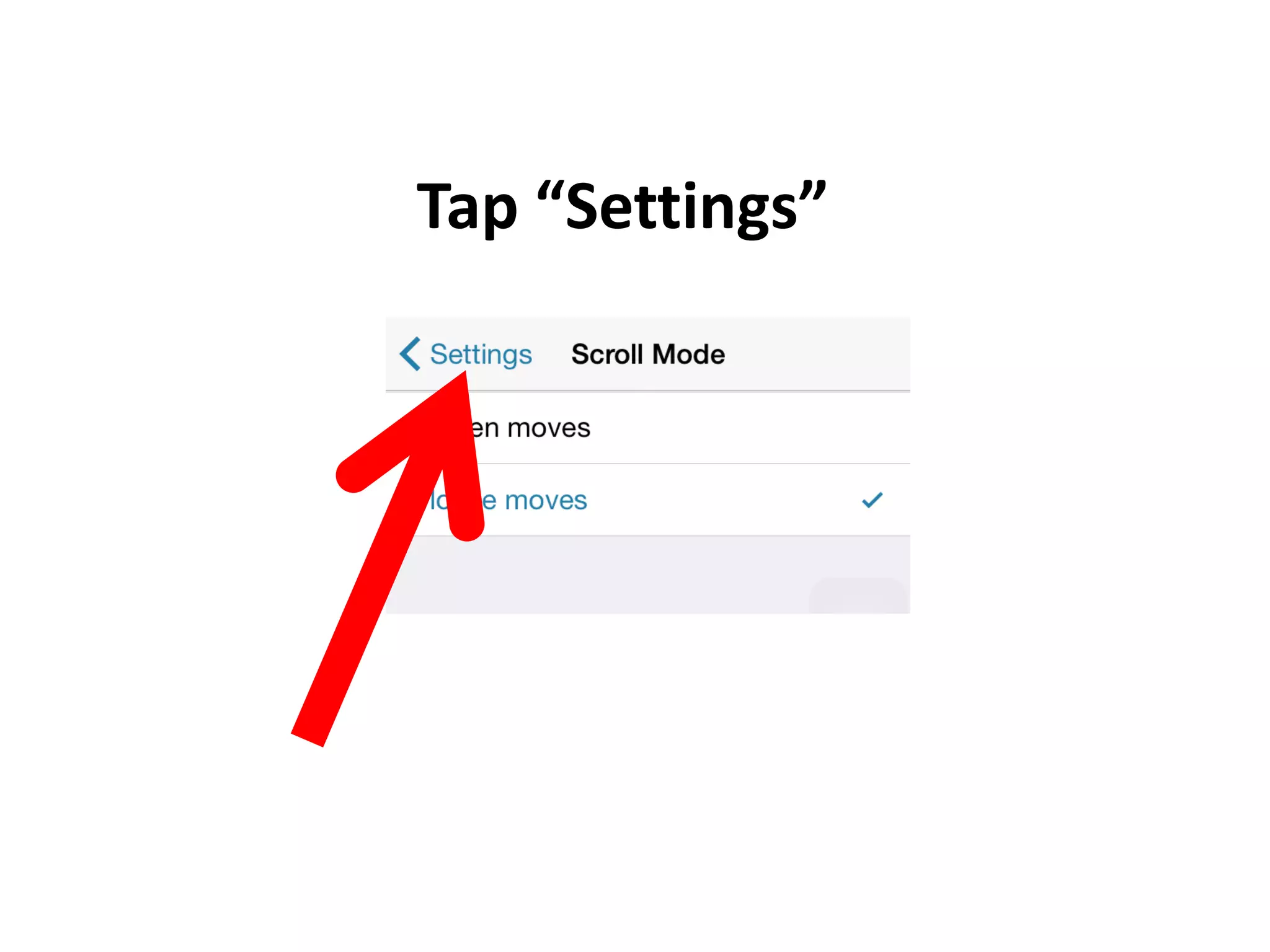
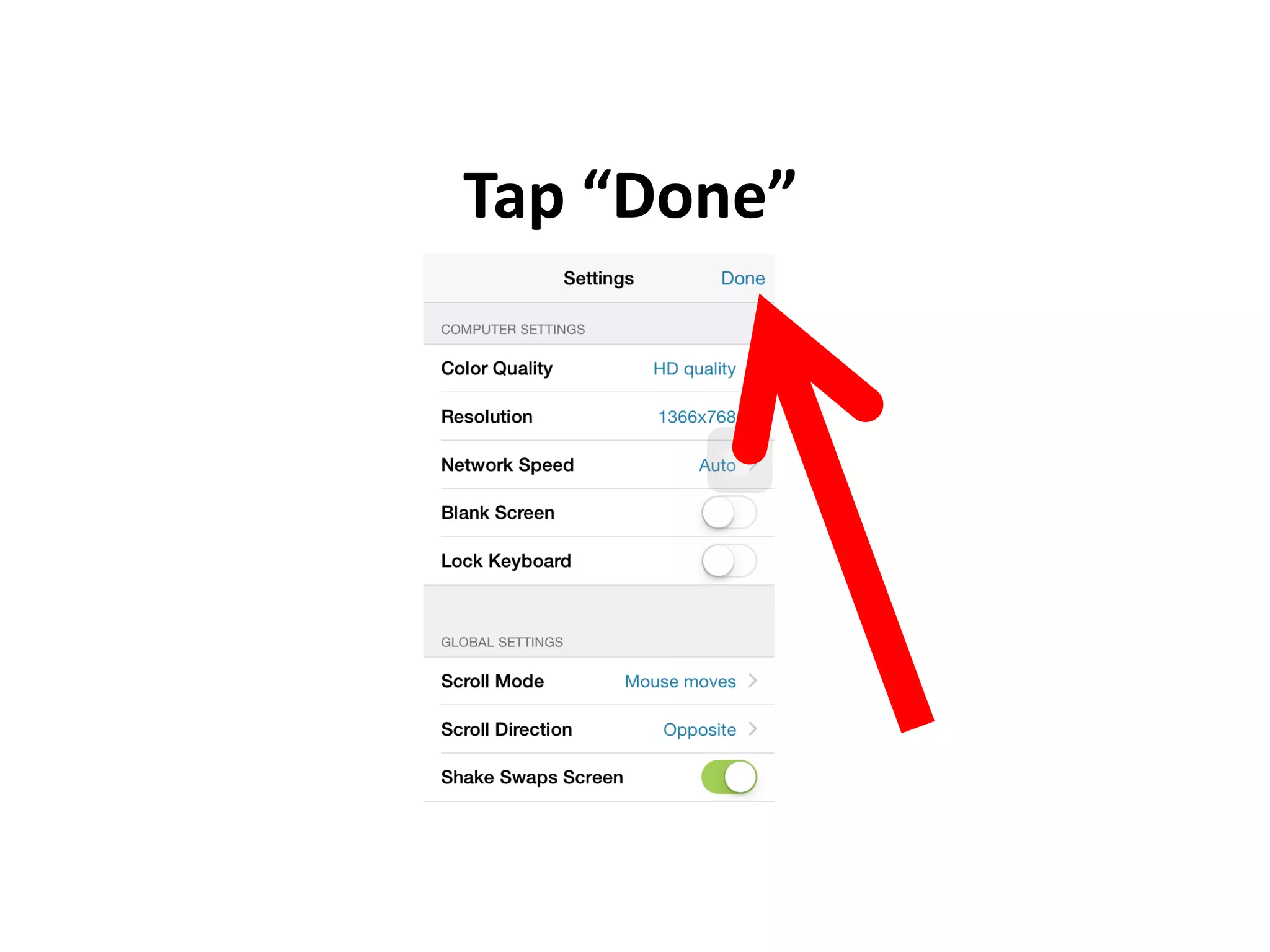
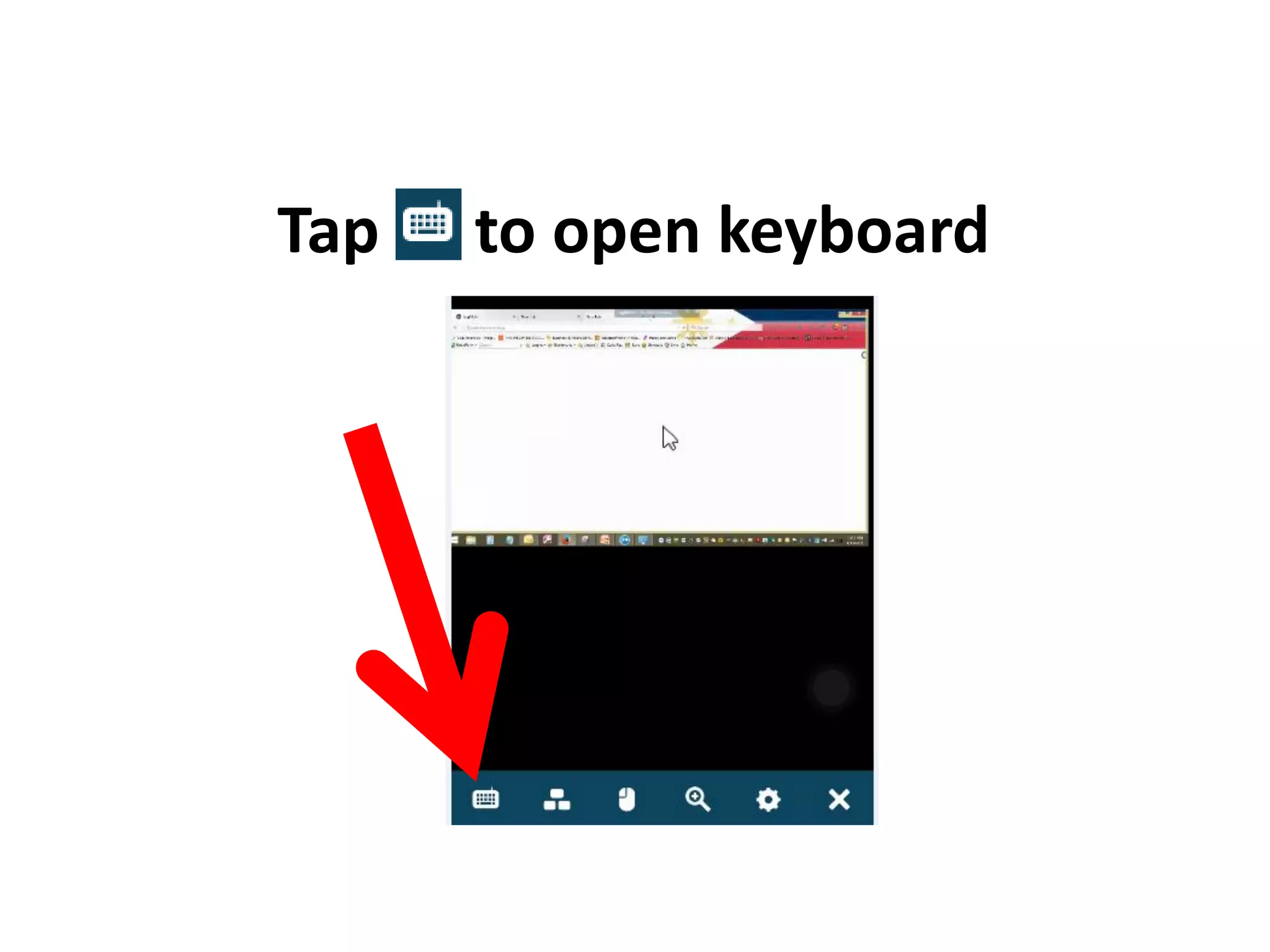
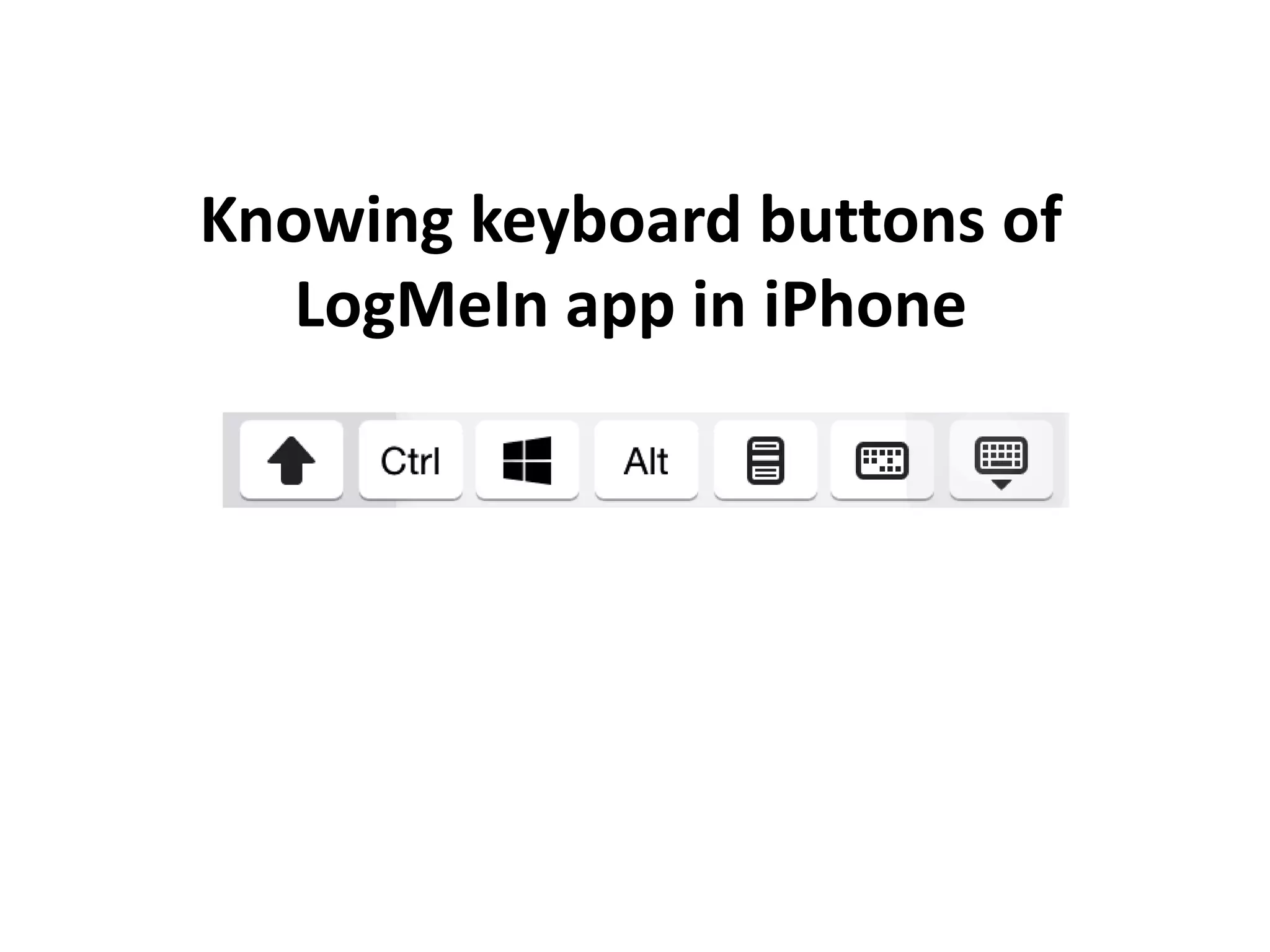
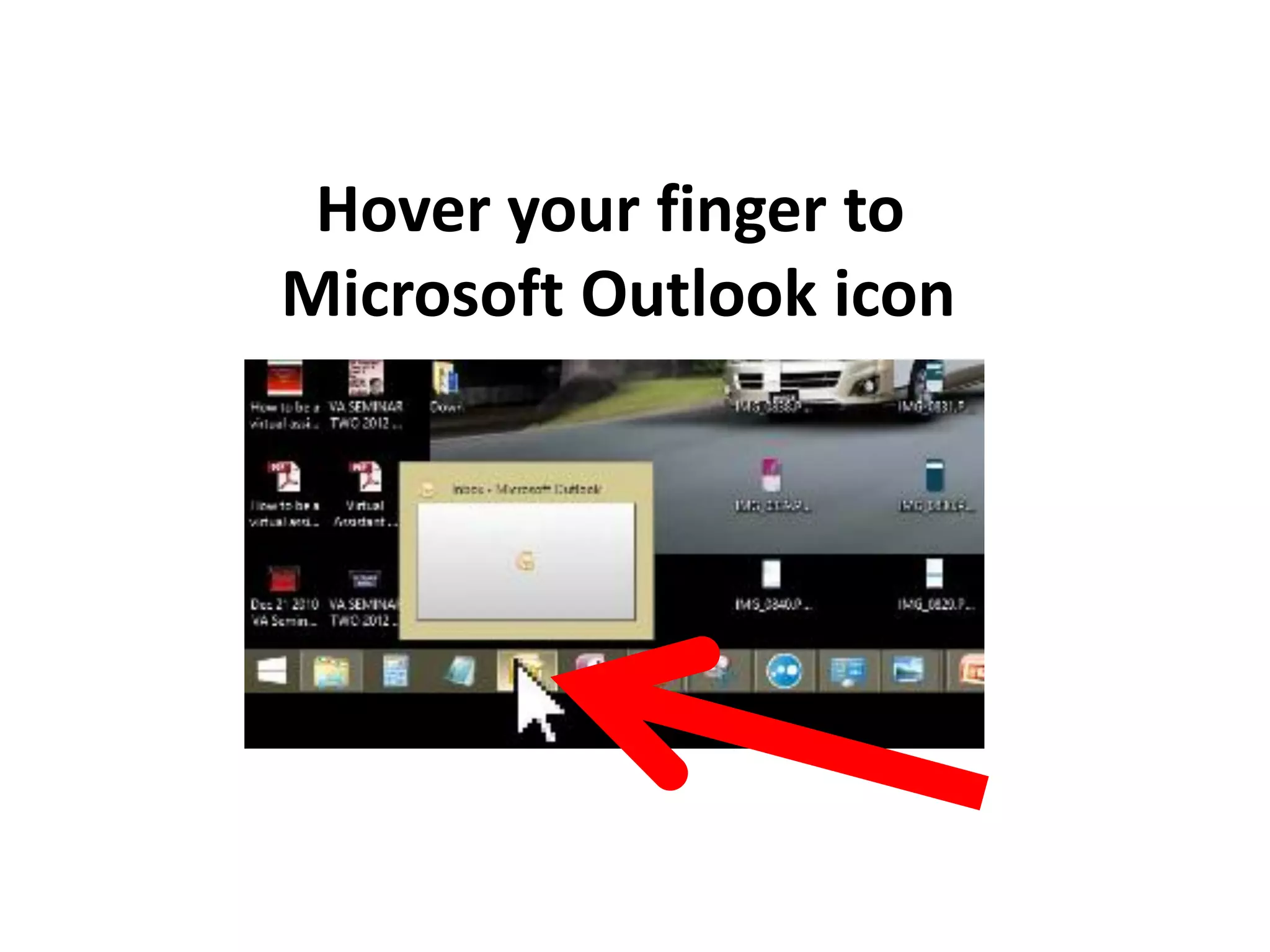
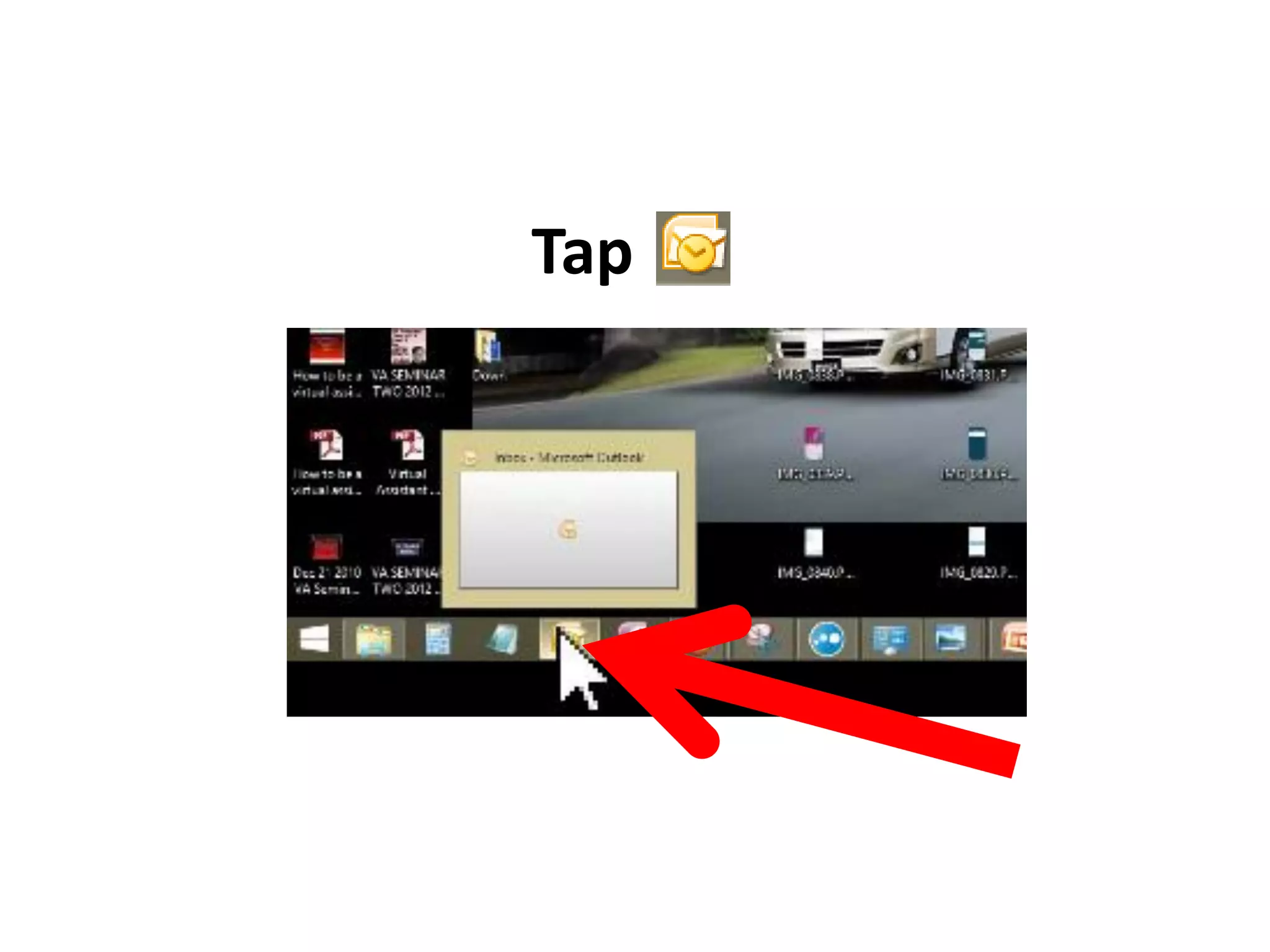
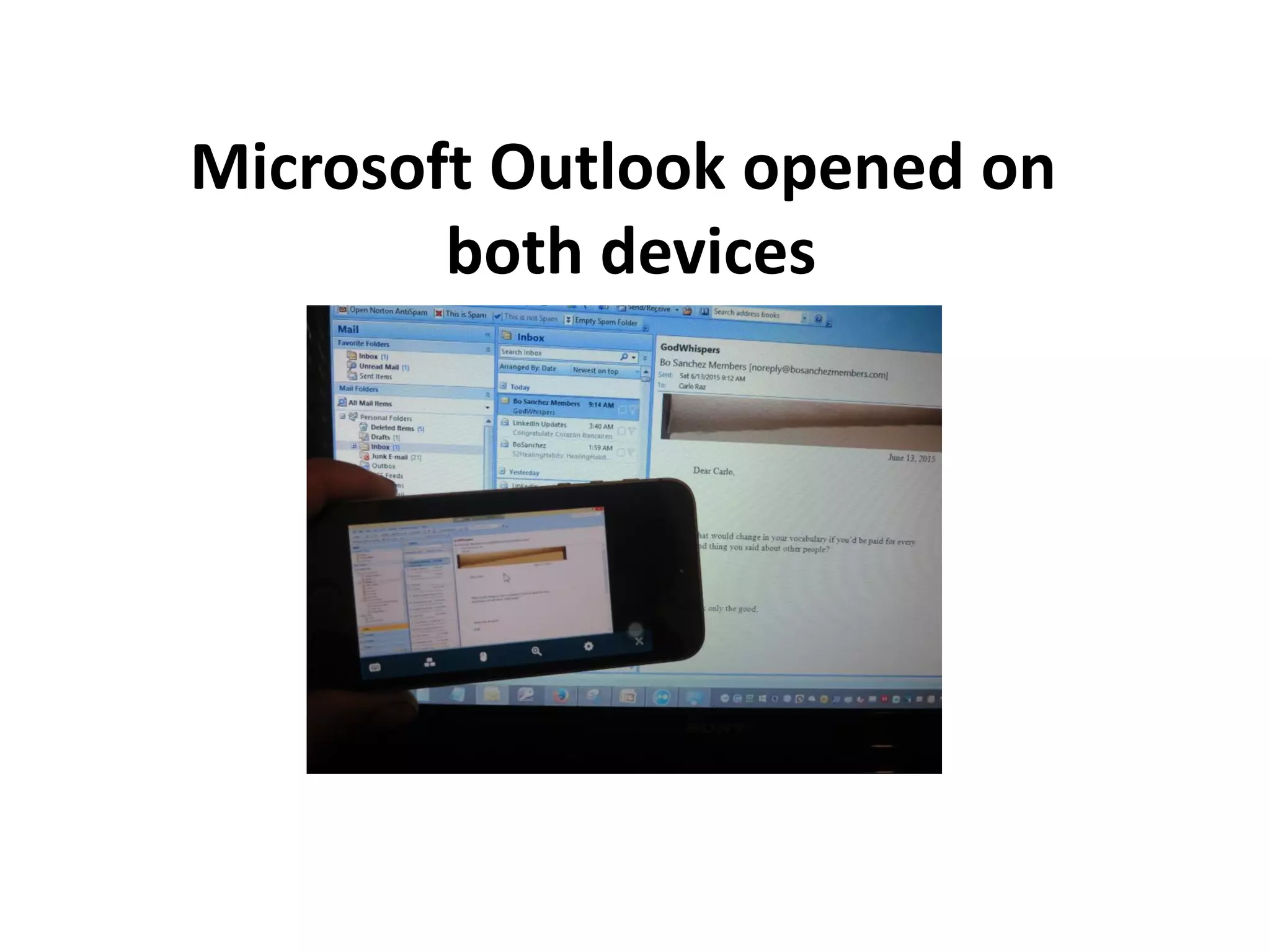
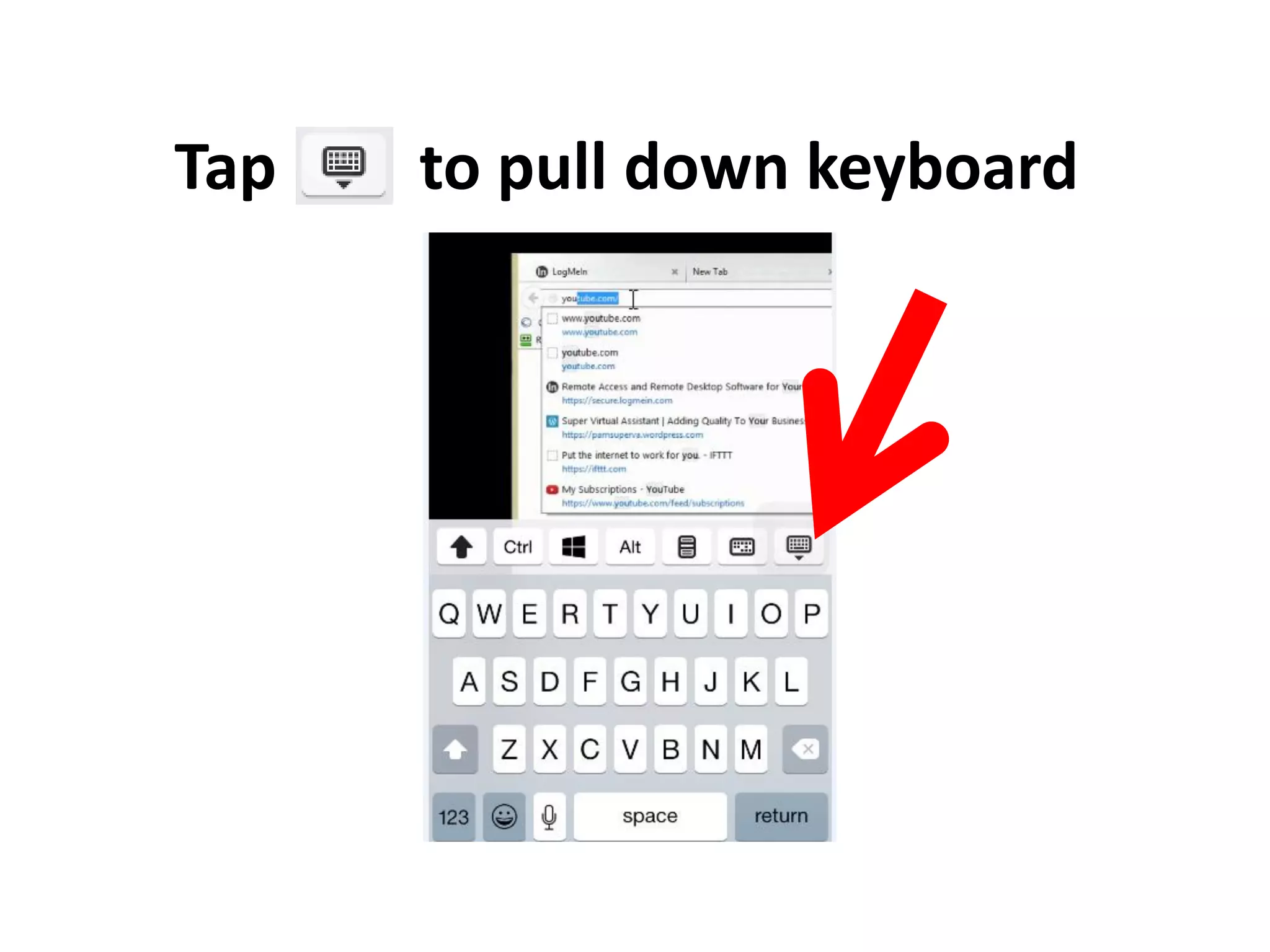
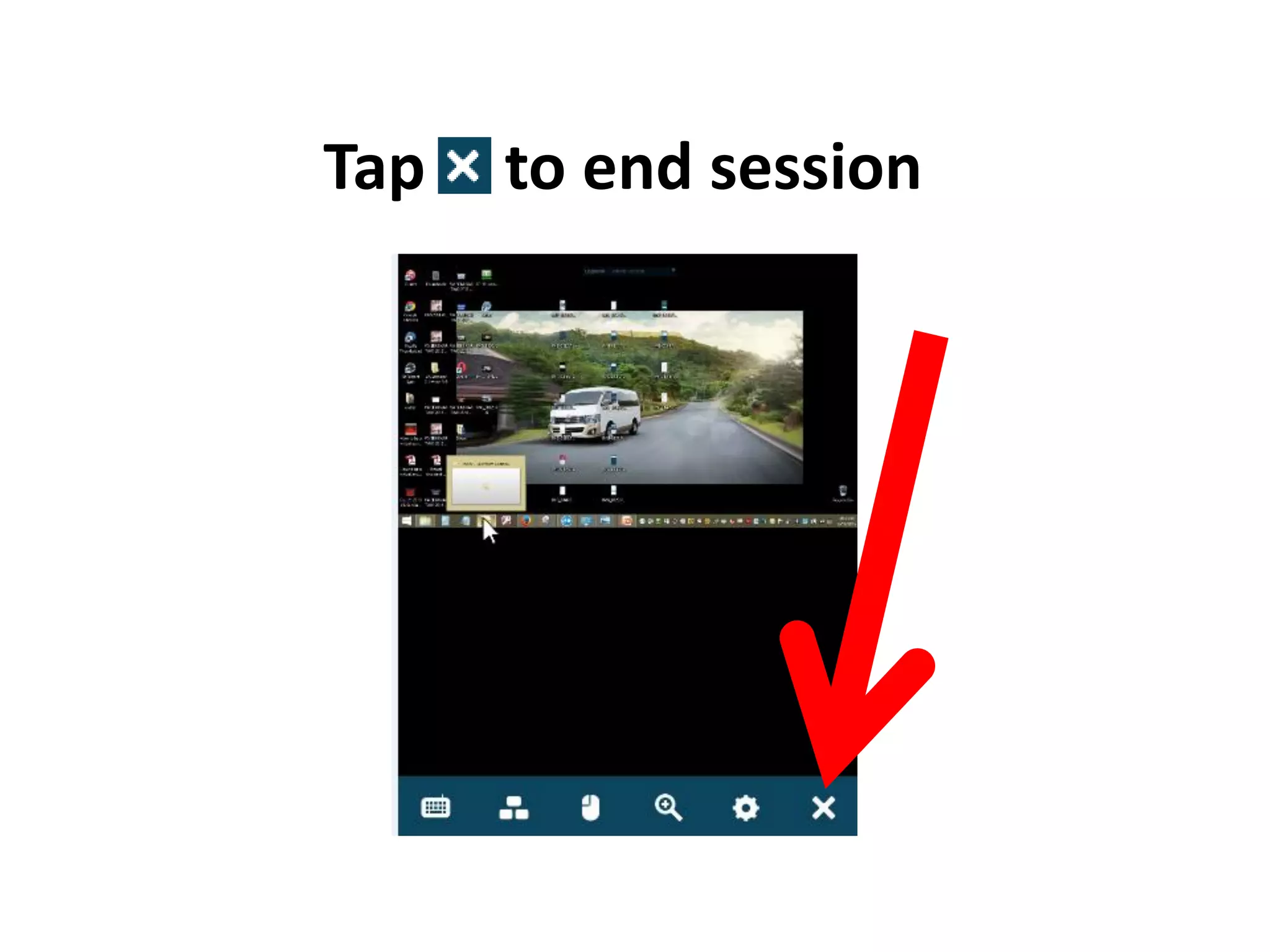
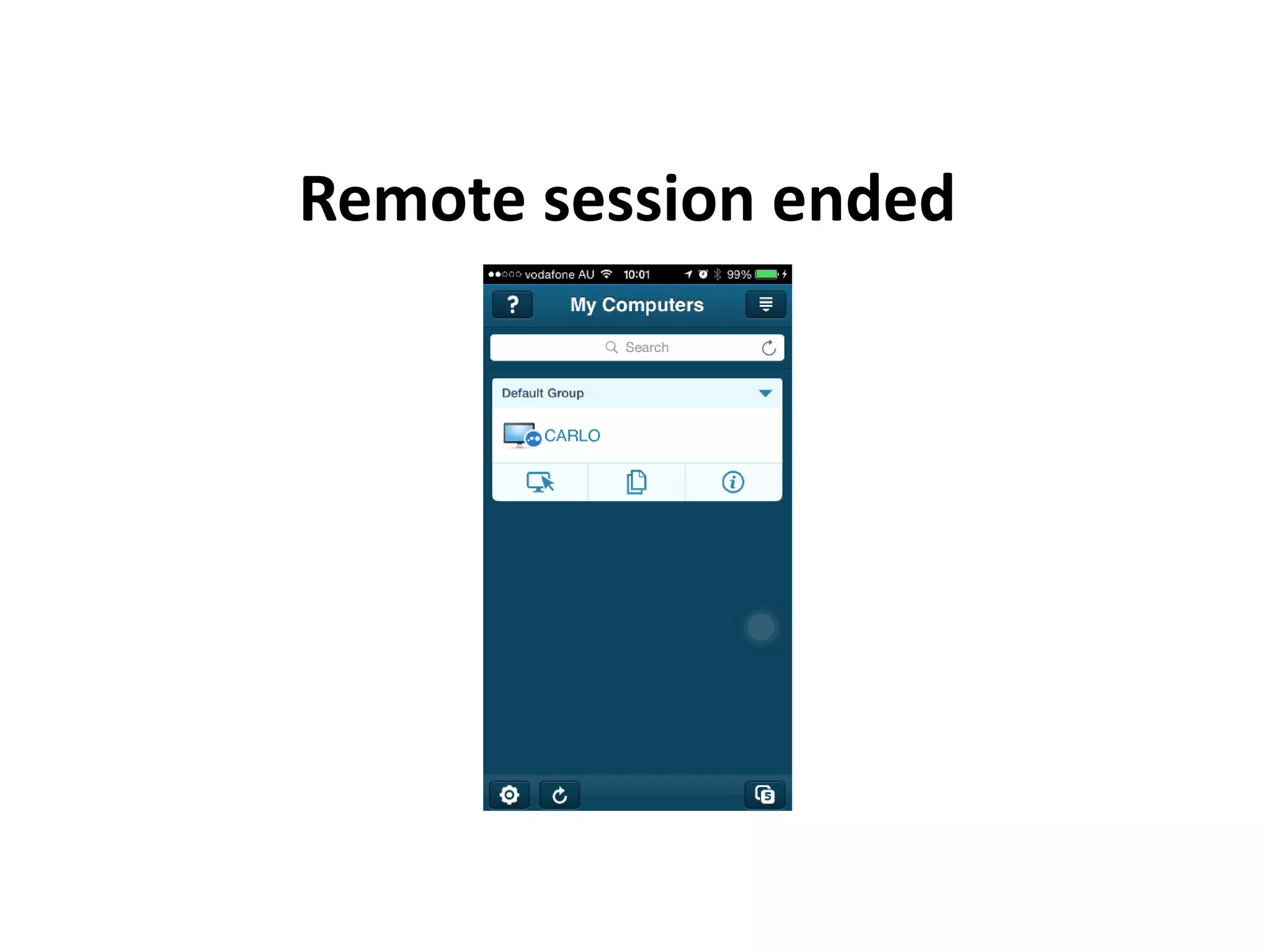
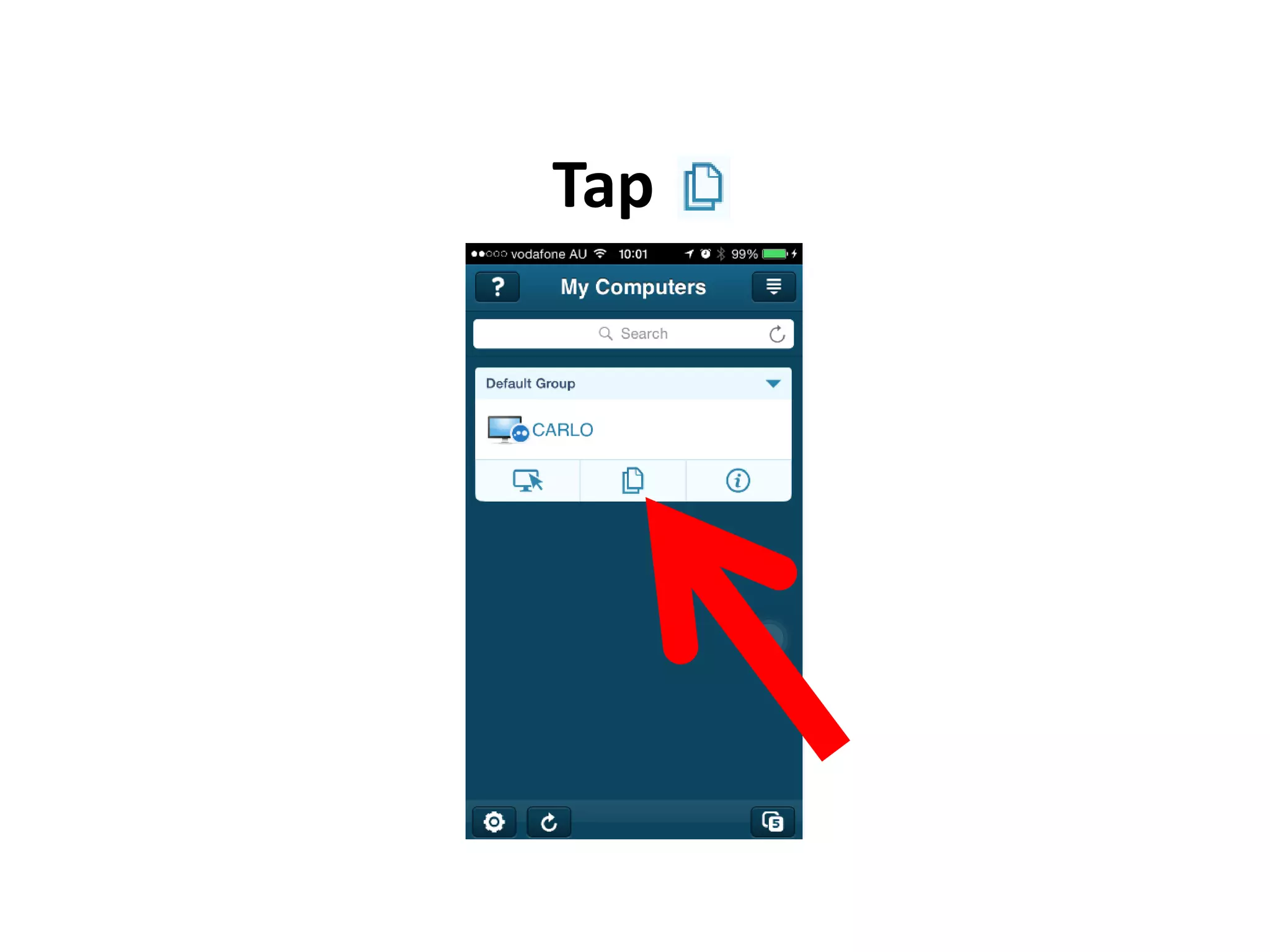
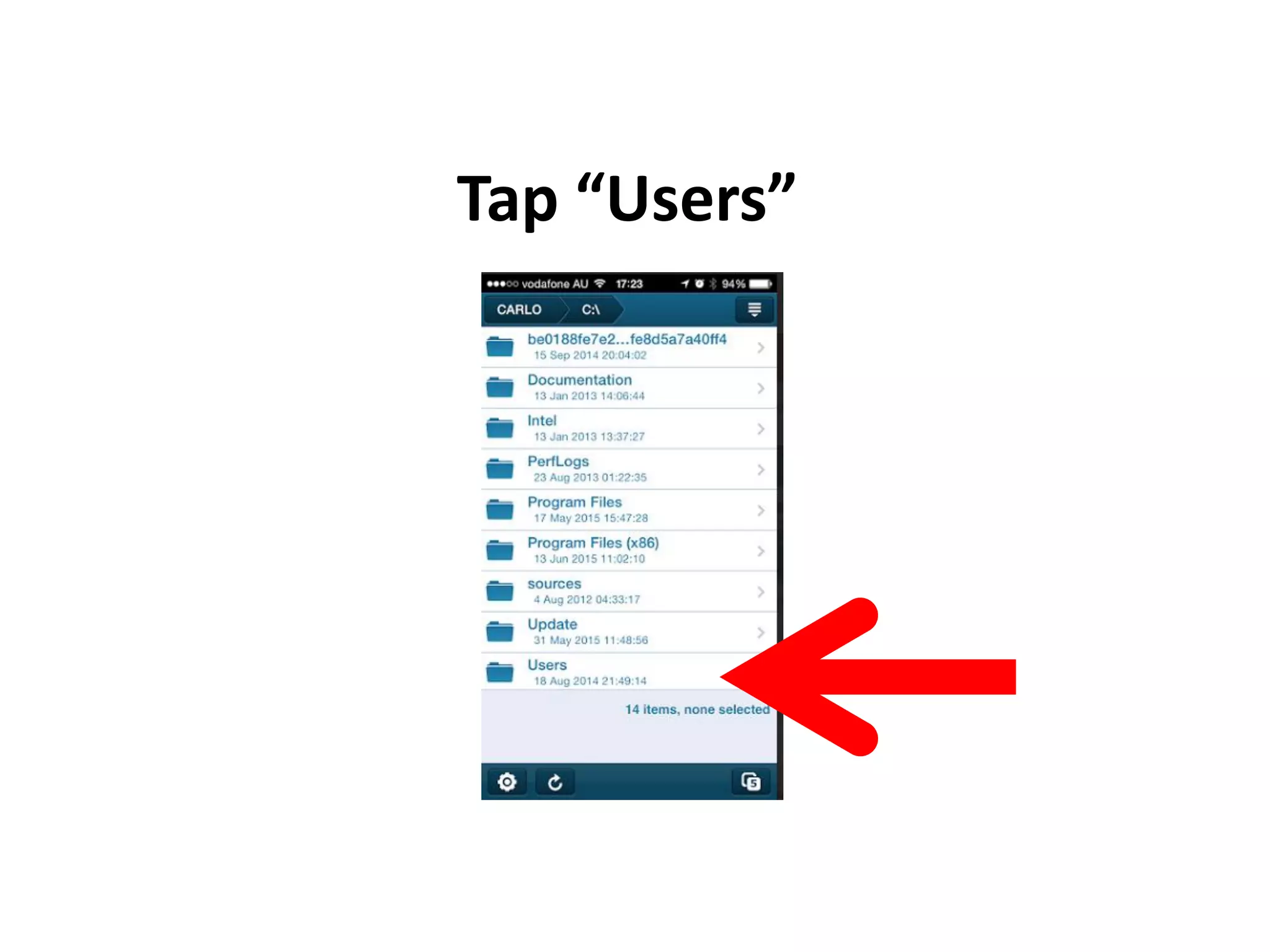
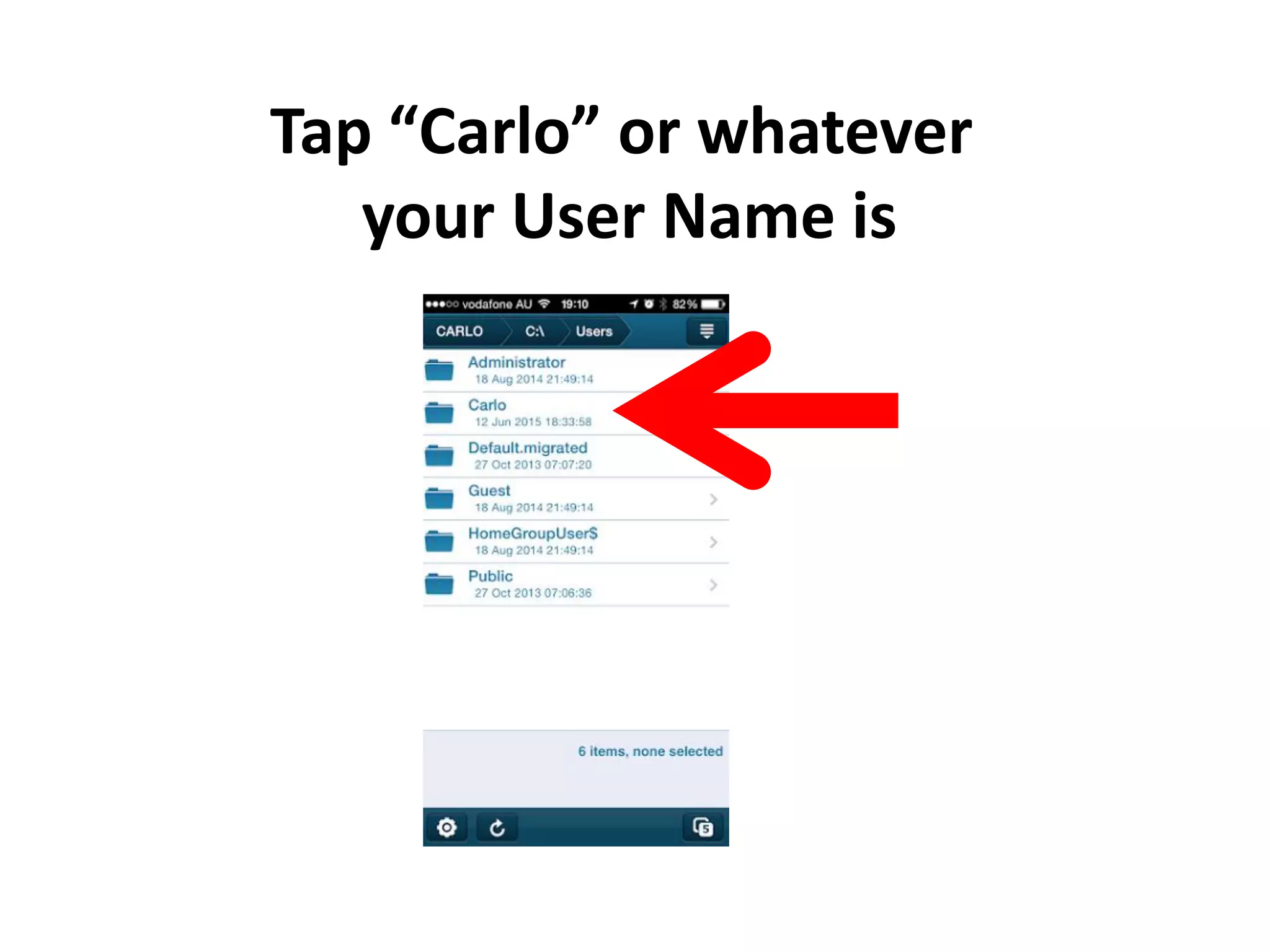
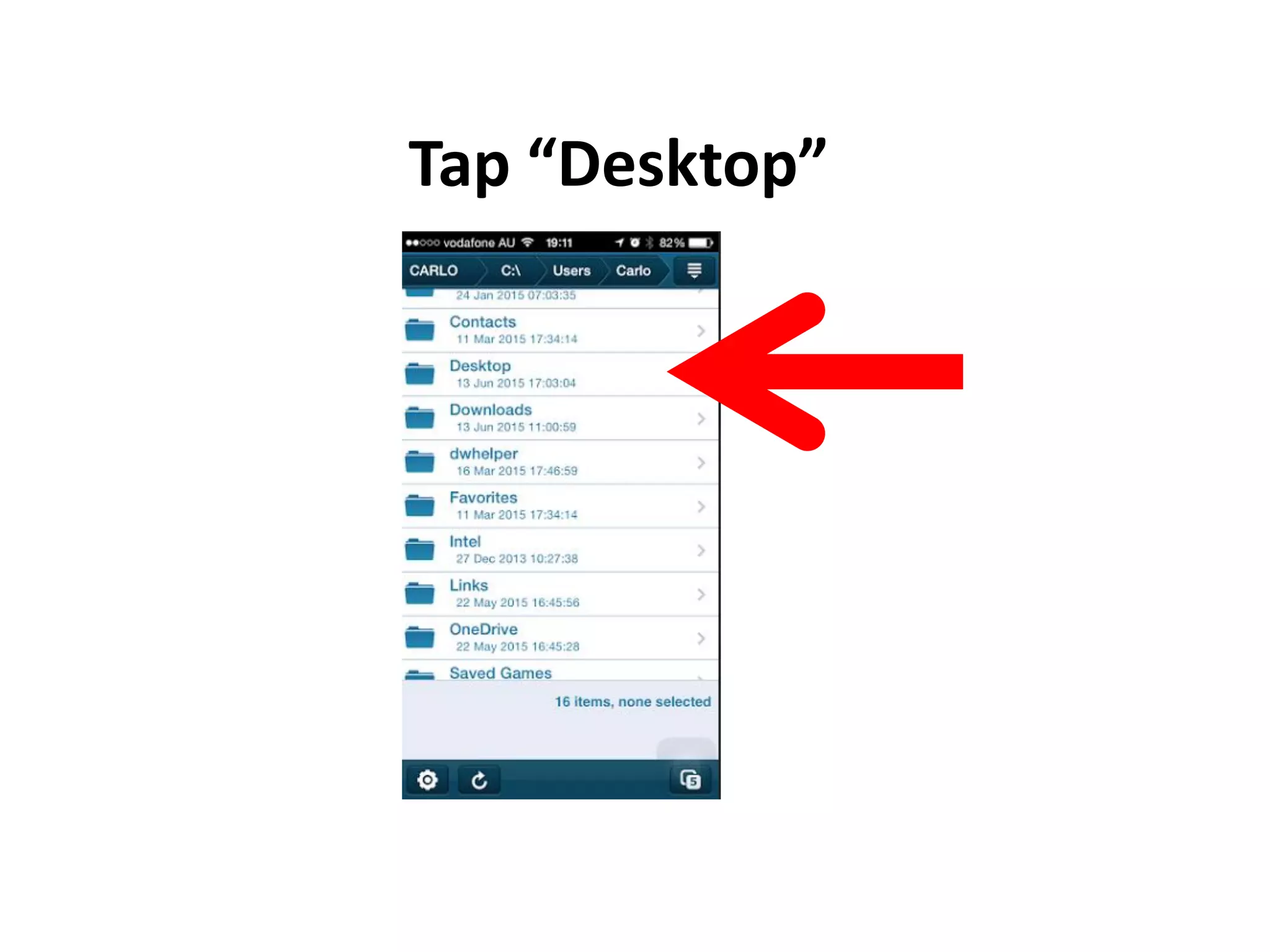
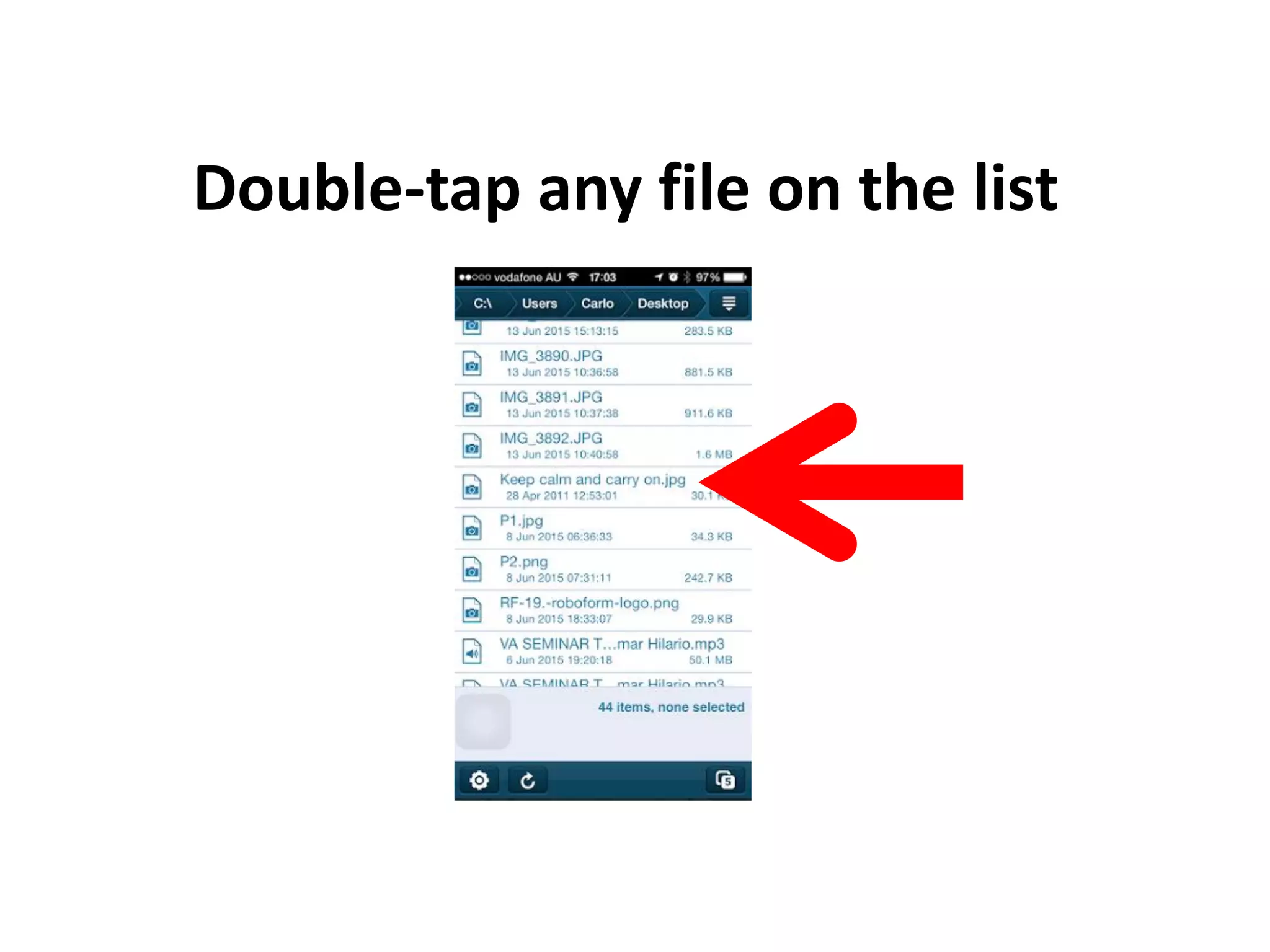
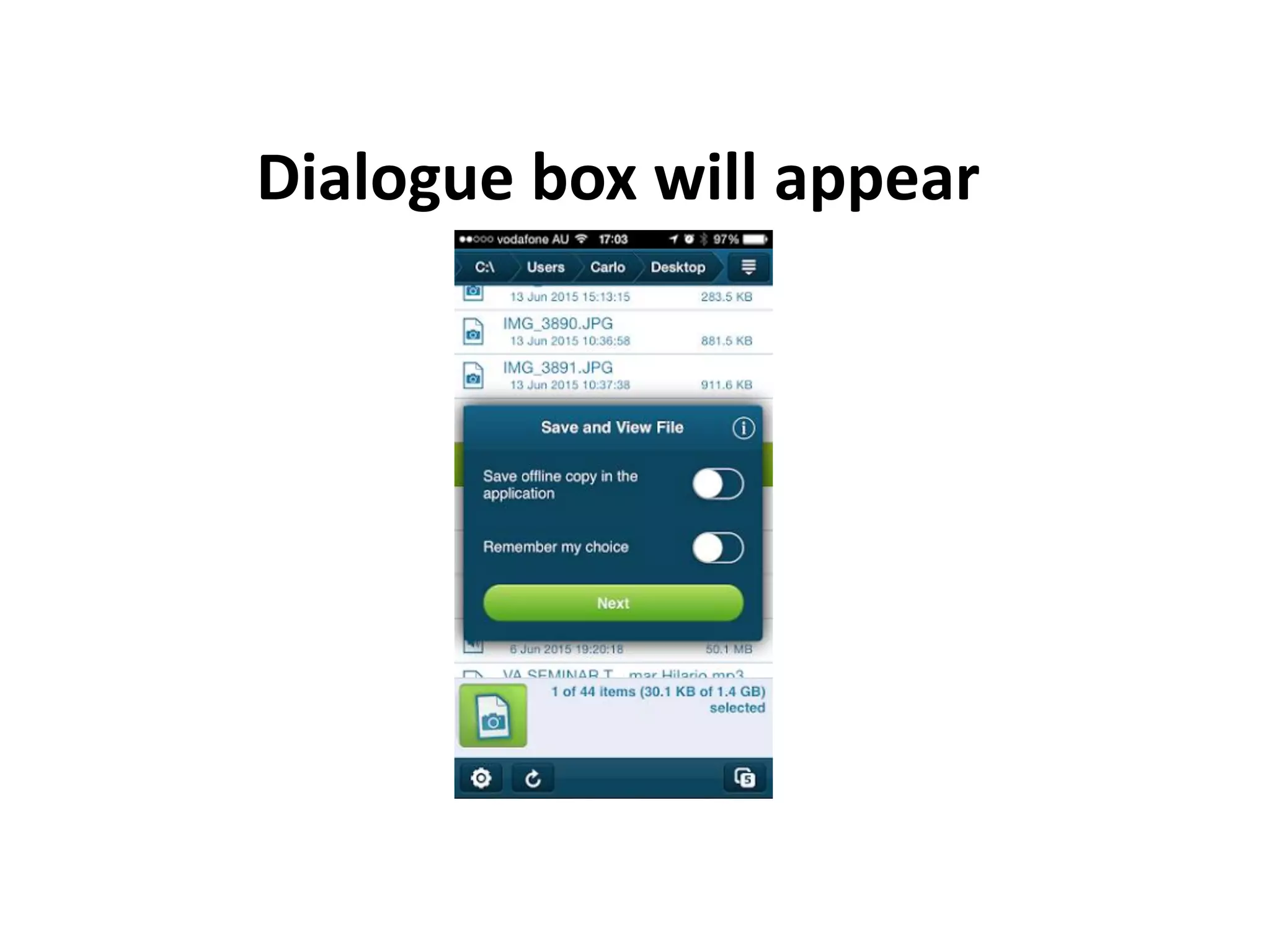
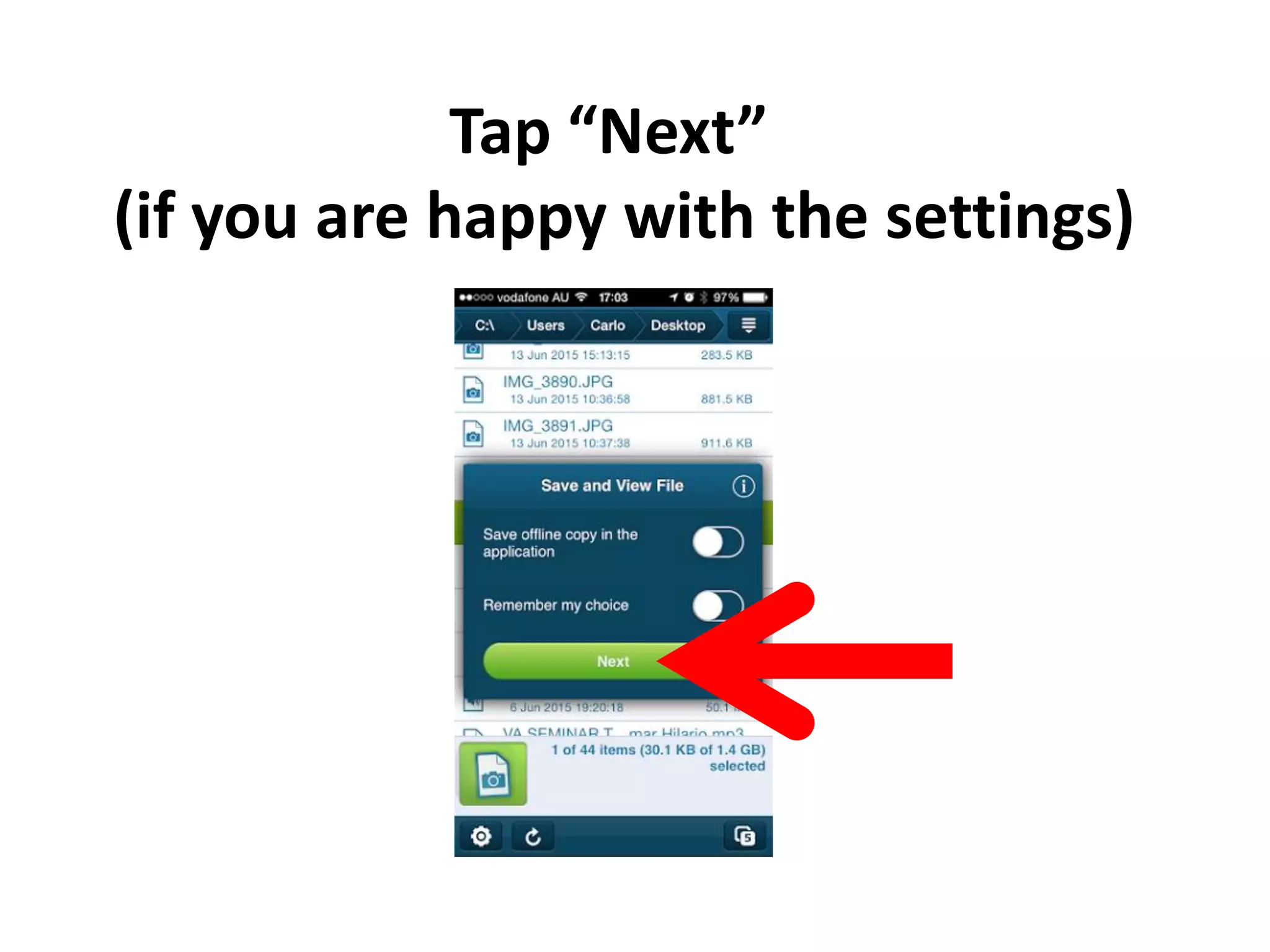
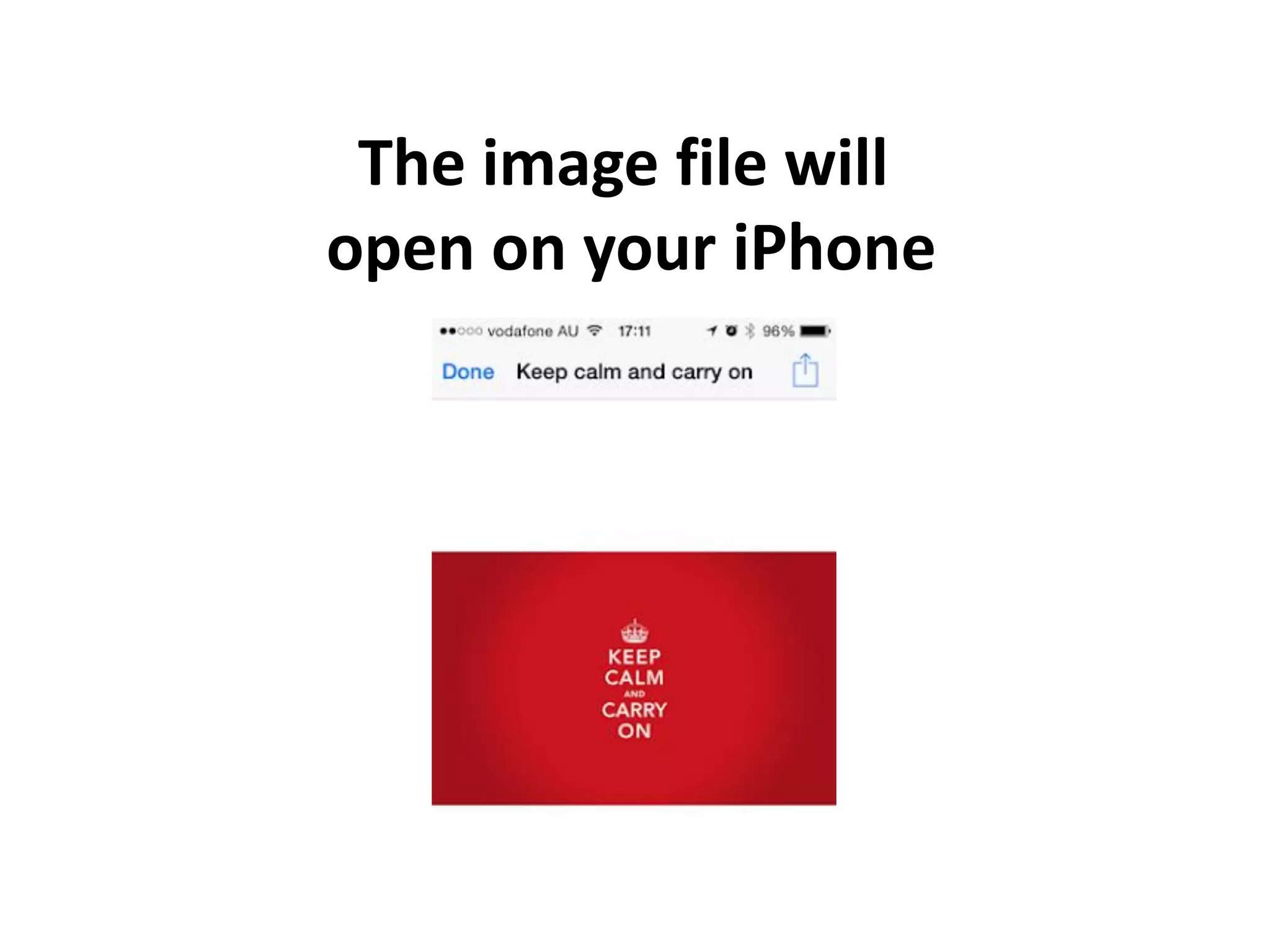
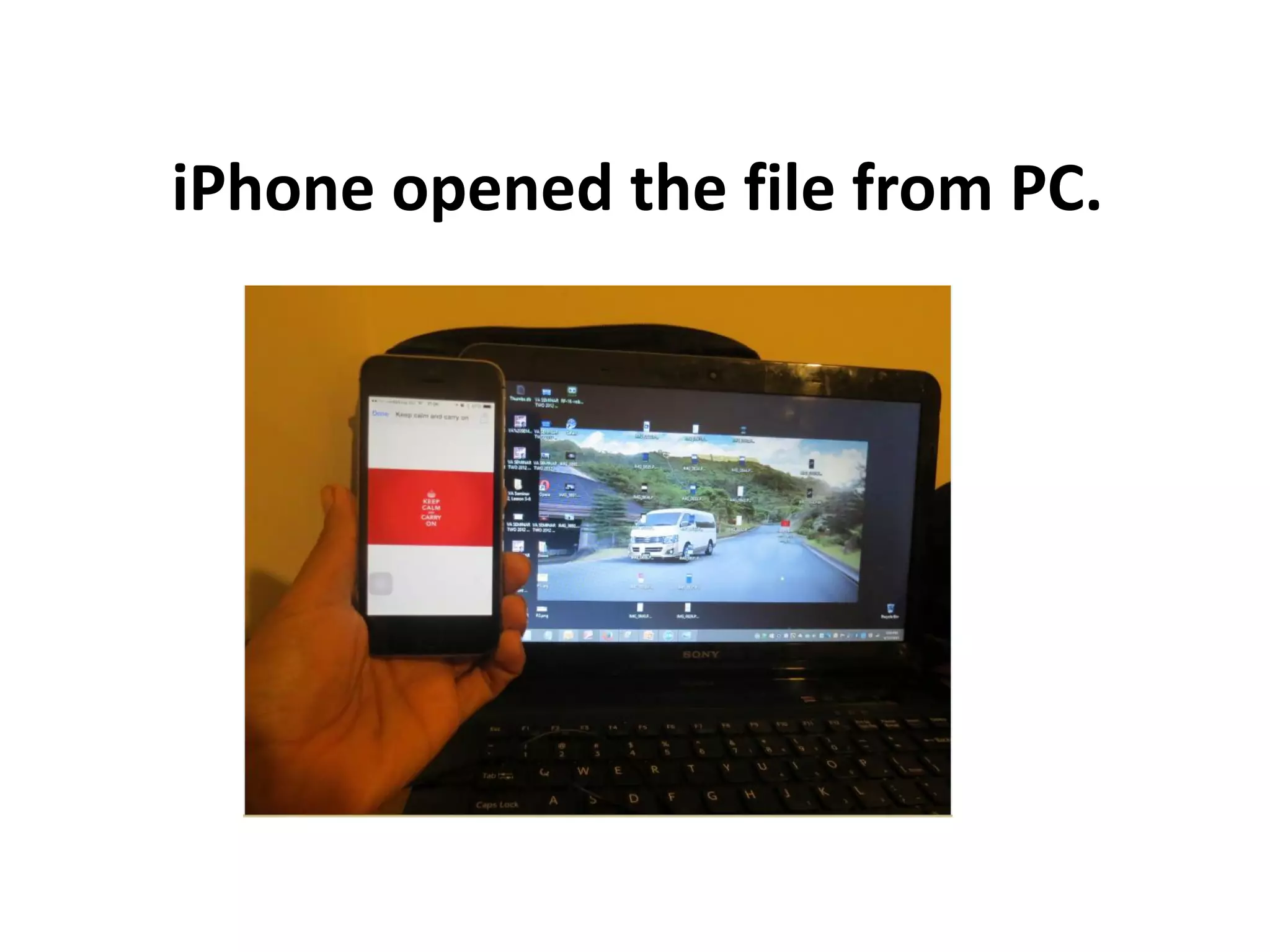
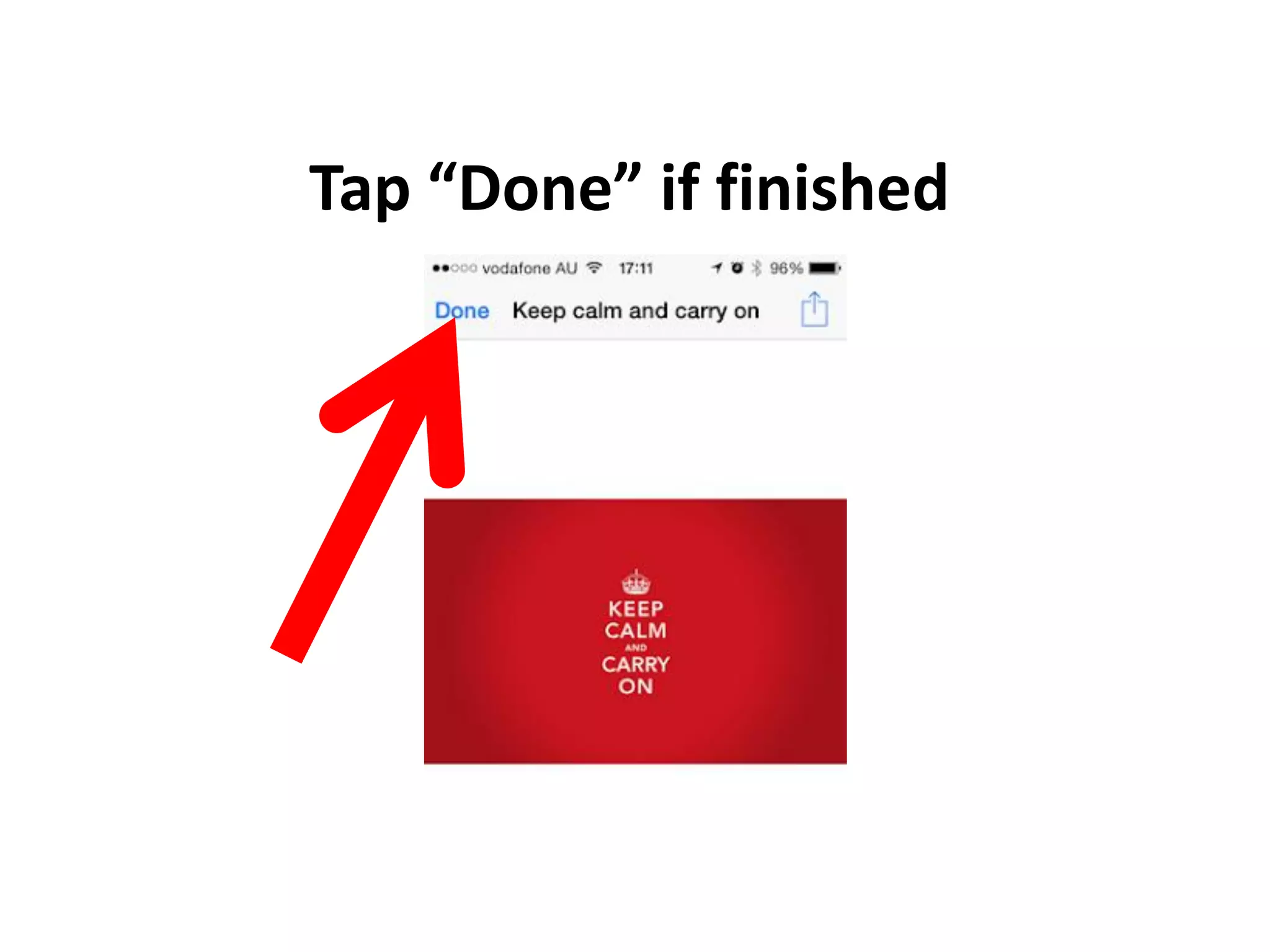
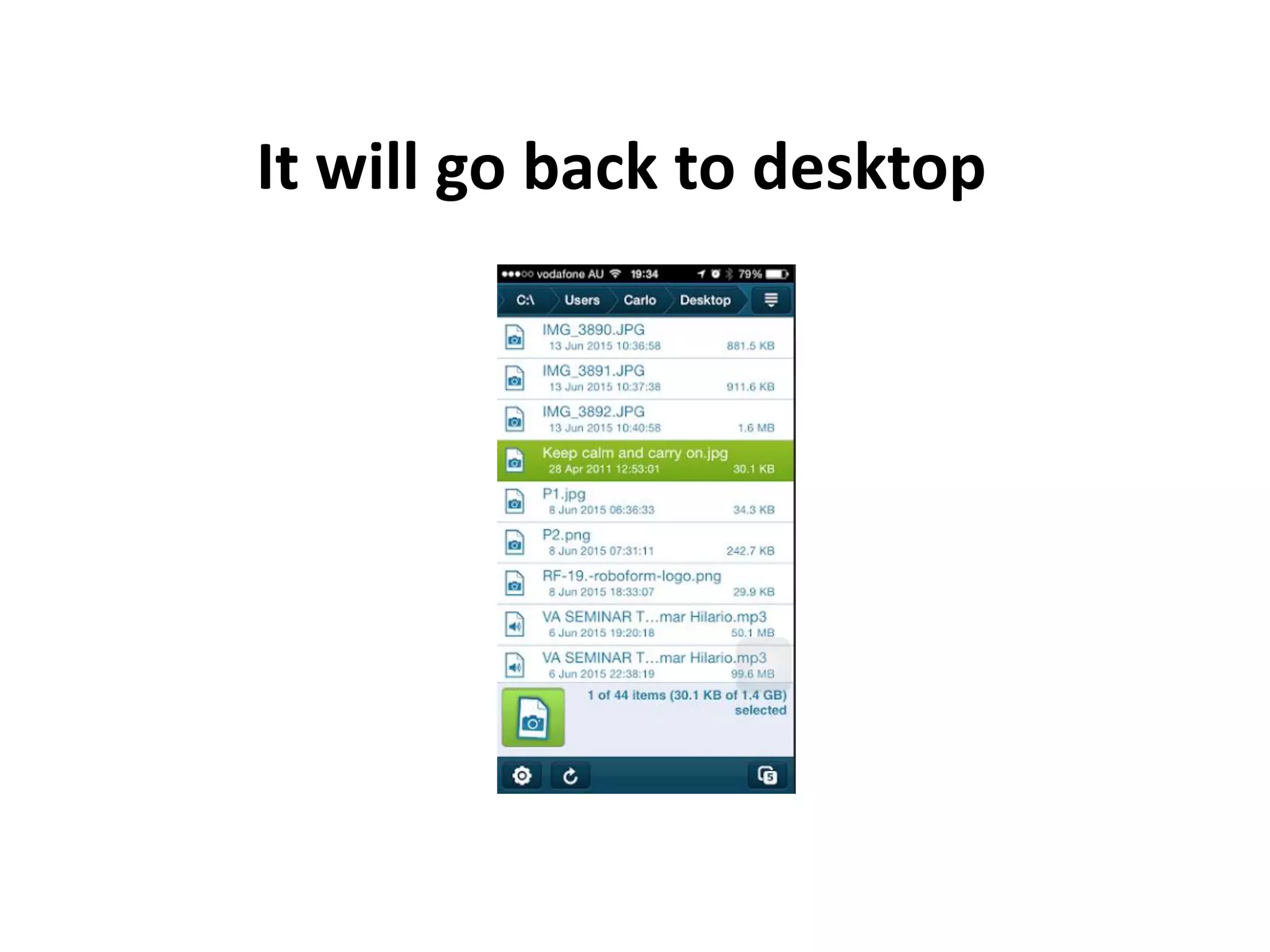
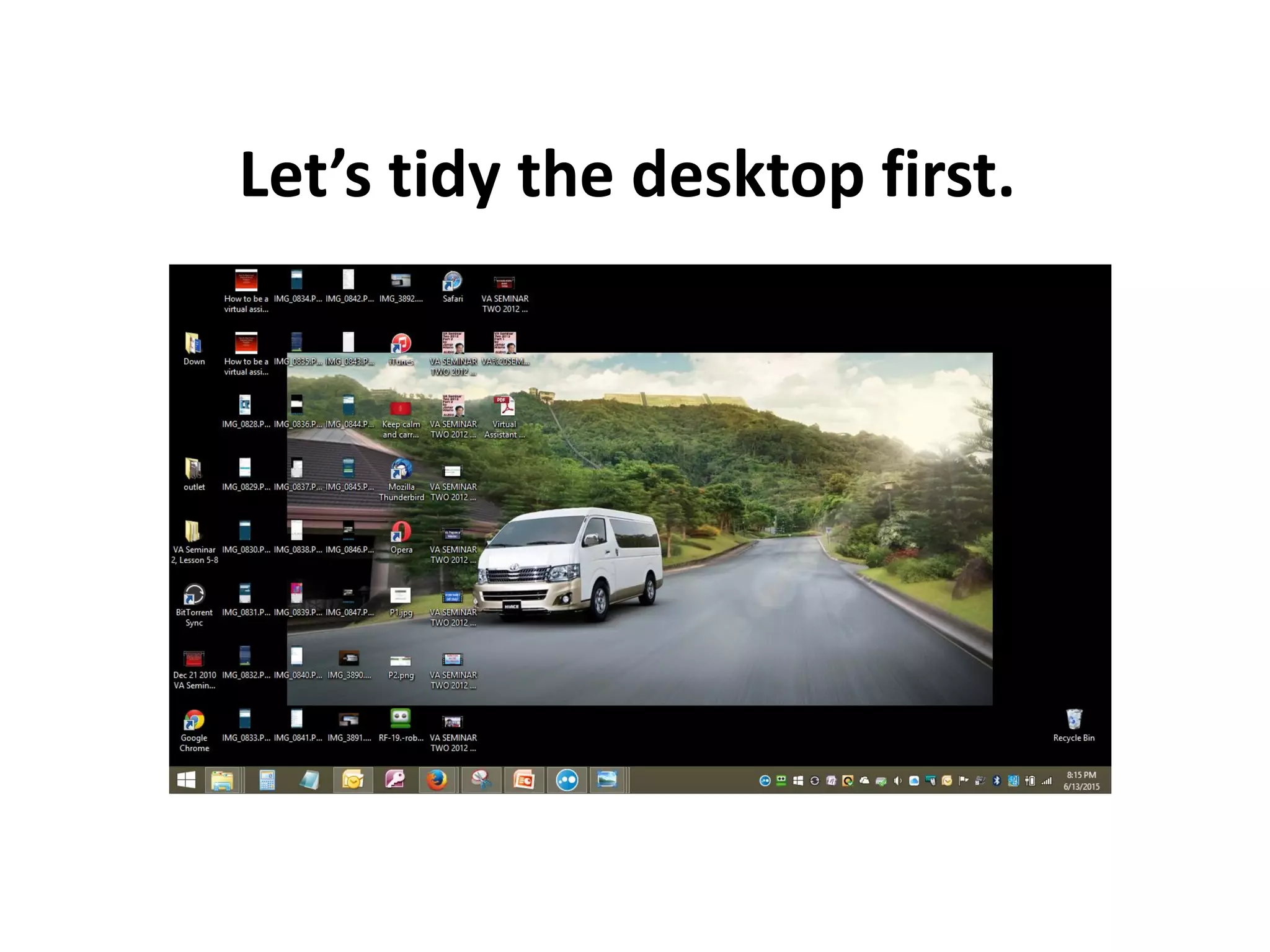
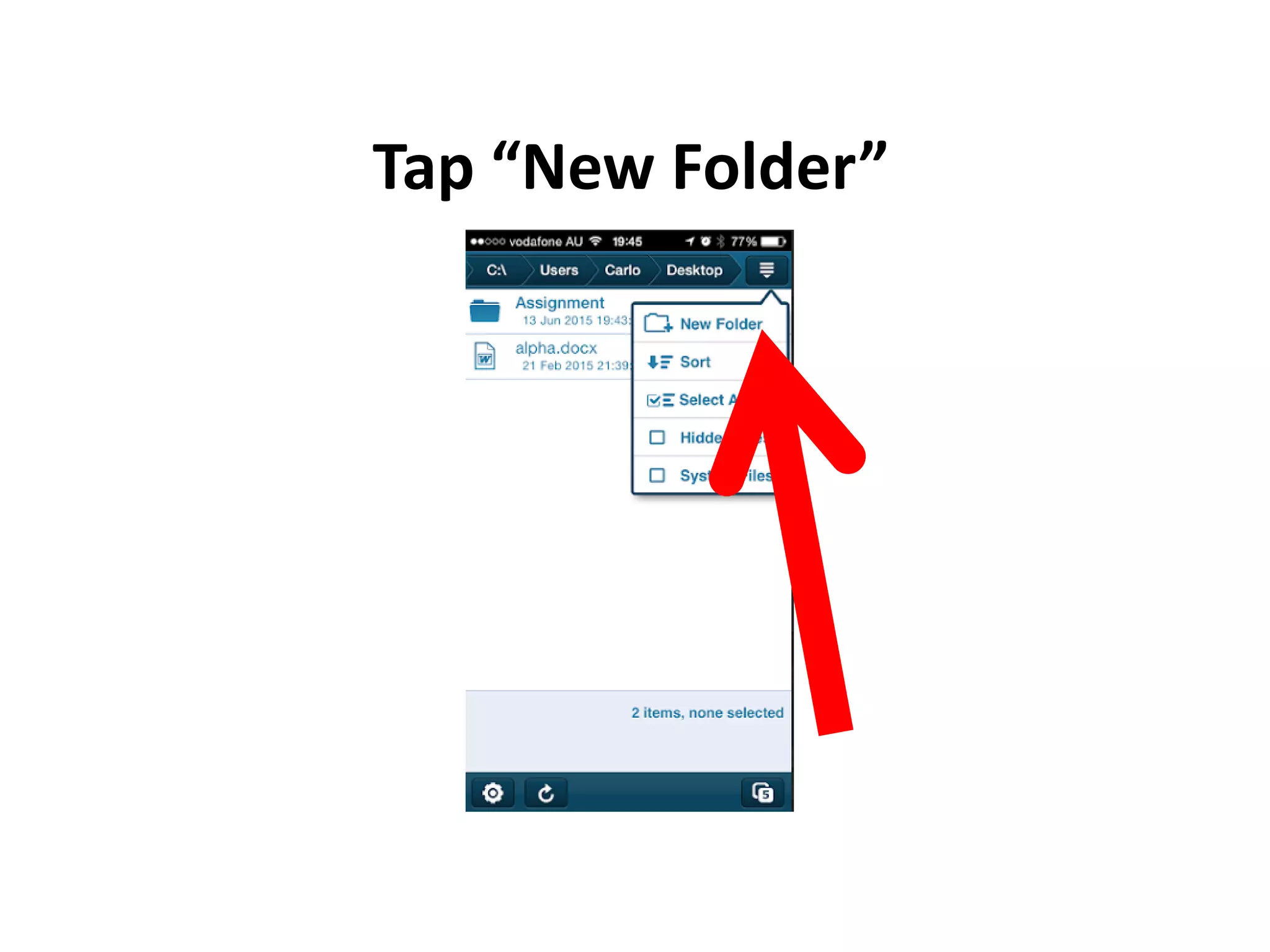
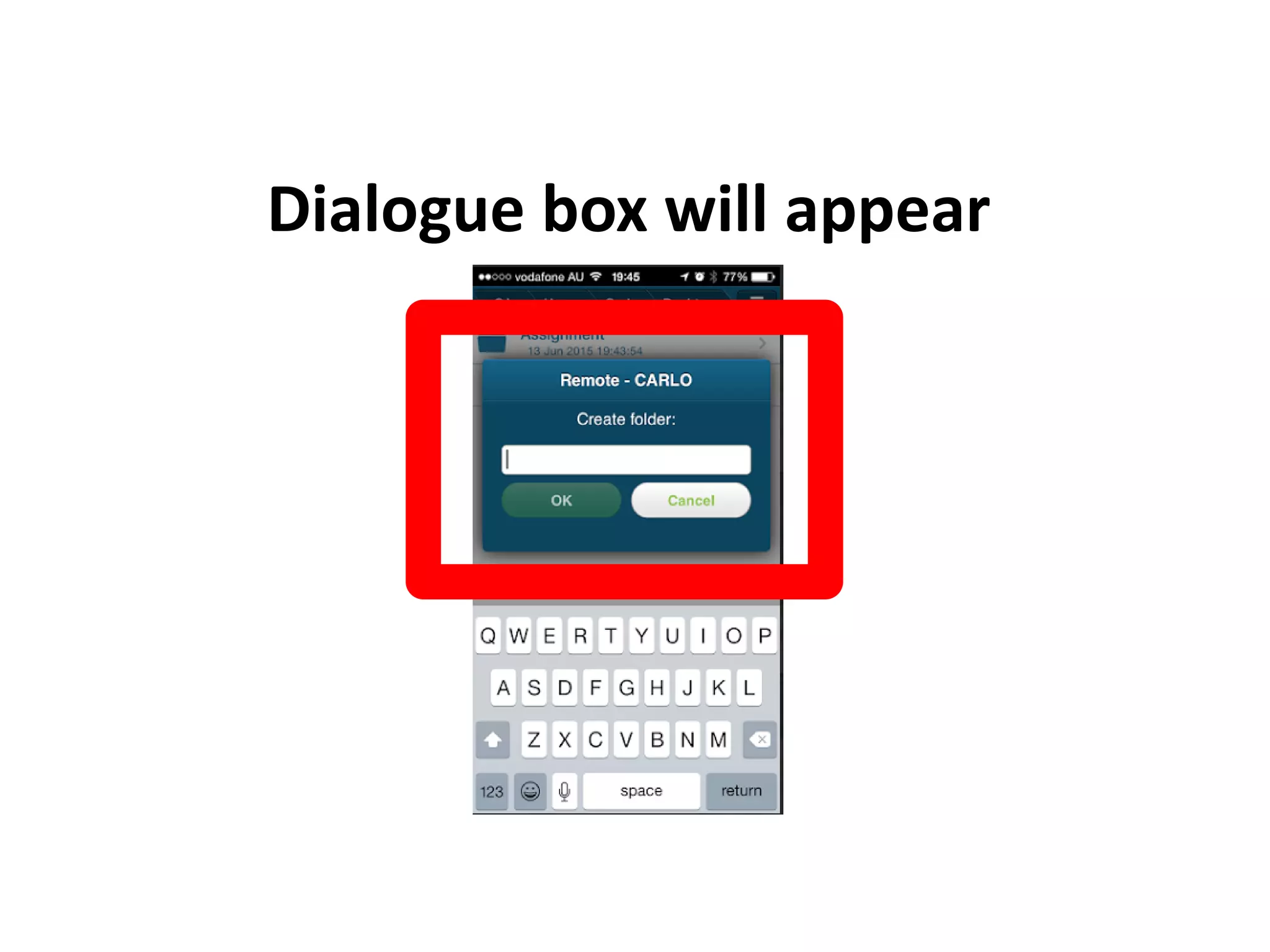
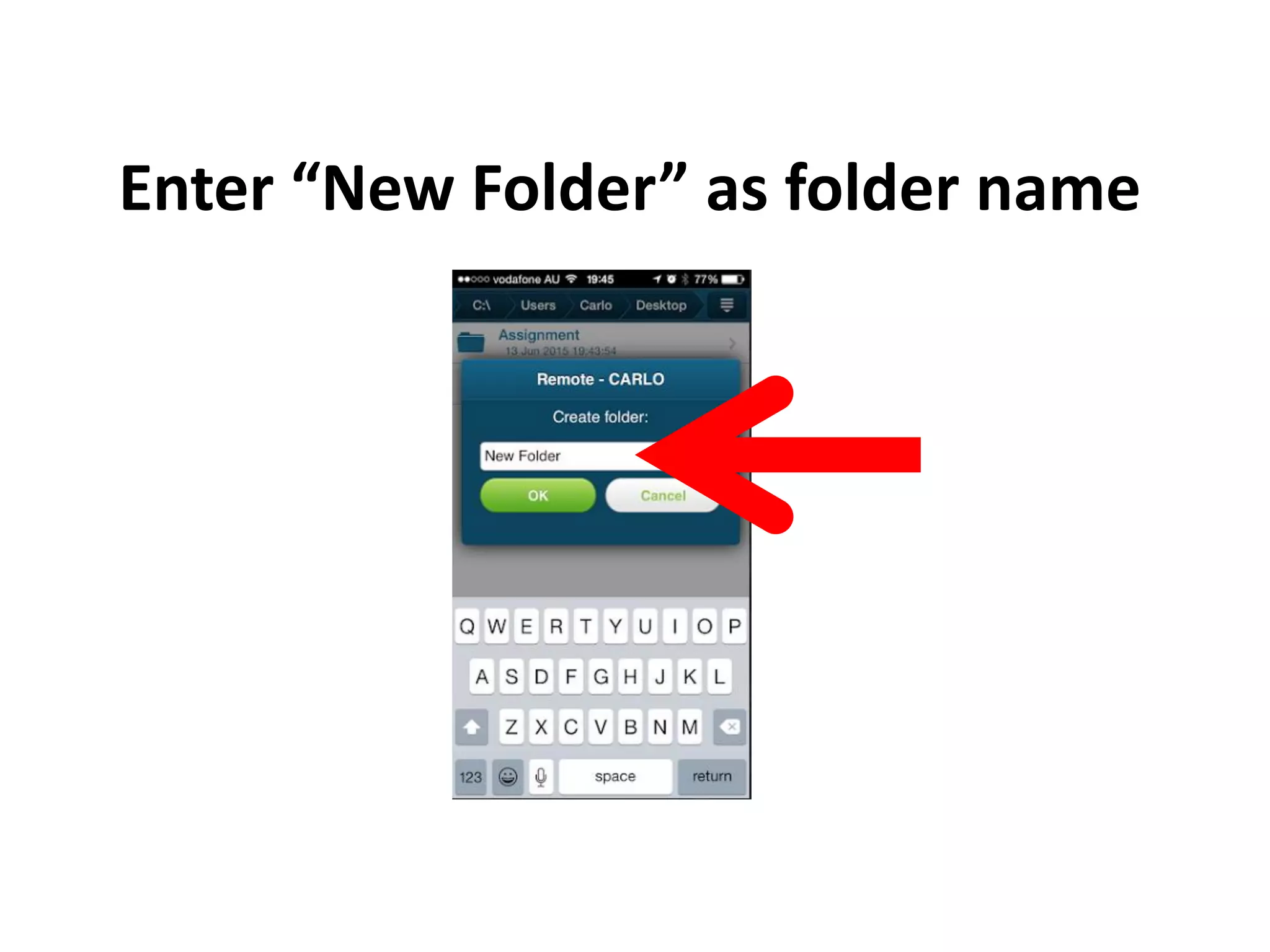
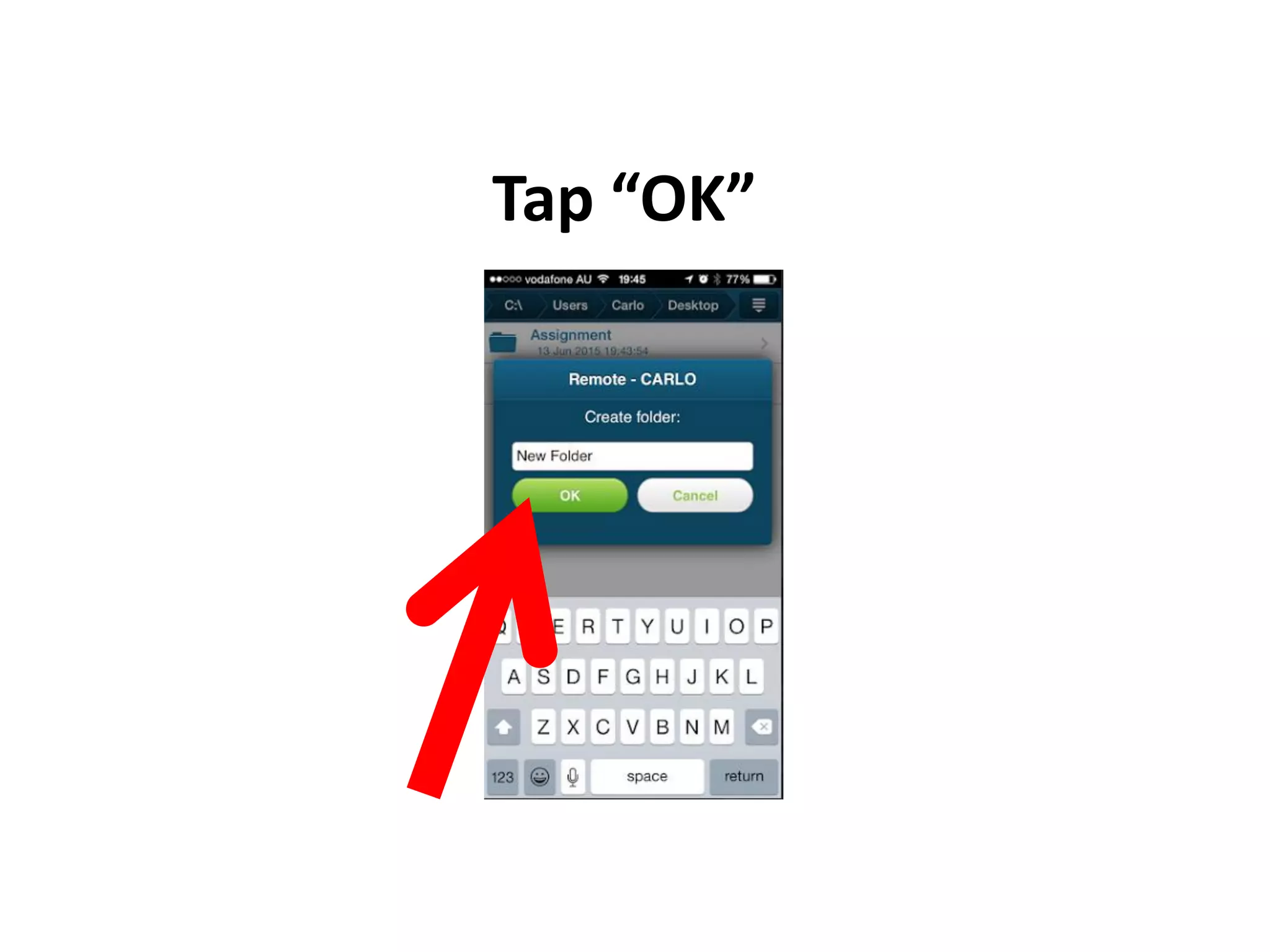
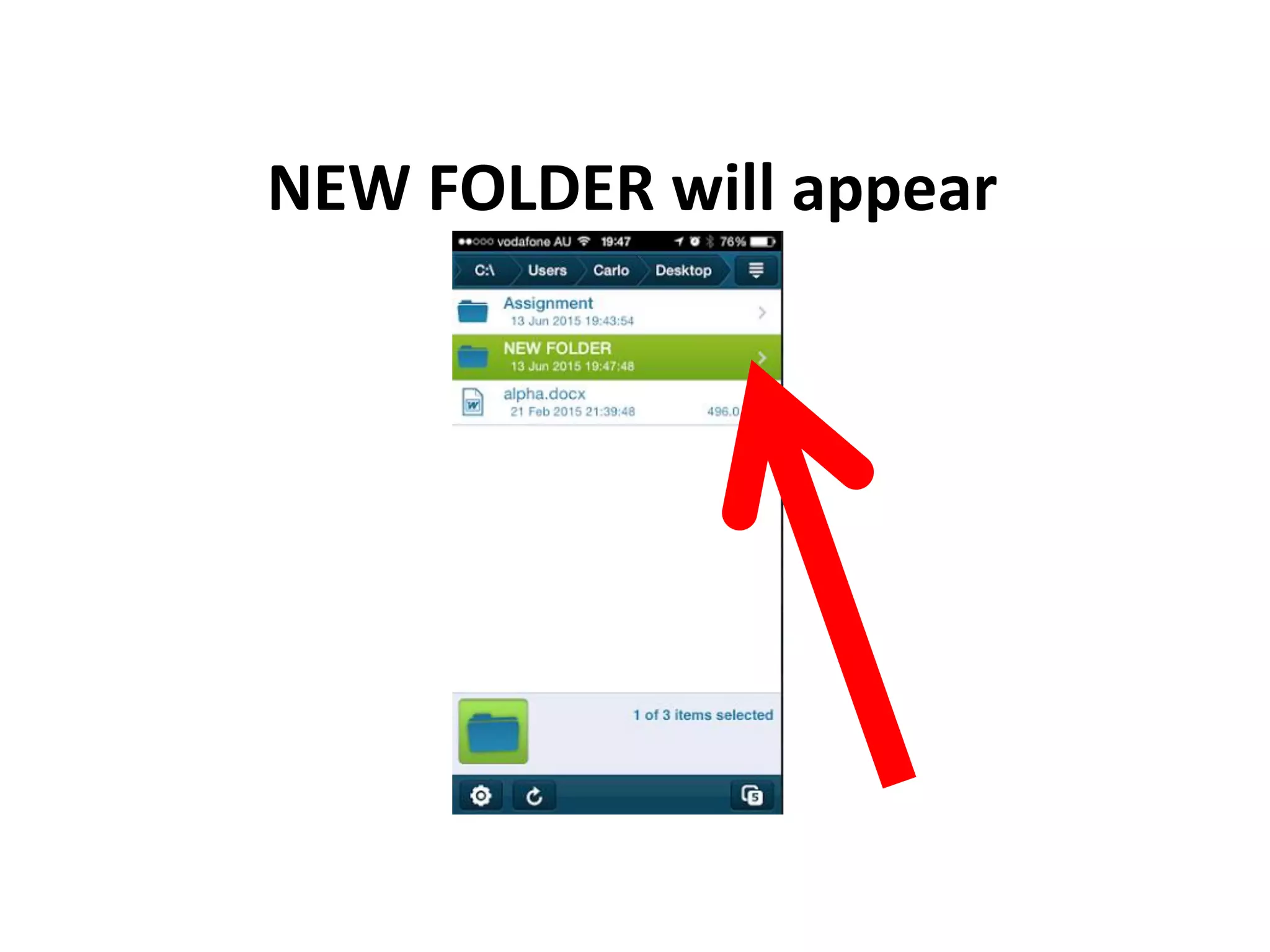
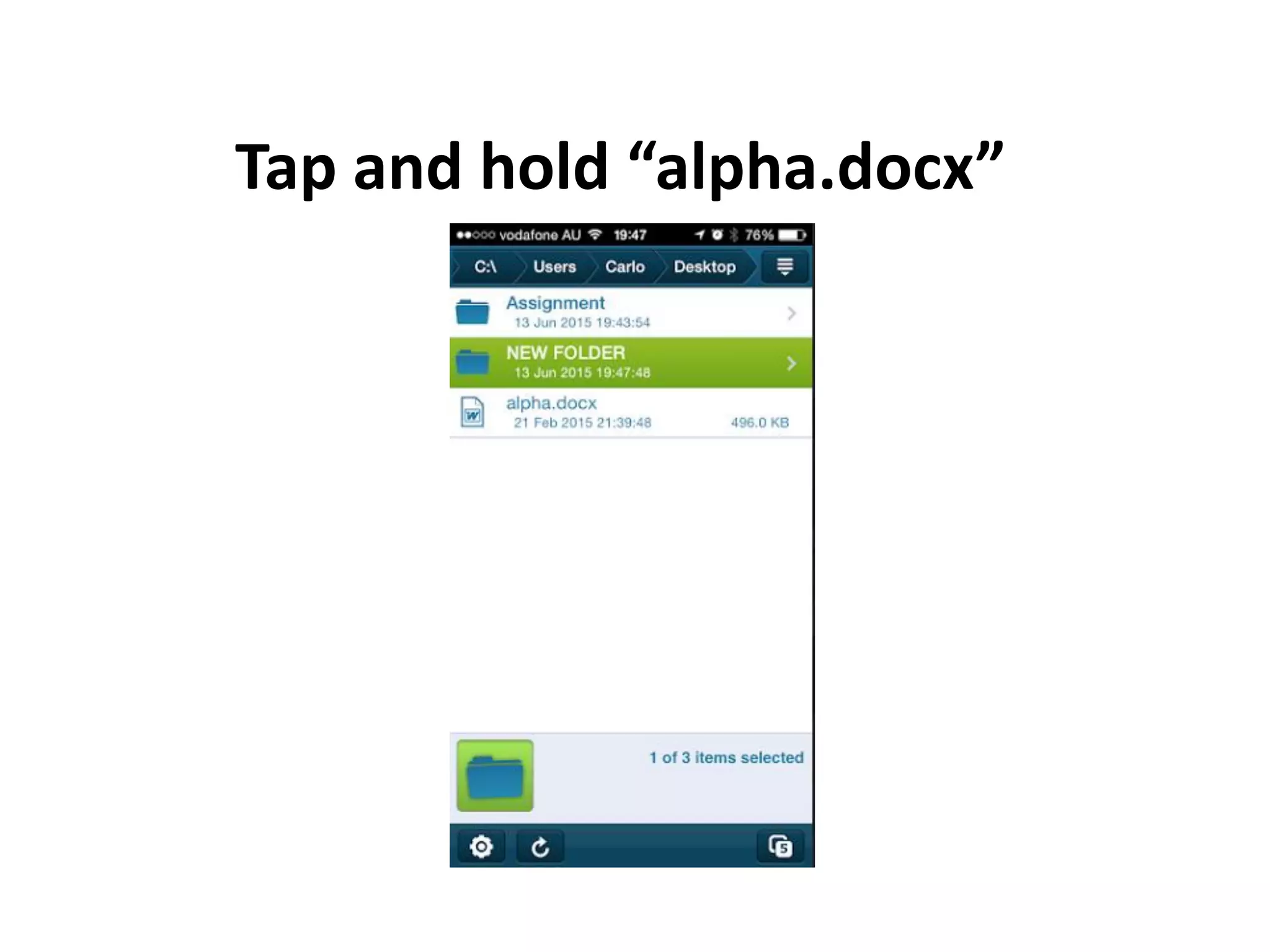
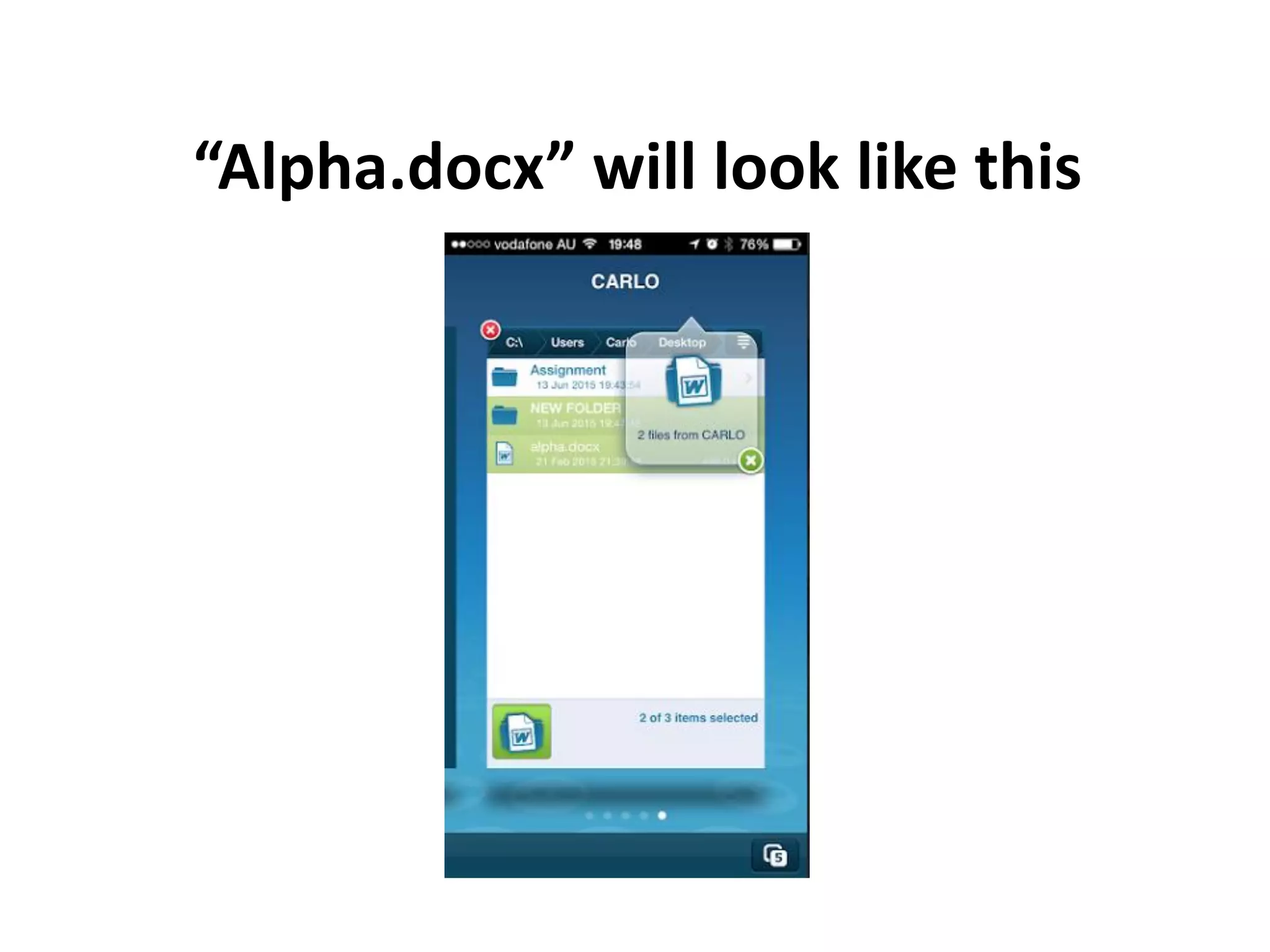
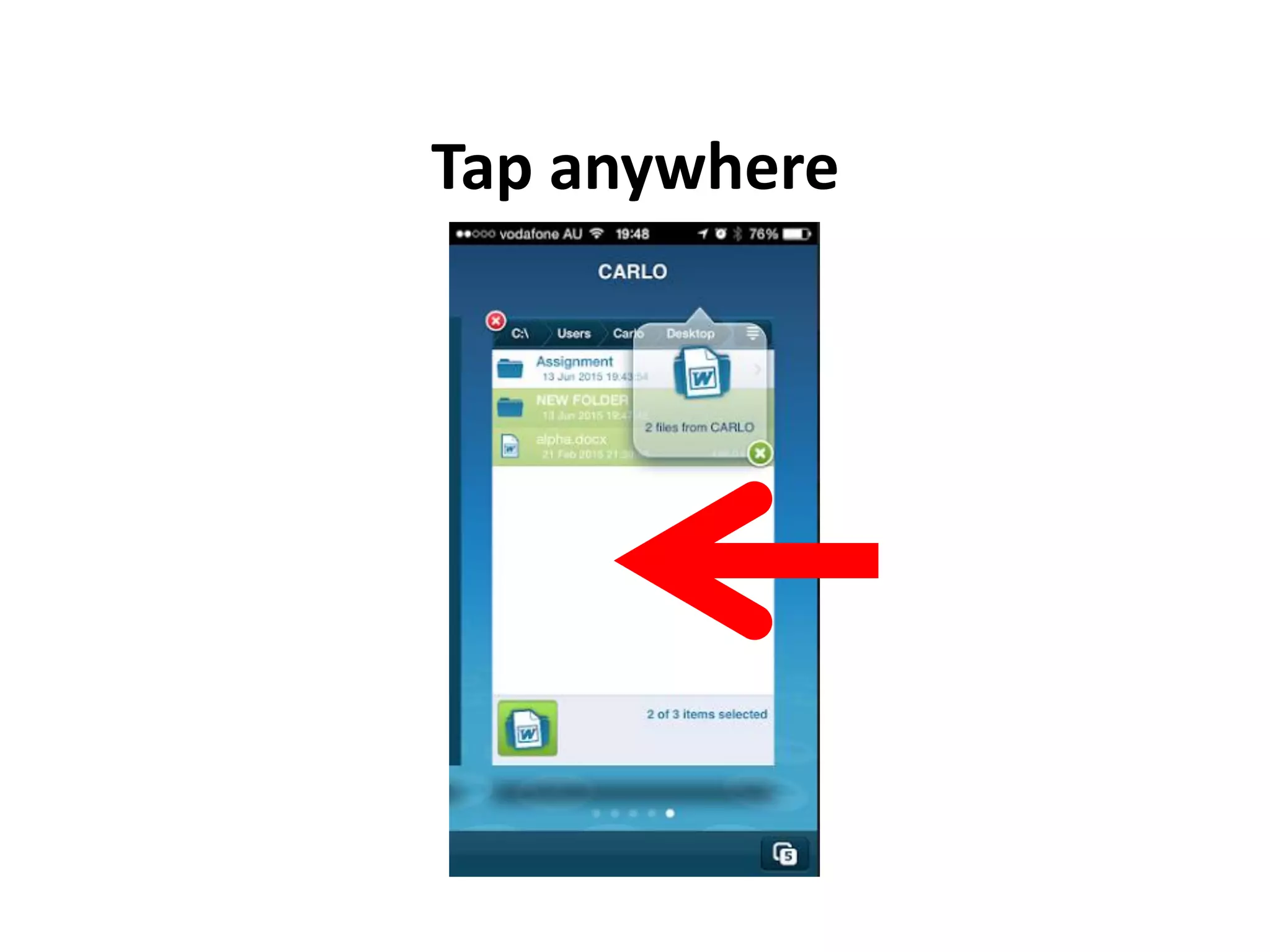
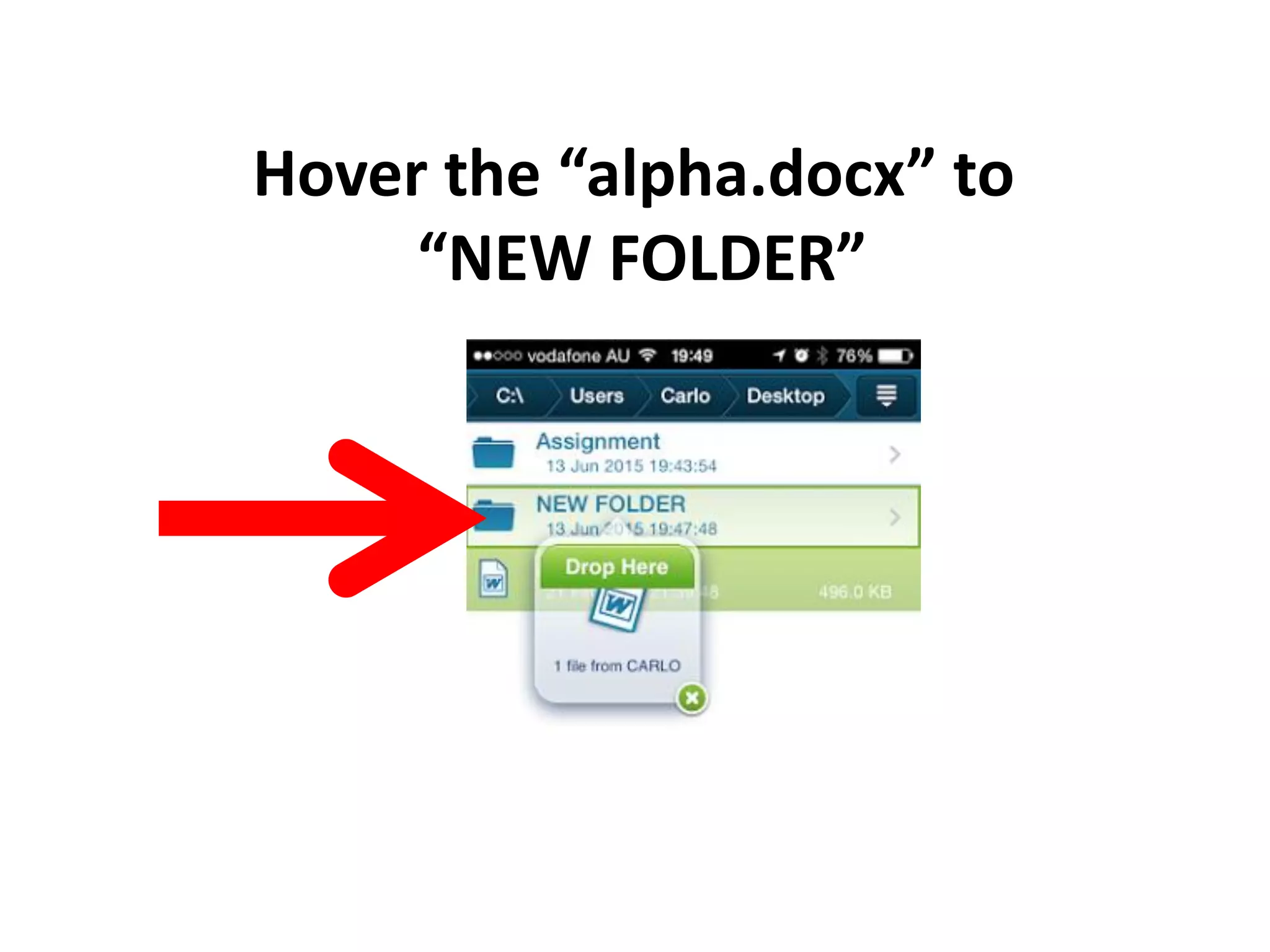
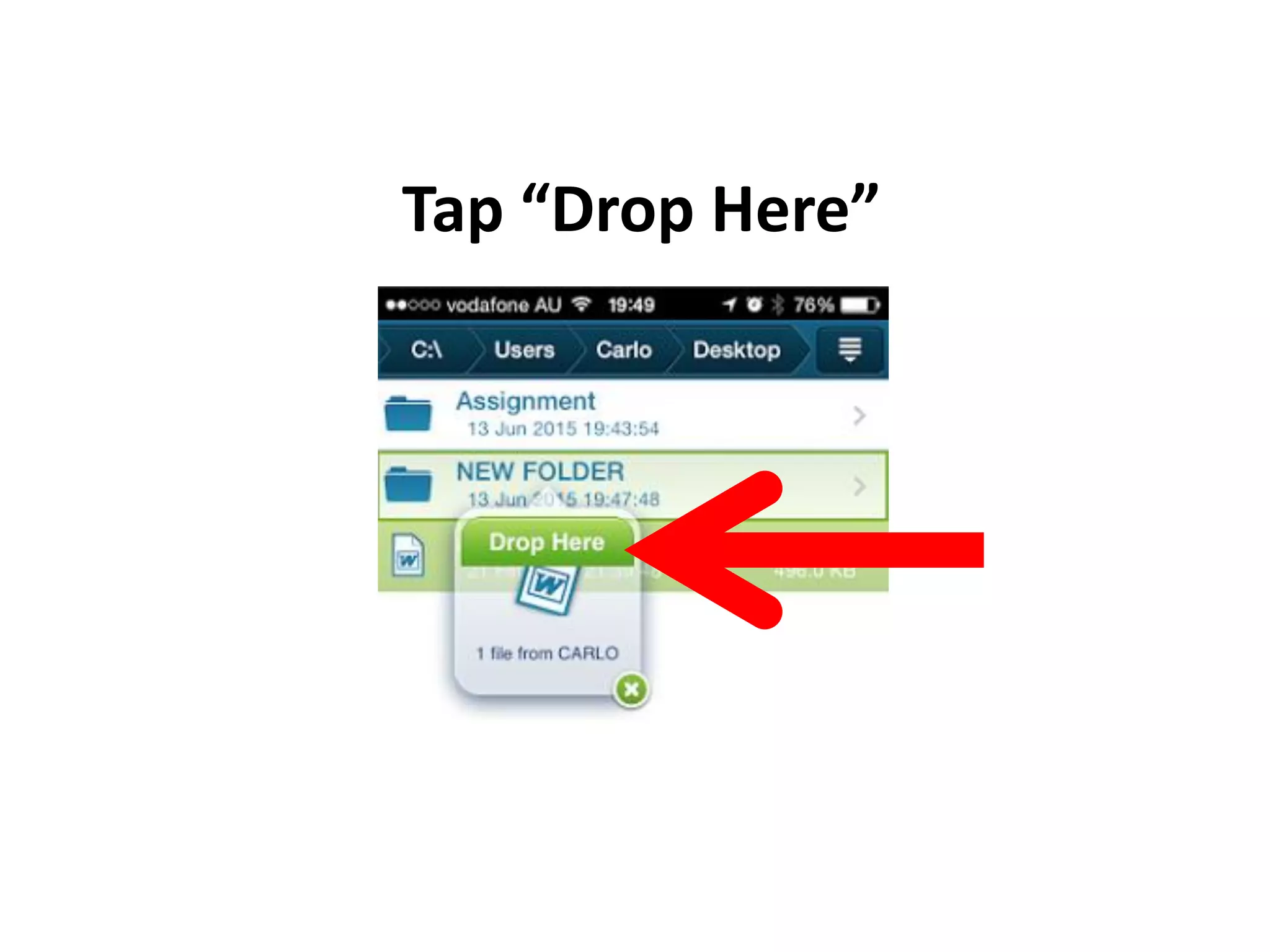
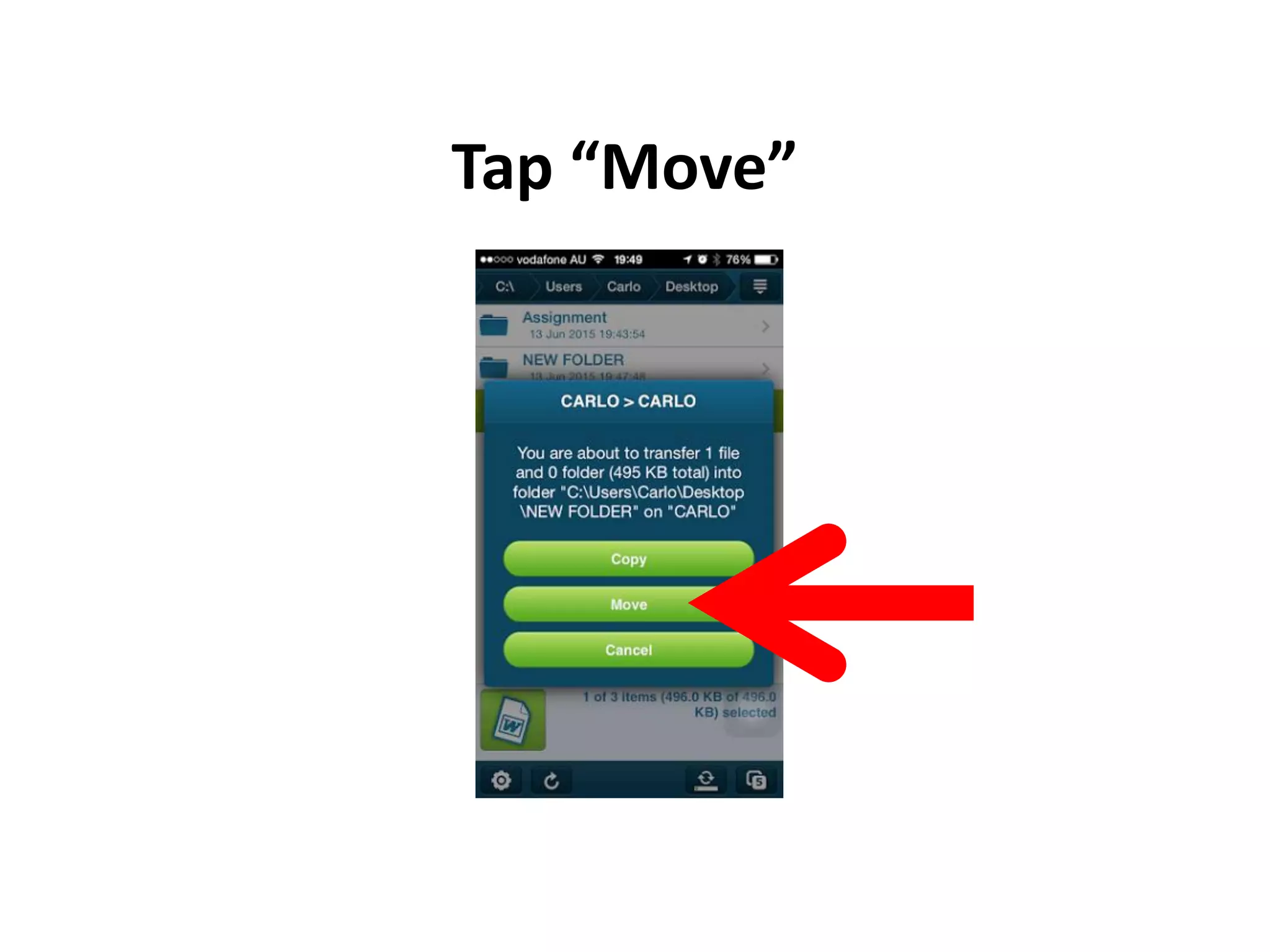
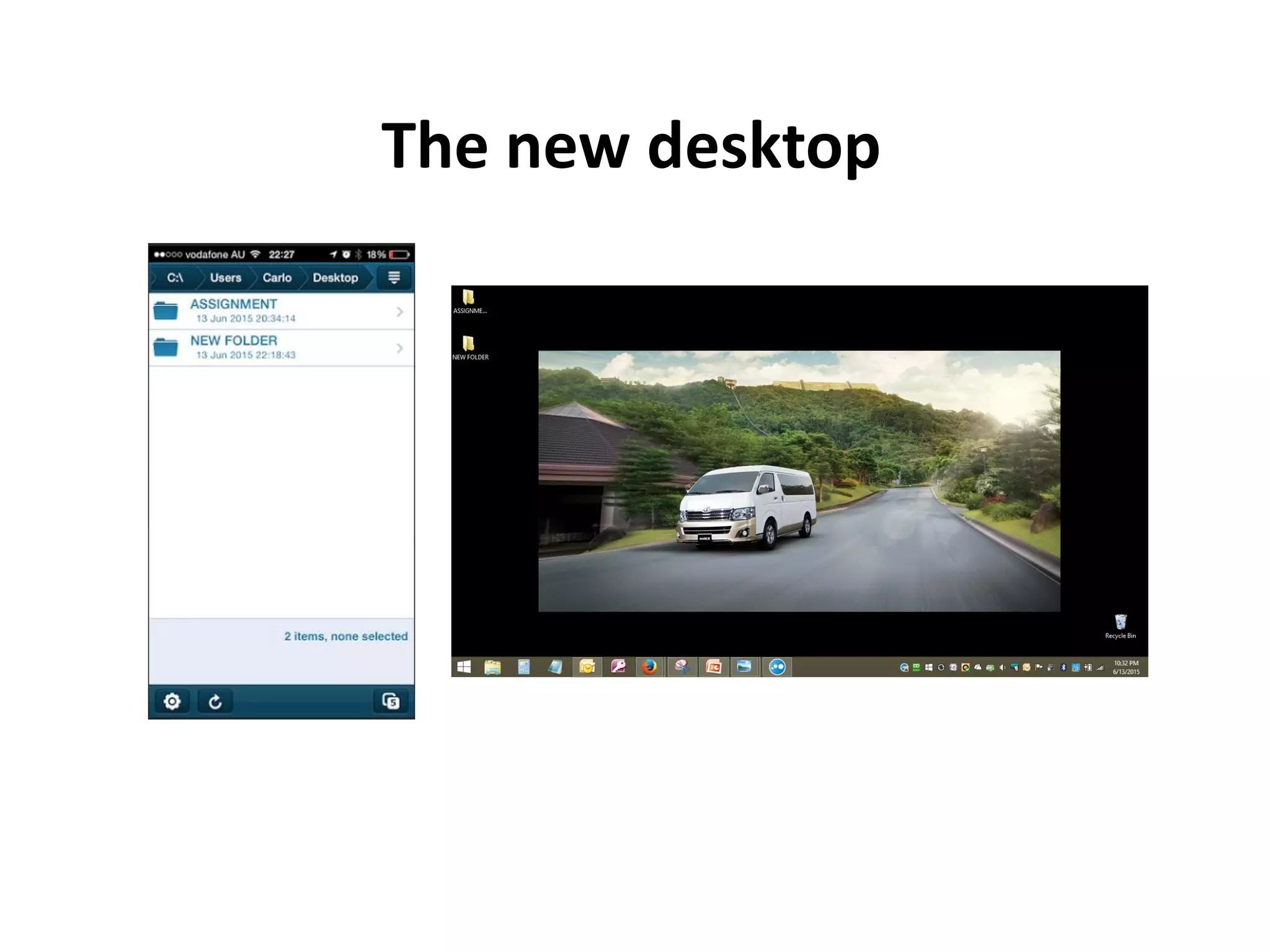
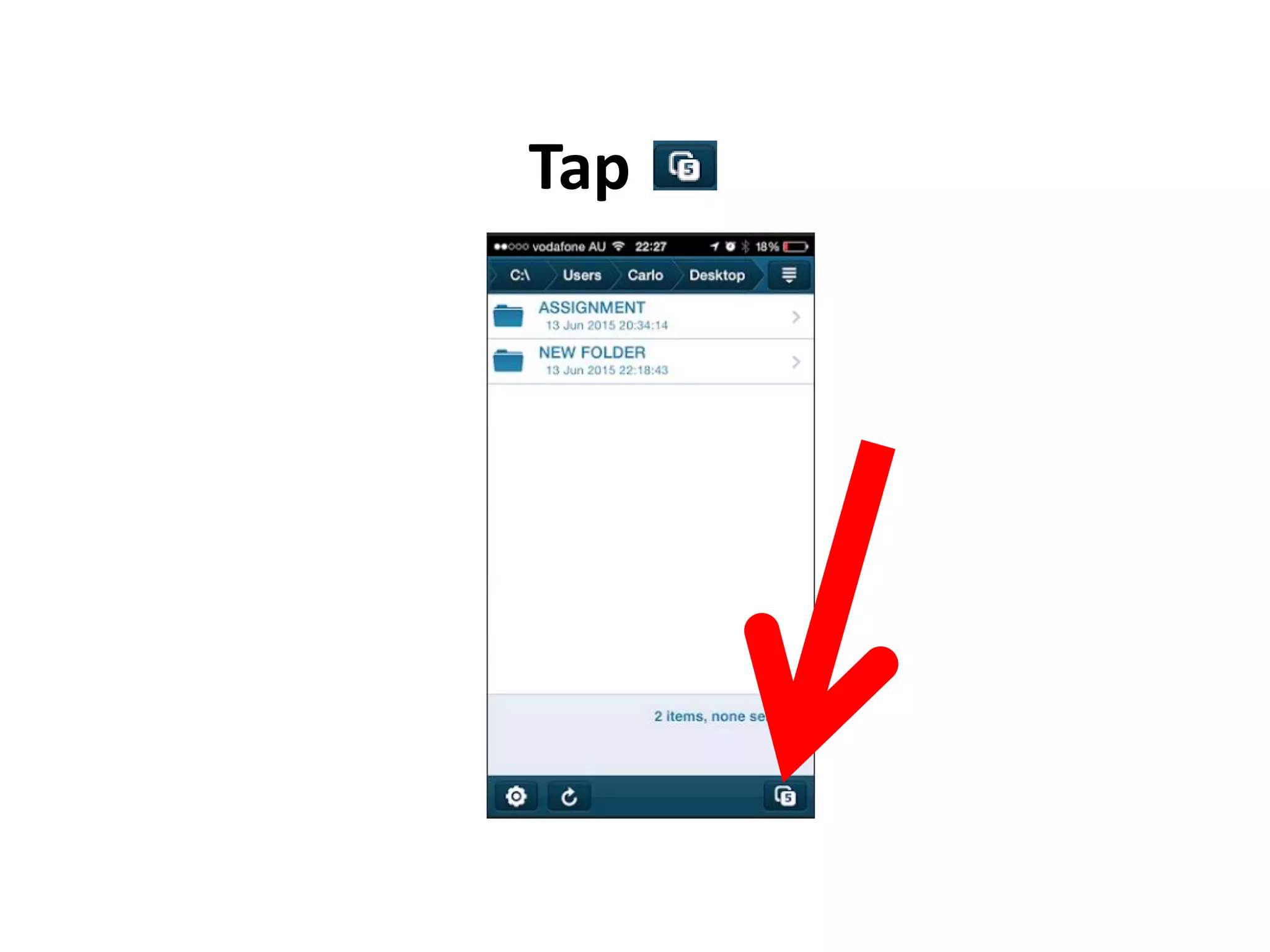
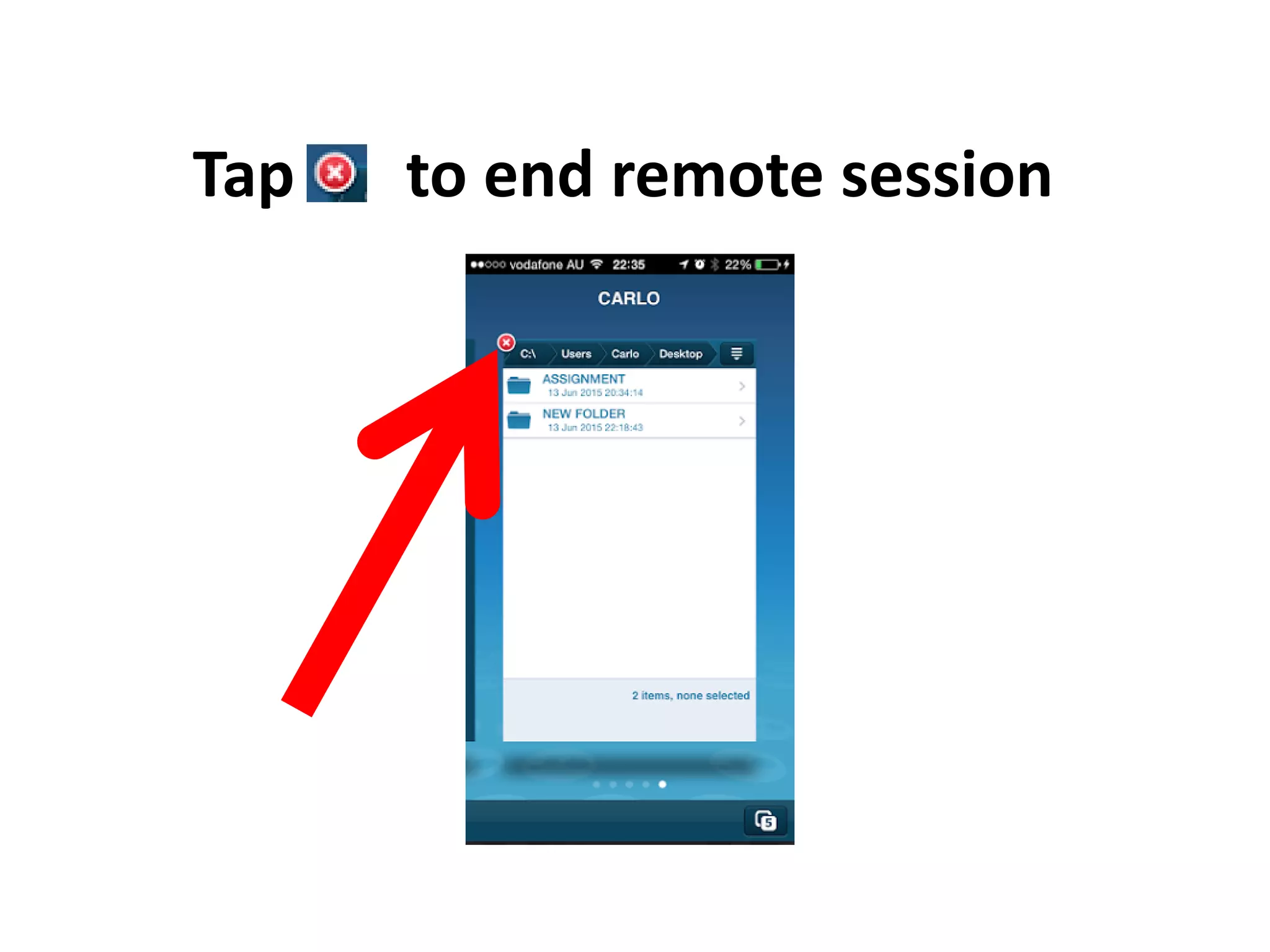
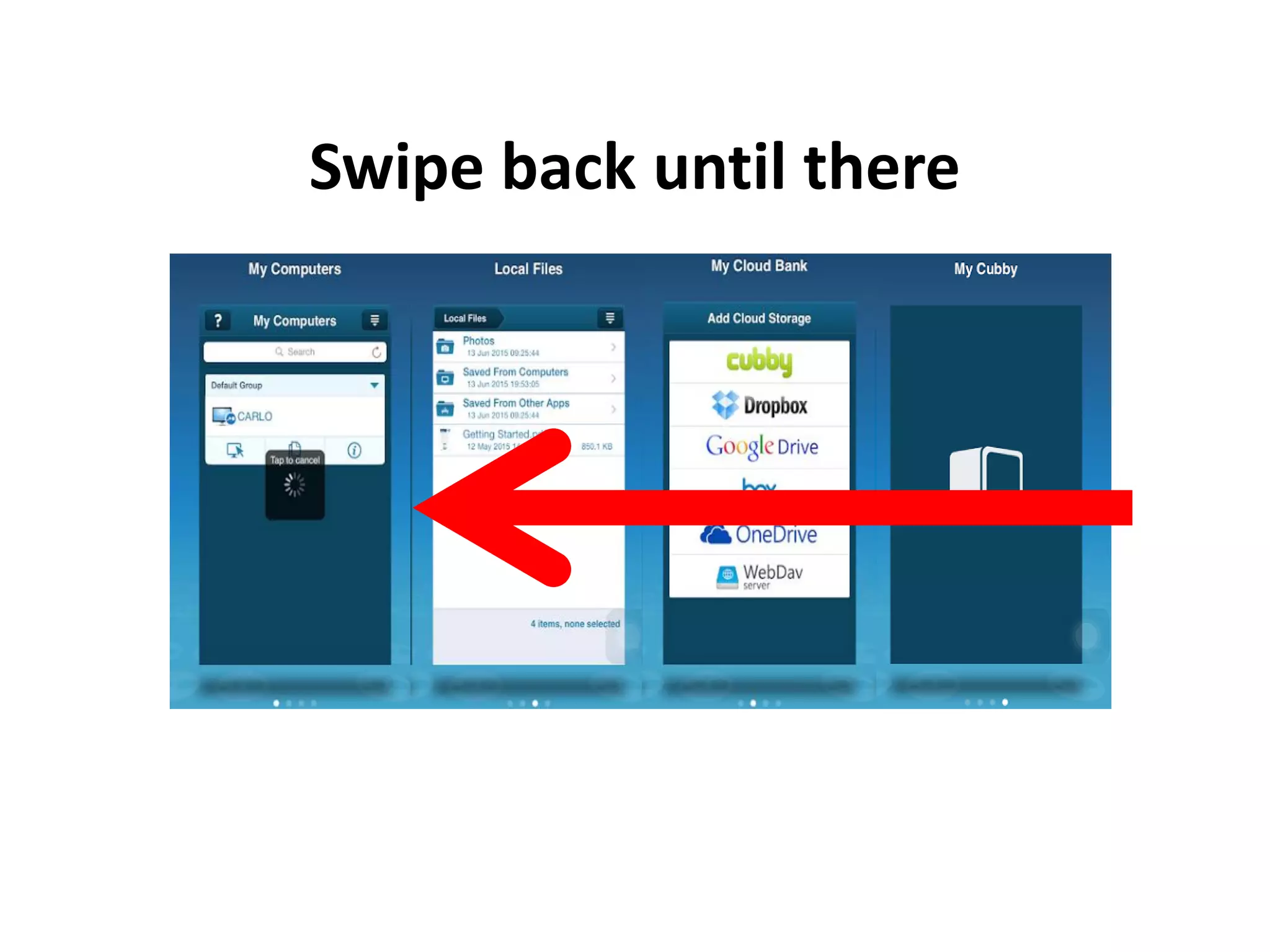
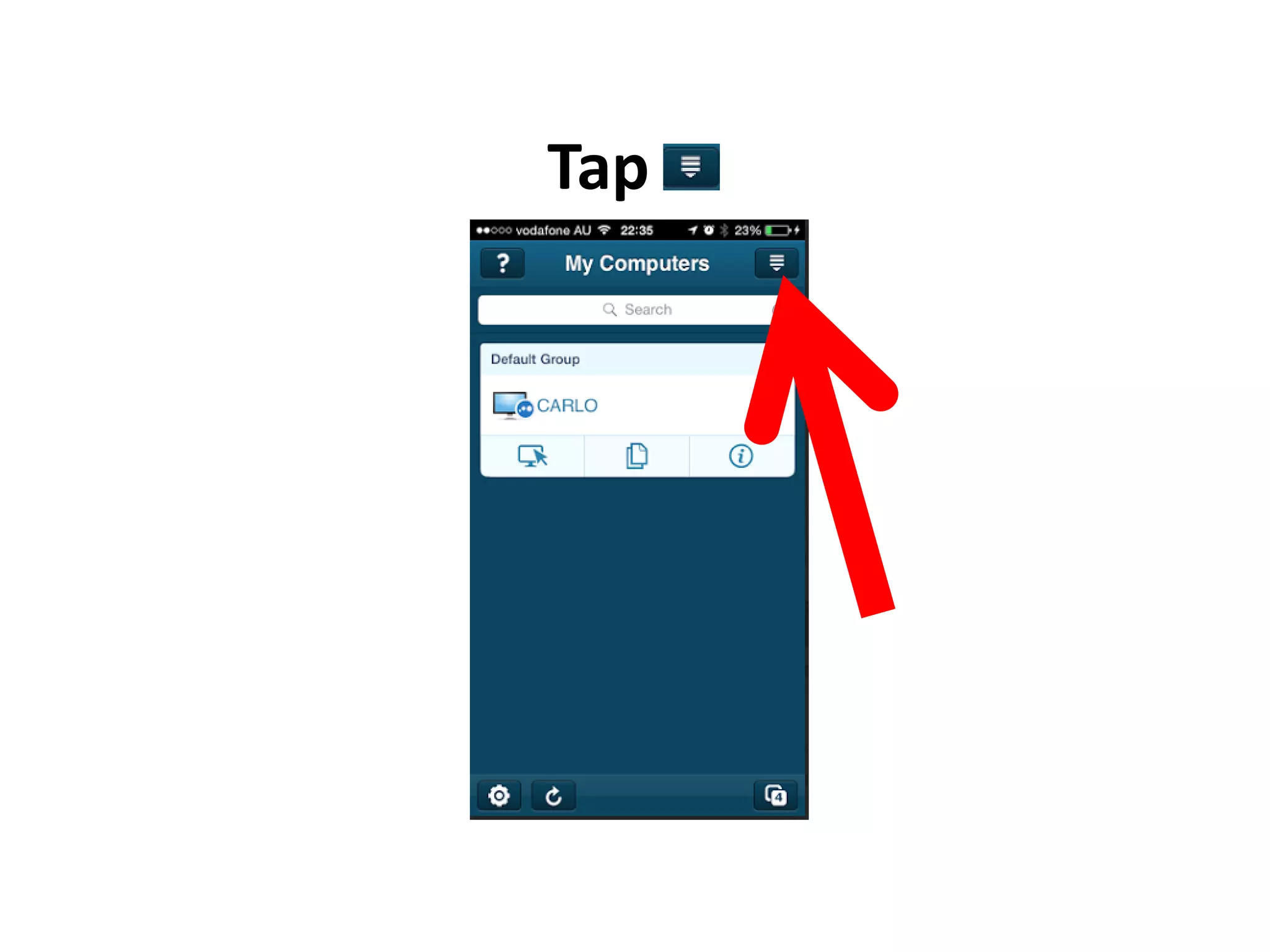
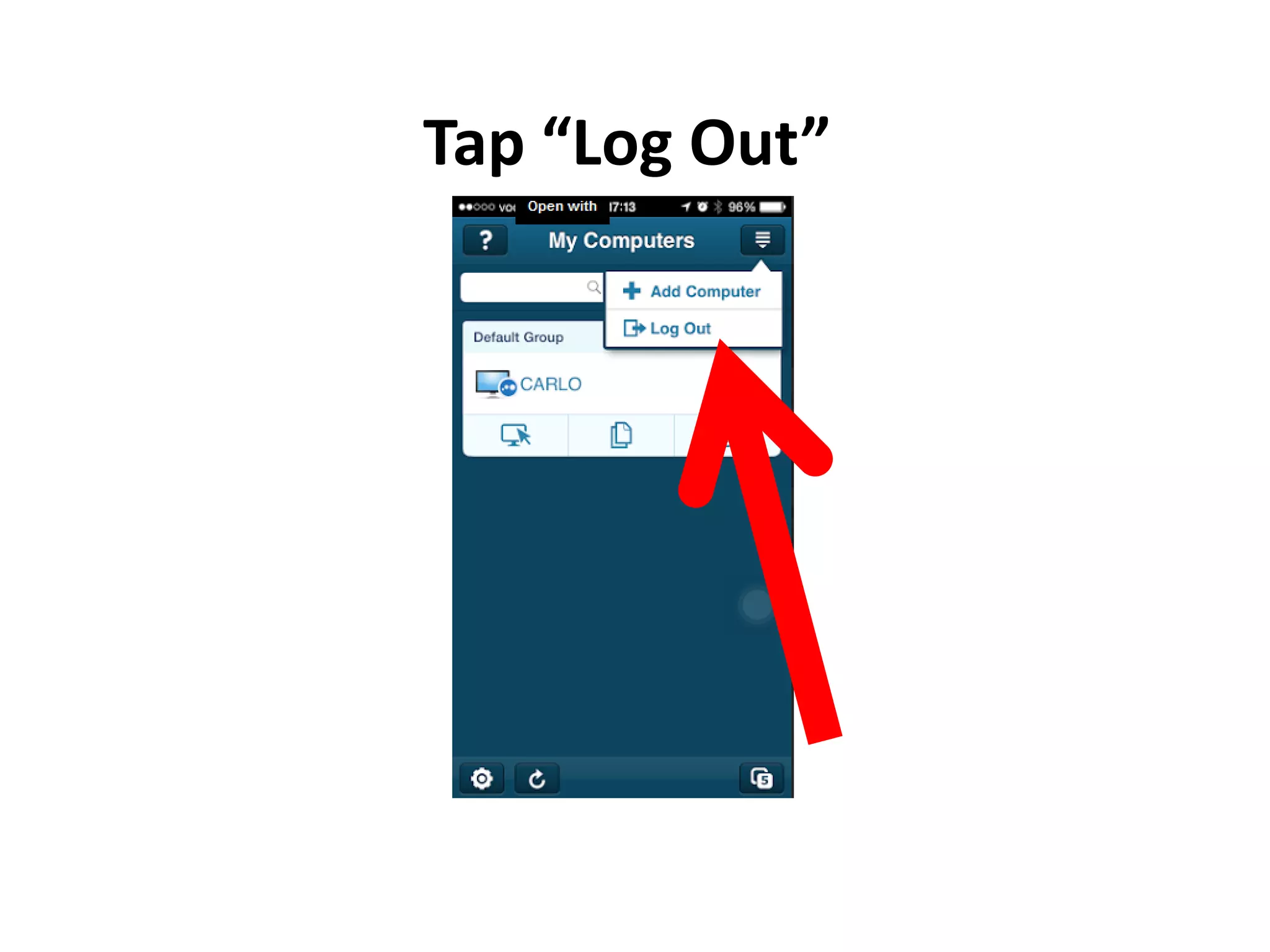
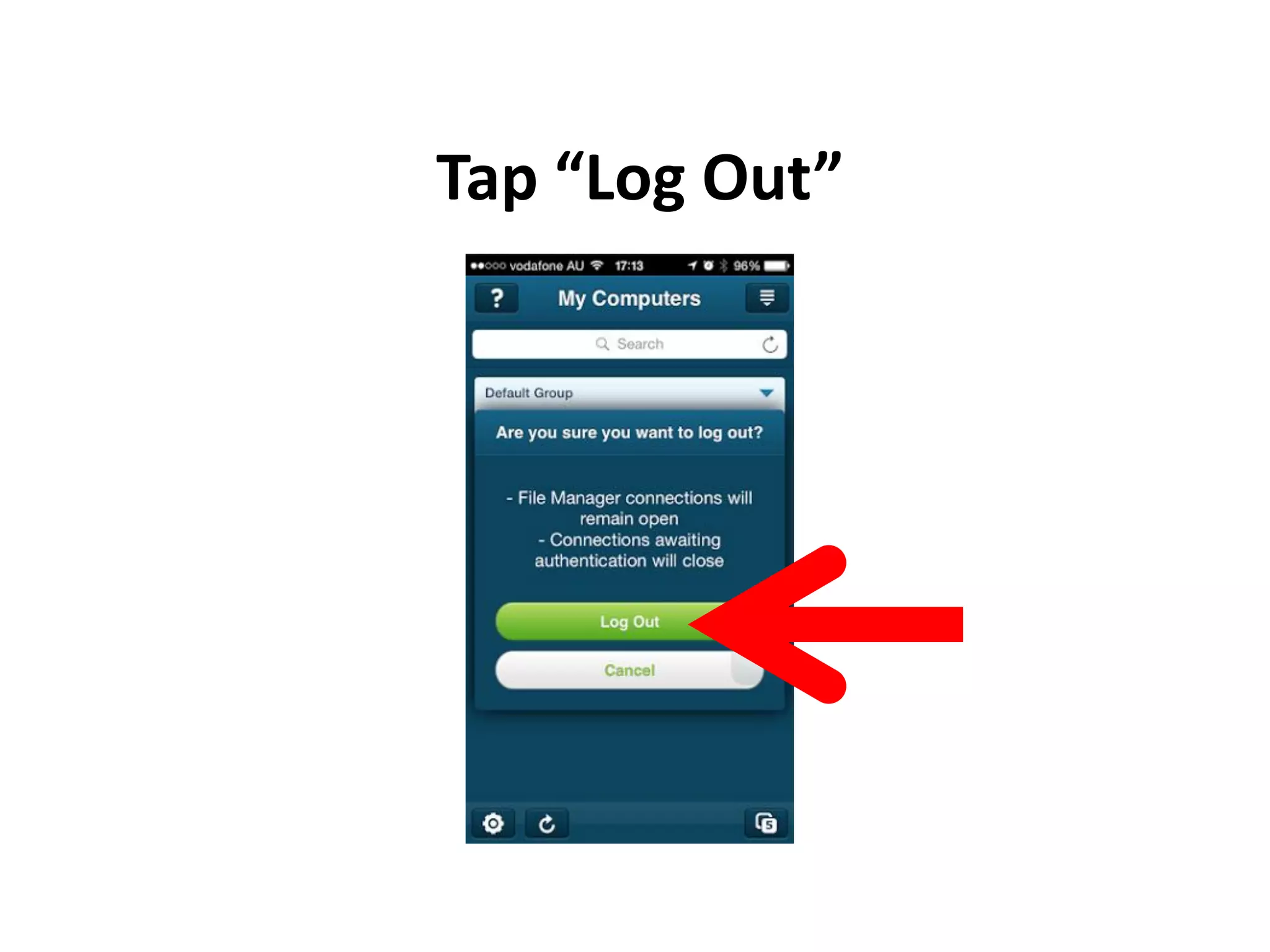
This document provides step-by-step instructions for setting up and using LogMeIn software to remotely access and control a PC from an iPhone. It explains how to create a LogMeIn account, download and install the software on the PC and iPhone, log in to establish a remote connection between the devices, and perform basic tasks like opening apps, moving files between folders, and ending the remote session.







![Number_Guessing_Game_Dsbsbssbzboc[1].pptx](https://cdn.slidesharecdn.com/ss_thumbnails/numberguessinggamedoc1-251206215042-a076fc05-thumbnail.jpg?width=640&height=640&fit=bounds)

