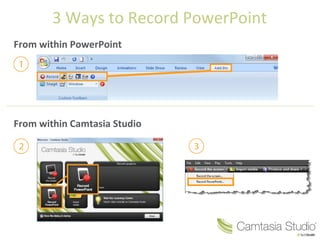
There are 3 main ways to record a PowerPoint presentation:
1. From within PowerPoint using the built-in recording tool. This records audio and slides but not camera.
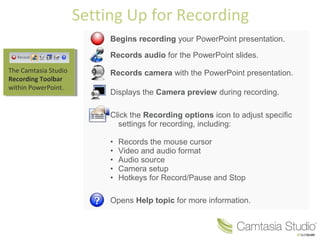
2. Using the Camtasia Studio recording toolbar within PowerPoint. This records audio, slides, and camera during the presentation.
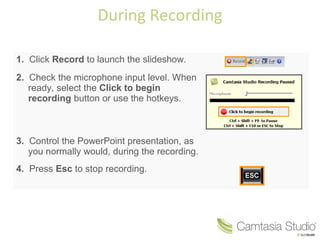
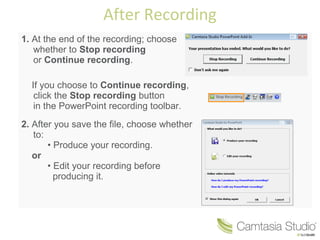
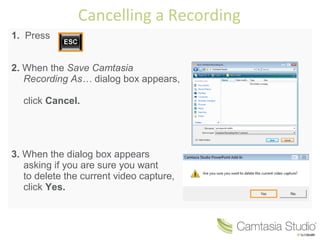
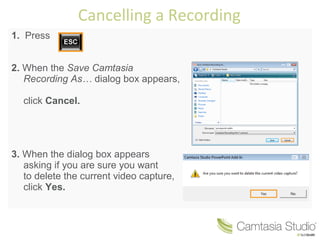
3. To cancel a recording in progress, press Esc to stop recording, click Cancel when prompted to save, and confirm deleting the video capture.