Download to read offline
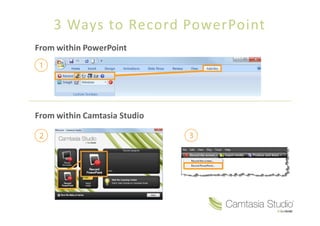
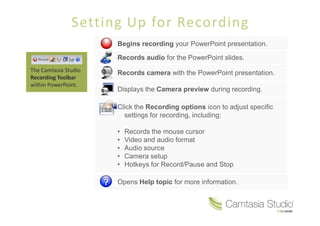
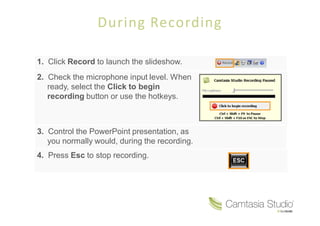
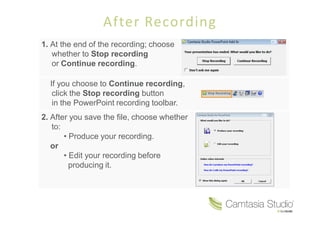
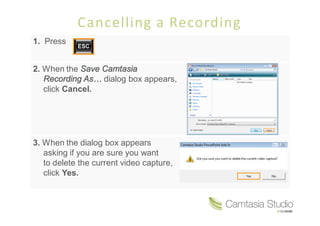

There are 3 main ways to record a PowerPoint presentation: 1. From within PowerPoint using the Camtasia Studio recording toolbar which allows recording audio, video from a camera, and mouse cursor directly in PowerPoint. 2. From within Camtasia Studio by setting up the recording and then controlling the PowerPoint presentation during playback. 3. To cancel a recording in progress, press Esc to stop recording and then click Cancel and Yes to delete the unfinished recording file.


