
Anirban Sen Chowdhary
A developer journey starts with building the app, testing it, maintain it,
and then move it into production.
RingCentral deals with different kind of APIs that offers reliable VoIP
calling, web meetings, fax, & more features over cloud communication
with reliability, security, and quality .
We need to log into RingCentral developer account to start building our
APIs here https://developers.ringcentral.com :
Once there, we need to log into the developers account with our email
id and password. For new user, we need to create a new developer
account.
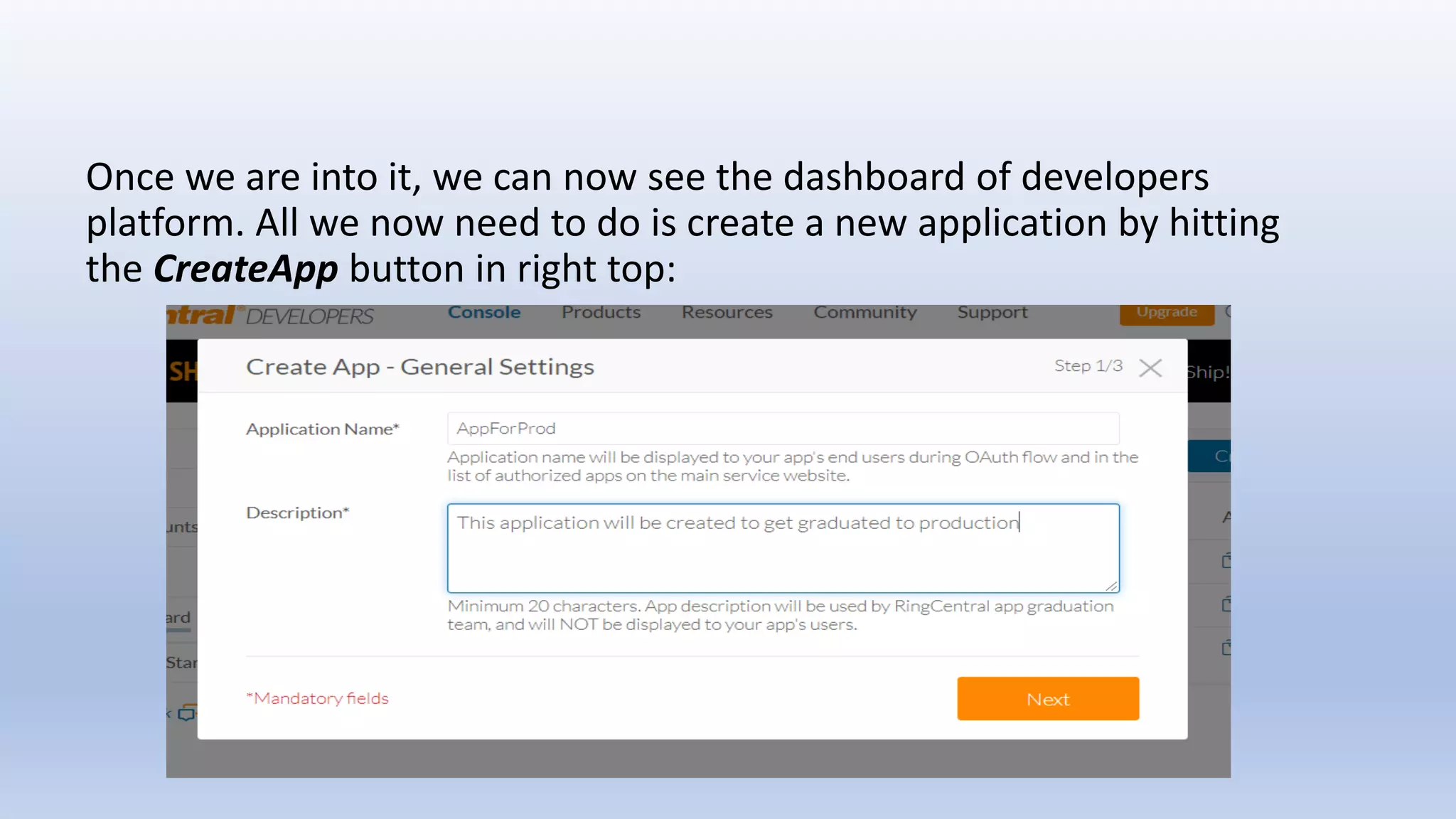
Once we are into it, we can now see the dashboard of developers
platform. All we now need to do is create a new application by hitting
the CreateApp button in right top:
• Application Name: The name of your app.
• Organization Name: The name of your organization.
• Description: Any text describing your app which is needed for app
graduation only and will not be displayed to your app users. It should
contain minimum 20 characters.
We need to choose app type out of two options:
• Private — if you are developing an app for your own RingCentral
account use;
• Public — if you are developing an app for many RingCentral accounts.
We have choose Desktop (Mac/Windows/Other) — installable desktop
apps including Windows, Mac and others. This includes Chrome apps.
We get Authorization Code as OAuth grant_type.
Each API Permission in the RingCentral API (such as SMS, Fax) is
associated with one or more API resources I have selected SMS as I
want my app to send SMS as below:
We also need to give a callback uri that will be redirected to get the
code. It can be any local url. During calling the OAuth API we need to
give exactly same url as redirect_uri .
Once the API created, we can see the details like client id, client secret
etc in the dashboard:
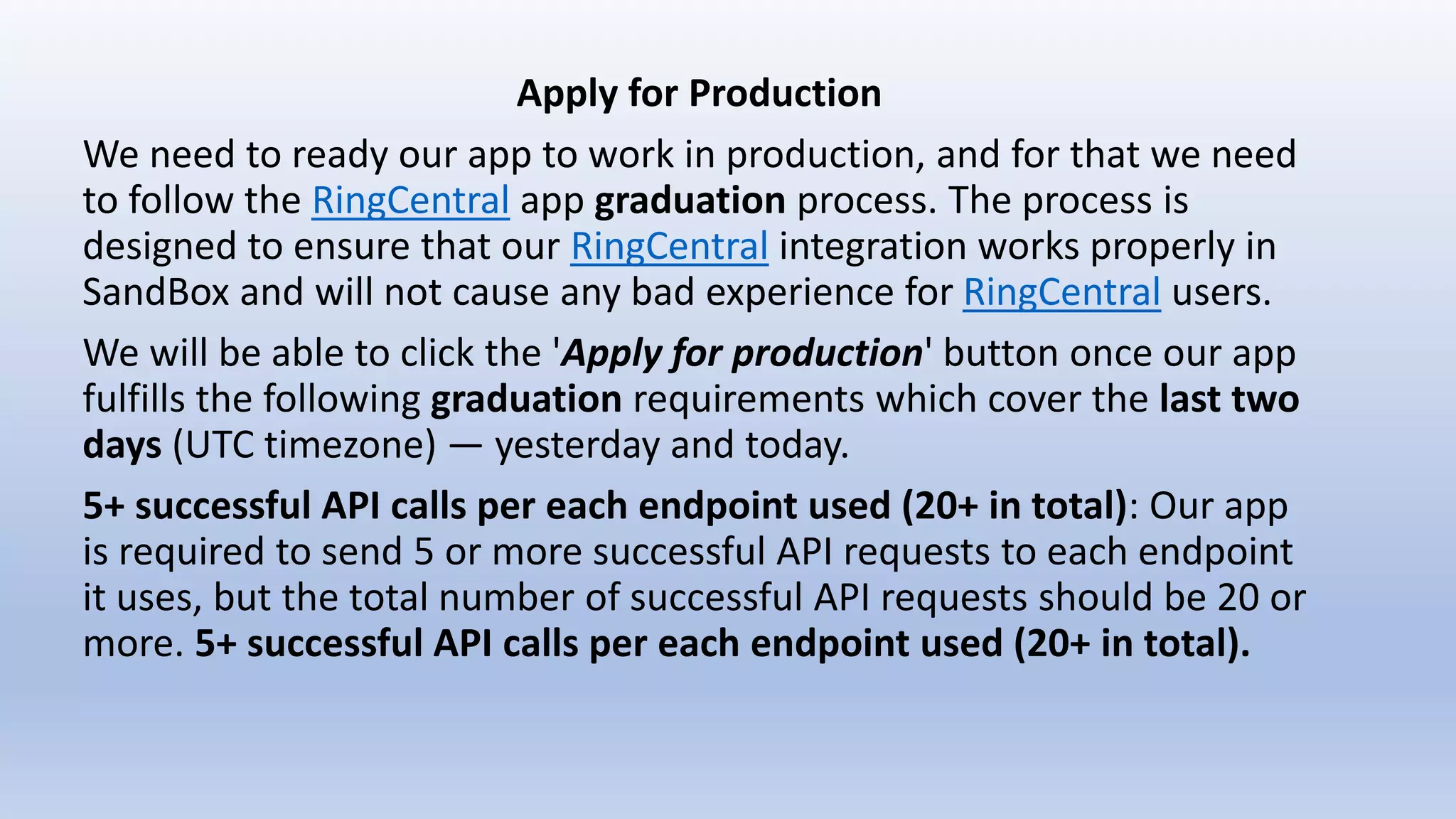
Apply for Production
We need to ready our app to work in production, and for that we need
to follow the RingCentral app graduation process. The process is
designed to ensure that our RingCentral integration works properly in
SandBox and will not cause any bad experience for RingCentral users.
We will be able to click the 'Apply for production' button once our app
fulfills the following graduation requirements which cover the last two
days (UTC timezone) — yesterday and today.
5+ successful API calls per each endpoint used (20+ in total): Our app
is required to send 5 or more successful API requests to each endpoint
it uses, but the total number of successful API requests should be 20 or
more. 5+ successful API calls per each endpoint used (20+ in total).
Each API Permission in the RingCentral API (such as SMS, Fax) is
associated with one or more API resources . This means that for each
API Permission we have assigned for our application, must make at
least 5 requests. In cases where we use only a single API
permission/resource (SMS in my case), we must make at least 20
requests to that particular API.
Apply for Production
We need to ready our app to work in production, and for that we need
to follow the RingCentral app graduation process. The process is
designed to ensure that our RingCentral integration works properly in
SandBox and will not cause any bad experience for RingCentral users.
We will be able to click the 'Apply for production' button once our app
fulfills the following graduation requirements which cover the last two
days (UTC timezone) — yesterday and today.
5+ successful API calls per each endpoint used (20+ in total): Our app
is required to send 5 or more successful API requests to each endpoint
it uses, but the total number of successful API requests should be 20 or
more. 5+ successful API calls per each endpoint used (20+ in total).
Less than 5% of API calls result in 4xx errors: We need to make sure
that we receive 4xx errors (400, 404, 429, etc.) in response to less than
5% of your API requests during the last two days.
The only permission for our current app is SMS:
Since our app is only using SMS, we need to execute at least 20
successful SMS requests to this endpoint and have less than 5% of
those requests be a 4xx error response (1 error per 20 requests = 5%
.... means less than 5% needed of our requests ).
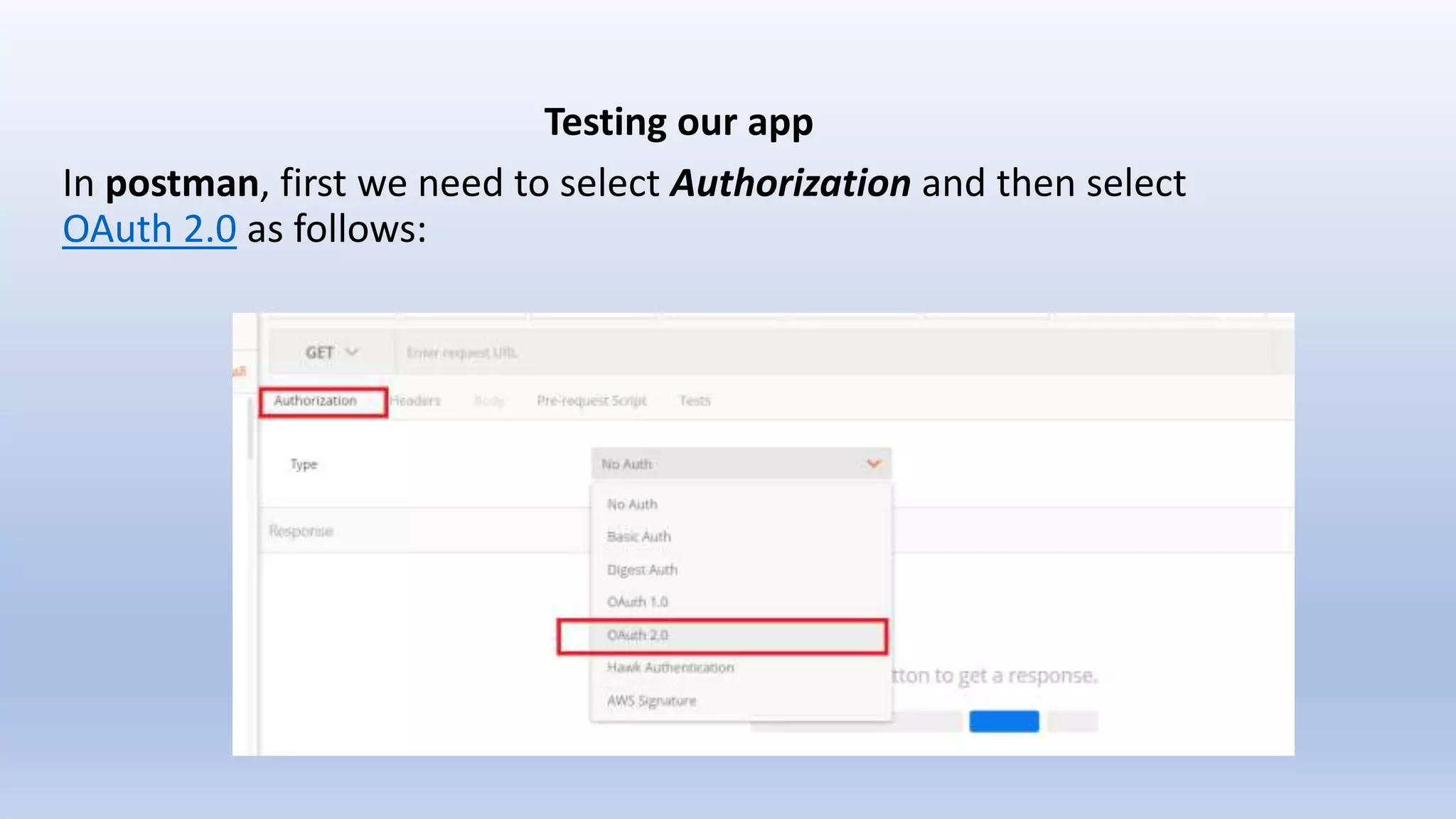
Testing our app
In postman, first we need to select Authorization and then select
OAuth 2.0 as follows:
Then we will configure the OAuth 2.0 in Authorization header as
follow:
As we are configuring the parameters, we are providing exactly same
callback uri that we created during our app creation along with details
like client id, secret. Once we click Request Token, we will see
redirected to some login pages as follows where we need to fill the
details:
We need to click Sign In as above. Then finally the page will appear that
ask us to Authorize our app:
Once done, we will get the access_token for our SMS API:
We will use this access_token for our SMS API as follows:
We will continue to hit this API and test this while making sure we
execute at least 20 successful SMS requests to this endpoint and have
less than 5% of those requests be a 4xx error response.
Once we pass all the criteria we can apply for graduation process and
app will officially be submitted for review :
Publish Your App
Once our app has graduated for production and passed the review we
can publish it. Please open the 'Publish' tab on your app page and fill in
the App Info form, and publish it to production:
Build and graduate your app in ring central

Build and graduate your app in ring central

  • 1.
  • 2.
    A developer journeystarts with building the app, testing it, maintain it, and then move it into production. RingCentral deals with different kind of APIs that offers reliable VoIP calling, web meetings, fax, & more features over cloud communication with reliability, security, and quality . We need to log into RingCentral developer account to start building our APIs here https://developers.ringcentral.com :
  • 4.
    Once there, weneed to log into the developers account with our email id and password. For new user, we need to create a new developer account.
  • 5.
    Once we areinto it, we can now see the dashboard of developers platform. All we now need to do is create a new application by hitting the CreateApp button in right top:
  • 6.
    • Application Name:The name of your app. • Organization Name: The name of your organization. • Description: Any text describing your app which is needed for app graduation only and will not be displayed to your app users. It should contain minimum 20 characters.
  • 8.
    We need tochoose app type out of two options: • Private — if you are developing an app for your own RingCentral account use; • Public — if you are developing an app for many RingCentral accounts. We have choose Desktop (Mac/Windows/Other) — installable desktop apps including Windows, Mac and others. This includes Chrome apps.
  • 9.
    We get AuthorizationCode as OAuth grant_type. Each API Permission in the RingCentral API (such as SMS, Fax) is associated with one or more API resources I have selected SMS as I want my app to send SMS as below:
  • 10.
    We also needto give a callback uri that will be redirected to get the code. It can be any local url. During calling the OAuth API we need to give exactly same url as redirect_uri . Once the API created, we can see the details like client id, client secret etc in the dashboard:
  • 11.
    Apply for Production Weneed to ready our app to work in production, and for that we need to follow the RingCentral app graduation process. The process is designed to ensure that our RingCentral integration works properly in SandBox and will not cause any bad experience for RingCentral users. We will be able to click the 'Apply for production' button once our app fulfills the following graduation requirements which cover the last two days (UTC timezone) — yesterday and today. 5+ successful API calls per each endpoint used (20+ in total): Our app is required to send 5 or more successful API requests to each endpoint it uses, but the total number of successful API requests should be 20 or more. 5+ successful API calls per each endpoint used (20+ in total).
  • 12.
    Each API Permissionin the RingCentral API (such as SMS, Fax) is associated with one or more API resources . This means that for each API Permission we have assigned for our application, must make at least 5 requests. In cases where we use only a single API permission/resource (SMS in my case), we must make at least 20 requests to that particular API.
  • 13.
    Apply for Production Weneed to ready our app to work in production, and for that we need to follow the RingCentral app graduation process. The process is designed to ensure that our RingCentral integration works properly in SandBox and will not cause any bad experience for RingCentral users. We will be able to click the 'Apply for production' button once our app fulfills the following graduation requirements which cover the last two days (UTC timezone) — yesterday and today. 5+ successful API calls per each endpoint used (20+ in total): Our app is required to send 5 or more successful API requests to each endpoint it uses, but the total number of successful API requests should be 20 or more. 5+ successful API calls per each endpoint used (20+ in total).
  • 14.
    Less than 5%of API calls result in 4xx errors: We need to make sure that we receive 4xx errors (400, 404, 429, etc.) in response to less than 5% of your API requests during the last two days. The only permission for our current app is SMS: Since our app is only using SMS, we need to execute at least 20 successful SMS requests to this endpoint and have less than 5% of those requests be a 4xx error response (1 error per 20 requests = 5% .... means less than 5% needed of our requests ).
  • 15.
    Testing our app Inpostman, first we need to select Authorization and then select OAuth 2.0 as follows:
  • 16.
    Then we willconfigure the OAuth 2.0 in Authorization header as follow:
  • 17.
    As we areconfiguring the parameters, we are providing exactly same callback uri that we created during our app creation along with details like client id, secret. Once we click Request Token, we will see redirected to some login pages as follows where we need to fill the details:
  • 19.
    We need toclick Sign In as above. Then finally the page will appear that ask us to Authorize our app:
  • 20.
    Once done, wewill get the access_token for our SMS API:
  • 21.
    We will usethis access_token for our SMS API as follows:
  • 22.
    We will continueto hit this API and test this while making sure we execute at least 20 successful SMS requests to this endpoint and have less than 5% of those requests be a 4xx error response. Once we pass all the criteria we can apply for graduation process and app will officially be submitted for review :
  • 23.
    Publish Your App Onceour app has graduated for production and passed the review we can publish it. Please open the 'Publish' tab on your app page and fill in the App Info form, and publish it to production: