Birdie Analysis
Birdie Analysis
Birdie Analysis
Birdie Analysis
Birdie Analysis
Birdie Analysis
Birdie Analysis
Birdie Analysis
Birdie Analysis
Birdie Analysis
Birdie Analysis
Birdie Analysis
Birdie Analysis
Birdie Analysis
Birdie Analysis
Birdie Analysis
Birdie Analysis
Birdie Analysis
Birdie Analysis
Birdie Analysis
Birdie Analysis
Birdie Analysis
Birdie Analysis
Birdie Analysis
Birdie Analysis
Birdie Analysis
Birdie Analysis
Birdie Analysis
Birdie Analysis
Birdie Analysis
Birdie Analysis
Birdie Analysis
Birdie Analysis
Birdie Analysis
Birdie Analysis
Birdie Analysis
Birdie Analysis
Birdie Analysis

Editor's Notes

  • #2 - Birdie is my project - Written in Python using Django framework - Sales leads tracking app
  • #3 - Touch on the basis for the app - What it does, in a nutshell
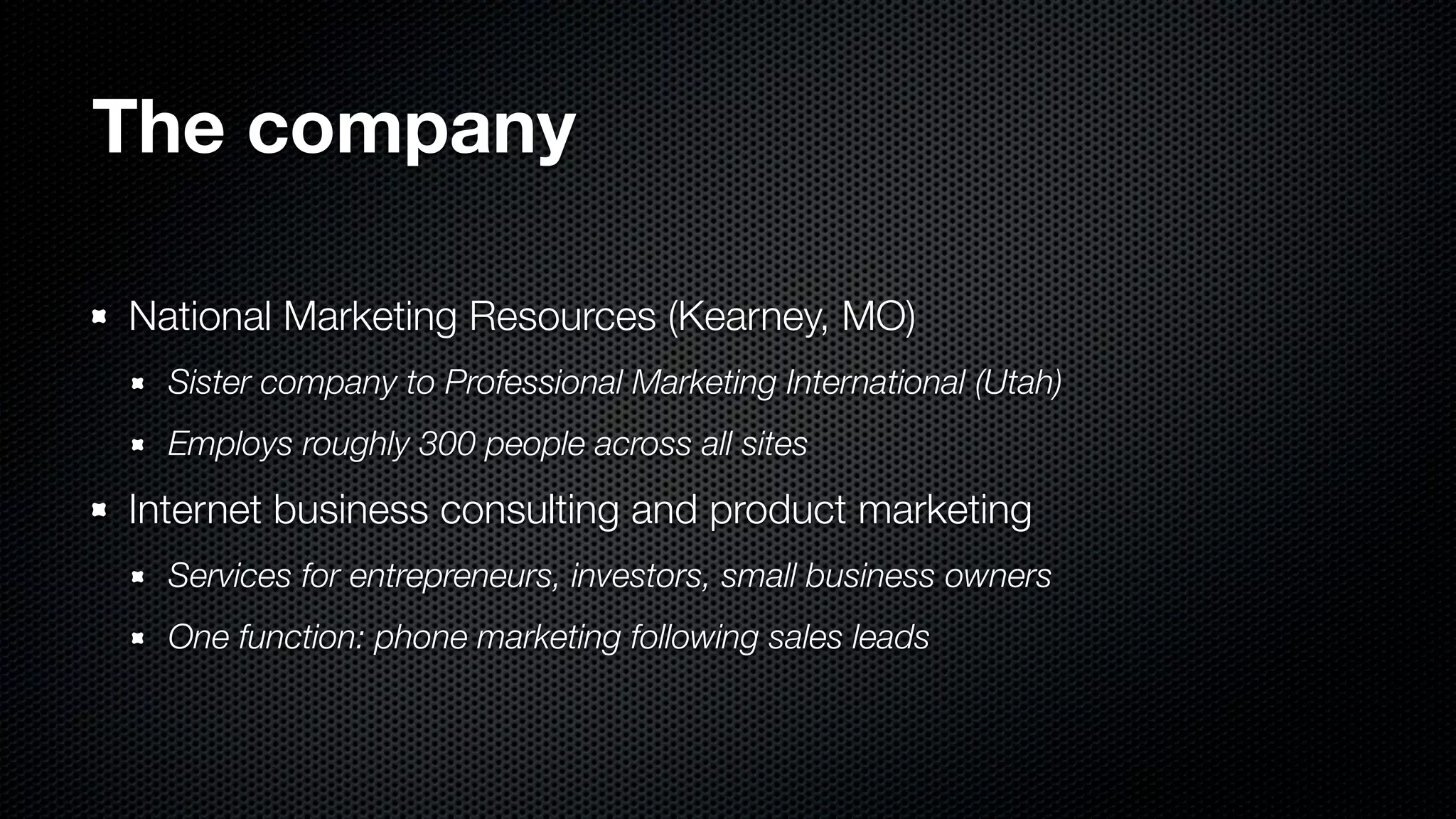
  • #4 - NMR, partnered with PMI in Utah - They do consulting and marketing - One of their functions is phone marketing
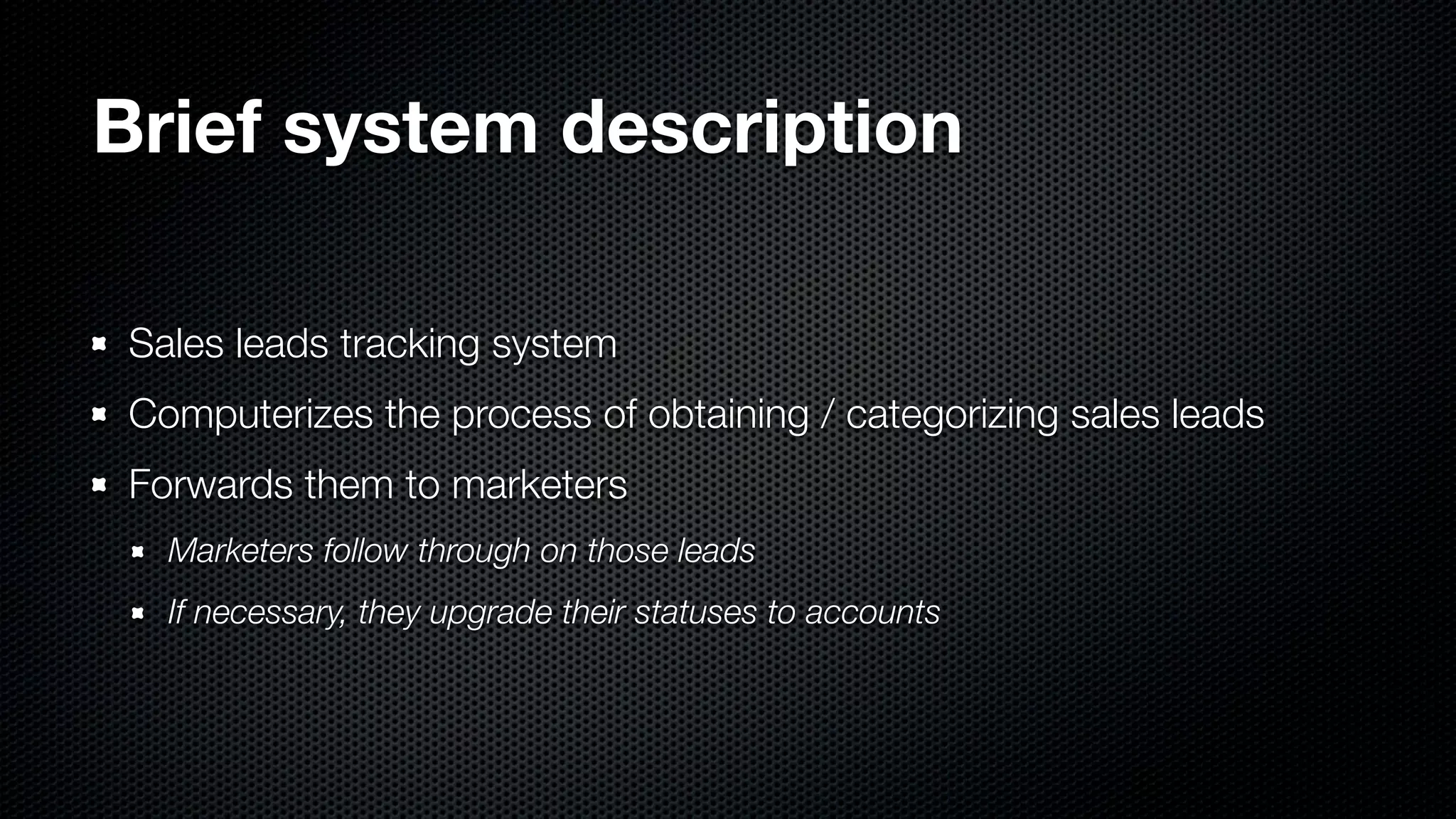
  • #5 - Sales leads tracking and management system - Leads come into company - Processing reps file the leads according to their sources - Distribute them through our channels - Current system is tied to Windows clients, need access for browsers and mobile phones
  • #6 - Show the feasibility study from my last report
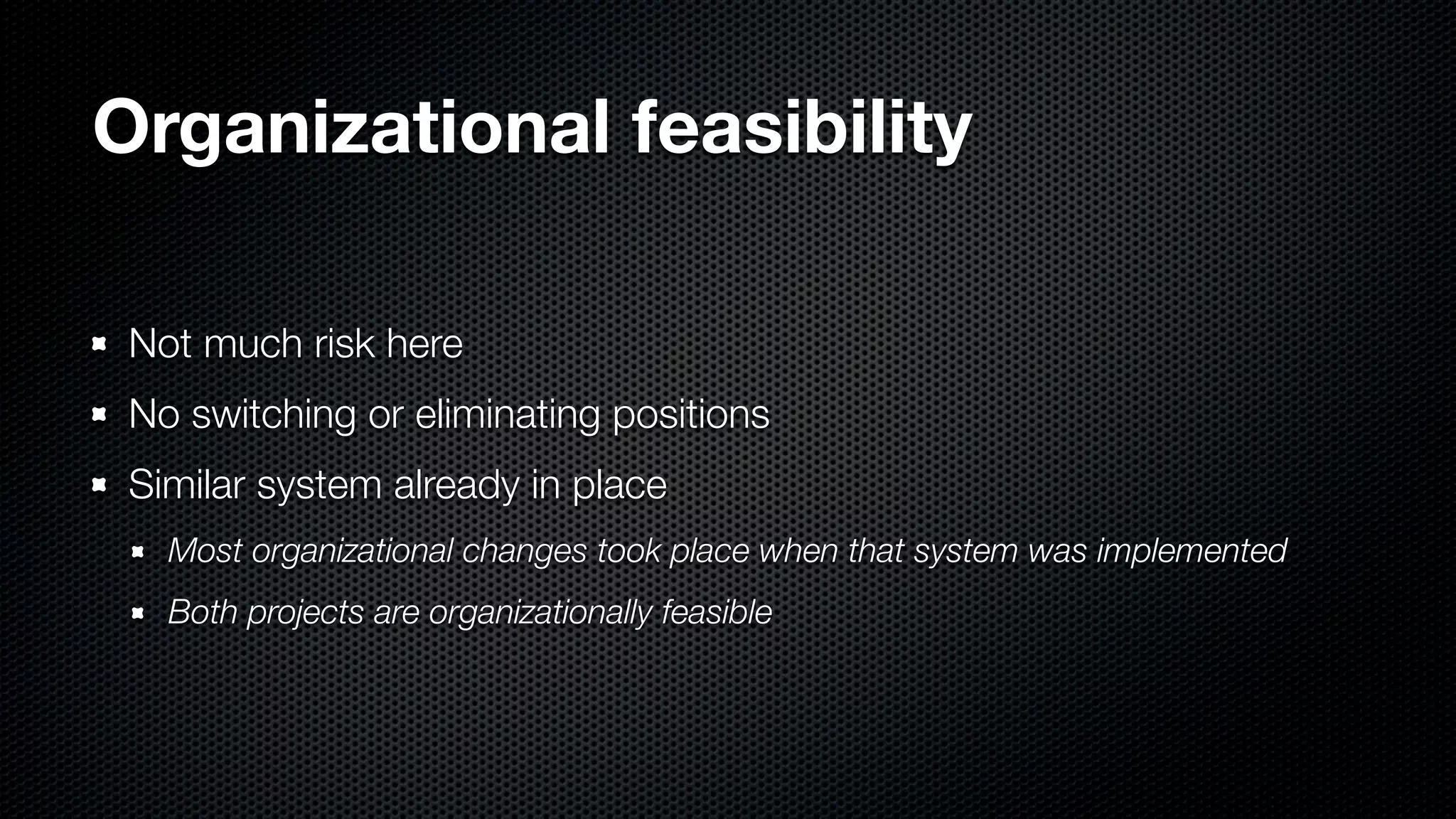
  • #7 - No change, really - Most organizational changes already took place with previous system
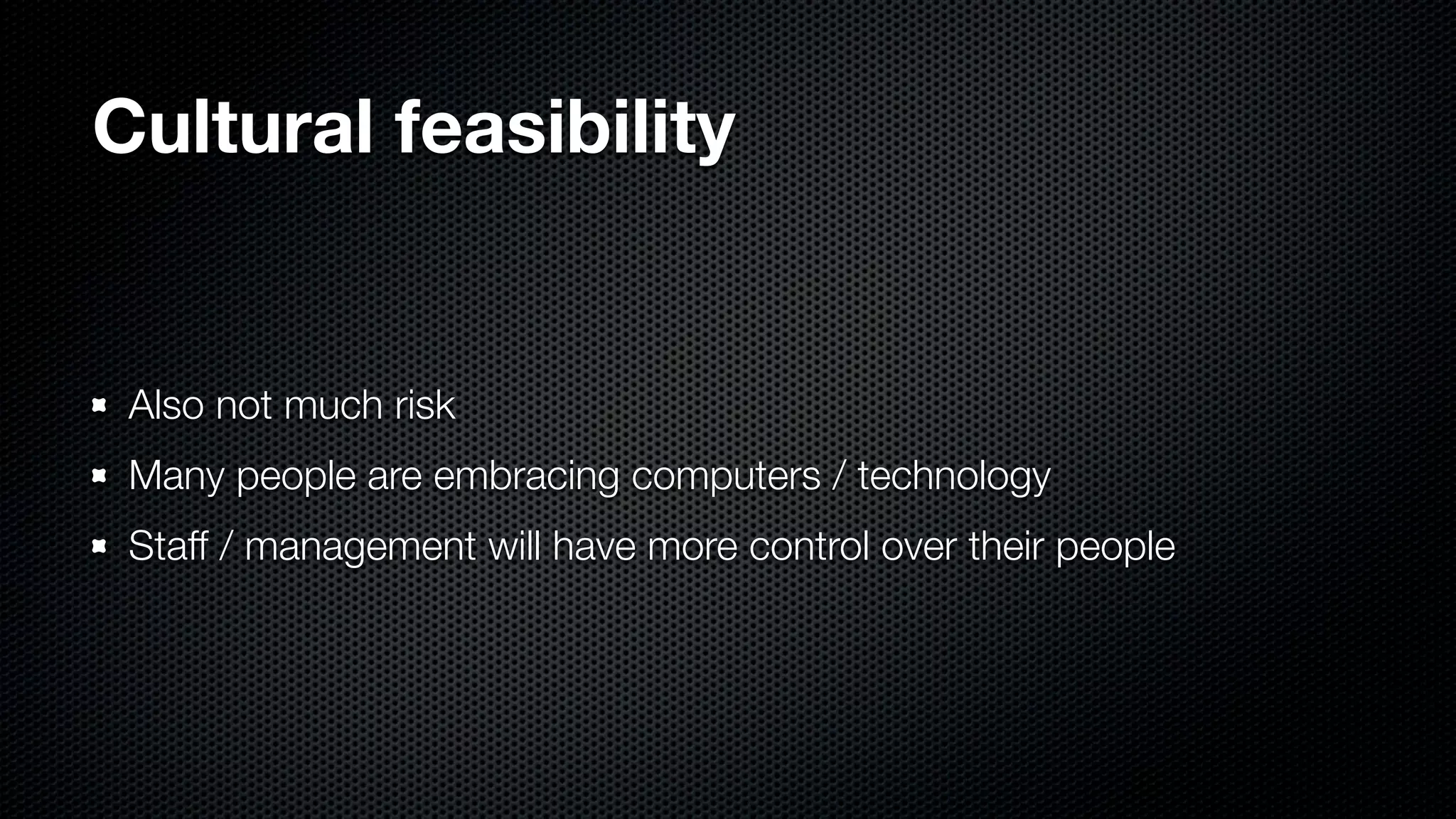
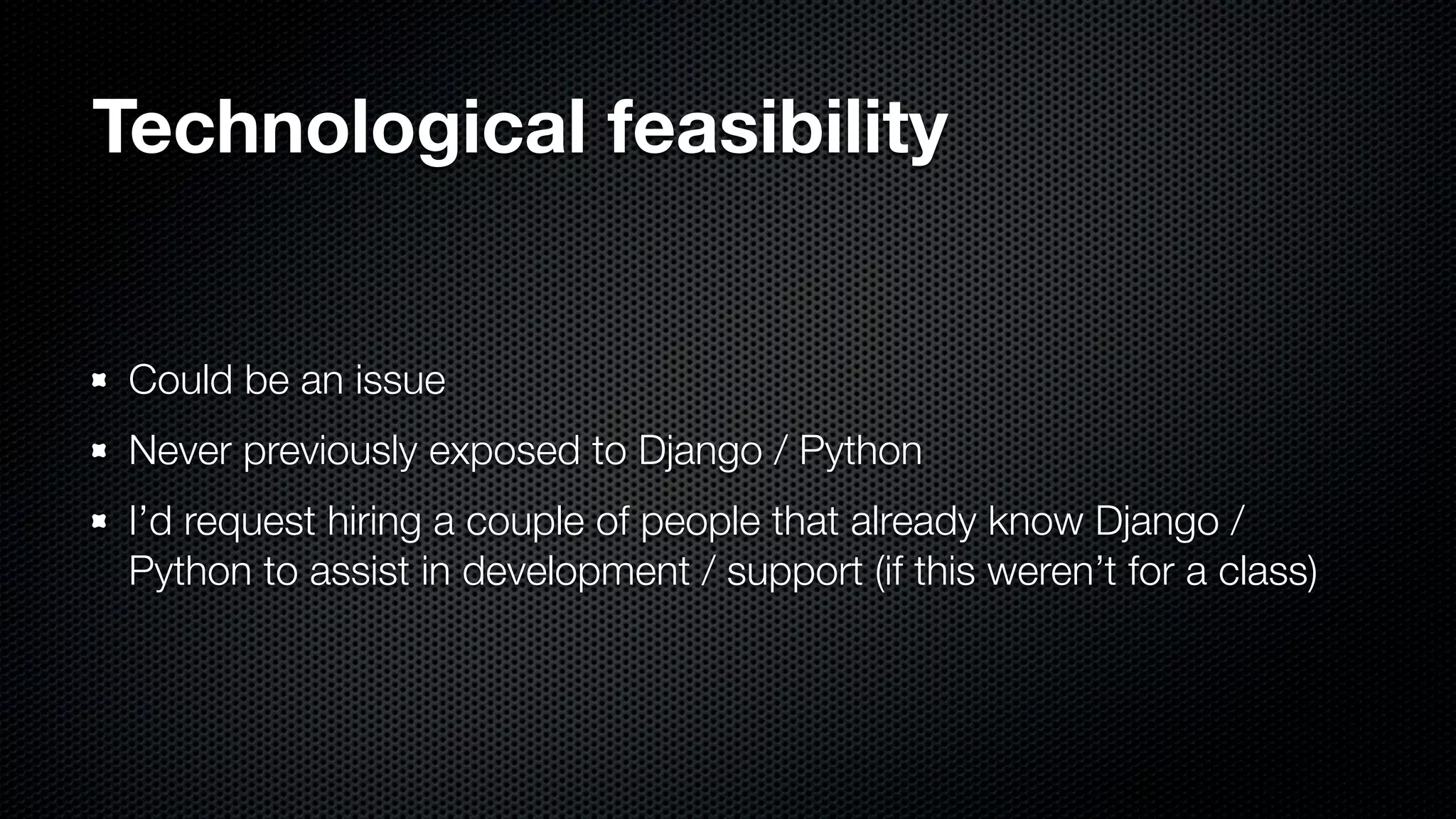
  • #8 - Still not much risk - People are mostly tech-savvy here - Marketers are least tech-savvy, but most still are sharp on tech
  • #9 - My first major exposure to Django OR Python - Issue at beginning but: easy to pick up, very powerful - Know people that know Django
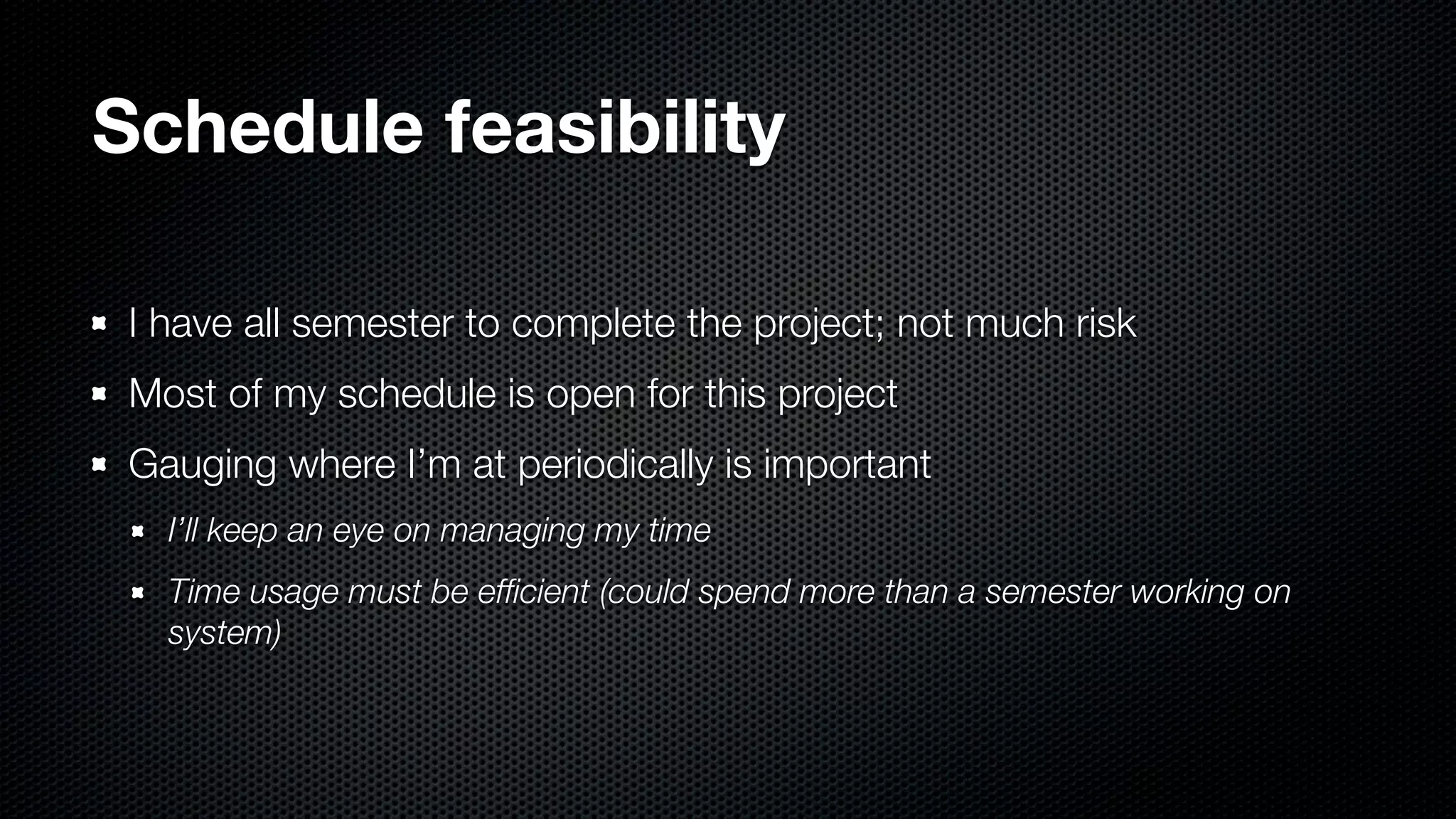
  • #10 - Not much risk as long as I manage my time - Could spend longer than alotted; I tend to pay too much attention to small details - No time for that
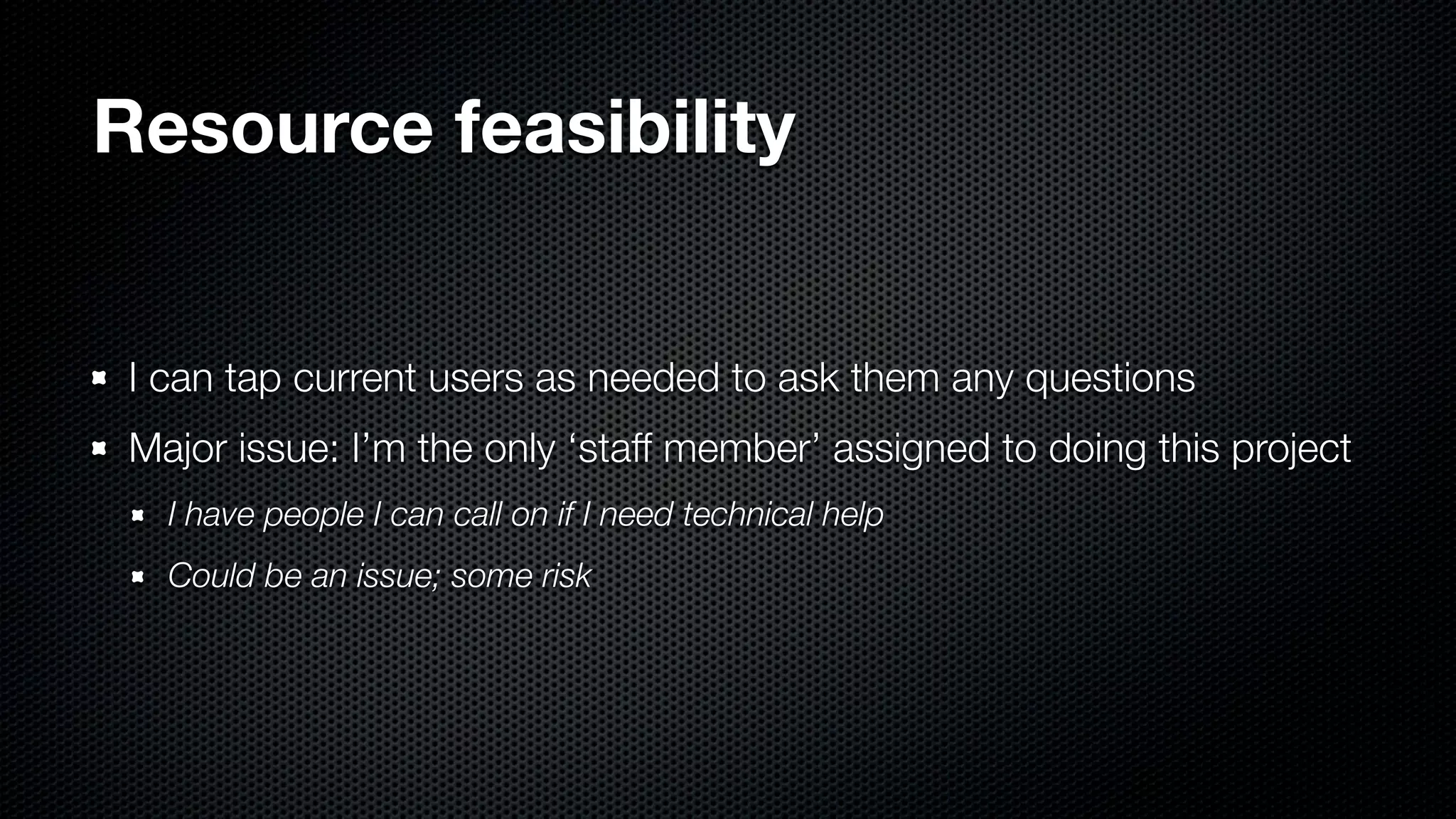
  • #11 - Small (but growing) company, know most users of system - I’m the scarce resource (as developer)
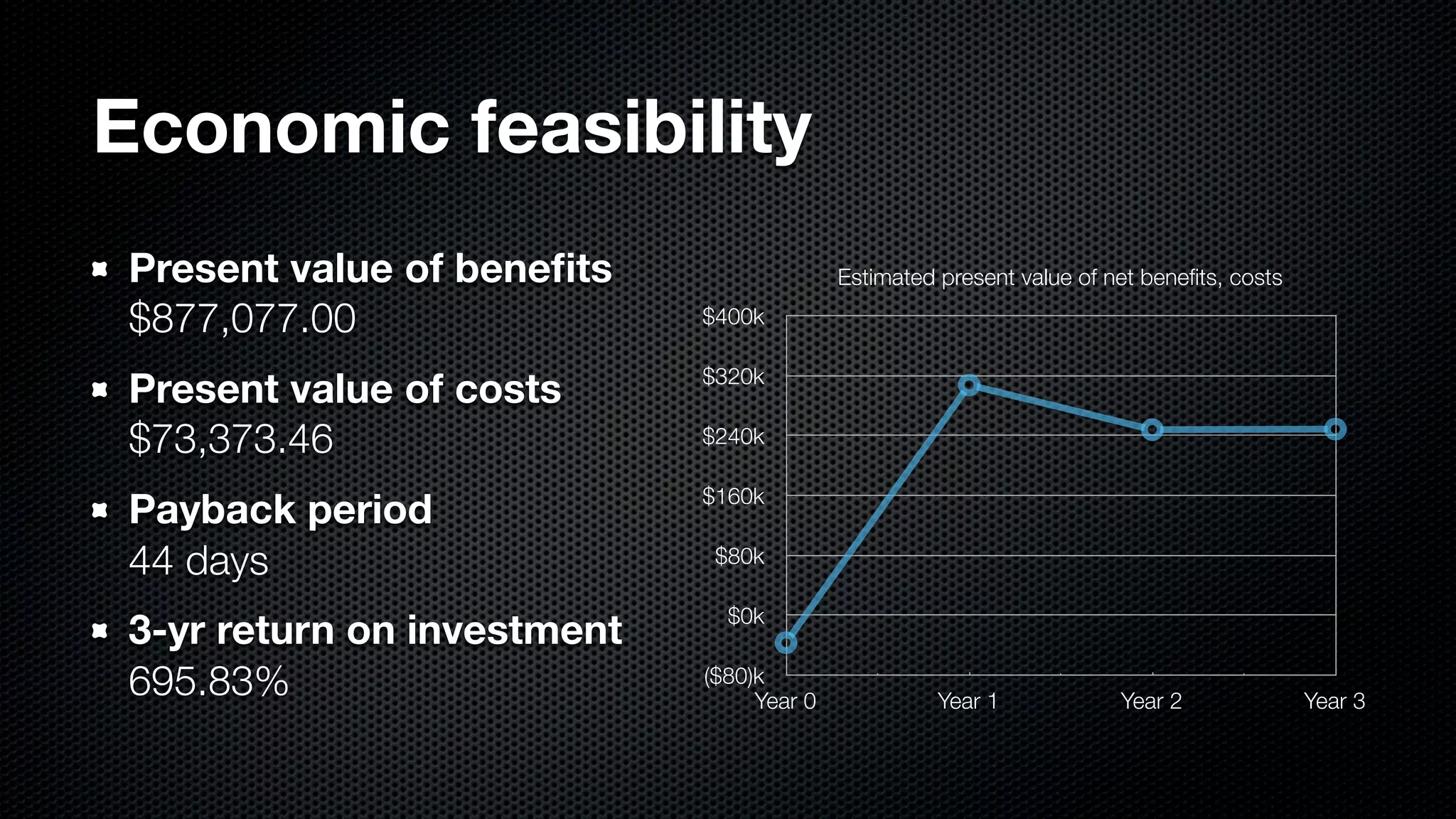
  • #12 - Numbers on my last report - Quite feasible, economically and overall
  • #13 - The fun stuff, pretty pictures - Some of what the system needs to do
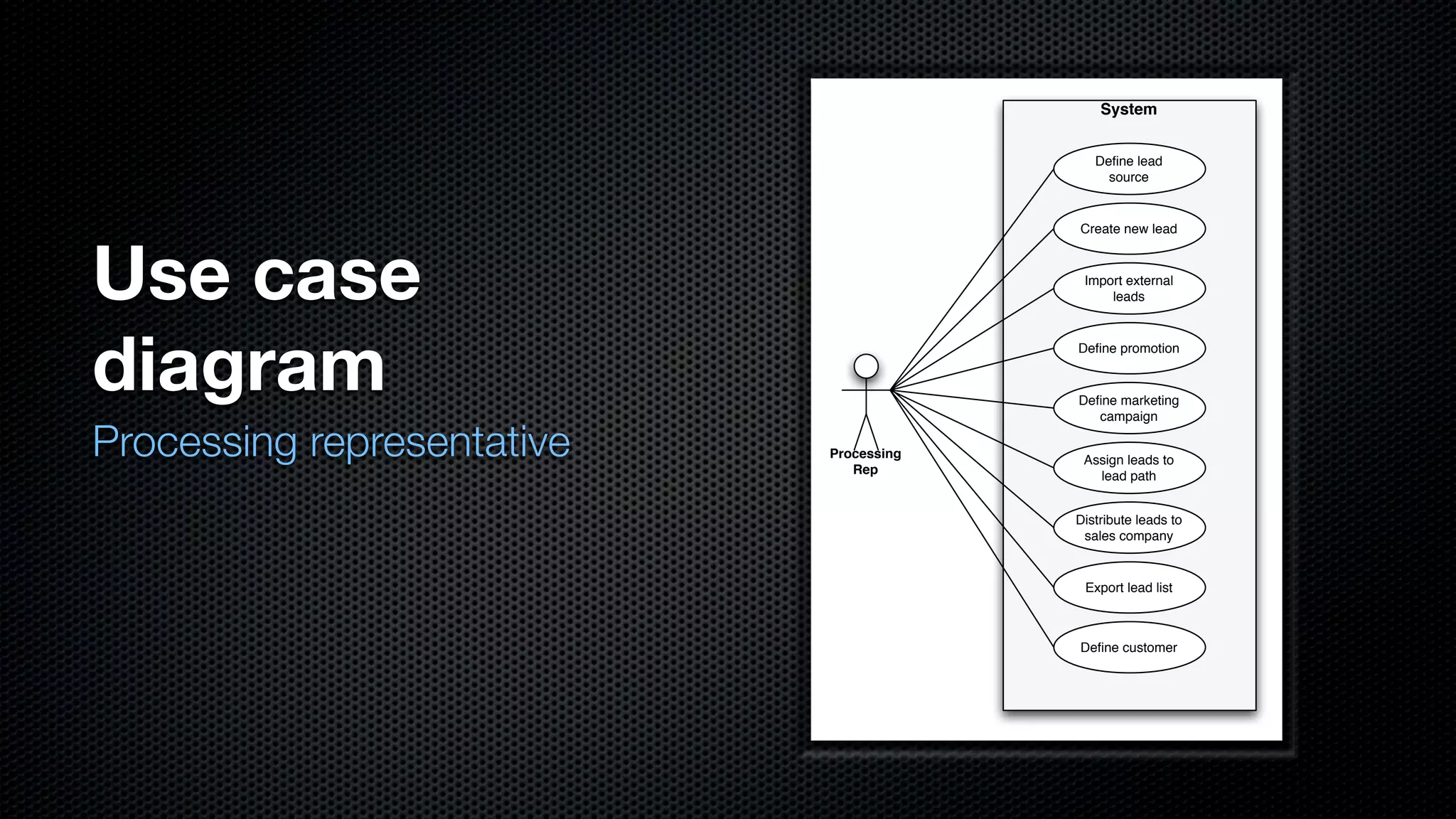
  • #14 - Processing rep does a lot of management of the data - Customers, sources, promotions, campaigns - Initial lead distribution
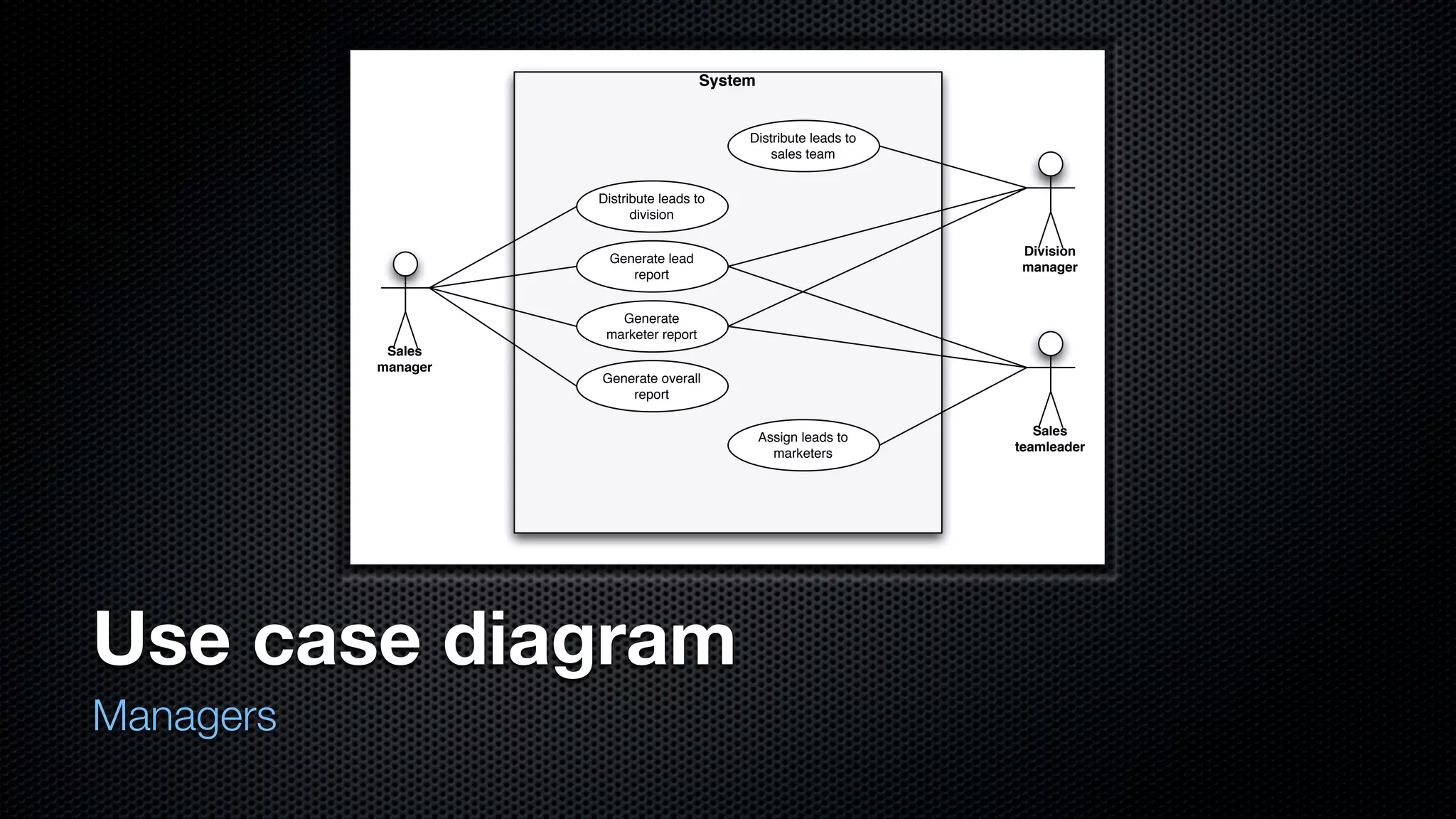
  • #15 - Various levels of mgmt - Leads go to sales mgrs, then to division mgrs, then teamleaders - All levels can see lead reports and marketer reports - Only sales mgrs can see overall reports
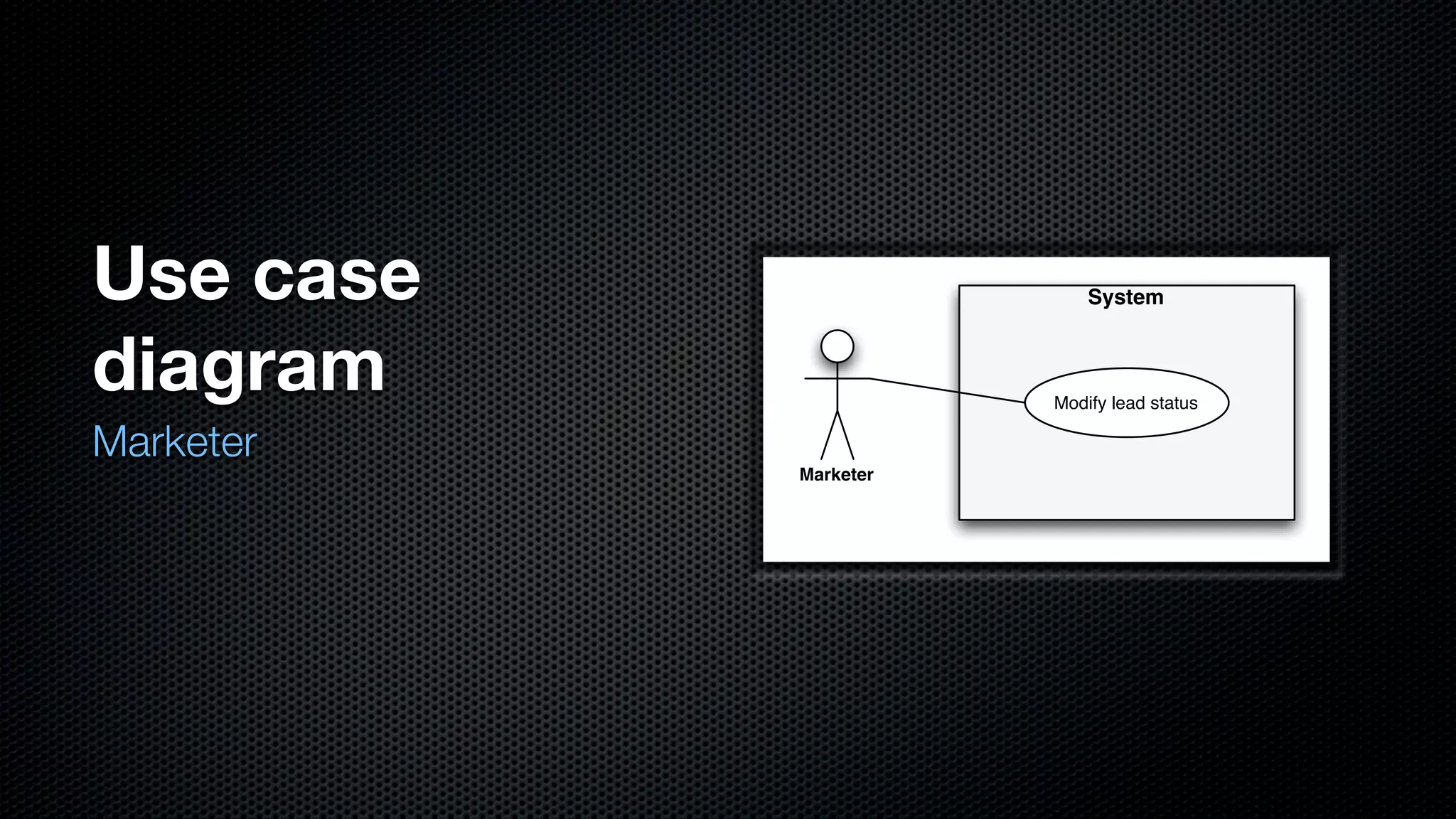
  • #16 - Marketer has one: change lead status - Upgrade/downgrade lead depending on outcome of followup - Complex, lots of data entry; focal point
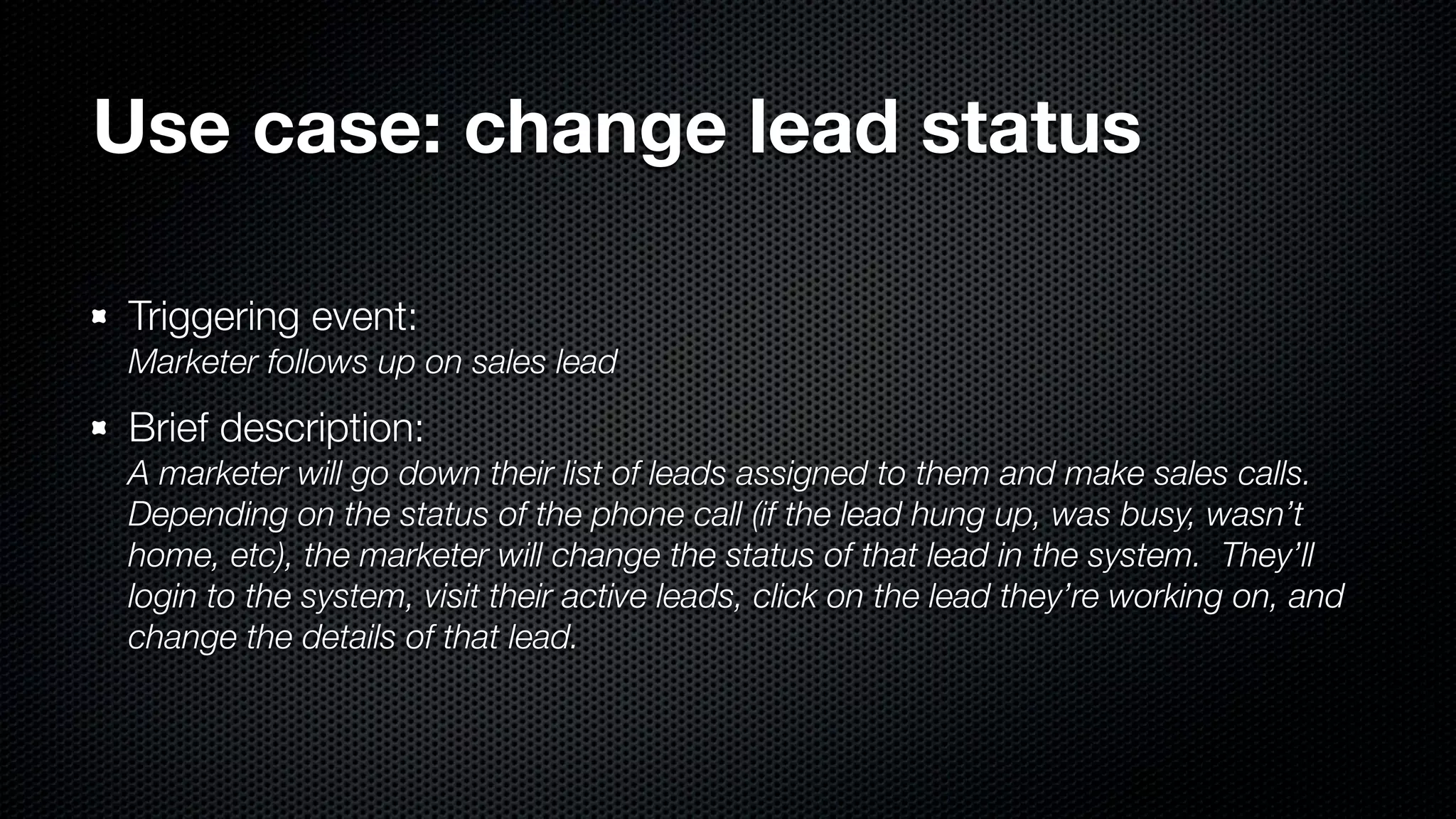
  • #17 - From description - Happens when marketer follows up on lead via phone - Makes calls for each lead on their list - Pull up detail report and fill out extra details, change status
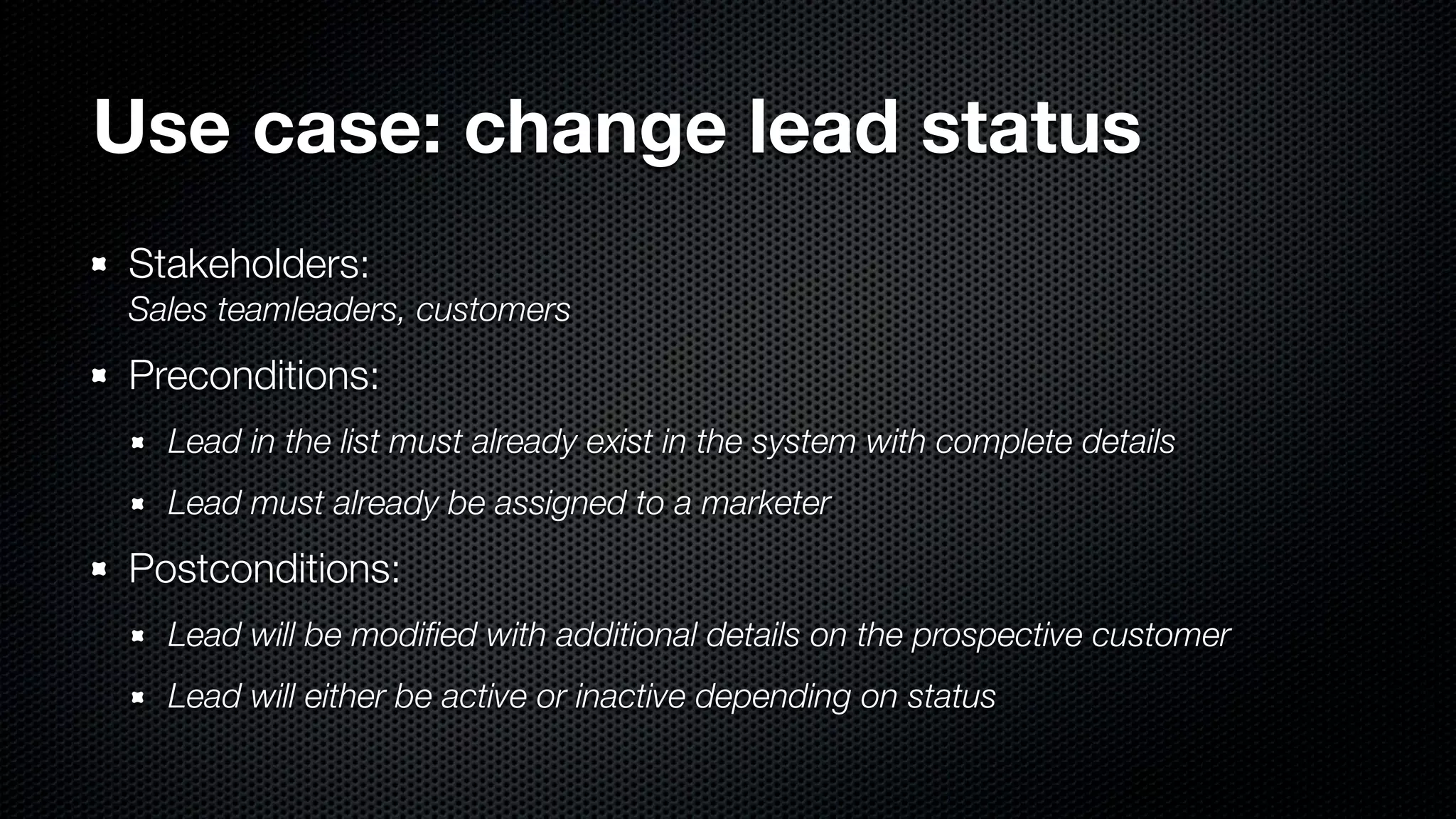
  • #18 - Teamleaders preside, customers are contacted - Lead must have complete path, be assigned to show up in list - After, lead is modified, be active or inactive
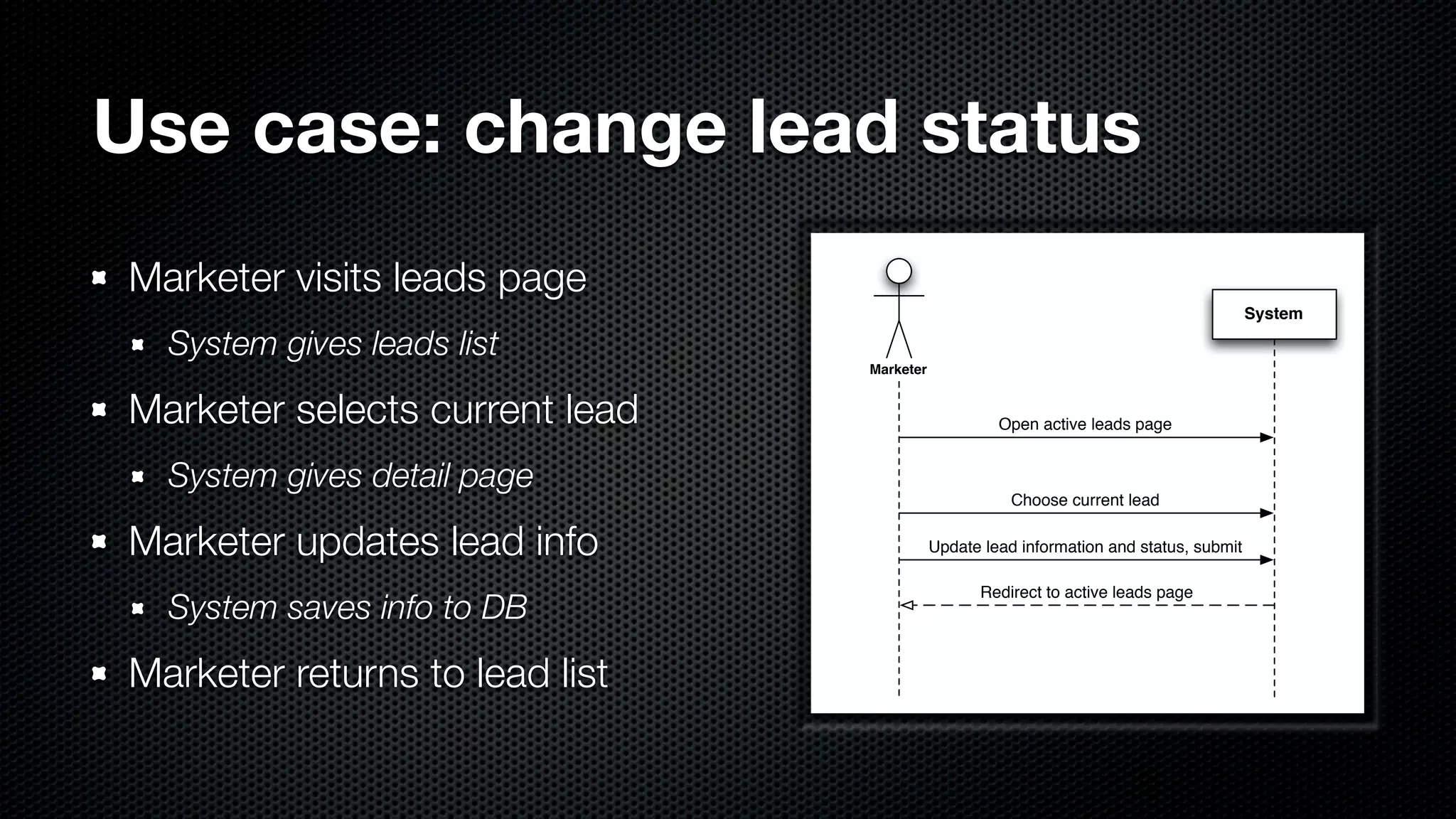
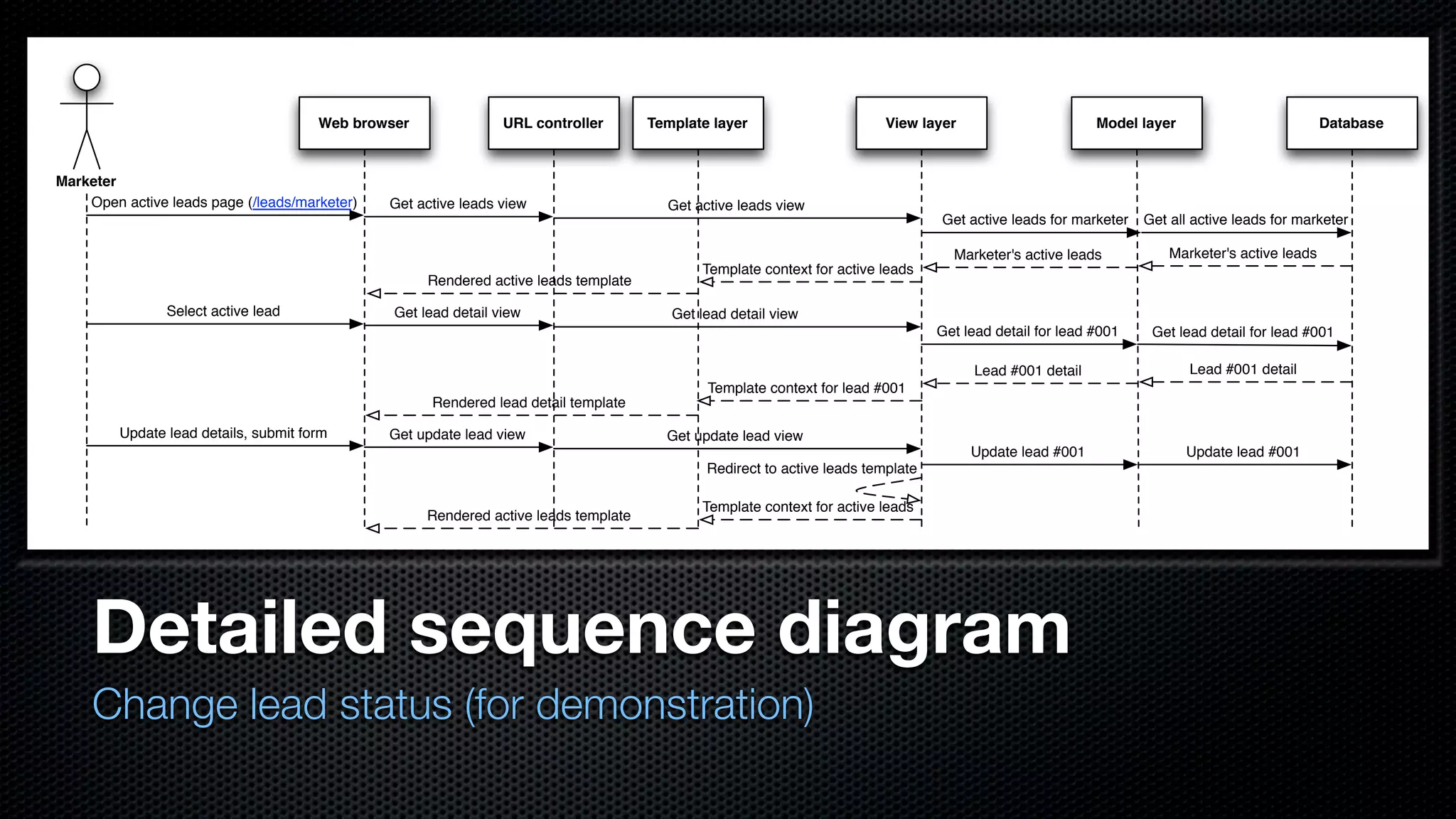
  • #19 - Diagram: follow arrows - Gets active leads list, chooses one, updates info - Gets redirected
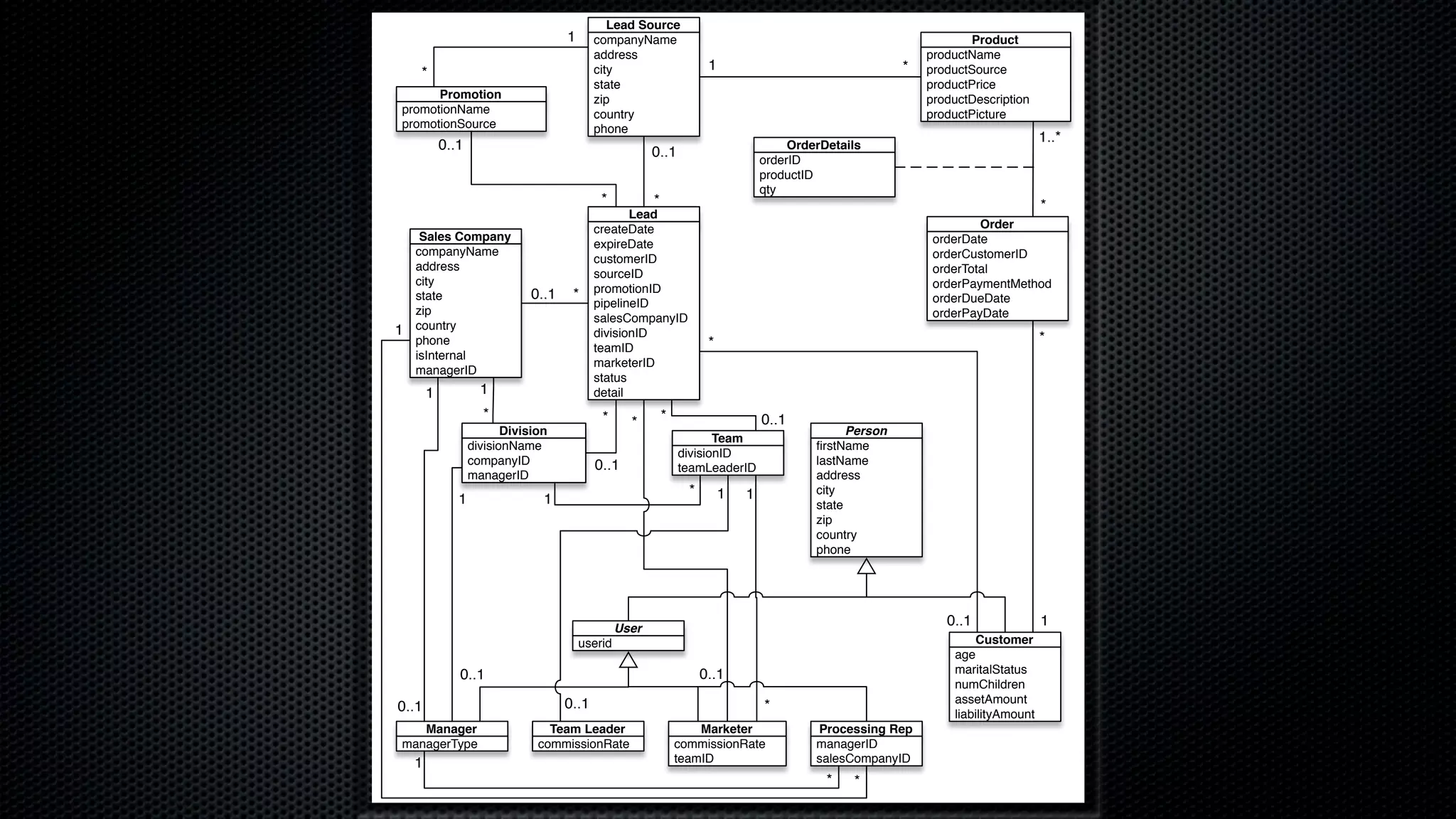
  • #21 - Lead is in center - Order/product is off to side, somewhat separate from main part - Person super of customer, user - User is anyone who logs into system, includes bottom row classes
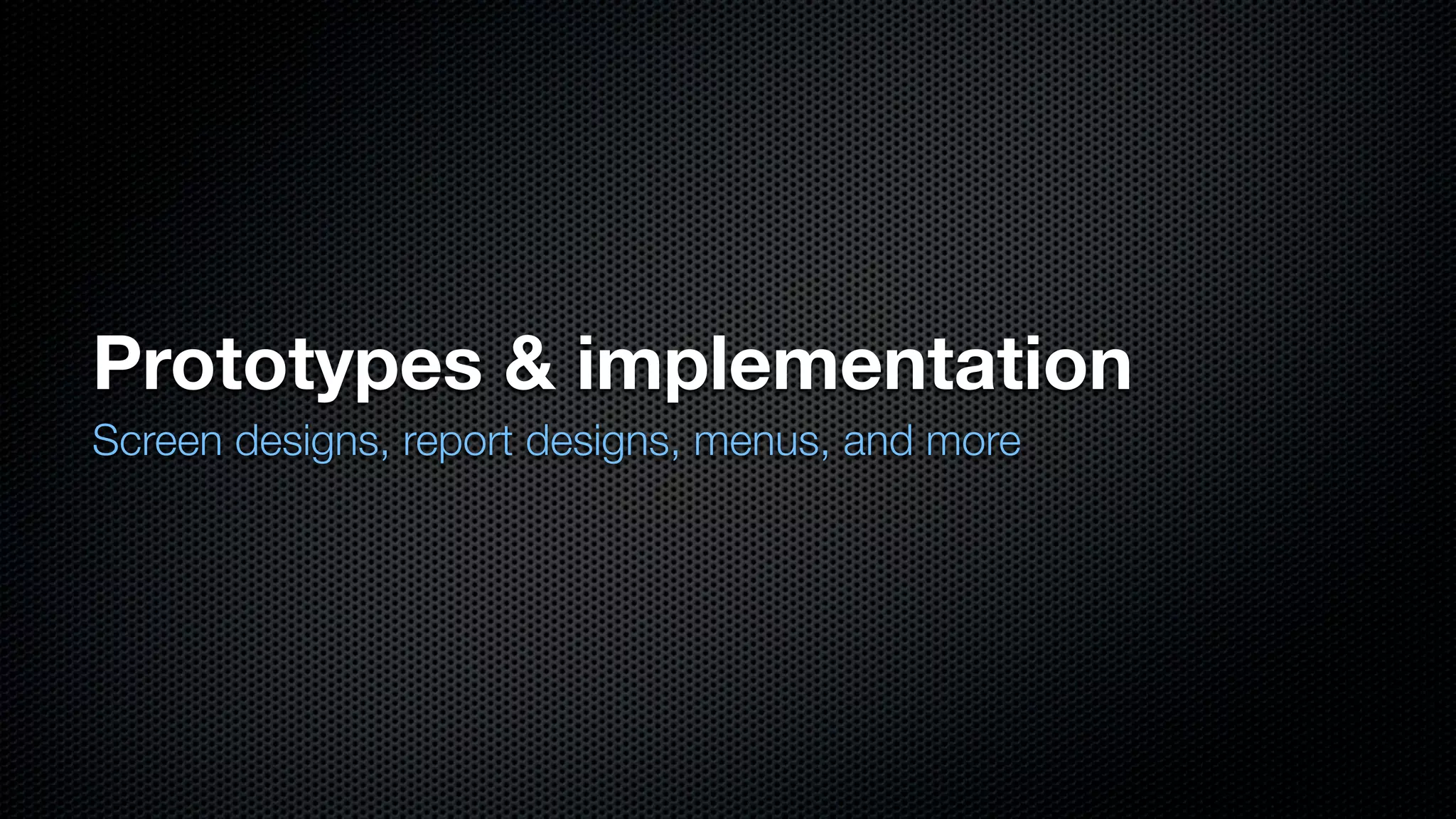
  • #22 - REALLY fun stuff - Mockup designs, what’s implemented
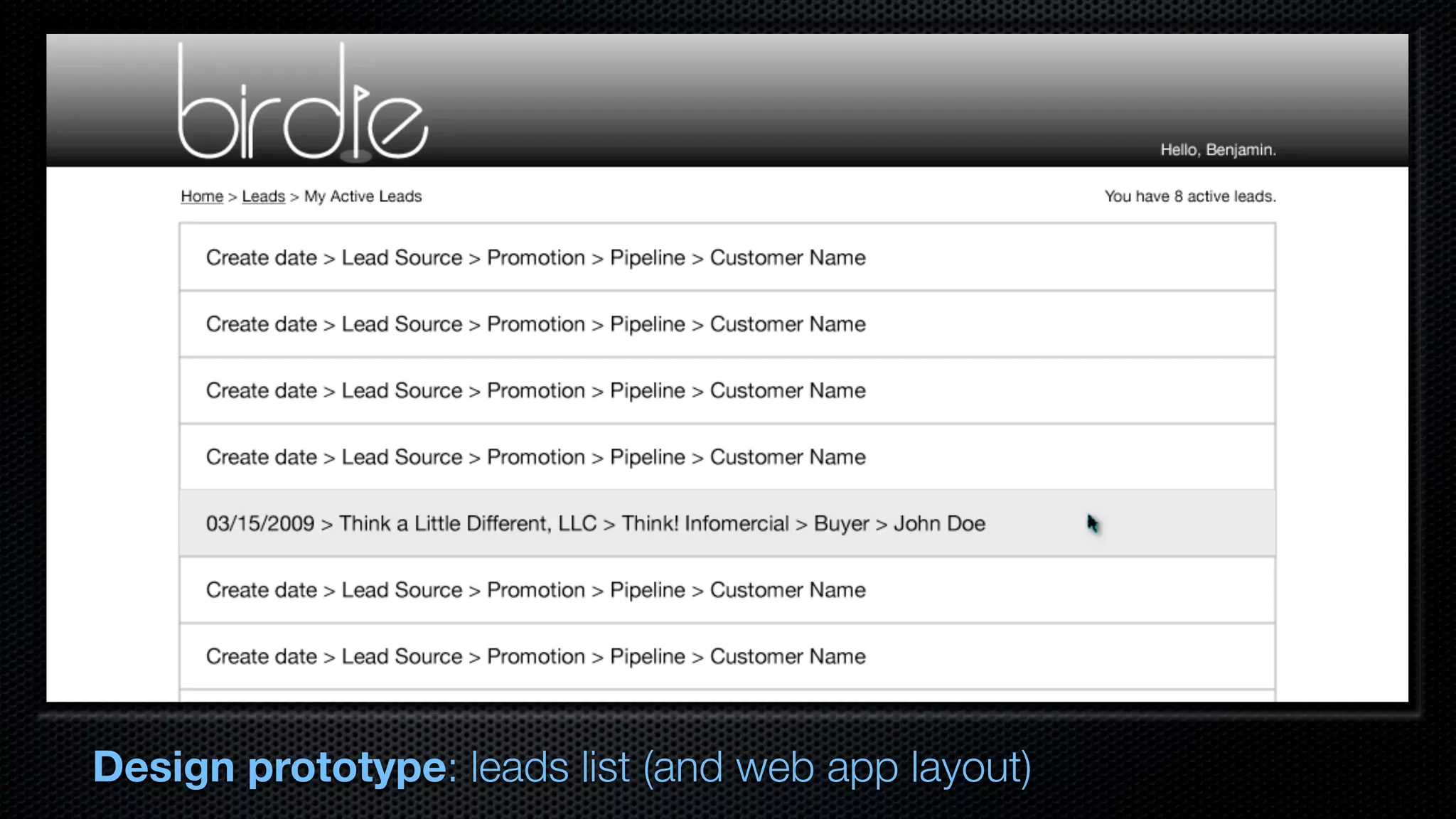
  • #23 - Initial prototype, layout of leads list for mktr - Select a lead, go to lead detail
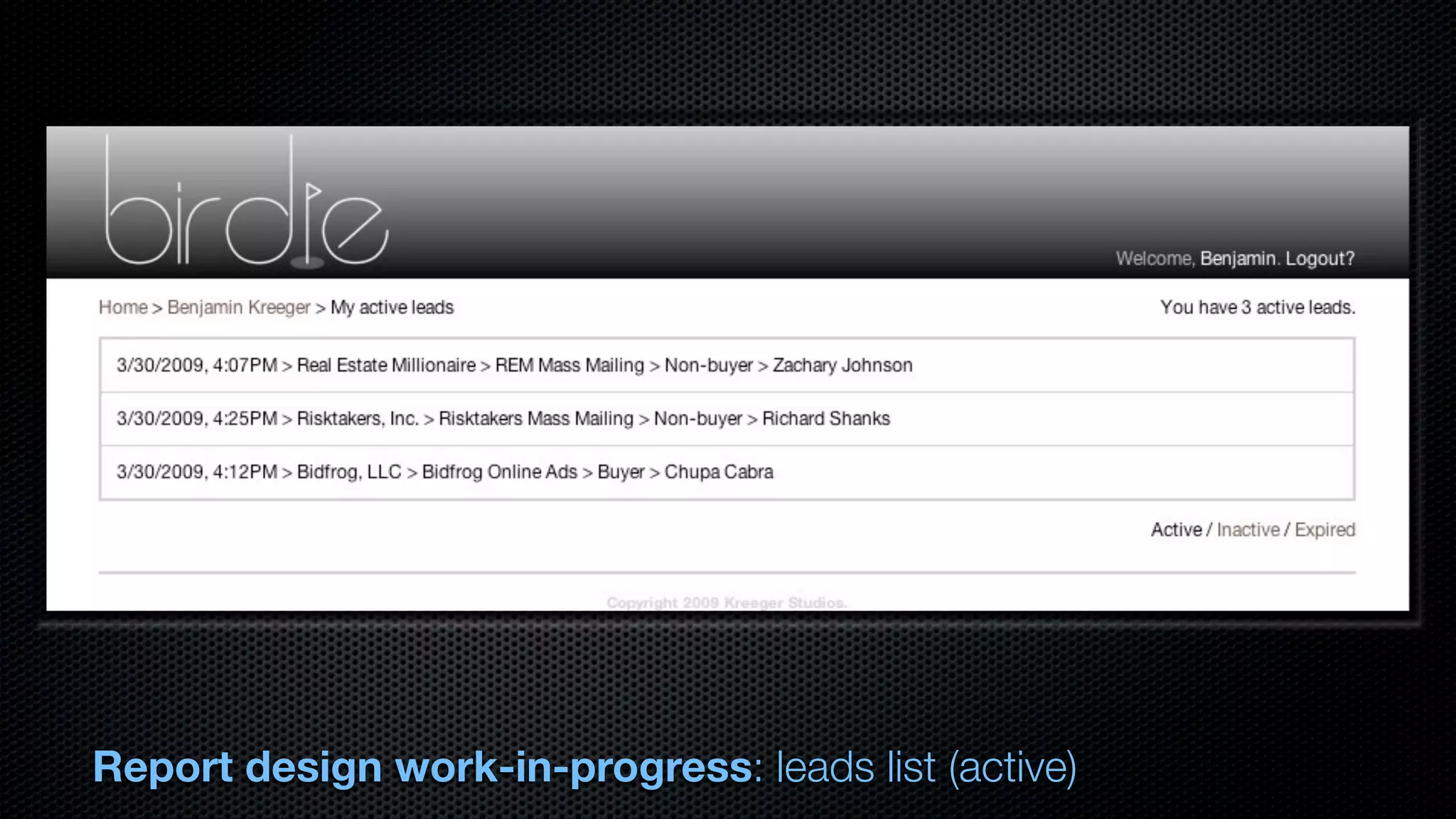
  • #24 - Leads list implementation - Same functionality, choose between lead phases (a/i/e)
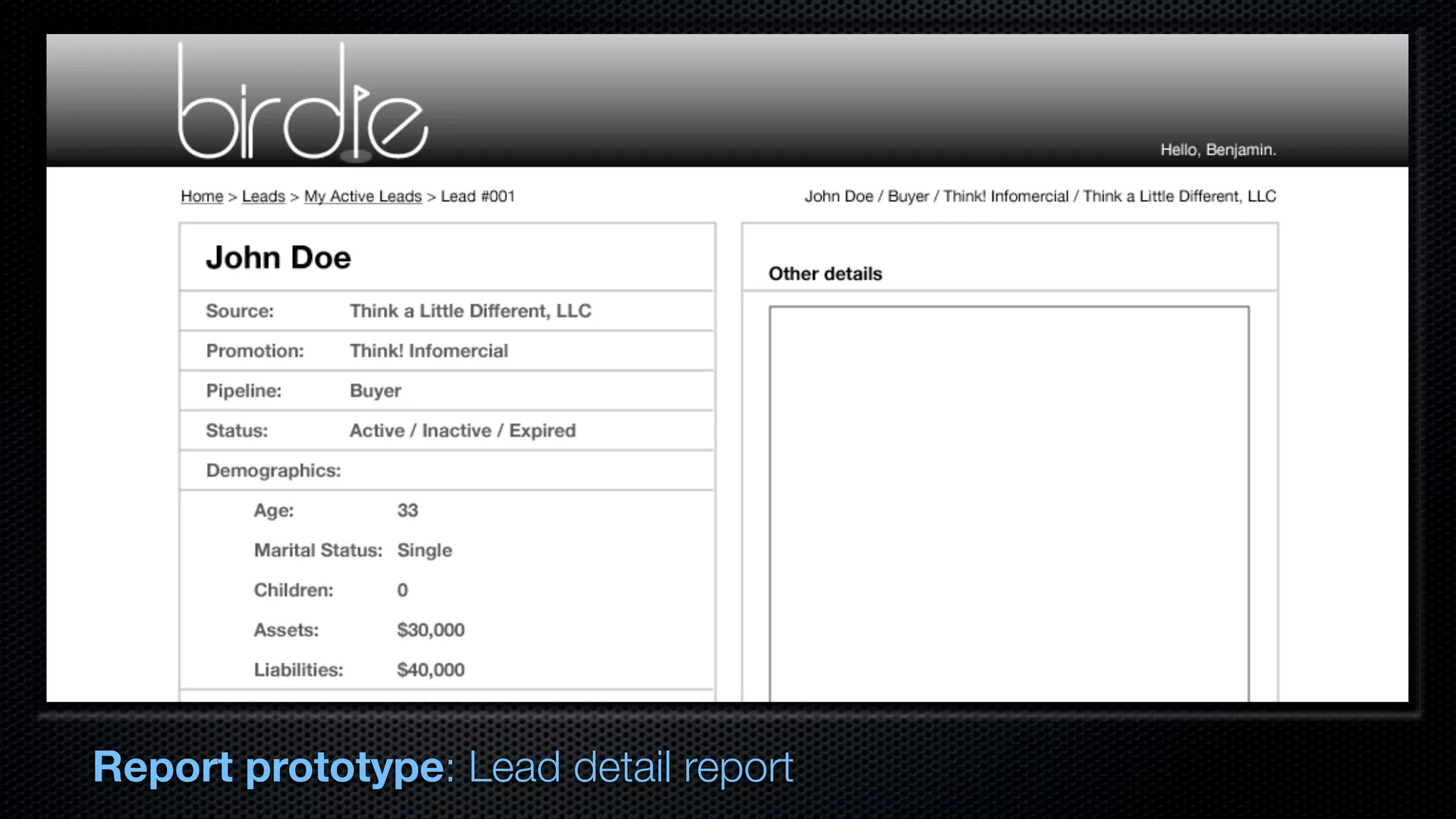
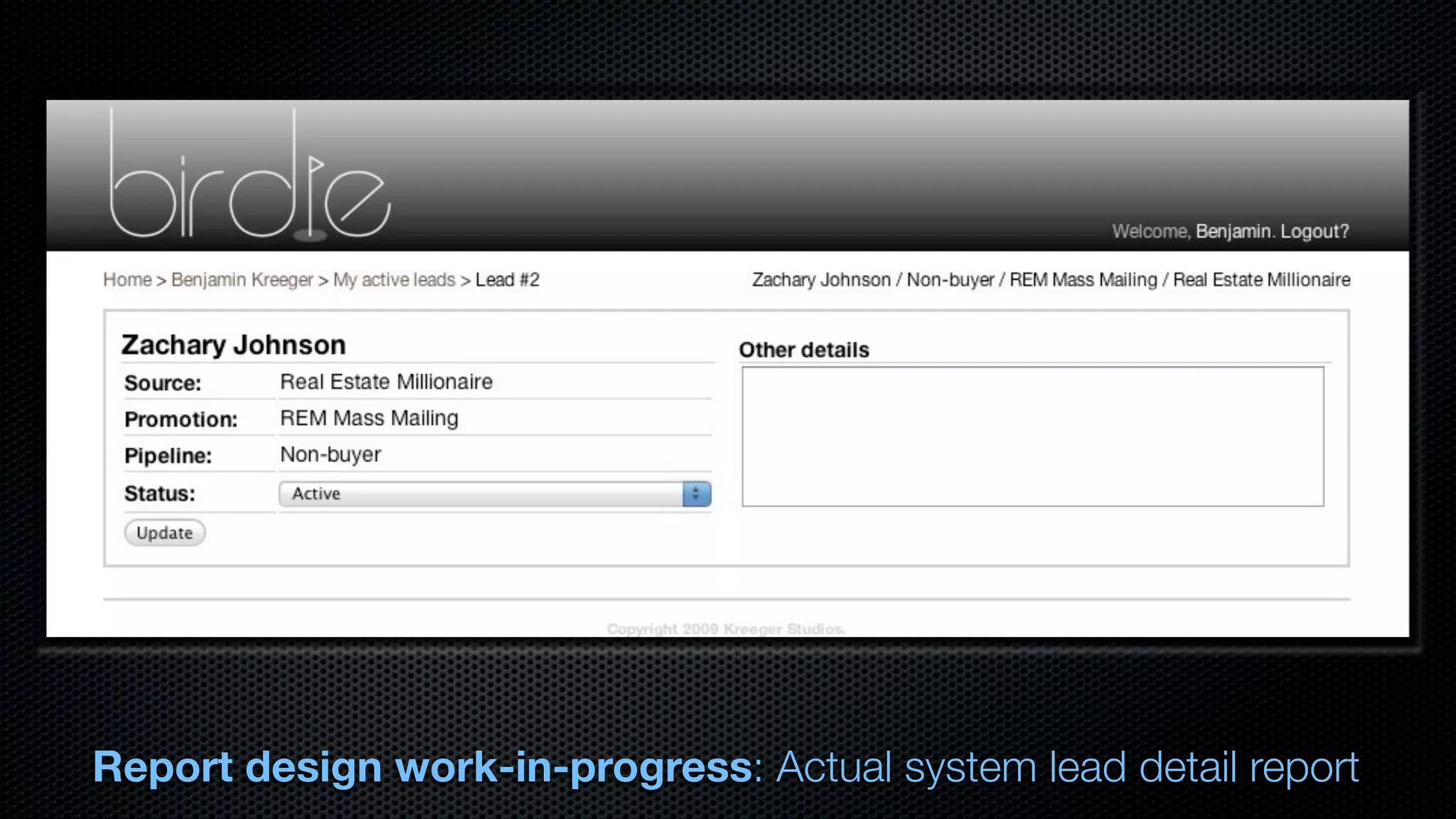
  • #25 - Second prototype: detail report - Marketer gets this for each lead they call - Add details, fill in demographics
  • #26 - Implementation of lead detail report - Haven’t added demographics - Working status change and detail/notes
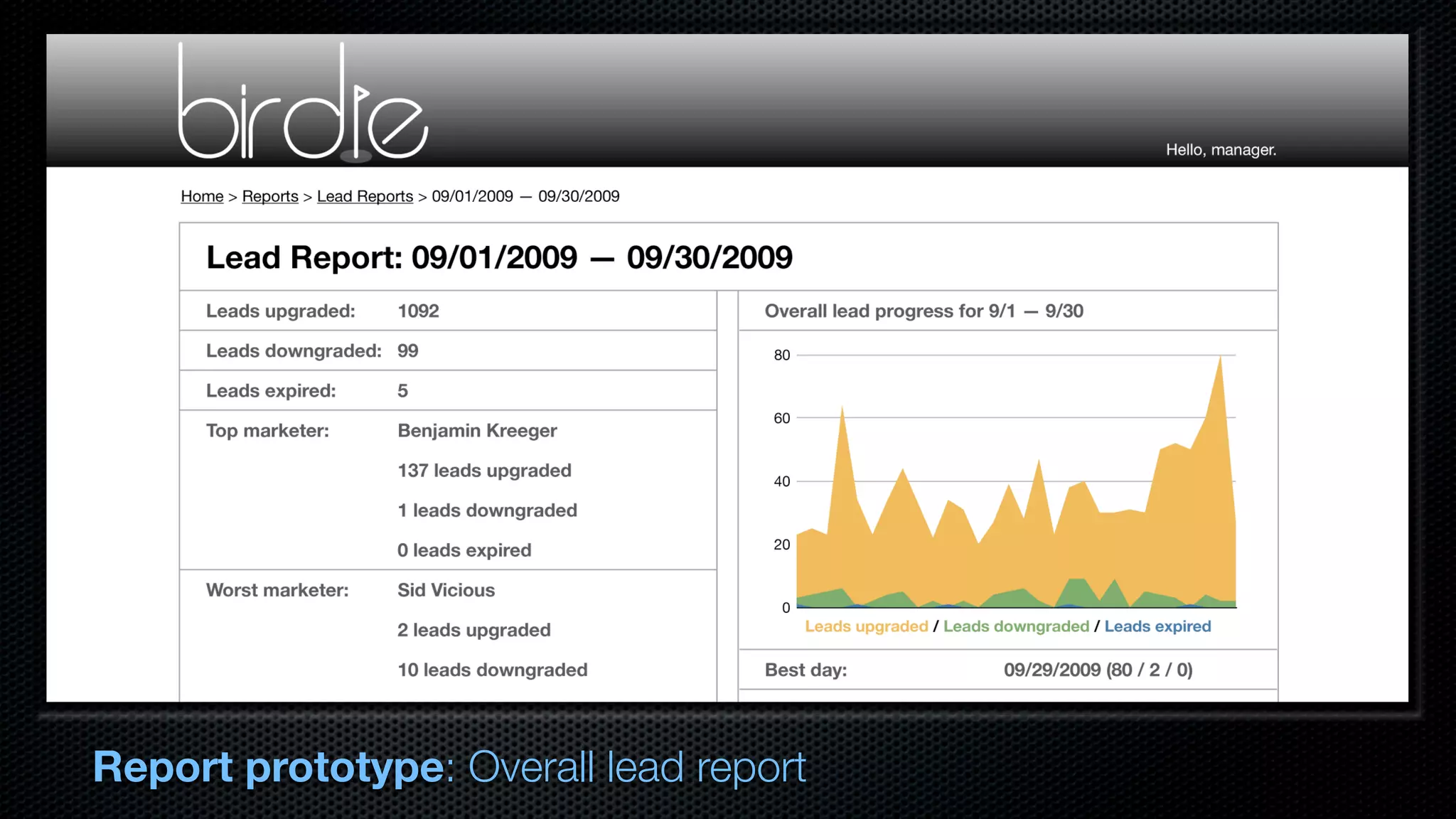
  • #27 - Third mockup: lead report - May or may not have graph; extra feature - Shows statistics of leads over time period - Not yet implemented
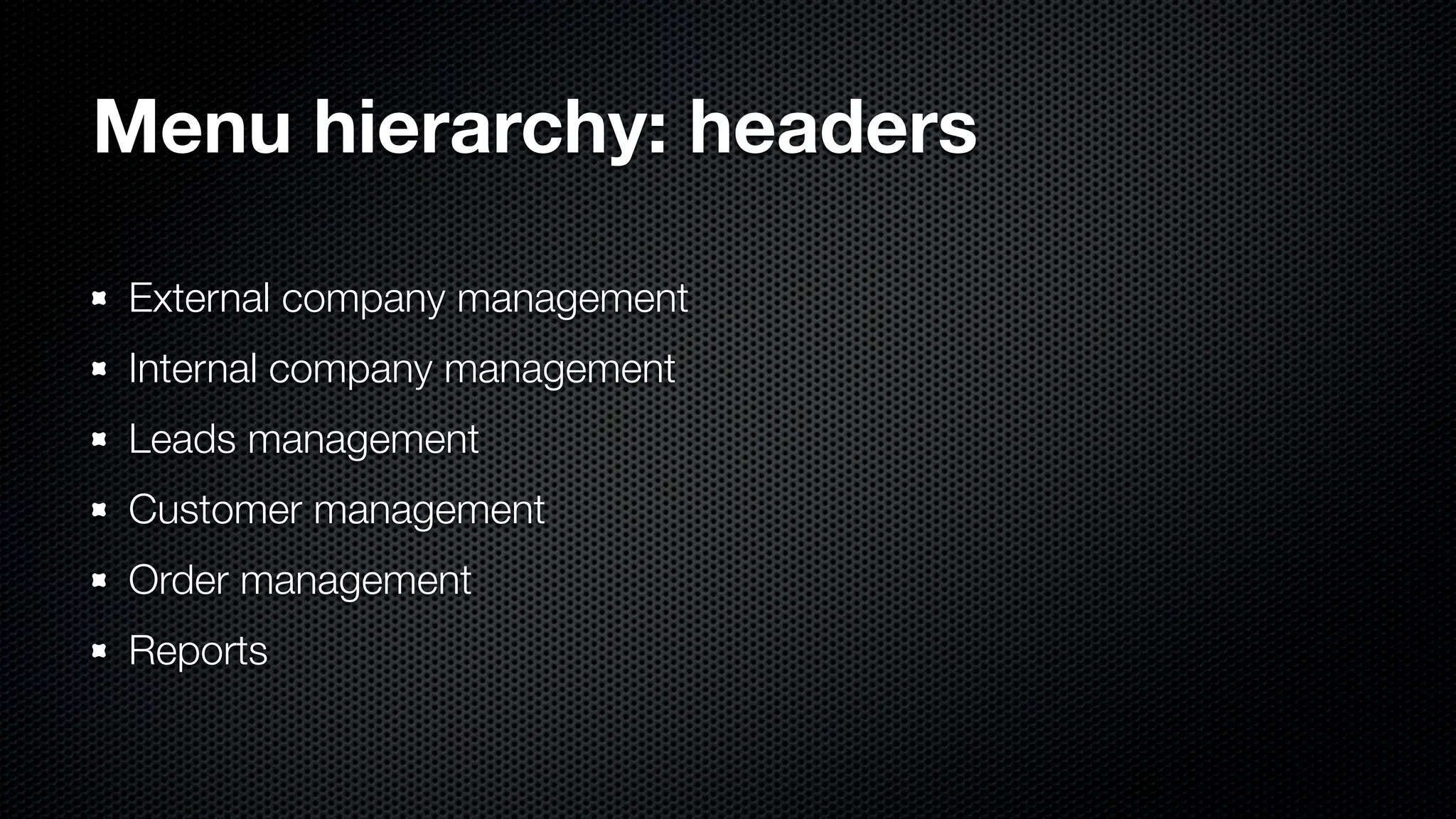
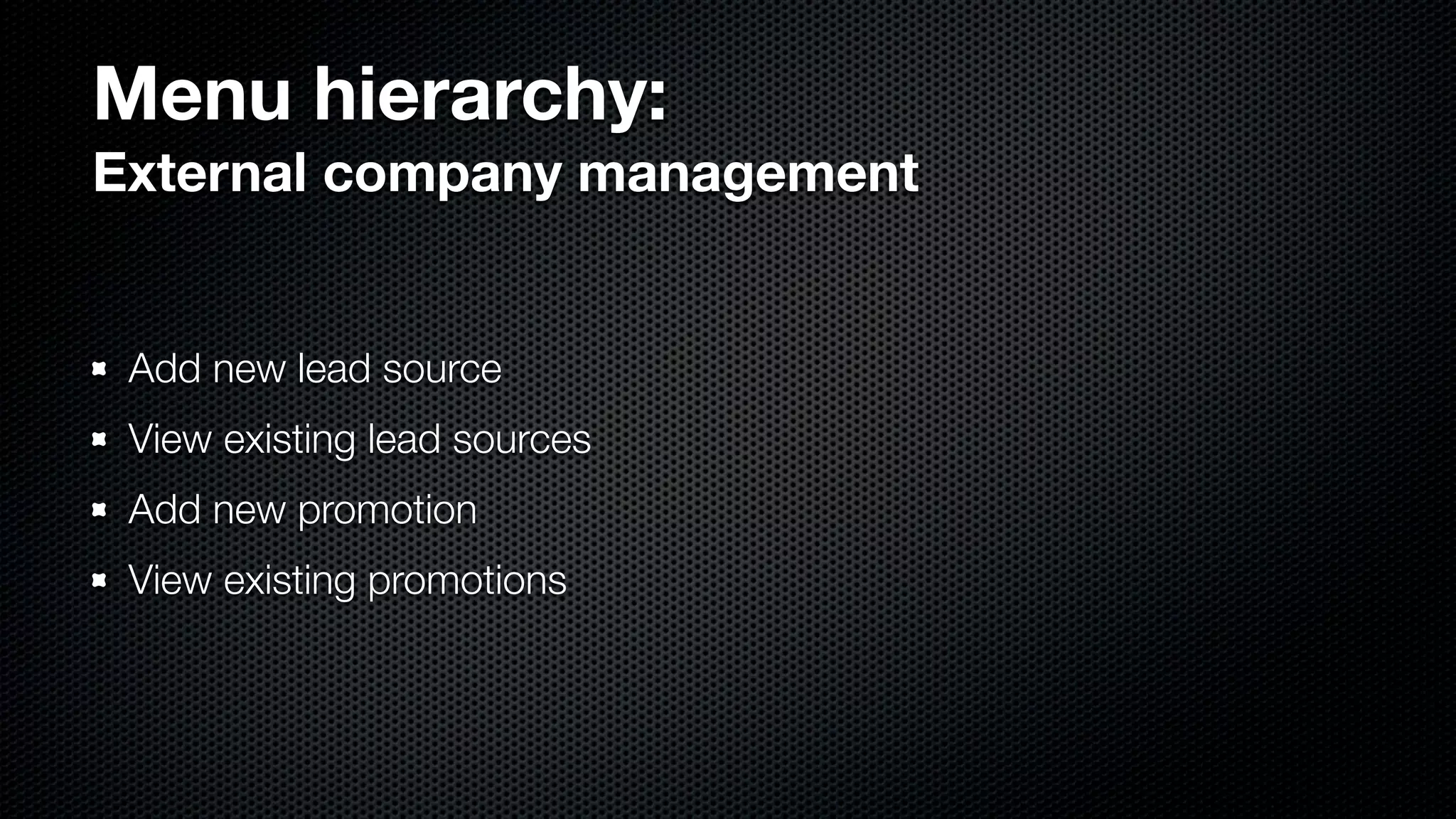
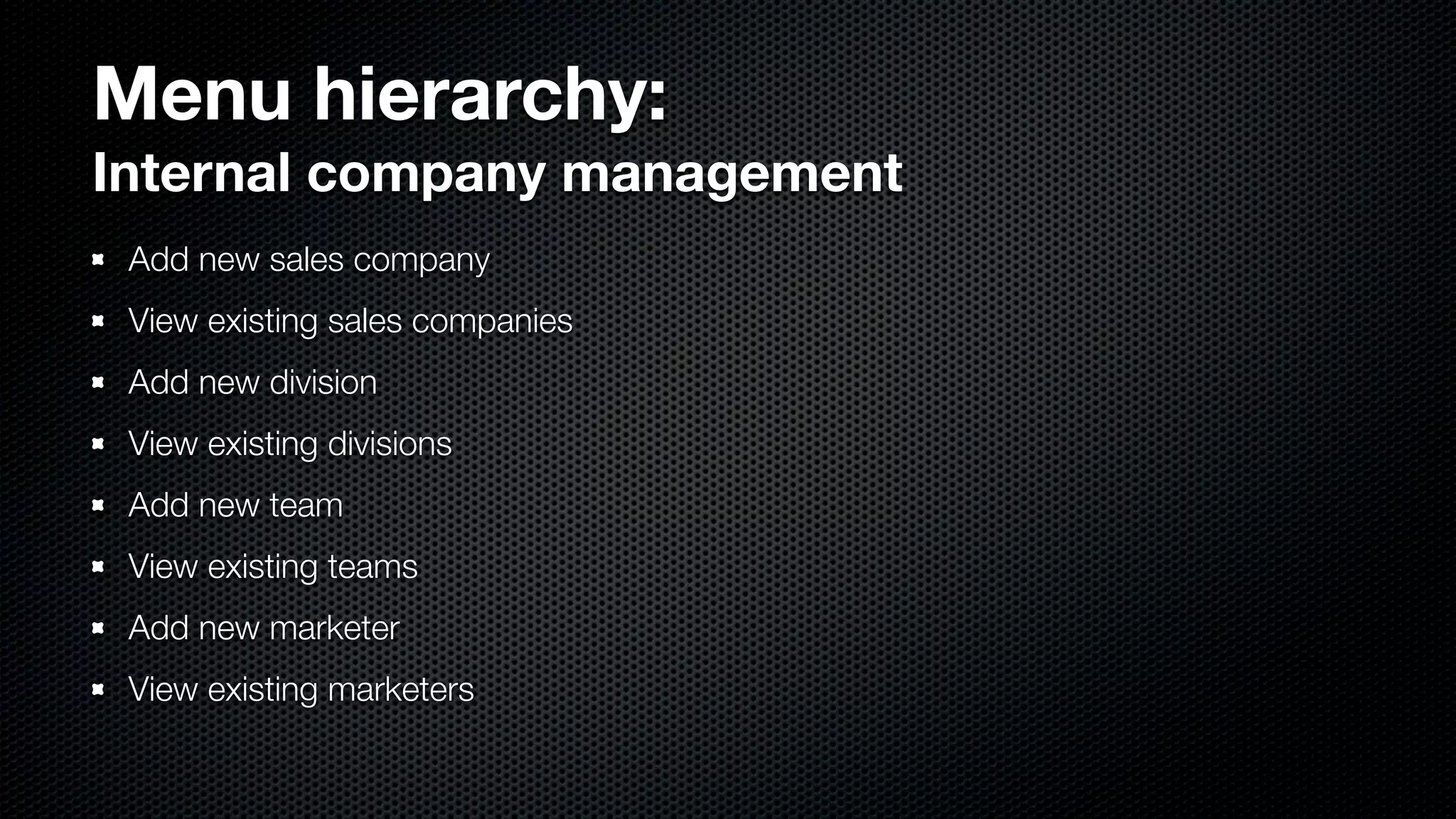
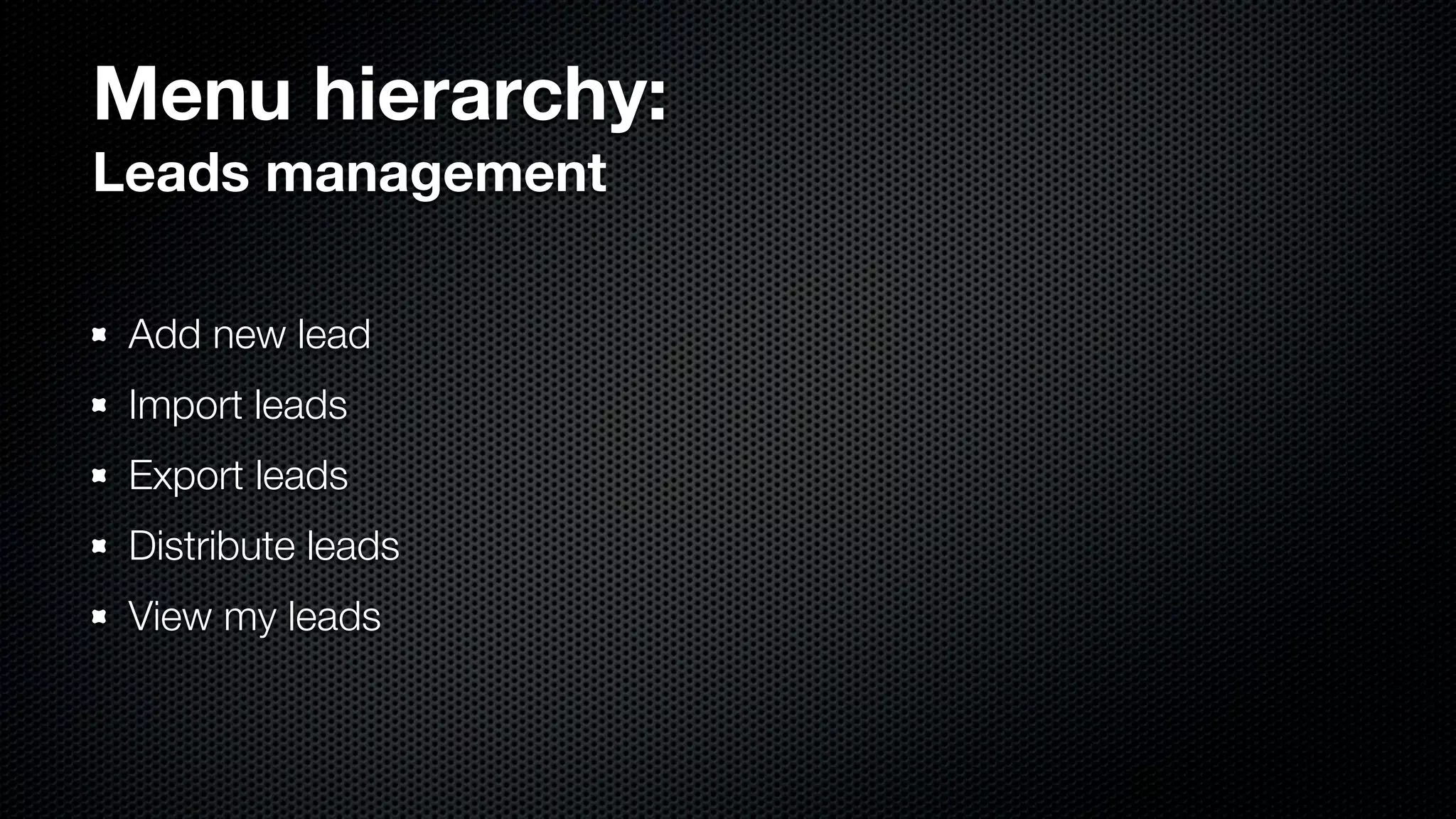
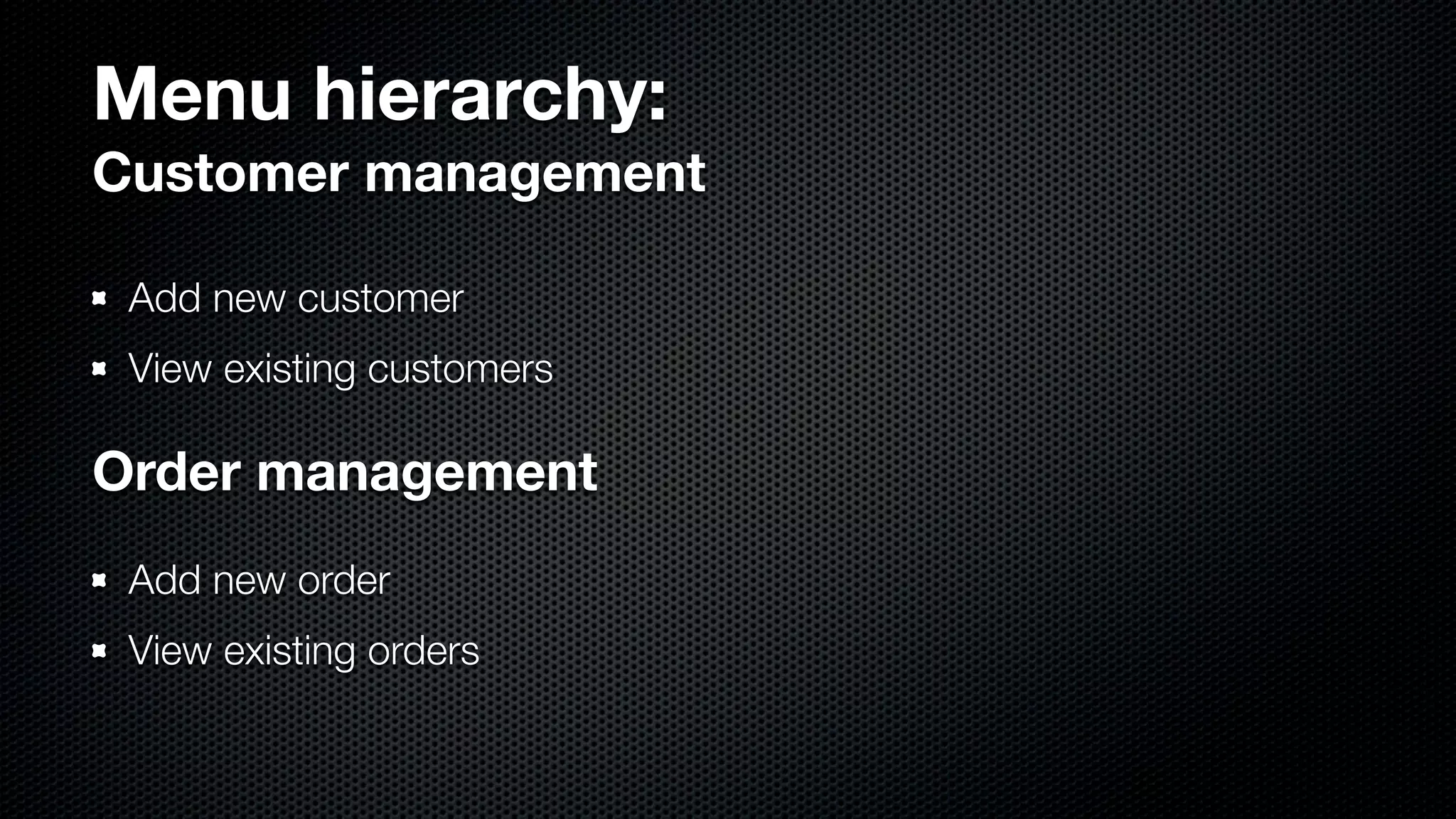
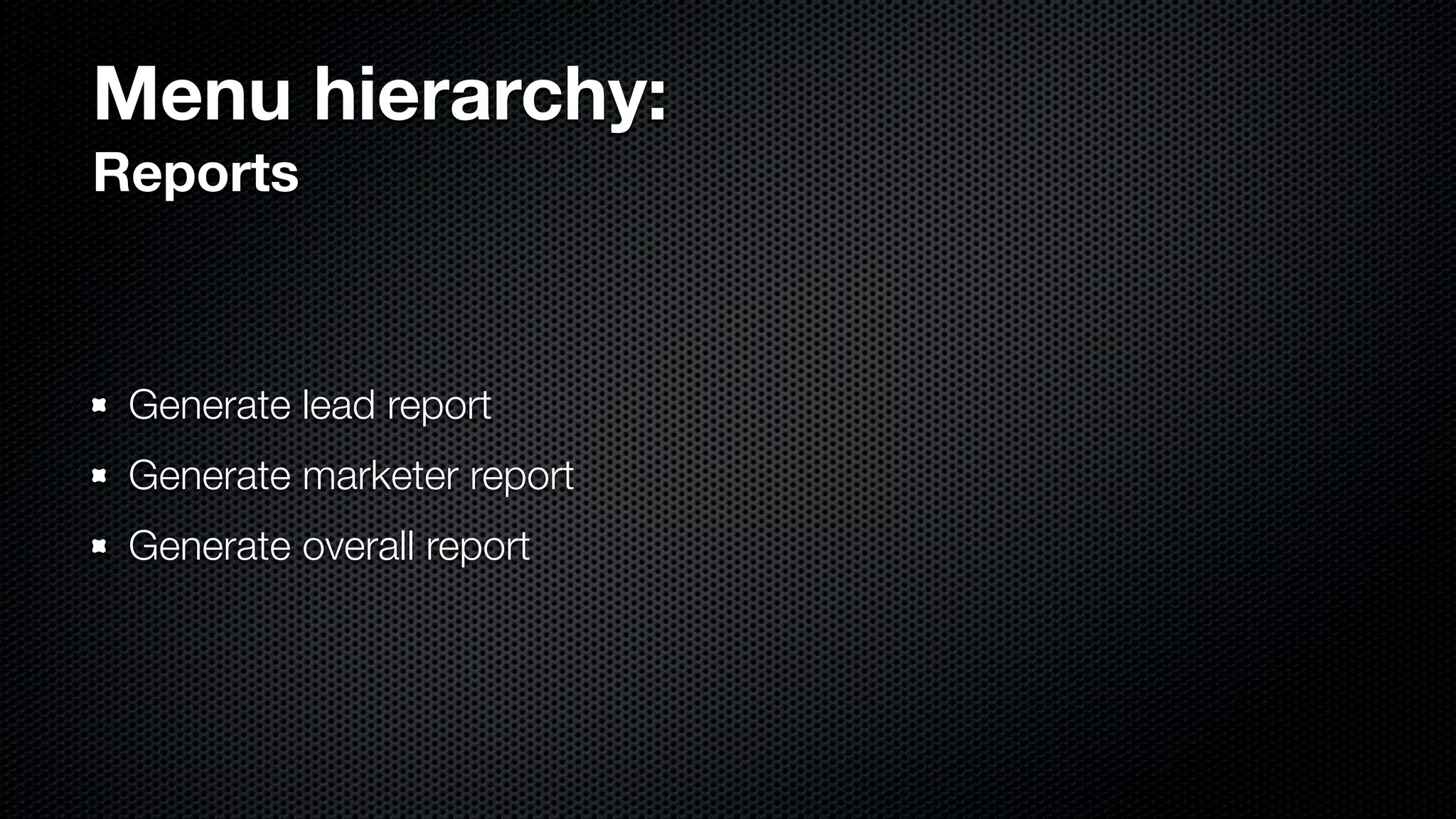
  • #28 - Planned menu hierarchy - Dependent on credentials - Section headers
  • #29 - Managers, processing reps have access
  • #30 - Processing reps, mgmt, teamleaders have access to certain sections
  • #31 - Processing reps have first 4 - Mgmt has 3 & 4 - Mktr has 5th
  • #32 - Processing reps get all these - Mgmt can access as well
  • #33 - Mgmt have all 3 - Teamleaders only have first 2
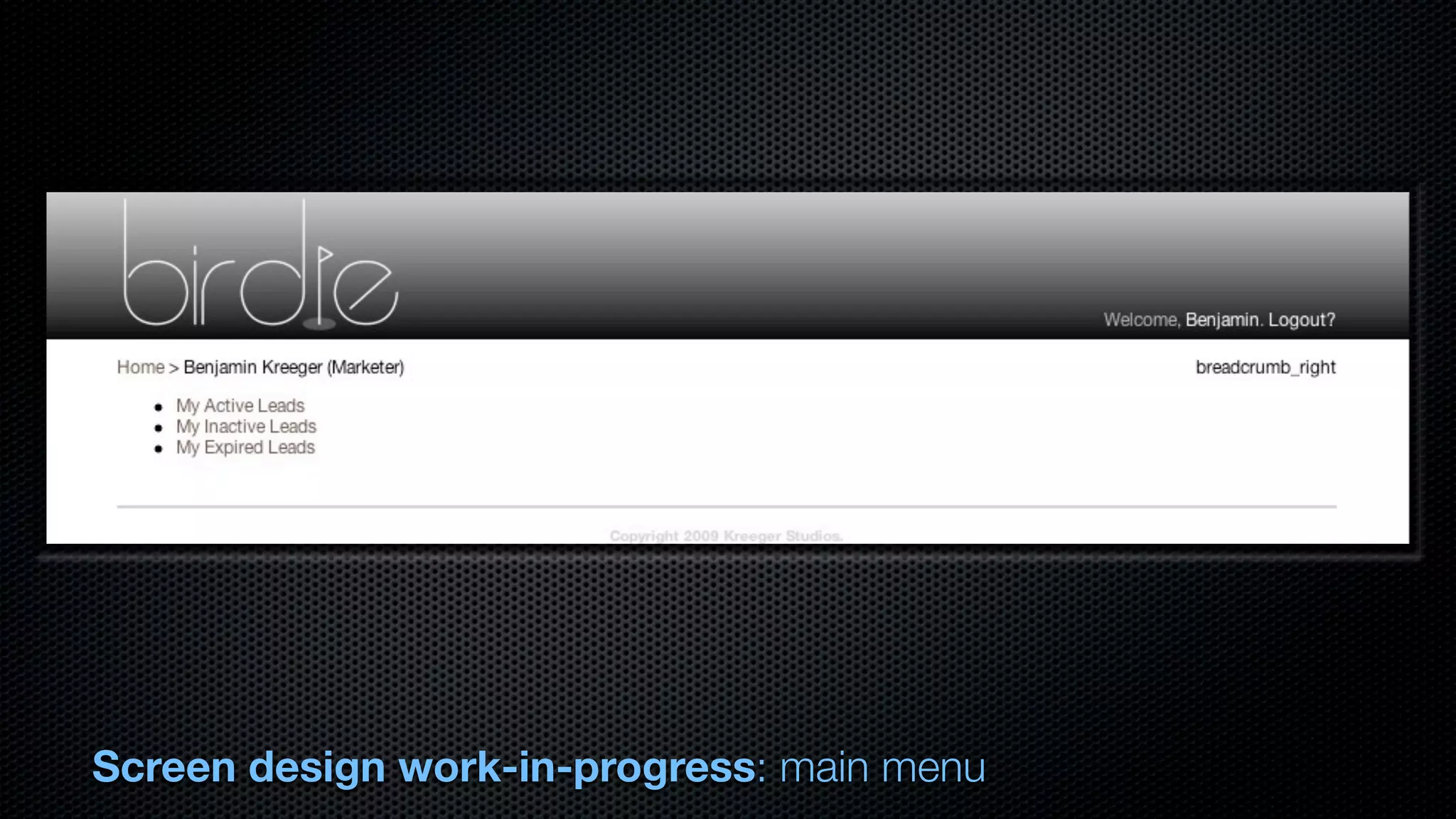
  • #34 - Real basic main menu implemented now - Tailored to your credentials - Clicking on your name in upper-right gets you to menu - Breadcrumb always helps you find your way
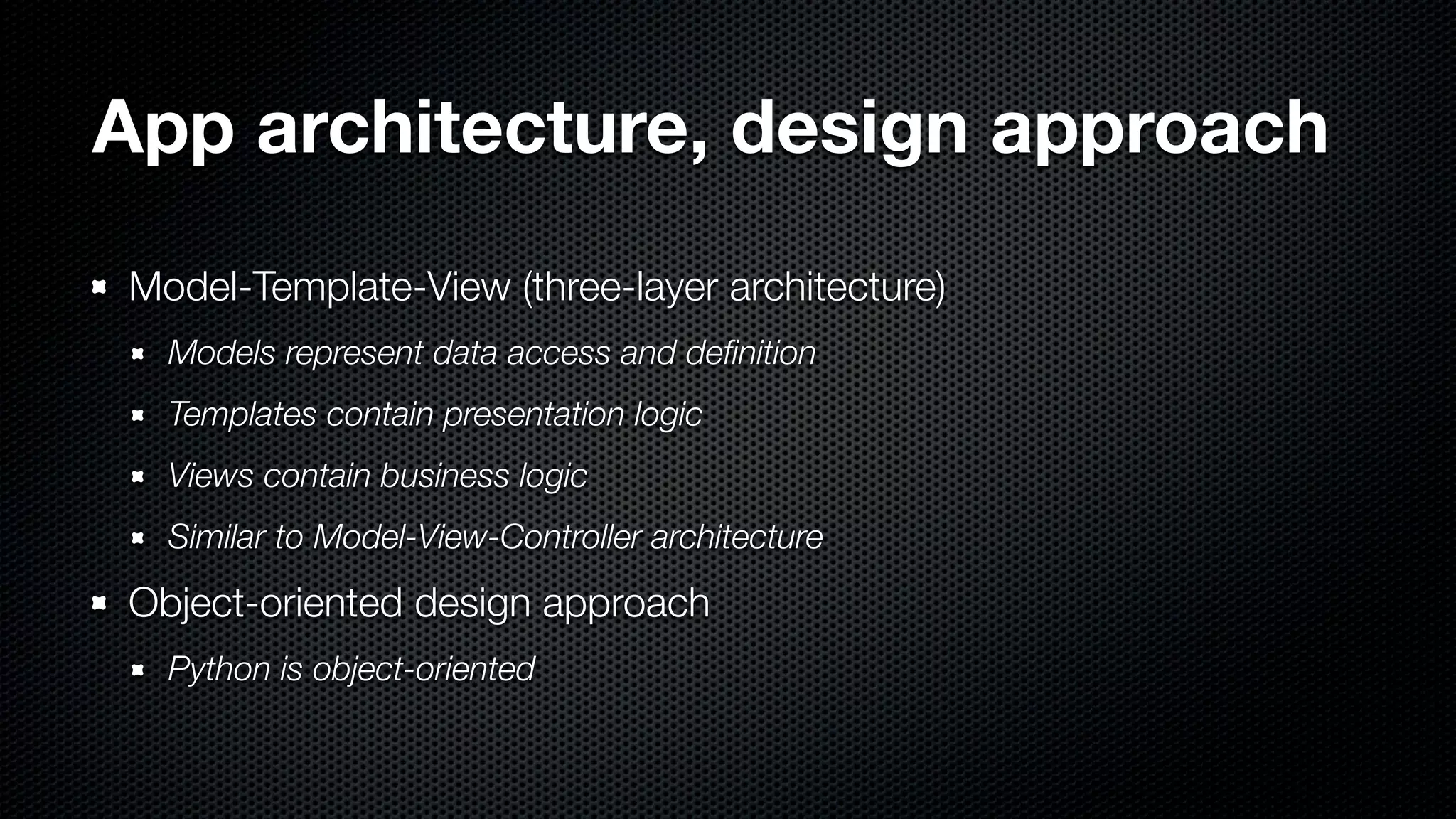
  • #35 - MTV: model/template/view - MVC: model/view/controller - different names for same thing - Django ‘controller’ is URL direction file, biz-logic in ‘views’ - Templates are rendered HTML files
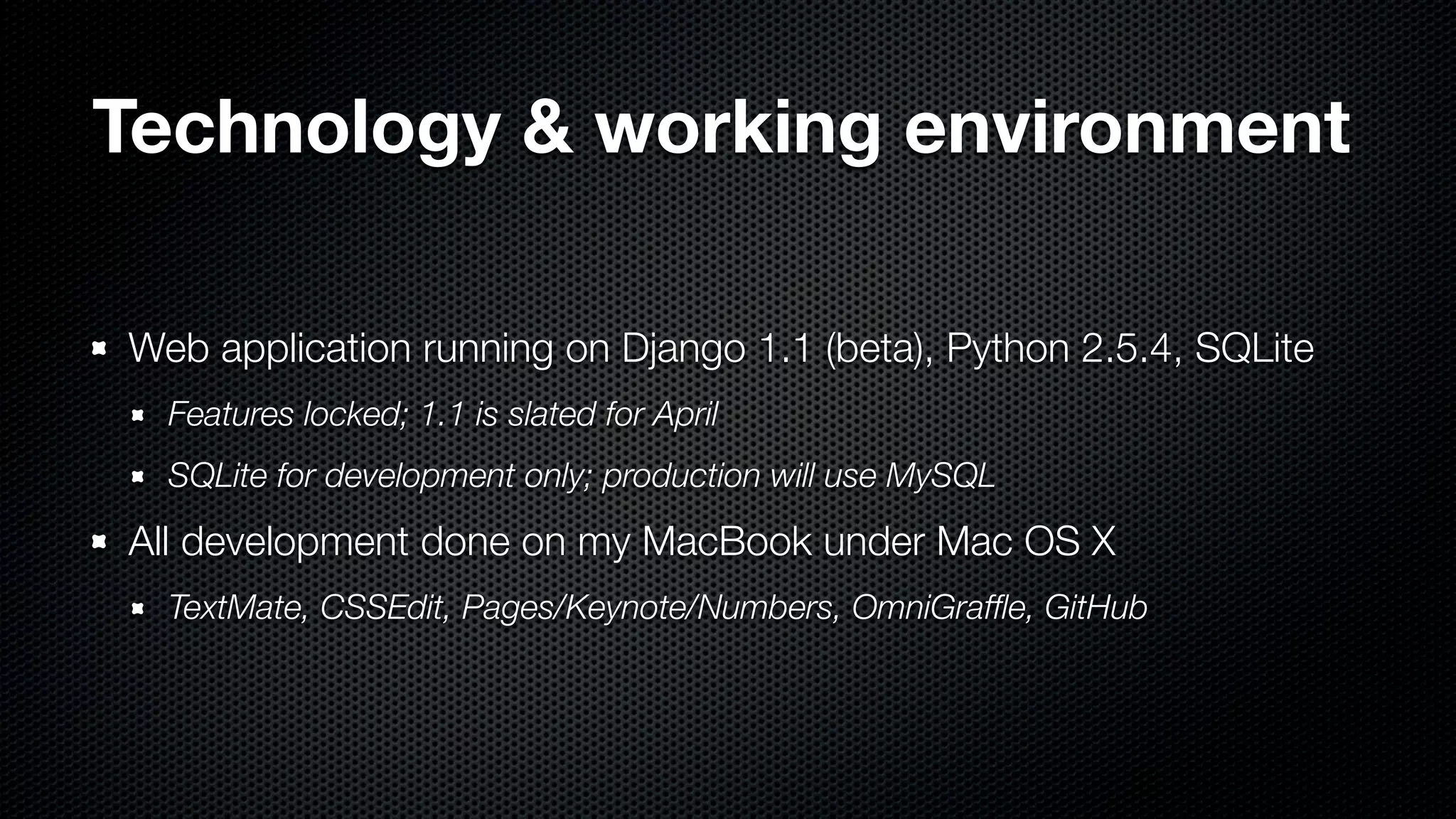
  • #36 - Dev-ing w/ prerelease build of Django 1.1, due in couple of weeks - Database testing with SQLite, full build MySQL; Django handles DB differences - All Mac dev-environment
  • #37 - As previously explained - Models = models - Views = templates - Controllers = views - Actual controlling = URL direction, regex’s - Objects/models predefined, view classes/forms = biz-logic
  • #38 - What it looks like going from through system - Follow steps
  • #39 - End! Stop sweating now