




























































BI APPS Reports2
SAP Business Objects & Oracle
OBIEE
BY
Sunny OKoro
1
Contents
Applications...................................................................................................................................................3
Database Systems.........................................................................................................................................8
SAP Business Objects ....................................................................................................................................9
Universe Creation Relational Database ..................................................................................................26
Web Intelligence.....................................................................................................................................77
Crystal Reports Enterprise and Business Objects ...................................................................................80
SAP Business Objects Explorer..............................................................................................................102
SAP Business Objects Analysis OLAP.....................................................................................................112
Universe Creation Microsoft SSAS........................................................................................................121
Reports Processing and Scheduling ......................................................................................................136
Oracle OBIEE .............................................................................................................................................152
Installation & Configuration..................................................................................................................154
OBIEE Administration............................................................................................................................166
Sample Reports.....................................................................................................................................169
2
3
Applications
Microsoft Visual Studio 2010 /2008
Oracle SQL Developer
Microsoft Visio Professional 2010
4
Microsoft Excel 2010
SAP Information Design Tool
5
SAP Web Intelligence Rich Client
6
Business Intelligence Applications
Oracle Business Intelligence Enterprise Edition
SAP Crystal Reports For Enterprise
7
SAP Business Objects BI Platform 4.0
Microsoft SSAS 2008
8
Database Systems
Microsoft SQL Server 2012 /2008R2
Oracle 11GR2
9
SAP Business Objects
10
11
12
13
14
15
16
17
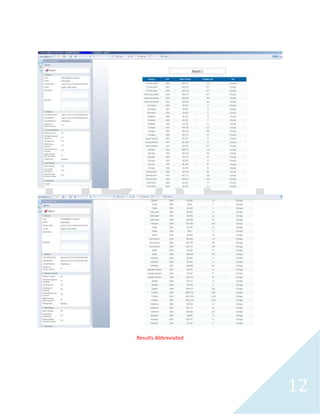
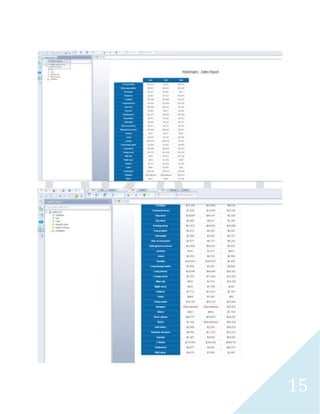
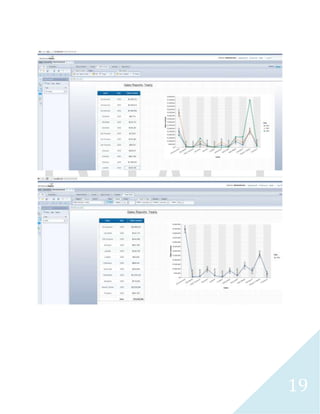
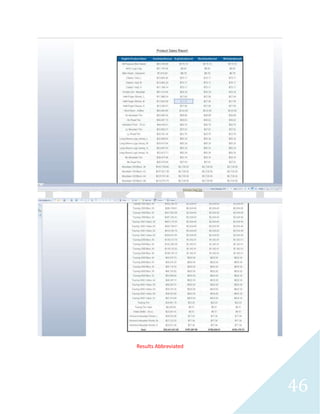
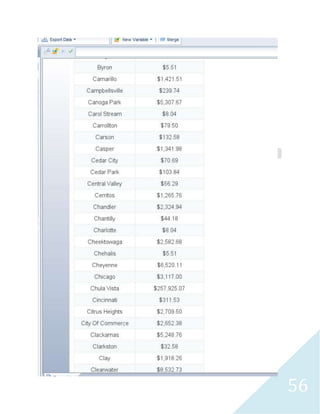
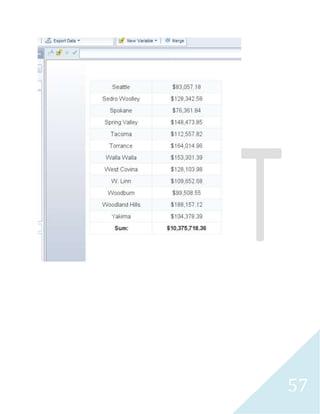
Results Abbreviated
18
19
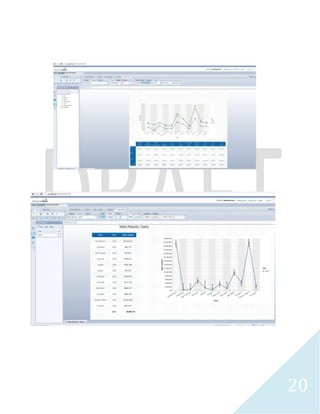
20
21
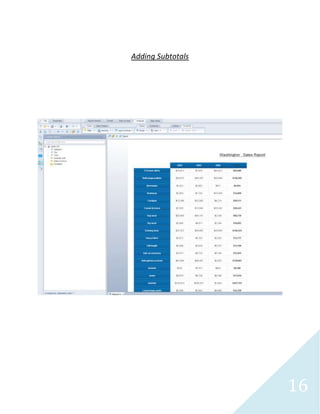
Adding Subtotals
22
23
24
25
26
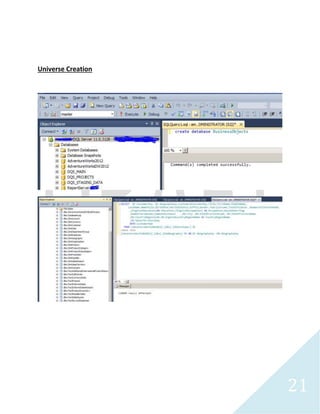
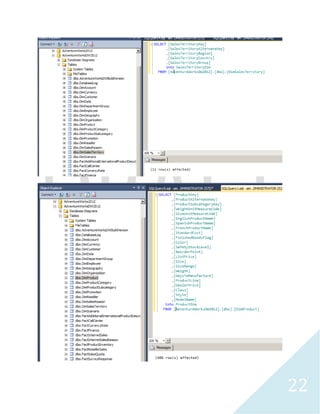
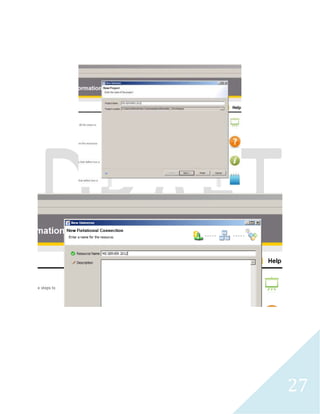
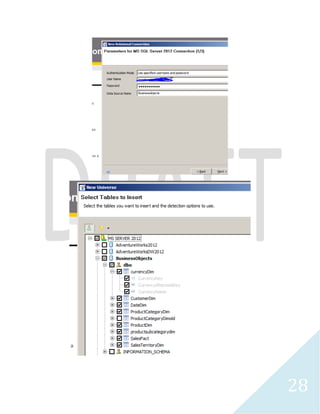
Universe Creation Relational Database
27
28
29
30
31
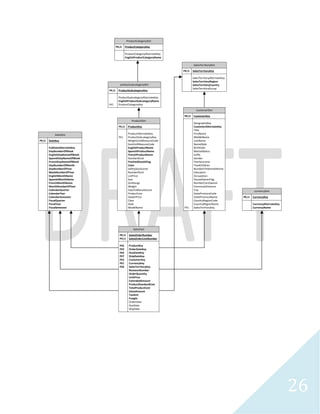
DateDim
PK,I1 DateKey
FullDateAlternateKey
DayNumberOfWeek
EnglishDayNameOfWeek
SpanishDayNameOfWeek
FrenchDayNameOfWeek
DayNumberOfMonth
DayNumberOfYear
WeekNumberOfYear
EnglishMonthName
SpanishMonthName
FrenchMonthName
MonthNumberOfYear
CalendarQuarter
CalendarYear
CalendarSemester
FiscalQuarter
FiscalYear
FiscalSemester
currencyDim
PK,I1 CurrencyKey
CurrencyAlternateKey
CurrencyName
CustomerDim
PK,I1 CustomerKey
GeographyKey
CustomerAlternateKey
Title
FirstName
MiddleName
LastName
NameStyle
BirthDate
MaritalStatus
Suffix
Gender
YearlyIncome
TotalChildren
NumberChildrenAtHome
Education
Occupation
HouseOwnerFlag
NumberCarsOwned
CommuteDistance
City
StateProvinceCode
StateProvinceName
CountryRegionCode
CountryRegionName
FK1 SalesTerritoryKey
SalesTerritoryDim
PK,I1 SalesTerritoryKey
SalesTerritoryAlternateKey
SalesTerritoryRegion
SalesTerritoryCountry
SalesTerritoryGroup
productsubcategorydim
PK,I1 ProductSubcategoryKey
ProductSubcategoryAlternateKey
EnglishProductSubcategoryName
FK1 ProductCategoryKey
ProductCategoryDim
PK,I1 ProductCategoryKey
ProductCategoryAlternateKey
EnglishProductCategoryName
SalesFact
PK,I1 SalesOrderNumber
PK,I1 SalesOrderLineNumber
FK5 ProductKey
FK3 OrderDateKey
FK4 DueDateKey
FK7 ShipDateKey
FK2 CustomerKey
FK1 CurrencyKey
FK6 SalesTerritoryKey
RevisionNumber
OrderQuantity
UnitPrice
ExtendedAmount
ProductStandardCost
TotalProductCost
SalesAmount
TaxAmt
Freight
OrderDate
DueDate
ShipDate
ProductDim
PK,I1 ProductKey
ProductAlternateKey
FK1 ProductSubcategoryKey
WeightUnitMeasureCode
SizeUnitMeasureCode
EnglishProductName
SpanishProductName
FrenchProductName
StandardCost
FinishedGoodsFlag
Color
SafetyStockLevel
ReorderPoint
ListPrice
Size
SizeRange
Weight
DaysToManufacture
ProductLine
DealerPrice
Class
Style
ModelName
32
33
34
35
36
37
38
39
40
41
42
43
44
45
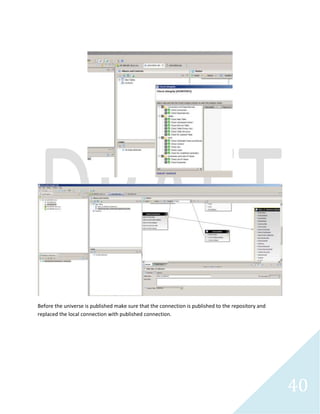
Before the universe is published make sure that the connection is published to the repository and
replaced the local connection with published connection.
46
47
48
49
50
51
Results Abbreviated
52
53
54
55
56
57
58
59
60
61
62
63
64
REVISIONS
65
66
67
68
DateDim
PK,I1 DateKey
FullDateAlternateKey
DayNumberOfWeek
EnglishDayNameOfWeek
SpanishDayNameOfWeek
FrenchDayNameOfWeek
DayNumberOfMonth
DayNumberOfYear
WeekNumberOfYear
EnglishMonthName
SpanishMonthName
FrenchMonthName
MonthNumberOfYear
CalendarQuarter
CalendarYear
CalendarSemester
FiscalQuarter
FiscalYear
FiscalSemester
currencyDim
PK,I1 CurrencyKey
CurrencyAlternateKey
CurrencyName
CustomerDim
PK,I1 CustomerKey
GeographyKey
CustomerAlternateKey
Title
FirstName
MiddleName
LastName
NameStyle
BirthDate
MaritalStatus
Suffix
Gender
YearlyIncome
TotalChildren
NumberChildrenAtHome
Education
Occupation
HouseOwnerFlag
NumberCarsOwned
CommuteDistance
City
StateProvinceCode
StateProvinceName
CountryRegionCode
CountryRegionName
FK1 SalesTerritoryKey
SalesTerritoryDim
PK,I1 SalesTerritoryKey
SalesTerritoryAlternateKey
SalesTerritoryRegion
SalesTerritoryCountry
SalesTerritoryGroup
productsubcategorydim
PK,I2,I1 ProductSubcategoryKey
PK,FK1,I1 ProductCategoryKey
ProductSubcategoryAlternateKey
EnglishProductSubcategoryName
ProductCategoryDim
PK,I1 ProductCategoryKey
ProductCategoryAlternateKey
EnglishProductCategoryName
SalesFact
FK6 ProductKey
FK4 OrderDateKey
FK3 DueDateKey
FK5 ShipDateKey
FK2 CustomerKey
FK1 CurrencyKey
FK7 SalesTerritoryKey
SalesOrderNumber
SalesOrderLineNumber
OrderQuantity
UnitPrice
ExtendedAmount
ProductStandardCost
TotalProductCost
SalesAmount
TaxAmt
Freight
OrderDate
DueDate
ShipDate
DateKey
FullDateAlternateKey
DayNumberOfWeek
EnglishDayNameOfWeek
SpanishDayNameOfWeek
FrenchDayNameOfWeek
DayNumberOfMonth
DayNumberOfYear
WeekNumberOfYear
EnglishMonthName
SpanishMonthName
FrenchMonthName
MonthNumberOfYear
CalendarQuarter
CalendarYear
CalendarSemester
FiscalQuarter
FiscalYear
FiscalSemester
CarrierTrackingNumber
CustomerPONumber
ProductDim
PK,I1 ProductKey
ProductAlternateKey
FK1 ProductSubcategoryKey
WeightUnitMeasureCode
SizeUnitMeasureCode
EnglishProductName
SpanishProductName
FrenchProductName
StandardCost
FinishedGoodsFlag
Color
SafetyStockLevel
ReorderPoint
ListPrice
Size
SizeRange
Weight
DaysToManufacture
ProductLine
DealerPrice
Class
Style
ModelName
69
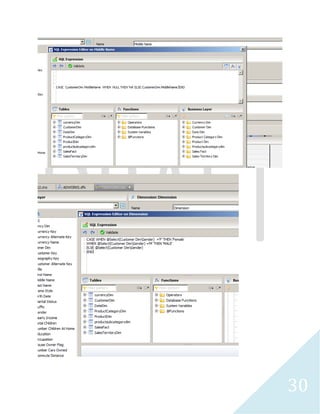
I decided to include all the date attributes associated with Fact Sales table in the same Fact sales table to
make it easier to process the data without getting error message whenever reports are executed. On
the business layer, I deleted the Date Dim and recreated a new Date Dim not associated with Date Dim
table. Then I add the dimensions of the Date Dim by dragging the attributes from Fact Sales table and
deleted any other date dimensions on the Fact Sales table on the business layer.
70
71
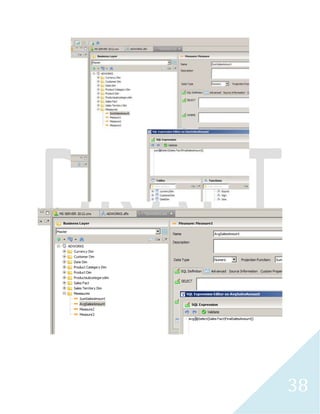
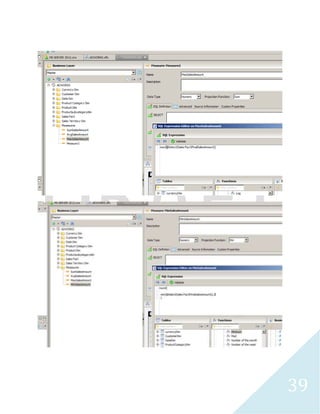
Additional measures were included including Tax and Freight.
72
73
74
75
76
77
Web Intelligence
78
79
80
Crystal Reports Enterprise and Business Objects
81
82
83
84
85
86
87
88
89
90
91
92
93
94
95
96
97
98
99
100
101
102
SAP Business Objects Explorer
103
104
105
106
107
108
109
110
111
112
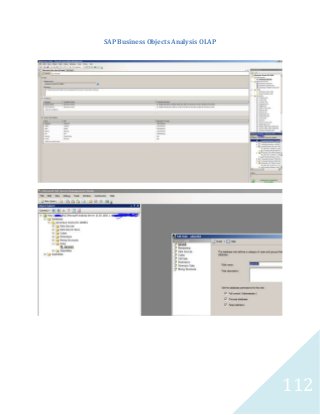
SAP Business Objects Analysis OLAP
113
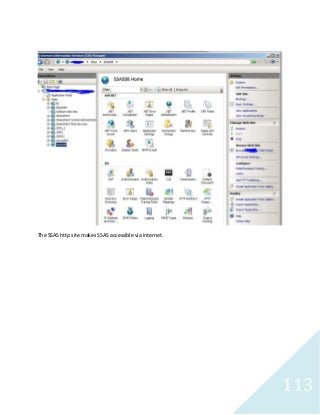
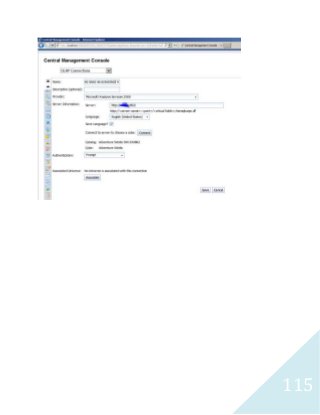
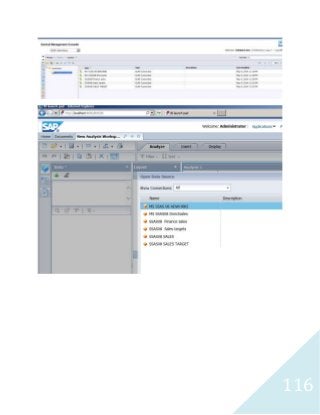
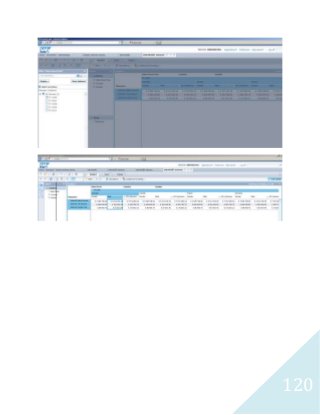
The SSAS http site makes SSAS accessible via internet.
114
115
116
117
118
119
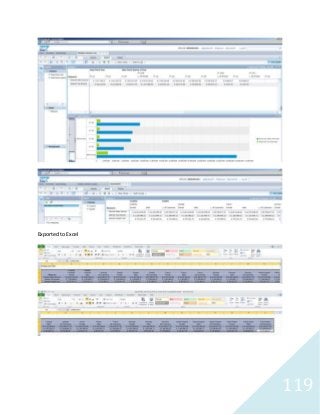
Exported to Excel
120
121
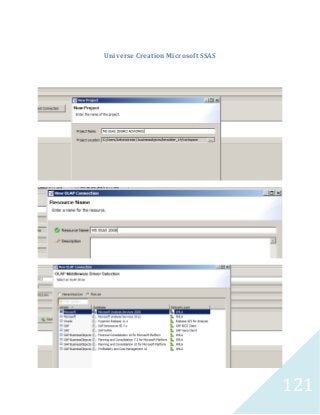
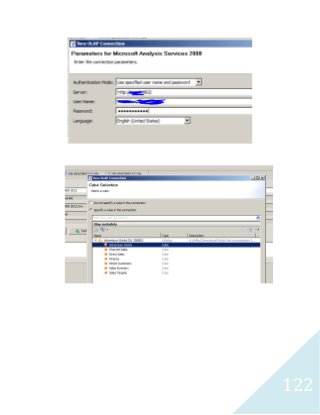
Universe Creation Microsoft SSAS
122
123
124
125
126
127
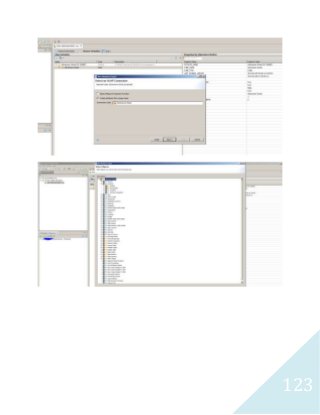
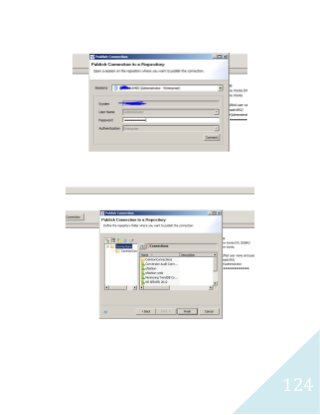
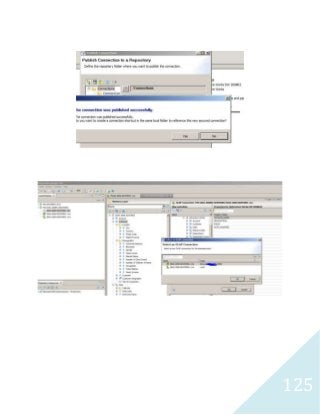
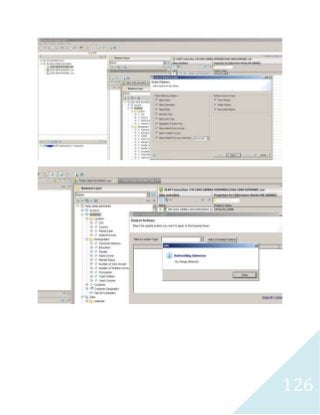
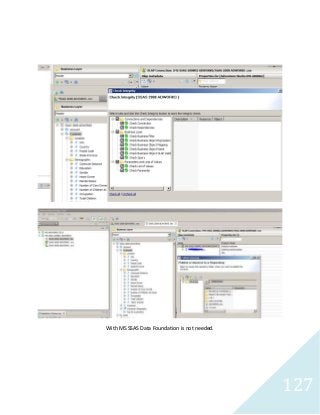
With MS SSAS Data Foundation is not needed.
128
129
130
131
132
133
134
135
136
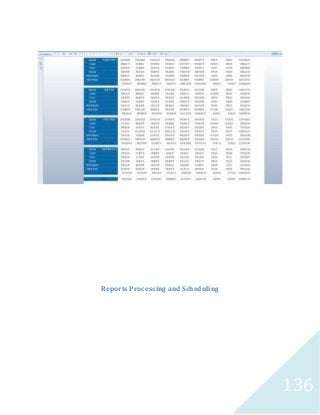
Reports Processing and Scheduling
137
138
139
140
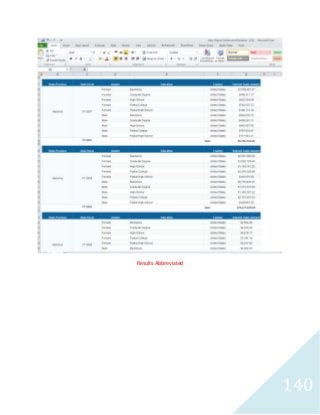
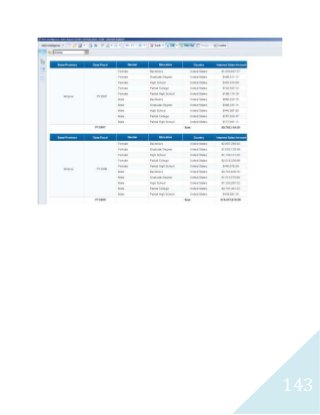
Results Abbreviated
141
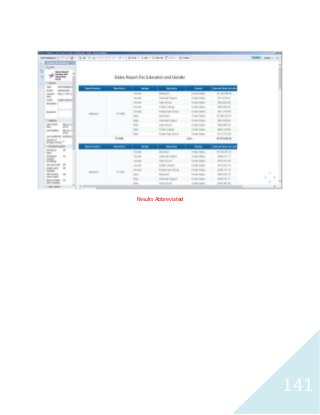
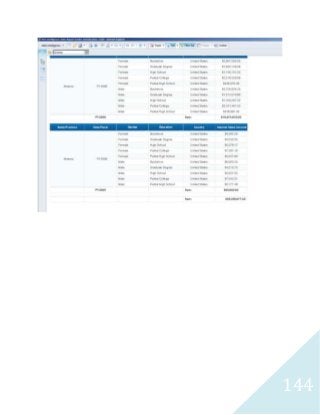
Results Abbreviated
142
143
144
145
146
147
148
149
150
151
152
Oracle OBIEE
153
154
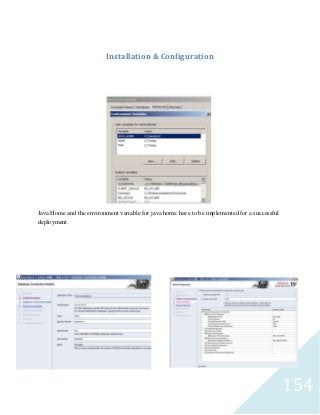
Installation & Configuration
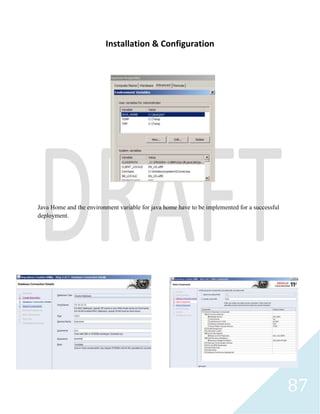
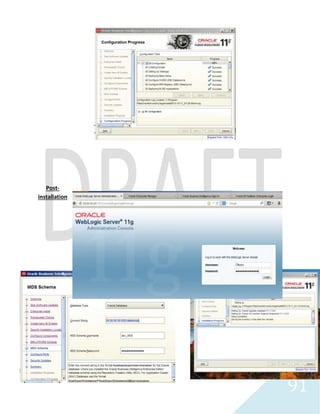
Java Home and the environment variable for java home have to be implemented for a successful
deployment.
155
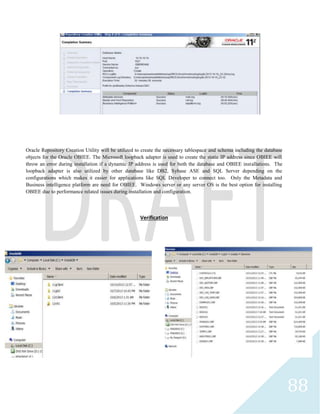
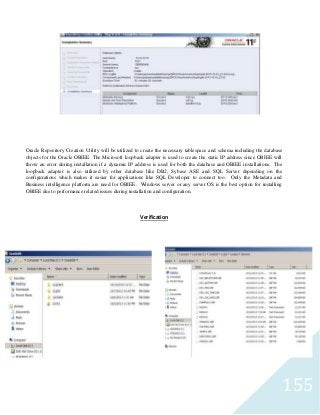
Oracle Repository Creation Utility will be utilized to create the necessary tablespace and schema including the database
objects for the Oracle OBIEE. The Microsoft loopback adapter is used to create the static IP address since OBIEE will
throw an error during installation if a dynamic IP address is used for both the database and OBIEE installations. The
loopback adapter is also utilized by other database like DB2, Sybase ASE and SQL Server depending on the
configurations which makes it easier for applications like SQL Developer to connect too. Only the Metadata and
Business intelligence platform are need for OBIEE. Windows server or any server OS is the best option for installing
OBIEE due to performance related issues during installation and configuration.
Verification
156
Installation
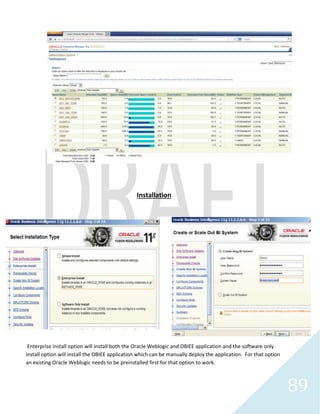
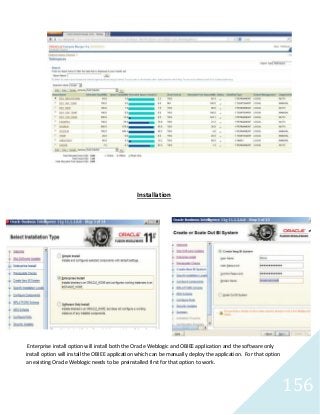
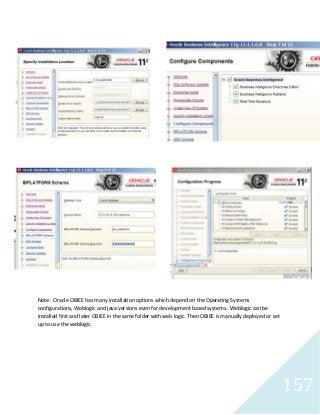
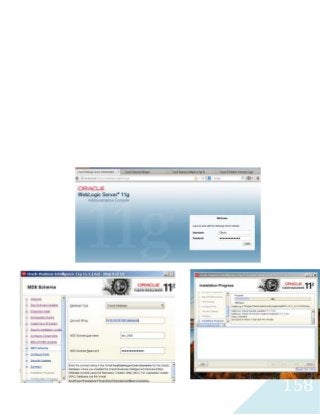
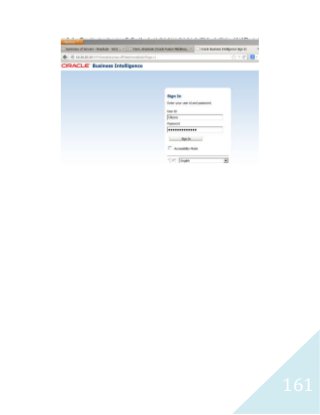
Enterprise install option will install both the Oracle Weblogic and OBIEE application and the software only
install option will install the OBIEE application which can be manually deploy the application. For that option
an existing Oracle Weblogic needs to be preinstalled first for that option to work.
157
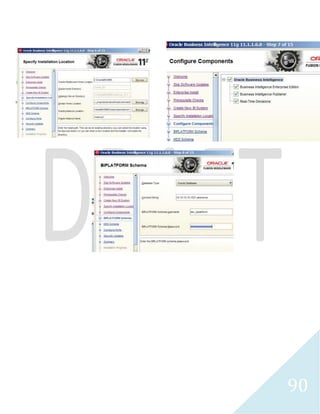
Note: Oracle OBIEE has many installation options which depend on the Operating Systems
configurations, Weblogic and java versions even for development based systems. Weblogic can be
installed first and later OBIEE in the same folder with web logic. Then OBIEE is manually deployed or set
up to use the weblogic.
158
159
160
161
162
163
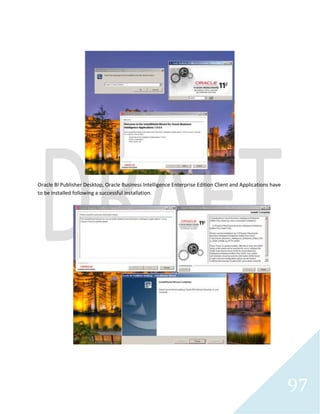
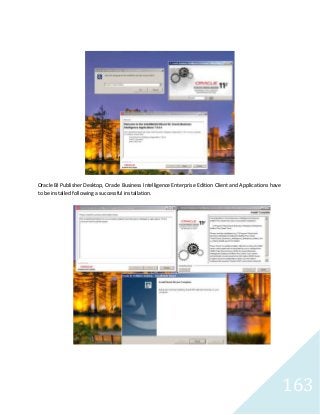
Oracle BI Publisher Desktop, Oracle Business Intelligence Enterprise Edition Client and Applications have
to be installed following a successful installation.
164
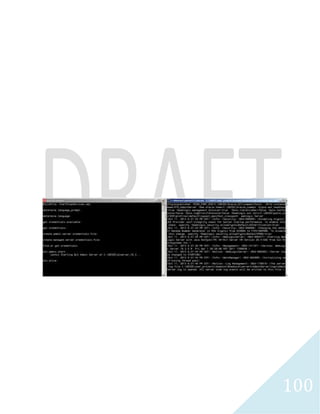
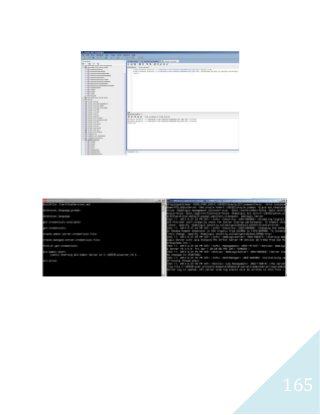
DBA Task
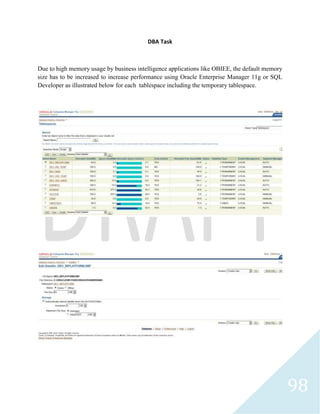
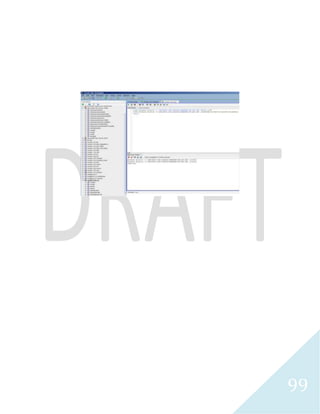
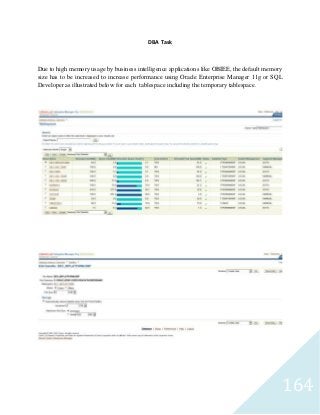
Due to high memory usage by business intelligence applications like OBIEE, the default memory
size has to be increased to increase performance using Oracle Enterprise Manager 11g or SQL
Developer as illustrated below for each tablespace including the temporary tablespace.
165
166
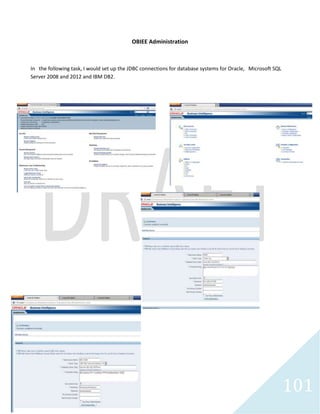
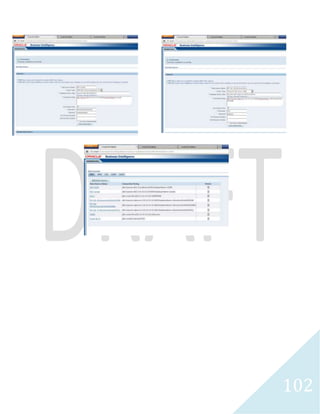
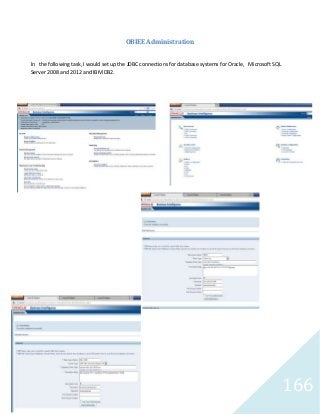
OBIEE Administration
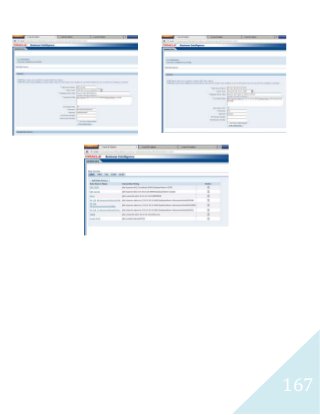
In the following task, I would set up the JDBC connections for database systems for Oracle, Microsoft SQL
Server 2008 and 2012 and IBM DB2.
167
168
169
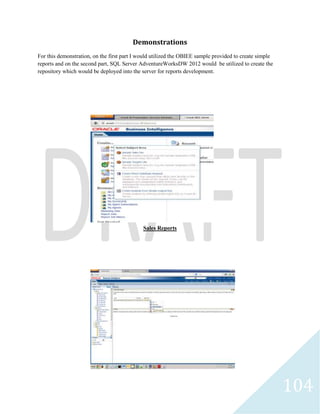
Sample Reports
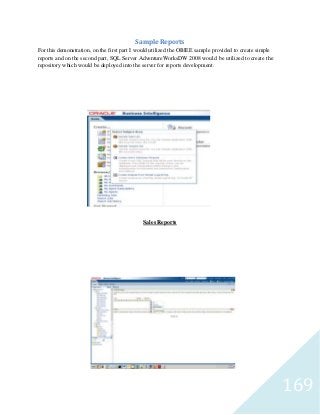
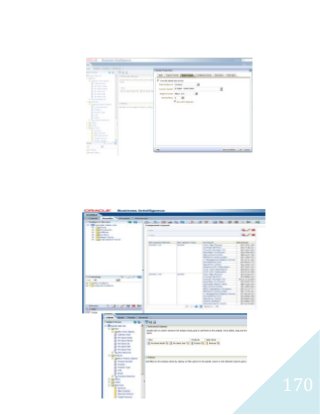
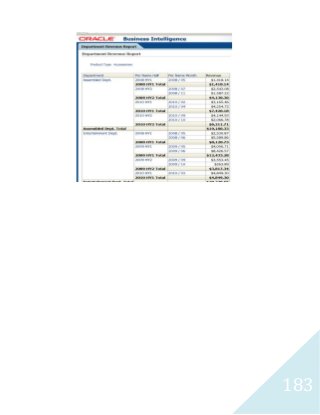
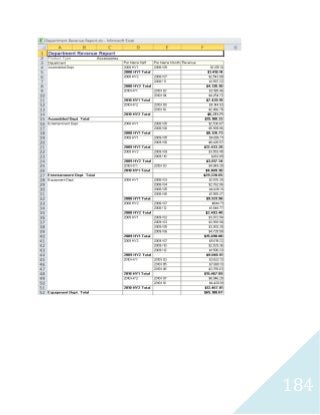
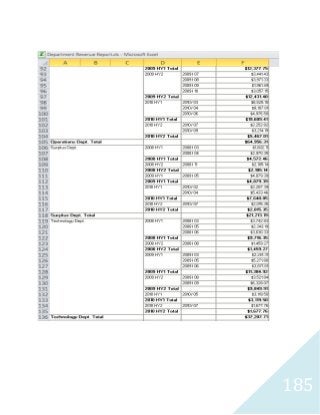
For this demonstration, on the first part I would utilized the OBIEE sample provided to create simple
reports and on the second part, SQL Server AdventureWorksDW 2008 would be utilized to create the
repository which would be deployed into the server for reports development.
Sales Reports
170
171
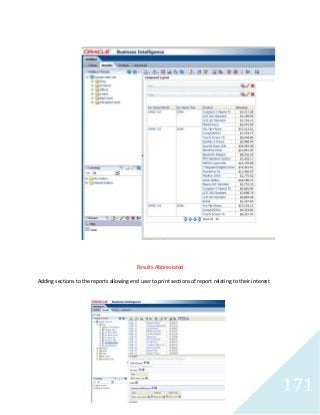
Results Abbreviated
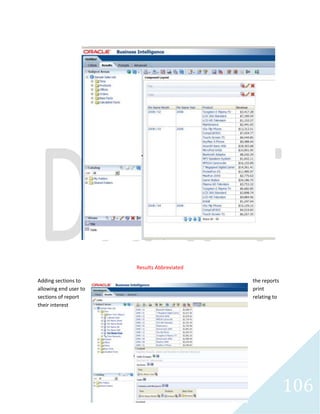
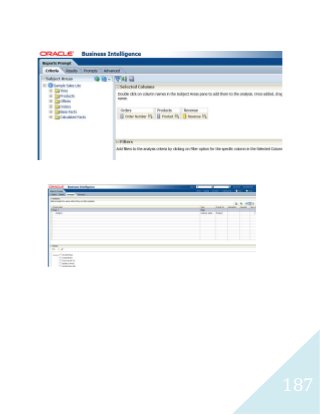
Adding sections to the reports allowing end user to print sections of report relating to their interest
172
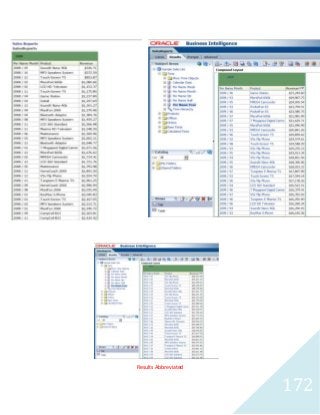
Results Abbreviated
173
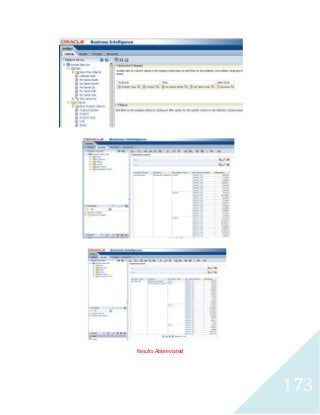
Results Abbreviated
174
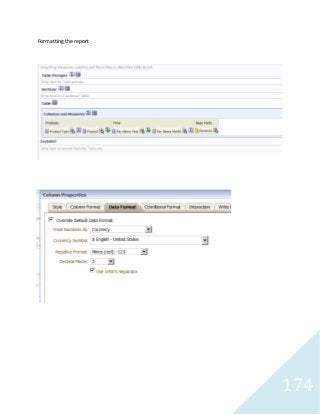
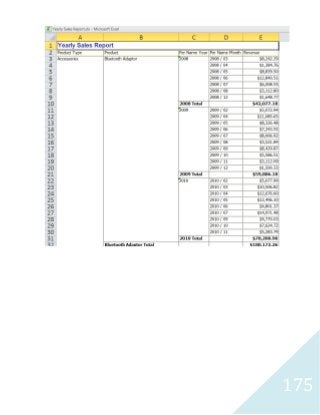
Formatting the report
175
176
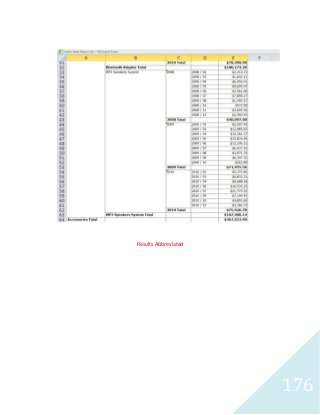
Results Abbreviated
177
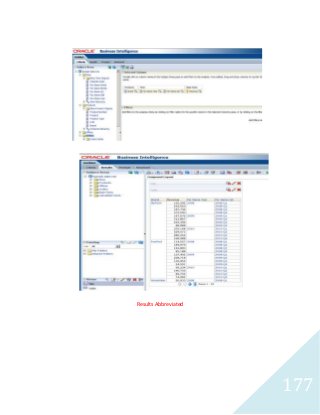
Results Abbreviated
178
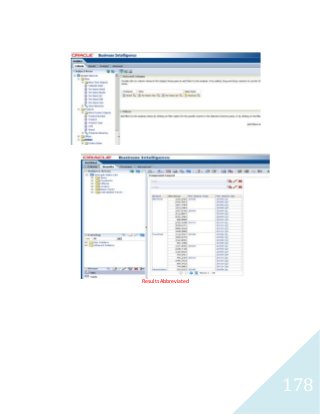
Results Abbreviated
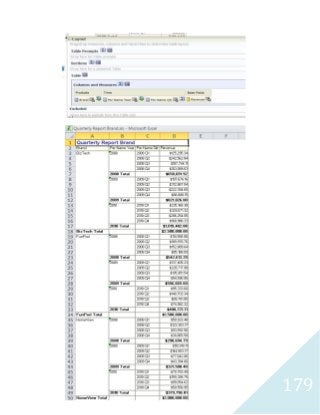
179
180
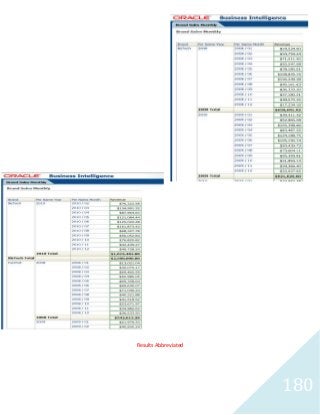
Results Abbreviated
181
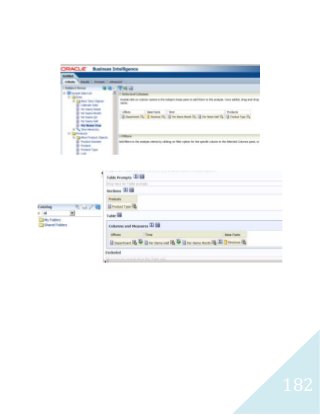
182
183
184
185
186
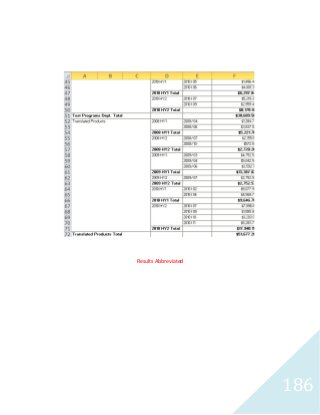
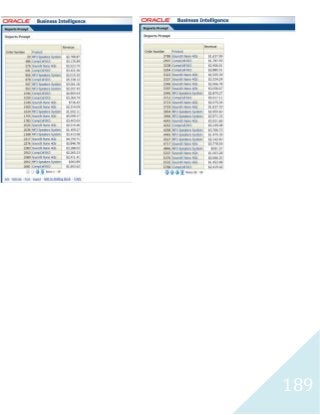
Results Abbreviated
187
188
189
190
191
192
193
194
195
196
197
198
199
200
201
202
203
204
205
206
207
208
209
210

BI Apps Reports2- Oracle OBIEE & SAP Business Objects