Beyond ChatOps
Bots, Bots, Bots
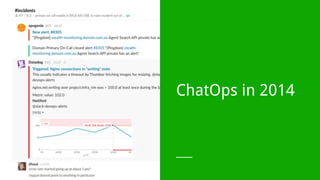
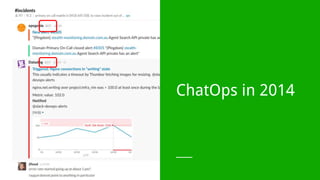
ChatOps in 2014
ChatOps in 2014
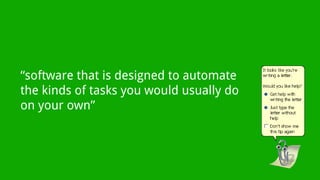
“software that is designed to automate
the kinds of tasks you would usually do
on your own”
BOTS!
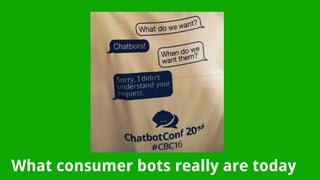
What consumer bots really are today
AI is the next step… and it’s still far away.
http://www.usatoday.com/story/tech/news/2016/09/29/amazon-announces-1-million-alexa-prize/91275050/
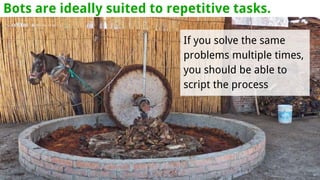
Bots are ideally suited to repetitive tasks.
If you solve the same
problems multiple times,
you should be able to
script the process
How developers see bots
Bots
Bots enrich your team conversations with timely, contextual information
They provide a shared and viral command line
They are super easy to build
Even a CTO can do it
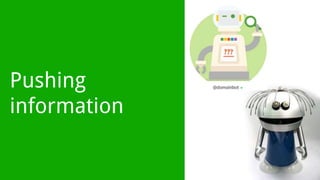
Pushing
information
CRE Alerts
The Block
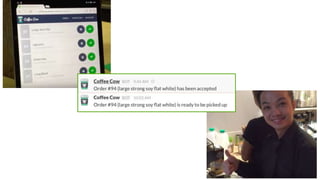
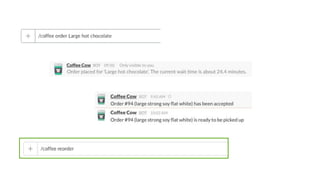
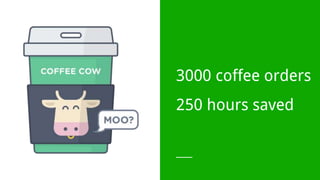
CoffeeCow
3000 coffee orders
250 hours saved
Real work
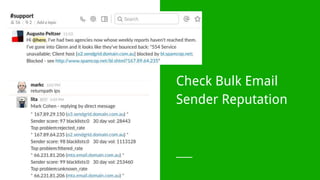
Check Bulk Email
Sender Reputation
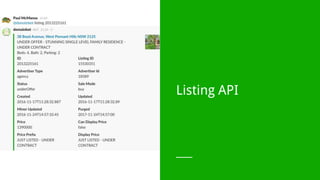
Listing API
Viral
Demonstrate New APIs
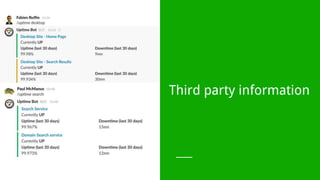
Third party information
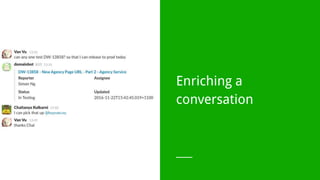
Enriching a
conversation
Taking Quick Actions
Office hacks
New office
... where is everyone?

...and that meeting room?
Great for staying
in the flow
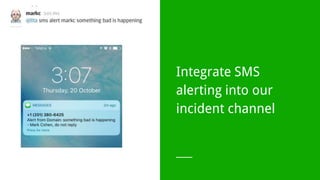
Integrate SMS
alerting into our
incident channel
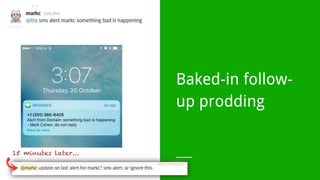
Baked-in follow-
up prodding
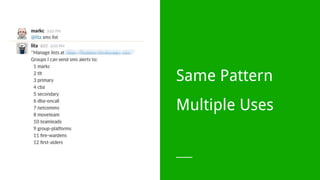
Same Pattern
Multiple Uses
Great for
automating tasks
Image optimisation
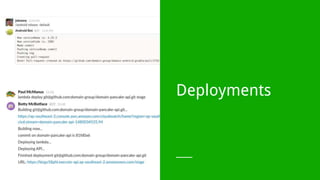
Deployments
Getting started...
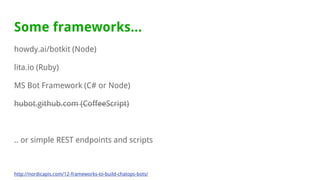
Some frameworks...
howdy.ai/botkit (Node)
lita.io (Ruby)
MS Bot Framework (C# or Node)
hubot.github.com (CoffeeScript)
.. or simple REST endpoints and scripts
http://nordicapis.com/12-frameworks-to-build-chatops-bots/
Techniques...
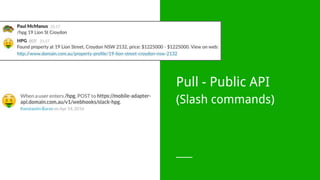
Pull - Public API
(Slash commands)
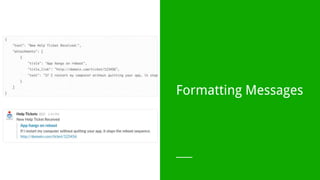
Formatting Messages
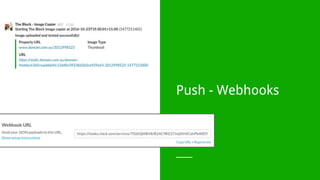
Push - Webhooks
Real Time Messaging
Call backs
Takeaways...
Takeaways...
Bots add contextual information where your team is communicating
Shared and viral command line
Many, many use cases
Easy to get started via bot frameworks and existing APIs
Easy to write and start adding value
Even a Tech Director can do it
Thanks!
Paul McManus, Technology Director
What’s the most
interesting thing one of
your bots do?

Beyond Chatops - Bots @ Domain

Editor's Notes

  • #2 A couple of years ago we posted an article on our tech blog about chatops, which we thought was pretty amazing and revolutionary at the time….
  • #3 A couple of years ago we posted an article about chatops on our tech blog (tech.domain.com.au). What we loved about chatops was that it’s about getting relevant, contextual, timely information into the same forum where our team was already communicating.
  • #4 ...and the way that is done is via bots.
  • #5 so what are bots? I like this definition --- even if it does remind me of this little guy a bit
  • #6 but recently the term bots have been hijacked. by our product and marketing teams as they start to build bots for consumers. This seemed to happen about the time that Facebook released their Messenger bot platform. Slack has also been getting a lot of attention..
  • #7 Our marketing team loves bots! When some of our team built a consumer bot on the Facebook platform and our marketing team went nuts.
  • #8 But here's a secret - consumer bots all kind of suck. And that’s because they aren’t very smart - AI is simply not ready to have a conversation with your average user.
  • #9 Amazon know they aren’t smart - in fact they will give you $1 MILLION DOLLARS if you can write some AI they will chat to you for 20 minutes
  • #10 So what are they good for? Structured, repetitive tasks. Which is probably why developers love bots, because they remind them of this...
  • #11 To the developer, the chatbot interface feels like home. For this presentation I’m going to focus on technical bots - glorified command lines.
  • #14 Automating feedback - CRE alerts when stats reach a threshold
  • #15 Automating feedback - the block script. Collaborative chat rooms with useful, timely information.
  • #16 Our most popular bot was built as part of a hackathon.
  • #22 Looking up information - email sender reputation.
  • #23 API First + microservices
  • #24 Viral - once someone sees a bot in use, they are likely to pick it up and continue using it.
  • #25 API First + microservices
  • #26 Keeps you in the flow - no need to go off to another site to get information. Pull the information to chat rooms you are already communicating in.
  • #27 Can be used to automatically enrich a conversation - looking up relevant information without being asked to.
  • #28 Can be used to take quick action - in this to reindex or delete a listing from our elasticsearch cluster.
  • #50 Thank you so much for listening to our story so far. We definitely have a lot to learn, and a lot to improve on. But it’s been really a lot of fun so far, and I really hope when I look back at this slide deck in a years or so time that I would be completely ashamed of what we’ve got here. Because then you know you’ve made real progress, and we can look back and laugh, and go remember the days when xy/xy.