10/23/2018 Nelson Johnson Extending D365 with Azure www.broadpoint.net 110/23/2018 Nelson Johnson Behavior Driven Development www.broadpoint.net 1
Behavior Driven
Development
By Nelson Johnson
Solution Architect
BroadPoint Technologies
10/23/2018 Nelson Johnson Extending D365 with Azure www.broadpoint.net 2
Who is Nelson Johnson?
• Started programming 1977…in high school…on a mainframe
• Became full time software consultant in 1982
• BS in MIS and Decision Science from George Mason University
• Worked at DARPA creating web apps in 1996
• Working with CRM since version 3
• Solution Architect for BroadPoint Technologies, LLC
• Email: njohnson@broadpoint.net
10/23/2018 Nelson Johnson Extending D365 with Azure www.broadpoint.net 3
What is Behavior Driven Development (BDD)
• Framework for software testing
• Abstraction layer on top of typical Test Driven Development
• Uses structured English phrases to invoke TDD functions
• Gherkin Language (https://cucumber.io/)
• User defined – very flexible
10/23/2018 Nelson Johnson Extending D365 with Azure www.broadpoint.net 4
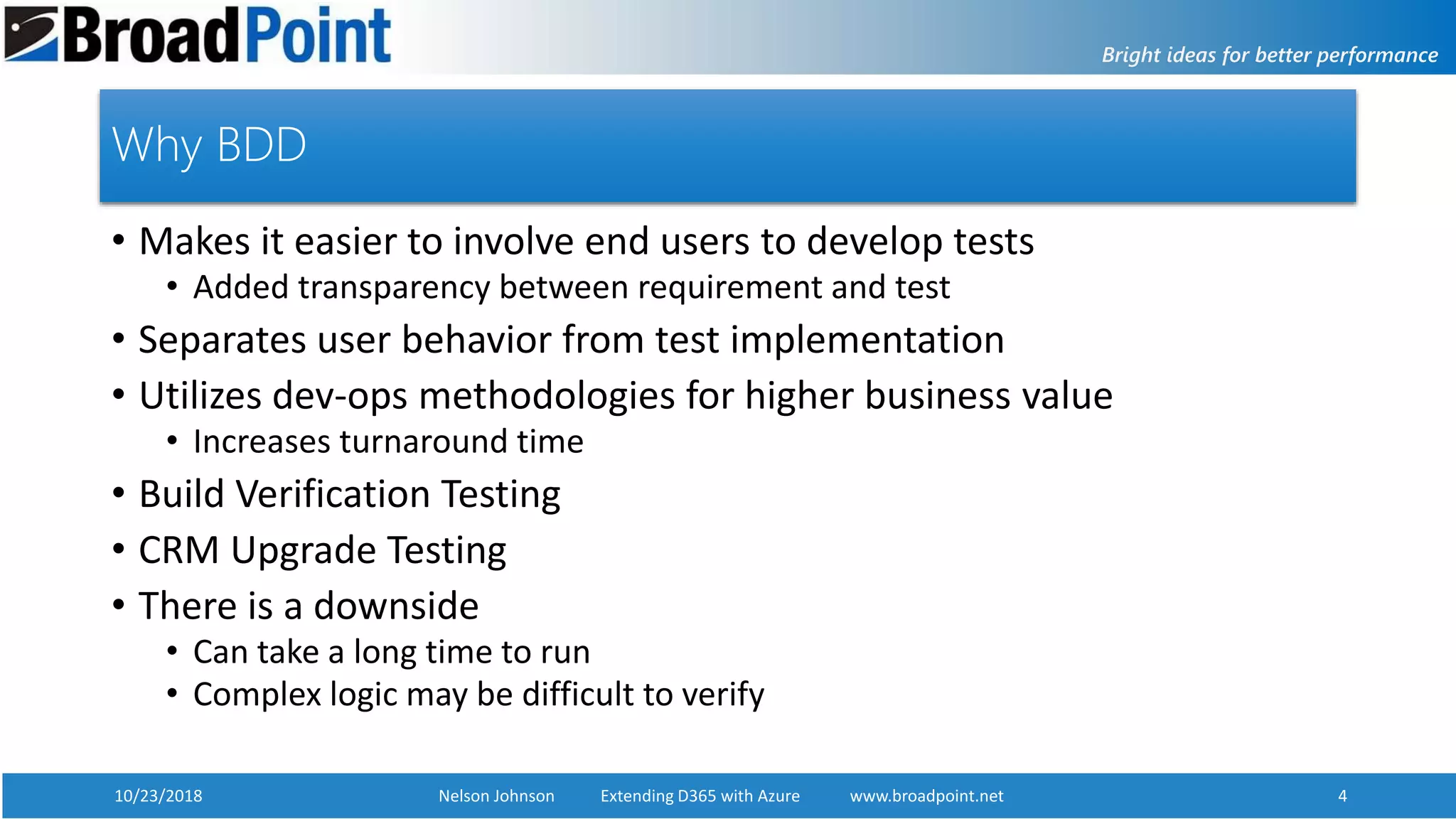
Why BDD
• Makes it easier to involve end users to develop tests
• Added transparency between requirement and test
• Separates user behavior from test implementation
• Utilizes dev-ops methodologies for higher business value
• Increases turnaround time
• Build Verification Testing
• CRM Upgrade Testing
• There is a downside
• Can take a long time to run
• Complex logic may be difficult to verify
10/23/2018 Nelson Johnson Extending D365 with Azure www.broadpoint.net 5
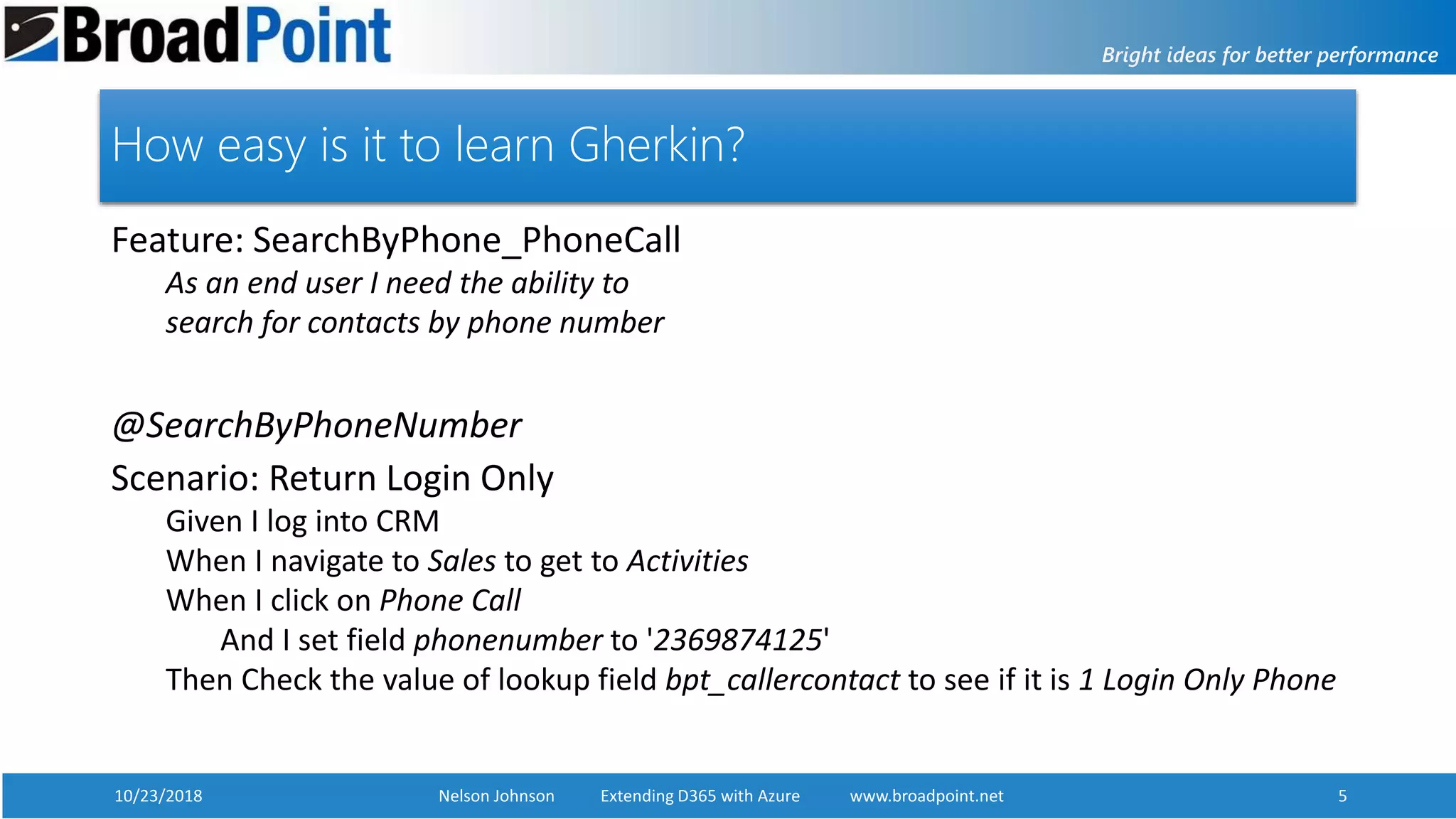
How easy is it to learn Gherkin?
Feature: SearchByPhone_PhoneCall
As an end user I need the ability to
search for contacts by phone number
@SearchByPhoneNumber
Scenario: Return Login Only
Given I log into CRM
When I navigate to Sales to get to Activities
When I click on Phone Call
And I set field phonenumber to '2369874125'
Then Check the value of lookup field bpt_callercontact to see if it is 1 Login Only Phone
10/23/2018 Nelson Johnson Extending D365 with Azure www.broadpoint.net 6
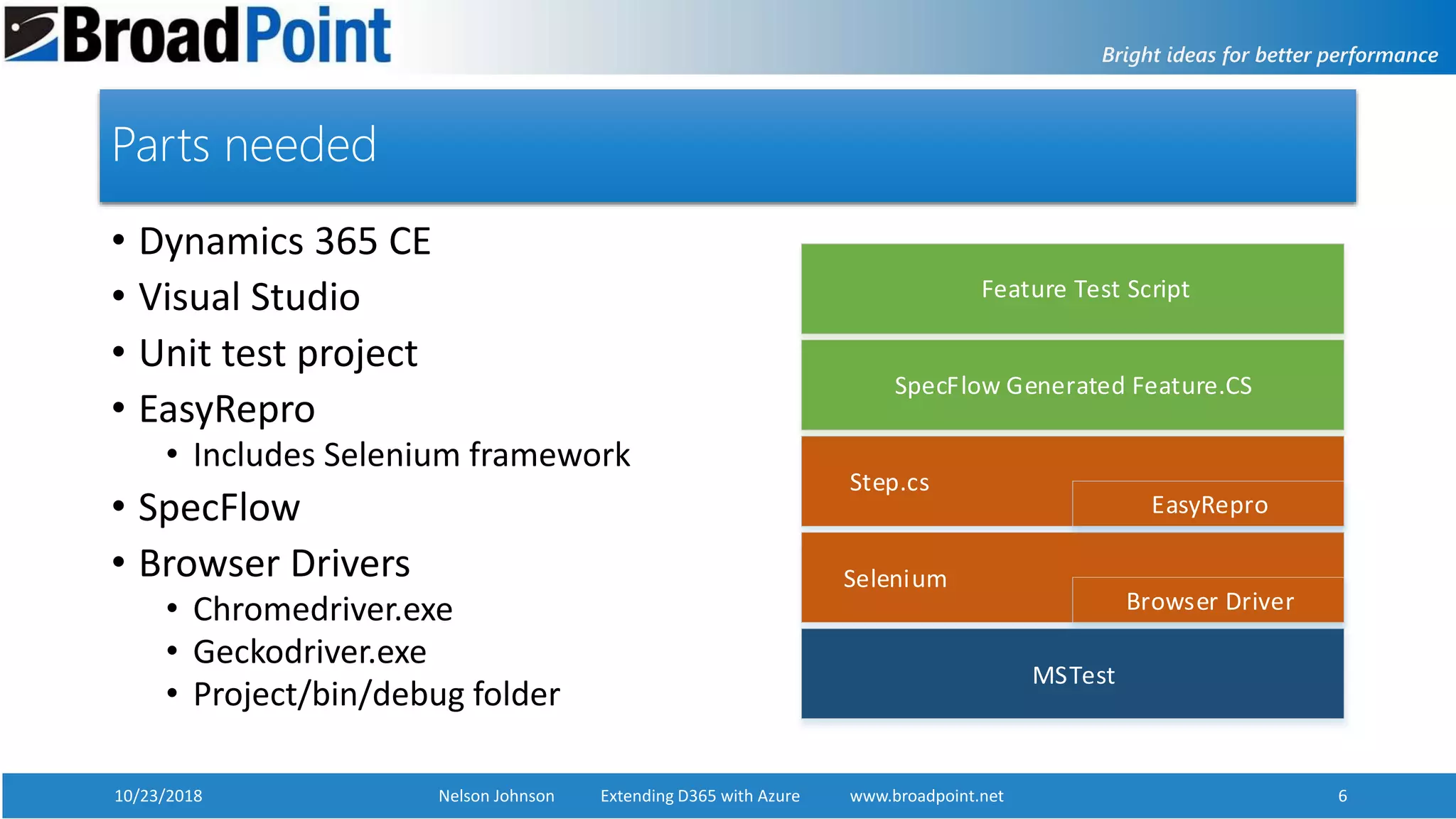
Parts needed
• Dynamics 365 CE
• Visual Studio
• Unit test project
• EasyRepro
• Includes Selenium framework
• SpecFlow
• Browser Drivers
• Chromedriver.exe
• Geckodriver.exe
• Project/bin/debug folder
MSTest
Step.cs
SpecFlow Generated Feature.CS
Selenium
Feature Test Script
EasyRepro
Browser Driver
10/23/2018 Nelson Johnson Extending D365 with Azure www.broadpoint.net 7
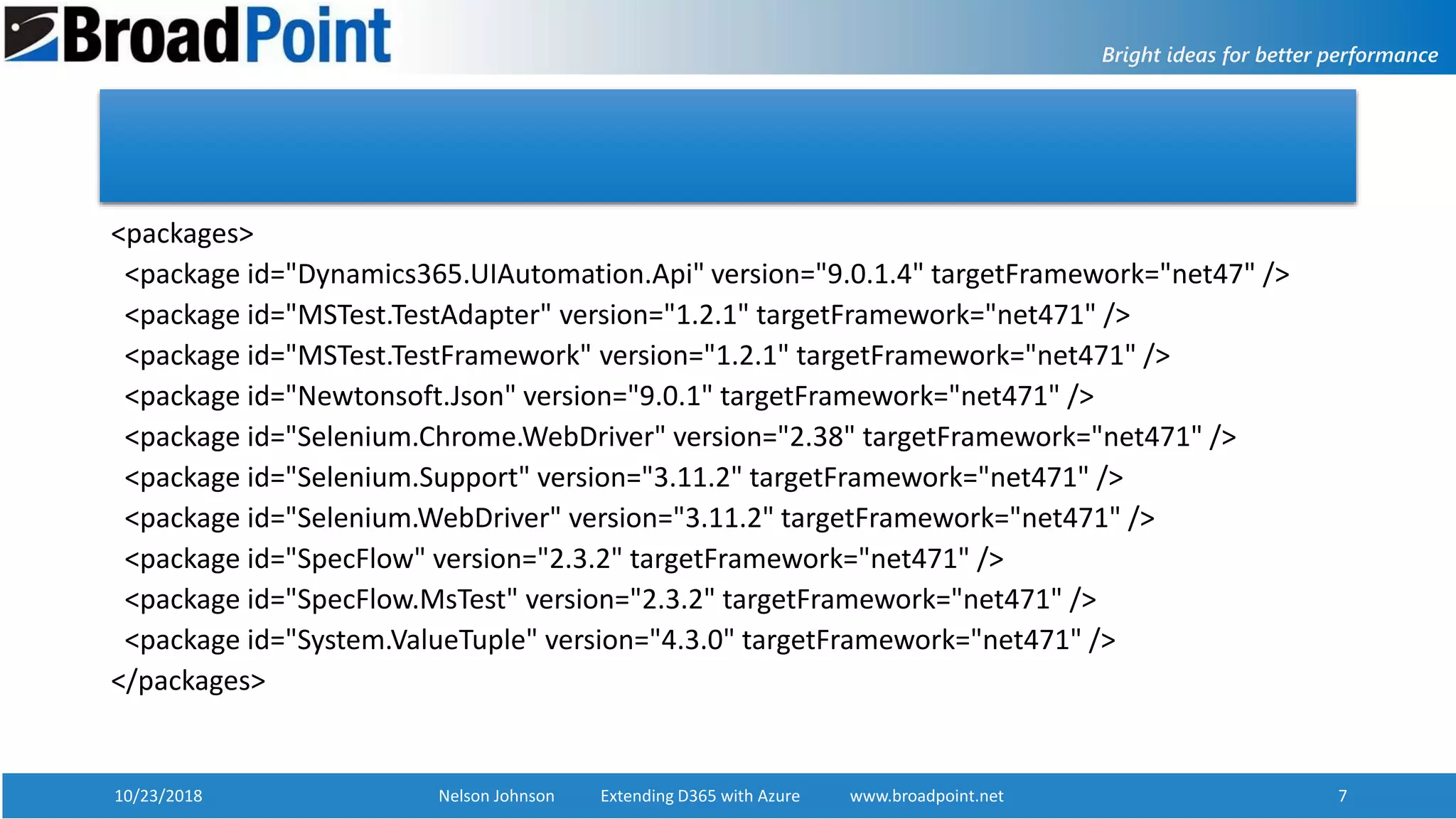
<packages>
<package id="Dynamics365.UIAutomation.Api" version="9.0.1.4" targetFramework="net47" />
<package id="MSTest.TestAdapter" version="1.2.1" targetFramework="net471" />
<package id="MSTest.TestFramework" version="1.2.1" targetFramework="net471" />
<package id="Newtonsoft.Json" version="9.0.1" targetFramework="net471" />
<package id="Selenium.Chrome.WebDriver" version="2.38" targetFramework="net471" />
<package id="Selenium.Support" version="3.11.2" targetFramework="net471" />
<package id="Selenium.WebDriver" version="3.11.2" targetFramework="net471" />
<package id="SpecFlow" version="2.3.2" targetFramework="net471" />
<package id="SpecFlow.MsTest" version="2.3.2" targetFramework="net471" />
<package id="System.ValueTuple" version="4.3.0" targetFramework="net471" />
</packages>
10/23/2018 Nelson Johnson Extending D365 with Azure www.broadpoint.net 8
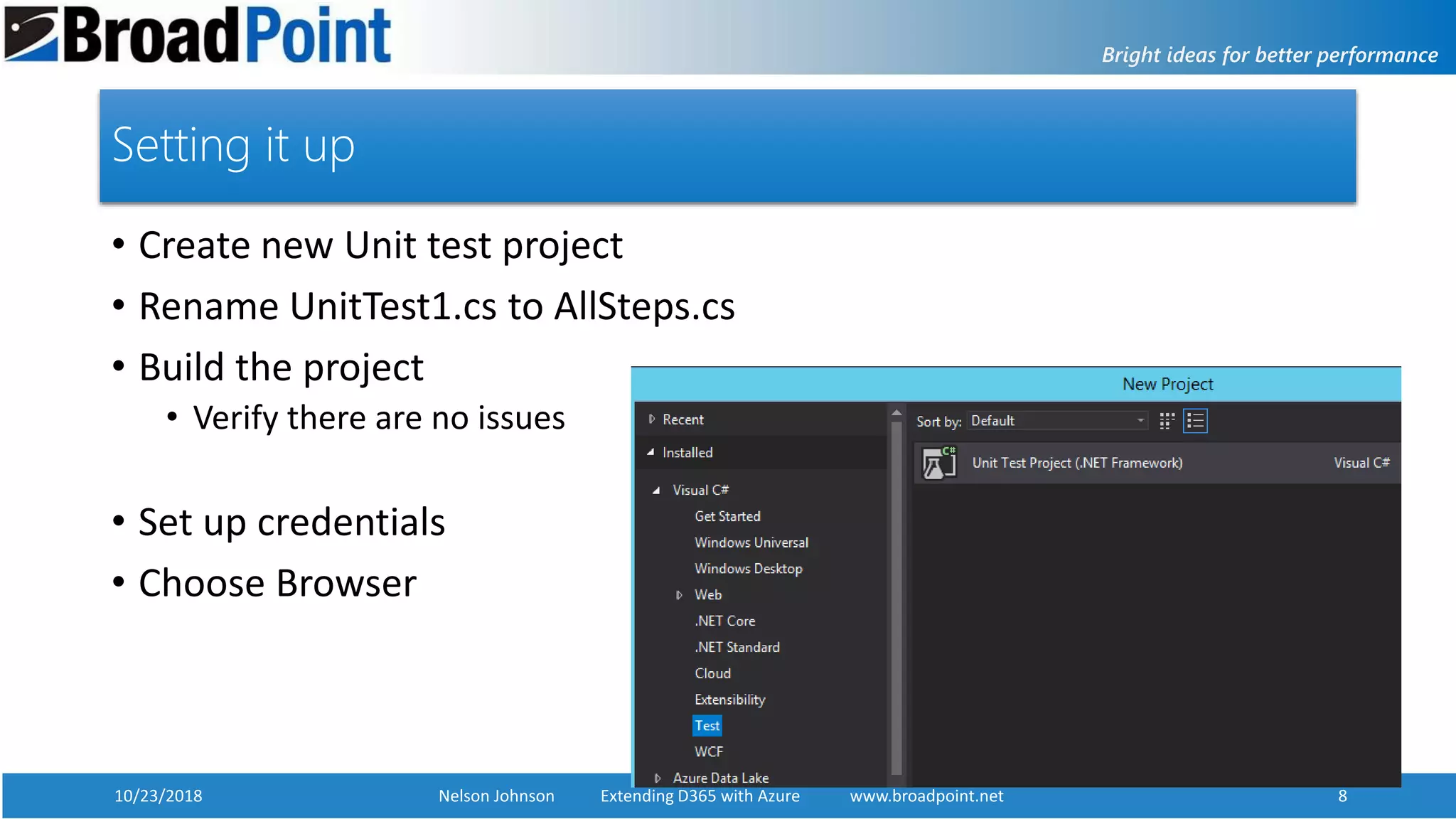
Setting it up
• Create new Unit test project
• Rename UnitTest1.cs to AllSteps.cs
• Build the project
• Verify there are no issues
• Set up credentials
• Choose Browser
10/23/2018 Nelson Johnson Extending D365 with Azure www.broadpoint.net 9
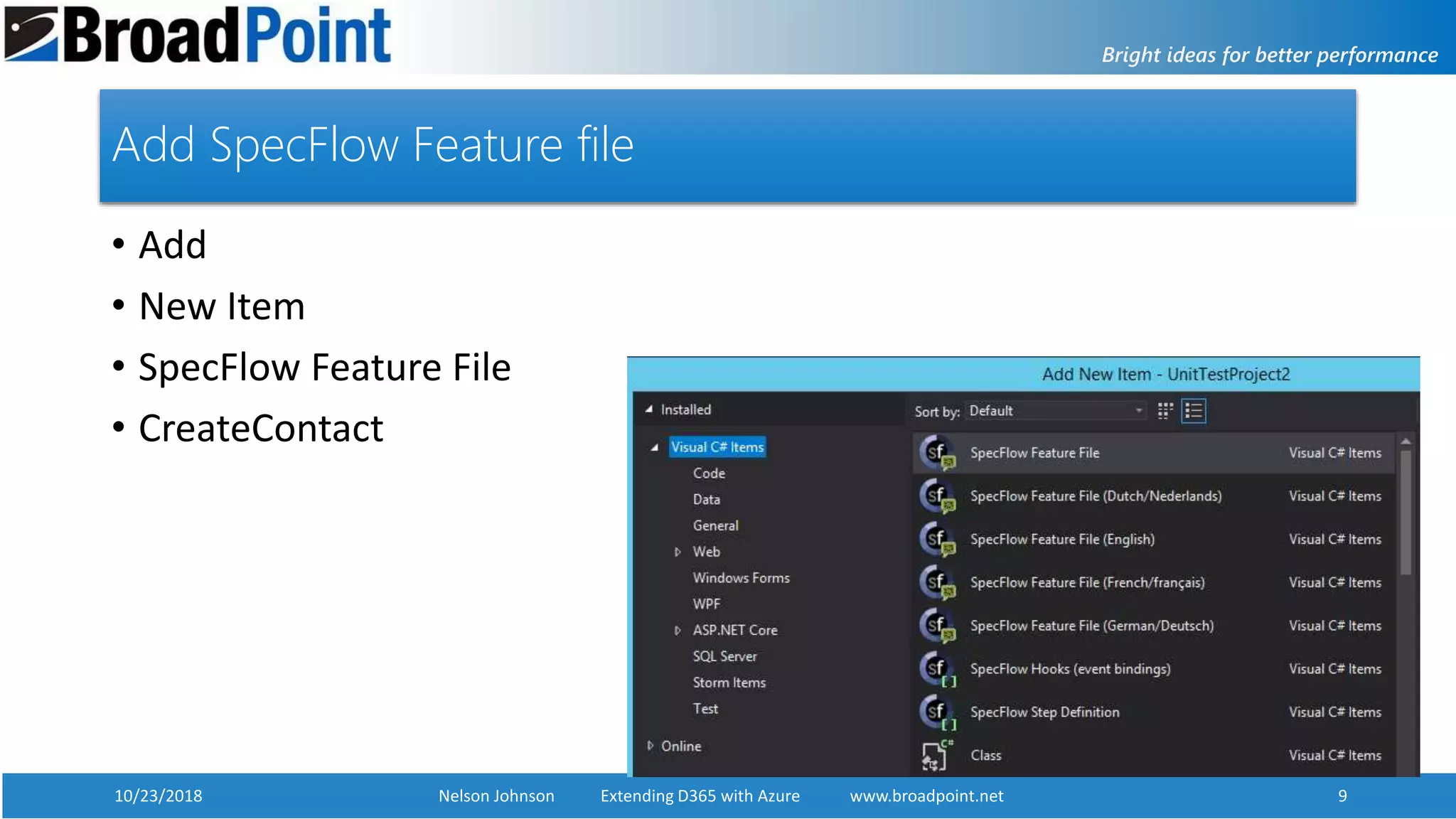
Add SpecFlow Feature file
• Add
• New Item
• SpecFlow Feature File
• CreateContact
10/23/2018 Nelson Johnson Extending D365 with Azure www.broadpoint.net 10
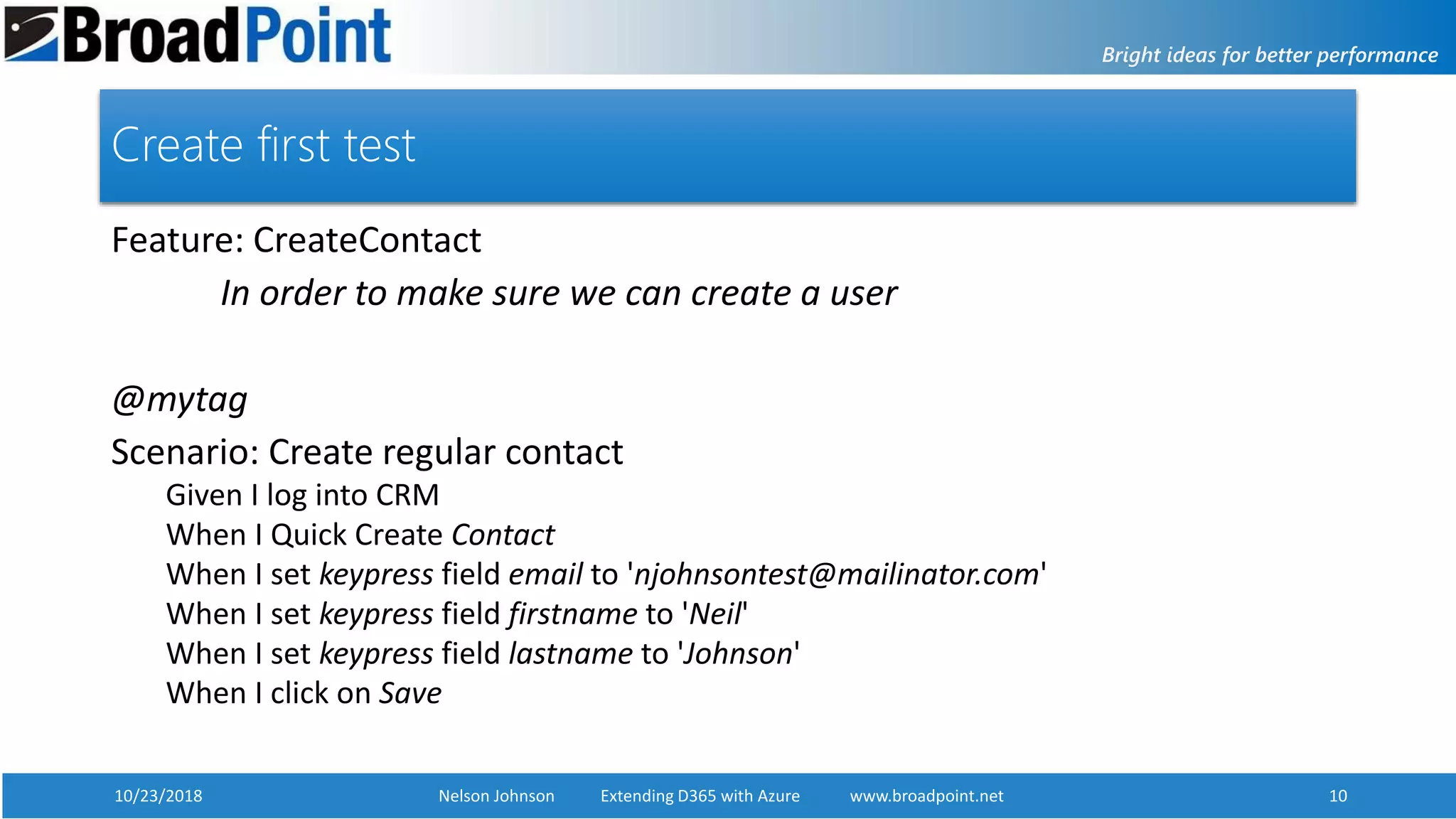
Create first test
Feature: CreateContact
In order to make sure we can create a user
@mytag
Scenario: Create regular contact
Given I log into CRM
When I Quick Create Contact
When I set keypress field email to 'njohnsontest@mailinator.com'
When I set keypress field firstname to 'Neil'
When I set keypress field lastname to 'Johnson'
When I click on Save
10/23/2018 Nelson Johnson Extending D365 with Azure www.broadpoint.net 11
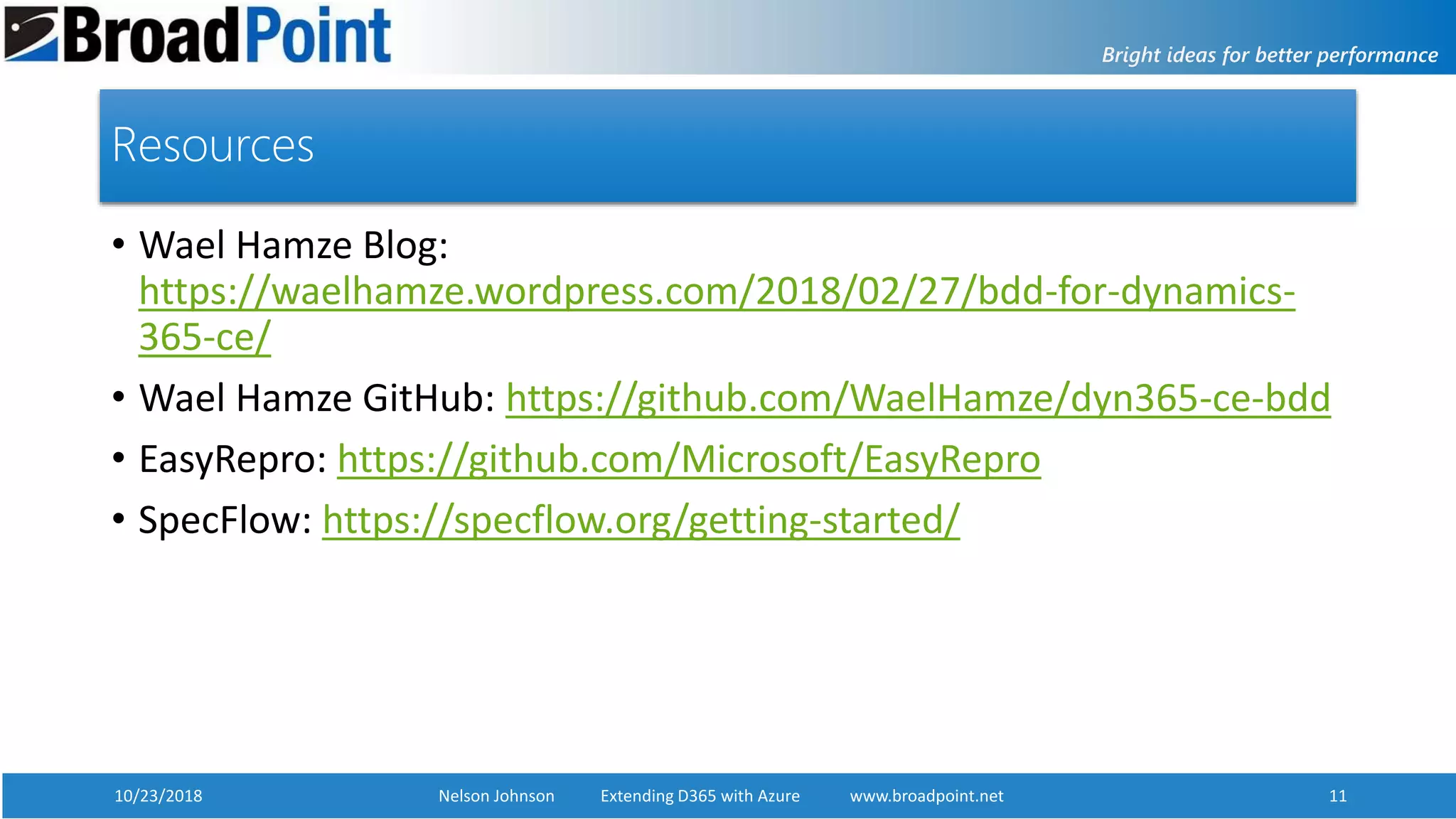
Resources
• Wael Hamze Blog:
https://waelhamze.wordpress.com/2018/02/27/bdd-for-dynamics-
365-ce/
• Wael Hamze GitHub: https://github.com/WaelHamze/dyn365-ce-bdd
• EasyRepro: https://github.com/Microsoft/EasyRepro
• SpecFlow: https://specflow.org/getting-started/
10/23/2018 Nelson Johnson Extending D365 with Azure www.broadpoint.net 12www.broadpoint.net
Q&A
Nelson Johnson
njohnson@broadpoint.net
301-634-2442
https://www.linkedin.com/in/nelsonjohnson/
10/23/2018 Nelson Johnson Extending D365 with Azure www.broadpoint.net 13www.broadpoint.net
Thank You!
Nelson Johnson
njohnson@broadpoint.net
301-634-2442
https://www.linkedin.com/in/nelsonjohnson/

Behavior Driven Development

  • 1.
    10/23/2018 Nelson JohnsonExtending D365 with Azure www.broadpoint.net 110/23/2018 Nelson Johnson Behavior Driven Development www.broadpoint.net 1 Behavior Driven Development By Nelson Johnson Solution Architect BroadPoint Technologies
  • 2.
    10/23/2018 Nelson JohnsonExtending D365 with Azure www.broadpoint.net 2 Who is Nelson Johnson? • Started programming 1977…in high school…on a mainframe • Became full time software consultant in 1982 • BS in MIS and Decision Science from George Mason University • Worked at DARPA creating web apps in 1996 • Working with CRM since version 3 • Solution Architect for BroadPoint Technologies, LLC • Email: njohnson@broadpoint.net
  • 3.
    10/23/2018 Nelson JohnsonExtending D365 with Azure www.broadpoint.net 3 What is Behavior Driven Development (BDD) • Framework for software testing • Abstraction layer on top of typical Test Driven Development • Uses structured English phrases to invoke TDD functions • Gherkin Language (https://cucumber.io/) • User defined – very flexible
  • 4.
    10/23/2018 Nelson JohnsonExtending D365 with Azure www.broadpoint.net 4 Why BDD • Makes it easier to involve end users to develop tests • Added transparency between requirement and test • Separates user behavior from test implementation • Utilizes dev-ops methodologies for higher business value • Increases turnaround time • Build Verification Testing • CRM Upgrade Testing • There is a downside • Can take a long time to run • Complex logic may be difficult to verify
  • 5.
    10/23/2018 Nelson JohnsonExtending D365 with Azure www.broadpoint.net 5 How easy is it to learn Gherkin? Feature: SearchByPhone_PhoneCall As an end user I need the ability to search for contacts by phone number @SearchByPhoneNumber Scenario: Return Login Only Given I log into CRM When I navigate to Sales to get to Activities When I click on Phone Call And I set field phonenumber to '2369874125' Then Check the value of lookup field bpt_callercontact to see if it is 1 Login Only Phone
  • 6.
    10/23/2018 Nelson JohnsonExtending D365 with Azure www.broadpoint.net 6 Parts needed • Dynamics 365 CE • Visual Studio • Unit test project • EasyRepro • Includes Selenium framework • SpecFlow • Browser Drivers • Chromedriver.exe • Geckodriver.exe • Project/bin/debug folder MSTest Step.cs SpecFlow Generated Feature.CS Selenium Feature Test Script EasyRepro Browser Driver
  • 7.
    10/23/2018 Nelson JohnsonExtending D365 with Azure www.broadpoint.net 7 <packages> <package id="Dynamics365.UIAutomation.Api" version="9.0.1.4" targetFramework="net47" /> <package id="MSTest.TestAdapter" version="1.2.1" targetFramework="net471" /> <package id="MSTest.TestFramework" version="1.2.1" targetFramework="net471" /> <package id="Newtonsoft.Json" version="9.0.1" targetFramework="net471" /> <package id="Selenium.Chrome.WebDriver" version="2.38" targetFramework="net471" /> <package id="Selenium.Support" version="3.11.2" targetFramework="net471" /> <package id="Selenium.WebDriver" version="3.11.2" targetFramework="net471" /> <package id="SpecFlow" version="2.3.2" targetFramework="net471" /> <package id="SpecFlow.MsTest" version="2.3.2" targetFramework="net471" /> <package id="System.ValueTuple" version="4.3.0" targetFramework="net471" /> </packages>
  • 8.
    10/23/2018 Nelson JohnsonExtending D365 with Azure www.broadpoint.net 8 Setting it up • Create new Unit test project • Rename UnitTest1.cs to AllSteps.cs • Build the project • Verify there are no issues • Set up credentials • Choose Browser
  • 9.
    10/23/2018 Nelson JohnsonExtending D365 with Azure www.broadpoint.net 9 Add SpecFlow Feature file • Add • New Item • SpecFlow Feature File • CreateContact
  • 10.
    10/23/2018 Nelson JohnsonExtending D365 with Azure www.broadpoint.net 10 Create first test Feature: CreateContact In order to make sure we can create a user @mytag Scenario: Create regular contact Given I log into CRM When I Quick Create Contact When I set keypress field email to 'njohnsontest@mailinator.com' When I set keypress field firstname to 'Neil' When I set keypress field lastname to 'Johnson' When I click on Save
  • 11.
    10/23/2018 Nelson JohnsonExtending D365 with Azure www.broadpoint.net 11 Resources • Wael Hamze Blog: https://waelhamze.wordpress.com/2018/02/27/bdd-for-dynamics- 365-ce/ • Wael Hamze GitHub: https://github.com/WaelHamze/dyn365-ce-bdd • EasyRepro: https://github.com/Microsoft/EasyRepro • SpecFlow: https://specflow.org/getting-started/
  • 12.
    10/23/2018 Nelson JohnsonExtending D365 with Azure www.broadpoint.net 12www.broadpoint.net Q&A Nelson Johnson njohnson@broadpoint.net 301-634-2442 https://www.linkedin.com/in/nelsonjohnson/
  • 13.
    10/23/2018 Nelson JohnsonExtending D365 with Azure www.broadpoint.net 13www.broadpoint.net Thank You! Nelson Johnson njohnson@broadpoint.net 301-634-2442 https://www.linkedin.com/in/nelsonjohnson/

Editor's Notes

  • #9 Credentials are coming from the system environment as class properties in AllSteps.cs Browser options set up in TestSettings class.