Beautiful   @RoyOsherove
 Builds        Bouvet
roy@osherove.com
     courses
    consulting

beautifulbuilds.com
Why do we have builds?
Builds and tests are made to be broken
What’s beautiful?
• See flow
• Ease of change
• Coherent
Recommendations
• Use the right tools for build and CI
• Use the right patterns to allow extra benefits
Part of a Build Process
• Build Script/editor
• Build Server / CI Server
• Build Environments
What’s the difference?
• Automated Build (what to do)
• Continuous Integration (when to do it)
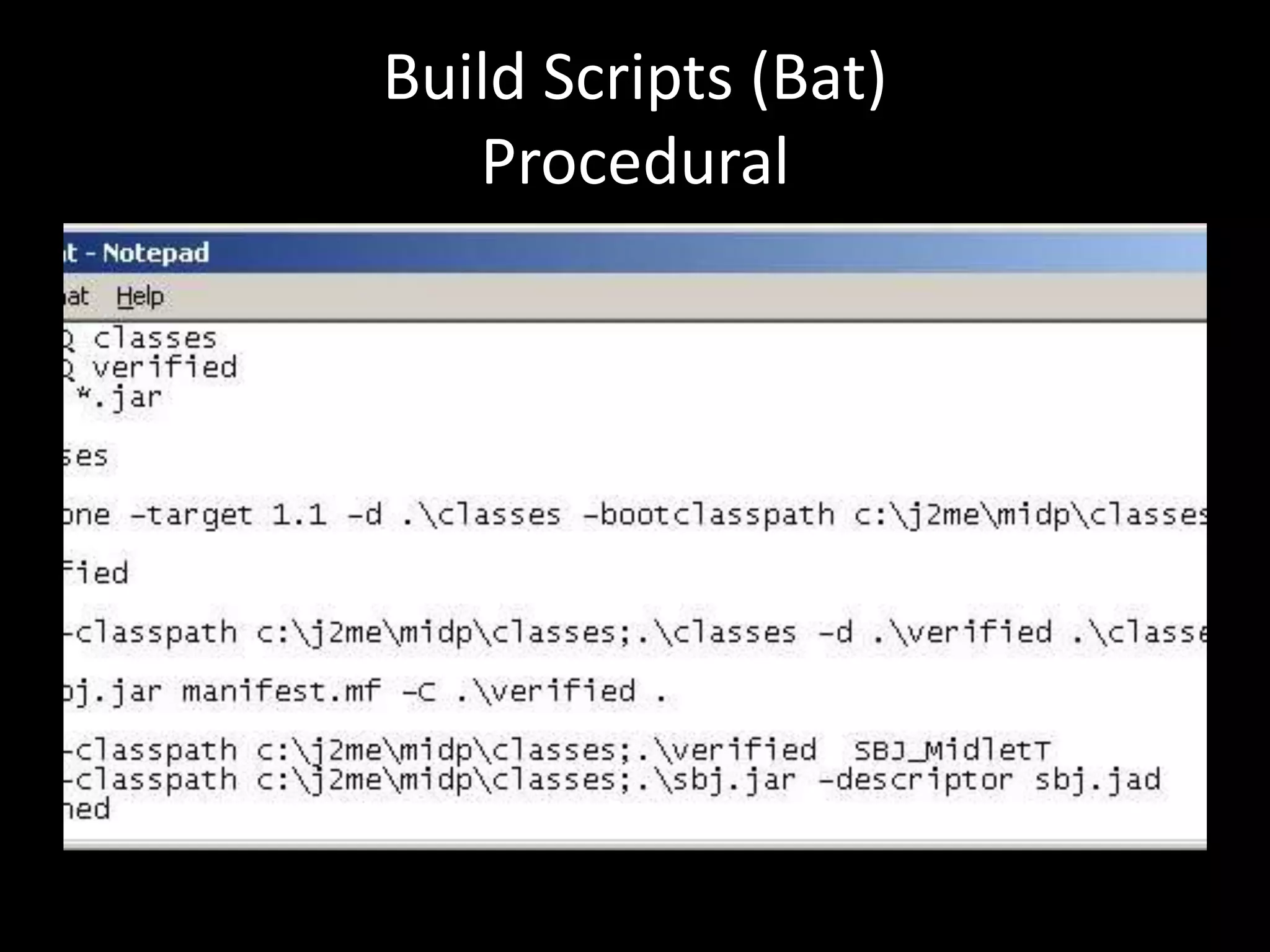
Build Scripts (Bat)
   Procedural
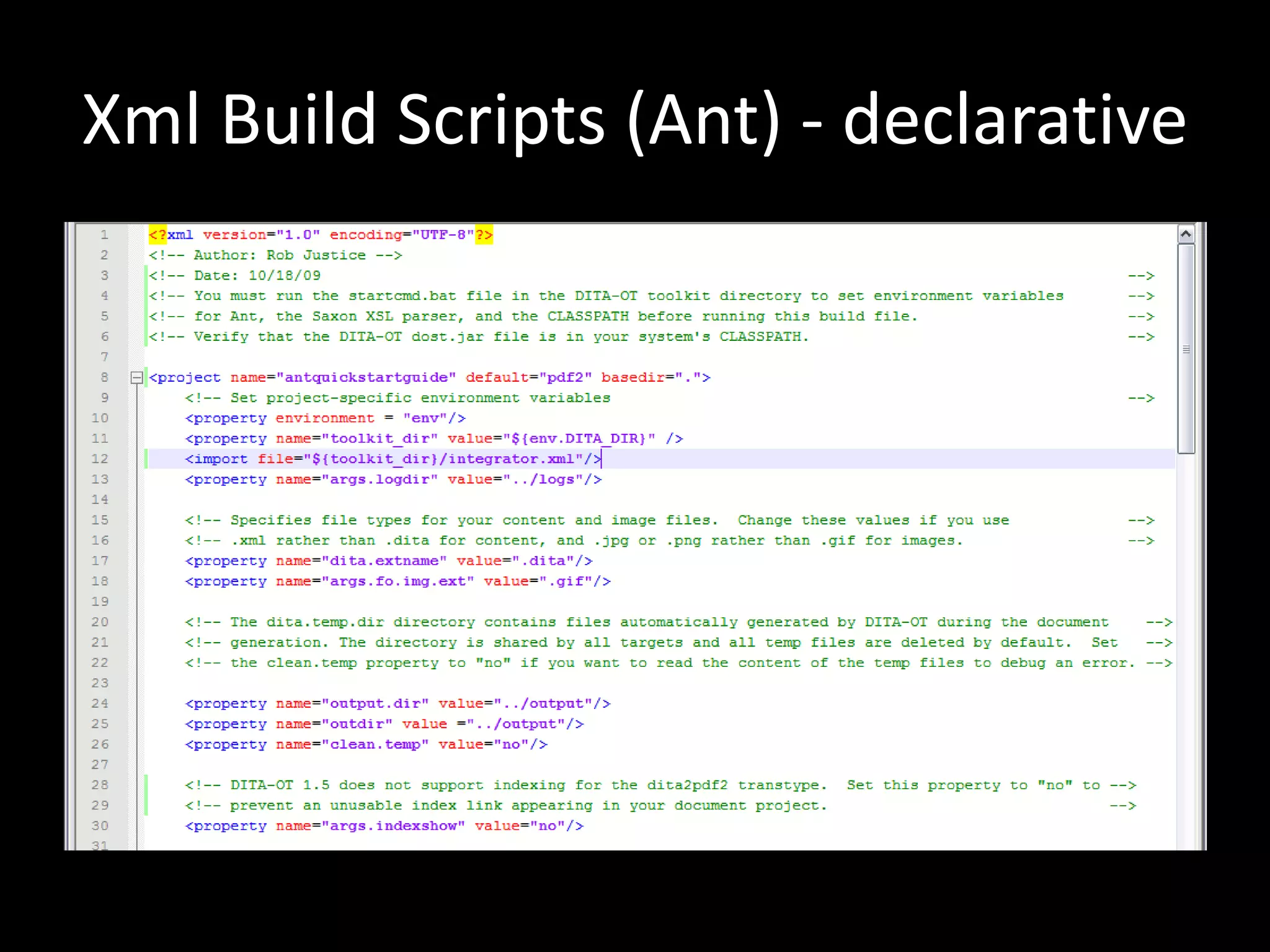
Xml Build Scripts (Ant) - declarative
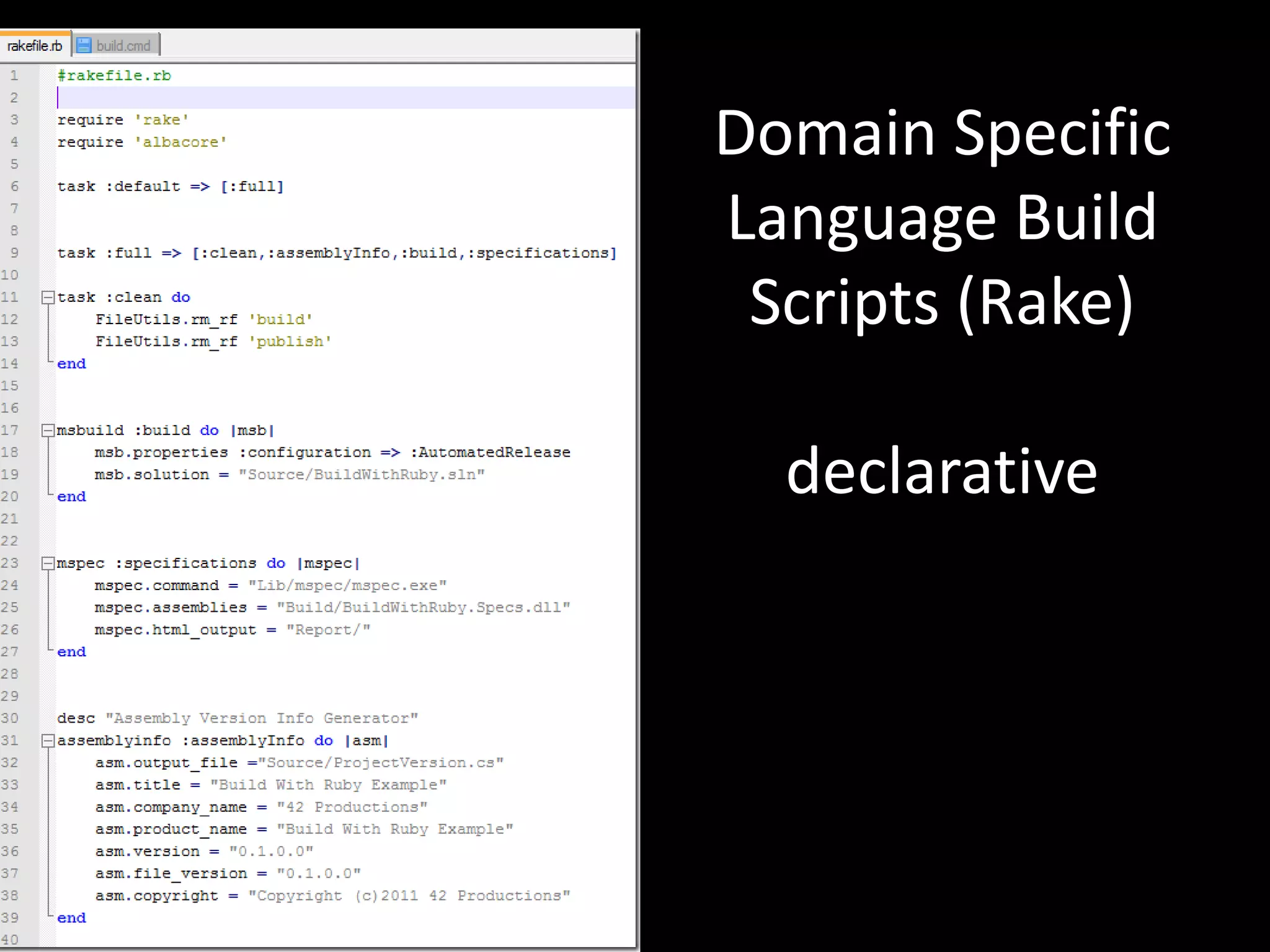
Domain Specific
Language Build
 Scripts (Rake)

  declarative
Declarative
• [Ant, nant,msbuild] (http://ant.apache.org/)
• [Automake] (http://www.gnu.org/software/automake/)
• [Boost Build] (http://www.boost.org/doc/tools/build/index.html)
• [Cmake] (http://www.cmake.org/)
• [Make] (http://www.gnu.org/software/make/)
• [Ocamlbuild] (http://gallium.inria.fr/~pouillar/)
• [Omake] (http://omake.metaprl.org/index.html)
• [Qmake] (http://doc.trolltech.com/4.2/qmake-manual.html)
• [Rake] (http://rake.rubyforge.org/)
• [SCons] (http://www.scons.org/)
• [Waf] (http://code.google.com/p/waf/)
Procedural
•   FinalBuilder
•   Visual build pro
•   Batch files
•   Powersell scripts
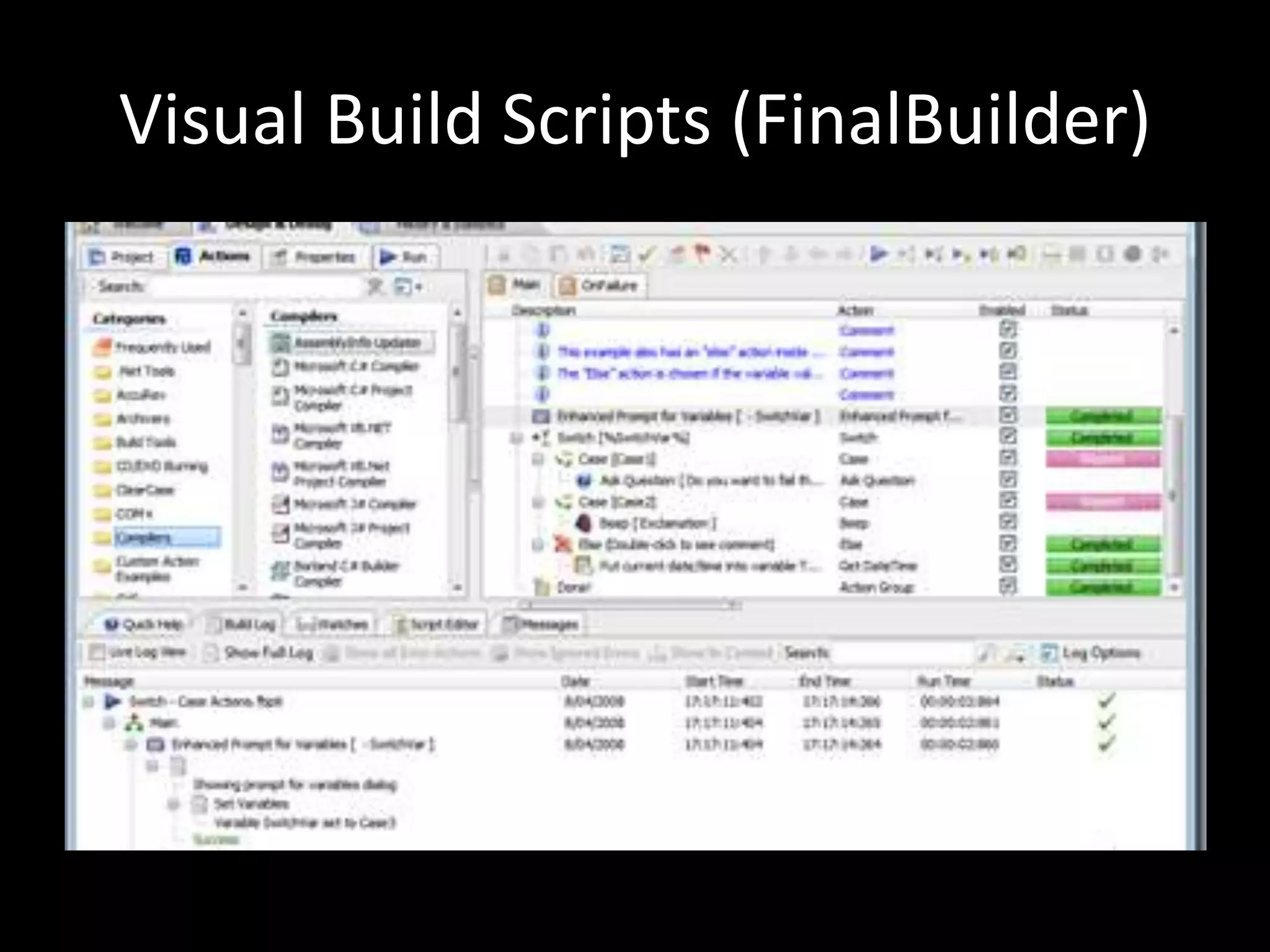
Visual Build Scripts (FinalBuilder)
Which one?
• Visual editing allows seeing FLOW
• Easy to update and change by newbies
• Easy to debug

• FinalBuilder or Visual Build Pro on windows
• Rake on linux or mac
The Right CI Tools
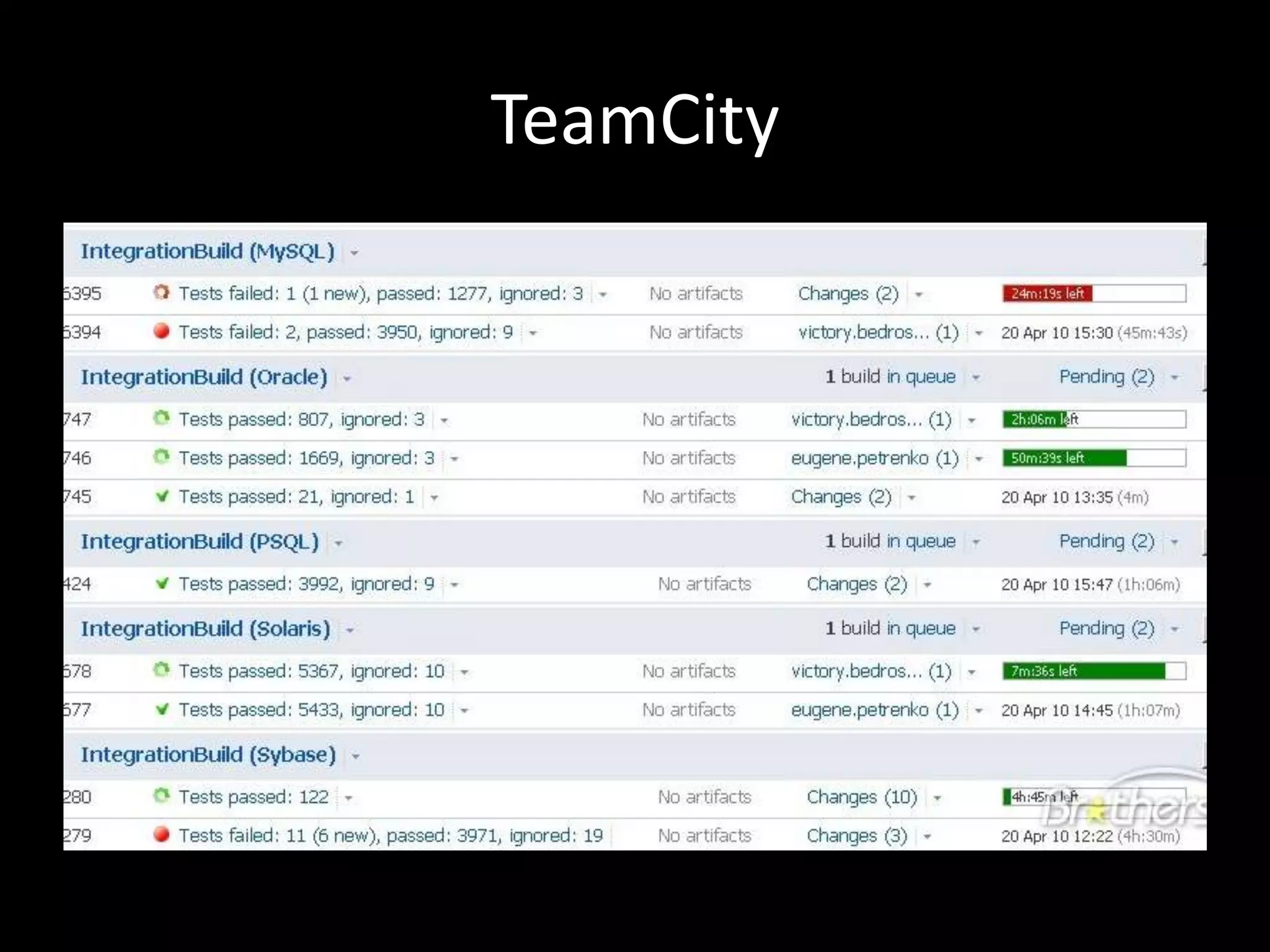
TeamCity
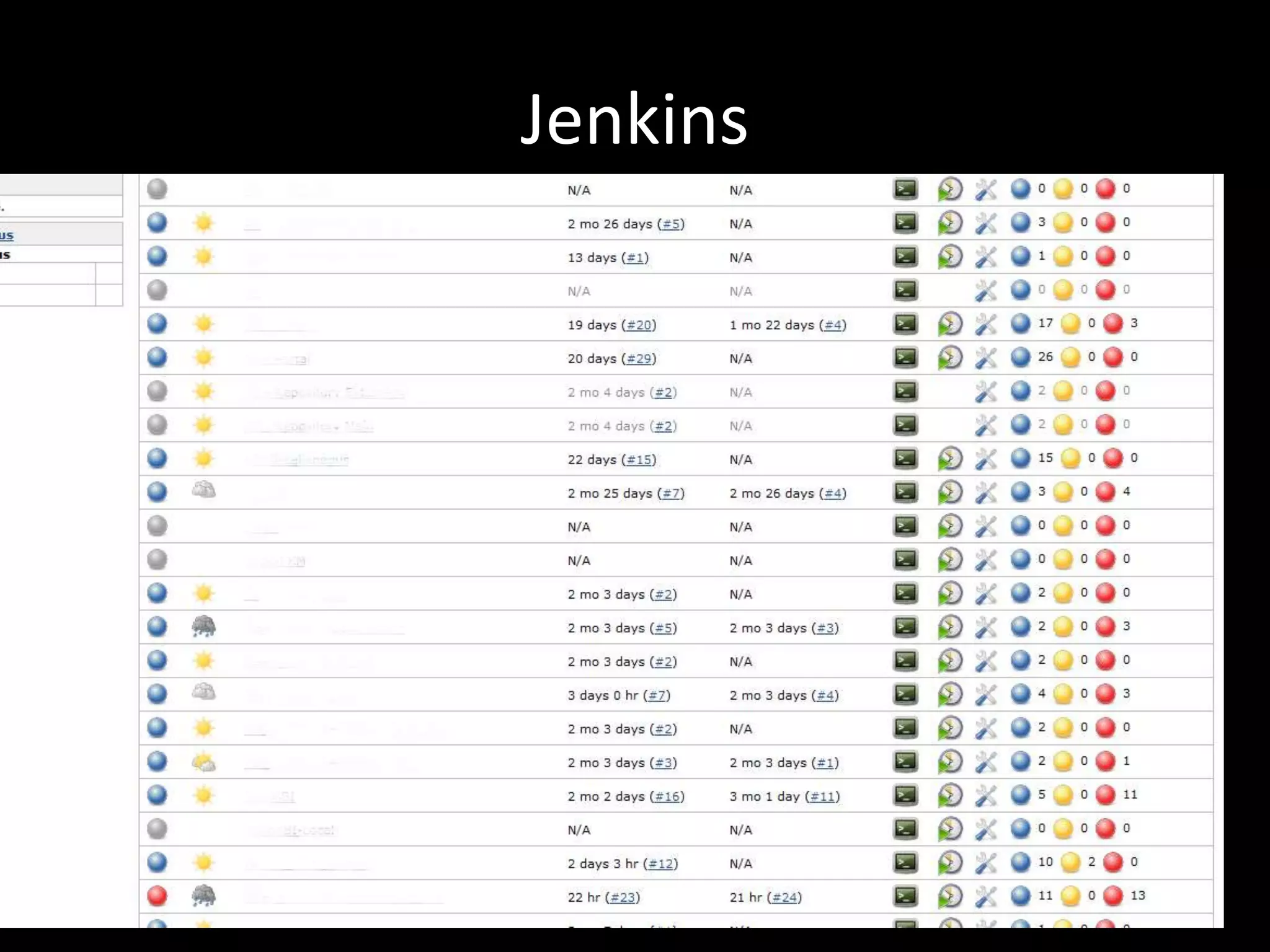
Jenkins
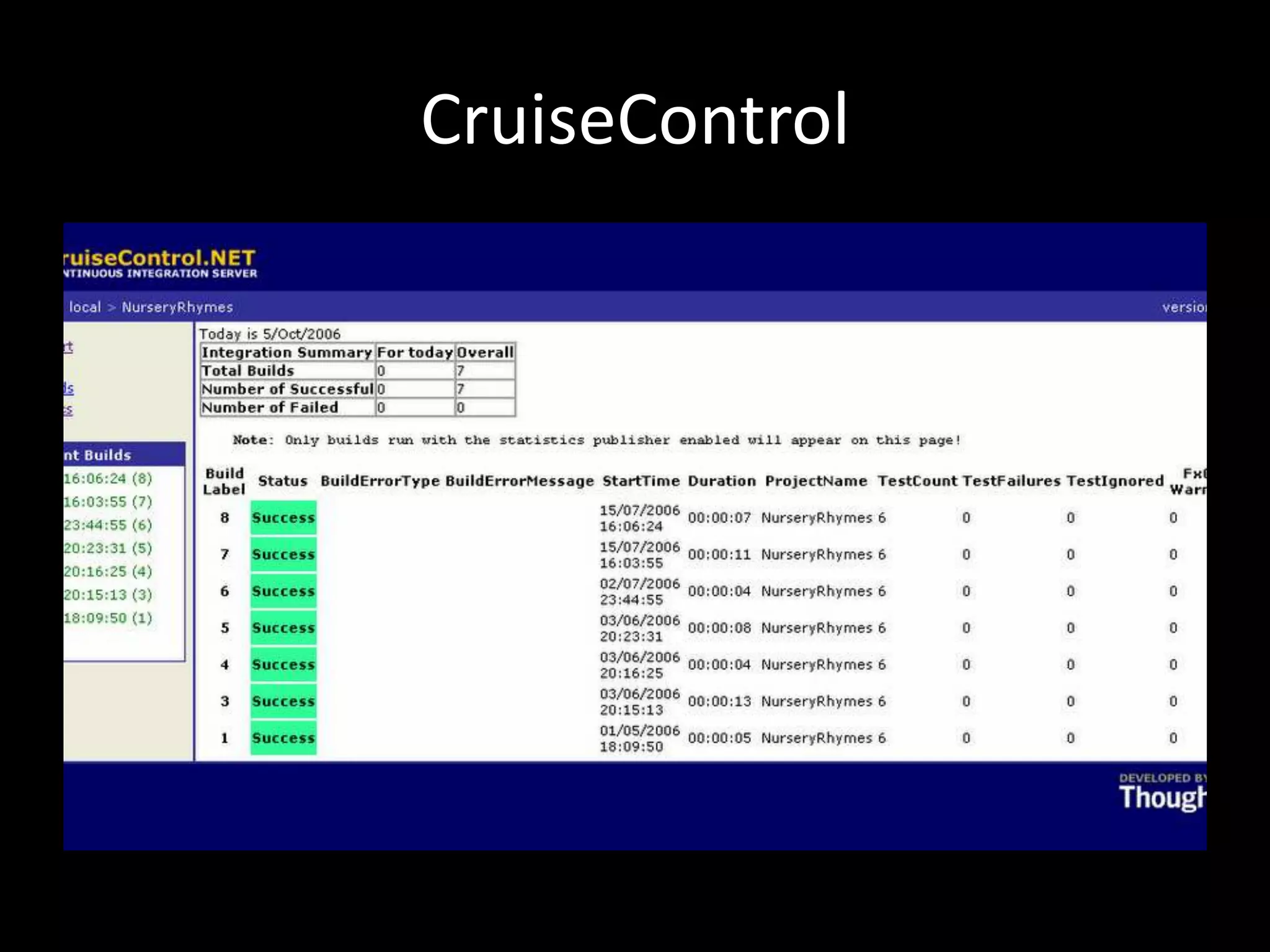
CruiseControl
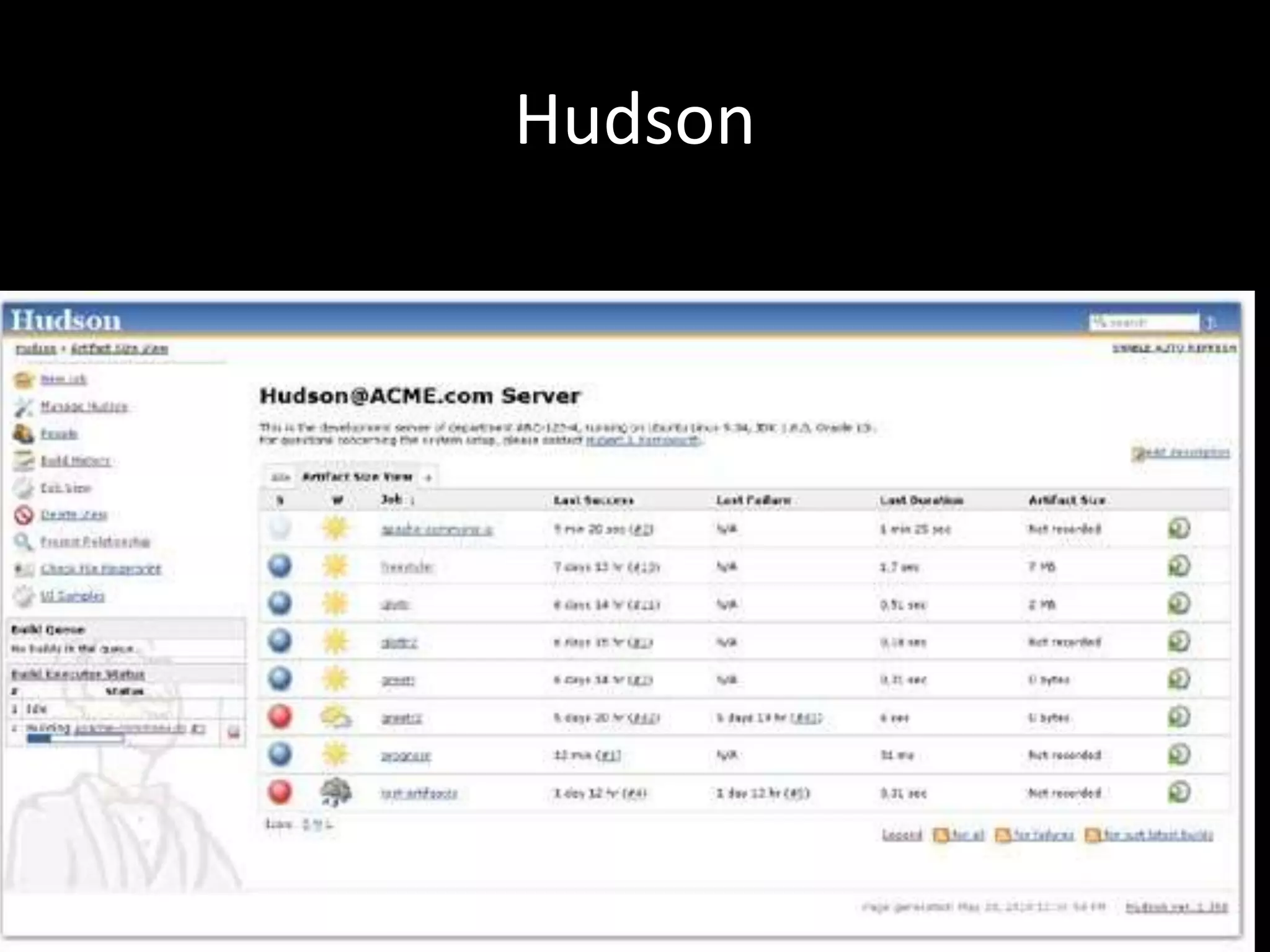
Hudson
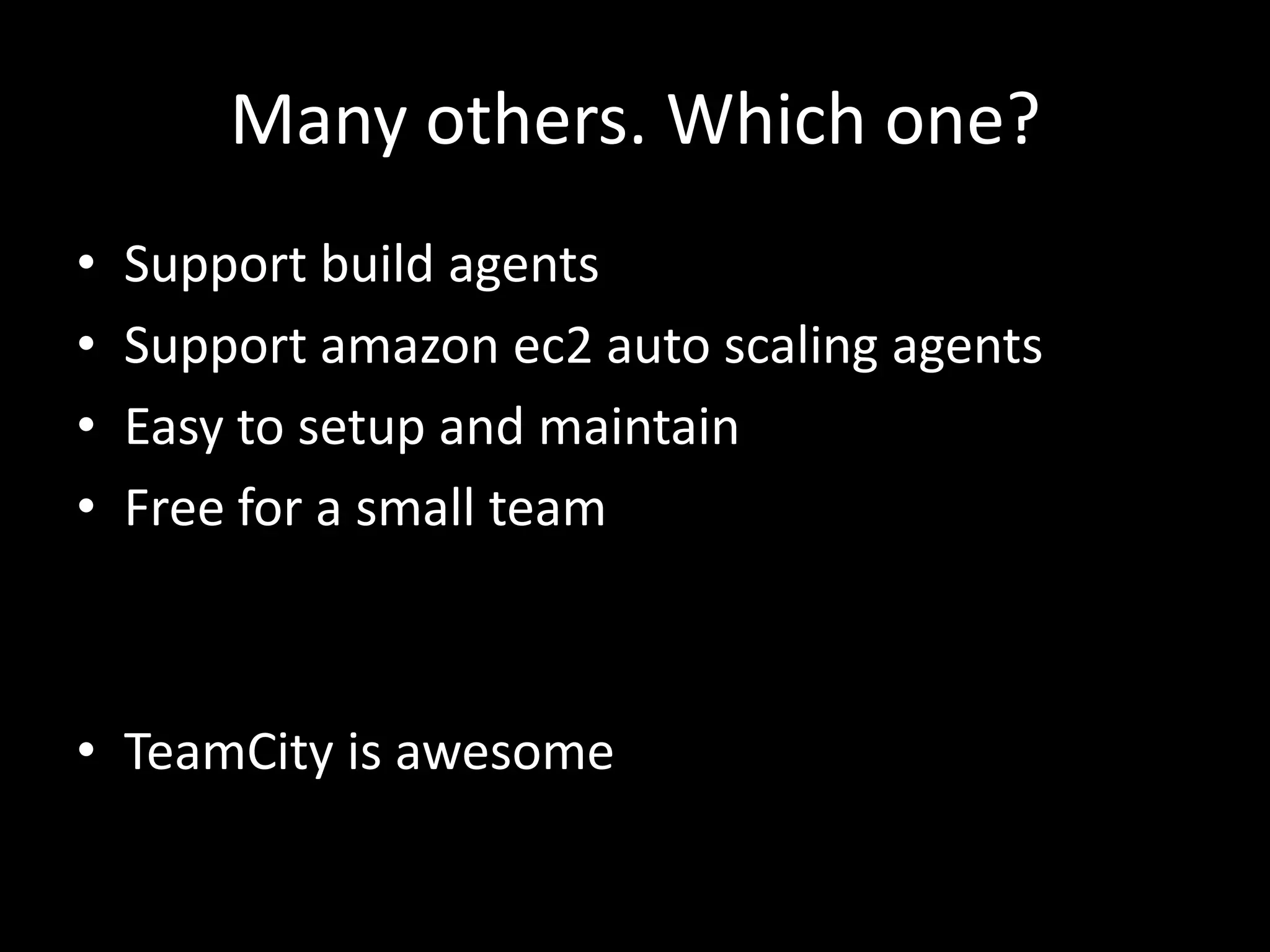
Many others. Which one?
•   Support build agents
•   Support amazon ec2 auto scaling agents
•   Easy to setup and maintain
•   Free for a small team


• TeamCity is awesome
But some CI servers support build
          actions too!
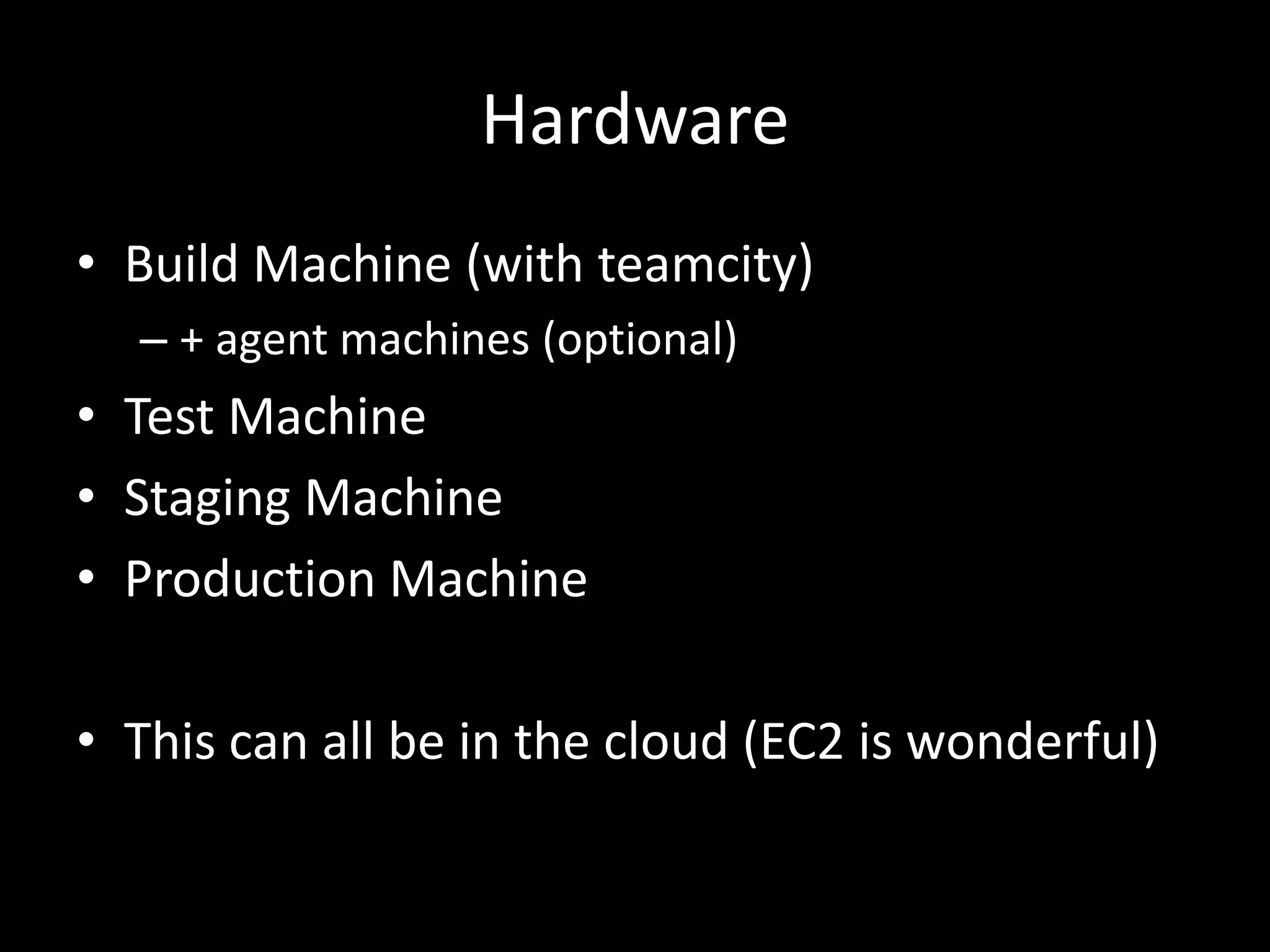
Hardware
• Build Machine (with teamcity)
  – + agent machines (optional)
• Test Machine
• Staging Machine
• Production Machine

• This can all be in the cloud (EC2 is wonderful)
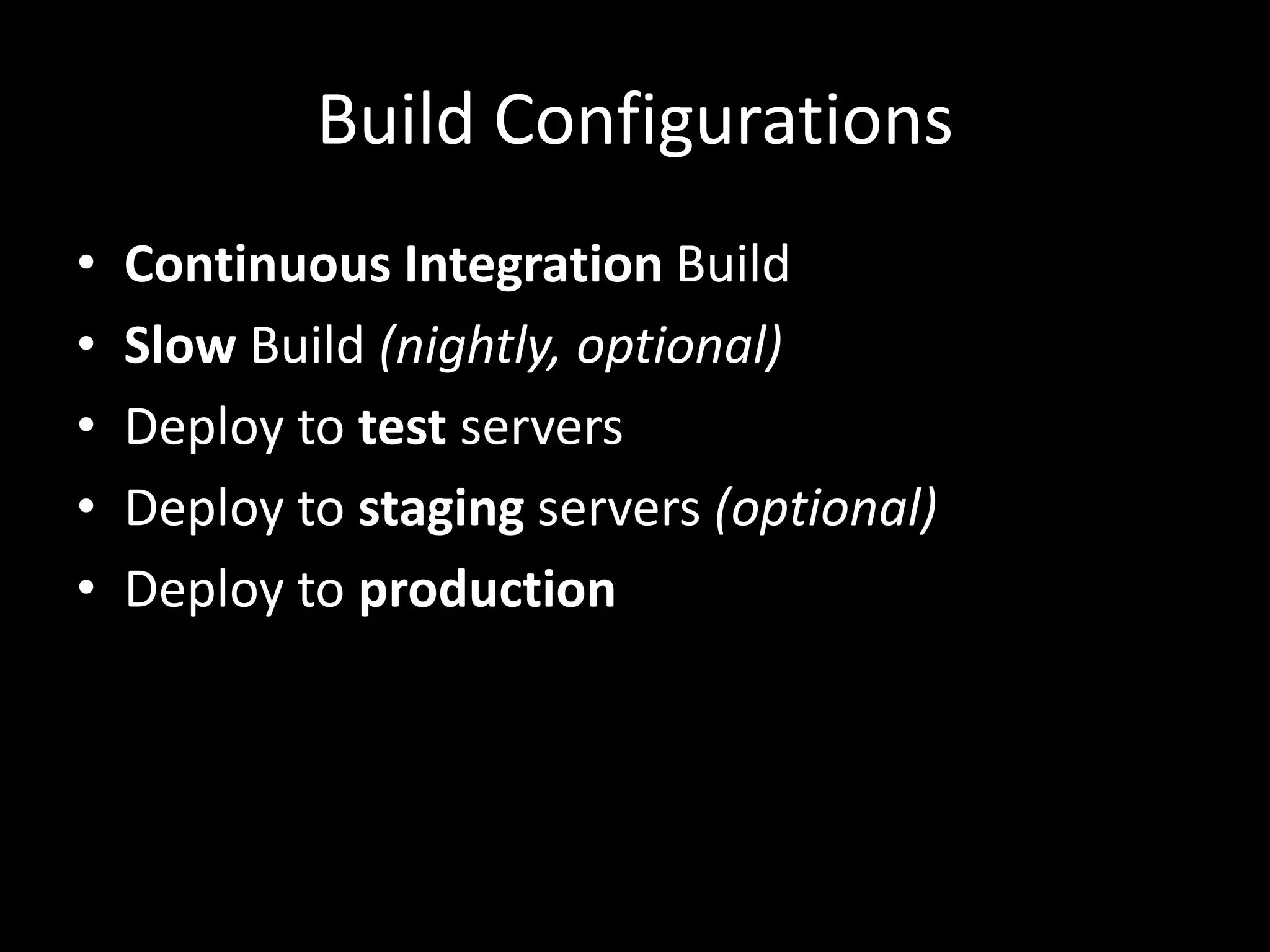
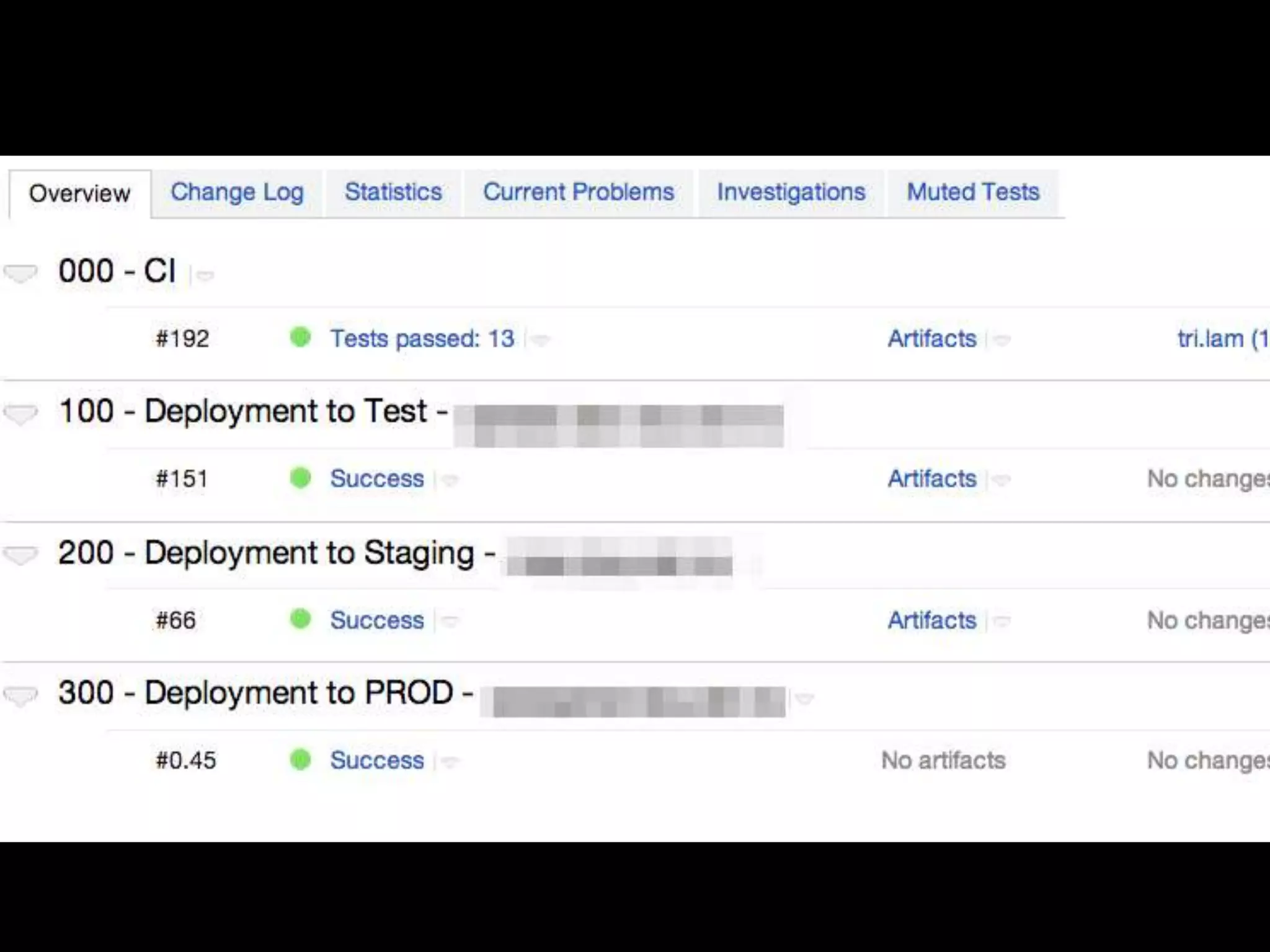
Build Configurations
•   Continuous Integration Build
•   Slow Build (nightly, optional)
•   Deploy to test servers
•   Deploy to staging servers (optional)
•   Deploy to production
Build Script Injection
• Allow version aware builds
• Build scripts are part of source control
• Build configurations on the CI server are dumb
  triggers
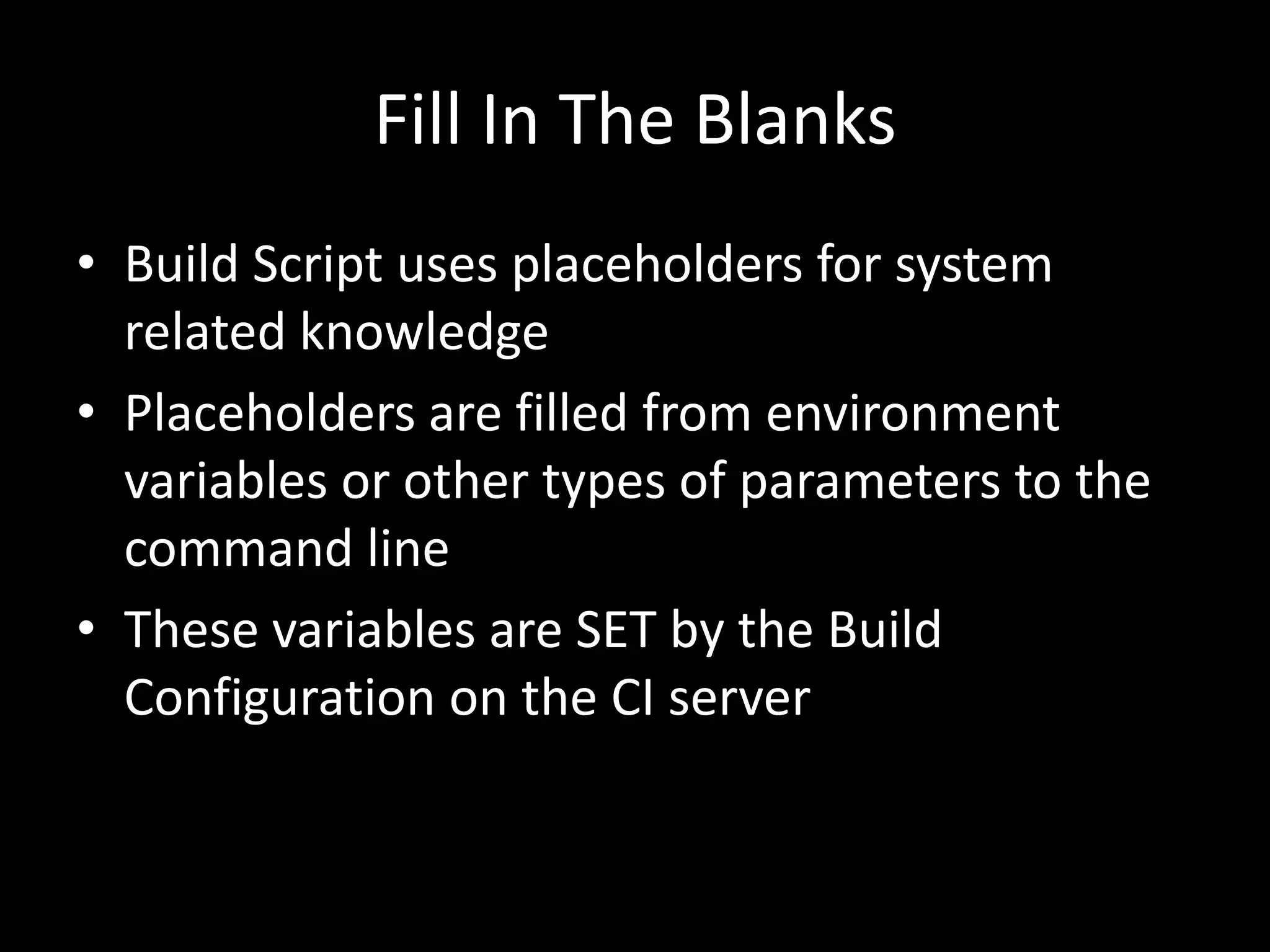
Fill In The Blanks
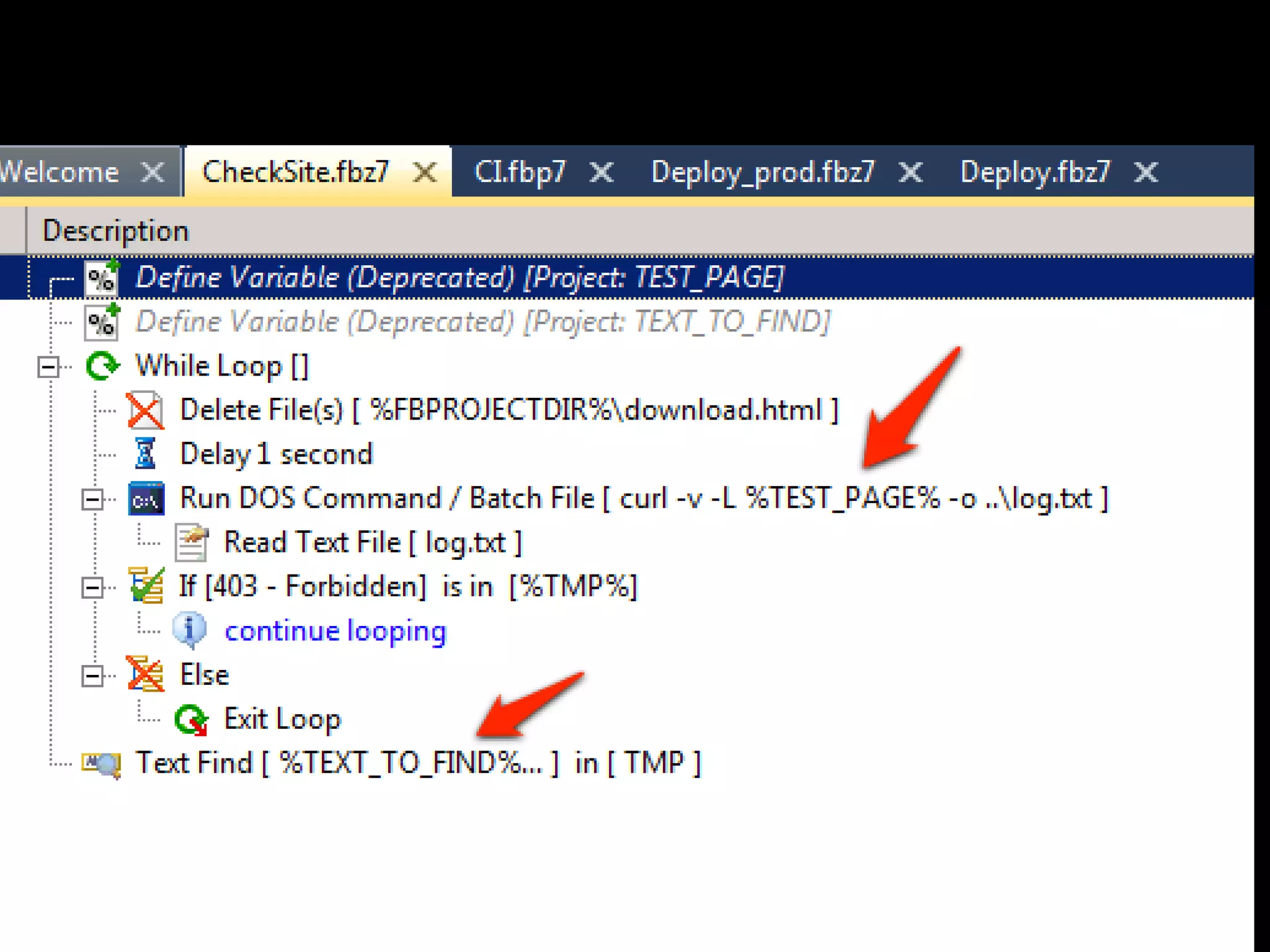
• Build Script uses placeholders for system
  related knowledge
• Placeholders are filled from environment
  variables or other types of parameters to the
  command line
• These variables are SET by the Build
  Configuration on the CI server
Location Agnostic Scripts
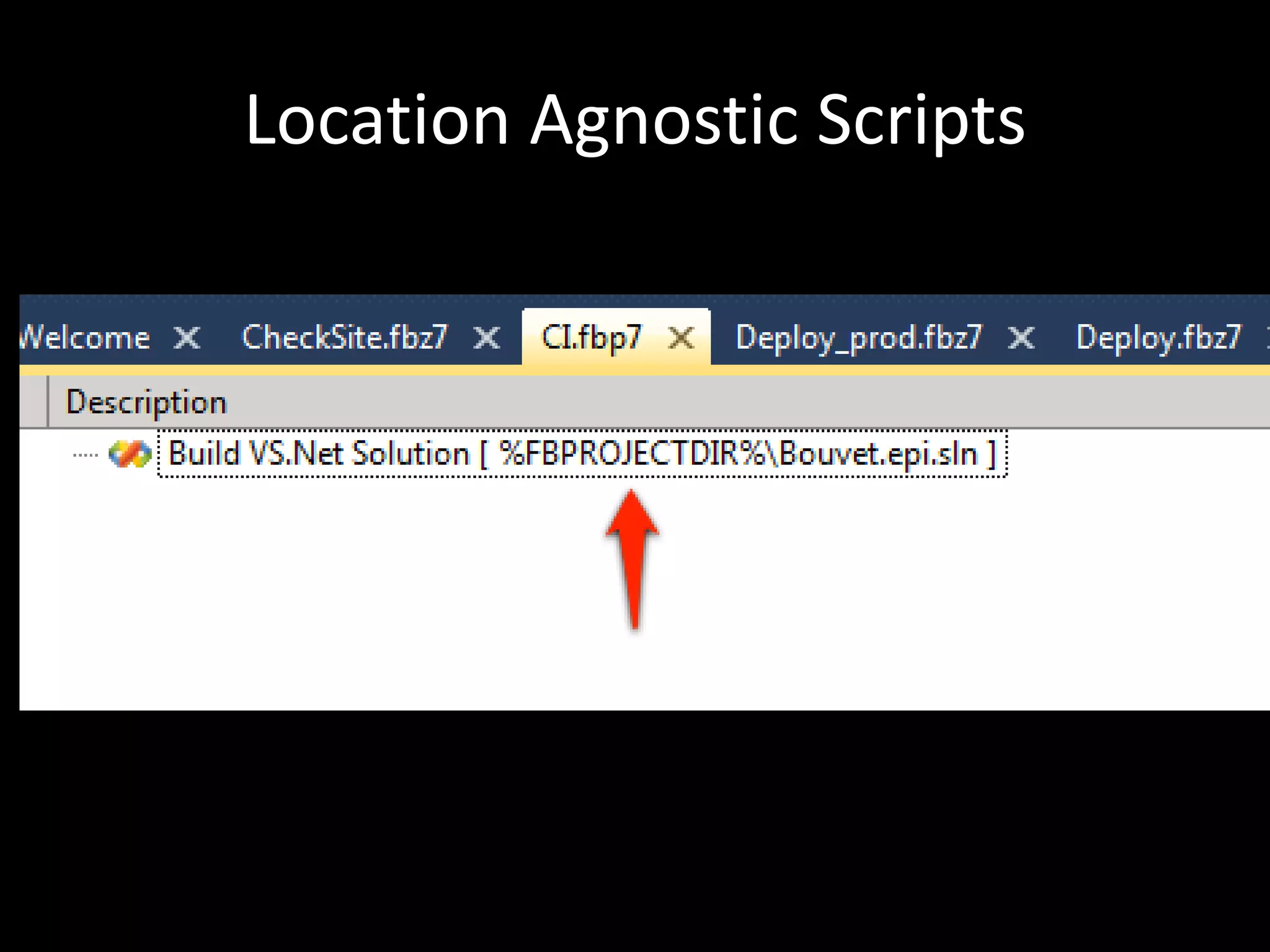
Extract Script
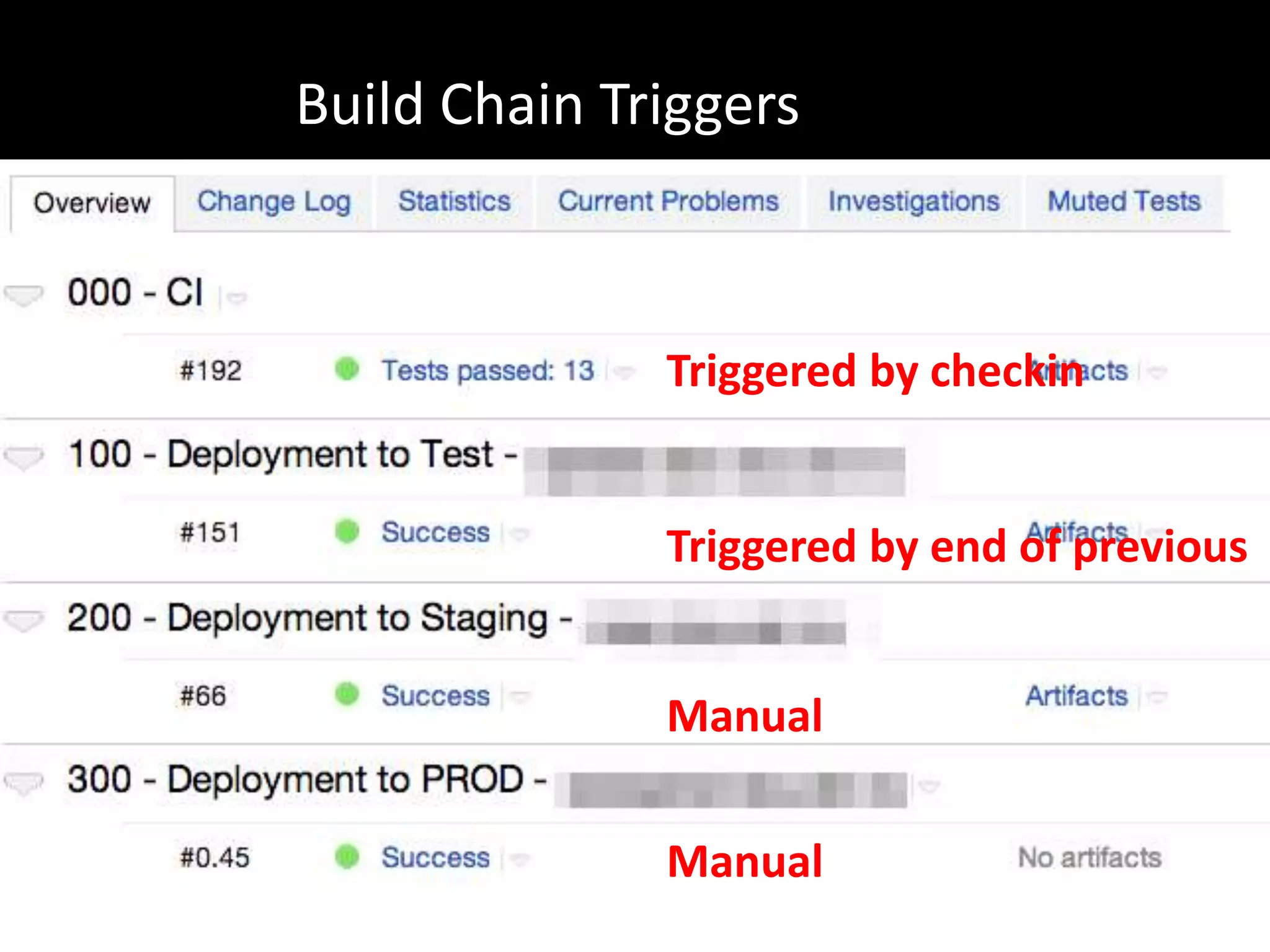
Build Chain Triggers


              Triggered by checkin


              Triggered by end of previous


              Manual

              Manual
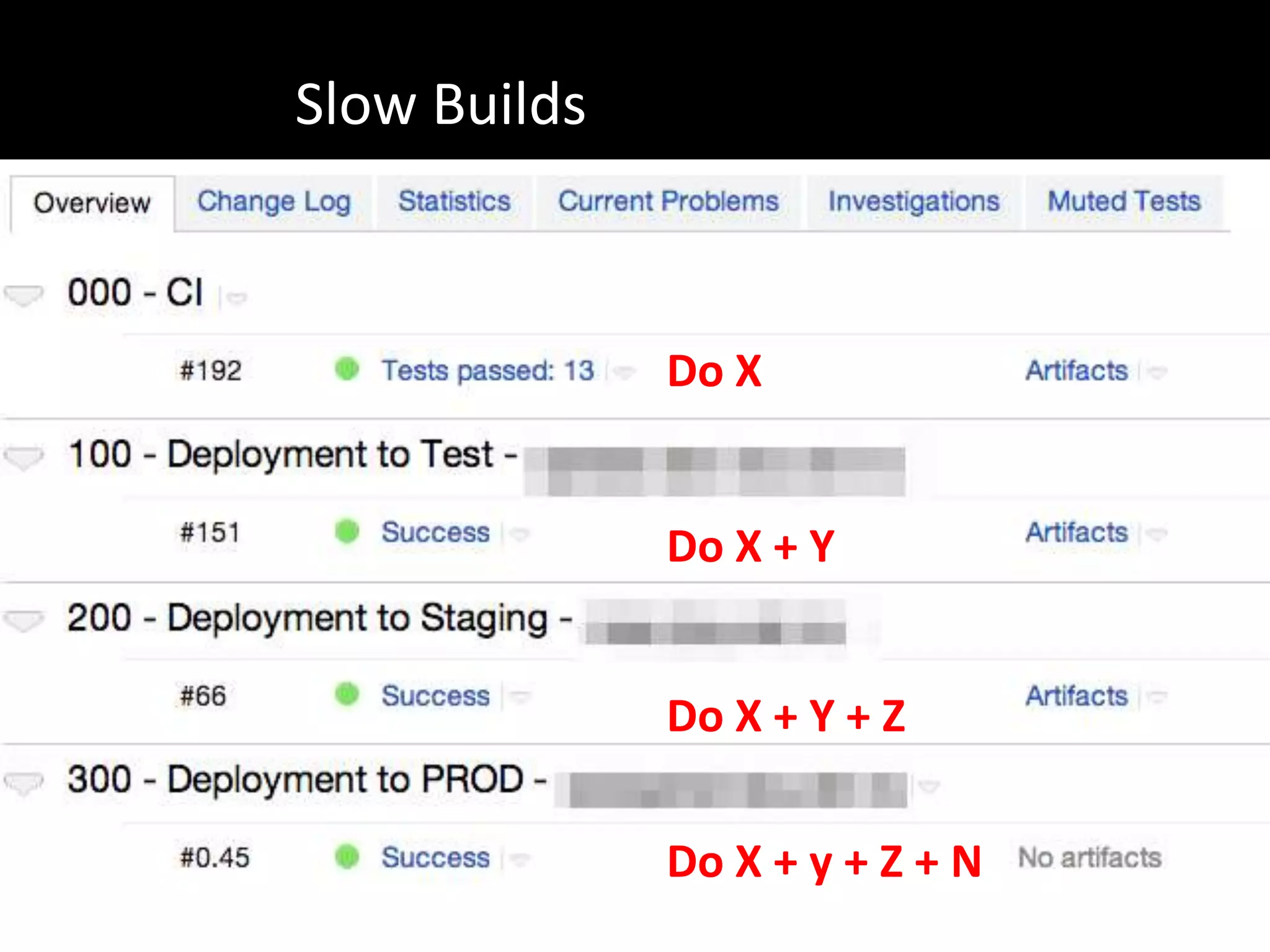
Slow Builds


              Do X


              Do X + Y


              Do X + Y + Z

              Do X + y + Z + N
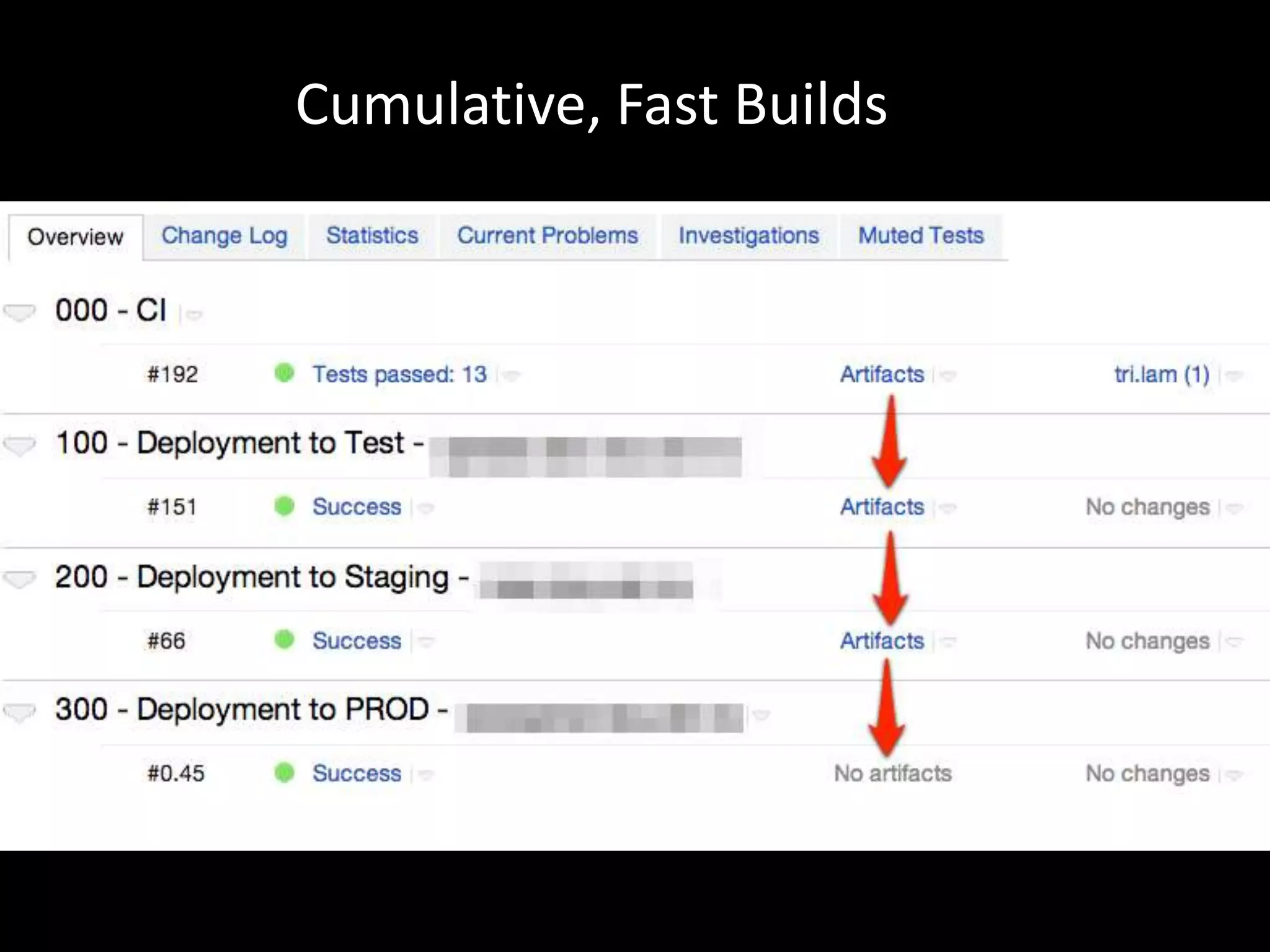
Cumulative, Fast Builds
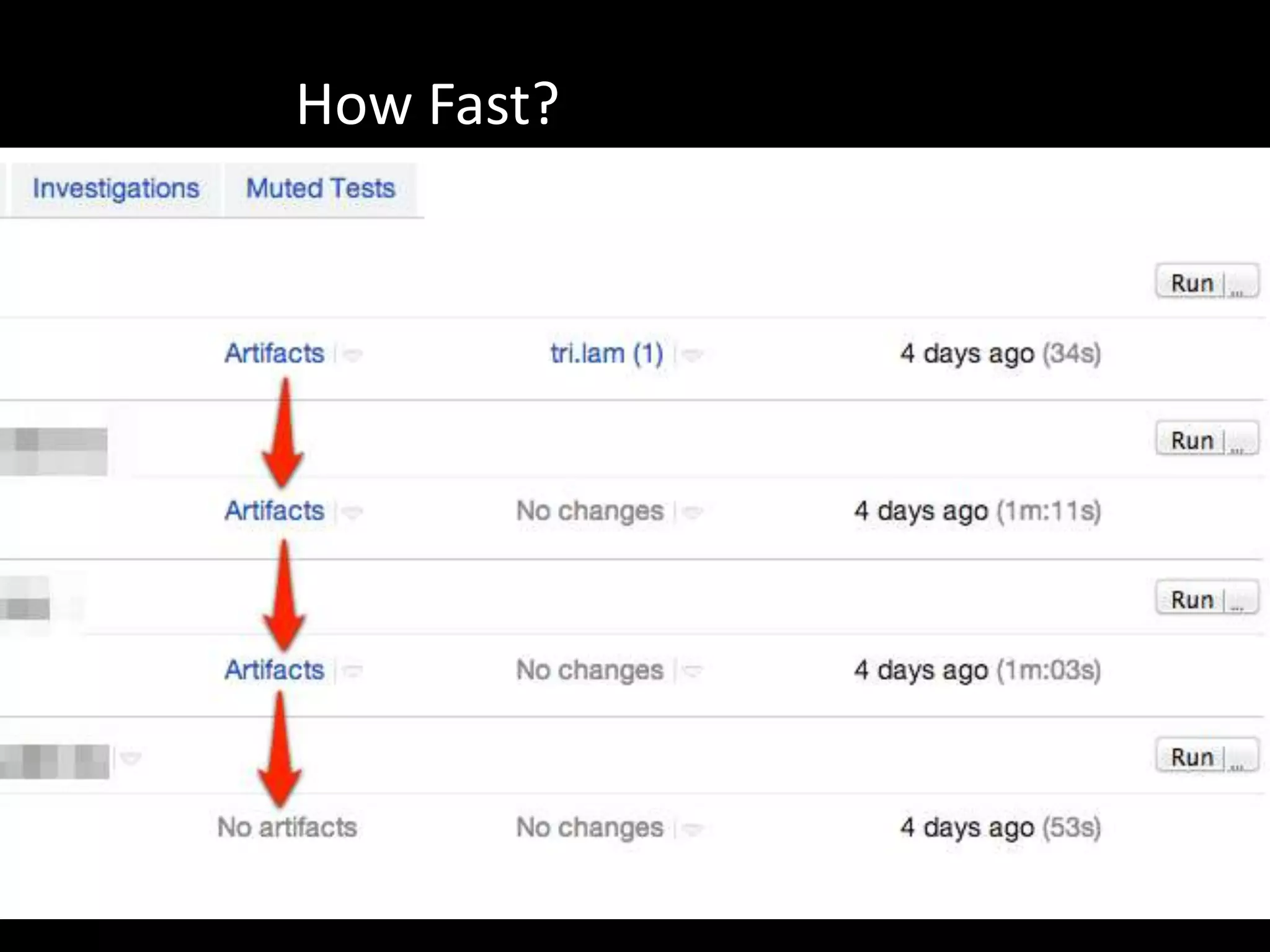
How Fast?
Shipping Skeleton
•   Start by releasing
•   Deploy a hello world empty skeleton
•   Then fill out the product
•   Continue adding small build features as you go
    along
roy@osherove.com
     courses
    consulting

beautifulbuilds.com
@RoyOsherove
   Bouvet

Beautiful Builds by Roy Osherove

  • 1.
    Beautiful @RoyOsherove Builds Bouvet
  • 2.
    roy@osherove.com courses consulting beautifulbuilds.com
  • 3.
    Why do wehave builds?
  • 4.
    Builds and testsare made to be broken
  • 5.
    What’s beautiful? • Seeflow • Ease of change • Coherent
  • 6.
    Recommendations • Use theright tools for build and CI • Use the right patterns to allow extra benefits
  • 7.
    Part of aBuild Process • Build Script/editor • Build Server / CI Server • Build Environments
  • 8.
    What’s the difference? •Automated Build (what to do) • Continuous Integration (when to do it)
  • 9.
  • 10.
    Xml Build Scripts(Ant) - declarative
  • 11.
    Domain Specific Language Build Scripts (Rake) declarative
  • 12.
    Declarative • [Ant, nant,msbuild](http://ant.apache.org/) • [Automake] (http://www.gnu.org/software/automake/) • [Boost Build] (http://www.boost.org/doc/tools/build/index.html) • [Cmake] (http://www.cmake.org/) • [Make] (http://www.gnu.org/software/make/) • [Ocamlbuild] (http://gallium.inria.fr/~pouillar/) • [Omake] (http://omake.metaprl.org/index.html) • [Qmake] (http://doc.trolltech.com/4.2/qmake-manual.html) • [Rake] (http://rake.rubyforge.org/) • [SCons] (http://www.scons.org/) • [Waf] (http://code.google.com/p/waf/)
  • 13.
    Procedural • FinalBuilder • Visual build pro • Batch files • Powersell scripts
  • 14.
    Visual Build Scripts(FinalBuilder)
  • 15.
    Which one? • Visualediting allows seeing FLOW • Easy to update and change by newbies • Easy to debug • FinalBuilder or Visual Build Pro on windows • Rake on linux or mac
  • 16.
  • 17.
  • 18.
  • 19.
  • 20.
  • 21.
    Many others. Whichone? • Support build agents • Support amazon ec2 auto scaling agents • Easy to setup and maintain • Free for a small team • TeamCity is awesome
  • 22.
    But some CIservers support build actions too!
  • 23.
    Hardware • Build Machine(with teamcity) – + agent machines (optional) • Test Machine • Staging Machine • Production Machine • This can all be in the cloud (EC2 is wonderful)
  • 24.
    Build Configurations • Continuous Integration Build • Slow Build (nightly, optional) • Deploy to test servers • Deploy to staging servers (optional) • Deploy to production
  • 26.
    Build Script Injection •Allow version aware builds • Build scripts are part of source control • Build configurations on the CI server are dumb triggers
  • 27.
    Fill In TheBlanks • Build Script uses placeholders for system related knowledge • Placeholders are filled from environment variables or other types of parameters to the command line • These variables are SET by the Build Configuration on the CI server
  • 29.
  • 30.
  • 31.
    Build Chain Triggers Triggered by checkin Triggered by end of previous Manual Manual
  • 32.
    Slow Builds Do X Do X + Y Do X + Y + Z Do X + y + Z + N
  • 33.
  • 34.
  • 35.
    Shipping Skeleton • Start by releasing • Deploy a hello world empty skeleton • Then fill out the product • Continue adding small build features as you go along
  • 36.
    roy@osherove.com courses consulting beautifulbuilds.com
  • 37.