Fundamentals of Software Engineering
Overview of Chapter 1
   Introduction to Software Engineering
      What is Software?
      What is Software Engineering?
      What Does Software Engineering Do?
      How is Software Engineered (Process)?
      Software Engineering vs. Computer Science?
   Designing/Building Systems for Today and Tomorrow
      Introduce Ideas of Component-Based Design &
        Development
      Discuss Software Engineering for Distributed
        Application/System Development
What is Software?
   Software is the Definition and Organization of a Set of
    Tasks and Functionality Encapsulated into a Form that
    is Executable on a Computer
   What are Different Types of Software?
      Commercial-Off-the-Shelf (COTS)
      Government-Off-the-Shelf (GOTS)
      Legacy: Written in an “Old” Programming
        Language
         Cobol, PL/1 (Y2k/SNET), Fortran, etc.
         C and C++!
       Customized New Software
       Client vs. Server Software
       Database Management Systems/Applications
What is Software Engineering?
   Engineering: The Application of Science to the
    Solution of Practical Problems
   Software Engineering: The Application of CS to
    Building Practical Software Systems
   Programming
      Individual Writes Complete Program
      One Person, One Computer
      Well-Defined Problem
      Programming-in-the-Small
   Software Engineering
      Individuals Write Program Components
      Team Assembles Complete Program
      Programming-in-the-Large
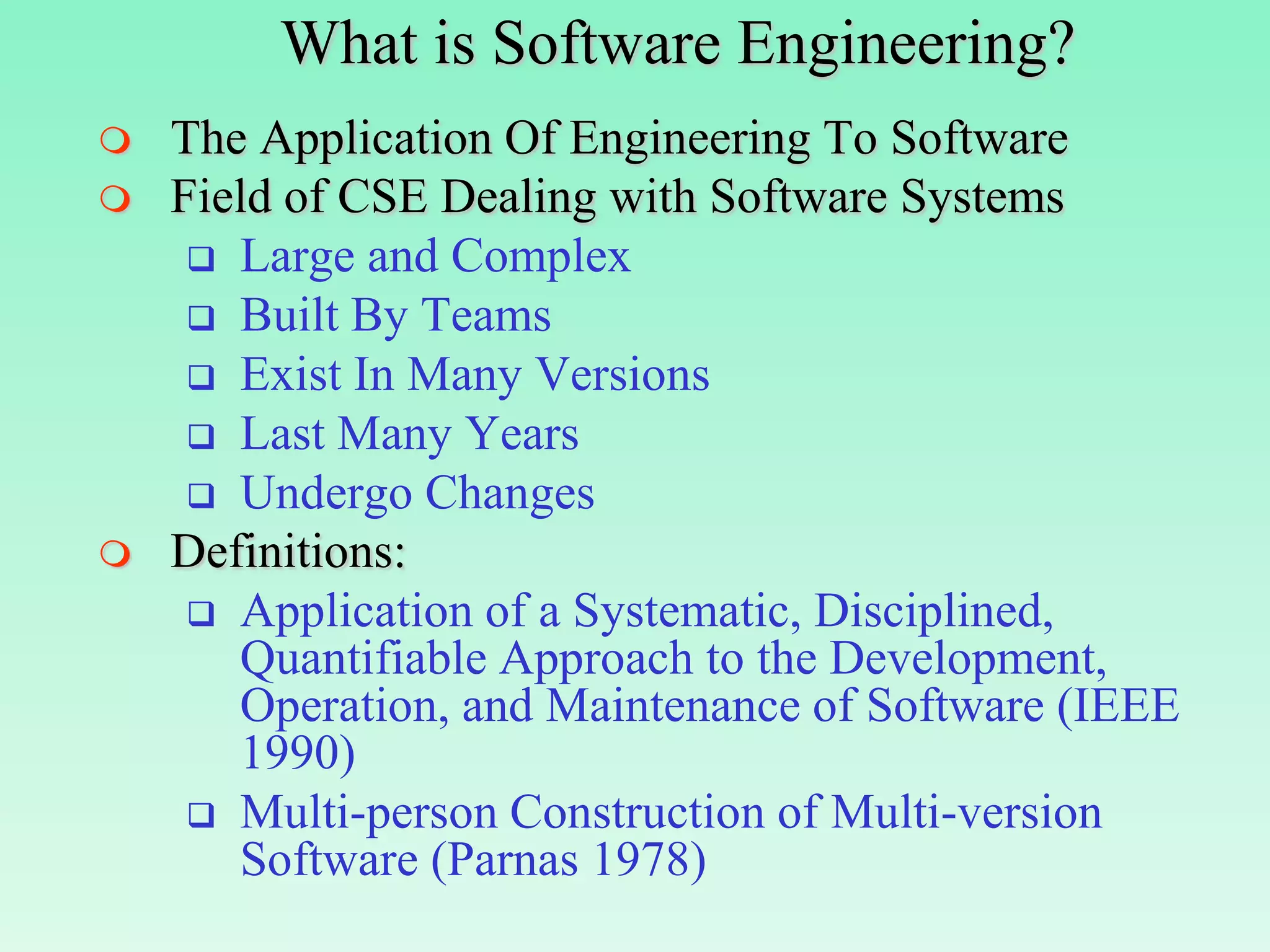
What is Software Engineering?
   The Application Of Engineering To Software
   Field of CSE Dealing with Software Systems
      Large and Complex
      Built By Teams
      Exist In Many Versions
      Last Many Years
      Undergo Changes
   Definitions:
      Application of a Systematic, Disciplined,
       Quantifiable Approach to the Development,
       Operation, and Maintenance of Software (IEEE
       1990)
      Multi-person Construction of Multi-version
       Software (Parnas 1978)
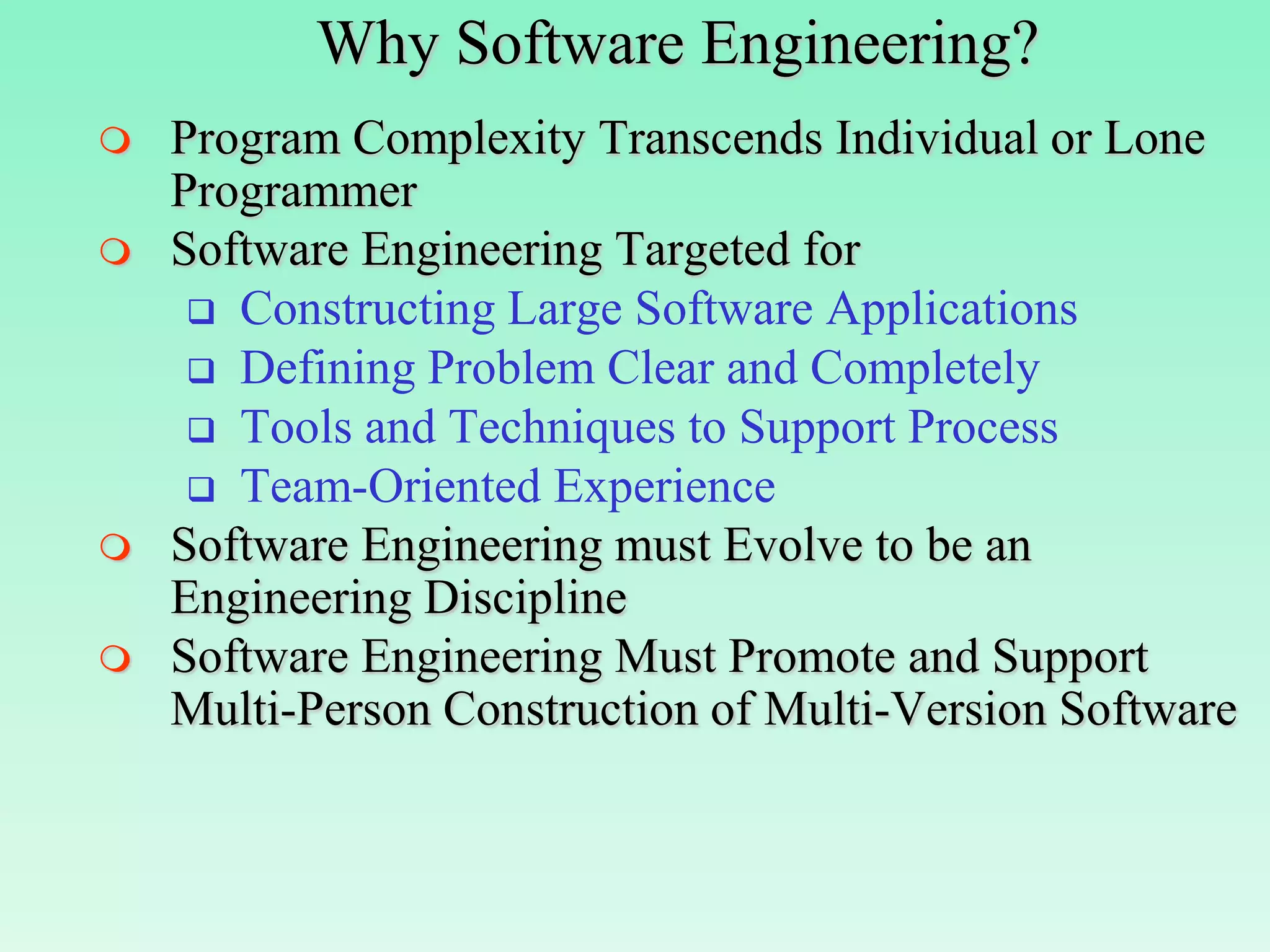
Why Software Engineering?
   Program Complexity Transcends Individual or Lone
    Programmer
   Software Engineering Targeted for
      Constructing Large Software Applications
      Defining Problem Clear and Completely
      Tools and Techniques to Support Process
      Team-Oriented Experience
   Software Engineering must Evolve to be an
    Engineering Discipline
   Software Engineering Must Promote and Support
    Multi-Person Construction of Multi-Version Software
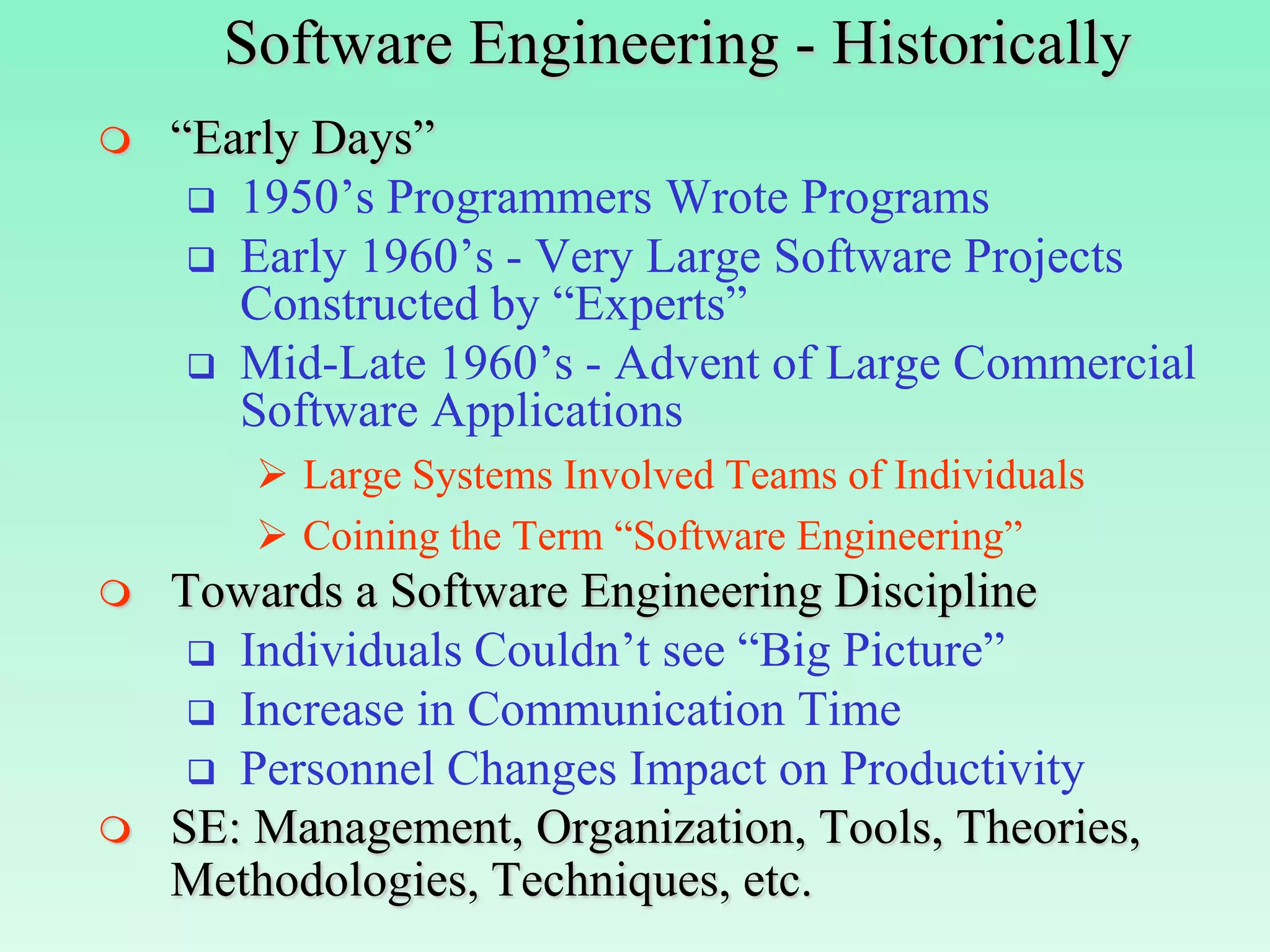
Software Engineering - Historically
   “Early Days”
      1950’s Programmers Wrote Programs
      Early 1960’s - Very Large Software Projects
       Constructed by “Experts”
      Mid-Late 1960’s - Advent of Large Commercial
       Software Applications
         Large Systems Involved Teams of Individuals
         Coining the Term “Software Engineering”
   Towards a Software Engineering Discipline
      Individuals Couldn’t see “Big Picture”
      Increase in Communication Time
      Personnel Changes Impact on Productivity
   SE: Management, Organization, Tools, Theories,
    Methodologies, Techniques, etc.
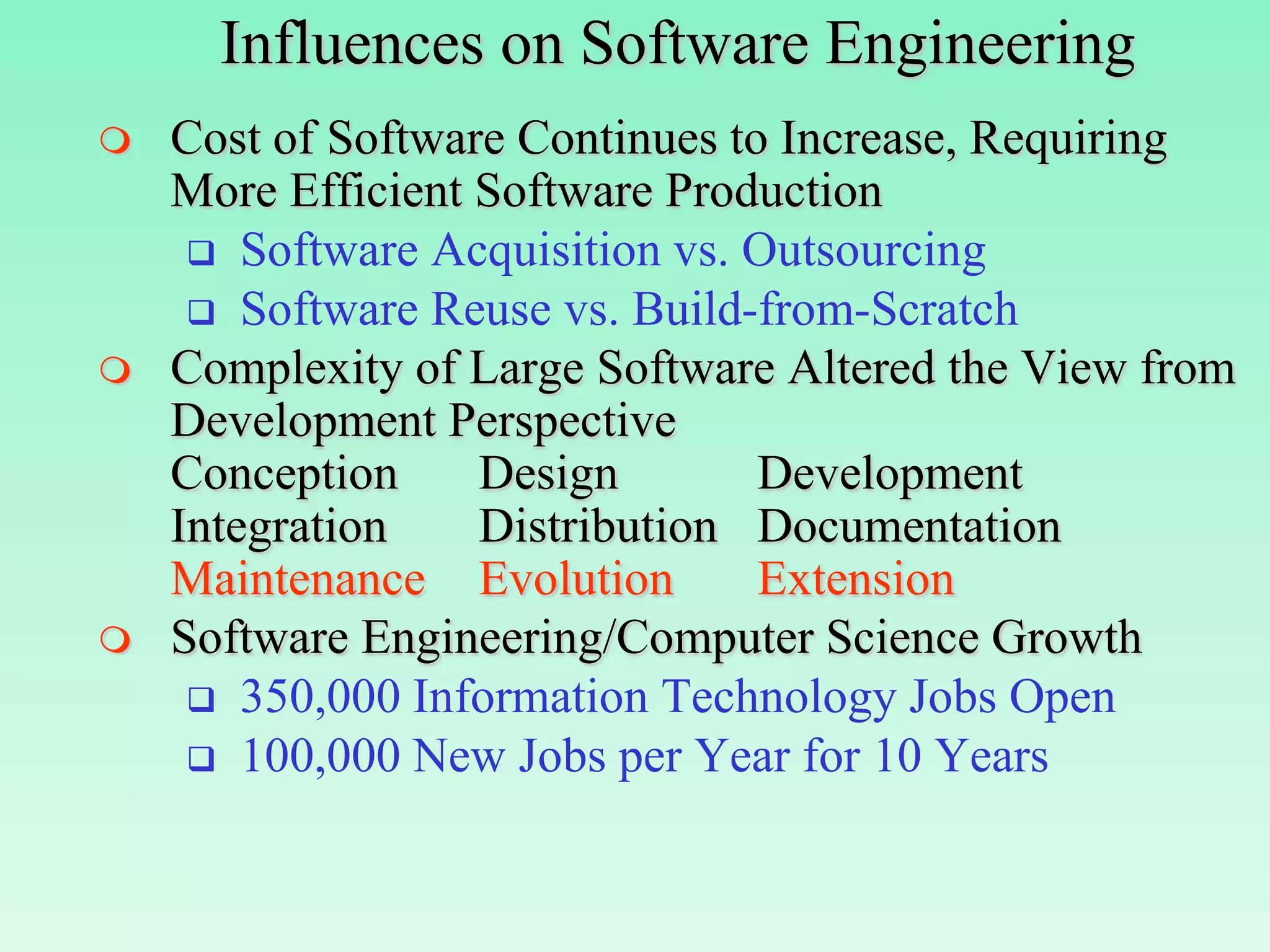
Influences on Software Engineering
   Cost of Software Continues to Increase, Requiring
    More Efficient Software Production
      Software Acquisition vs. Outsourcing
      Software Reuse vs. Build-from-Scratch
   Complexity of Large Software Altered the View from
    Development Perspective
    Conception     Design        Development
    Integration    Distribution Documentation
    Maintenance Evolution        Extension
   Software Engineering/Computer Science Growth
      350,000 Information Technology Jobs Open
      100,000 New Jobs per Year for 10 Years
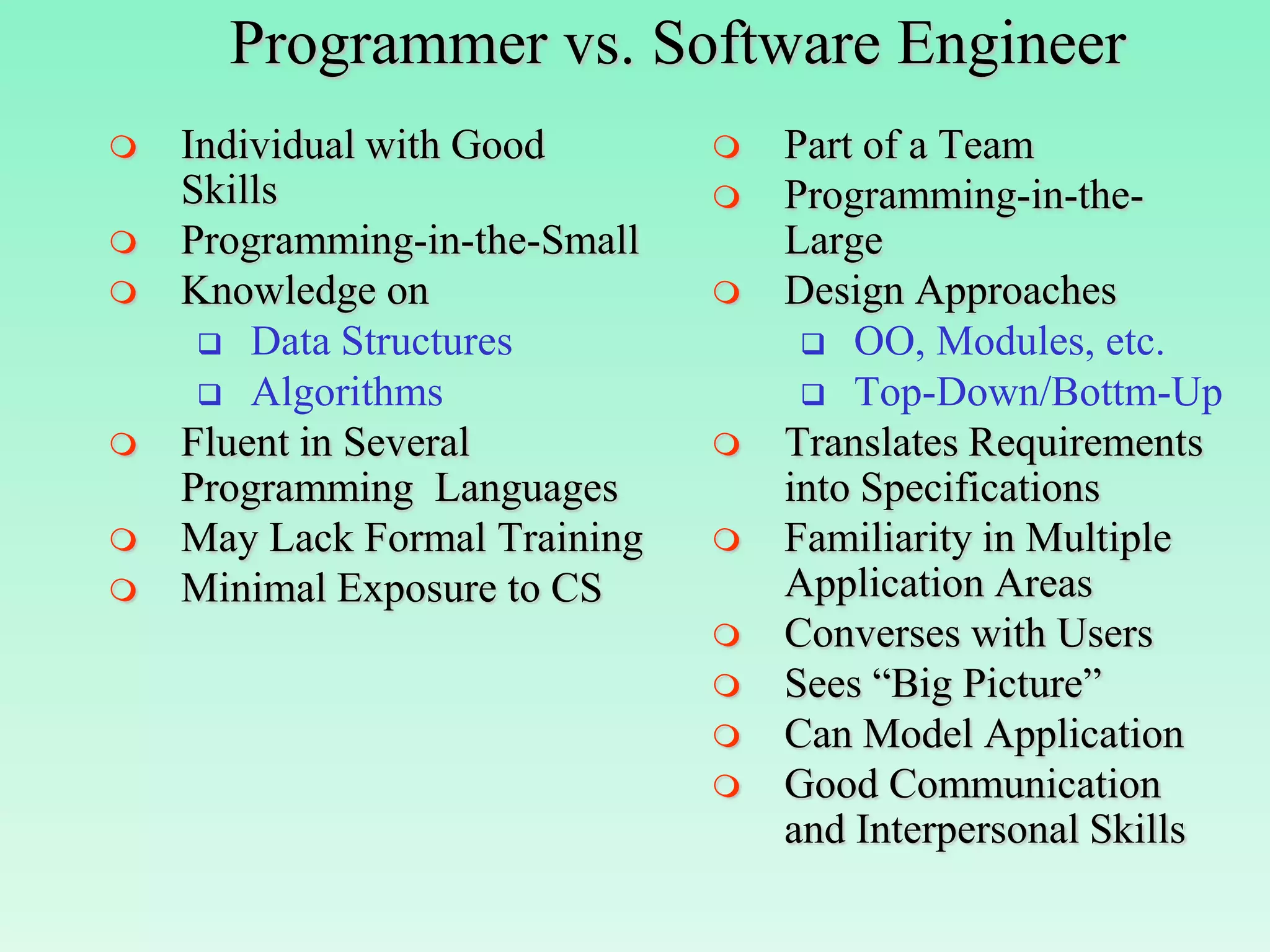
Programmer vs. Software Engineer
   Individual with Good          Part of a Team
    Skills                        Programming-in-the-
   Programming-in-the-Small       Large
   Knowledge on                  Design Approaches
      Data Structures               OO, Modules, etc.
      Algorithms                    Top-Down/Bottm-Up
   Fluent in Several             Translates Requirements
    Programming Languages          into Specifications
   May Lack Formal Training      Familiarity in Multiple
   Minimal Exposure to CS         Application Areas
                                  Converses with Users
                                  Sees “Big Picture”
                                  Can Model Application
                                  Good Communication
                                   and Interpersonal Skills
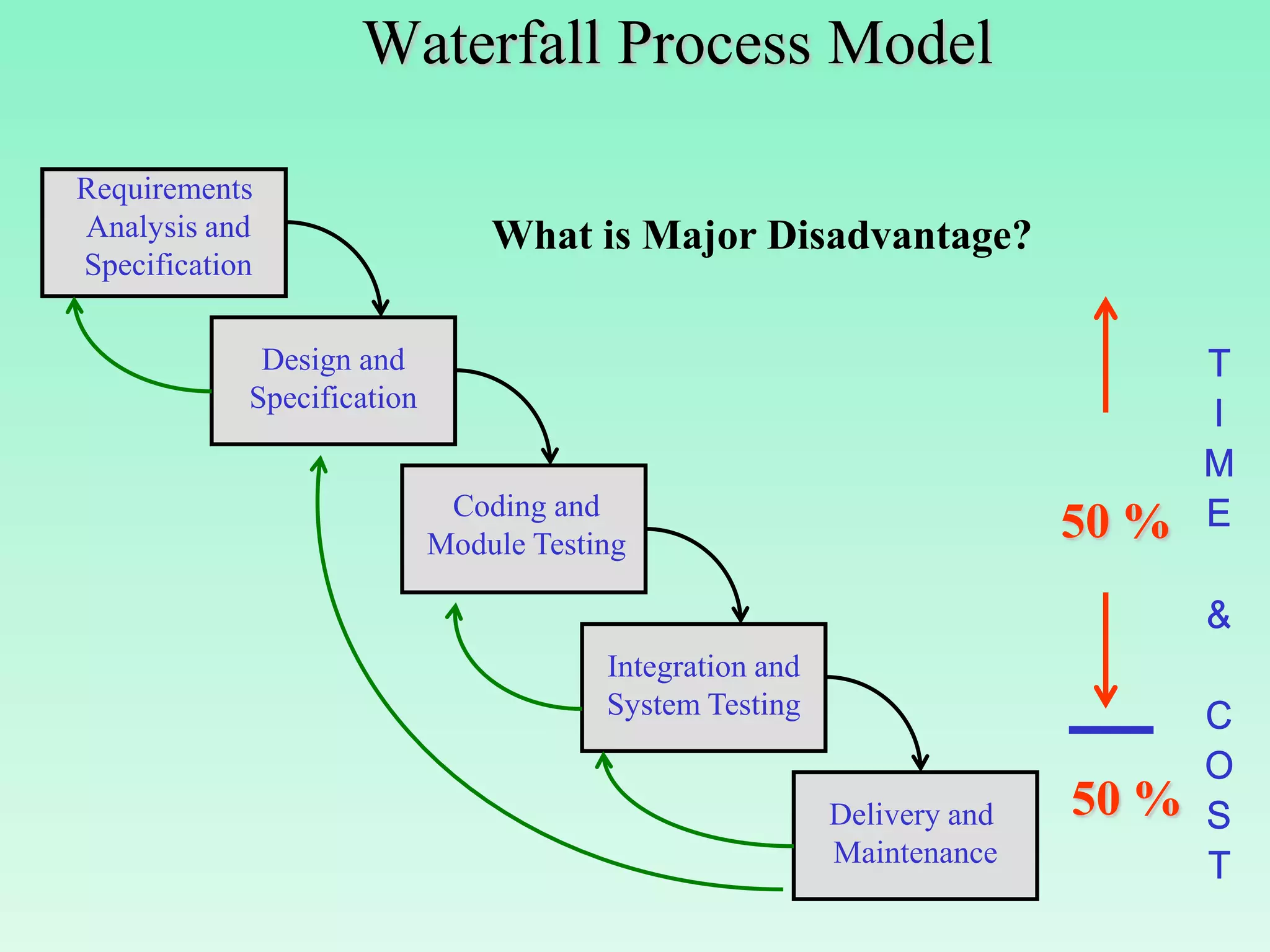
Waterfall Process Model

Requirements
Analysis and                    What is Major Disadvantage?
Specification

             Design and
            Specification


                             Coding and
                            Module Testing
                                                                         50 %

                                        Integration and
                                        System Testing


                                                          Delivery and   50 %
                                                          Maintenance
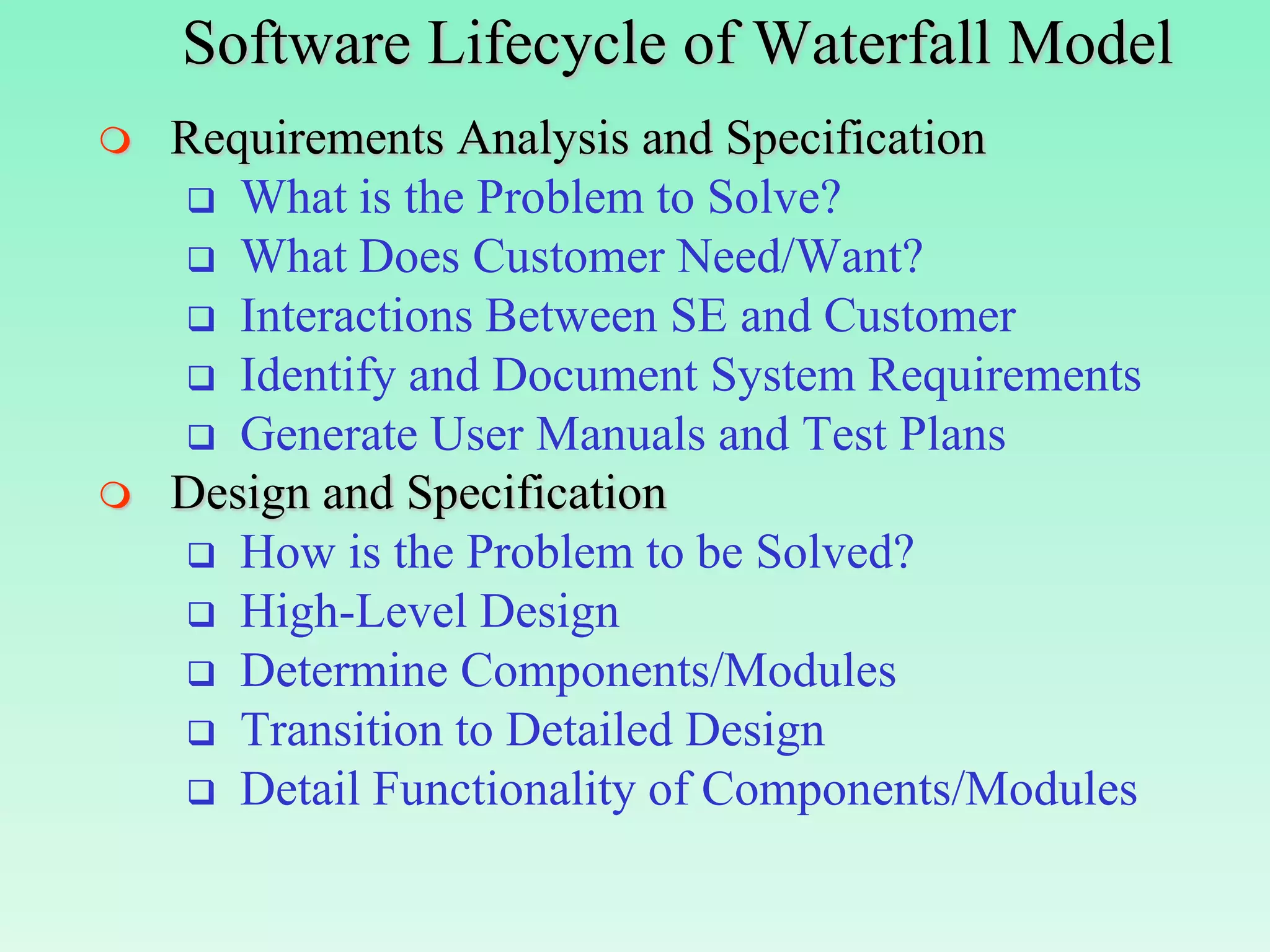
Software Lifecycle of Waterfall Model
   Requirements Analysis and Specification
     What is the Problem to Solve?
     What Does Customer Need/Want?
     Interactions Between SE and Customer
     Identify and Document System Requirements
     Generate User Manuals and Test Plans
   Design and Specification
     How is the Problem to be Solved?
     High-Level Design
     Determine Components/Modules
     Transition to Detailed Design
     Detail Functionality of Components/Modules
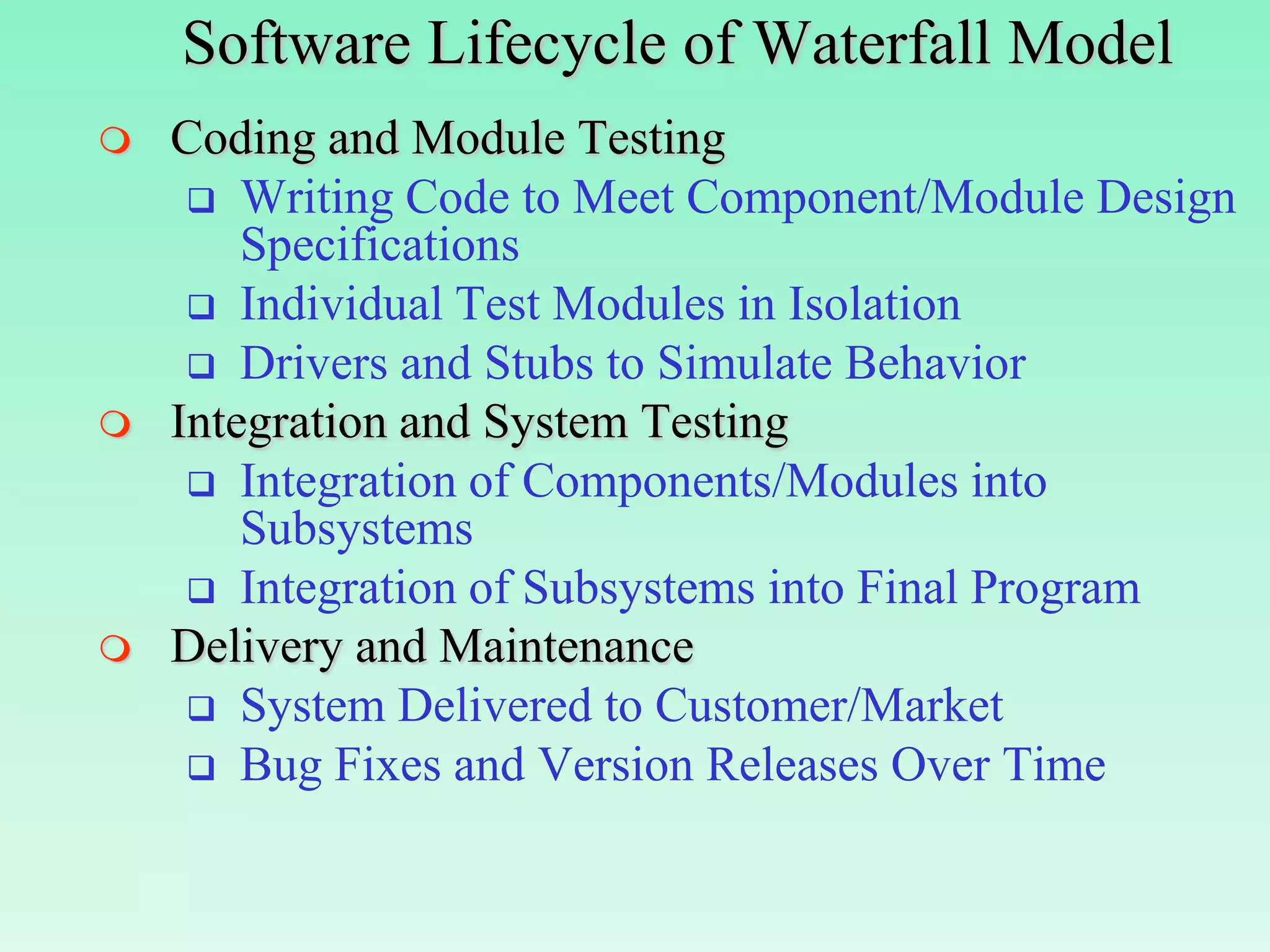
Software Lifecycle of Waterfall Model
   Coding and Module Testing
      Writing Code to Meet Component/Module Design
        Specifications
      Individual Test Modules in Isolation
      Drivers and Stubs to Simulate Behavior
   Integration and System Testing
      Integration of Components/Modules into
        Subsystems
      Integration of Subsystems into Final Program
   Delivery and Maintenance
      System Delivered to Customer/Market
      Bug Fixes and Version Releases Over Time
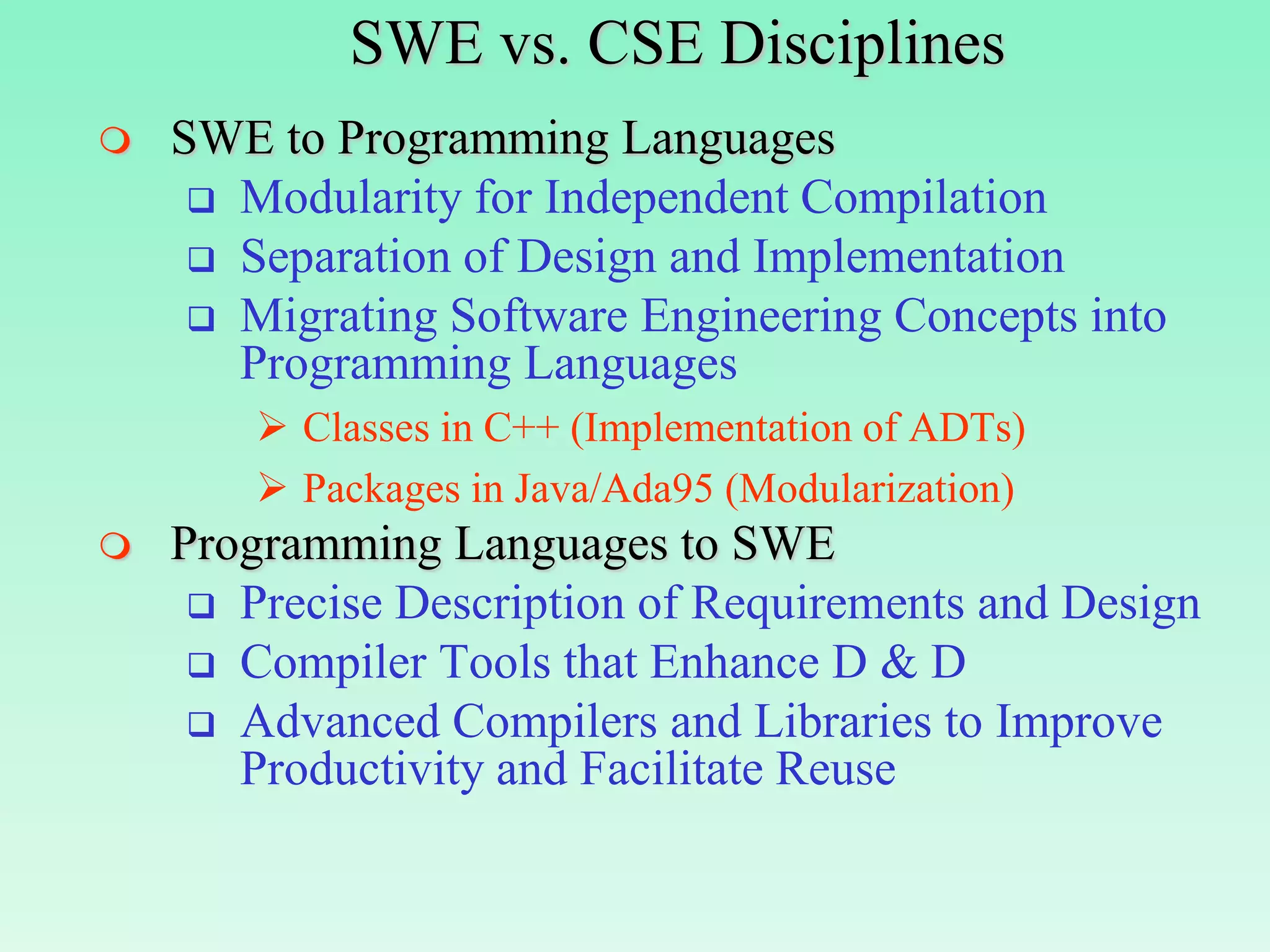
SWE vs. CSE Disciplines
   SWE to Programming Languages
      Modularity for Independent Compilation
      Separation of Design and Implementation
      Migrating Software Engineering Concepts into
       Programming Languages
         Classes in C++ (Implementation of ADTs)
         Packages in Java/Ada95 (Modularization)
   Programming Languages to SWE
      Precise Description of Requirements and Design
      Compiler Tools that Enhance D & D
      Advanced Compilers and Libraries to Improve
       Productivity and Facilitate Reuse
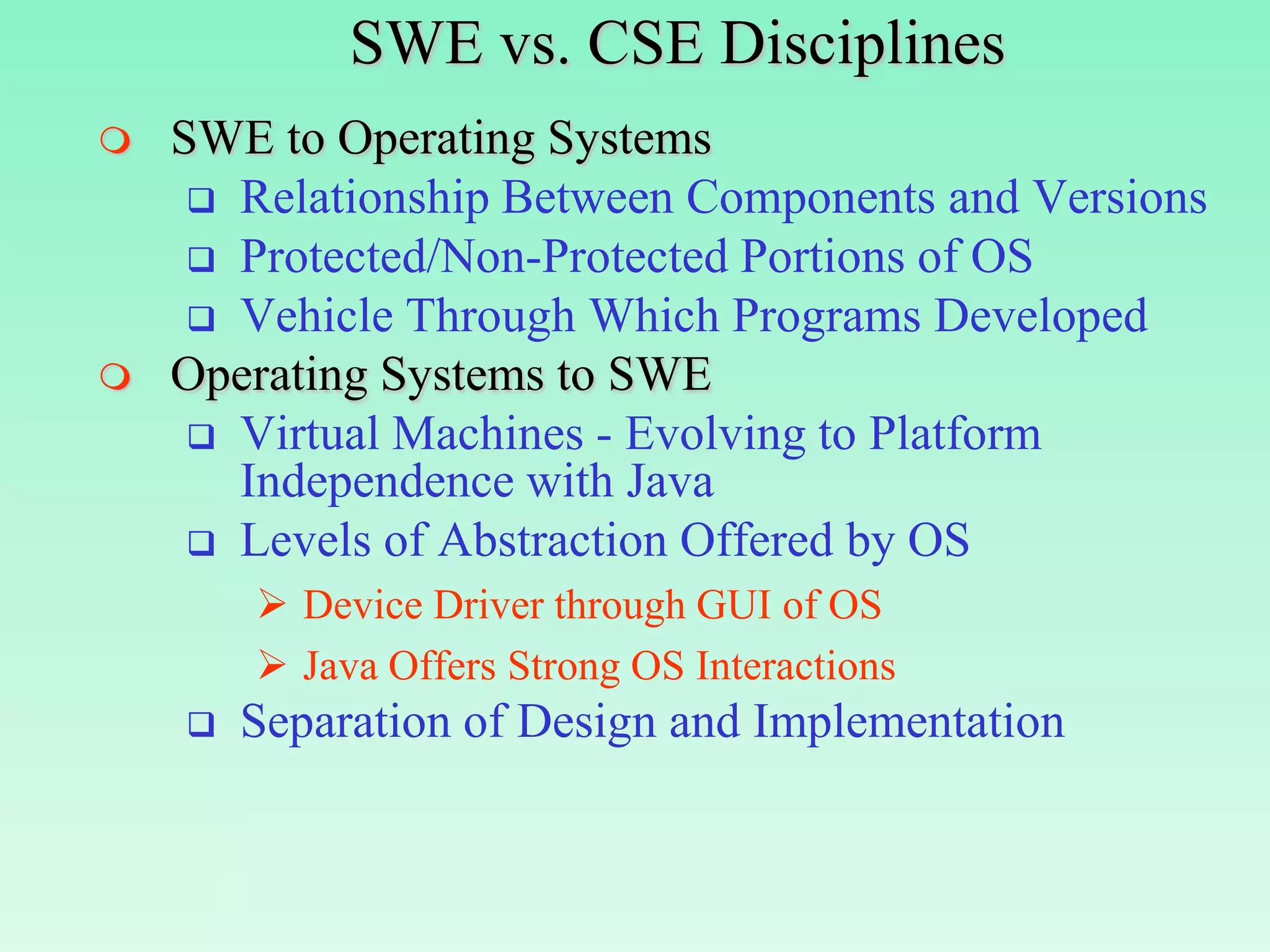
SWE vs. CSE Disciplines
   SWE to Operating Systems
      Relationship Between Components and Versions
      Protected/Non-Protected Portions of OS
      Vehicle Through Which Programs Developed
   Operating Systems to SWE
      Virtual Machines - Evolving to Platform
       Independence with Java
      Levels of Abstraction Offered by OS
         Device Driver through GUI of OS
         Java Offers Strong OS Interactions
       Separation of Design and Implementation
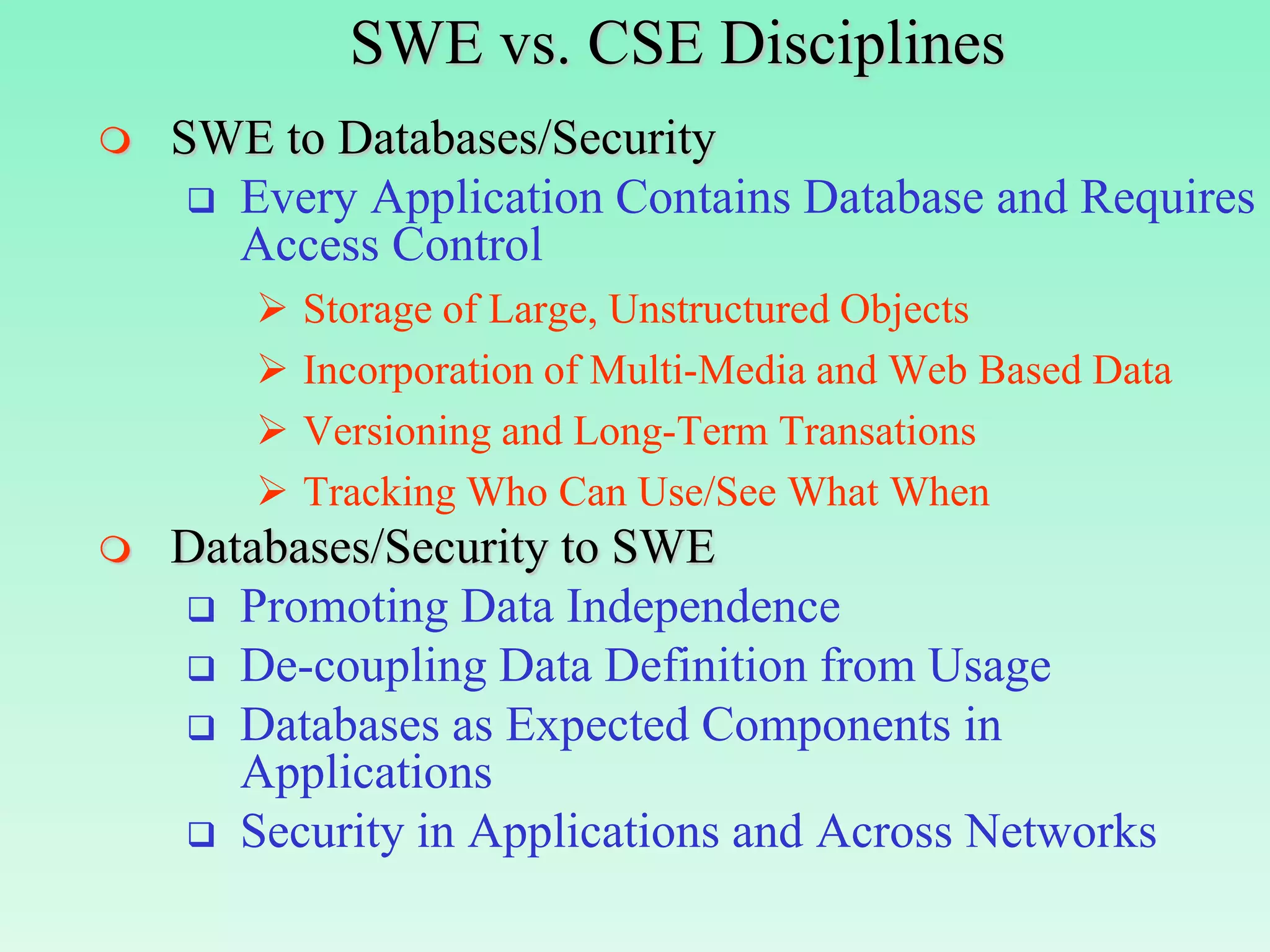
SWE vs. CSE Disciplines
   SWE to Databases/Security
      Every Application Contains Database and Requires
       Access Control
           Storage of Large, Unstructured Objects
           Incorporation of Multi-Media and Web Based Data
           Versioning and Long-Term Transations
           Tracking Who Can Use/See What When
   Databases/Security to SWE
     Promoting Data Independence
     De-coupling Data Definition from Usage
     Databases as Expected Components in
       Applications
     Security in Applications and Across Networks
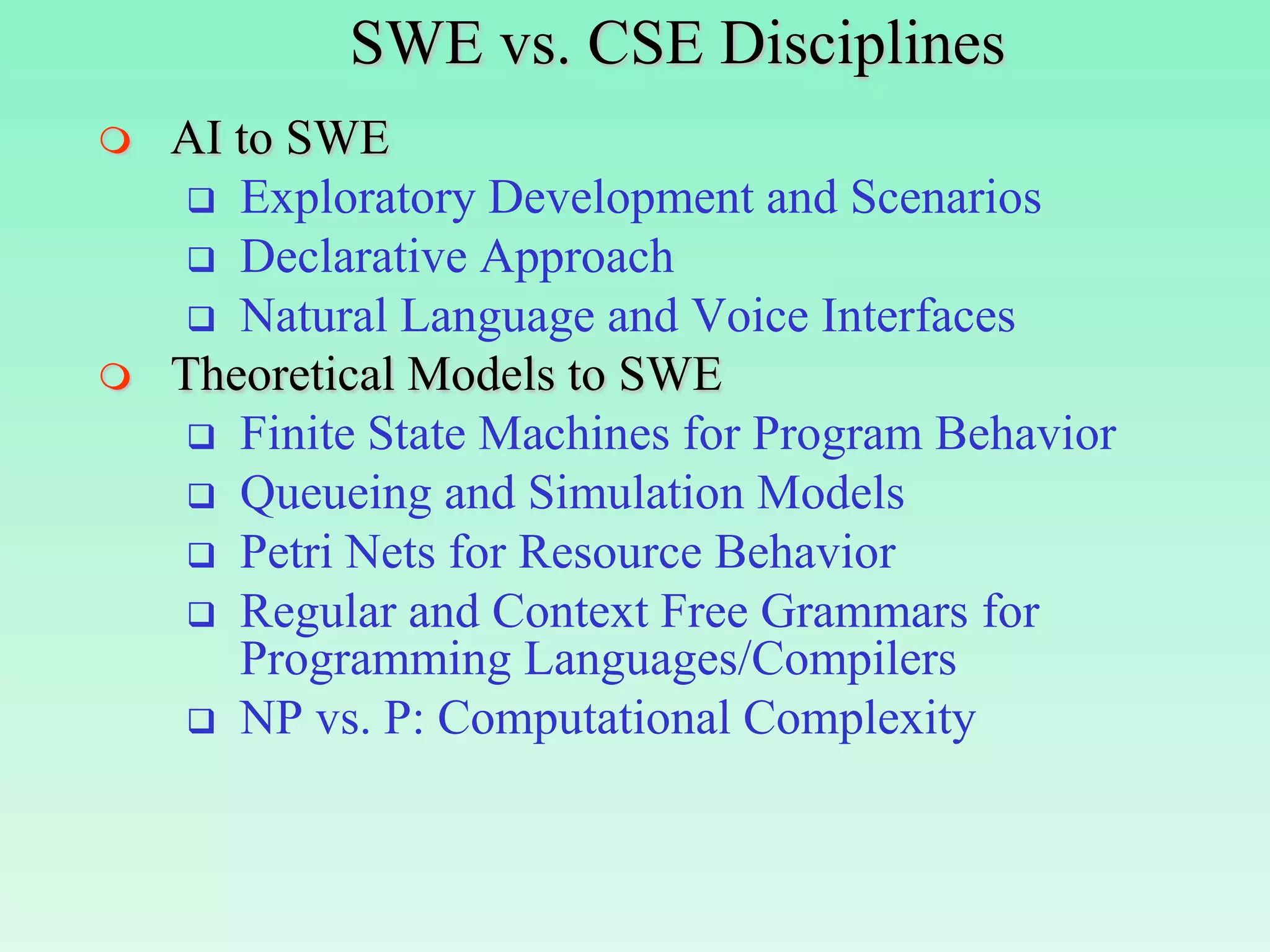
SWE vs. CSE Disciplines
   AI to SWE
      Exploratory Development and Scenarios
      Declarative Approach
      Natural Language and Voice Interfaces
   Theoretical Models to SWE
      Finite State Machines for Program Behavior
      Queueing and Simulation Models
      Petri Nets for Resource Behavior
      Regular and Context Free Grammars for
       Programming Languages/Compilers
      NP vs. P: Computational Complexity
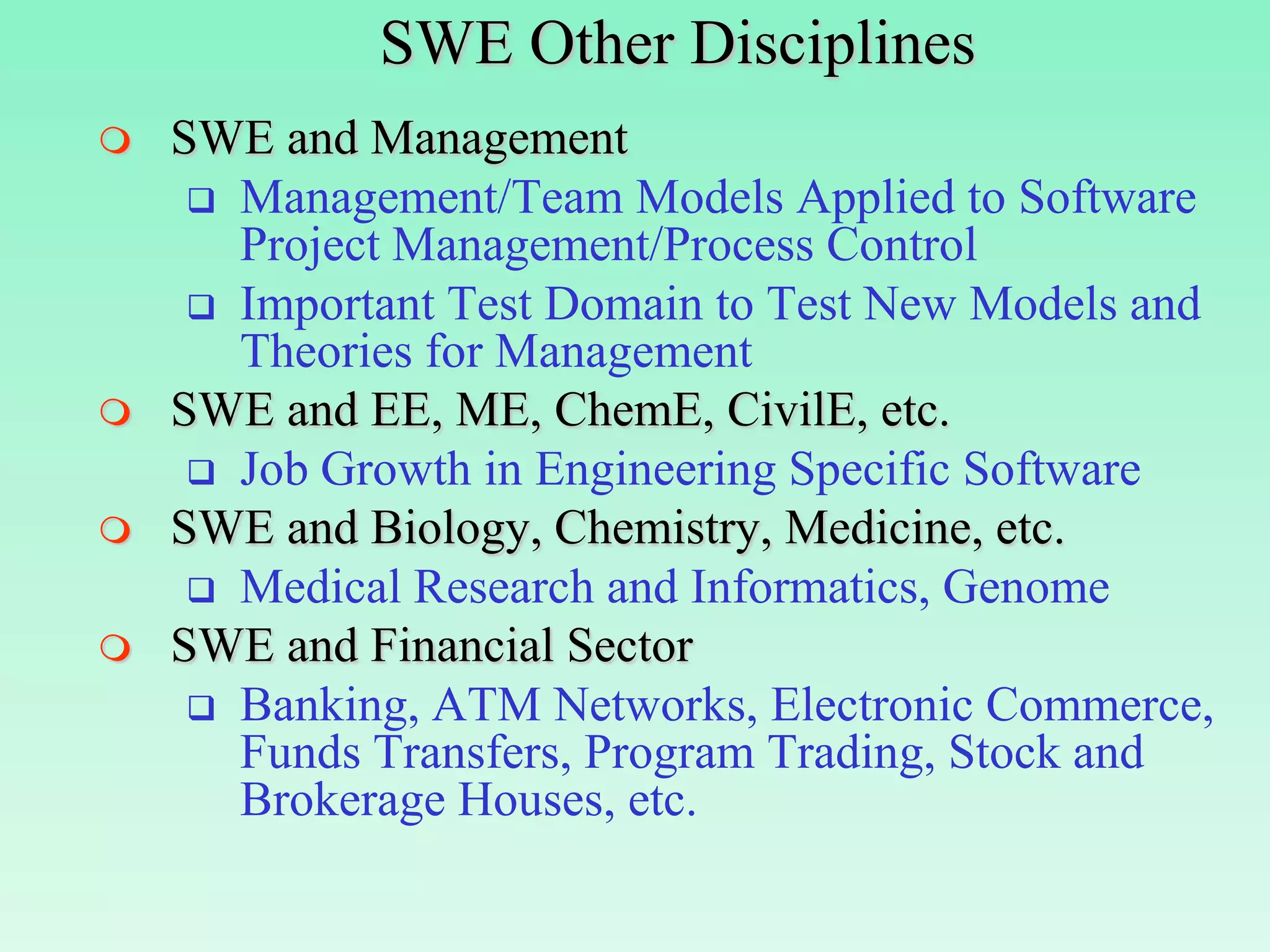
SWE Other Disciplines
   SWE and Management
      Management/Team Models Applied to Software
       Project Management/Process Control
      Important Test Domain to Test New Models and
       Theories for Management
   SWE and EE, ME, ChemE, CivilE, etc.
      Job Growth in Engineering Specific Software
   SWE and Biology, Chemistry, Medicine, etc.
      Medical Research and Informatics, Genome
   SWE and Financial Sector
      Banking, ATM Networks, Electronic Commerce,
       Funds Transfers, Program Trading, Stock and
       Brokerage Houses, etc.
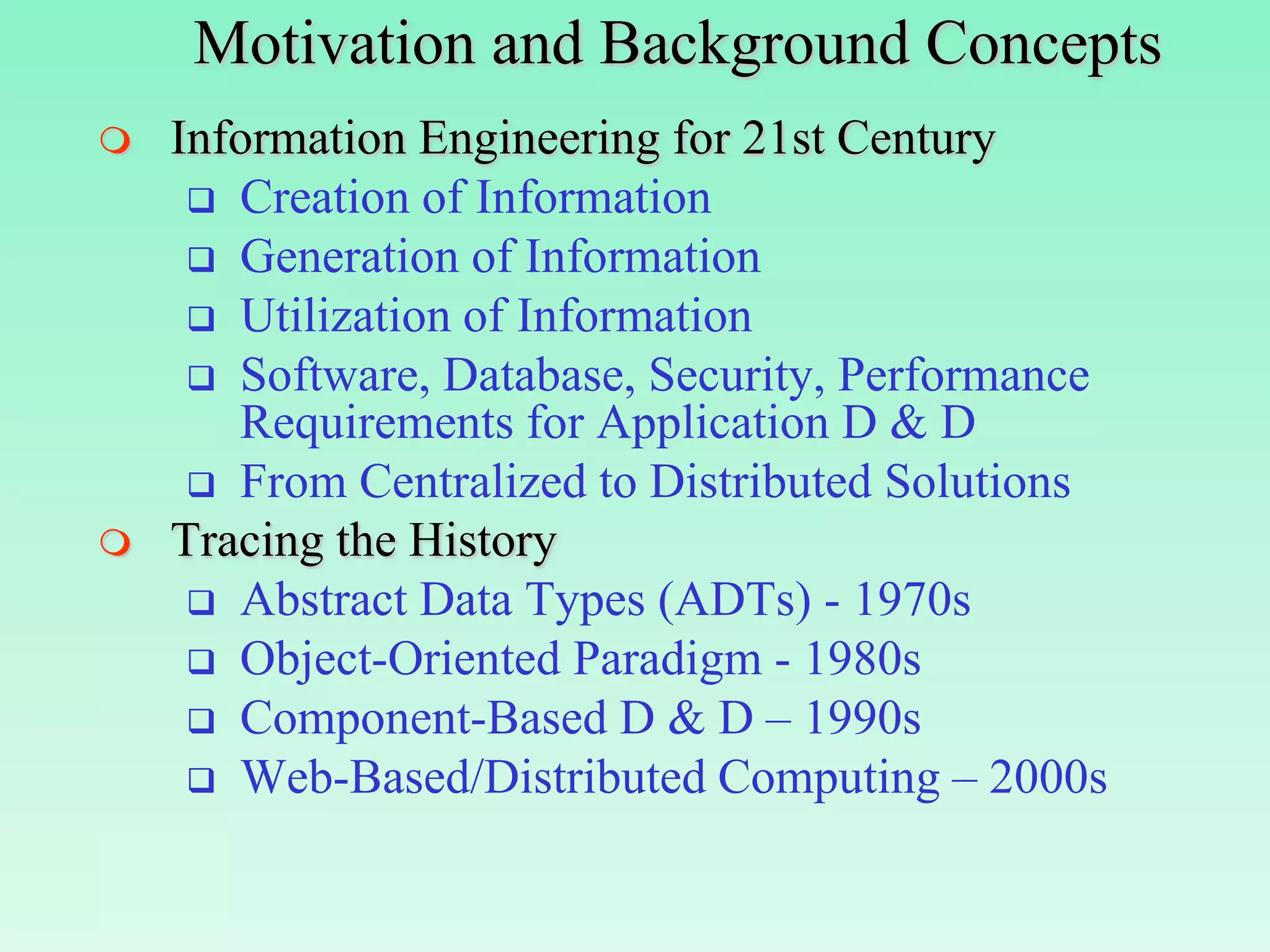
Motivation and Background Concepts
   Information Engineering for 21st Century
      Creation of Information
      Generation of Information
      Utilization of Information
      Software, Database, Security, Performance
       Requirements for Application D & D
      From Centralized to Distributed Solutions
   Tracing the History
      Abstract Data Types (ADTs) - 1970s
      Object-Oriented Paradigm - 1980s
      Component-Based D & D – 1990s
      Web-Based/Distributed Computing – 2000s
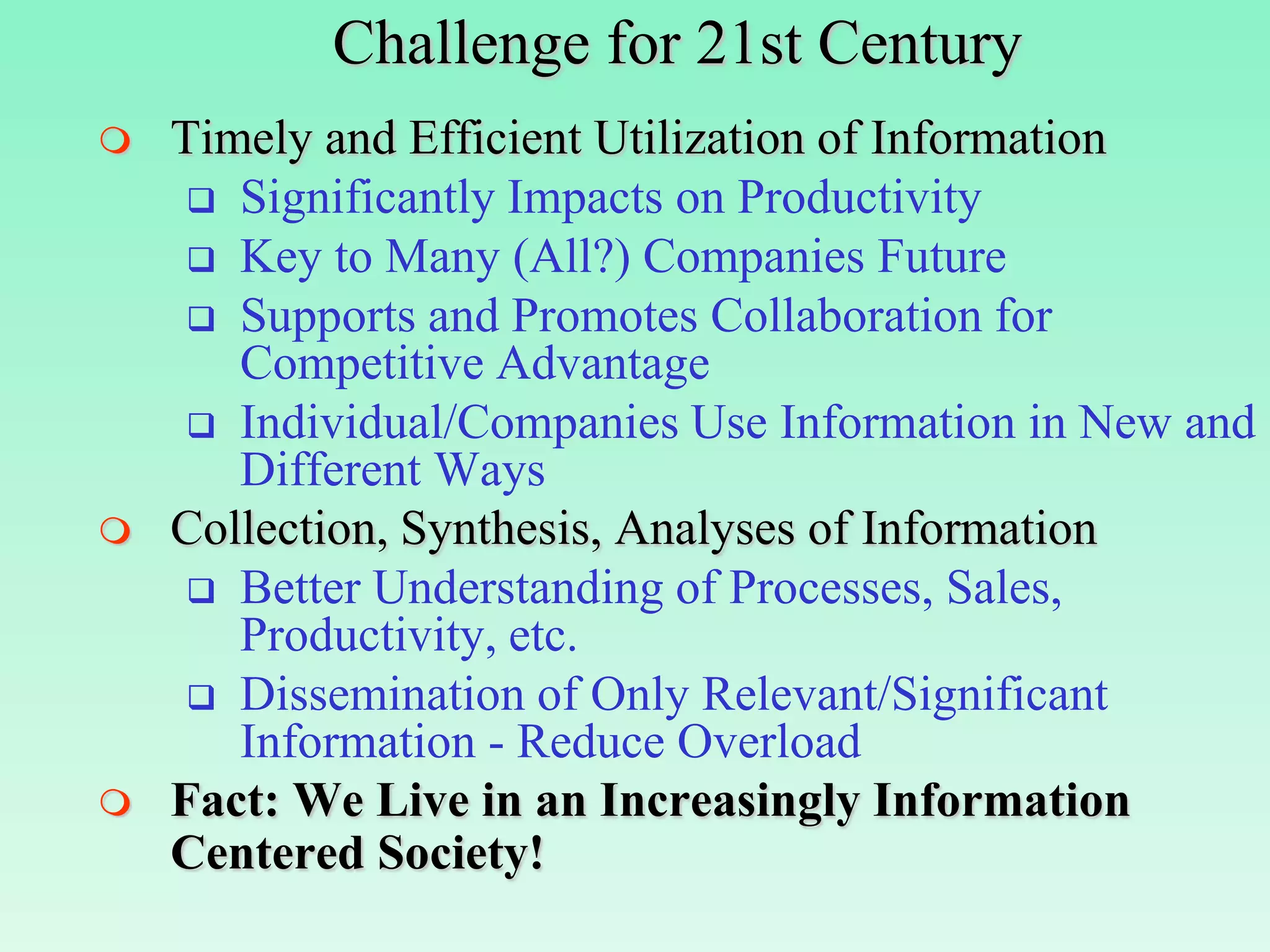
Challenge for 21st Century
   Timely and Efficient Utilization of Information
      Significantly Impacts on Productivity
      Key to Many (All?) Companies Future
      Supports and Promotes Collaboration for
       Competitive Advantage
      Individual/Companies Use Information in New and
       Different Ways
   Collection, Synthesis, Analyses of Information
      Better Understanding of Processes, Sales,
       Productivity, etc.
      Dissemination of Only Relevant/Significant
       Information - Reduce Overload
   Fact: We Live in an Increasingly Information
    Centered Society!
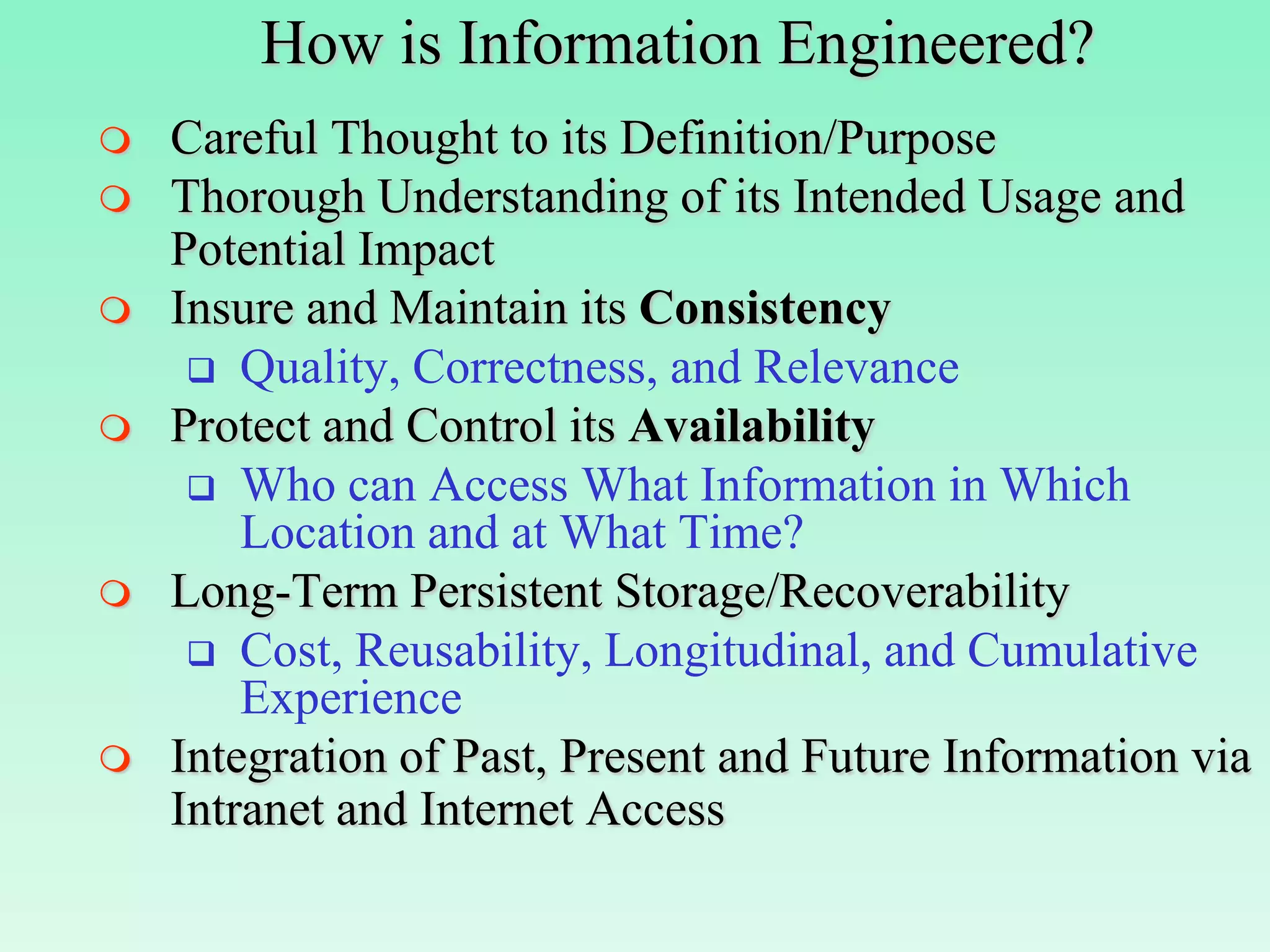
How is Information Engineered?
   Careful Thought to its Definition/Purpose
   Thorough Understanding of its Intended Usage and
    Potential Impact
   Insure and Maintain its Consistency
      Quality, Correctness, and Relevance
   Protect and Control its Availability
      Who can Access What Information in Which
        Location and at What Time?
   Long-Term Persistent Storage/Recoverability
      Cost, Reusability, Longitudinal, and Cumulative
        Experience
   Integration of Past, Present and Future Information via
    Intranet and Internet Access
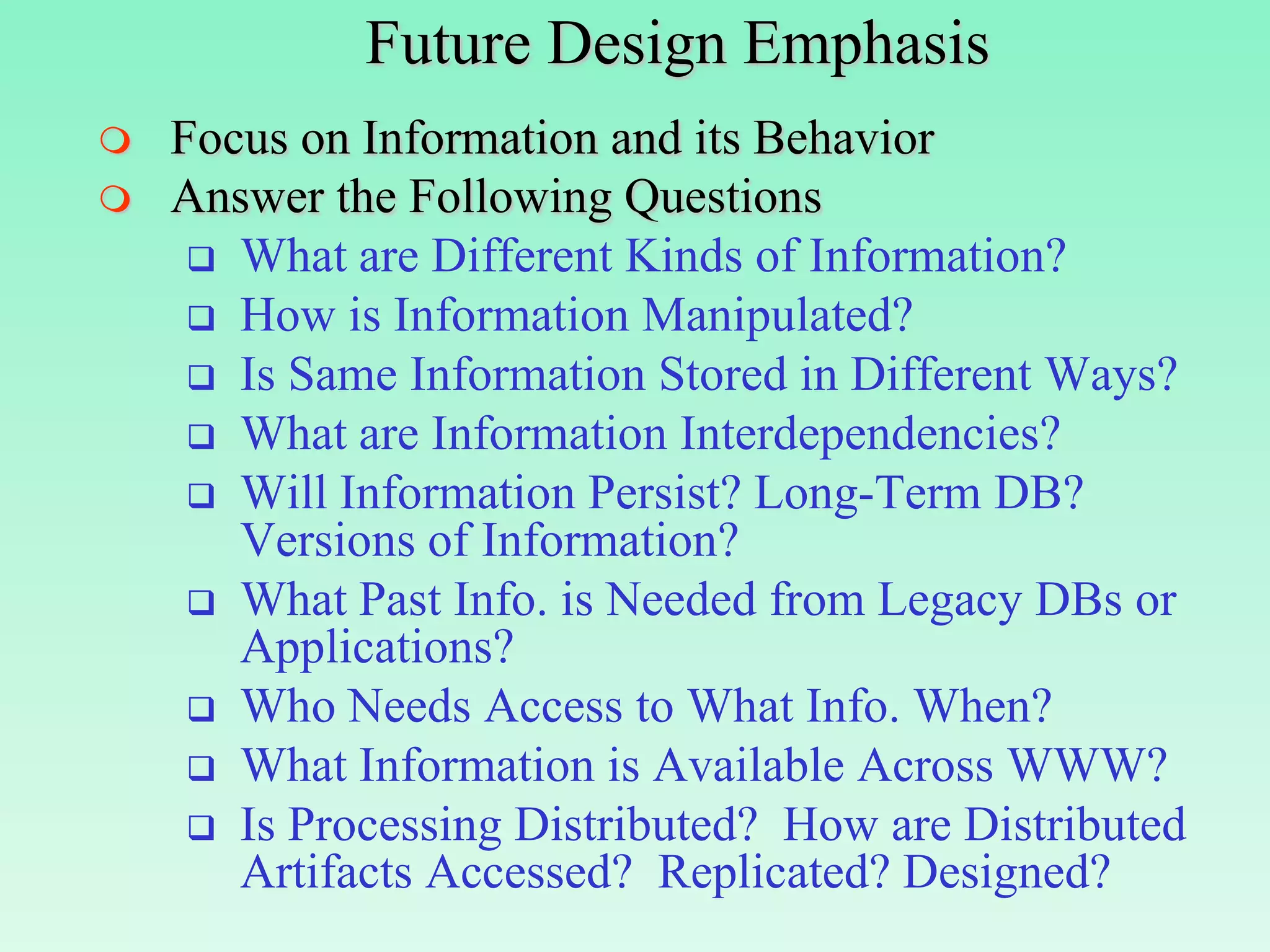
Future Design Emphasis
   Focus on Information and its Behavior
   Answer the Following Questions
      What are Different Kinds of Information?
      How is Information Manipulated?
      Is Same Information Stored in Different Ways?
      What are Information Interdependencies?
      Will Information Persist? Long-Term DB?
       Versions of Information?
      What Past Info. is Needed from Legacy DBs or
       Applications?
      Who Needs Access to What Info. When?
      What Information is Available Across WWW?
      Is Processing Distributed? How are Distributed
       Artifacts Accessed? Replicated? Designed?
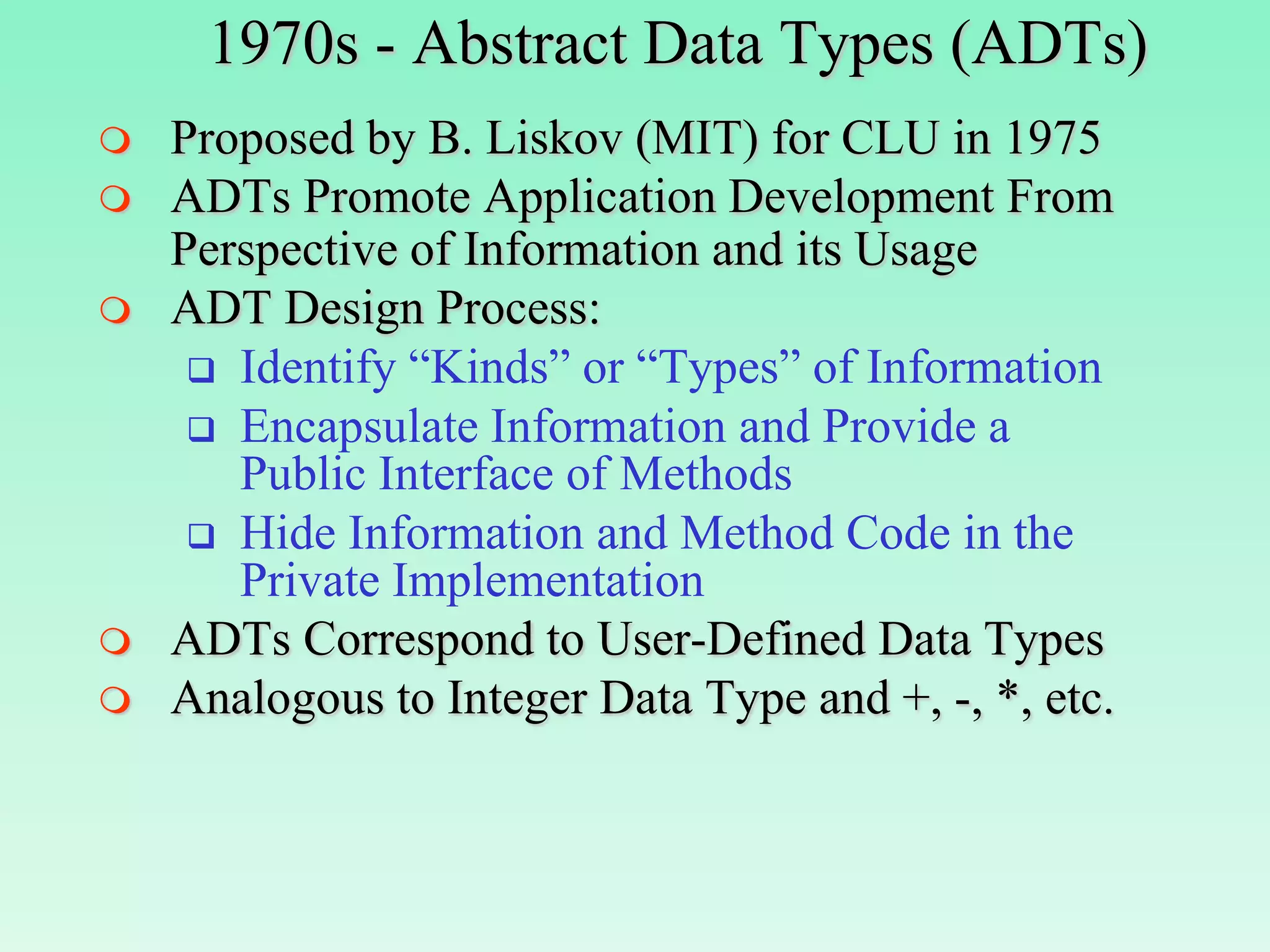
1970s - Abstract Data Types (ADTs)
   Proposed by B. Liskov (MIT) for CLU in 1975
   ADTs Promote Application Development From
    Perspective of Information and its Usage
   ADT Design Process:
      Identify “Kinds” or “Types” of Information
      Encapsulate Information and Provide a
       Public Interface of Methods
      Hide Information and Method Code in the
       Private Implementation
   ADTs Correspond to User-Defined Data Types
   Analogous to Integer Data Type and +, -, *, etc.
Abstract Data Types (ADTs)
   Consider the following Example Stack ADT:

                   Public
                  Interface   Private Implementation

                              Head: Int;
           User                                             Designer
                              ST: Array[100] of Int;
                     PUSH
                     POP      Push(X Int)
                              …
                     TOP      End;
                     EMPTY
                              Int Pop()
                              …
                              End;


    PUSH
            5                  20 15   10      5
           10                                                   ST
           15        5
                     TOP       20         15       10   5
           20
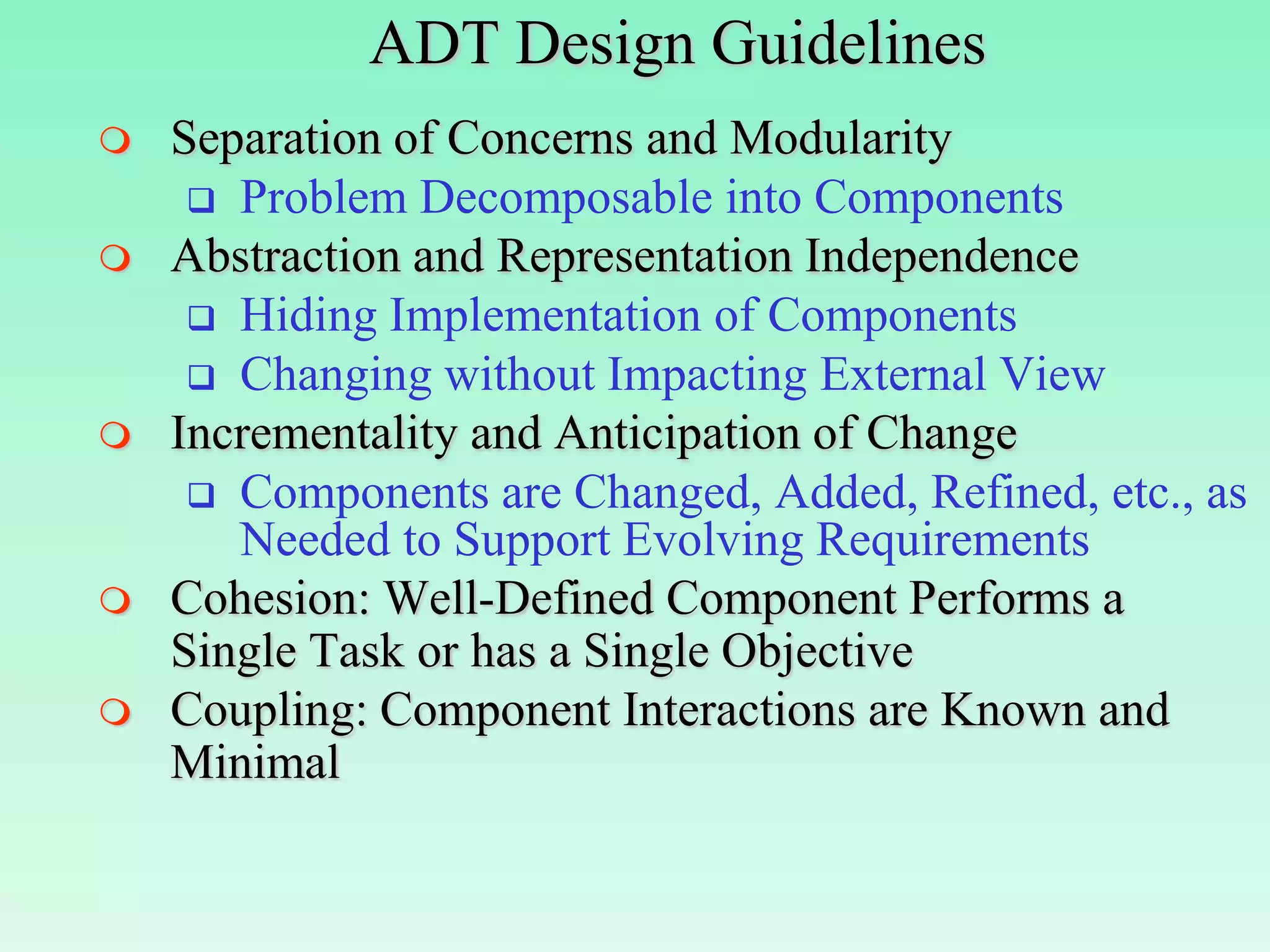
ADT Design Guidelines
   Separation of Concerns and Modularity
      Problem Decomposable into Components
   Abstraction and Representation Independence
      Hiding Implementation of Components
      Changing without Impacting External View
   Incrementality and Anticipation of Change
      Components are Changed, Added, Refined, etc., as
       Needed to Support Evolving Requirements
   Cohesion: Well-Defined Component Performs a
    Single Task or has a Single Objective
   Coupling: Component Interactions are Known and
    Minimal
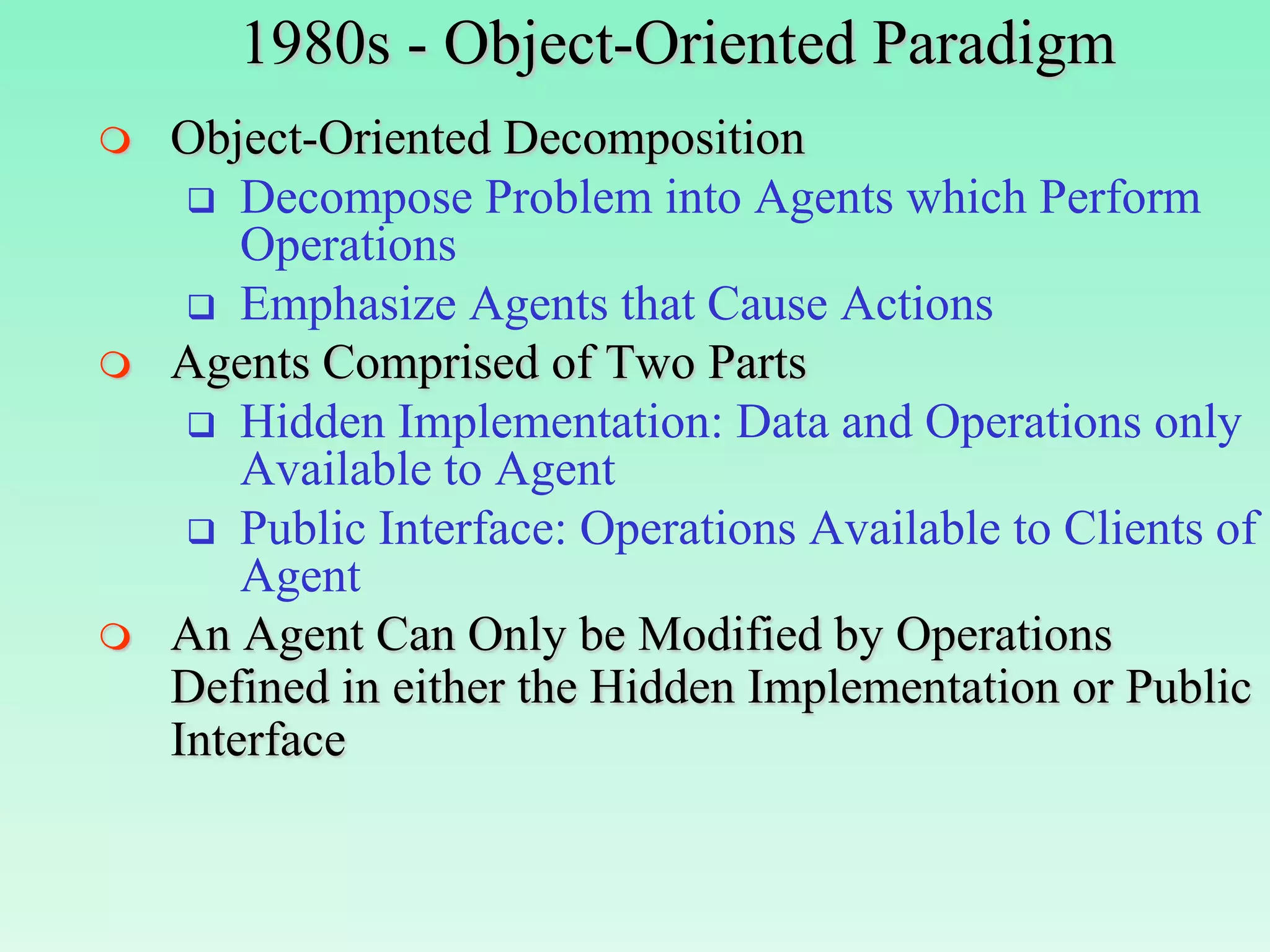
1980s - Object-Oriented Paradigm
   Object-Oriented Decomposition
      Decompose Problem into Agents which Perform
        Operations
      Emphasize Agents that Cause Actions
   Agents Comprised of Two Parts
      Hidden Implementation: Data and Operations only
        Available to Agent
      Public Interface: Operations Available to Clients of
        Agent
   An Agent Can Only be Modified by Operations
    Defined in either the Hidden Implementation or Public
    Interface
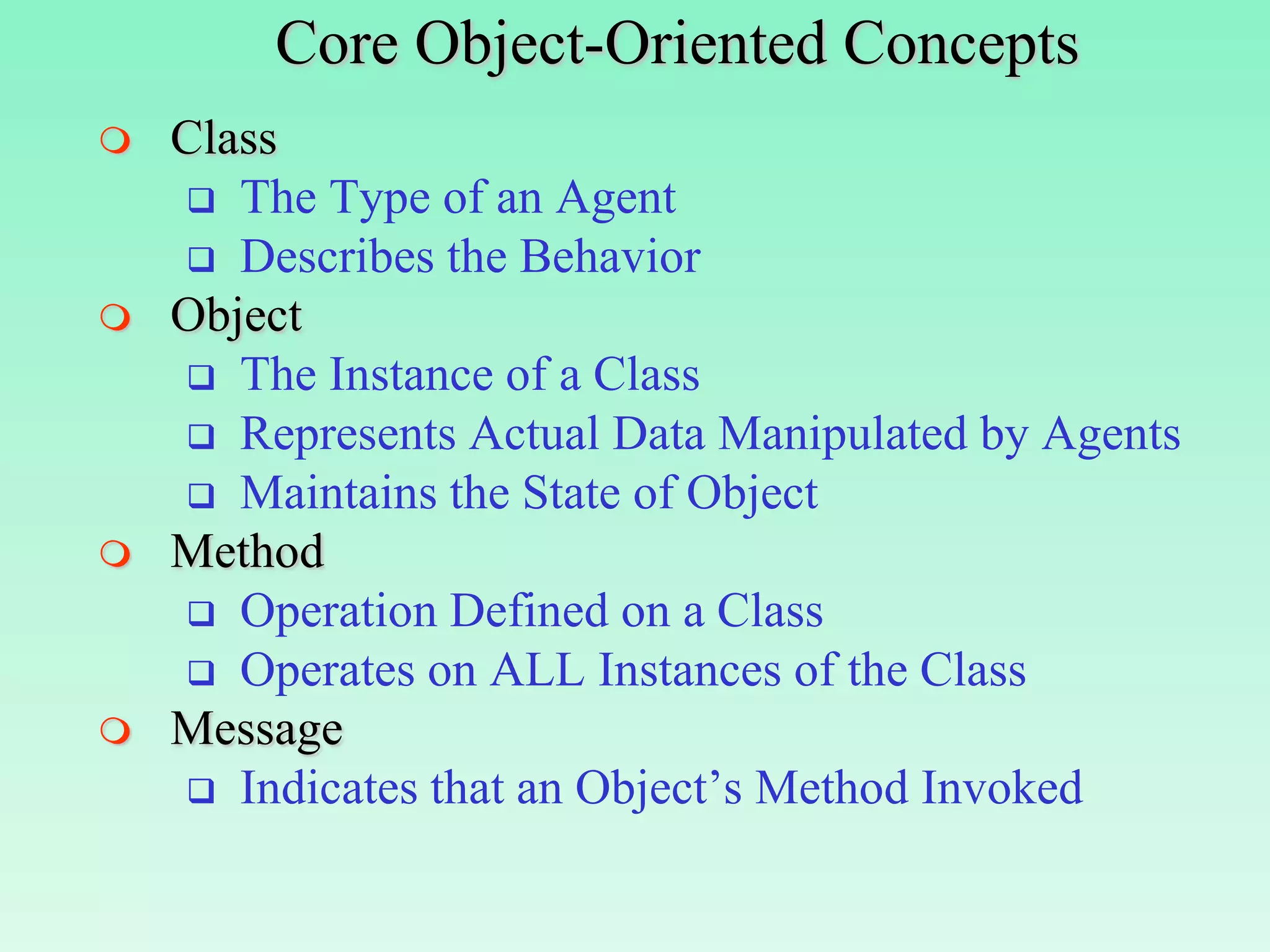
Core Object-Oriented Concepts
   Class
     The Type of an Agent
     Describes the Behavior
   Object
     The Instance of a Class
     Represents Actual Data Manipulated by Agents
     Maintains the State of Object
   Method
     Operation Defined on a Class
     Operates on ALL Instances of the Class
   Message
     Indicates that an Object’s Method Invoked
An Example Employee Class
Class Employee                      Main()
 {                                  {
   //Hidden Implementation          //Declare Objects
   Private: //Instance Vars         Employee emp1(Steve,100.0);
     char[30] name;                 Employee emp2(Lois, 120.0);
     float    salary;
  //Public Interface                //Pass Messages
  Public:                           //Invoke Methods
     void print_name();             emp1.print_name();
     void print_salary();           emp1.print_salary();
     void update_salary(float i);   emp2.update_salary(10);
     Employee(char *n, float s);    emp2.print_name();
 }                                  emp2.print_salary();
                                    }

What’s Output of Main()?        Conclusion:
   Steve                         Each Object (emp1,emp2) has
   100.0                         Own Independent State that
   Lois                          is Accessible via Shared
   130.0                         Public Interface of Class
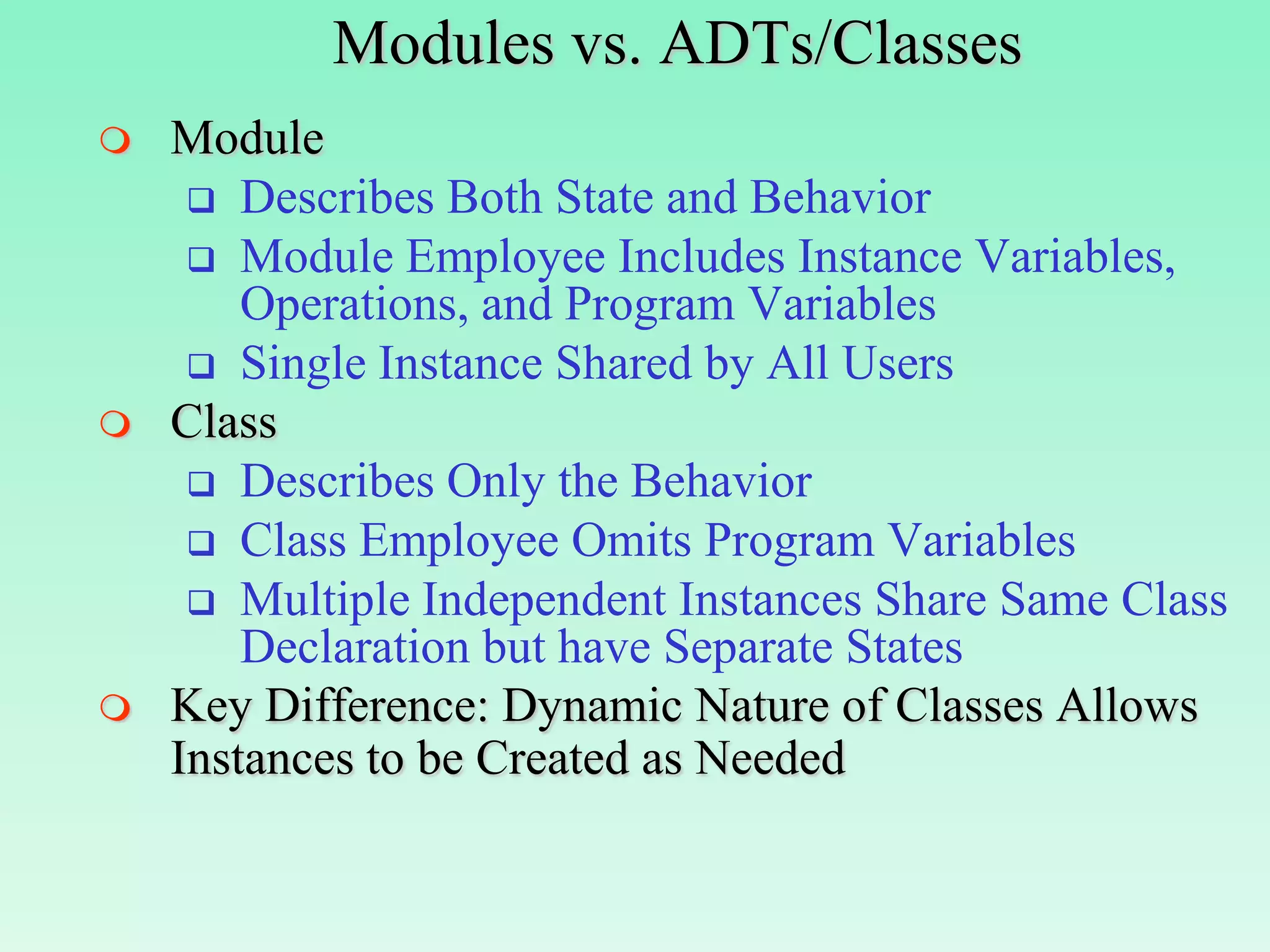
Modules vs. ADTs/Classes
   Module
      Describes Both State and Behavior
      Module Employee Includes Instance Variables,
        Operations, and Program Variables
      Single Instance Shared by All Users
   Class
      Describes Only the Behavior
      Class Employee Omits Program Variables
      Multiple Independent Instances Share Same Class
        Declaration but have Separate States
   Key Difference: Dynamic Nature of Classes Allows
    Instances to be Created as Needed
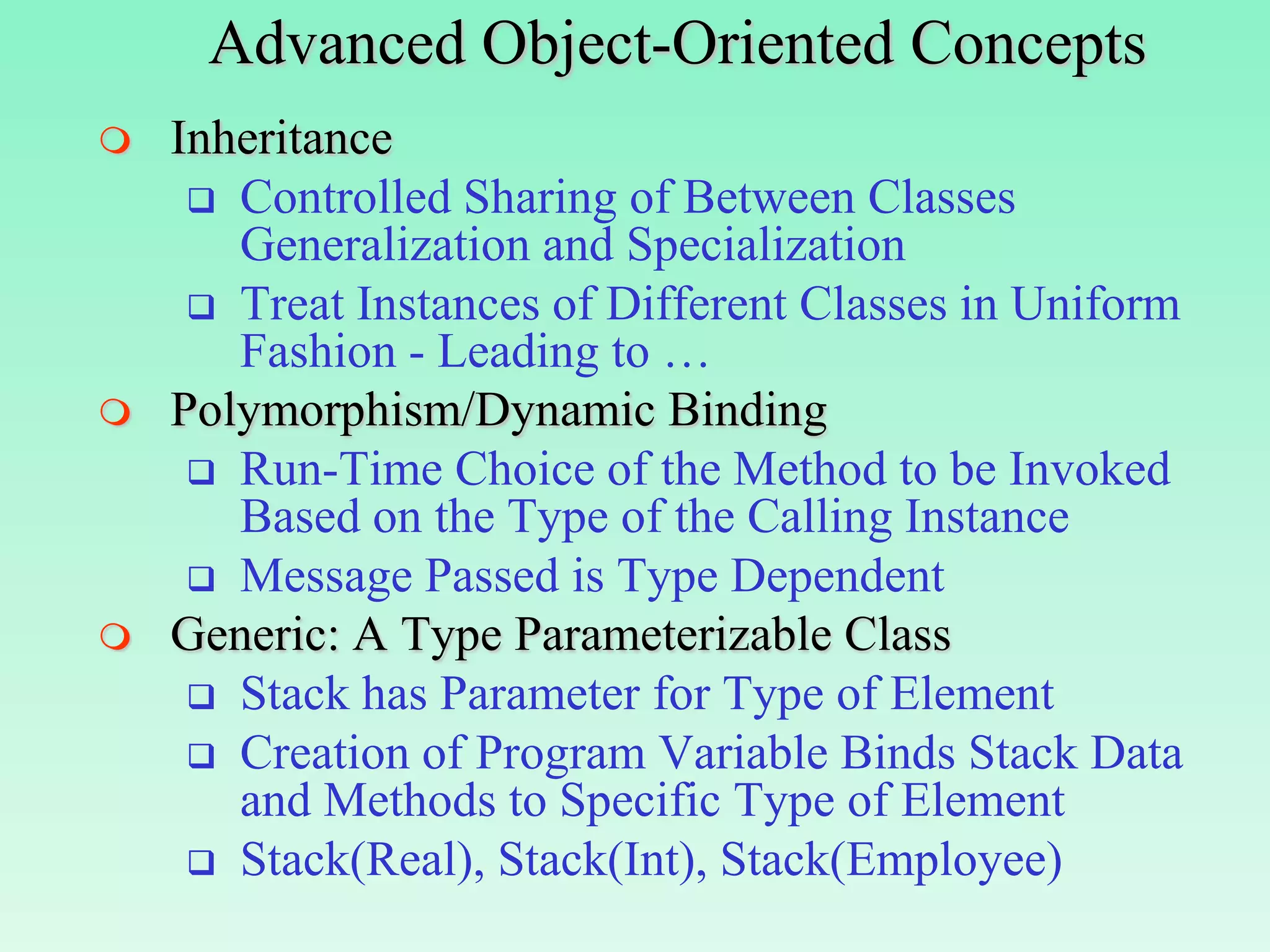
Advanced Object-Oriented Concepts
   Inheritance
      Controlled Sharing of Between Classes
       Generalization and Specialization
      Treat Instances of Different Classes in Uniform
       Fashion - Leading to …
   Polymorphism/Dynamic Binding
      Run-Time Choice of the Method to be Invoked
       Based on the Type of the Calling Instance
      Message Passed is Type Dependent
   Generic: A Type Parameterizable Class
      Stack has Parameter for Type of Element
      Creation of Program Variable Binds Stack Data
       and Methods to Specific Type of Element
      Stack(Real), Stack(Int), Stack(Employee)
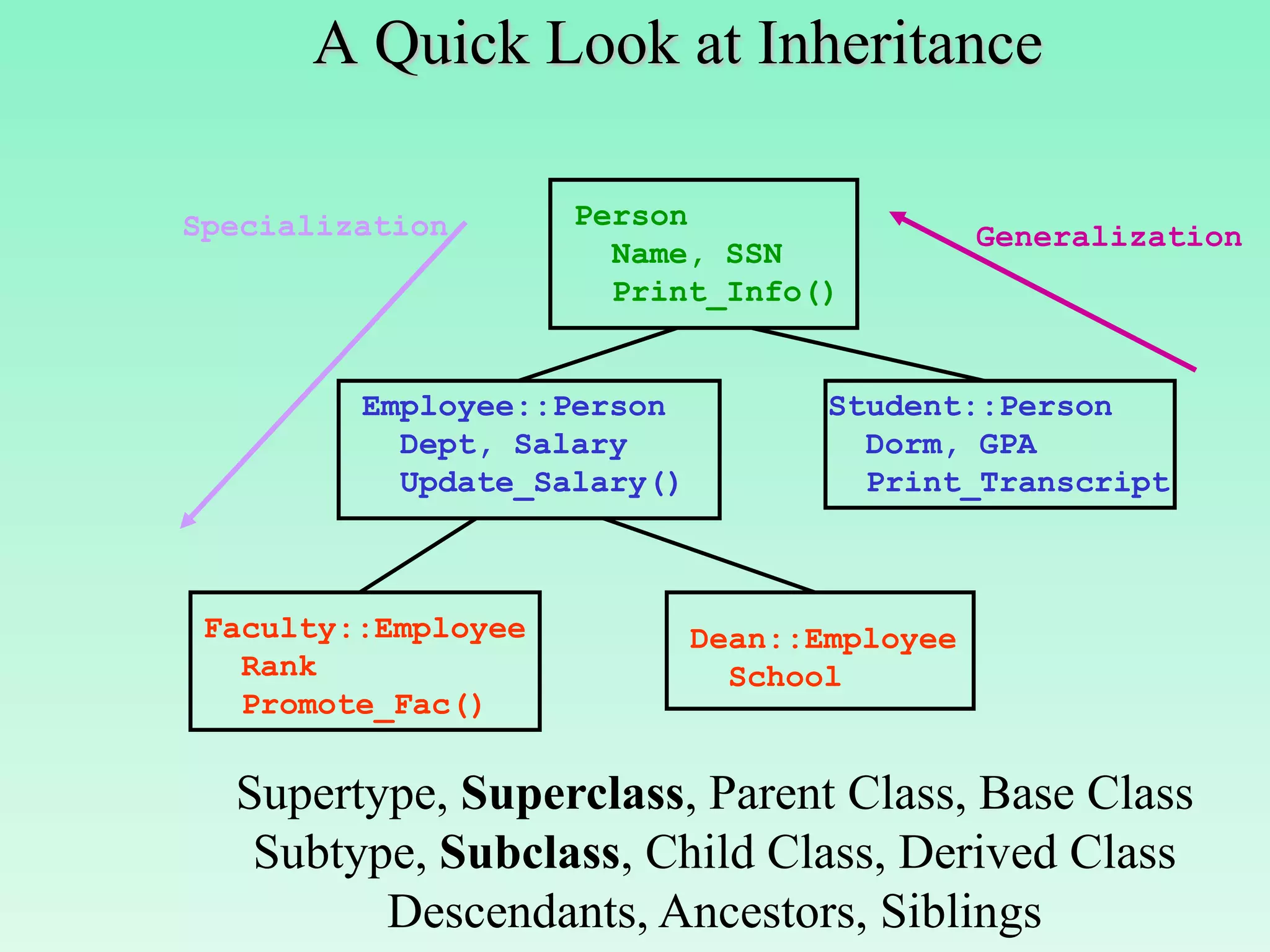
A Quick Look at Inheritance

Specialization       Person
                                              Generalization
                       Name, SSN
                       Print_Info()


         Employee::Person           Student::Person
           Dept, Salary               Dorm, GPA
           Update_Salary()            Print_Transcript


 Faculty::Employee           Dean::Employee
   Rank                        School
   Promote_Fac()

  Supertype, Superclass, Parent Class, Base Class
   Subtype, Subclass, Child Class, Derived Class
         Descendants, Ancestors, Siblings
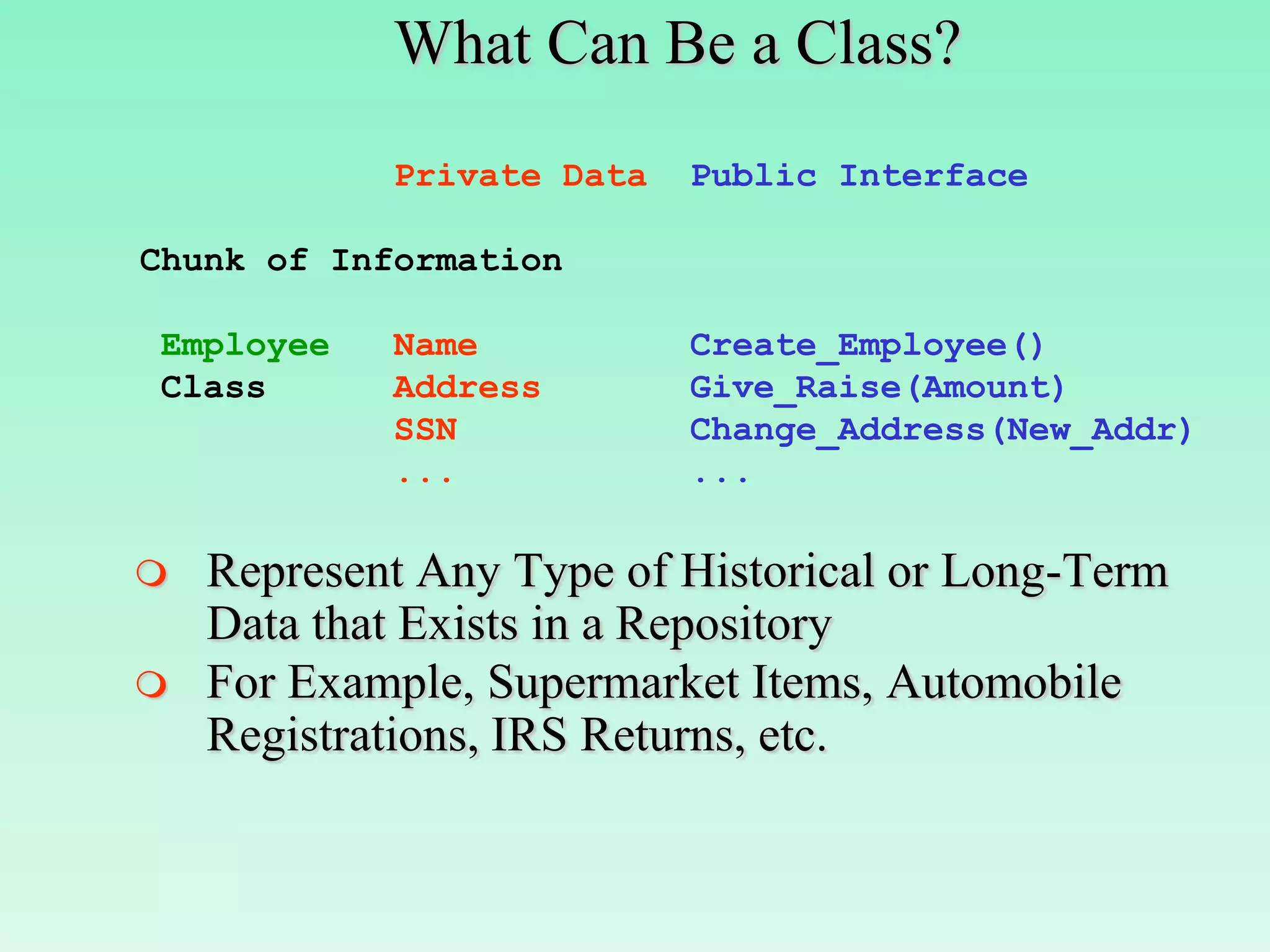
What Can Be a Class?
            Private Data   Public Interface

Chunk of Information

Employee    Name           Create_Employee()
Class       Address        Give_Raise(Amount)
            SSN            Change_Address(New_Addr)
            ...            ...

   Represent Any Type of Historical or Long-Term
    Data that Exists in a Repository
   For Example, Supermarket Items, Automobile
    Registrations, IRS Returns, etc.
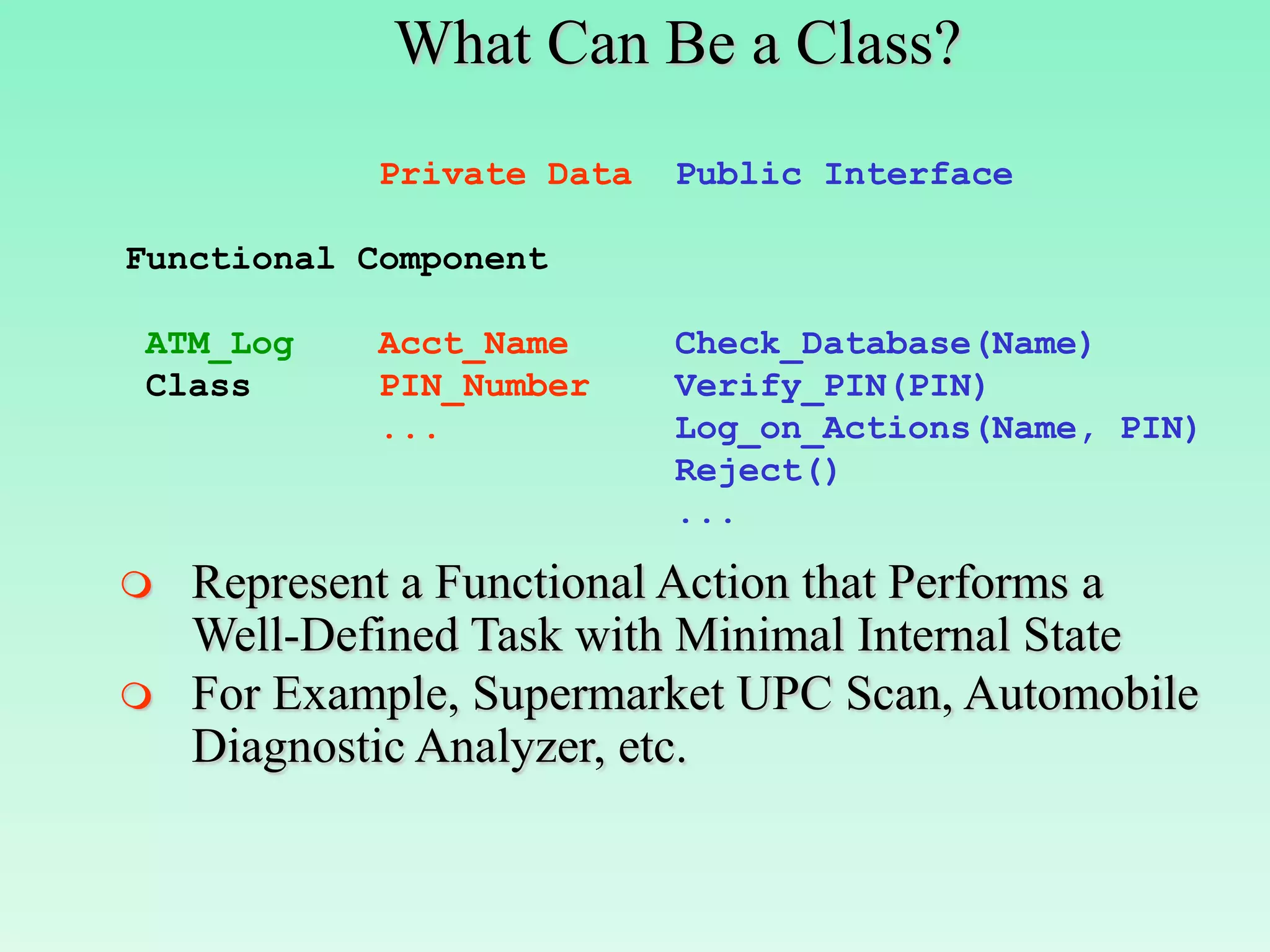
What Can Be a Class?
            Private Data   Public Interface

Functional Component

ATM_Log     Acct_Name      Check_Database(Name)
Class       PIN_Number     Verify_PIN(PIN)
            ...            Log_on_Actions(Name, PIN)
                           Reject()
                           ...

   Represent a Functional Action that Performs a
    Well-Defined Task with Minimal Internal State
   For Example, Supermarket UPC Scan, Automobile
    Diagnostic Analyzer, etc.
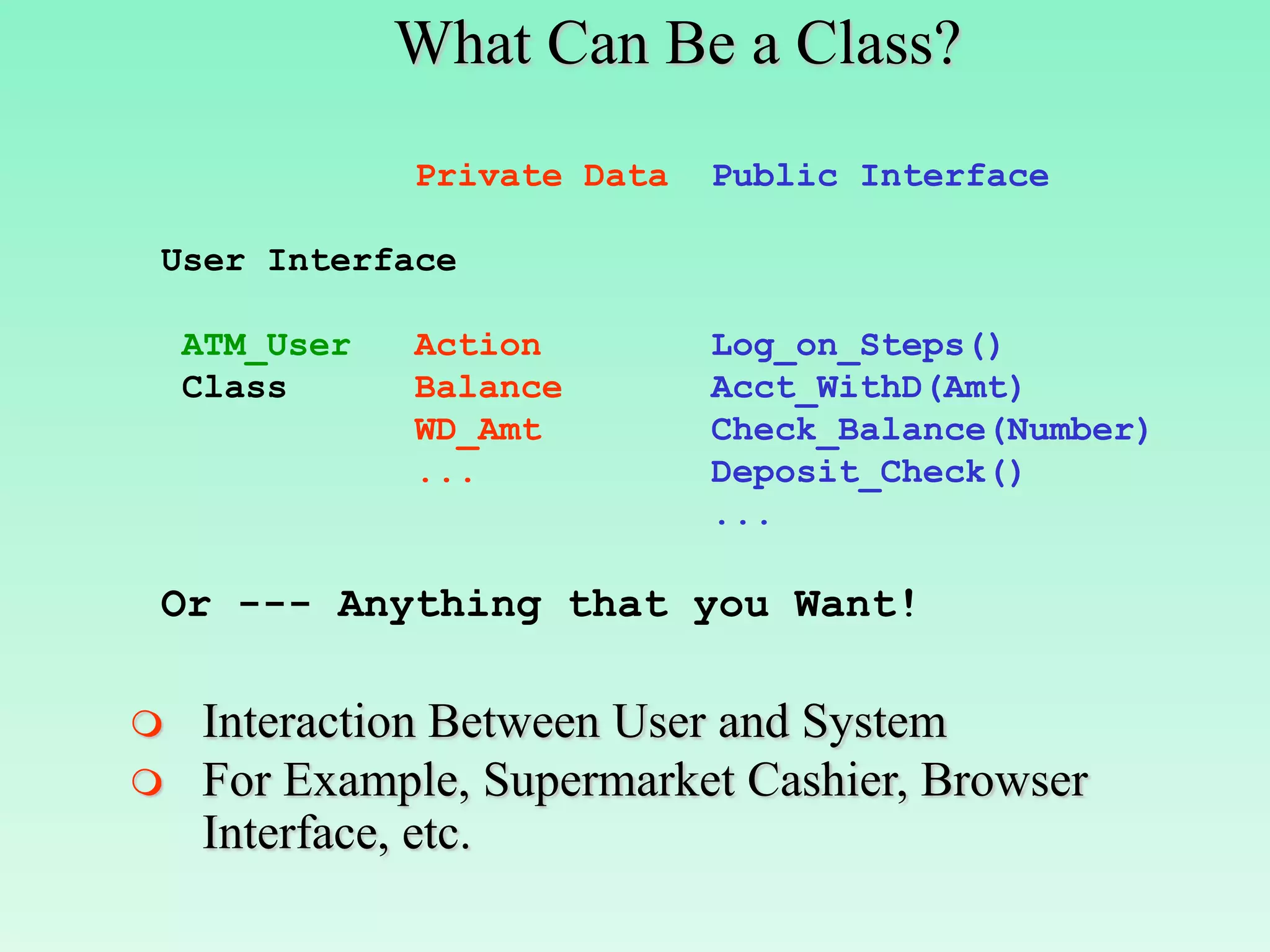
What Can Be a Class?
               Private Data   Public Interface

User Interface

    ATM_User   Action         Log_on_Steps()
    Class      Balance        Acct_WithD(Amt)
               WD_Amt         Check_Balance(Number)
               ...            Deposit_Check()
                              ...

Or --- Anything that you Want!

   Interaction Between User and System
   For Example, Supermarket Cashier, Browser
    Interface, etc.
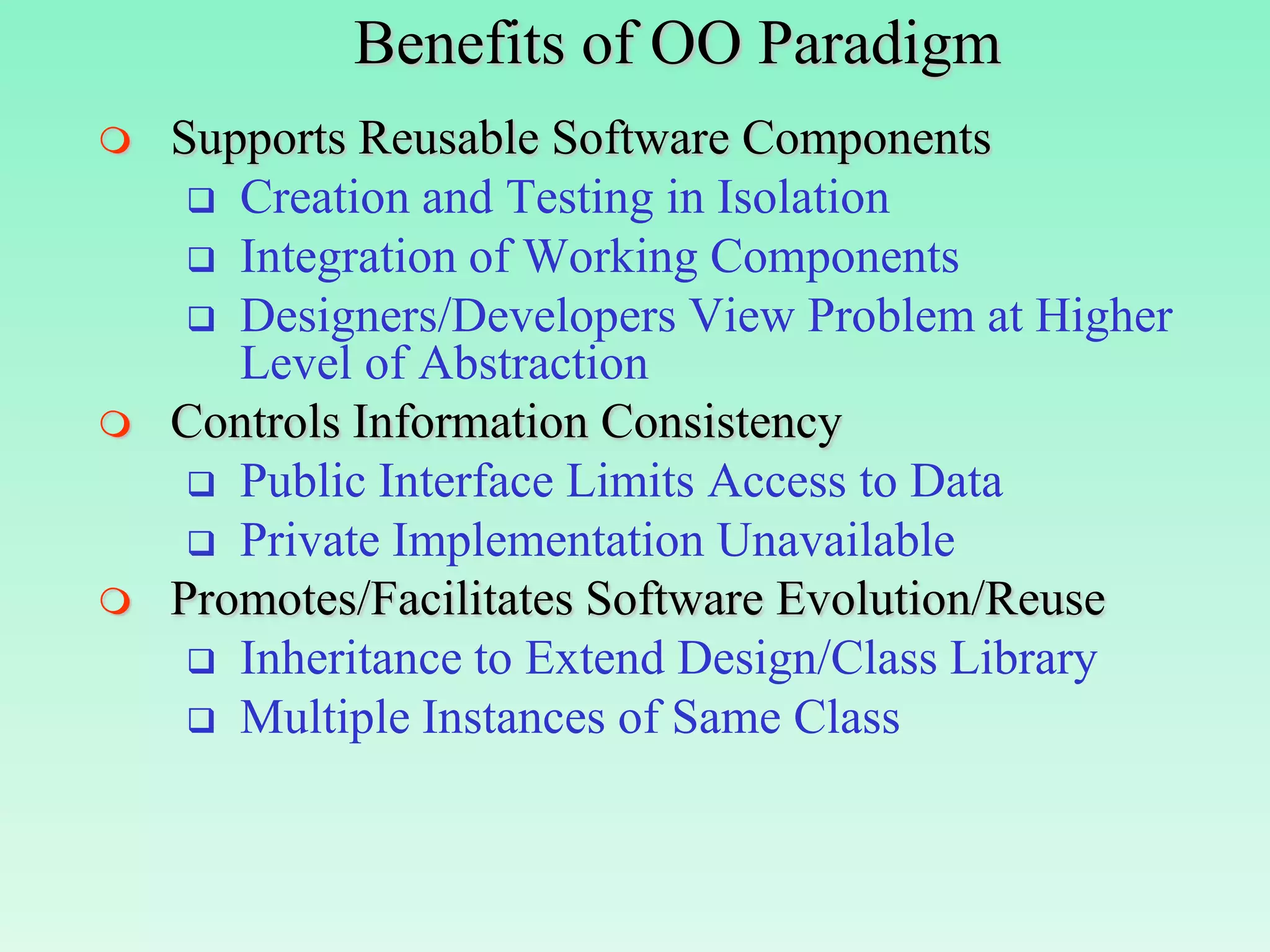
Benefits of OO Paradigm
   Supports Reusable Software Components
      Creation and Testing in Isolation
      Integration of Working Components
      Designers/Developers View Problem at Higher
       Level of Abstraction
   Controls Information Consistency
      Public Interface Limits Access to Data
      Private Implementation Unavailable
   Promotes/Facilitates Software Evolution/Reuse
      Inheritance to Extend Design/Class Library
      Multiple Instances of Same Class
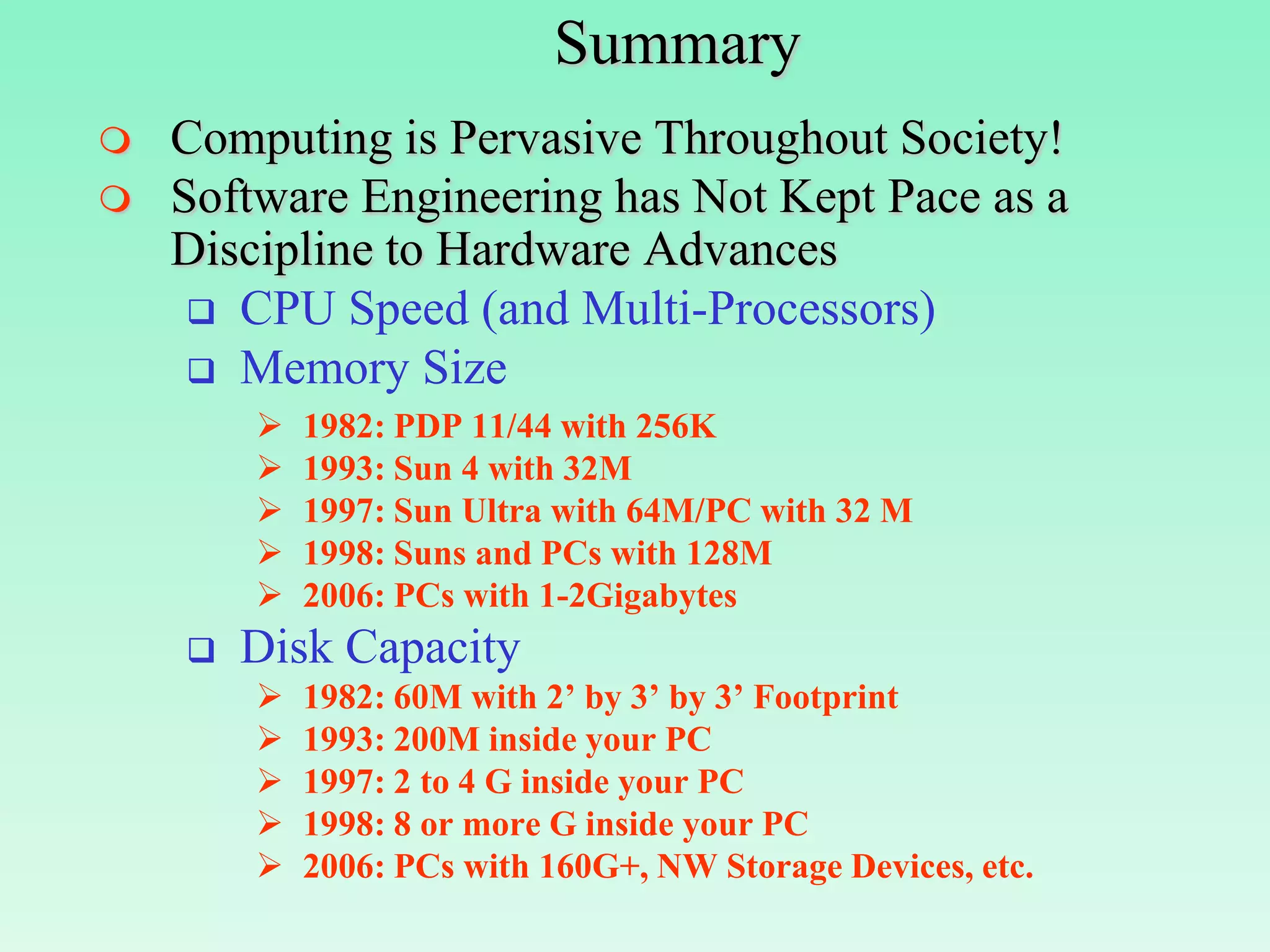
Summary
   Computing is Pervasive Throughout Society!
   Software Engineering has Not Kept Pace as a
    Discipline to Hardware Advances
      CPU Speed (and Multi-Processors)
      Memory Size
           1982: PDP 11/44 with 256K
           1993: Sun 4 with 32M
           1997: Sun Ultra with 64M/PC with 32 M
           1998: Suns and PCs with 128M
           2006: PCs with 1-2Gigabytes
       Disk Capacity
           1982: 60M with 2’ by 3’ by 3’ Footprint
           1993: 200M inside your PC
           1997: 2 to 4 G inside your PC
           1998: 8 or more G inside your PC
           2006: PCs with 160G+, NW Storage Devices, etc.
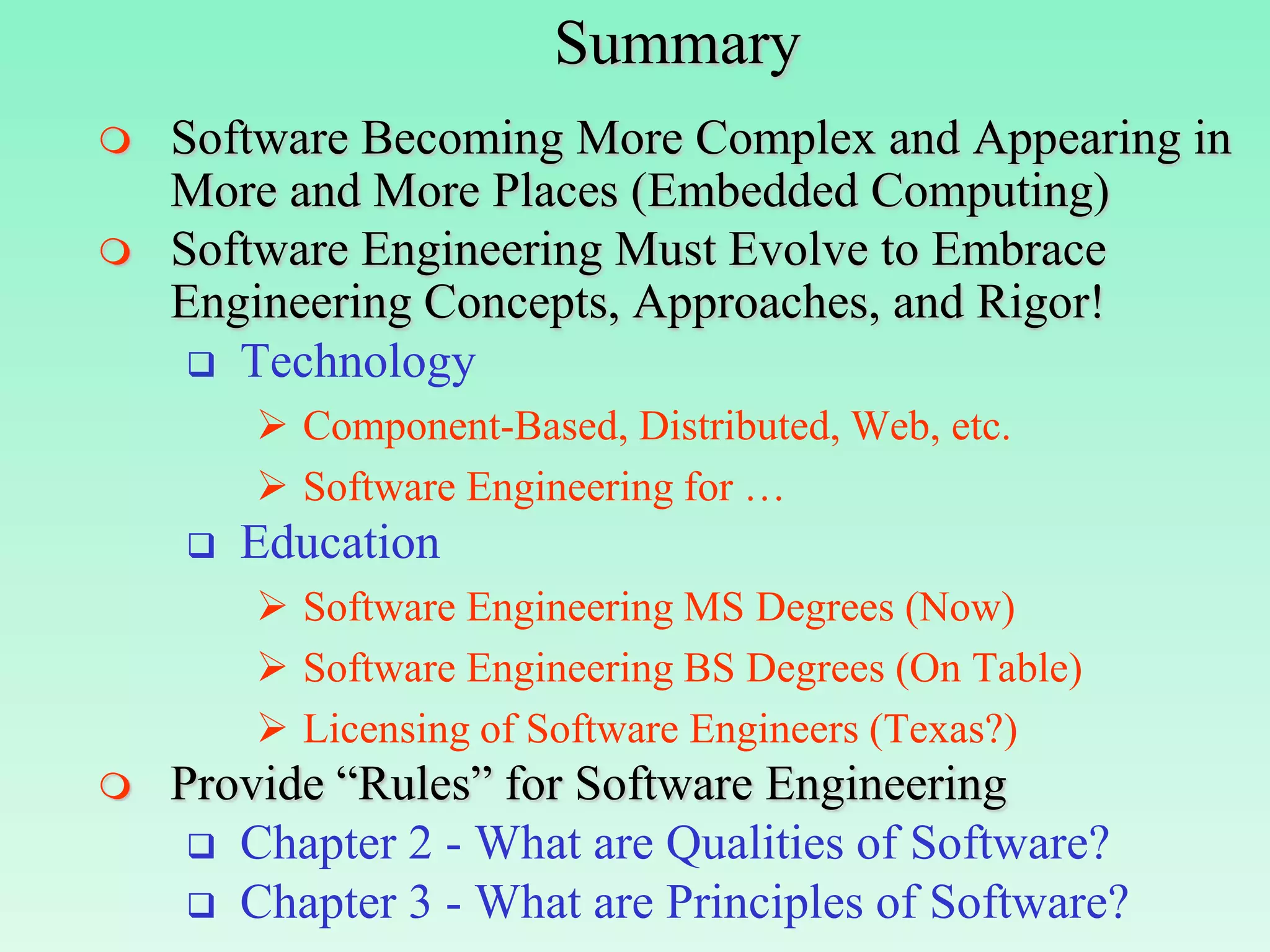
Summary
   Software Becoming More Complex and Appearing in
    More and More Places (Embedded Computing)
   Software Engineering Must Evolve to Embrace
    Engineering Concepts, Approaches, and Rigor!
      Technology
         Component-Based, Distributed, Web, etc.
         Software Engineering for …
       Education
         Software Engineering MS Degrees (Now)
         Software Engineering BS Degrees (On Table)
         Licensing of Software Engineers (Texas?)
   Provide “Rules” for Software Engineering
      Chapter 2 - What are Qualities of Software?
      Chapter 3 - What are Principles of Software?

Basics of se

  • 1.
  • 2.
    Overview of Chapter1  Introduction to Software Engineering  What is Software?  What is Software Engineering?  What Does Software Engineering Do?  How is Software Engineered (Process)?  Software Engineering vs. Computer Science?  Designing/Building Systems for Today and Tomorrow  Introduce Ideas of Component-Based Design & Development  Discuss Software Engineering for Distributed Application/System Development
  • 3.
    What is Software?  Software is the Definition and Organization of a Set of Tasks and Functionality Encapsulated into a Form that is Executable on a Computer  What are Different Types of Software?  Commercial-Off-the-Shelf (COTS)  Government-Off-the-Shelf (GOTS)  Legacy: Written in an “Old” Programming Language  Cobol, PL/1 (Y2k/SNET), Fortran, etc.  C and C++!  Customized New Software  Client vs. Server Software  Database Management Systems/Applications
  • 4.
    What is SoftwareEngineering?  Engineering: The Application of Science to the Solution of Practical Problems  Software Engineering: The Application of CS to Building Practical Software Systems  Programming  Individual Writes Complete Program  One Person, One Computer  Well-Defined Problem  Programming-in-the-Small  Software Engineering  Individuals Write Program Components  Team Assembles Complete Program  Programming-in-the-Large
  • 5.
    What is SoftwareEngineering?  The Application Of Engineering To Software  Field of CSE Dealing with Software Systems  Large and Complex  Built By Teams  Exist In Many Versions  Last Many Years  Undergo Changes  Definitions:  Application of a Systematic, Disciplined, Quantifiable Approach to the Development, Operation, and Maintenance of Software (IEEE 1990)  Multi-person Construction of Multi-version Software (Parnas 1978)
  • 6.
    Why Software Engineering?  Program Complexity Transcends Individual or Lone Programmer  Software Engineering Targeted for  Constructing Large Software Applications  Defining Problem Clear and Completely  Tools and Techniques to Support Process  Team-Oriented Experience  Software Engineering must Evolve to be an Engineering Discipline  Software Engineering Must Promote and Support Multi-Person Construction of Multi-Version Software
  • 7.
    Software Engineering -Historically  “Early Days”  1950’s Programmers Wrote Programs  Early 1960’s - Very Large Software Projects Constructed by “Experts”  Mid-Late 1960’s - Advent of Large Commercial Software Applications  Large Systems Involved Teams of Individuals  Coining the Term “Software Engineering”  Towards a Software Engineering Discipline  Individuals Couldn’t see “Big Picture”  Increase in Communication Time  Personnel Changes Impact on Productivity  SE: Management, Organization, Tools, Theories, Methodologies, Techniques, etc.
  • 8.
    Influences on SoftwareEngineering  Cost of Software Continues to Increase, Requiring More Efficient Software Production  Software Acquisition vs. Outsourcing  Software Reuse vs. Build-from-Scratch  Complexity of Large Software Altered the View from Development Perspective Conception Design Development Integration Distribution Documentation Maintenance Evolution Extension  Software Engineering/Computer Science Growth  350,000 Information Technology Jobs Open  100,000 New Jobs per Year for 10 Years
  • 9.
    Programmer vs. SoftwareEngineer  Individual with Good  Part of a Team Skills  Programming-in-the-  Programming-in-the-Small Large  Knowledge on  Design Approaches  Data Structures  OO, Modules, etc.  Algorithms  Top-Down/Bottm-Up  Fluent in Several  Translates Requirements Programming Languages into Specifications  May Lack Formal Training  Familiarity in Multiple  Minimal Exposure to CS Application Areas  Converses with Users  Sees “Big Picture”  Can Model Application  Good Communication and Interpersonal Skills
  • 10.
    Waterfall Process Model Requirements Analysisand What is Major Disadvantage? Specification Design and Specification Coding and Module Testing 50 % Integration and System Testing Delivery and 50 % Maintenance
  • 11.
    Software Lifecycle ofWaterfall Model  Requirements Analysis and Specification  What is the Problem to Solve?  What Does Customer Need/Want?  Interactions Between SE and Customer  Identify and Document System Requirements  Generate User Manuals and Test Plans  Design and Specification  How is the Problem to be Solved?  High-Level Design  Determine Components/Modules  Transition to Detailed Design  Detail Functionality of Components/Modules
  • 12.
    Software Lifecycle ofWaterfall Model  Coding and Module Testing  Writing Code to Meet Component/Module Design Specifications  Individual Test Modules in Isolation  Drivers and Stubs to Simulate Behavior  Integration and System Testing  Integration of Components/Modules into Subsystems  Integration of Subsystems into Final Program  Delivery and Maintenance  System Delivered to Customer/Market  Bug Fixes and Version Releases Over Time
  • 13.
    SWE vs. CSEDisciplines  SWE to Programming Languages  Modularity for Independent Compilation  Separation of Design and Implementation  Migrating Software Engineering Concepts into Programming Languages  Classes in C++ (Implementation of ADTs)  Packages in Java/Ada95 (Modularization)  Programming Languages to SWE  Precise Description of Requirements and Design  Compiler Tools that Enhance D & D  Advanced Compilers and Libraries to Improve Productivity and Facilitate Reuse
  • 14.
    SWE vs. CSEDisciplines  SWE to Operating Systems  Relationship Between Components and Versions  Protected/Non-Protected Portions of OS  Vehicle Through Which Programs Developed  Operating Systems to SWE  Virtual Machines - Evolving to Platform Independence with Java  Levels of Abstraction Offered by OS  Device Driver through GUI of OS  Java Offers Strong OS Interactions  Separation of Design and Implementation
  • 15.
    SWE vs. CSEDisciplines  SWE to Databases/Security  Every Application Contains Database and Requires Access Control  Storage of Large, Unstructured Objects  Incorporation of Multi-Media and Web Based Data  Versioning and Long-Term Transations  Tracking Who Can Use/See What When  Databases/Security to SWE  Promoting Data Independence  De-coupling Data Definition from Usage  Databases as Expected Components in Applications  Security in Applications and Across Networks
  • 16.
    SWE vs. CSEDisciplines  AI to SWE  Exploratory Development and Scenarios  Declarative Approach  Natural Language and Voice Interfaces  Theoretical Models to SWE  Finite State Machines for Program Behavior  Queueing and Simulation Models  Petri Nets for Resource Behavior  Regular and Context Free Grammars for Programming Languages/Compilers  NP vs. P: Computational Complexity
  • 17.
    SWE Other Disciplines  SWE and Management  Management/Team Models Applied to Software Project Management/Process Control  Important Test Domain to Test New Models and Theories for Management  SWE and EE, ME, ChemE, CivilE, etc.  Job Growth in Engineering Specific Software  SWE and Biology, Chemistry, Medicine, etc.  Medical Research and Informatics, Genome  SWE and Financial Sector  Banking, ATM Networks, Electronic Commerce, Funds Transfers, Program Trading, Stock and Brokerage Houses, etc.
  • 18.
    Motivation and BackgroundConcepts  Information Engineering for 21st Century  Creation of Information  Generation of Information  Utilization of Information  Software, Database, Security, Performance Requirements for Application D & D  From Centralized to Distributed Solutions  Tracing the History  Abstract Data Types (ADTs) - 1970s  Object-Oriented Paradigm - 1980s  Component-Based D & D – 1990s  Web-Based/Distributed Computing – 2000s
  • 19.
    Challenge for 21stCentury  Timely and Efficient Utilization of Information  Significantly Impacts on Productivity  Key to Many (All?) Companies Future  Supports and Promotes Collaboration for Competitive Advantage  Individual/Companies Use Information in New and Different Ways  Collection, Synthesis, Analyses of Information  Better Understanding of Processes, Sales, Productivity, etc.  Dissemination of Only Relevant/Significant Information - Reduce Overload  Fact: We Live in an Increasingly Information Centered Society!
  • 20.
    How is InformationEngineered?  Careful Thought to its Definition/Purpose  Thorough Understanding of its Intended Usage and Potential Impact  Insure and Maintain its Consistency  Quality, Correctness, and Relevance  Protect and Control its Availability  Who can Access What Information in Which Location and at What Time?  Long-Term Persistent Storage/Recoverability  Cost, Reusability, Longitudinal, and Cumulative Experience  Integration of Past, Present and Future Information via Intranet and Internet Access
  • 21.
    Future Design Emphasis  Focus on Information and its Behavior  Answer the Following Questions  What are Different Kinds of Information?  How is Information Manipulated?  Is Same Information Stored in Different Ways?  What are Information Interdependencies?  Will Information Persist? Long-Term DB? Versions of Information?  What Past Info. is Needed from Legacy DBs or Applications?  Who Needs Access to What Info. When?  What Information is Available Across WWW?  Is Processing Distributed? How are Distributed Artifacts Accessed? Replicated? Designed?
  • 22.
    1970s - AbstractData Types (ADTs)  Proposed by B. Liskov (MIT) for CLU in 1975  ADTs Promote Application Development From Perspective of Information and its Usage  ADT Design Process:  Identify “Kinds” or “Types” of Information  Encapsulate Information and Provide a Public Interface of Methods  Hide Information and Method Code in the Private Implementation  ADTs Correspond to User-Defined Data Types  Analogous to Integer Data Type and +, -, *, etc.
  • 23.
    Abstract Data Types(ADTs)  Consider the following Example Stack ADT: Public Interface Private Implementation Head: Int; User Designer ST: Array[100] of Int; PUSH POP Push(X Int) … TOP End; EMPTY Int Pop() … End; PUSH 5 20 15 10 5 10 ST 15 5 TOP 20 15 10 5 20
  • 24.
    ADT Design Guidelines  Separation of Concerns and Modularity  Problem Decomposable into Components  Abstraction and Representation Independence  Hiding Implementation of Components  Changing without Impacting External View  Incrementality and Anticipation of Change  Components are Changed, Added, Refined, etc., as Needed to Support Evolving Requirements  Cohesion: Well-Defined Component Performs a Single Task or has a Single Objective  Coupling: Component Interactions are Known and Minimal
  • 25.
    1980s - Object-OrientedParadigm  Object-Oriented Decomposition  Decompose Problem into Agents which Perform Operations  Emphasize Agents that Cause Actions  Agents Comprised of Two Parts  Hidden Implementation: Data and Operations only Available to Agent  Public Interface: Operations Available to Clients of Agent  An Agent Can Only be Modified by Operations Defined in either the Hidden Implementation or Public Interface
  • 26.
    Core Object-Oriented Concepts  Class  The Type of an Agent  Describes the Behavior  Object  The Instance of a Class  Represents Actual Data Manipulated by Agents  Maintains the State of Object  Method  Operation Defined on a Class  Operates on ALL Instances of the Class  Message  Indicates that an Object’s Method Invoked
  • 27.
    An Example EmployeeClass Class Employee Main() { { //Hidden Implementation //Declare Objects Private: //Instance Vars Employee emp1(Steve,100.0); char[30] name; Employee emp2(Lois, 120.0); float salary; //Public Interface //Pass Messages Public: //Invoke Methods void print_name(); emp1.print_name(); void print_salary(); emp1.print_salary(); void update_salary(float i); emp2.update_salary(10); Employee(char *n, float s); emp2.print_name(); } emp2.print_salary(); } What’s Output of Main()? Conclusion: Steve Each Object (emp1,emp2) has 100.0 Own Independent State that Lois is Accessible via Shared 130.0 Public Interface of Class
  • 28.
    Modules vs. ADTs/Classes  Module  Describes Both State and Behavior  Module Employee Includes Instance Variables, Operations, and Program Variables  Single Instance Shared by All Users  Class  Describes Only the Behavior  Class Employee Omits Program Variables  Multiple Independent Instances Share Same Class Declaration but have Separate States  Key Difference: Dynamic Nature of Classes Allows Instances to be Created as Needed
  • 29.
    Advanced Object-Oriented Concepts  Inheritance  Controlled Sharing of Between Classes Generalization and Specialization  Treat Instances of Different Classes in Uniform Fashion - Leading to …  Polymorphism/Dynamic Binding  Run-Time Choice of the Method to be Invoked Based on the Type of the Calling Instance  Message Passed is Type Dependent  Generic: A Type Parameterizable Class  Stack has Parameter for Type of Element  Creation of Program Variable Binds Stack Data and Methods to Specific Type of Element  Stack(Real), Stack(Int), Stack(Employee)
  • 30.
    A Quick Lookat Inheritance Specialization Person Generalization Name, SSN Print_Info() Employee::Person Student::Person Dept, Salary Dorm, GPA Update_Salary() Print_Transcript Faculty::Employee Dean::Employee Rank School Promote_Fac() Supertype, Superclass, Parent Class, Base Class Subtype, Subclass, Child Class, Derived Class Descendants, Ancestors, Siblings
  • 31.
    What Can Bea Class? Private Data Public Interface Chunk of Information Employee Name Create_Employee() Class Address Give_Raise(Amount) SSN Change_Address(New_Addr) ... ...  Represent Any Type of Historical or Long-Term Data that Exists in a Repository  For Example, Supermarket Items, Automobile Registrations, IRS Returns, etc.
  • 32.
    What Can Bea Class? Private Data Public Interface Functional Component ATM_Log Acct_Name Check_Database(Name) Class PIN_Number Verify_PIN(PIN) ... Log_on_Actions(Name, PIN) Reject() ...  Represent a Functional Action that Performs a Well-Defined Task with Minimal Internal State  For Example, Supermarket UPC Scan, Automobile Diagnostic Analyzer, etc.
  • 33.
    What Can Bea Class? Private Data Public Interface User Interface ATM_User Action Log_on_Steps() Class Balance Acct_WithD(Amt) WD_Amt Check_Balance(Number) ... Deposit_Check() ... Or --- Anything that you Want!  Interaction Between User and System  For Example, Supermarket Cashier, Browser Interface, etc.
  • 34.
    Benefits of OOParadigm  Supports Reusable Software Components  Creation and Testing in Isolation  Integration of Working Components  Designers/Developers View Problem at Higher Level of Abstraction  Controls Information Consistency  Public Interface Limits Access to Data  Private Implementation Unavailable  Promotes/Facilitates Software Evolution/Reuse  Inheritance to Extend Design/Class Library  Multiple Instances of Same Class
  • 35.
    Summary  Computing is Pervasive Throughout Society!  Software Engineering has Not Kept Pace as a Discipline to Hardware Advances  CPU Speed (and Multi-Processors)  Memory Size  1982: PDP 11/44 with 256K  1993: Sun 4 with 32M  1997: Sun Ultra with 64M/PC with 32 M  1998: Suns and PCs with 128M  2006: PCs with 1-2Gigabytes  Disk Capacity  1982: 60M with 2’ by 3’ by 3’ Footprint  1993: 200M inside your PC  1997: 2 to 4 G inside your PC  1998: 8 or more G inside your PC  2006: PCs with 160G+, NW Storage Devices, etc.
  • 36.
    Summary  Software Becoming More Complex and Appearing in More and More Places (Embedded Computing)  Software Engineering Must Evolve to Embrace Engineering Concepts, Approaches, and Rigor!  Technology  Component-Based, Distributed, Web, etc.  Software Engineering for …  Education  Software Engineering MS Degrees (Now)  Software Engineering BS Degrees (On Table)  Licensing of Software Engineers (Texas?)  Provide “Rules” for Software Engineering  Chapter 2 - What are Qualities of Software?  Chapter 3 - What are Principles of Software?