HTML
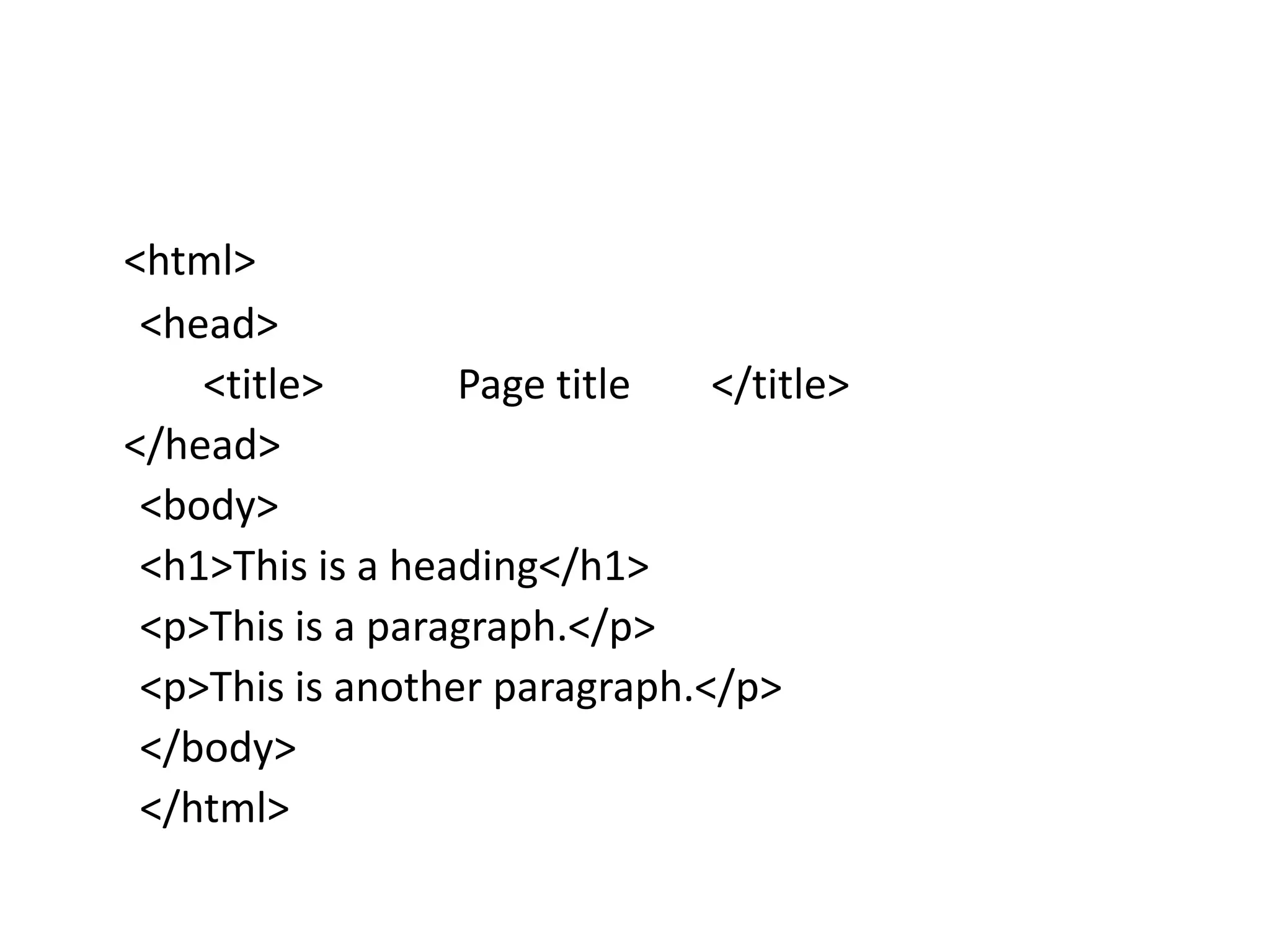
<html>
<head>
<title> Page title </title>
</head>
<body>
<h1>This is a heading</h1>
<p>This is a paragraph.</p>
<p>This is another paragraph.</p>
</body>
</html>
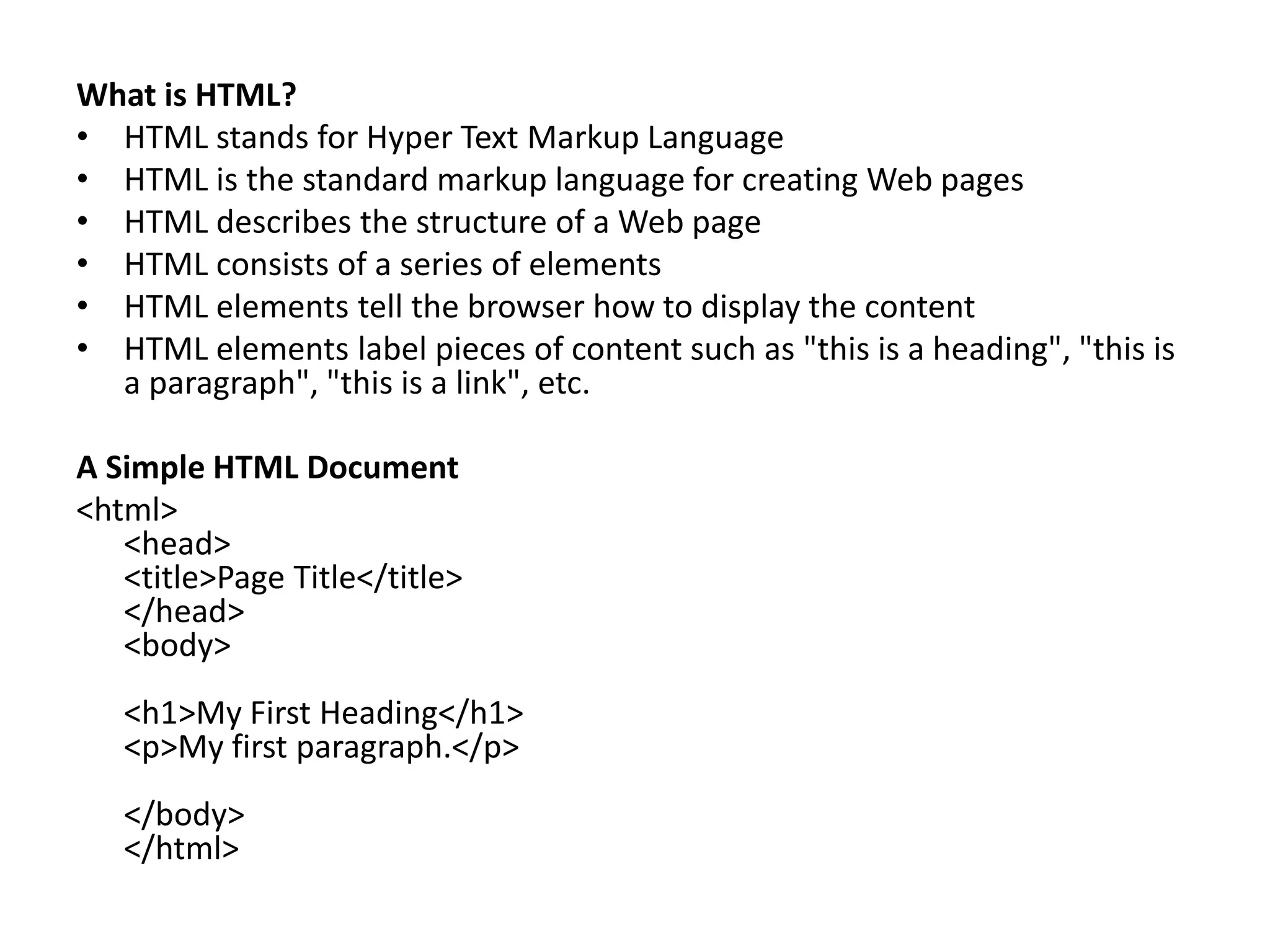
What is HTML?
• HTML stands for Hyper Text Markup Language
• HTML is the standard markup language for creating Web pages
• HTML describes the structure of a Web page
• HTML consists of a series of elements
• HTML elements tell the browser how to display the content
• HTML elements label pieces of content such as "this is a heading", "this is
a paragraph", "this is a link", etc.
A Simple HTML Document
<html>
<head>
<title>Page Title</title>
</head>
<body>
<h1>My First Heading</h1>
<p>My first paragraph.</p>
</body>
</html>
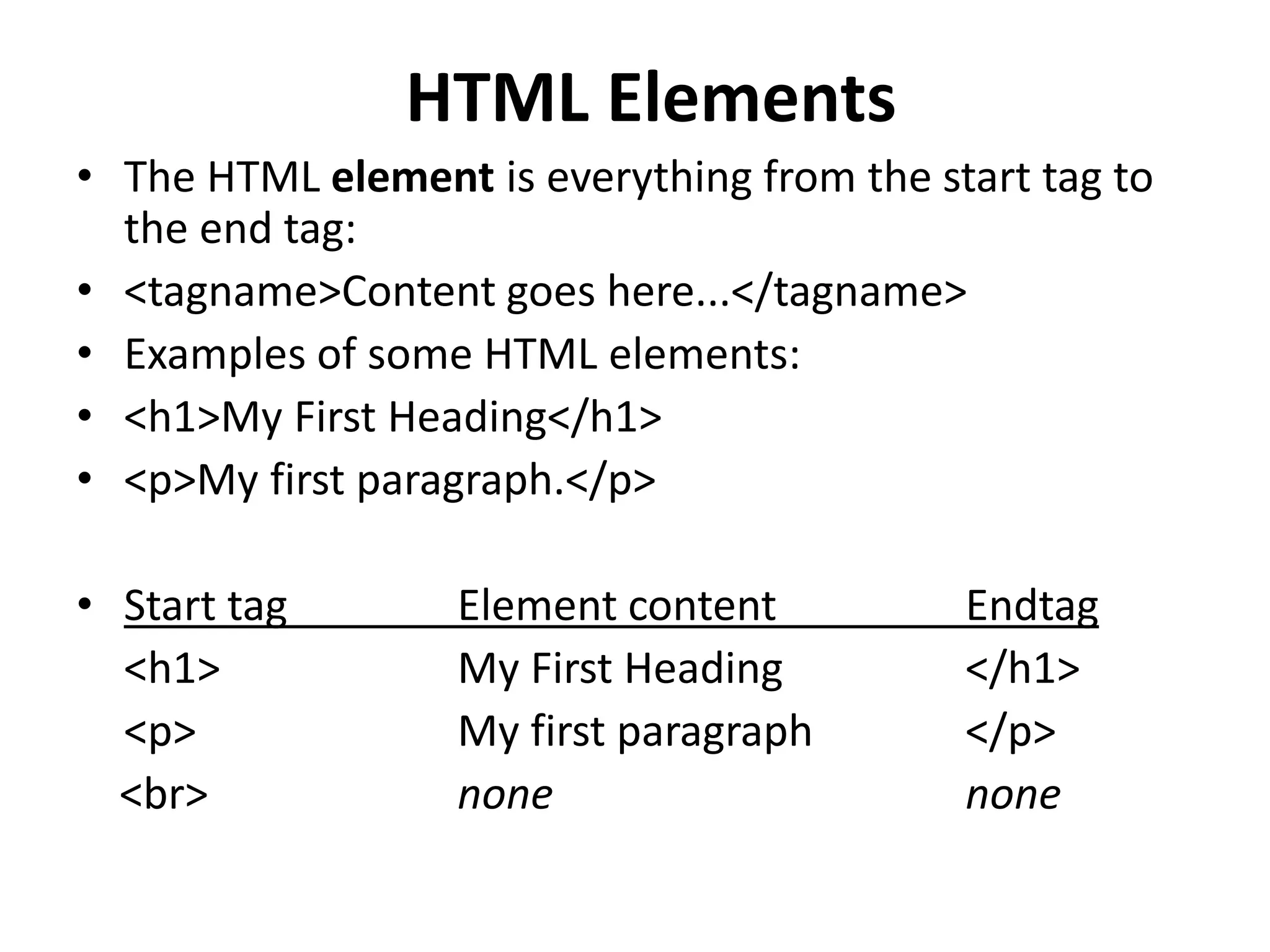
HTML Elements
• The HTML element is everything from the start tag to
the end tag:
• <tagname>Content goes here...</tagname>
• Examples of some HTML elements:
• <h1>My First Heading</h1>
• <p>My first paragraph.</p>
• Start tag Element content Endtag
<h1> My First Heading </h1>
<p> My first paragraph </p>
<br> none none
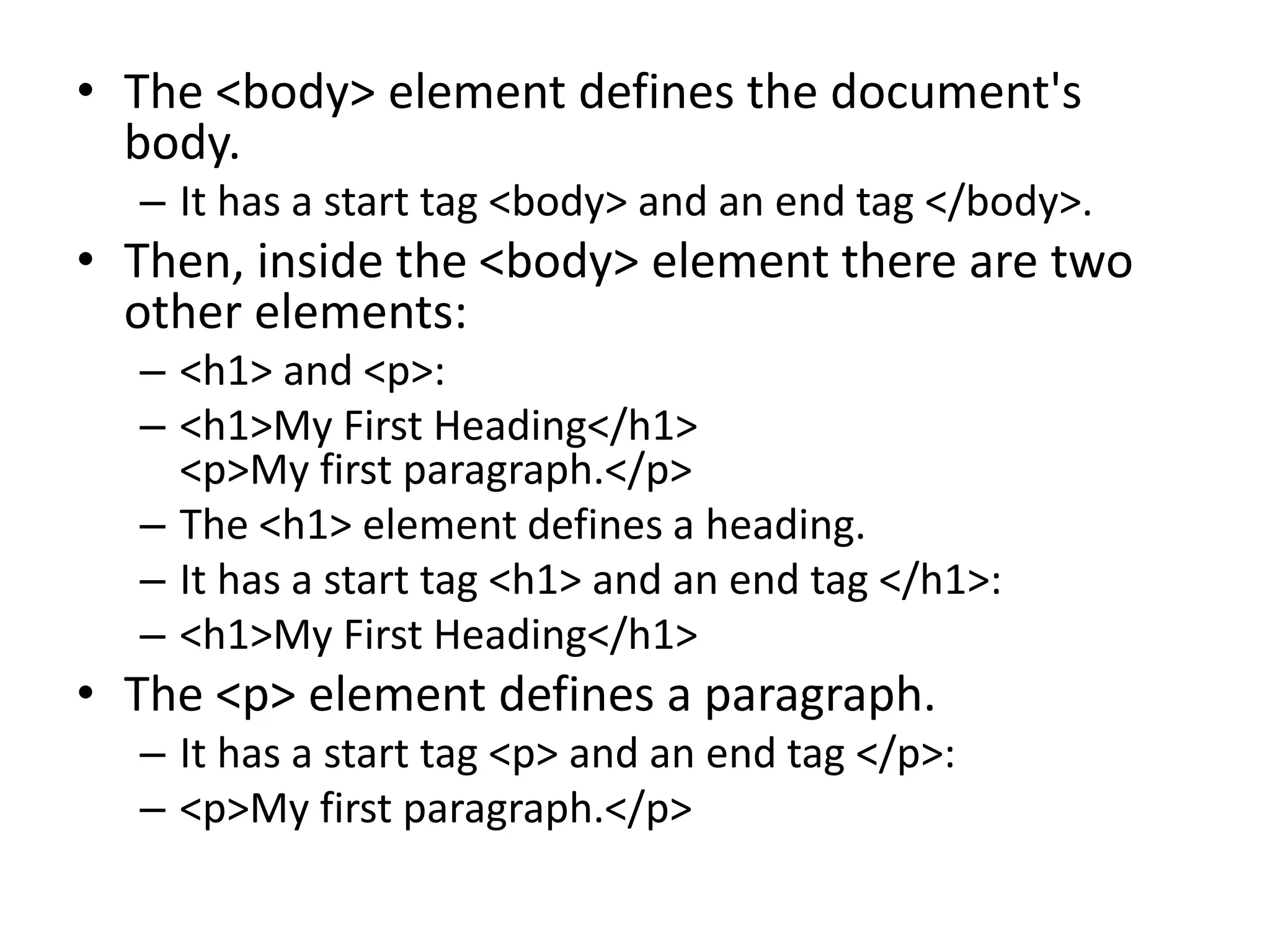
• The <body> element defines the document's
body.
– It has a start tag <body> and an end tag </body>.
• Then, inside the <body> element there are two
other elements:
– <h1> and <p>:
– <h1>My First Heading</h1>
<p>My first paragraph.</p>
– The <h1> element defines a heading.
– It has a start tag <h1> and an end tag </h1>:
– <h1>My First Heading</h1>
• The <p> element defines a paragraph.
– It has a start tag <p> and an end tag </p>:
– <p>My first paragraph.</p>
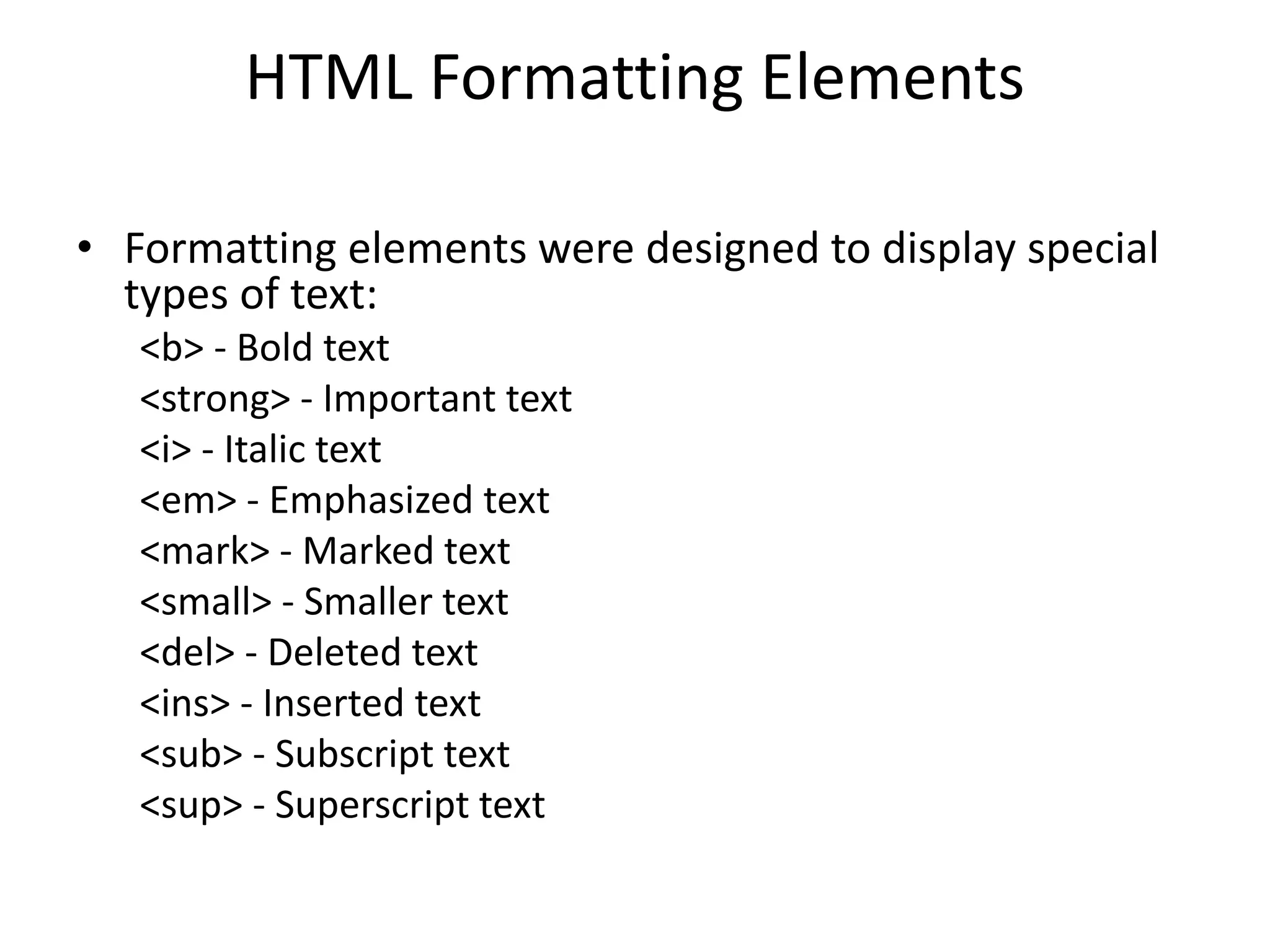
HTML Formatting Elements
• Formatting elements were designed to display special
types of text:
<b> - Bold text
<strong> - Important text
<i> - Italic text
<em> - Emphasized text
<mark> - Marked text
<small> - Smaller text
<del> - Deleted text
<ins> - Inserted text
<sub> - Subscript text
<sup> - Superscript text
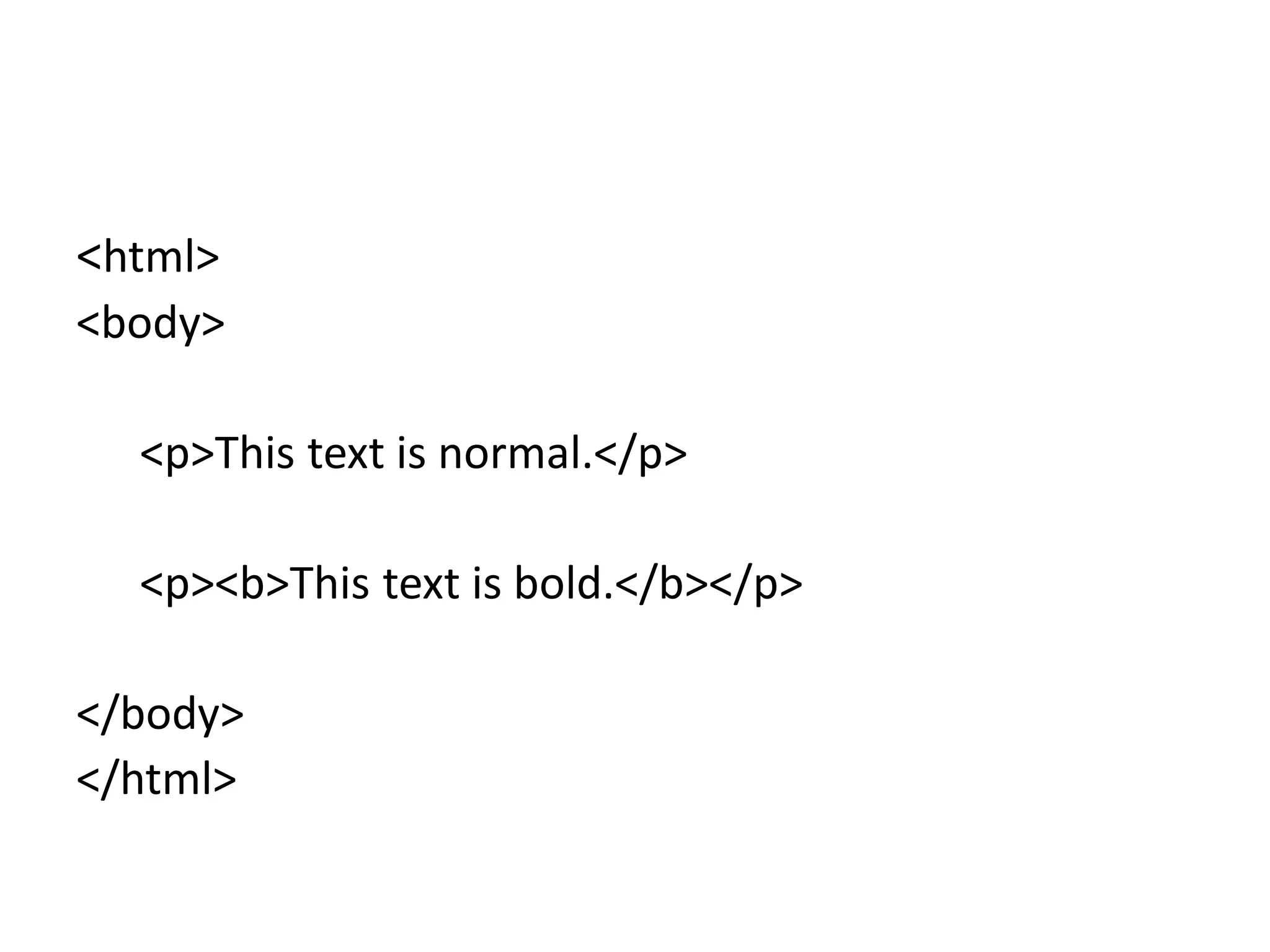
<html>
<body>
<p>This text is normal.</p>
<p><b>This text is bold.</b></p>
</body>
</html>

BASICS - HTML.ppt in web technology in engineering

  • 1.
  • 2.
    <html> <head> <title> Page title</title> </head> <body> <h1>This is a heading</h1> <p>This is a paragraph.</p> <p>This is another paragraph.</p> </body> </html>
  • 3.
    What is HTML? •HTML stands for Hyper Text Markup Language • HTML is the standard markup language for creating Web pages • HTML describes the structure of a Web page • HTML consists of a series of elements • HTML elements tell the browser how to display the content • HTML elements label pieces of content such as "this is a heading", "this is a paragraph", "this is a link", etc. A Simple HTML Document <html> <head> <title>Page Title</title> </head> <body> <h1>My First Heading</h1> <p>My first paragraph.</p> </body> </html>
  • 4.
    HTML Elements • TheHTML element is everything from the start tag to the end tag: • <tagname>Content goes here...</tagname> • Examples of some HTML elements: • <h1>My First Heading</h1> • <p>My first paragraph.</p> • Start tag Element content Endtag <h1> My First Heading </h1> <p> My first paragraph </p> <br> none none
  • 5.
    • The <body>element defines the document's body. – It has a start tag <body> and an end tag </body>. • Then, inside the <body> element there are two other elements: – <h1> and <p>: – <h1>My First Heading</h1> <p>My first paragraph.</p> – The <h1> element defines a heading. – It has a start tag <h1> and an end tag </h1>: – <h1>My First Heading</h1> • The <p> element defines a paragraph. – It has a start tag <p> and an end tag </p>: – <p>My first paragraph.</p>
  • 6.
    HTML Formatting Elements •Formatting elements were designed to display special types of text: <b> - Bold text <strong> - Important text <i> - Italic text <em> - Emphasized text <mark> - Marked text <small> - Smaller text <del> - Deleted text <ins> - Inserted text <sub> - Subscript text <sup> - Superscript text
  • 7.
    <html> <body> <p>This text isnormal.</p> <p><b>This text is bold.</b></p> </body> </html>