HTML
Hyper Text Markup Language
Class: FY B. Tech Structural Engineering
Subject: IT for Engineers
Prof. Jape Anuja Sanjay
Assistant Professor,
Department of Structural Engineering,
Sanjivani College of Engineering. Kopargaon
Email: japeanujast@sanjivani.org.in
• HTML is the standard markup language for Web pages.
• With HTML you can create your own Website.
• HTML stands for Hyper Text Markup Language
• HTML is the standard markup language for creating Web pages
• HTML describes the structure of a Web page
• HTML consists of a series of elements
• HTML elements tell the browser how to display the content
HTML
Ref:https://www.w3schools.com/
•The <!DOCTYPE html> declaration defines that this document is an
HTML5 document
•The <html> element is the root element of an HTML page
•The <head> element contains meta information about the HTML
page
•The <title> element specifies a title for the HTML page (which is
shown in the browser's title bar or in the page's tab)
•The <body> element defines the document's body, and is a
container for all the visible contents, such as headings,
paragraphs, images, hyperlinks, tables, lists, etc.
•The <h1> element defines a large heading
•The <p> element defines a paragraph
Ref:https://www.w3schools.com/
What is an HTML Element?
An HTML element is defined by a start tag, some content, and an end
tag:
<tagname> Content goes here... </tagname>
The HTML element is everything from the start tag to the end tag:
<h1>My First Heading</h1>
<p>My first paragraph.</p>
Ref:https://www.w3schools.com/
HTML Documents
• All HTML documents must start with a document type
declaration: <!DOCTYPE html>.
• The HTML document itself begins with <html> and ends
with </html>.
• T h e v i s i b l e p a r t o f t h e H T M L d o c u m e n t i s
between <body> and </body>.
• The <!DOCTYPE> declaration represents the document type, and
helps browsers to display web pages correctly.
• It must only appear once, at the top of the page (before any
HTML tags).
• The <!DOCTYPE> declaration is not case sensitive.
.
Ref:https://www.w3schools.com/
The HTML <meta> Element
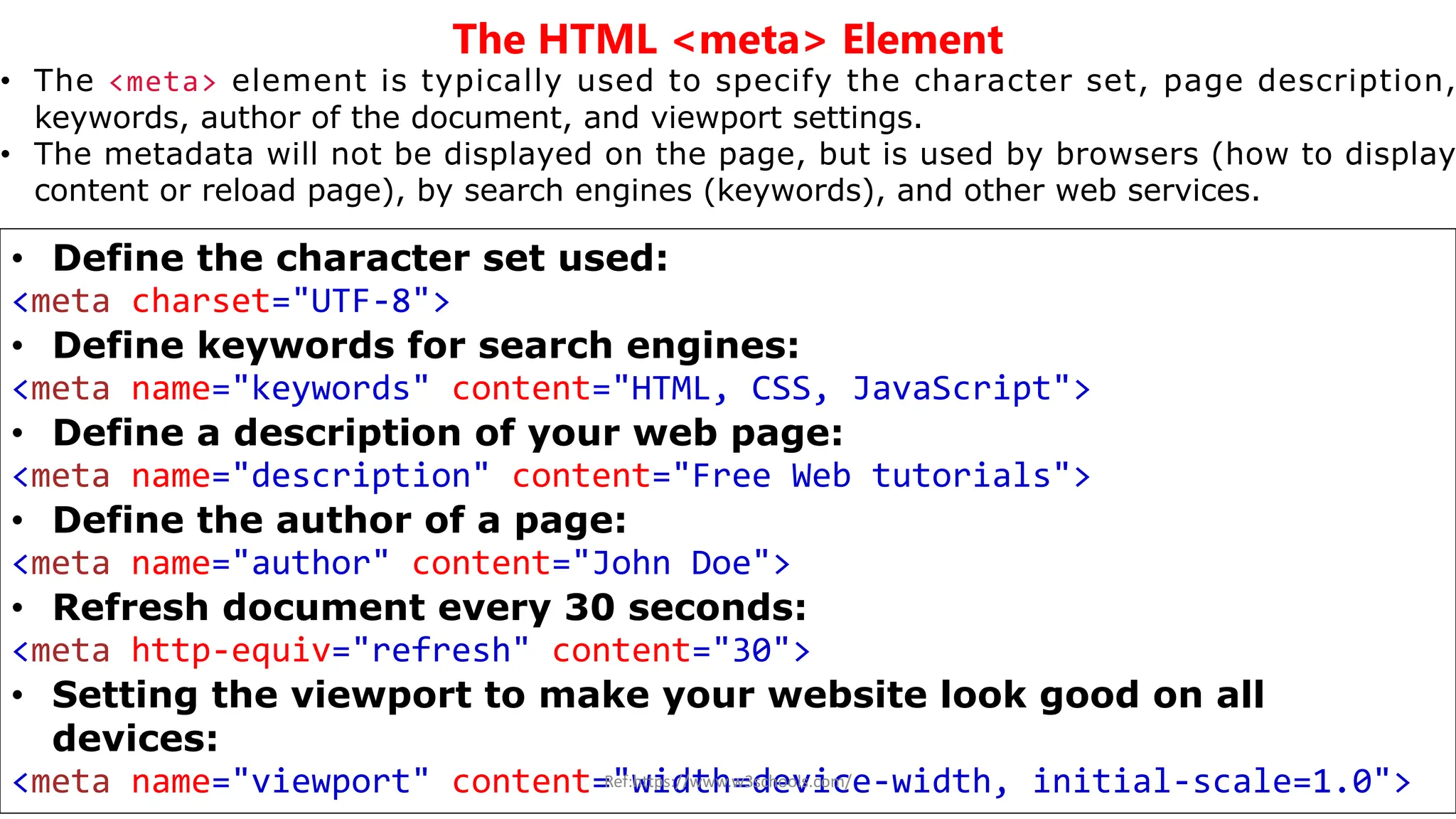
• The <meta> element is typically used to specify the character set, page description,
keywords, author of the document, and viewport settings.
• The metadata will not be displayed on the page, but is used by browsers (how to display
content or reload page), by search engines (keywords), and other web services.
• Define the character set used:
<meta charset="UTF-8">
• Define keywords for search engines:
<meta name="keywords" content="HTML, CSS, JavaScript">
• Define a description of your web page:
<meta name="description" content="Free Web tutorials">
• Define the author of a page:
<meta name="author" content="John Doe">
• Refresh document every 30 seconds:
<meta http-equiv="refresh" content="30">
• Setting the viewport to make your website look good on all
devices:
<meta name="viewport" content="width=device-width, initial-scale=1.0">
Ref:https://www.w3schools.com/
HTML Headings
• HTML headings are defined with the <h1> to <h6> tags.
• <h1> defines the most important heading. <h6> defines the least
important heading
Ref:https://www.w3schools.com/
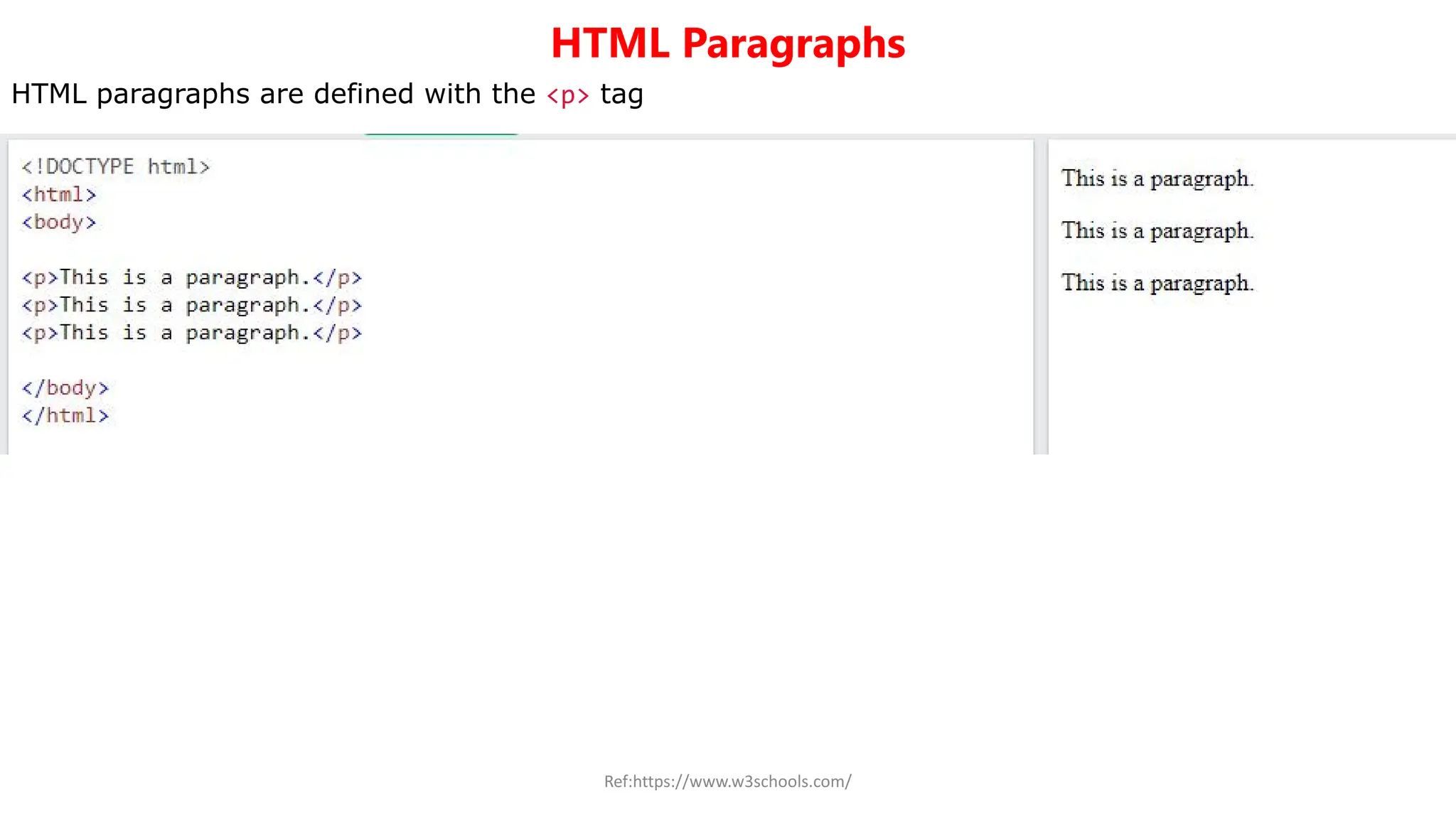
HTML Paragraphs
HTML paragraphs are defined with the <p> tag
Ref:https://www.w3schools.com/
HTML Horizontal Rules
• The <hr> tag defines a thematic break in an HTML page, and is
most often displayed as a horizontal rule.
• The <hr> element is used to separate content (or define a
change) in an HTML page
• The <hr> tag is an empty tag, which means that it has no end
tag.
HTML Line Breaks
• The HTML <br> element defines a line break.
• Use <br> if you want a line break (a new line) without starting
a new paragraph.
• The <br> tag is an empty tag, which means that it has no end
tag.
Ref:https://www.w3schools.com/
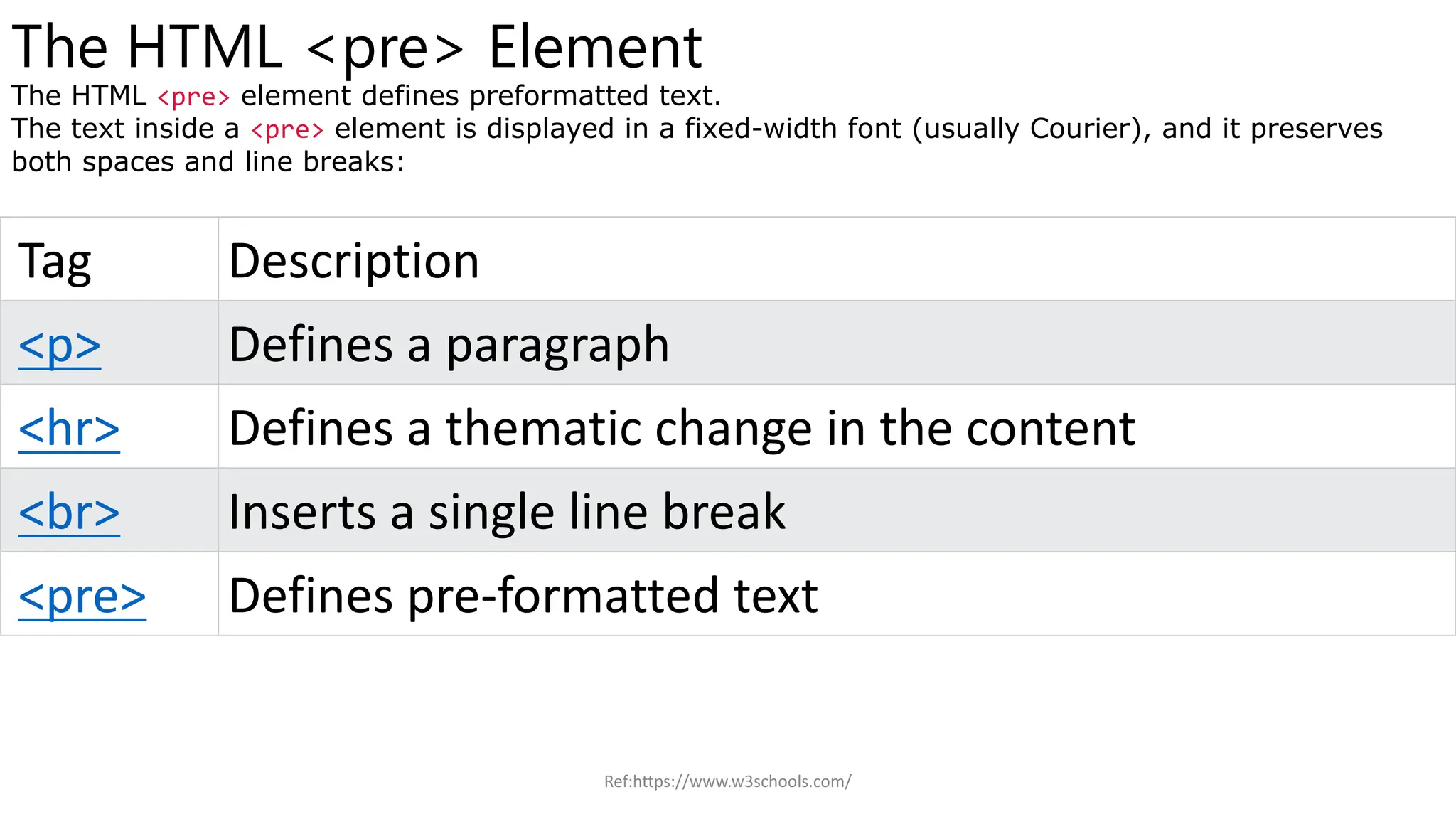
The HTML <pre> Element
The HTML <pre> element defines preformatted text.
The text inside a <pre> element is displayed in a fixed-width font (usually Courier), and it preserves
both spaces and line breaks:
Tag Description
<p> Defines a paragraph
<hr> Defines a thematic change in the content
<br> Inserts a single line break
<pre> Defines pre-formatted text
Ref:https://www.w3schools.com/

HTML? What is Hyper Text Mark Up Language

  • 1.
    HTML Hyper Text MarkupLanguage Class: FY B. Tech Structural Engineering Subject: IT for Engineers Prof. Jape Anuja Sanjay Assistant Professor, Department of Structural Engineering, Sanjivani College of Engineering. Kopargaon Email: japeanujast@sanjivani.org.in
  • 2.
    • HTML isthe standard markup language for Web pages. • With HTML you can create your own Website. • HTML stands for Hyper Text Markup Language • HTML is the standard markup language for creating Web pages • HTML describes the structure of a Web page • HTML consists of a series of elements • HTML elements tell the browser how to display the content HTML Ref:https://www.w3schools.com/
  • 3.
    •The <!DOCTYPE html>declaration defines that this document is an HTML5 document •The <html> element is the root element of an HTML page •The <head> element contains meta information about the HTML page •The <title> element specifies a title for the HTML page (which is shown in the browser's title bar or in the page's tab) •The <body> element defines the document's body, and is a container for all the visible contents, such as headings, paragraphs, images, hyperlinks, tables, lists, etc. •The <h1> element defines a large heading •The <p> element defines a paragraph Ref:https://www.w3schools.com/
  • 4.
    What is anHTML Element? An HTML element is defined by a start tag, some content, and an end tag: <tagname> Content goes here... </tagname> The HTML element is everything from the start tag to the end tag: <h1>My First Heading</h1> <p>My first paragraph.</p> Ref:https://www.w3schools.com/
  • 5.
    HTML Documents • AllHTML documents must start with a document type declaration: <!DOCTYPE html>. • The HTML document itself begins with <html> and ends with </html>. • T h e v i s i b l e p a r t o f t h e H T M L d o c u m e n t i s between <body> and </body>. • The <!DOCTYPE> declaration represents the document type, and helps browsers to display web pages correctly. • It must only appear once, at the top of the page (before any HTML tags). • The <!DOCTYPE> declaration is not case sensitive. . Ref:https://www.w3schools.com/
  • 6.
    The HTML <meta>Element • The <meta> element is typically used to specify the character set, page description, keywords, author of the document, and viewport settings. • The metadata will not be displayed on the page, but is used by browsers (how to display content or reload page), by search engines (keywords), and other web services. • Define the character set used: <meta charset="UTF-8"> • Define keywords for search engines: <meta name="keywords" content="HTML, CSS, JavaScript"> • Define a description of your web page: <meta name="description" content="Free Web tutorials"> • Define the author of a page: <meta name="author" content="John Doe"> • Refresh document every 30 seconds: <meta http-equiv="refresh" content="30"> • Setting the viewport to make your website look good on all devices: <meta name="viewport" content="width=device-width, initial-scale=1.0"> Ref:https://www.w3schools.com/
  • 7.
    HTML Headings • HTMLheadings are defined with the <h1> to <h6> tags. • <h1> defines the most important heading. <h6> defines the least important heading Ref:https://www.w3schools.com/
  • 8.
    HTML Paragraphs HTML paragraphsare defined with the <p> tag Ref:https://www.w3schools.com/
  • 9.
  • 10.
    HTML Horizontal Rules •The <hr> tag defines a thematic break in an HTML page, and is most often displayed as a horizontal rule. • The <hr> element is used to separate content (or define a change) in an HTML page • The <hr> tag is an empty tag, which means that it has no end tag. HTML Line Breaks • The HTML <br> element defines a line break. • Use <br> if you want a line break (a new line) without starting a new paragraph. • The <br> tag is an empty tag, which means that it has no end tag. Ref:https://www.w3schools.com/
  • 11.
    The HTML <pre>Element The HTML <pre> element defines preformatted text. The text inside a <pre> element is displayed in a fixed-width font (usually Courier), and it preserves both spaces and line breaks: Tag Description <p> Defines a paragraph <hr> Defines a thematic change in the content <br> Inserts a single line break <pre> Defines pre-formatted text Ref:https://www.w3schools.com/