Balaji Palani
Director, Product
Management
InfluxData
Path to InfluxDB
2.0
Seamlessly migrate your 1.x
dashboards, alerts and tasks
© 2020 InfluxData. All rights reserved. 2
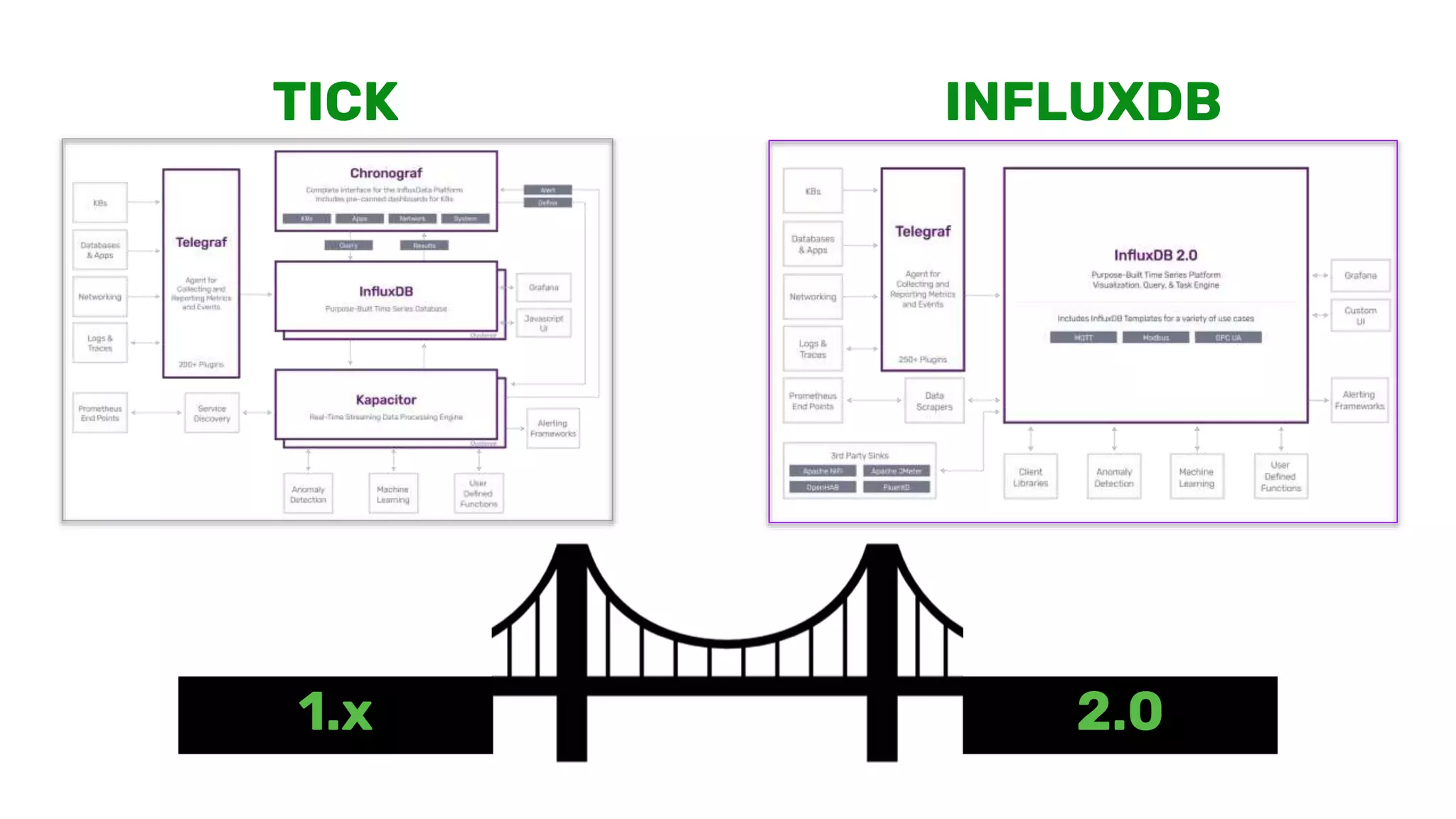
1.x 2.0
TICK INFLUXDB
OSS 1.X → OSS 2.0
© 2020 InfluxData. All rights reserved. 4
INFLUXDB OSS 2.0
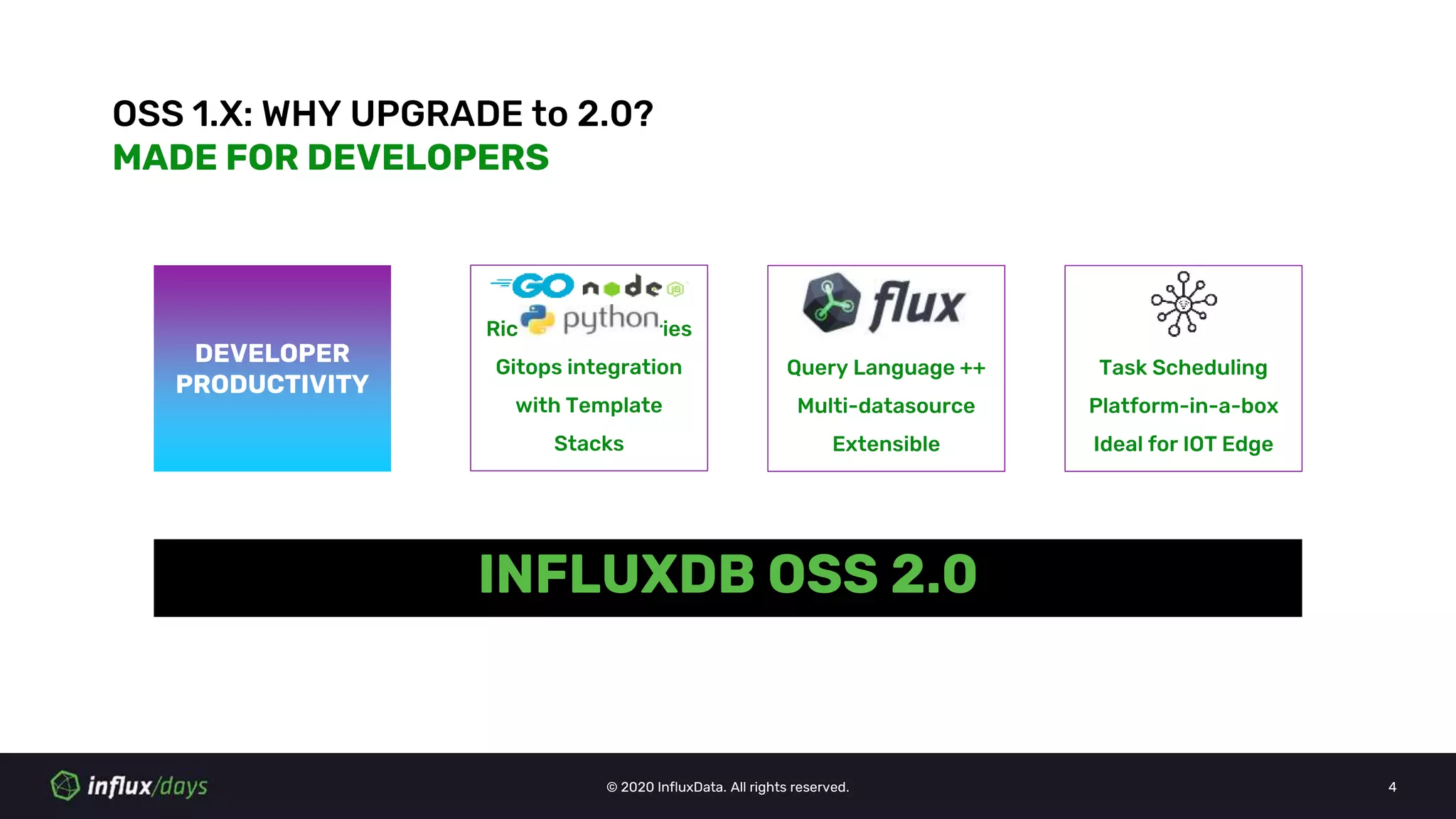
OSS 1.X: WHY UPGRADE to 2.0?
MADE FOR DEVELOPERS
DEVELOPER
PRODUCTIVITY
Query Language ++
Multi-datasource
Extensible
Rich Client Libraries
Gitops integration
with Template
Stacks
Task Scheduling
Platform-in-a-box
Ideal for IOT Edge
© 2020 InfluxData. All rights reserved. 5
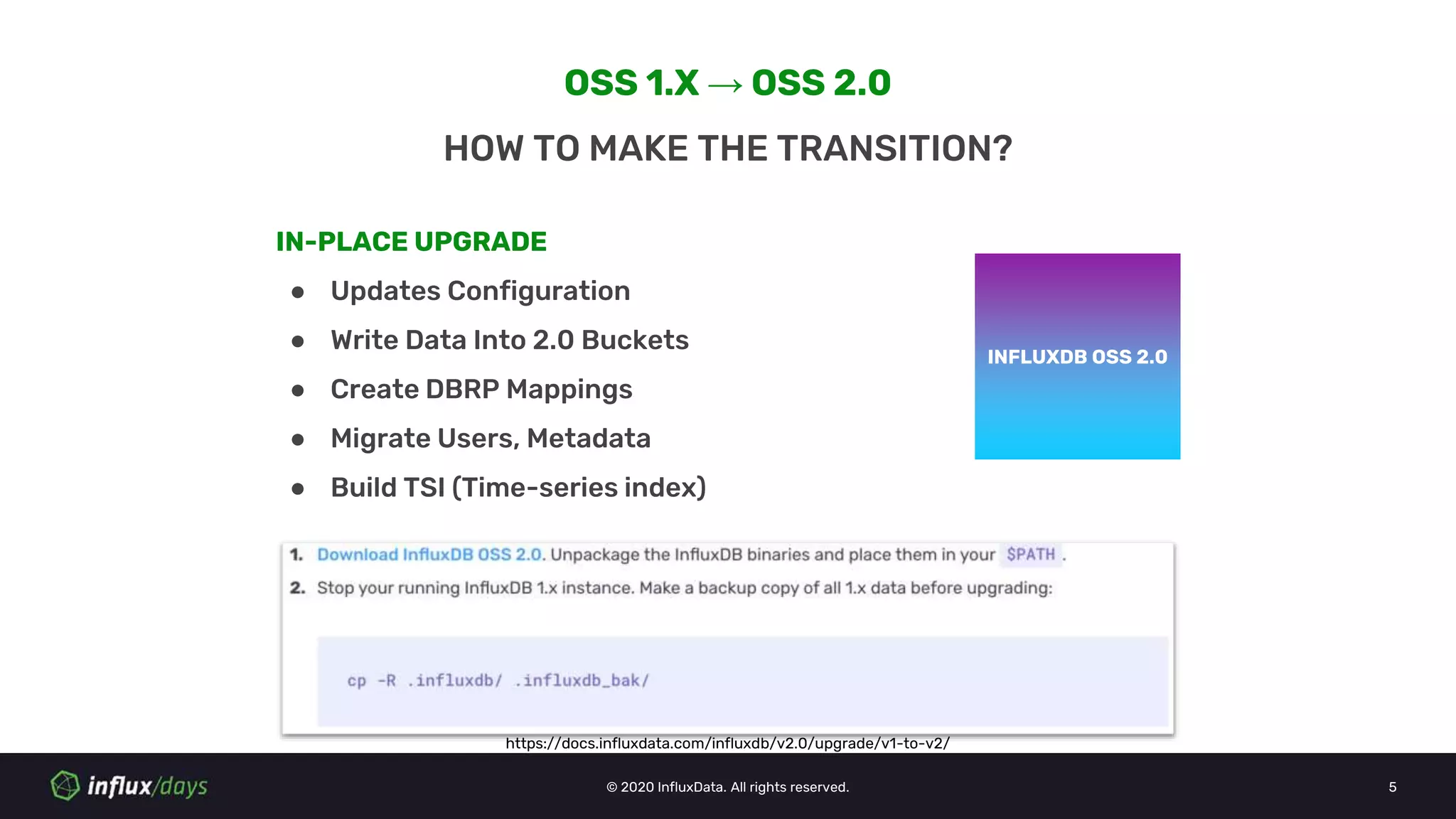
OSS 1.X → OSS 2.0
HOW TO MAKE THE TRANSITION?
INFLUXDB OSS 1.XINFLUXDB OSS 2.0
IN-PLACE UPGRADE
● Updates Configuration
● Write Data Into 2.0 Buckets
● Create DBRP Mappings
● Migrate Users, Metadata
● Build TSI (Time-series index)
https://docs.influxdata.com/influxdb/v2.0/upgrade/v1-to-v2/
© 2020 InfluxData. All rights reserved. 6
INFLUXDB OSS 1.XINFLUXDB OSS 2.0
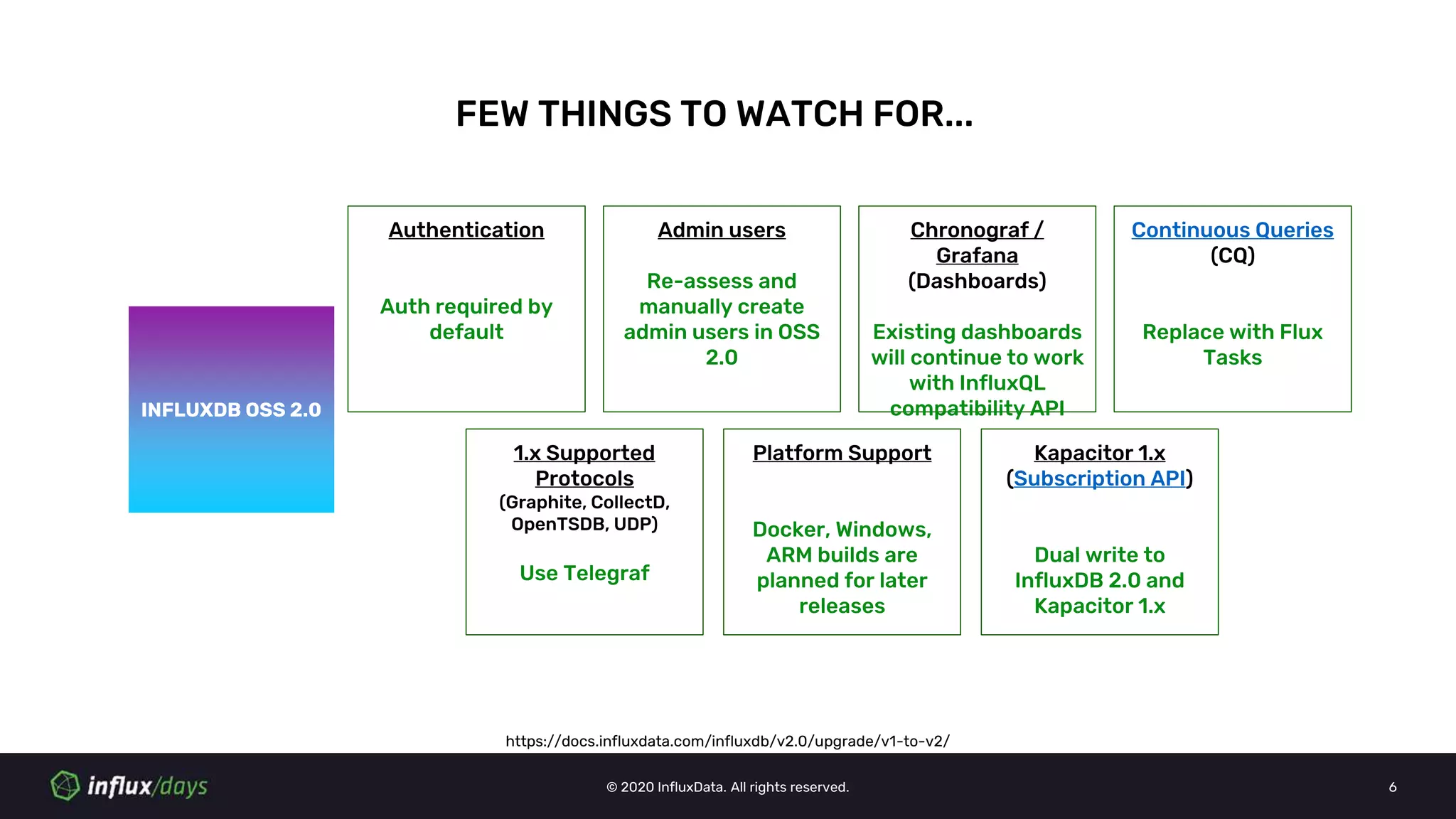
Continuous Queries
(CQ)
Replace with Flux
Tasks
1.x Supported
Protocols
(Graphite, CollectD,
OpenTSDB, UDP)
Use Telegraf
Kapacitor 1.x
(Subscription API)
Dual write to
InfluxDB 2.0 and
Kapacitor 1.x
Chronograf /
Grafana
(Dashboards)
Existing dashboards
will continue to work
with InfluxQL
compatibility API
FEW THINGS TO WATCH FOR...
Authentication
Auth required by
default
Admin users
Re-assess and
manually create
admin users in OSS
2.0
Platform Support
Docker, Windows,
ARM builds are
planned for later
releases
https://docs.influxdata.com/influxdb/v2.0/upgrade/v1-to-v2/
TICK 1.X → INFLUXDB CLOUD 2.0
© 2020 InfluxData. All rights reserved. 8
INFLUXDB CLOUD 2.0
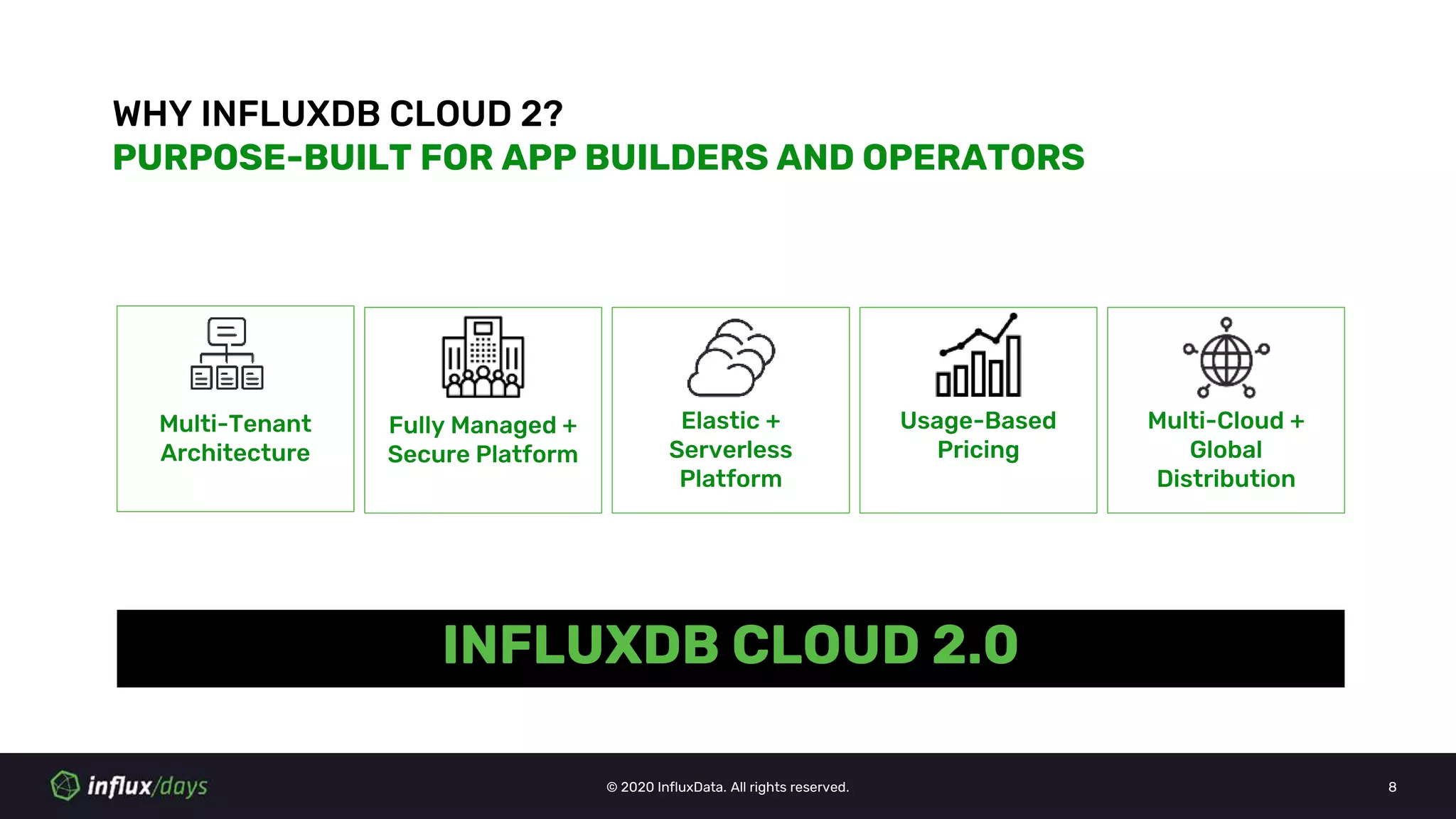
WHY INFLUXDB CLOUD 2?
PURPOSE-BUILT FOR APP BUILDERS AND OPERATORS
Multi-Tenant
Architecture
Fully Managed +
Secure Platform
Elastic +
Serverless
Platform
Usage-Based
Pricing
Multi-Cloud +
Global
Distribution
© 2020 InfluxData. All rights reserved. 9
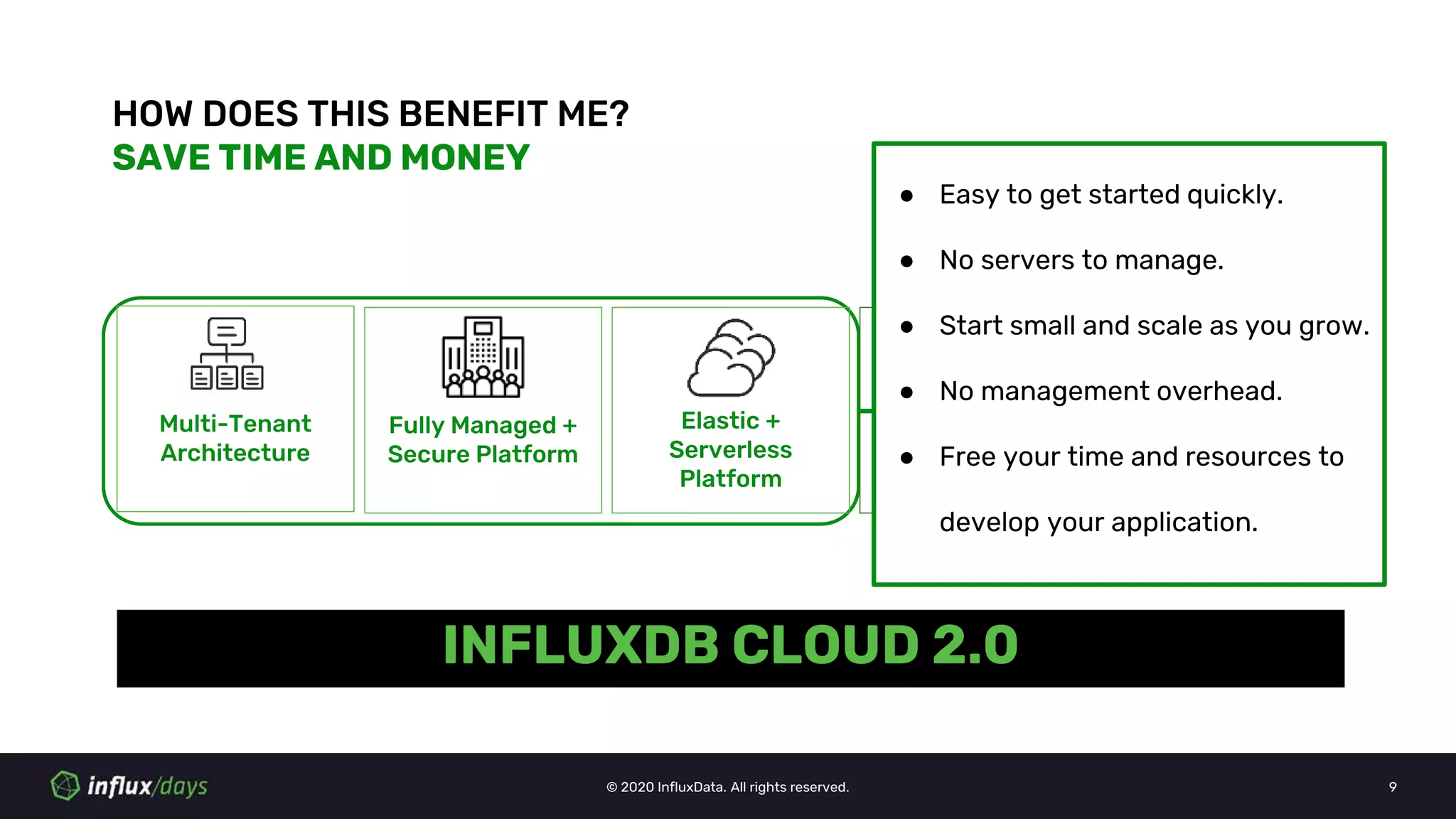
HOW DOES THIS BENEFIT ME?
SAVE TIME AND MONEY
Multi-Tenant
Architecture
Fully Managed +
Secure Platform
Elastic +
Serverless
Platform
Usage Based
Pricing
Multi-Cloud
Availability
INFLUXDB CLOUD 2.0
● Easy to get started quickly.
● No servers to manage.
● Start small and scale as you grow.
● No management overhead.
● Free your time and resources to
develop your application.
© 2020 InfluxData. All rights reserved. 10
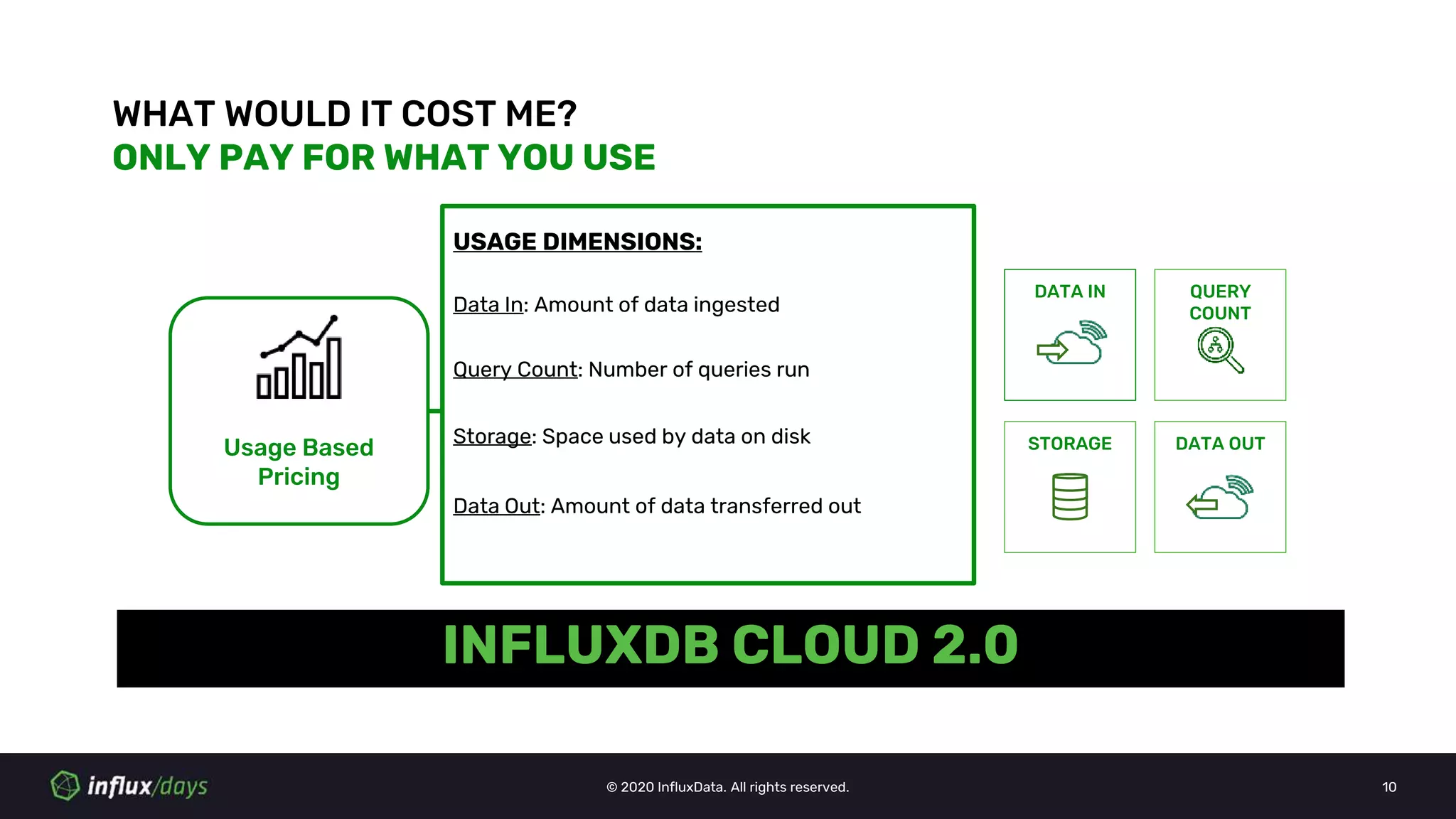
INFLUXDB CLOUD 2.0
WHAT WOULD IT COST ME?
ONLY PAY FOR WHAT YOU USE
Usage Based
Pricing
USAGE DIMENSIONS:
Data In: Amount of data ingested
DATA IN
Query Count: Number of queries run
QUERY
COUNT
STORAGE DATA OUTStorage: Space used by data on disk
Data Out: Amount of data transferred out
© 2020 InfluxData. All rights reserved. 11
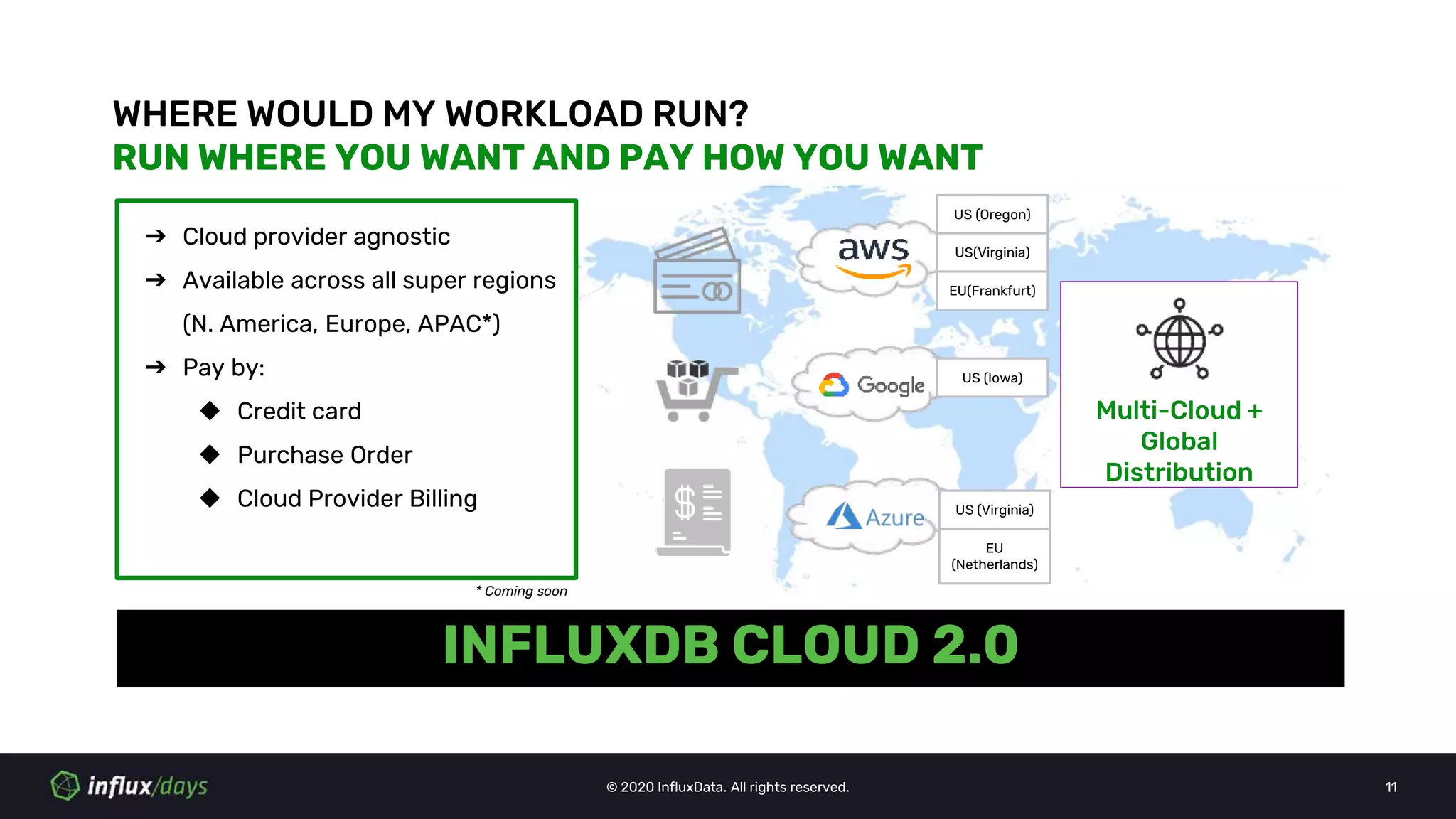
INFLUXDB CLOUD 2.0
WHERE WOULD MY WORKLOAD RUN?
RUN WHERE YOU WANT AND PAY HOW YOU WANT
Multi-Cloud +
Global
Distribution
➔ Cloud provider agnostic
➔ Available across all super regions
(N. America, Europe, APAC*)
➔ Pay by:
◆ Credit card
◆ Purchase Order
◆ Cloud Provider Billing
US (Oregon)
US(Virginia)
EU(Frankfurt)
US (Iowa)
US (Virginia)
EU
(Netherlands)
* Coming soon
© 2020 InfluxData. All rights reserved. 12
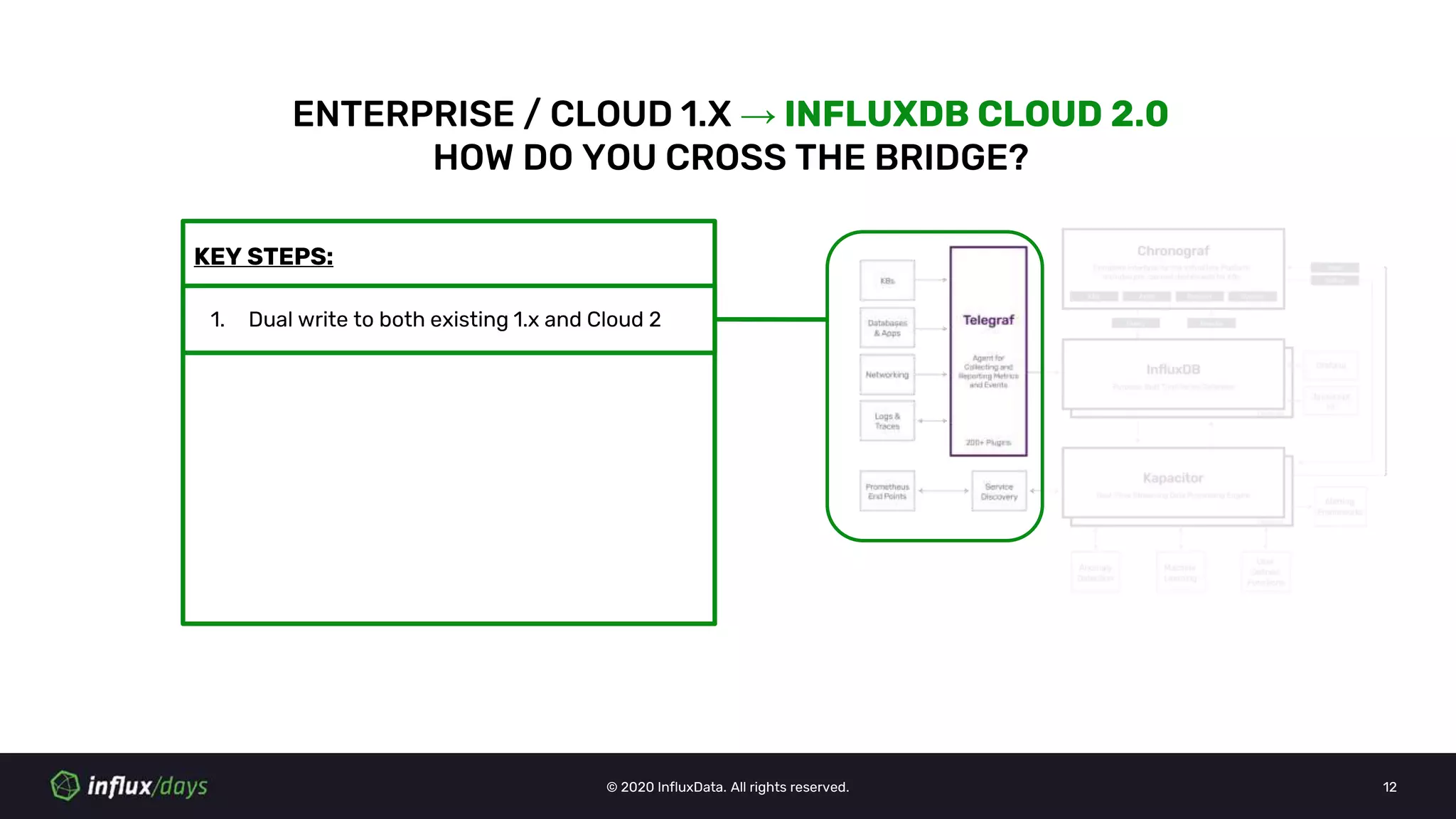
KEY STEPS:
ENTERPRISE / CLOUD 1.X → INFLUXDB CLOUD 2.0
HOW DO YOU CROSS THE BRIDGE?
1. Dual write to both existing 1.x and Cloud 2
© 2020 InfluxData. All rights reserved. 13
ENTERPRISE / CLOUD 1.X -> INFLUXDB CLOUD 2.0
DUAL WRITE TO BOTH 1.X AND 2.0
TELEGRAF
● Add influxdb_v2 output
plugin to telegraf
configuration
CLIENT LIBRARIES
● Cloud 2 supports v1.x
/write compatibility
endpoint which can be
used by 1.x client libraries
to write data into
OTHER SCENARIOS
● Use Telegraf as go-
between with influxdb
input plugin and write to
influxdb and influxdb_v2
output plugins
# Write to InfluxDB V1.x
[[outputs.influxdb]]
urls = ["http://127.0.0.1:8086"]
database = “telegraf”
...
# Write to InfluxDB Cloud
[[outputs.influxdb_v2]]
urls = ["https://us-west-2-
1.aws.cloud2.influxdata.com"]
organization = “balaji’s org”
bucket = “telegraf”
### python client
from influxdb import InfluxDBClient
…
## Provide Cloud 2 url, username and token
client = InfluxDBClient('us-west-2-
1.aws.cloud2.influxdata.com', 443,
'<username>', '<Authorization Token>',
'<Bucket>')
…
## Write points
client.write_points(json_body)
Metric
Source
or App
T
E
L
E
G
R
A
F
InfluxDB
1.x
InfluxDB
Cloud
2.0
influxdb
listener
input
plugin
influxdb
output
plugin
influxdb_v2
output
plugin
© 2020 InfluxData. All rights reserved. 14
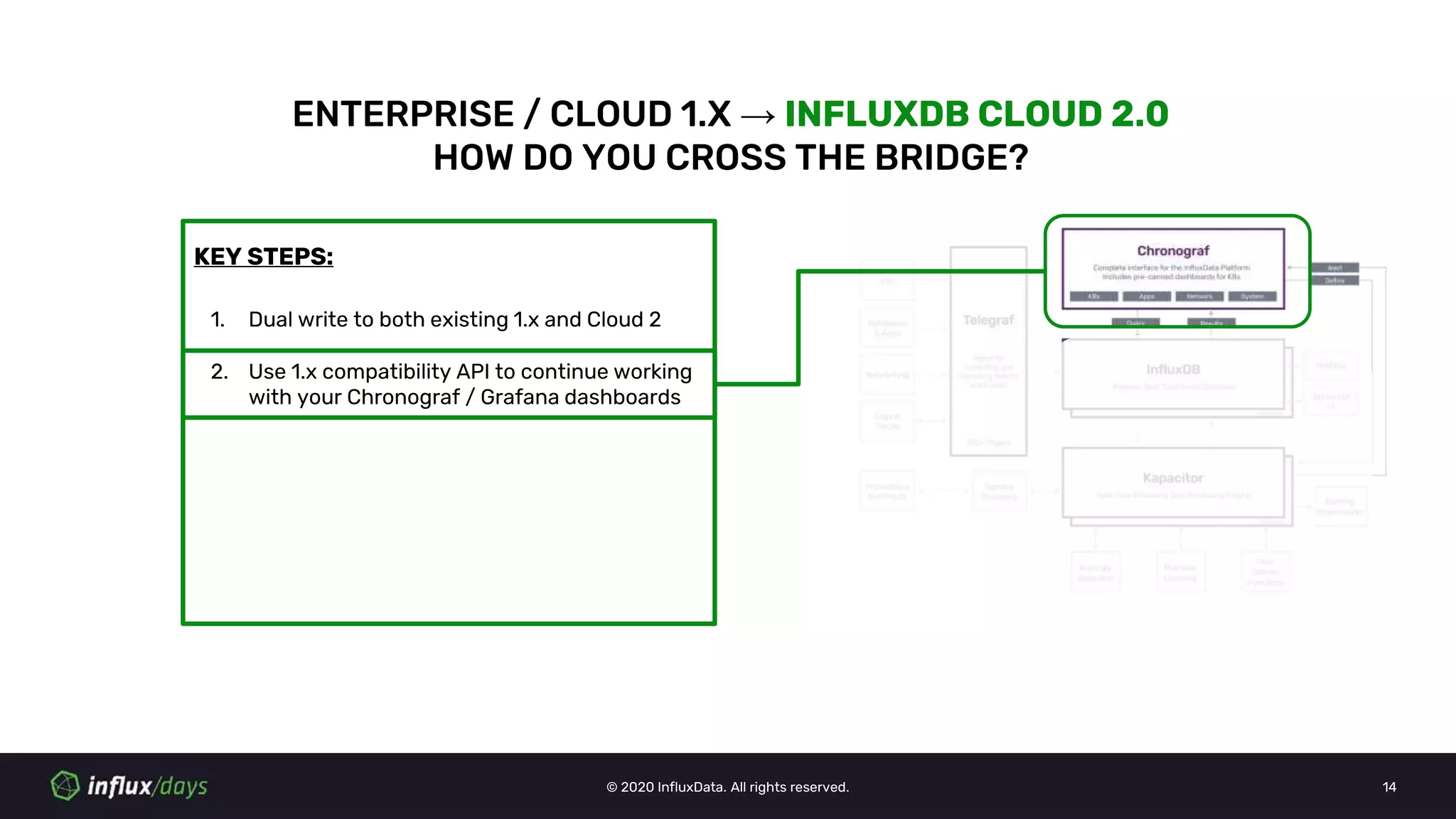
KEY STEPS:
ENTERPRISE / CLOUD 1.X → INFLUXDB CLOUD 2.0
HOW DO YOU CROSS THE BRIDGE?
1. Dual write to both existing 1.x and Cloud 2
2. Use 1.x compatibility API to continue working
with your Chronograf / Grafana dashboards
© 2020 InfluxData. All rights reserved. 15
ENTERPRISE / CLOUD 1.X → INFLUXDB CLOUD 2.0
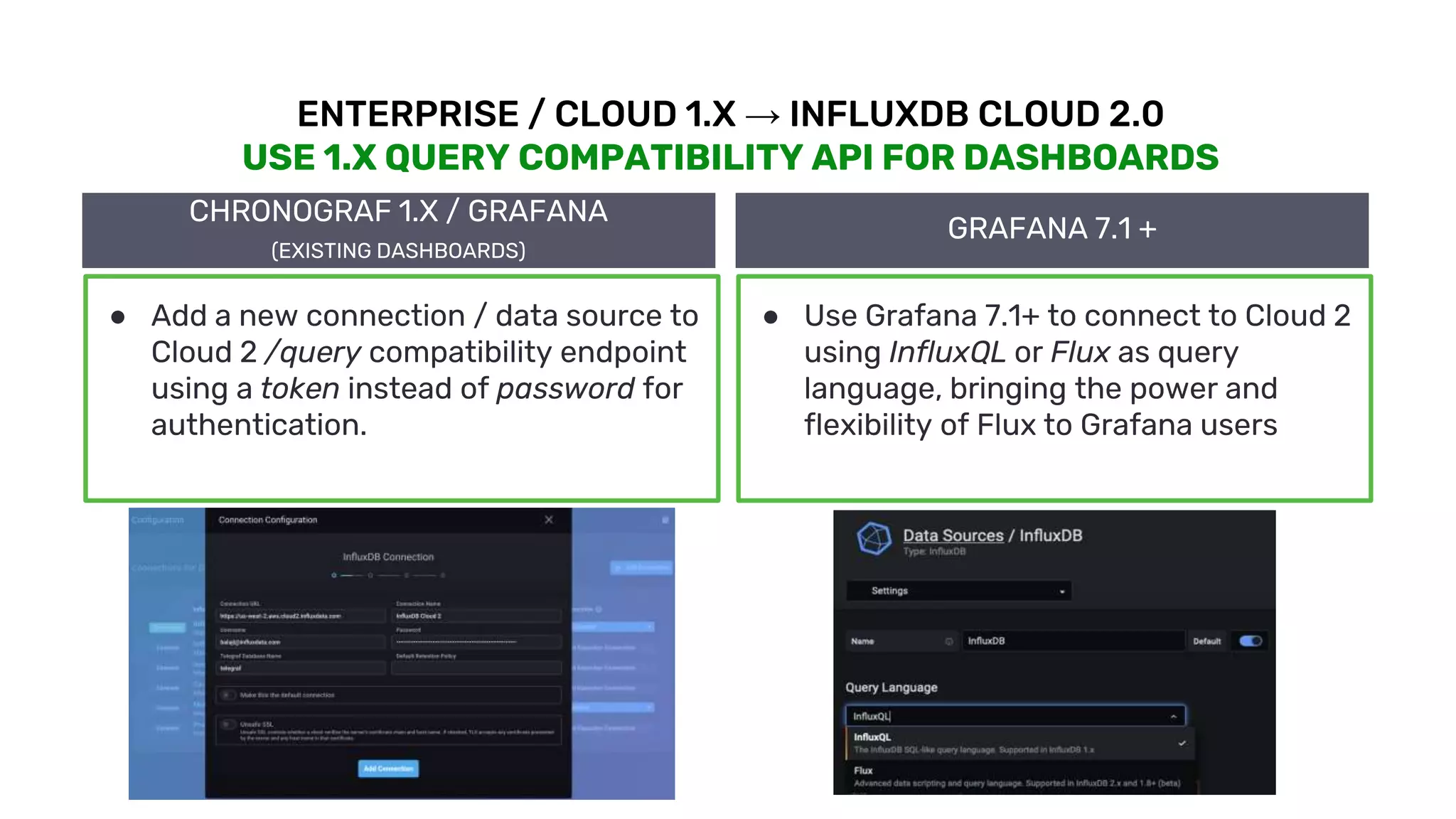
USE 1.X QUERY COMPATIBILITY API FOR DASHBOARDS
CHRONOGRAF 1.X / GRAFANA
(EXISTING DASHBOARDS)
● Add a new connection / data source to
Cloud 2 /query compatibility endpoint
using a token instead of password for
authentication.
GRAFANA 7.1 +
● Use Grafana 7.1+ to connect to Cloud 2
using InfluxQL or Flux as query
language, bringing the power and
flexibility of Flux to Grafana users
© 2020 InfluxData. All rights reserved. 16
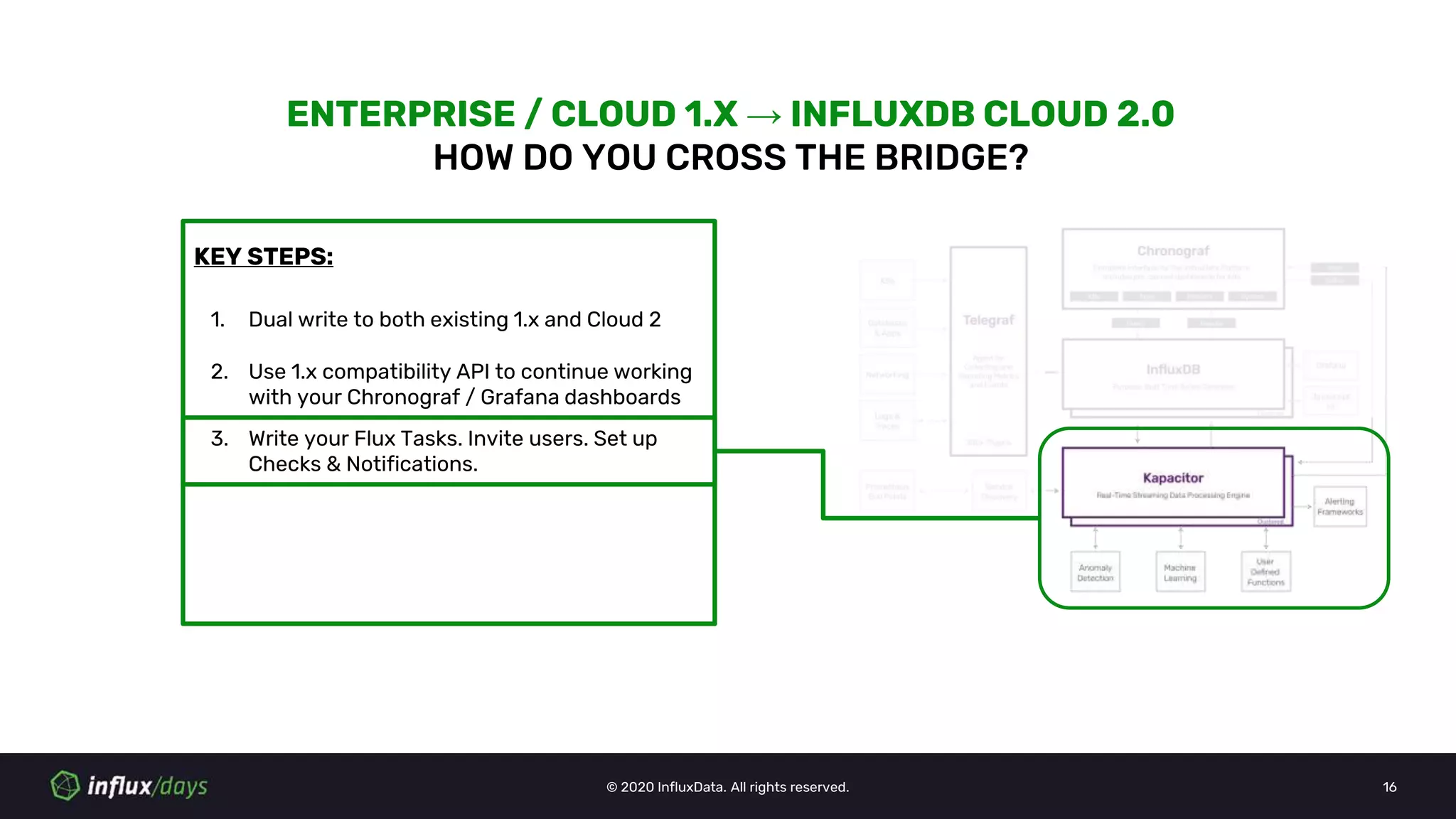
KEY STEPS:
ENTERPRISE / CLOUD 1.X → INFLUXDB CLOUD 2.0
HOW DO YOU CROSS THE BRIDGE?
1. Dual write to both existing 1.x and Cloud 2
2. Use 1.x compatibility API to continue working
with your Chronograf / Grafana dashboards
3. Write your Flux Tasks. Invite users. Set up
Checks & Notifications.
© 2020 InfluxData. All rights reserved. 17
ENTERPRISE / CLOUD 1.X → INFLUXDB CLOUD 2.0
CONTINUOUS QUERIES →FLUX TASKS
#Downsample raw data into 5m means
CREATE CONTINUOUS QUERY mycq
ON telegraf
BEGIN
SELECT mean(usage_user) AS usage_user
INTO telegraf.rollup_5m.cpu
FROM telegraf.autogen.cpu
GROUP BY time(5m),*
END
#Downsample in Flux
option task = {
name: "mytask",
every: 5m,
}
from(bucket: "telegraf")
|> range(start: -5m)
|> filter(fn: (r) => r["_measurement"] ==
"cpu")
|> filter(fn: (r) => r["_field"] ==
"usage_user")
|> mean(column: "_value")
|> to(bucket: "telegraf_5m", org: "balaji_p")
CONTINUOUS QUERIES (CQ) FLUX TASKS
Tasks: (https://docs.influxdata.com/influxdb/v2.0/process-
data/get-started/)
(https://www.influxdata.com/blog/downsampling-influxdb-v2-0/)
● Optimized for better performance
● Built on top of Flux
© 2020 InfluxData. All rights reserved. 18
ENTERPRISE / CLOUD 1.X → INFLUXDB CLOUD 2.0
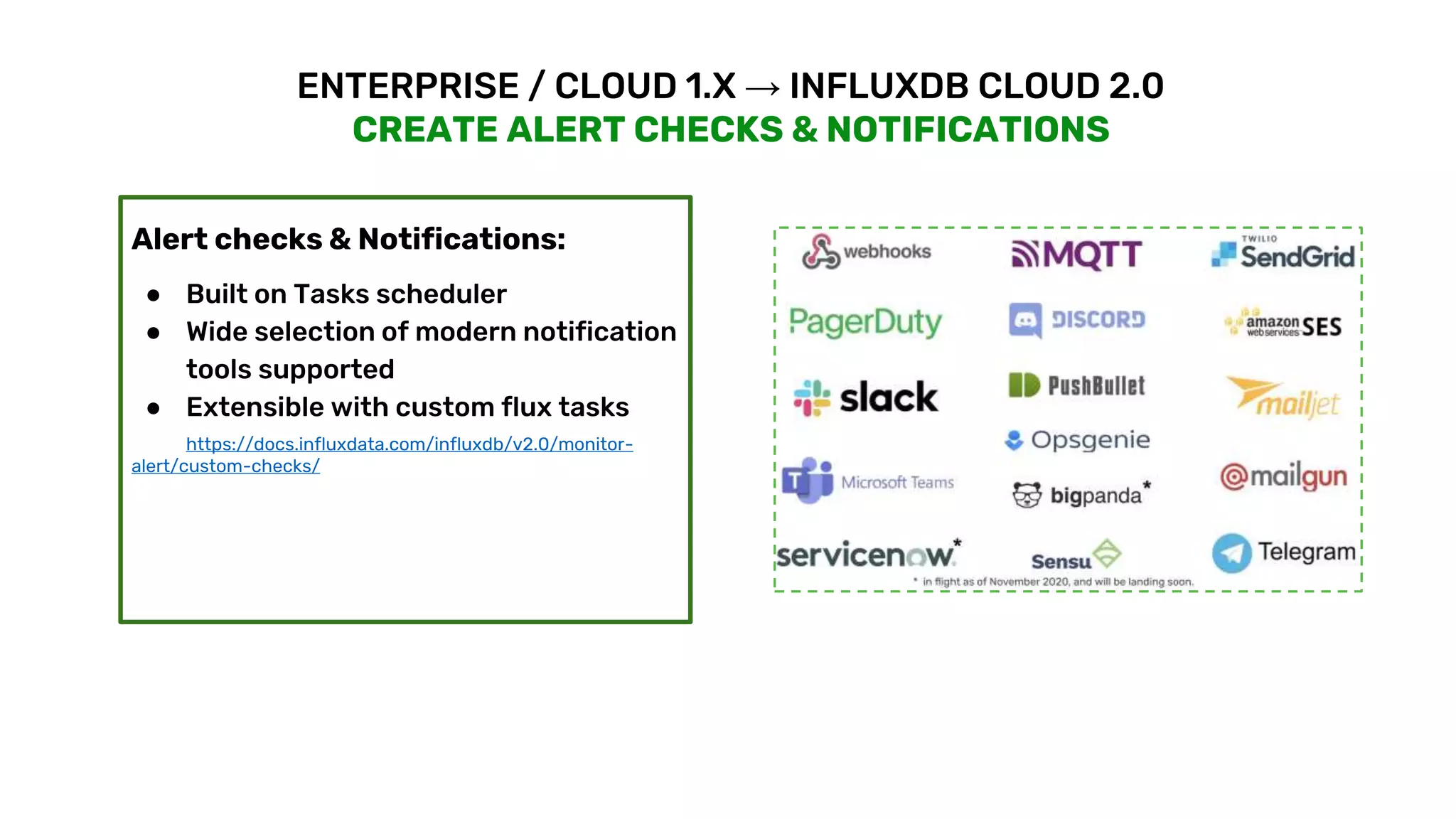
CREATE ALERT CHECKS & NOTIFICATIONS
Alert checks & Notifications:
● Built on Tasks scheduler
● Wide selection of modern notification
tools supported
● Extensible with custom flux tasks
https://docs.influxdata.com/influxdb/v2.0/monitor-
alert/custom-checks/
© 2020 InfluxData. All rights reserved. 19
ENTERPRISE / CLOUD 1.X → INFLUXDB CLOUD 2.0
KAPACITOR BATCH SCRIPTS →FLUX TASKS
dbrp "telegraf"."autogen"
batch
|query('SELECT mean(usage_idle) as
usage_idle FROM "telegraf"."autogen".cpu')
.period(5m)
.every(5m)
.groupBy(*)
|influxDBOut()
.database('telegraf')
.retentionPolicy('autogen')
.measurement('mean_cpu_idle')
.precision('s')
#Downsample in Flux
option task = {
name: "mytask",
every: 5m,
}
from(bucket: "telegraf")
|> range(start: -5m)
|> filter(fn: (r) => r["_measurement"] ==
"cpu")
|> filter(fn: (r) => r["_field"] ==
"usage_idle")
|> mean(column: "_value")
|> map(fn: (r) => ({ r with _measurement:
"mean_cpu_idle"}))
|> to(bucket: "telegraf", org: "balaji_p")
KAPACITOR BATCH FLUX TASKS
Things to watch for :
1. Variables in Tasks are not supported
a. Named Functions (coming soon)
2. Flux Tasks + Kapa also in roadmap
© 2020 InfluxData. All rights reserved. 20
ENTERPRISE / CLOUD 1.X → INFLUXDB CLOUD 2.0
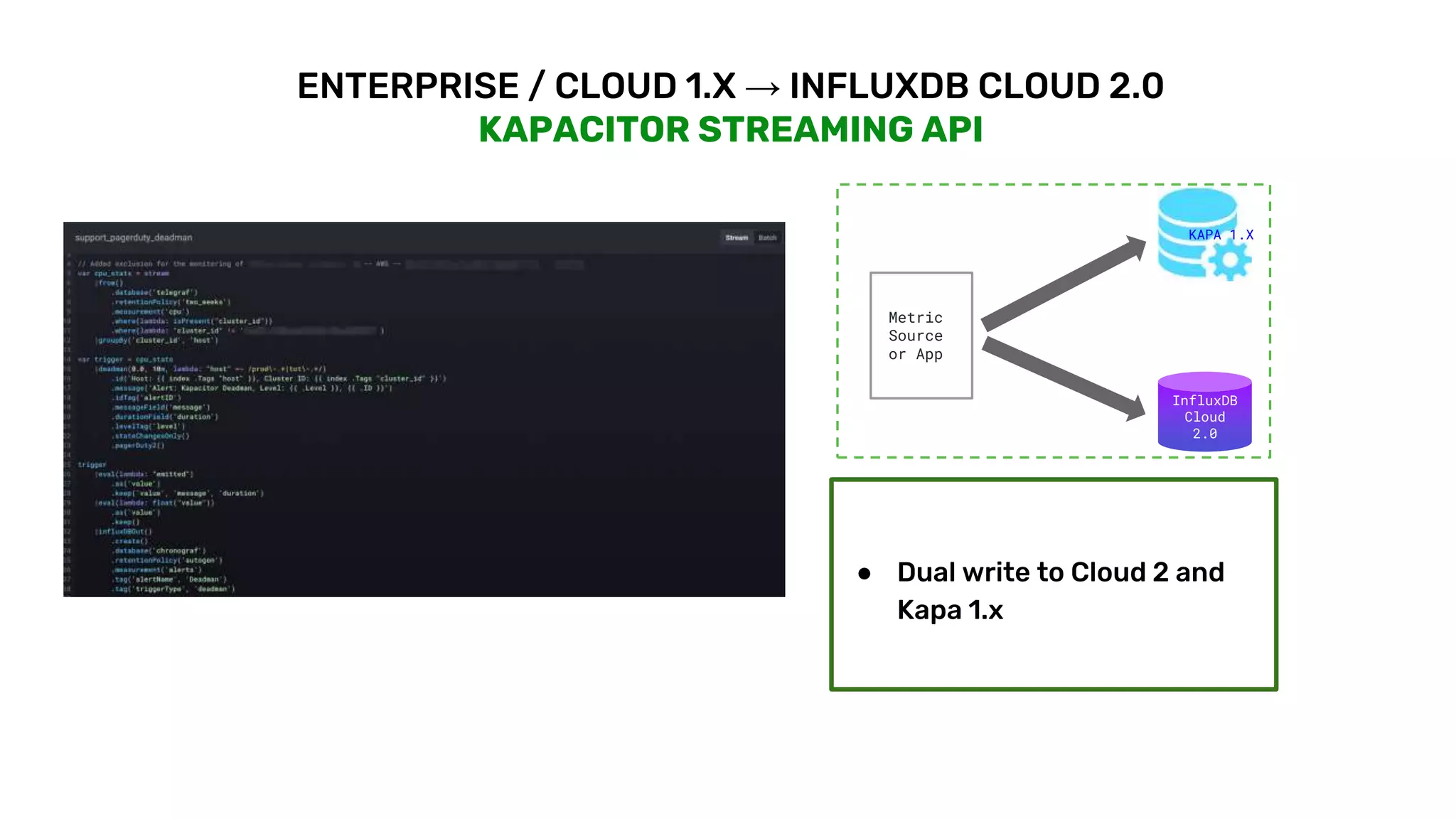
KAPACITOR STREAMING API
● Dual write to Cloud 2 and
Kapa 1.x
Metric
Source
or App
InfluxDB
Cloud
2.0
KAPA 1.X
© 2020 InfluxData. All rights reserved. 21
KEY STEPS:
ENTERPRISE / CLOUD 1.X → INFLUXDB CLOUD 2.0
HOW DO YOU CROSS THE BRIDGE?
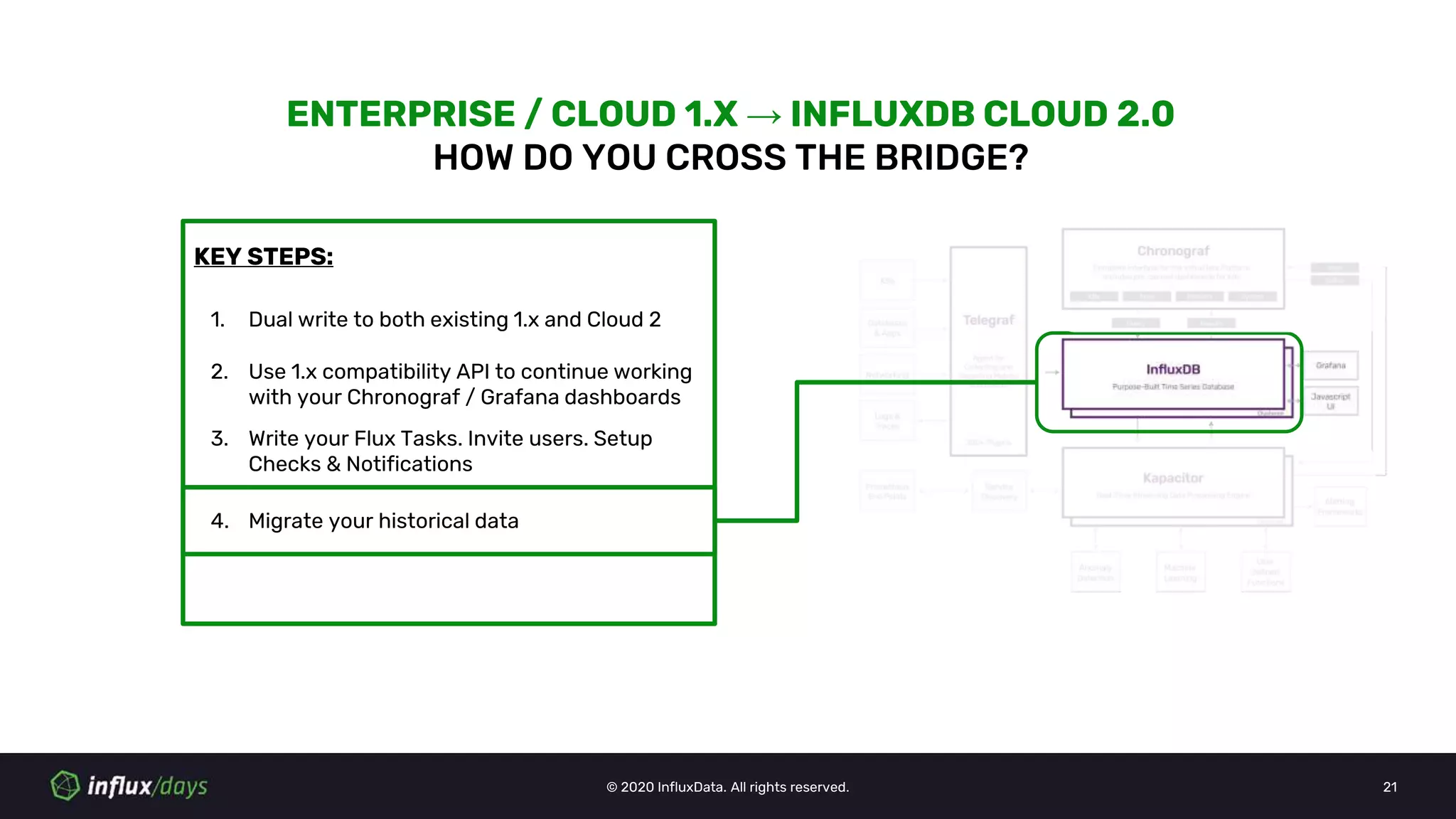
1. Dual write to both existing 1.x and Cloud 2
2. Use 1.x compatibility API to continue working
with your Chronograf / Grafana dashboards
3. Write your Flux Tasks. Invite users. Setup
Checks & Notifications
4. Migrate your historical data
© 2020 InfluxData. All rights reserved. 22
ENTERPRISE / CLOUD 1.X→ INFLUXDB CLOUD 2.0
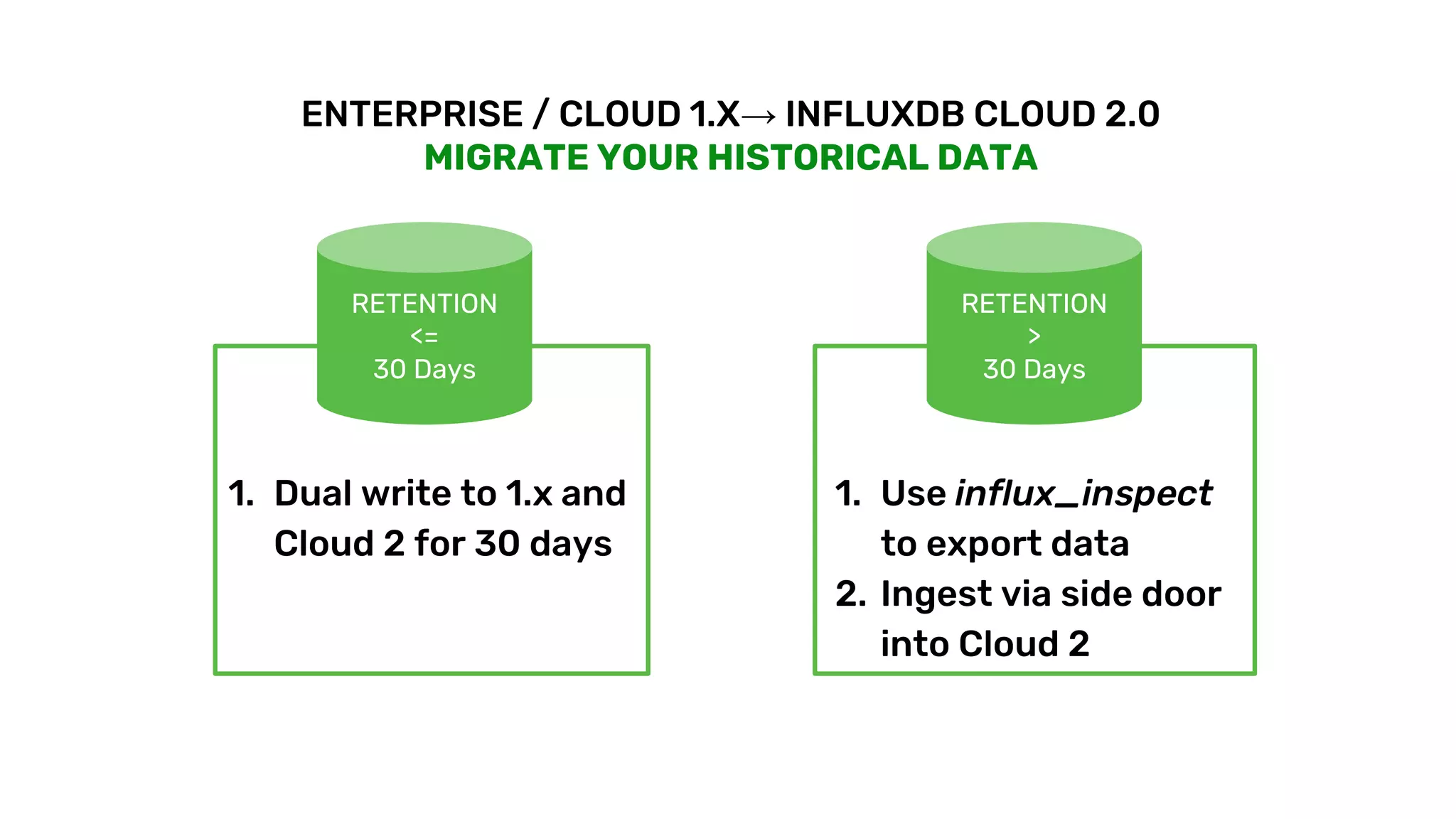
MIGRATE YOUR HISTORICAL DATA
RETENTION
<=
30 Days
1. Dual write to 1.x and
Cloud 2 for 30 days
RETENTION
>
30 Days
1. Use influx_inspect
to export data
2. Ingest via side door
into Cloud 2
© 2020 InfluxData. All rights reserved. 23
KEY STEPS:
ENTERPRISE / CLOUD 1.X → INFLUXDB CLOUD 2.0
HOW DO YOU CROSS THE BRIDGE?
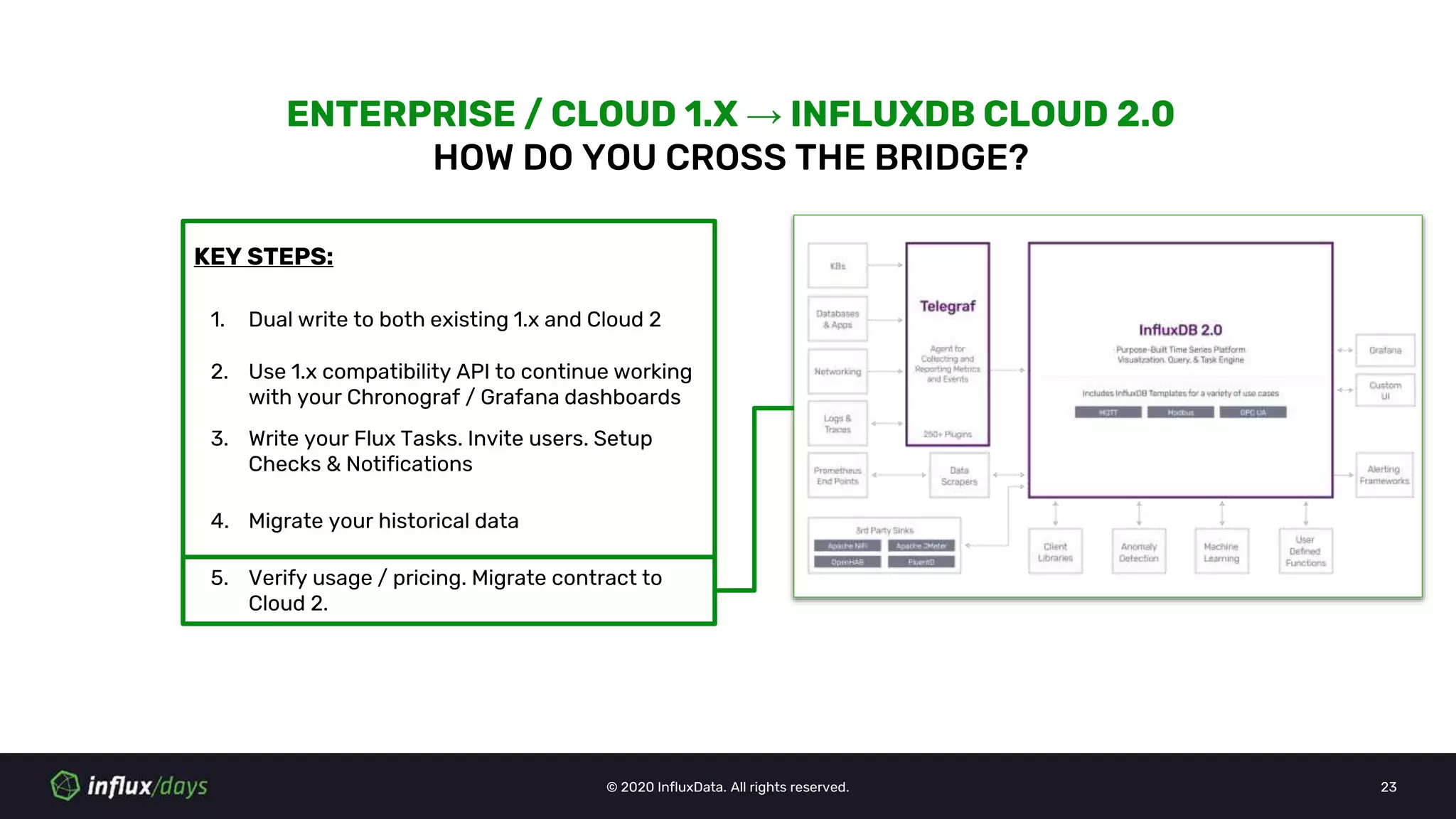
1. Dual write to both existing 1.x and Cloud 2
2. Use 1.x compatibility API to continue working
with your Chronograf / Grafana dashboards
3. Write your Flux Tasks. Invite users. Setup
Checks & Notifications
4. Migrate your historical data
5. Verify usage / pricing. Migrate contract to
Cloud 2.
© 2020 InfluxData. All rights reserved. 24
ENTERPRISE / CLOUD 1.X → INFLUXDB CLOUD 2.0
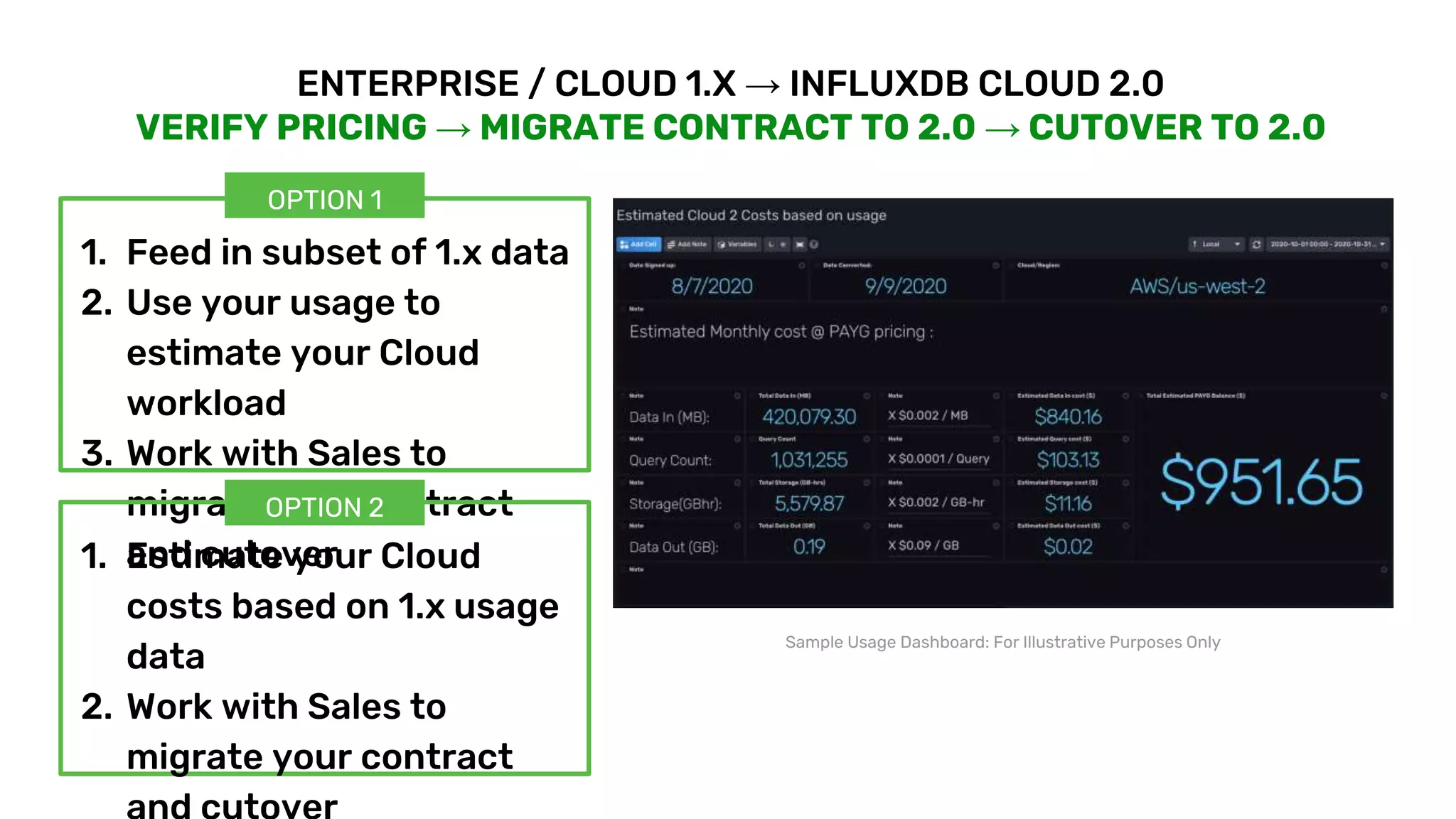
VERIFY PRICING → MIGRATE CONTRACT TO 2.0 → CUTOVER TO 2.0
Sample Usage Dashboard: For Illustrative Purposes Only
1. Feed in subset of 1.x data
2. Use your usage to
estimate your Cloud
workload
3. Work with Sales to
migrate your contract
and cutover1. Estimate your Cloud
costs based on 1.x usage
data
2. Work with Sales to
migrate your contract
OPTION 1
OPTION 2
© 2020 InfluxData. All rights reserved. 25
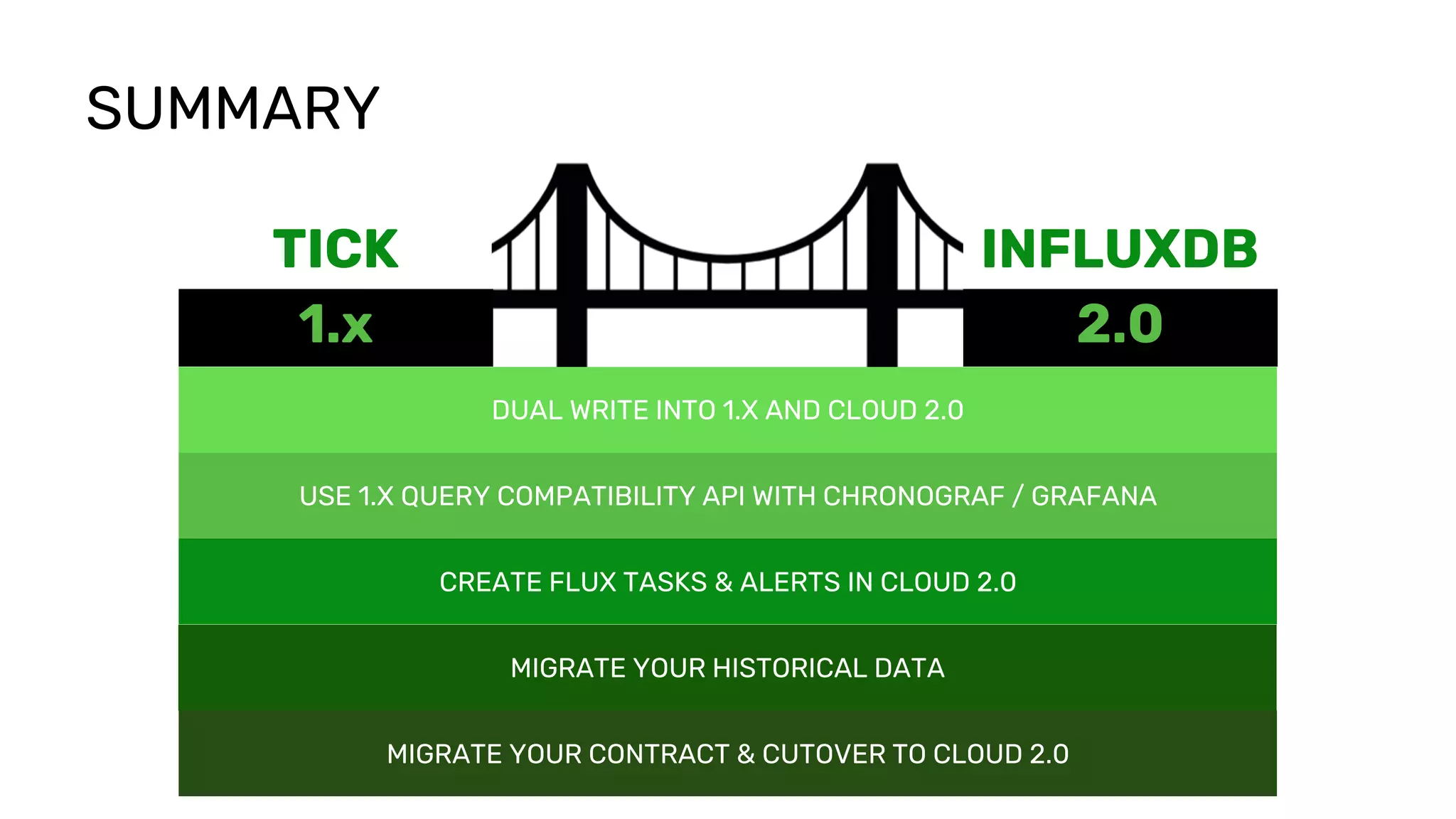
1.x 2.0
TICK INFLUXDB
SUMMARY
DUAL WRITE INTO 1.X AND CLOUD 2.0
USE 1.X QUERY COMPATIBILITY API WITH CHRONOGRAF / GRAFANA
CREATE FLUX TASKS & ALERTS IN CLOUD 2.0
MIGRATE YOUR HISTORICAL DATA
MIGRATE YOUR CONTRACT & CUTOVER TO CLOUD 2.0
© 2020 InfluxData. All rights reserved. 26
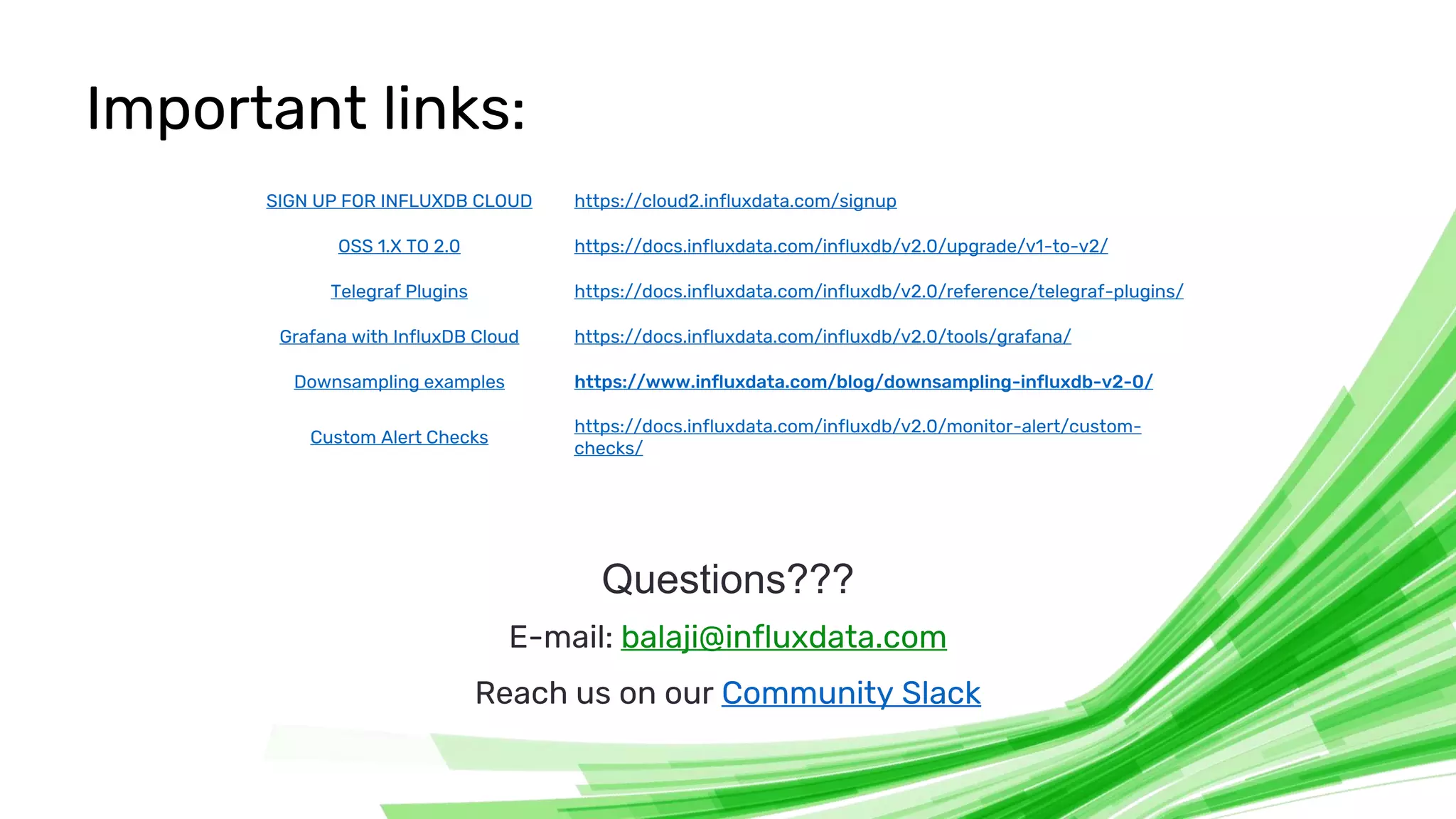
Important links:
Questions???
E-mail: balaji@influxdata.com
Reach us on our Community Slack
SIGN UP FOR INFLUXDB CLOUD https://cloud2.influxdata.com/signup
OSS 1.X TO 2.0 https://docs.influxdata.com/influxdb/v2.0/upgrade/v1-to-v2/
Telegraf Plugins https://docs.influxdata.com/influxdb/v2.0/reference/telegraf-plugins/
Grafana with InfluxDB Cloud https://docs.influxdata.com/influxdb/v2.0/tools/grafana/
Downsampling examples https://www.influxdata.com/blog/downsampling-influxdb-v2-0/
Custom Alert Checks
https://docs.influxdata.com/influxdb/v2.0/monitor-alert/custom-
checks/

Balaji Palani [InfluxData] | Path to InfluxDB 2.0: Seamlessly Migrate Your 1.x Data, Dashboards, Alerts and Tasks | InfluxDays Virtual Experience NA 2020

  • 1.
    Balaji Palani Director, Product Management InfluxData Pathto InfluxDB 2.0 Seamlessly migrate your 1.x dashboards, alerts and tasks
  • 2.
    © 2020 InfluxData.All rights reserved. 2 1.x 2.0 TICK INFLUXDB
  • 3.
    OSS 1.X →OSS 2.0
  • 4.
    © 2020 InfluxData.All rights reserved. 4 INFLUXDB OSS 2.0 OSS 1.X: WHY UPGRADE to 2.0? MADE FOR DEVELOPERS DEVELOPER PRODUCTIVITY Query Language ++ Multi-datasource Extensible Rich Client Libraries Gitops integration with Template Stacks Task Scheduling Platform-in-a-box Ideal for IOT Edge
  • 5.
    © 2020 InfluxData.All rights reserved. 5 OSS 1.X → OSS 2.0 HOW TO MAKE THE TRANSITION? INFLUXDB OSS 1.XINFLUXDB OSS 2.0 IN-PLACE UPGRADE ● Updates Configuration ● Write Data Into 2.0 Buckets ● Create DBRP Mappings ● Migrate Users, Metadata ● Build TSI (Time-series index) https://docs.influxdata.com/influxdb/v2.0/upgrade/v1-to-v2/
  • 6.
    © 2020 InfluxData.All rights reserved. 6 INFLUXDB OSS 1.XINFLUXDB OSS 2.0 Continuous Queries (CQ) Replace with Flux Tasks 1.x Supported Protocols (Graphite, CollectD, OpenTSDB, UDP) Use Telegraf Kapacitor 1.x (Subscription API) Dual write to InfluxDB 2.0 and Kapacitor 1.x Chronograf / Grafana (Dashboards) Existing dashboards will continue to work with InfluxQL compatibility API FEW THINGS TO WATCH FOR... Authentication Auth required by default Admin users Re-assess and manually create admin users in OSS 2.0 Platform Support Docker, Windows, ARM builds are planned for later releases https://docs.influxdata.com/influxdb/v2.0/upgrade/v1-to-v2/
  • 7.
    TICK 1.X →INFLUXDB CLOUD 2.0
  • 8.
    © 2020 InfluxData.All rights reserved. 8 INFLUXDB CLOUD 2.0 WHY INFLUXDB CLOUD 2? PURPOSE-BUILT FOR APP BUILDERS AND OPERATORS Multi-Tenant Architecture Fully Managed + Secure Platform Elastic + Serverless Platform Usage-Based Pricing Multi-Cloud + Global Distribution
  • 9.
    © 2020 InfluxData.All rights reserved. 9 HOW DOES THIS BENEFIT ME? SAVE TIME AND MONEY Multi-Tenant Architecture Fully Managed + Secure Platform Elastic + Serverless Platform Usage Based Pricing Multi-Cloud Availability INFLUXDB CLOUD 2.0 ● Easy to get started quickly. ● No servers to manage. ● Start small and scale as you grow. ● No management overhead. ● Free your time and resources to develop your application.
  • 10.
    © 2020 InfluxData.All rights reserved. 10 INFLUXDB CLOUD 2.0 WHAT WOULD IT COST ME? ONLY PAY FOR WHAT YOU USE Usage Based Pricing USAGE DIMENSIONS: Data In: Amount of data ingested DATA IN Query Count: Number of queries run QUERY COUNT STORAGE DATA OUTStorage: Space used by data on disk Data Out: Amount of data transferred out
  • 11.
    © 2020 InfluxData.All rights reserved. 11 INFLUXDB CLOUD 2.0 WHERE WOULD MY WORKLOAD RUN? RUN WHERE YOU WANT AND PAY HOW YOU WANT Multi-Cloud + Global Distribution ➔ Cloud provider agnostic ➔ Available across all super regions (N. America, Europe, APAC*) ➔ Pay by: ◆ Credit card ◆ Purchase Order ◆ Cloud Provider Billing US (Oregon) US(Virginia) EU(Frankfurt) US (Iowa) US (Virginia) EU (Netherlands) * Coming soon
  • 12.
    © 2020 InfluxData.All rights reserved. 12 KEY STEPS: ENTERPRISE / CLOUD 1.X → INFLUXDB CLOUD 2.0 HOW DO YOU CROSS THE BRIDGE? 1. Dual write to both existing 1.x and Cloud 2
  • 13.
    © 2020 InfluxData.All rights reserved. 13 ENTERPRISE / CLOUD 1.X -> INFLUXDB CLOUD 2.0 DUAL WRITE TO BOTH 1.X AND 2.0 TELEGRAF ● Add influxdb_v2 output plugin to telegraf configuration CLIENT LIBRARIES ● Cloud 2 supports v1.x /write compatibility endpoint which can be used by 1.x client libraries to write data into OTHER SCENARIOS ● Use Telegraf as go- between with influxdb input plugin and write to influxdb and influxdb_v2 output plugins # Write to InfluxDB V1.x [[outputs.influxdb]] urls = ["http://127.0.0.1:8086"] database = “telegraf” ... # Write to InfluxDB Cloud [[outputs.influxdb_v2]] urls = ["https://us-west-2- 1.aws.cloud2.influxdata.com"] organization = “balaji’s org” bucket = “telegraf” ### python client from influxdb import InfluxDBClient … ## Provide Cloud 2 url, username and token client = InfluxDBClient('us-west-2- 1.aws.cloud2.influxdata.com', 443, '<username>', '<Authorization Token>', '<Bucket>') … ## Write points client.write_points(json_body) Metric Source or App T E L E G R A F InfluxDB 1.x InfluxDB Cloud 2.0 influxdb listener input plugin influxdb output plugin influxdb_v2 output plugin
  • 14.
    © 2020 InfluxData.All rights reserved. 14 KEY STEPS: ENTERPRISE / CLOUD 1.X → INFLUXDB CLOUD 2.0 HOW DO YOU CROSS THE BRIDGE? 1. Dual write to both existing 1.x and Cloud 2 2. Use 1.x compatibility API to continue working with your Chronograf / Grafana dashboards
  • 15.
    © 2020 InfluxData.All rights reserved. 15 ENTERPRISE / CLOUD 1.X → INFLUXDB CLOUD 2.0 USE 1.X QUERY COMPATIBILITY API FOR DASHBOARDS CHRONOGRAF 1.X / GRAFANA (EXISTING DASHBOARDS) ● Add a new connection / data source to Cloud 2 /query compatibility endpoint using a token instead of password for authentication. GRAFANA 7.1 + ● Use Grafana 7.1+ to connect to Cloud 2 using InfluxQL or Flux as query language, bringing the power and flexibility of Flux to Grafana users
  • 16.
    © 2020 InfluxData.All rights reserved. 16 KEY STEPS: ENTERPRISE / CLOUD 1.X → INFLUXDB CLOUD 2.0 HOW DO YOU CROSS THE BRIDGE? 1. Dual write to both existing 1.x and Cloud 2 2. Use 1.x compatibility API to continue working with your Chronograf / Grafana dashboards 3. Write your Flux Tasks. Invite users. Set up Checks & Notifications.
  • 17.
    © 2020 InfluxData.All rights reserved. 17 ENTERPRISE / CLOUD 1.X → INFLUXDB CLOUD 2.0 CONTINUOUS QUERIES →FLUX TASKS #Downsample raw data into 5m means CREATE CONTINUOUS QUERY mycq ON telegraf BEGIN SELECT mean(usage_user) AS usage_user INTO telegraf.rollup_5m.cpu FROM telegraf.autogen.cpu GROUP BY time(5m),* END #Downsample in Flux option task = { name: "mytask", every: 5m, } from(bucket: "telegraf") |> range(start: -5m) |> filter(fn: (r) => r["_measurement"] == "cpu") |> filter(fn: (r) => r["_field"] == "usage_user") |> mean(column: "_value") |> to(bucket: "telegraf_5m", org: "balaji_p") CONTINUOUS QUERIES (CQ) FLUX TASKS Tasks: (https://docs.influxdata.com/influxdb/v2.0/process- data/get-started/) (https://www.influxdata.com/blog/downsampling-influxdb-v2-0/) ● Optimized for better performance ● Built on top of Flux
  • 18.
    © 2020 InfluxData.All rights reserved. 18 ENTERPRISE / CLOUD 1.X → INFLUXDB CLOUD 2.0 CREATE ALERT CHECKS & NOTIFICATIONS Alert checks & Notifications: ● Built on Tasks scheduler ● Wide selection of modern notification tools supported ● Extensible with custom flux tasks https://docs.influxdata.com/influxdb/v2.0/monitor- alert/custom-checks/
  • 19.
    © 2020 InfluxData.All rights reserved. 19 ENTERPRISE / CLOUD 1.X → INFLUXDB CLOUD 2.0 KAPACITOR BATCH SCRIPTS →FLUX TASKS dbrp "telegraf"."autogen" batch |query('SELECT mean(usage_idle) as usage_idle FROM "telegraf"."autogen".cpu') .period(5m) .every(5m) .groupBy(*) |influxDBOut() .database('telegraf') .retentionPolicy('autogen') .measurement('mean_cpu_idle') .precision('s') #Downsample in Flux option task = { name: "mytask", every: 5m, } from(bucket: "telegraf") |> range(start: -5m) |> filter(fn: (r) => r["_measurement"] == "cpu") |> filter(fn: (r) => r["_field"] == "usage_idle") |> mean(column: "_value") |> map(fn: (r) => ({ r with _measurement: "mean_cpu_idle"})) |> to(bucket: "telegraf", org: "balaji_p") KAPACITOR BATCH FLUX TASKS Things to watch for : 1. Variables in Tasks are not supported a. Named Functions (coming soon) 2. Flux Tasks + Kapa also in roadmap
  • 20.
    © 2020 InfluxData.All rights reserved. 20 ENTERPRISE / CLOUD 1.X → INFLUXDB CLOUD 2.0 KAPACITOR STREAMING API ● Dual write to Cloud 2 and Kapa 1.x Metric Source or App InfluxDB Cloud 2.0 KAPA 1.X
  • 21.
    © 2020 InfluxData.All rights reserved. 21 KEY STEPS: ENTERPRISE / CLOUD 1.X → INFLUXDB CLOUD 2.0 HOW DO YOU CROSS THE BRIDGE? 1. Dual write to both existing 1.x and Cloud 2 2. Use 1.x compatibility API to continue working with your Chronograf / Grafana dashboards 3. Write your Flux Tasks. Invite users. Setup Checks & Notifications 4. Migrate your historical data
  • 22.
    © 2020 InfluxData.All rights reserved. 22 ENTERPRISE / CLOUD 1.X→ INFLUXDB CLOUD 2.0 MIGRATE YOUR HISTORICAL DATA RETENTION <= 30 Days 1. Dual write to 1.x and Cloud 2 for 30 days RETENTION > 30 Days 1. Use influx_inspect to export data 2. Ingest via side door into Cloud 2
  • 23.
    © 2020 InfluxData.All rights reserved. 23 KEY STEPS: ENTERPRISE / CLOUD 1.X → INFLUXDB CLOUD 2.0 HOW DO YOU CROSS THE BRIDGE? 1. Dual write to both existing 1.x and Cloud 2 2. Use 1.x compatibility API to continue working with your Chronograf / Grafana dashboards 3. Write your Flux Tasks. Invite users. Setup Checks & Notifications 4. Migrate your historical data 5. Verify usage / pricing. Migrate contract to Cloud 2.
  • 24.
    © 2020 InfluxData.All rights reserved. 24 ENTERPRISE / CLOUD 1.X → INFLUXDB CLOUD 2.0 VERIFY PRICING → MIGRATE CONTRACT TO 2.0 → CUTOVER TO 2.0 Sample Usage Dashboard: For Illustrative Purposes Only 1. Feed in subset of 1.x data 2. Use your usage to estimate your Cloud workload 3. Work with Sales to migrate your contract and cutover1. Estimate your Cloud costs based on 1.x usage data 2. Work with Sales to migrate your contract OPTION 1 OPTION 2
  • 25.
    © 2020 InfluxData.All rights reserved. 25 1.x 2.0 TICK INFLUXDB SUMMARY DUAL WRITE INTO 1.X AND CLOUD 2.0 USE 1.X QUERY COMPATIBILITY API WITH CHRONOGRAF / GRAFANA CREATE FLUX TASKS & ALERTS IN CLOUD 2.0 MIGRATE YOUR HISTORICAL DATA MIGRATE YOUR CONTRACT & CUTOVER TO CLOUD 2.0
  • 26.
    © 2020 InfluxData.All rights reserved. 26 Important links: Questions??? E-mail: balaji@influxdata.com Reach us on our Community Slack SIGN UP FOR INFLUXDB CLOUD https://cloud2.influxdata.com/signup OSS 1.X TO 2.0 https://docs.influxdata.com/influxdb/v2.0/upgrade/v1-to-v2/ Telegraf Plugins https://docs.influxdata.com/influxdb/v2.0/reference/telegraf-plugins/ Grafana with InfluxDB Cloud https://docs.influxdata.com/influxdb/v2.0/tools/grafana/ Downsampling examples https://www.influxdata.com/blog/downsampling-influxdb-v2-0/ Custom Alert Checks https://docs.influxdata.com/influxdb/v2.0/monitor-alert/custom- checks/