AVEVA (Wonderware)
InTouch HMI
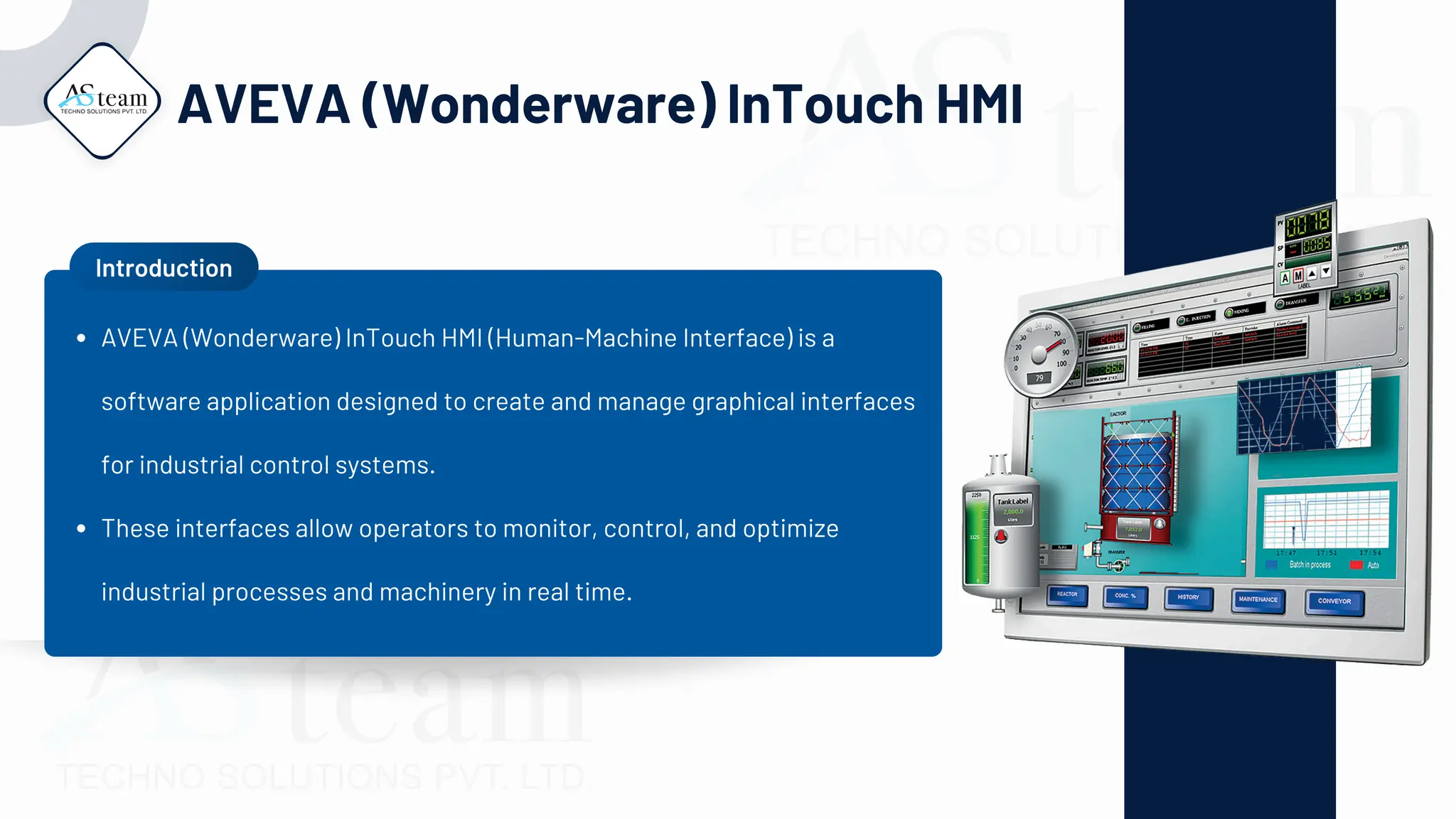
AVEVA (Wonderware) InTouch HMI
Introduction
AVEVA (Wonderware) InTouch HMI (Human-Machine Interface) is a
software application designed to create and manage graphical interfaces
for industrial control systems.
These interfaces allow operators to monitor, control, and optimize
industrial processes and machinery in real time.
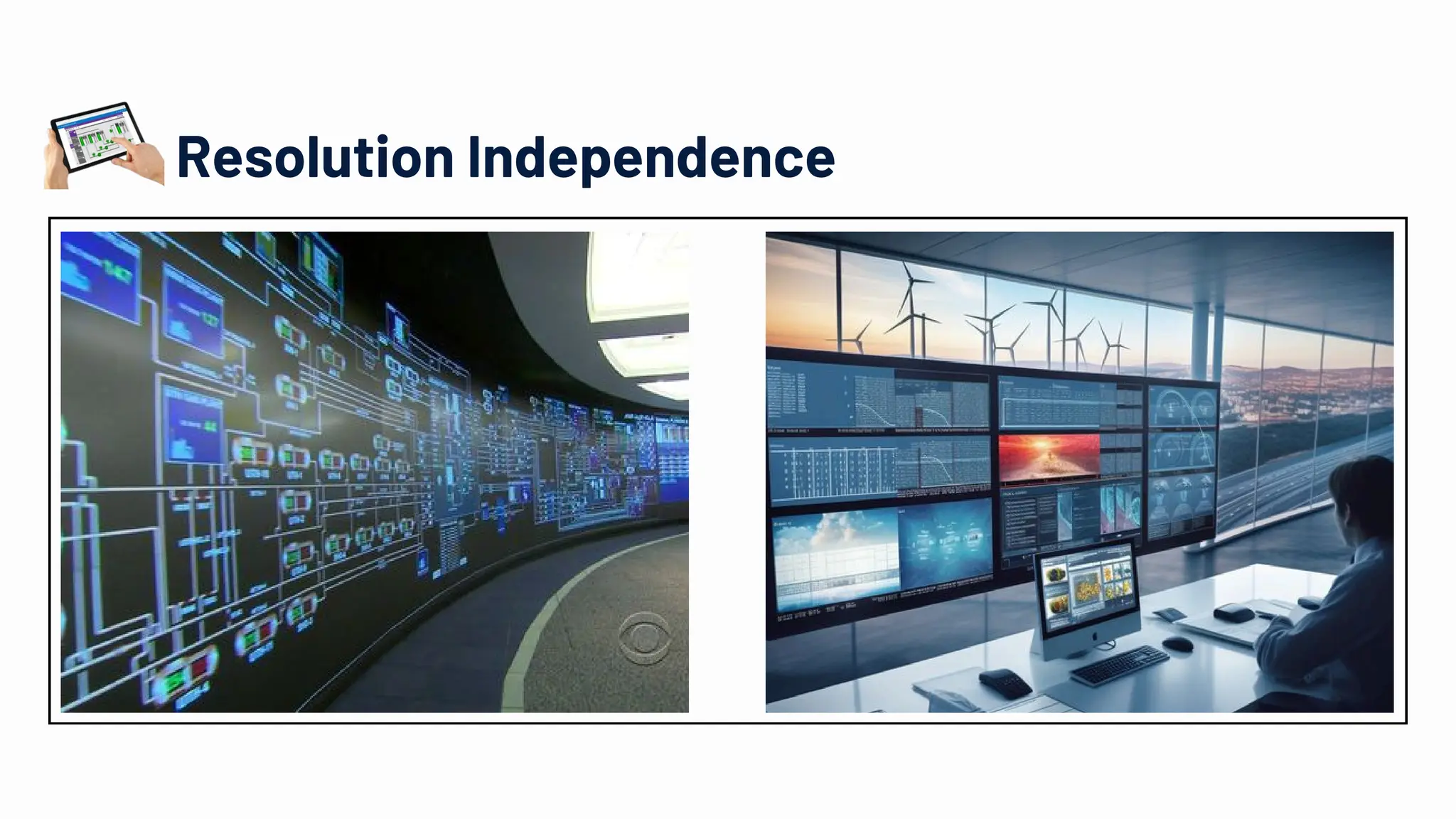
Resolution Independence
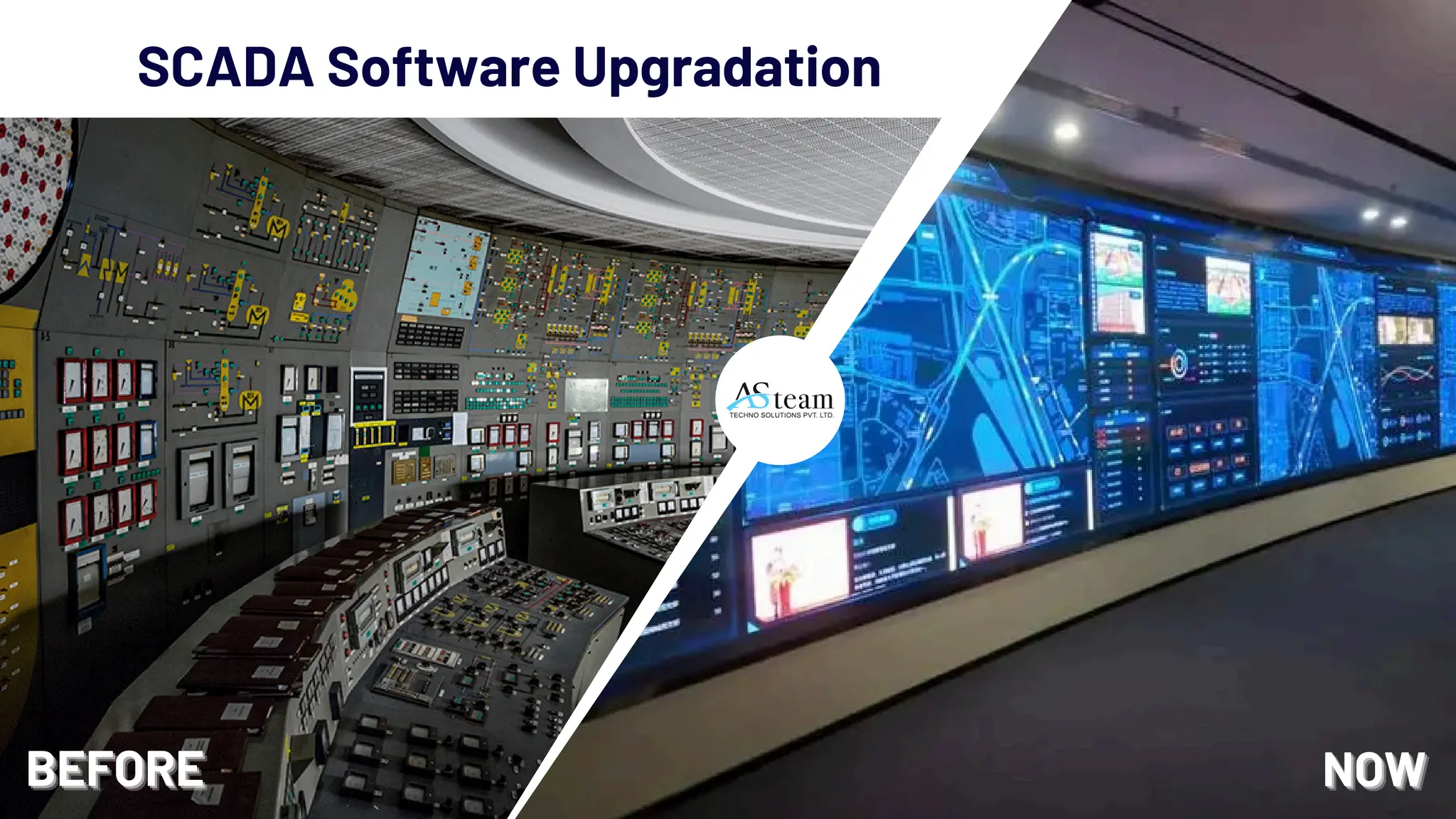
SCADA Software Upgradation
BEFORE
BEFORE
BEFORE NOW
NOW
NOW
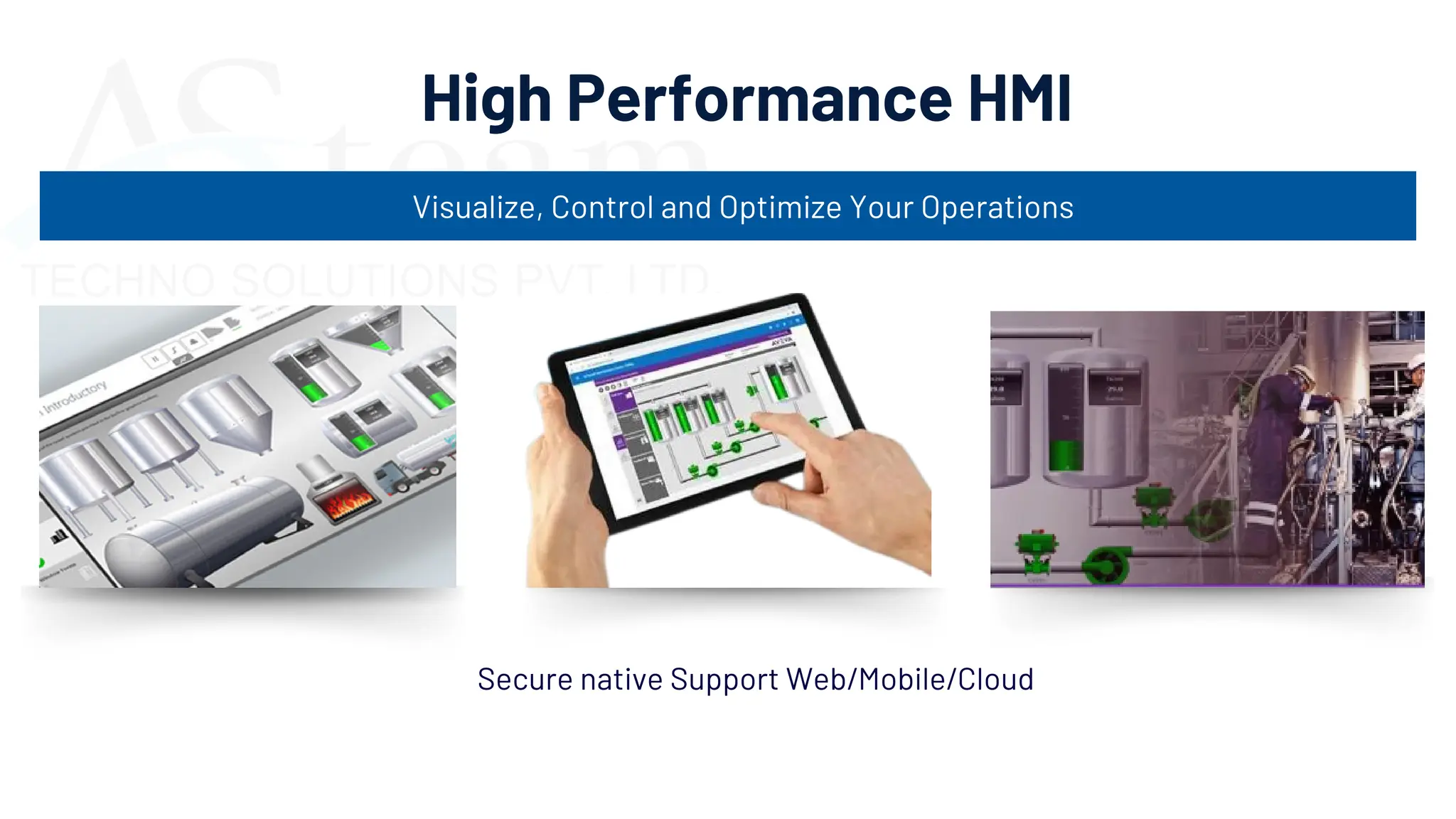
High Performance HMI
Visualize, Control and Optimize Your Operations
Secure native Support Web/Mobile/Cloud
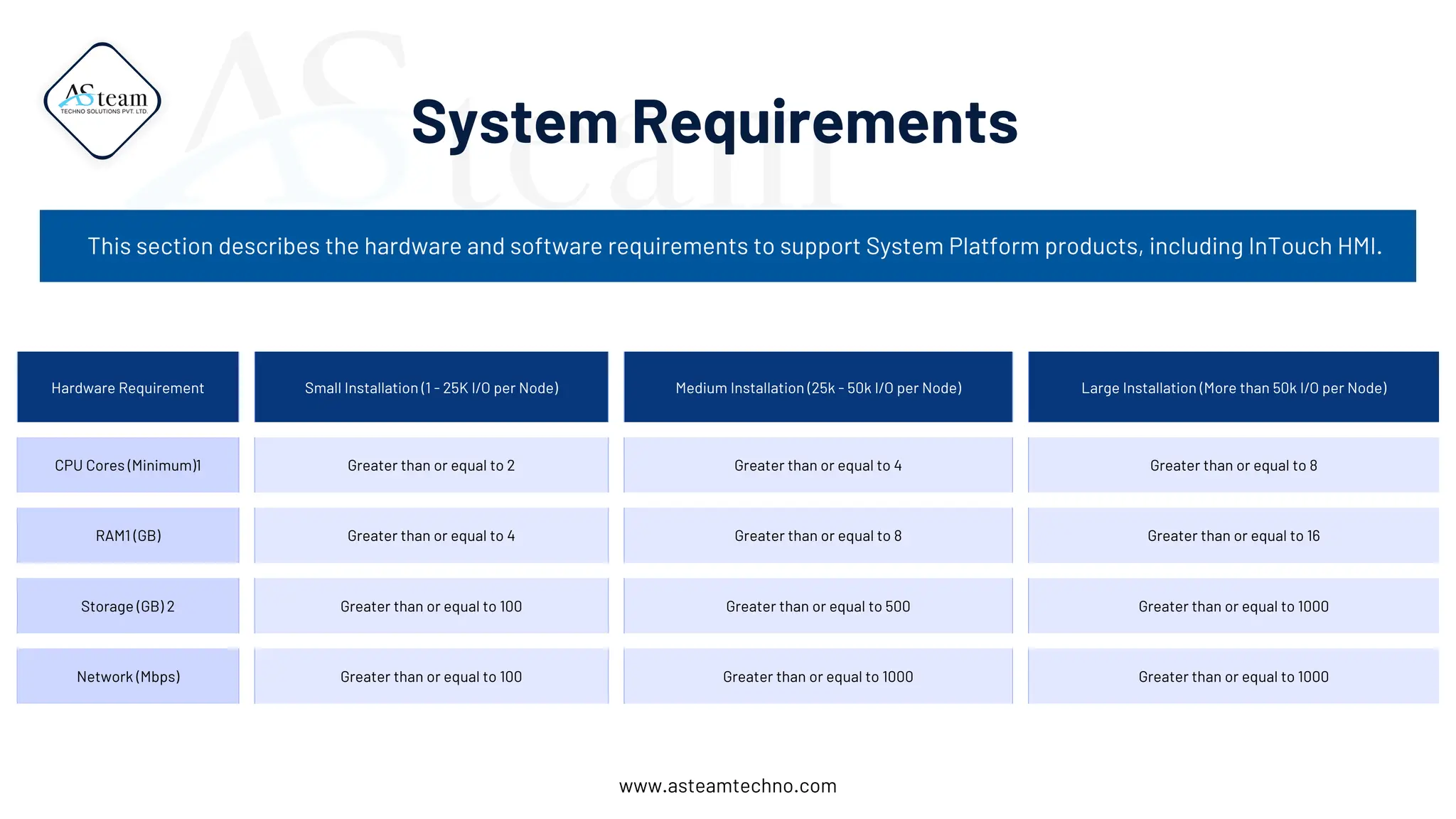
Hardware Requirement Small Installation (1 - 25K I/O per Node) Medium Installation (25k - 50k I/O per Node) Large Installation (More than 50k I/O per Node)
CPU Cores (Minimum)1 Greater than or equal to 2 Greater than or equal to 4 Greater than or equal to 8
RAM1 (GB) Greater than or equal to 4 Greater than or equal to 8 Greater than or equal to 16
Storage (GB) 2 Greater than or equal to 100 Greater than or equal to 500 Greater than or equal to 1000
Network (Mbps) Greater than or equal to 100 Greater than or equal to 1000 Greater than or equal to 1000
System Requirements
This section describes the hardware and software requirements to support System Platform products, including InTouch HMI.
www.asteamtechno.com
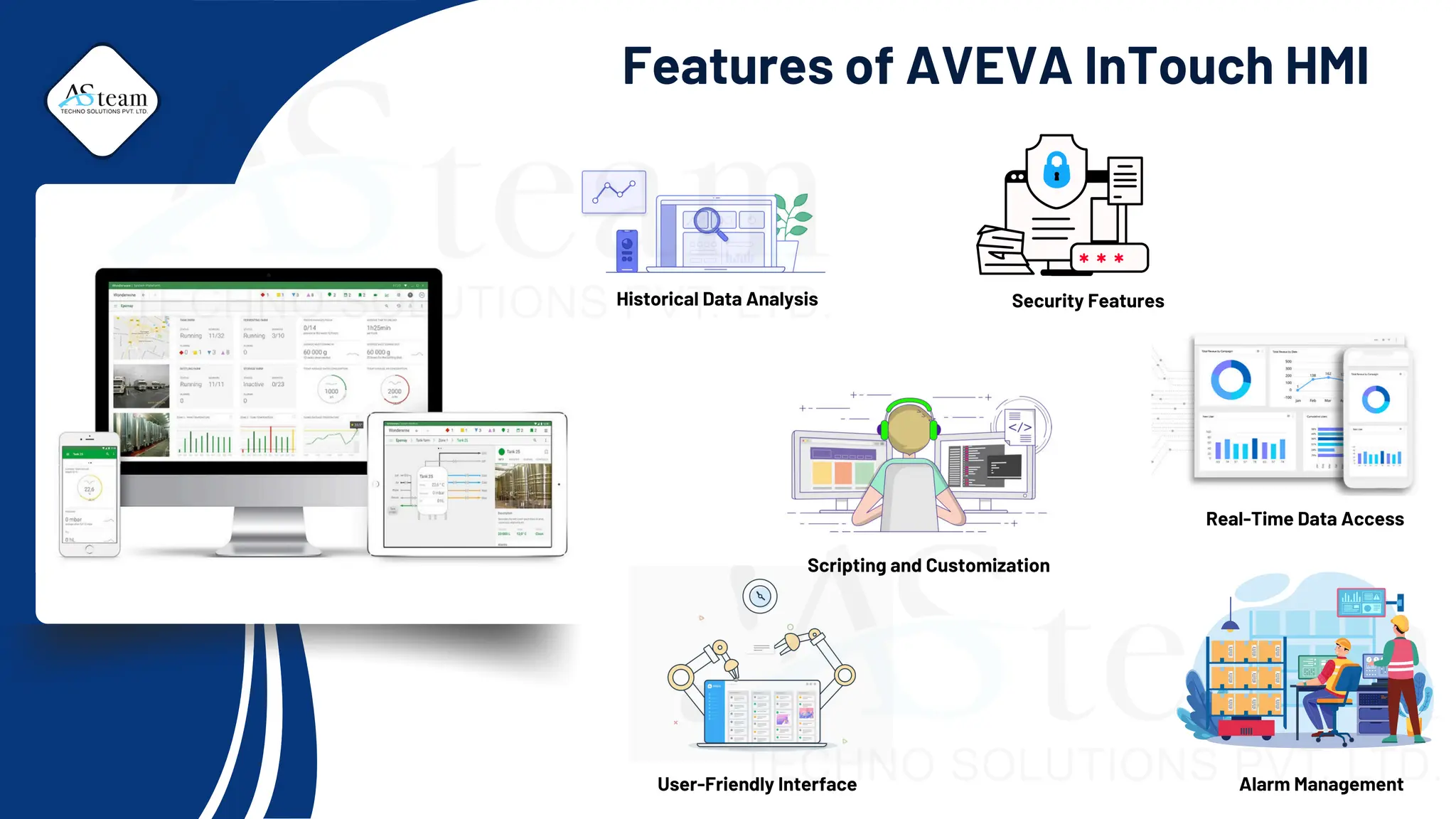
Features of AVEVA InTouch HMI
Historical Data Analysis
Real-Time Data Access
User-Friendly Interface Alarm Management
Security Features
Scripting and Customization
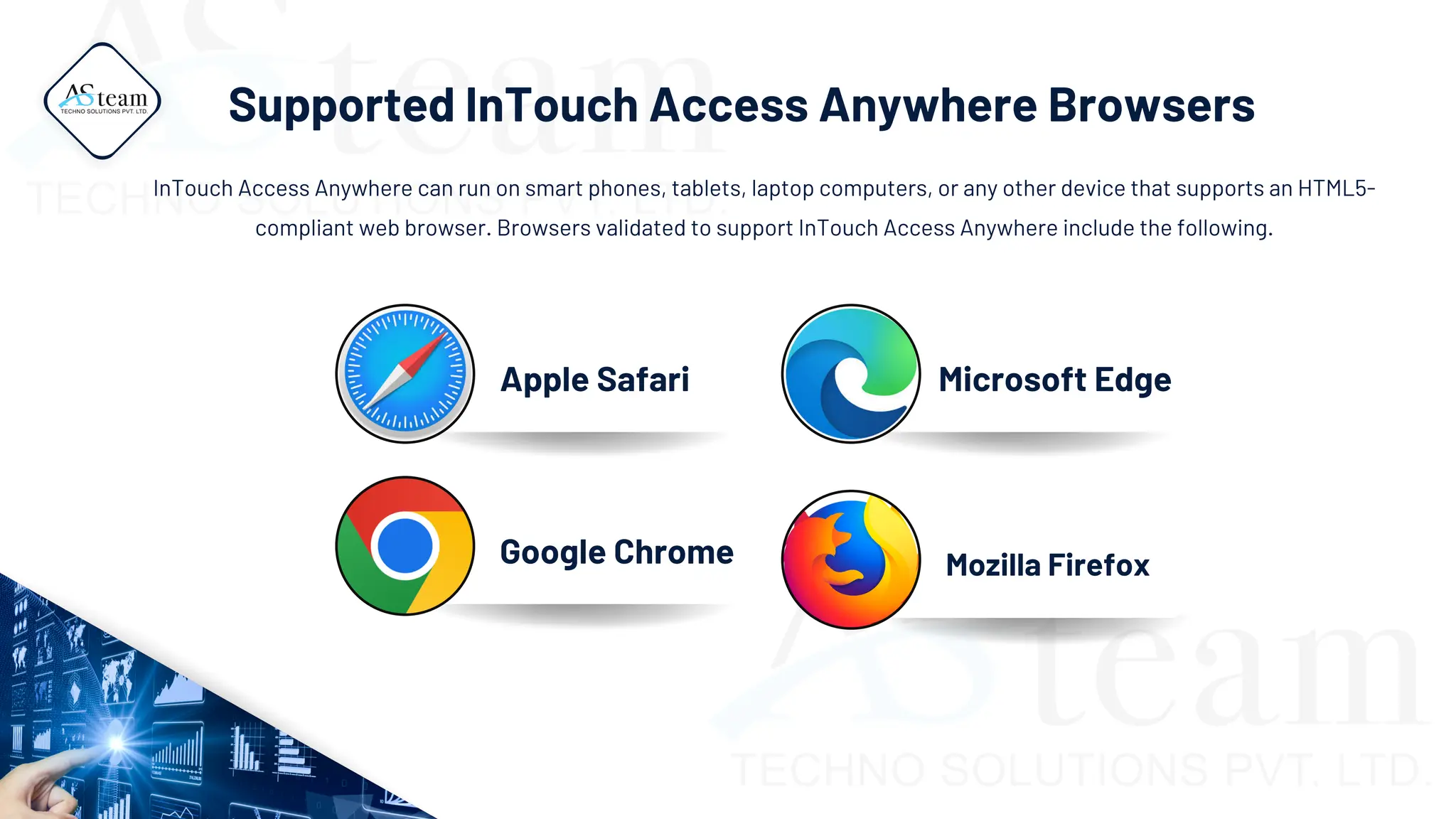
Apple Safari
Google Chrome
Microsoft Edge
Mozilla Firefox
Supported InTouch Access Anywhere Browsers
InTouch Access Anywhere can run on smart phones, tablets, laptop computers, or any other device that supports an HTML5-
compliant web browser. Browsers validated to support InTouch Access Anywhere include the following.
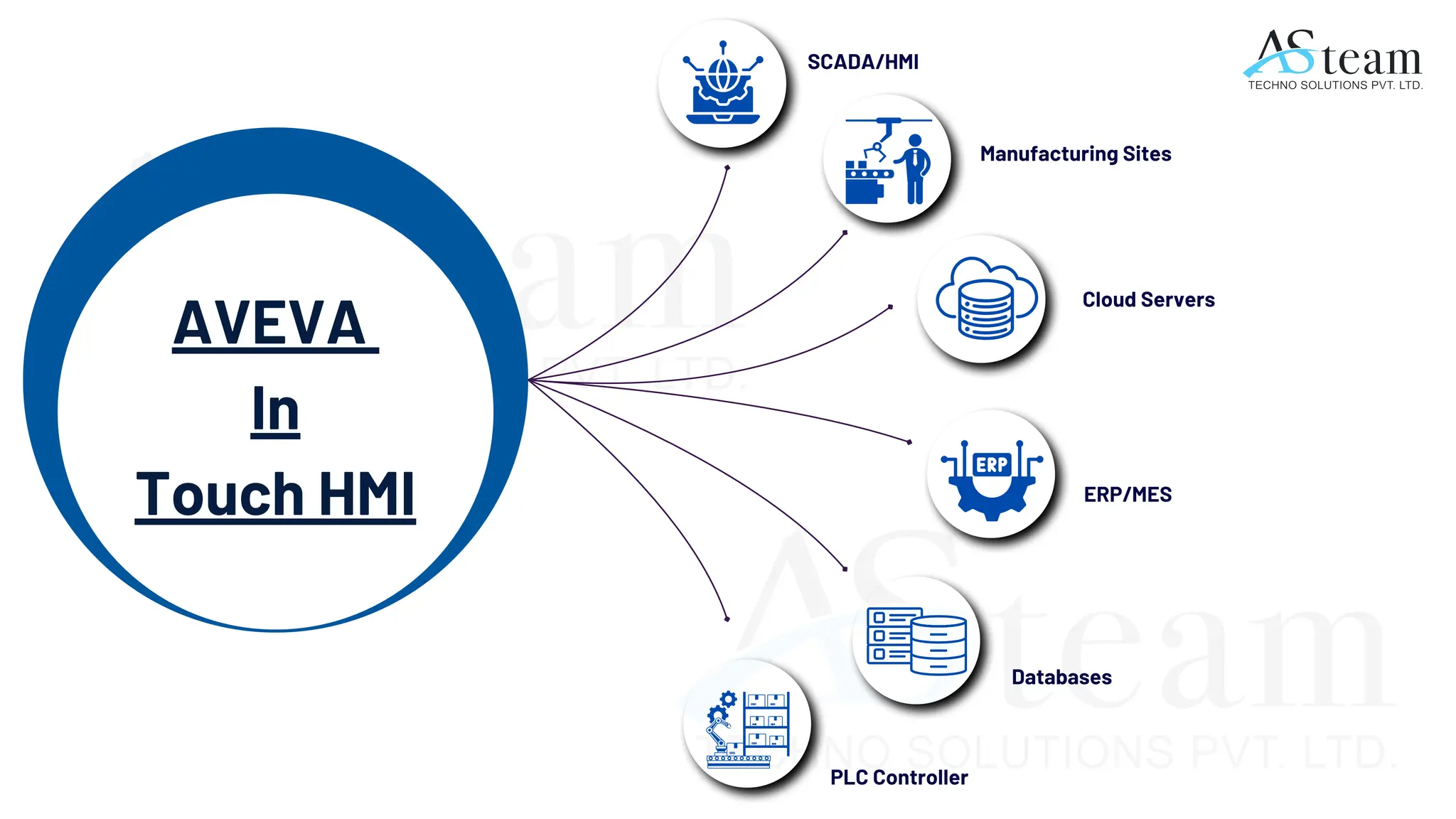
AVEVA
In
Touch HMI
SCADA/HMI
Manufacturing Sites
Cloud Servers
ERP/MES
Databases
PLC Controller
AVEVA (Wonderware) InTouch HMI
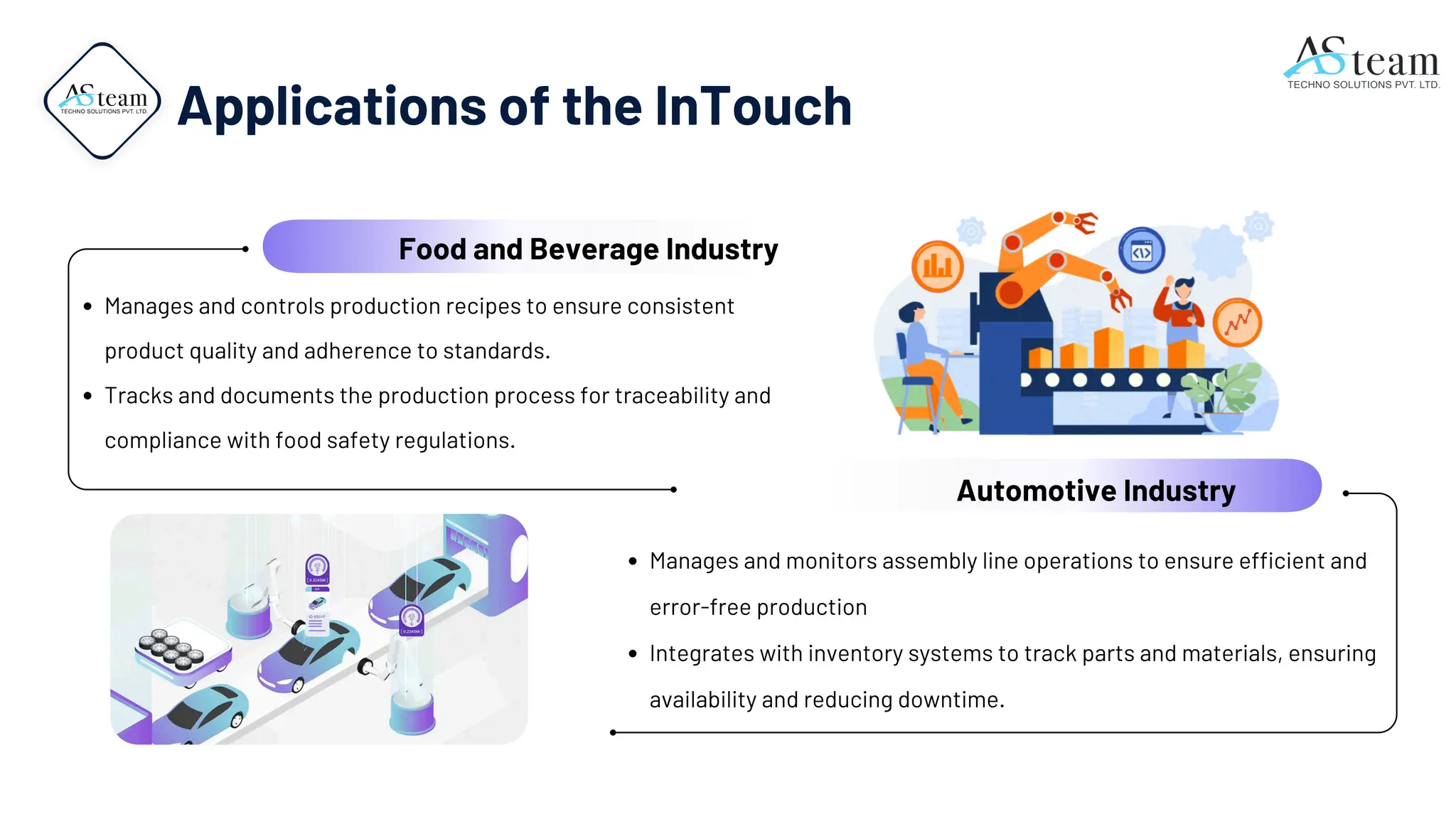
Manages and controls production recipes to ensure consistent
product quality and adherence to standards.
Tracks and documents the production process for traceability and
compliance with food safety regulations.
Manages and monitors assembly line operations to ensure efficient and
error-free production
Integrates with inventory systems to track parts and materials, ensuring
availability and reducing downtime.
Automotive Industry
Food and Beverage Industry
Applications of the InTouch
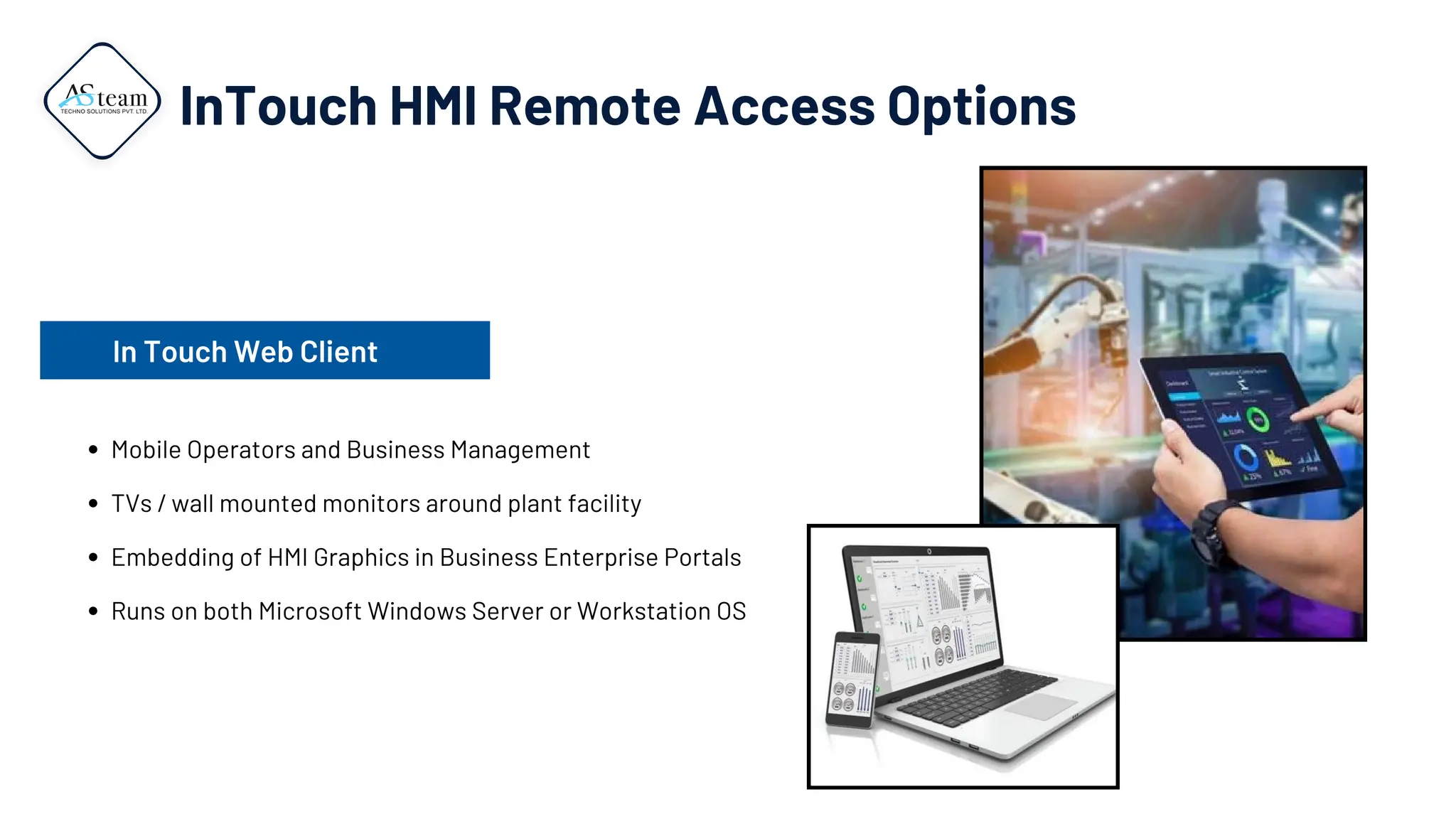
InTouch HMI Remote Access Options
Mobile Operators and Business Management
TVs / wall mounted monitors around plant facility
Embedding of HMI Graphics in Business Enterprise Portals
Runs on both Microsoft Windows Server or Workstation OS
In Touch Web Client
Contact Us:
+91 95378 40404
Website :
www.asteamtechno.com
Contact email
contact@asteamtechno.com
Thank You

AVEVA (Wonderware) InTouch human-machine interfaces HMI

  • 1.
  • 2.
    AVEVA (Wonderware) InTouchHMI Introduction AVEVA (Wonderware) InTouch HMI (Human-Machine Interface) is a software application designed to create and manage graphical interfaces for industrial control systems. These interfaces allow operators to monitor, control, and optimize industrial processes and machinery in real time.
  • 3.
  • 4.
  • 5.
    High Performance HMI Visualize,Control and Optimize Your Operations Secure native Support Web/Mobile/Cloud
  • 6.
    Hardware Requirement SmallInstallation (1 - 25K I/O per Node) Medium Installation (25k - 50k I/O per Node) Large Installation (More than 50k I/O per Node) CPU Cores (Minimum)1 Greater than or equal to 2 Greater than or equal to 4 Greater than or equal to 8 RAM1 (GB) Greater than or equal to 4 Greater than or equal to 8 Greater than or equal to 16 Storage (GB) 2 Greater than or equal to 100 Greater than or equal to 500 Greater than or equal to 1000 Network (Mbps) Greater than or equal to 100 Greater than or equal to 1000 Greater than or equal to 1000 System Requirements This section describes the hardware and software requirements to support System Platform products, including InTouch HMI. www.asteamtechno.com
  • 7.
    Features of AVEVAInTouch HMI Historical Data Analysis Real-Time Data Access User-Friendly Interface Alarm Management Security Features Scripting and Customization
  • 8.
    Apple Safari Google Chrome MicrosoftEdge Mozilla Firefox Supported InTouch Access Anywhere Browsers InTouch Access Anywhere can run on smart phones, tablets, laptop computers, or any other device that supports an HTML5- compliant web browser. Browsers validated to support InTouch Access Anywhere include the following.
  • 9.
    AVEVA In Touch HMI SCADA/HMI Manufacturing Sites CloudServers ERP/MES Databases PLC Controller
  • 10.
  • 11.
    Manages and controlsproduction recipes to ensure consistent product quality and adherence to standards. Tracks and documents the production process for traceability and compliance with food safety regulations. Manages and monitors assembly line operations to ensure efficient and error-free production Integrates with inventory systems to track parts and materials, ensuring availability and reducing downtime. Automotive Industry Food and Beverage Industry Applications of the InTouch
  • 12.
    InTouch HMI RemoteAccess Options Mobile Operators and Business Management TVs / wall mounted monitors around plant facility Embedding of HMI Graphics in Business Enterprise Portals Runs on both Microsoft Windows Server or Workstation OS In Touch Web Client
  • 13.
    Contact Us: +91 9537840404 Website : www.asteamtechno.com Contact email contact@asteamtechno.com Thank You