DATA SHEET

AUTOTASK LIVE MOBILE

STAY PRODUCTIVE.
STAY CONNECTED.
STAY MOBILE.
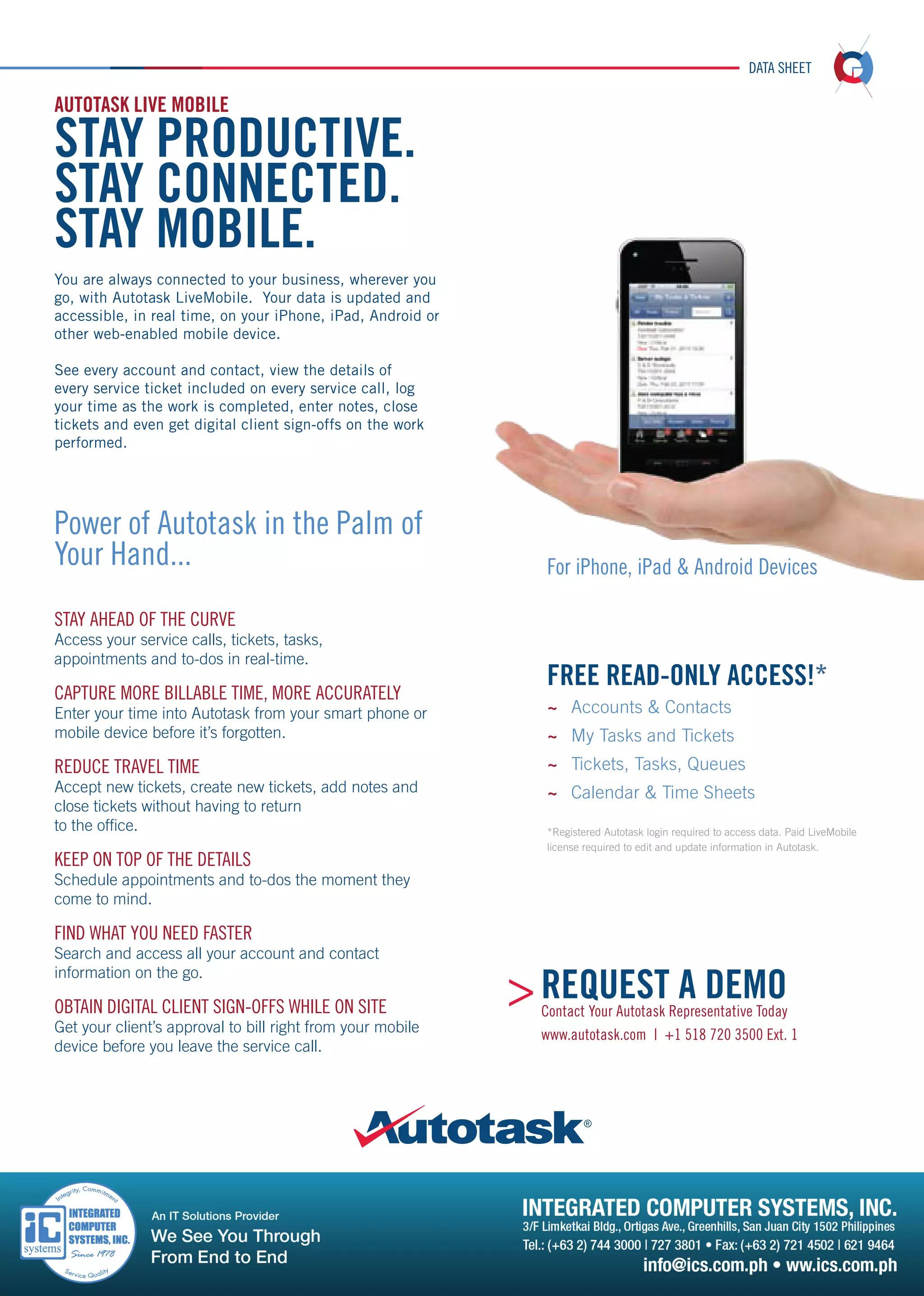
You are always connected to your business, wherever you
go, with Autotask LiveMobile. Your data is updated and
accessible, in real time, on your iPhone, iPad, Android or
other web-enabled mobile device.
See every account and contact, view the details of
every service ticket included on every service call, log
your time as the work is completed, enter notes, close
tickets and even get digital client sign-offs on the work
performed.

Power of Autotask in the Palm of
Your Hand...

For iPhone, iPad & Android Devices

S
 TAY AHEAD OF THE CURVE

A
 ccess your service calls, tickets, tasks,
appointments and to-dos in real-time.

CAPTURE MORE BILLABLE TIME, MORE ACCURATELY

FREE READ-ONLY ACCESS!*

Enter your time into Autotask from your smart phone or
mobile device before it’s forgotten.

~~ Accounts  Contacts

REDUCE TRAVEL TIME

~~ Tickets, Tasks, Queues

A
 ccept new tickets, create new tickets, add notes and
close tickets without having to return
to the office.

KEEP ON TOP OF THE DETAILS

~~ My Tasks and Tickets
~~ Calendar  Time Sheets
*Registered Autotask login required to access data. Paid LiveMobile
license required to edit and update information in Autotask.

S
 chedule appointments and to-dos the moment they
come to mind.

FIND WHAT YOU NEED FASTER

S
 earch and access all your account and contact
information on the go.

OBTAIN DIGITAL CLIENT SIGN-OFFS WHILE ON SITE

Get your client’s approval to bill right from your mobile
device before you leave the service call.

 REQUEST A DEMO

Contact Your Autotask Representative Today
www.autotask.com | +1 518 720 3500 Ext. 1
DATA SHEET

YOUR AUTOTASK, IN REAL TIME, FROM ANYWHERE.
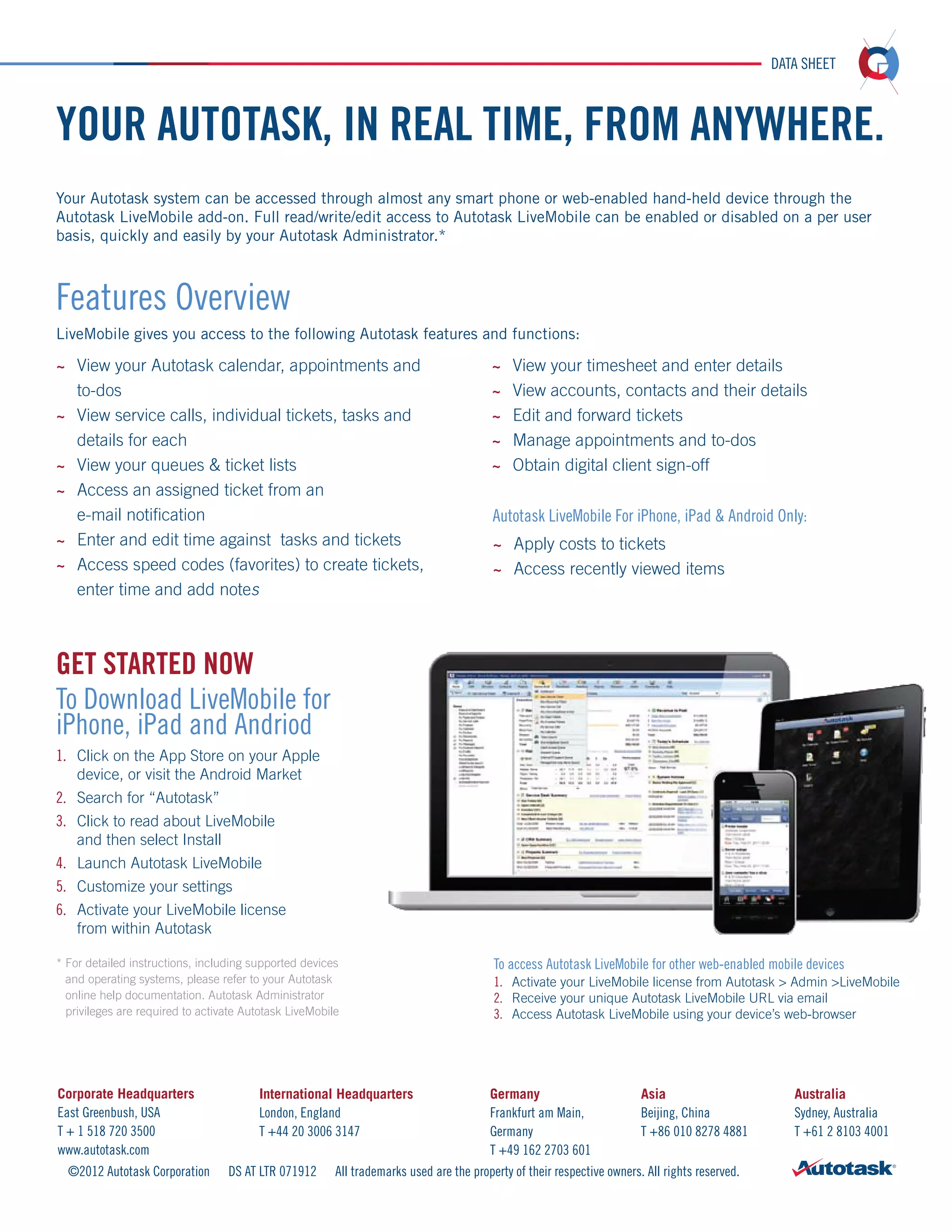
Your Autotask system can be accessed through almost any smart phone or web-enabled hand-held device through the
Autotask LiveMobile add-on. Full read/write/edit access to Autotask LiveMobile can be enabled or disabled on a per user
basis, quickly and easily by your Autotask Administrator.*

Features Overview
LiveMobile gives you access to the following Autotask features and functions:
~~ View your Autotask calendar, appointments and 	

~~  iew your timesheet and enter details
V

	to-dos
~~  iew service calls, individual tickets, tasks and
V
details for each
~~ View your queues  ticket lists
~~  ccess an assigned ticket from an
A
e-mail notification
~~  nter and edit time against tasks and tickets
E
~~  ccess speed codes (favorites) to create tickets,
A
enter time and add notes

~~  iew accounts, contacts and their details
V
~~ 
Edit and forward tickets
~~  anage appointments and to-dos
M
~~ Obtain digital client sign-off

Autotask LiveMobile For iPhone, iPad  Android Only:
~~  pply costs to tickets
A
~~ Access recently viewed items

GET STARTED NOW
To Download LiveMobile for
iPhone, iPad and Andriod
1.	
	
2.	
3.	

Click on the App Store on your Apple 		
device, or visit the Android Market
Search for “Autotask”
C
 lick to read about LiveMobile
and then select Install
4.	 Launch Autotask LiveMobile
5.	 Customize your settings
6.	  ctivate your LiveMobile license
A
from within Autotask
*  or detailed instructions, including supported devices
F
and operating systems, please refer to your Autotask
online help documentation. Autotask Administrator
privileges are required to activate Autotask LiveMobile

Corporate Headquarters
East Greenbush, USA
T + 1 518 720 3500
www.autotask.com
©2012 Autotask Corporation

International Headquarters
London, England
T +44 20 3006 3147
DS AT LTR 071912

To access Autotask LiveMobile for other web-enabled mobile devices
1.	 Activate your LiveMobile license from Autotask  Admin LiveMobile
2.	  eceive your unique Autotask LiveMobile URL via email
R
3.	  ccess Autotask LiveMobile using your device’s web-browser
A

Germany
Frankfurt am Main,
Germany
T +49 162 2703 601

Asia
Beijing, China
T +86 010 8278 4881

All trademarks used are the property of their respective owners. All rights reserved.

Australia
Sydney, Australia
T +61 2 8103 4001

Autotask Live Mobile

  • 1.
    DATA SHEET AUTOTASK LIVEMOBILE STAY PRODUCTIVE. STAY CONNECTED. STAY MOBILE. You are always connected to your business, wherever you go, with Autotask LiveMobile. Your data is updated and accessible, in real time, on your iPhone, iPad, Android or other web-enabled mobile device. See every account and contact, view the details of every service ticket included on every service call, log your time as the work is completed, enter notes, close tickets and even get digital client sign-offs on the work performed. Power of Autotask in the Palm of Your Hand... For iPhone, iPad & Android Devices S TAY AHEAD OF THE CURVE A ccess your service calls, tickets, tasks, appointments and to-dos in real-time. CAPTURE MORE BILLABLE TIME, MORE ACCURATELY FREE READ-ONLY ACCESS!* Enter your time into Autotask from your smart phone or mobile device before it’s forgotten. ~~ Accounts Contacts REDUCE TRAVEL TIME ~~ Tickets, Tasks, Queues A ccept new tickets, create new tickets, add notes and close tickets without having to return to the office. KEEP ON TOP OF THE DETAILS ~~ My Tasks and Tickets ~~ Calendar Time Sheets *Registered Autotask login required to access data. Paid LiveMobile license required to edit and update information in Autotask. S chedule appointments and to-dos the moment they come to mind. FIND WHAT YOU NEED FASTER S earch and access all your account and contact information on the go. OBTAIN DIGITAL CLIENT SIGN-OFFS WHILE ON SITE Get your client’s approval to bill right from your mobile device before you leave the service call. REQUEST A DEMO Contact Your Autotask Representative Today www.autotask.com | +1 518 720 3500 Ext. 1
  • 2.
    DATA SHEET YOUR AUTOTASK,IN REAL TIME, FROM ANYWHERE. Your Autotask system can be accessed through almost any smart phone or web-enabled hand-held device through the Autotask LiveMobile add-on. Full read/write/edit access to Autotask LiveMobile can be enabled or disabled on a per user basis, quickly and easily by your Autotask Administrator.* Features Overview LiveMobile gives you access to the following Autotask features and functions: ~~ View your Autotask calendar, appointments and ~~ iew your timesheet and enter details V to-dos ~~ iew service calls, individual tickets, tasks and V details for each ~~ View your queues ticket lists ~~ ccess an assigned ticket from an A e-mail notification ~~ nter and edit time against tasks and tickets E ~~ ccess speed codes (favorites) to create tickets, A enter time and add notes ~~ iew accounts, contacts and their details V ~~ Edit and forward tickets ~~ anage appointments and to-dos M ~~ Obtain digital client sign-off Autotask LiveMobile For iPhone, iPad Android Only: ~~ pply costs to tickets A ~~ Access recently viewed items GET STARTED NOW To Download LiveMobile for iPhone, iPad and Andriod 1. 2. 3. Click on the App Store on your Apple device, or visit the Android Market Search for “Autotask” C lick to read about LiveMobile and then select Install 4. Launch Autotask LiveMobile 5. Customize your settings 6. ctivate your LiveMobile license A from within Autotask * or detailed instructions, including supported devices F and operating systems, please refer to your Autotask online help documentation. Autotask Administrator privileges are required to activate Autotask LiveMobile Corporate Headquarters East Greenbush, USA T + 1 518 720 3500 www.autotask.com ©2012 Autotask Corporation International Headquarters London, England T +44 20 3006 3147 DS AT LTR 071912 To access Autotask LiveMobile for other web-enabled mobile devices 1. Activate your LiveMobile license from Autotask Admin LiveMobile 2. eceive your unique Autotask LiveMobile URL via email R 3. ccess Autotask LiveMobile using your device’s web-browser A Germany Frankfurt am Main, Germany T +49 162 2703 601 Asia Beijing, China T +86 010 8278 4881 All trademarks used are the property of their respective owners. All rights reserved. Australia Sydney, Australia T +61 2 8103 4001