AutomationPractice (MyStore) Document
Capgemini Internal
1
V&V Automation TESTING
Mini Project
Automation Practice (My Store)
AutomationPractice (MyStore) Document
Capgemini Internal
2
Document Revision History
Date Revision No. Author Summary of Changes
October,
2018
1 AlphyThomson Initial Document
AutomationPractice (MyStore) Document
Capgemini Internal
3
Table Content
 Introduction to Application
 Module 1 – Home Page
 Module 2 – My Account
 2.1 Sign Up
 2.2 Login
 Module 3- Order the Product
 3.1 Search
 3.2 Display Products using sort options
 3.3 Select the Product and add to cart
 3.4 Place the Order
 Module 4 – Contact Us
 4.1 Contact Us
AutomationPractice (MyStore) Document
Capgemini Internal
4
Automation Practice ( My Store) Project Document
AutomationPractice (MyStore) applicationisasample ecommerce website.Itoffersarange of dresses
for women.
The user can search,viewDetailsandfinallycanorderthe productneeded.
http://automationpractice.com/index.php
Module 1: Home page
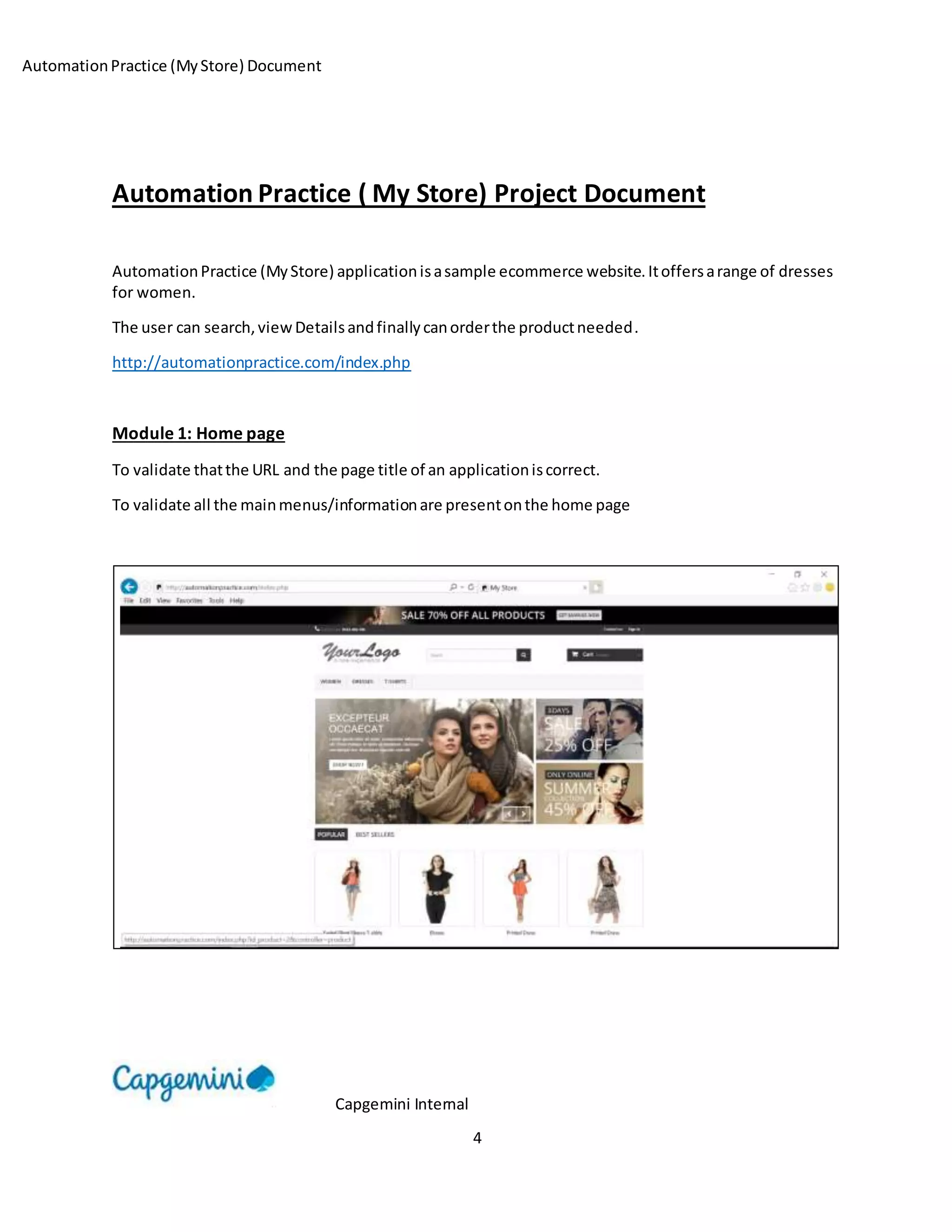
To validate thatthe URL and the page title of an applicationiscorrect.
To validate all the mainmenus/informationare presentonthe home page
AutomationPractice (MyStore) Document
Capgemini Internal
5
Module 2: My Account
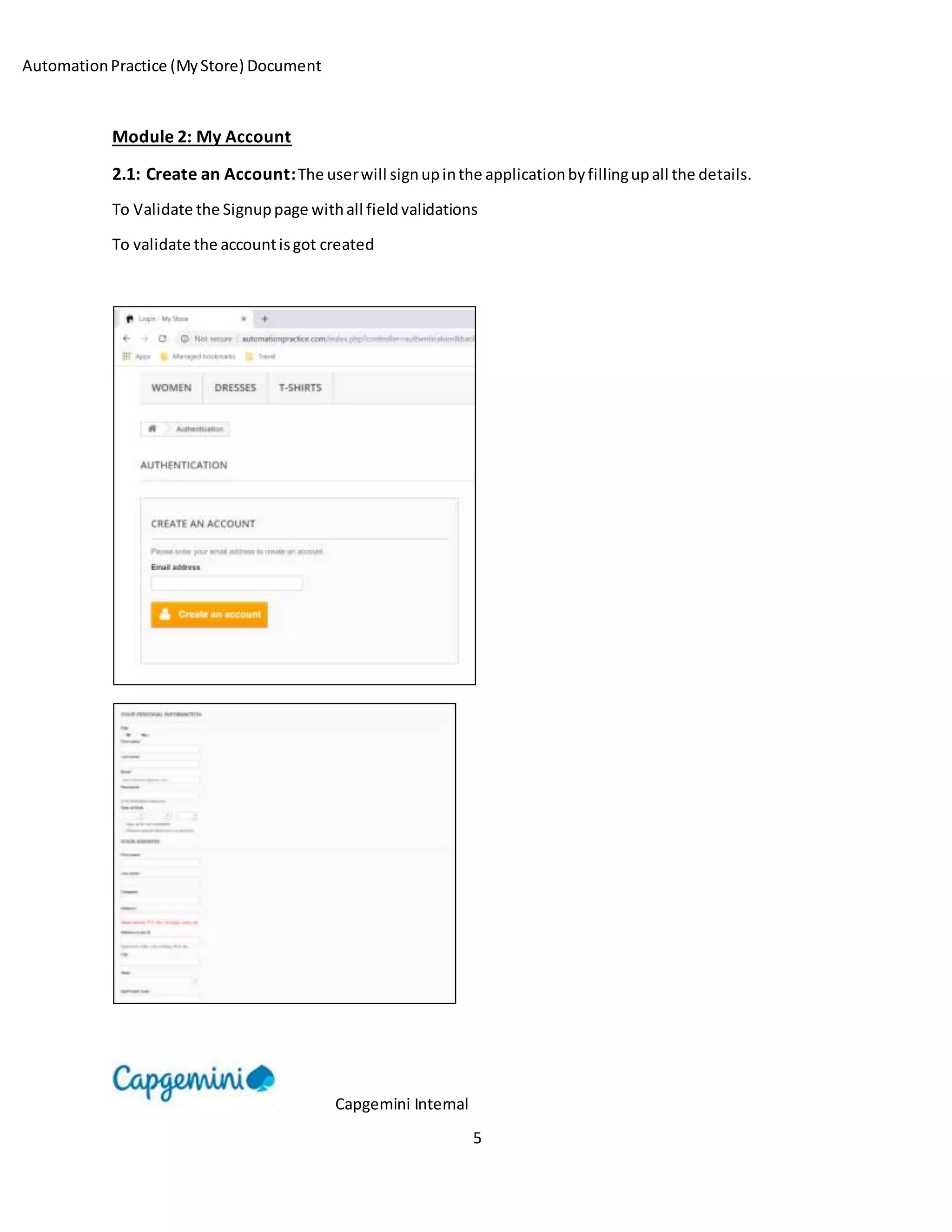
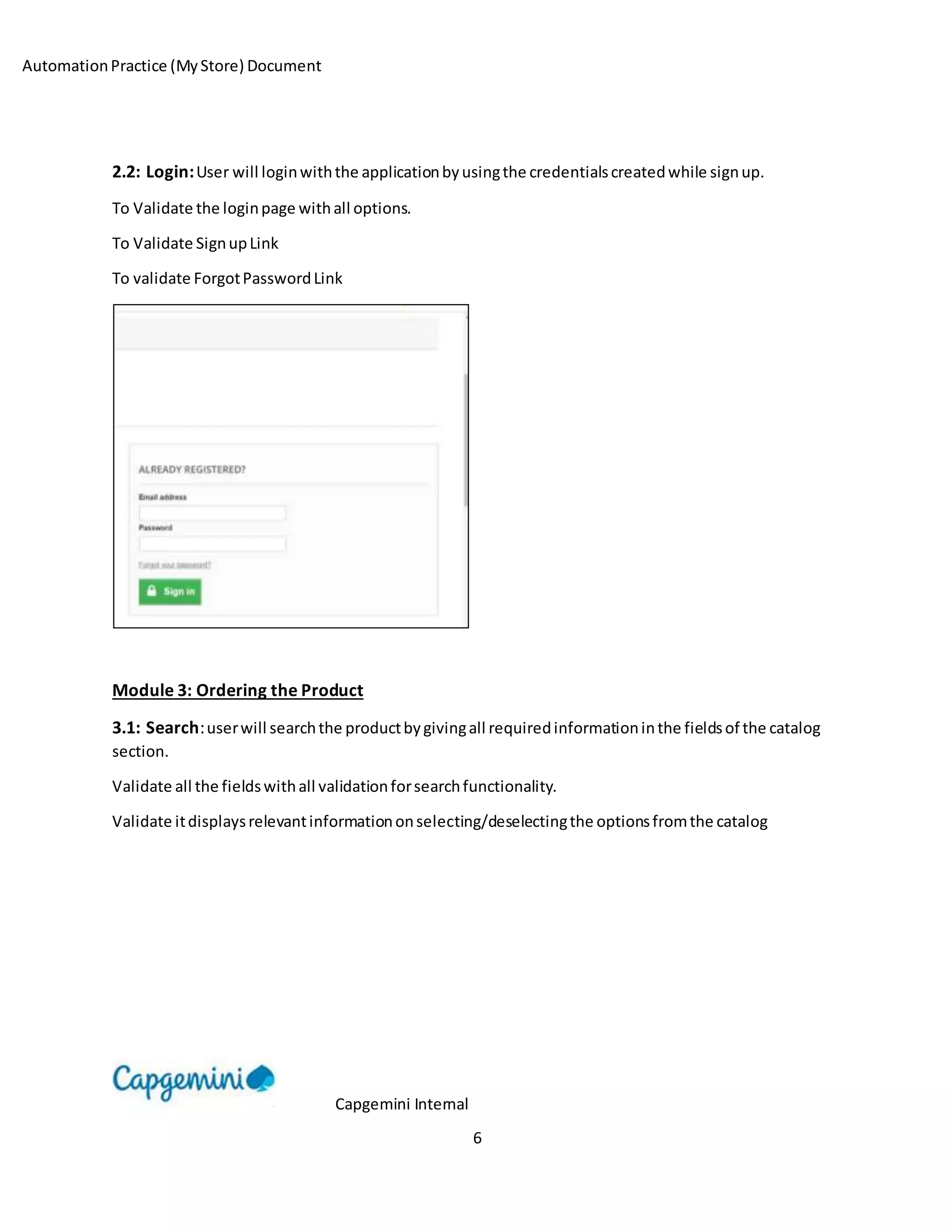
2.1: Create an Account:The userwill signupinthe applicationbyfillingupall the details.
To Validate the Signuppage withall fieldvalidations
To validate the accountisgot created
AutomationPractice (MyStore) Document
Capgemini Internal
6
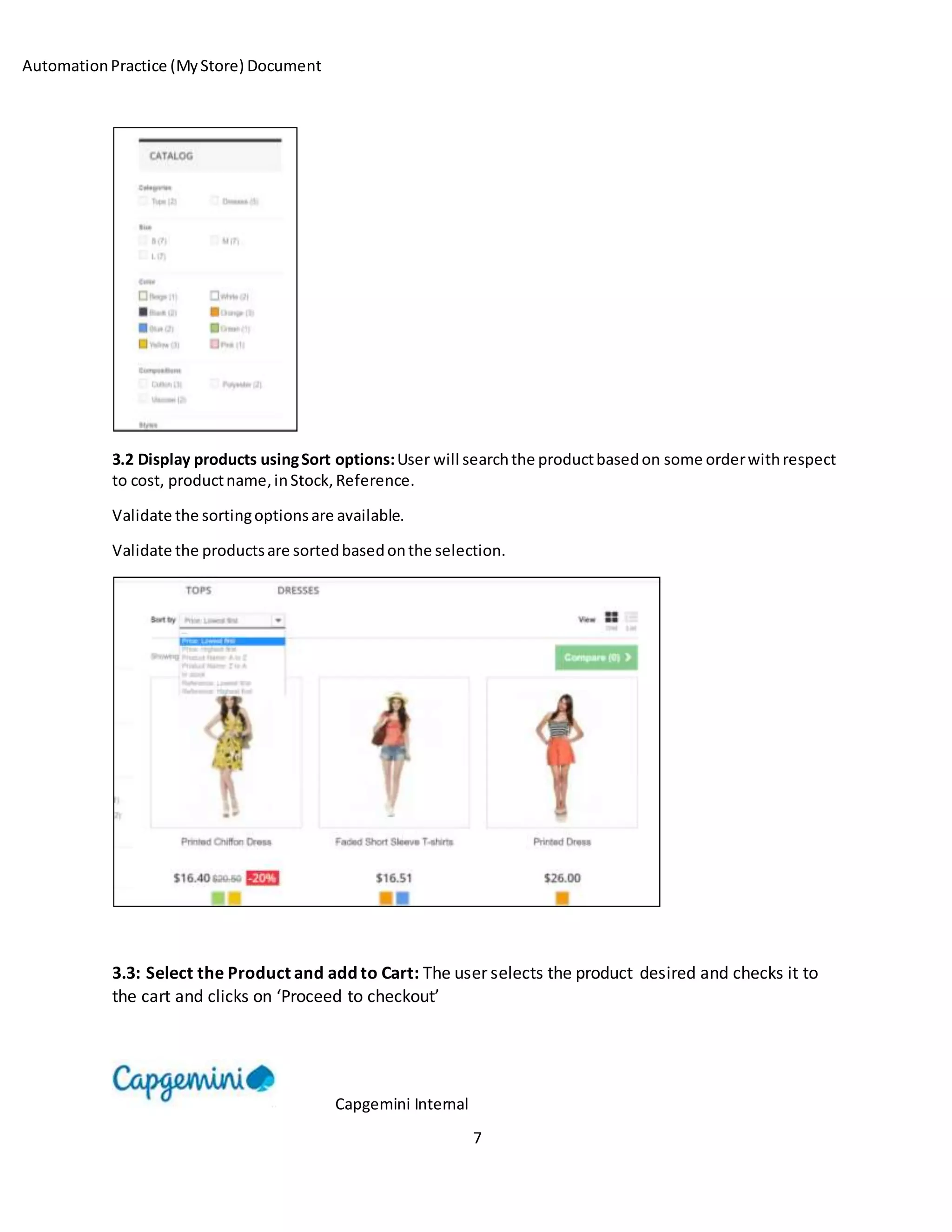
2.2: Login:User will loginwiththe applicationbyusingthe credentialscreatedwhile signup.
To Validate the loginpage withall options.
To Validate SignupLink
To validate ForgotPasswordLink
Module 3: Ordering the Product
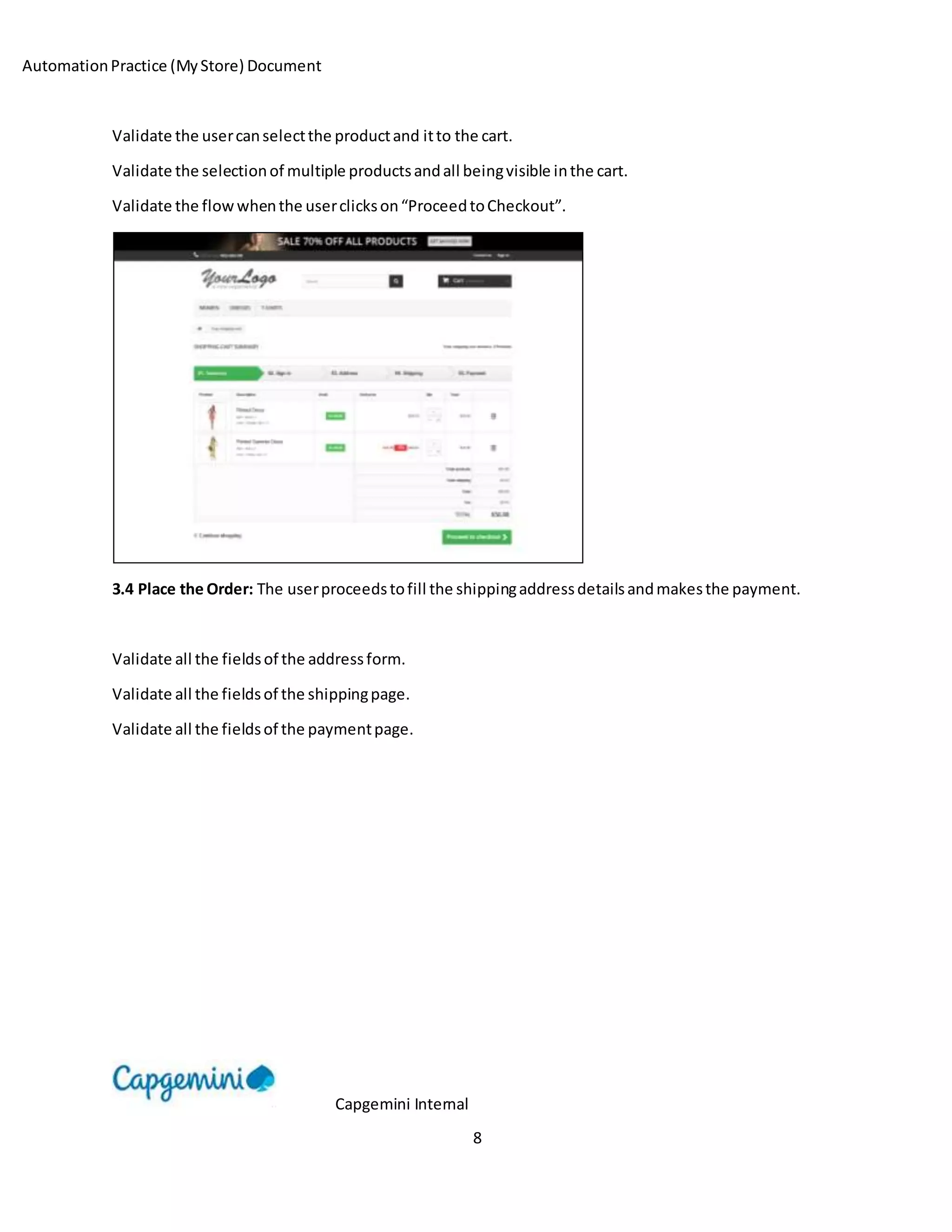
3.1: Search:userwill searchthe productbygivingall requiredinformationinthe fieldsof the catalog
section.
Validate all the fieldswithall validationforsearchfunctionality.
Validate itdisplaysrelevantinformationonselecting/deselectingthe optionsfromthe catalog
AutomationPractice (MyStore) Document
Capgemini Internal
7
3.2 Display products usingSort options:User will searchthe productbasedon some orderwithrespect
to cost, productname,inStock,Reference.
Validate the sortingoptionsare available.
Validate the productsare sortedbasedonthe selection.
3.3: Select the Product and add to Cart: The user selects the product desired and checks it to
the cart and clicks on ‘Proceed to checkout’
AutomationPractice (MyStore) Document
Capgemini Internal
8
Validate the usercanselectthe productand itto the cart.
Validate the selectionof multiple productsandall beingvisible inthe cart.
Validate the flowwhenthe userclickson“ProceedtoCheckout”.
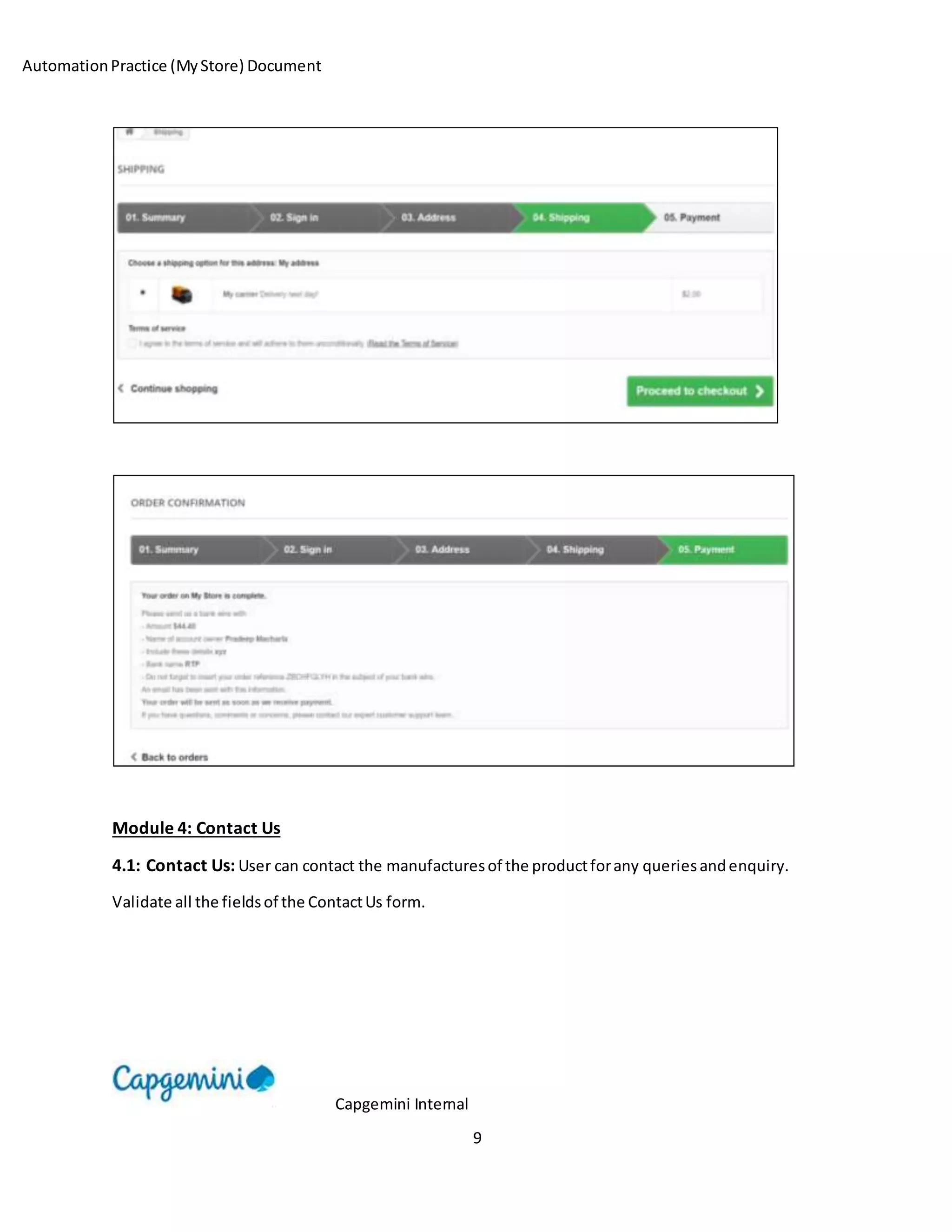
3.4 Place the Order: The userproceedstofill the shippingaddressdetailsandmakesthe payment.
Validate all the fieldsof the addressform.
Validate all the fieldsof the shippingpage.
Validate all the fieldsof the paymentpage.
AutomationPractice (MyStore) Document
Capgemini Internal
9
Module 4: Contact Us
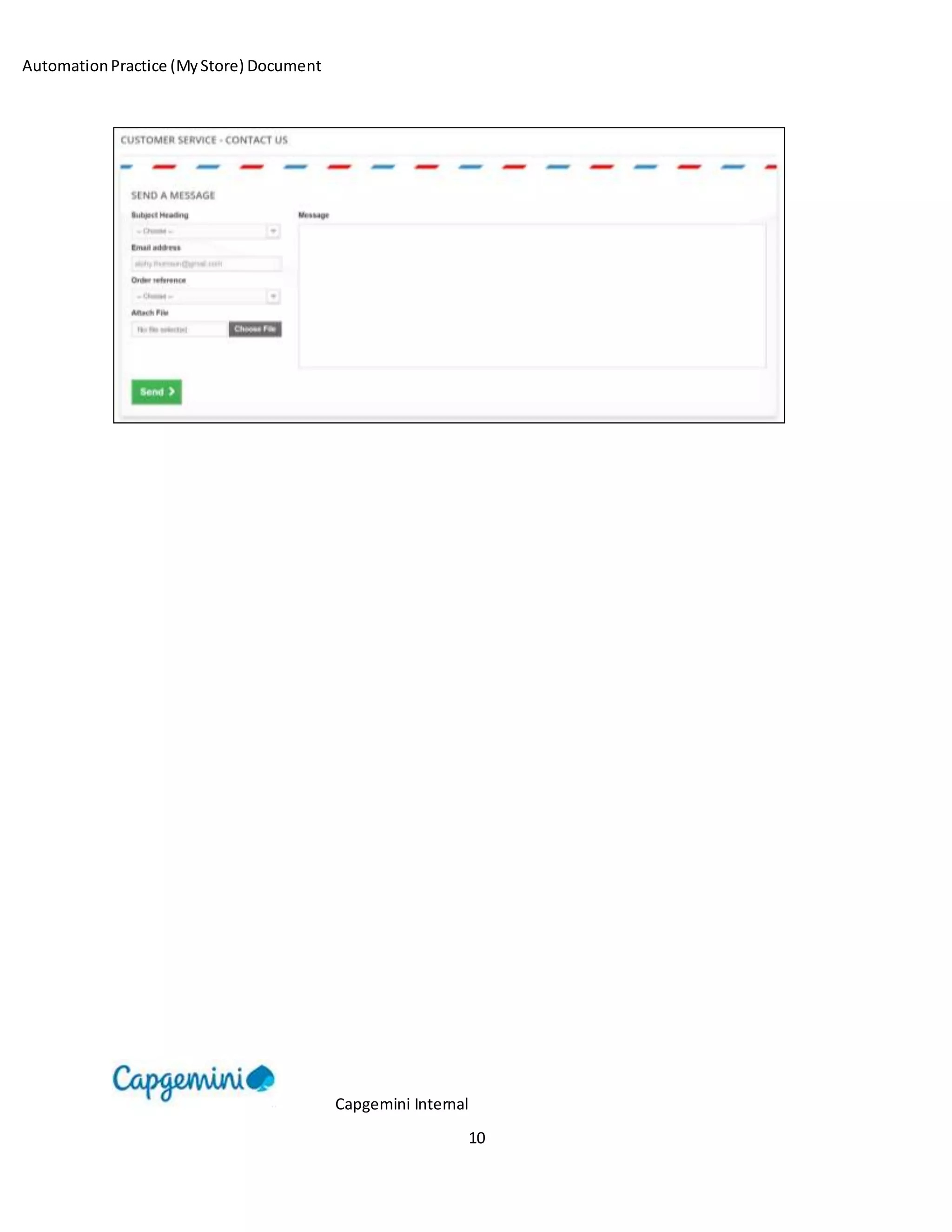
4.1: Contact Us: User can contact the manufacturesof the productforany queriesandenquiry.
Validate all the fieldsof the ContactUs form.
AutomationPractice (MyStore) Document
Capgemini Internal
10

Automation practice (my store) document

  • 1.
    AutomationPractice (MyStore) Document CapgeminiInternal 1 V&V Automation TESTING Mini Project Automation Practice (My Store)
  • 2.
    AutomationPractice (MyStore) Document CapgeminiInternal 2 Document Revision History Date Revision No. Author Summary of Changes October, 2018 1 AlphyThomson Initial Document
  • 3.
    AutomationPractice (MyStore) Document CapgeminiInternal 3 Table Content  Introduction to Application  Module 1 – Home Page  Module 2 – My Account  2.1 Sign Up  2.2 Login  Module 3- Order the Product  3.1 Search  3.2 Display Products using sort options  3.3 Select the Product and add to cart  3.4 Place the Order  Module 4 – Contact Us  4.1 Contact Us
  • 4.
    AutomationPractice (MyStore) Document CapgeminiInternal 4 Automation Practice ( My Store) Project Document AutomationPractice (MyStore) applicationisasample ecommerce website.Itoffersarange of dresses for women. The user can search,viewDetailsandfinallycanorderthe productneeded. http://automationpractice.com/index.php Module 1: Home page To validate thatthe URL and the page title of an applicationiscorrect. To validate all the mainmenus/informationare presentonthe home page
  • 5.
    AutomationPractice (MyStore) Document CapgeminiInternal 5 Module 2: My Account 2.1: Create an Account:The userwill signupinthe applicationbyfillingupall the details. To Validate the Signuppage withall fieldvalidations To validate the accountisgot created
  • 6.
    AutomationPractice (MyStore) Document CapgeminiInternal 6 2.2: Login:User will loginwiththe applicationbyusingthe credentialscreatedwhile signup. To Validate the loginpage withall options. To Validate SignupLink To validate ForgotPasswordLink Module 3: Ordering the Product 3.1: Search:userwill searchthe productbygivingall requiredinformationinthe fieldsof the catalog section. Validate all the fieldswithall validationforsearchfunctionality. Validate itdisplaysrelevantinformationonselecting/deselectingthe optionsfromthe catalog
  • 7.
    AutomationPractice (MyStore) Document CapgeminiInternal 7 3.2 Display products usingSort options:User will searchthe productbasedon some orderwithrespect to cost, productname,inStock,Reference. Validate the sortingoptionsare available. Validate the productsare sortedbasedonthe selection. 3.3: Select the Product and add to Cart: The user selects the product desired and checks it to the cart and clicks on ‘Proceed to checkout’
  • 8.
    AutomationPractice (MyStore) Document CapgeminiInternal 8 Validate the usercanselectthe productand itto the cart. Validate the selectionof multiple productsandall beingvisible inthe cart. Validate the flowwhenthe userclickson“ProceedtoCheckout”. 3.4 Place the Order: The userproceedstofill the shippingaddressdetailsandmakesthe payment. Validate all the fieldsof the addressform. Validate all the fieldsof the shippingpage. Validate all the fieldsof the paymentpage.
  • 9.
    AutomationPractice (MyStore) Document CapgeminiInternal 9 Module 4: Contact Us 4.1: Contact Us: User can contact the manufacturesof the productforany queriesandenquiry. Validate all the fieldsof the ContactUs form.
  • 10.