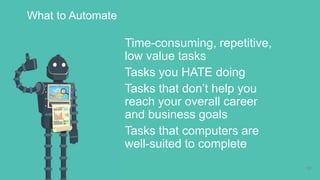
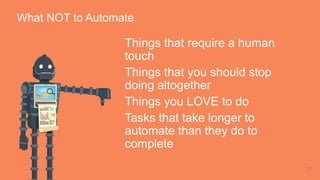
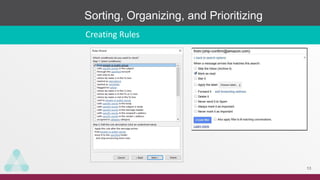
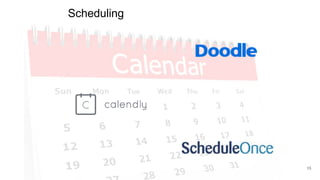
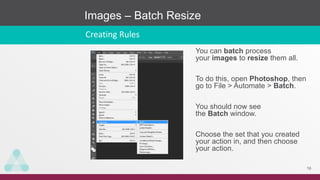
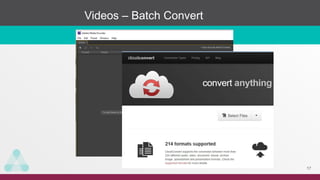
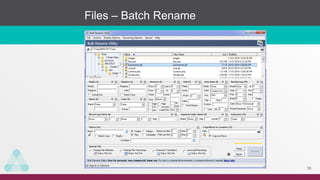
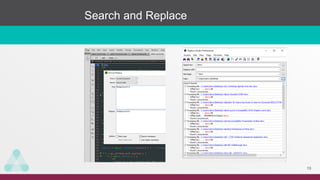
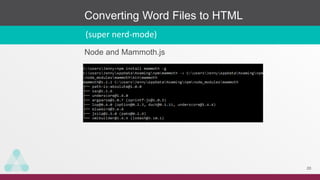
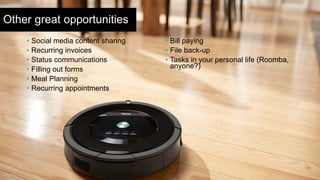
The document discusses automating tasks to save time. It recommends automating repetitive, low-value tasks that you dislike and that do not help you reach your goals. Examples of tasks to automate include email sorting, scheduling, image and video conversions, file renaming, search and replace functions, and converting documents. Automating recurring tasks can free up time to focus on higher priority work and personal activities. The presentation encourages attendees to identify five tasks they could automate to become more efficient.

















![[DevDay 2017] Productive Programmer - Speaker: Dung V. Nguyen - Developer at ...](https://cdn.slidesharecdn.com/ss_thumbnails/dungvnguyenproductiveprogrammer-170420093355-thumbnail.jpg?width=640&height=640&fit=bounds)


![[DSC Europe 25] Uros Pesic - The Reality of AI in Marketing.pdf](https://cdn.slidesharecdn.com/ss_thumbnails/rtkodnmtycovsllvzsyn-9-251215095918-b0c6bfe3-thumbnail.jpg?width=640&height=640&fit=bounds)


