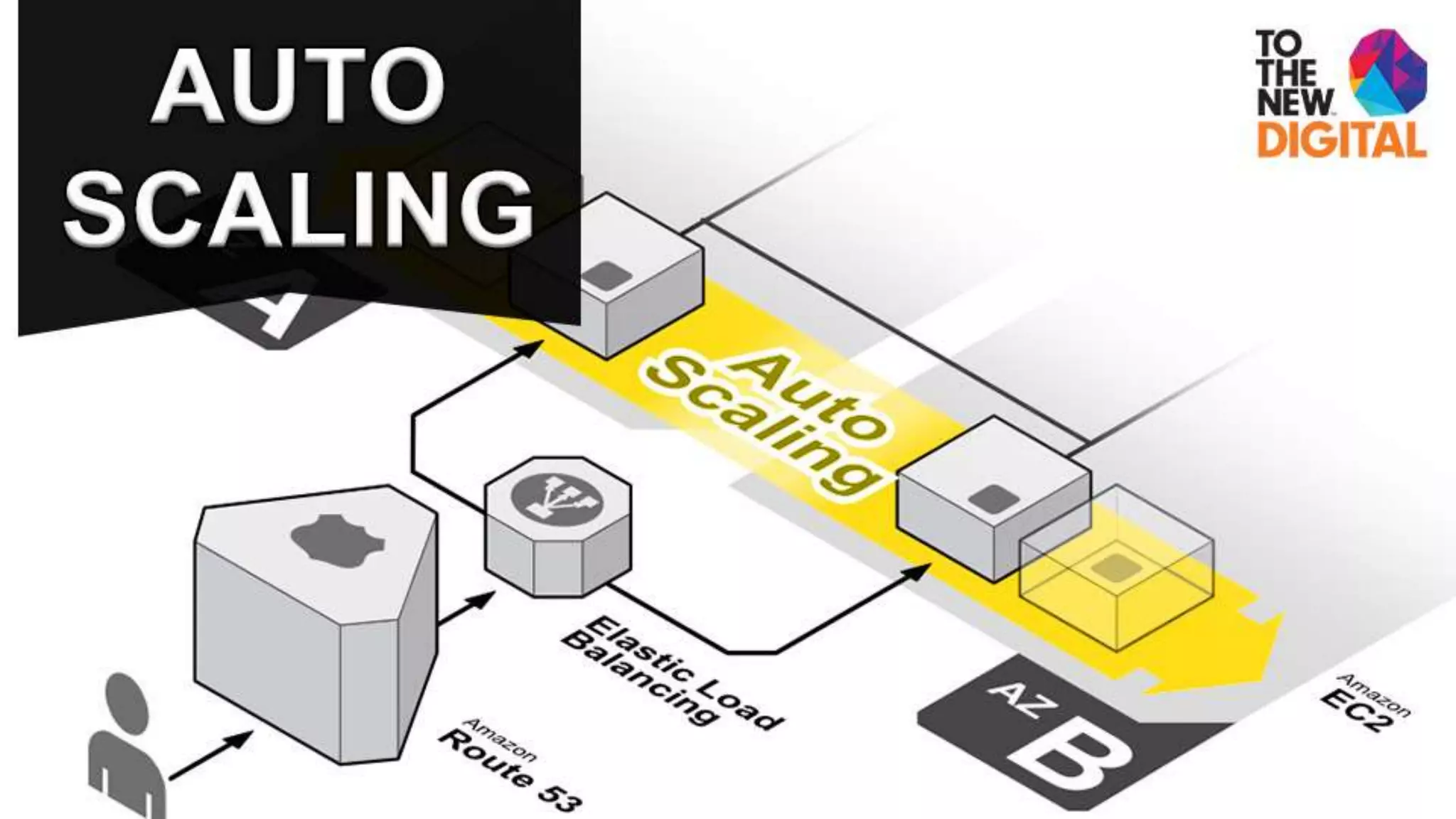
Auto Scaling
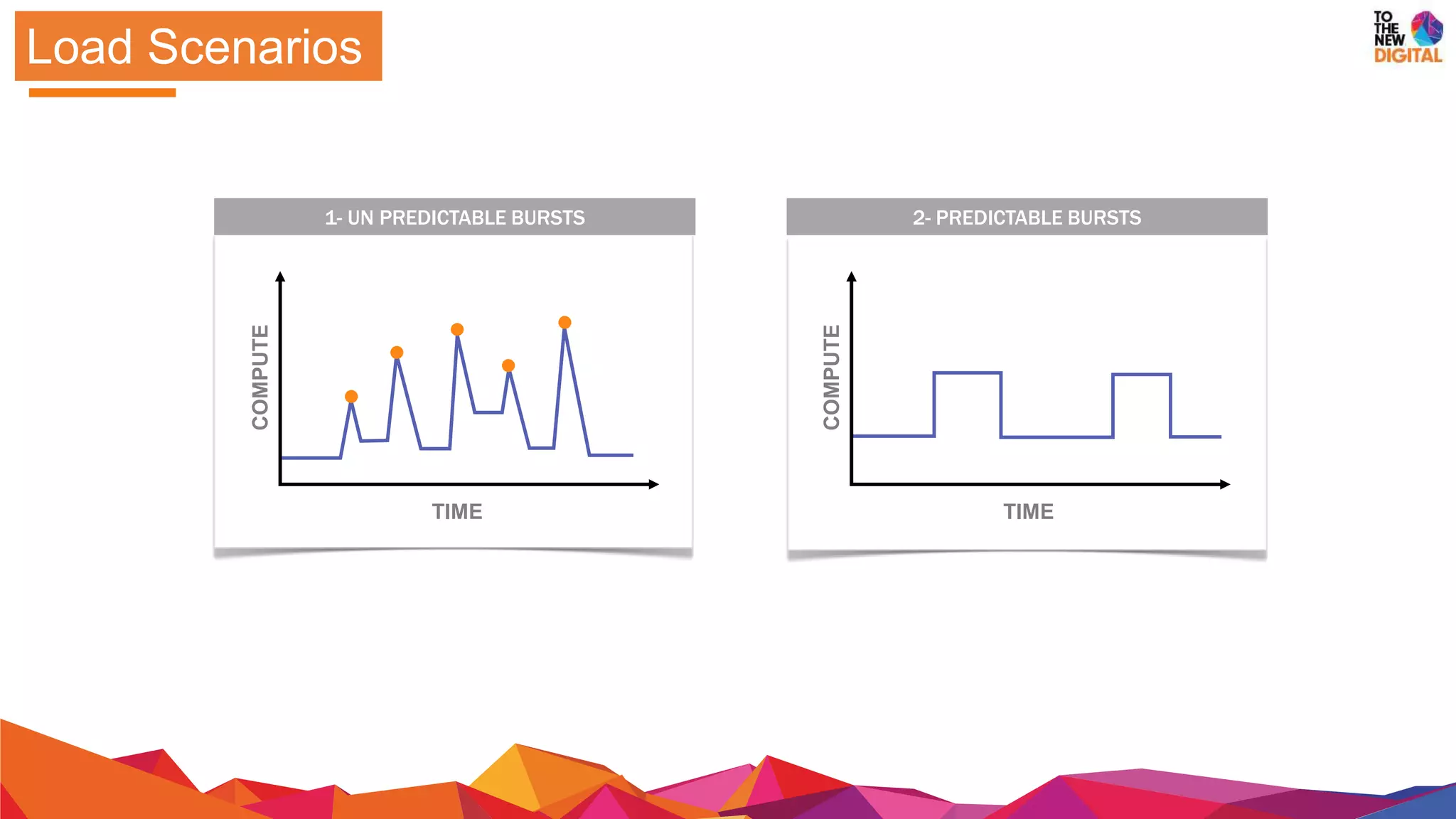
COMPUTE
TIME
1- UN PREDICTABLE BURSTS
COMPUTE
TIME
2- PREDICTABLE BURSTS
Load Scenarios
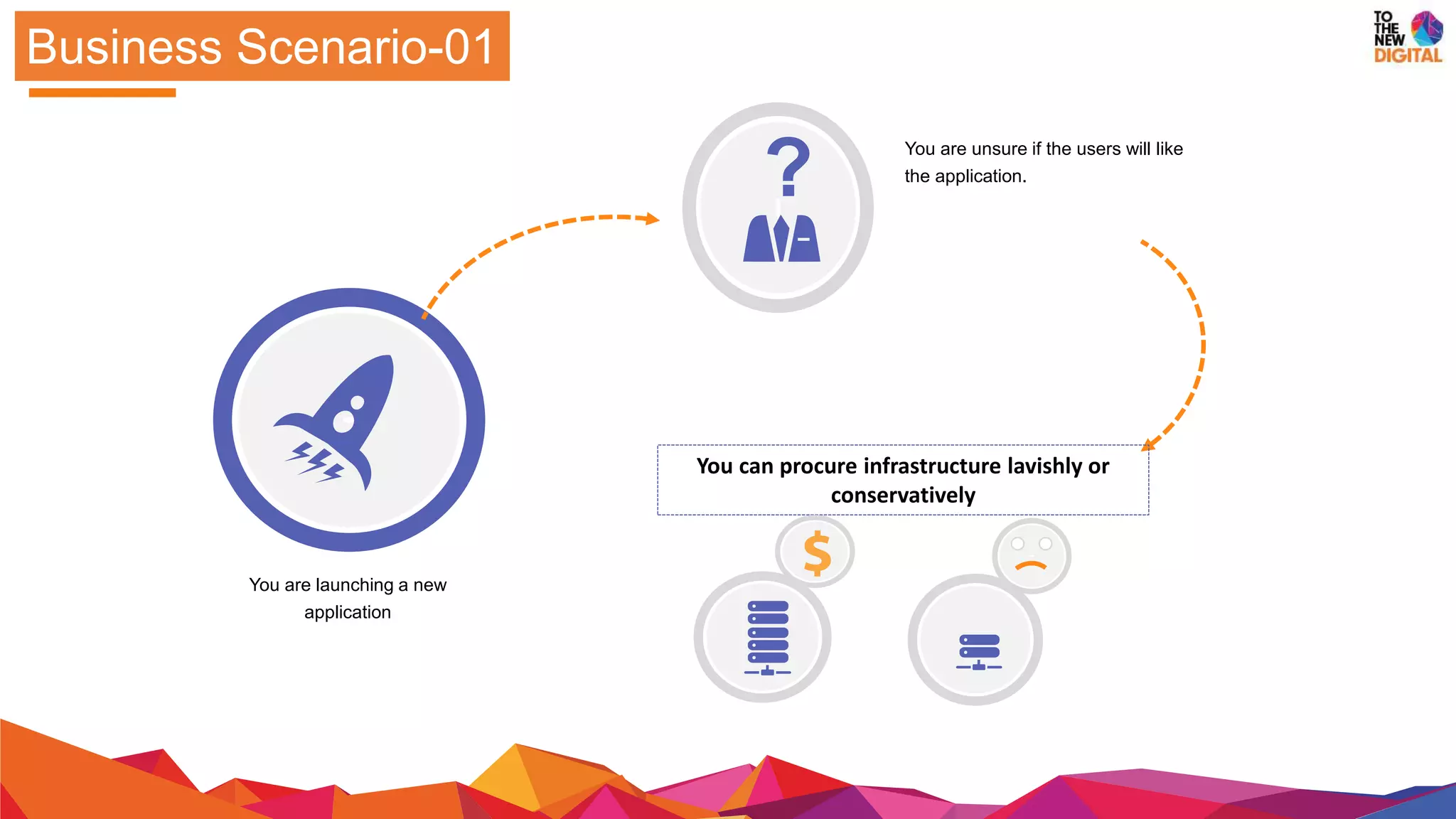
Business Scenario-01
You are launching a new
application
You can procure infrastructure lavishly or
conservatively
You are unsure if the users will like
the application.
?
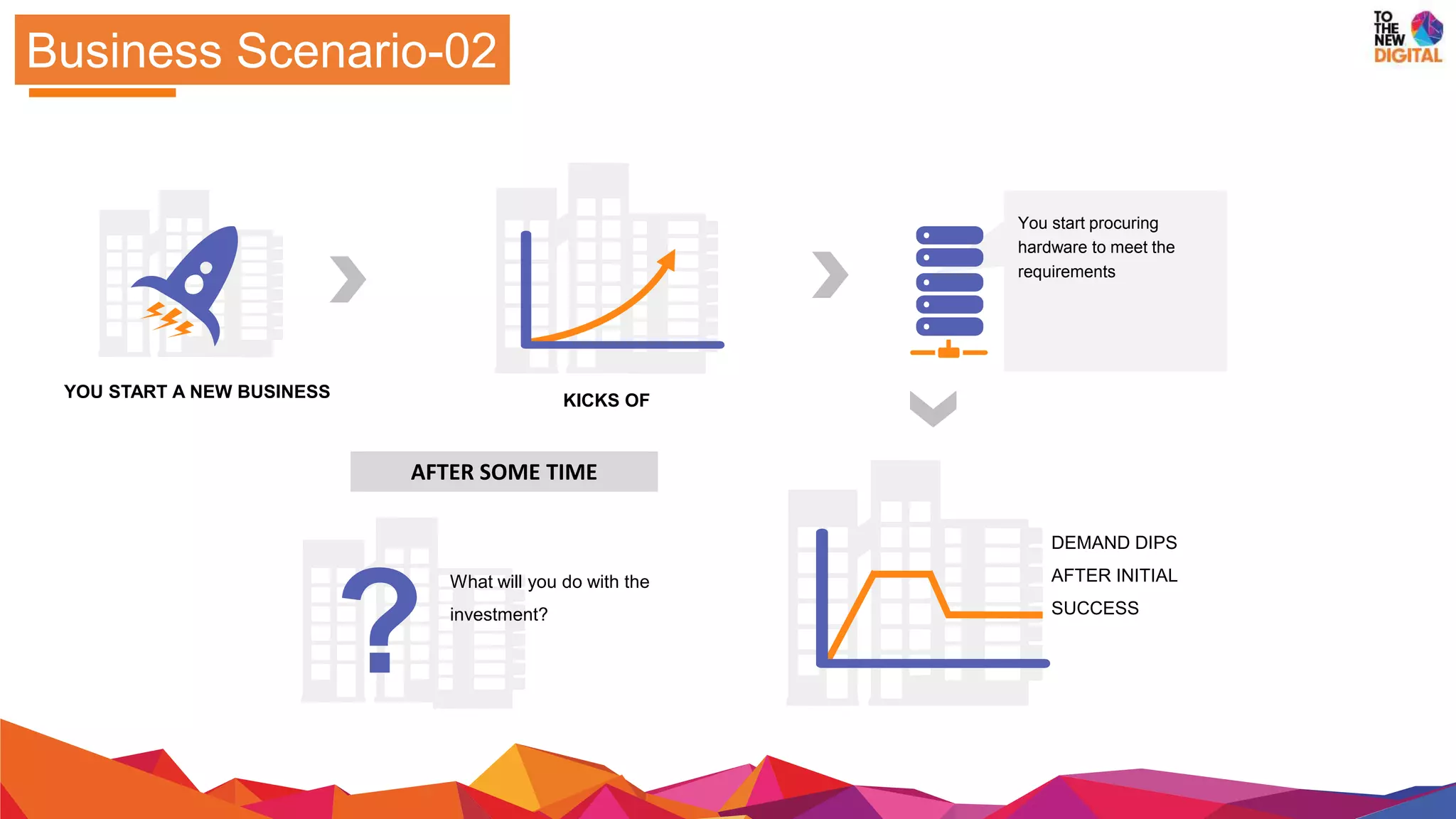
Business Scenario-02
YOU START A NEW BUSINESS
AFTER SOME TIME
You start procuring
hardware to meet the
requirements
DEMAND DIPS
AFTER INITIAL
SUCCESS
KICKS OF
?
What will you do with the
investment?
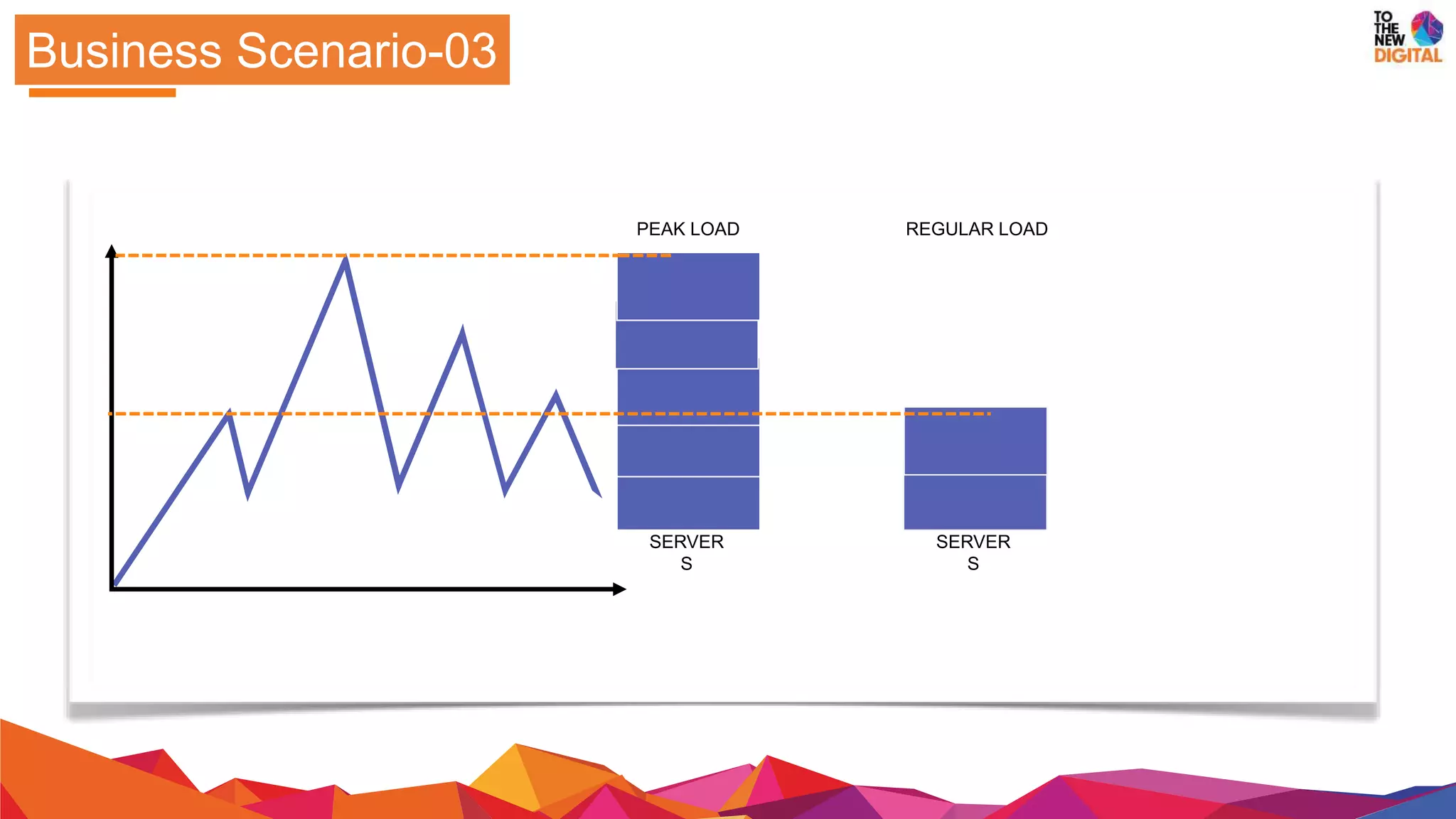
Business Scenario-03
SERVER
S
SERVER
S
PEAK LOAD REGULAR LOAD
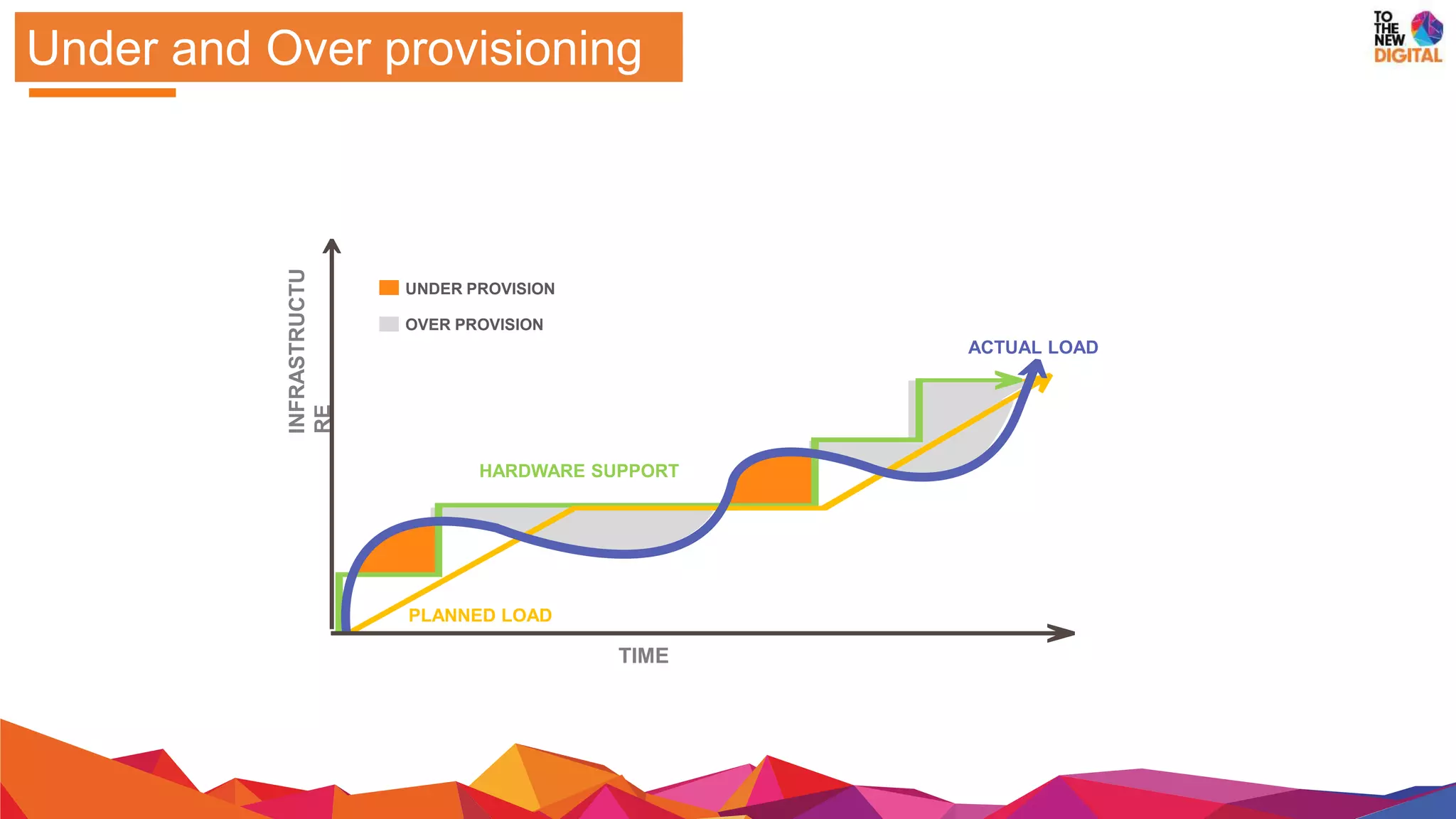
Under and Over provisioning
INFRASTRUCTU
RE
TIME
HARDWARE SUPPORT
PLANNED LOAD
ACTUAL LOAD
UNDER PROVISION
OVER PROVISION
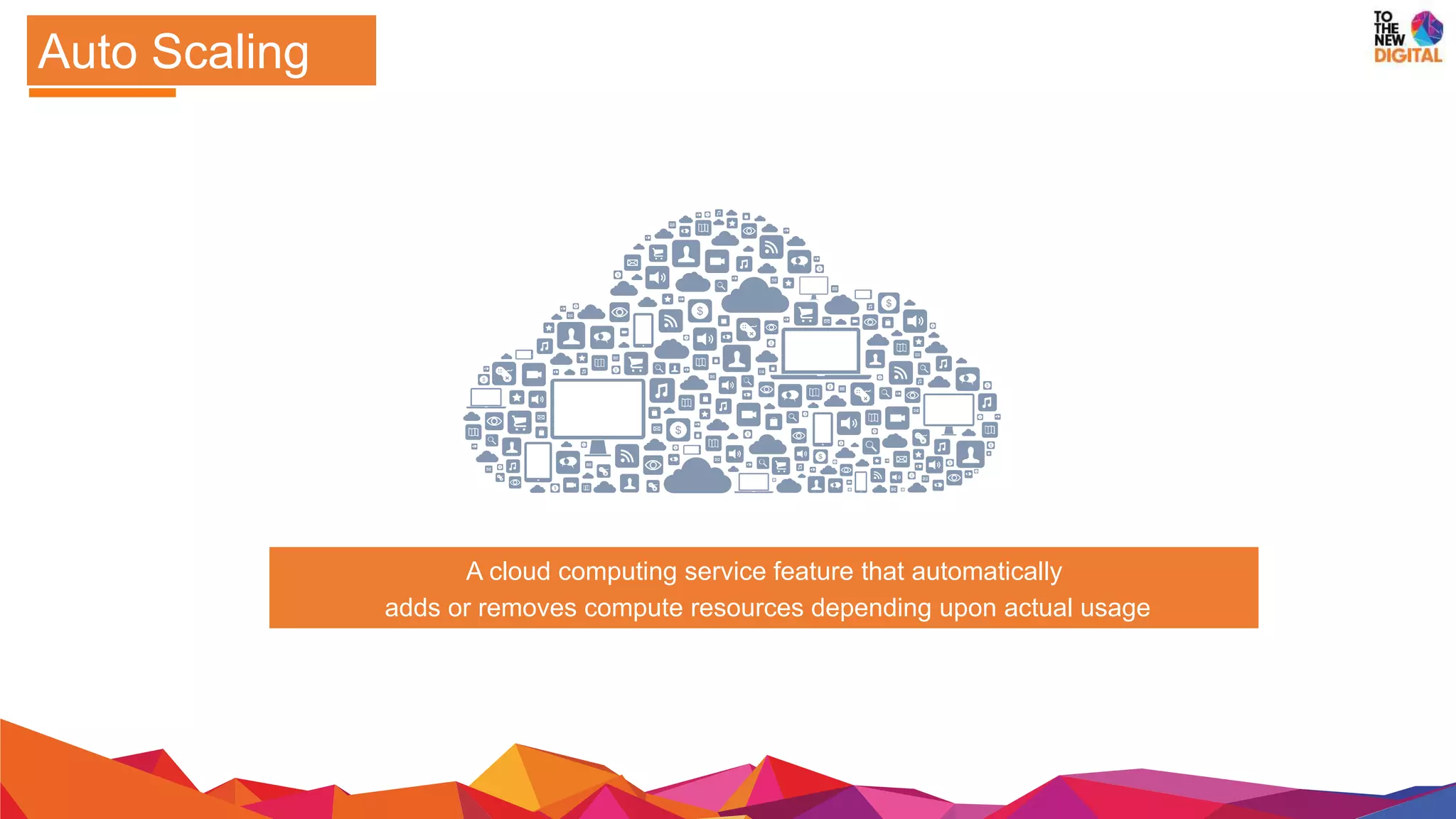
A cloud computing service feature that automatically
adds or removes compute resources depending upon actual usage
Auto Scaling
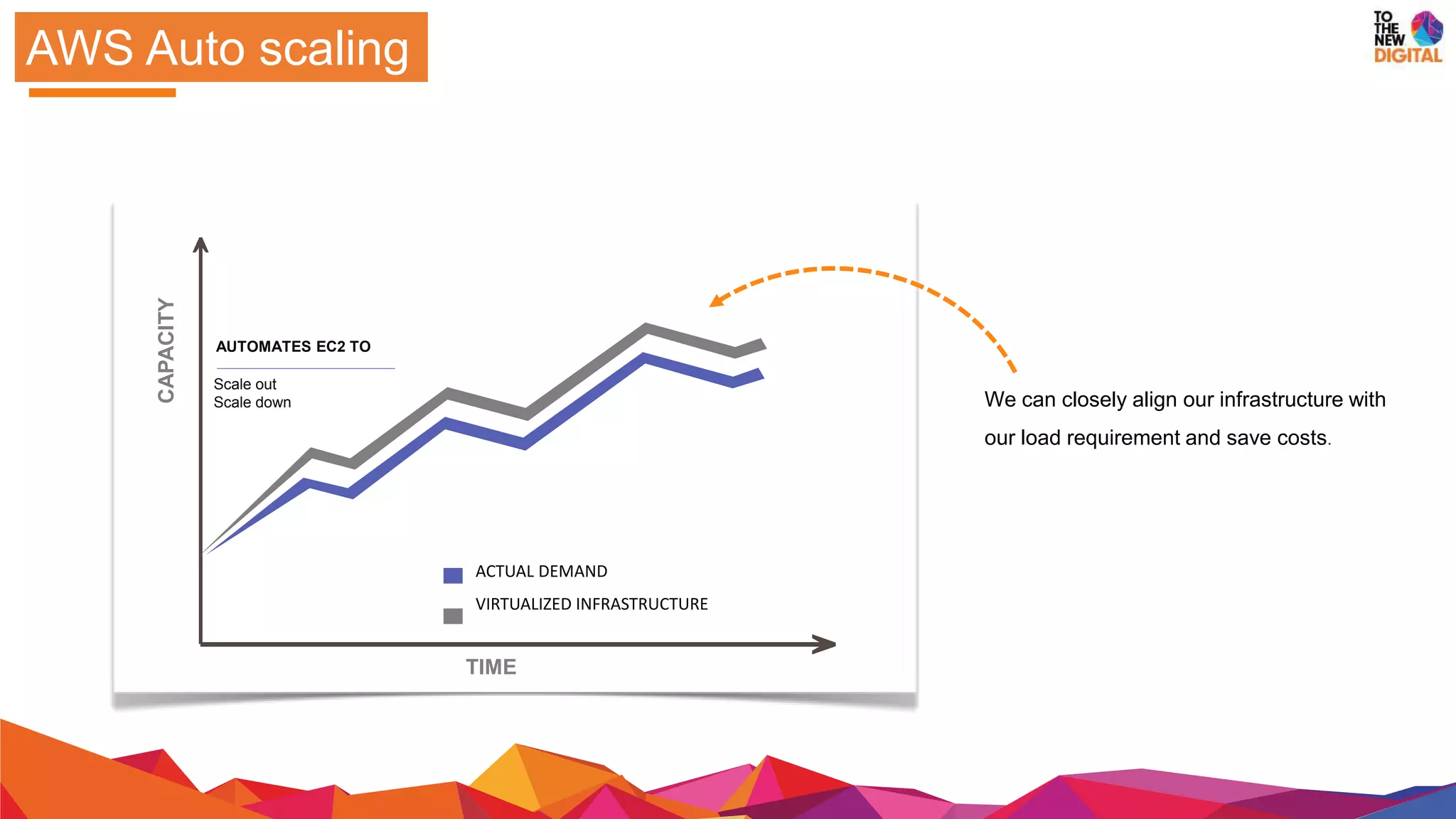
AWS Auto scaling
CAPACITY
TIME
AUTOMATES EC2 TO
Scale out
Scale down
ACTUAL DEMAND
VIRTUALIZED INFRASTRUCTURE
We can closely align our infrastructure with
our load requirement and save costs.
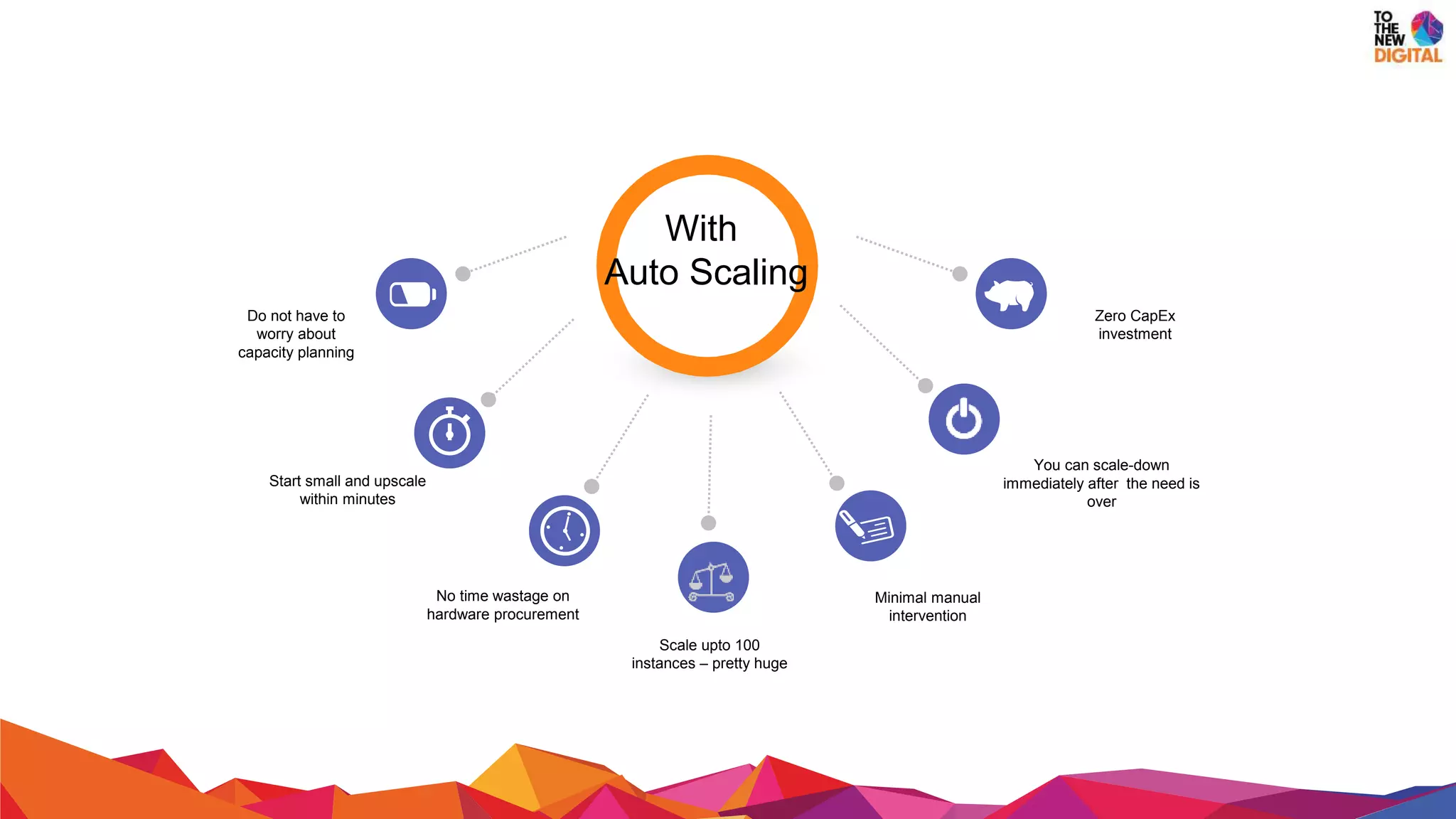
Do not have to
worry about
capacity planning
Minimal manual
intervention
No time wastage on
hardware procurement
You can scale-down
immediately after the need is
over
Zero CapEx
investment
Start small and upscale
within minutes
With
Auto Scaling
Scale upto 100
instances – pretty huge
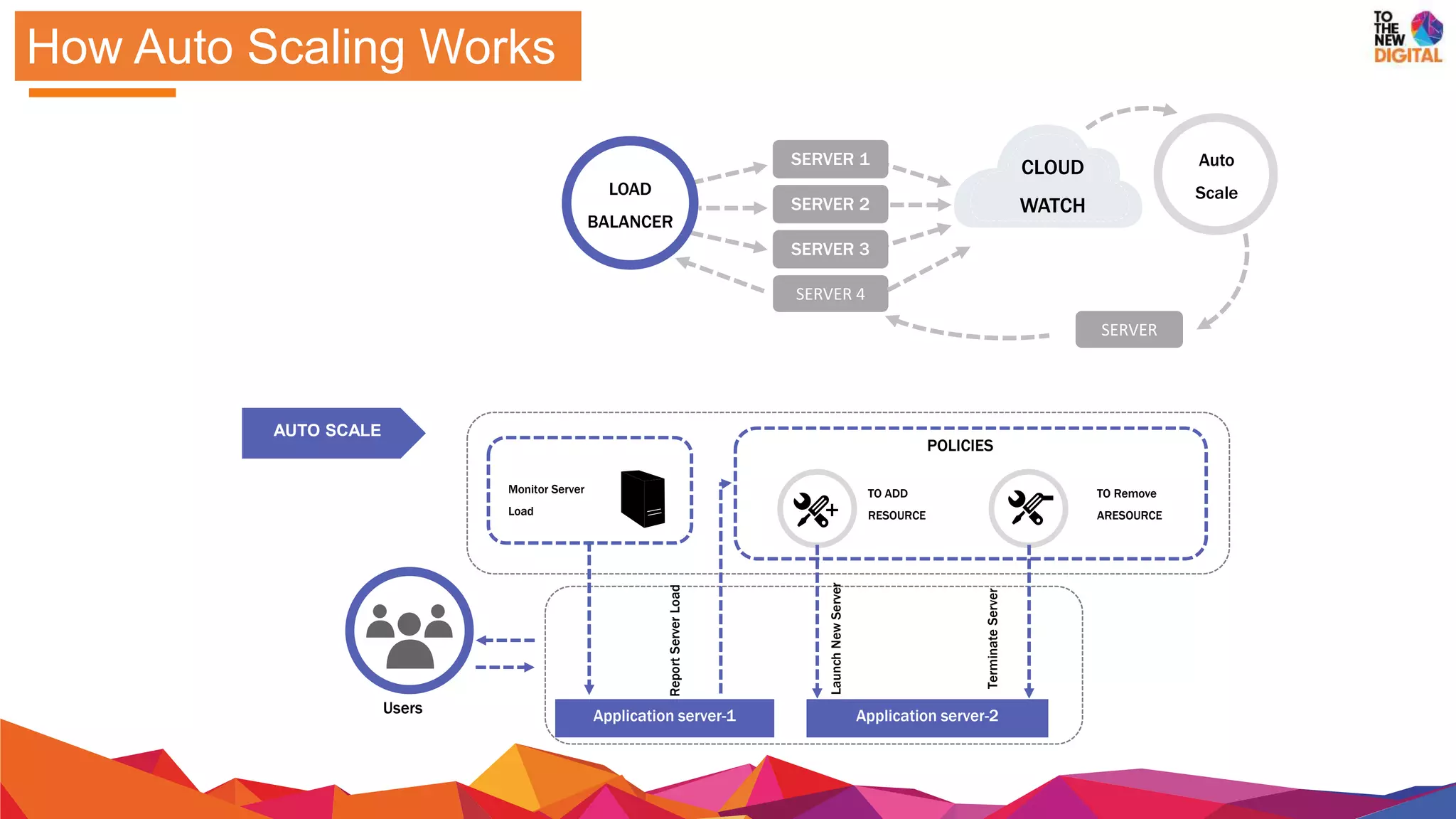
How Auto Scaling Works
CLOUD
WATCH
SERVER 1
SERVER 2
SERVER 3
SERVER 4
SERVER
LOAD
BALANCER
Auto
Scale
AUTO SCALE
+ -
POLICIES
LaunchNewServer
ReportServerLoad
TO ADD
RESOURCE
TO Remove
ARESOURCE
TerminateServer
Monitor Server
Load
Application server-1 Application server-2Users
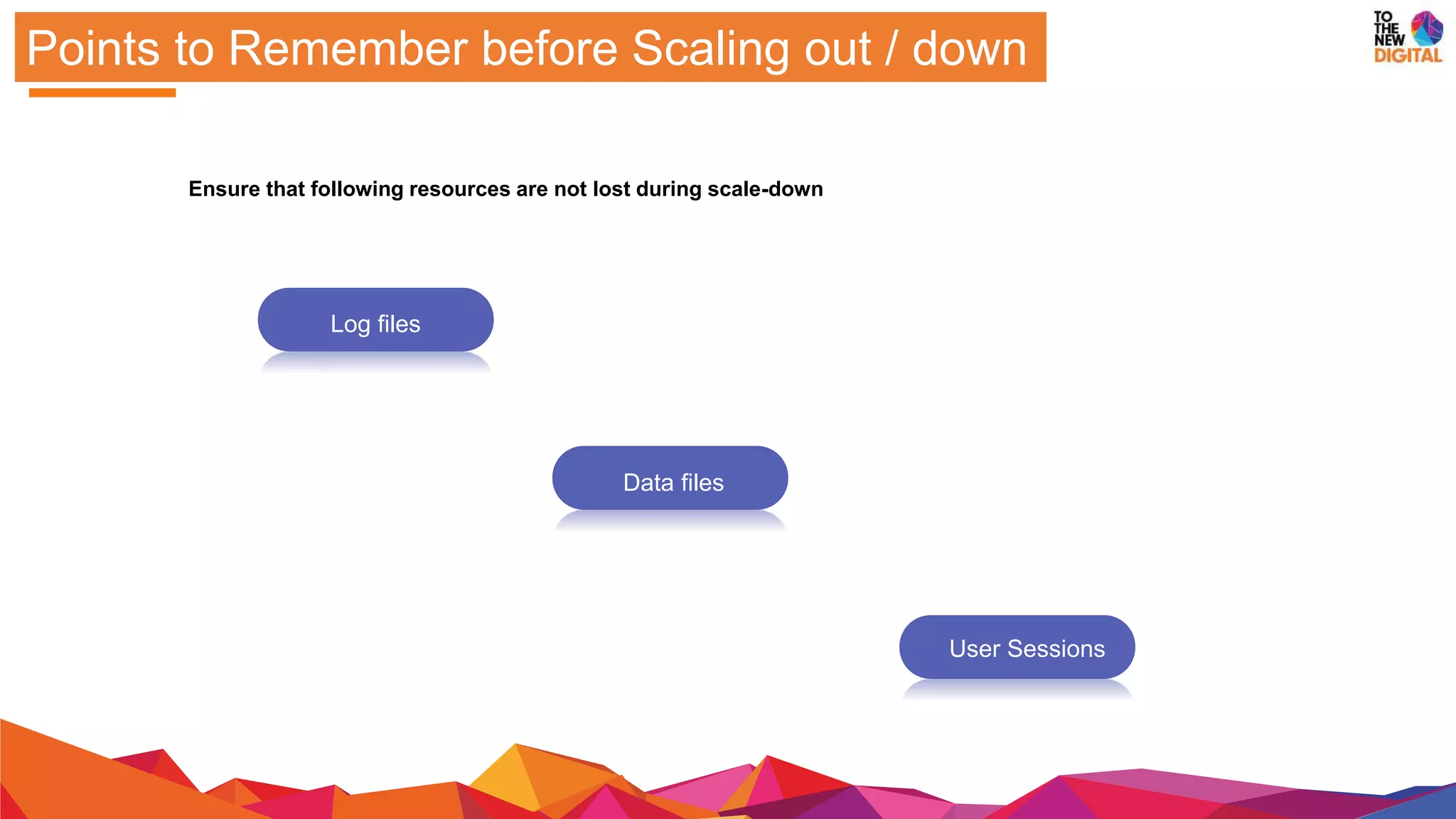
Points to Remember before Scaling out / down
Ensure that following resources are not lost during scale-down
Log files
Data files
User Sessions
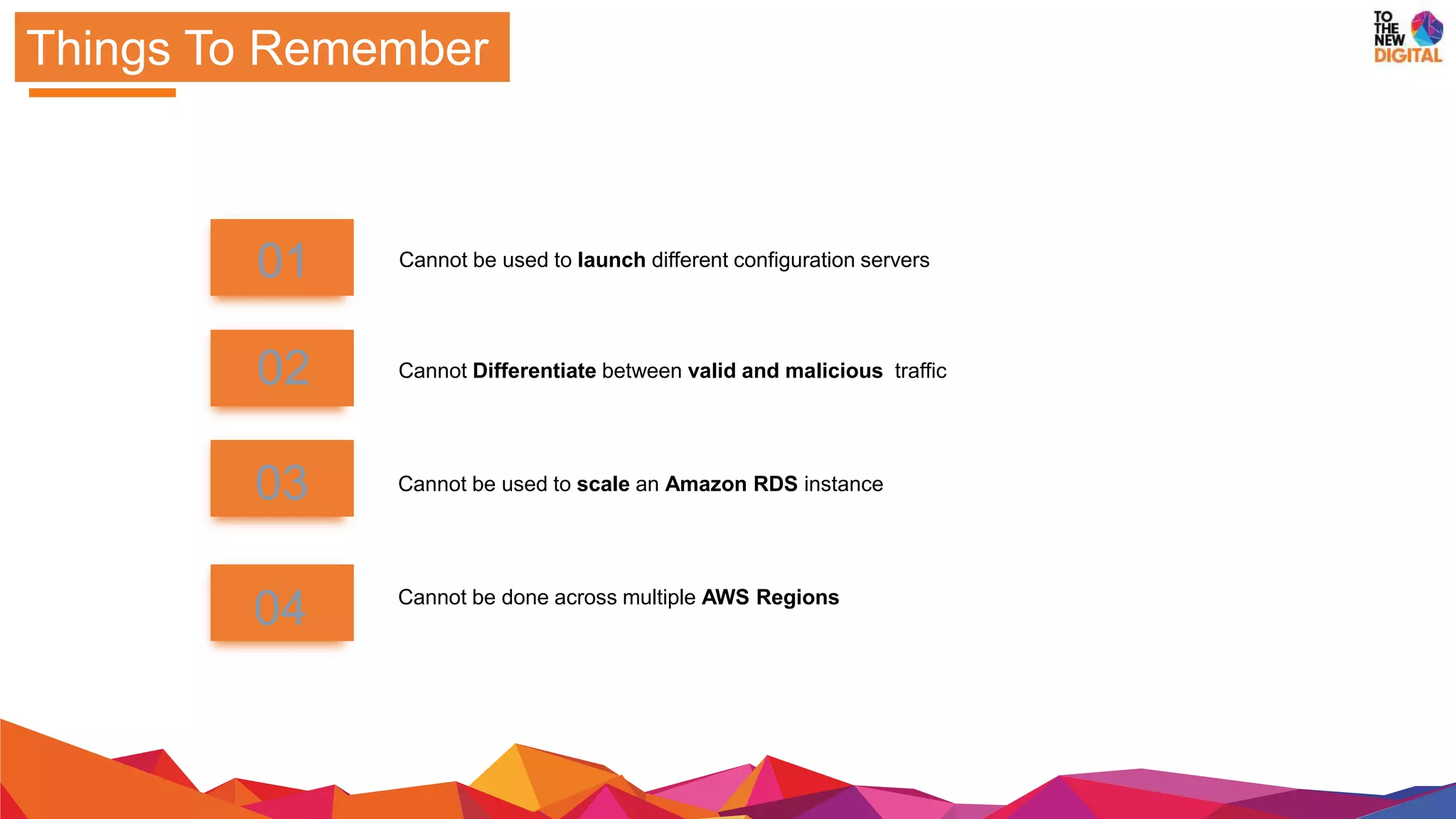
Things To Remember
Cannot be used to scale an Amazon RDS instance
Cannot be done across multiple AWS Regions
01
02
03
04
Cannot Differentiate between valid and malicious traffic
Cannot be used to launch different configuration servers
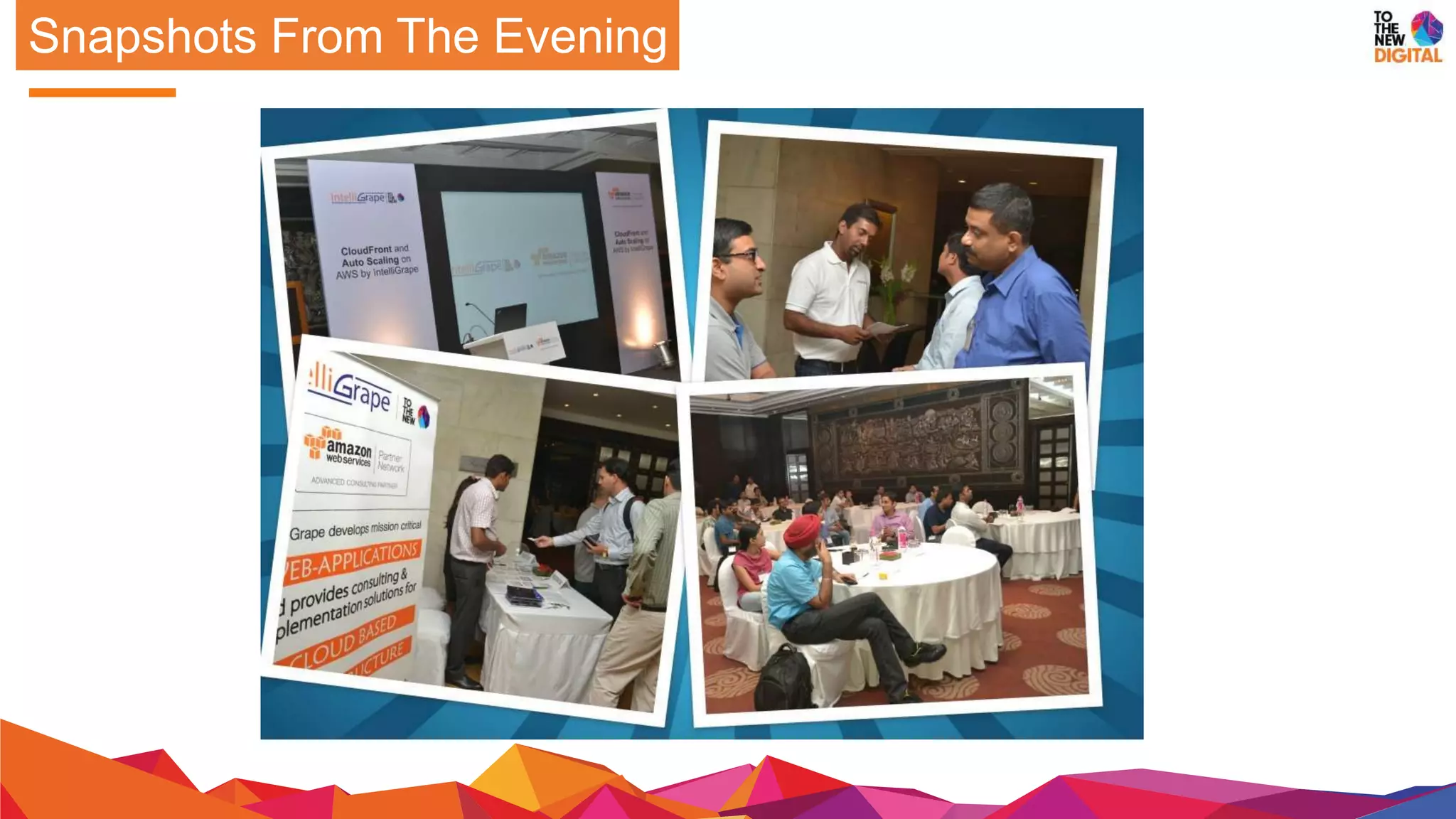
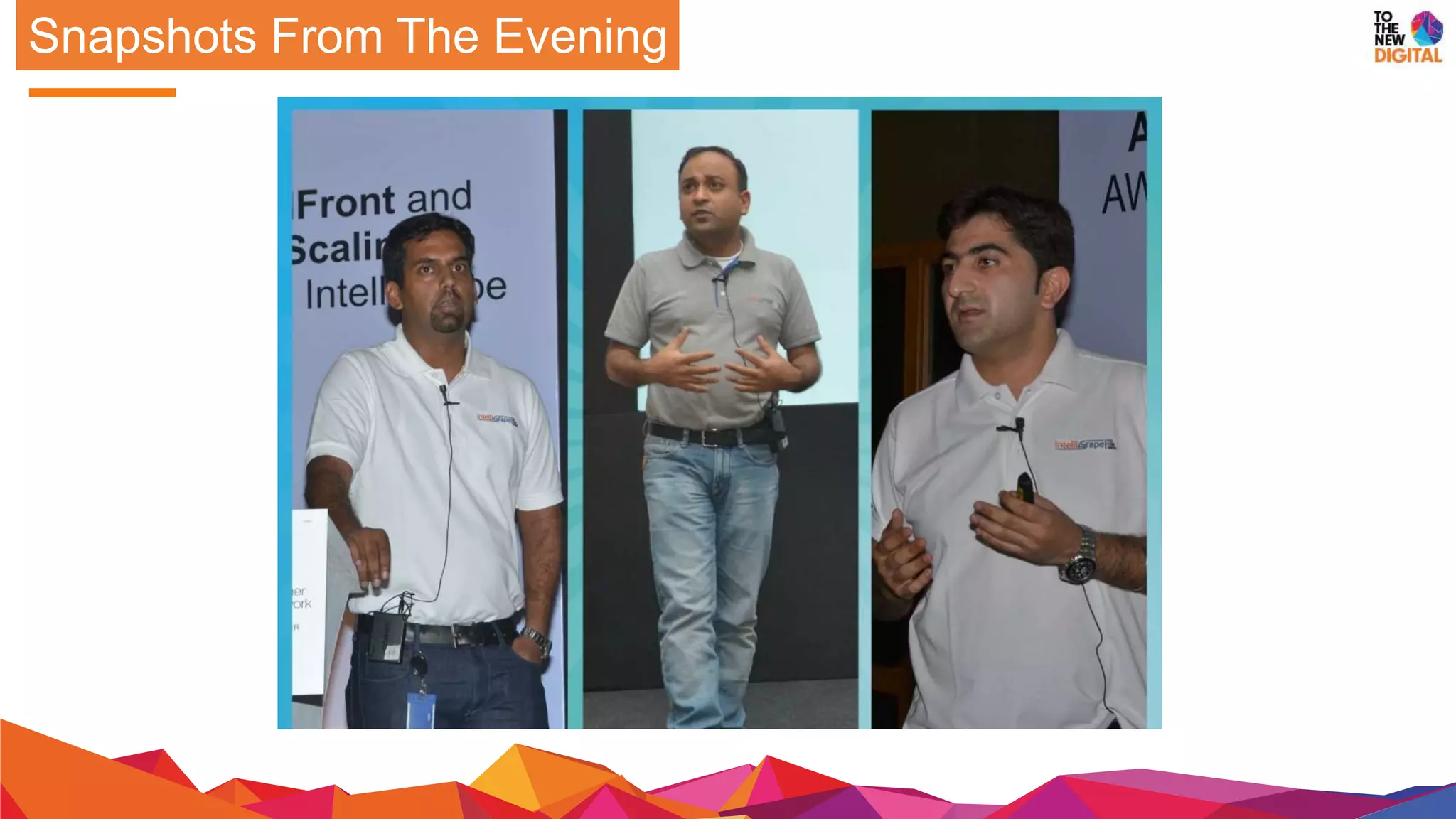
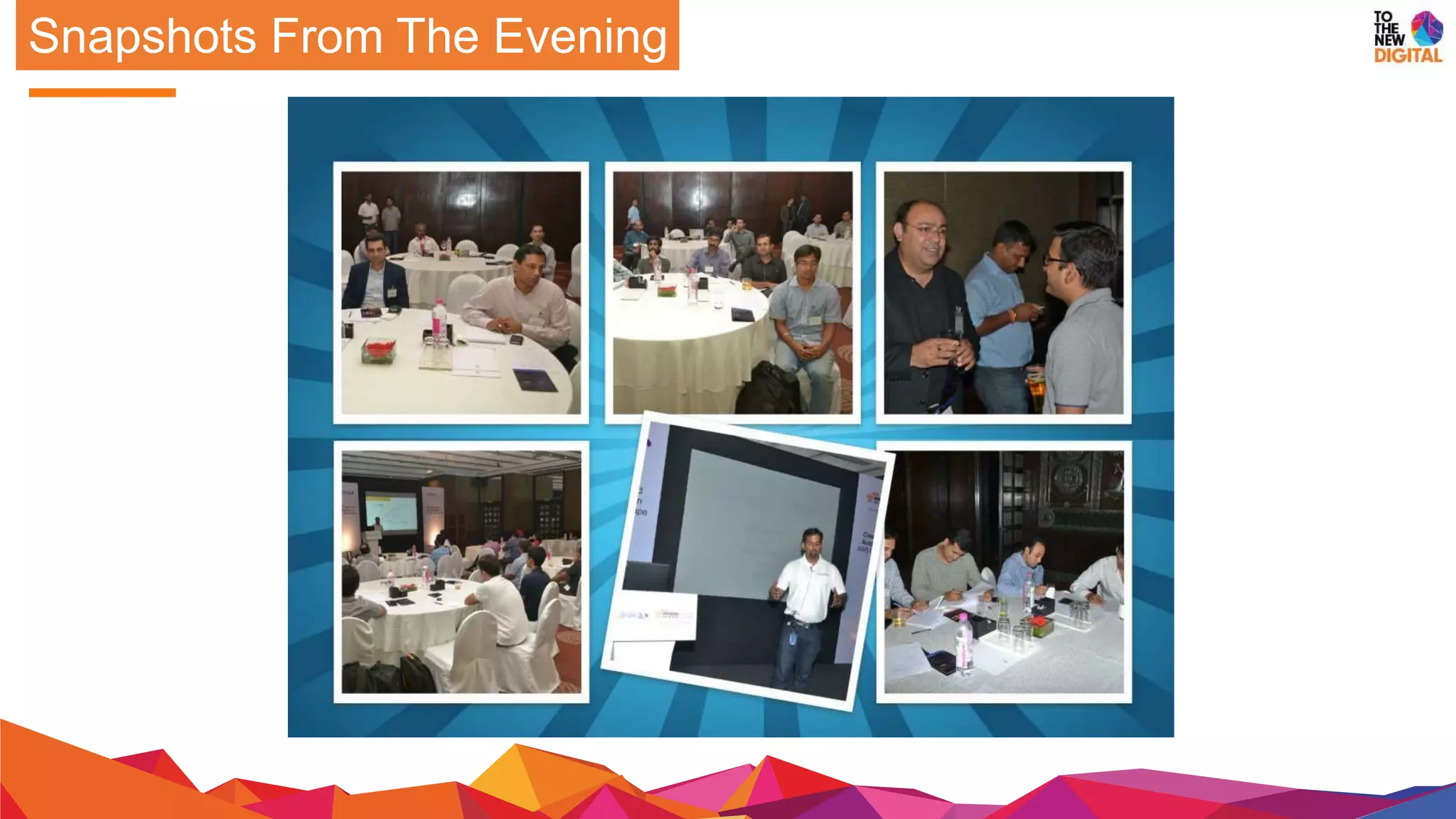
Snapshots From The Evening
Contact us
Here’s how TOTHENEW
uses AWS for better
infrastructure management
for your customers.
Click Here To Know More!
Have more queries on
AWS?
Talk to our AWS
experts Now!
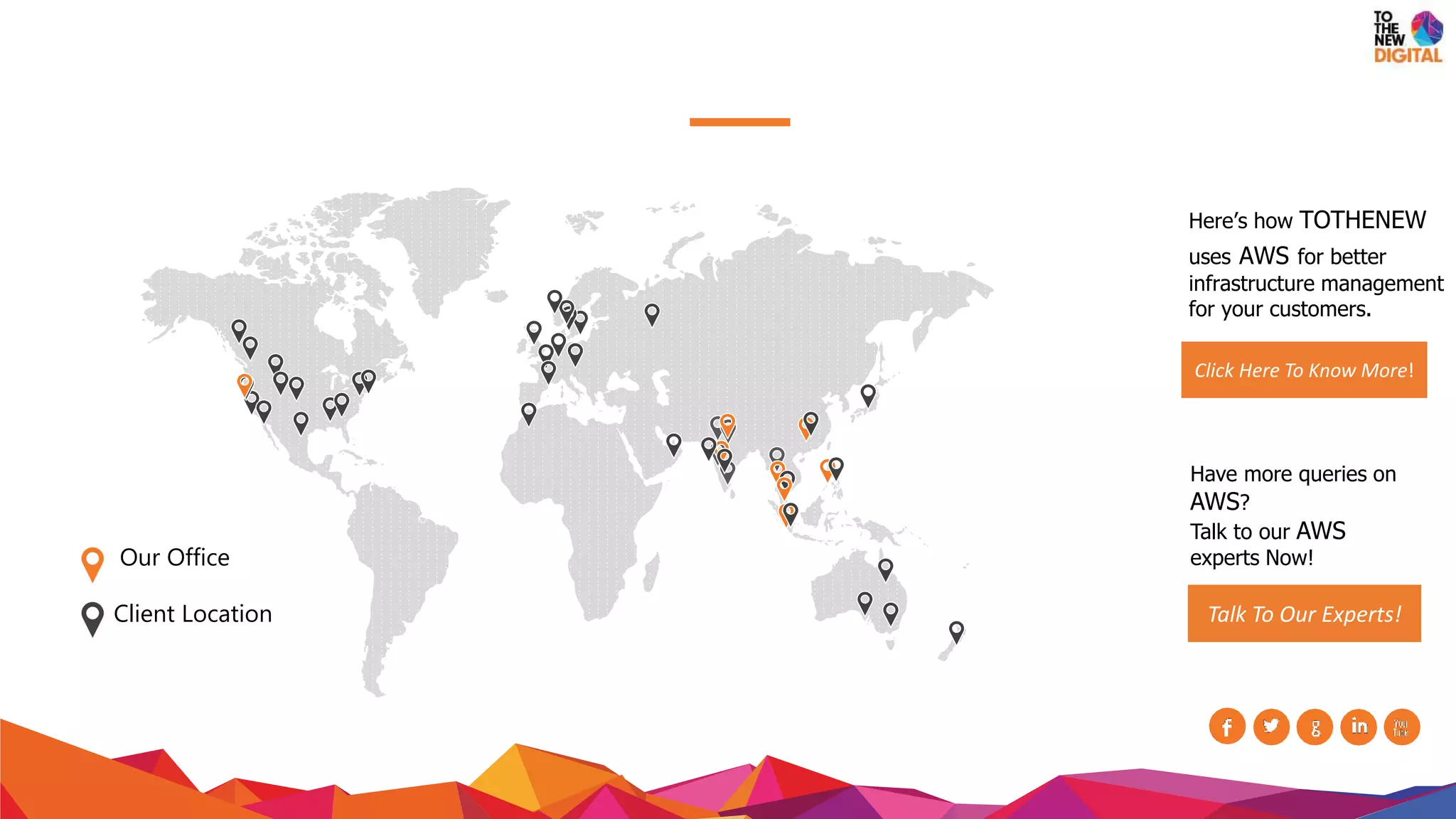
Talk To Our Experts!Our Office
Client Location

(AWS) Auto Scaling : Evening Session by Amazon and IntelliGrape Software

  • 2.
  • 3.
    COMPUTE TIME 1- UN PREDICTABLEBURSTS COMPUTE TIME 2- PREDICTABLE BURSTS Load Scenarios
  • 4.
    Business Scenario-01 You arelaunching a new application You can procure infrastructure lavishly or conservatively You are unsure if the users will like the application. ?
  • 5.
    Business Scenario-02 YOU STARTA NEW BUSINESS AFTER SOME TIME You start procuring hardware to meet the requirements DEMAND DIPS AFTER INITIAL SUCCESS KICKS OF ? What will you do with the investment?
  • 6.
  • 7.
    Under and Overprovisioning INFRASTRUCTU RE TIME HARDWARE SUPPORT PLANNED LOAD ACTUAL LOAD UNDER PROVISION OVER PROVISION
  • 8.
    A cloud computingservice feature that automatically adds or removes compute resources depending upon actual usage Auto Scaling
  • 9.
    AWS Auto scaling CAPACITY TIME AUTOMATESEC2 TO Scale out Scale down ACTUAL DEMAND VIRTUALIZED INFRASTRUCTURE We can closely align our infrastructure with our load requirement and save costs.
  • 10.
    Do not haveto worry about capacity planning Minimal manual intervention No time wastage on hardware procurement You can scale-down immediately after the need is over Zero CapEx investment Start small and upscale within minutes With Auto Scaling Scale upto 100 instances – pretty huge
  • 11.
    How Auto ScalingWorks CLOUD WATCH SERVER 1 SERVER 2 SERVER 3 SERVER 4 SERVER LOAD BALANCER Auto Scale AUTO SCALE + - POLICIES LaunchNewServer ReportServerLoad TO ADD RESOURCE TO Remove ARESOURCE TerminateServer Monitor Server Load Application server-1 Application server-2Users
  • 12.
    Points to Rememberbefore Scaling out / down Ensure that following resources are not lost during scale-down Log files Data files User Sessions
  • 13.
    Things To Remember Cannotbe used to scale an Amazon RDS instance Cannot be done across multiple AWS Regions 01 02 03 04 Cannot Differentiate between valid and malicious traffic Cannot be used to launch different configuration servers
  • 14.
  • 15.
  • 16.
  • 17.
    Contact us Here’s howTOTHENEW uses AWS for better infrastructure management for your customers. Click Here To Know More! Have more queries on AWS? Talk to our AWS experts Now! Talk To Our Experts!Our Office Client Location