Tom Duchêne :: David-Alexandre Chanel
AugmentaP5 API
https://github.com/Theoriz/AugmentaP5
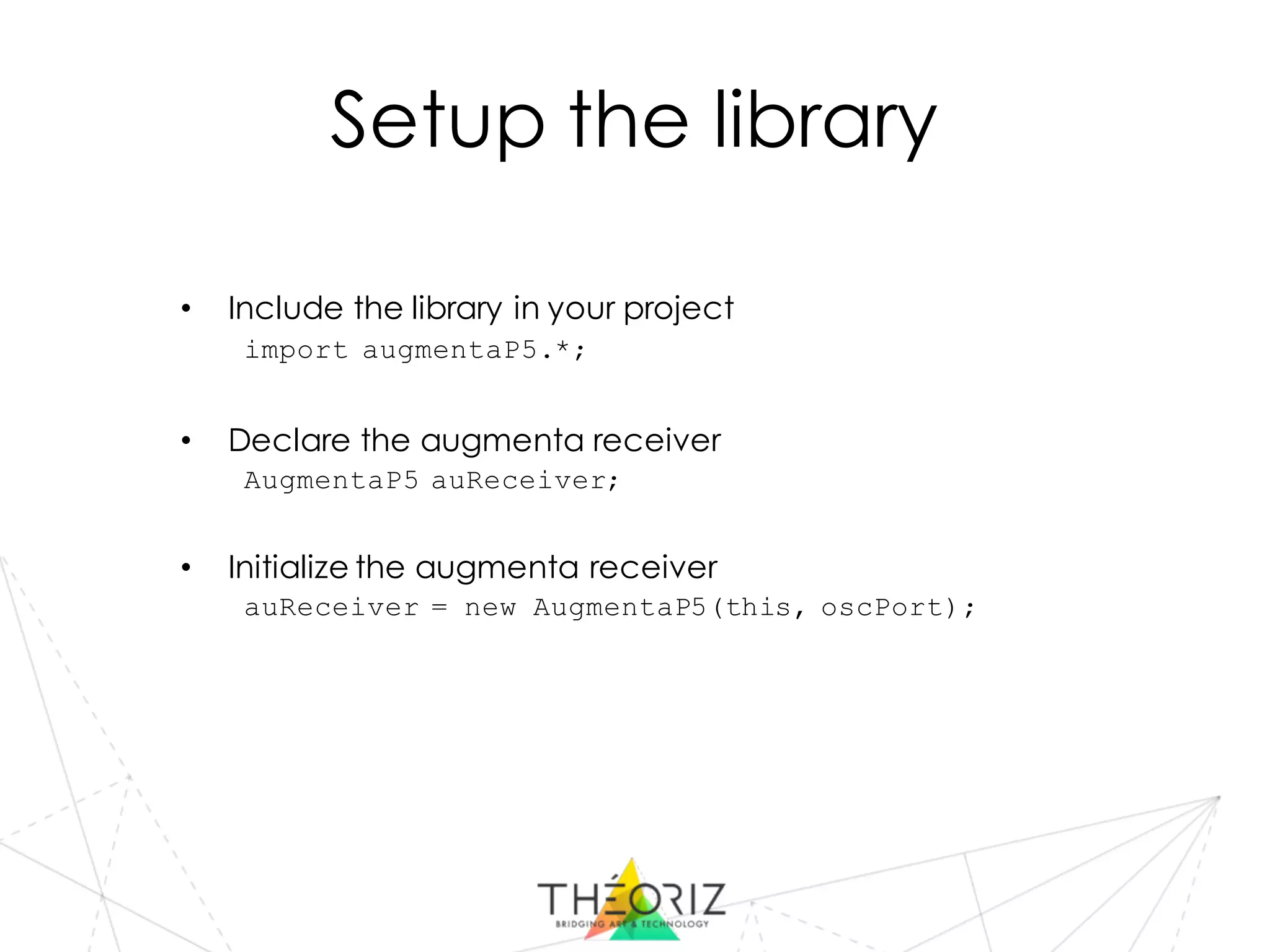
Setup the library
• Include the library in your project
import augmentaP5.*;
• Declare the augmenta receiver
AugmentaP5 auReceiver;
• Initialize the augmenta receiver
auReceiver = new AugmentaP5(this, oscPort);
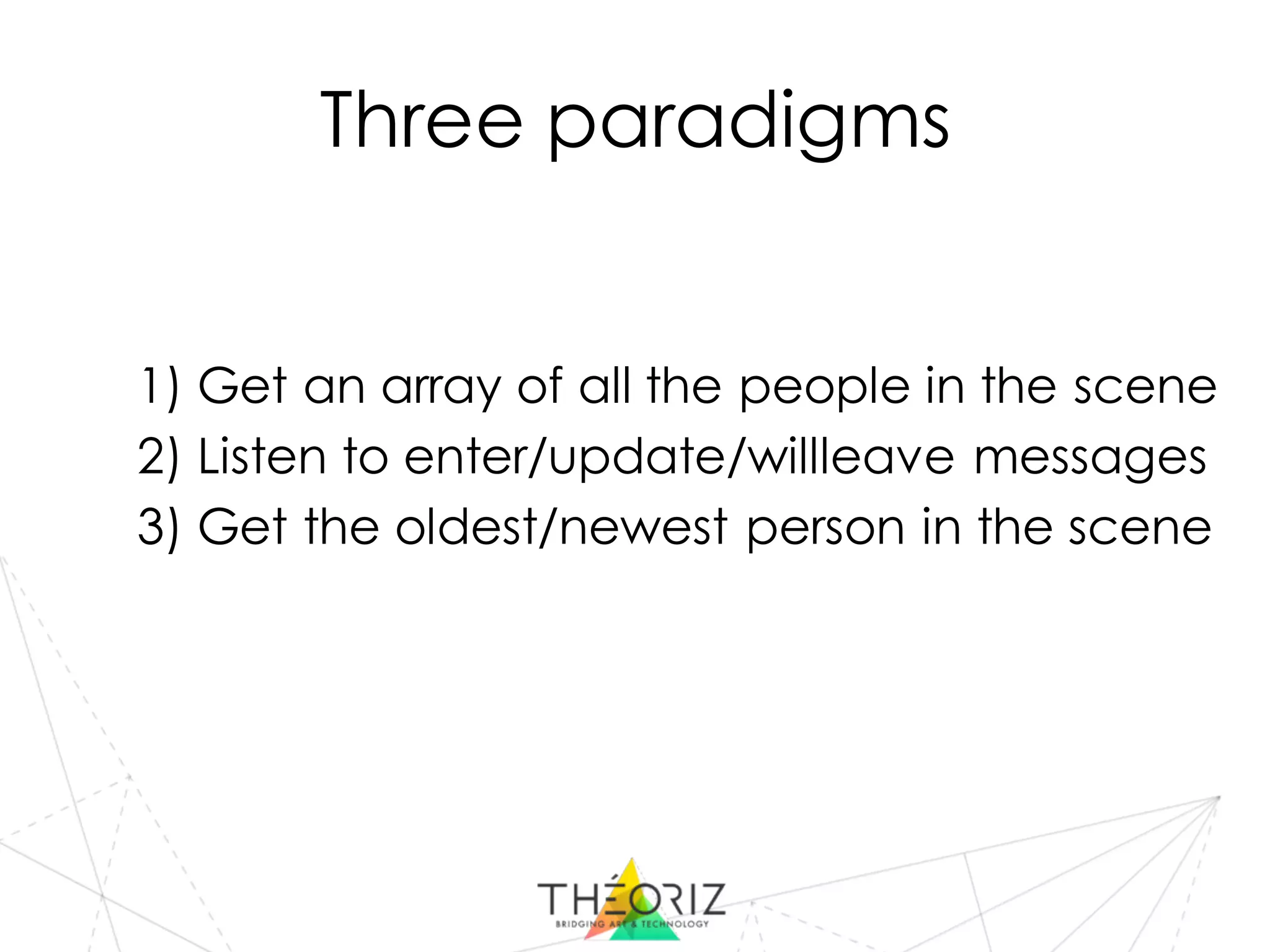
Three paradigms
1) Get an array of all the people in the scene
2) Listen to enter/update/willleave messages
3) Get the oldest/newest person in the scene
1 – People array
• Get the people array every frame
AugmentaPerson[] people = auReceiver.getPeopleArray();
• Use data from the array
println(“x=“+ people[i].centroid.x);
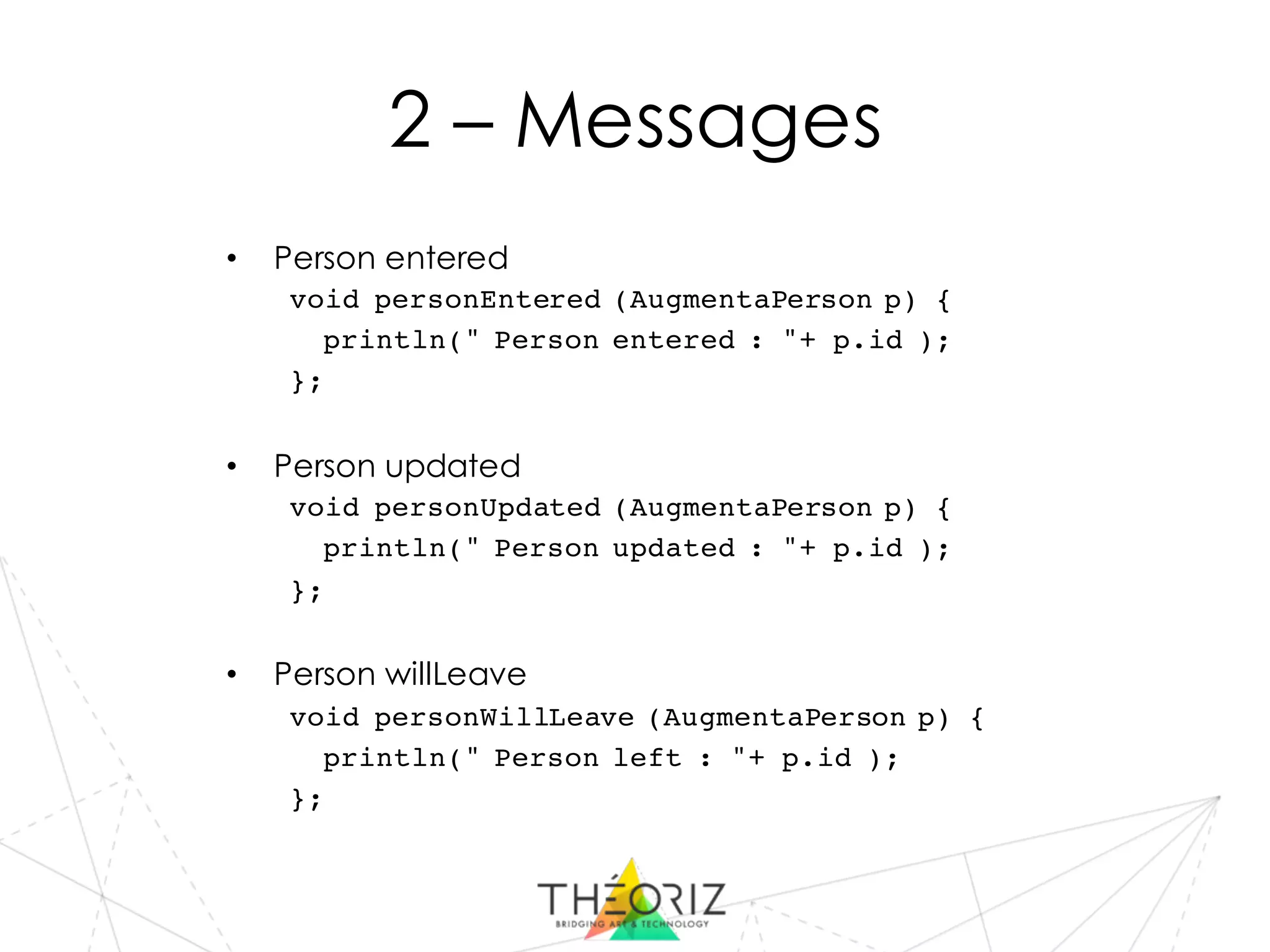
2 – Messages
• Person entered
void personEntered (AugmentaPerson p) {
println(" Person entered : "+ p.id );
};
• Person updated
void personUpdated (AugmentaPerson p) {
println(" Person updated : "+ p.id );
};
• Person willLeave
void personWillLeave (AugmentaPerson p) {
println(" Person left : "+ p.id );
};
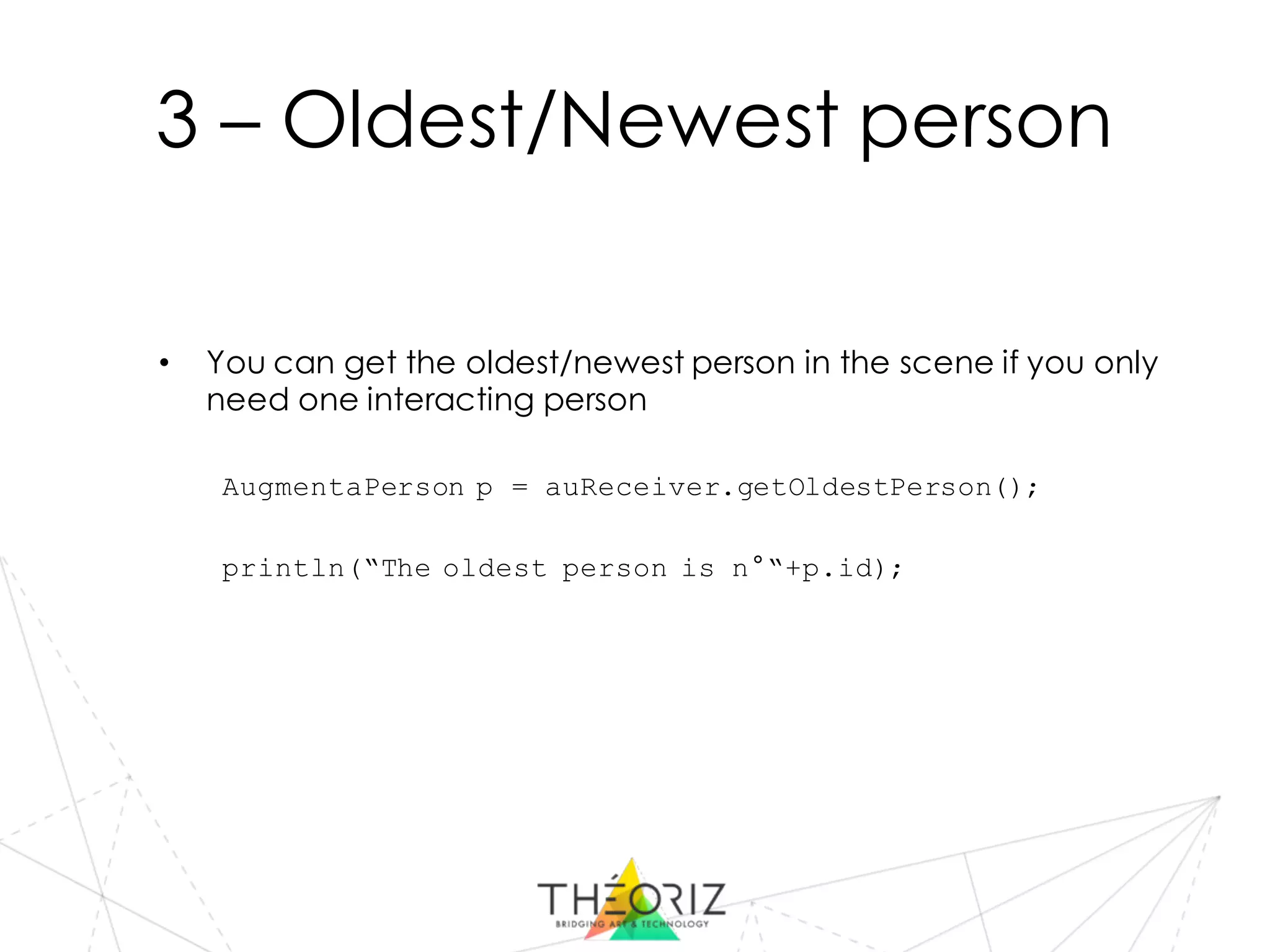
3 – Oldest/Newest person
• You can get the oldest/newest person in the scene if you only
need one interacting person
AugmentaPerson p = auReceiver.getOldestPerson();
println(“The oldest person is n°“+p.id);
Tools
Scene size
• A scene size in pixels is sent by the data merging software,
you can use it as your processing scene size to make sure your
data will be correctly calibrated
int[] sceneSize = auReceiver.getSceneSize();
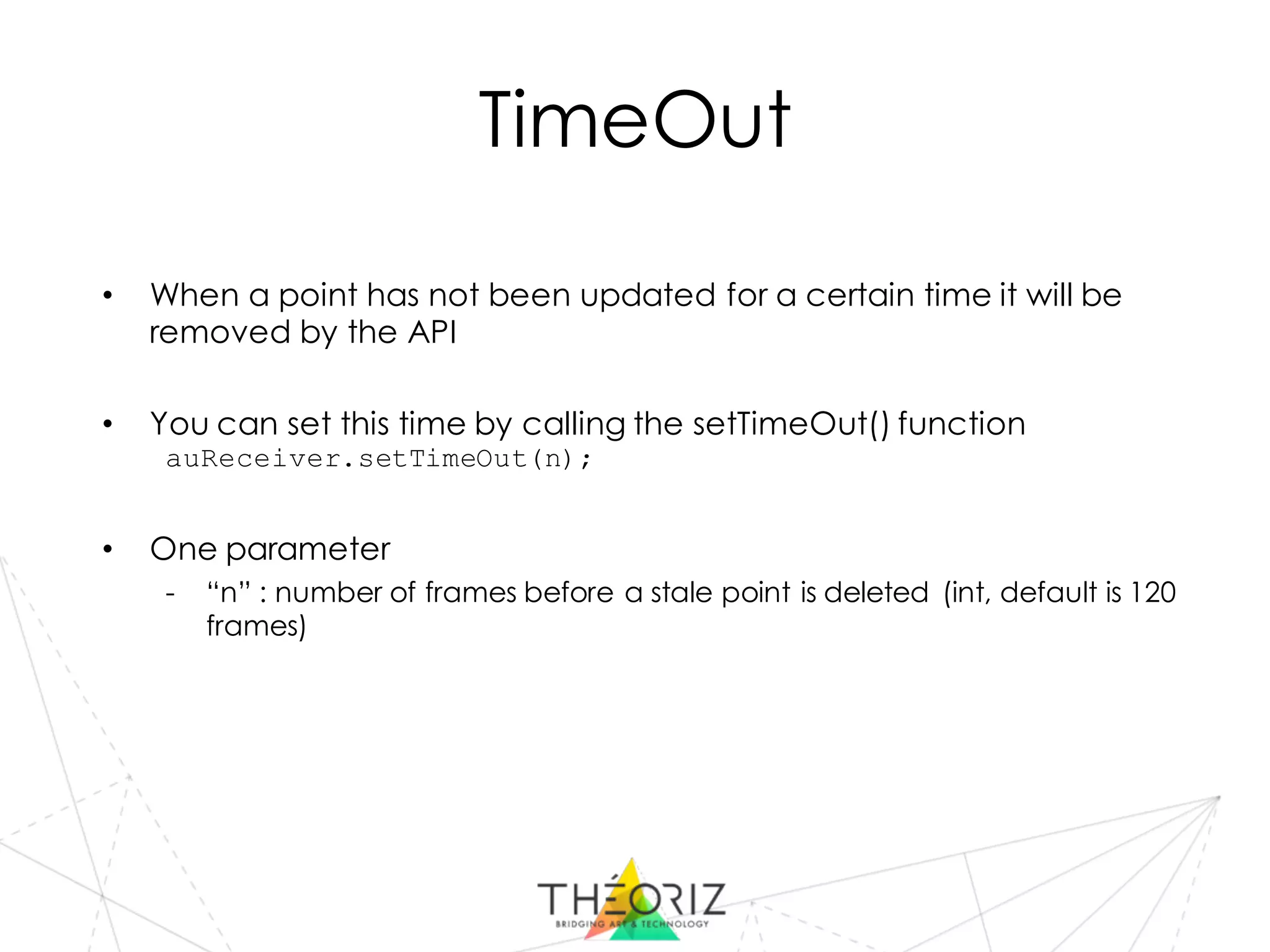
TimeOut
• When a point has not been updated for a certain time it will be
removed by the API
• You can set this time by calling the setTimeOut() function
auReceiver.setTimeOut(n);
• One parameter
- “n” : number of frames before a stale point is deleted (int, default is 120
frames)
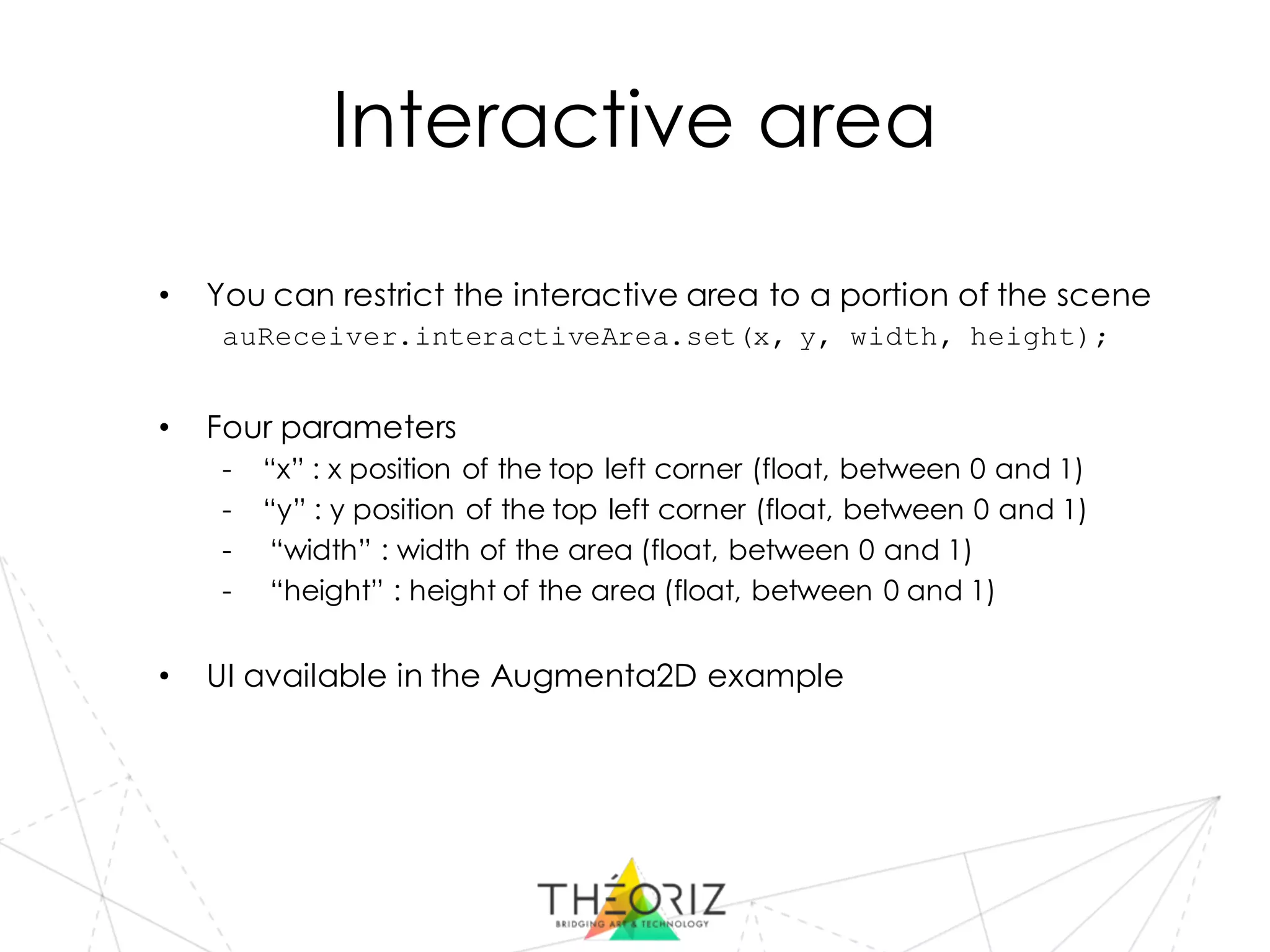
Interactive area
• You can restrict the interactive area to a portion of the scene
auReceiver.interactiveArea.set(x, y, width, height);
• Four parameters
- “x” : x position of the top left corner (float, between 0 and 1)
- “y” : y position of the top left corner (float, between 0 and 1)
- “width” : width of the area (float, between 0 and 1)
- “height” : height of the area (float, between 0 and 1)
• UI available in the Augmenta2D example
TUIO
• You can also receive TUIO data instead of Augmenta, the TUIO
information are then transformed into AugmentaPerson so you have
nothing to change in your code.
// Augmenta
auReceiver= new AugmentaP5(this, port);
// TUIO
auReceiver= new AugmentaP5(this, port, true);
Debug information
• You can draw debug information for the objects of the scene
• For the persons present in the scene (displays the centroid, the
bounding box, the pid, etc.)
p.draw();
• For the interactive area (displays the rectangle)
interactiveArea.draw();
Examples
Examples
• Augmenta Basic
- Draw Augmenta data without any other library needed
• Augmenta 2D
- Adding a GUI and syphon/spout output
• Augmenta 3D
- 3d examples with a camera and a GUI
• Augmenta drawZone
- Draw persistent white circles under people’s feet
• Augmenta Assets
- Add a lot of assets you could use in your project
- Sprites / Video / Sound / Audioreaction
- Triggers classes (circles, rectangles, complex polygons)

AugmentaP5 API

  • 1.
    Tom Duchêne ::David-Alexandre Chanel AugmentaP5 API https://github.com/Theoriz/AugmentaP5
  • 2.
    Setup the library •Include the library in your project import augmentaP5.*; • Declare the augmenta receiver AugmentaP5 auReceiver; • Initialize the augmenta receiver auReceiver = new AugmentaP5(this, oscPort);
  • 3.
    Three paradigms 1) Getan array of all the people in the scene 2) Listen to enter/update/willleave messages 3) Get the oldest/newest person in the scene
  • 4.
    1 – Peoplearray • Get the people array every frame AugmentaPerson[] people = auReceiver.getPeopleArray(); • Use data from the array println(“x=“+ people[i].centroid.x);
  • 5.
    2 – Messages •Person entered void personEntered (AugmentaPerson p) { println(" Person entered : "+ p.id ); }; • Person updated void personUpdated (AugmentaPerson p) { println(" Person updated : "+ p.id ); }; • Person willLeave void personWillLeave (AugmentaPerson p) { println(" Person left : "+ p.id ); };
  • 6.
    3 – Oldest/Newestperson • You can get the oldest/newest person in the scene if you only need one interacting person AugmentaPerson p = auReceiver.getOldestPerson(); println(“The oldest person is n°“+p.id);
  • 7.
  • 8.
    Scene size • Ascene size in pixels is sent by the data merging software, you can use it as your processing scene size to make sure your data will be correctly calibrated int[] sceneSize = auReceiver.getSceneSize();
  • 9.
    TimeOut • When apoint has not been updated for a certain time it will be removed by the API • You can set this time by calling the setTimeOut() function auReceiver.setTimeOut(n); • One parameter - “n” : number of frames before a stale point is deleted (int, default is 120 frames)
  • 10.
    Interactive area • Youcan restrict the interactive area to a portion of the scene auReceiver.interactiveArea.set(x, y, width, height); • Four parameters - “x” : x position of the top left corner (float, between 0 and 1) - “y” : y position of the top left corner (float, between 0 and 1) - “width” : width of the area (float, between 0 and 1) - “height” : height of the area (float, between 0 and 1) • UI available in the Augmenta2D example
  • 11.
    TUIO • You canalso receive TUIO data instead of Augmenta, the TUIO information are then transformed into AugmentaPerson so you have nothing to change in your code. // Augmenta auReceiver= new AugmentaP5(this, port); // TUIO auReceiver= new AugmentaP5(this, port, true);
  • 12.
    Debug information • Youcan draw debug information for the objects of the scene • For the persons present in the scene (displays the centroid, the bounding box, the pid, etc.) p.draw(); • For the interactive area (displays the rectangle) interactiveArea.draw();
  • 13.
  • 14.
    Examples • Augmenta Basic -Draw Augmenta data without any other library needed • Augmenta 2D - Adding a GUI and syphon/spout output • Augmenta 3D - 3d examples with a camera and a GUI • Augmenta drawZone - Draw persistent white circles under people’s feet • Augmenta Assets - Add a lot of assets you could use in your project - Sprites / Video / Sound / Audioreaction - Triggers classes (circles, rectangles, complex polygons)