Download to read offline
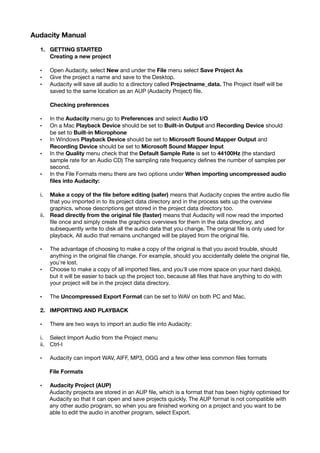
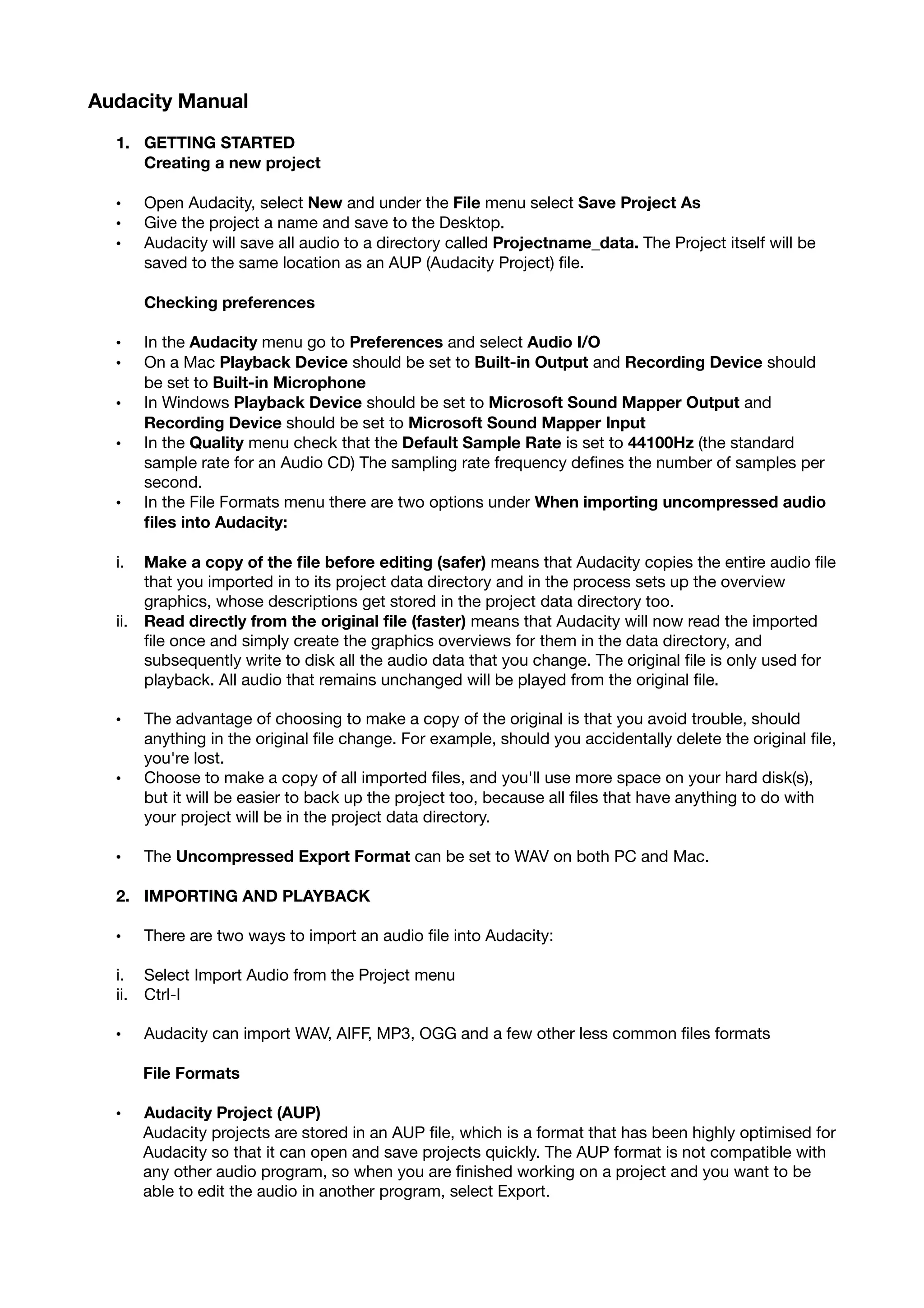
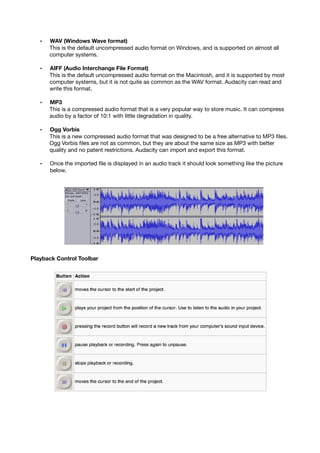
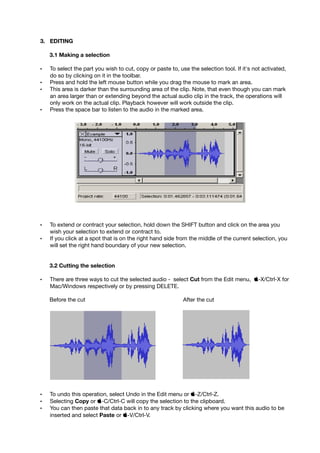
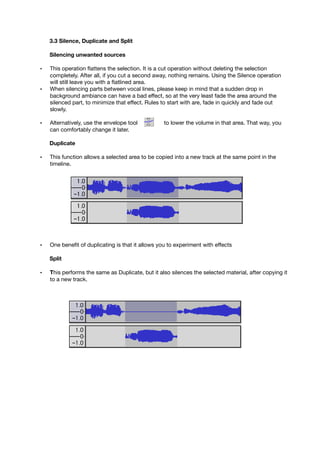
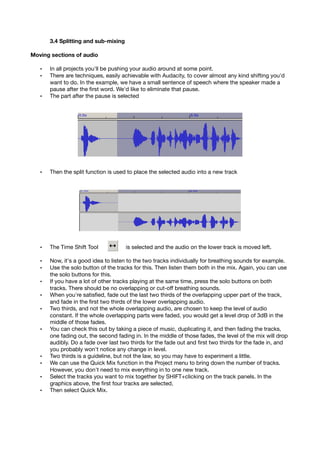
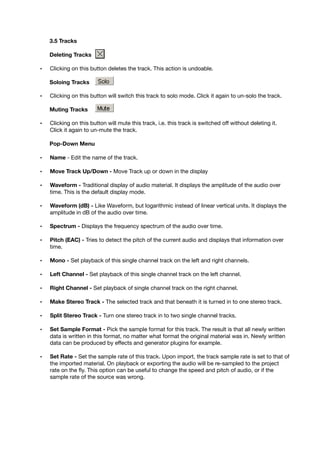
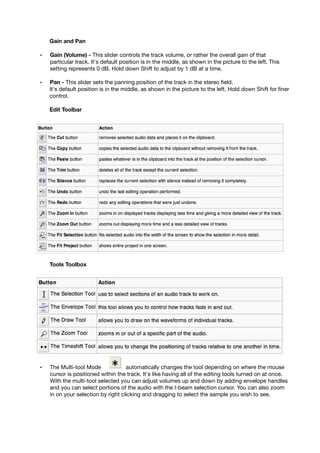
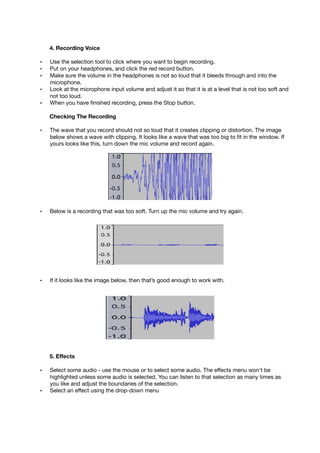
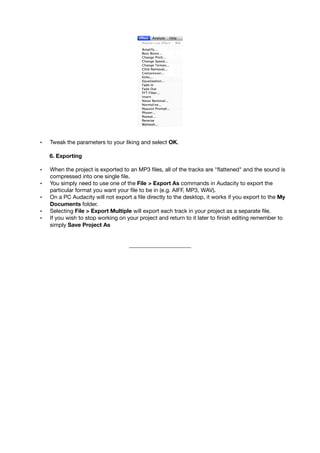
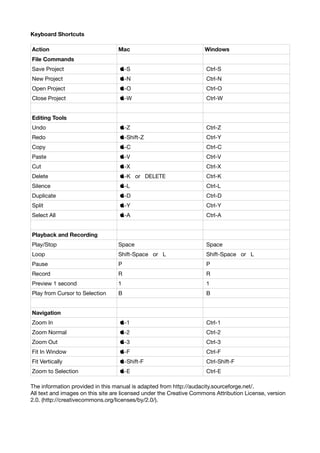


This document provides instructions for using the Audacity audio editing software. It covers how to: 1. Get started by creating a new project, setting preferences like sample rate and playback/recording devices. 2. Import audio files in various formats like WAV, AIFF, MP3 and OGG. 3. Edit audio by making selections, cutting, copying, pasting, silencing parts, splitting tracks and moving sections. 4. Work with multiple tracks by soloing, muting, deleting tracks and mixing down.


