-
--
Atlassian
Confluence: How
to change font size
If you want to change the font size for your space, then please,
follow the next steps.
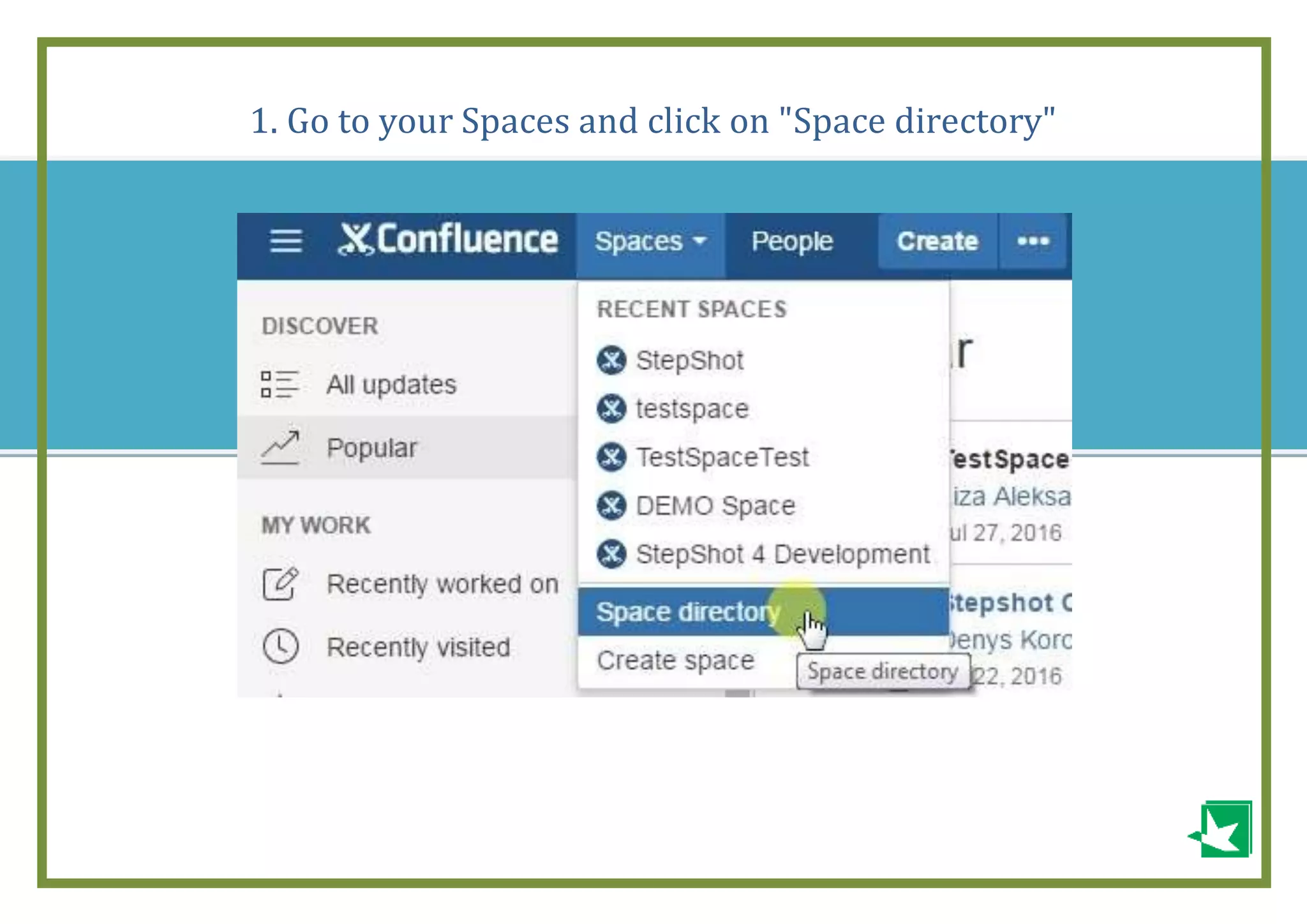
1. Go to your Spaces and click on "Space directory"
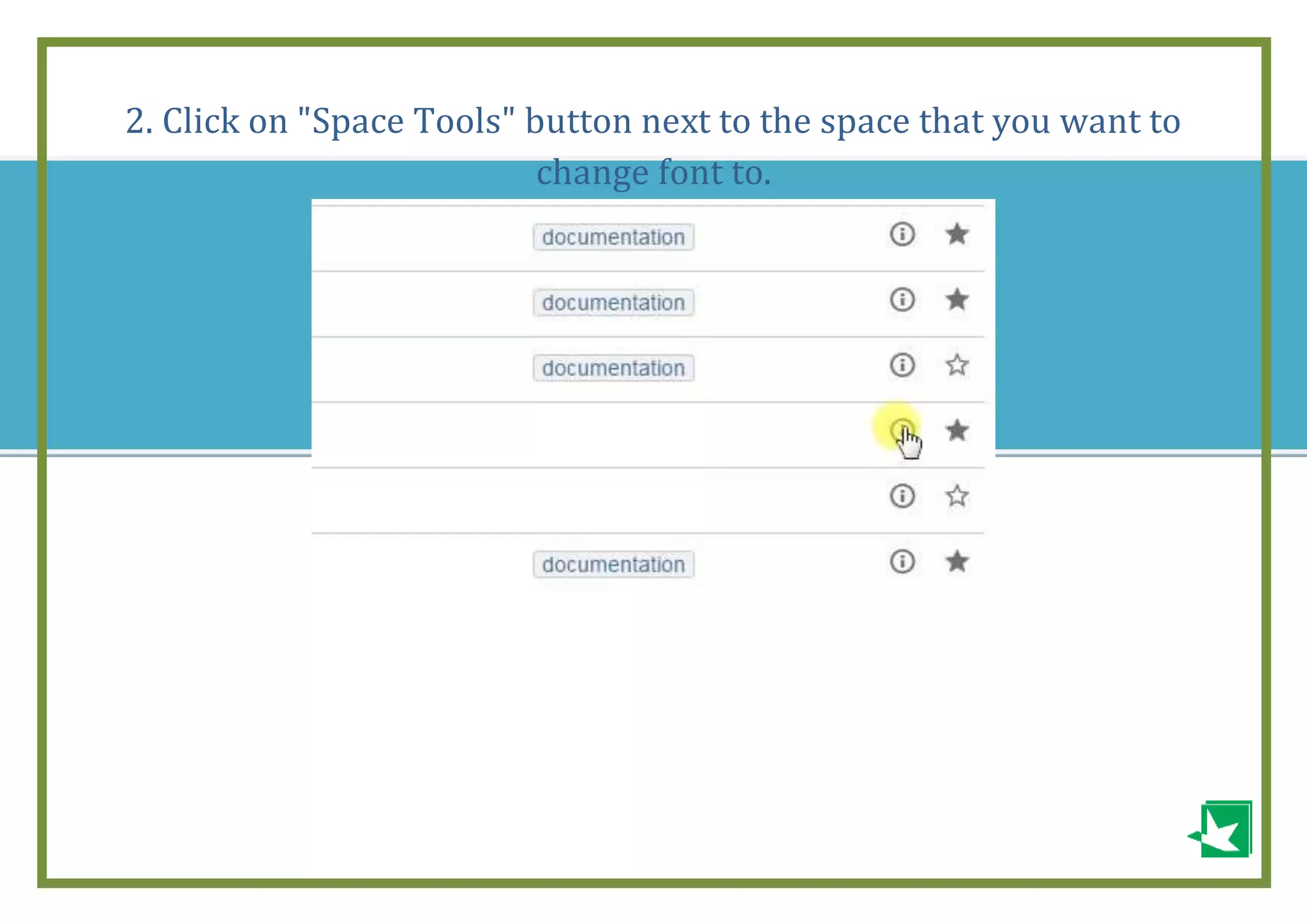
2. Click on "Space Tools" button next to the space that you want to
change font to.
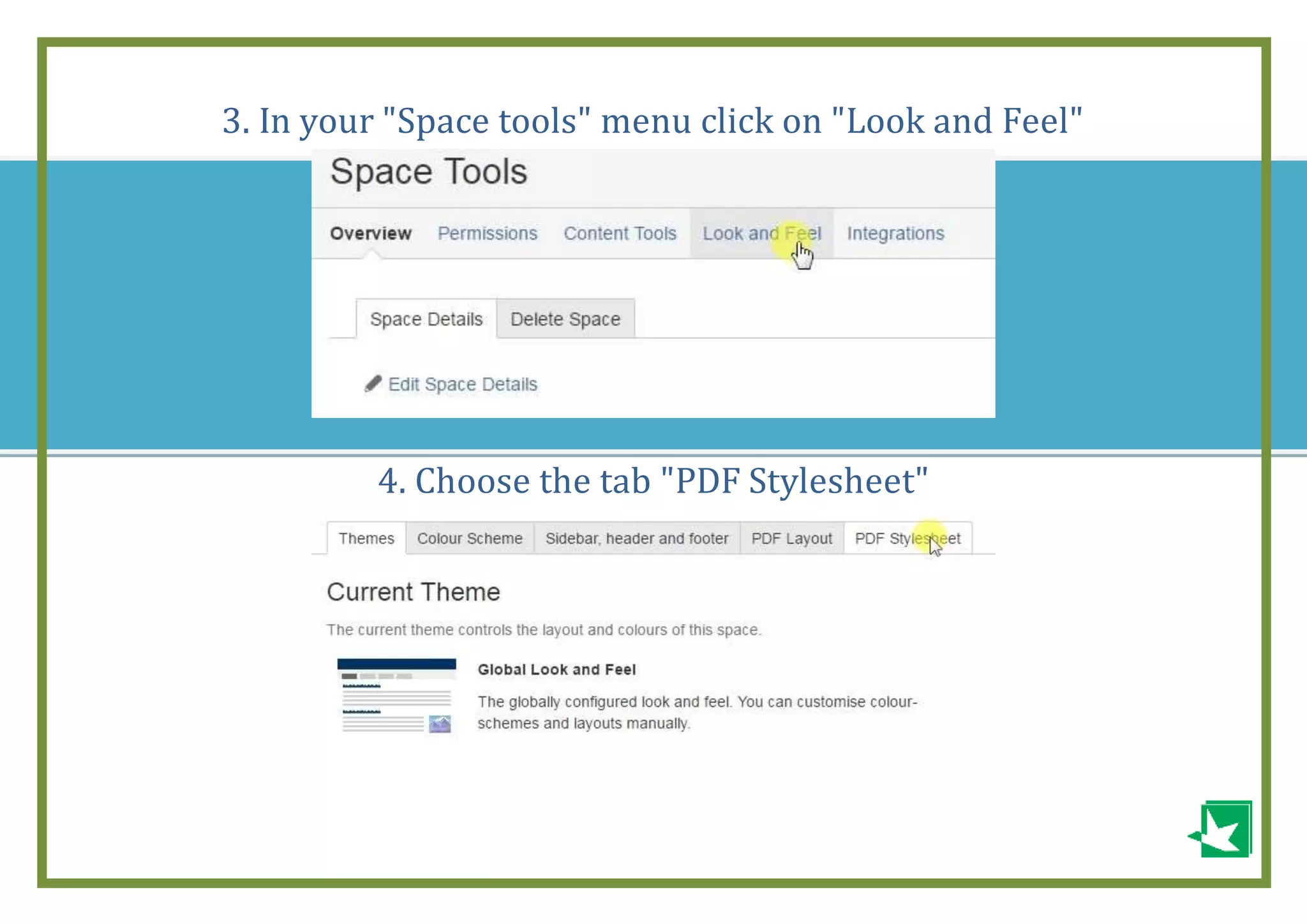
3. In your "Space tools" menu click on "Look and Feel"
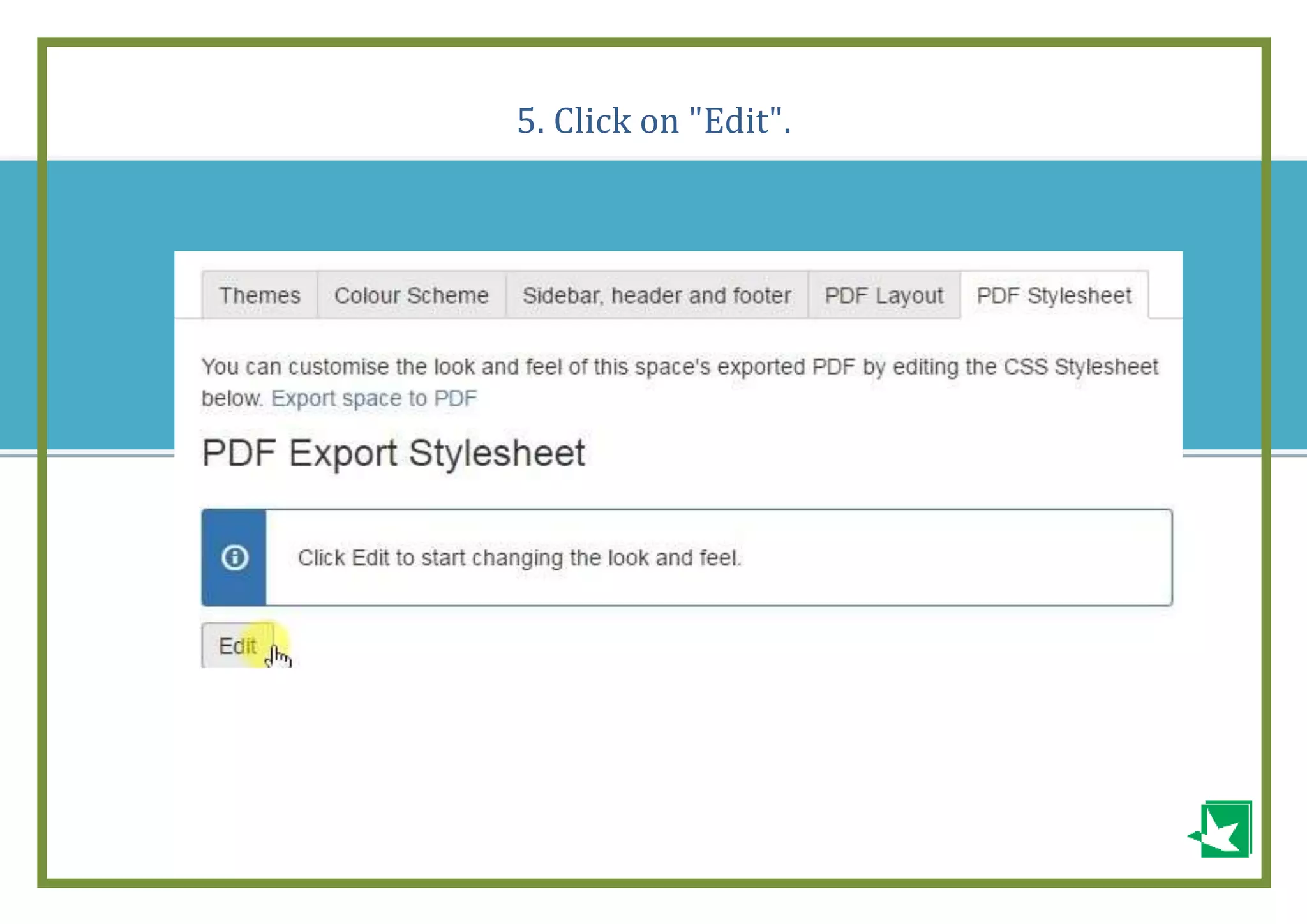
4. Choose the tab "PDF Stylesheet"
5. Click on "Edit".
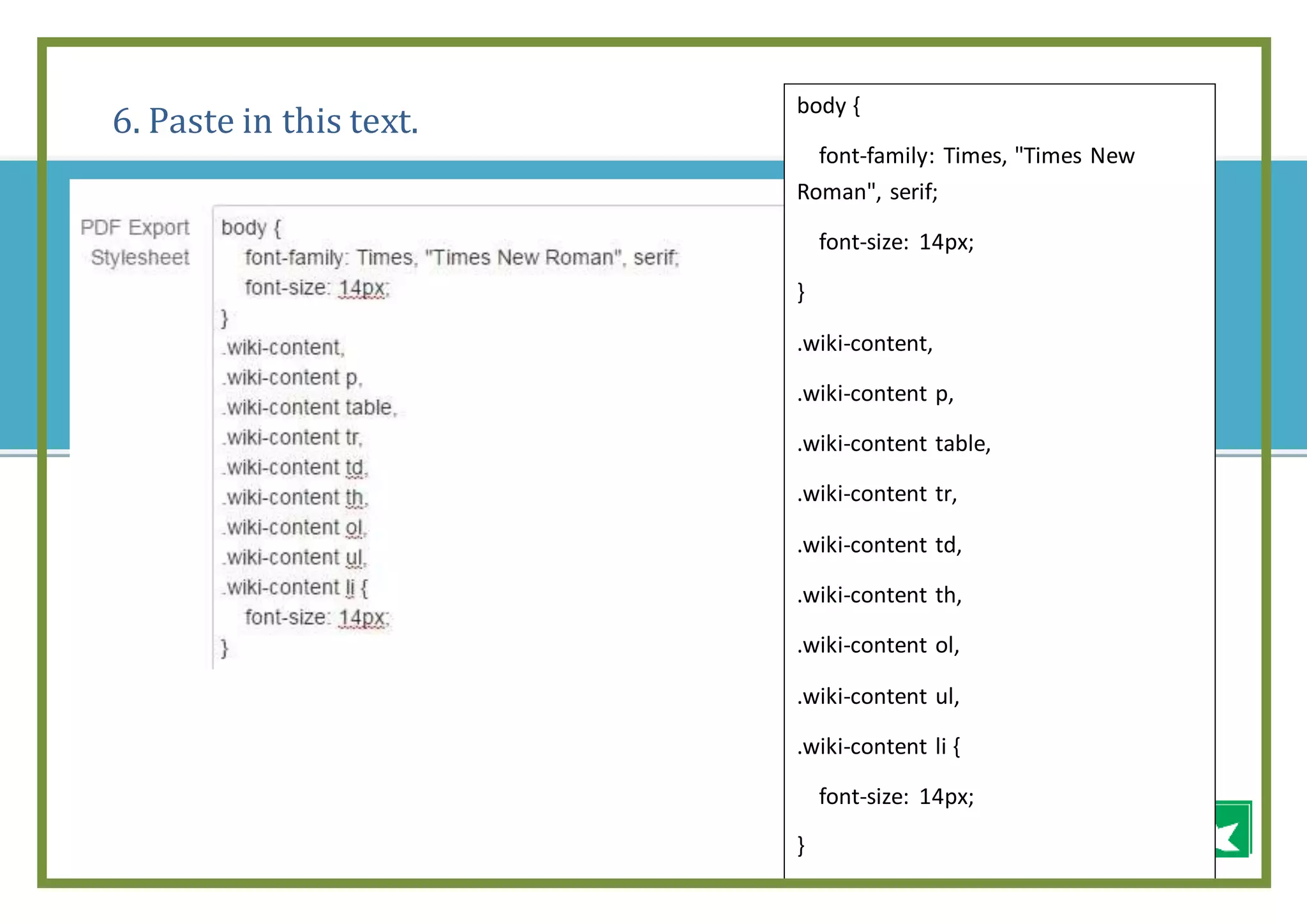
6. Paste in this text.
body {
font-family: Times, "Times New
Roman", serif;
font-size: 14px;
}
.wiki-content,
.wiki-content p,
.wiki-content table,
.wiki-content tr,
.wiki-content td,
.wiki-content th,
.wiki-content ol,
.wiki-content ul,
.wiki-content li {
font-size: 14px;
}
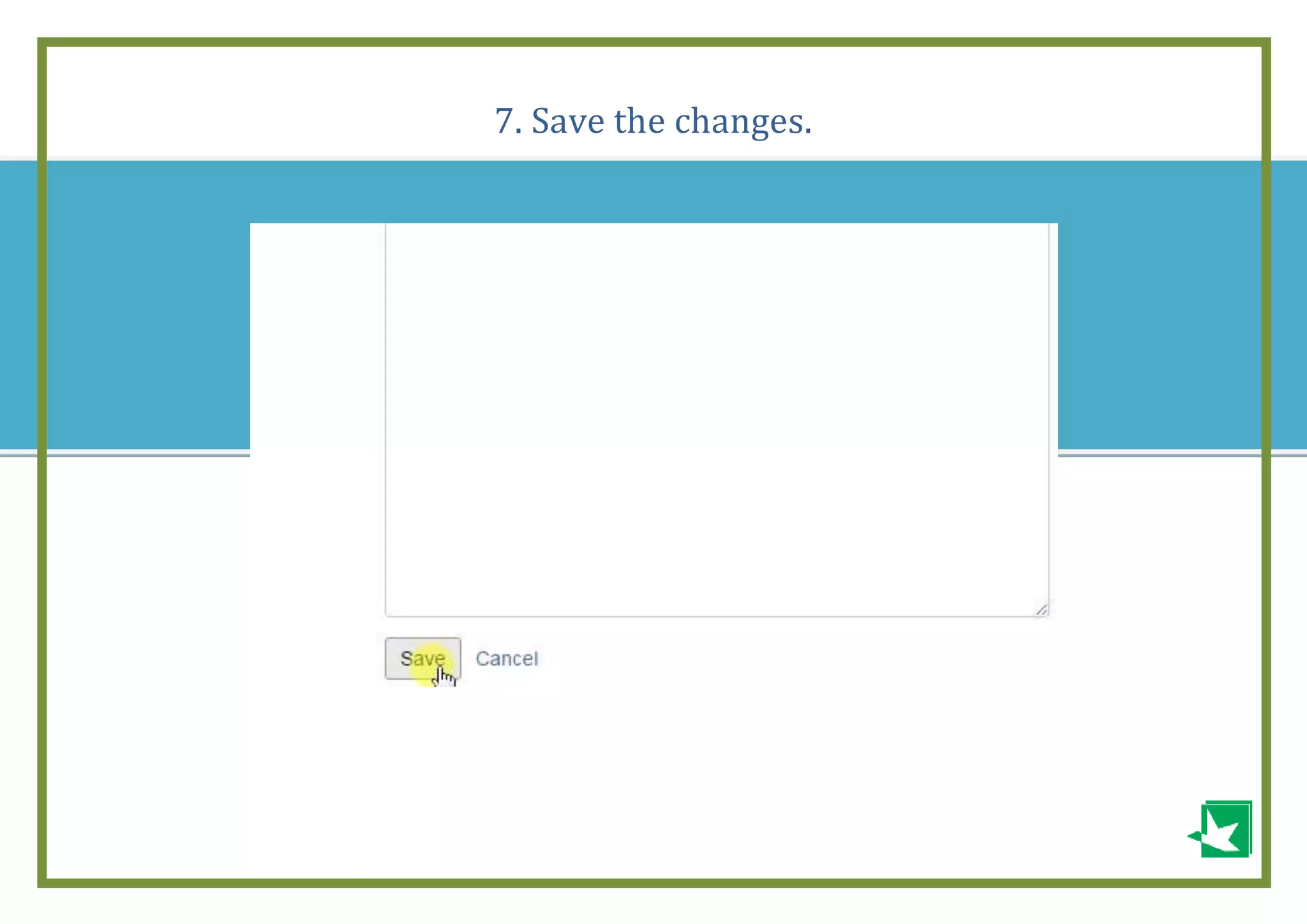
7. Save the changes.
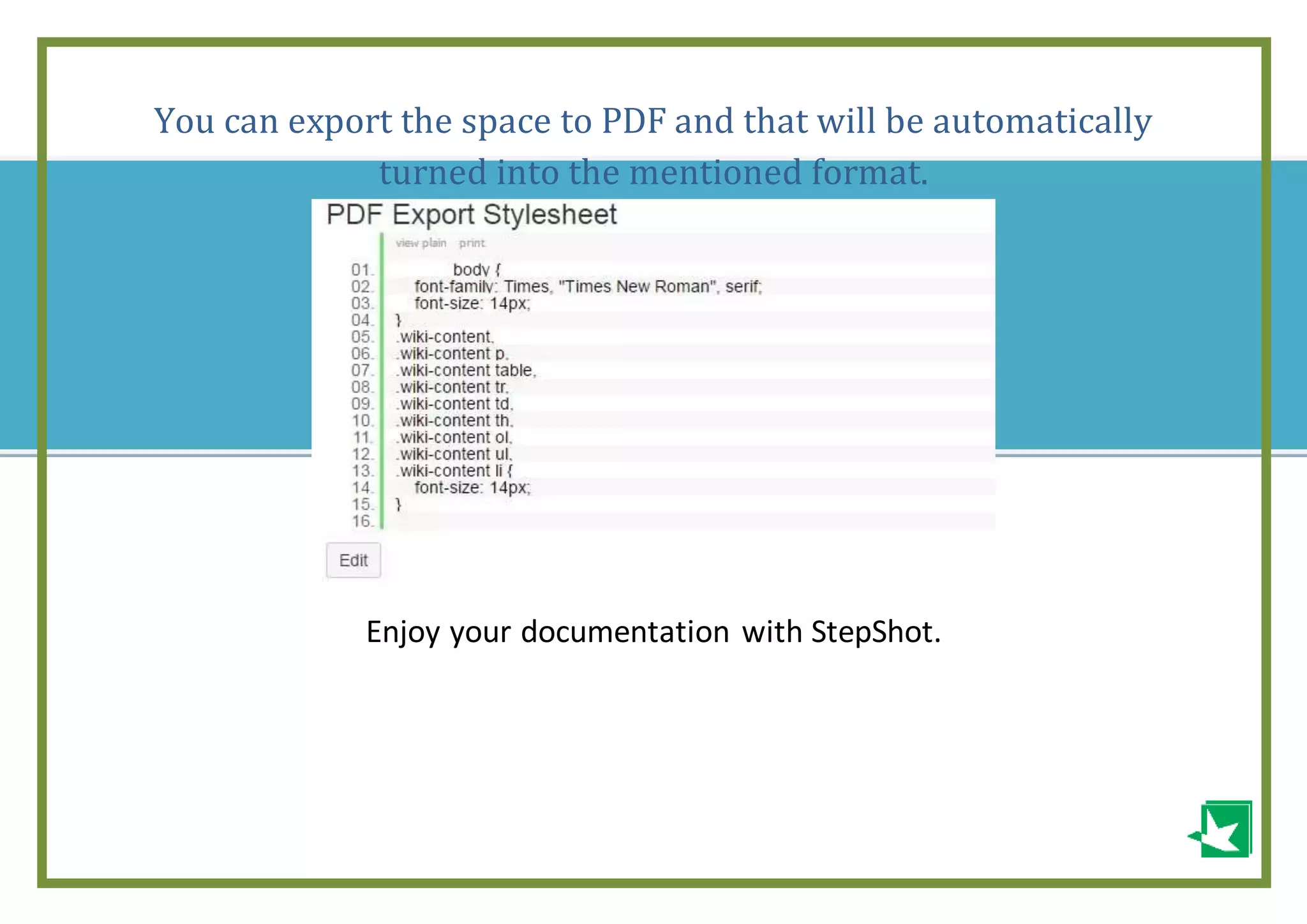
You can export the space to PDF and that will be automatically
turned into the mentioned format.
Enjoy your documentation with StepShot.
This guide was made with the help of
Life is too short for writing documentation.
Just StepShot it
Try it for free

Atlassian confluence: how to change font size

  • 1.
    - -- Atlassian Confluence: How to changefont size If you want to change the font size for your space, then please, follow the next steps.
  • 2.
    1. Go toyour Spaces and click on "Space directory"
  • 3.
    2. Click on"Space Tools" button next to the space that you want to change font to.
  • 4.
    3. In your"Space tools" menu click on "Look and Feel" 4. Choose the tab "PDF Stylesheet"
  • 5.
    5. Click on"Edit".
  • 6.
    6. Paste inthis text. body { font-family: Times, "Times New Roman", serif; font-size: 14px; } .wiki-content, .wiki-content p, .wiki-content table, .wiki-content tr, .wiki-content td, .wiki-content th, .wiki-content ol, .wiki-content ul, .wiki-content li { font-size: 14px; }
  • 7.
    7. Save thechanges.
  • 8.
    You can exportthe space to PDF and that will be automatically turned into the mentioned format. Enjoy your documentation with StepShot.
  • 9.
    This guide wasmade with the help of Life is too short for writing documentation. Just StepShot it Try it for free