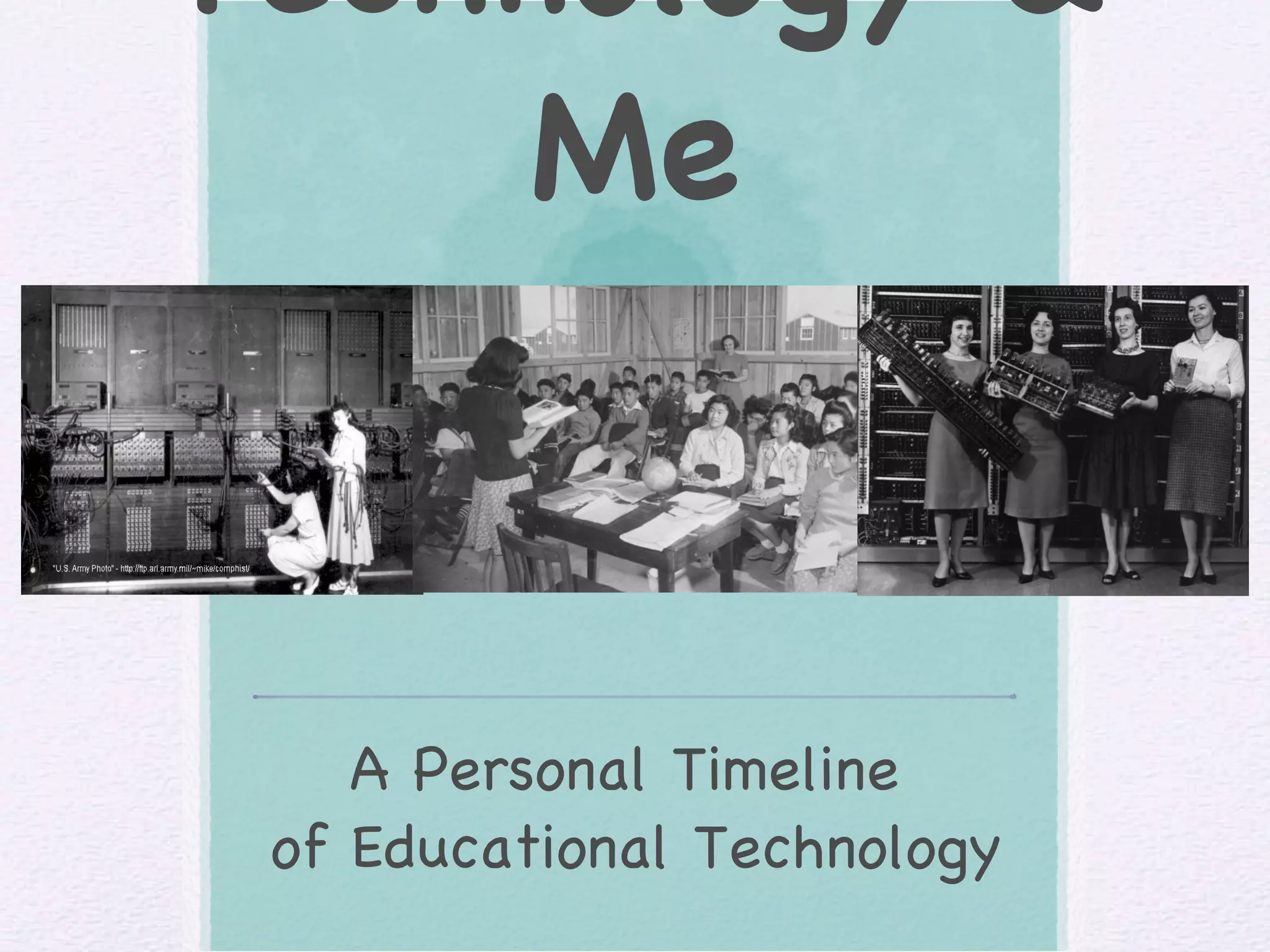
Technology & Me A Personal Timeline  of Educational Technology
Overview My name is  Ashley Mika Ho. I started   school   in   1994   in  Mililani . I graduated from high school in  2007   from   Mililani High School . I first went to college at  LCC  in  Fall 2007  &  graduated  with  my AAT Degree . I started  UHM  in  Fall 2009  and plan to graduate in  2011 . When I finish my degree, I hope to become an  elementary school teacher .
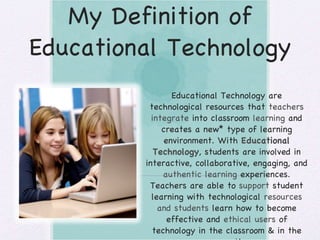
My Definition of Educational Technology Educational Technology are technological resources that  teachers integrate  into classroom  learning  and creates a new* type of learning environment. With  Educational Technology , students are involved in interactive, collaborative, engaging, and  authentic learning  experiences. Teachers are able to  support  student learning with technological  resources and students  learn how to become effective and  ethical users  of technology in the classroom & in the  community .
Websites on Educational Technology History Educational Technology History : changes of technology throughout the years History of Technology in Education : dates (in years) of what technologies were available in schools Technological Changes in Education : YouTube video of how technology has changed in classrooms
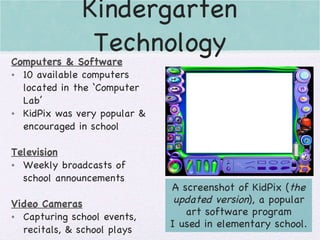
Kindergarten Technology Computers & Software 10 available computers located in the ‘Computer Lab’ KidPix was very popular & encouraged in school Television Weekly broadcasts of school announcements Video Cameras Capturing school events, recitals, & school plays A screenshot of KidPix ( the updated version ), a popular art software program I used in elementary school.
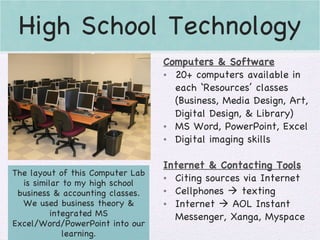
High School Technology The layout of this Computer Lab is similar to my high school business & accounting classes. We used business theory & integrated MS Excel/Word/PowerPoint into our learning. Computers & Software 20+ computers available in each ‘Resources’ classes (Business, Media Design, Art, Digital Design, & Library) MS Word, PowerPoint, Excel Digital imaging skills Internet & Contacting Tools Citing sources via Internet Cellphones    texting Internet    AOL Instant Messenger, Xanga, Myspace
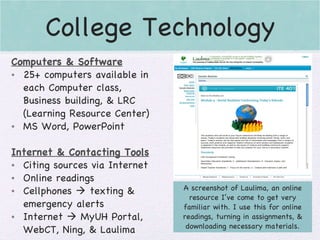
College Technology A screenshot of Laulima, an online resource I’ve come to get very familiar with. I use this for online readings, turning in assignments, & downloading necessary materials. Computers & Software 25+ computers available in each Computer class, Business building, & LRC (Learning Resource Center) MS Word, PowerPoint Internet & Contacting Tools Citing sources via Internet Online readings Cellphones    texting & emergency alerts Internet    MyUH Portal, WebCT, Ning, & Laulima
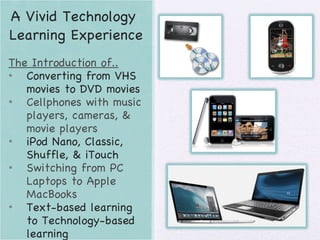
A Vivid Technology  Learning Experience The Introduction of.. Converting from VHS movies to DVD movies Cellphones with music players, cameras, & movie players iPod Nano, Classic, Shuffle, & iTouch Switching from PC Laptops to Apple MacBooks Text-based learning to Technology-based learning
A Technology I want to Use In My Classroom KidBiz 3000 Develops reading and problem-solving skills Individualized standards & goals for students Assess and reassess student work Reports to teachers student progress Involves student interactively Helps students learn responsibility I  know  this is a great  technological  tool to use in the classroom. It helps students in a  positive way  and offer  support  for their learning. I want to have this technology because it  will enhance  and reinforce concepts learned in the class during the week. It  also helps  log progress and informs me what I need to  re-teach  or review.
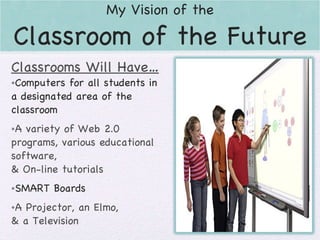
My Vision of  the Classroom of the Future Classrooms Will Have… Computers for all students in a designated area of the classroom A variety of Web 2.0 programs, various educational software, & On-line tutorials SMART Boards A Projector, an Elmo, & a Television
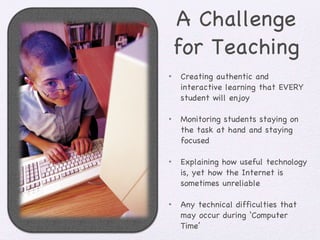
A Challenge for Teaching Creating authentic and interactive learning that EVERY student will enjoy Monitoring students staying on the task at hand and staying focused Explaining how useful technology is, yet how the Internet is sometimes unreliable Any technical difficulties that may occur during ‘Computer Time’
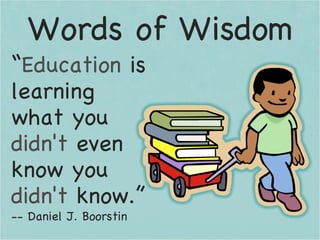
Words of Wisdom “ Education  is learning what you  didn't  even know you  didn't  know.” -- Daniel J. Boorstin

Ashley Ho Tl

  • 1.
    Technology & MeA Personal Timeline of Educational Technology
  • 2.
    Overview My nameis Ashley Mika Ho. I started school in 1994 in Mililani . I graduated from high school in 2007 from Mililani High School . I first went to college at LCC in Fall 2007 & graduated with my AAT Degree . I started UHM in Fall 2009 and plan to graduate in 2011 . When I finish my degree, I hope to become an elementary school teacher .
  • 3.
    My Definition ofEducational Technology Educational Technology are technological resources that teachers integrate into classroom learning and creates a new* type of learning environment. With Educational Technology , students are involved in interactive, collaborative, engaging, and authentic learning experiences. Teachers are able to support student learning with technological resources and students learn how to become effective and ethical users of technology in the classroom & in the community .
  • 4.
    Websites on EducationalTechnology History Educational Technology History : changes of technology throughout the years History of Technology in Education : dates (in years) of what technologies were available in schools Technological Changes in Education : YouTube video of how technology has changed in classrooms
  • 5.
    Kindergarten Technology Computers& Software 10 available computers located in the ‘Computer Lab’ KidPix was very popular & encouraged in school Television Weekly broadcasts of school announcements Video Cameras Capturing school events, recitals, & school plays A screenshot of KidPix ( the updated version ), a popular art software program I used in elementary school.
  • 6.
    High School TechnologyThe layout of this Computer Lab is similar to my high school business & accounting classes. We used business theory & integrated MS Excel/Word/PowerPoint into our learning. Computers & Software 20+ computers available in each ‘Resources’ classes (Business, Media Design, Art, Digital Design, & Library) MS Word, PowerPoint, Excel Digital imaging skills Internet & Contacting Tools Citing sources via Internet Cellphones  texting Internet  AOL Instant Messenger, Xanga, Myspace
  • 7.
    College Technology Ascreenshot of Laulima, an online resource I’ve come to get very familiar with. I use this for online readings, turning in assignments, & downloading necessary materials. Computers & Software 25+ computers available in each Computer class, Business building, & LRC (Learning Resource Center) MS Word, PowerPoint Internet & Contacting Tools Citing sources via Internet Online readings Cellphones  texting & emergency alerts Internet  MyUH Portal, WebCT, Ning, & Laulima
  • 8.
    A Vivid Technology Learning Experience The Introduction of.. Converting from VHS movies to DVD movies Cellphones with music players, cameras, & movie players iPod Nano, Classic, Shuffle, & iTouch Switching from PC Laptops to Apple MacBooks Text-based learning to Technology-based learning
  • 9.
    A Technology Iwant to Use In My Classroom KidBiz 3000 Develops reading and problem-solving skills Individualized standards & goals for students Assess and reassess student work Reports to teachers student progress Involves student interactively Helps students learn responsibility I know this is a great technological tool to use in the classroom. It helps students in a positive way and offer support for their learning. I want to have this technology because it will enhance and reinforce concepts learned in the class during the week. It also helps log progress and informs me what I need to re-teach or review.
  • 10.
    My Vision of the Classroom of the Future Classrooms Will Have… Computers for all students in a designated area of the classroom A variety of Web 2.0 programs, various educational software, & On-line tutorials SMART Boards A Projector, an Elmo, & a Television
  • 11.
    A Challenge forTeaching Creating authentic and interactive learning that EVERY student will enjoy Monitoring students staying on the task at hand and staying focused Explaining how useful technology is, yet how the Internet is sometimes unreliable Any technical difficulties that may occur during ‘Computer Time’
  • 12.
    Words of Wisdom“ Education is learning what you didn't even know you didn't know.” -- Daniel J. Boorstin