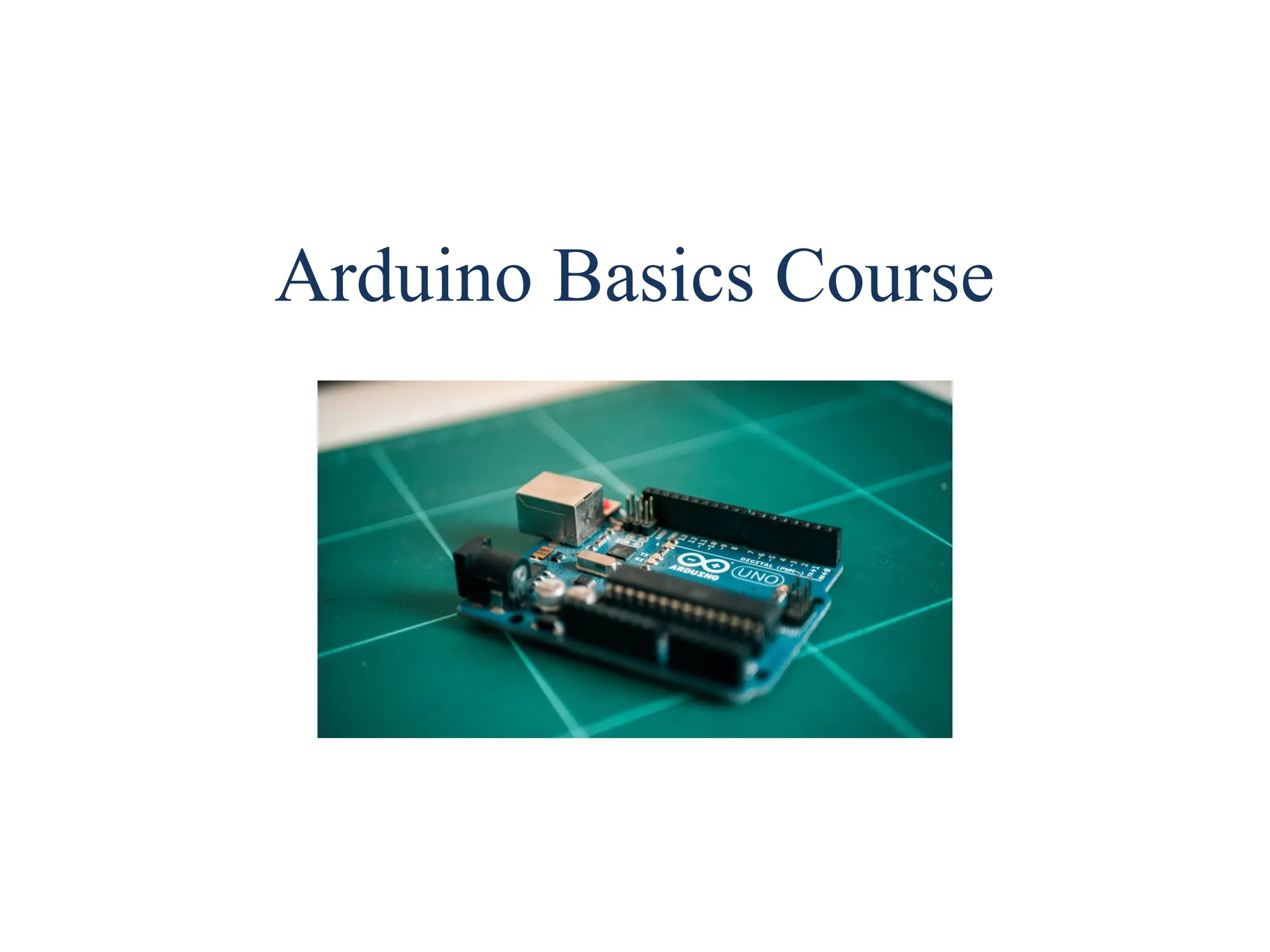
Arduino Basics Course
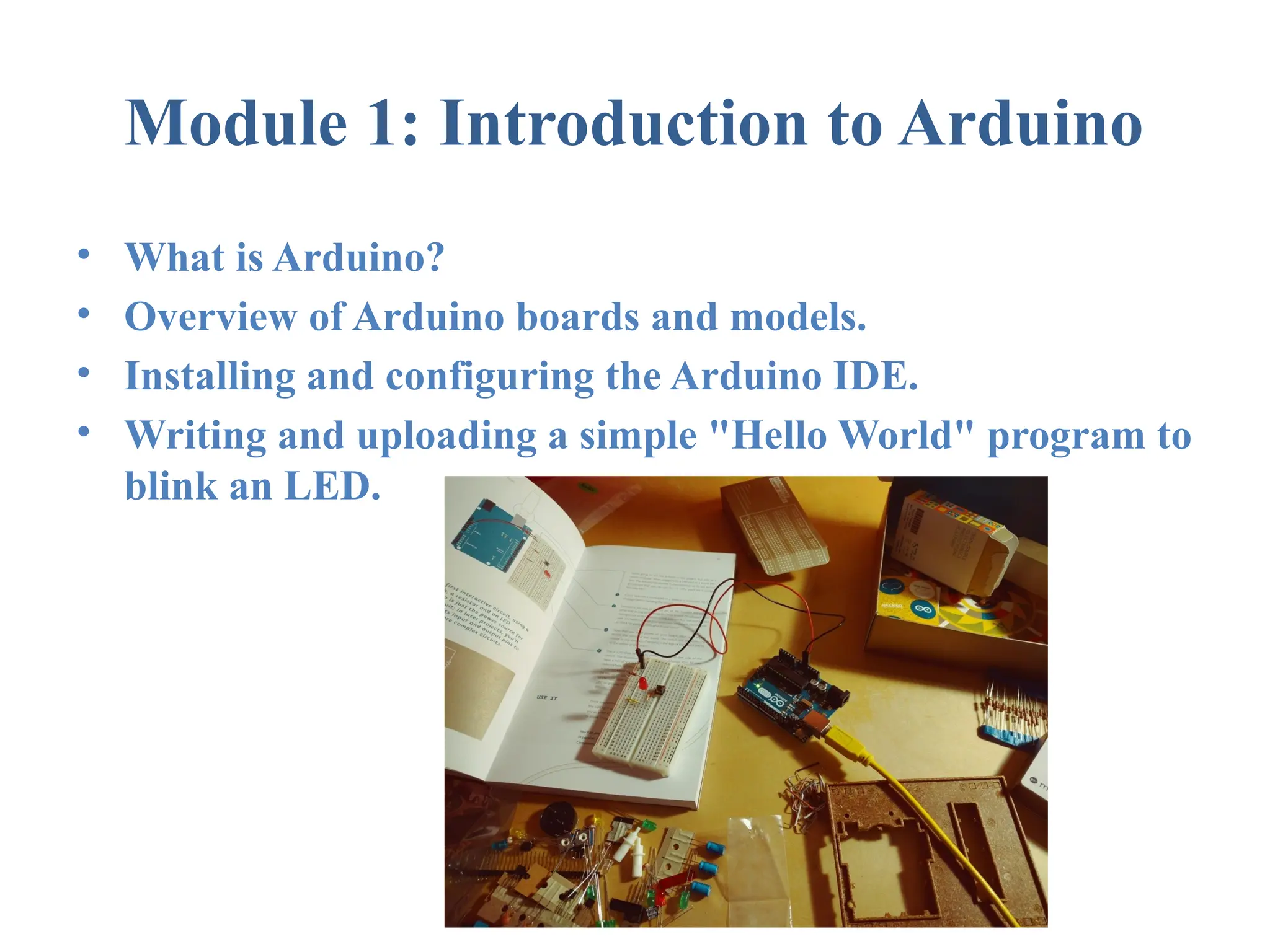
Module 1: Introduction to Arduino
• What is Arduino?
• Overview of Arduino boards and models.
• Installing and configuring the Arduino IDE.
• Writing and uploading a simple "Hello World" program to
blink an LED.
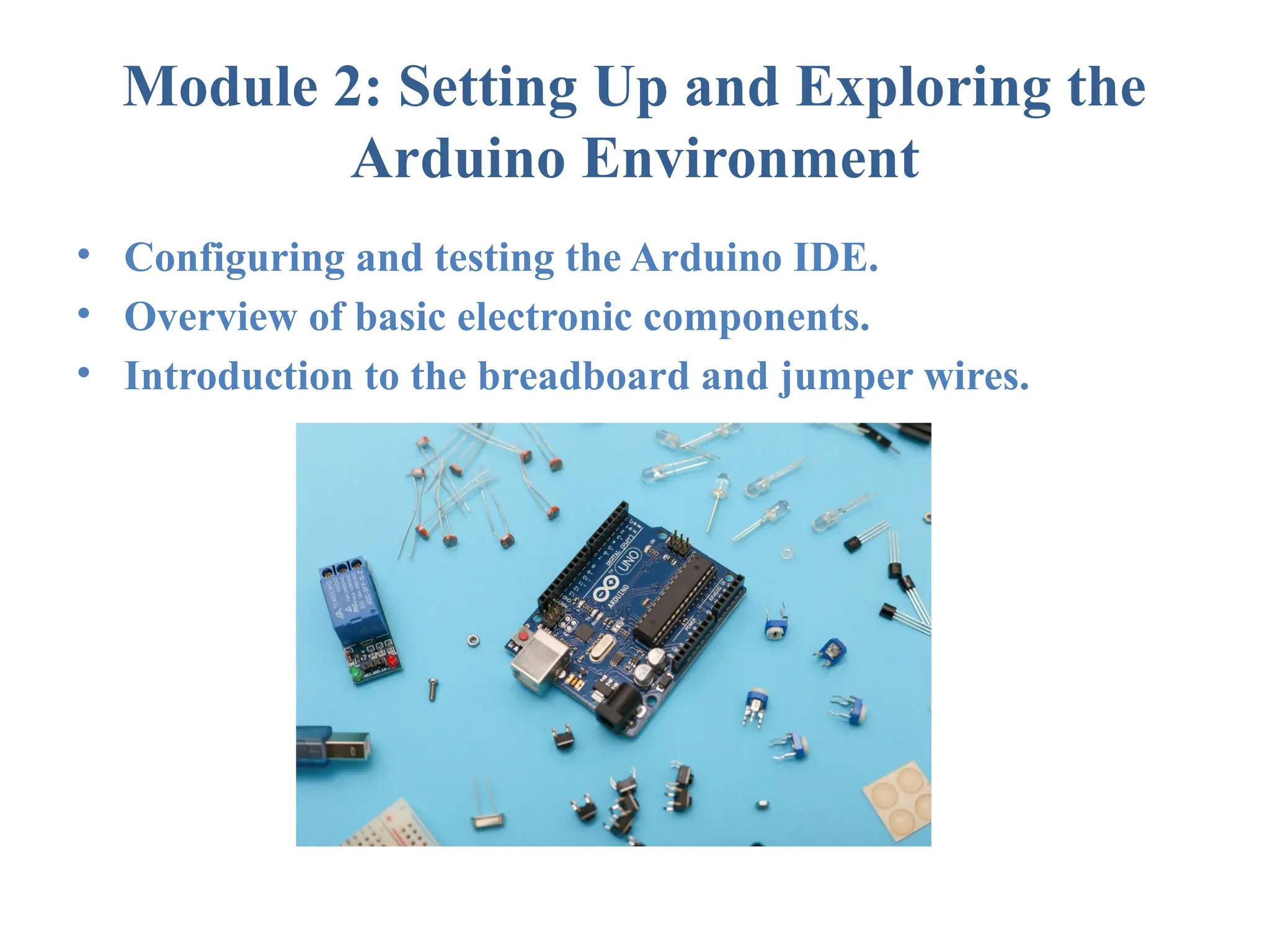
Module 2: Setting Up and Exploring the
Arduino Environment
• Configuring and testing the Arduino IDE.
• Overview of basic electronic components.
• Introduction to the breadboard and jumper wires.
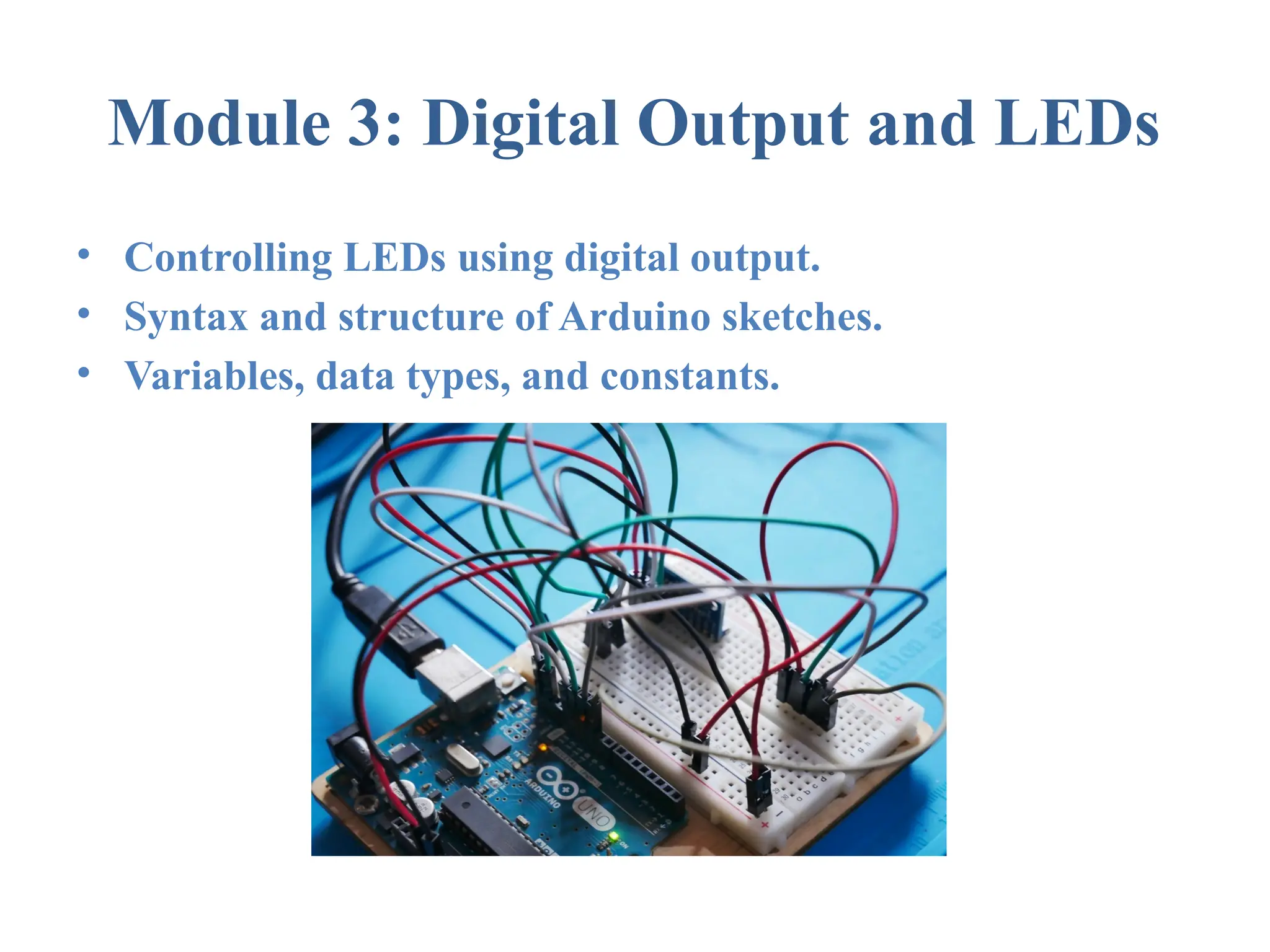
Module 3: Digital Output and LEDs
• Controlling LEDs using digital output.
• Syntax and structure of Arduino sketches.
• Variables, data types, and constants.
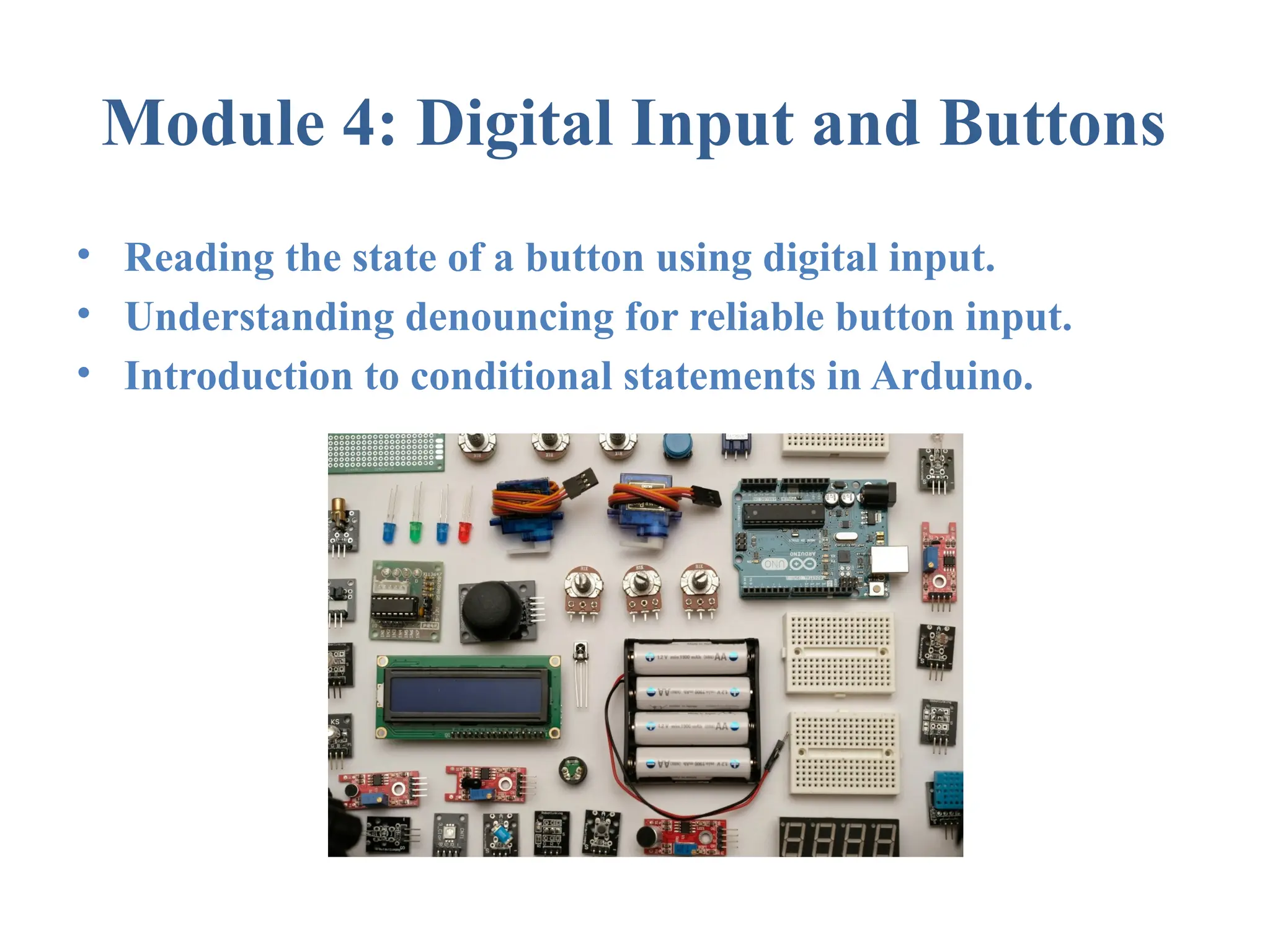
Module 4: Digital Input and Buttons
• Reading the state of a button using digital input.
• Understanding denouncing for reliable button input.
• Introduction to conditional statements in Arduino.
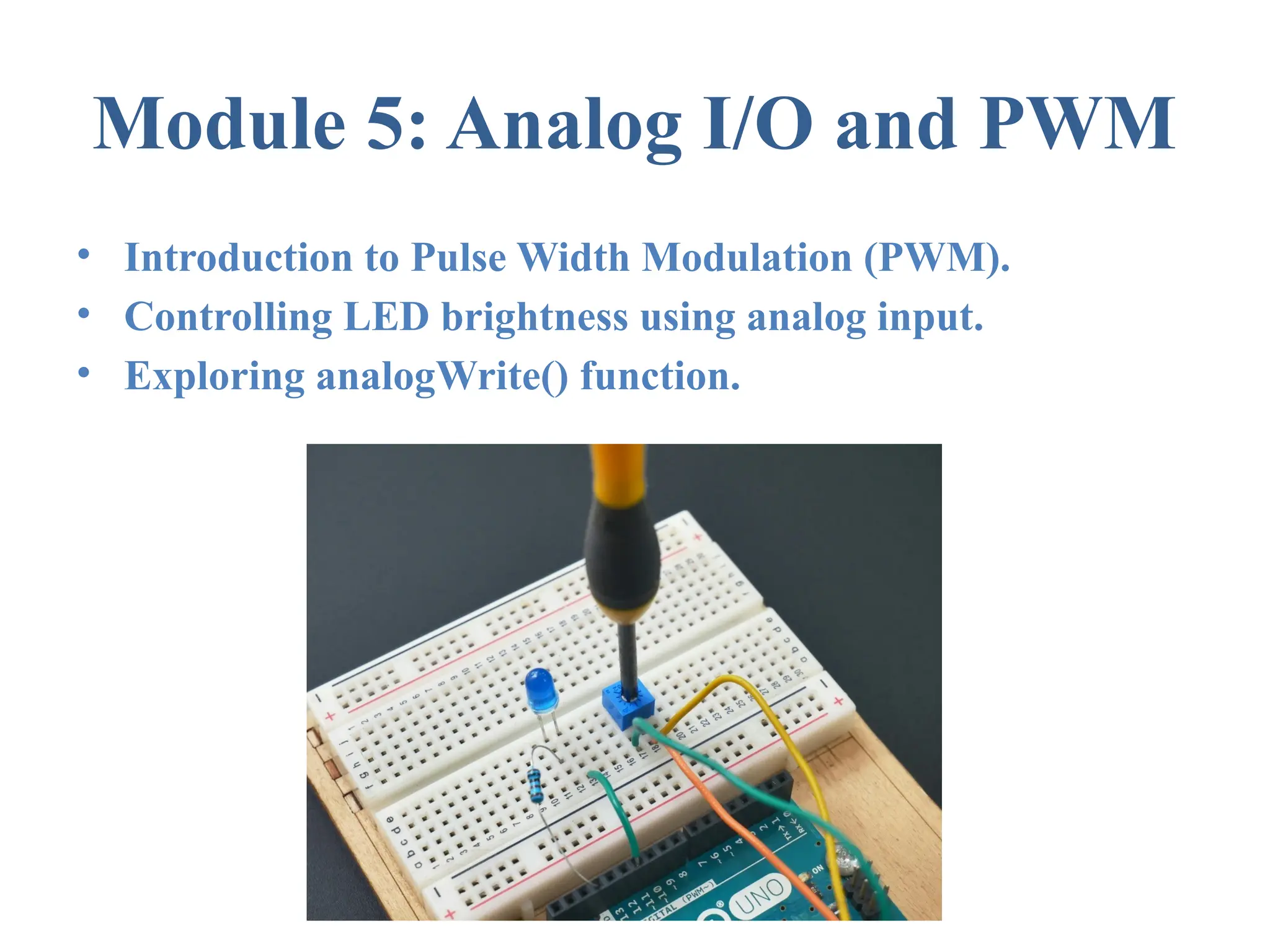
Module 5: Analog I/O and PWM
• Introduction to Pulse Width Modulation (PWM).
• Controlling LED brightness using analog input.
• Exploring analogWrite() function.
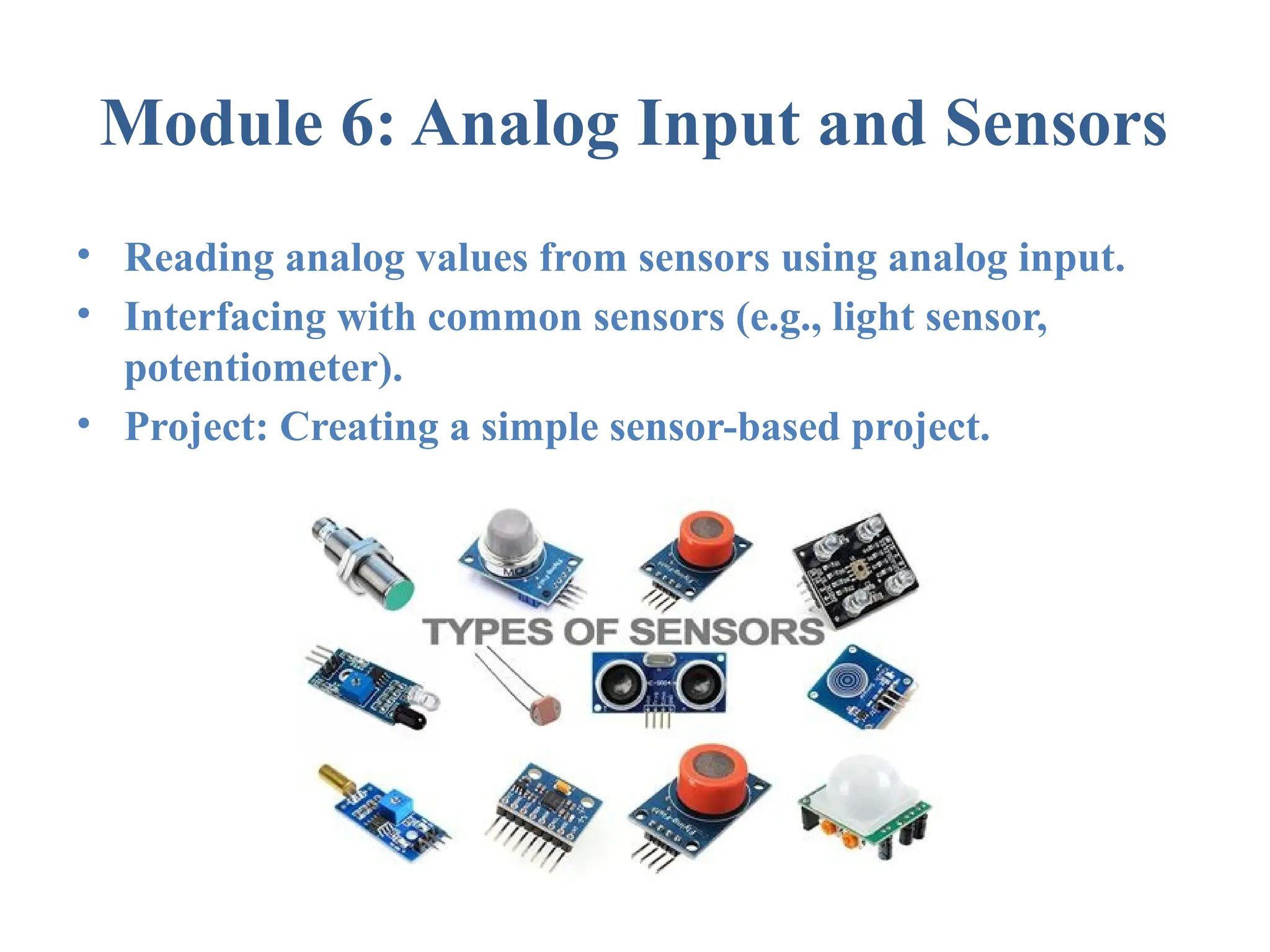
Module 6: Analog Input and Sensors
• Reading analog values from sensors using analog input.
• Interfacing with common sensors (e.g., light sensor,
potentiometer).
• Project: Creating a simple sensor-based project.
Module 7: Functions and Libraries
• Writing functions to modularize code.
• Overview of Arduino libraries.
• Using and creating simple libraries.
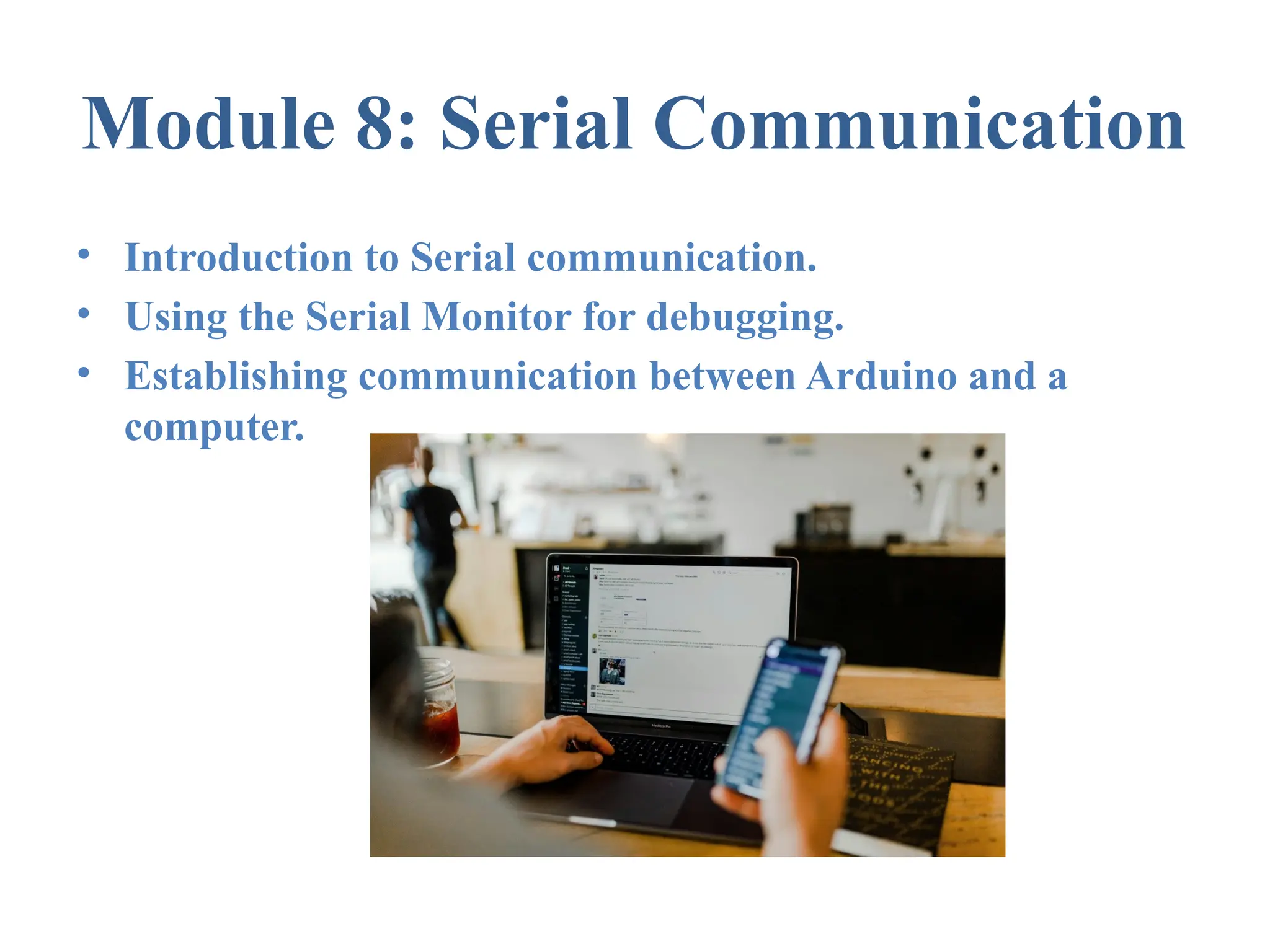
Module 8: Serial Communication
• Introduction to Serial communication.
• Using the Serial Monitor for debugging.
• Establishing communication between Arduino and a
computer.
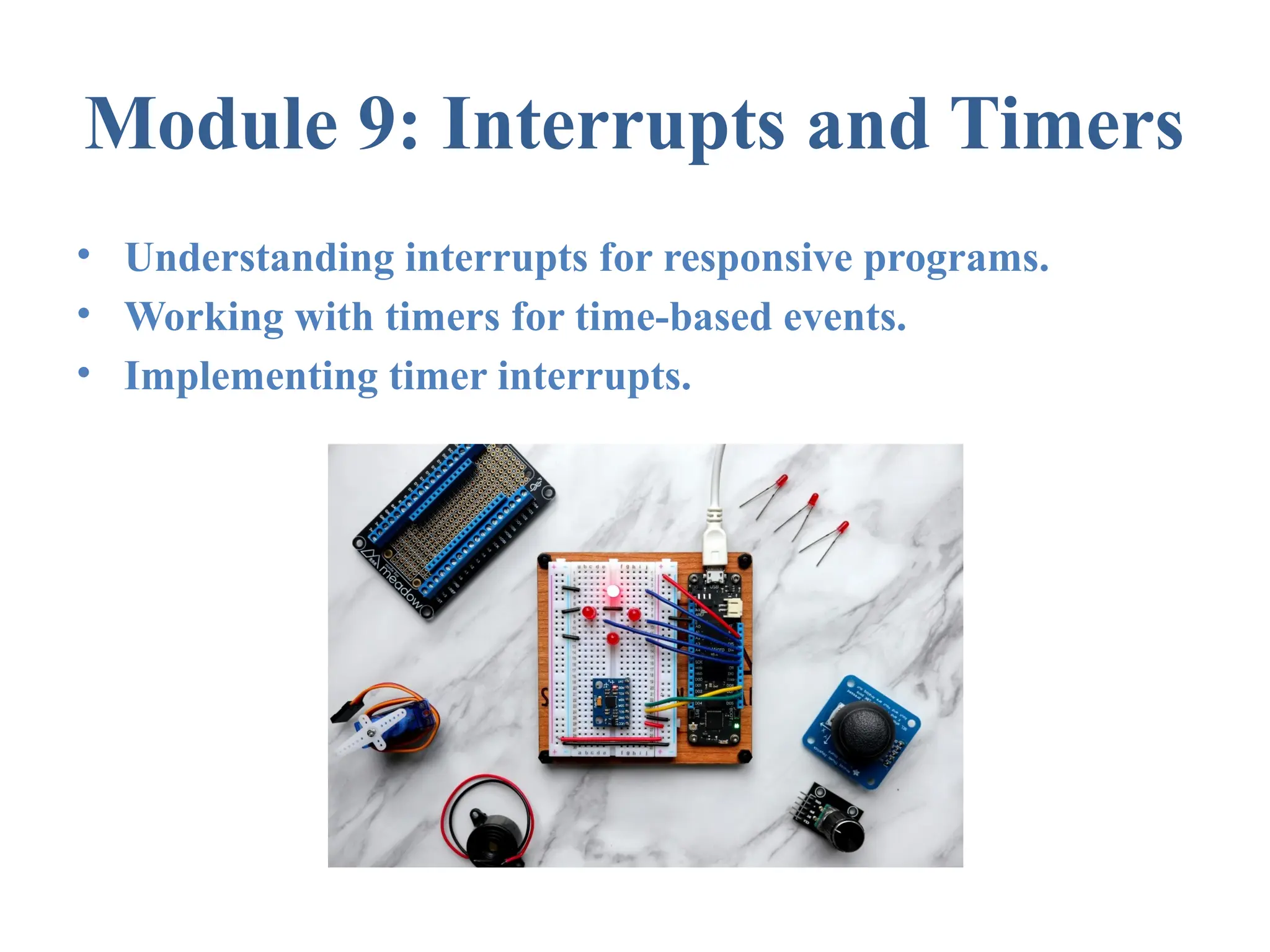
Module 9: Interrupts and Timers
• Understanding interrupts for responsive programs.
• Working with timers for time-based events.
• Implementing timer interrupts.
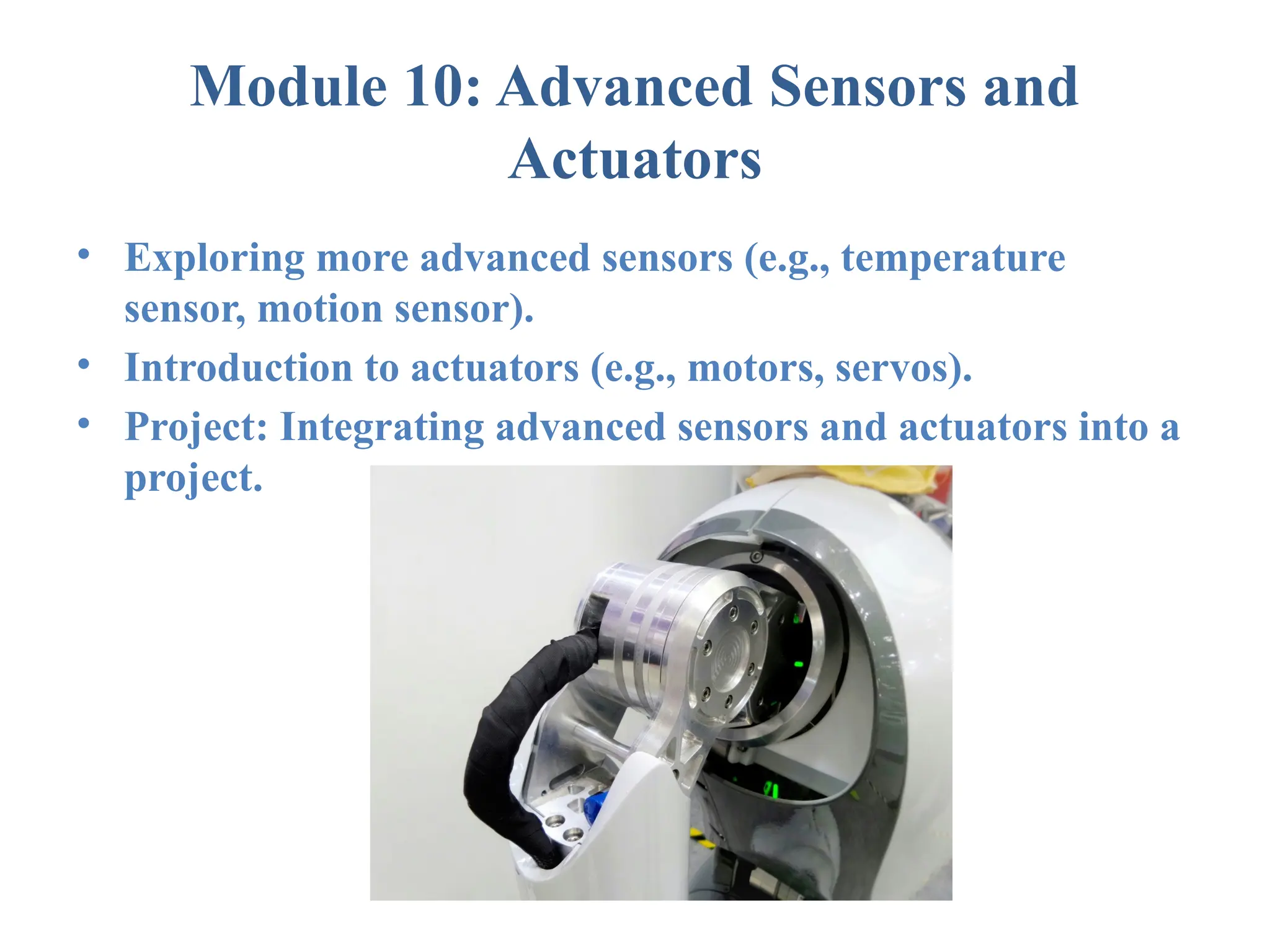
Module 10: Advanced Sensors and
Actuators
• Exploring more advanced sensors (e.g., temperature
sensor, motion sensor).
• Introduction to actuators (e.g., motors, servos).
• Project: Integrating advanced sensors and actuators into a
project.
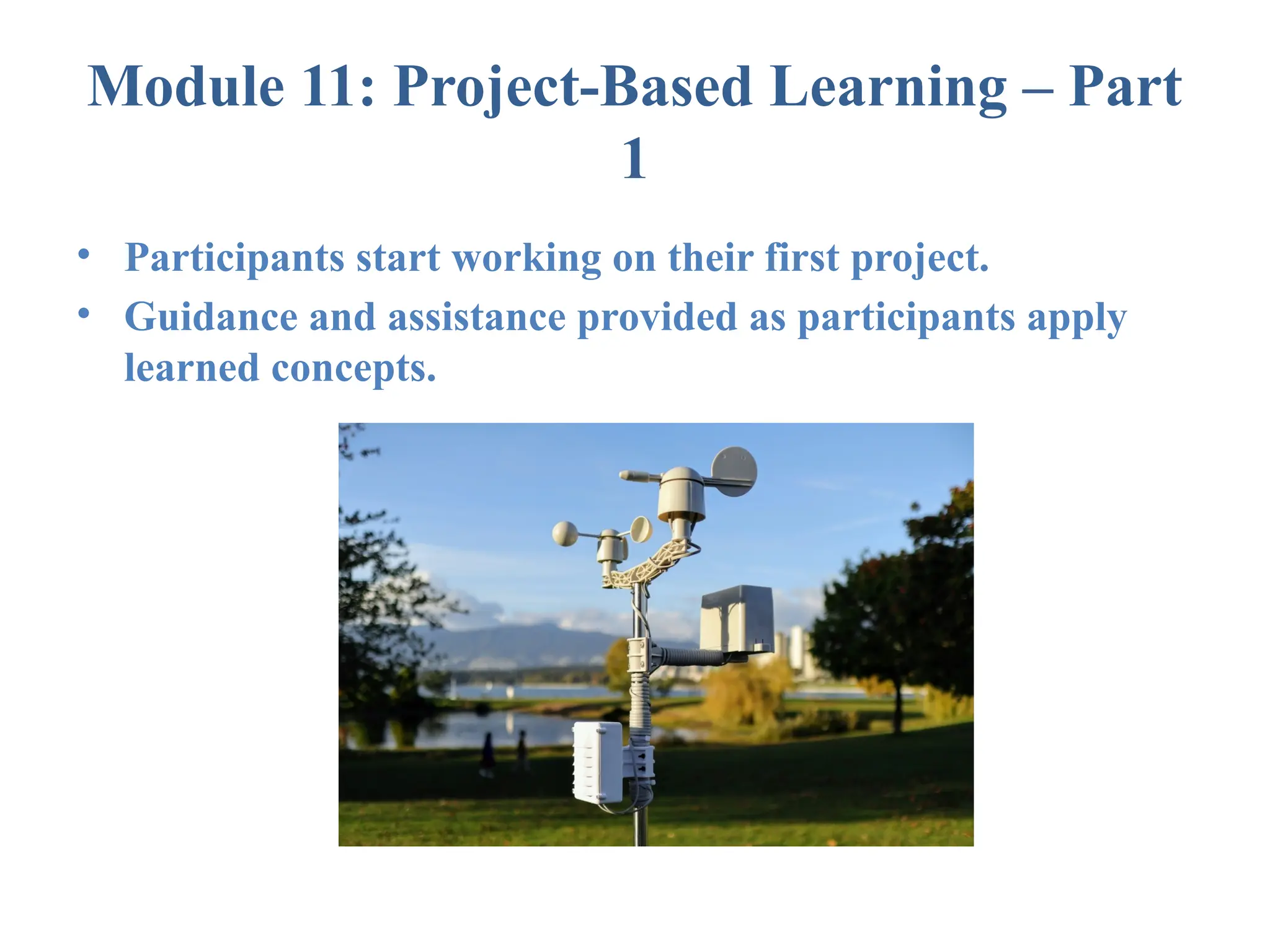
Module 11: Project-Based Learning – Part
1
• Participants start working on their first project.
• Guidance and assistance provided as participants apply
learned concepts.
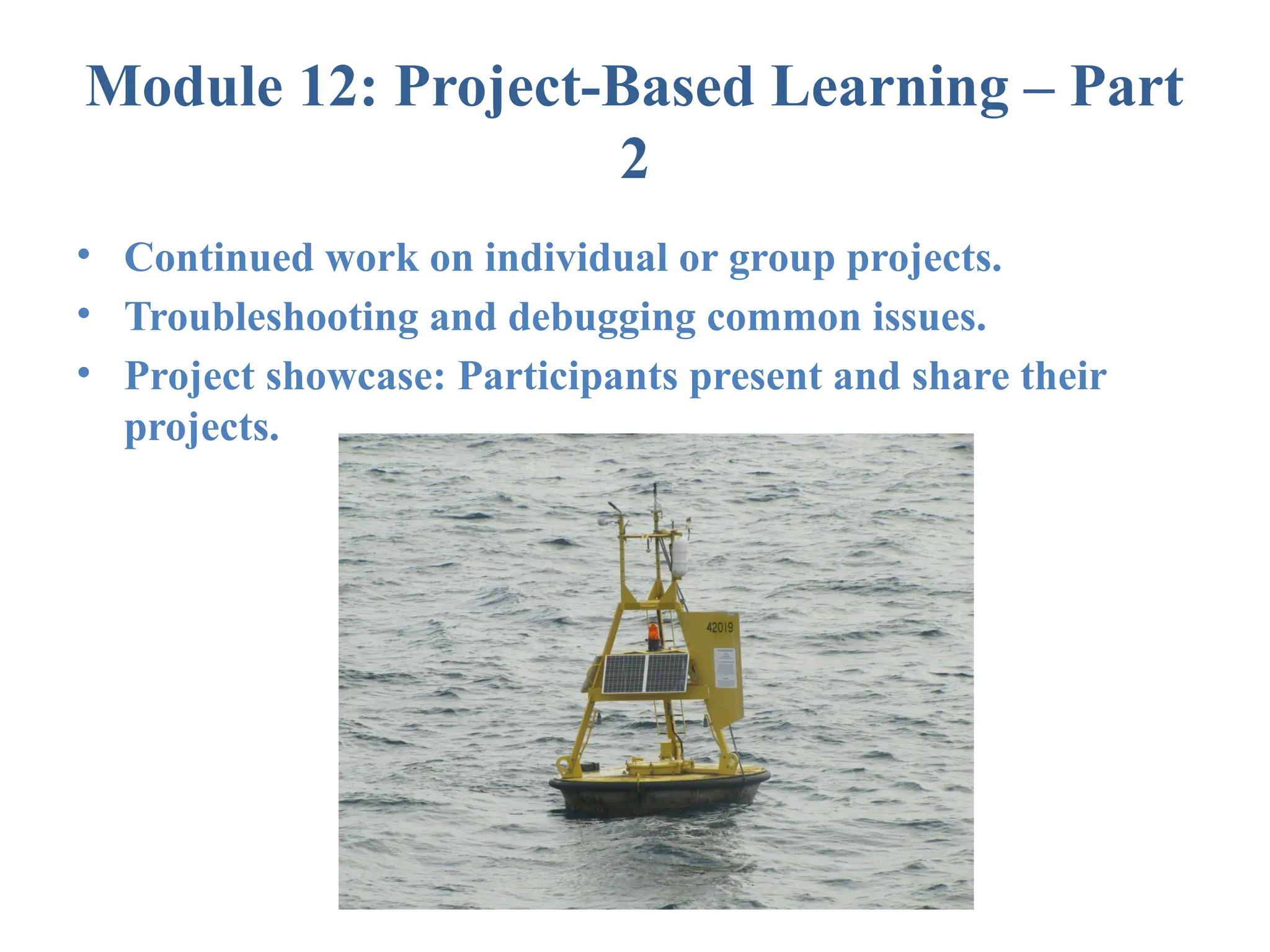
Module 12: Project-Based Learning – Part
2
• Continued work on individual or group projects.
• Troubleshooting and debugging common issues.
• Project showcase: Participants present and share their
projects.
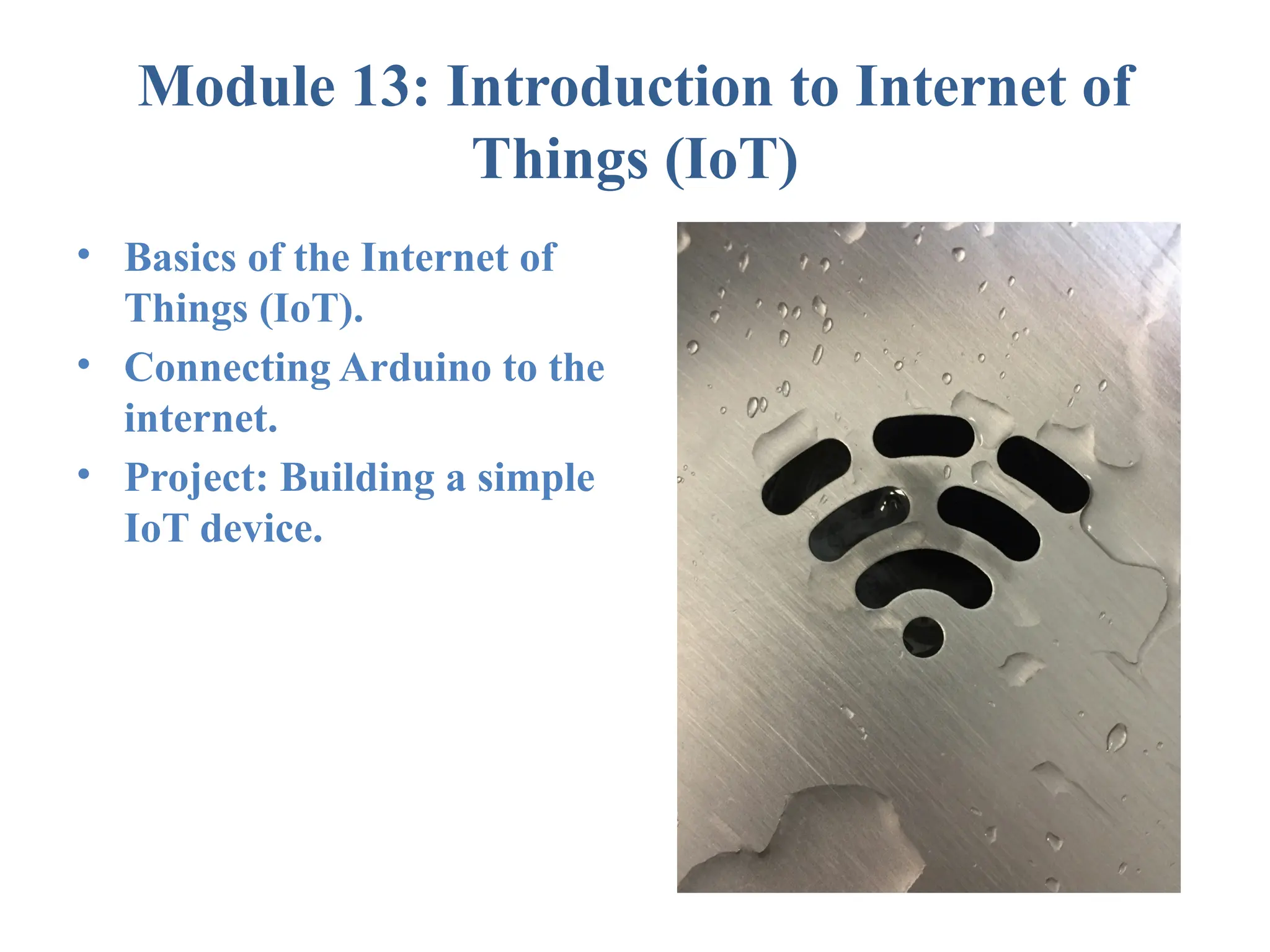
Module 13: Introduction to Internet of
Things (IoT)
• Basics of the Internet of
Things (IoT).
• Connecting Arduino to the
internet.
• Project: Building a simple
IoT device.
Module 14: IoT Project - Part 1
• Participants start working on an IoT project.
• Integrating IoT concepts with Arduino.
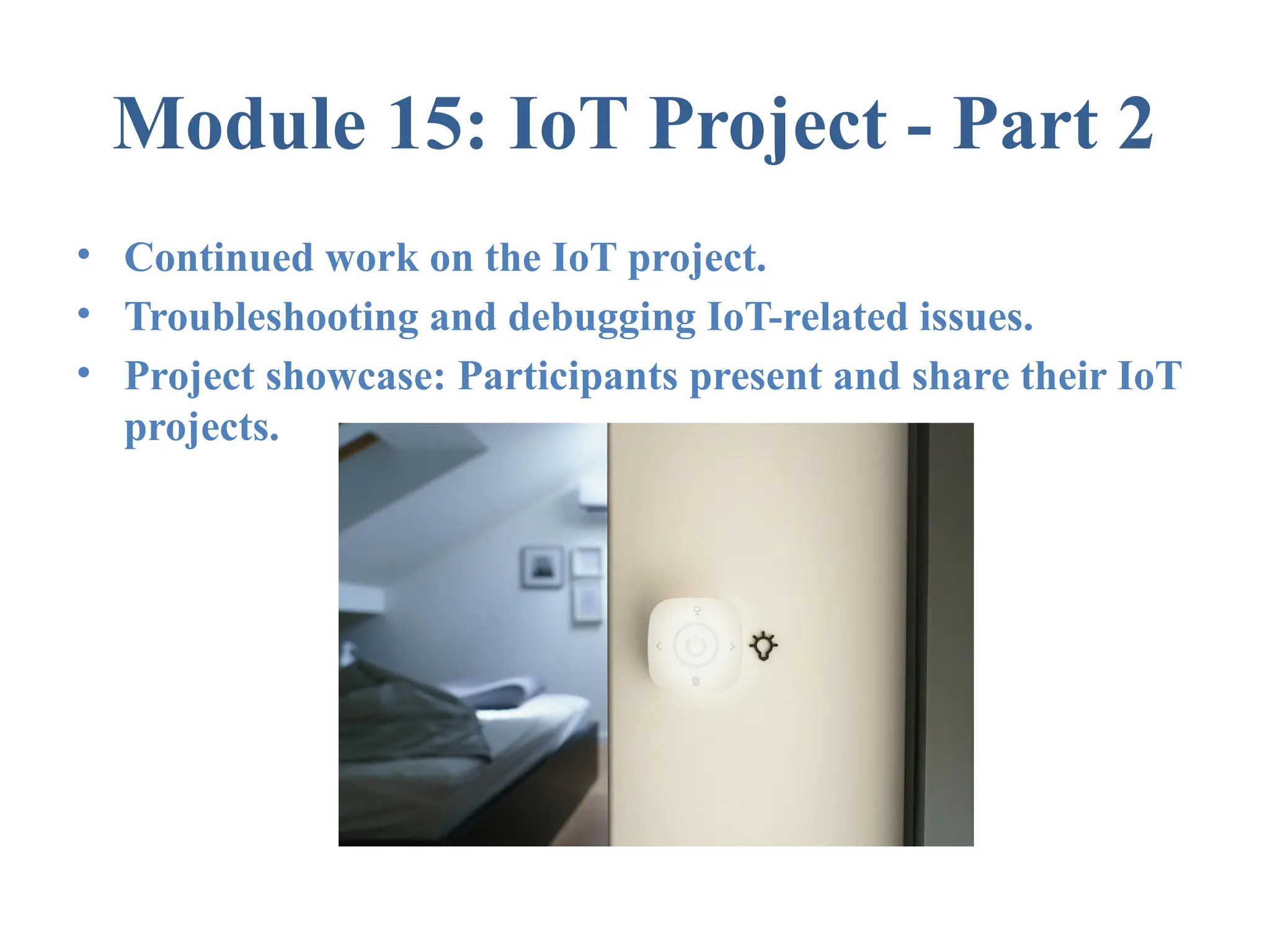
Module 15: IoT Project - Part 2
• Continued work on the IoT project.
• Troubleshooting and debugging IoT-related issues.
• Project showcase: Participants present and share their IoT
projects.
Module 16: Review, Q&A, and Next Steps
• Reviewing key concepts covered in the course.
• Open Q&A session for participants.
• Providing resources for further learning and
exploration.

Arduino Basics Course. For students

  • 1.
  • 2.
    Module 1: Introductionto Arduino • What is Arduino? • Overview of Arduino boards and models. • Installing and configuring the Arduino IDE. • Writing and uploading a simple "Hello World" program to blink an LED.
  • 3.
    Module 2: SettingUp and Exploring the Arduino Environment • Configuring and testing the Arduino IDE. • Overview of basic electronic components. • Introduction to the breadboard and jumper wires.
  • 4.
    Module 3: DigitalOutput and LEDs • Controlling LEDs using digital output. • Syntax and structure of Arduino sketches. • Variables, data types, and constants.
  • 5.
    Module 4: DigitalInput and Buttons • Reading the state of a button using digital input. • Understanding denouncing for reliable button input. • Introduction to conditional statements in Arduino.
  • 6.
    Module 5: AnalogI/O and PWM • Introduction to Pulse Width Modulation (PWM). • Controlling LED brightness using analog input. • Exploring analogWrite() function.
  • 7.
    Module 6: AnalogInput and Sensors • Reading analog values from sensors using analog input. • Interfacing with common sensors (e.g., light sensor, potentiometer). • Project: Creating a simple sensor-based project.
  • 8.
    Module 7: Functionsand Libraries • Writing functions to modularize code. • Overview of Arduino libraries. • Using and creating simple libraries.
  • 9.
    Module 8: SerialCommunication • Introduction to Serial communication. • Using the Serial Monitor for debugging. • Establishing communication between Arduino and a computer.
  • 10.
    Module 9: Interruptsand Timers • Understanding interrupts for responsive programs. • Working with timers for time-based events. • Implementing timer interrupts.
  • 11.
    Module 10: AdvancedSensors and Actuators • Exploring more advanced sensors (e.g., temperature sensor, motion sensor). • Introduction to actuators (e.g., motors, servos). • Project: Integrating advanced sensors and actuators into a project.
  • 12.
    Module 11: Project-BasedLearning – Part 1 • Participants start working on their first project. • Guidance and assistance provided as participants apply learned concepts.
  • 13.
    Module 12: Project-BasedLearning – Part 2 • Continued work on individual or group projects. • Troubleshooting and debugging common issues. • Project showcase: Participants present and share their projects.
  • 14.
    Module 13: Introductionto Internet of Things (IoT) • Basics of the Internet of Things (IoT). • Connecting Arduino to the internet. • Project: Building a simple IoT device.
  • 15.
    Module 14: IoTProject - Part 1 • Participants start working on an IoT project. • Integrating IoT concepts with Arduino.
  • 16.
    Module 15: IoTProject - Part 2 • Continued work on the IoT project. • Troubleshooting and debugging IoT-related issues. • Project showcase: Participants present and share their IoT projects.
  • 17.
    Module 16: Review,Q&A, and Next Steps • Reviewing key concepts covered in the course. • Open Q&A session for participants. • Providing resources for further learning and exploration.